Human-Machine Interface
(HMI): Bridging Humans
and Technology
Welcome to our presentation exploring the world of Human-Machine
Interfaces (HMIs). We'll dive into the design, functionality, and
applications of this essential bridge between humans and machines.
by : Aliaa Tarek
What is HMI?
Definition
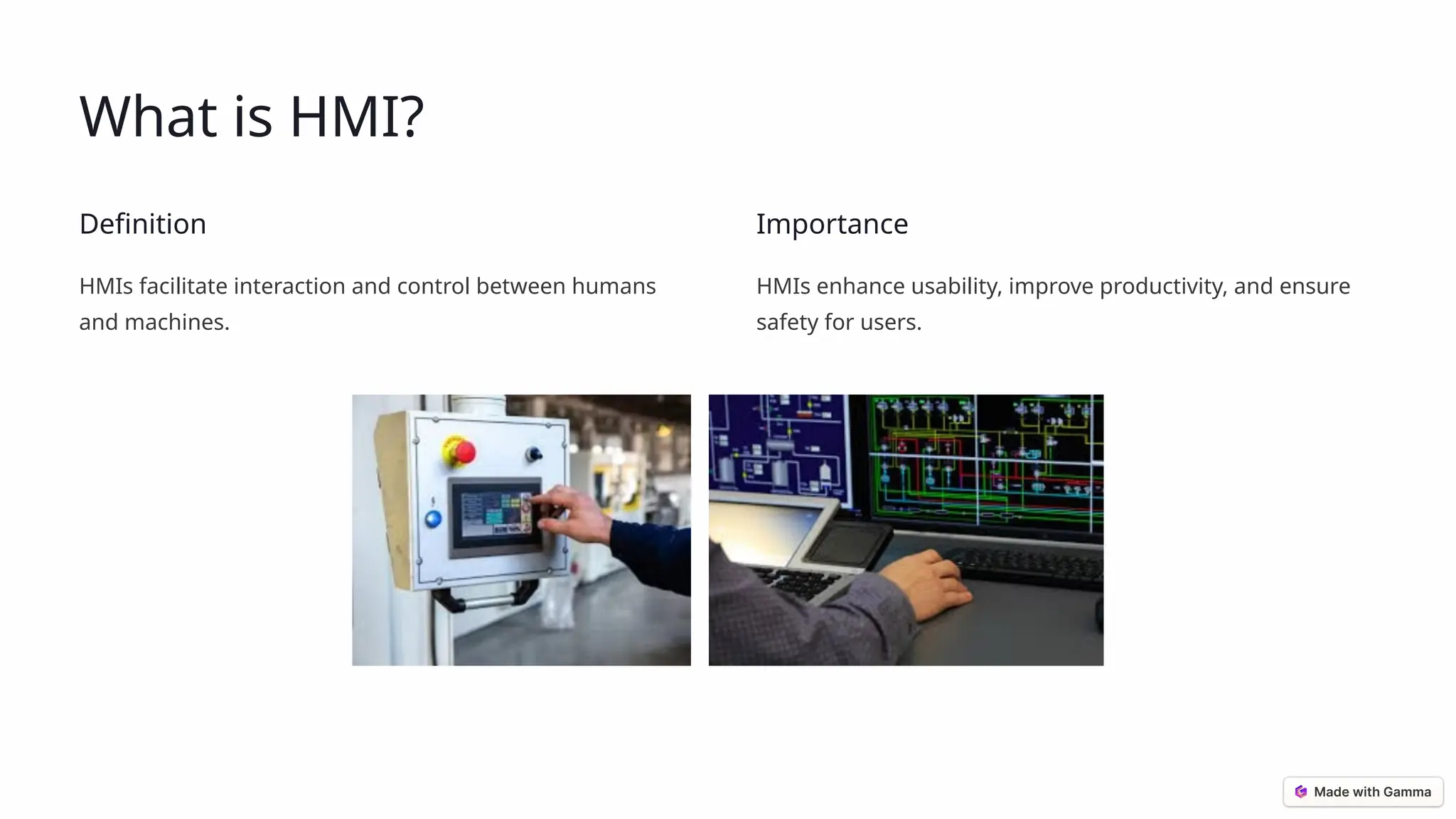
HMIs facilitate interaction and control between humans
and machines.
Importance
HMIs enhance usability, improve productivity, and ensure
safety for users.
Components of HMI
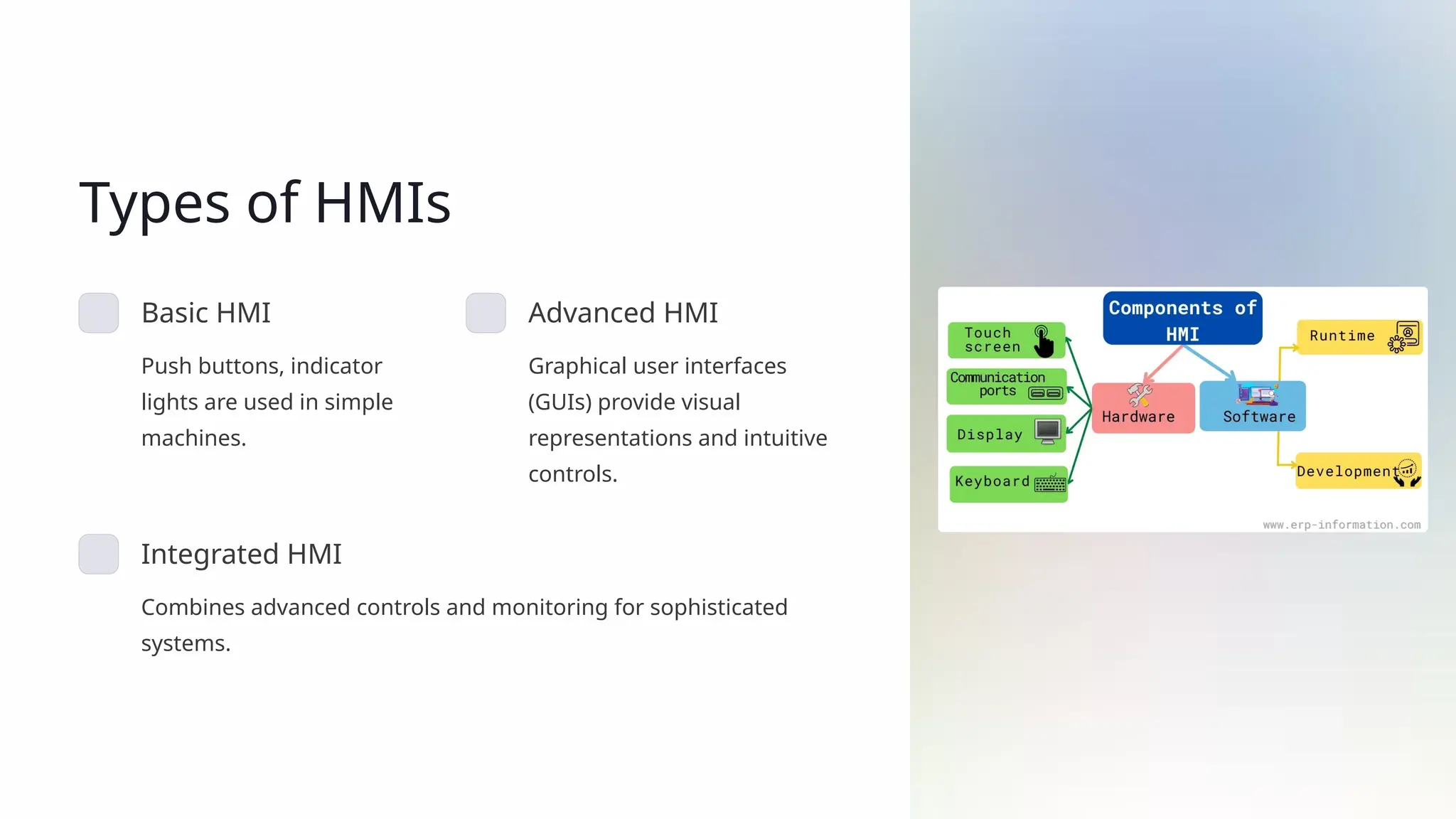
Hardware
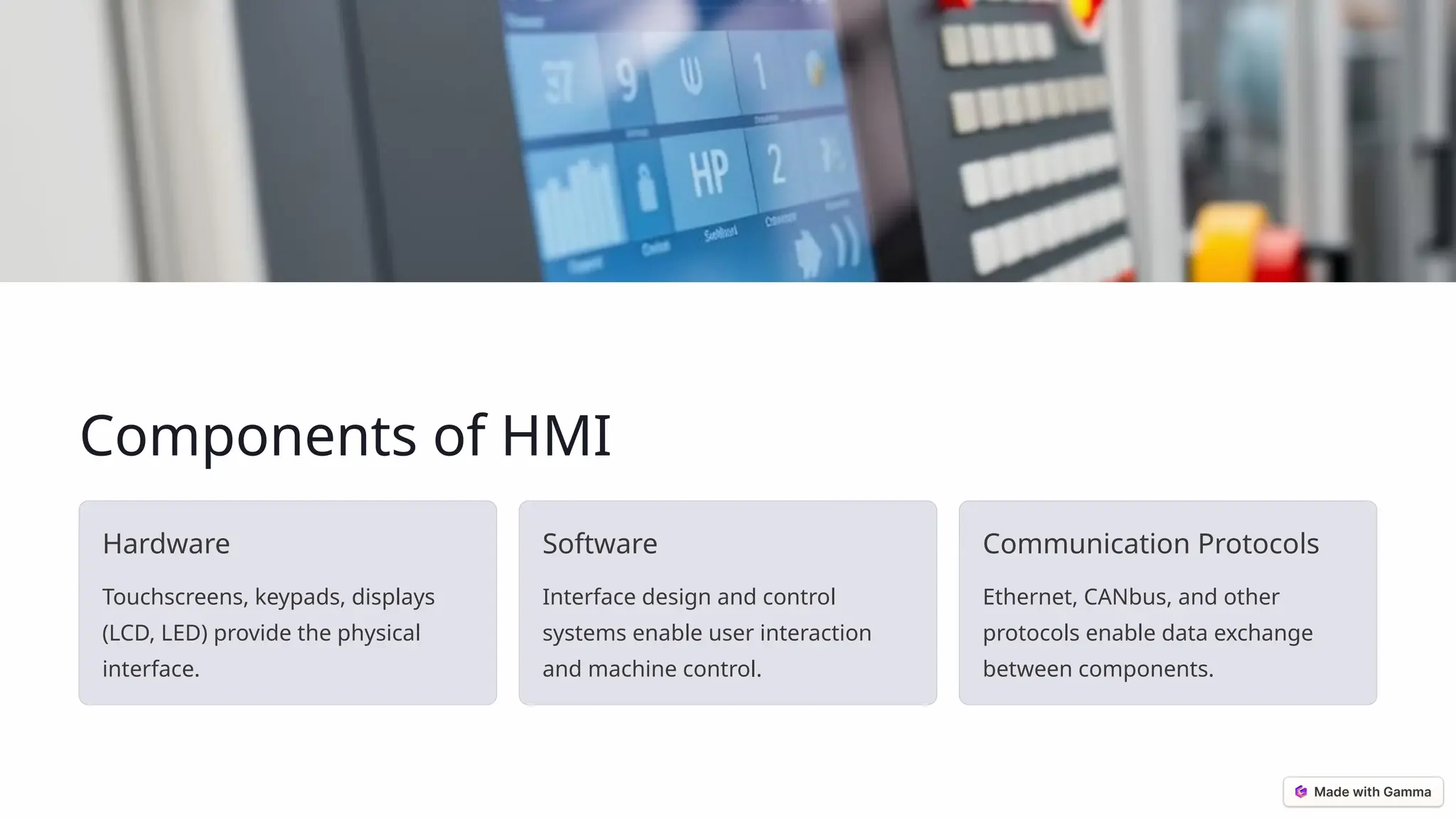
Touchscreens, keypads, displays
(LCD, LED) provide the physical
interface.
Software
Interface design and control
systems enable user interaction
and machine control.
Communication Protocols
Ethernet, CANbus, and other
protocols enable data exchange
between components.
Types of HMIs
Basic HMI
Push buttons, indicator
lights are used in simple
machines.
Advanced HMI
Graphical user interfaces
(GUIs) provide visual
representations and intuitive
controls.
Integrated HMI
Combines advanced controls and monitoring for sophisticated
systems.
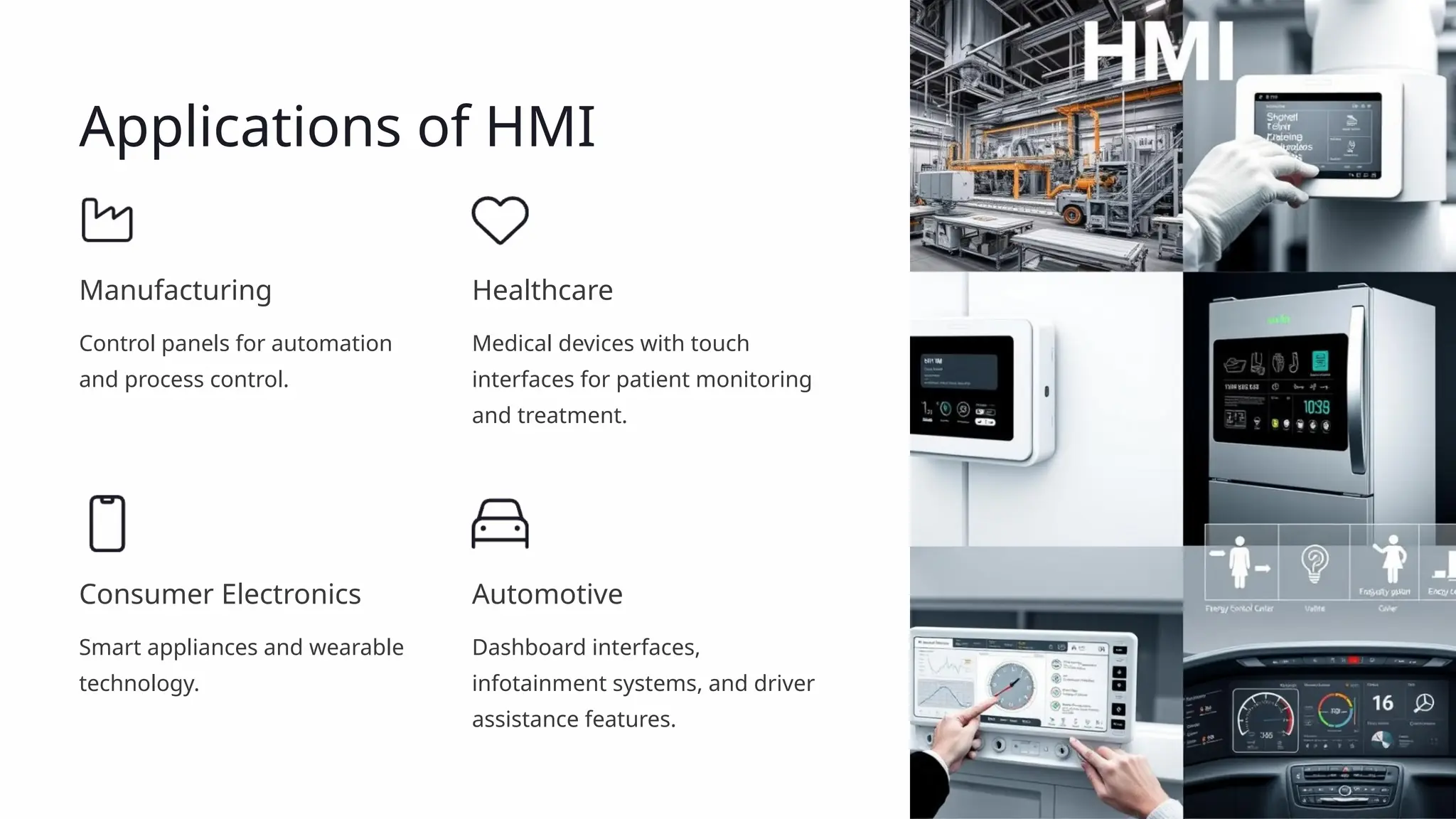
Applications of HMI
Manufacturing
Control panels for automation
and process control.
Healthcare
Medical devices with touch
interfaces for patient monitoring
and treatment.
Consumer Electronics
Smart appliances and wearable
technology.
Automotive
Dashboard interfaces,
infotainment systems, and driver
assistance features.
Key Features of Effective HMI
1
User-friendly
Intuitive design and clear navigation make it easy
for users to interact.
2 Real-time Data
Displays critical information in a timely manner for
informed decision-making.
3
Customizable Layouts
Allows users to tailor the interface based on their
needs and preferences.
4 Multi-language
Supports various languages for global usability and
accessibility.
5
Robust Security
Protects sensitive data and prevents unauthorized
access to systems.
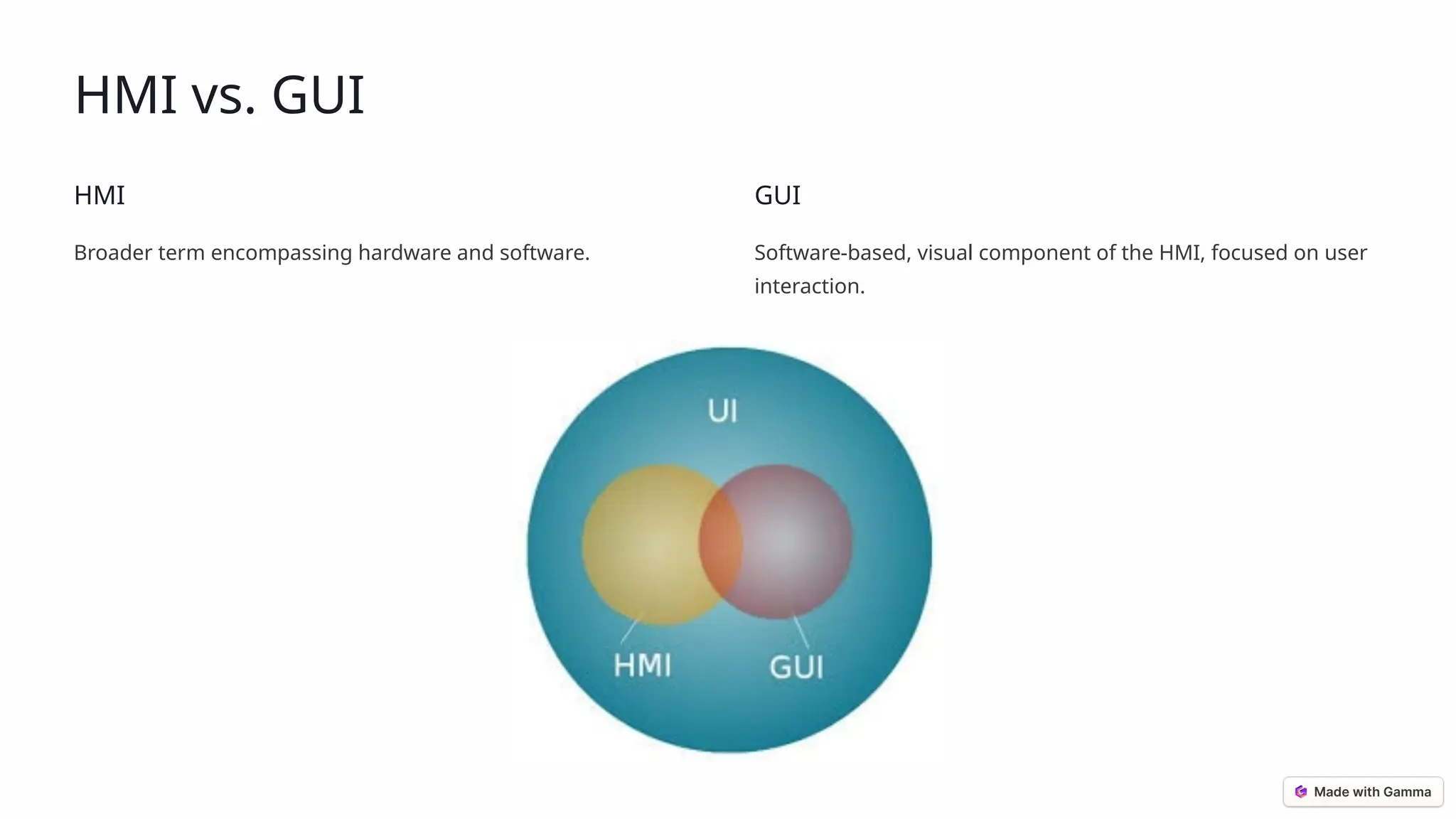
HMI vs. GUI
HMI
Broader term encompassing hardware and software.
GUI
Software-based, visual component of the HMI, focused on user
interaction.
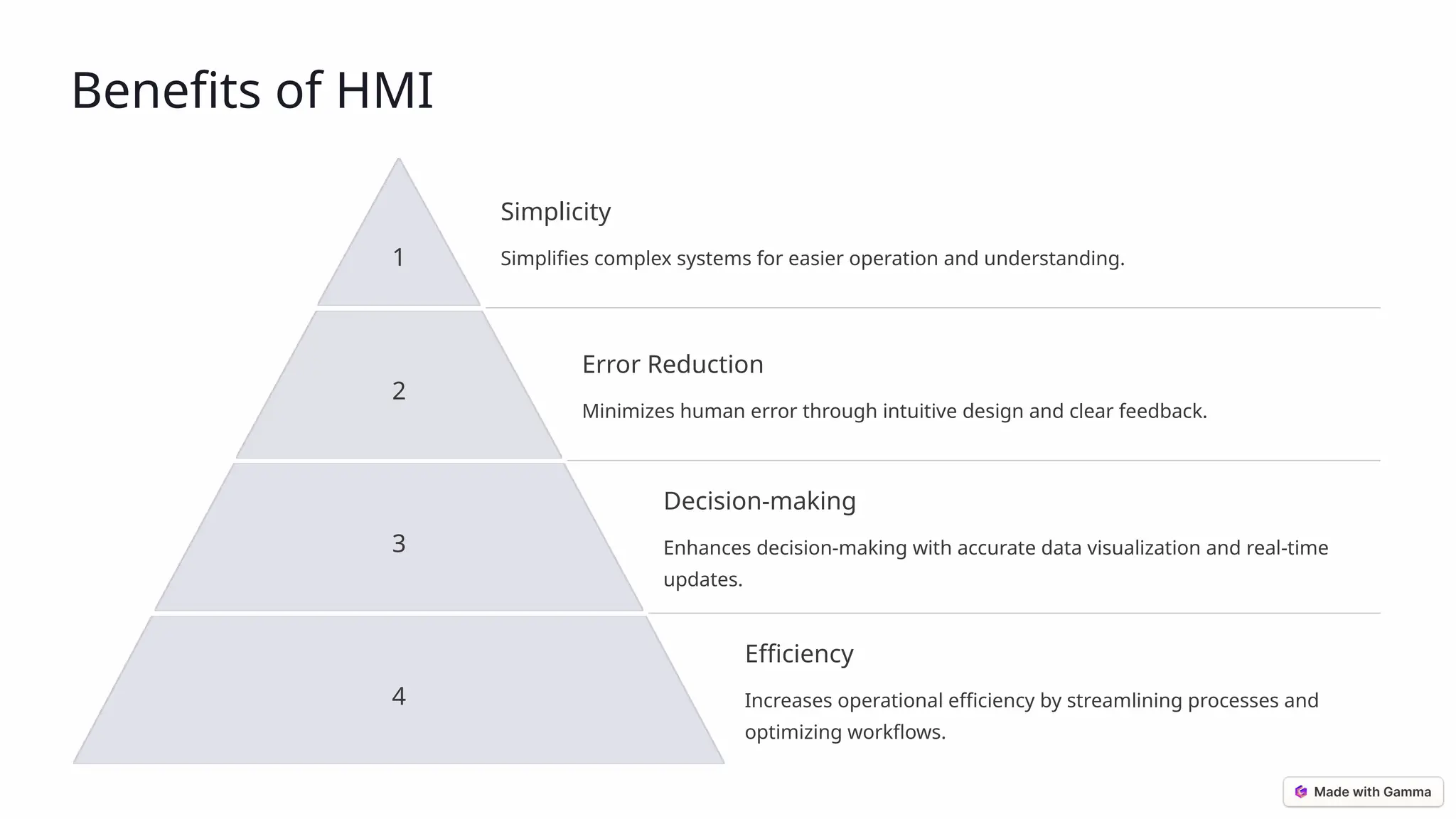
Benefits of HMI
1
Simplicity
Simplifies complex systems for easier operation and understanding.
2
Error Reduction
Minimizes human error through intuitive design and clear feedback.
3
Decision-making
Enhances decision-making with accurate data visualization and real-time
updates.
4
Efficiency
Increases operational efficiency by streamlining processes and
optimizing workflows.
Challenges in HMI Design
1
Simplicity vs. Functionality
Balancing intuitive design with comprehensive features.
2
Compatibility
Integrating with existing systems and ensuring seamless data exchange.
3
Cybersecurity
Mitigating risks of data breaches and unauthorized access.
4
User Training
Providing effective training and documentation for users.
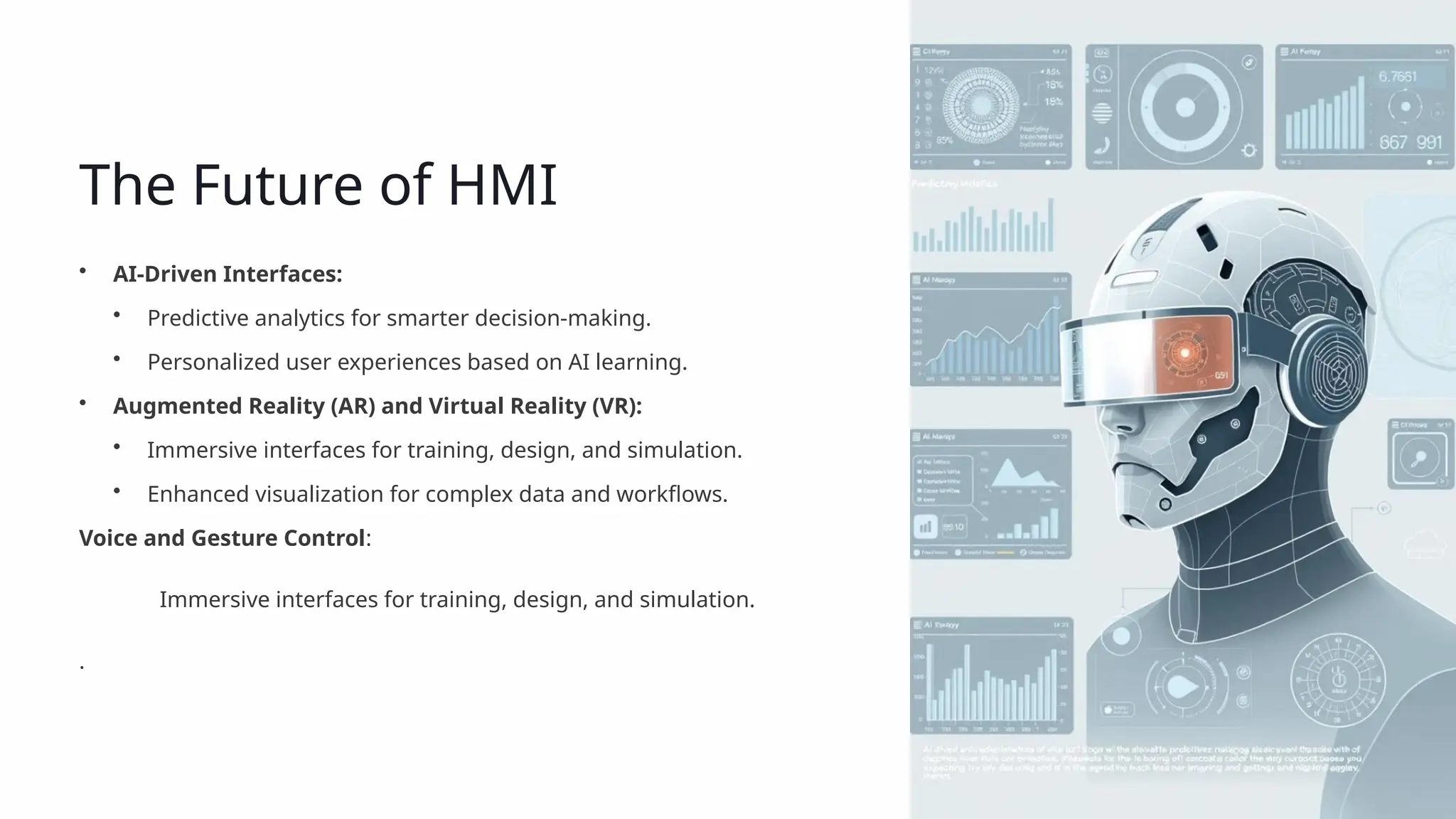
The Future of HMI
• AI-Driven Interfaces:
• Predictive analytics for smarter decision-making.
• Personalized user experiences based on AI learning.
• Augmented Reality (AR) and Virtual Reality (VR):
• Immersive interfaces for training, design, and simulation.
• Enhanced visualization for complex data and workflows.
Voice and Gesture Control:
Immersive interfaces for training, design, and simulation.
.
Thank you. Questions?
We've explored the crucial role of Human-Machine Interfaces (HMIs) in bridging the gap between human users and
technological systems. From understanding the core components and diverse applications to mastering the key features of
effective HMI design, we've covered essential aspects of this rapidly evolving field. Addressing the challenges and embracing
the future innovations will be key for continued success.
• HMIs simplify complex systems.
• Effective HMIs are user-friendly and intuitive.
• AI, AR/VR, and voice control are shaping the future of HMIs.

Human-Machine-Interface-HMI-Bridging-Humans-and-Technology.pptx

  • 1.
    Human-Machine Interface (HMI): BridgingHumans and Technology Welcome to our presentation exploring the world of Human-Machine Interfaces (HMIs). We'll dive into the design, functionality, and applications of this essential bridge between humans and machines. by : Aliaa Tarek
  • 2.
    What is HMI? Definition HMIsfacilitate interaction and control between humans and machines. Importance HMIs enhance usability, improve productivity, and ensure safety for users.
  • 3.
    Components of HMI Hardware Touchscreens,keypads, displays (LCD, LED) provide the physical interface. Software Interface design and control systems enable user interaction and machine control. Communication Protocols Ethernet, CANbus, and other protocols enable data exchange between components.
  • 4.
    Types of HMIs BasicHMI Push buttons, indicator lights are used in simple machines. Advanced HMI Graphical user interfaces (GUIs) provide visual representations and intuitive controls. Integrated HMI Combines advanced controls and monitoring for sophisticated systems.
  • 5.
    Applications of HMI Manufacturing Controlpanels for automation and process control. Healthcare Medical devices with touch interfaces for patient monitoring and treatment. Consumer Electronics Smart appliances and wearable technology. Automotive Dashboard interfaces, infotainment systems, and driver assistance features.
  • 6.
    Key Features ofEffective HMI 1 User-friendly Intuitive design and clear navigation make it easy for users to interact. 2 Real-time Data Displays critical information in a timely manner for informed decision-making. 3 Customizable Layouts Allows users to tailor the interface based on their needs and preferences. 4 Multi-language Supports various languages for global usability and accessibility. 5 Robust Security Protects sensitive data and prevents unauthorized access to systems.
  • 7.
    HMI vs. GUI HMI Broaderterm encompassing hardware and software. GUI Software-based, visual component of the HMI, focused on user interaction.
  • 8.
    Benefits of HMI 1 Simplicity Simplifiescomplex systems for easier operation and understanding. 2 Error Reduction Minimizes human error through intuitive design and clear feedback. 3 Decision-making Enhances decision-making with accurate data visualization and real-time updates. 4 Efficiency Increases operational efficiency by streamlining processes and optimizing workflows.
  • 9.
    Challenges in HMIDesign 1 Simplicity vs. Functionality Balancing intuitive design with comprehensive features. 2 Compatibility Integrating with existing systems and ensuring seamless data exchange. 3 Cybersecurity Mitigating risks of data breaches and unauthorized access. 4 User Training Providing effective training and documentation for users.
  • 10.
    The Future ofHMI • AI-Driven Interfaces: • Predictive analytics for smarter decision-making. • Personalized user experiences based on AI learning. • Augmented Reality (AR) and Virtual Reality (VR): • Immersive interfaces for training, design, and simulation. • Enhanced visualization for complex data and workflows. Voice and Gesture Control: Immersive interfaces for training, design, and simulation. .
  • 11.
    Thank you. Questions? We'veexplored the crucial role of Human-Machine Interfaces (HMIs) in bridging the gap between human users and technological systems. From understanding the core components and diverse applications to mastering the key features of effective HMI design, we've covered essential aspects of this rapidly evolving field. Addressing the challenges and embracing the future innovations will be key for continued success. • HMIs simplify complex systems. • Effective HMIs are user-friendly and intuitive. • AI, AR/VR, and voice control are shaping the future of HMIs.