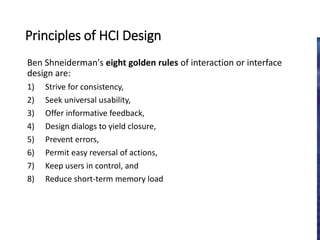
Principles of HCIDesign
Ben Shneiderman's eight golden rules of interaction or interface
design are:
1) Strive for consistency,
2) Seek universal usability,
3) Offer informative feedback,
4) Design dialogs to yield closure,
5) Prevent errors,
6) Permit easy reversal of actions,
7) Keep users in control, and
8) Reduce short-term memory load
3.
Here’s the breakdown…
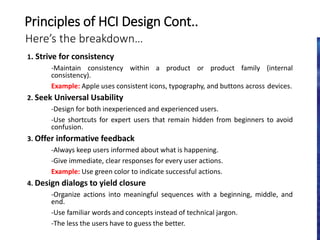
1.Strive for consistency
-Maintain consistency within a product or product family (internal
consistency).
Example: Apple uses consistent icons, typography, and buttons across devices.
2. Seek Universal Usability
-Design for both inexperienced and experienced users.
-Use shortcuts for expert users that remain hidden from beginners to avoid
confusion.
3. Offer informative feedback
-Always keep users informed about what is happening.
-Give immediate, clear responses for every user actions.
Example: Use green color to indicate successful actions.
4. Design dialogs to yield closure
-Organize actions into meaningful sequences with a beginning, middle, and
end.
-Use familiar words and concepts instead of technical jargon.
-The less the users have to guess the better.
Principles of HCI Design Cont..
4.
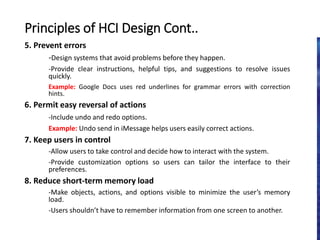
5. Prevent errors
-Designsystems that avoid problems before they happen.
-Provide clear instructions, helpful tips, and suggestions to resolve issues
quickly.
Example: Google Docs uses red underlines for grammar errors with correction
hints.
6. Permit easy reversal of actions
-Include undo and redo options.
Example: Undo send in iMessage helps users easily correct actions.
7. Keep users in control
-Allow users to take control and decide how to interact with the system.
-Provide customization options so users can tailor the interface to their
preferences.
8. Reduce short-term memory load
-Make objects, actions, and options visible to minimize the user’s memory
load.
-Users shouldn’t have to remember information from one screen to another.
Principles of HCI Design Cont..
5.
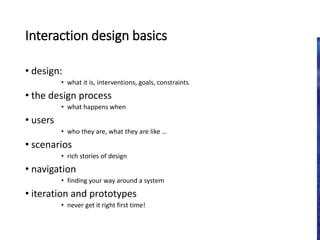
Interaction design basics
•design:
• what it is, interventions, goals, constraints
• the design process
• what happens when
• users
• who they are, what they are like …
• scenarios
• rich stories of design
• navigation
• finding your way around a system
• iteration and prototypes
• never get it right first time!
6.
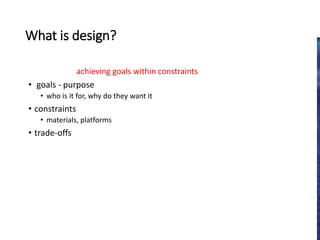
What is design?
achievinggoals within constraints
• goals - purpose
• who is it for, why do they want it
• constraints
• materials, platforms
• trade-offs
7.
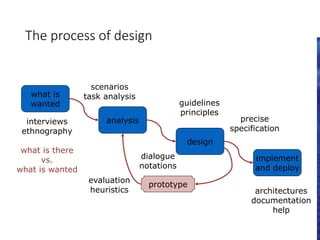
The process ofdesign
what is
wanted
analysis
design
implement
and deploy
prototype
interviews
ethnography
what is there
vs.
what is wanted
guidelines
principles
dialogue
notations
precise
specification
architectures
documentation
help
evaluation
heuristics
scenarios
task analysis
8.
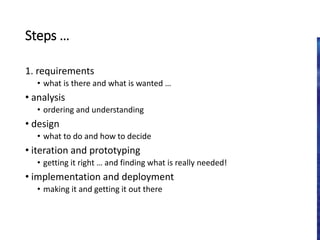
Steps …
1. requirements
•what is there and what is wanted …
• analysis
• ordering and understanding
• design
• what to do and how to decide
• iteration and prototyping
• getting it right … and finding what is really needed!
• implementation and deployment
• making it and getting it out there
9.
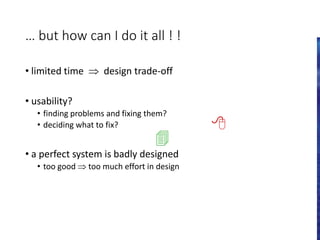
… but howcan I do it all ! !
• limited time design trade-off
• usability?
• finding problems and fixing them?
• deciding what to fix?
• a perfect system is badly designed
• too good too much effort in design
Scenarios
• stories fordesign
• communicate with others
• validate other models
• understand dynamics
• linearity
• time is linear - our lives are linear
14.
Scenarios …
• whatwill users want to do?
• step-by-step walkthrough
• what can they see (sketches, screen shots)
• what do they do (keyboard, mouse etc.)
• what are they thinking?
• use and reuse throughout design
15.
… explore thedepths
• explore interaction
• what happens when
• explore cognition
• what are the users thinking
• explore architecture
• what is happening inside
16.
use scenarios to..
• communicate with others
• designers, clients, users
• validate other models
• ‘play’ it against other models
• express dynamics
• screenshots – appearance
• scenario – behaviour
17.
Linearity
Scenarios – onelinear path through system
Pros:
• life and time are linear
• easy to understand (stories and narrative are natural)
• concrete (errors less likely)
Cons:
• no choice, no branches, no special conditions
• miss the unintended
• So:
• use several scenarios
• use several methods
18.
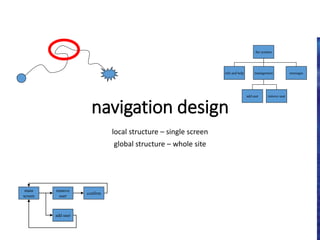
navigation design
local structure– single screen
global structure – whole site
start
the systems
info and help management messages
add user remove user
main
screen
remove
user
confirm
add user
19.
Levels
• widget choice
•menus, buttons etc.
• screen design
• application navigation design
• environment
• other apps, O/S
20.
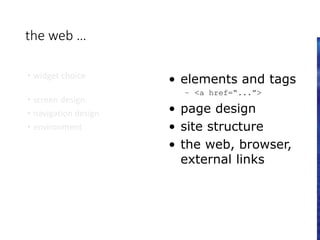
the web …
•widget choice
• screen design
• navigation design
• environment
• elements and tags
– <a href=“...”>
• page design
• site structure
• the web, browser,
external links
21.
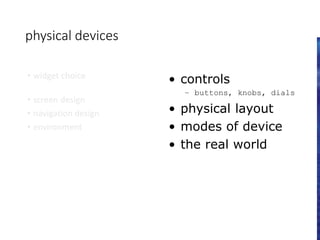
physical devices
• widgetchoice
• screen design
• navigation design
• environment
• controls
– buttons, knobs, dials
• physical layout
• modes of device
• the real world
22.
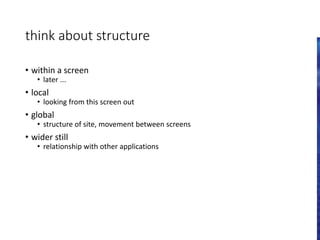
think about structure
•within a screen
• later ...
• local
• looking from this screen out
• global
• structure of site, movement between screens
• wider still
• relationship with other applications
four golden rules
•knowing where you are
• knowing what you can do
• knowing where you are going
• or what will happen
• knowing where you’ve been
• or what you’ve done

![Hci [6]interaction design](https://cdn.slidesharecdn.com/ss_thumbnails/hci-6interactiondesign-140116110647-phpapp02-thumbnail.jpg?width=640&height=640&fit=bounds)


