Visual Effects Enhancing in PowerPoint Presentations Visual Effects
What's wrong with most PowerPoint Presentations?
Presentation Skills
Presentation Skills Design Skill
Presentation Skills Design Skill Visual Thinking
Presentation Skills Design Skill Visual Thinking Content Mgt.
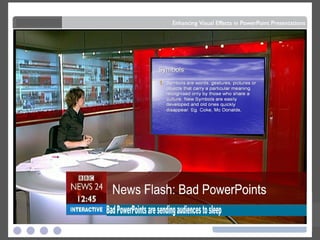
Bad PowerPoints are sending audiences to sleep
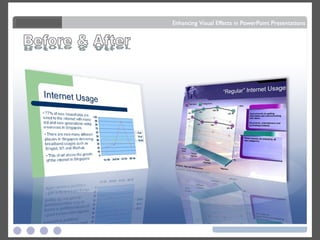
Before & After Before & After
Colour
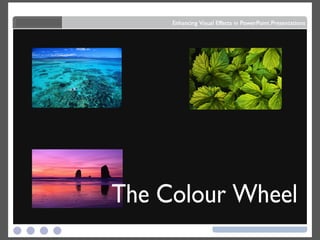
The Colour Wheel
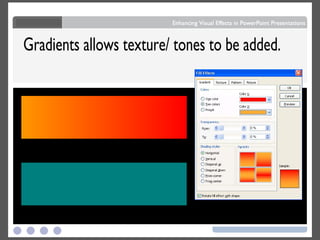
Gradients allows texture/ tones to be added.
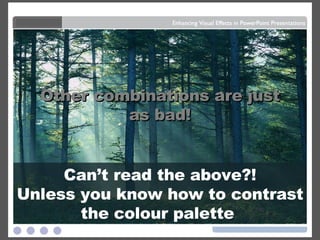
Dark letters against a  light background . Light letters against a  dark background also work.
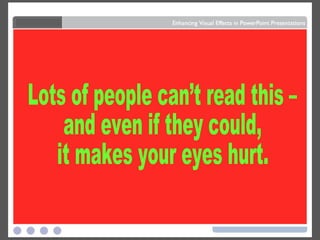
Dark letters against a  light background . Light letters against a  dark background also work. Lots of people can’t read this – and even if they could,  it makes your eyes hurt.
Dark letters against a  light background . Can’t read the above?! Unless you know how to contrast the colour palette  Light letters against a  dark background also work. Lots of people can’t read this – and even if they could,  it makes your eyes hurt. Other combinations are just as bad!
Space White White
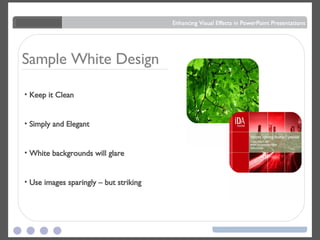
Sample White Design Keep it Clean Simply and Elegant White backgrounds will glare Use images sparingly – but striking
Black Black
 
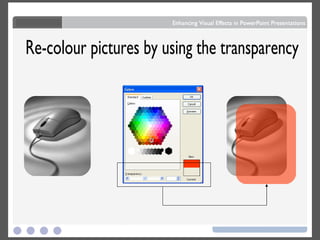
Re-colour pictures by using the transparency
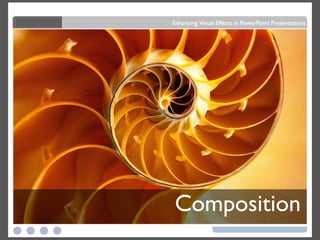
Composition
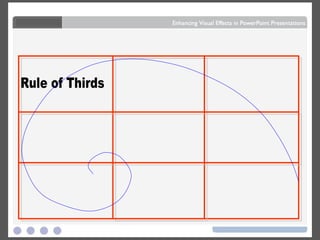
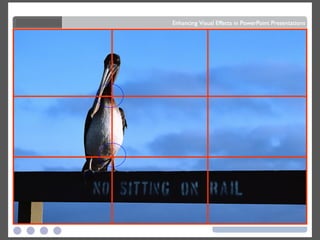
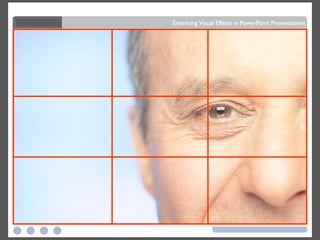
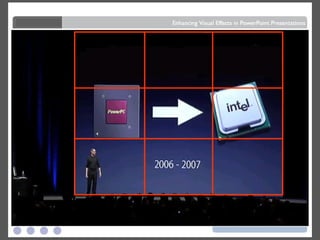
Rule of Thirds
 
 
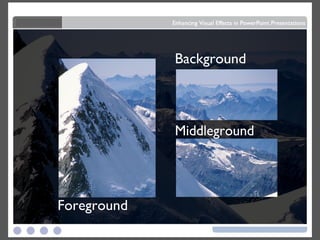
Foreground Middleground Background
 
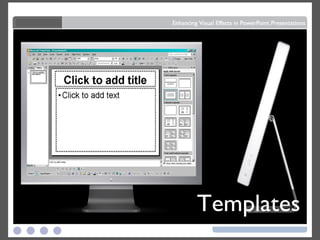
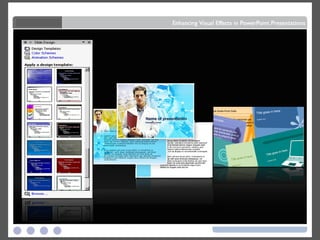
Templates
 
 
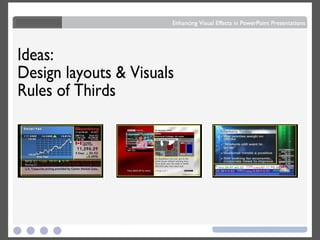
Ideas: Design layouts & Visuals Rules of Thirds
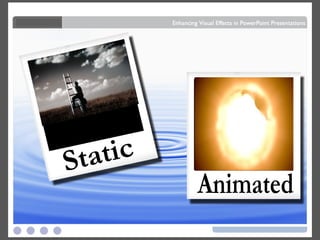
Animated Static
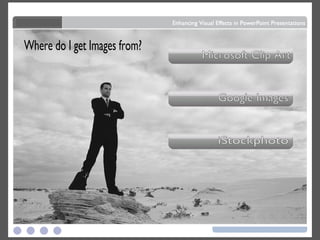
Where do I get Images from? Microsoft Clip Art Google Images iStockphoto
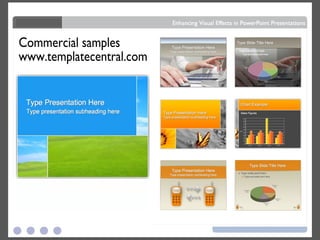
Commercial samples www.templatecentral.com
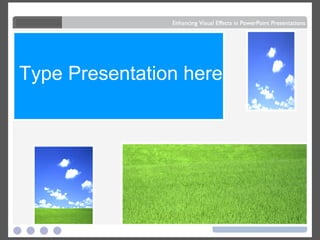
Type Presentation here
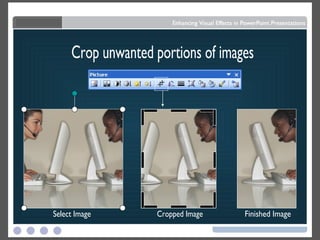
Crop unwanted portions of images Select Image Cropped Image Finished Image
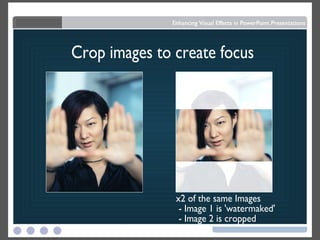
Crop images to create focus x2 of the same Images - Image 1 is 'watermaked' - Image 2 is cropped
.WMV .gif
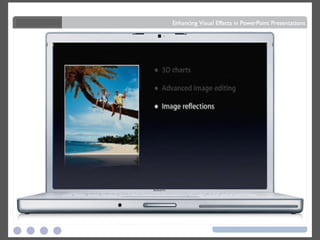
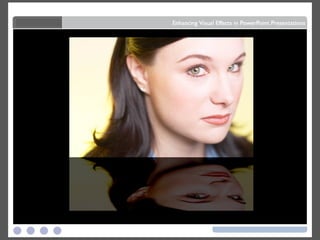
Reflections


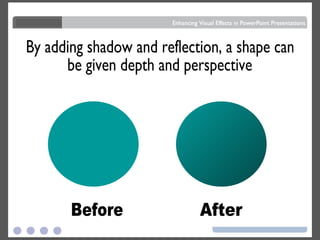
By adding shadow and reflection, a shape can be given depth and perspective Before After
Glass & Shine
 
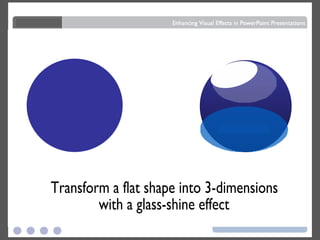
Transform a flat shape into 3-dimensions  with a glass-shine effect
Icons
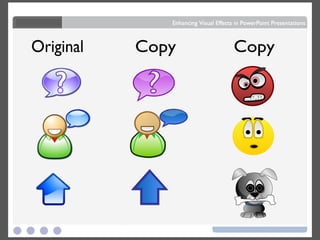
Original Copy Copy ?
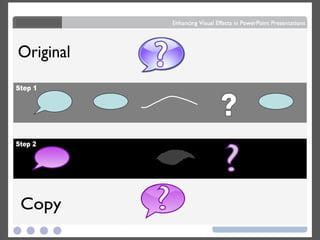
? Original Copy ? Step 1 Step 2 ?
Text & Bullets
 
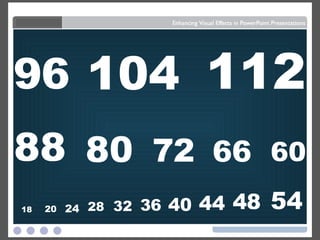
18 20 24 28 32 36 40 44 48 54 60 66 72 80 88 96 104 112
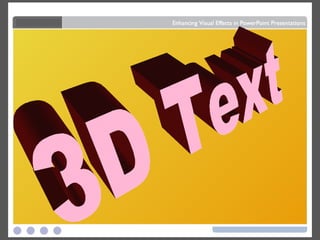
3D Text
"Quotes always look better  when they're clear"
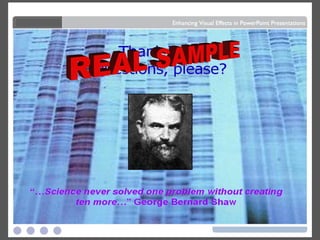
REAL SAMPLE
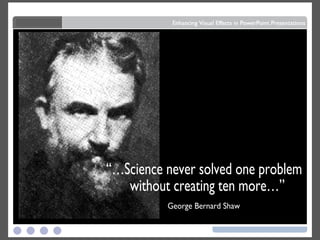
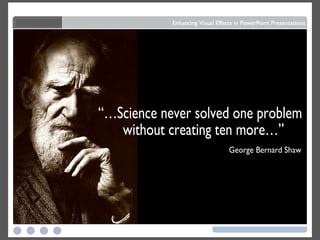
“…Science never solved one problem without creating ten more…”  George Bernard Shaw
George Bernard Shaw “…Science never solved one problem without creating ten more…”
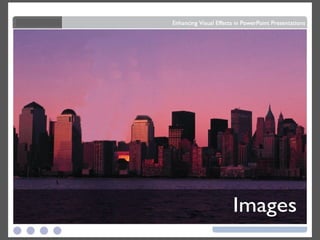
Images
 
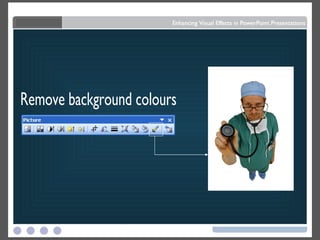
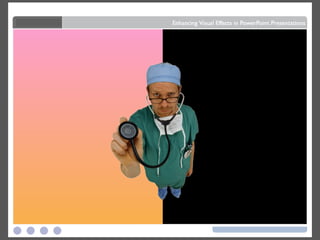
Remove background colours
 
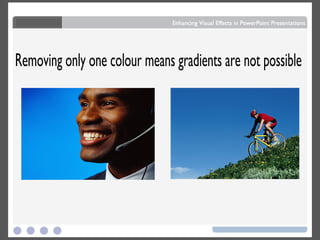
Removing only one colour means gradients are not possible
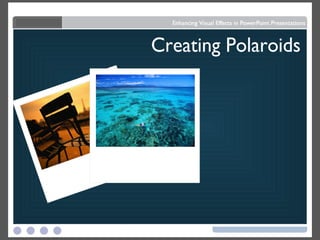
Creating Polaroids
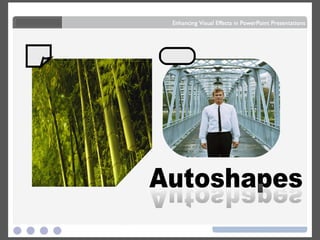
Autoshapes Autoshapes
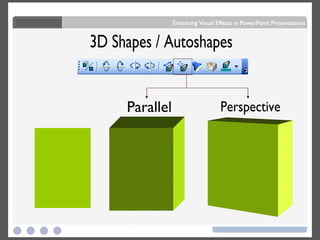
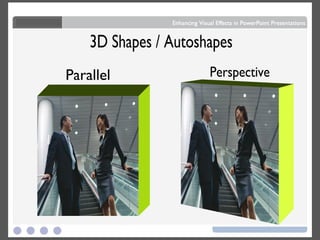
3D Shapes / Autoshapes Parallel Perspective
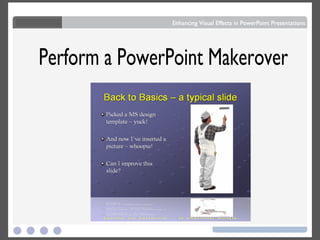
Perform a PowerPoint Makerover
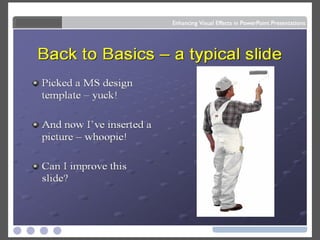
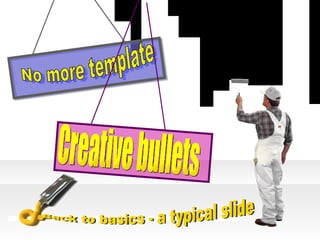
Picked a MS design template – yuck! And now I’ve inserted a picture – whoopie! Can I improve this slide? Back to basics - a typical slide No more template Creative bullets
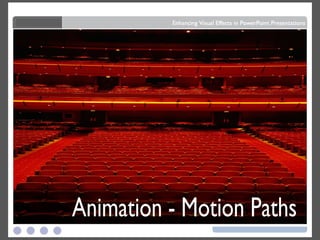
Animation - Motion Paths
 
 
Charts
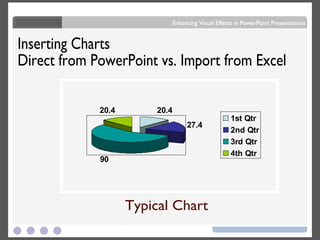
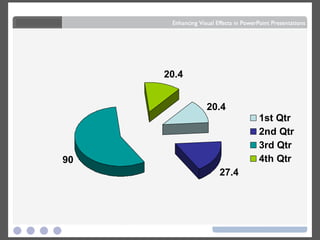
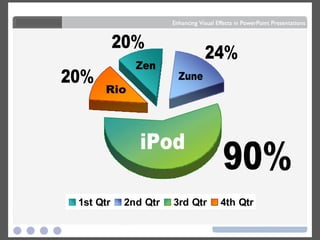
Inserting Charts Direct from PowerPoint vs. Import from Excel Typical Chart
 
90% 20% 20% 24% iPod Zune Zen Rio
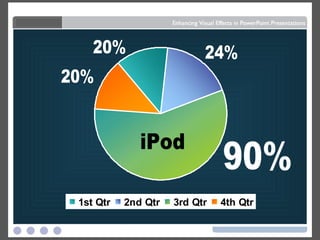
20% 20% 24% 90% iPod

How To Visual Effects In Powerpoint 2003 2893