


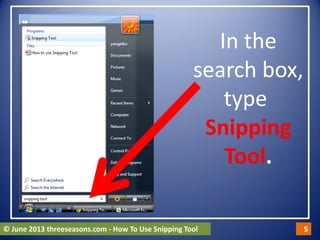
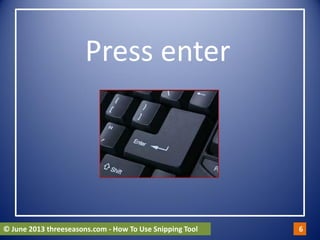
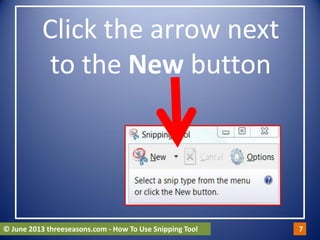
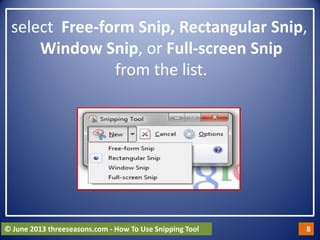


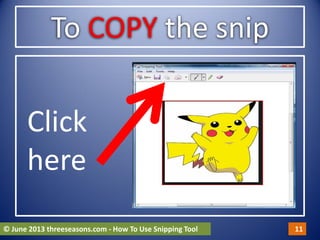


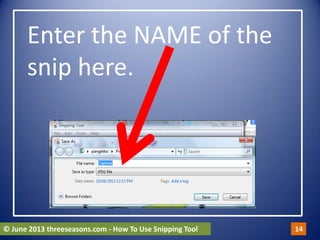
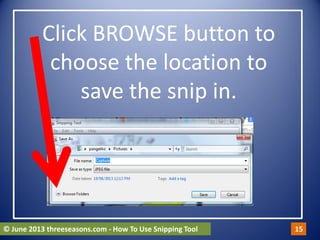
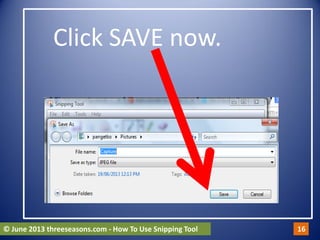




The Snipping Tool allows users to take screenshots of areas on their desktop. It is included in Windows 8, Windows 7, and Windows Vista. To take a snip, open the Snipping Tool, select the area to capture using one of the selection tools, and it will copy the snip to the clipboard. The snip can then be pasted into applications like Word or PowerPoint, or saved by entering a name and location. Snips can also be annotated using the drawing tools.


