Download to read offline
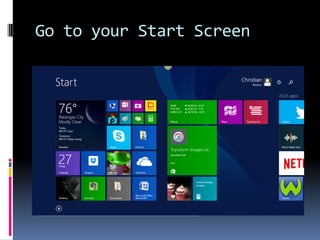
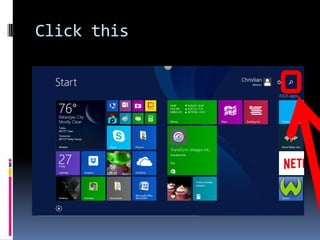
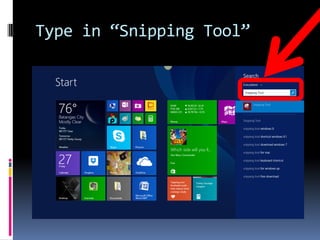
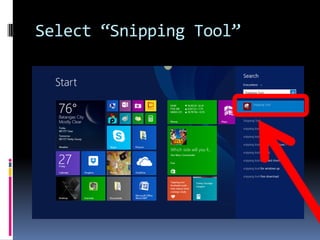
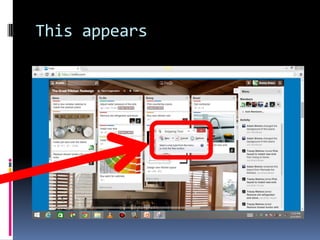
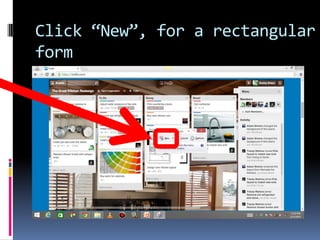
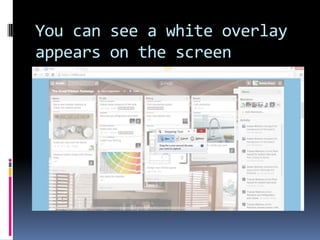
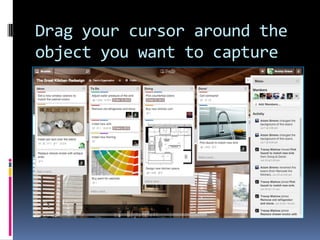
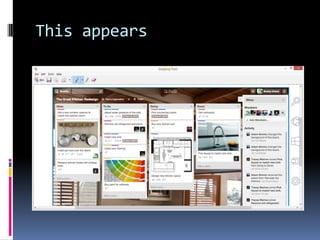
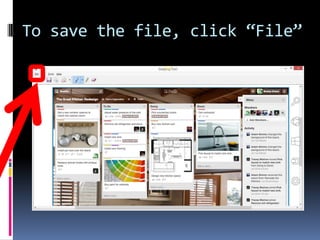
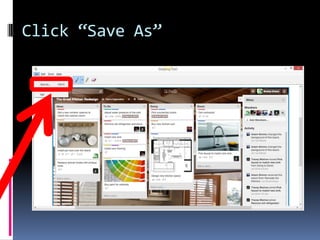
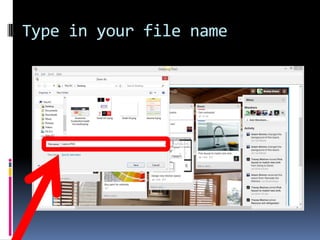
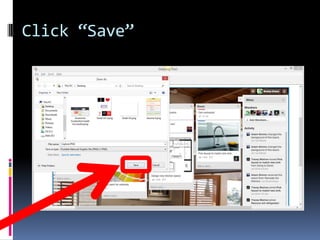
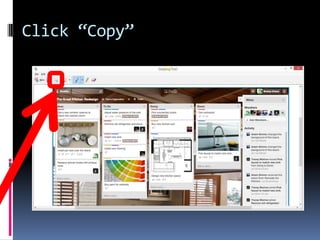
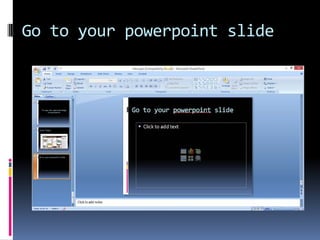
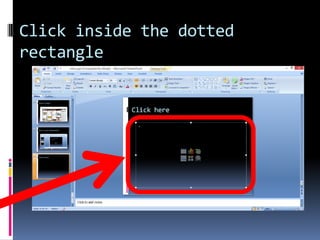
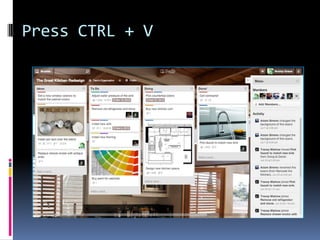
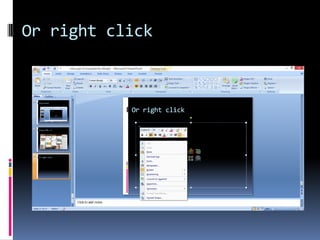
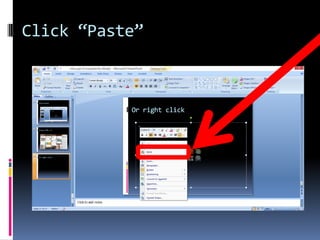



This tutorial teaches how to use the Snipping Tool in Windows 8 to capture screenshots and images and copy them into a PowerPoint presentation. It instructs users to open the Snipping Tool, select New to create a rectangular selection area, drag over the desired portion of the screen, and save or copy the captured selection. Users can then paste the image into a PowerPoint slide by pressing Ctrl+V or right clicking and selecting Paste. The tutorial concludes by providing the author's website for more information.


