This document provides 6 steps to upload a comic created in Comic Life to the Ultranet:
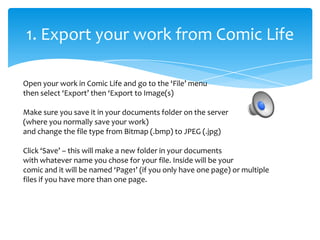
1. Export the comic from Comic Life as JPEG images and save them in the documents folder.
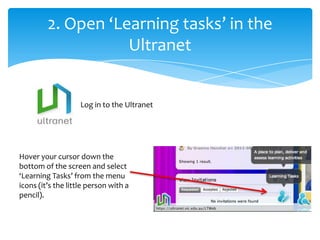
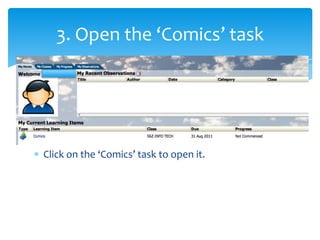
2. Open the Learning Tasks section of the Ultranet and click on the Comics task.
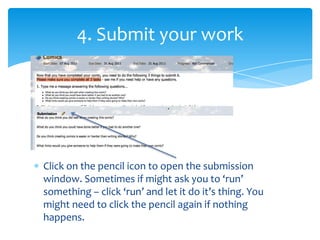
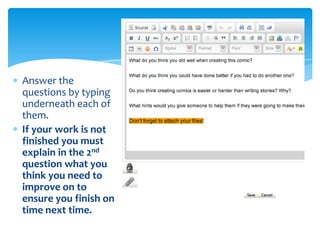
3. Click the pencil icon to open the submission window and answer any questions.
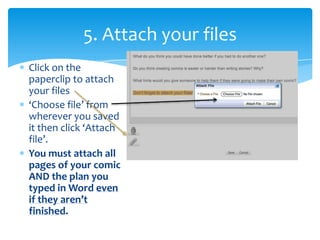
4. Click the paperclip icon to attach all pages of the comic and any additional files like a plan.
5. Attach all required files to the submission.
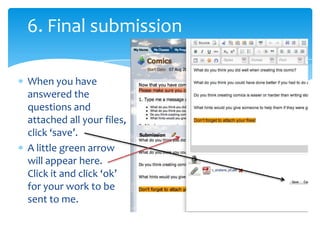
6. Click save to submit the work and receive confirmation.