
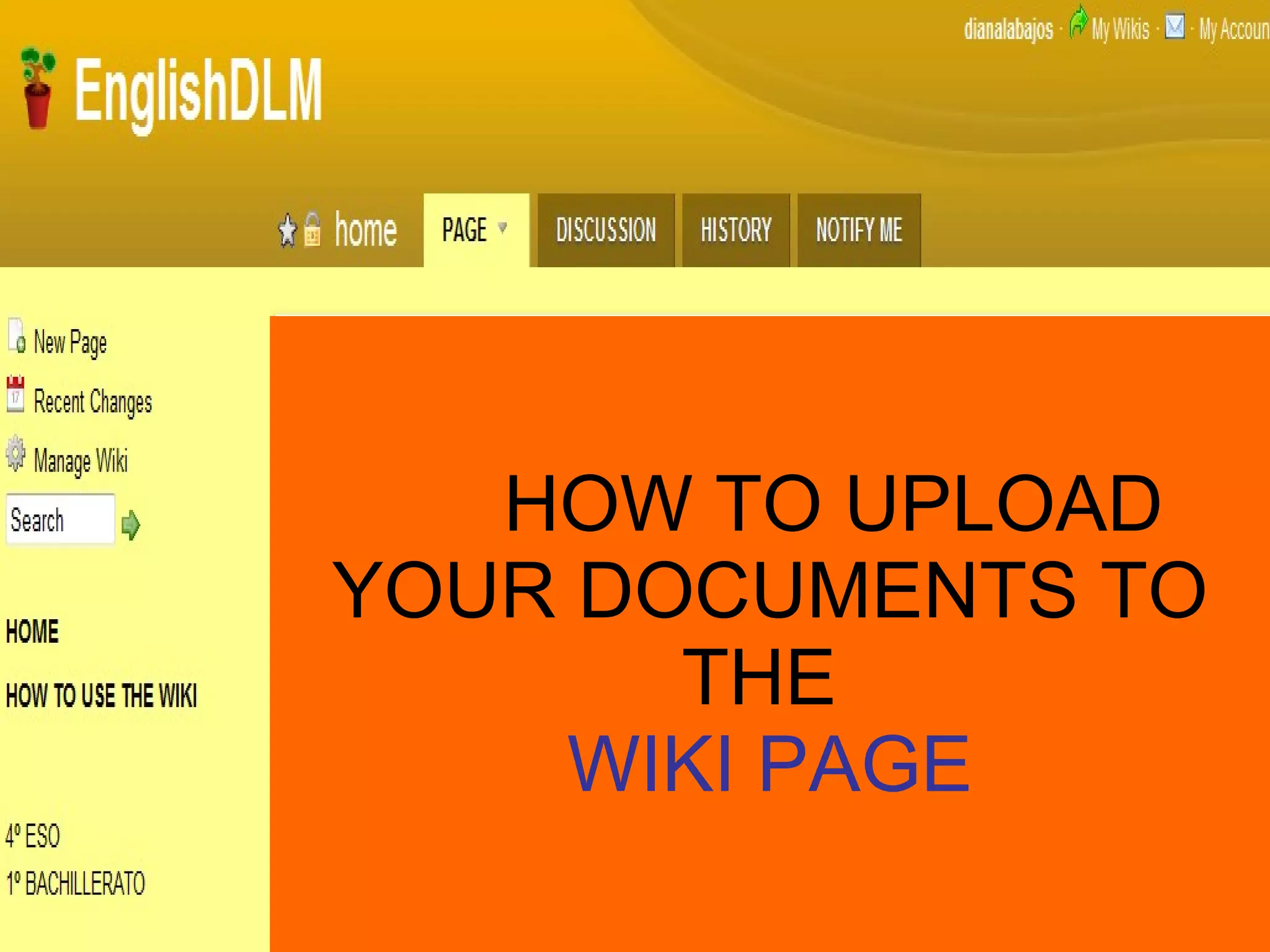


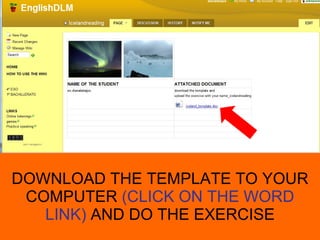

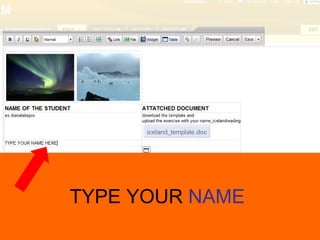
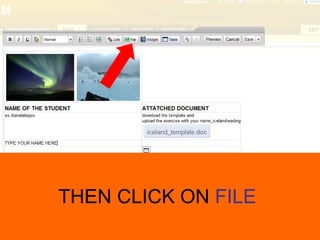
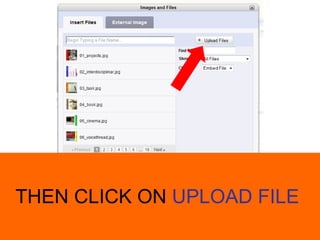
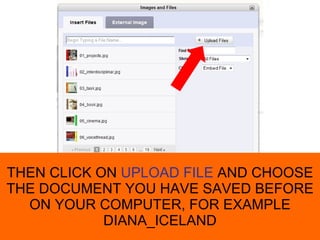

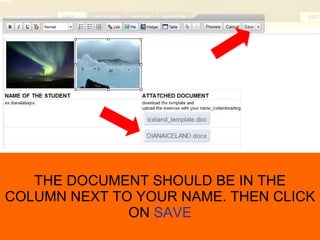

To upload documents to a wiki page, you first sign in and search for the desired page. You then download the template, fill it out locally, and click "Edit" on the page. From there, you click "File" and "Upload File" to select the completed document from your computer. Double-clicking the uploaded file inserts it into the column next to your name. Finally, click "Save" to publish the changes.


