Download to read offline

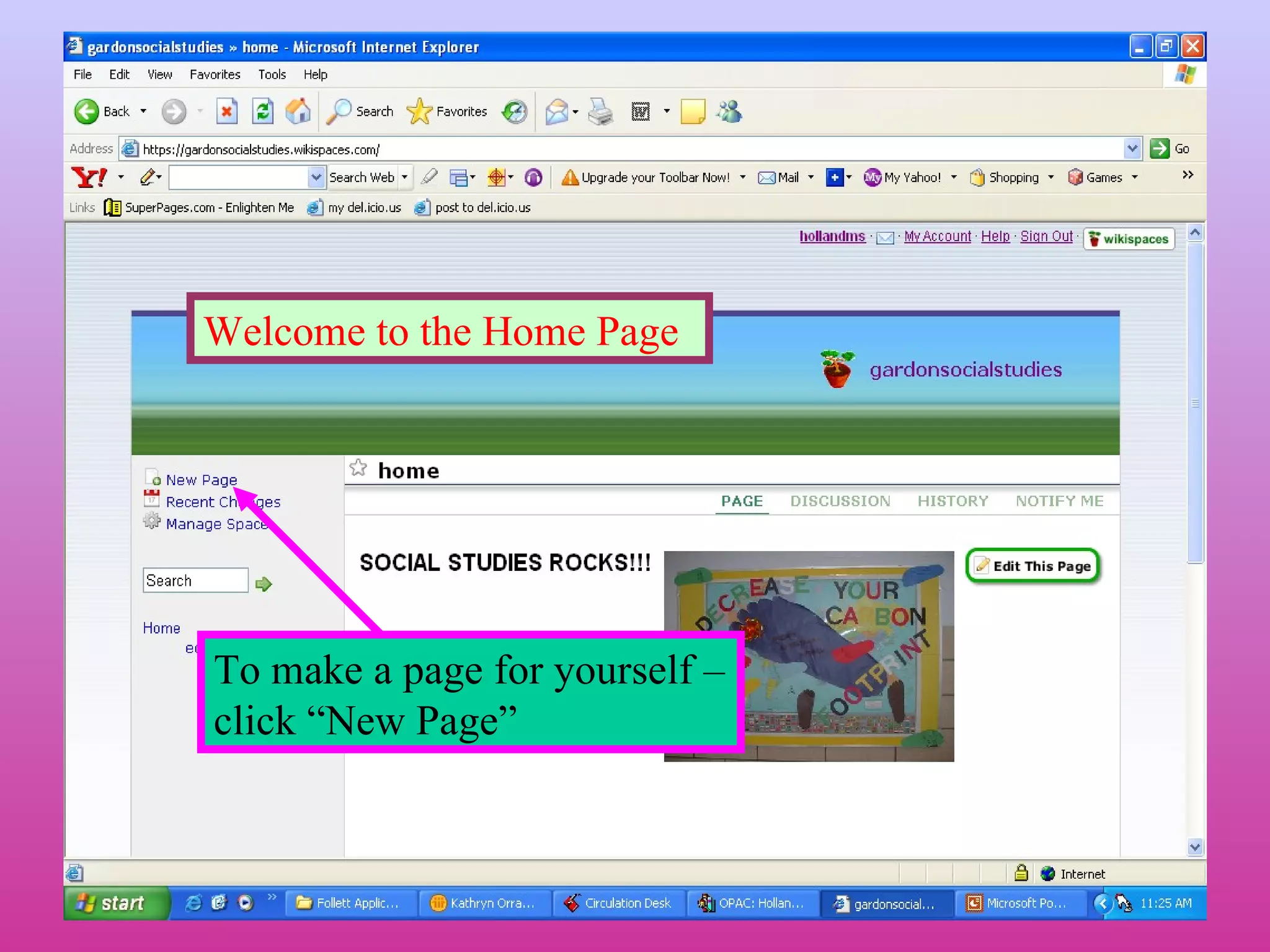
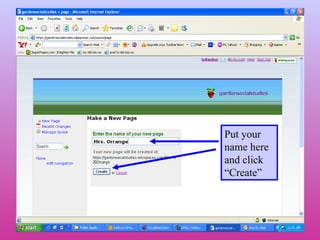
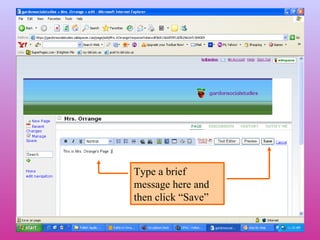
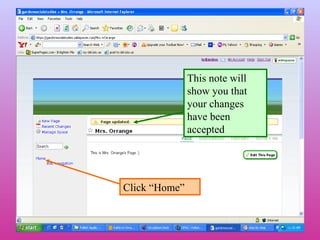
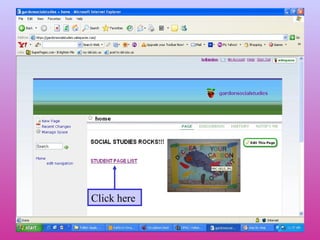
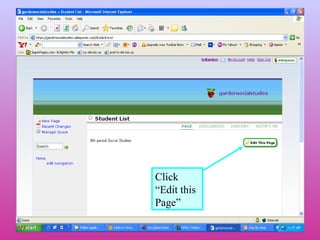
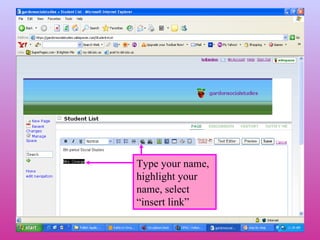
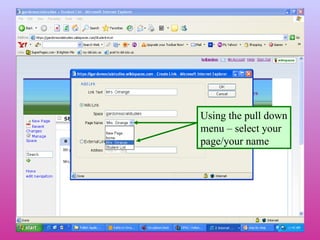
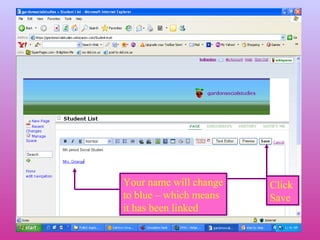
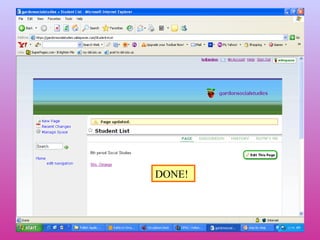
This document provides instructions for creating a personal page on a website. It tells the user to click "New Page" to start, enter their name and click "Create", then type a brief message and click "Save". It also explains how to edit an existing page by clicking "Edit this Page", typing the user's name, highlighting it, selecting "insert link", choosing the user's page from a pull down menu, which will turn the name blue and link it.


