©2012 – present. All rights reserved. www.therenaissancegroup.us
How to Systematize Your Business
Strategic Systemization:
©2012 – present. All rights reserved. www.therenaissancegroup.us
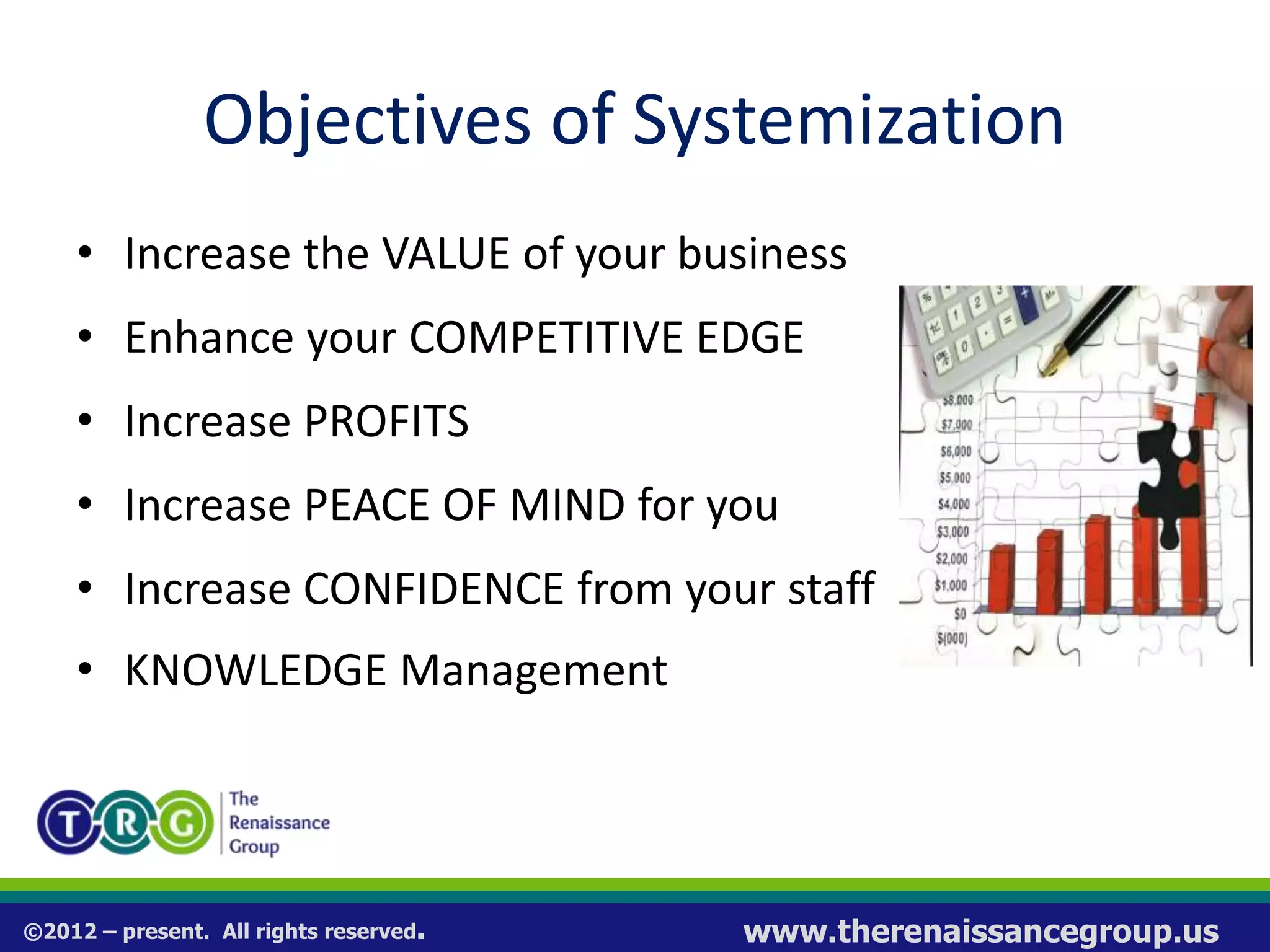
Objectives of Systemization
• Increase the VALUE of your business
• Enhance your COMPETITIVE EDGE
• Increase PROFITS
• Increase PEACE OF MIND for you
• Increase CONFIDENCE from your staff
• KNOWLEDGE Management
©2012 – present. All rights reserved. www.therenaissancegroup.us
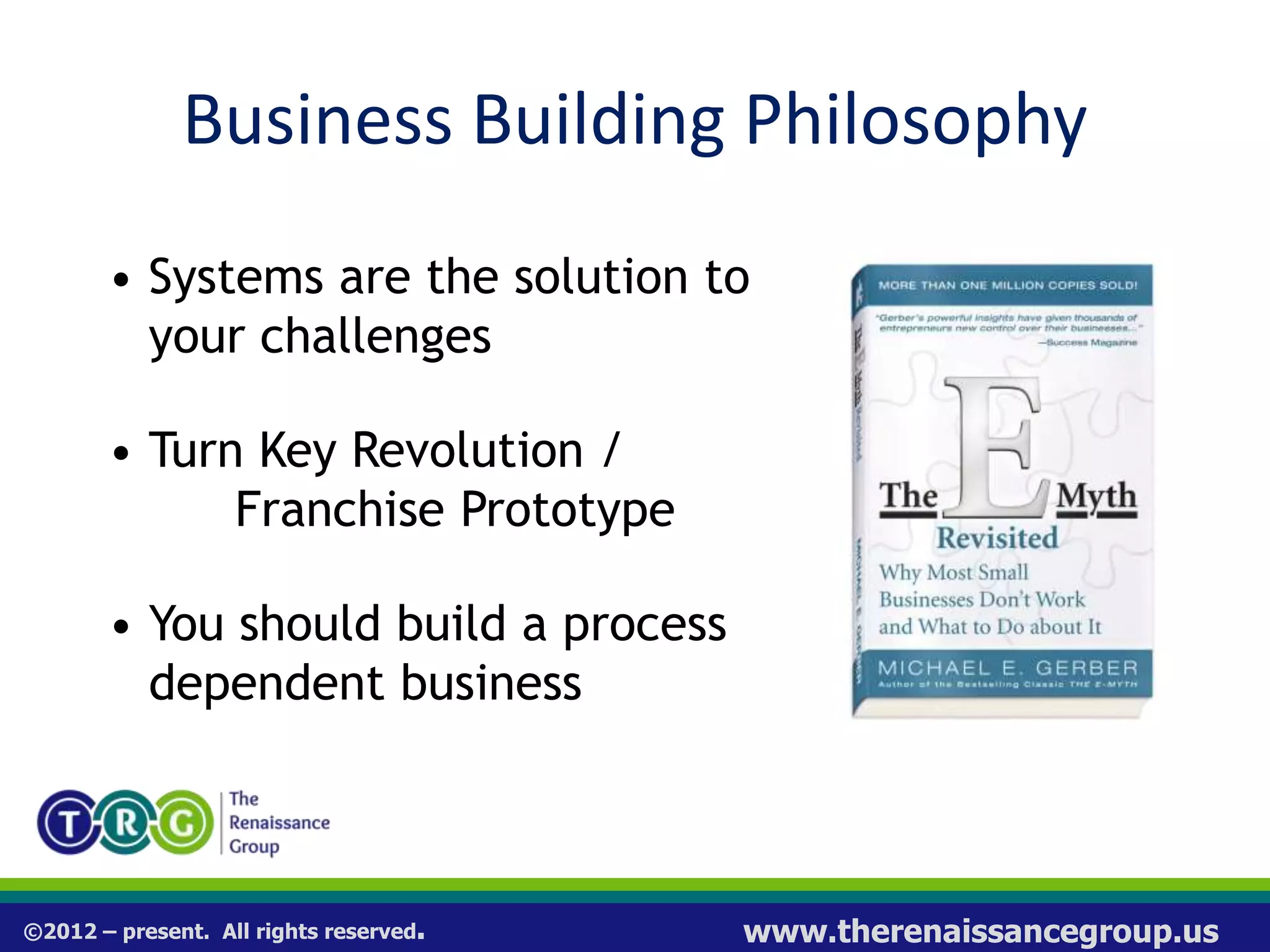
Business Building Philosophy
• Systems are the solution to
your challenges
• Turn Key Revolution /
Franchise Prototype
• You should build a process
dependent business
©2012 – present. All rights reserved. www.therenaissancegroup.us
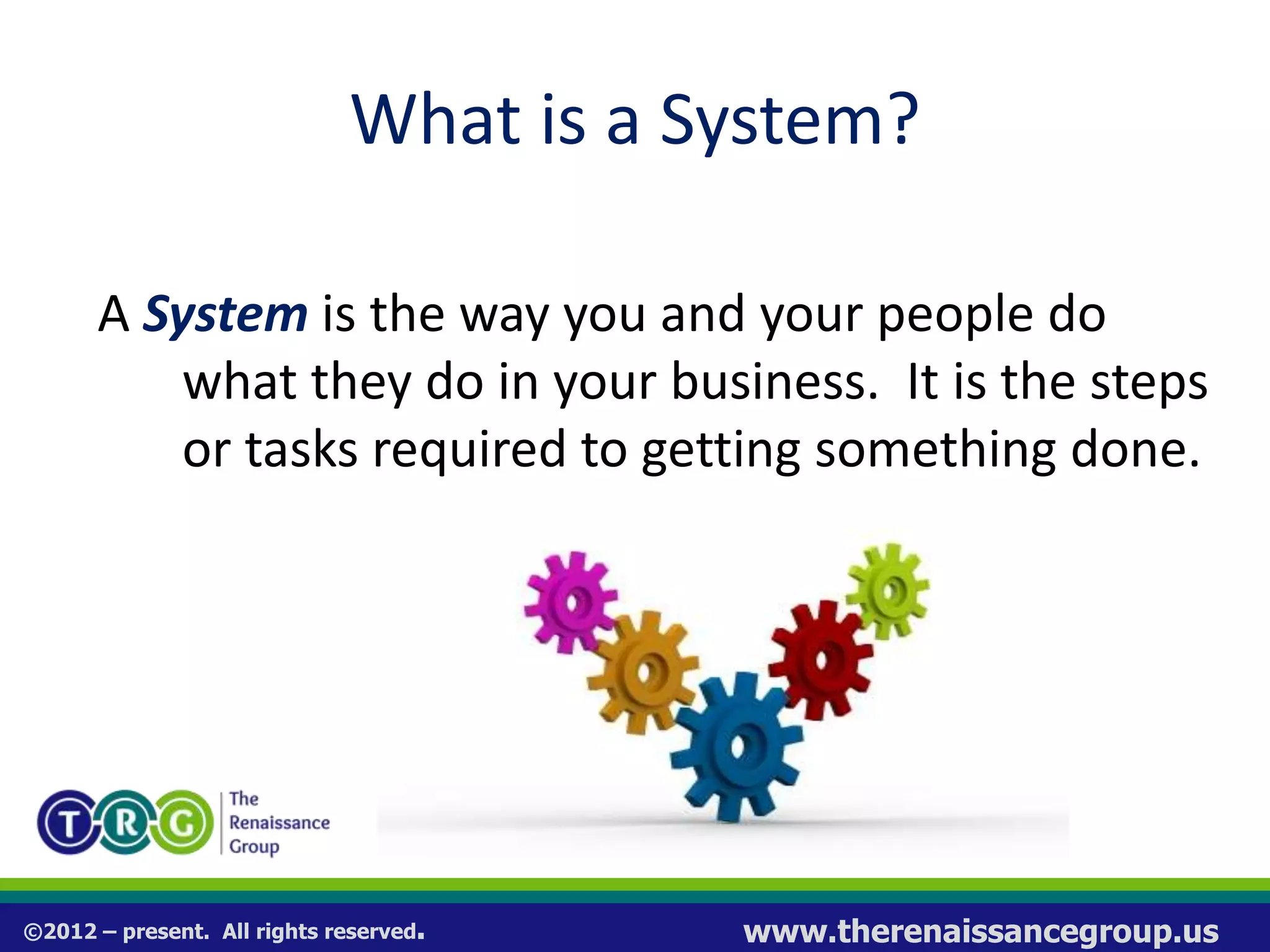
What is a System?
A System is the way you and your people do
what they do in your business. It is the steps
or tasks required to getting something done.
Process = System
©2012 – present. All rights reserved. www.therenaissancegroup.us
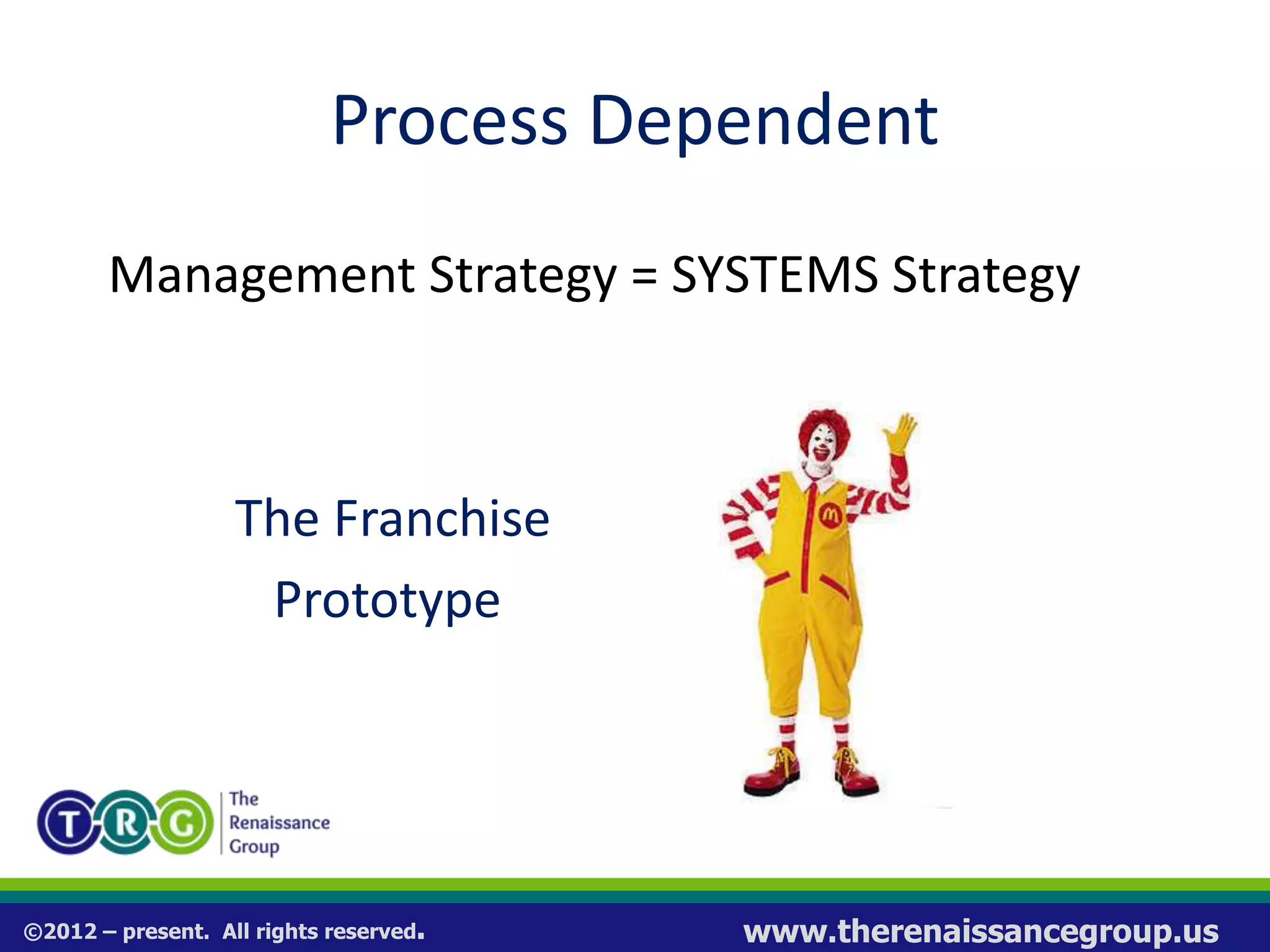
Process Dependent
Management Strategy = SYSTEMS Strategy
The Franchise
Prototype
©2012 – present. All rights reserved. www.therenaissancegroup.us
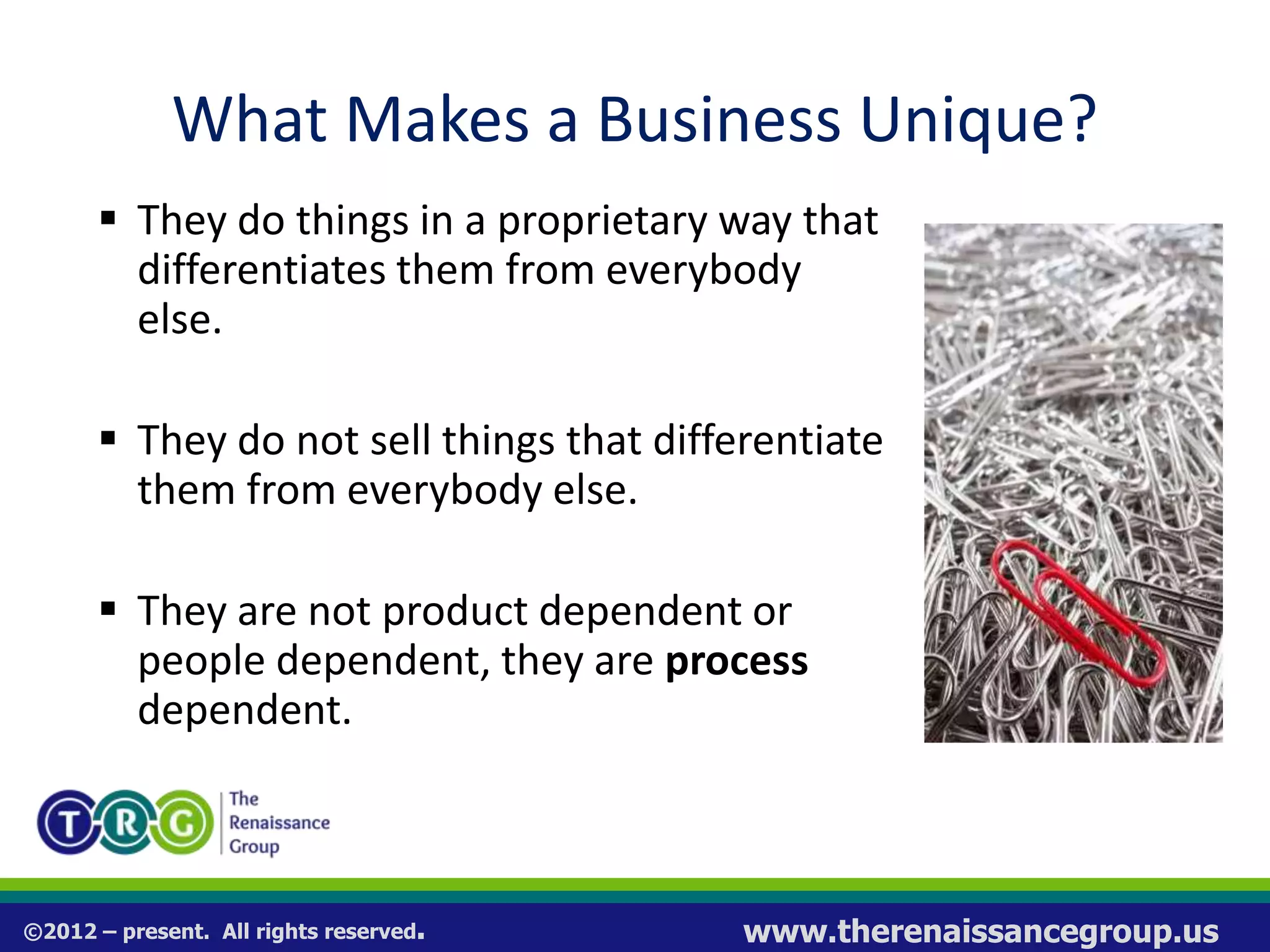
What Makes a Business Unique?
 They do things in a proprietary way that
differentiates them from everybody
else.
 They do not sell things that differentiate
them from everybody else.
 They are not product dependent or
people dependent, they are process
dependent.
©2012 – present. All rights reserved. www.therenaissancegroup.us
Systems
If you don’t have a system, you can not:
1. Teach
2. Manage
3. Trouble Shoot
4. Replicate
5. Scale
©2012 – present. All rights reserved. www.therenaissancegroup.us
The Systemization Challenge
1. Never learned how to document
2. Time consuming
3. Actually following (use) the system
4. Updating / changing is difficult
5. Training people in the systems
6. Creating & using operation manuals
7. Aligning all of your business systems
©2012 – present. All rights reserved. www.therenaissancegroup.us
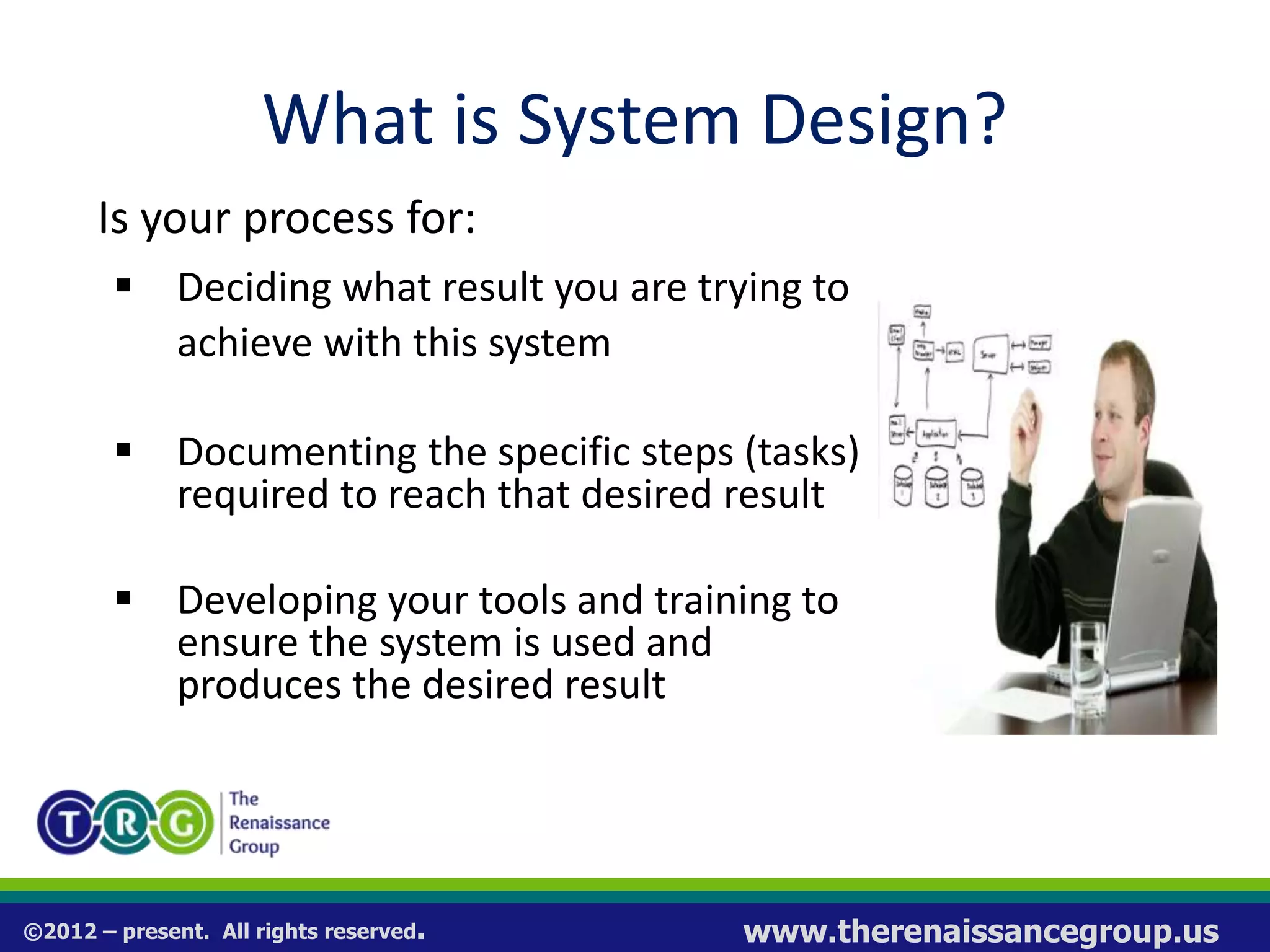
What is System Design?
Is your process for:
 Deciding what result you are trying to
achieve with this system
 Documenting the specific steps (tasks)
required to reach that desired result
 Developing your tools and training to
ensure the system is used and
produces the desired result
©2012 – present. All rights reserved. www.therenaissancegroup.us
System Design Tools
 Work Plans - step-by-step tasks required to
do the work; the details
 Check Lists - a simple list of actions to be
taken with check boxes
 Scripts – narrative to guide a conversation
 Forms – used to track results of the system
©2012 – present. All rights reserved. www.therenaissancegroup.us
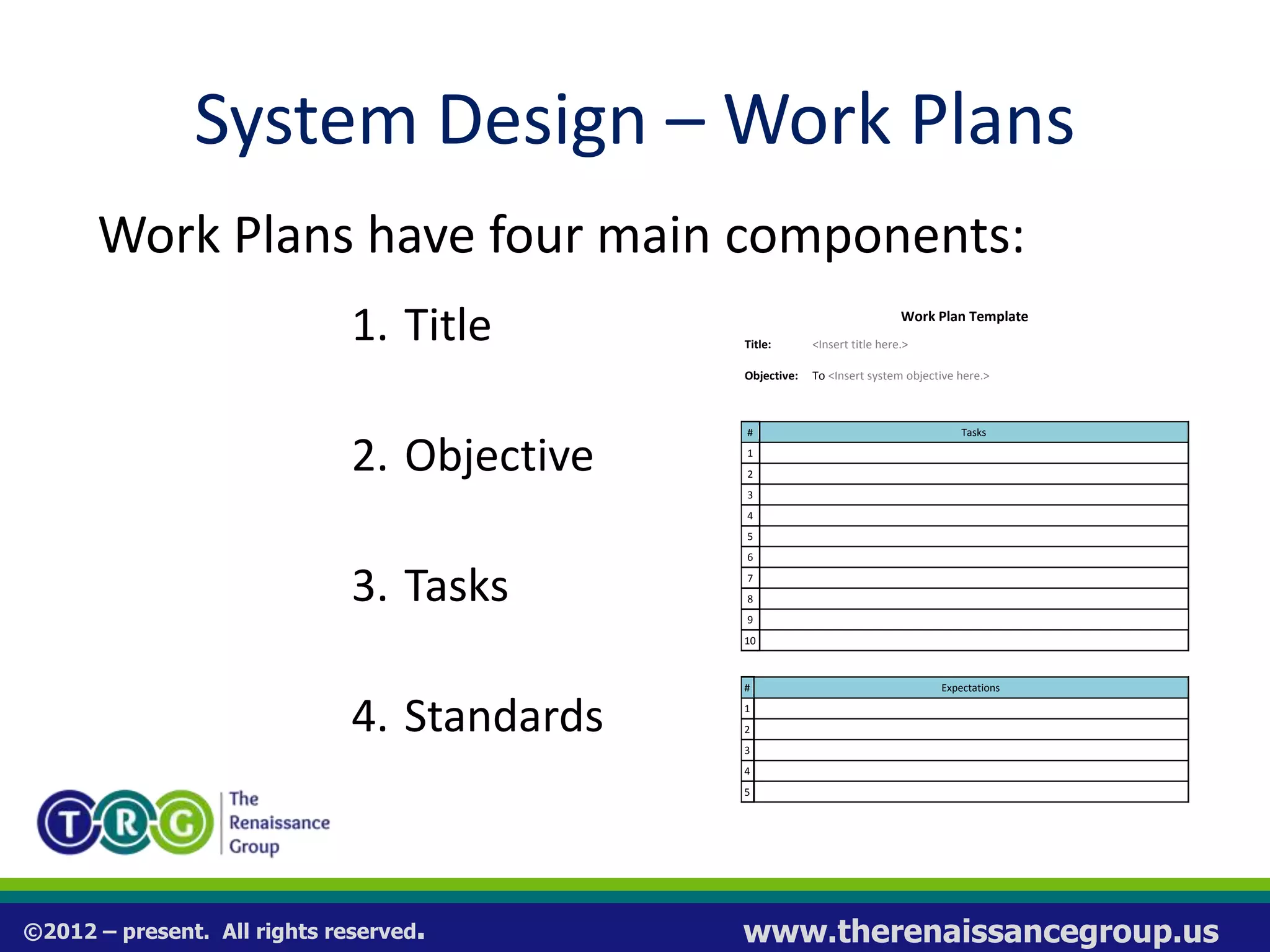
System Design – Work Plans
Work Plans have four main components:
1. Title
2. Objective
3. Tasks
4. Standards
Work Plan Template
Title: <Insert title here.>
Objective: To <Insert system objective here.>
# Tasks
1
2
3
4
5
6
7
8
9
10
# Expectations
1
2
3
4
5
©2012 – present. All rights reserved. www.therenaissancegroup.us
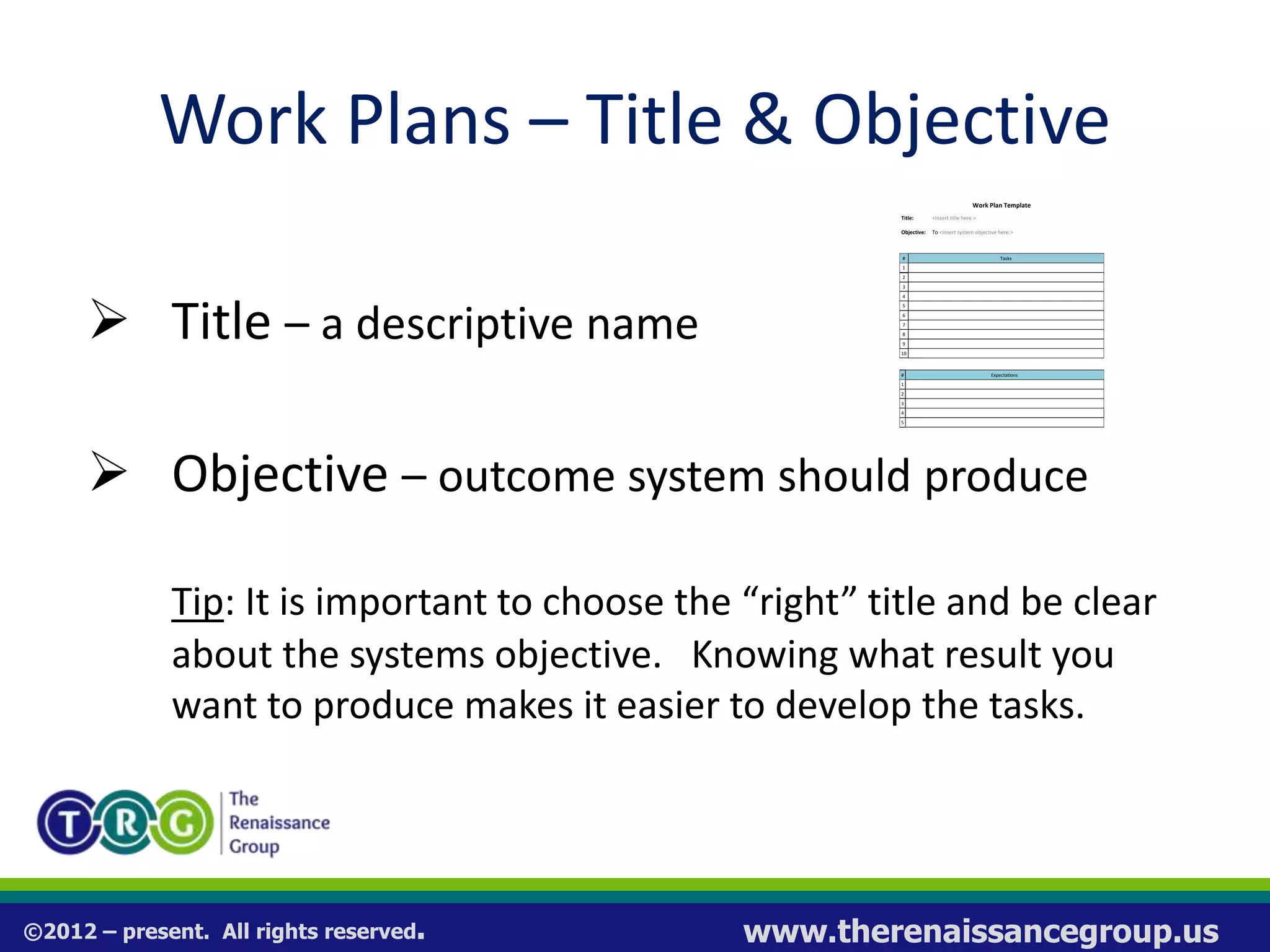
Work Plans – Title & Objective
 Title – a descriptive name
 Objective – outcome system should produce
Tip: It is important to choose the “right” title and be clear
about the systems objective. Knowing what result you
want to produce makes it easier to develop the tasks.
Work Plan Template
Title: <Insert title here.>
Objective: To <Insert system objective here.>
# Tasks
1
2
3
4
5
6
7
8
9
10
# Expectations
1
2
3
4
5
©2012 – present. All rights reserved. www.therenaissancegroup.us
Work Plans – Tasks
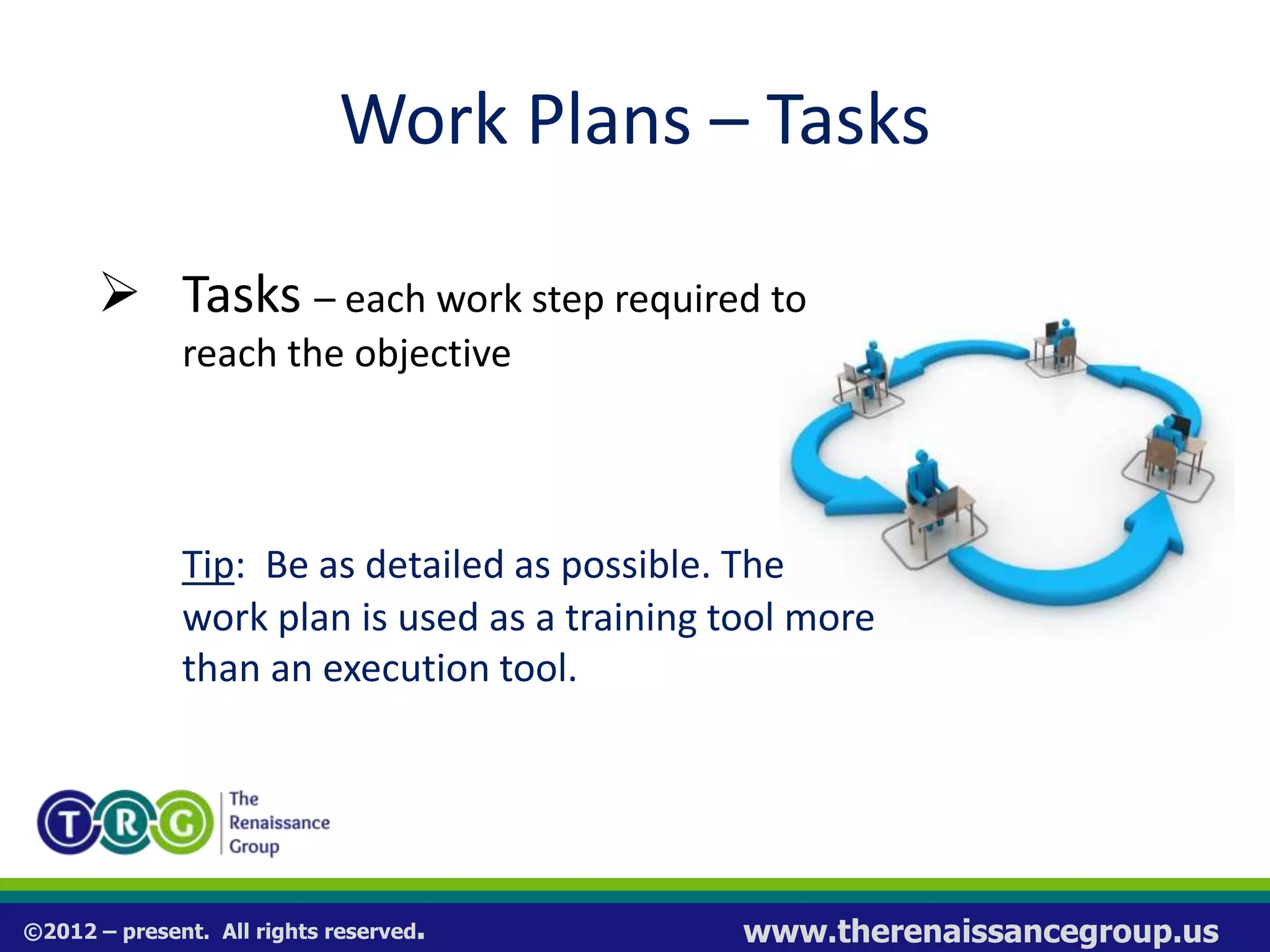
 Tasks – each work step required to
reach the objective
Tip: Be as detailed as possible. The
work plan is used as a training tool more
than an execution tool.
©2012 – present. All rights reserved. www.therenaissancegroup.us
Work Plans – Tasks
To help determine tasks, think about:
 This process begins with: ________________
 This process ends with: _________________
 The key steps in between are: ____________
©2012 – present. All rights reserved. www.therenaissancegroup.us
Work Plans – Standards
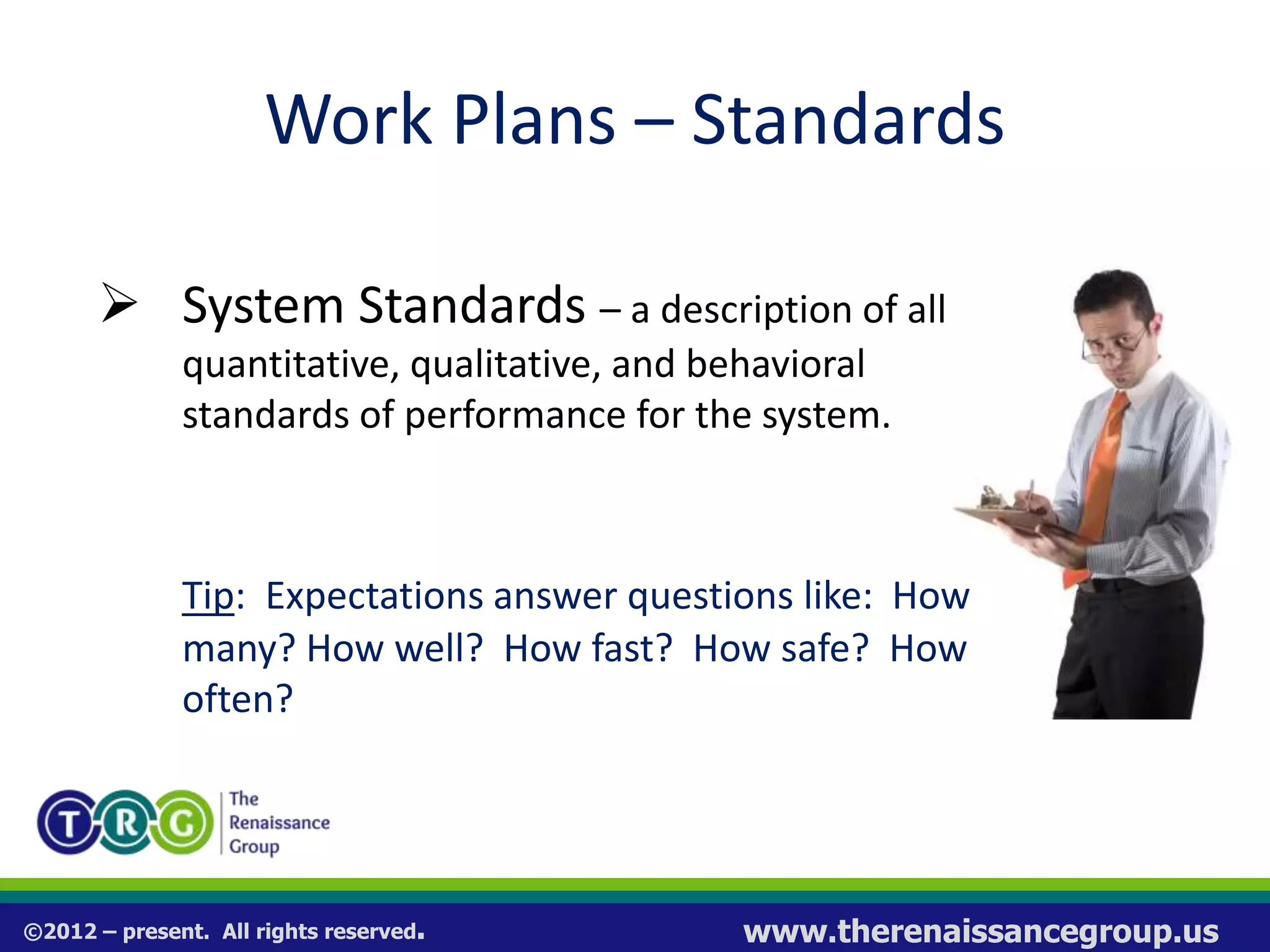
 System Standards – a description of all
quantitative, qualitative, and behavioral
standards of performance for the system.
Tip: Expectations answer questions like: How
many? How well? How fast? How safe? How
often?
©2012 – present. All rights reserved. www.therenaissancegroup.us
System Design - Checklists
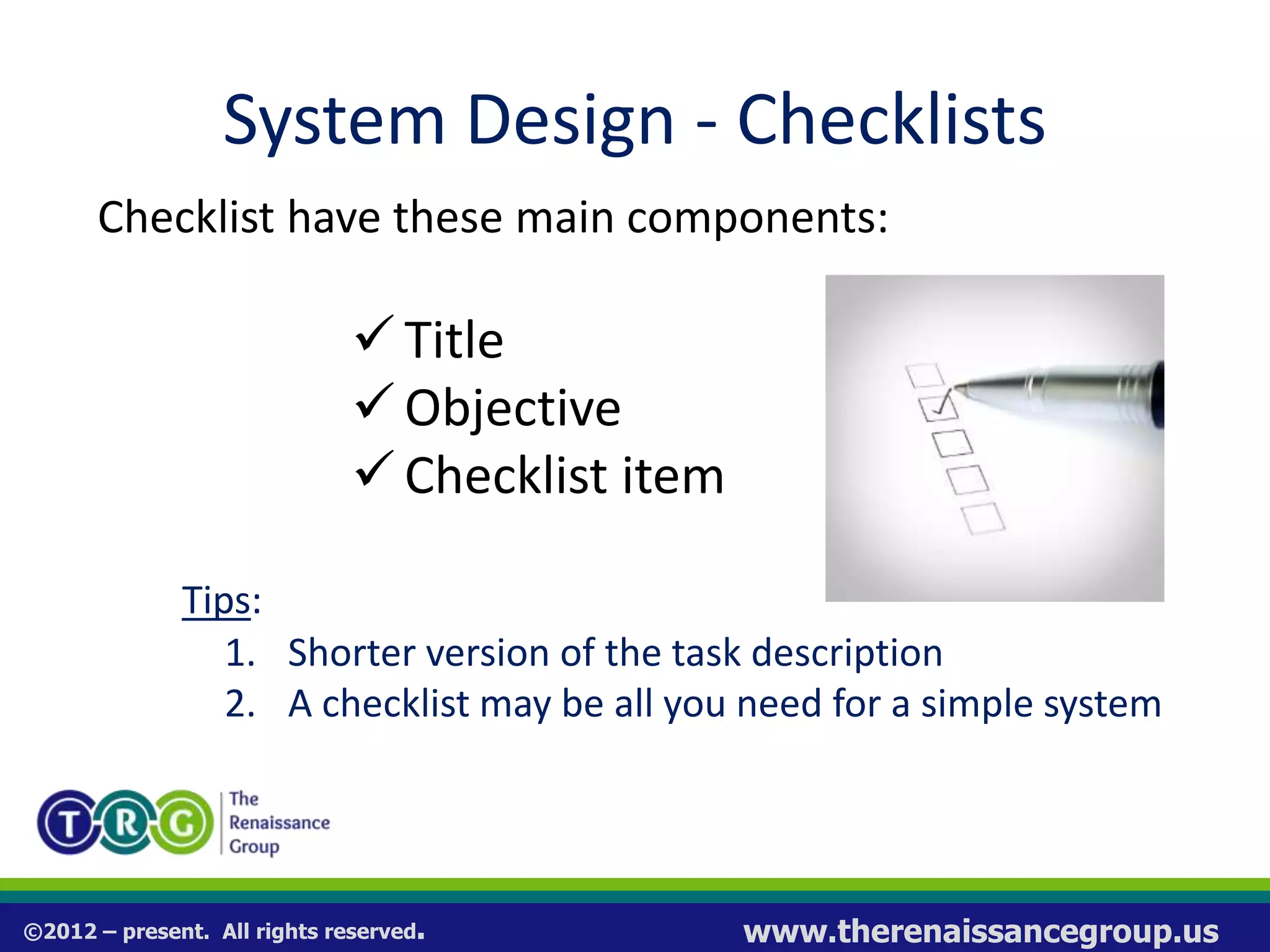
Checklist have these main components:
 Title
 Objective
Checklist item
Tips:
1. Shorter version of the task description
2. A checklist may be all you need for a simple system
©2012 – present. All rights reserved. www.therenaissancegroup.us
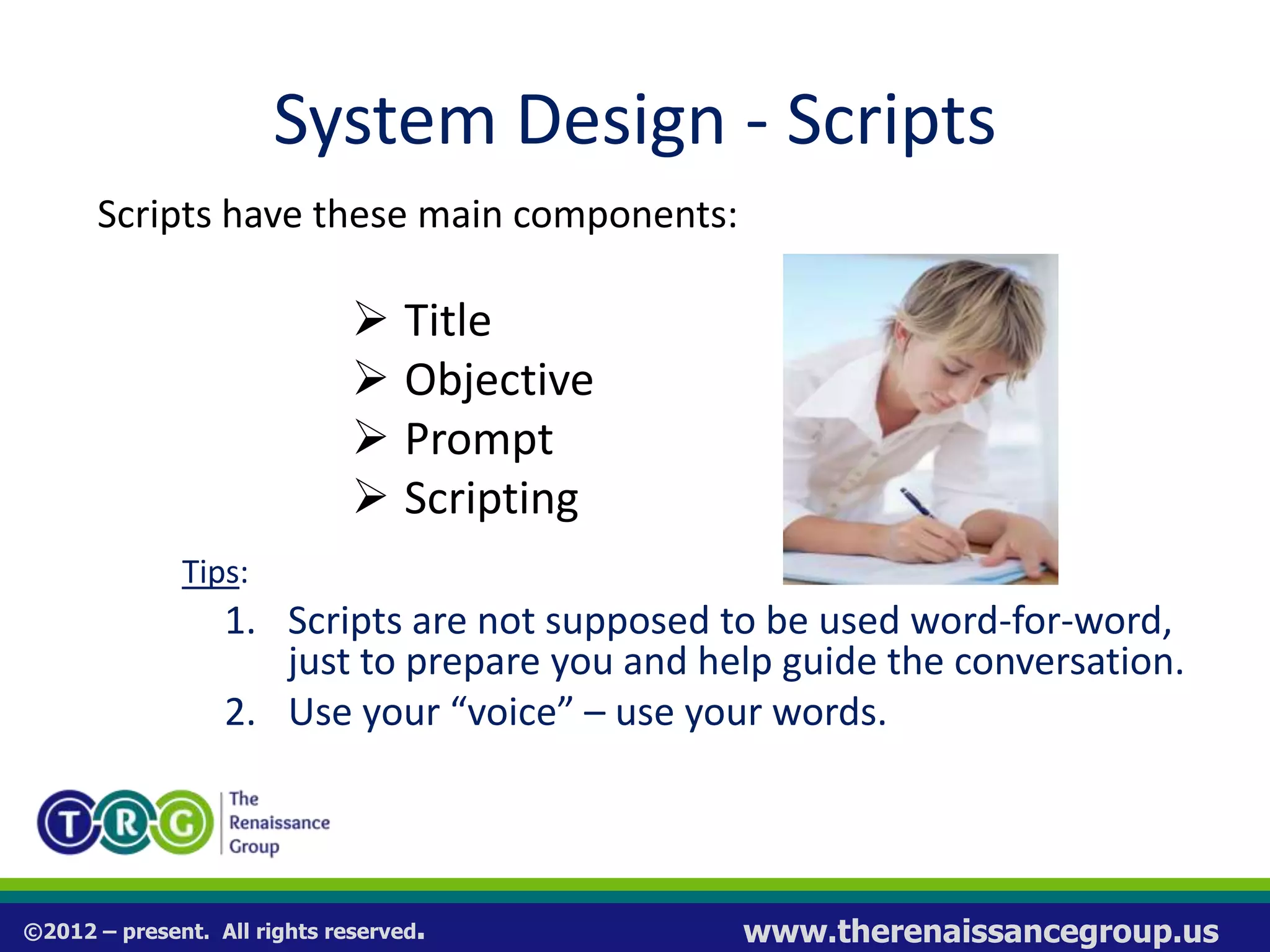
System Design - Scripts
Scripts have these main components:
 Title
 Objective
 Prompt
 Scripting
Tips:
1. Scripts are not supposed to be used word-for-word,
just to prepare you and help guide the conversation.
2. Use your “voice” – use your words.
©2012 – present. All rights reserved. www.therenaissancegroup.us
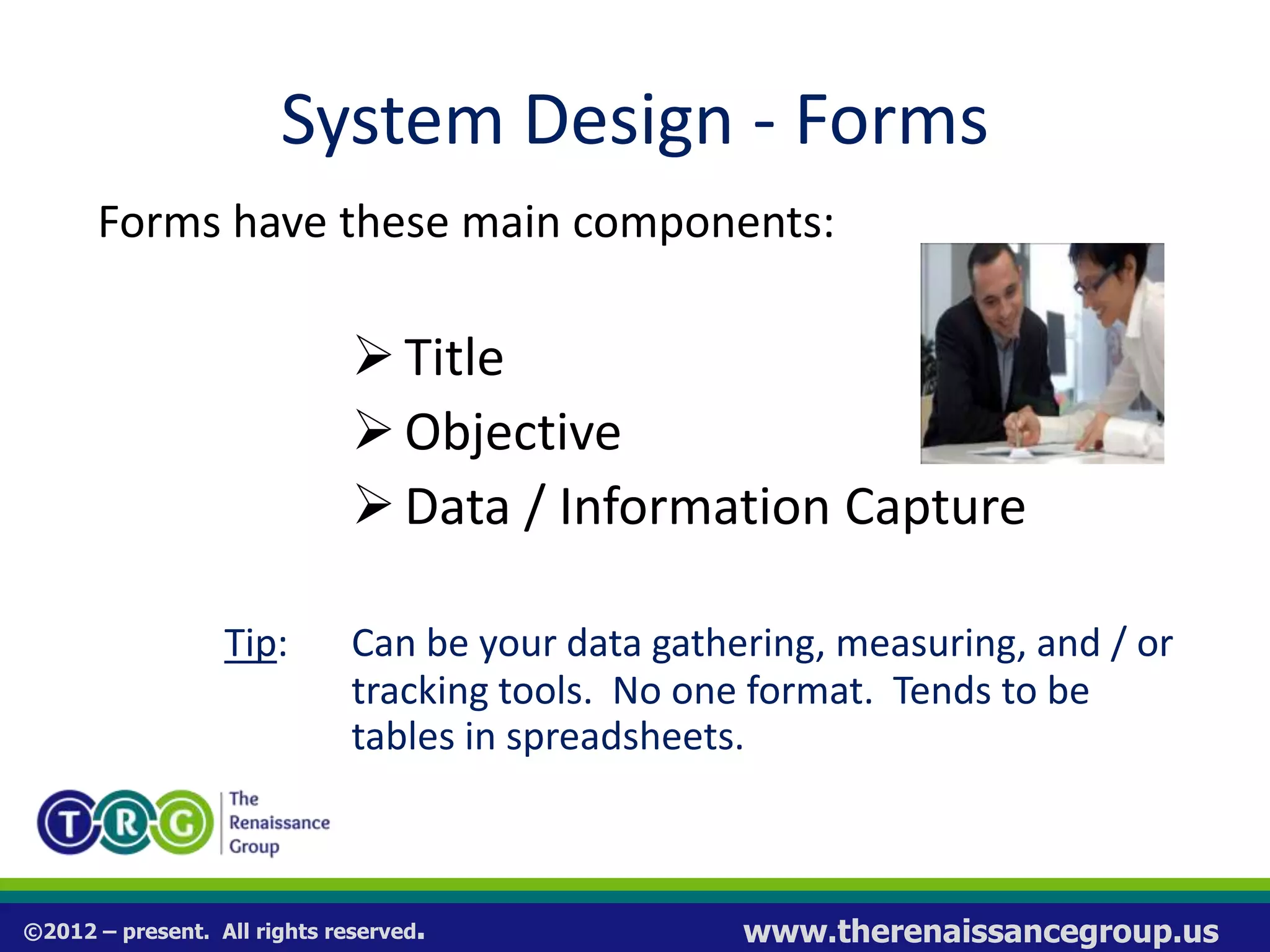
System Design - Forms
Forms have these main components:
Title
Objective
Data / Information Capture
Tip: Can be your data gathering, measuring, and / or
tracking tools. No one format. Tends to be
tables in spreadsheets.
©2012 – present. All rights reserved. www.therenaissancegroup.us
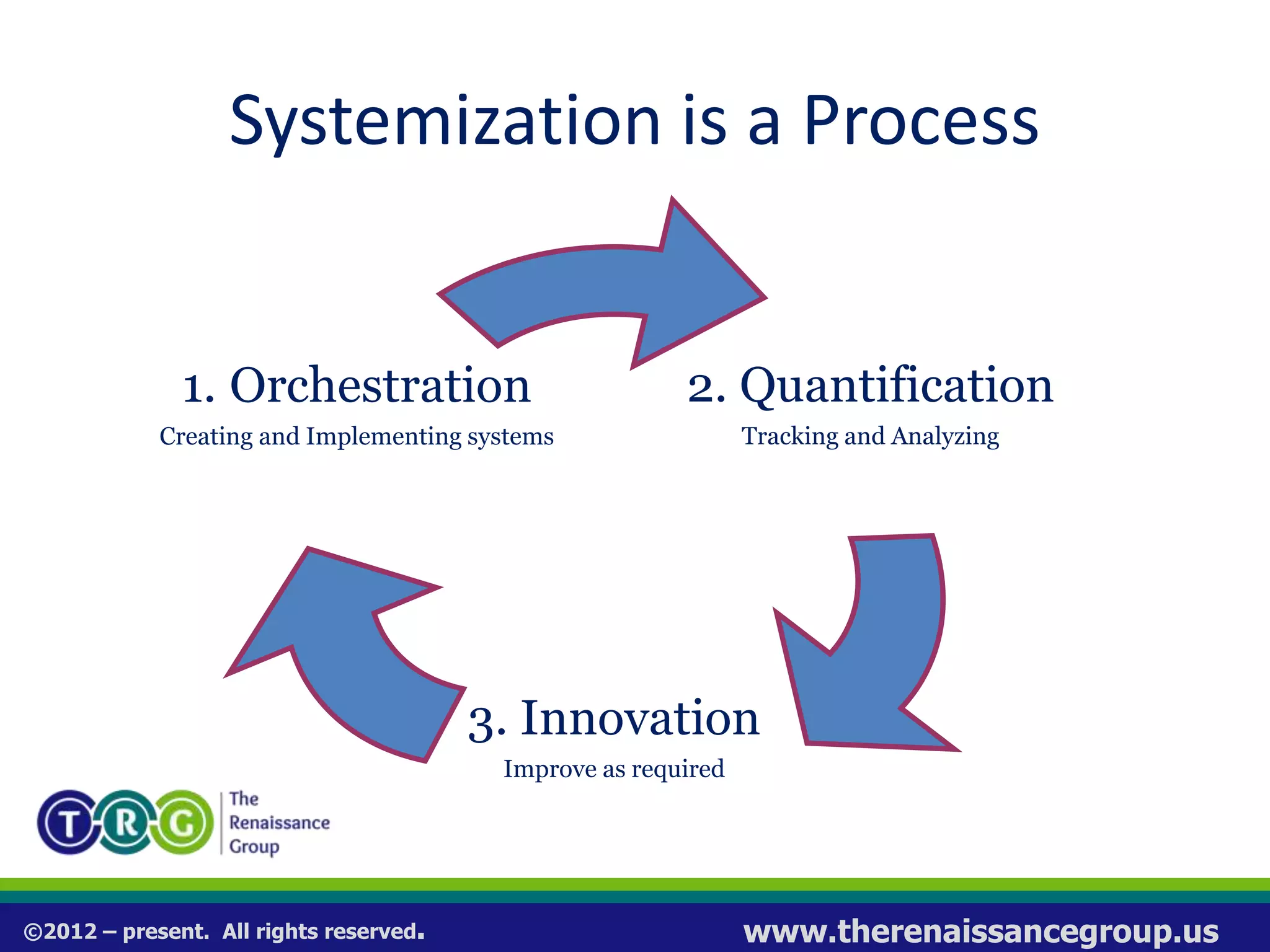
Systemization is a Process
2. Quantification
Tracking and Analyzing
3. Innovation
Improve as required
1. Orchestration
Creating and Implementing systems
©2012 – present. All rights reserved. www.therenaissancegroup.us
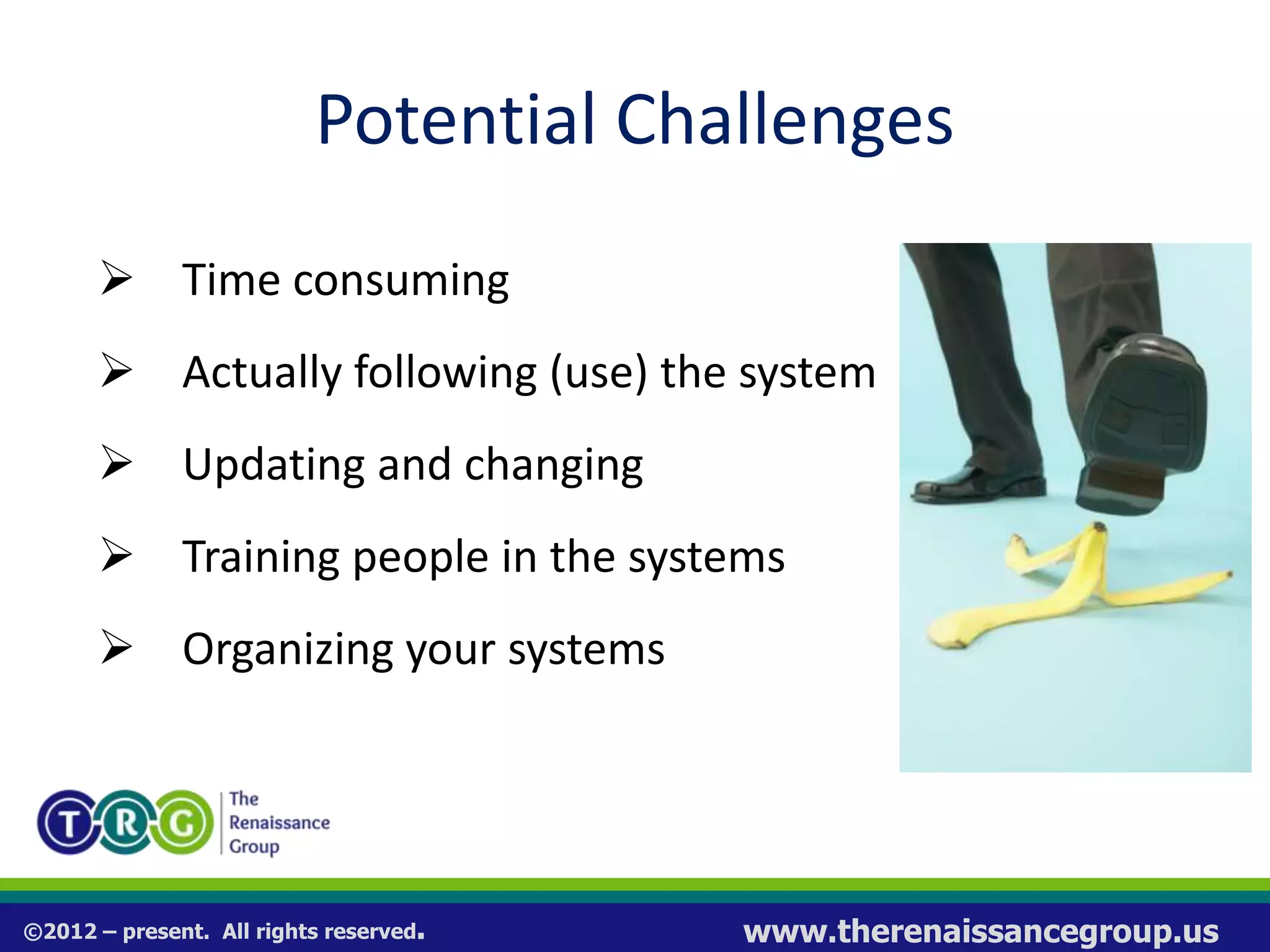
Potential Challenges
 Time consuming
 Actually following (use) the system
 Updating and changing
 Training people in the systems
 Organizing your systems
©2012 – present. All rights reserved. www.therenaissancegroup.us
Overcoming Challenges
 Pick one system to design and get it
“right”
 Work ON your systems as you use them
 Teach your team members how to design
systems = systems culture
 Organize your systems in Operation
Manuals
©2012 – present. All rights reserved. www.therenaissancegroup.us
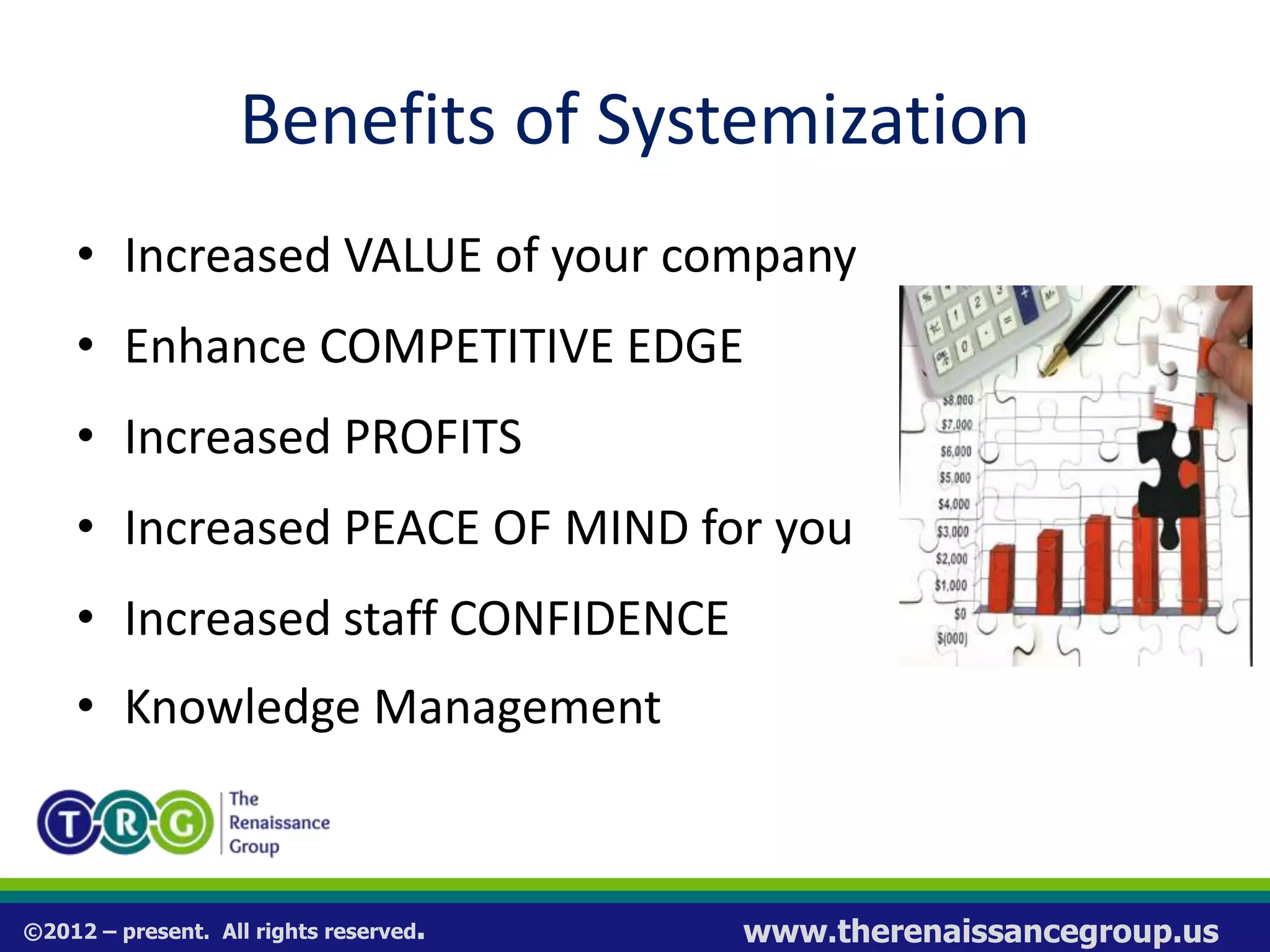
Benefits of Systemization
• Increased VALUE of your company
• Enhance COMPETITIVE EDGE
• Increased PROFITS
• Increased PEACE OF MIND for you
• Increased staff CONFIDENCE
• Knowledge Management
©2012 – present. All rights reserved. www.therenaissancegroup.us
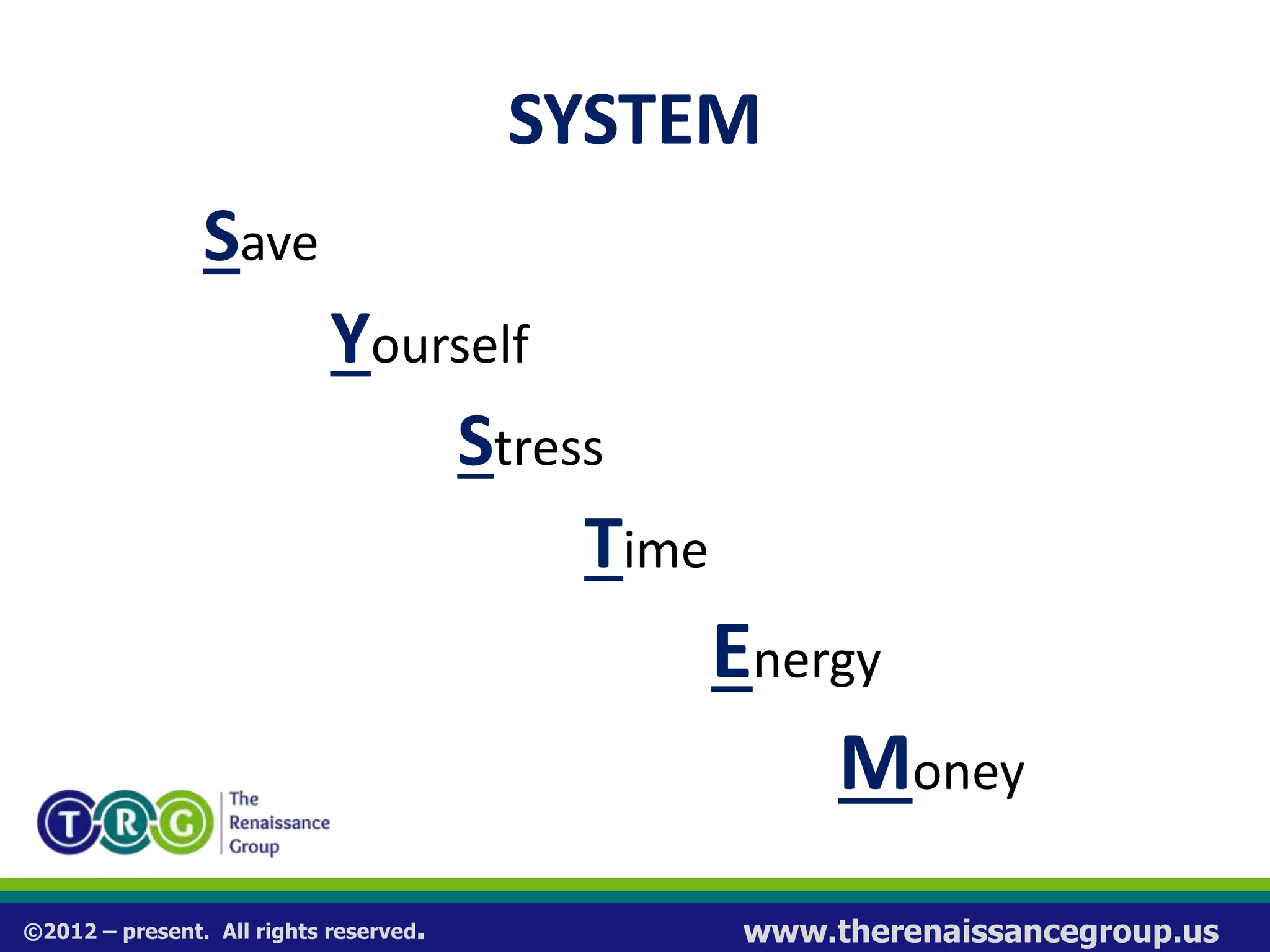
SYSTEM
Save
Yourself
Stress
Time
Energy
Money
©2012 – present. All rights reserved. www.therenaissancegroup.us
Contact Information
Kevin Poland
phone: 813-636-9181
email:
Kevin@TheRenaissanceGroup.us
www.therenaissancegroup.us

How to Systematize Your Business

  • 1.
    ©2012 – present.All rights reserved. www.therenaissancegroup.us How to Systematize Your Business Strategic Systemization:
  • 2.
    ©2012 – present.All rights reserved. www.therenaissancegroup.us Objectives of Systemization • Increase the VALUE of your business • Enhance your COMPETITIVE EDGE • Increase PROFITS • Increase PEACE OF MIND for you • Increase CONFIDENCE from your staff • KNOWLEDGE Management
  • 3.
    ©2012 – present.All rights reserved. www.therenaissancegroup.us Business Building Philosophy • Systems are the solution to your challenges • Turn Key Revolution / Franchise Prototype • You should build a process dependent business
  • 4.
    ©2012 – present.All rights reserved. www.therenaissancegroup.us What is a System? A System is the way you and your people do what they do in your business. It is the steps or tasks required to getting something done. Process = System
  • 5.
    ©2012 – present.All rights reserved. www.therenaissancegroup.us Process Dependent Management Strategy = SYSTEMS Strategy The Franchise Prototype
  • 6.
    ©2012 – present.All rights reserved. www.therenaissancegroup.us What Makes a Business Unique?  They do things in a proprietary way that differentiates them from everybody else.  They do not sell things that differentiate them from everybody else.  They are not product dependent or people dependent, they are process dependent.
  • 7.
    ©2012 – present.All rights reserved. www.therenaissancegroup.us Systems If you don’t have a system, you can not: 1. Teach 2. Manage 3. Trouble Shoot 4. Replicate 5. Scale
  • 8.
    ©2012 – present.All rights reserved. www.therenaissancegroup.us The Systemization Challenge 1. Never learned how to document 2. Time consuming 3. Actually following (use) the system 4. Updating / changing is difficult 5. Training people in the systems 6. Creating & using operation manuals 7. Aligning all of your business systems
  • 9.
    ©2012 – present.All rights reserved. www.therenaissancegroup.us What is System Design? Is your process for:  Deciding what result you are trying to achieve with this system  Documenting the specific steps (tasks) required to reach that desired result  Developing your tools and training to ensure the system is used and produces the desired result
  • 10.
    ©2012 – present.All rights reserved. www.therenaissancegroup.us System Design Tools  Work Plans - step-by-step tasks required to do the work; the details  Check Lists - a simple list of actions to be taken with check boxes  Scripts – narrative to guide a conversation  Forms – used to track results of the system
  • 11.
    ©2012 – present.All rights reserved. www.therenaissancegroup.us System Design – Work Plans Work Plans have four main components: 1. Title 2. Objective 3. Tasks 4. Standards Work Plan Template Title: <Insert title here.> Objective: To <Insert system objective here.> # Tasks 1 2 3 4 5 6 7 8 9 10 # Expectations 1 2 3 4 5
  • 12.
    ©2012 – present.All rights reserved. www.therenaissancegroup.us Work Plans – Title & Objective  Title – a descriptive name  Objective – outcome system should produce Tip: It is important to choose the “right” title and be clear about the systems objective. Knowing what result you want to produce makes it easier to develop the tasks. Work Plan Template Title: <Insert title here.> Objective: To <Insert system objective here.> # Tasks 1 2 3 4 5 6 7 8 9 10 # Expectations 1 2 3 4 5
  • 13.
    ©2012 – present.All rights reserved. www.therenaissancegroup.us Work Plans – Tasks  Tasks – each work step required to reach the objective Tip: Be as detailed as possible. The work plan is used as a training tool more than an execution tool.
  • 14.
    ©2012 – present.All rights reserved. www.therenaissancegroup.us Work Plans – Tasks To help determine tasks, think about:  This process begins with: ________________  This process ends with: _________________  The key steps in between are: ____________
  • 15.
    ©2012 – present.All rights reserved. www.therenaissancegroup.us Work Plans – Standards  System Standards – a description of all quantitative, qualitative, and behavioral standards of performance for the system. Tip: Expectations answer questions like: How many? How well? How fast? How safe? How often?
  • 16.
    ©2012 – present.All rights reserved. www.therenaissancegroup.us System Design - Checklists Checklist have these main components:  Title  Objective Checklist item Tips: 1. Shorter version of the task description 2. A checklist may be all you need for a simple system
  • 17.
    ©2012 – present.All rights reserved. www.therenaissancegroup.us System Design - Scripts Scripts have these main components:  Title  Objective  Prompt  Scripting Tips: 1. Scripts are not supposed to be used word-for-word, just to prepare you and help guide the conversation. 2. Use your “voice” – use your words.
  • 18.
    ©2012 – present.All rights reserved. www.therenaissancegroup.us System Design - Forms Forms have these main components: Title Objective Data / Information Capture Tip: Can be your data gathering, measuring, and / or tracking tools. No one format. Tends to be tables in spreadsheets.
  • 19.
    ©2012 – present.All rights reserved. www.therenaissancegroup.us Systemization is a Process 2. Quantification Tracking and Analyzing 3. Innovation Improve as required 1. Orchestration Creating and Implementing systems
  • 20.
    ©2012 – present.All rights reserved. www.therenaissancegroup.us Potential Challenges  Time consuming  Actually following (use) the system  Updating and changing  Training people in the systems  Organizing your systems
  • 21.
    ©2012 – present.All rights reserved. www.therenaissancegroup.us Overcoming Challenges  Pick one system to design and get it “right”  Work ON your systems as you use them  Teach your team members how to design systems = systems culture  Organize your systems in Operation Manuals
  • 22.
    ©2012 – present.All rights reserved. www.therenaissancegroup.us Benefits of Systemization • Increased VALUE of your company • Enhance COMPETITIVE EDGE • Increased PROFITS • Increased PEACE OF MIND for you • Increased staff CONFIDENCE • Knowledge Management
  • 23.
    ©2012 – present.All rights reserved. www.therenaissancegroup.us SYSTEM Save Yourself Stress Time Energy Money
  • 24.
    ©2012 – present.All rights reserved. www.therenaissancegroup.us Contact Information Kevin Poland phone: 813-636-9181 email: Kevin@TheRenaissanceGroup.us www.therenaissancegroup.us