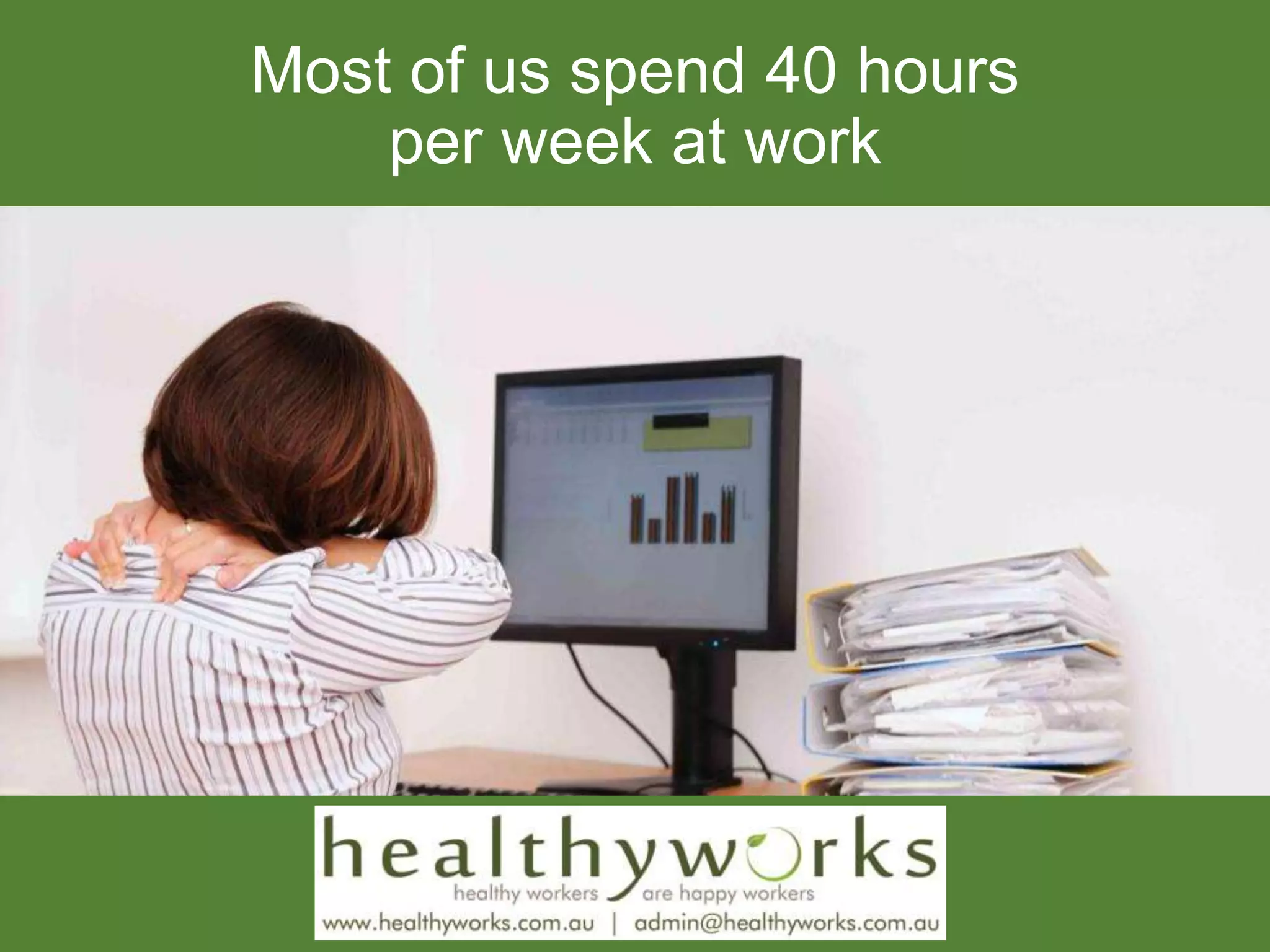
Most of us spend 40 hours
per week at work
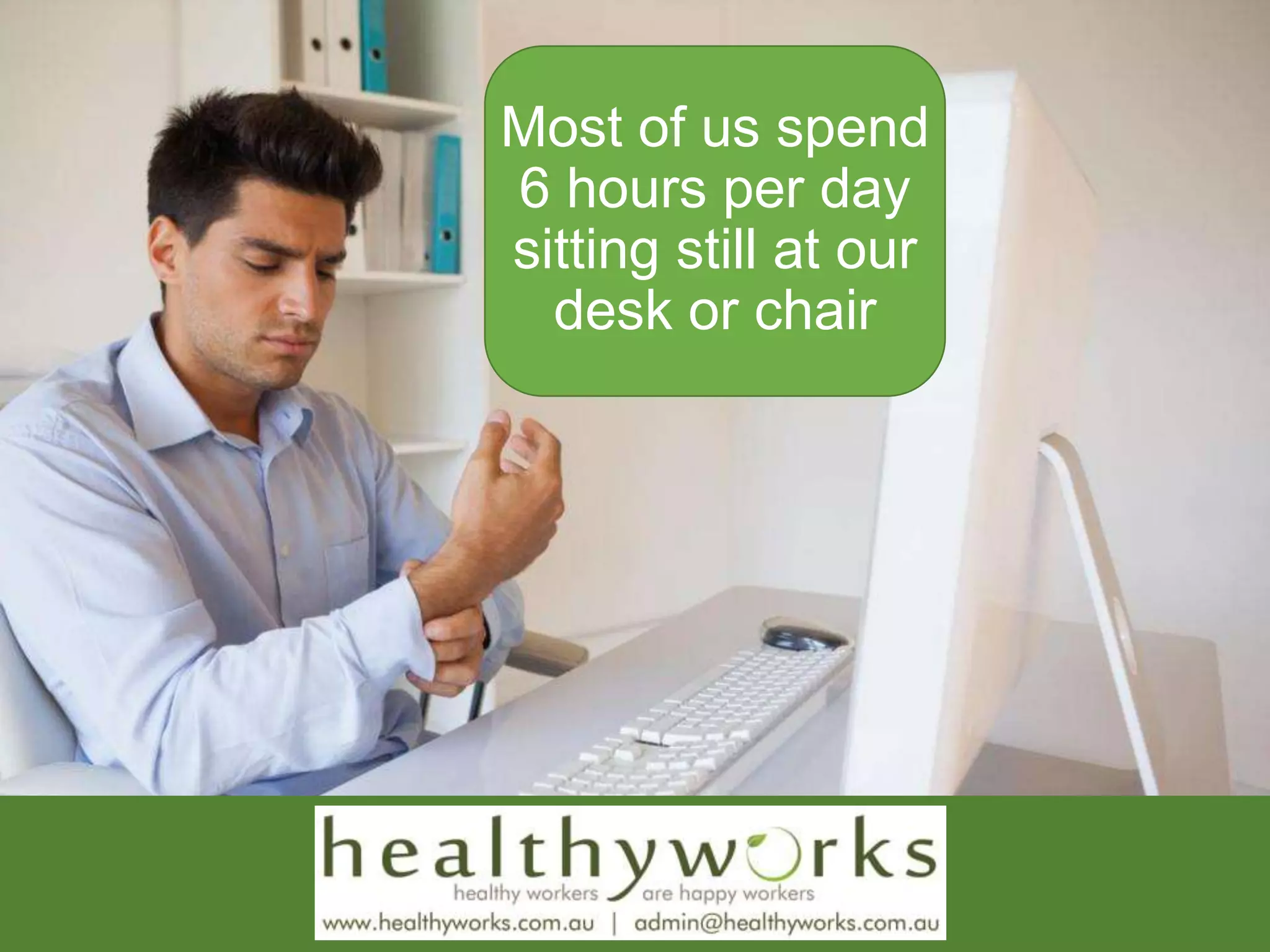
Most of us spend
6 hours per day
sitting still at our
desk or chair
Is your
workstation
set up
correctly?
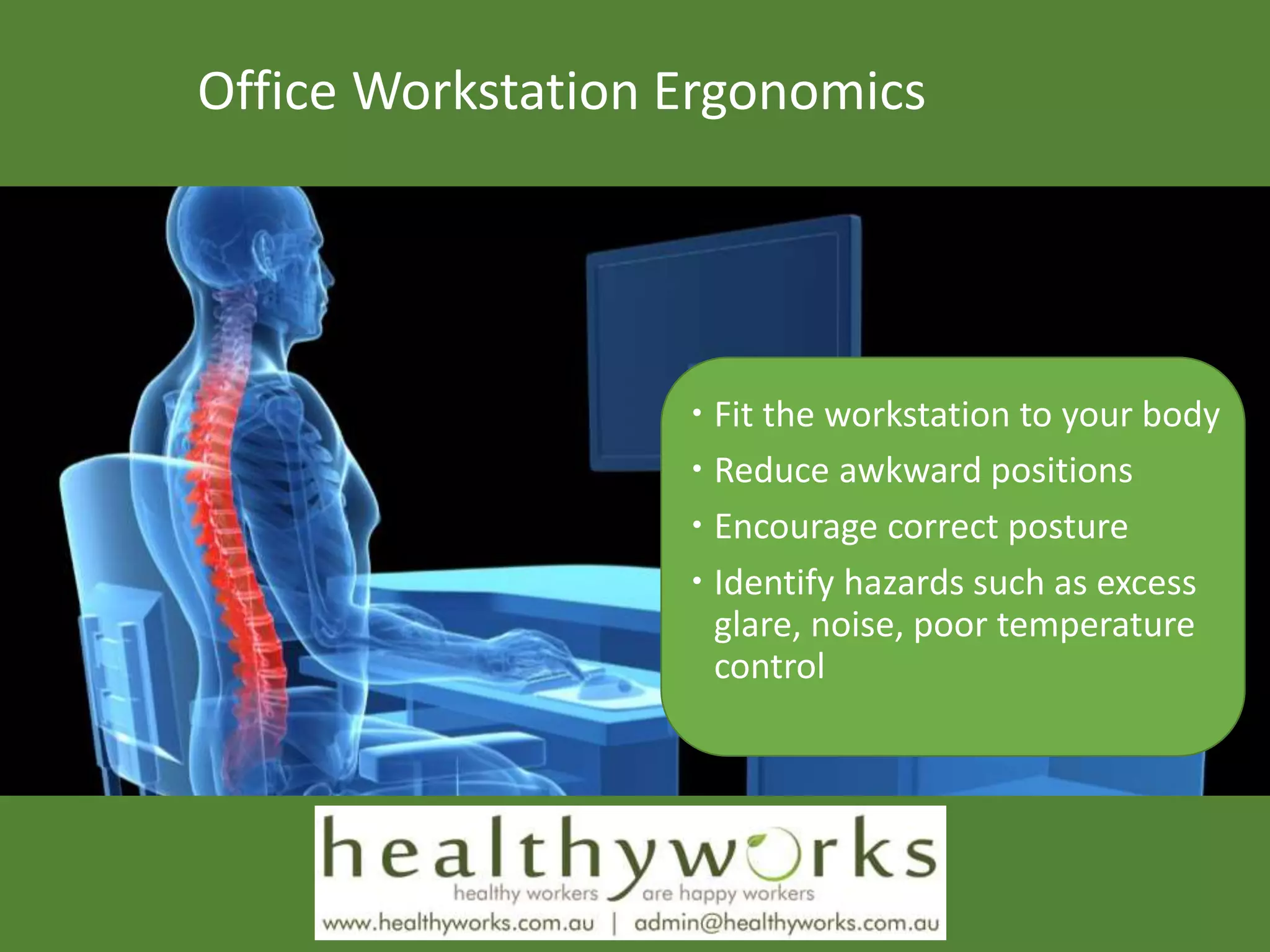
Office Workstation Ergonomics
 Fit the workstation to your body
 Reduce awkward positions
 Encourage correct posture
 Identify hazards such as excess
glare, noise, poor temperature
control
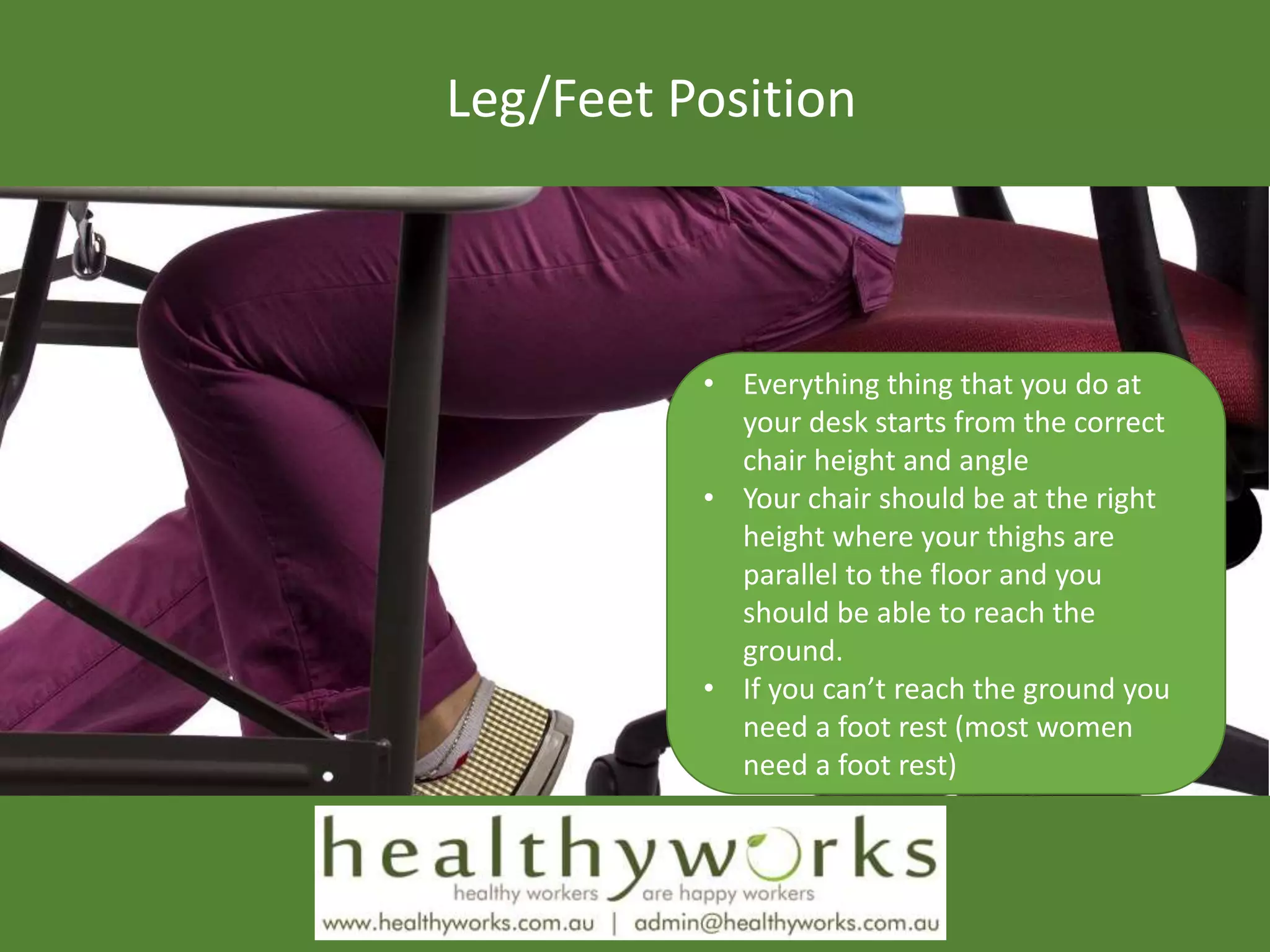
Leg/Feet Position
• Everything thing that you do at
your desk starts from the correct
chair height and angle
• Your chair should be at the right
height where your thighs are
parallel to the floor and you
should be able to reach the
ground.
• If you can’t reach the ground you
need a foot rest (most women
need a foot rest)
Chair Requirements
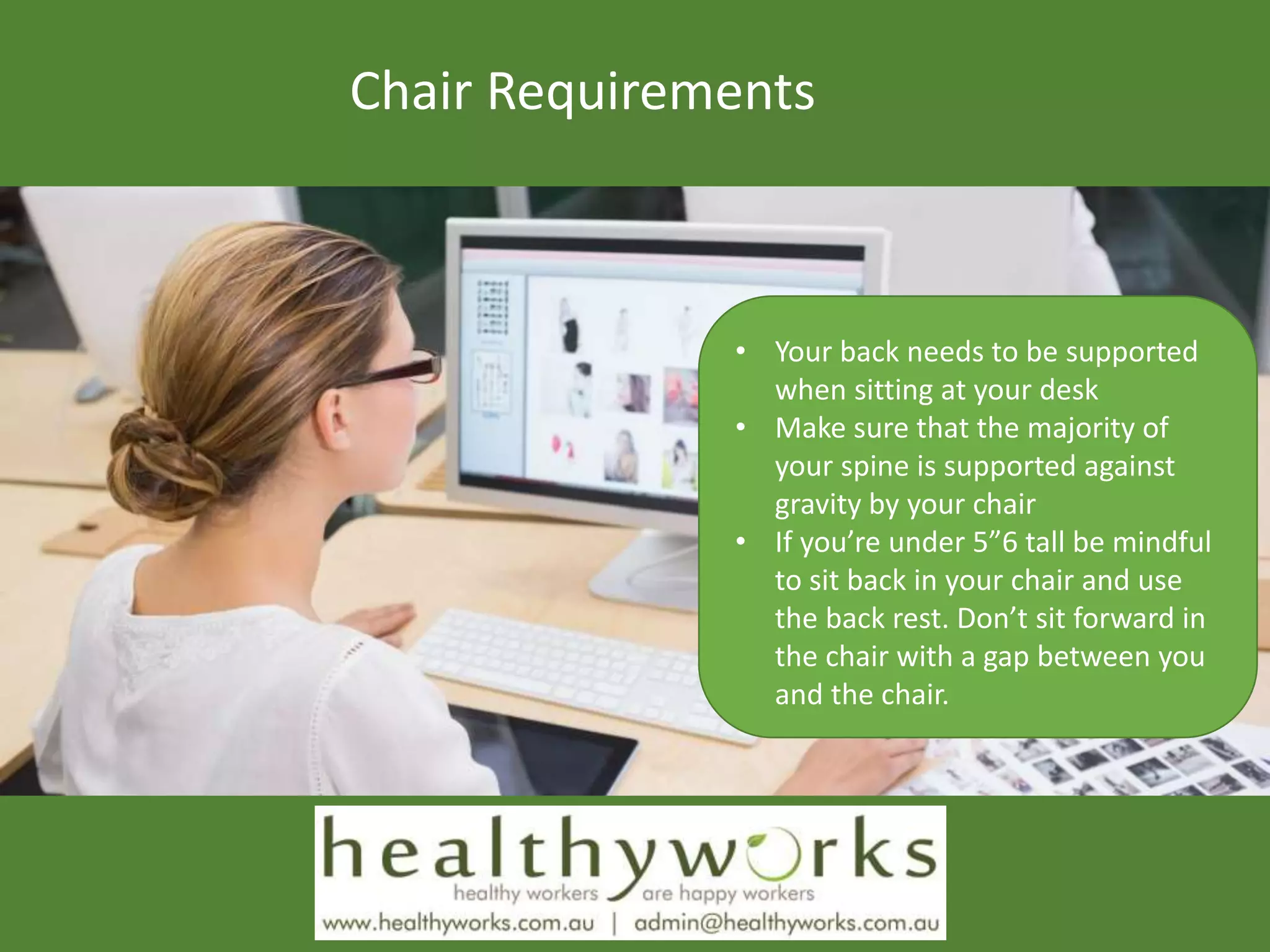
• Your back needs to be supported
when sitting at your desk
• Make sure that the majority of
your spine is supported against
gravity by your chair
• If you’re under 5”6 tall be mindful
to sit back in your chair and use
the back rest. Don’t sit forward in
the chair with a gap between you
and the chair.
Head/Neck Position
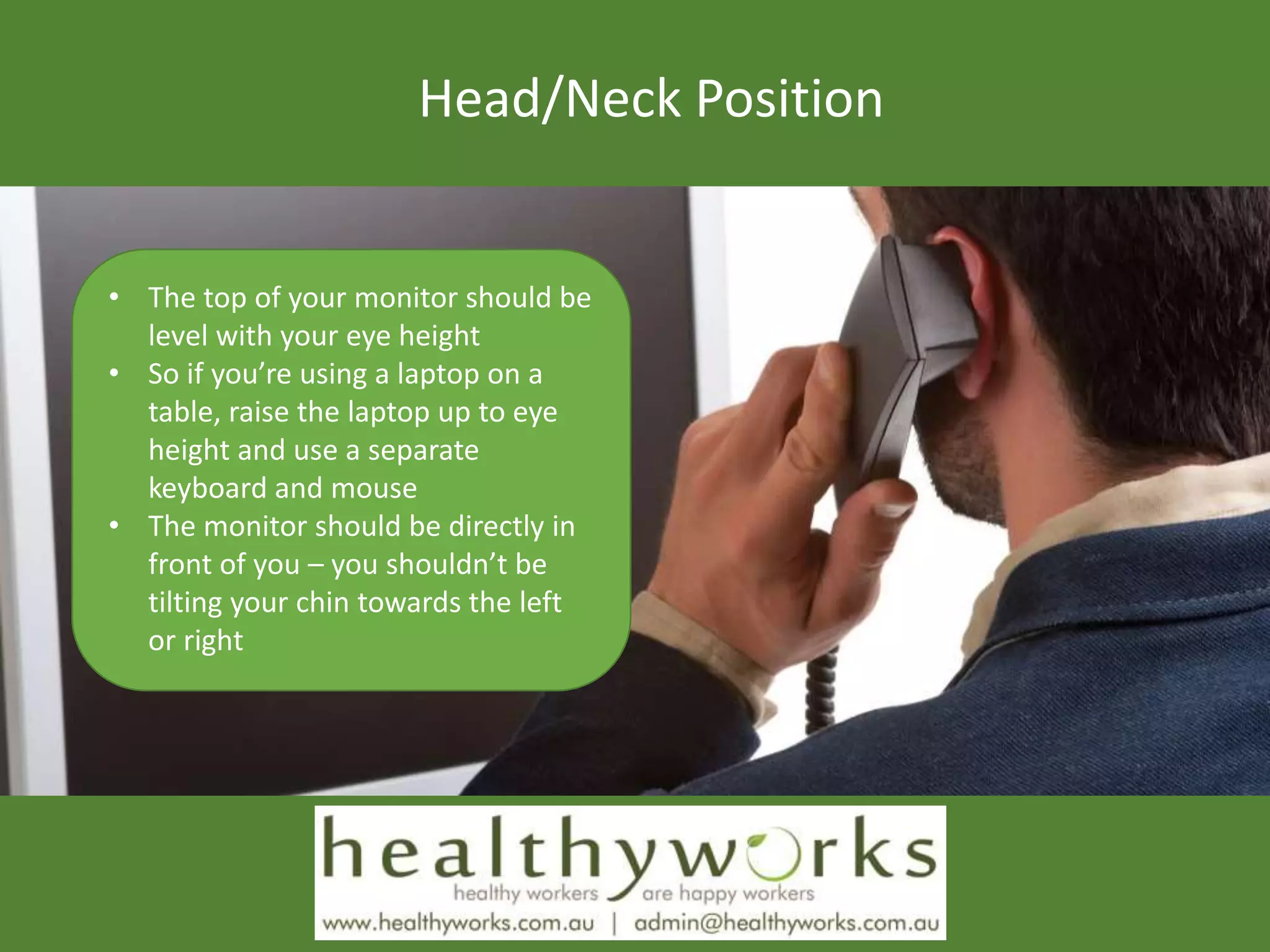
• The top of your monitor should be
level with your eye height
• So if you’re using a laptop on a
table, raise the laptop up to eye
height and use a separate
keyboard and mouse
• The monitor should be directly in
front of you – you shouldn’t be
tilting your chin towards the left
or right
Shoulder Position
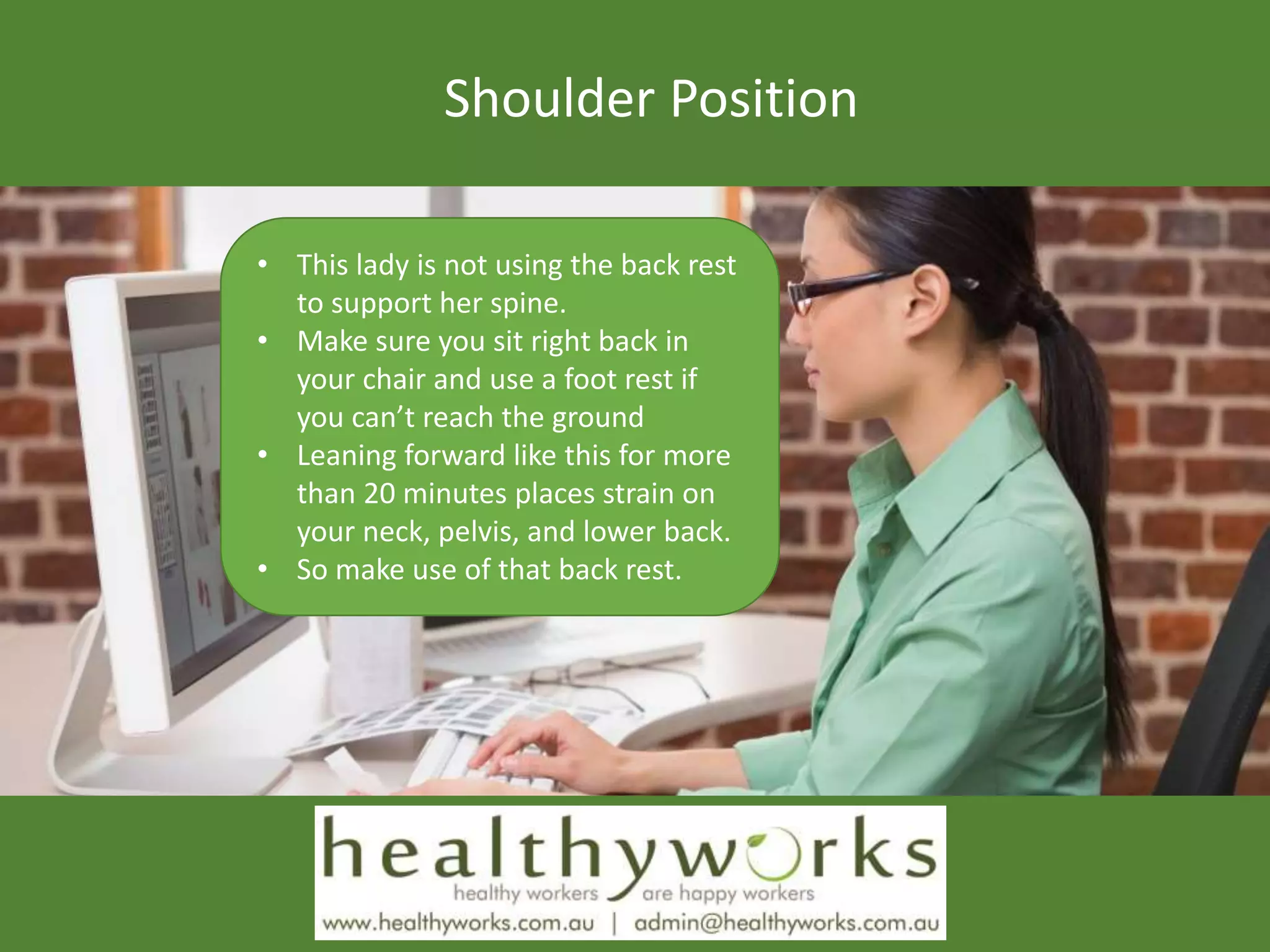
• This lady is not using the back rest
to support her spine.
• Make sure you sit right back in
your chair and use a foot rest if
you can’t reach the ground
• Leaning forward like this for more
than 20 minutes places strain on
your neck, pelvis, and lower back.
• So make use of that back rest.
Elbow Position
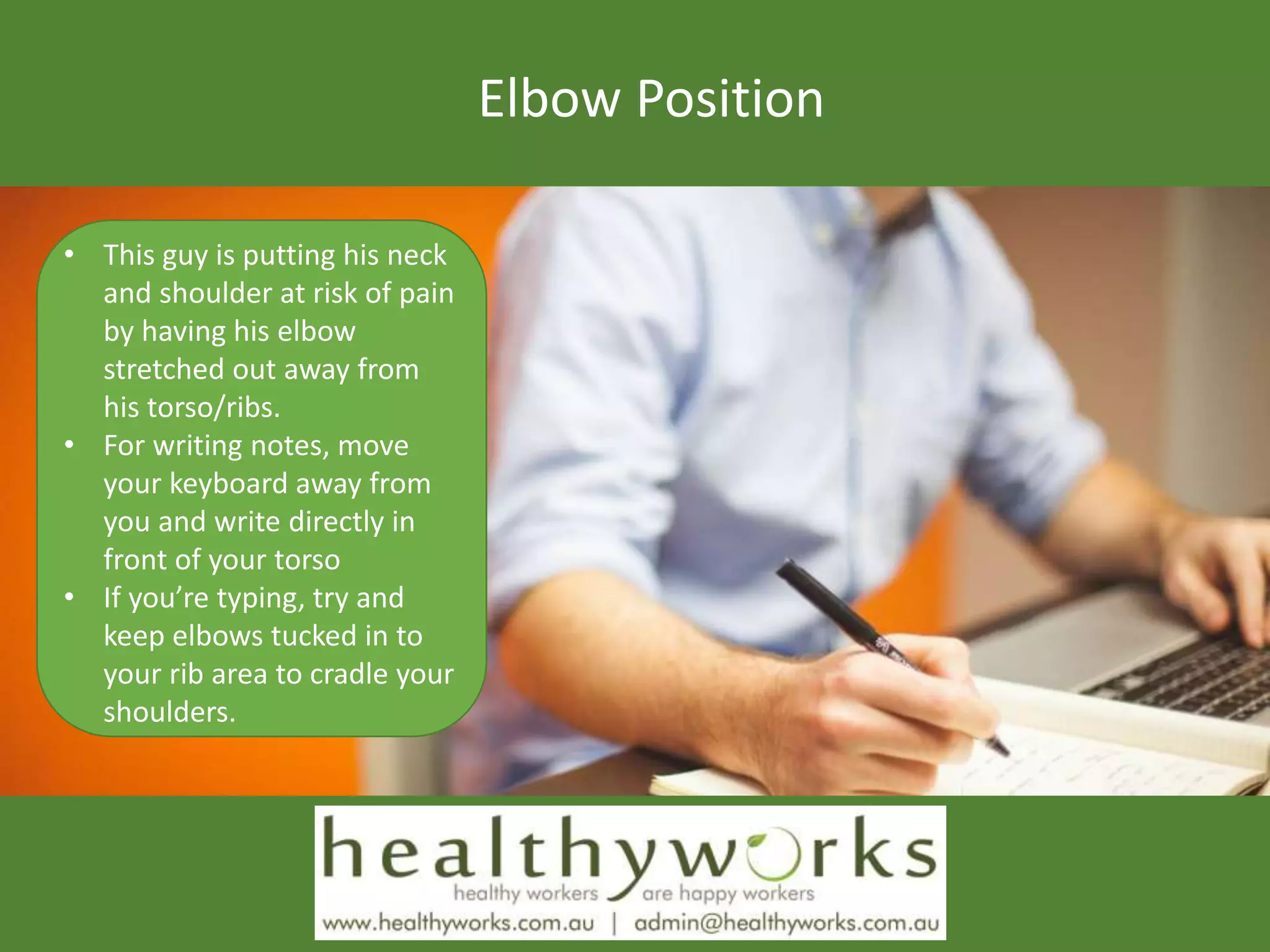
• This guy is putting his neck
and shoulder at risk of pain
by having his elbow
stretched out away from
his torso/ribs.
• For writing notes, move
your keyboard away from
you and write directly in
front of your torso
• If you’re typing, try and
keep elbows tucked in to
your rib area to cradle your
shoulders.
Wrist Position
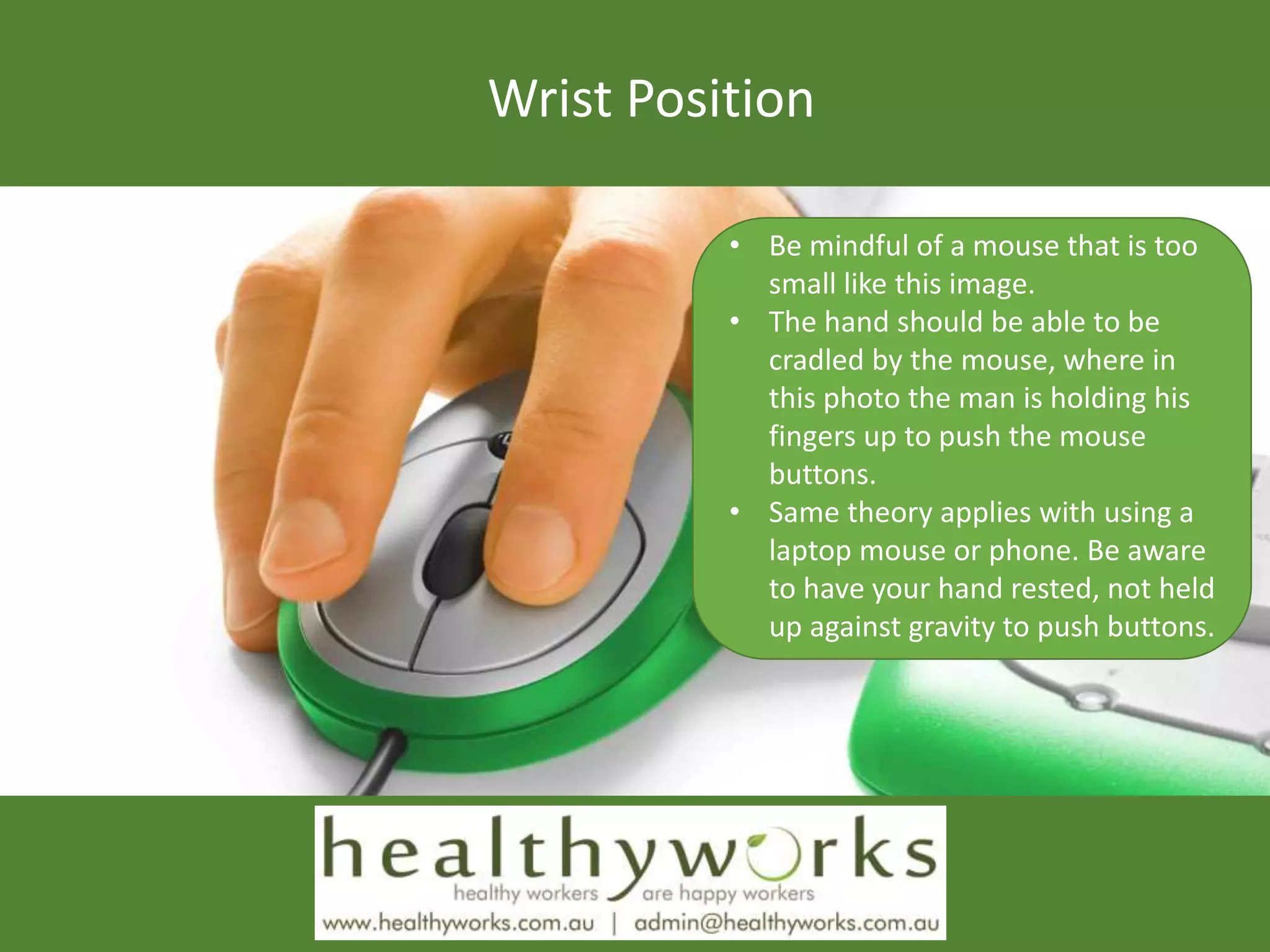
• Be mindful of a mouse that is too
small like this image.
• The hand should be able to be
cradled by the mouse, where in
this photo the man is holding his
fingers up to push the mouse
buttons.
• Same theory applies with using a
laptop mouse or phone. Be aware
to have your hand rested, not held
up against gravity to push buttons.
Monitor Requirements
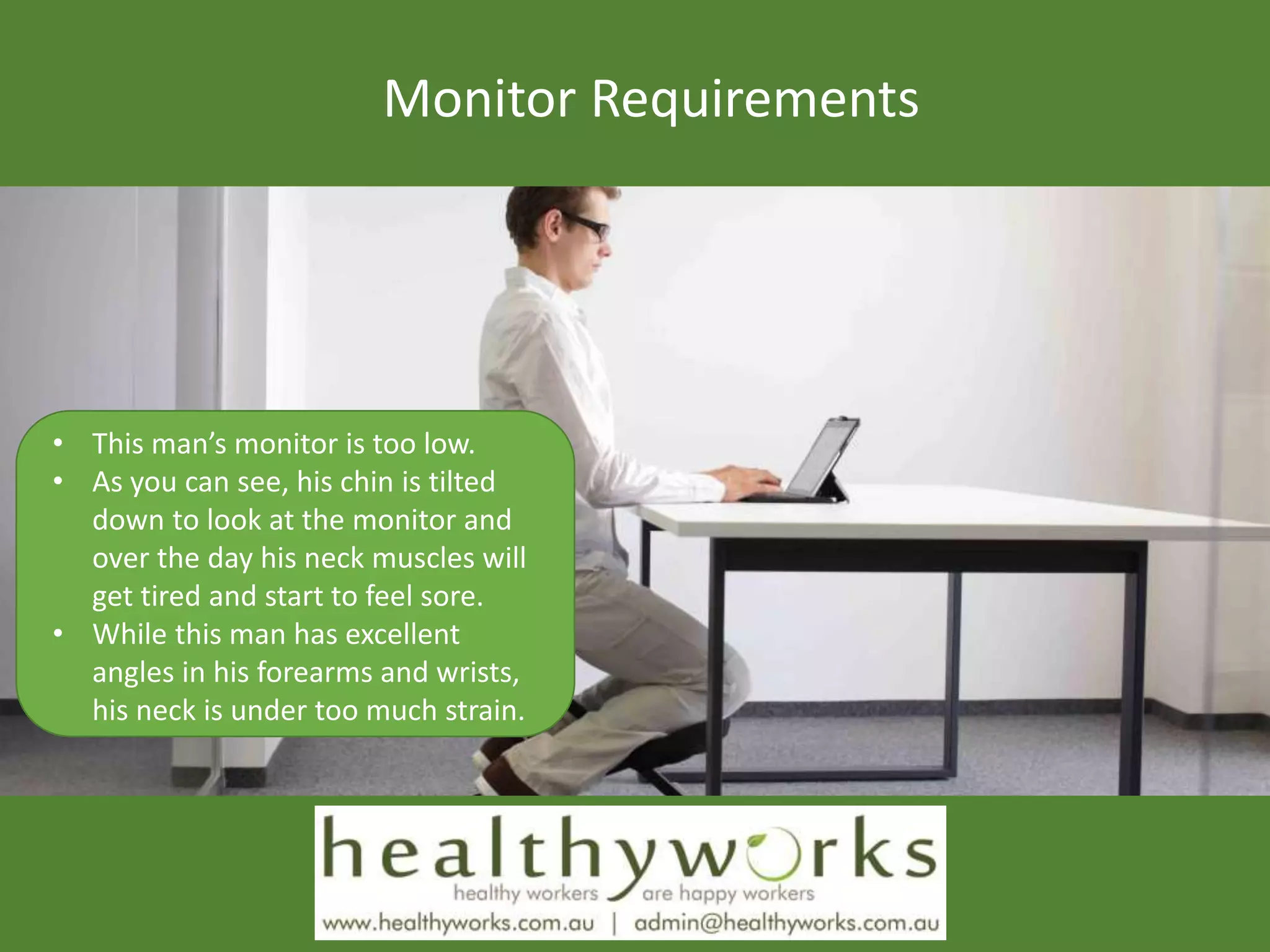
• This man’s monitor is too low.
• As you can see, his chin is tilted
down to look at the monitor and
over the day his neck muscles will
get tired and start to feel sore.
• While this man has excellent
angles in his forearms and wrists,
his neck is under too much strain.
Using a Laptop
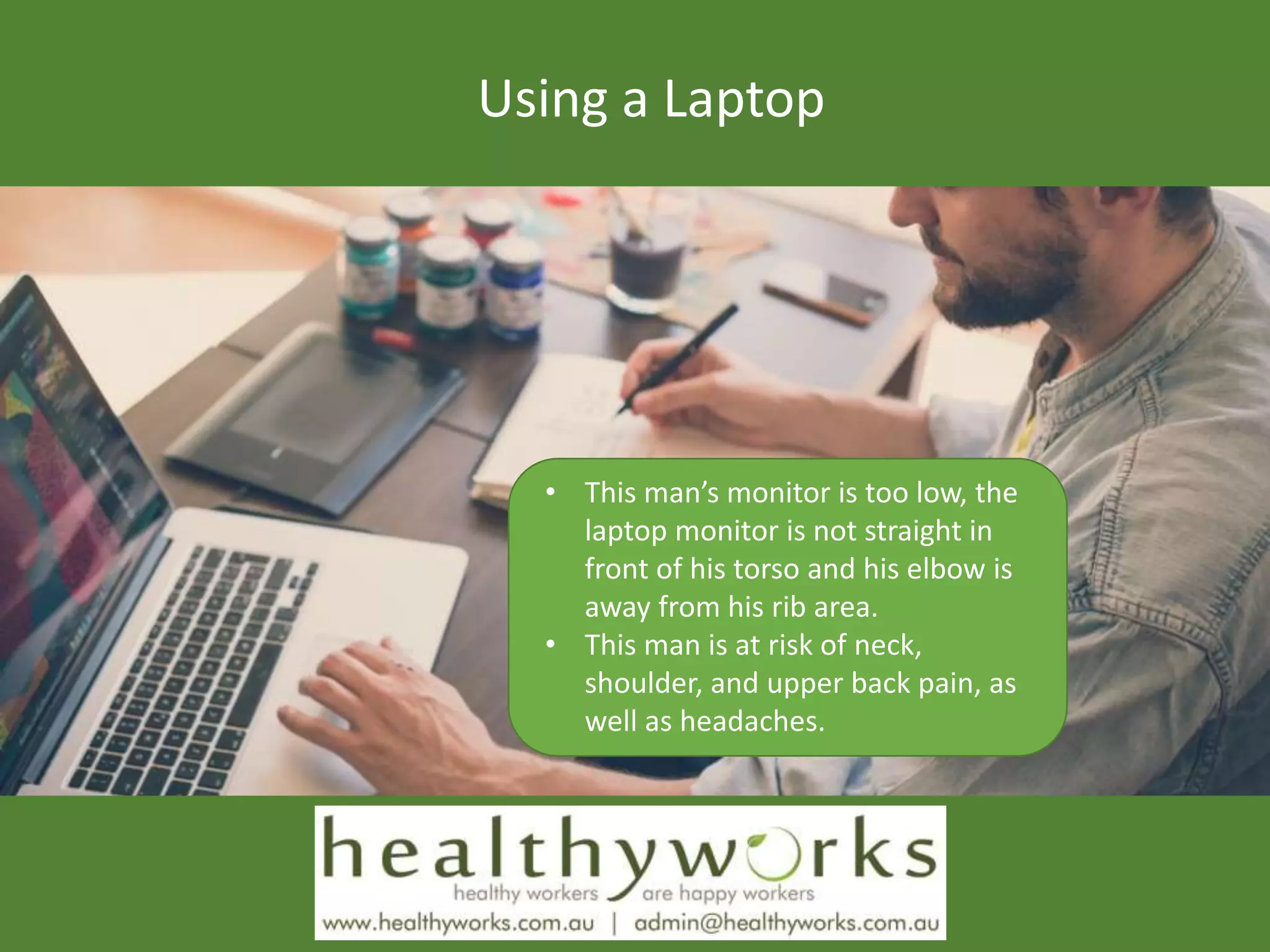
• This man’s monitor is too low, the
laptop monitor is not straight in
front of his torso and his elbow is
away from his rib area.
• This man is at risk of neck,
shoulder, and upper back pain, as
well as headaches.
Environmental Factors
Standing Desk
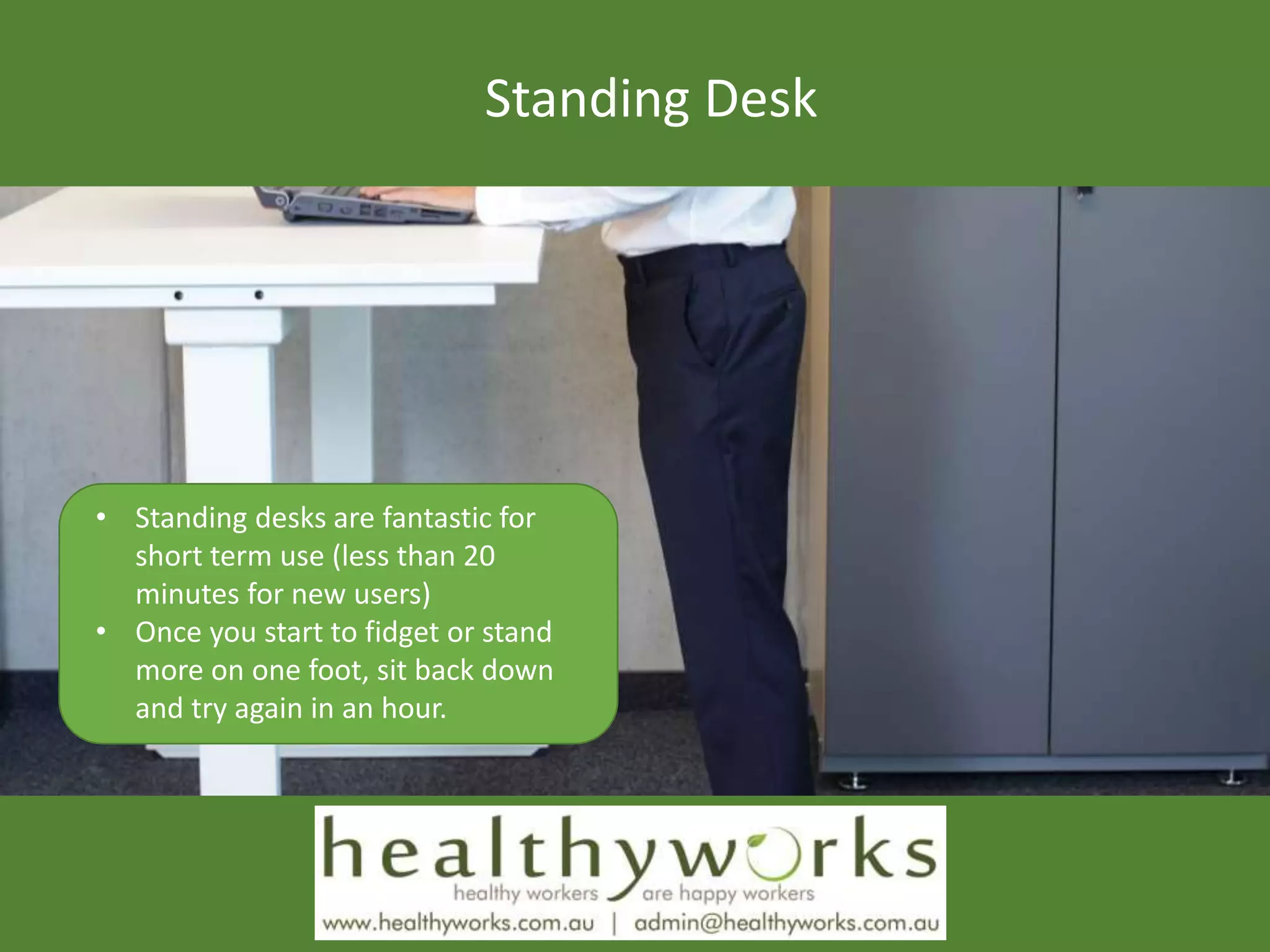
• Standing desks are fantastic for
short term use (less than 20
minutes for new users)
• Once you start to fidget or stand
more on one foot, sit back down
and try again in an hour.
Take a Break
 Mini break:
 Relax your hands, turn your wrists up towards the roof, drop your shoulders, tuck your chin
towards your spine, tilt your pelvic back in to neutral position, uncross your feet, squeeze
your shoulder blades (stretch chest), etc.
 Deep breathing – 5 x diaphragmatic breathing (inhale 2, exhale 4 counts)
 Exercise break:
 Complete 3 stretches – 15 seconds each stretch x 2 – 1.5 minutes in total
 Rest break:
 Do a different task
 Stand up and move from your desk – walk to your colleague instead of emailing/calling
 Eye break:
 Look into the distance
 Blink three times
 Closed eye exercises – move up/down 3 times, move left/right 3 times
Remember…
This information is a guide only and should not
replace professional advice, workplace policies and
procedures, and safety authority advice
Contact an allied health professional or your doctor if
you have a complex injury or health condition, or if
you are experiencing pain.
Do what feels comfortable for your body and report
an injury or concern immediately

How to set up your computer to reduce pain

  • 1.
    Most of usspend 40 hours per week at work
  • 2.
    Most of usspend 6 hours per day sitting still at our desk or chair
  • 3.
  • 4.
    Office Workstation Ergonomics Fit the workstation to your body  Reduce awkward positions  Encourage correct posture  Identify hazards such as excess glare, noise, poor temperature control
  • 5.
    Leg/Feet Position • Everythingthing that you do at your desk starts from the correct chair height and angle • Your chair should be at the right height where your thighs are parallel to the floor and you should be able to reach the ground. • If you can’t reach the ground you need a foot rest (most women need a foot rest)
  • 6.
    Chair Requirements • Yourback needs to be supported when sitting at your desk • Make sure that the majority of your spine is supported against gravity by your chair • If you’re under 5”6 tall be mindful to sit back in your chair and use the back rest. Don’t sit forward in the chair with a gap between you and the chair.
  • 7.
    Head/Neck Position • Thetop of your monitor should be level with your eye height • So if you’re using a laptop on a table, raise the laptop up to eye height and use a separate keyboard and mouse • The monitor should be directly in front of you – you shouldn’t be tilting your chin towards the left or right
  • 8.
    Shoulder Position • Thislady is not using the back rest to support her spine. • Make sure you sit right back in your chair and use a foot rest if you can’t reach the ground • Leaning forward like this for more than 20 minutes places strain on your neck, pelvis, and lower back. • So make use of that back rest.
  • 9.
    Elbow Position • Thisguy is putting his neck and shoulder at risk of pain by having his elbow stretched out away from his torso/ribs. • For writing notes, move your keyboard away from you and write directly in front of your torso • If you’re typing, try and keep elbows tucked in to your rib area to cradle your shoulders.
  • 10.
    Wrist Position • Bemindful of a mouse that is too small like this image. • The hand should be able to be cradled by the mouse, where in this photo the man is holding his fingers up to push the mouse buttons. • Same theory applies with using a laptop mouse or phone. Be aware to have your hand rested, not held up against gravity to push buttons.
  • 11.
    Monitor Requirements • Thisman’s monitor is too low. • As you can see, his chin is tilted down to look at the monitor and over the day his neck muscles will get tired and start to feel sore. • While this man has excellent angles in his forearms and wrists, his neck is under too much strain.
  • 12.
    Using a Laptop •This man’s monitor is too low, the laptop monitor is not straight in front of his torso and his elbow is away from his rib area. • This man is at risk of neck, shoulder, and upper back pain, as well as headaches.
  • 13.
  • 14.
    Standing Desk • Standingdesks are fantastic for short term use (less than 20 minutes for new users) • Once you start to fidget or stand more on one foot, sit back down and try again in an hour.
  • 15.
    Take a Break Mini break:  Relax your hands, turn your wrists up towards the roof, drop your shoulders, tuck your chin towards your spine, tilt your pelvic back in to neutral position, uncross your feet, squeeze your shoulder blades (stretch chest), etc.  Deep breathing – 5 x diaphragmatic breathing (inhale 2, exhale 4 counts)  Exercise break:  Complete 3 stretches – 15 seconds each stretch x 2 – 1.5 minutes in total  Rest break:  Do a different task  Stand up and move from your desk – walk to your colleague instead of emailing/calling  Eye break:  Look into the distance  Blink three times  Closed eye exercises – move up/down 3 times, move left/right 3 times
  • 16.
    Remember… This information isa guide only and should not replace professional advice, workplace policies and procedures, and safety authority advice Contact an allied health professional or your doctor if you have a complex injury or health condition, or if you are experiencing pain. Do what feels comfortable for your body and report an injury or concern immediately