Oct-30, 2015
SAKURA Internet Research Center
Senior Researcher / Naoto MATSUMOTO
Install 100GbE LAN NIC Driver
1) Install Mellanox 100GbE NIC Driver for Linux
# uname -sr
Linux 3.10.0-229.14.1.el7.x86_64
# mount -o ro,loop MLNX_OFED_LINUX-3.1-1.0.3-rhel7.0-x86_64.iso /mnt
# cd /mnt
# yum install python-devel lsof redhat-rpm-config rpm-build libxml2-python gcc gtk2 atk
# yum install kernel kernel-devel kernel-headers gcc-gfortran tcsh libnl cairo tcl tk
# yum install # ./mlnx_add_kernel_support.sh --mlnx_ofed /mnt --make-iso
# cd / ; umount /mnt
# mount -o ro,loop /tmp/MLNX_OFED_LINUX-3.1-1.0.3-rhel7.1-x86_64-ext.iso /mnt/
# cd /mnt
# ./mlnxofedinstall --skip-distro-check
Querying Mellanox devices firmware ...
Device #1:
----------
Device Type: ConnectX4
Part Number: MCX455A-ECA_Ax
Description: ConnectX-4 VPI adapter card; EDR IB (100Gb/s) and 100GbE;
2) Change Link Type from Infiniband to Ethernet
# mst start
# mlxconfig -d /dev/mst/mt4115_pciconf0 set LINK_TYPE_P1=2
*LINK_TYPE_P1 equal 1 (InfiniBand) by default. LINK_TYPE_P1 equal 2 (Ethernet)
# sync; sync; sync; reboot
Source: SAKURA Internet Research Center 10/2015, Project THORN.
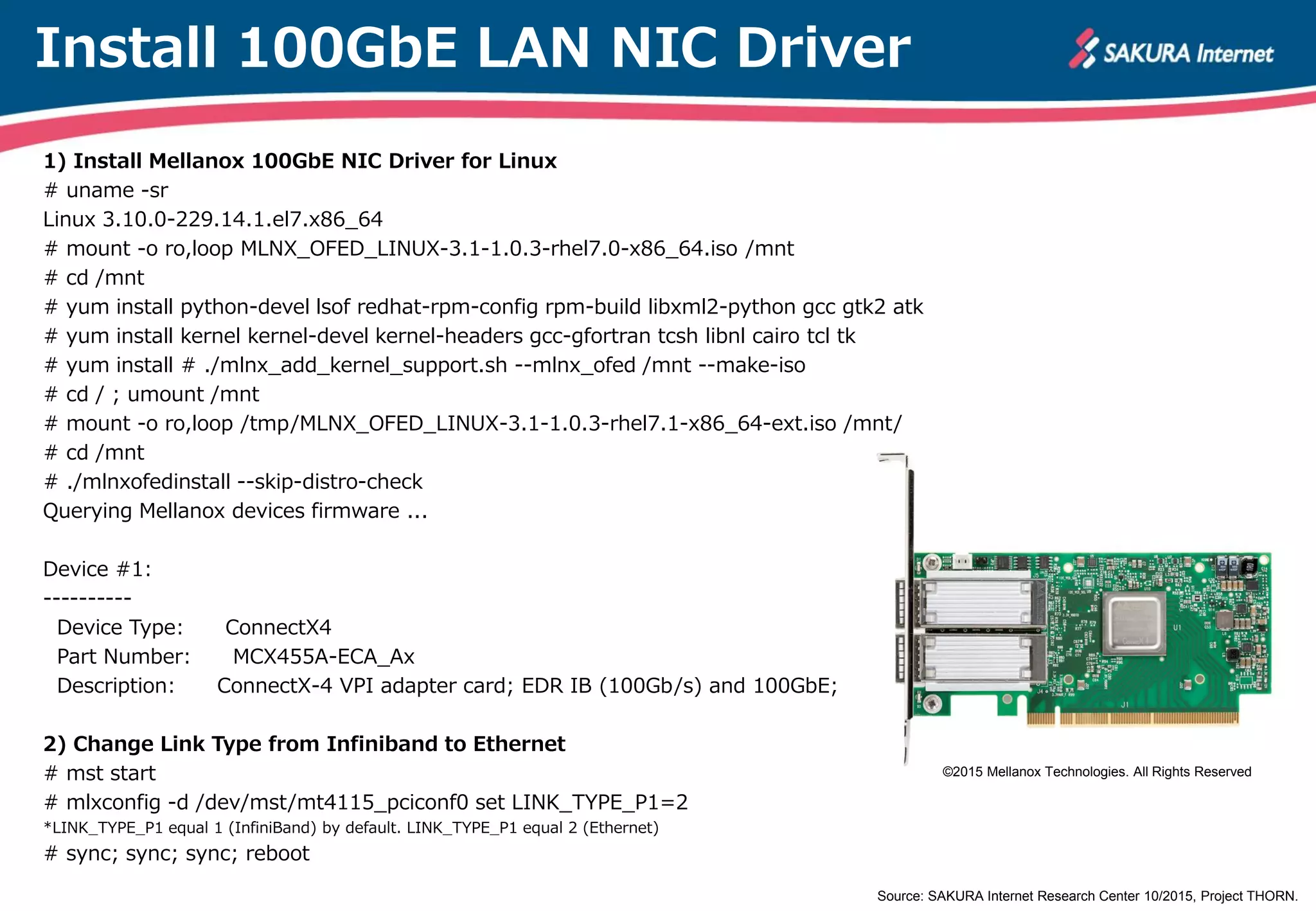
©2015 Mellanox Technologies. All Rights Reserved
100GbE LAN NIC Operation
lspci
# wget ftp://ftp.kernel.org/pub/software/utils/pciutils/pciutils-3.4.0.tar.gz
# tar xzvf ./pciutils-3.4.0.tar.gz
# cd pciutils-3.4.0
# ./update-pciids
# make
# ./lspci -vv
ethtool
# /root/ethtool-4.2/ethtool enp1s0
Settings for enp1s0:
Supported ports: [ FIBRE ]
:
Advertised pause frame use: No
Advertised auto-negotiation: No
Speed: 100000Mb/s
Duplex: Full
Port: Direct Attach Copper
PHYAD: 0
Transceiver: internal
Auto-negotiation: off
Supports Wake-on: d
Wake-on: d
Current message level: 0x00000004 (4)
link
Link detected: yes Source: SAKURA Internet Research Center 10/2013, Project THORN.
©2015 Mellanox Technologies. All Rights Reserved
100GbE LAN NIC Thermal image
Source: SAKURA Internet Research Center 10/2013, Project THORN.
Thanks for your interest.
SAKURA Internet Research Center.
Source: SAKURA Internet Research Center 10/2015, Project THORN.

How to ride a 100GbE LAN -MEMO-

  • 1.
    Oct-30, 2015 SAKURA InternetResearch Center Senior Researcher / Naoto MATSUMOTO
  • 2.
    Install 100GbE LANNIC Driver 1) Install Mellanox 100GbE NIC Driver for Linux # uname -sr Linux 3.10.0-229.14.1.el7.x86_64 # mount -o ro,loop MLNX_OFED_LINUX-3.1-1.0.3-rhel7.0-x86_64.iso /mnt # cd /mnt # yum install python-devel lsof redhat-rpm-config rpm-build libxml2-python gcc gtk2 atk # yum install kernel kernel-devel kernel-headers gcc-gfortran tcsh libnl cairo tcl tk # yum install # ./mlnx_add_kernel_support.sh --mlnx_ofed /mnt --make-iso # cd / ; umount /mnt # mount -o ro,loop /tmp/MLNX_OFED_LINUX-3.1-1.0.3-rhel7.1-x86_64-ext.iso /mnt/ # cd /mnt # ./mlnxofedinstall --skip-distro-check Querying Mellanox devices firmware ... Device #1: ---------- Device Type: ConnectX4 Part Number: MCX455A-ECA_Ax Description: ConnectX-4 VPI adapter card; EDR IB (100Gb/s) and 100GbE; 2) Change Link Type from Infiniband to Ethernet # mst start # mlxconfig -d /dev/mst/mt4115_pciconf0 set LINK_TYPE_P1=2 *LINK_TYPE_P1 equal 1 (InfiniBand) by default. LINK_TYPE_P1 equal 2 (Ethernet) # sync; sync; sync; reboot Source: SAKURA Internet Research Center 10/2015, Project THORN. ©2015 Mellanox Technologies. All Rights Reserved
  • 3.
    100GbE LAN NICOperation lspci # wget ftp://ftp.kernel.org/pub/software/utils/pciutils/pciutils-3.4.0.tar.gz # tar xzvf ./pciutils-3.4.0.tar.gz # cd pciutils-3.4.0 # ./update-pciids # make # ./lspci -vv ethtool # /root/ethtool-4.2/ethtool enp1s0 Settings for enp1s0: Supported ports: [ FIBRE ] : Advertised pause frame use: No Advertised auto-negotiation: No Speed: 100000Mb/s Duplex: Full Port: Direct Attach Copper PHYAD: 0 Transceiver: internal Auto-negotiation: off Supports Wake-on: d Wake-on: d Current message level: 0x00000004 (4) link Link detected: yes Source: SAKURA Internet Research Center 10/2013, Project THORN. ©2015 Mellanox Technologies. All Rights Reserved
  • 4.
    100GbE LAN NICThermal image Source: SAKURA Internet Research Center 10/2013, Project THORN.
  • 5.
    Thanks for yourinterest. SAKURA Internet Research Center. Source: SAKURA Internet Research Center 10/2015, Project THORN.