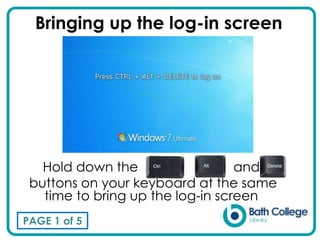
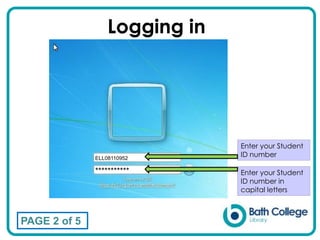
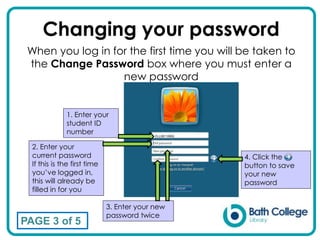
To log in, hold down the Windows and L keys at the same time to bring up the login screen. Enter your student ID number in capital letters. When logging in for the first time, you will be prompted to change your password by entering your student ID, current password, and new password twice. If you forget your password, you can have it reset at the library reception desk or ICT helpdesk on either campus.


![OOW16 - Online Patching with Oracle E-Business Suite 12.2 [CON6710]](https://cdn.slidesharecdn.com/ss_thumbnails/con6710-kevinhudson-online-patching-with-oraclee-businesssuite-122-160930182556-thumbnail.jpg?width=640&height=640&fit=bounds)


