How to create
Powerful
Presentations
Hello!
I am Jobelle Baldemor
I am here because I love to
create presentations.
“Why is
presentation effectiveness
important?
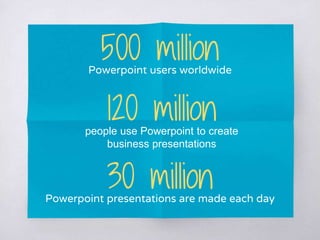
500 millionPowerpoint users worldwide
120 millionpeople use Powerpoint to create
business presentations
30 millionPowerpoint presentations are made each day
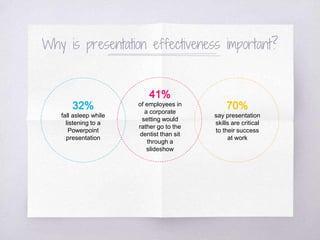
Why is presentation effectiveness important?
41%
of employees in
a corporate
setting would
rather go to the
dentist than sit
through a
slideshow
32%
fall asleep while
listening to a
Powerpoint
presentation
70%
say presentation
skills are critical
to their success
at work
1.
Know your
Audience
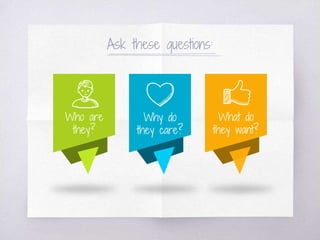
Ask these questions:
Why do
they care?
Who are
they?
What do
they want?
2.
Define your
#Goals
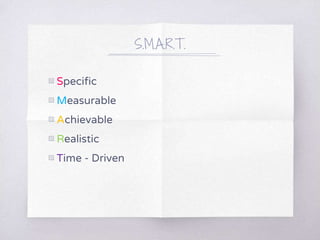
Be S.M.A.R.T.
S.M.A.R.T.
▧ Specific
▧ Measurable
▧ Achievable
▧ Realistic
▧ Time - Driven
3.
Craft a compelling
message
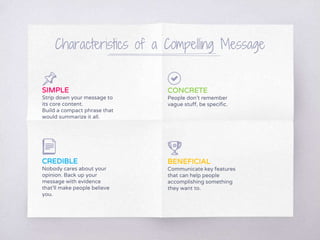
Characteristics of a Compelling Message
SIMPLE
Strip down your message to
its core content.
Build a compact phrase that
would summarize it all.
CONCRETE
People don’t remember
vague stuff, be specific.
CREDIBLE
Nobody cares about your
opinion. Back up your
message with evidence
that’ll make people believe
you.
BENEFICIAL
Communicate key features
that can help people
accomplishing something
they want to.
4.
Create an Outline
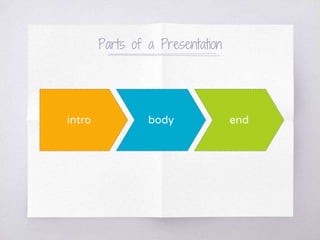
Parts of a Presentation
intro body end
5.
Build a Theme
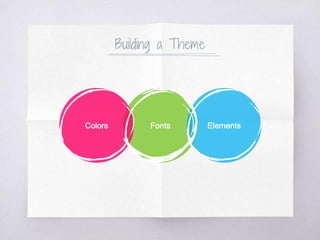
Building a Theme
FontsColors Elements
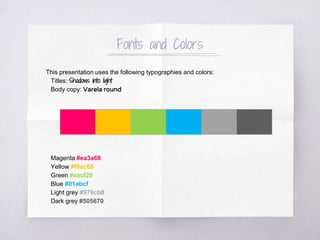
Fonts and Colors
This presentation uses the following typographies and colors:
Titles: Shadows into light
Body copy: Varela round
Magenta #ea3a68
Yellow #f9ac08
Green #aacf20
Blue #01abcf
Light grey #979cb8
Dark grey #505670
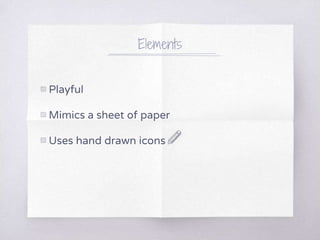
Elements
▧ Playful
▧ Mimics a sheet of paper
▧ Uses hand drawn icons
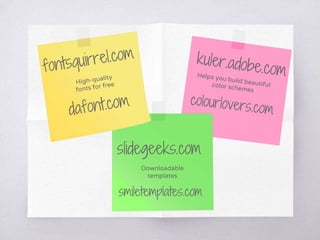
slidegeeks.com
smiletemplates.com
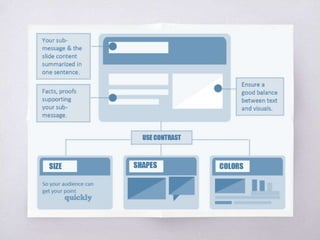
Arrange
Slide Elements
6.
Arranging of Slide Elements
7.
Use Visual
Elements
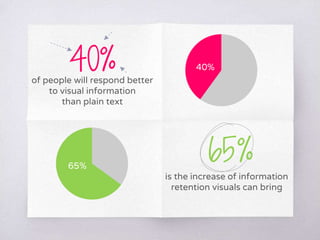
is the increase of information
retention visuals can bring
of people will respond better
to visual information
than plain text
40%
65%
40%
65%
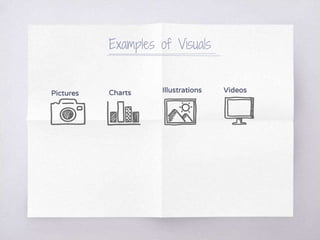
Examples of Visuals
Pictures Charts Illustrations Videos
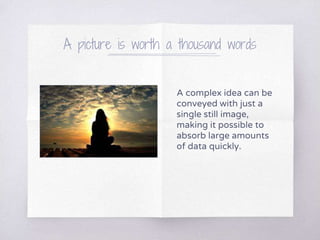
A picture is worth a thousand words
A complex idea can be
conveyed with just a
single still image,
making it possible to
absorb large amounts
of data quickly.
Want BIG impact?
Use a BIG image.
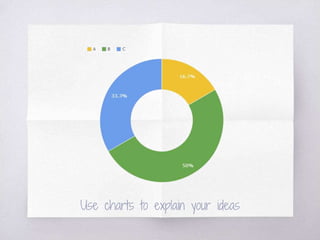
Use charts to explain your ideas
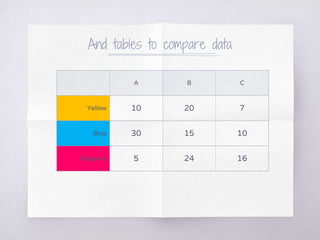
And tables to compare data
A B C
Yellow 10 20 7
Blue 30 15 10
Magenta 5 24 16
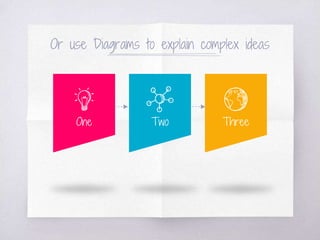
Or use Diagrams to explain complex ideas
One Two Three
“LESS is MORE.
8.
Trigger Em ti ns
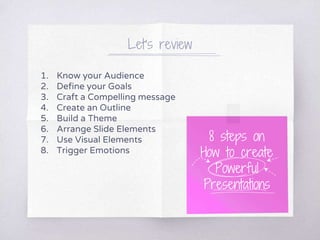
Let’s review
1. Know your Audience
2. Define your Goals
3. Craft a Compelling message
4. Create an Outline
5. Build a Theme
6. Arrange Slide Elements
7. Use Visual Elements
8. Trigger Emotions
8 steps on
How to create
Powerful
Presentations
Thanks!
Any questions?
© 2017 Creatives Section
Corporate Communications Department

How to Create Powerful Presentation

Editor's Notes

  • #7 First things first.
  • #11 Set up a SMART set of goals. Example: Specific – I want to double (product) sales. Measurable – I want to double sales by the end of the year. Achievable – I want to show 5 product benefits that aren’t offered by our competitors Realistic – I want to discuss about 5 features not 30 Time driven – I want to grow my sales by 50% in the first 6mos.
  • #12 Compelling- evoking interest, attention, or admiration in a powerfully irresistible way. Tailor fit your message to your audience according to their needs and to your goals
  • #14 Create a structure that clearly articulates your core message, sub message and facts/evidences
  • #15 Intro – what its all about and why people should care Body – core message + key sub-messages backed up with relevant facts End – call to action; be specific about what you want people to do (buy your products, make a decision, etc.)
  • #17 Pick colors, font, elements that are relevant to you, your company or your brand
  • #20 Pick colors, font, elements that are relevant to you, your company or your brand
  • #21 Use a clean lay-out to convey your message and minimize the comprehension time of your audience
  • #23 Ensure good balance between texts and visuals
  • #34 Manage the impact of your presentation by curating the emotional journey for your audience during your presentation. Make your audience feel happy, sad, successful, surprised or even raged. Your audience will still rely on their own emotional cues to relate to you and your message.