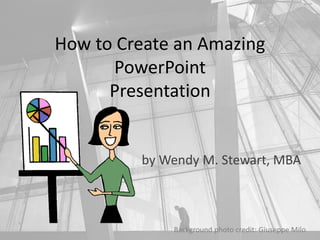
How to Create an Amazing
PowerPoint
Presentation
by Wendy M. Stewart, MBA
Background photo credit: Giuseppe Milo
What inspires you?
Background photo credit: Giuseppe Milo
Create a 10 – 15 minute TED Talk style
PowerPoint on something that inspires you!
Background photo credit: Giuseppe Milo
Choose a basic design…
Background photo credit: Giuseppe Milo
…and alter it.
Background photo credit: Giuseppe Milo
First…
Background photo credit: Giuseppe Milo
Select a copyright-free photograph for the
background:
Background photo credit: Giuseppe Milo
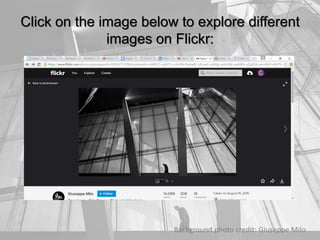
Click on the image below to explore different
images on Flickr:
Background photo credit: Giuseppe Milo
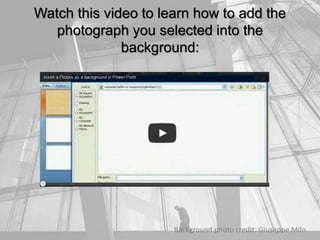
Watch this video to learn how to add the
photograph you selected into the
background:
Background photo credit: Giuseppe Milo
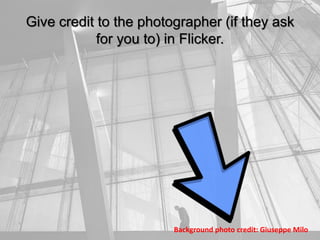
Give credit to the photographer (if they ask
for you to) in Flicker.
Background photo credit: Giuseppe Milo
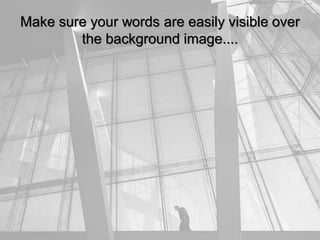
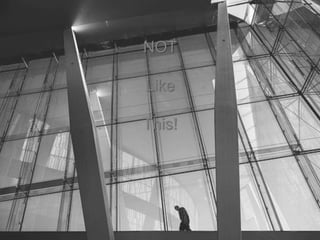
Make sure your words are easily visible over
the background image....
NOT
Like
This!
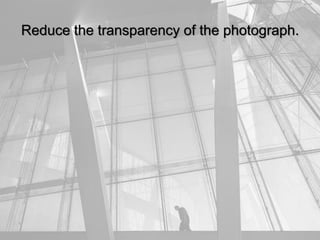
Reduce the transparency of the photograph.
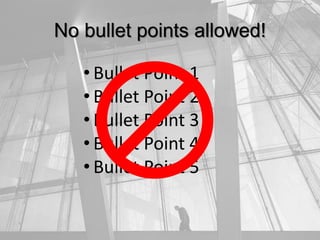
No bullet points allowed!
• Bullet Point 1
• Bullet Point 2
• Bullet Point 3
• Bullet Point 4
• Bullet Point 5
Use SmartArt instead!
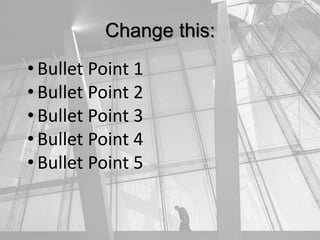
Change this:
• Bullet Point 1
• Bullet Point 2
• Bullet Point 3
• Bullet Point 4
• Bullet Point 5
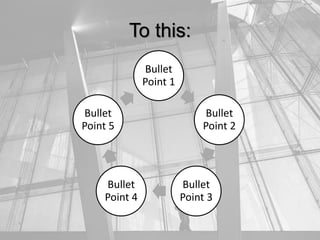
To this:
Bullet
Point 1
Bullet
Point 2
Bullet
Point 3
Bullet
Point 4
Bullet
Point 5
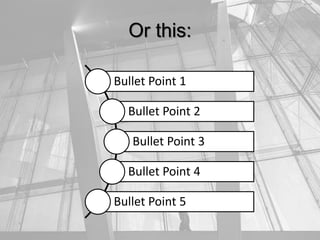
Or this:
Bullet Point 1
Bullet Point 2
Bullet Point 3
Bullet Point 4
Bullet Point 5
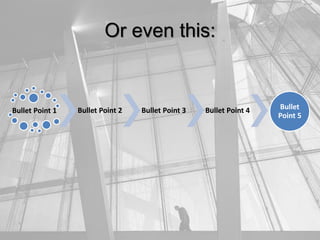
Bullet Point 1 Bullet Point 2 Bullet Point 3 Bullet Point 4 Bullet
Point 5
Or even this:
With the click of a button!
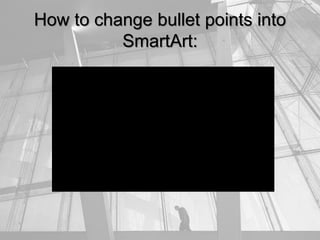
How to change bullet points into
SmartArt:
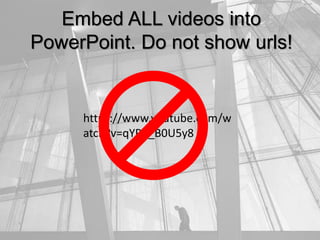
Embed ALL videos into
PowerPoint. Do not show urls!
https://www.youtube.com/w
atch?v=qYPB_B0U5y8
Here’s How:
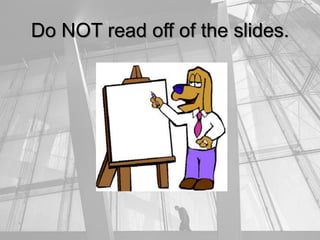
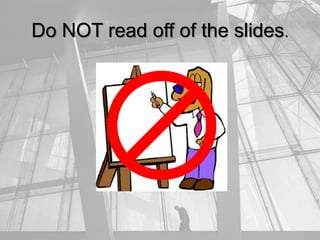
Do NOT read off of the slides.
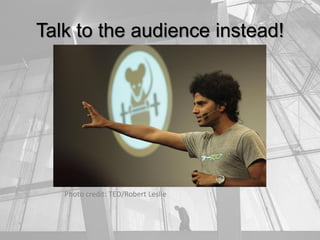
Talk to the audience instead!
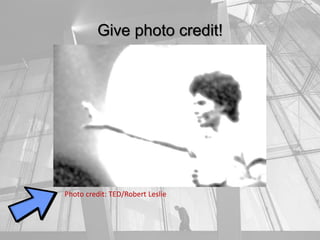
Photo credit: TED/Robert Leslie
Give photo credit!
Photo credit: TED/Robert Leslie
Make it like a TED TALK:
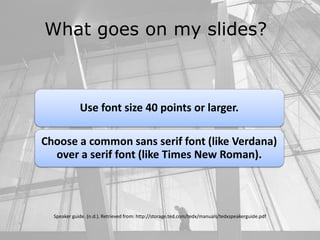
What goes on my slides?
Speaker guide. (n.d.). Retrieved from: http://storage.ted.com/tedx/manuals/tedxspeakerguide.pdf
Use images or photos to enhance your presentation
What goes on my slides?
Speaker guide. (n.d.). Retrieved from: http://storage.ted.com/tedx/manuals/tedxspeakerguide.pdf
Use font size 40 points or larger.
Choose a common sans serif font (like Verdana)
over a serif font (like Times New Roman).
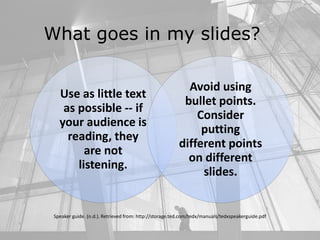
What goes in my slides?
Use as little text
as possible -- if
your audience is
reading, they
are not
listening.
Avoid using
bullet points.
Consider
putting
different points
on different
slides.
Speaker guide. (n.d.). Retrieved from: http://storage.ted.com/tedx/manuals/tedxspeakerguide.pdf
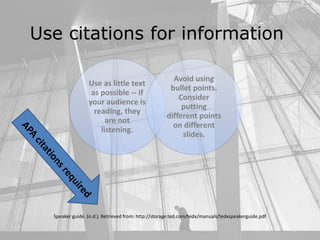
Use citations for information
Use as little text
as possible -- if
your audience is
reading, they
are not
listening.
Avoid using
bullet points.
Consider
putting
different points
on different
slides.
Speaker guide. (n.d.). Retrieved from: http://storage.ted.com/tedx/manuals/tedxspeakerguide.pdf
Background photo credit: Giuseppe Milo
Refer to the rubric for
grading information
Click here
for a link
to the
rubric
Background photo credit: Giuseppe Milo
The end…
Any questions?

How to Create an Amazing PowerPoint Presentation

  • 1.
    How to Createan Amazing PowerPoint Presentation by Wendy M. Stewart, MBA Background photo credit: Giuseppe Milo
  • 2.
    What inspires you? Backgroundphoto credit: Giuseppe Milo
  • 3.
    Create a 10– 15 minute TED Talk style PowerPoint on something that inspires you! Background photo credit: Giuseppe Milo
  • 4.
    Choose a basicdesign… Background photo credit: Giuseppe Milo
  • 5.
    …and alter it. Backgroundphoto credit: Giuseppe Milo
  • 6.
  • 7.
    Select a copyright-freephotograph for the background: Background photo credit: Giuseppe Milo
  • 8.
    Click on theimage below to explore different images on Flickr: Background photo credit: Giuseppe Milo
  • 9.
    Watch this videoto learn how to add the photograph you selected into the background: Background photo credit: Giuseppe Milo
  • 10.
    Give credit tothe photographer (if they ask for you to) in Flicker. Background photo credit: Giuseppe Milo
  • 11.
    Make sure yourwords are easily visible over the background image....
  • 12.
  • 13.
    Reduce the transparencyof the photograph.
  • 14.
    No bullet pointsallowed! • Bullet Point 1 • Bullet Point 2 • Bullet Point 3 • Bullet Point 4 • Bullet Point 5
  • 15.
  • 16.
    Change this: • BulletPoint 1 • Bullet Point 2 • Bullet Point 3 • Bullet Point 4 • Bullet Point 5
  • 17.
    To this: Bullet Point 1 Bullet Point2 Bullet Point 3 Bullet Point 4 Bullet Point 5
  • 18.
    Or this: Bullet Point1 Bullet Point 2 Bullet Point 3 Bullet Point 4 Bullet Point 5
  • 19.
    Bullet Point 1Bullet Point 2 Bullet Point 3 Bullet Point 4 Bullet Point 5 Or even this:
  • 20.
    With the clickof a button!
  • 21.
    How to changebullet points into SmartArt:
  • 22.
    Embed ALL videosinto PowerPoint. Do not show urls! https://www.youtube.com/w atch?v=qYPB_B0U5y8
  • 23.
  • 24.
    Do NOT readoff of the slides.
  • 25.
    Do NOT readoff of the slides.
  • 26.
    Talk to theaudience instead! Photo credit: TED/Robert Leslie
  • 27.
    Give photo credit! Photocredit: TED/Robert Leslie
  • 28.
    Make it likea TED TALK:
  • 29.
    What goes onmy slides? Speaker guide. (n.d.). Retrieved from: http://storage.ted.com/tedx/manuals/tedxspeakerguide.pdf
  • 30.
    Speaker guide. (n.d.).Retrieved from: http://storage.ted.com/tedx/manuals/tedxspeakerguide.pdf Use images or photos to enhance your presentation
  • 31.
    What goes onmy slides? Speaker guide. (n.d.). Retrieved from: http://storage.ted.com/tedx/manuals/tedxspeakerguide.pdf Use font size 40 points or larger. Choose a common sans serif font (like Verdana) over a serif font (like Times New Roman).
  • 32.
    What goes inmy slides? Use as little text as possible -- if your audience is reading, they are not listening. Avoid using bullet points. Consider putting different points on different slides. Speaker guide. (n.d.). Retrieved from: http://storage.ted.com/tedx/manuals/tedxspeakerguide.pdf
  • 33.
    Use citations forinformation Use as little text as possible -- if your audience is reading, they are not listening. Avoid using bullet points. Consider putting different points on different slides. Speaker guide. (n.d.). Retrieved from: http://storage.ted.com/tedx/manuals/tedxspeakerguide.pdf
  • 34.
    Background photo credit:Giuseppe Milo Refer to the rubric for grading information Click here for a link to the rubric
  • 35.
    Background photo credit:Giuseppe Milo The end… Any questions?