www.cybrosys.com
How to Configure Shipping in
Odoo14 Website
INTRODUCTION
❖ Odoo can handle various delivery methods, but it is not activated by default.
❖ Delivery method can be used for your sale orders, your deliveries and also on your
eCommerce.
❖ Delivery methods allow you to manage the transport company, the price and the
destination .
❖ You can even integrate Odoo with external shippers to compute the real price and the
packagings.
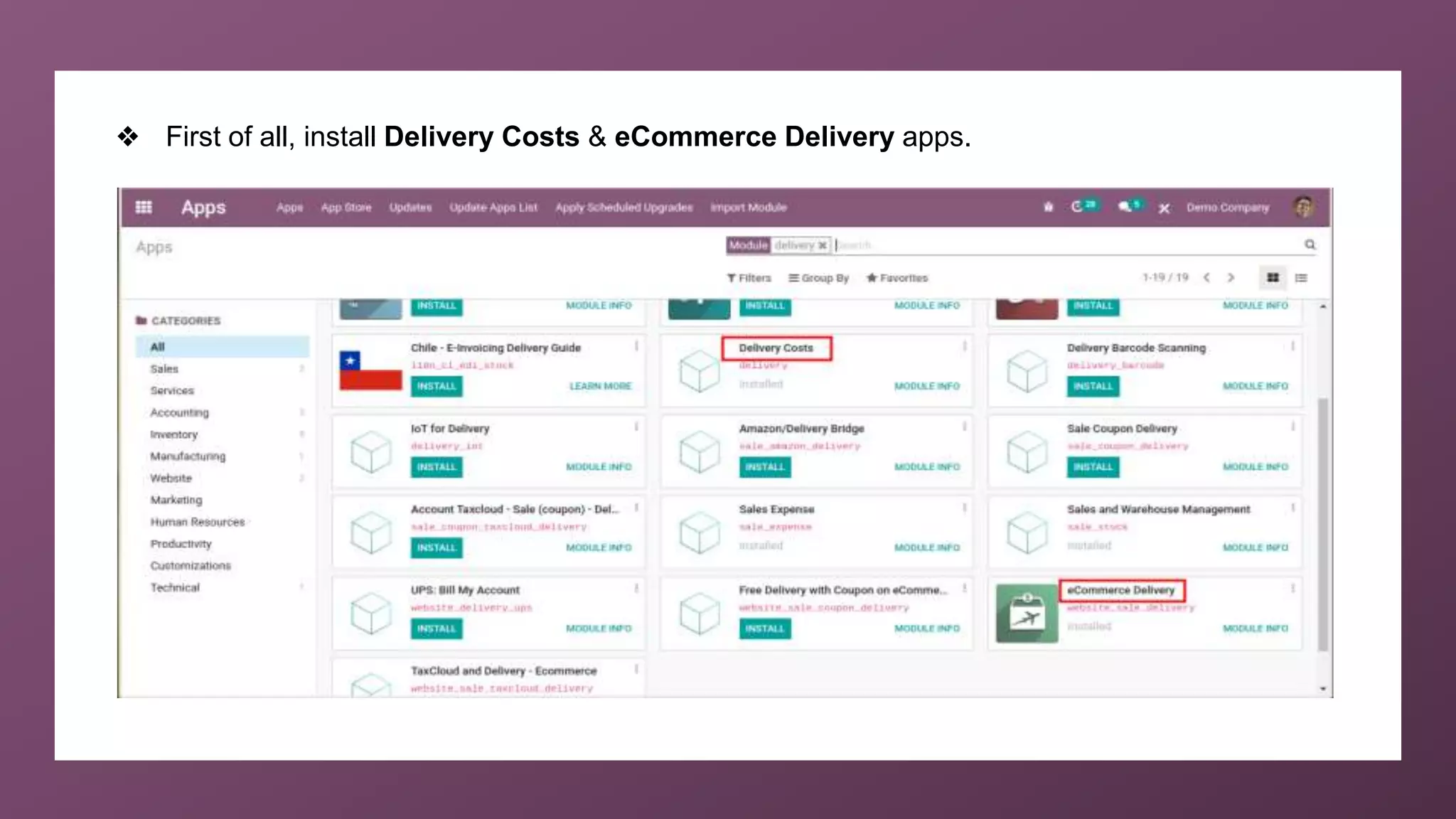
❖ First of all, install Delivery Costs & eCommerce Delivery apps.
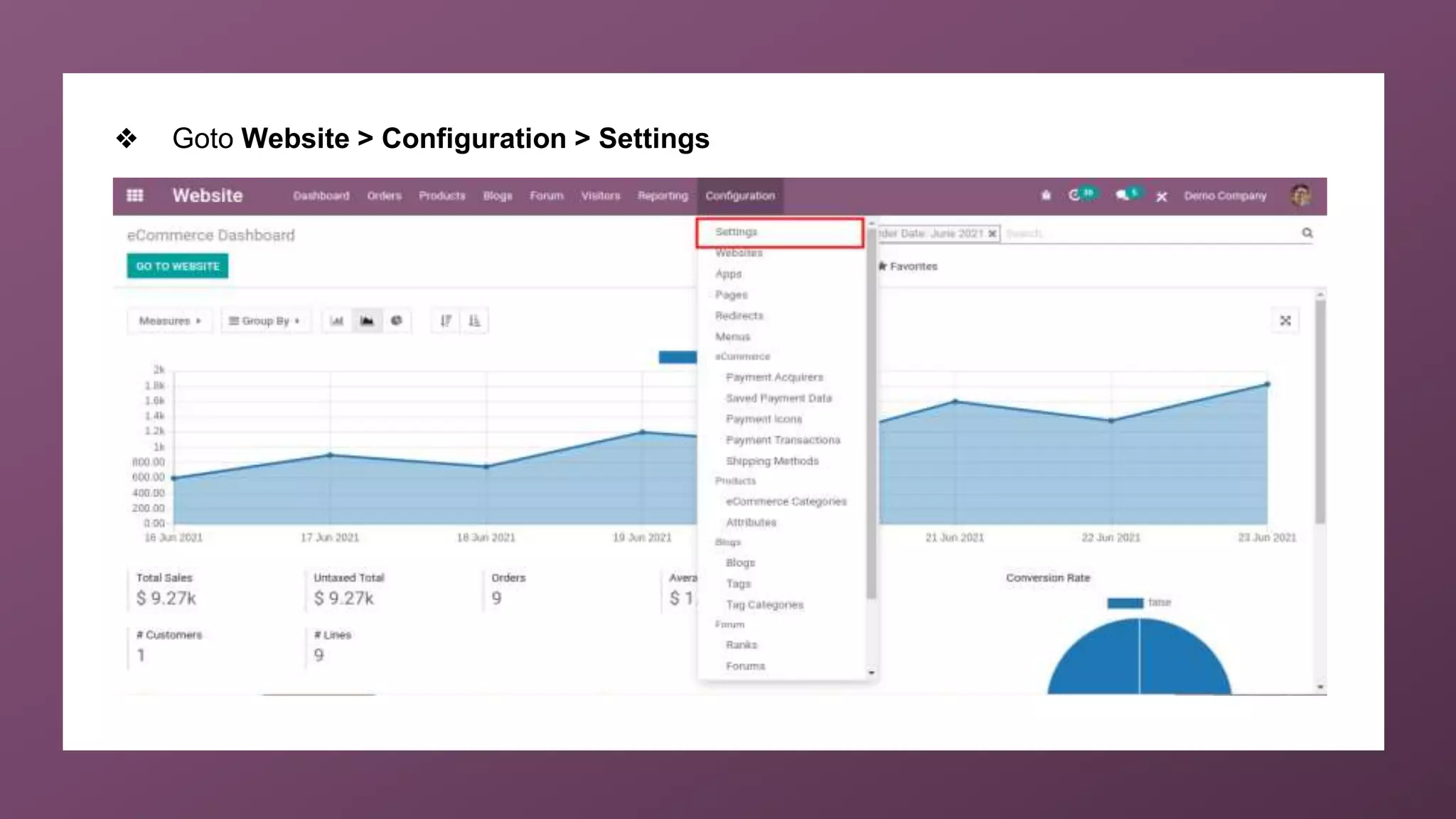
❖ Goto Website > Configuration > Settings
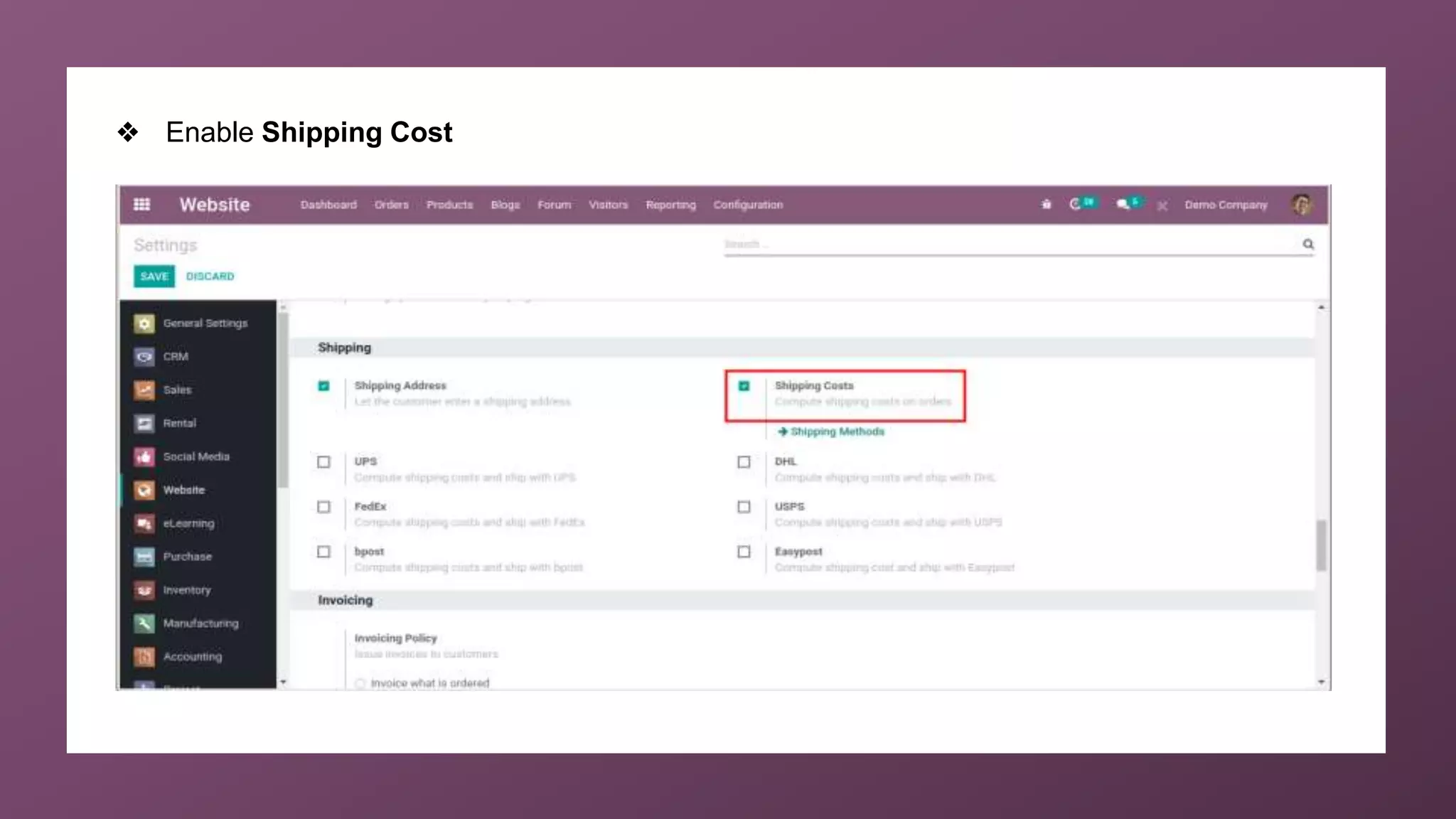
❖ Enable Shipping Cost
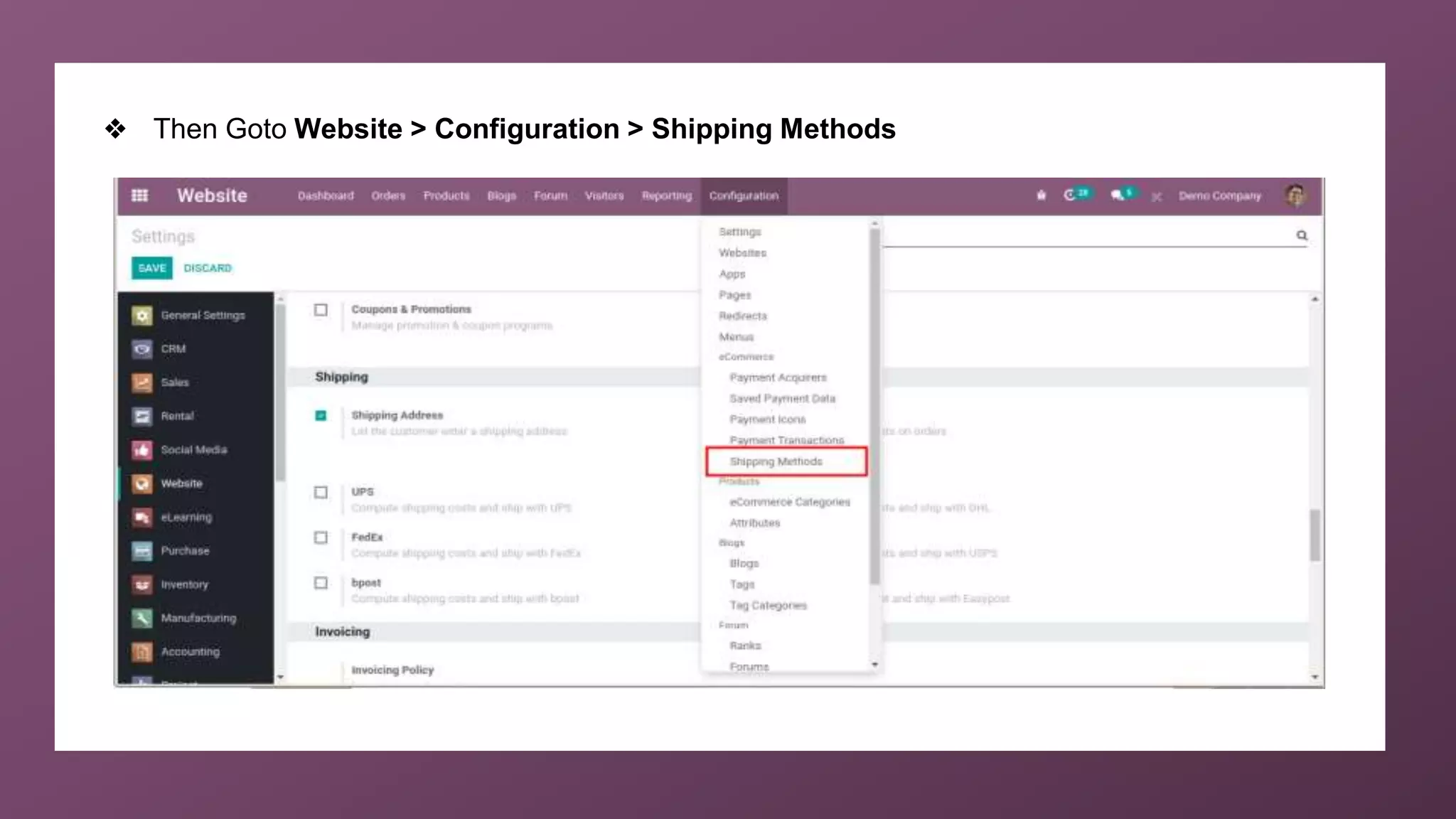
❖ Then Goto Website > Configuration > Shipping Methods
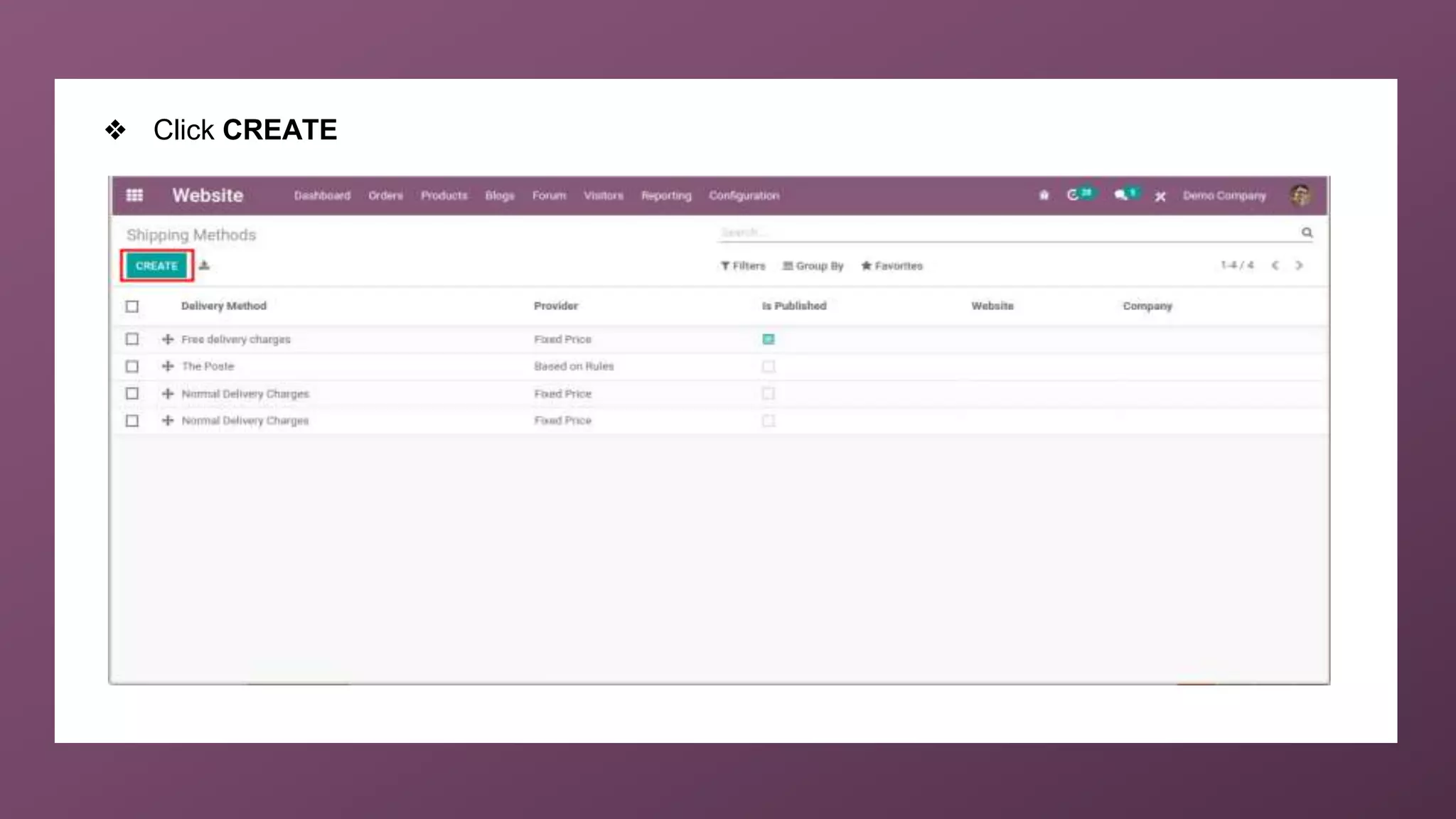
❖ Click CREATE
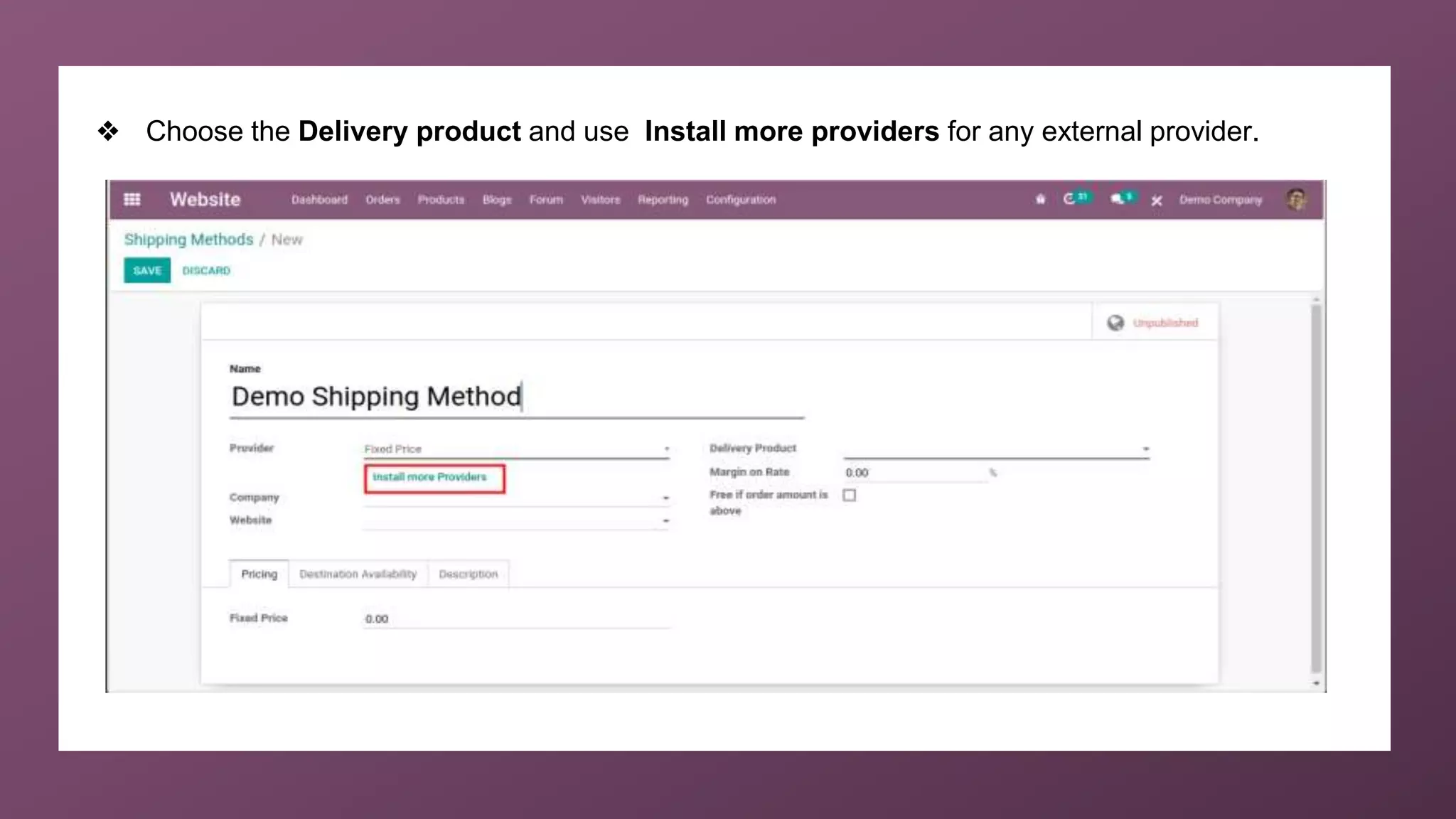
❖ Choose the Delivery product and use Install more providers for any external provider.
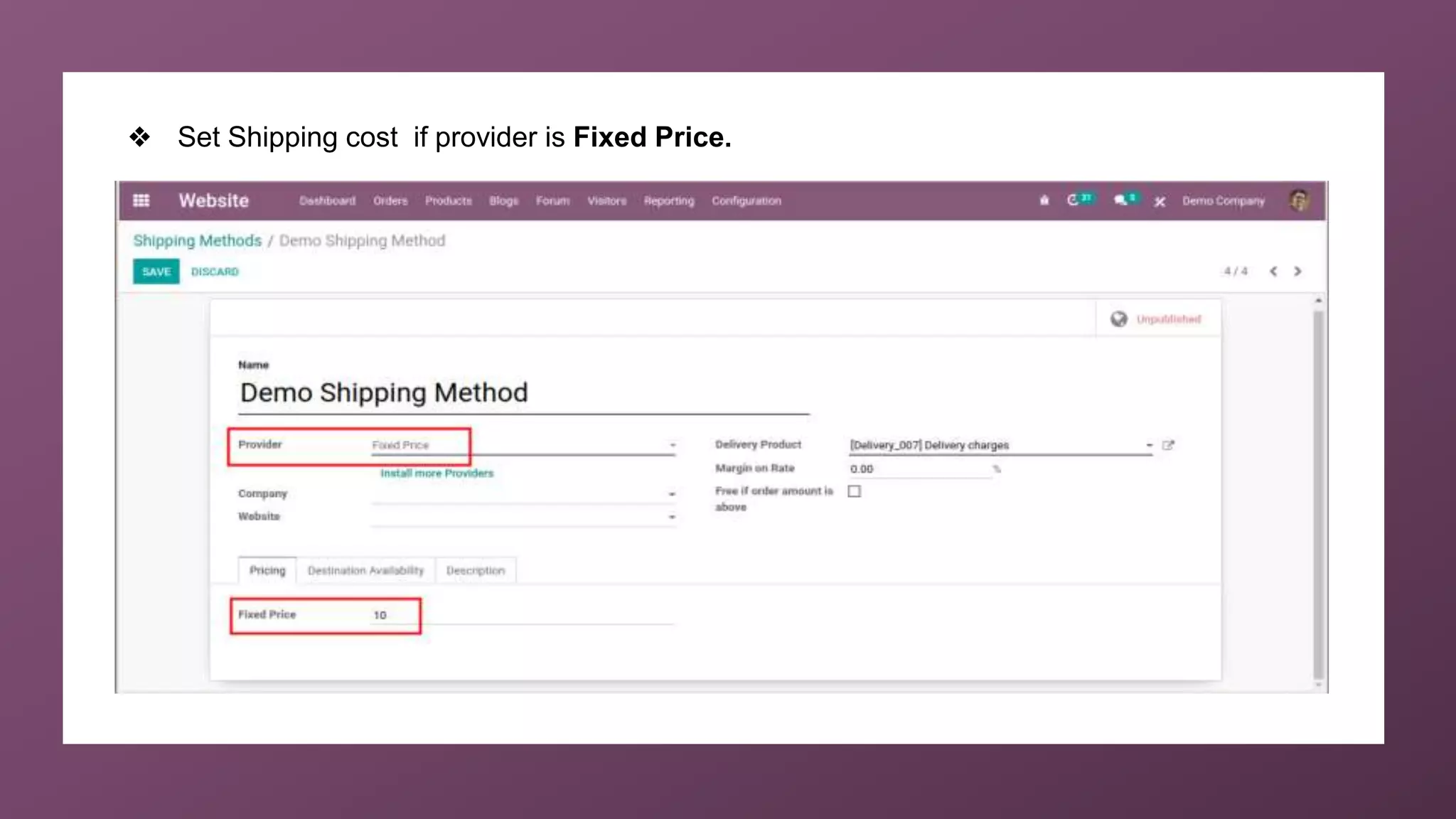
❖ Set Shipping cost if provider is Fixed Price.
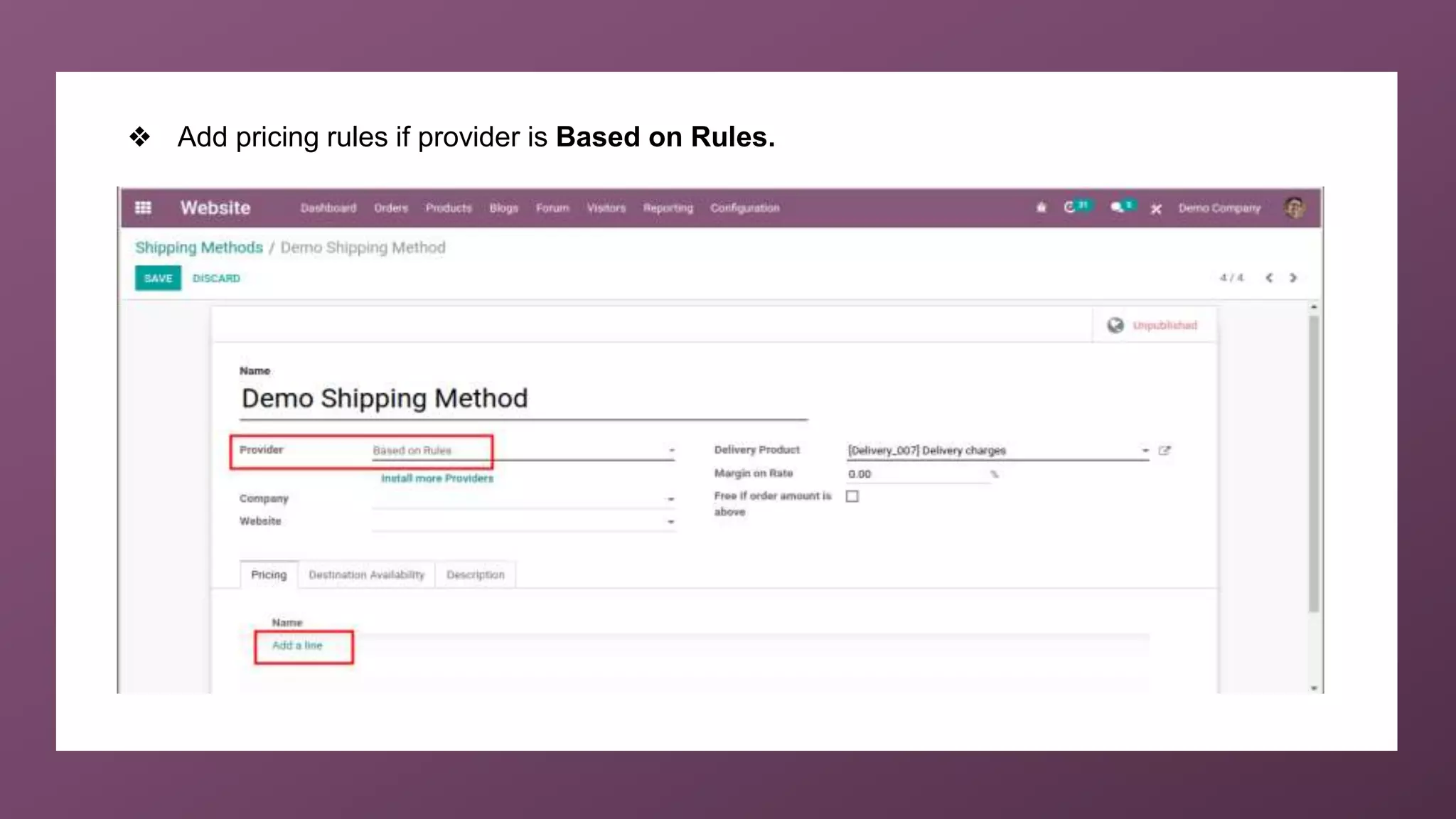
❖ Add pricing rules if provider is Based on Rules.
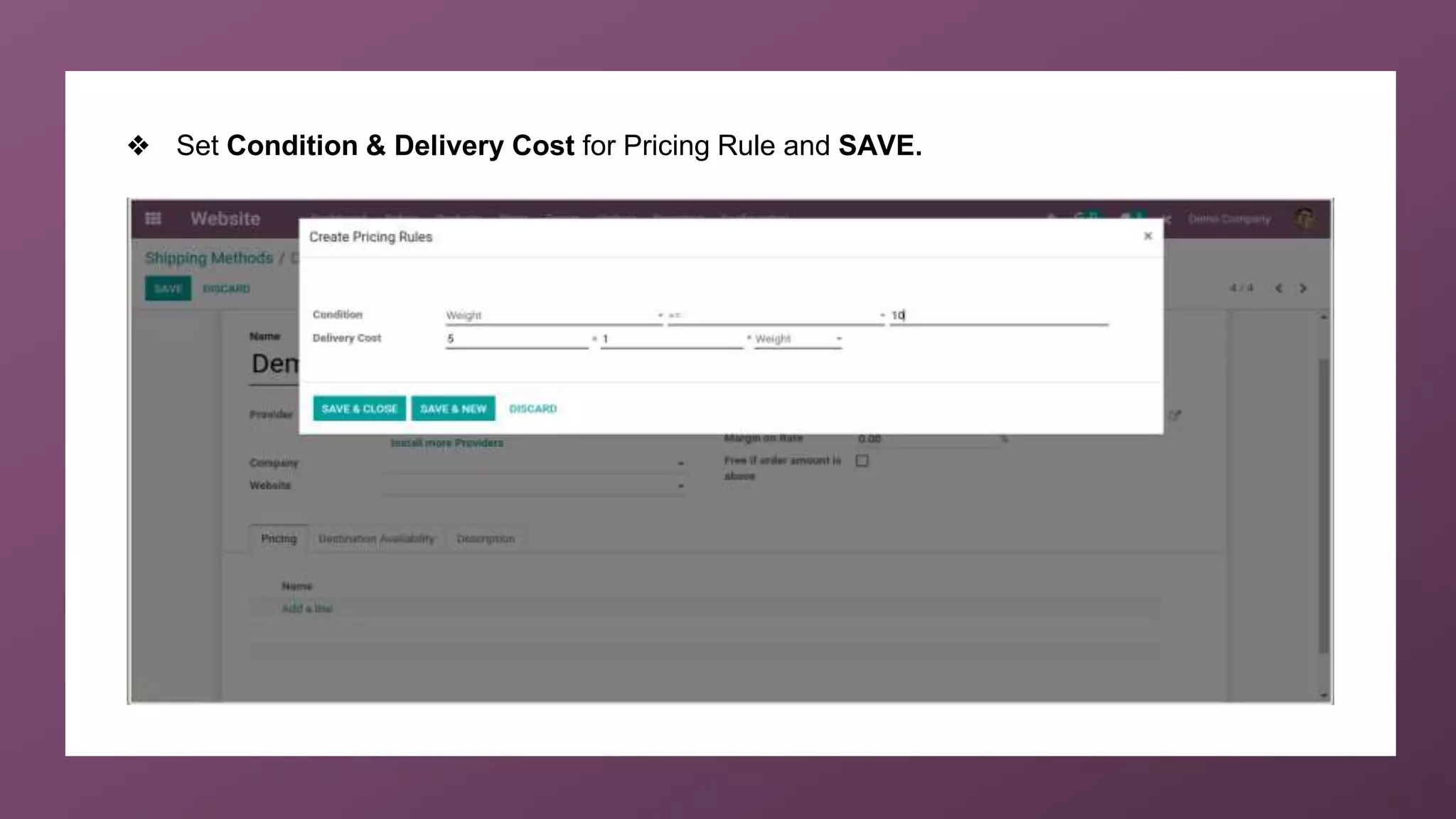
❖ Set Condition & Delivery Cost for Pricing Rule and SAVE.
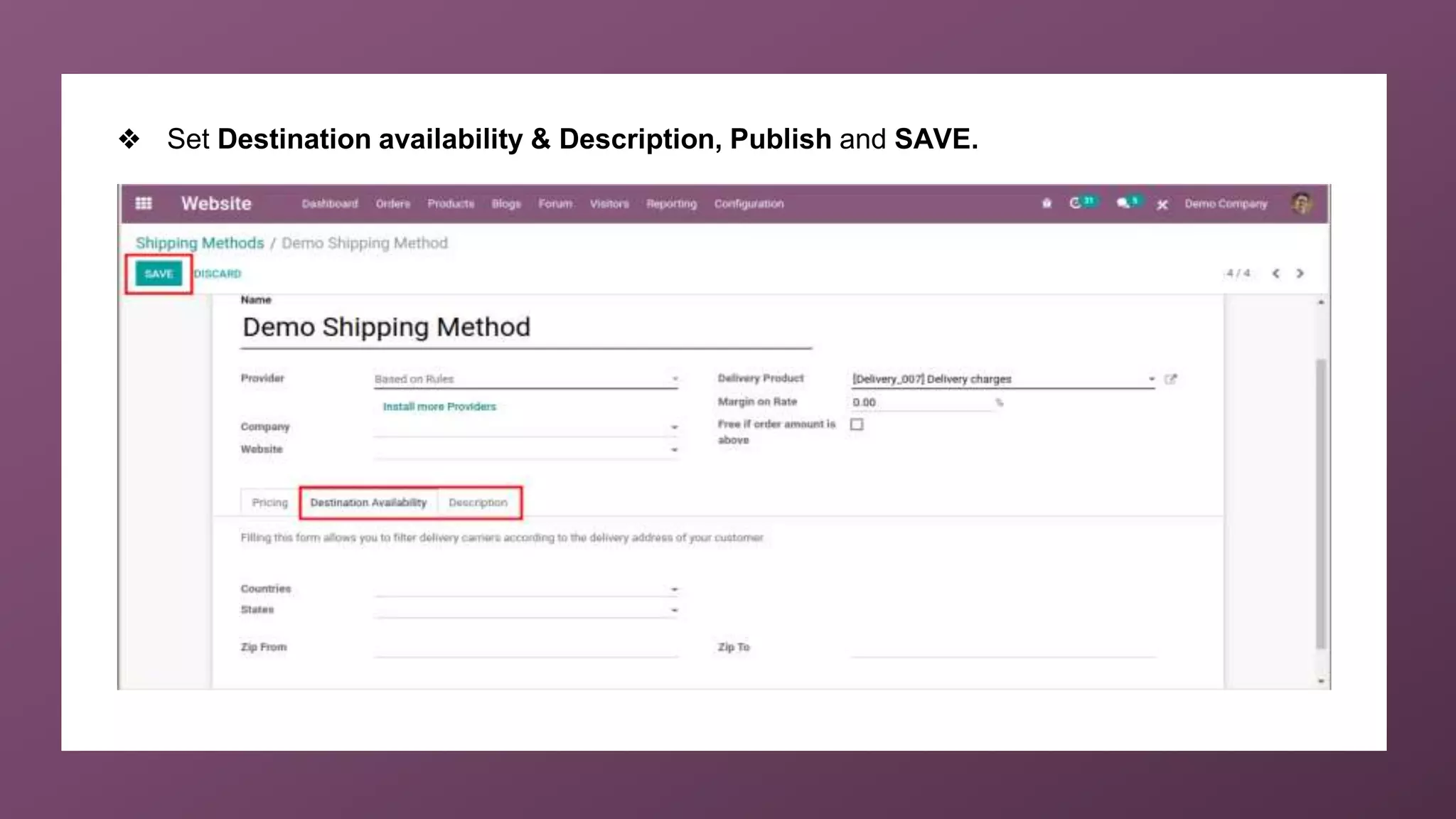
❖ Set Destination availability & Description, Publish and SAVE.
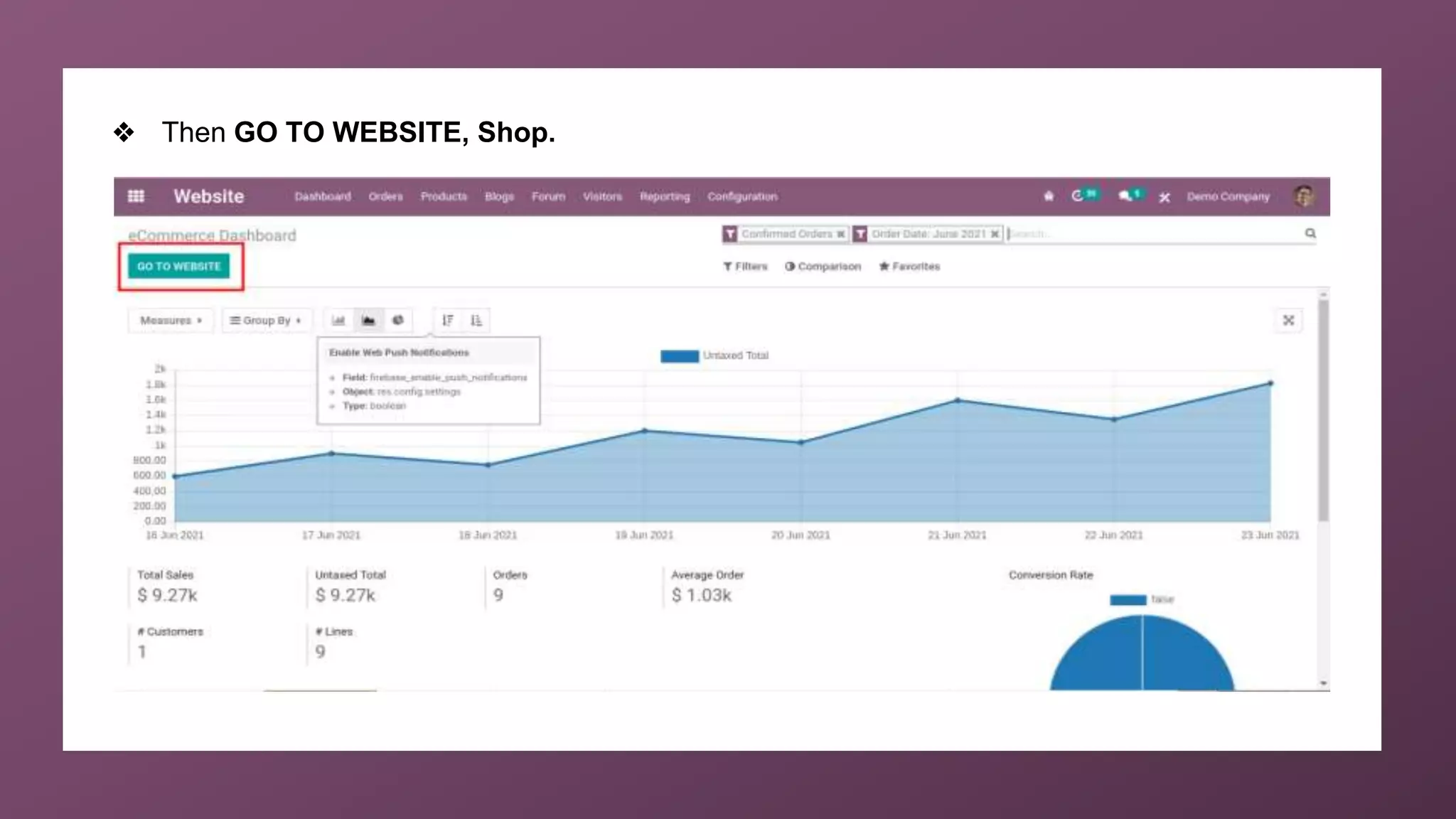
❖ Then GO TO WEBSITE, Shop.
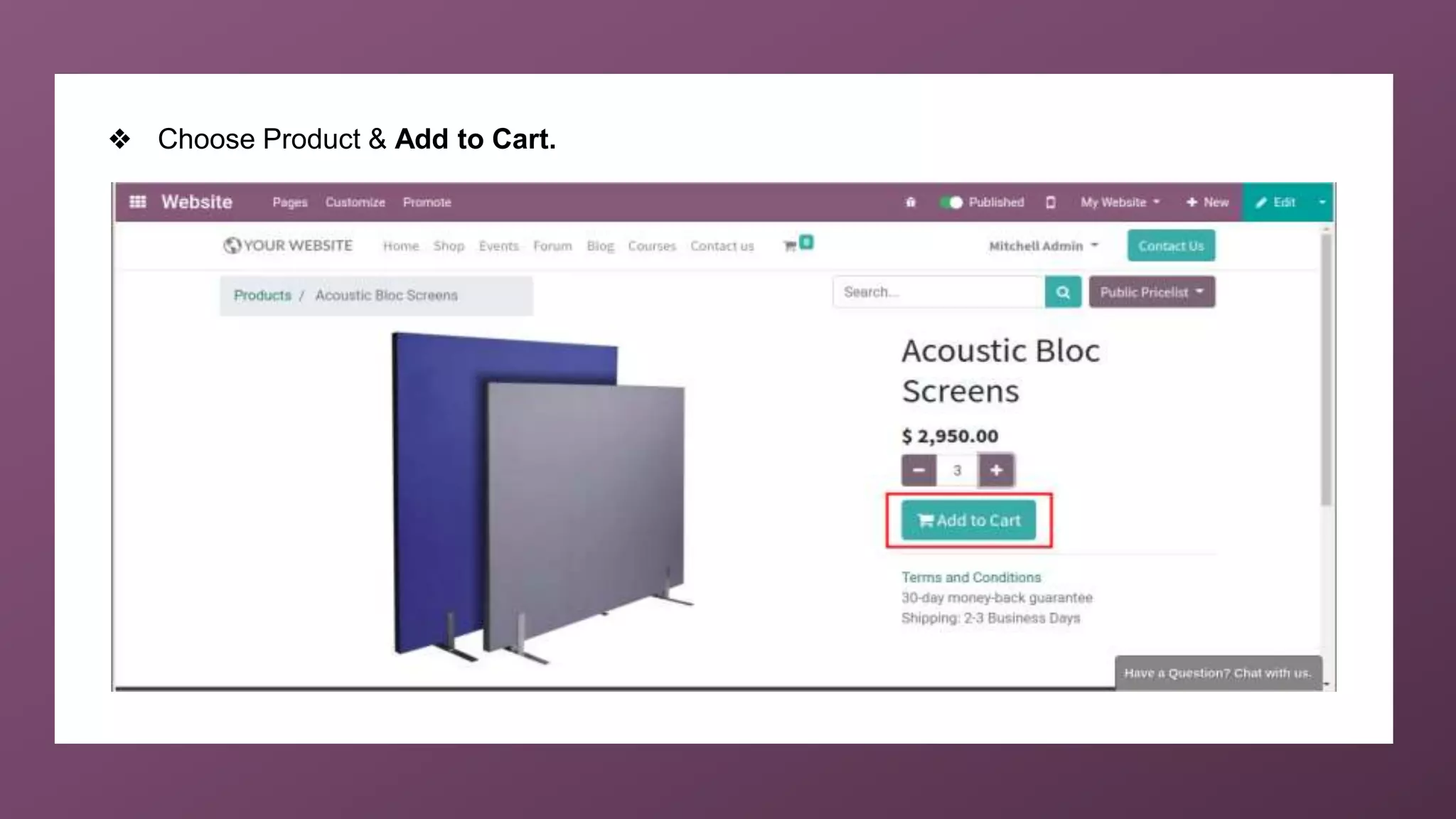
❖ Choose Product & Add to Cart.
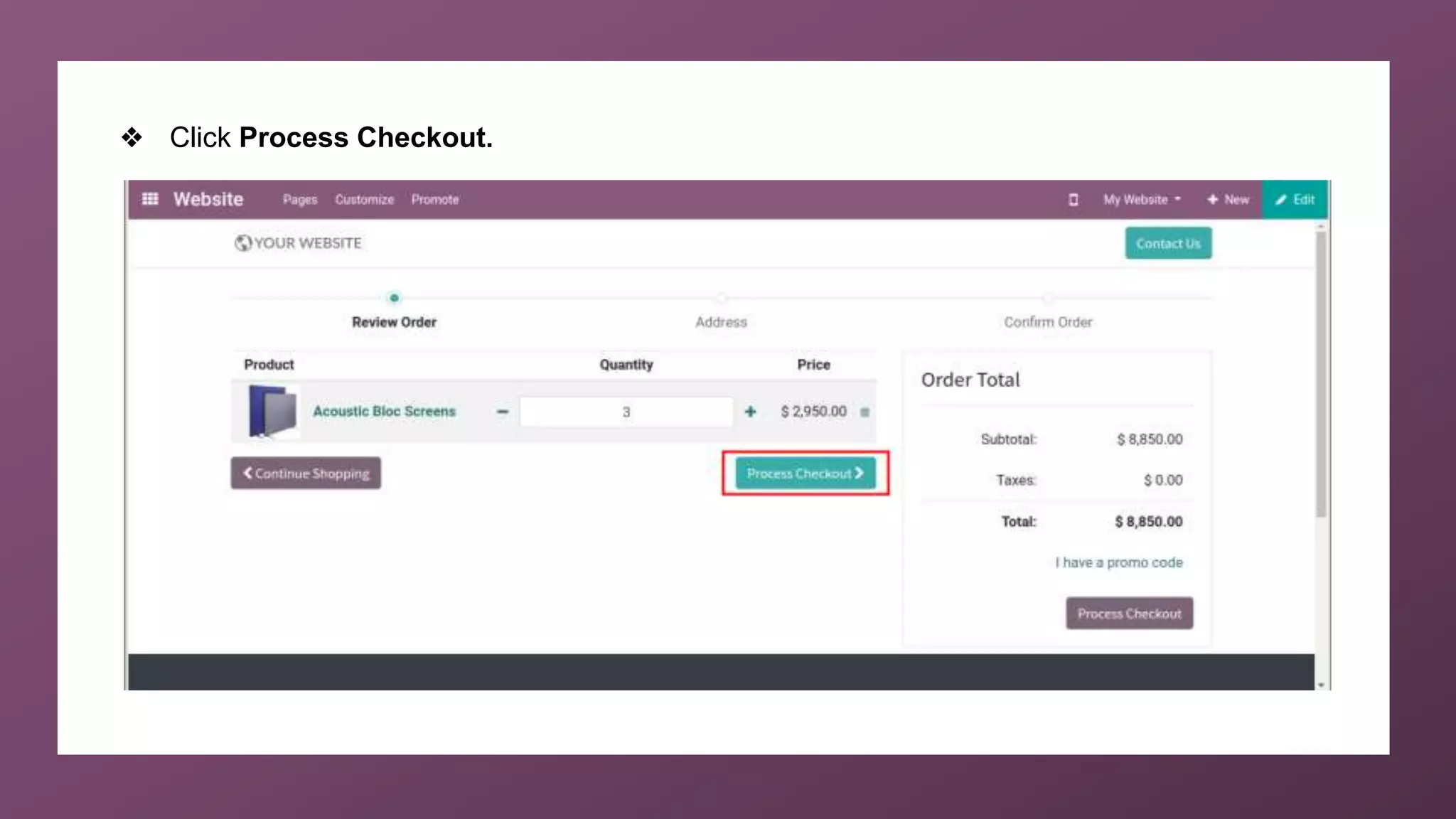
❖ Click Process Checkout.
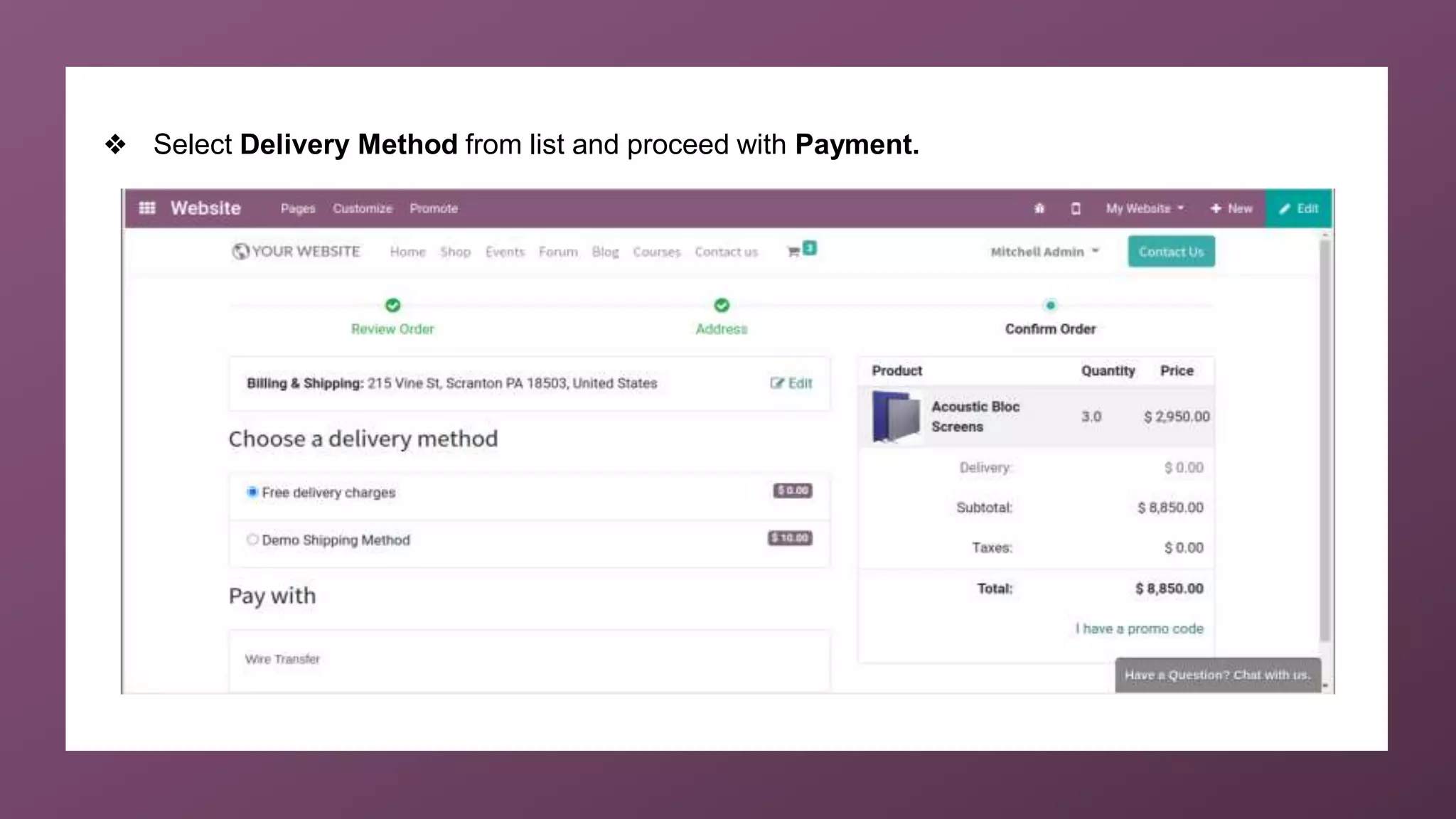
❖ Select Delivery Method from list and proceed with Payment.
For More
Details
Check our company website for related blogs and Odoo
book.
Odoo 14 book
Check our YouTube channel for functional and technical
videos in Odoo.
How to Configure Shipping in Odoo 14 Website
Thank You

How to Configure Shipping in Odoo 14 Website?