www.cybrosys.com
How to Scrap Products in
Odoo14 Community
INTRODUCTION
❖ To be simple scrap is something valueless.
❖ Odoo scrap management is a very simple but eminently useful feature of Odoo
manufacturing ERP.
❖ Since you can’t sell or store items that are unusable because of expiry or for some other
reason, you need to scrap that.
❖ In Odoo scrap management, you can create one or more scrap locations for Scrap
Products in odoo inventory.
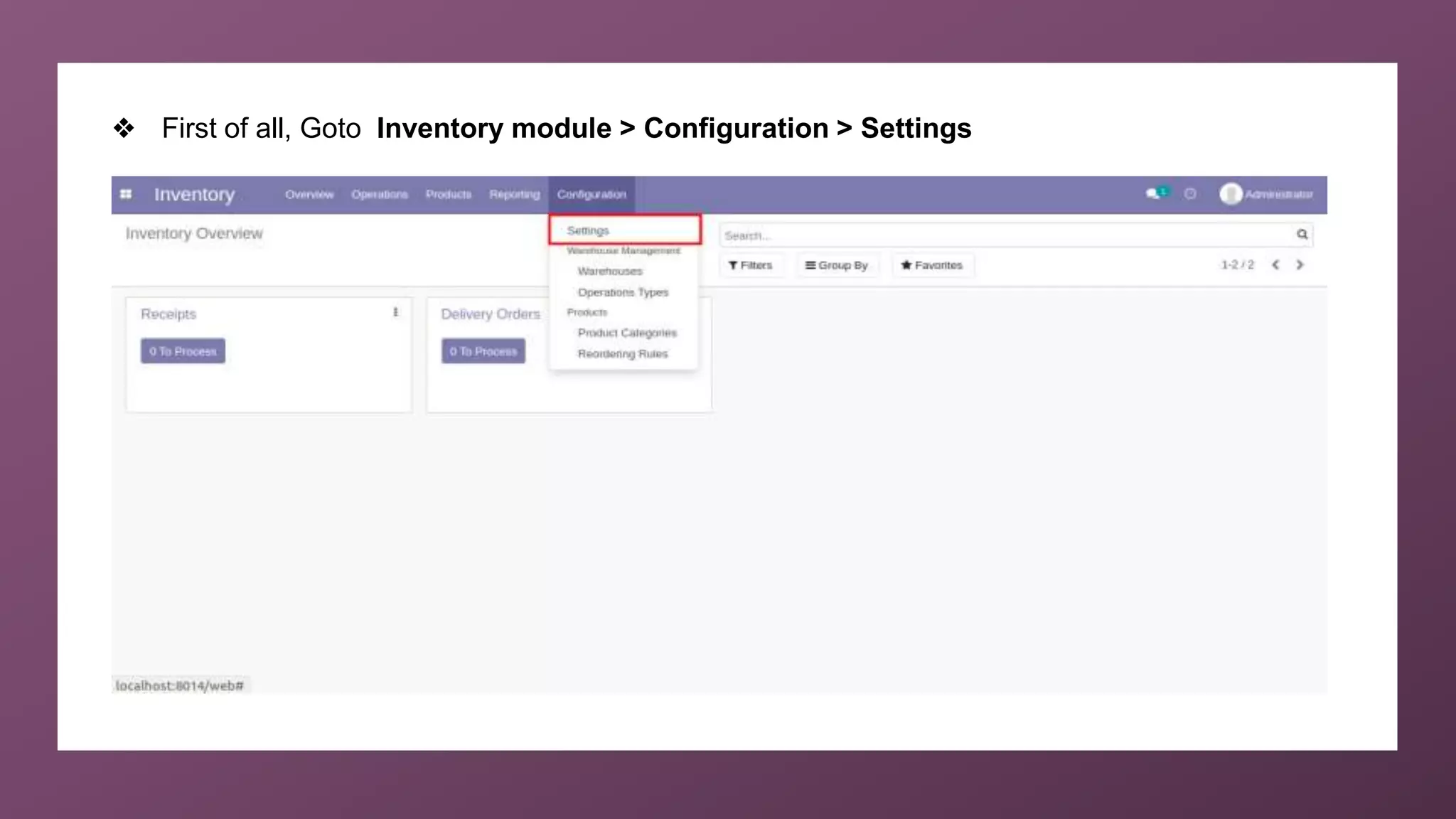
❖ First of all, Goto Inventory module > Configuration > Settings
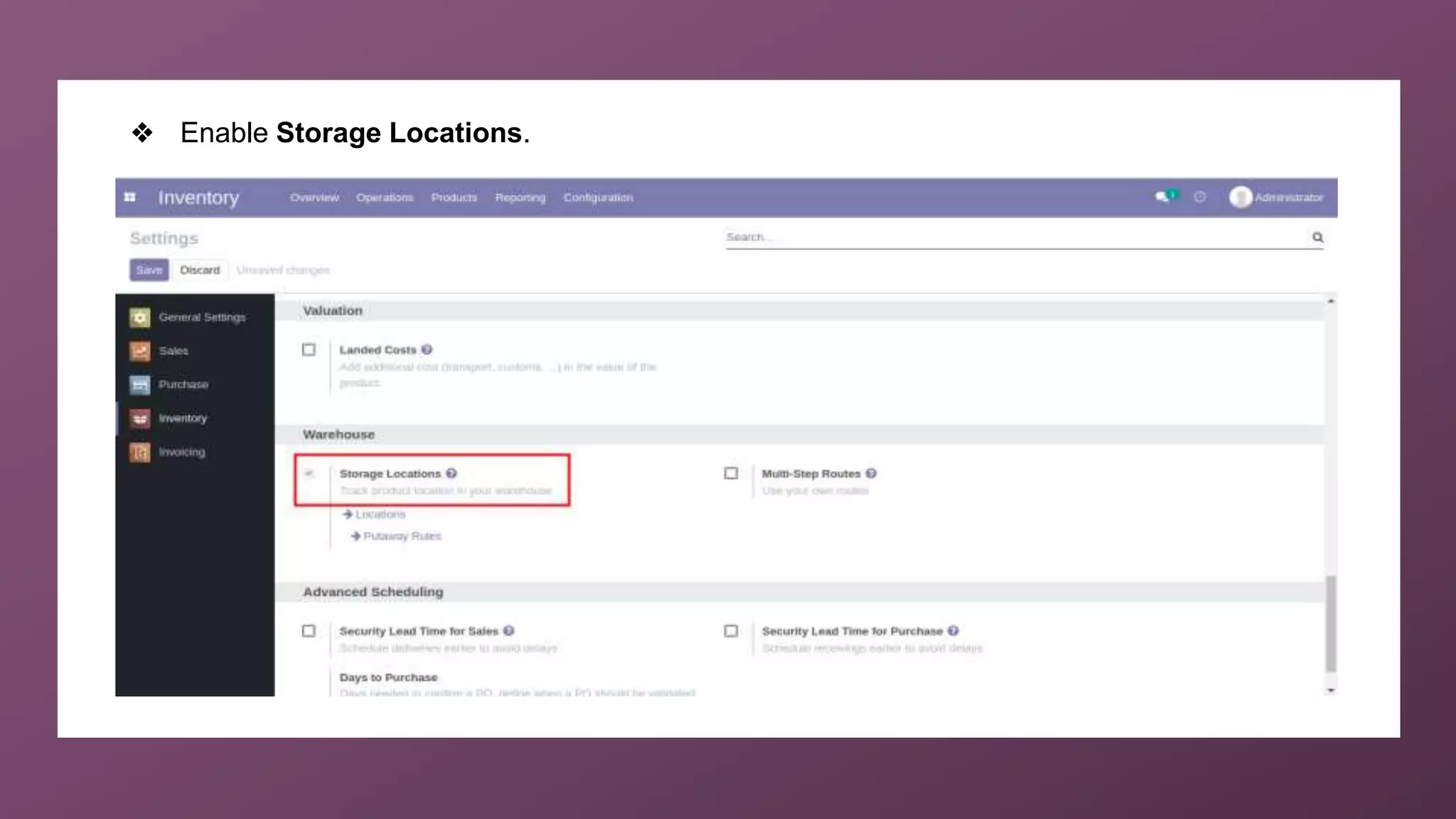
❖ Enable Storage Locations.
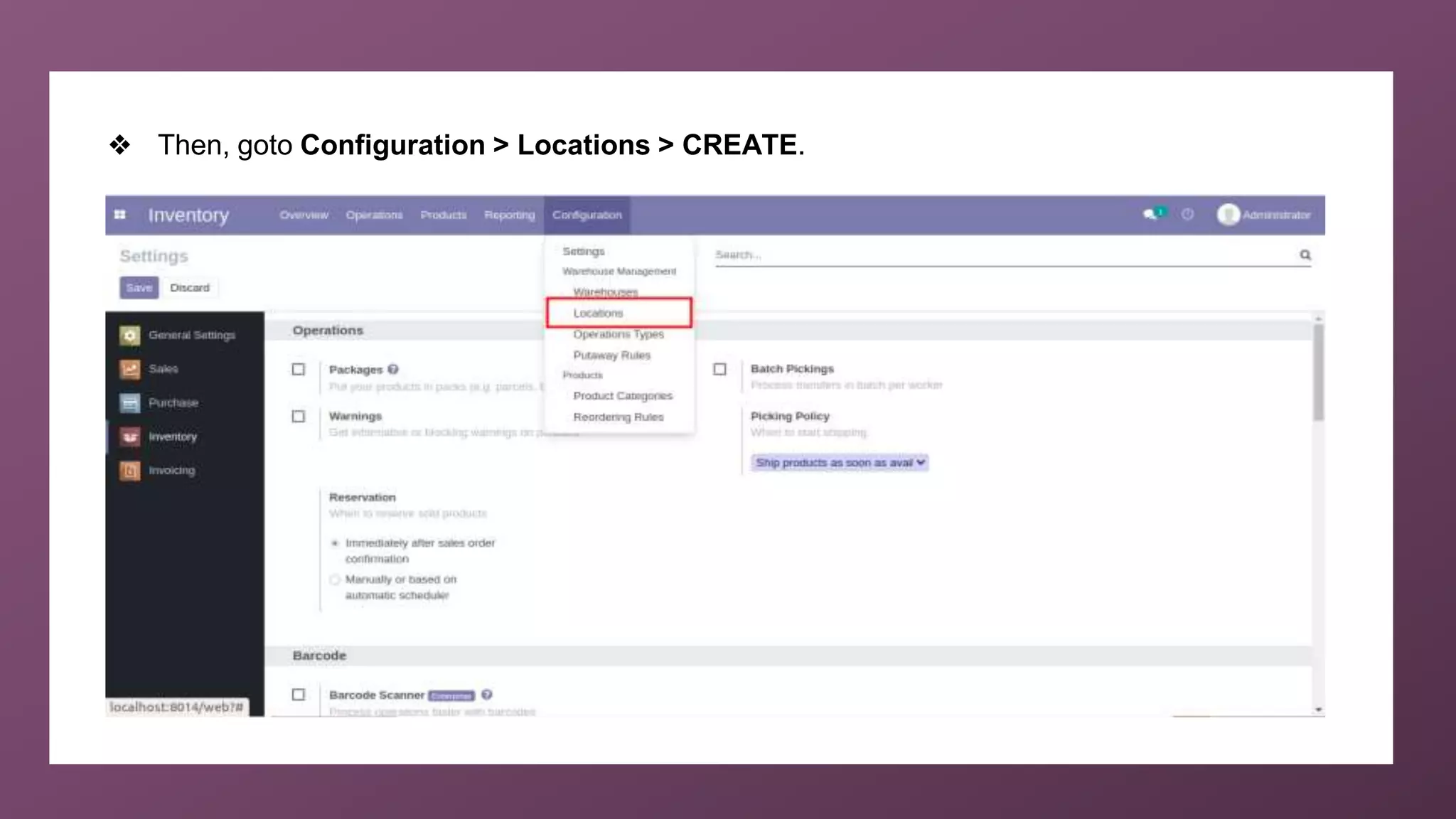
❖ Then, goto Configuration > Locations > CREATE.
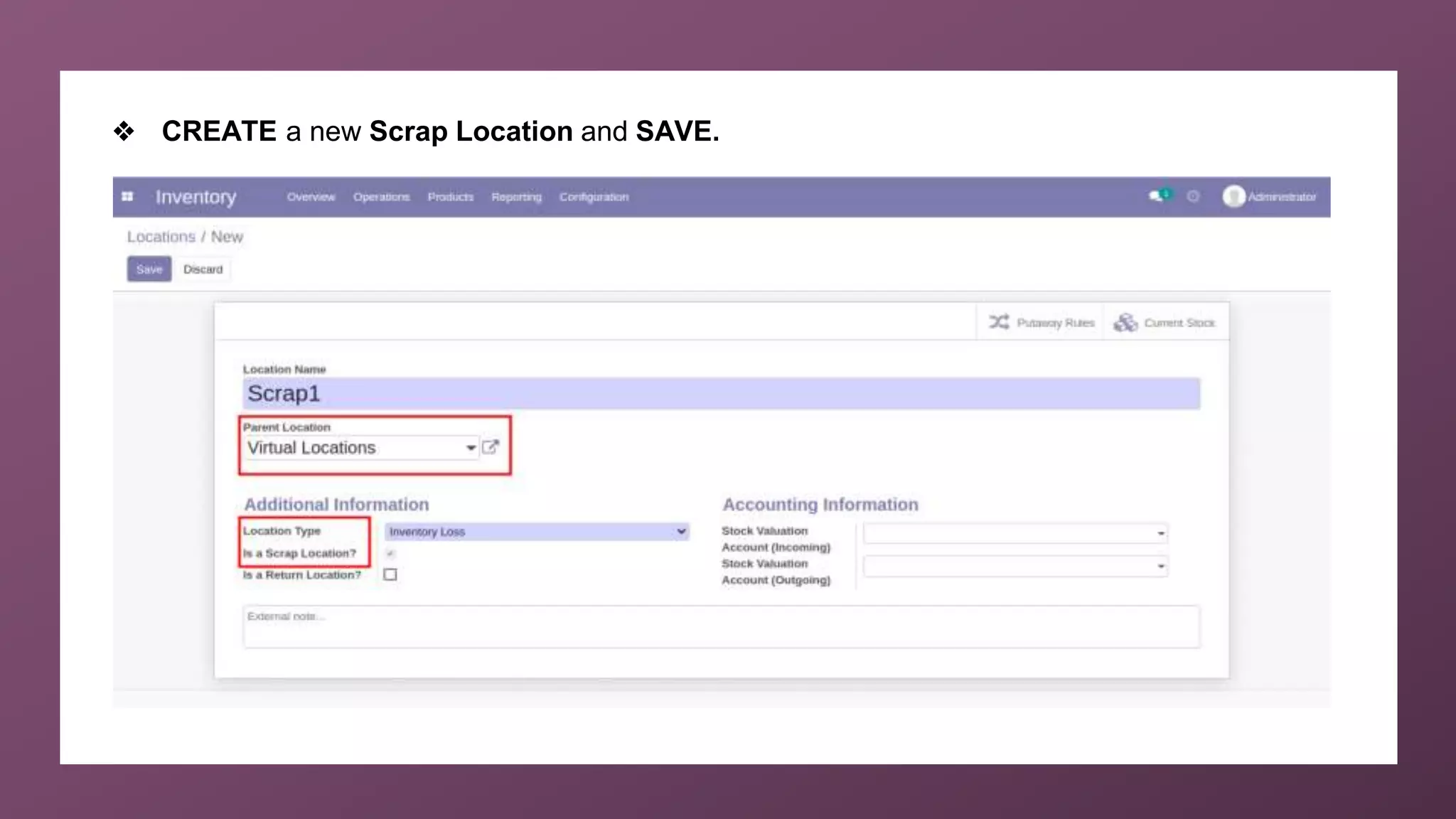
❖ CREATE a new Scrap Location and SAVE.
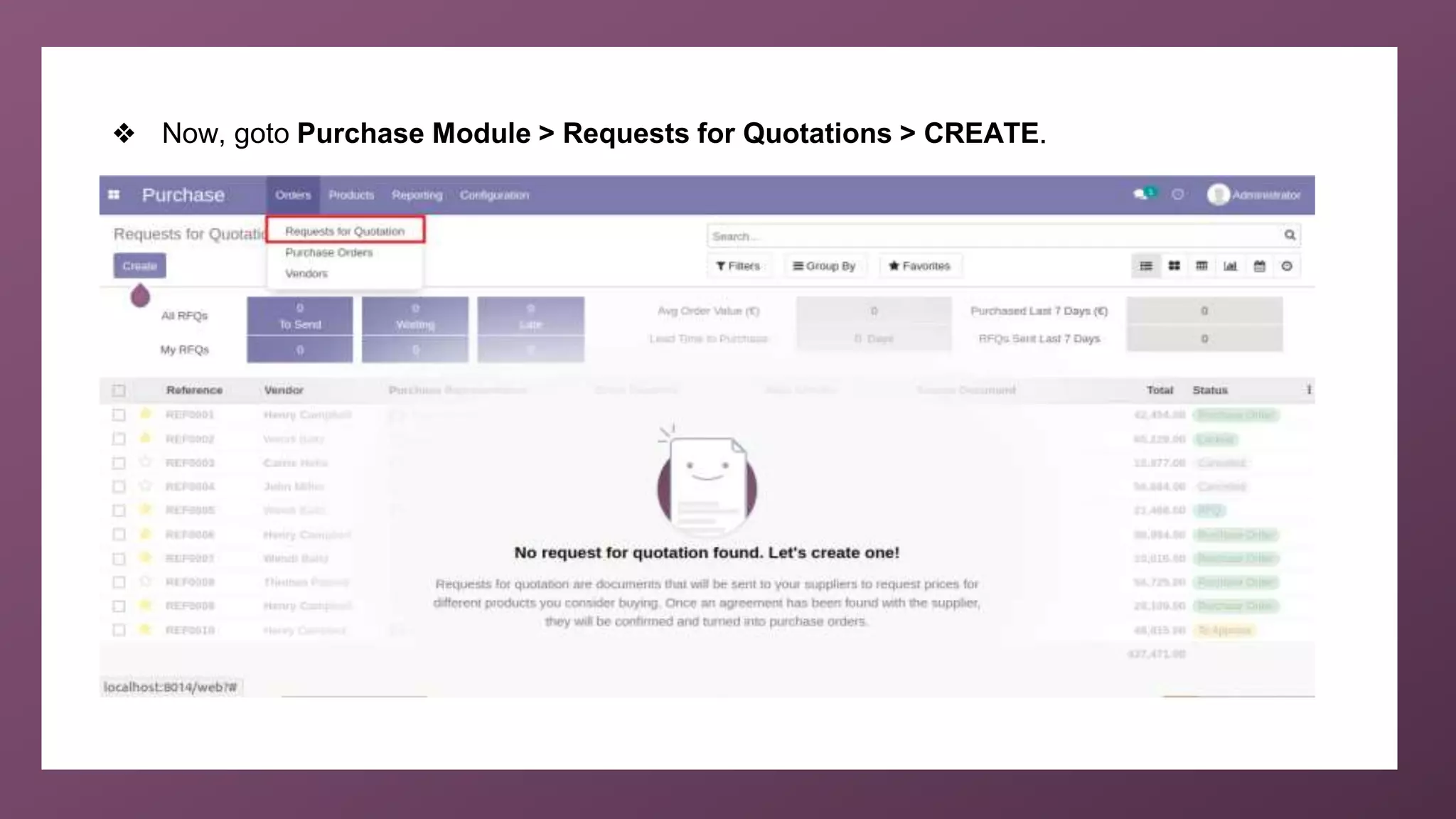
❖ Now, goto Purchase Module > Requests for Quotations > CREATE.
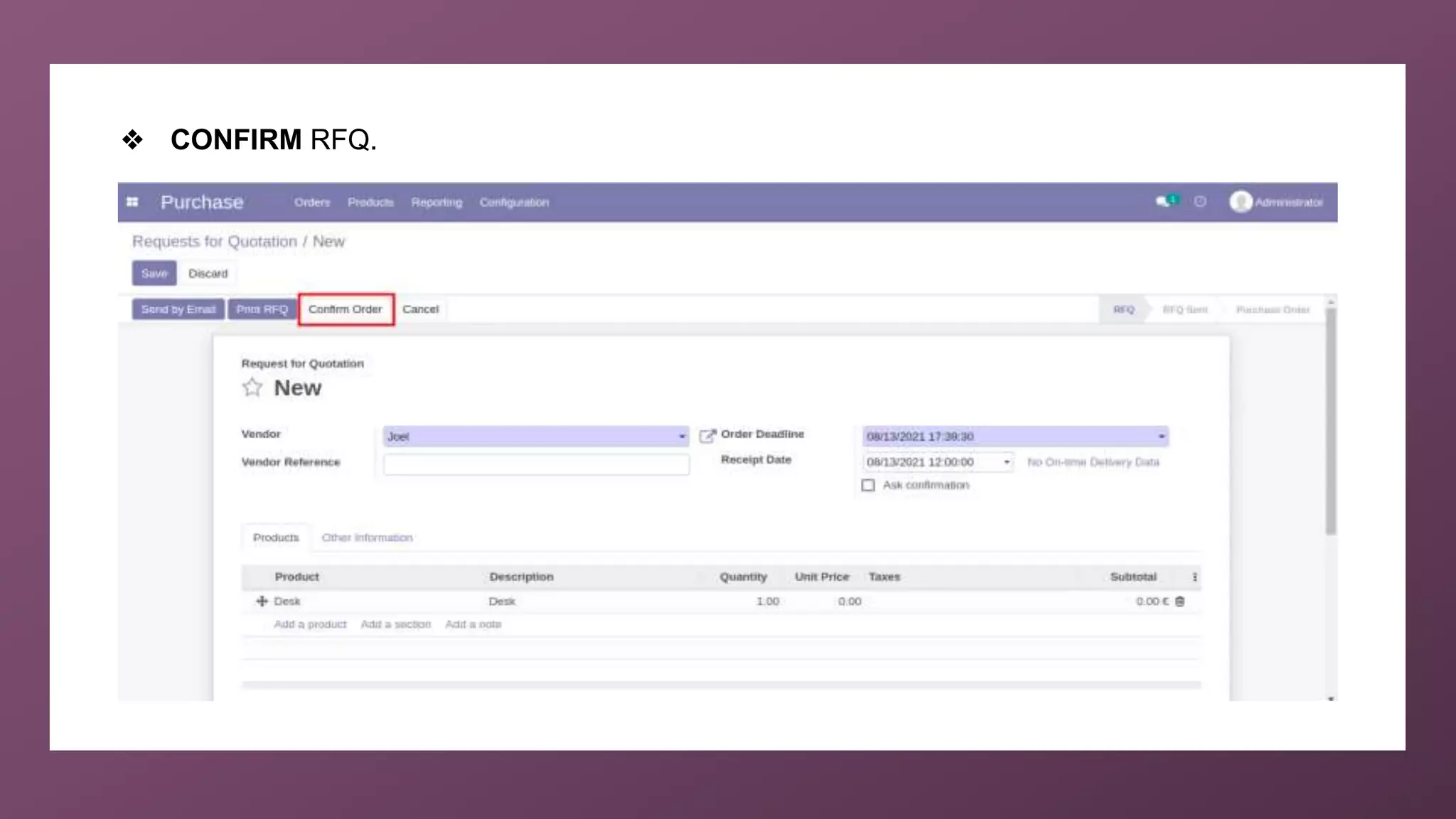
❖ CONFIRM RFQ.
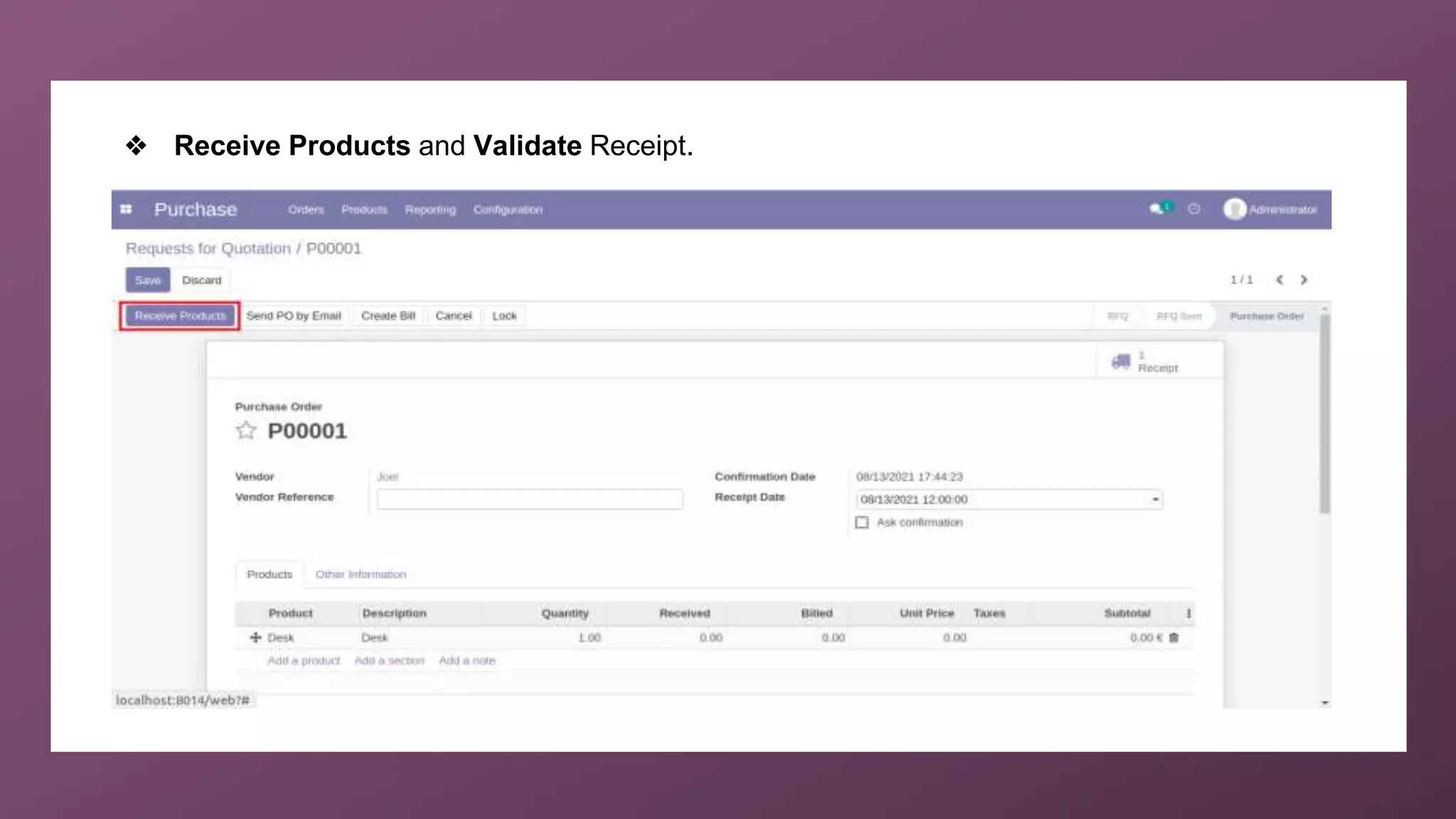
❖ Receive Products and Validate Receipt.
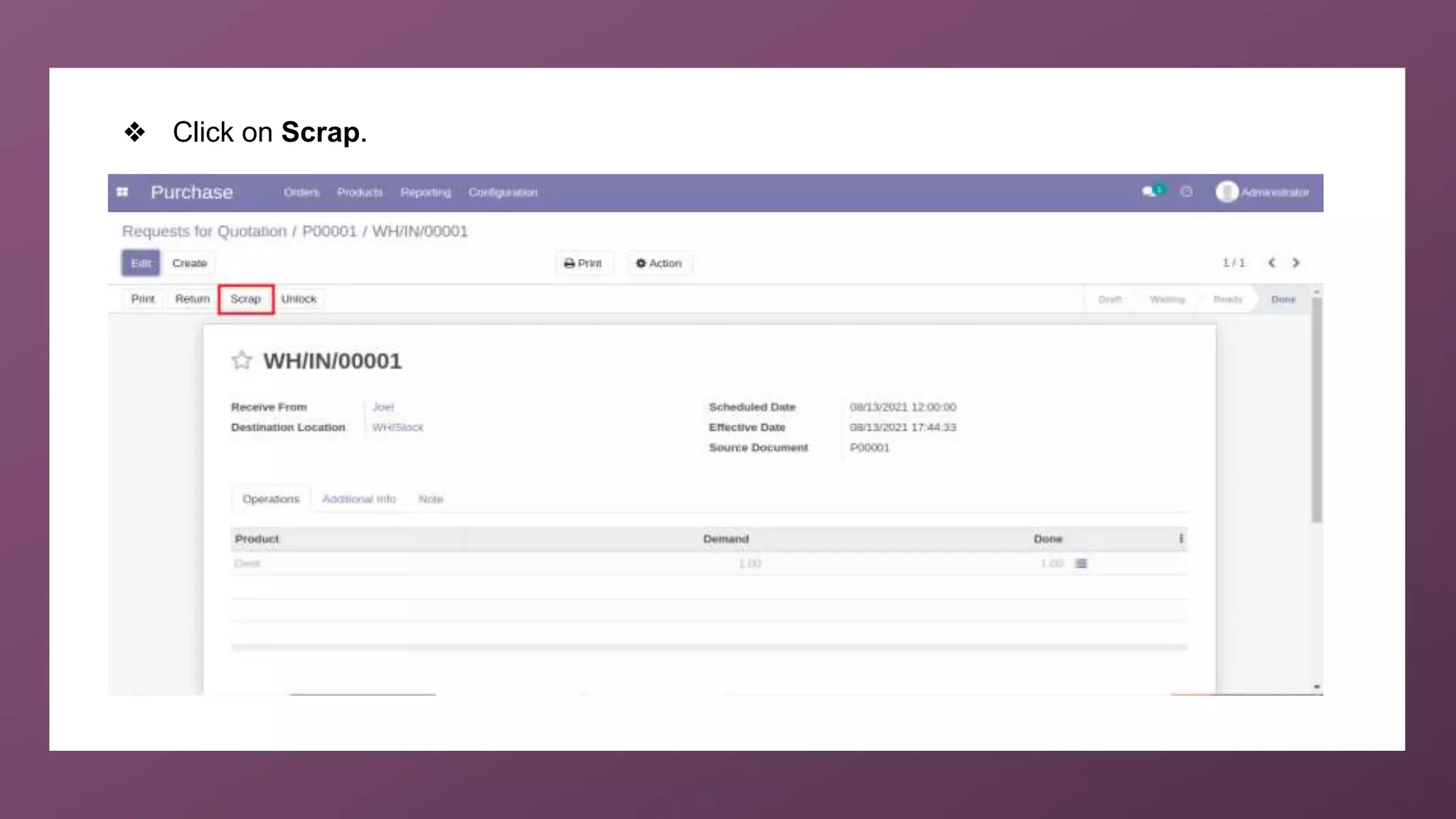
❖ Click on Scrap.
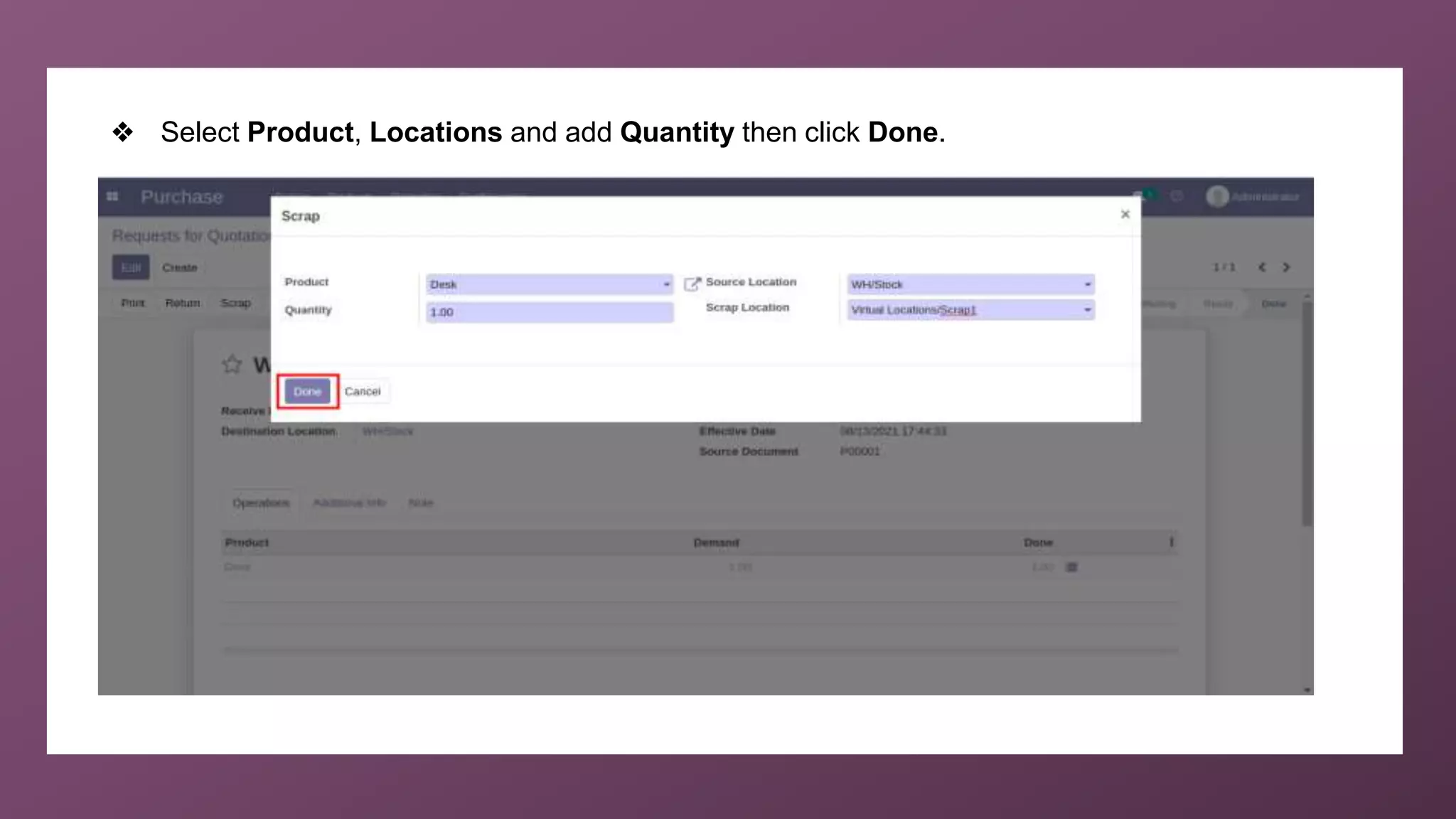
❖ Select Product, Locations and add Quantity then click Done.
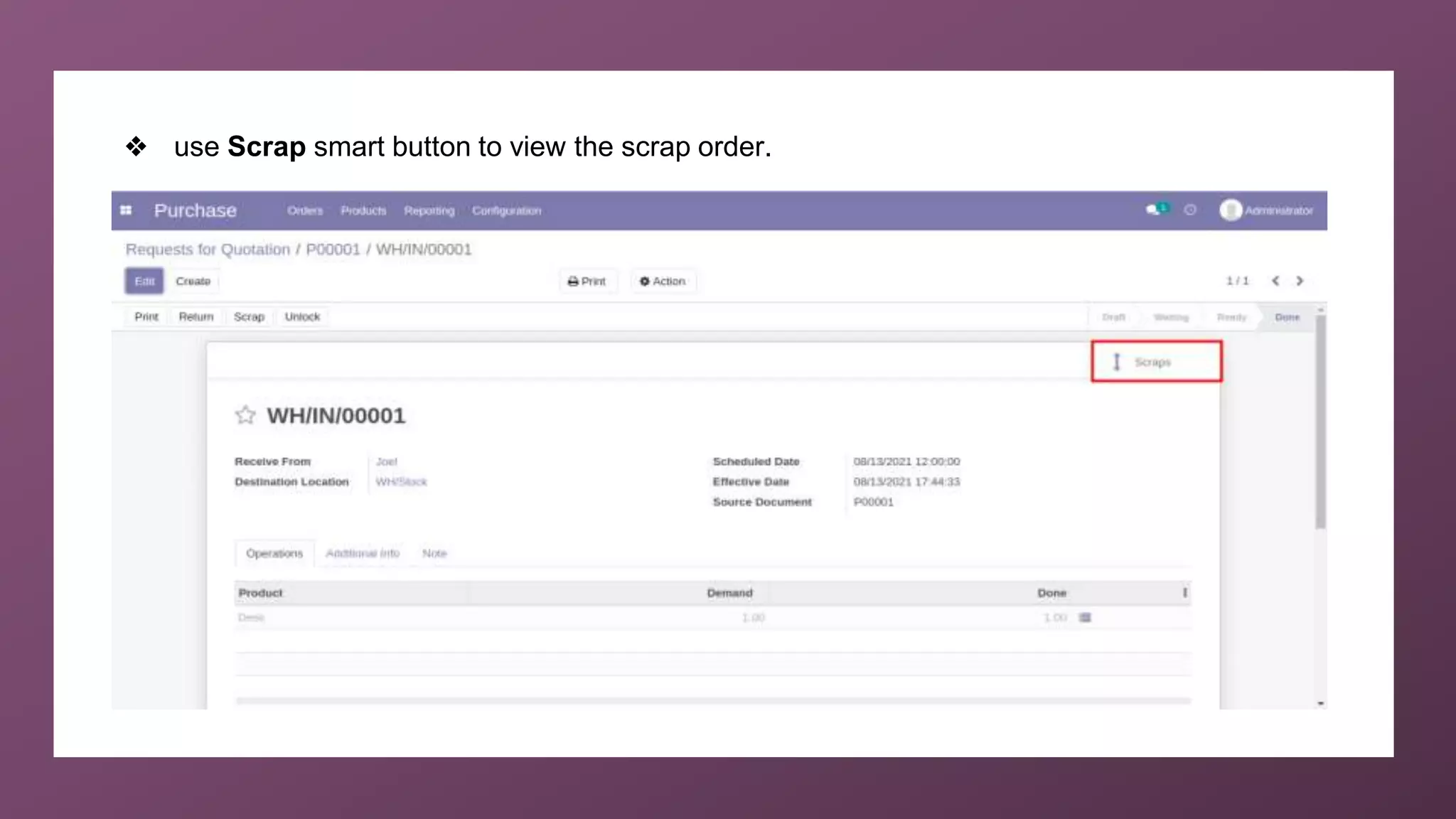
❖ use Scrap smart button to view the scrap order.
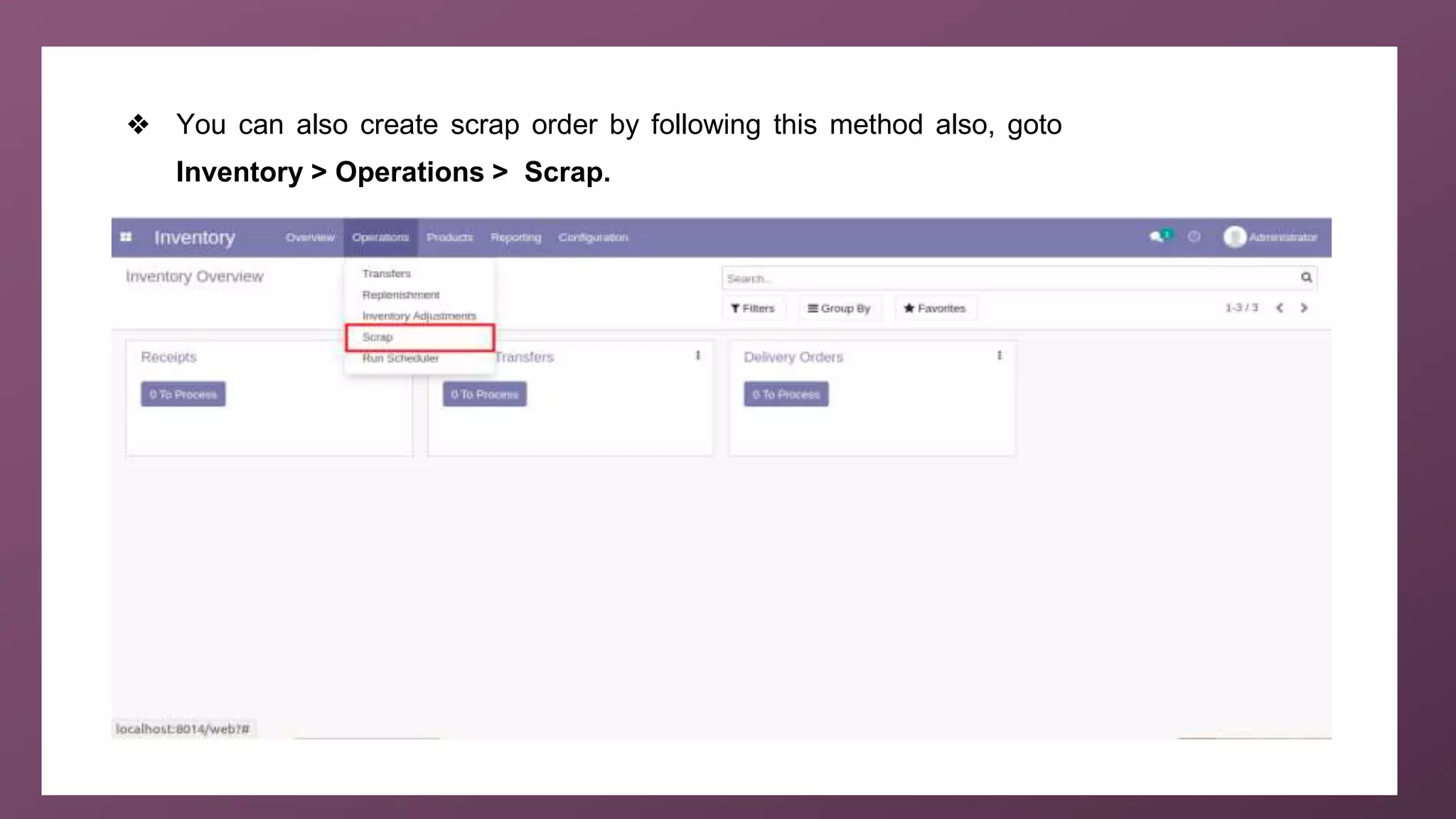
❖ You can also create scrap order by following this method also, goto
Inventory > Operations > Scrap.
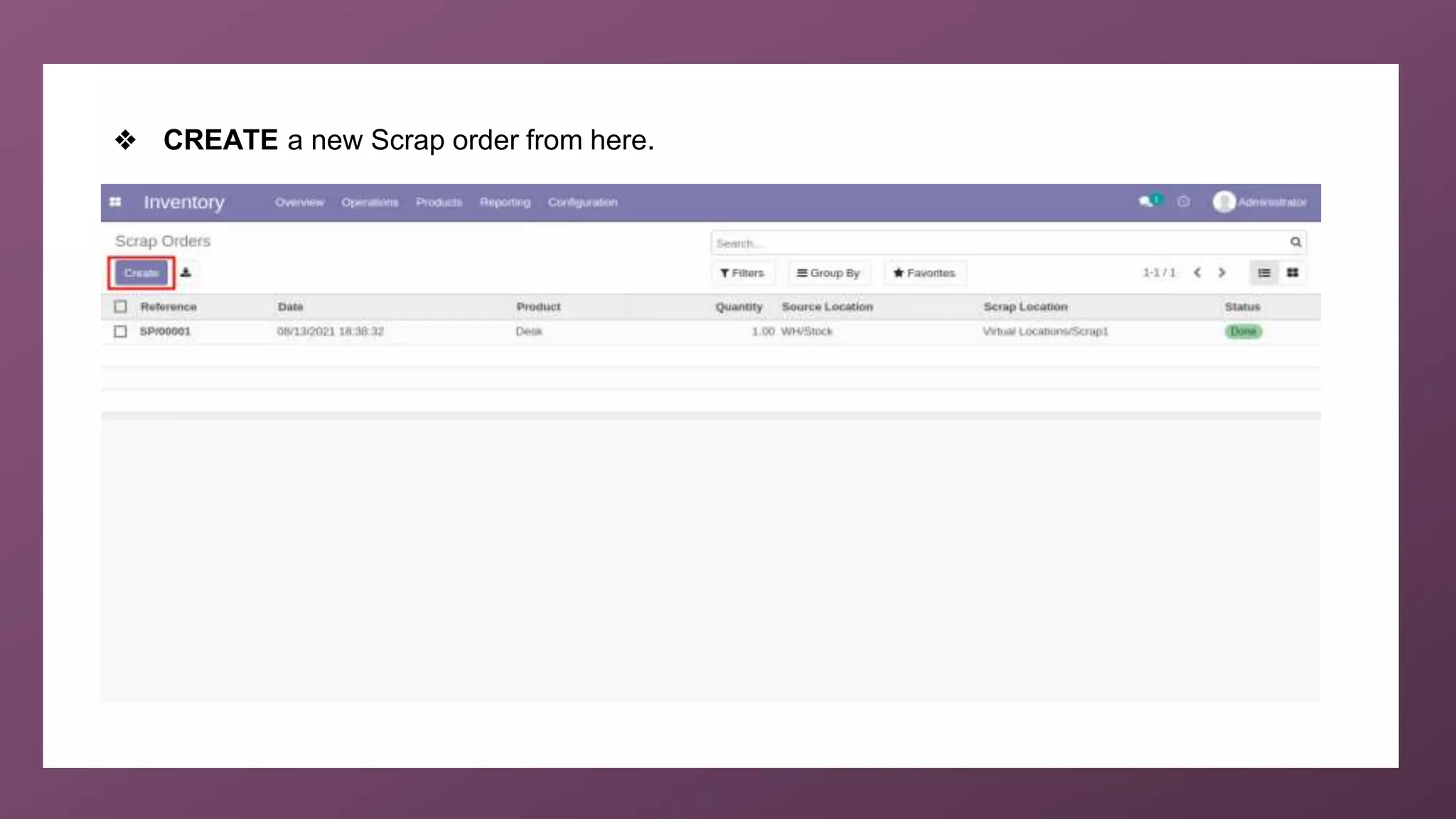
❖ CREATE a new Scrap order from here.
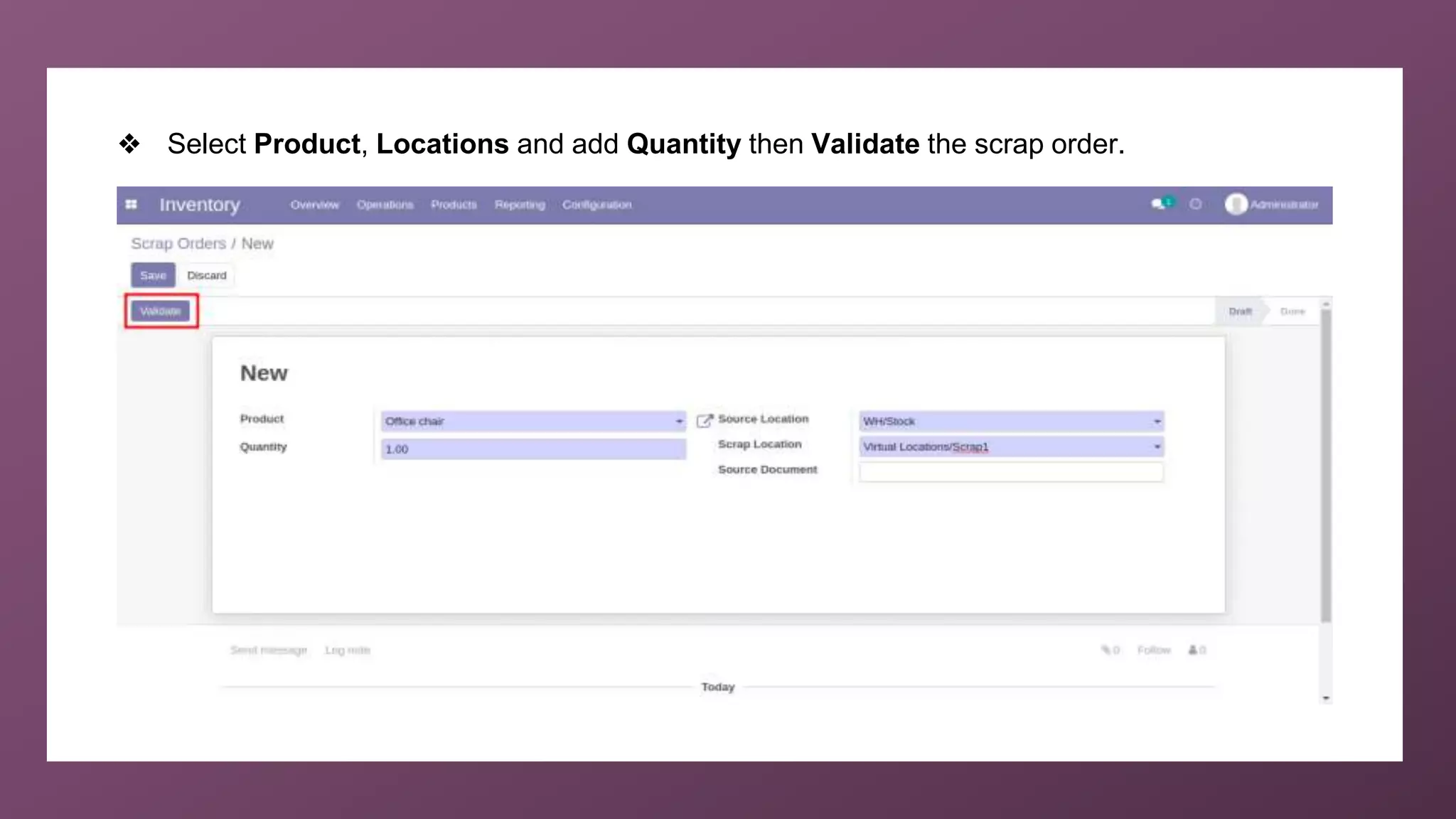
❖ Select Product, Locations and add Quantity then Validate the scrap order.
For More
Details
Check our company website for related blogs and Odoo
book.
Odoo 14 book
Check our YouTube channel for functional and technical
videos in Odoo.
How to scrap Products in Odoo14 Community?
Thank You

How to Scrap Products in Odoo 14 Community?