How to Select an Analytic DBMS DRAFT!! by Curt A. Monash, Ph.D. President, Monash Research Editor,  DBMS2 contact @monash.com http://www.monash.com http://www.DBMS2.com
Curt Monash Analyst since 1981, own firm since 1987 Covered DBMS since the pre-relational days Also analytics, search, etc. Publicly available research Blogs, including  DBMS2  ( www.DBMS2.com  -- the source for most of this talk) Feed at  www.monash.com/blogs.html White papers and more at  www.monash.com User and vendor consulting
Our agenda Why are there such things as  specialized analytic DBMS ? What are the major analytic DBMS  product alternatives? What are the most relevant differentiations among analytic DBMS  users ? What’s the best  process  for selecting an analytic DBMS?
Why are there specialized analytic DBMS? General-purpose database managers are optimized for  updating short rows  … …  not for  analytic query performance 10-100X price/performance  differences   are not uncommon At issue is the interplay between storage, processors, and RAM
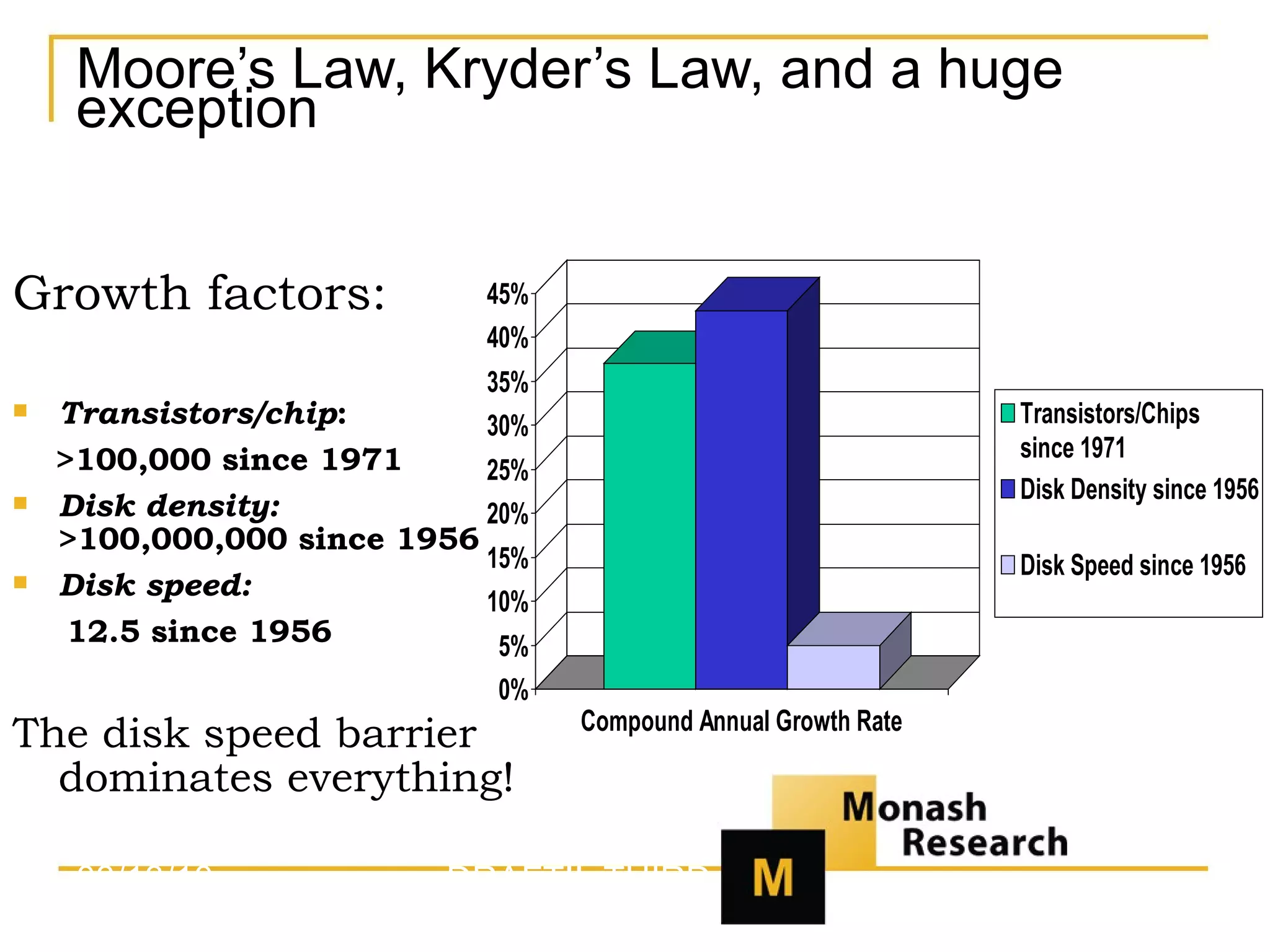
Moore’s Law, Kryder’s Law, and a huge exception Growth factors: Transistors/chip :  >100,000 since 1971 Disk density:   >100,000,000 since 1956 Disk speed:   12.5 since 1956 The disk speed barrier dominates everything! 03/13/10 DRAFT!!  THIRD TEST!!
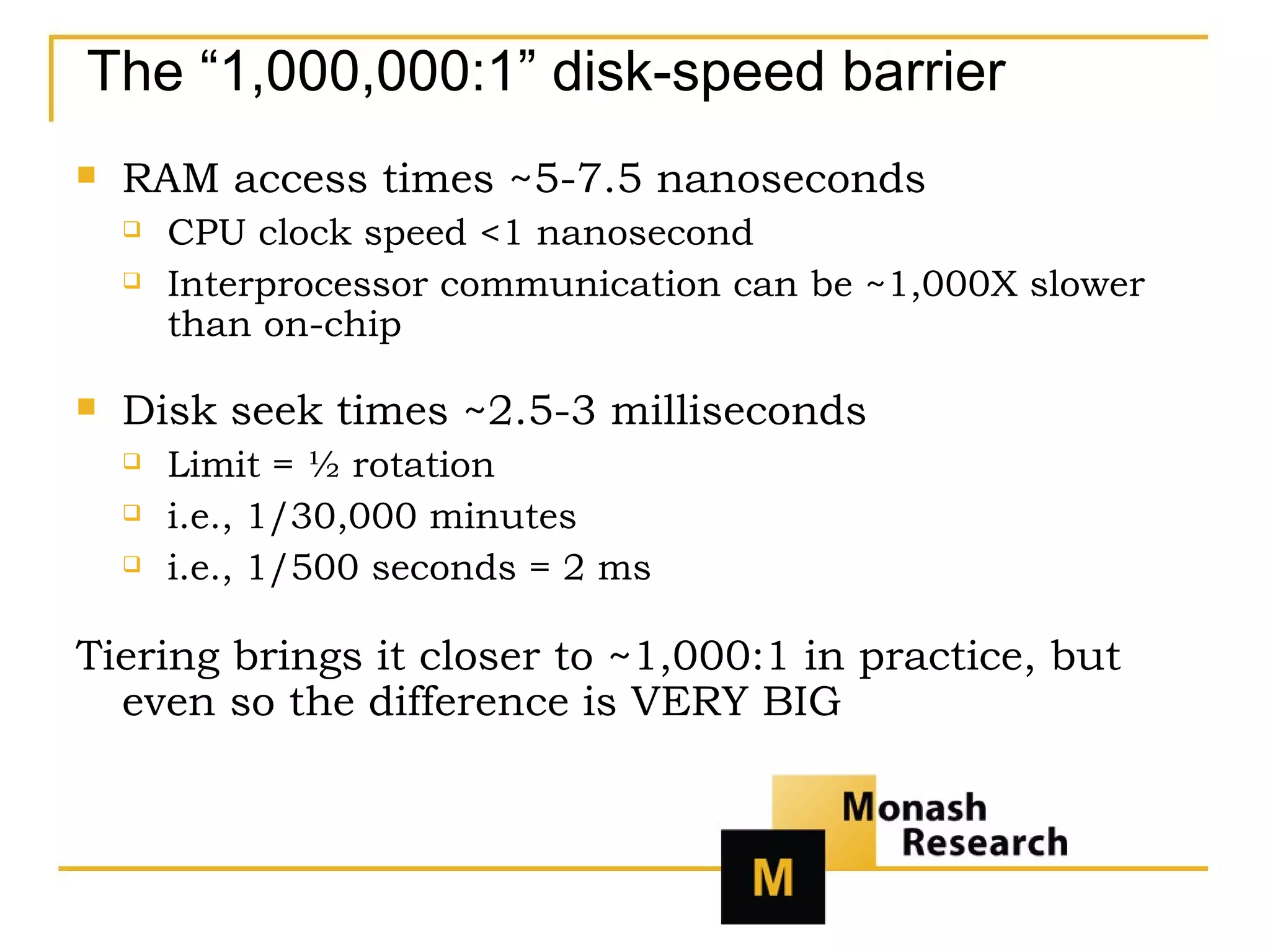
The “1,000,000:1” disk-speed barrier RAM access times ~5-7.5 nanoseconds CPU clock speed <1 nanosecond Interprocessor communication can be ~1,000X slower than on-chip Disk seek times ~2.5-3 milliseconds Limit = ½ rotation  i.e., 1/30,000 minutes  i.e., 1/500 seconds = 2 ms Tiering brings it closer to ~1,000:1 in practice, but even so the difference is VERY BIG
Software strategies to optimize analytic I/O Minimize data returned Classic query optimization Minimize index accesses Page size Precalculate results Materialized views OLAP cubes Return data sequentially Store data in columns Stash data in RAM
Hardware strategies to optimize analytic I/O Lots of RAM Parallel disk access!!! Lots of networking Tuned MPP (Massively Parallel Processing) is the key
Specialty hardware strategies Custom or unusual chips (rare) Custom or unusual interconnects  Fixed configurations of common parts Appliances  or  recommended configurations And there’s also SaaS
18 contenders (and there are more) Aster Data Dataupia Exasol Greenplum HP Neoview IBM DB2 BCUs Infobright/MySQL Kickfire/MySQL Kognitio Microsoft Madison Netezza Oracle Exadata Oracle w/o Exadata ParAccel SQL Server w/o Madison Sybase IQ Teradata Vertica
General areas of feature differentiation Query performance Update/load performance Compatibilities Advanced analytics Alternate datatypes Manageability and availability Encryption and security
Major analytic DBMS product groupings Architecture is a hot subject Traditional OLTP Row-based MPP Columnar (Not covered tonight) MOLAP/array-based
Traditional OLTP examples Oracle (especially pre-Exadata) IBM DB2 (especially mainframe) Microsoft SQL Server (pre-Madison)
Analytic optimizations for OLTP DBMS Two major kinds of precalculation Star indexes Materialized views Other specialized indexes Query optimization tools OLAP extensions SQL 2003 Other embedded analytics
Drawbacks Complexity and people cost Hardware cost Software cost Absolute performance
Legitimate use scenarios When TCO isn’t an issue Undemanding performance (and therefore administration too) When specialized features matter OLTP-like Integrated MOLAP Edge-case analytics Rigid enterprise standards Small enterprise/true single-instance
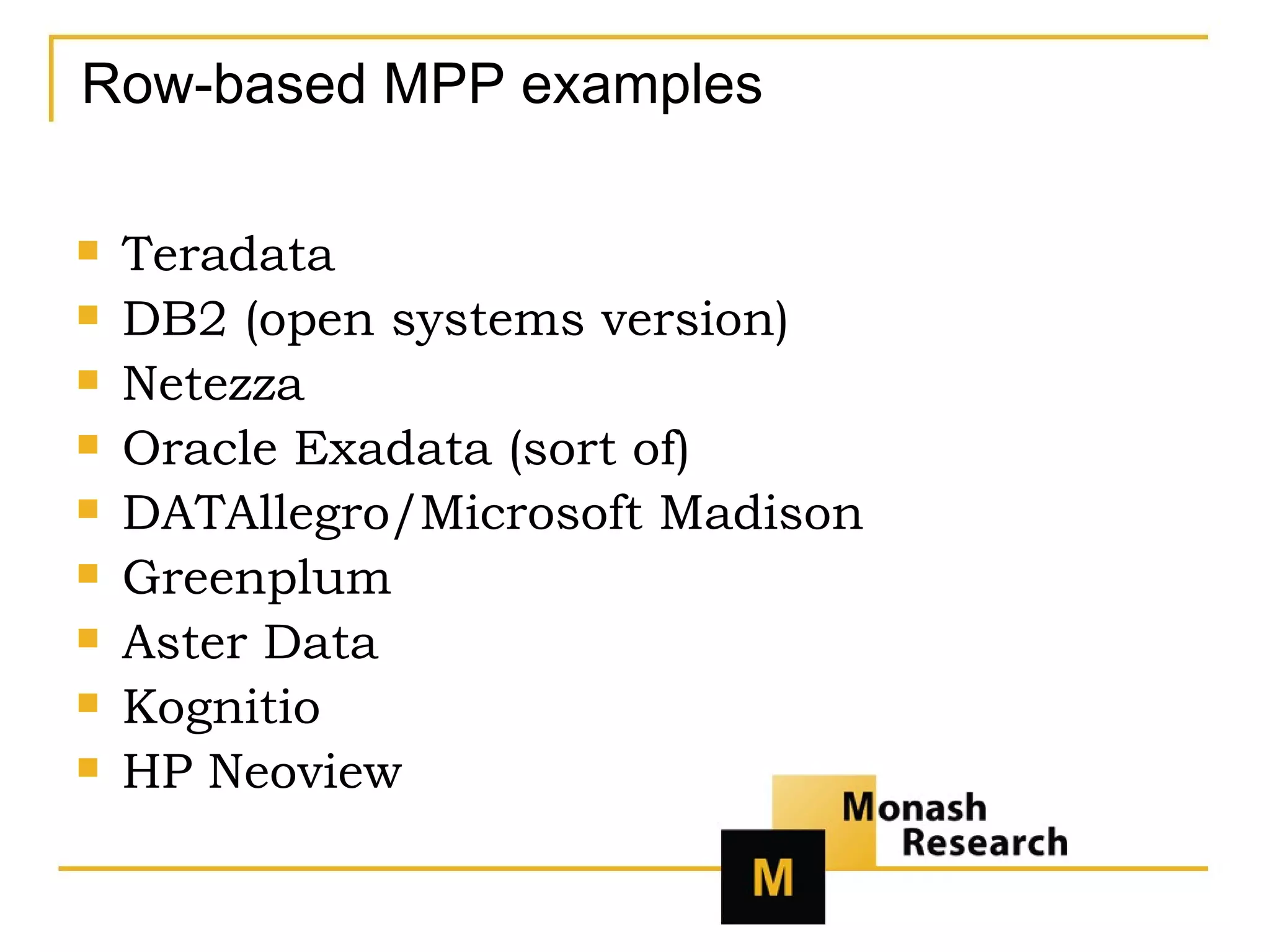
Row-based MPP examples Teradata DB2 (open systems version) Netezza Oracle Exadata (sort of) DATAllegro/Microsoft Madison Greenplum Aster Data Kognitio HP Neoview
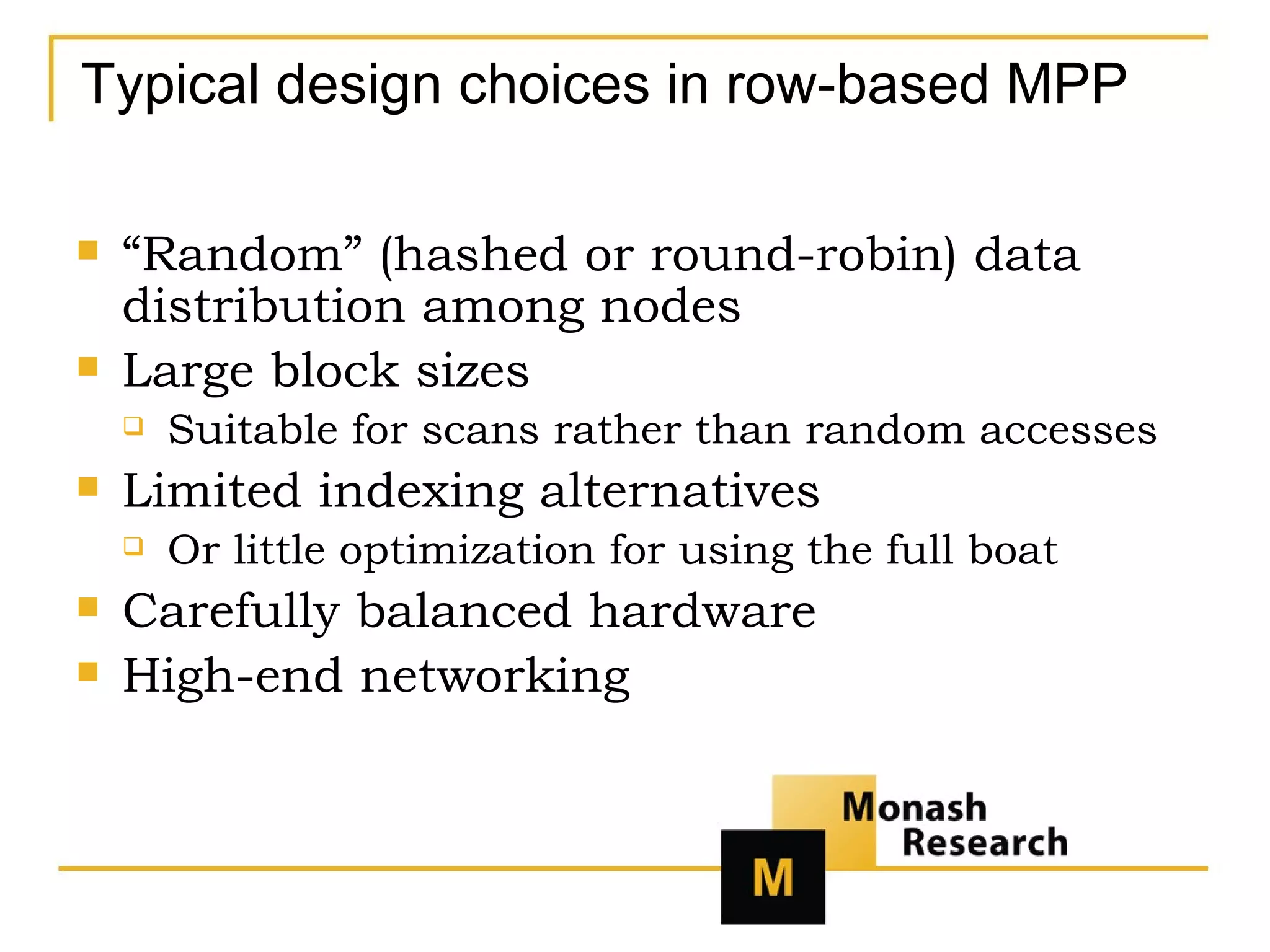
Typical design choices in row-based MPP “ Random” (hashed or round-robin) data distribution among nodes Large block sizes Suitable for scans rather than random accesses Limited indexing alternatives Or little optimization for using the full boat Carefully balanced hardware High-end networking
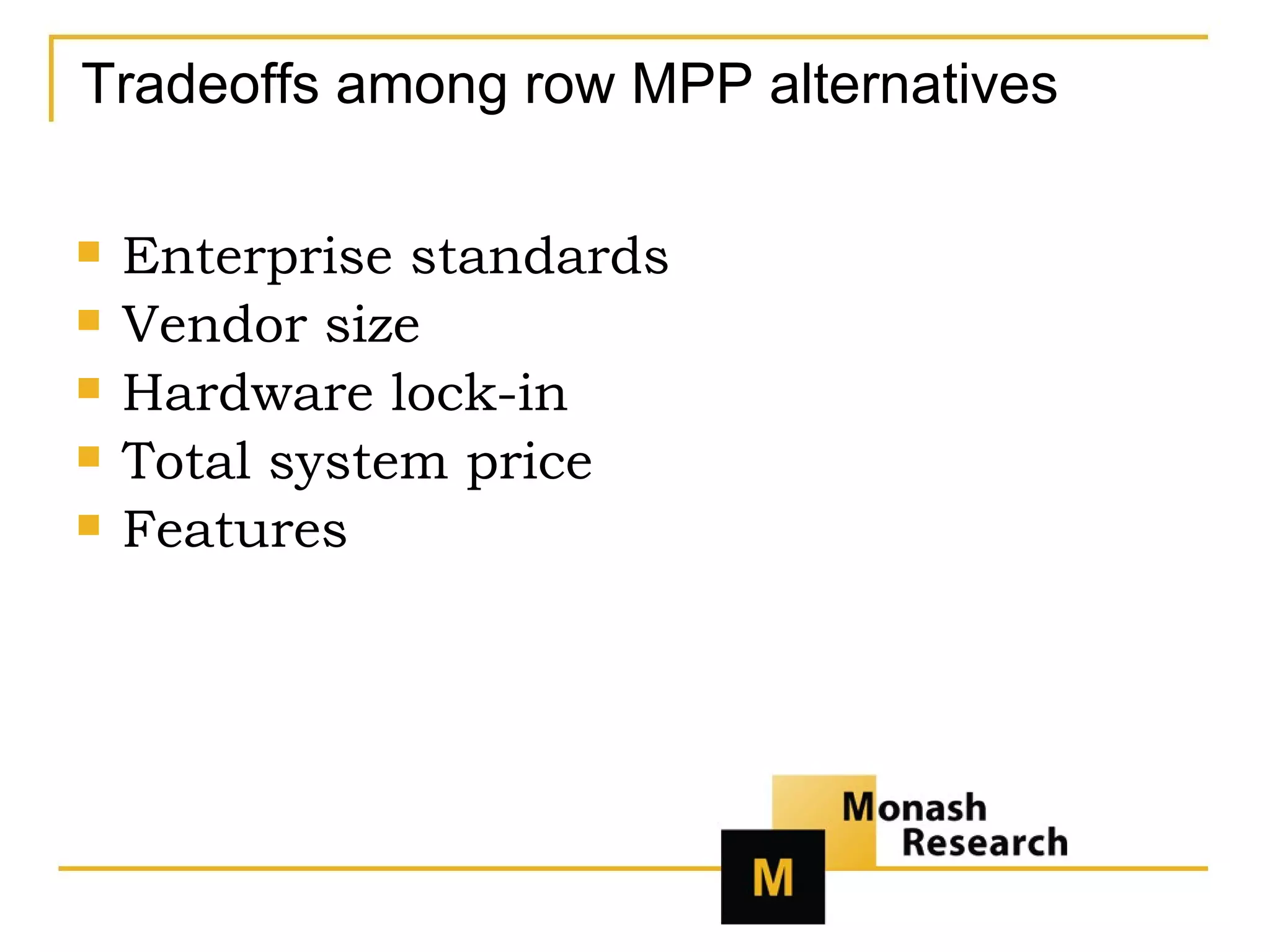
Tradeoffs among row MPP alternatives Enterprise standards Vendor size Hardware lock-in Total system price Features
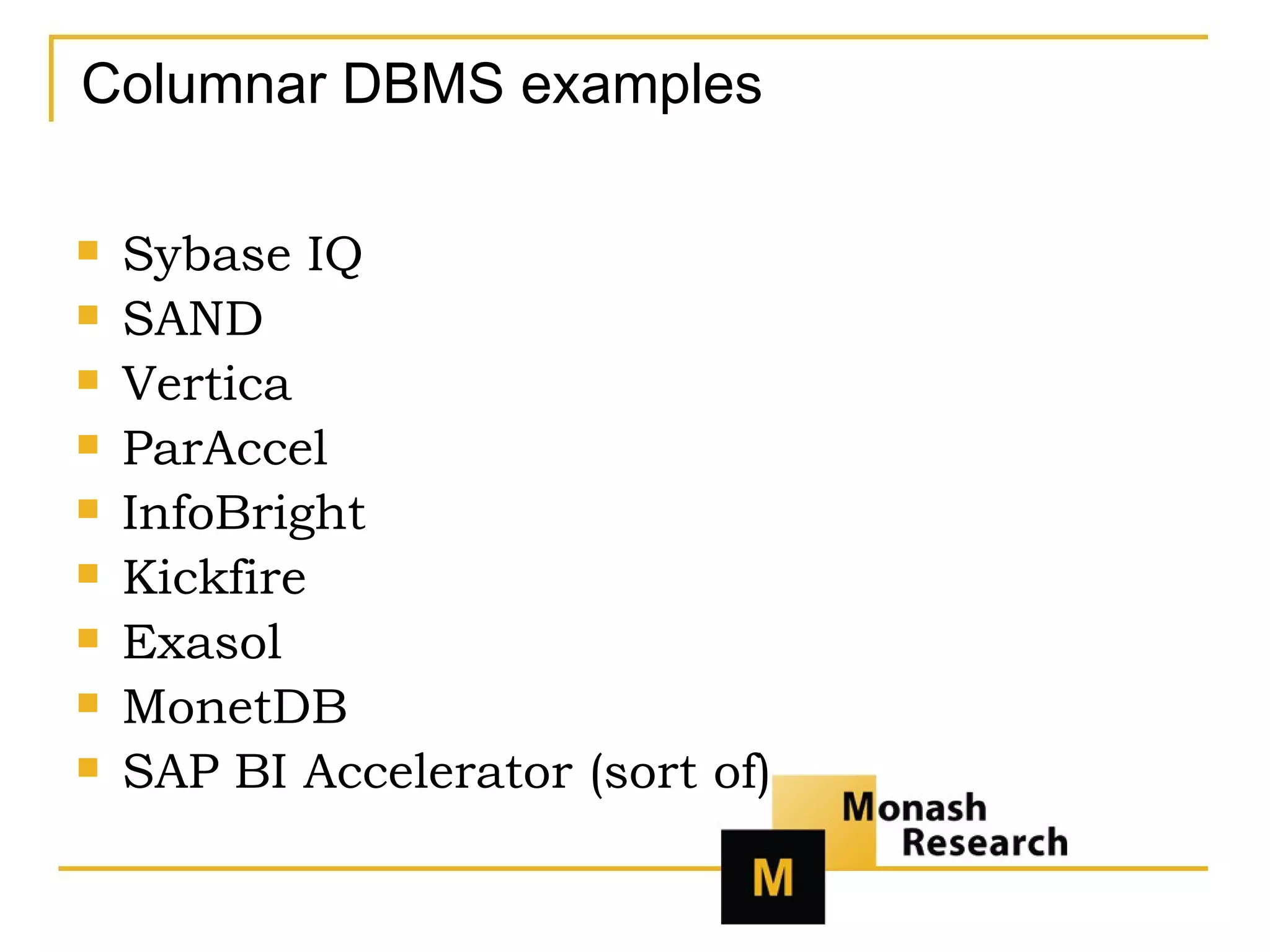
Columnar DBMS examples Sybase IQ SAND Vertica ParAccel InfoBright Kickfire Exasol MonetDB SAP BI Accelerator (sort of)
Columnar pros and cons Bulk retrieval is faster Pinpoint I/O is slower Compression is easier Memory-centric processing is easier
Segmentation – a first cut One  database to rule them all One  analytic  database to rule them all Frontline  analytic database Very, very big  analytic database Big analytic database handled very  cost-effectively
Basics of systematic segmentation Use cases Metrics Platform preferences
Use cases – a first cut Light reporting Diverse EDW Big Data Operational analytics
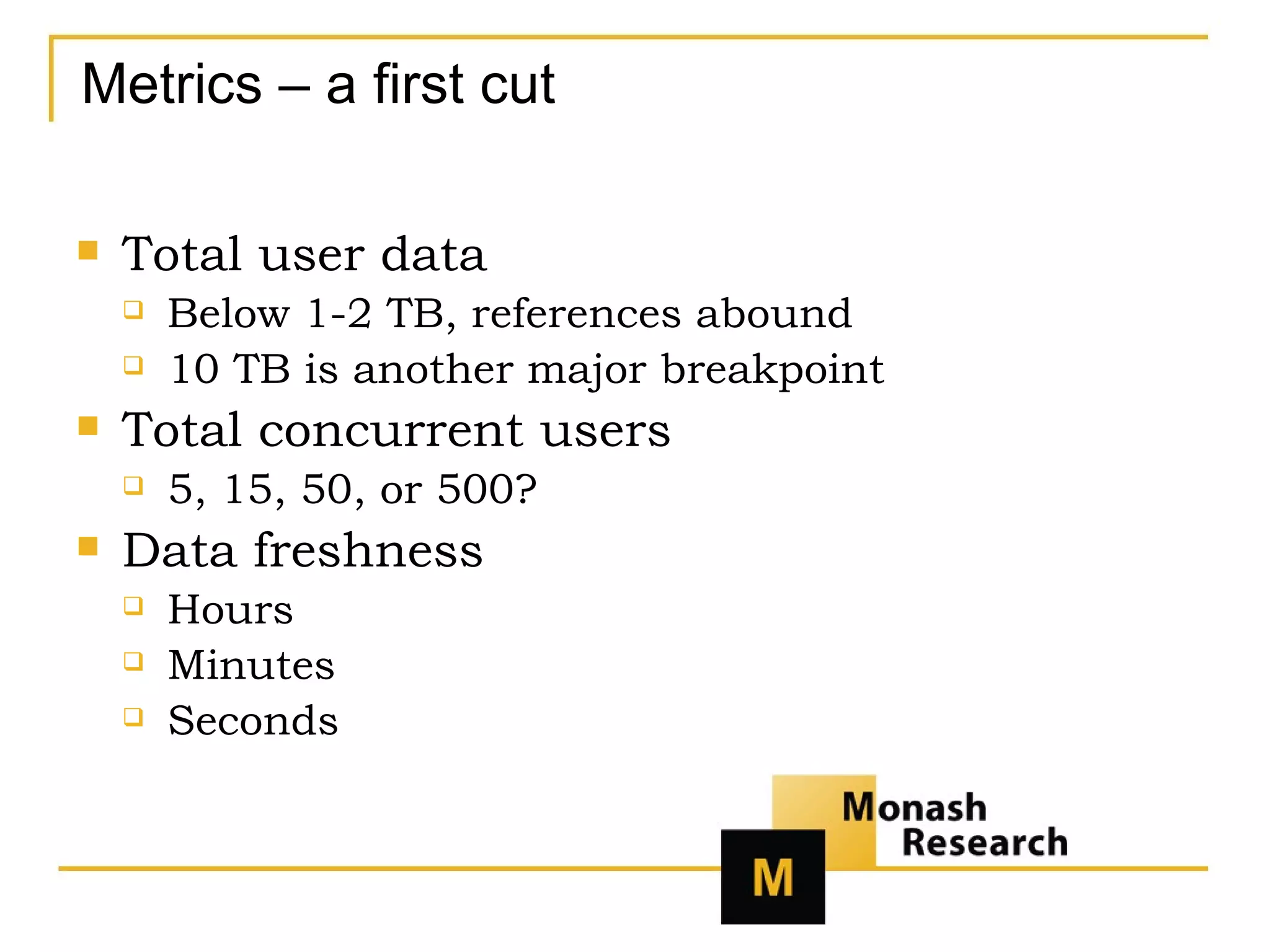
Metrics – a first cut Total user data Below 1-2 TB, references abound 10 TB is another major breakpoint Total concurrent users 5, 15, 50, or 500? Data freshness Hours Minutes Seconds
Basic platform issues Enterprise standards Appliance-friendliness Need for MPP? (SaaS)
The selection process in a nutshell Figure out what you’re trying to buy Make a shortlist Do free POCs* Evaluate and decide *The only part that’s even slightly specific to the analytic DBMS category
Figure out what you’re trying to buy Inventory your use cases Current Known future Wish-list/dream-list future Set constraints People and platforms Money Establish target SLAs Must-haves Nice-to-haves
Use-case checklist -- generalities Database growth As time goes by … More detail New data sources Users (human) Users/usage (automated) Freshness (data and query results)
Use-case checklist – traditional BI Reports Today Future Dashboards and alerts Today Future Latency Ad-hoc Users Now that we have great response time …
Use-case checklist – data mining How much do you think it would improve results to Run more models? Model on more data? Add more variables? Increase model complexity? Which of those can the DBMS help with anyway? What about scoring? Real-time Other latency issues
SLA realism What kind of turnaround truly matters? Customer or customer-facing users Executive users Analyst users How bad is downtime? Customer or customer-facing users Executive users Analyst users
Short list constraints Cash cost But purchases are heavily negotiated Deployment effort Appliances can be good Platform politics Appliances can be bad You might as well consider incumbent(s)
Filling out the shortlist Who matches your requirements in theory? What kinds of evidence do you require? References? How many? How relevant? A careful POC? Analyst recommendations? General “buzz”?
A checklist for shortlists What is your tolerance for specialized hardware? What is your tolerance for set-up effort? What is your tolerance for ongoing administrative burden? What are your insert and update requirements? At what volumes will you run fairly simple queries? What are your complex queries like? and, most important, Are you madly in love with your current DBMS?
Proof-of-Concept basics The better you match your use cases, the more reliable the POC is Most of the effort is in the set-up You might as well do POCs for several vendors – at (almost) the same time! Where is the POC being held?
The three big POC challenges Getting data Real? Politics Privacy Synthetic? Hybrid? Picking queries And more? Realistic simulation(s) Workload Platform Talent
POC tips Don’t underestimate requirements Don’t overestimate requirements Get SOME data ASAP Don’t leave the vendor in control Test what you’ll be buying Use the baseball bat
Evaluate and decide It all comes down to Cost Speed Risk  and in some cases Time to value Upside
Further information Curt A. Monash, Ph.D. President, Monash Research Editor,  DBMS2 contact @monash.com http://www.monash.com http://www.DBMS2.com

How To Buy Data Warehouse

  • 1.
    How to Selectan Analytic DBMS DRAFT!! by Curt A. Monash, Ph.D. President, Monash Research Editor, DBMS2 contact @monash.com http://www.monash.com http://www.DBMS2.com
  • 2.
    Curt Monash Analystsince 1981, own firm since 1987 Covered DBMS since the pre-relational days Also analytics, search, etc. Publicly available research Blogs, including DBMS2 ( www.DBMS2.com -- the source for most of this talk) Feed at www.monash.com/blogs.html White papers and more at www.monash.com User and vendor consulting
  • 3.
    Our agenda Whyare there such things as specialized analytic DBMS ? What are the major analytic DBMS product alternatives? What are the most relevant differentiations among analytic DBMS users ? What’s the best process for selecting an analytic DBMS?
  • 4.
    Why are therespecialized analytic DBMS? General-purpose database managers are optimized for updating short rows … … not for analytic query performance 10-100X price/performance differences are not uncommon At issue is the interplay between storage, processors, and RAM
  • 5.
    Moore’s Law, Kryder’sLaw, and a huge exception Growth factors: Transistors/chip : >100,000 since 1971 Disk density: >100,000,000 since 1956 Disk speed: 12.5 since 1956 The disk speed barrier dominates everything! 03/13/10 DRAFT!! THIRD TEST!!
  • 6.
    The “1,000,000:1” disk-speedbarrier RAM access times ~5-7.5 nanoseconds CPU clock speed <1 nanosecond Interprocessor communication can be ~1,000X slower than on-chip Disk seek times ~2.5-3 milliseconds Limit = ½ rotation i.e., 1/30,000 minutes i.e., 1/500 seconds = 2 ms Tiering brings it closer to ~1,000:1 in practice, but even so the difference is VERY BIG
  • 7.
    Software strategies tooptimize analytic I/O Minimize data returned Classic query optimization Minimize index accesses Page size Precalculate results Materialized views OLAP cubes Return data sequentially Store data in columns Stash data in RAM
  • 8.
    Hardware strategies tooptimize analytic I/O Lots of RAM Parallel disk access!!! Lots of networking Tuned MPP (Massively Parallel Processing) is the key
  • 9.
    Specialty hardware strategiesCustom or unusual chips (rare) Custom or unusual interconnects Fixed configurations of common parts Appliances or recommended configurations And there’s also SaaS
  • 10.
    18 contenders (andthere are more) Aster Data Dataupia Exasol Greenplum HP Neoview IBM DB2 BCUs Infobright/MySQL Kickfire/MySQL Kognitio Microsoft Madison Netezza Oracle Exadata Oracle w/o Exadata ParAccel SQL Server w/o Madison Sybase IQ Teradata Vertica
  • 11.
    General areas offeature differentiation Query performance Update/load performance Compatibilities Advanced analytics Alternate datatypes Manageability and availability Encryption and security
  • 12.
    Major analytic DBMSproduct groupings Architecture is a hot subject Traditional OLTP Row-based MPP Columnar (Not covered tonight) MOLAP/array-based
  • 13.
    Traditional OLTP examplesOracle (especially pre-Exadata) IBM DB2 (especially mainframe) Microsoft SQL Server (pre-Madison)
  • 14.
    Analytic optimizations forOLTP DBMS Two major kinds of precalculation Star indexes Materialized views Other specialized indexes Query optimization tools OLAP extensions SQL 2003 Other embedded analytics
  • 15.
    Drawbacks Complexity andpeople cost Hardware cost Software cost Absolute performance
  • 16.
    Legitimate use scenariosWhen TCO isn’t an issue Undemanding performance (and therefore administration too) When specialized features matter OLTP-like Integrated MOLAP Edge-case analytics Rigid enterprise standards Small enterprise/true single-instance
  • 17.
    Row-based MPP examplesTeradata DB2 (open systems version) Netezza Oracle Exadata (sort of) DATAllegro/Microsoft Madison Greenplum Aster Data Kognitio HP Neoview
  • 18.
    Typical design choicesin row-based MPP “ Random” (hashed or round-robin) data distribution among nodes Large block sizes Suitable for scans rather than random accesses Limited indexing alternatives Or little optimization for using the full boat Carefully balanced hardware High-end networking
  • 19.
    Tradeoffs among rowMPP alternatives Enterprise standards Vendor size Hardware lock-in Total system price Features
  • 20.
    Columnar DBMS examplesSybase IQ SAND Vertica ParAccel InfoBright Kickfire Exasol MonetDB SAP BI Accelerator (sort of)
  • 21.
    Columnar pros andcons Bulk retrieval is faster Pinpoint I/O is slower Compression is easier Memory-centric processing is easier
  • 22.
    Segmentation – afirst cut One database to rule them all One analytic database to rule them all Frontline analytic database Very, very big analytic database Big analytic database handled very cost-effectively
  • 23.
    Basics of systematicsegmentation Use cases Metrics Platform preferences
  • 24.
    Use cases –a first cut Light reporting Diverse EDW Big Data Operational analytics
  • 25.
    Metrics – afirst cut Total user data Below 1-2 TB, references abound 10 TB is another major breakpoint Total concurrent users 5, 15, 50, or 500? Data freshness Hours Minutes Seconds
  • 26.
    Basic platform issuesEnterprise standards Appliance-friendliness Need for MPP? (SaaS)
  • 27.
    The selection processin a nutshell Figure out what you’re trying to buy Make a shortlist Do free POCs* Evaluate and decide *The only part that’s even slightly specific to the analytic DBMS category
  • 28.
    Figure out whatyou’re trying to buy Inventory your use cases Current Known future Wish-list/dream-list future Set constraints People and platforms Money Establish target SLAs Must-haves Nice-to-haves
  • 29.
    Use-case checklist --generalities Database growth As time goes by … More detail New data sources Users (human) Users/usage (automated) Freshness (data and query results)
  • 30.
    Use-case checklist –traditional BI Reports Today Future Dashboards and alerts Today Future Latency Ad-hoc Users Now that we have great response time …
  • 31.
    Use-case checklist –data mining How much do you think it would improve results to Run more models? Model on more data? Add more variables? Increase model complexity? Which of those can the DBMS help with anyway? What about scoring? Real-time Other latency issues
  • 32.
    SLA realism Whatkind of turnaround truly matters? Customer or customer-facing users Executive users Analyst users How bad is downtime? Customer or customer-facing users Executive users Analyst users
  • 33.
    Short list constraintsCash cost But purchases are heavily negotiated Deployment effort Appliances can be good Platform politics Appliances can be bad You might as well consider incumbent(s)
  • 34.
    Filling out theshortlist Who matches your requirements in theory? What kinds of evidence do you require? References? How many? How relevant? A careful POC? Analyst recommendations? General “buzz”?
  • 35.
    A checklist forshortlists What is your tolerance for specialized hardware? What is your tolerance for set-up effort? What is your tolerance for ongoing administrative burden? What are your insert and update requirements? At what volumes will you run fairly simple queries? What are your complex queries like? and, most important, Are you madly in love with your current DBMS?
  • 36.
    Proof-of-Concept basics Thebetter you match your use cases, the more reliable the POC is Most of the effort is in the set-up You might as well do POCs for several vendors – at (almost) the same time! Where is the POC being held?
  • 37.
    The three bigPOC challenges Getting data Real? Politics Privacy Synthetic? Hybrid? Picking queries And more? Realistic simulation(s) Workload Platform Talent
  • 38.
    POC tips Don’tunderestimate requirements Don’t overestimate requirements Get SOME data ASAP Don’t leave the vendor in control Test what you’ll be buying Use the baseball bat
  • 39.
    Evaluate and decideIt all comes down to Cost Speed Risk and in some cases Time to value Upside
  • 40.
    Further information CurtA. Monash, Ph.D. President, Monash Research Editor, DBMS2 contact @monash.com http://www.monash.com http://www.DBMS2.com

Editor's Notes

  • #4 Slides 3-26 outline what you need to know about the sector to conduct any kind of selection process. They‘re not meant to be read separately, but rather just to illustrate the presentation. Slides 27-39 have tips for the process itself. They’re meant as reference take-aways. We’ll discuss them selectively as time permits.
  • #6 Disk speed dominates everything. The problem is this – disks simply don’t spin very fast. If they did, they’d fly off of the spindle or something. The very first disk drives, introduced in 1956 by IBM, rotated 1200 times per minute. Today’s top-end drives only spin 15000 times per minute. That’s a 12.5 fold increase in 40 years. Most other metrics of computer performance increase 12.5 fold every 7 years or so. That’s just Moore’s Law. A two-year doubling, which turns out to be more factual than other statements of the law, works out to an 8-fold increase in 6 years, or a 12-fold increase in 7. There’s just a huge, huge difference.
  • #7 It’s actually hard to get a single firm number for the difference between disk and RAM access times. Disk access times are well-known. They’re advertised a lot, for one thing. But RAM access times are harder. A big part of the problem is that they depend heavily on architecture; access isn’t access isn’t access. There are multiple levels of cache, for example. Another problem is that RAM isn’t RAM isn’t RAM. Anyhow, listed access times tend to be in the 5 to 7-and-a-half nanosecond range, so that’s what I’m going with. One thing we can compute is a very hard lower bound on disk random seek times. If a seek is random, than the average time is at least the time it takes the disk to spin physically around. And we know exactly what that is; it’s 2 milliseconds. There’s just no way random disk seeks will get any faster than that, except to the extent disk rotation resumes its creeping slow progress. “ Tiering” basically means “Use of Level 2 – i.e., on-processor – cache”
  • #8 I’ve been watching the DBMS industry – especially the relational vendors – work on performance for over 25 years now. And I’m I awe at what they’ve accomplished. It’s some of the finest engineering in the software industry. With OLTP performance largely a solved problem, most of that work for the past decade has been in the area of OLAP. And improving OLAP performance basically means decreasing OLAP I/O. Perhaps the most basic thing they try to do is minimize the amount of data returned. Since the end result is what the end result is, this means optimizing the amount returned at intermediate stages of a query execution process. That’s what cost-based optimizers are all about … Baked into the architecture of disk-centric DBMS is something even more basic; they try to minimize index accesses. Naively, if you’re selecting from a 2^30 th – i.e., 1 billion -- records, there might be 30 steps as you walk through the binary tree. By dividing indices into large pages, this is reduced – at the cost of a whole lot of sorting within the block at each step. Layered on are ever more special indexing structures. For example, if it seems clear that a certain join will be done frequently, an index can be built that essentially bakes in that join’s results. Of course, this also reduces the amount of data returned in the intermediate step, admittedly at the cost of index size. Anyhow, it’s a very important technique. And that’s not the only kind of precalculation. Preaggregation is at the heart of disk-centric MOLAP architectures. Materialized views bring MOLAP benefits to conventional relational processing. These are all more or less logical techniques, although the optimizer stuff is on the boundary between logical and physical. There also are approaches that are more purely physical. Most basically, much like the index situation,data is returned in pages. It turns out to be cheaper to always be wasteful and send a whole block of sequential data back than it is to send back only what is actually needed. Beyond that, efforts are made to understand what data will be requested together, and cluster it so that sequential reads can take the place of truly random I/O. And that leads to the most powerful solution of all – do everything in RAM!! If you always initialized by reading in the whole database, in principle you’re done with ALL your disk I/O for the day! Oh, there may be reasons to write things, such as the results to queries, but basically you’ve made your disk speed problems totally to away. There’s a price of course, mainly and most obviously in the RAM you need to buy, and probably the CPU driving that RAM. But by investing in one area, you’re making a big related problem go away – if, of course, you can afford all that silicon.
  • #9 This is the model for appliances. It’s also the model for software-only configurations that compete with appliances. Think IBM BCUs = Balanced Configuration Units, or various Oracle reference configurations. The pendulum shifts back and forth as to whether there are tight “recommended configurations” for non-appliance offerings. Row-based vendors are generally pickier about their hardware configurations than columnar ones.
  • #10 Kickfire is the only custom-chip-based vendor of note. Netezza’s FPGAs and PowerPC processors aren’t, technically, custom. But they’re definitely unusual. Oracle and DATAllegro (pre-Microsoft) like Infiniband. Other vendors like 10-gigabit Ethernet. Others just use lots and lots of 1-gigabit switches. Teradata, long proprietary, is now going in a couple of different networking directions.
  • #11 This slide is included at this point mainly for the golly-gee-whiz factor. 
  • #13 Columnar isn’t columnar isn’t columnar; each product is different. The same goes for row-based. Still, this categorization is the point from which to start.
  • #14 Oracle and SQL Server are single product meant to serve both OLTP and analytics. Any of the main versions of DB2 is something like that too. Sybase, however, separated it’s OLTP and analytic product lines in the mid-1990s.
  • #16 Even when you can make this stuff work at all, it’s hard. That’s a big reason why “disruptive” new analytic DBMS vendors have sprung up.
  • #19 The advantage of hash distribution is that if your join happens to involve the hash key, a lot of the work is already done for you. The disadvantage can be a bit of skew. The advantage usually wins out. Almost every vendor (Kognitio is an exception) encourages hash distribution. Oracle Exadata is an exception too, for different reasons.
  • #20 Fixed configurations – including but not limited to appliances – are more important in row-based MPP than in columnar MPP systems. Oracle Exadata, Teradata, and Netezza are the most visible examples, but another one is IBM’s BCUs.
  • #21 Sybase IQ is the granddaddy, but it’s not MPP. SAND is another old one, but it’s focused more on archiving now. Vertica is a quite successful recent start-up, with &gt;10X the known customers of ParAccel (published or NDA). InfoBright and Kickfire are MySQL storage engines. Kickfire is also an appliance. Exasol is very memory-centric. So is ParAccel’s TPC-H submission. So is SAP Bi Accelerator, but unlike the others it’s not really a DBMS. MonetDB is open source.
  • #22 The big benefit of columnar is at the I/O bottleneck – you don’t have to bring back the whole row. But it also tends to make compression easier. Naïve columnar implementations are terrible at update/load. Any serious commercial product has done engineering work to get around that. For example, Vertica – which is probably the most open about its approach -- pretty much federates queries between disk and what almost amounts to a separate in-memory DBMS.
  • #23 I.e., OLTP system and data warehouse integrated Separate EDW (Enterprise Data Warehouse) Customer-facing data mart that hence requires OLTP-like uptime 100+ terabytes or so Great speed on terabyte-scale data sets at low per-terabyte TCO (counting user data).
  • #28 Here starts the how-to.
  • #30 Databases grow naturally, as more transactions are added over time. Cheaper data warehousing also encourages the retention of more detail, and the addition of new data sources. All three factors boost database size. Users can be either humans or other systems. (Both, in fact, are included in the definition of “user” on the Oracle price list.) Cheap data warehousing also leads to a desire for lower latency, often without clear consideration of the benefits of same.
  • #33 Nobody ever overestimates their need for storage. But people do sometimes overestimate their need for data immediacy.