How has technology played a part in
  the production of your trailer?
• Technology played an important part in bringing
  together our trailer, before we could begin to make the
  trailer we needed to carry out some research. We used
  sites such as YouTube to watch real media products,
  this gave us an idea of an ideal trailer and the entire
  components which come together to make it effective.
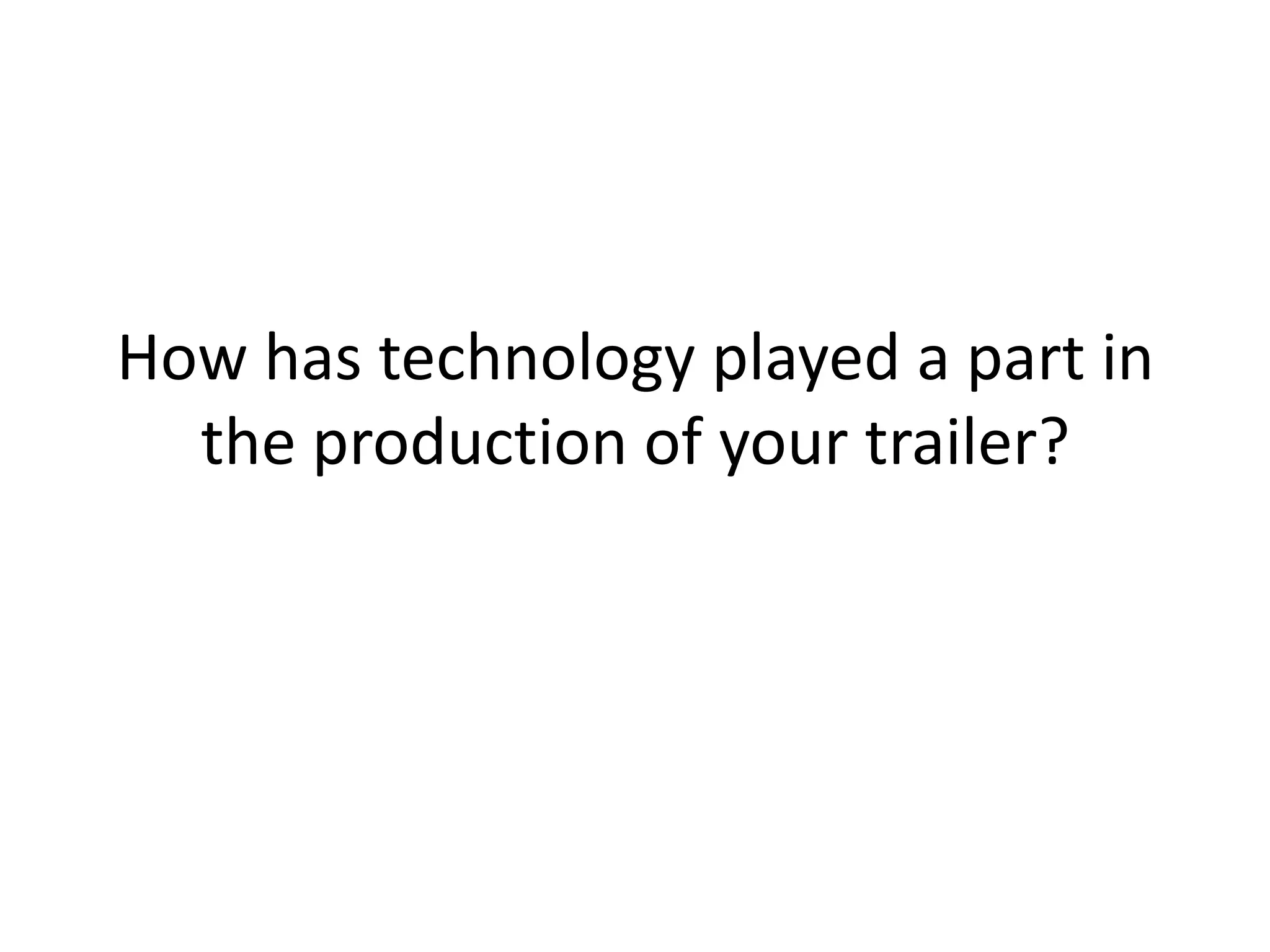
• To create the trailer we used a HD digital recording
  camera, this produced a high quality image. In order to
  create the right angles and shot types we used a
  tripod, this enabled us to create canted angles without
  damaging the camera. Once we were happy with the
  footage, we uploaded the shots using a USB cable onto
  a Mac
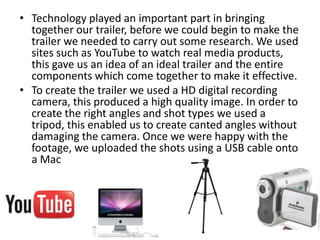
• Once the shots were on the Mac the files needed to be
  converted using xilisoft, then using Final cut express we
  were able to edit the footage. For example we could
  control the volume of the sound, add transitions and
  add effect such as a vignette. As we found in our
  research trailers often include some text, to recreate
  this effect we used Adobe Photoshop. A transparent
  background was used and the text was layered on top,
  this meant that the file could be placed into Final cut
  file.
• Now that all the visuals were in place we looked at
  adding sound, I gathered sounds such as a phone ring,
  cinematic boom and children laughing. For a more
  naturalistic sound we used phones to record the
  humming, we felt that this was better than a
  professional recording as it sounded more realistic.
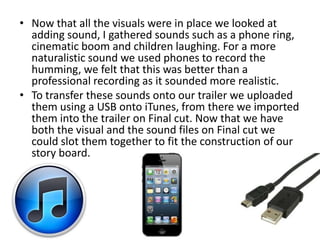
• To transfer these sounds onto our trailer we uploaded
  them using a USB onto iTunes, from there we imported
  them into the trailer on Final cut. Now that we have
  both the visual and the sound files on Final cut we
  could slot them together to fit the construction of our
  story board.

How has technology played a part in the

  • 1.
    How has technologyplayed a part in the production of your trailer?
  • 2.
    • Technology playedan important part in bringing together our trailer, before we could begin to make the trailer we needed to carry out some research. We used sites such as YouTube to watch real media products, this gave us an idea of an ideal trailer and the entire components which come together to make it effective. • To create the trailer we used a HD digital recording camera, this produced a high quality image. In order to create the right angles and shot types we used a tripod, this enabled us to create canted angles without damaging the camera. Once we were happy with the footage, we uploaded the shots using a USB cable onto a Mac
  • 3.
    • Once theshots were on the Mac the files needed to be converted using xilisoft, then using Final cut express we were able to edit the footage. For example we could control the volume of the sound, add transitions and add effect such as a vignette. As we found in our research trailers often include some text, to recreate this effect we used Adobe Photoshop. A transparent background was used and the text was layered on top, this meant that the file could be placed into Final cut file.
  • 4.
    • Now thatall the visuals were in place we looked at adding sound, I gathered sounds such as a phone ring, cinematic boom and children laughing. For a more naturalistic sound we used phones to record the humming, we felt that this was better than a professional recording as it sounded more realistic. • To transfer these sounds onto our trailer we uploaded them using a USB onto iTunes, from there we imported them into the trailer on Final cut. Now that we have both the visual and the sound files on Final cut we could slot them together to fit the construction of our story board.