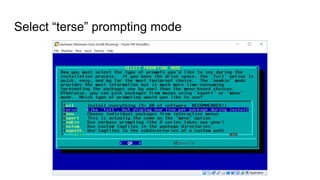
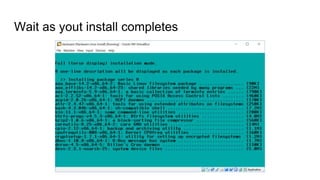
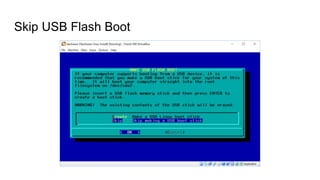
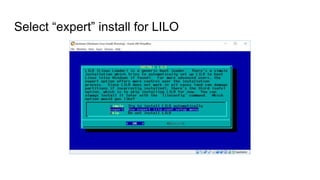
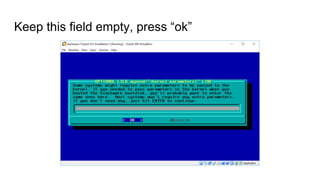
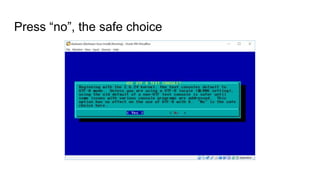
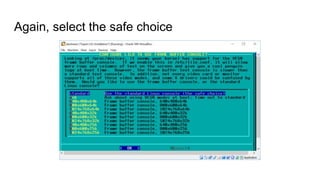
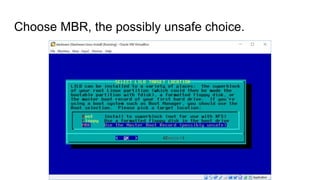
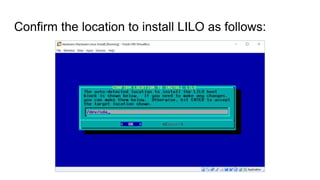
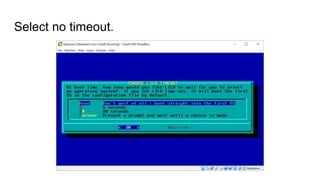
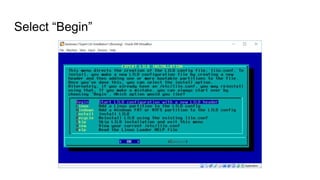
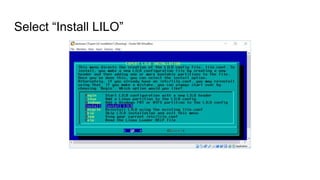
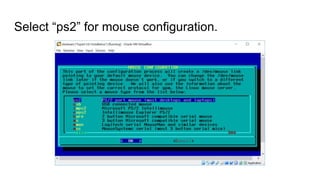
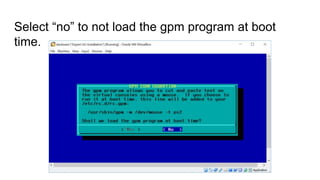
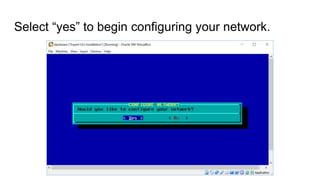
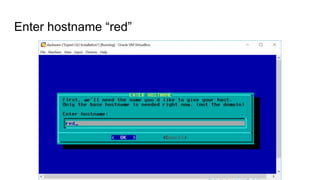
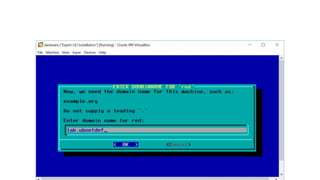
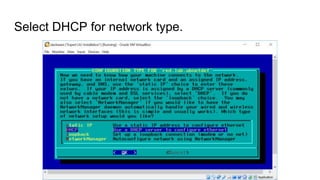
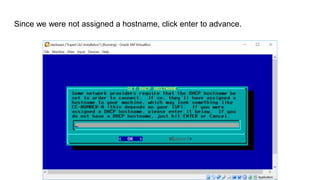
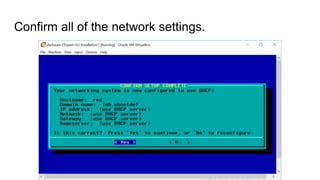
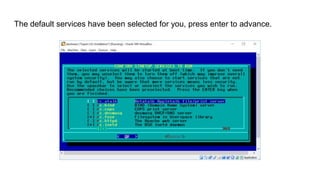
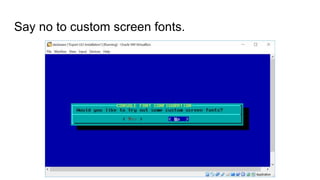
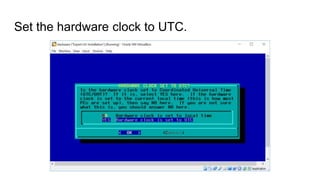
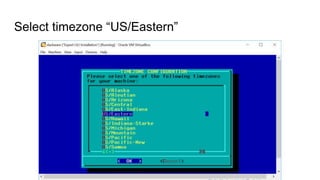
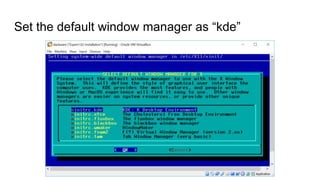
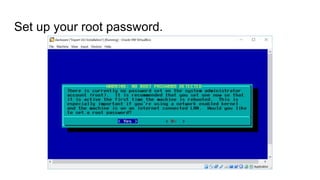
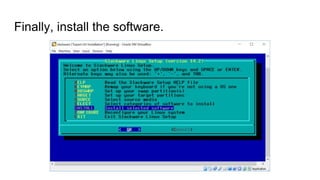
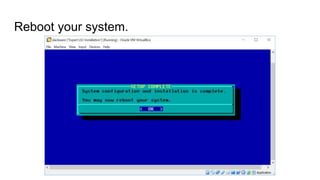
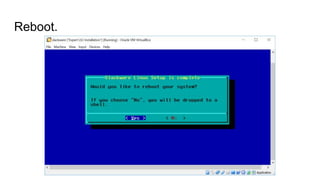
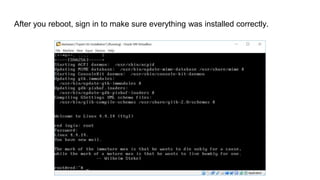
The document provides instructions for installing Slackware Linux. It outlines the steps to select packages to install, choose installation options like prompt mode and LILO configuration, configure the network, set the timezone and window manager, set the root password, install software, and reboot to complete the installation.


![Selecting packages to install, select Packages : [A, AP, D, E, F, K, KDE, L, N, T,
TCL, X, XAP, XFCE, Y],](https://image.slidesharecdn.com/howdoiinstallslackwarelinux-180501233955/85/How-do-I-install-Slackware-Linux-2-320.jpg)


![Slackware Demystified [SELF 2011]](https://cdn.slidesharecdn.com/ss_thumbnails/2011self-121128095615-phpapp01-thumbnail.jpg?width=640&height=640&fit=bounds)


![Getting Started with Apache Spark: Big Data Made Simple [Free Meetup]](https://cdn.slidesharecdn.com/ss_thumbnails/apachesparkgettingstarted-260203175547-8361bcc3-thumbnail.jpg?width=640&height=640&fit=bounds)


