Download to read offline

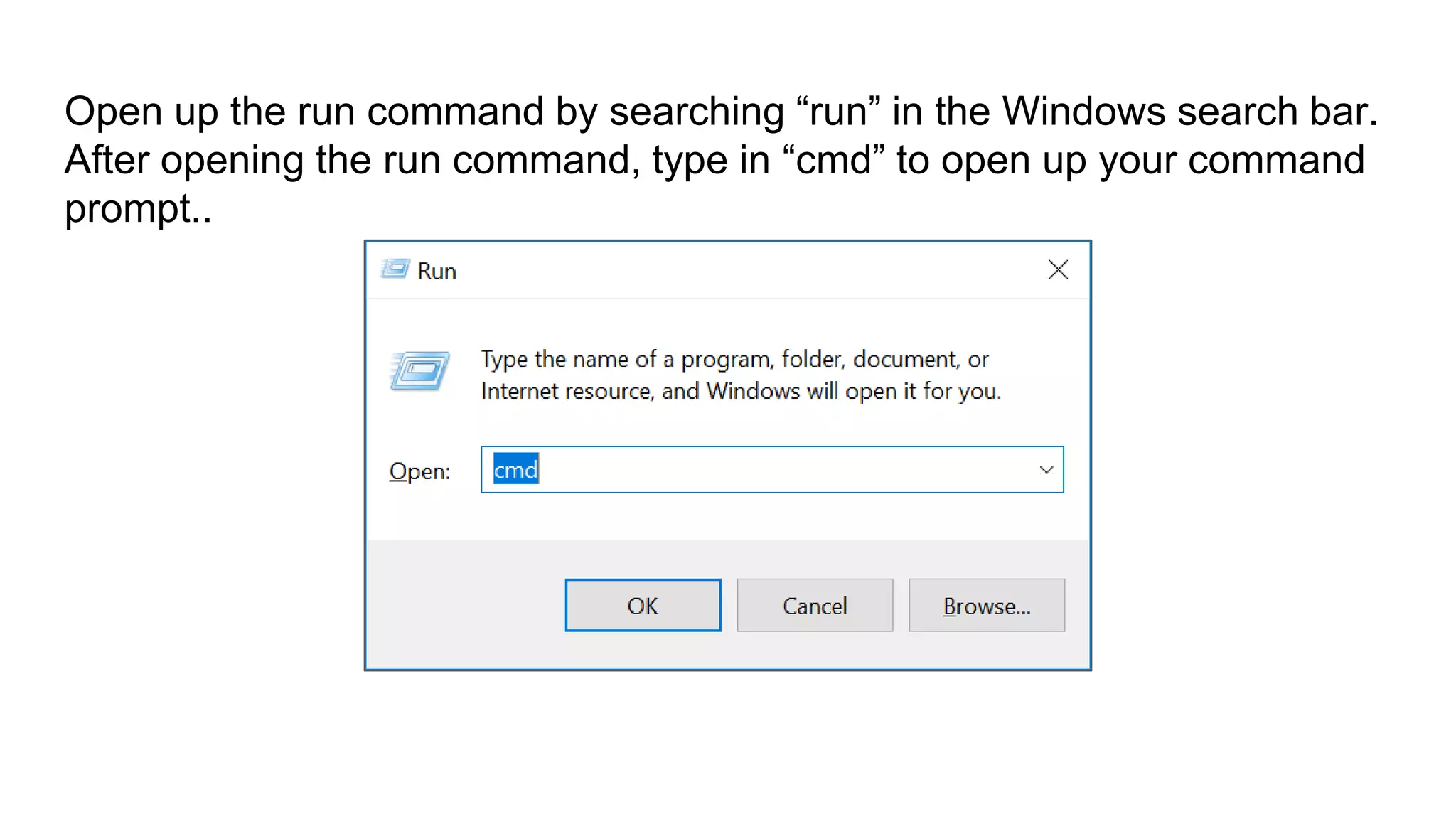
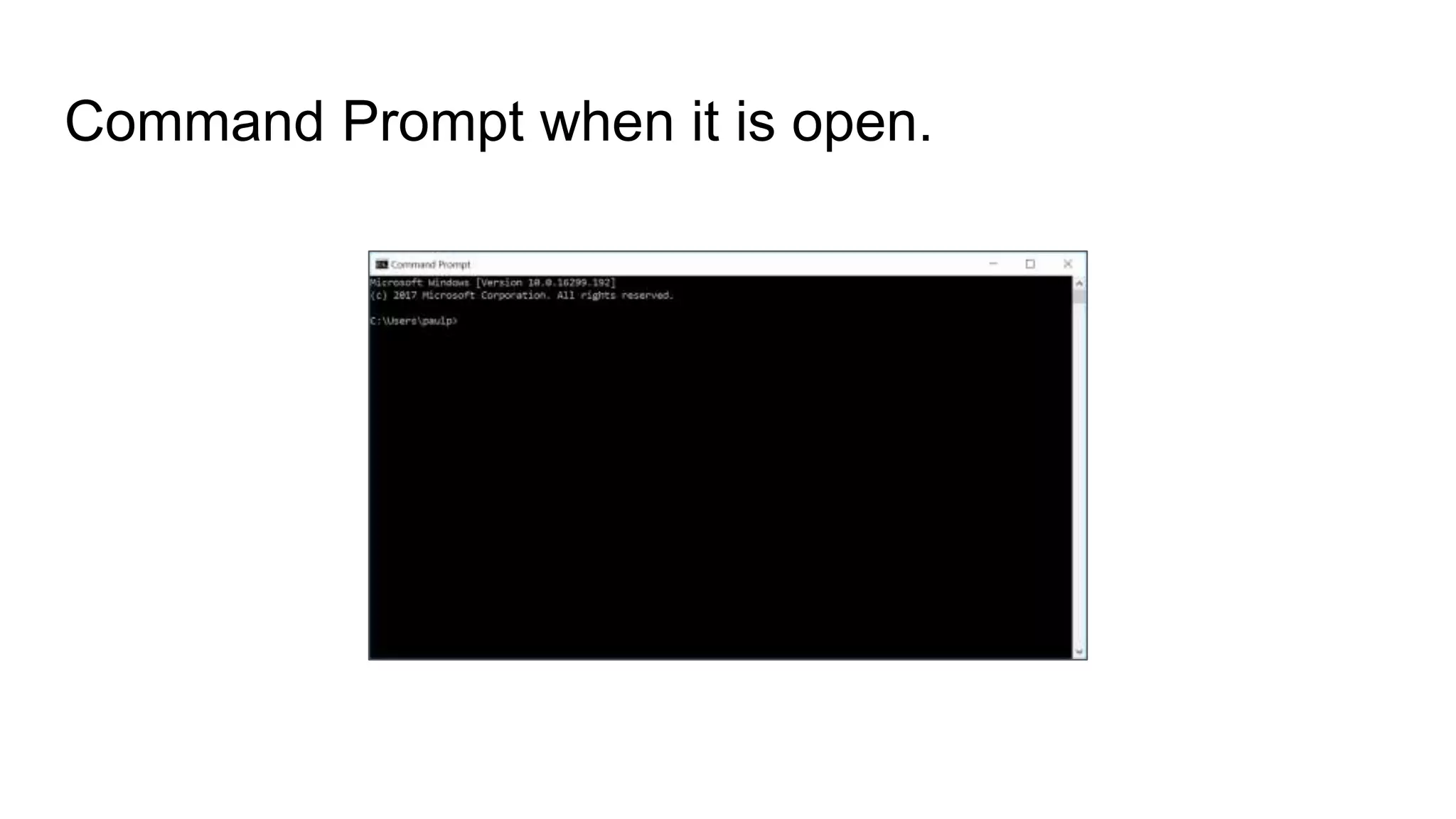
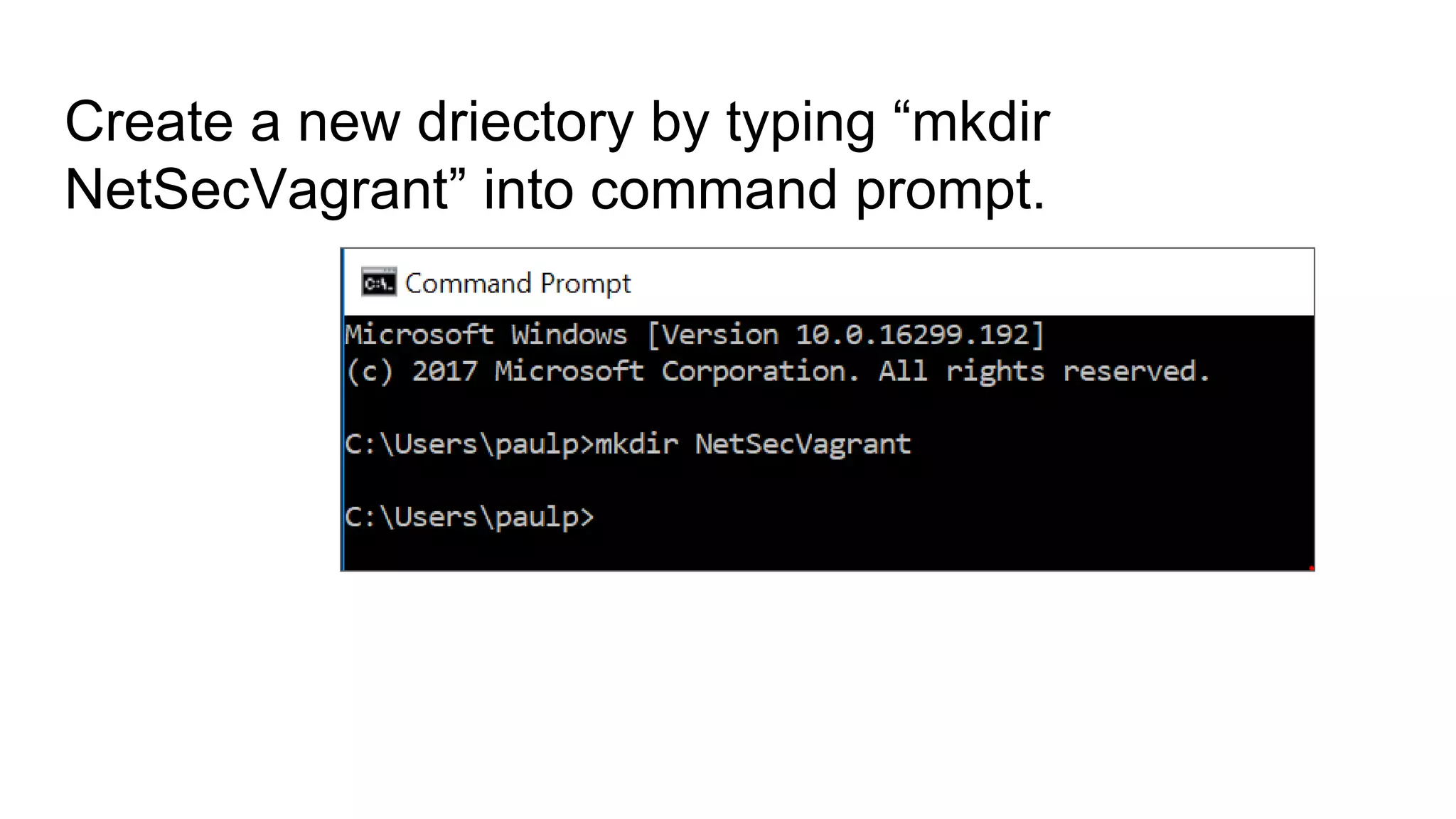
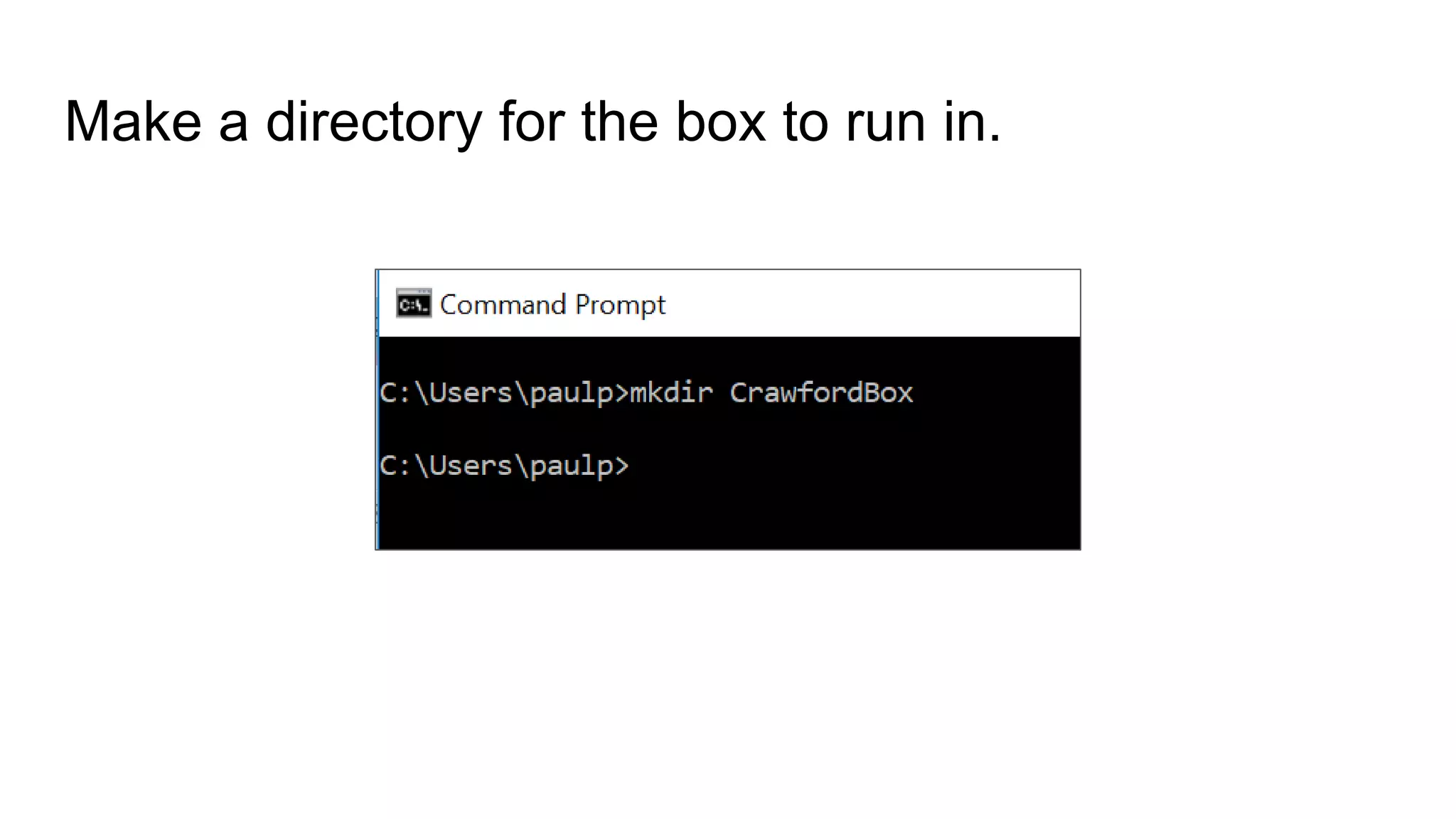
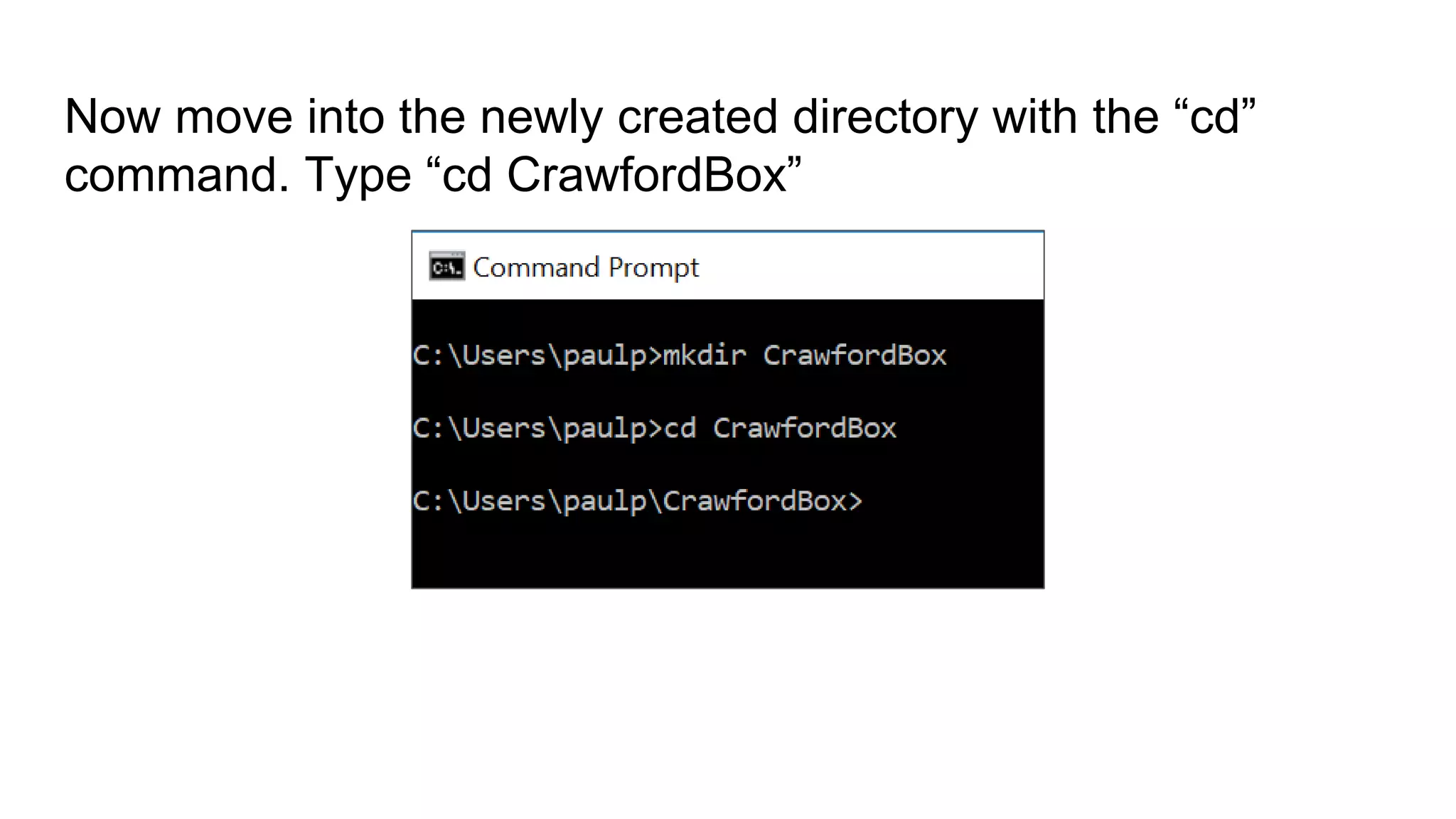
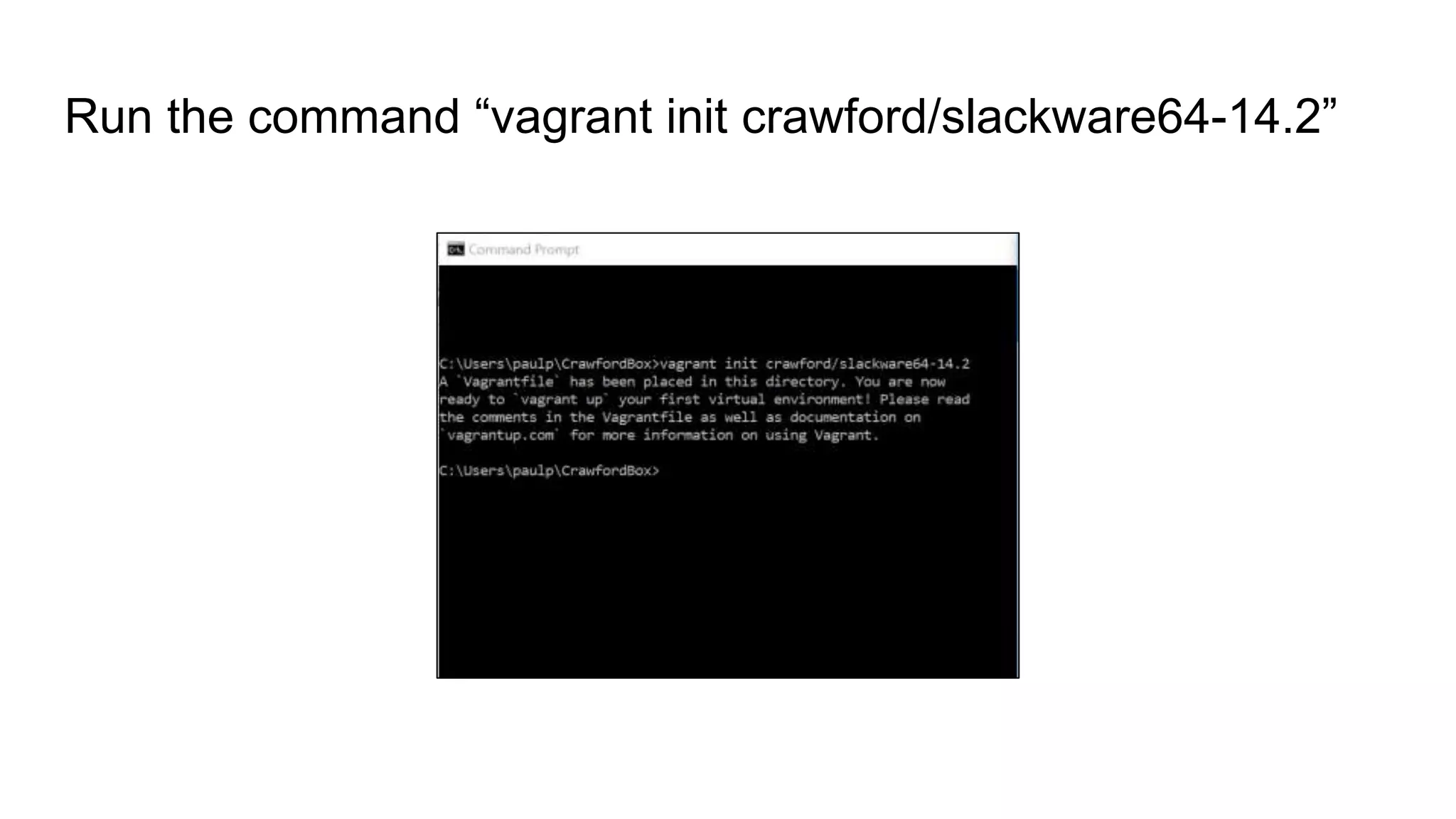
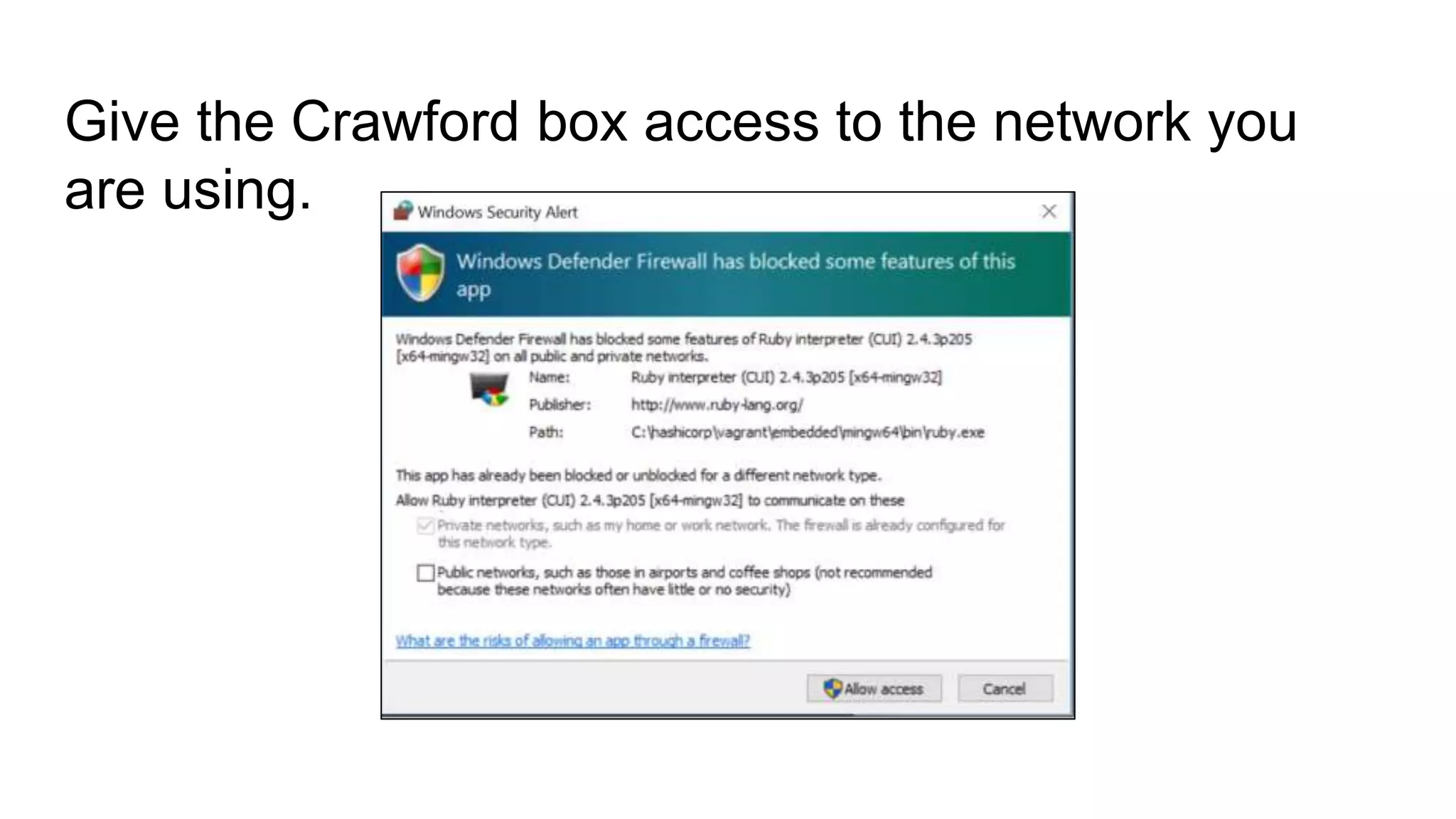
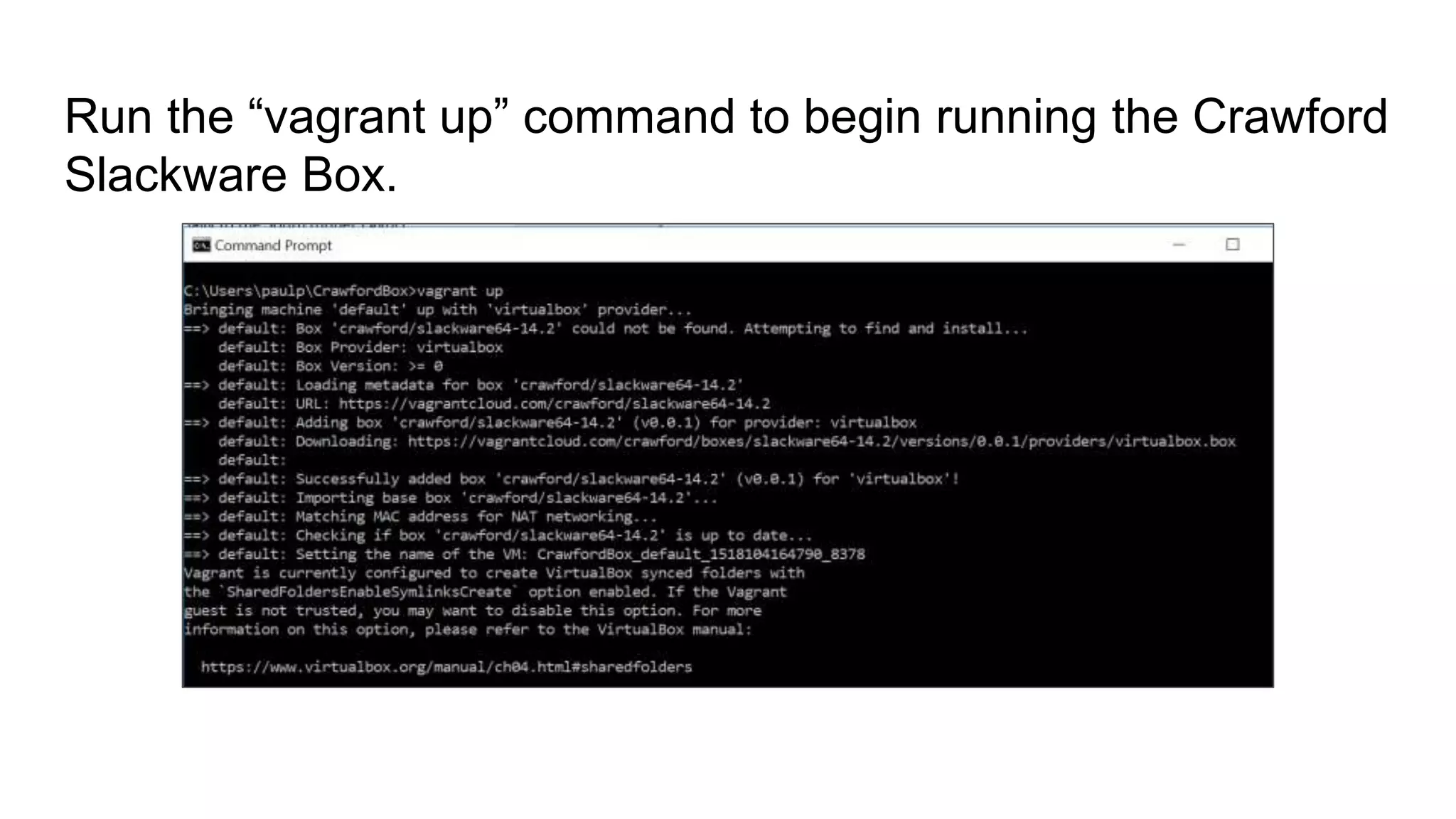
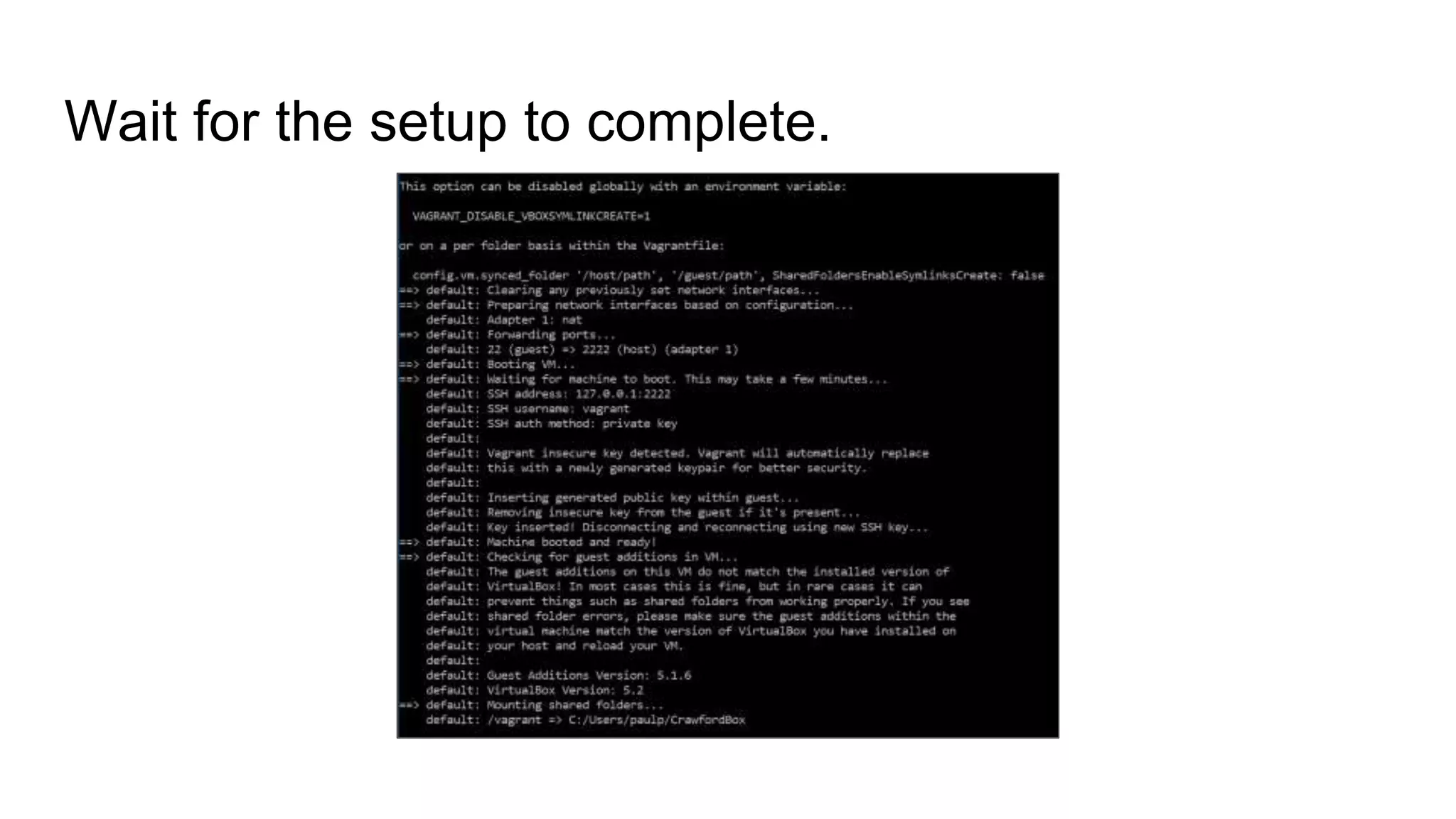
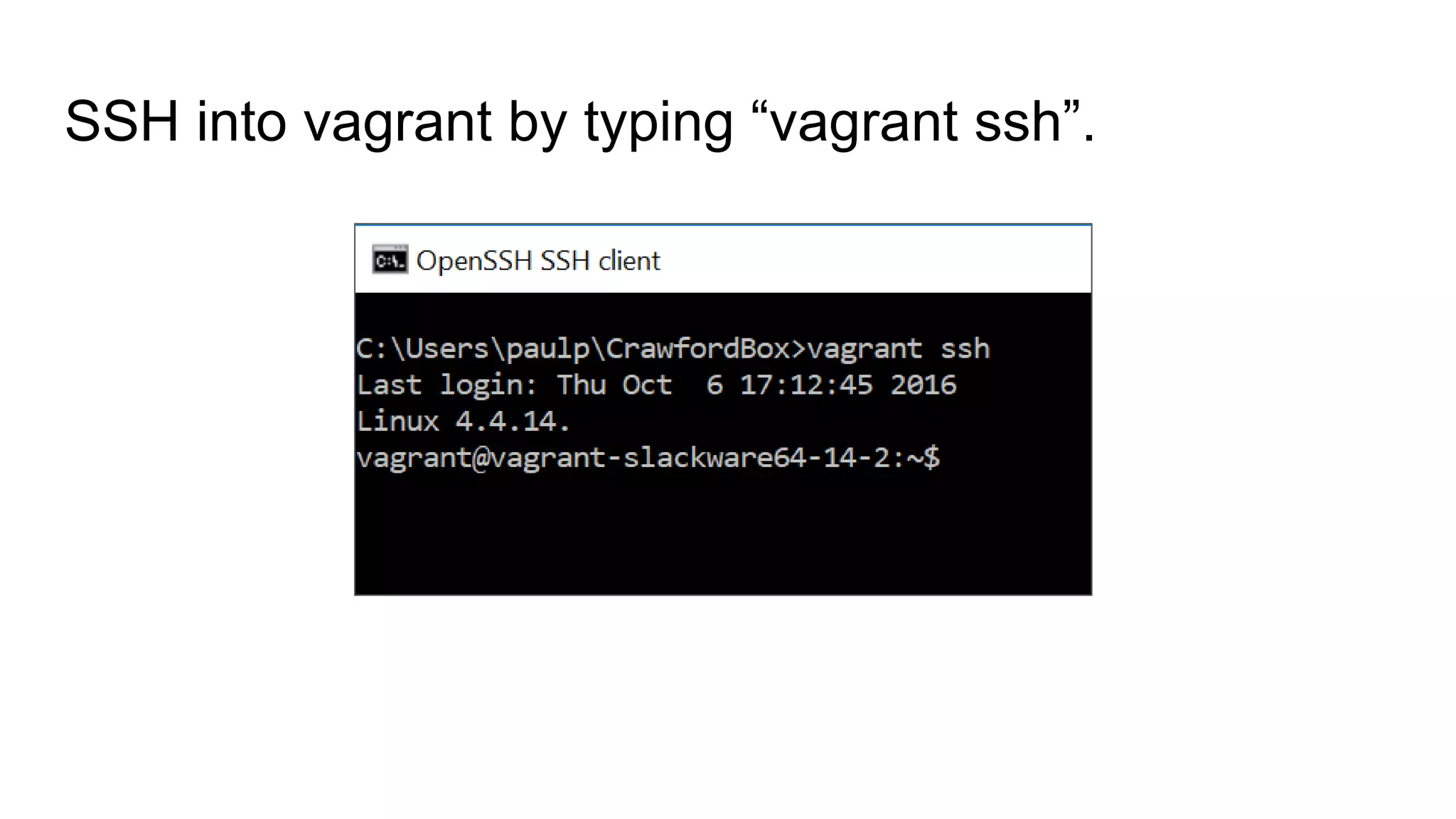
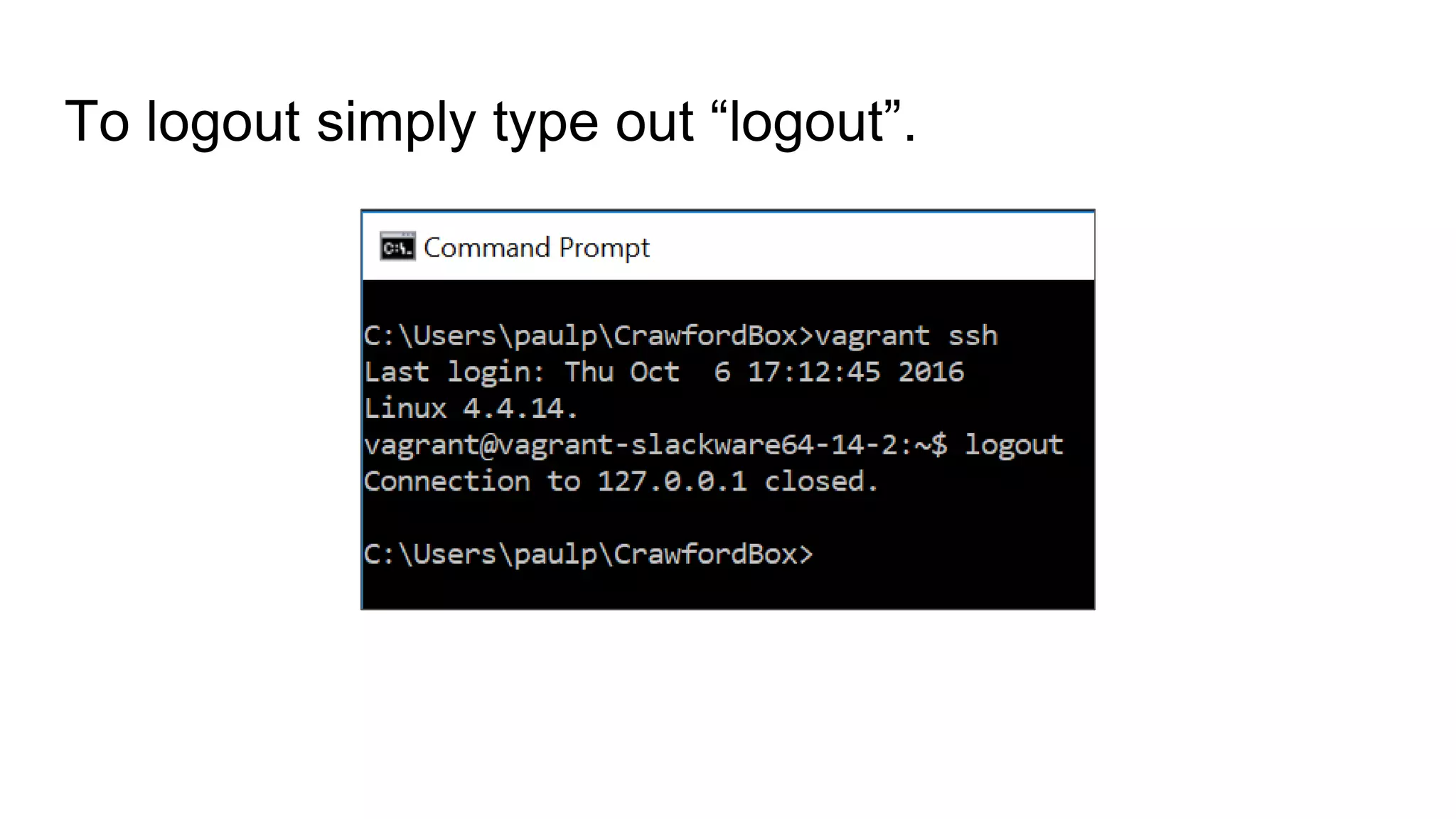
To run the Crawford Slackware Box, open the Windows command prompt, create a new directory called "NetSecVagrant", change to that directory and run the commands "vagrant init crawford/slackware64-14.2" and "vagrant up" to download and launch the virtual machine, then SSH into it using "vagrant ssh".


![Vibe Coding vs. Spec-Driven Development [Free Meetup]](https://cdn.slidesharecdn.com/ss_thumbnails/vibecodingvsspecdrivendevelopment-251209105622-43f455e7-thumbnail.jpg?width=640&height=640&fit=bounds)


