Make a Card 1. Fold the card in half 2. Glue the backs together 3. Cut along the dashed line
1
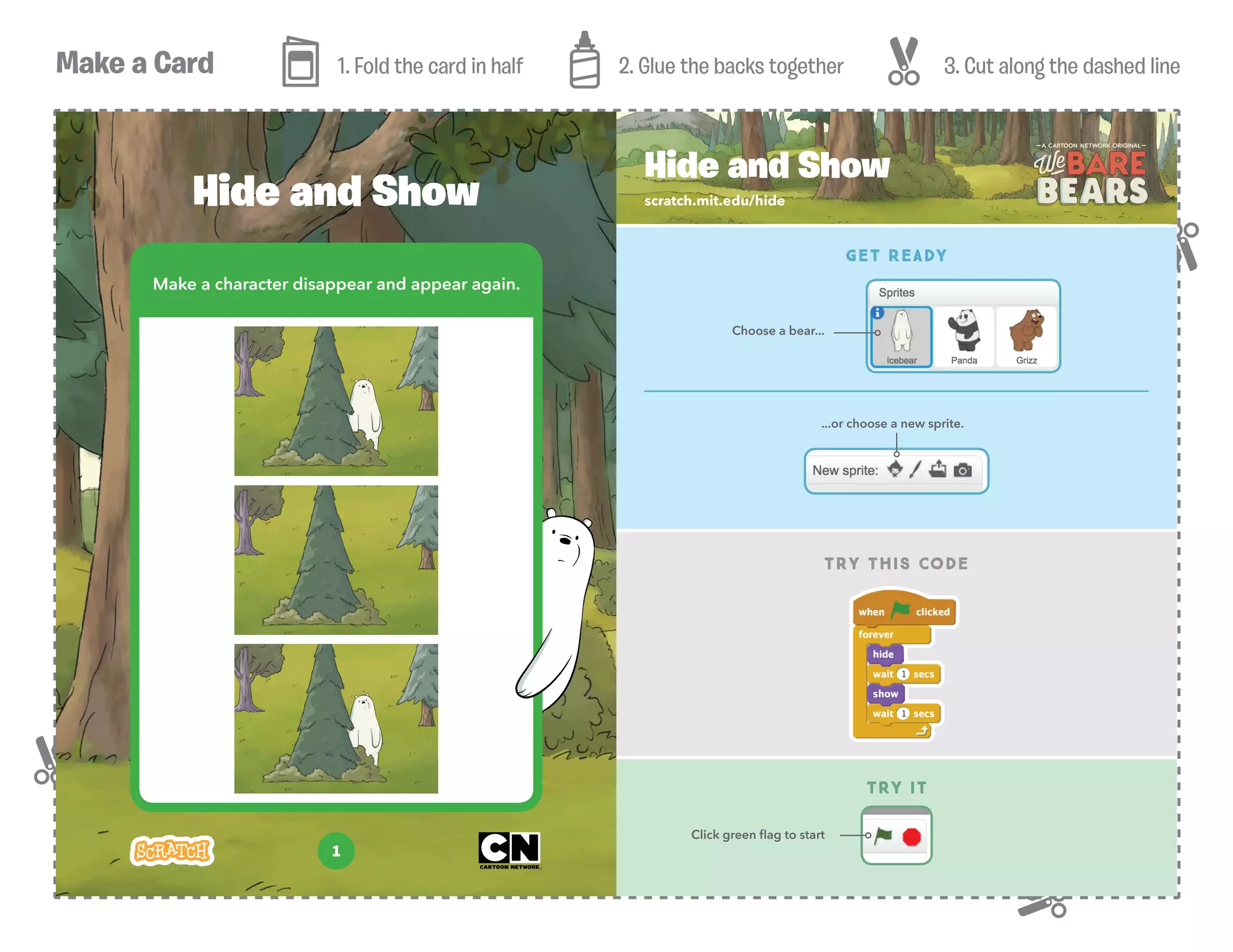
Make a character disappear and appear again.
Hide and Show scratch.mit.edu/hide
TRY THIS CODE
Hide and Show
GET READY
...or choose a new sprite.
TRY IT
Click green flag to start
Choose a bear...
Make a Card 1. Fold the card in half 2. Glue the backs together 3. Cut along the dashed line
2
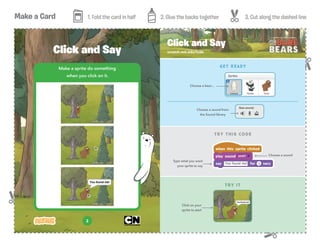
Make a sprite do something
when you click on it.
Click and Say scratch.mit.edu/hide
Click and Say
GET READY
TRY IT
TRY THIS CODE
Click on your
sprite to start
Choose a sound from
the Sound library
Type what you want
your sprite to say
Choose a sound
Choose a bear...
Make a Card 1. Fold the card in half 2. Glue the backs together 3. Cut along the dashed line
3
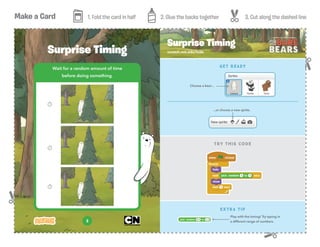
Wait for a random amount of time
before doing something.
Surprise Timing scratch.mit.edu/hide
Surprise Timing
EXTRA TIP
Play with the timing! Try typing in
a different range of numbers.
TRY THIS CODE
GET READY
...or choose a new sprite.
Choose a bear...
Make a Card 1. Fold the card in half 2. Glue the backs together 3. Cut along the dashed line
4
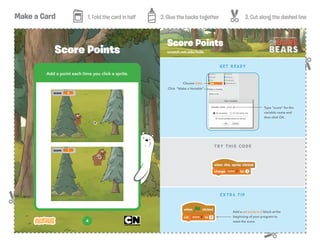
Add a point each time you click a sprite.
Score Points scratch.mit.edu/hide
Score Points
TRY THIS CODE
GET READY
EXTRA TIP
Add a set score to 0 block at the
beginning of your program to
reset the score.
Choose Data
Click “Make a Variable”
Type “score” for the
variable name and
then click OK.
Make a Card 1. Fold the card in half 2. Glue the backs together 3. Cut along the dashed line
5
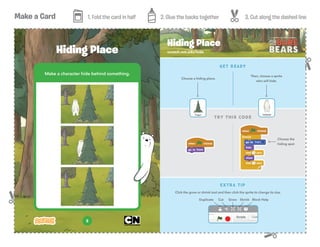
Make a character hide behind something.
Hiding Place scratch.mit.edu/hide
Hiding Place
TRY THIS CODE
GET READY
Then, choose a sprite
who will hide.
Choose a hiding place.
EXTRA TIP
Click the grow or shrink tool and then click the sprite to change its size.
Duplicate Cut Grow Shrink Block Help
Choose the
hiding spot
Make a Card 1. Fold the card in half 2. Glue the backs together 3. Cut along the dashed line
6
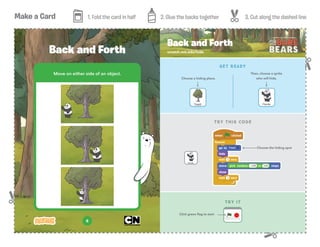
Move on either side of an object.
Back and Forth scratch.mit.edu/hide
Back and Forth
TRY THIS CODE
Choose the hiding spot
TRY IT
Click green flag to start
GET READY
Then, choose a sprite
who will hide.Choose a hiding place.
Make a Card 1. Fold the card in half 2. Glue the backs together 3. Cut along the dashed line
7
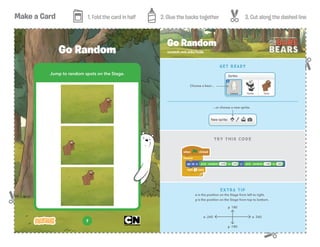
Jump to random spots on the Stage.
Go Random scratch.mit.edu/hide
Go Random
TRY THIS CODE
EXTRA TIP
x is the position on the Stage from left to right.
y is the position on the Stage from top to bottom.
GET READY
y 180
y -180
x 240x -240
...or choose a new sprite.
Choose a bear...

Hide-and-Seek-Cards

  • 1.
    Make a Card1. Fold the card in half 2. Glue the backs together 3. Cut along the dashed line 1 Make a character disappear and appear again. Hide and Show scratch.mit.edu/hide TRY THIS CODE Hide and Show GET READY ...or choose a new sprite. TRY IT Click green flag to start Choose a bear...
  • 2.
    Make a Card1. Fold the card in half 2. Glue the backs together 3. Cut along the dashed line 2 Make a sprite do something when you click on it. Click and Say scratch.mit.edu/hide Click and Say GET READY TRY IT TRY THIS CODE Click on your sprite to start Choose a sound from the Sound library Type what you want your sprite to say Choose a sound Choose a bear...
  • 3.
    Make a Card1. Fold the card in half 2. Glue the backs together 3. Cut along the dashed line 3 Wait for a random amount of time before doing something. Surprise Timing scratch.mit.edu/hide Surprise Timing EXTRA TIP Play with the timing! Try typing in a different range of numbers. TRY THIS CODE GET READY ...or choose a new sprite. Choose a bear...
  • 4.
    Make a Card1. Fold the card in half 2. Glue the backs together 3. Cut along the dashed line 4 Add a point each time you click a sprite. Score Points scratch.mit.edu/hide Score Points TRY THIS CODE GET READY EXTRA TIP Add a set score to 0 block at the beginning of your program to reset the score. Choose Data Click “Make a Variable” Type “score” for the variable name and then click OK.
  • 5.
    Make a Card1. Fold the card in half 2. Glue the backs together 3. Cut along the dashed line 5 Make a character hide behind something. Hiding Place scratch.mit.edu/hide Hiding Place TRY THIS CODE GET READY Then, choose a sprite who will hide. Choose a hiding place. EXTRA TIP Click the grow or shrink tool and then click the sprite to change its size. Duplicate Cut Grow Shrink Block Help Choose the hiding spot
  • 6.
    Make a Card1. Fold the card in half 2. Glue the backs together 3. Cut along the dashed line 6 Move on either side of an object. Back and Forth scratch.mit.edu/hide Back and Forth TRY THIS CODE Choose the hiding spot TRY IT Click green flag to start GET READY Then, choose a sprite who will hide.Choose a hiding place.
  • 7.
    Make a Card1. Fold the card in half 2. Glue the backs together 3. Cut along the dashed line 7 Jump to random spots on the Stage. Go Random scratch.mit.edu/hide Go Random TRY THIS CODE EXTRA TIP x is the position on the Stage from left to right. y is the position on the Stage from top to bottom. GET READY y 180 y -180 x 240x -240 ...or choose a new sprite. Choose a bear...