Download to read offline
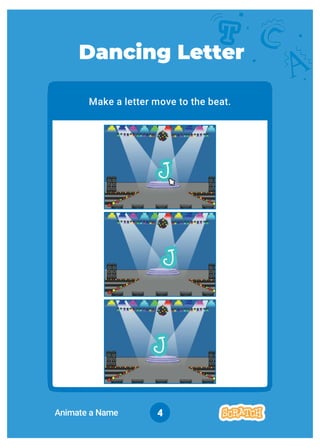
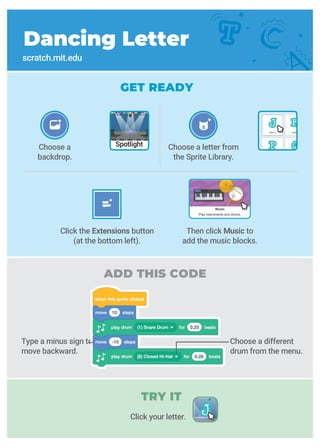
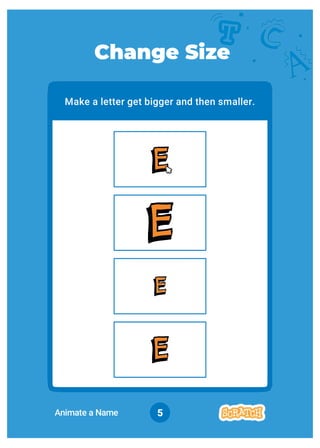
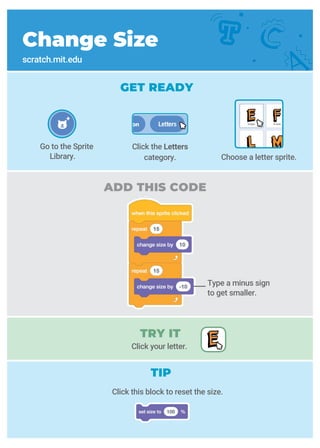
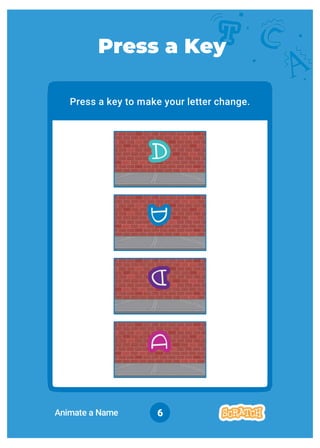
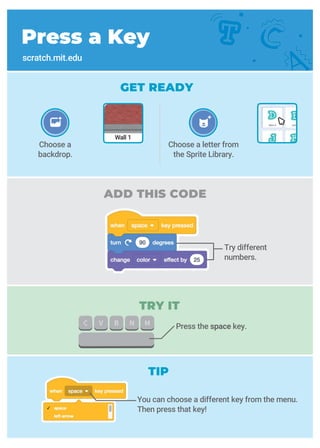
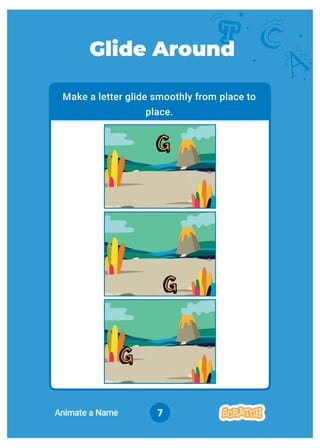
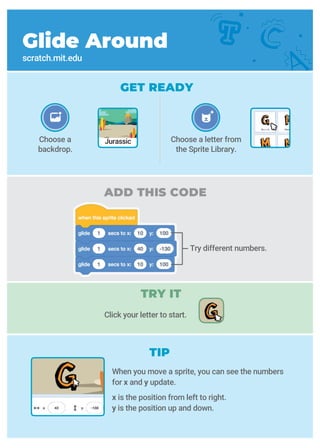
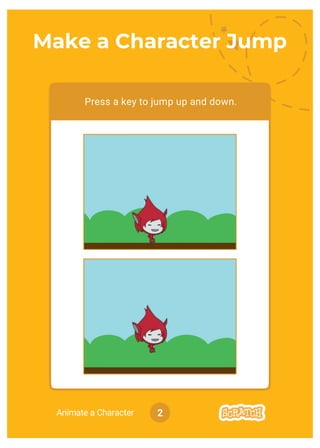
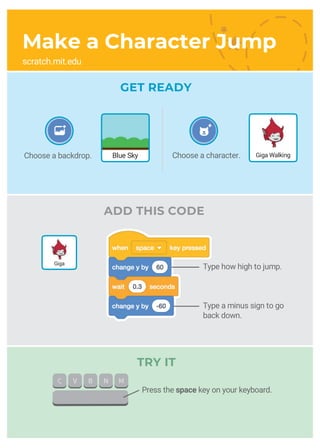
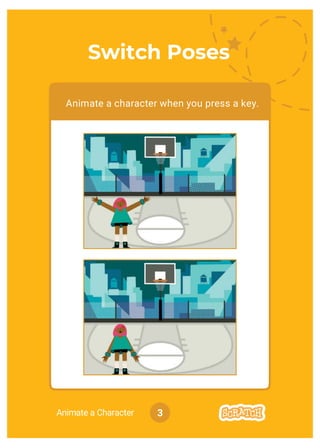
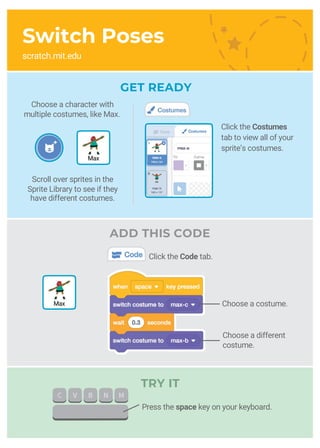
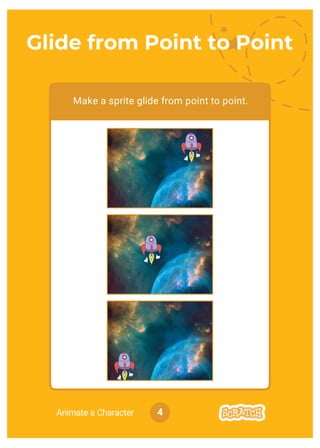
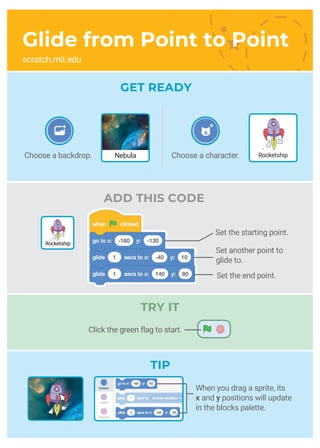
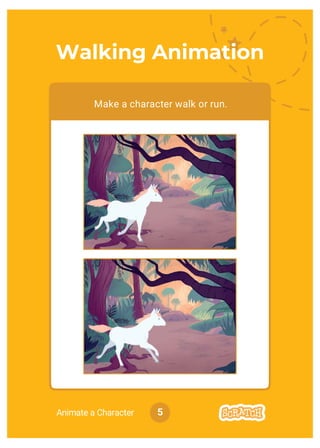
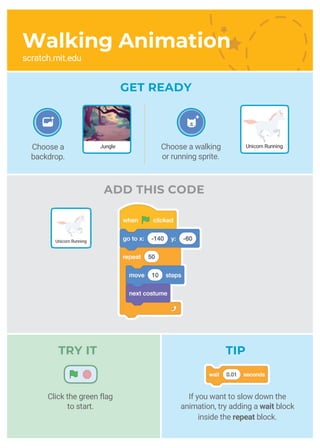
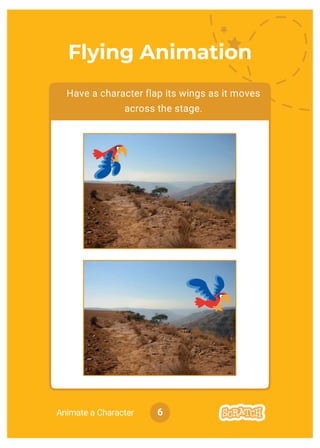
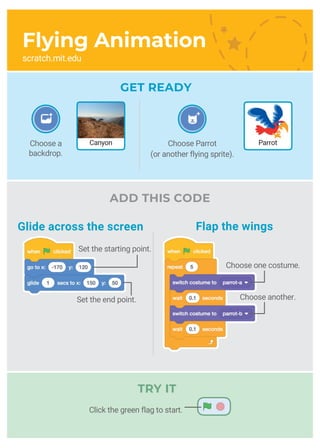
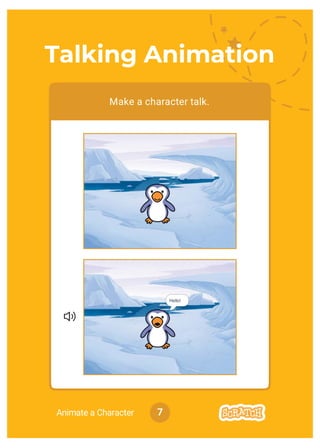
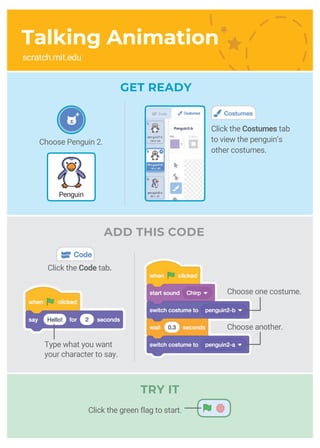
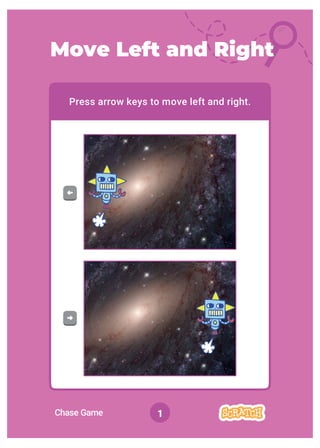
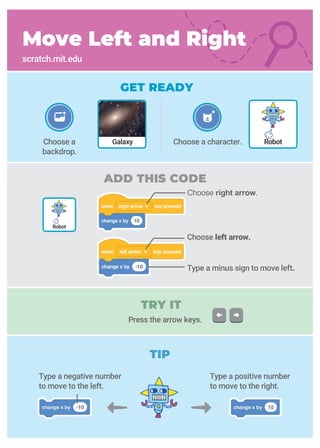
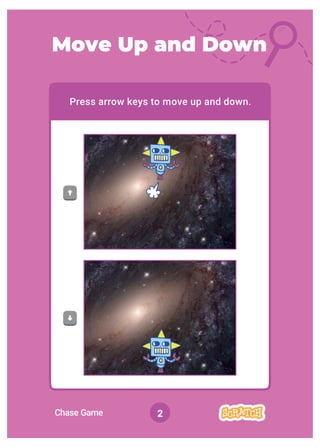
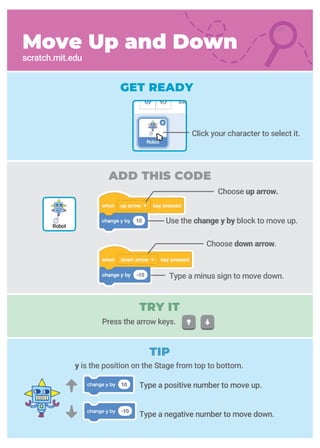
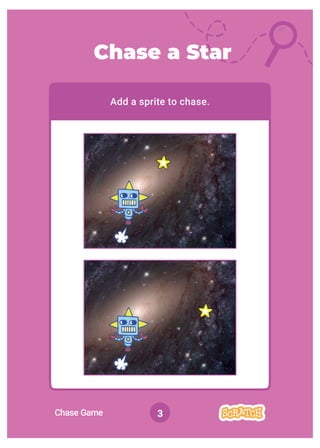
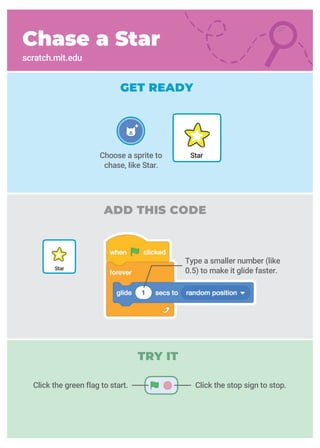
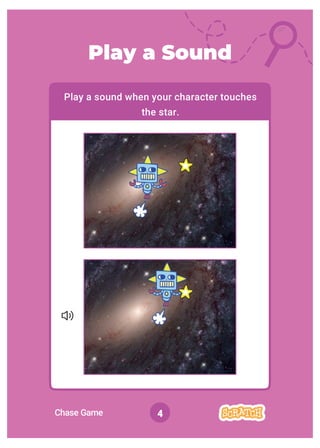
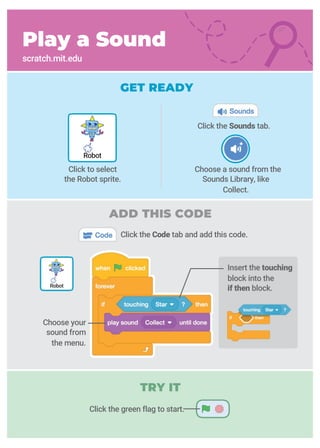
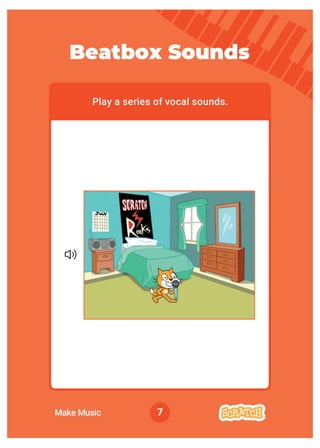
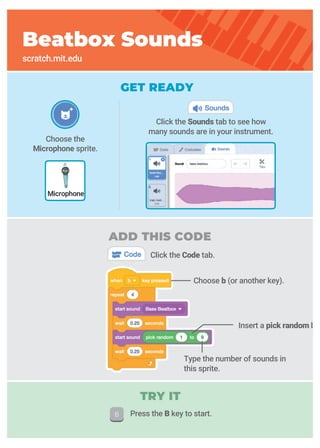
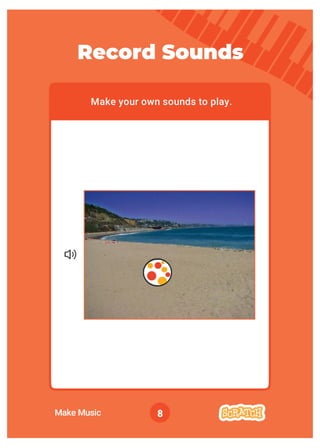
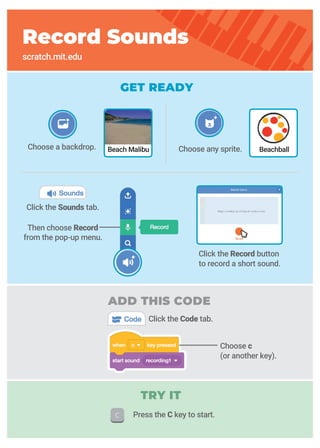
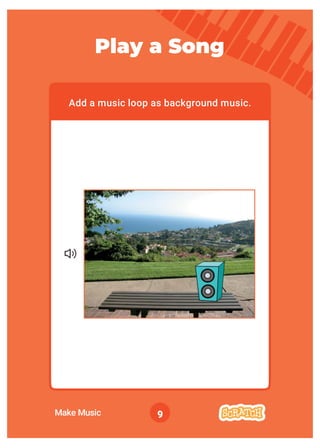
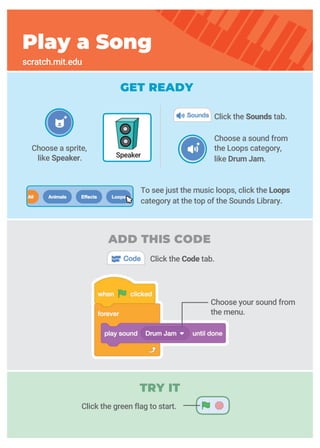
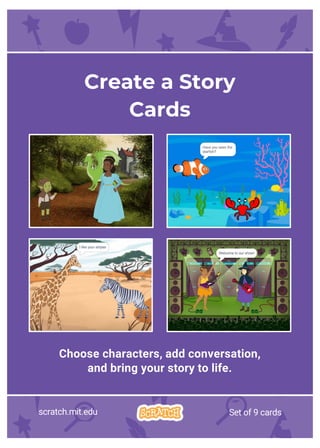
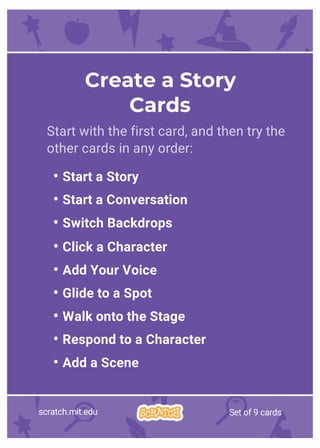
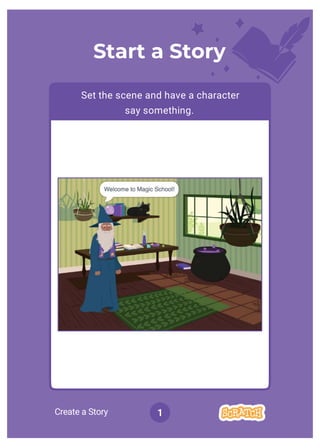
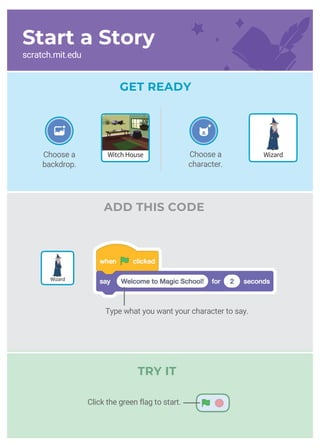
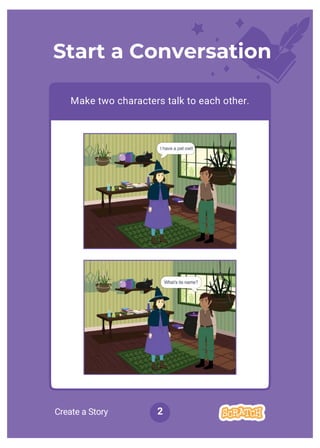
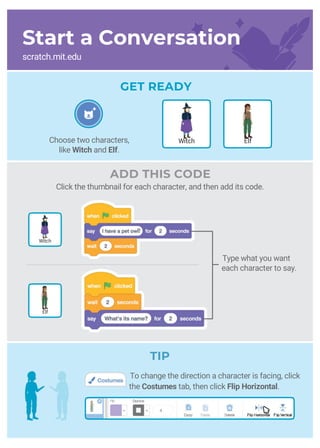
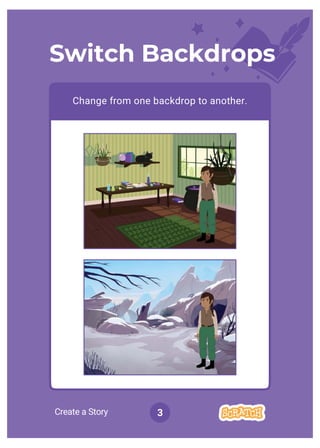
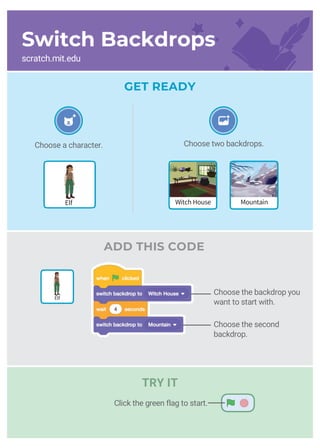
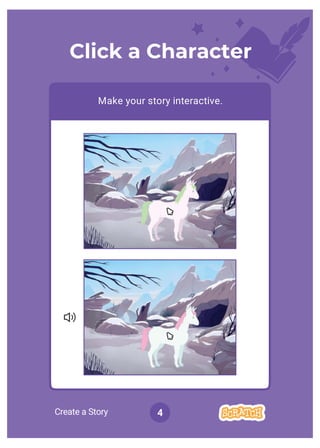
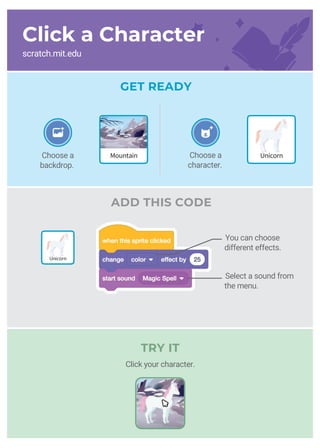
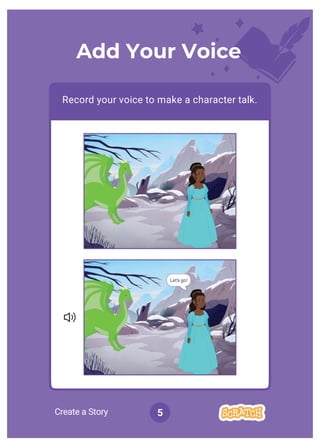
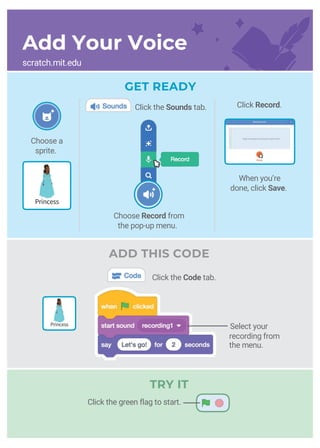
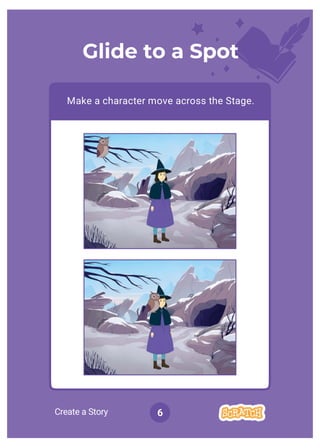
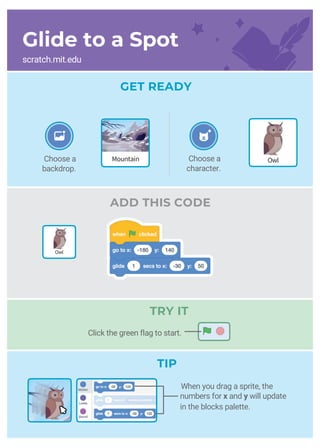
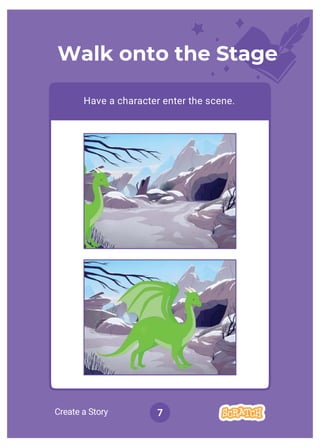
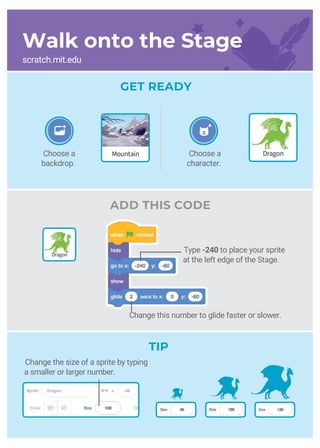
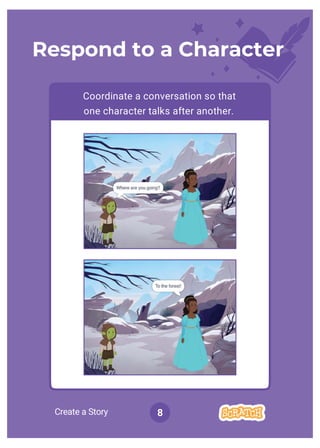
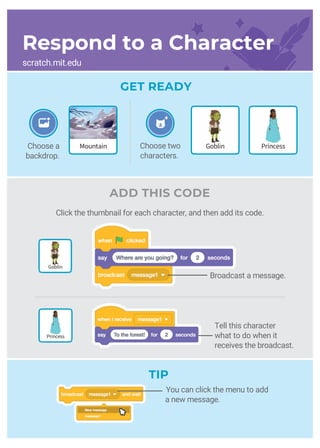
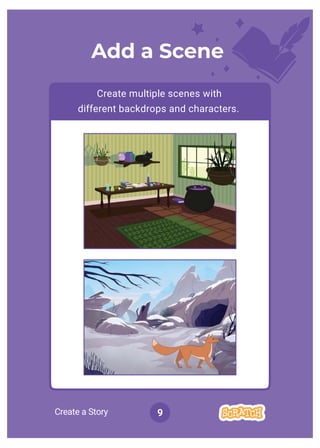
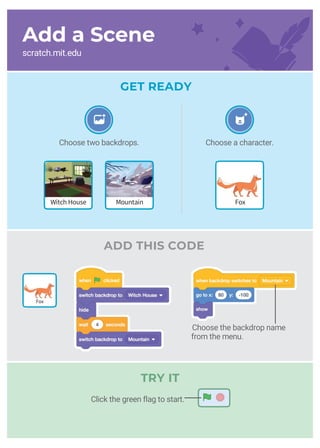
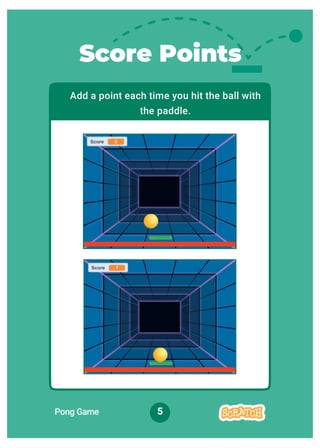
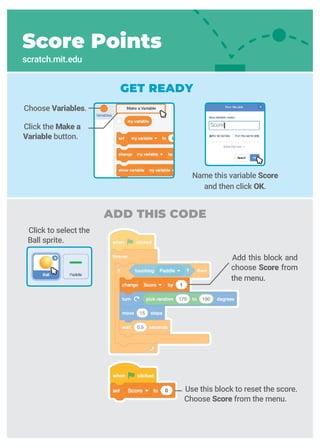
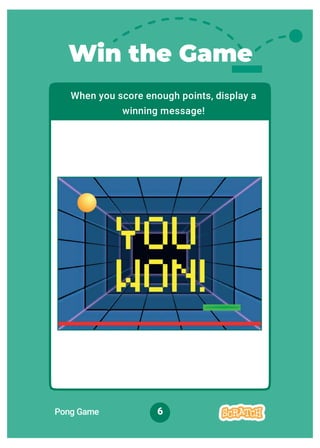
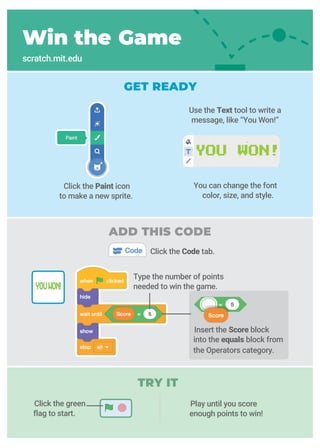
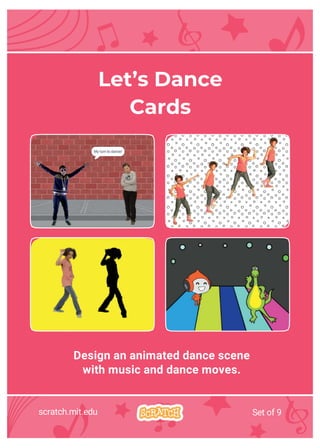
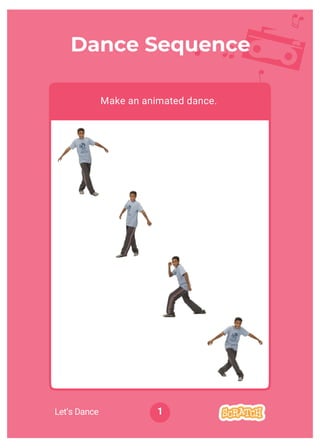
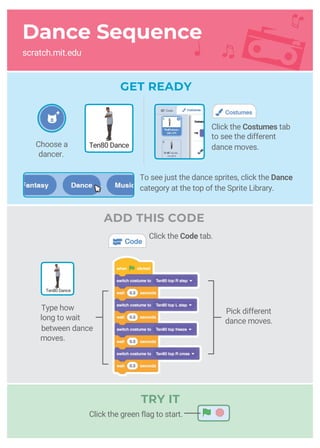
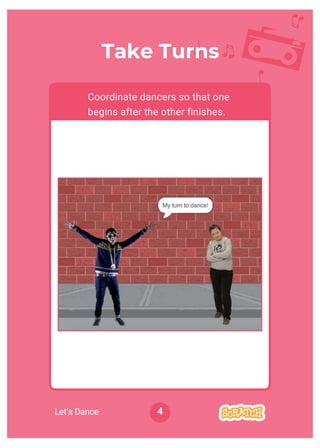
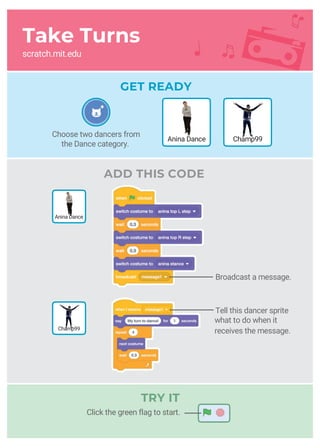
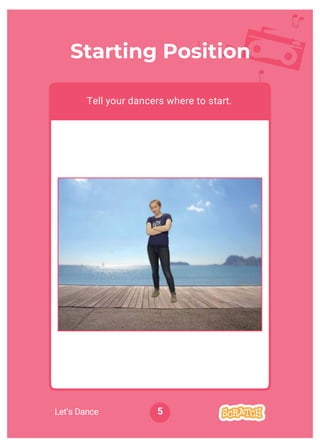
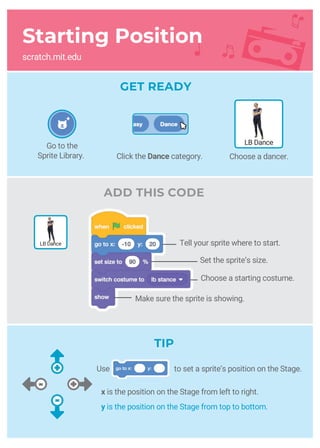
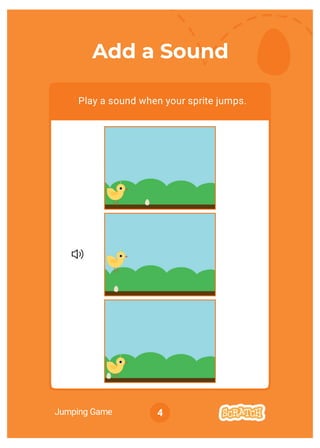
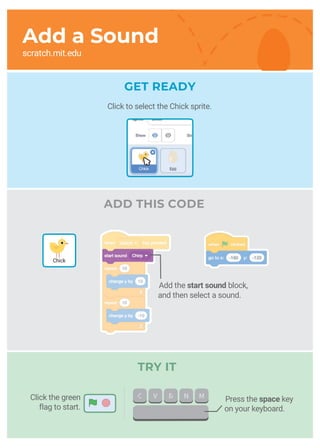
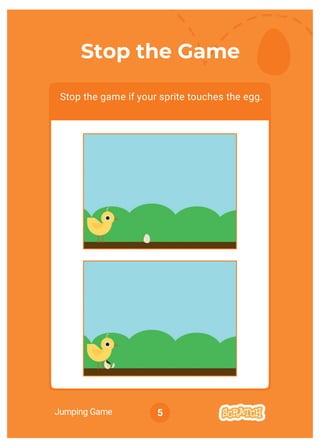
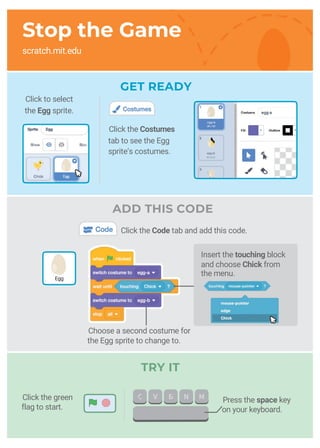
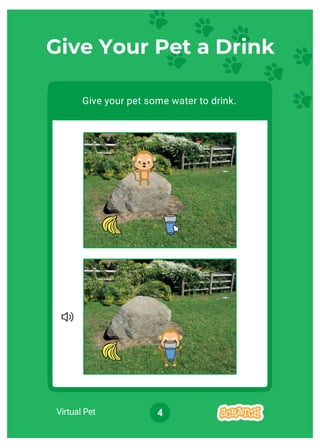
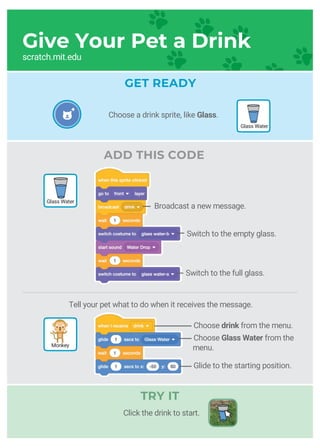
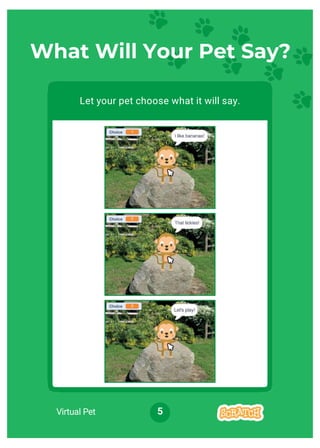
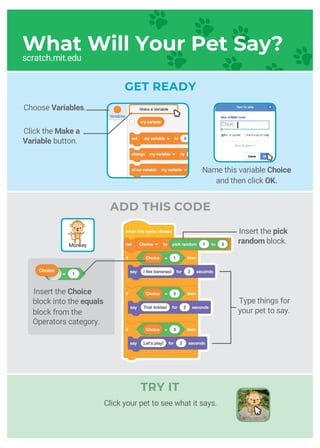
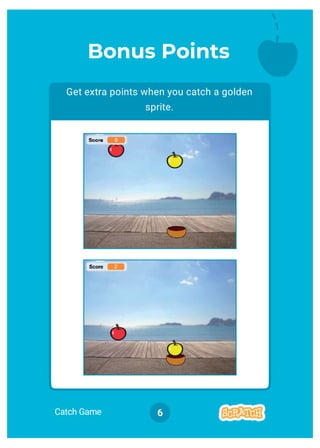
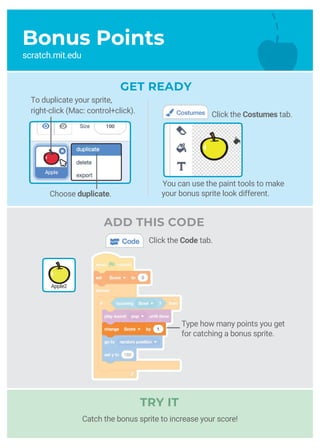
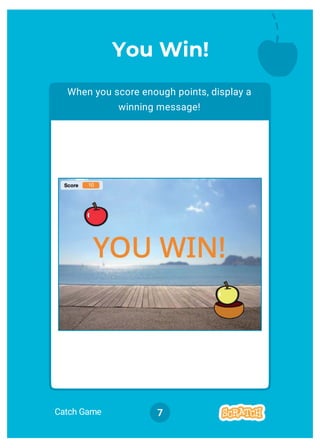
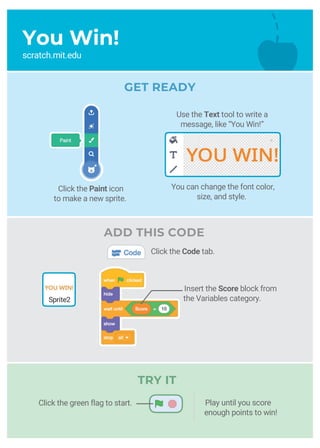

This document provides instructions for creating animated stories in Scratch. It includes 9 cards that guide the user through different storytelling techniques: 1) Starting a story by setting the scene and having a character speak; 2) Starting a conversation between two characters; 3) Switching between backdrops; 4) Clicking a character to make the story interactive; 5) Adding recorded voice; 6) Making a character glide to a spot; 7) Having a character walk onto the stage; 8) Responding to another character; and 9) Adding additional scenes. The cards instruct the user to choose characters, backdrops, and dialogue and provide code examples to bring the story to life.


