








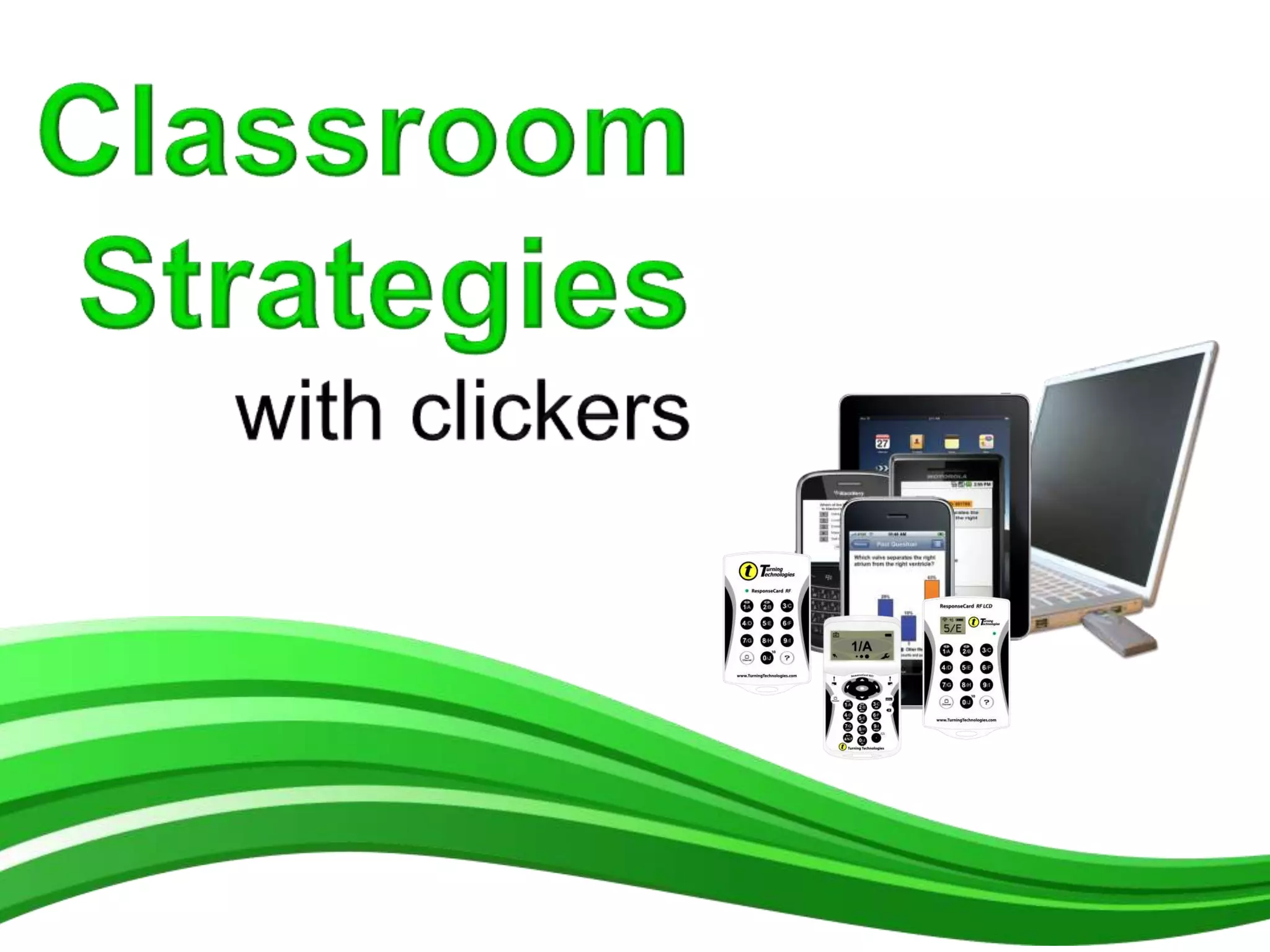
























This Part 2 in a 2 Part Presentation
Achieve true engagement in
your lecture hall
1. Using clickers
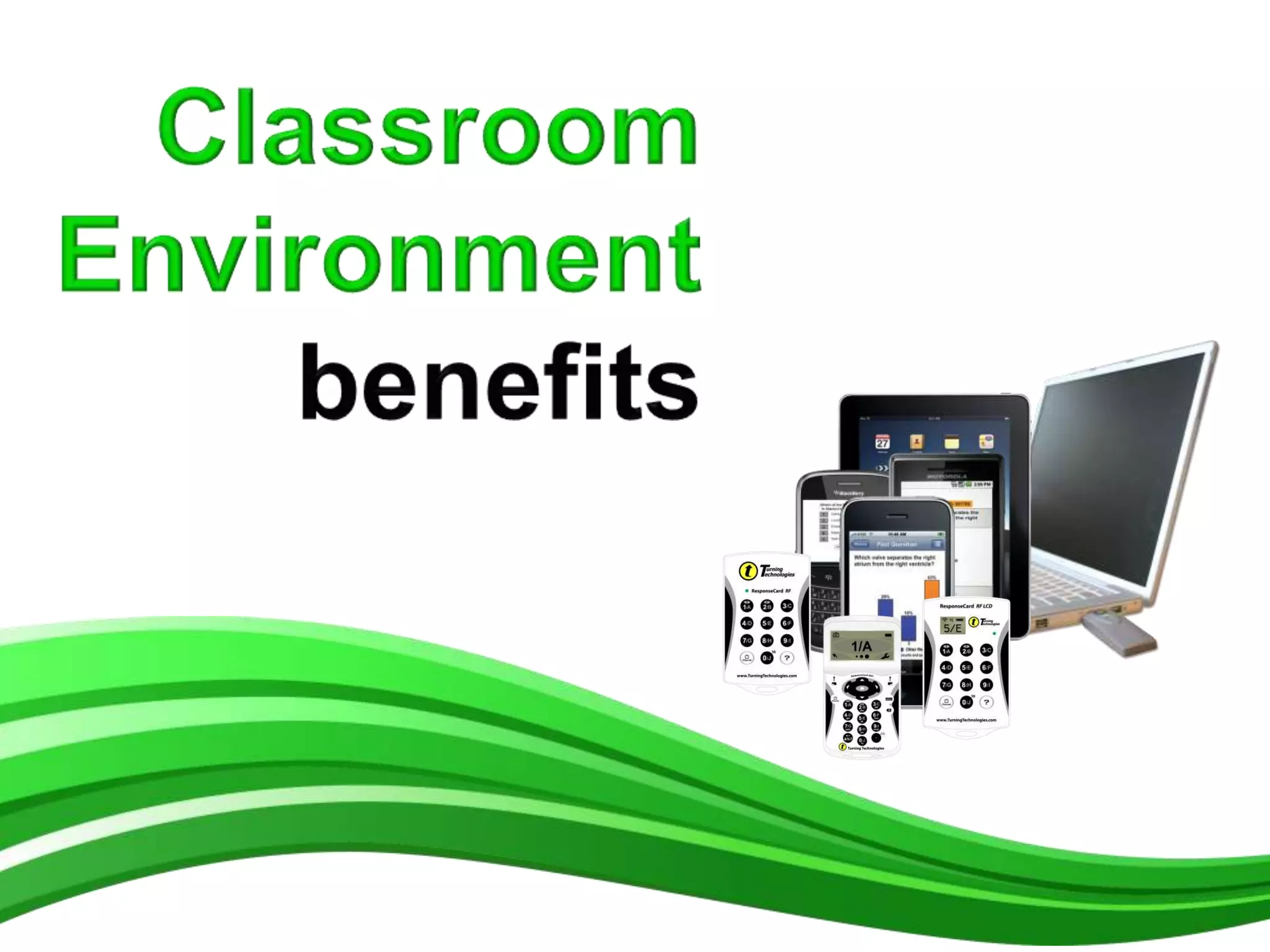
    a) Classroom Environment benefits
    b) Learning benefits
    c) Assessment benefits
    d) Learning Goals
    e) How people learn
2. Pedagogical literature and learning theories
    a) Peer Instruction
3. Classroom Strategies with clickers
    a) Writing Clicker Questions
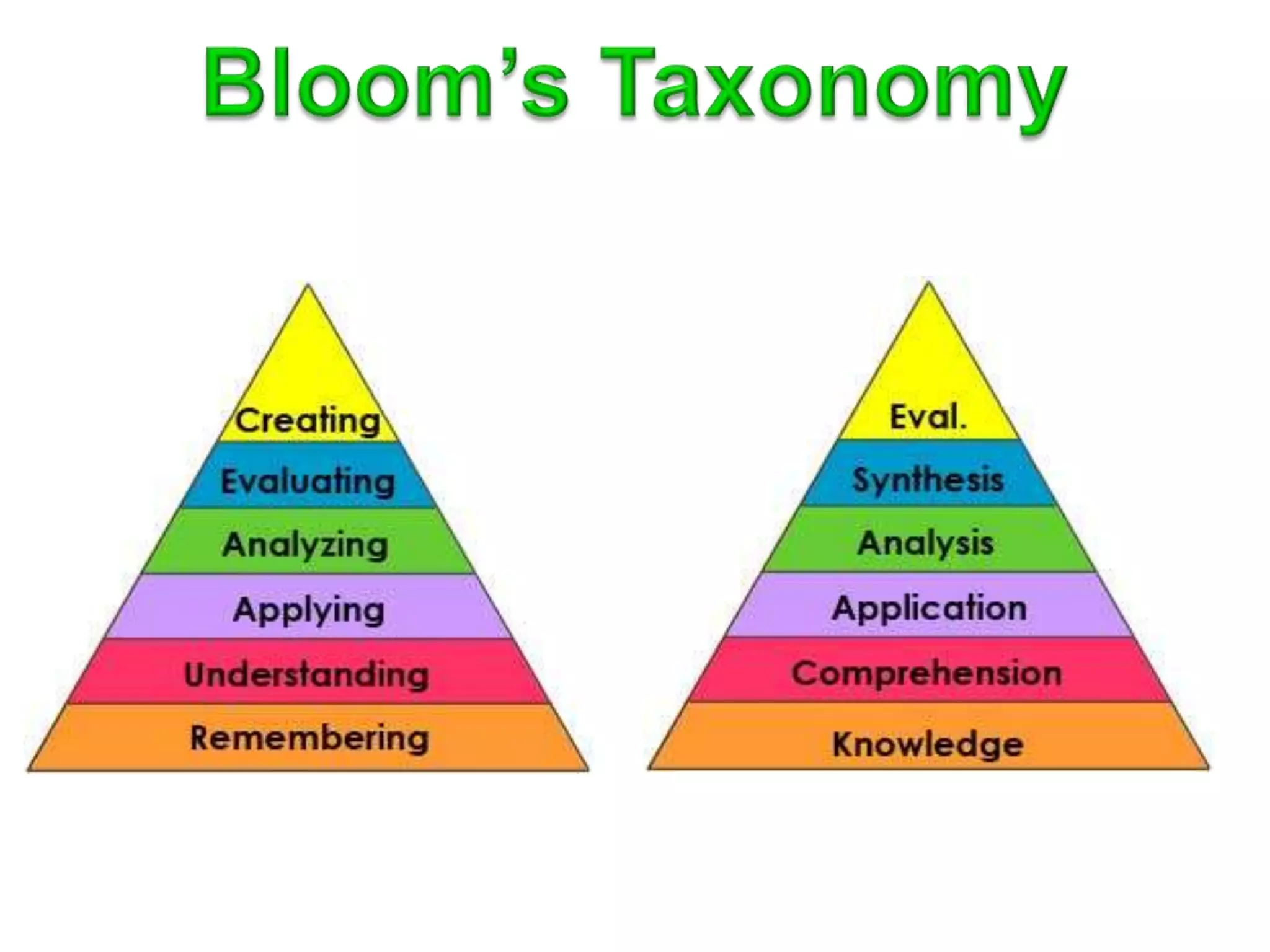
    b) Bloom’s Taxonomy
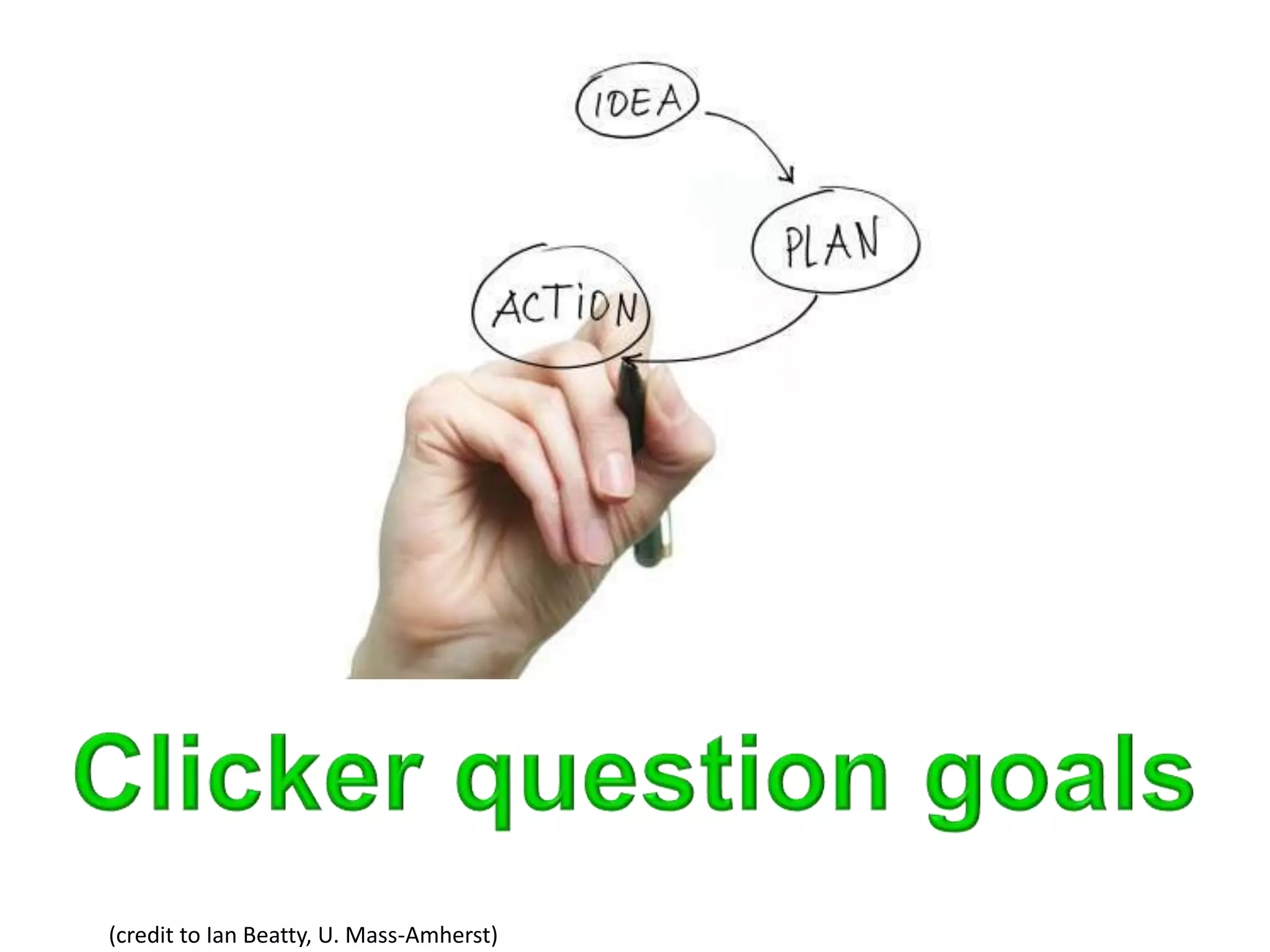
    c) Clicker question goals
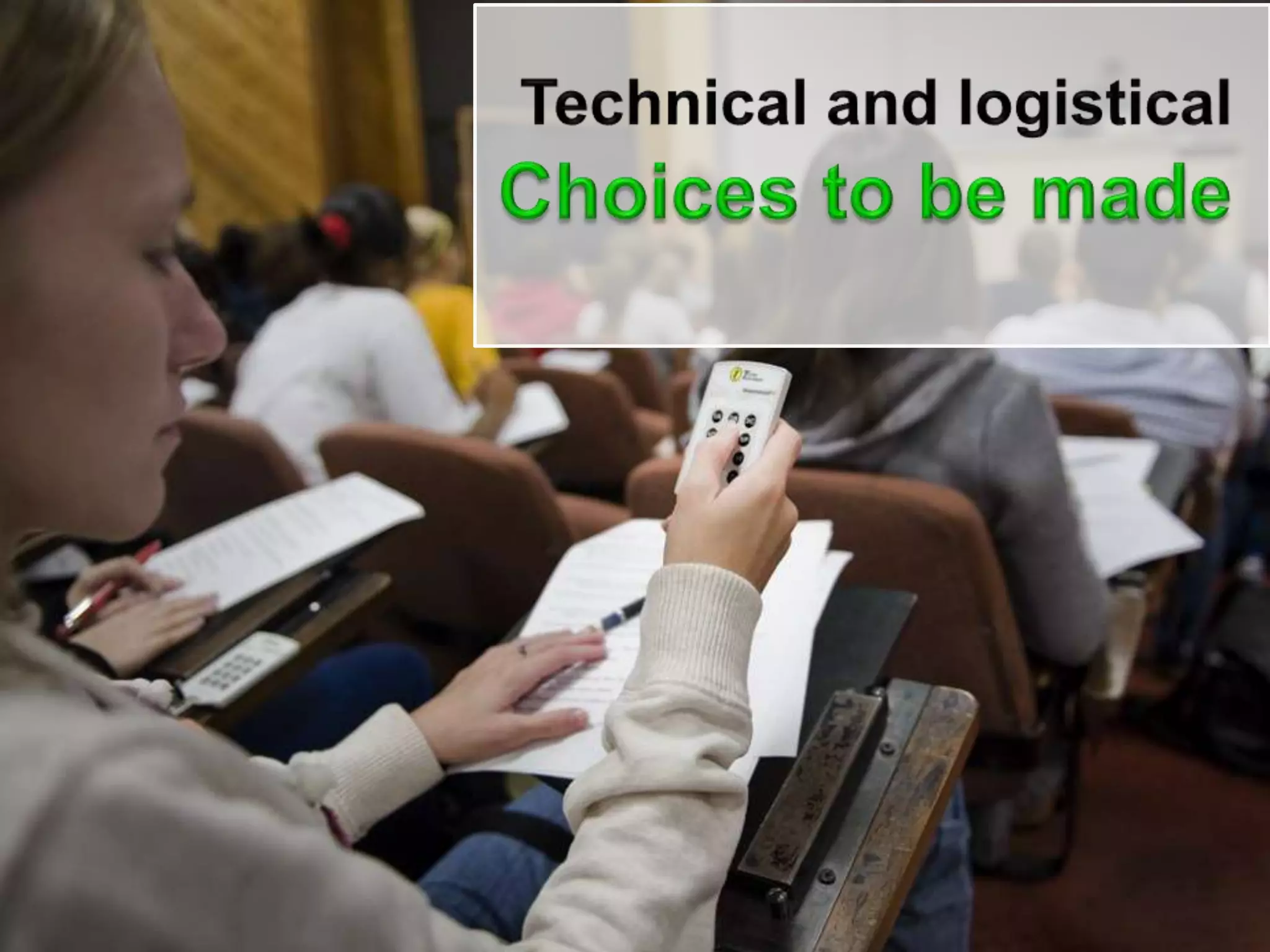
    d) Teaching Choices
    e) Common Pitfalls
4. How to get started
5. Purchase Models
6. Product Offering
7. References and Resources
Video
Clickers: Students and
Teachers Speak
http://bit.ly/RBacxV
http://larrycuban.files.wordpress.com/2009/09/large_lecture-hall.jpg


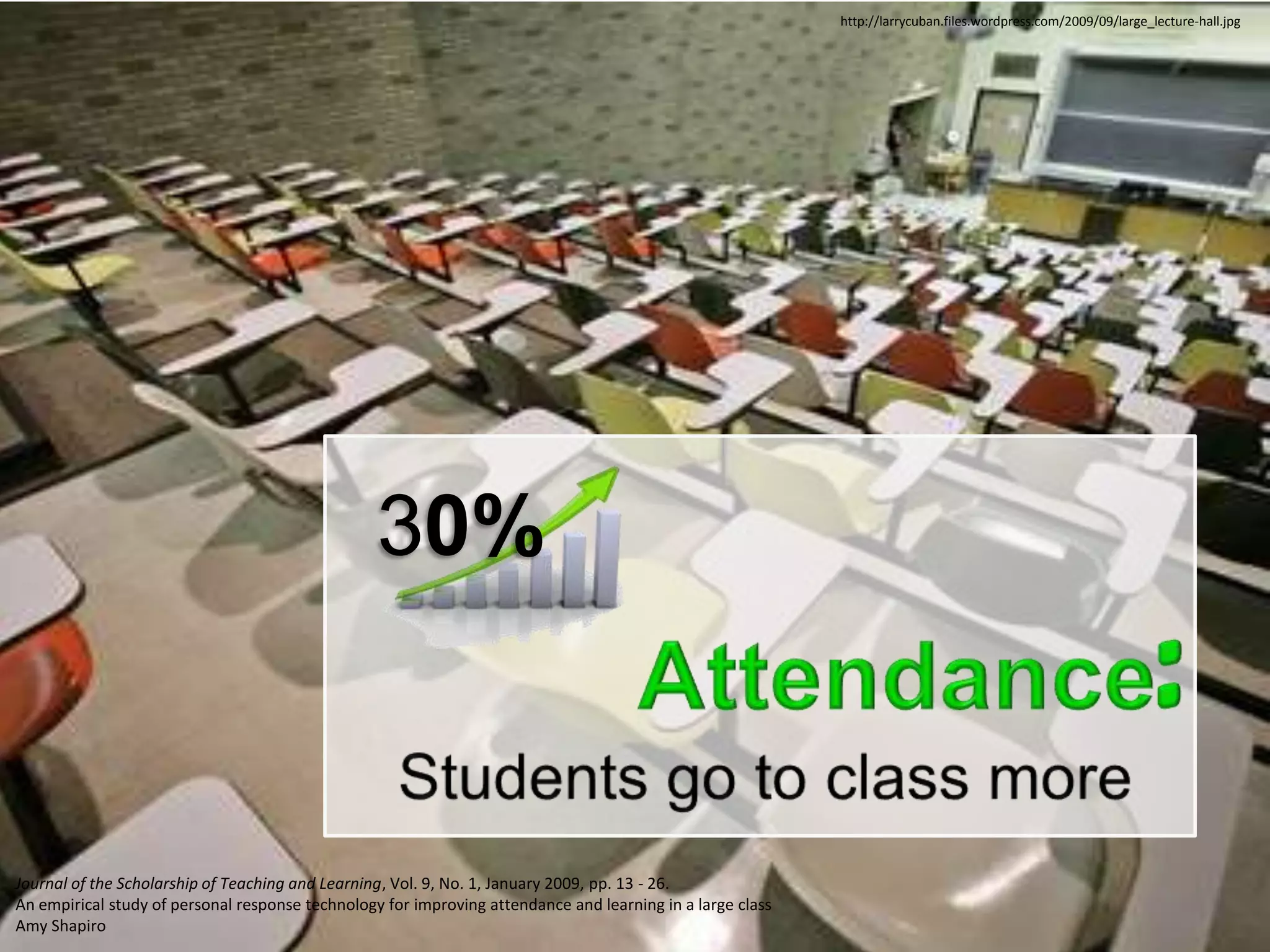
                                                  30%


Journal of the Scholarship of Teaching and Learning, Vol. 9, No. 1, January 2009, pp. 13 - 26.
An empirical study of personal response technology for improving attendance and learning in a large class
Amy Shapiro
http://larrycuban.files.wordpress.com/2009/09/large_lecture-hall.jpg


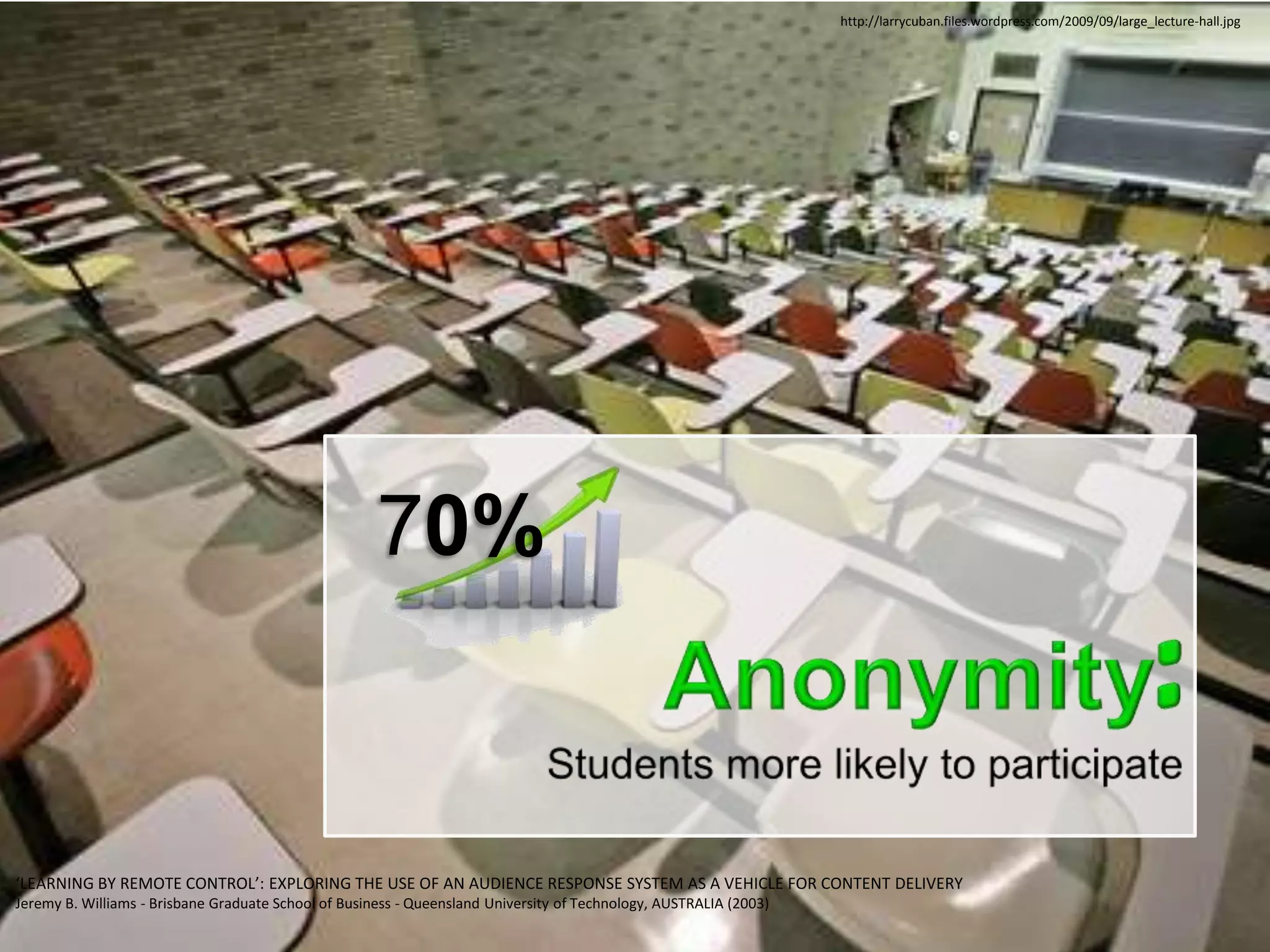
                                                      70%


‘LEARNING BY REMOTE CONTROL’: EXPLORING THE USE OF AN AUDIENCE RESPONSE SYSTEM AS A VEHICLE FOR CONTENT DELIVERY
Jeremy B. Williams - Brisbane Graduate School of Business - Queensland University of Technology, AUSTRALIA (2003)
http://larrycuban.files.wordpress.com/2009/09/large_lecture-hall.jpg


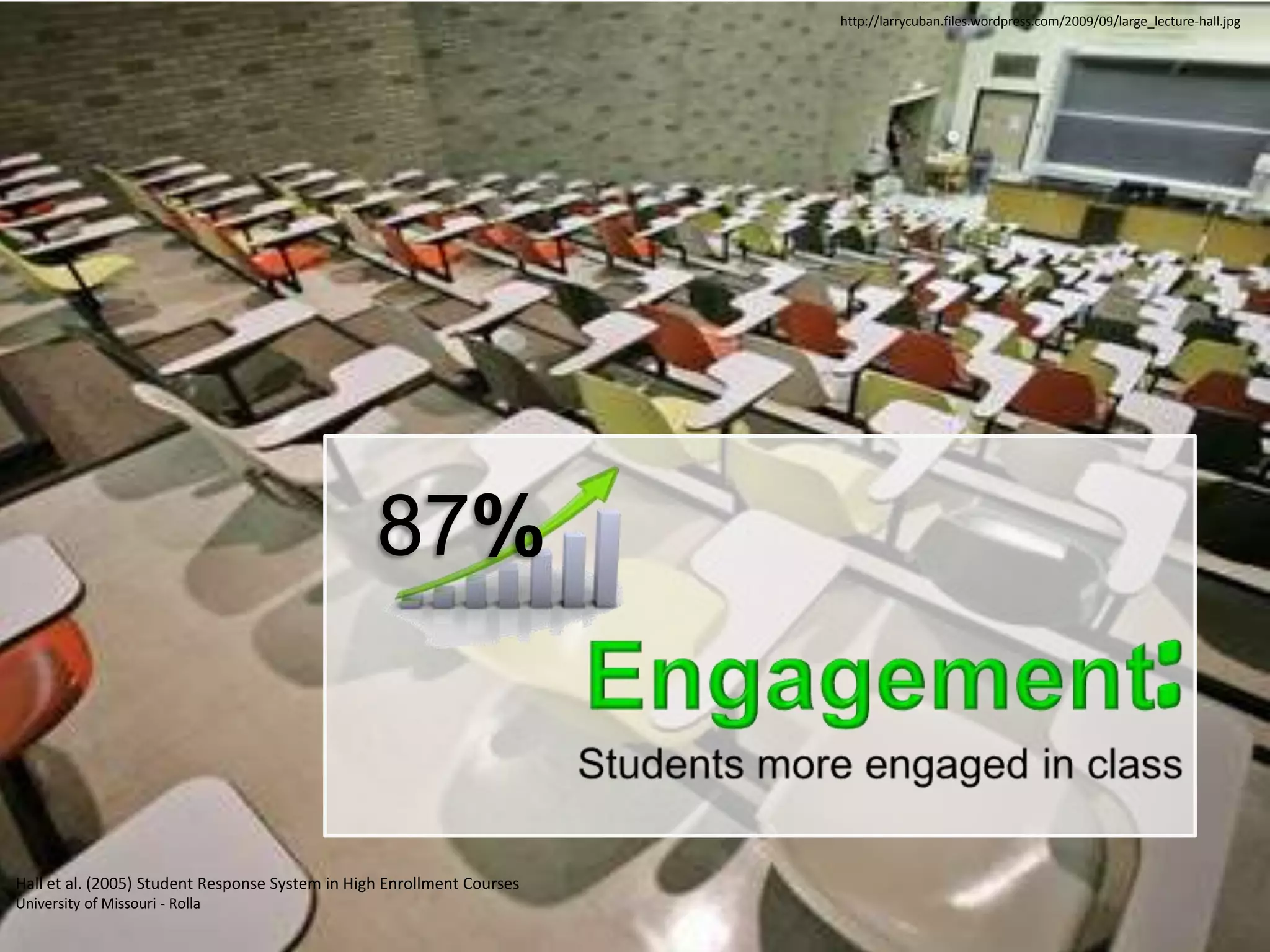
                                                 87%


Hall et al. (2005) Student Response System in High Enrollment Courses
University of Missouri - Rolla
http://larrycuban.files.wordpress.com/2009/09/large_lecture-hall.jpg


1. Kay RH and LeSage A. Examining the benefits and challenges of using audience response systems: a review of the literature. Computers and Education. 2009; 53:819-27.
http://larrycuban.files.wordpress.com/2009/09/large_lecture-hall.jpg


Adapted from Kay et al (2009)
1. Kay RH and LeSage A. Examining the benefits and challenges of using audience response
systems: a review of the literature. Computers and Education. 2009; 53:819-27.             http://prayas2k12.com/main/events.php?id=7
http://africa360degrees.co.za/


1. Kay RH and LeSage A. Examining the benefits and challenges of using audience response
systems: a review of the literature. Computers and Education. 2009; 53:819-27.
http://asiasociety.org/files/teacher_0.jpg


1. Kay RH and LeSage A. Examining the benefits and challenges of using audience response
systems: a review of the literature. Computers and Education. 2009; 53:819-27.
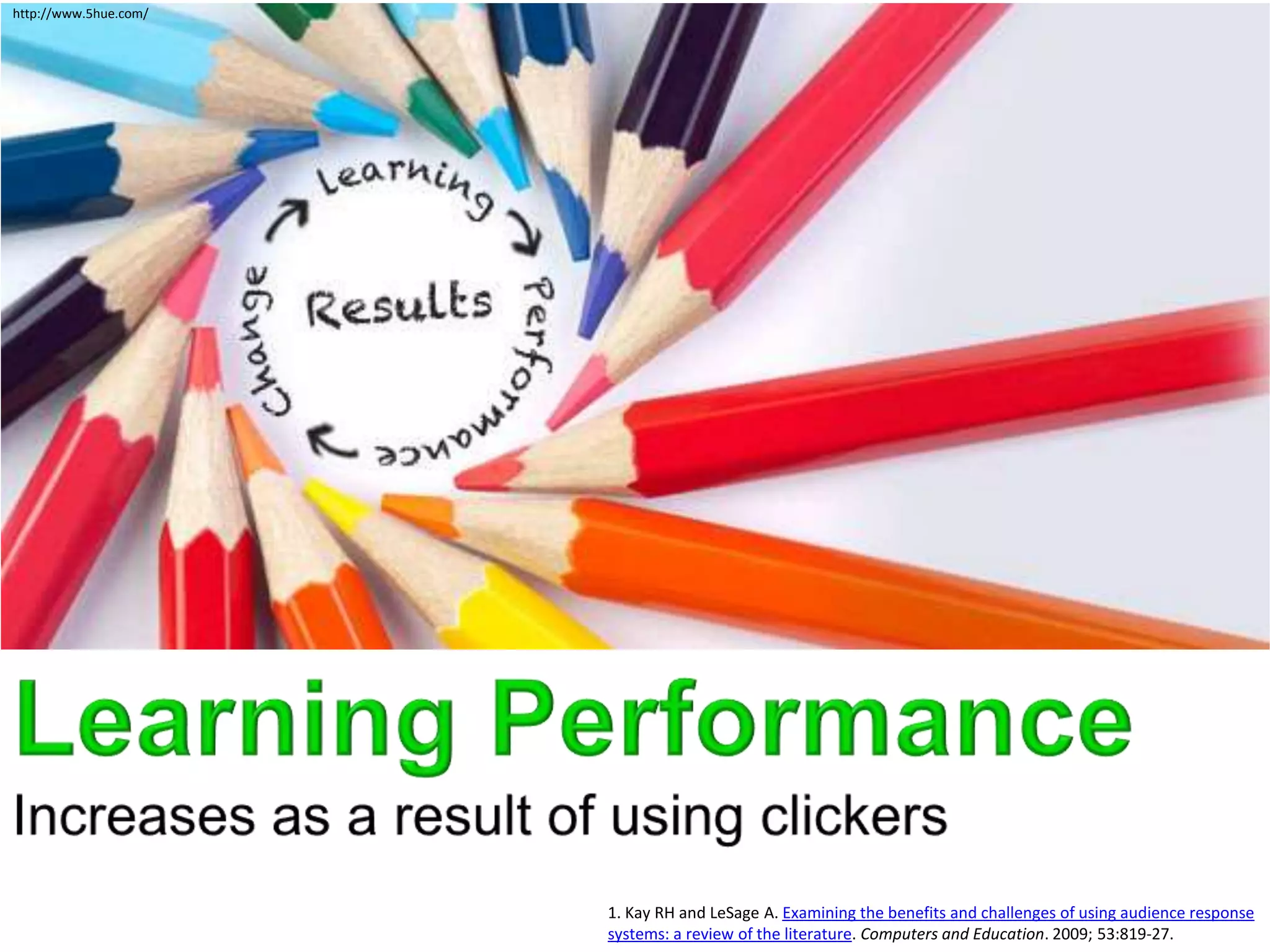
http://www.5hue.com/


                       1. Kay RH and LeSage A. Examining the benefits and challenges of using audience response
                       systems: a review of the literature. Computers and Education. 2009; 53:819-27.
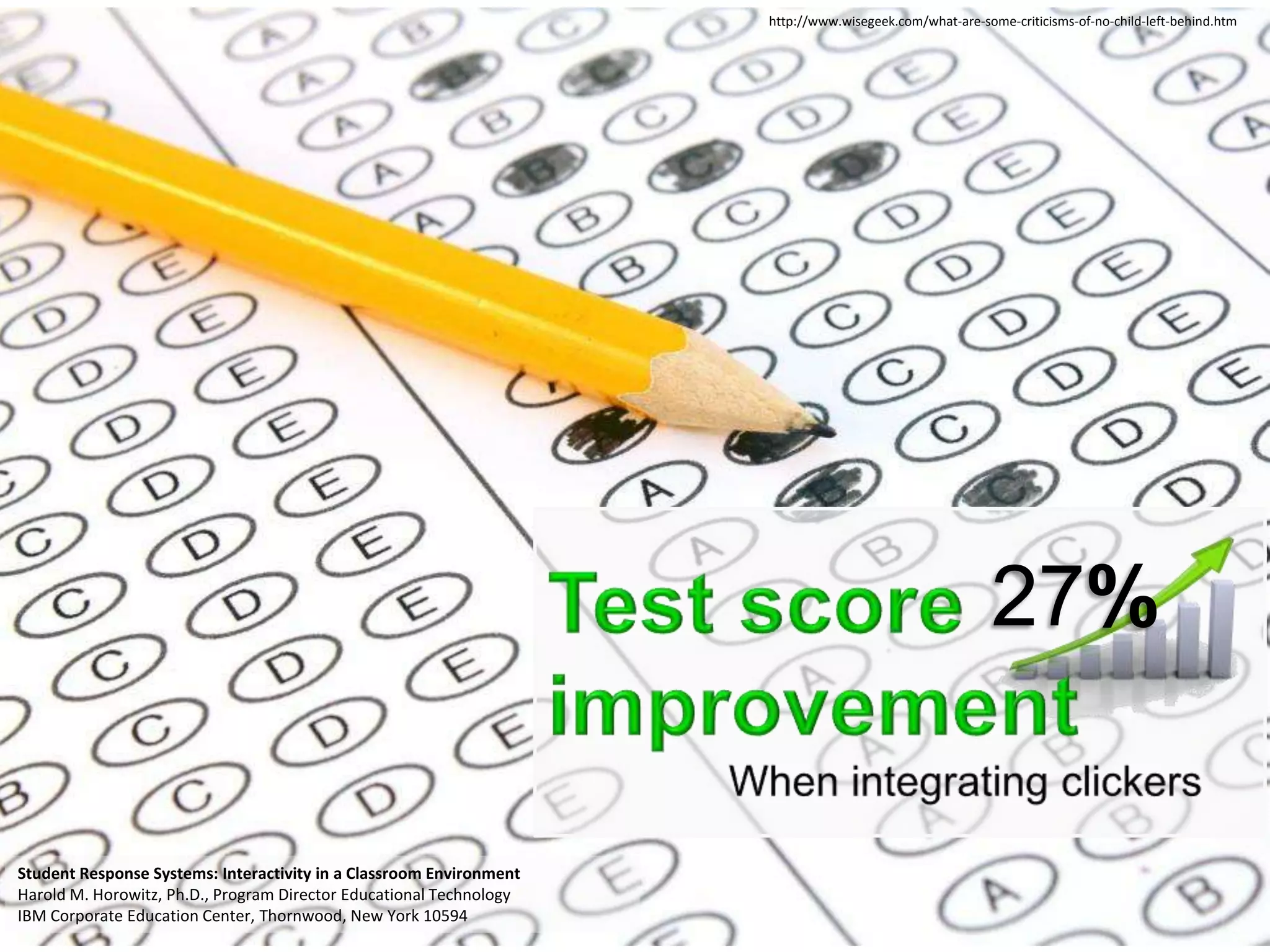
http://www.wisegeek.com/what-are-some-criticisms-of-no-child-left-behind.htm


                                                                                                         27%

Student Response Systems: Interactivity in a Classroom Environment
Harold M. Horowitz, Ph.D., Program Director Educational Technology
IBM Corporate Education Center, Thornwood, New York 10594
1. Kay RH and LeSage A. Examining the benefits and challenges of using audience response
systems: a review of the literature. Computers and Education. 2009; 53:819-27.
1. Kay RH and LeSage A. Examining the benefits and challenges of using audience response
systems: a review of the literature. Computers and Education. 2009; 53:819-27.


 http://onlinelearninginsights.wordpress.com/2012/04/03/good-bad-and-ugly-student-comments-on-group-work-in-e-learning/
http://www.edutopia.org/healthier-testing-made-easy
                                                      1. Kay RH and LeSage A. Examining the benefits and challenges of using audience response
                                                      systems: a review of the literature. Computers and Education. 2009; 53:819-27.
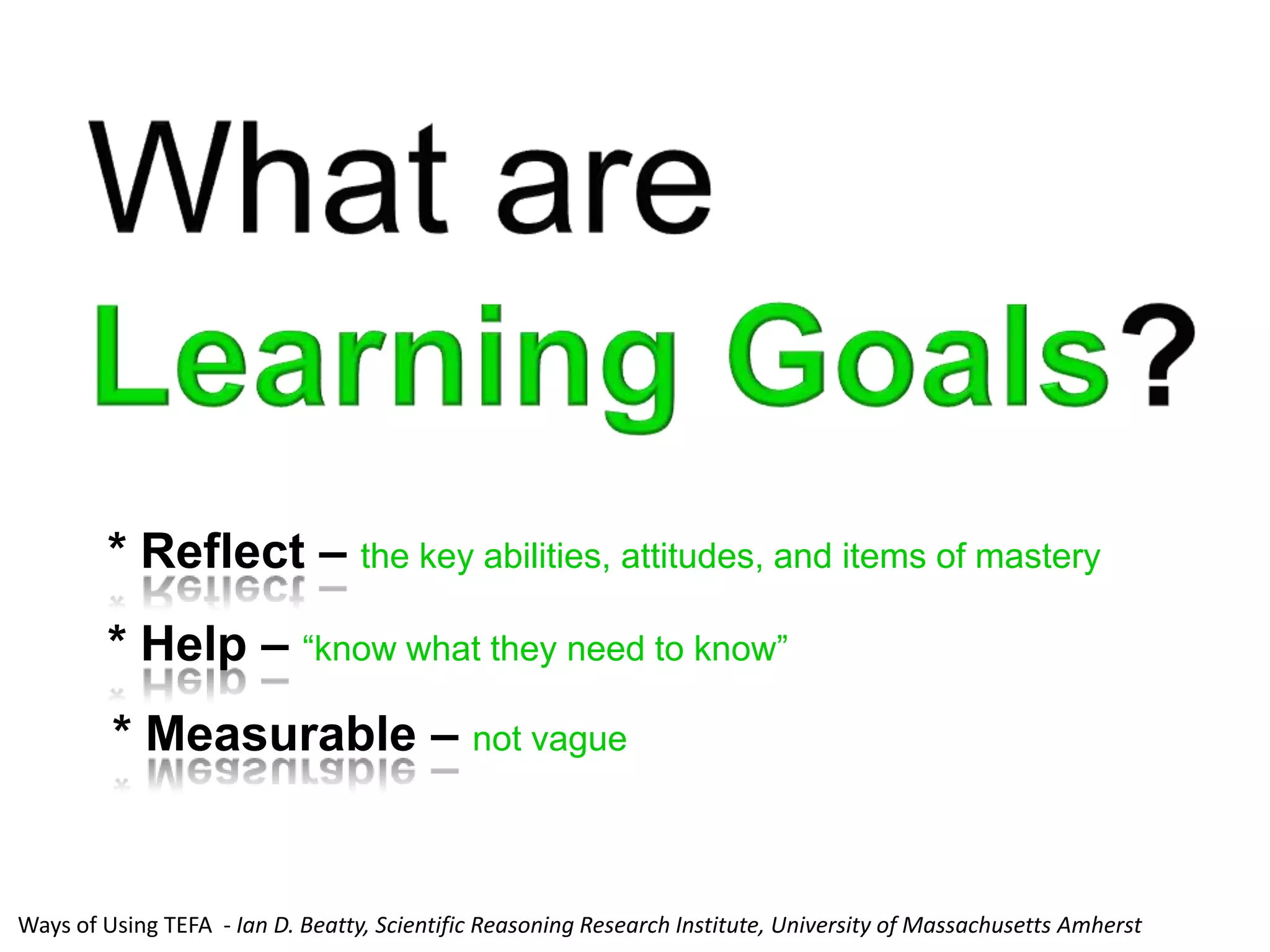
* Reflect – the key abilities, attitudes, and items of mastery
        * Help – “know what they need to know”
         * Measurable – not vague


Ways of Using TEFA - Ian D. Beatty, Scientific Reasoning Research Institute, University of Massachusetts Amherst
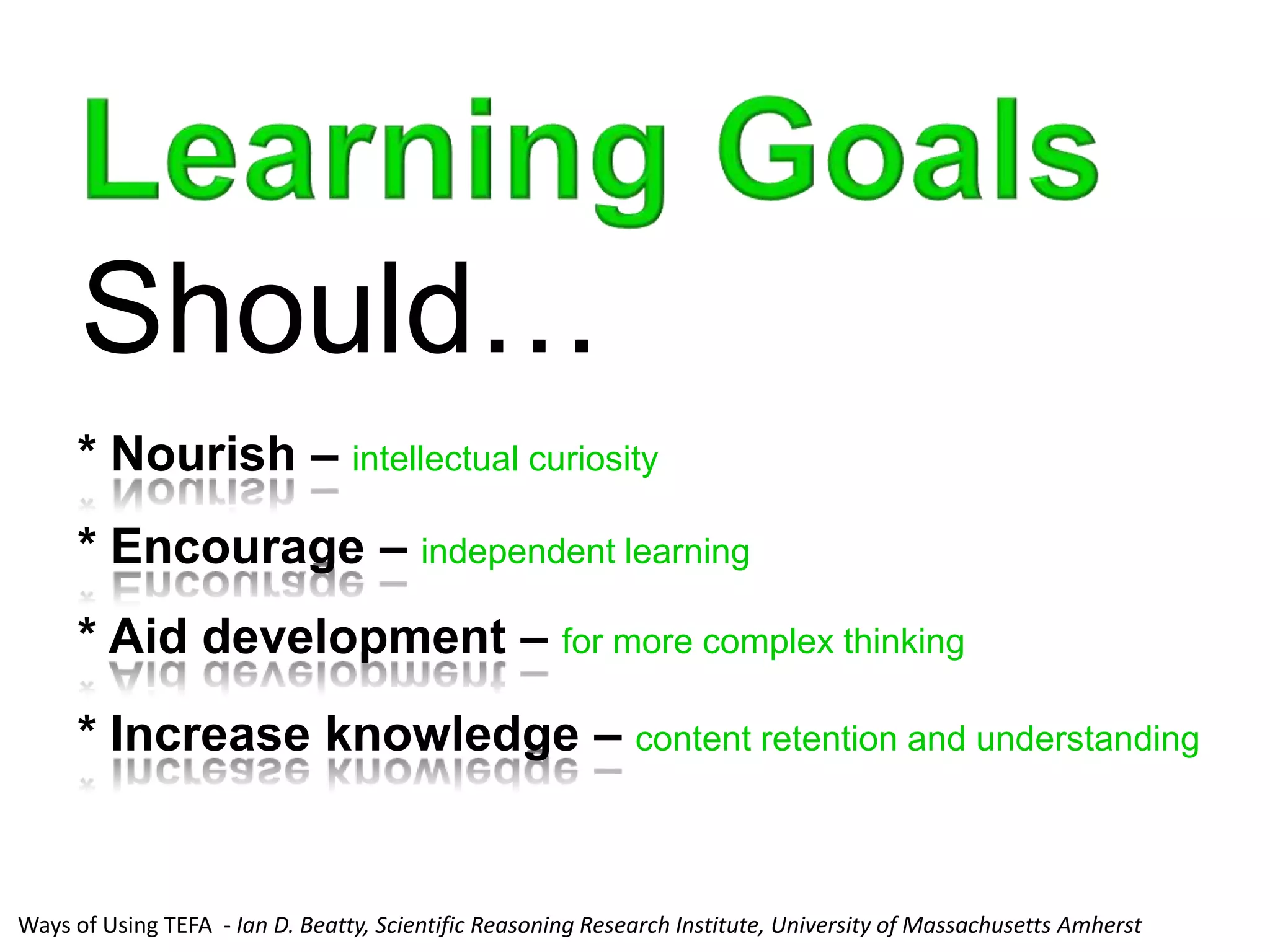
Should…
     * Nourish – intellectual curiosity
     * Encourage – independent learning
     * Aid development – for more complex thinking
     * Increase knowledge – content retention and understanding


Ways of Using TEFA - Ian D. Beatty, Scientific Reasoning Research Institute, University of Massachusetts Amherst
Kathy Perkins, Director of the PhET Interactive Simulations Project
and Director of Colorado Universities’ Science Education Initiative
Kathy Perkins, Director of the PhET Interactive Simulations Project
and Director of Colorado Universities’ Science Education Initiative
Kathy Perkins, Director of the PhET Interactive Simulations Project
and Director of Colorado Universities’ Science Education Initiative
Remember!
       Students
       must do
   their
   own
 learning;
   we cannot
    do the
                           http://www.thecultureconcept.com/circle/national-year-reading-2012-creating-the-future-of-
Stephanie Chasteen (PhD)   learning never to young to learn
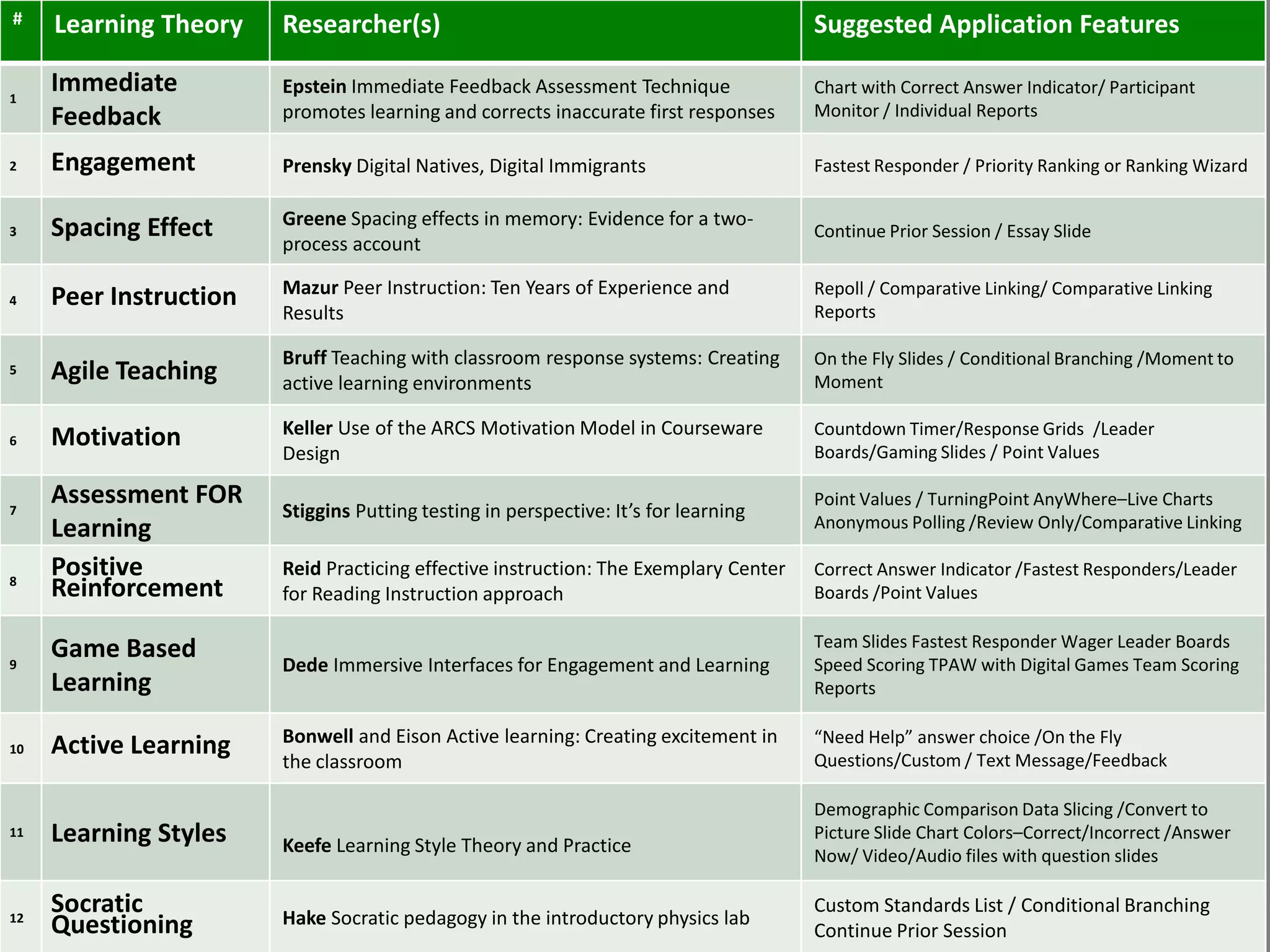
#    Learning Theory    Researcher(s)                                                 Suggested Application Features

1
     Immediate          Epstein Immediate Feedback Assessment Technique               Chart with Correct Answer Indicator/ Participant
     Feedback           promotes learning and corrects inaccurate first responses     Monitor / Individual Reports

2    Engagement         Prensky Digital Natives, Digital Immigrants                   Fastest Responder / Priority Ranking or Ranking Wizard

                        Greene Spacing effects in memory: Evidence for a two-
3    Spacing Effect                                                                   Continue Prior Session / Essay Slide
                        process account

                        Mazur Peer Instruction: Ten Years of Experience and           Repoll / Comparative Linking/ Comparative Linking
4    Peer Instruction                                                                 Reports
                        Results

                        Bruff Teaching with classroom response systems: Creating      On the Fly Slides / Conditional Branching /Moment to
5    Agile Teaching     active learning environments                                  Moment

                        Keller Use of the ARCS Motivation Model in Courseware         Countdown Timer/Response Grids /Leader
6    Motivation                                                                       Boards/Gaming Slides / Point Values
                        Design

     Assessment FOR                                                                   Point Values / TurningPoint AnyWhere–Live Charts
7                       Stiggins Putting testing in perspective: It’s for learning
     Learning                                                                         Anonymous Polling /Review Only/Comparative Linking

8
     Positive           Reid Practicing effective instruction: The Exemplary Center   Correct Answer Indicator /Fastest Responders/Leader
     Reinforcement      for Reading Instruction approach                              Boards /Point Values

     Game Based                                                                       Team Slides Fastest Responder Wager Leader Boards
9                       Dede Immersive Interfaces for Engagement and Learning         Speed Scoring TPAW with Digital Games Team Scoring
     Learning                                                                         Reports

                        Bonwell and Eison Active learning: Creating excitement in     “Need Help” answer choice /On the Fly
10   Active Learning                                                                  Questions/Custom / Text Message/Feedback
                        the classroom

                                                                                      Demographic Comparison Data Slicing /Convert to
11   Learning Styles    Keefe Learning Style Theory and Practice
                                                                                      Picture Slide Chart Colors–Correct/Incorrect /Answer
                                                                                      Now/ Video/Audio files with question slides


12
     Socratic           Hake Socratic pedagogy in the introductory physics lab
                                                                                      Custom Standards List / Conditional Branching
     Questioning                                                                      Continue Prior Session
http://www.law.georgetown.edu/campus-life/student-life/peer-advisor/index.cfm
You can forget facts but you
cannot forget understanding


        – Eric Mazur
Video
From Questions to Concepts:
Interactive Teaching in
Physics
http://bit.ly/RBaLrw
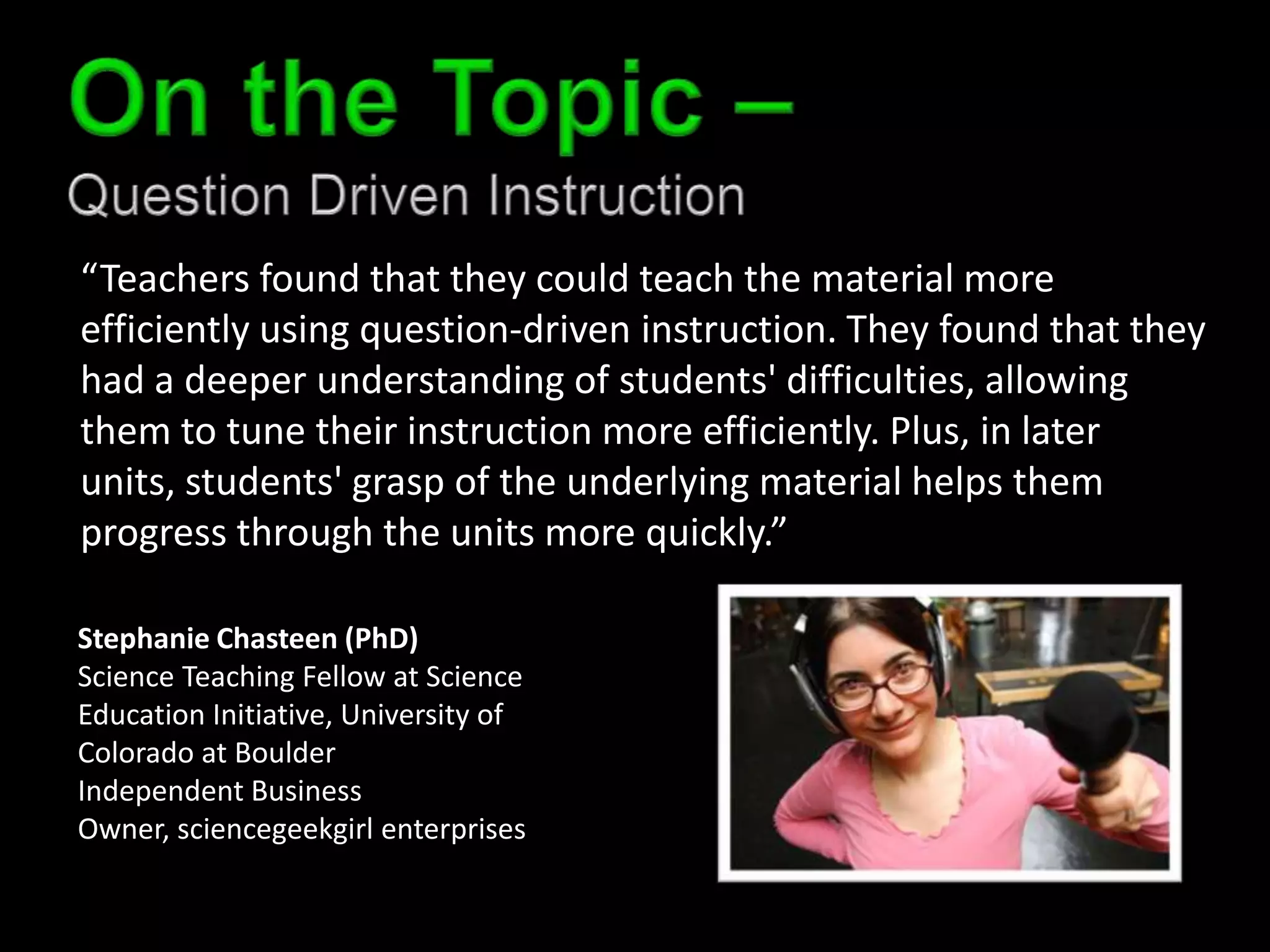
“Teachers found that they could teach the material more
efficiently using question-driven instruction. They found that they
had a deeper understanding of students' difficulties, allowing
them to tune their instruction more efficiently. Plus, in later
units, students' grasp of the underlying material helps them
progress through the units more quickly.”

Stephanie Chasteen (PhD)
Science Teaching Fellow at Science
Education Initiative, University of
Colorado at Boulder
Independent Business
Owner, sciencegeekgirl enterprises
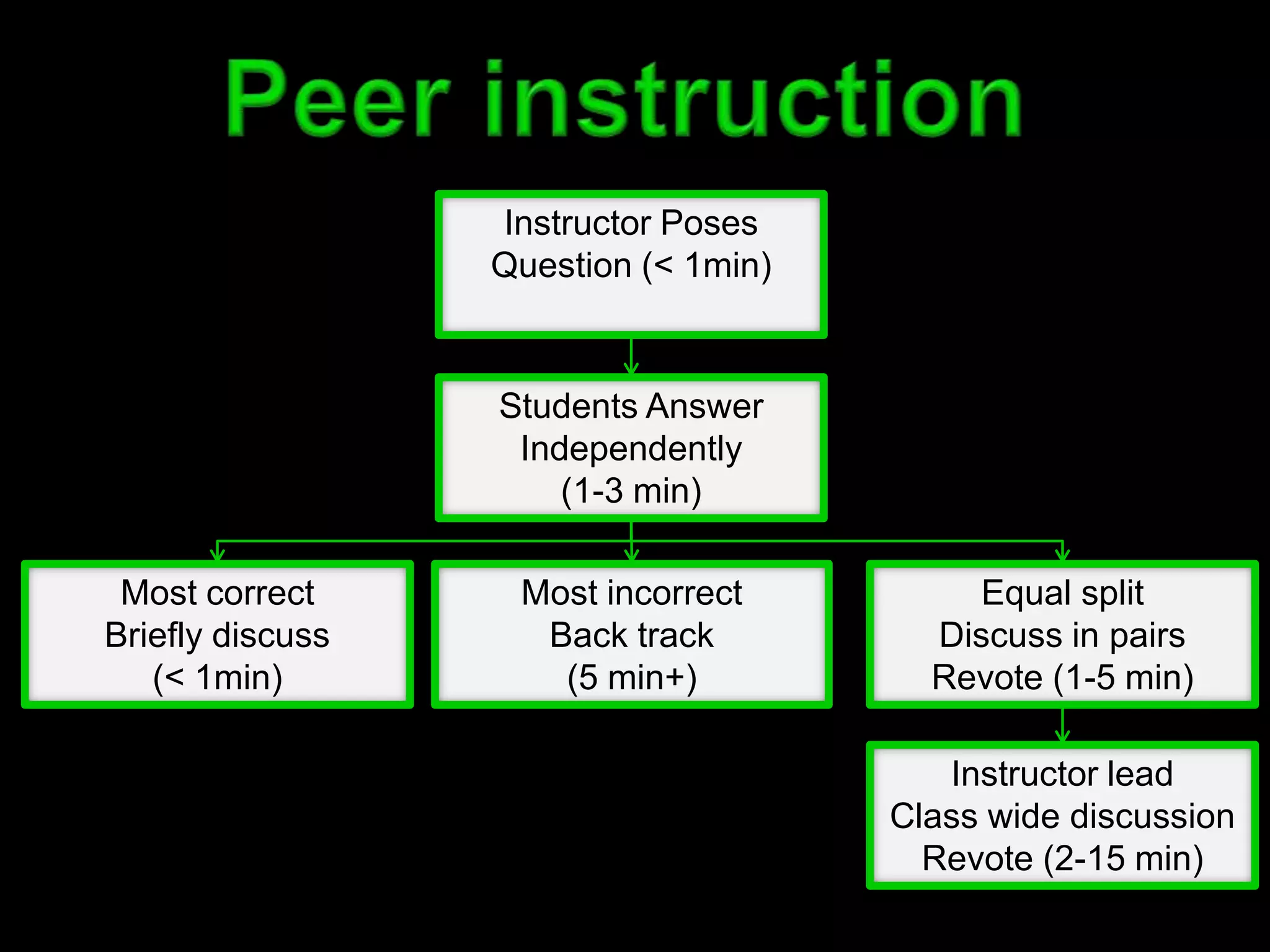
Instructor Poses
                  Question (< 1min)


                  Students Answer
                   Independently
                      (1-3 min)

 Most correct      Most incorrect          Equal split
Briefly discuss     Back track          Discuss in pairs
   (< 1min)          (5 min+)           Revote (1-5 min)

                                         Instructor lead
                                      Class wide discussion
                                        Revote (2-15 min)
Video
Clickers in your classroom
http://bit.ly/THj2s1
http://scottfoto.blogspot.com/2009/03/west-baden-springs-st-meinrad-abbey.html


Derek Bruff
http://imggames.com/?p=18


Derek Bruff
http://1.1.1.3/bmi/images.yourdictionary.com/images/definitions/lg/uncover.jpg


                                                                                 Derek Bruff
Derek Bruff
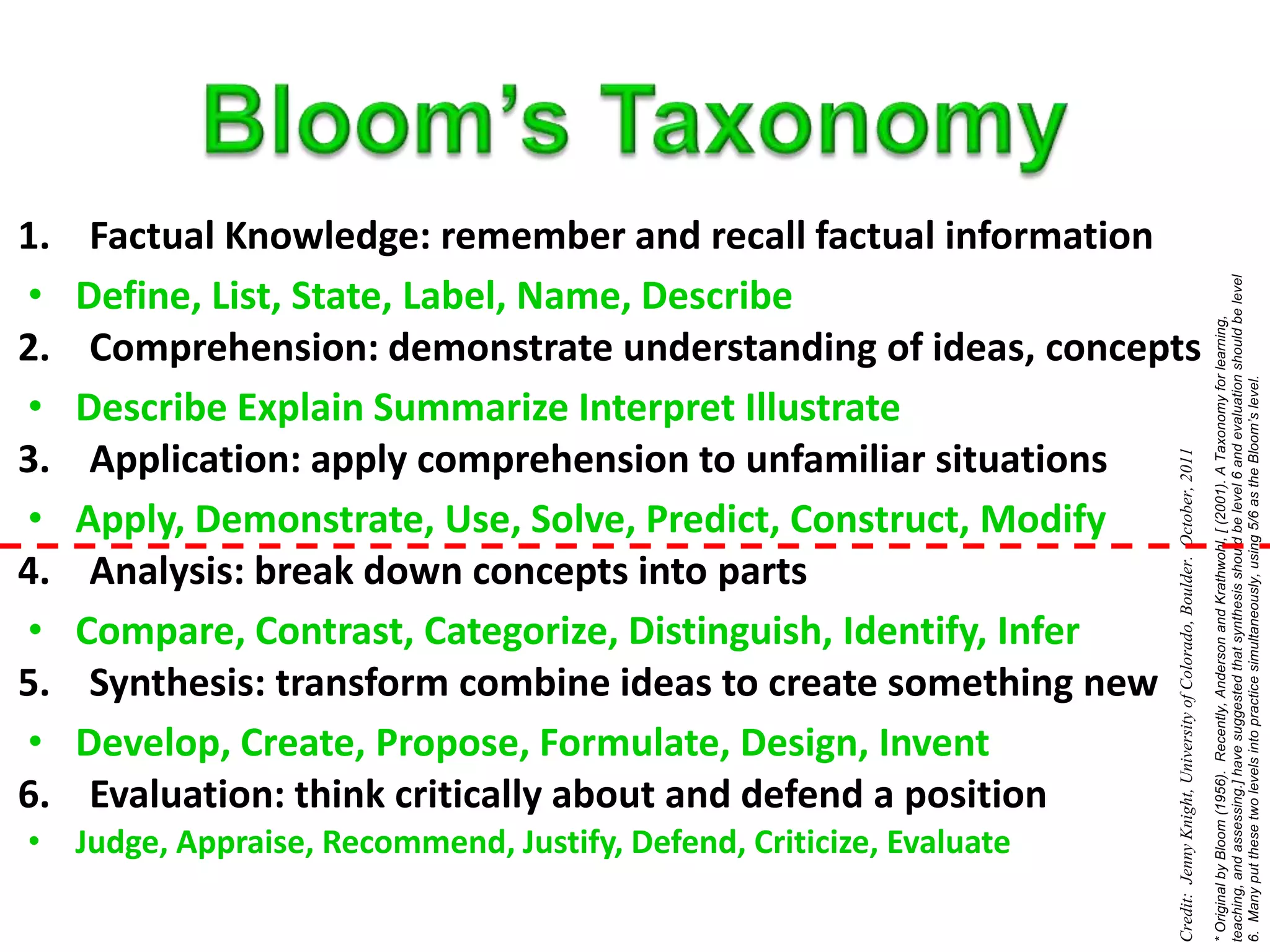
1.    Factual Knowledge: remember and recall factual information
•    Define, List, State, Label, Name, Describe
2.    Comprehension: demonstrate understanding of ideas, concepts
•    Describe Explain Summarize Interpret Illustrate
3.    Application: apply comprehension to unfamiliar situations
•    Apply, Demonstrate, Use, Solve, Predict, Construct, Modify
4.    Analysis: break down concepts into parts
•    Compare, Contrast, Categorize, Distinguish, Identify, Infer
5.    Synthesis: transform combine ideas to create something new
•    Develop, Create, Propose, Formulate, Design, Invent
6.    Evaluation: think critically about and defend a position
• Judge, Appraise, Recommend, Justify, Defend, Criticize, Evaluate
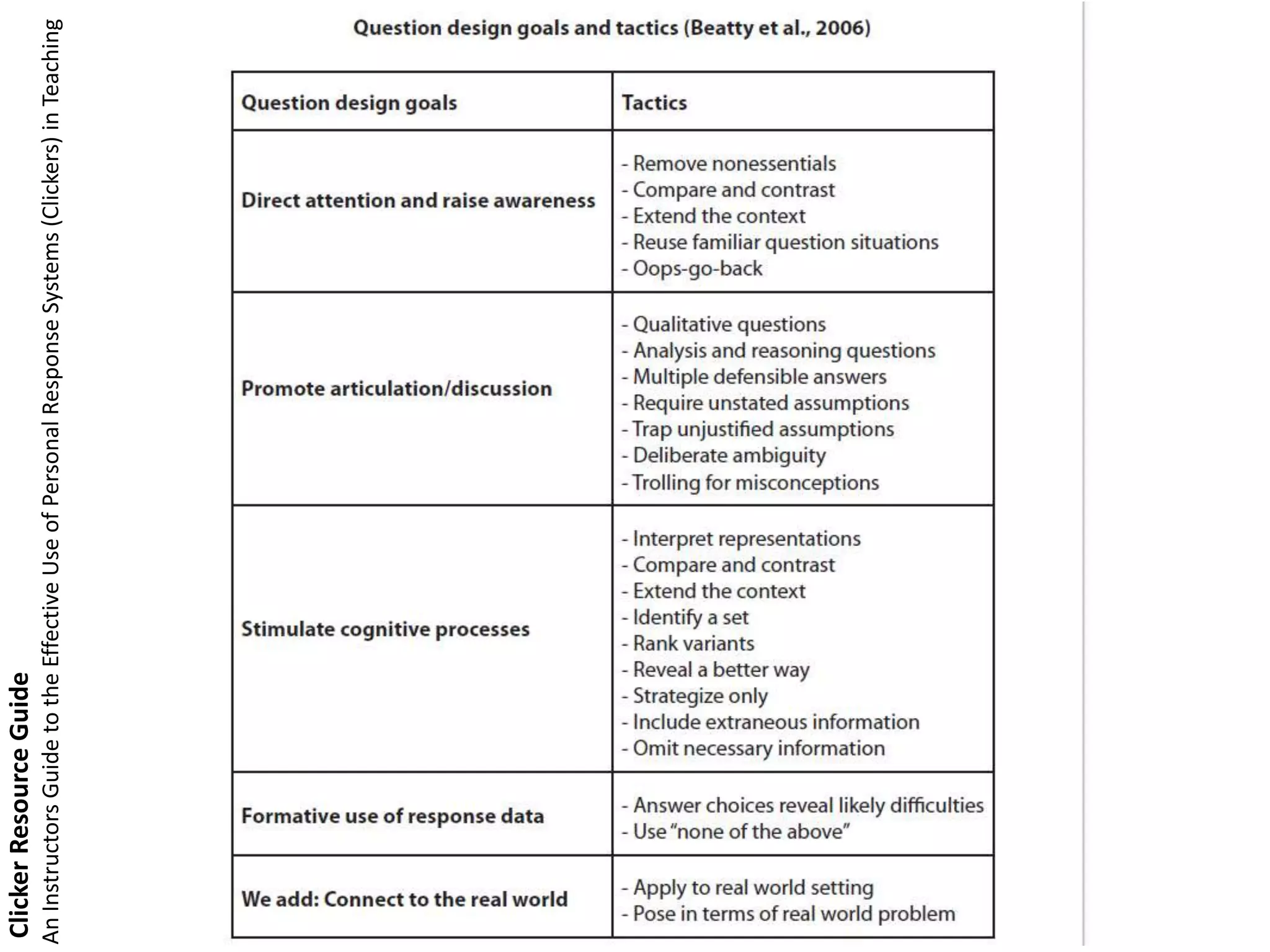
Clicker Resource Guide
An Instructors Guide to the Effective Use of Personal Response Systems (Clickers) in Teaching
(credit to Ian Beatty, U. Mass-Amherst)
STEMclickers.colorado.edu
Video
Clickers in the Classroom: The
Research. Do clickers help
students learn?
http://bit.ly/TIZ8dZ
Common
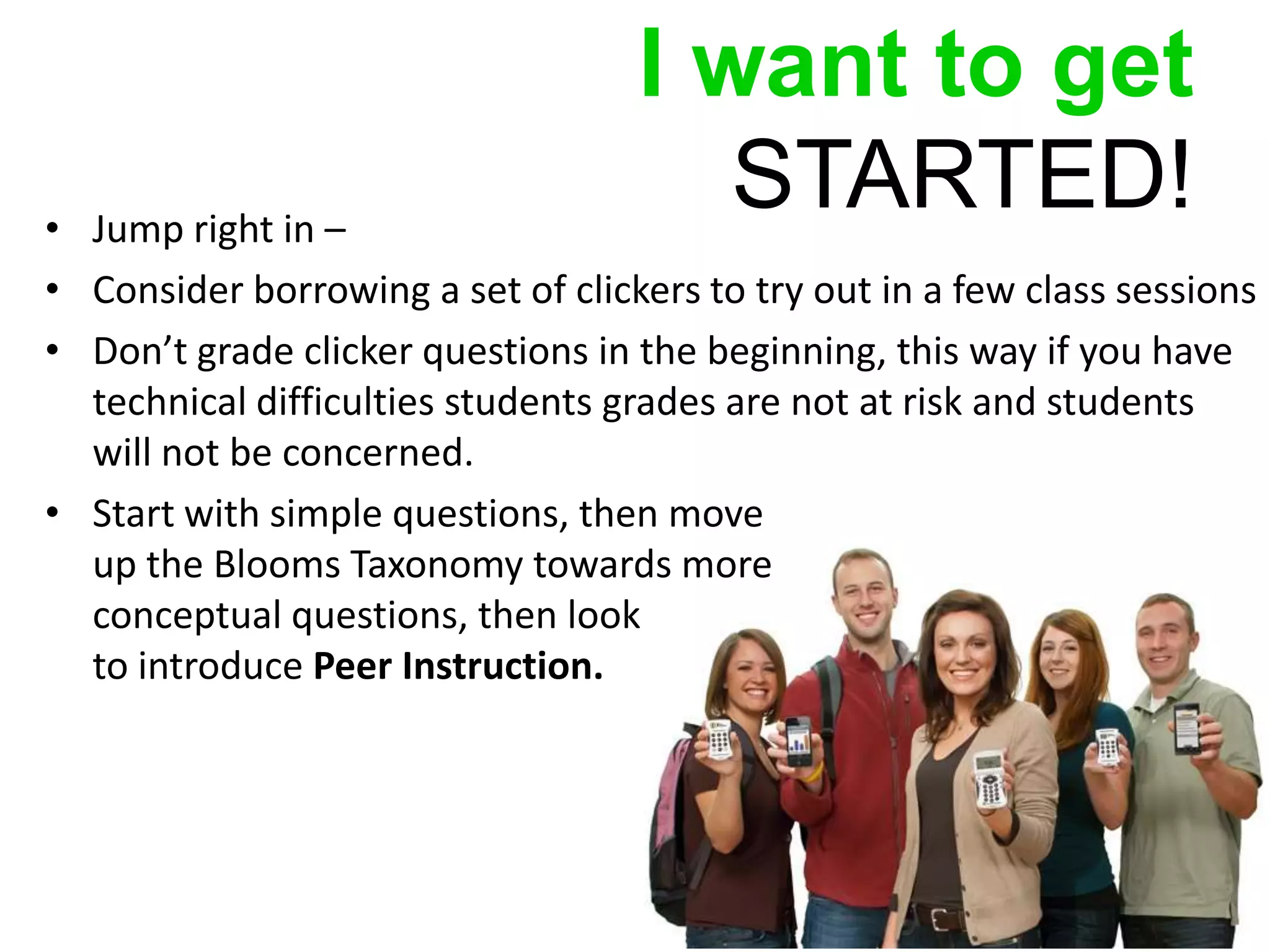
I want to get
• Jump right in –
                                      STARTED!
• Consider borrowing a set of clickers to try out in a few class sessions
• Don’t grade clicker questions in the beginning, this way if you have
  technical difficulties students grades are not at risk and students
  will not be concerned.
• Start with simple questions, then move
  up the Blooms Taxonomy towards more
  conceptual questions, then look
  to introduce Peer Instruction.
Purchase
                         Models
• ‘Teaching with Technology’
  department purchases and loans
  clickers to lecturers
• Departments budget and
  purchase
Purchase
                           Models
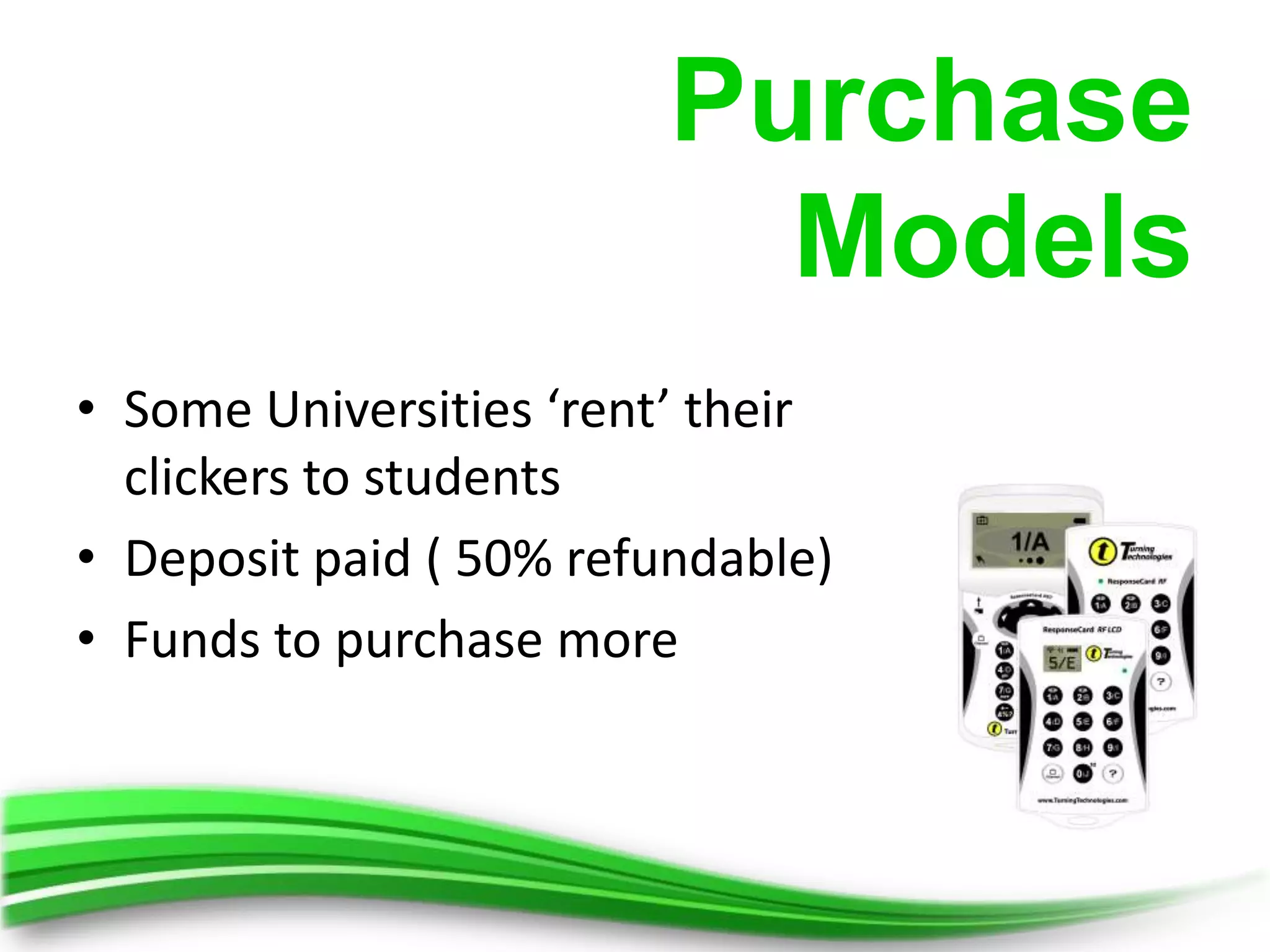
• Some Universities ‘rent’ their
  clickers to students
• Deposit paid ( 50% refundable)
• Funds to purchase more
Purchase
                             Models
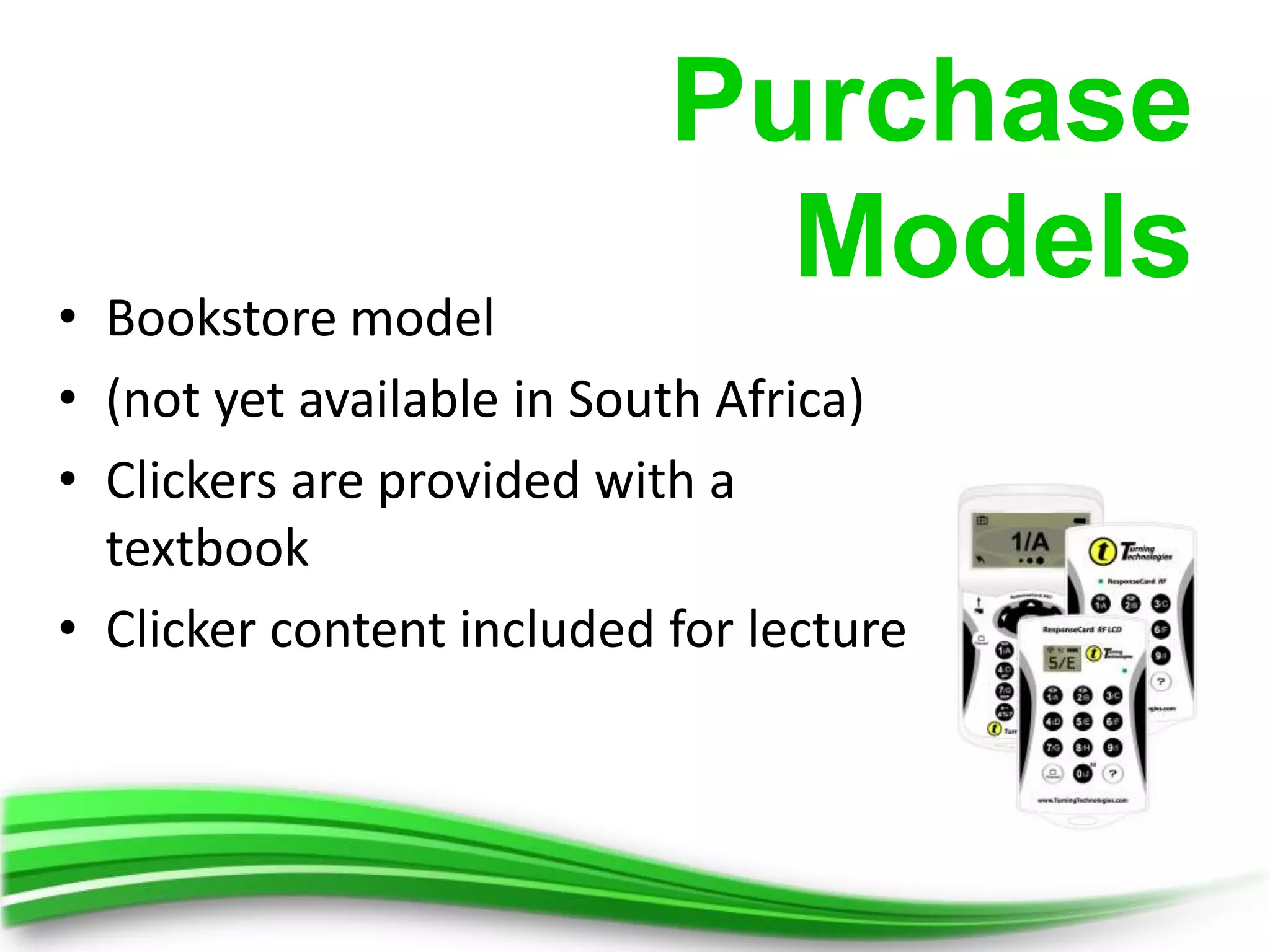
• Bookstore model
• (not yet available in South Africa)
• Clickers are provided with a
  textbook
• Clicker content included for lecture
Response Solutions
for students
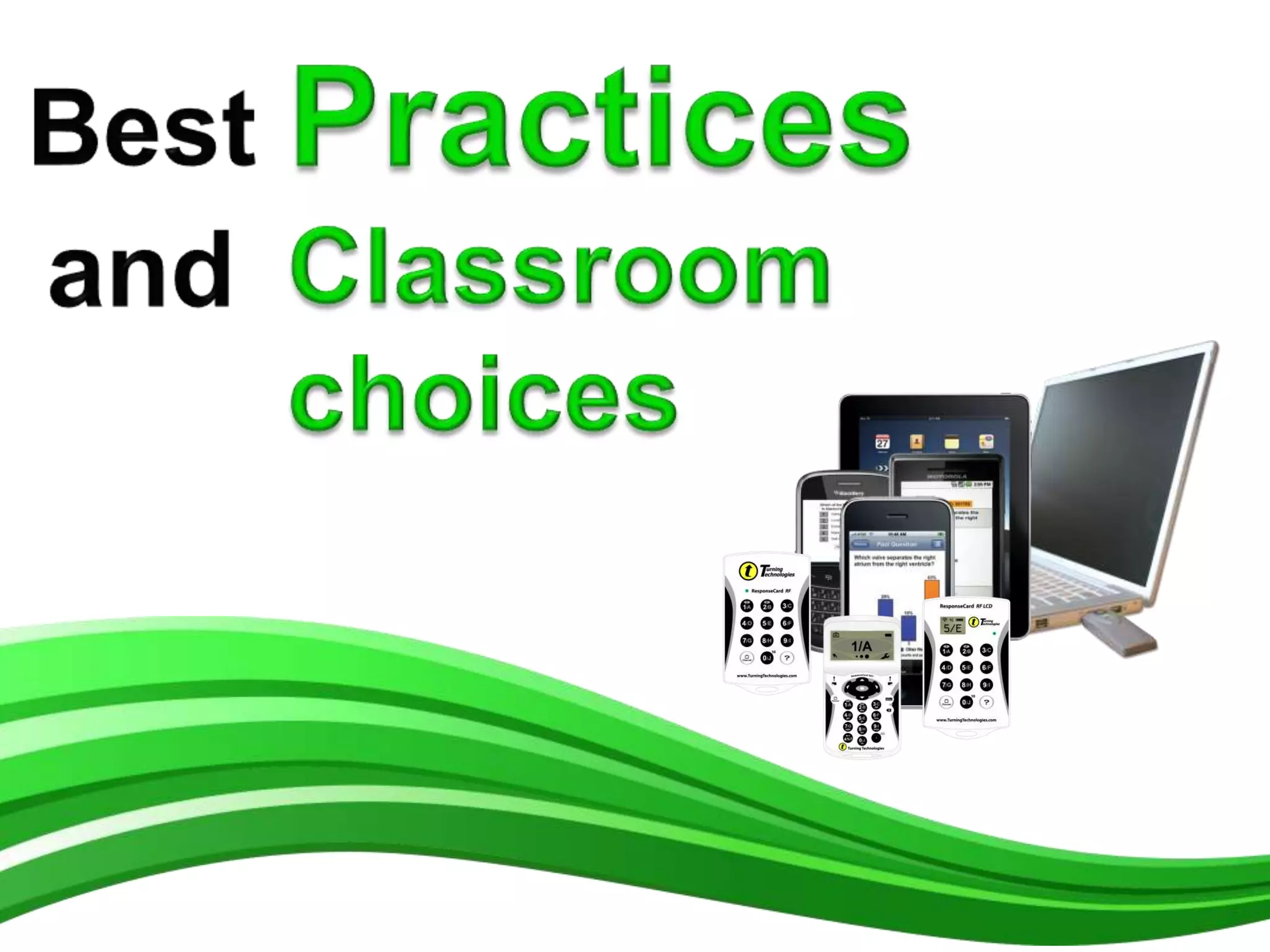
Clicker Devices


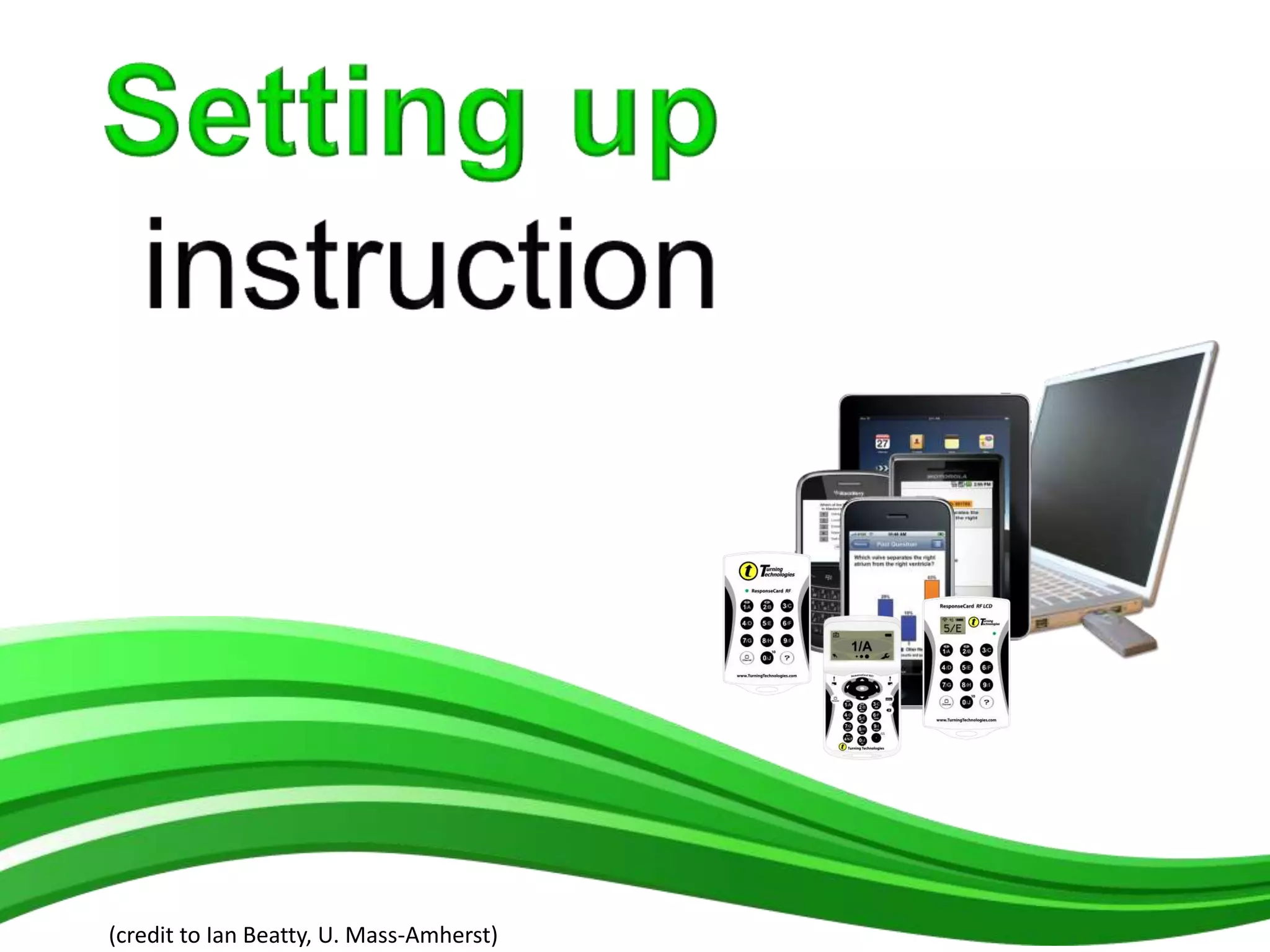
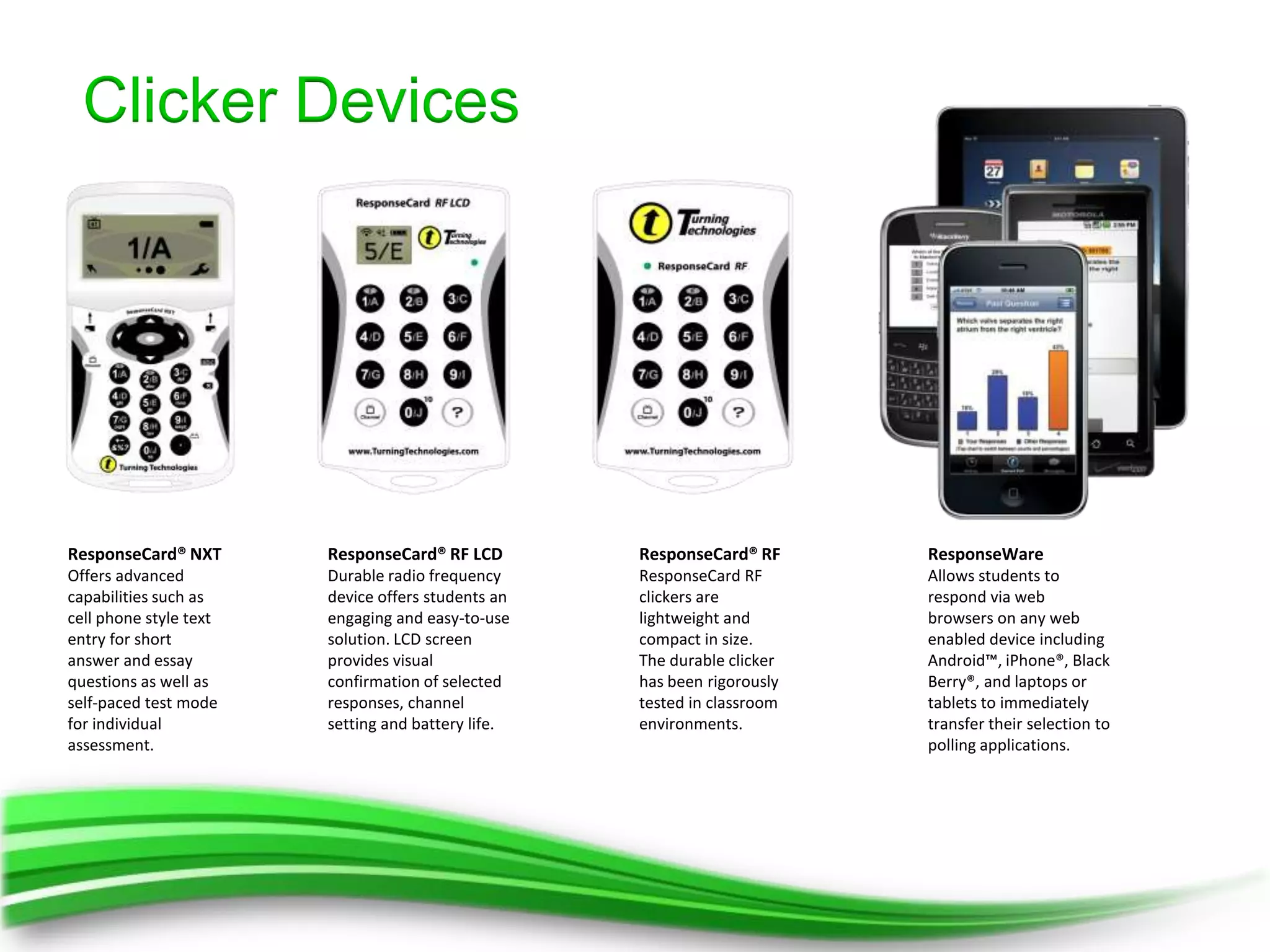
ResponseCard® NXT       ResponseCard® RF LCD        ResponseCard® RF      ResponseWare
Offers advanced         Durable radio frequency     ResponseCard RF       Allows students to
capabilities such as    device offers students an   clickers are          respond via web
cell phone style text   engaging and easy-to-use    lightweight and       browsers on any web
entry for short         solution. LCD screen        compact in size.      enabled device including
answer and essay        provides visual             The durable clicker   Android™, iPhone®, Black
questions as well as    confirmation of selected    has been rigorously   Berry®, and laptops or
self-paced test mode    responses, channel          tested in classroom   tablets to immediately
for individual          setting and battery life.   environments.         transfer their selection to
assessment.                                                               polling applications.
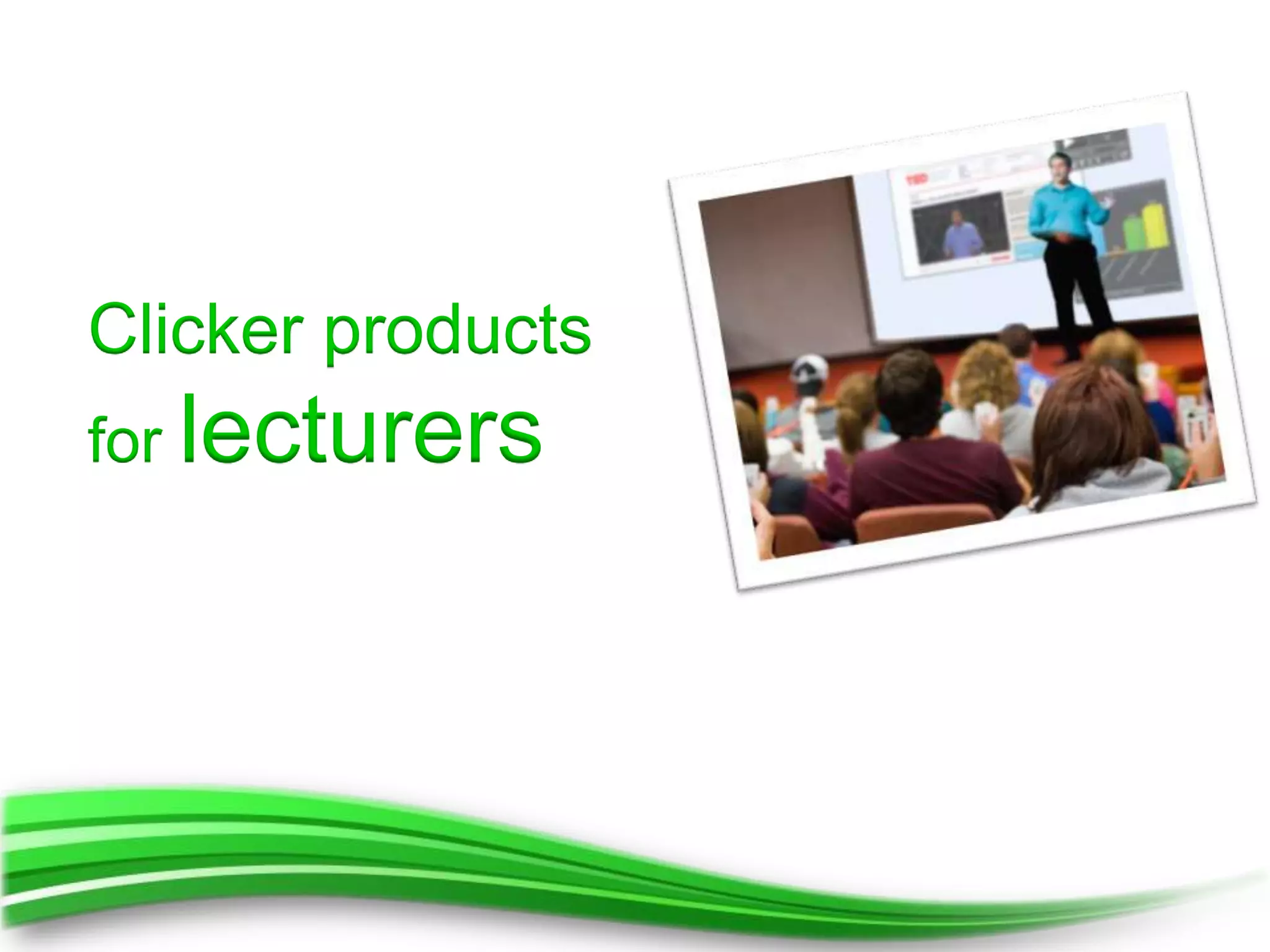
Clicker products
for lecturers
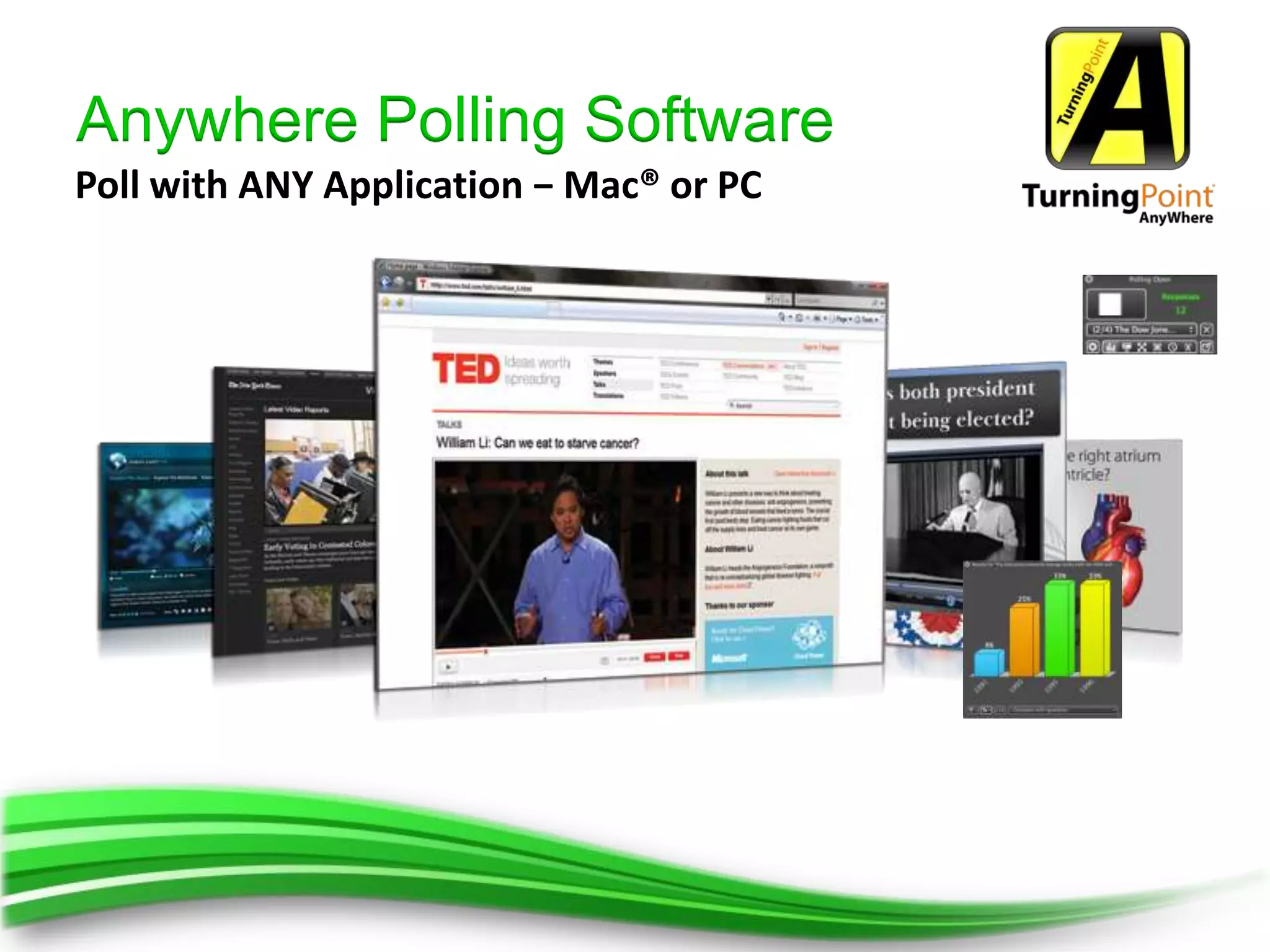
Anywhere Polling Software
Poll with ANY Application − Mac® or PC
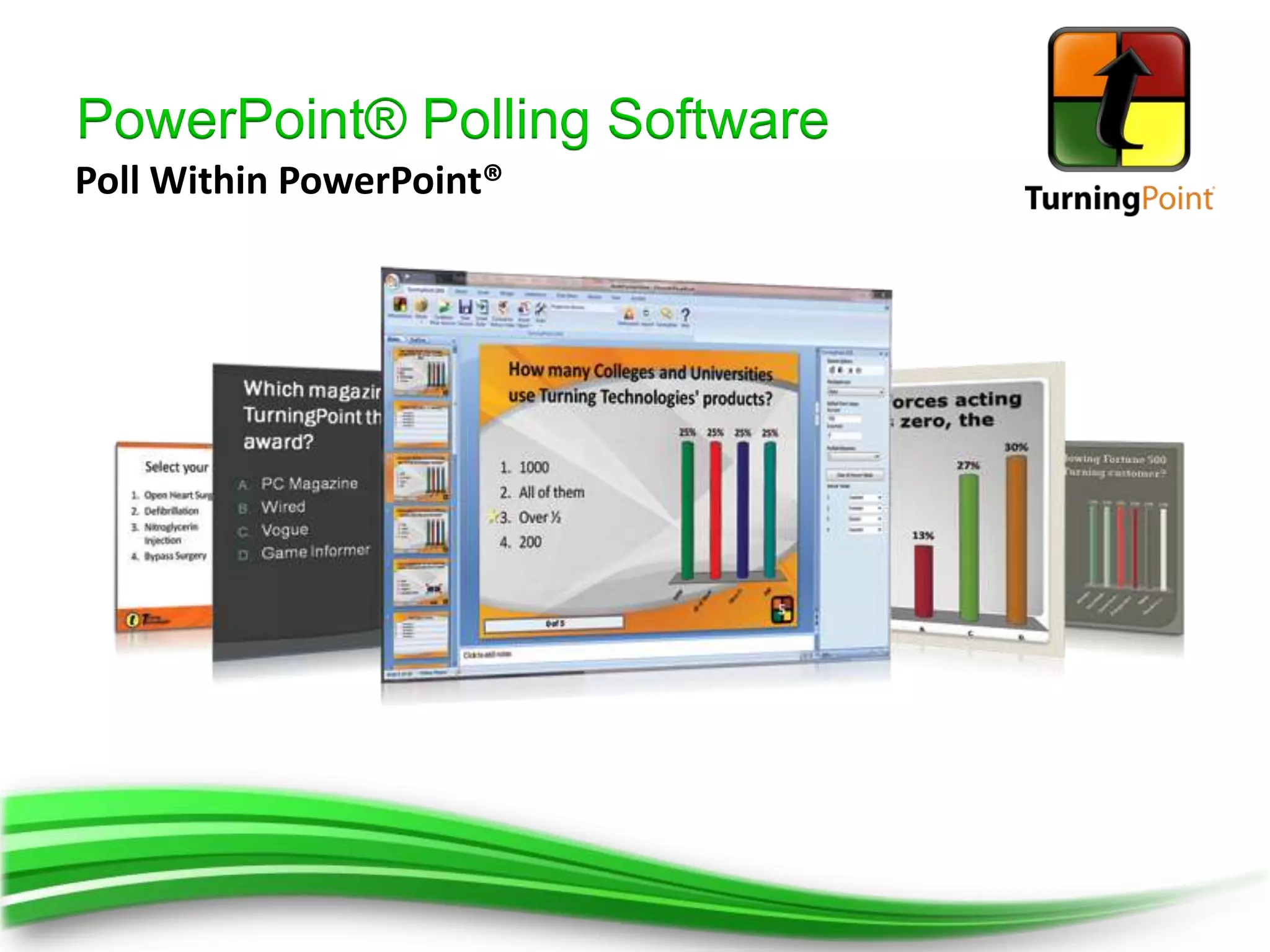
PowerPoint® Polling Software
Poll Within PowerPoint®
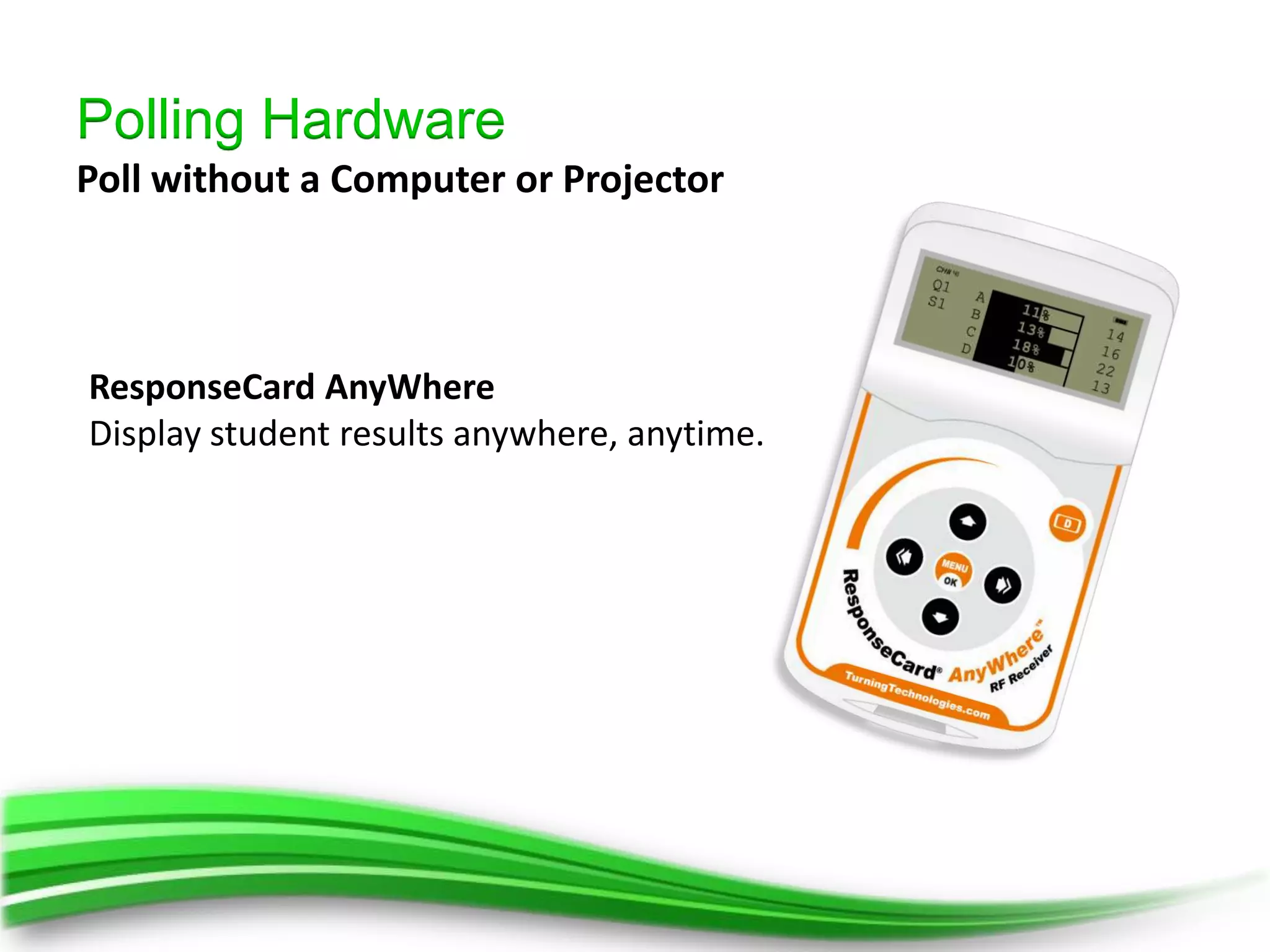
Polling Hardware
Poll without a Computer or Projector


ResponseCard AnyWhere
Display student results anywhere, anytime.
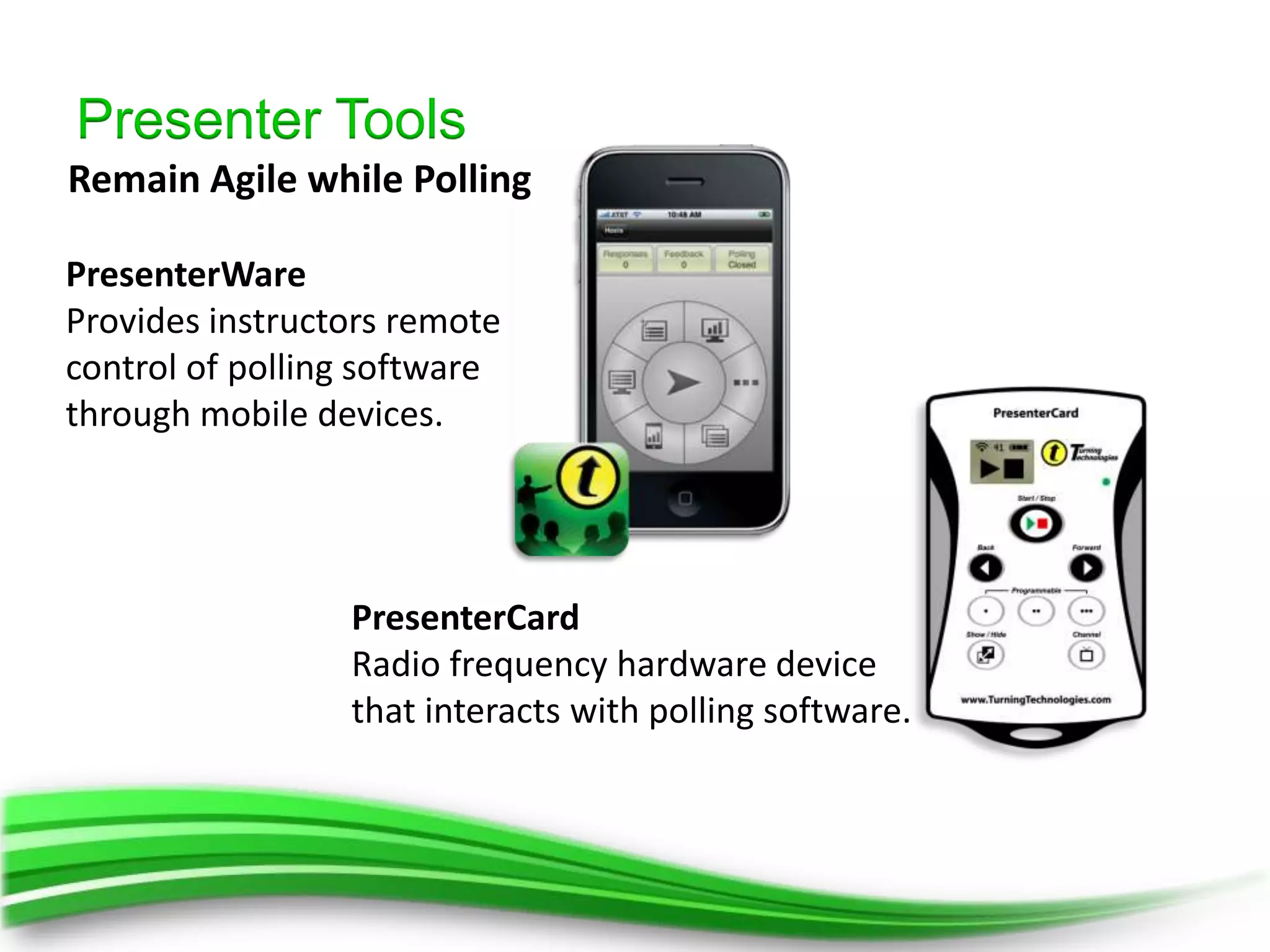
Presenter Tools
Remain Agile while Polling

PresenterWare
Provides instructors remote
control of polling software
through mobile devices.


                 PresenterCard
                 Radio frequency hardware device
                 that interacts with polling software.
LMS & Registration
1. Learning Management Systems
2.    Seamlessly pull rosters and import/export into today's
      most popular LMS.
     • Easy to maintain
     • Secure
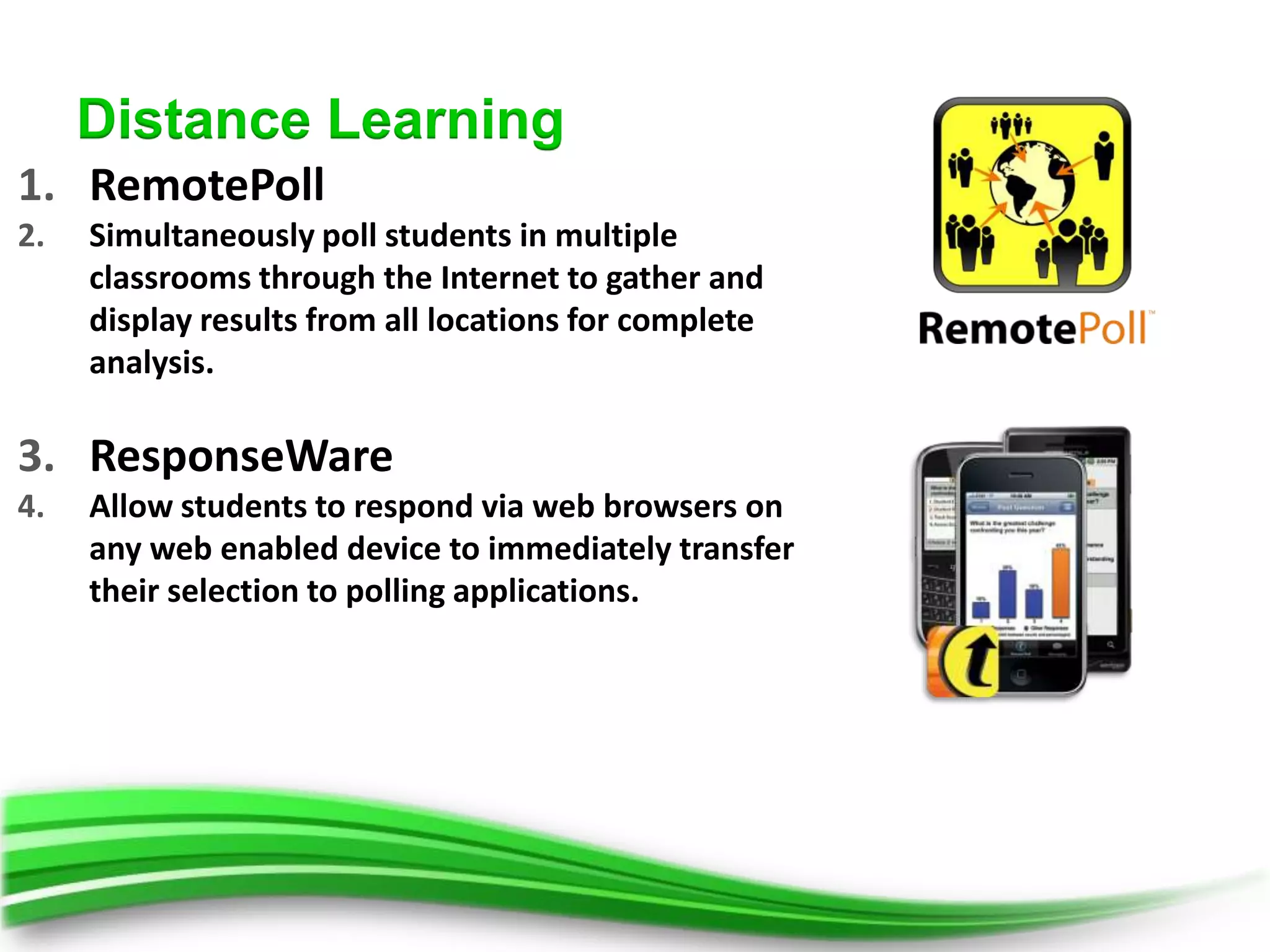
Distance Learning
1. RemotePoll
2.   Simultaneously poll students in multiple
     classrooms through the Internet to gather and
     display results from all locations for complete
     analysis.

3. ResponseWare
4.   Allow students to respond via web browsers on
     any web enabled device to immediately transfer
     their selection to polling applications.
References
1.   Journal of the Scholarship of Teaching and Learning, Vol. 9, No. 1, January 2009, pp.
     13 - 26. An empirical study of personal response technology for improving
     attendance and learning in a large class Amy Shapiro
2.   ‘LEARNING BY REMOTE CONTROL’: EXPLORING THE USE OF AN AUDIENCE
     RESPONSE SYSTEM AS A VEHICLE FOR CONTENT DELIVERY Jeremy B. Williams -
     Brisbane Graduate School of Business - Queensland University of
     Technology, AUSTRALIA (2003)
3.   Hall et al. (2005) Student Response System in High Enrollment Courses Kay RH and
     LeSage A. Examining the benefits and challenges of using audience response
     systems: a review of the literature. Computers and Education. 2009; 53:819-27.
     University of Missouri - Rolla
4.   Student Response Systems: Interactivity in a Classroom Environment Harold M.
     Horowitz, Ph.D., Program Director Educational Technology IBM Corporate Education
     Center, Thornwood, New York 10594
5.   Kathy Perkins, Director of the PhET Interactive Simulations Project and Director of
     Colorado Universities’ Science Education Initiative
6.   Ways of Using TEFA - Ian D. Beatty, Scientific Reasoning Research
     Institute, University of Massachusetts Amherst
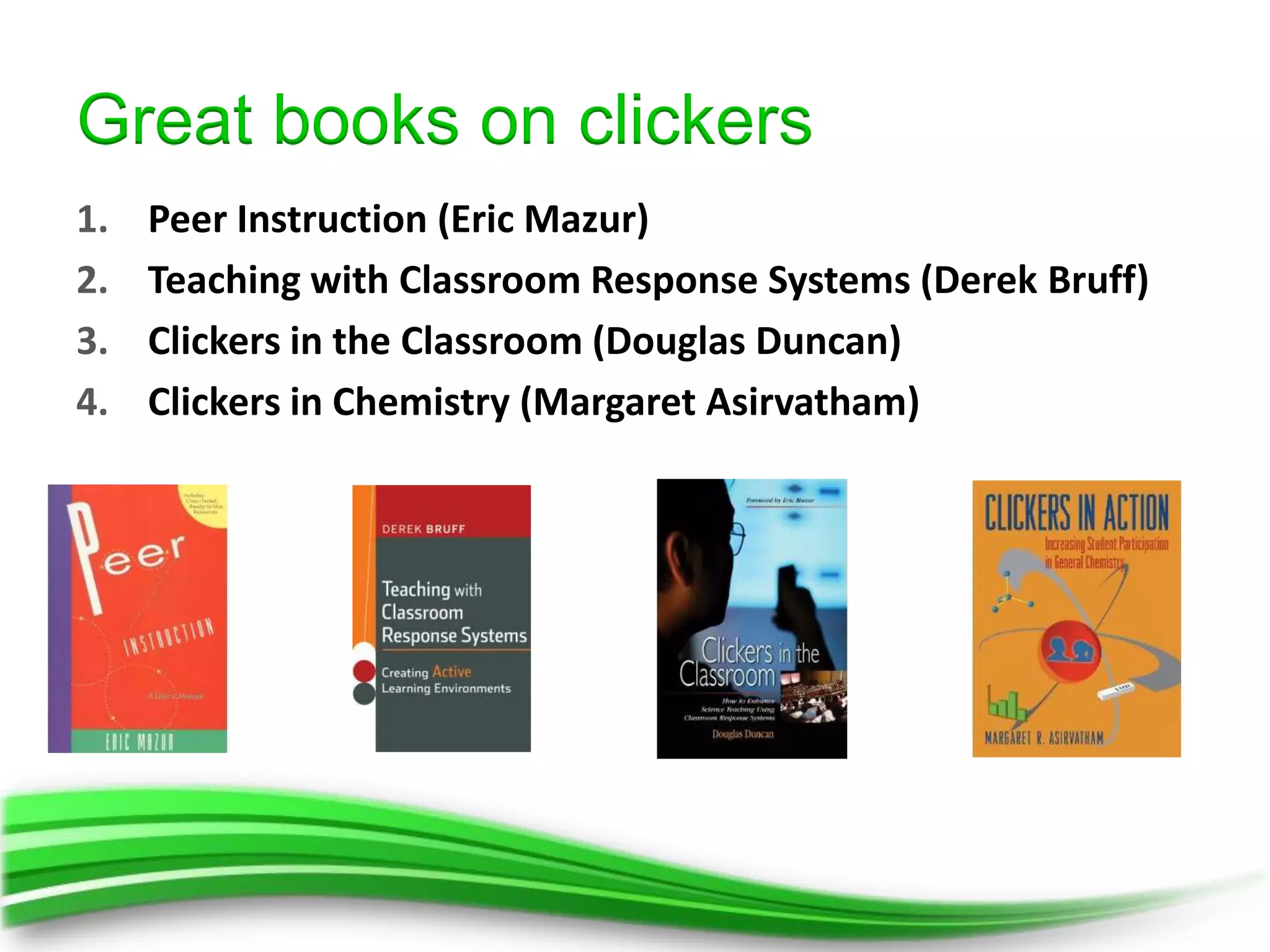
Great books on clickers
1.   Peer Instruction (Eric Mazur)
2.   Teaching with Classroom Response Systems (Derek Bruff)
3.   Clickers in the Classroom (Douglas Duncan)
4.   Clickers in Chemistry (Margaret Asirvatham)
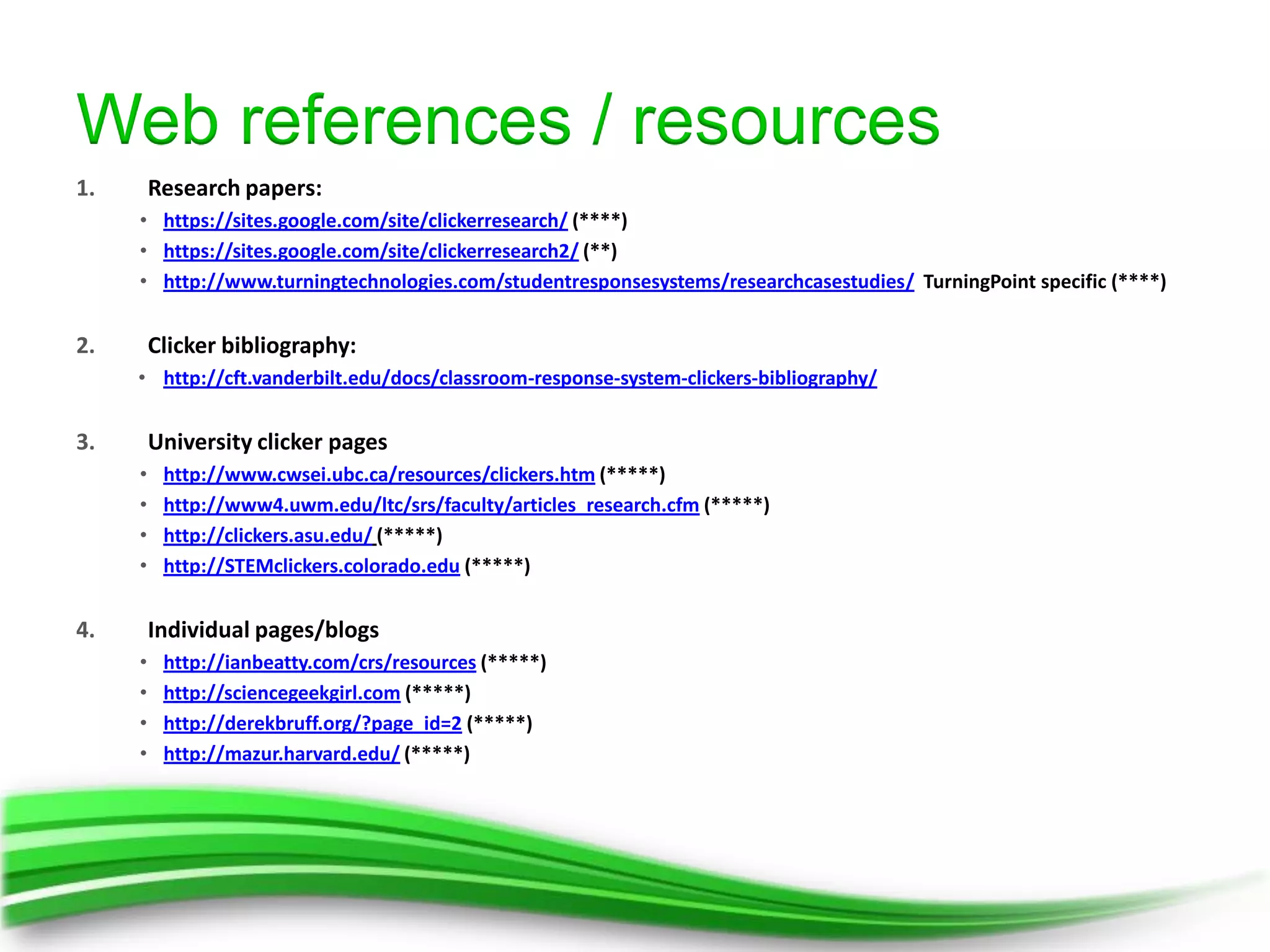
Web references / resources
1.       Research papers:
     • https://sites.google.com/site/clickerresearch/ (****)
     • https://sites.google.com/site/clickerresearch2/ (**)
     • http://www.turningtechnologies.com/studentresponsesystems/researchcasestudies/ TurningPoint specific (****)


2.       Clicker bibliography:
     • http://cft.vanderbilt.edu/docs/classroom-response-system-clickers-bibliography/


3.       University clicker pages
     •    http://www.cwsei.ubc.ca/resources/clickers.htm (*****)
     •    http://www4.uwm.edu/ltc/srs/faculty/articles_research.cfm (*****)
     •    http://clickers.asu.edu/ (*****)
     •    http://STEMclickers.colorado.edu (*****)


4.       Individual pages/blogs
     •    http://ianbeatty.com/crs/resources (*****)
     •    http://sciencegeekgirl.com (*****)
     •    http://derekbruff.org/?page_id=2 (*****)
     •    http://mazur.harvard.edu/ (*****)
Thanks for listening!

David Wilson
  Office: 086 110 6365
  Web: www.participate.co.za
  Blog: www.clickers.co.za
  Facebook –www.facebook.com/ParticipateSA
  Twitter - @participateSA
  Twitter personal – @davew_sa

Achieving true engagement in your lecture hall - Heltasa Clickers Presentation Part 2

  • 1.
    This Part 2in a 2 Part Presentation
  • 2.
    Achieve true engagementin your lecture hall
  • 3.
    1. Using clickers a) Classroom Environment benefits b) Learning benefits c) Assessment benefits d) Learning Goals e) How people learn 2. Pedagogical literature and learning theories a) Peer Instruction 3. Classroom Strategies with clickers a) Writing Clicker Questions b) Bloom’s Taxonomy c) Clicker question goals d) Teaching Choices e) Common Pitfalls 4. How to get started 5. Purchase Models 6. Product Offering 7. References and Resources
  • 5.
    Video Clickers: Students and TeachersSpeak http://bit.ly/RBacxV
  • 7.
    http://larrycuban.files.wordpress.com/2009/09/large_lecture-hall.jpg 30% Journal of the Scholarship of Teaching and Learning, Vol. 9, No. 1, January 2009, pp. 13 - 26. An empirical study of personal response technology for improving attendance and learning in a large class Amy Shapiro
  • 8.
    http://larrycuban.files.wordpress.com/2009/09/large_lecture-hall.jpg 70% ‘LEARNING BY REMOTE CONTROL’: EXPLORING THE USE OF AN AUDIENCE RESPONSE SYSTEM AS A VEHICLE FOR CONTENT DELIVERY Jeremy B. Williams - Brisbane Graduate School of Business - Queensland University of Technology, AUSTRALIA (2003)
  • 9.
    http://larrycuban.files.wordpress.com/2009/09/large_lecture-hall.jpg 87% Hall et al. (2005) Student Response System in High Enrollment Courses University of Missouri - Rolla
  • 10.
    http://larrycuban.files.wordpress.com/2009/09/large_lecture-hall.jpg 1. Kay RHand LeSage A. Examining the benefits and challenges of using audience response systems: a review of the literature. Computers and Education. 2009; 53:819-27.
  • 11.
  • 13.
    1. Kay RHand LeSage A. Examining the benefits and challenges of using audience response systems: a review of the literature. Computers and Education. 2009; 53:819-27. http://prayas2k12.com/main/events.php?id=7
  • 14.
    http://africa360degrees.co.za/ 1. Kay RHand LeSage A. Examining the benefits and challenges of using audience response systems: a review of the literature. Computers and Education. 2009; 53:819-27.
  • 15.
    http://asiasociety.org/files/teacher_0.jpg 1. Kay RHand LeSage A. Examining the benefits and challenges of using audience response systems: a review of the literature. Computers and Education. 2009; 53:819-27.
  • 16.
    http://www.5hue.com/ 1. Kay RH and LeSage A. Examining the benefits and challenges of using audience response systems: a review of the literature. Computers and Education. 2009; 53:819-27.
  • 17.
    http://www.wisegeek.com/what-are-some-criticisms-of-no-child-left-behind.htm 27% Student Response Systems: Interactivity in a Classroom Environment Harold M. Horowitz, Ph.D., Program Director Educational Technology IBM Corporate Education Center, Thornwood, New York 10594
  • 18.
    1. Kay RHand LeSage A. Examining the benefits and challenges of using audience response systems: a review of the literature. Computers and Education. 2009; 53:819-27.
  • 20.
    1. Kay RHand LeSage A. Examining the benefits and challenges of using audience response systems: a review of the literature. Computers and Education. 2009; 53:819-27. http://onlinelearninginsights.wordpress.com/2012/04/03/good-bad-and-ugly-student-comments-on-group-work-in-e-learning/
  • 21.
    http://www.edutopia.org/healthier-testing-made-easy 1. Kay RH and LeSage A. Examining the benefits and challenges of using audience response systems: a review of the literature. Computers and Education. 2009; 53:819-27.
  • 24.
    * Reflect –the key abilities, attitudes, and items of mastery * Help – “know what they need to know” * Measurable – not vague Ways of Using TEFA - Ian D. Beatty, Scientific Reasoning Research Institute, University of Massachusetts Amherst
  • 25.
    Should… * Nourish – intellectual curiosity * Encourage – independent learning * Aid development – for more complex thinking * Increase knowledge – content retention and understanding Ways of Using TEFA - Ian D. Beatty, Scientific Reasoning Research Institute, University of Massachusetts Amherst
  • 27.
    Kathy Perkins, Directorof the PhET Interactive Simulations Project and Director of Colorado Universities’ Science Education Initiative
  • 28.
    Kathy Perkins, Directorof the PhET Interactive Simulations Project and Director of Colorado Universities’ Science Education Initiative
  • 29.
    Kathy Perkins, Directorof the PhET Interactive Simulations Project and Director of Colorado Universities’ Science Education Initiative
  • 30.
    Remember! Students must do their own learning; we cannot do the http://www.thecultureconcept.com/circle/national-year-reading-2012-creating-the-future-of- Stephanie Chasteen (PhD) learning never to young to learn
  • 32.
    # Learning Theory Researcher(s) Suggested Application Features 1 Immediate Epstein Immediate Feedback Assessment Technique Chart with Correct Answer Indicator/ Participant Feedback promotes learning and corrects inaccurate first responses Monitor / Individual Reports 2 Engagement Prensky Digital Natives, Digital Immigrants Fastest Responder / Priority Ranking or Ranking Wizard Greene Spacing effects in memory: Evidence for a two- 3 Spacing Effect Continue Prior Session / Essay Slide process account Mazur Peer Instruction: Ten Years of Experience and Repoll / Comparative Linking/ Comparative Linking 4 Peer Instruction Reports Results Bruff Teaching with classroom response systems: Creating On the Fly Slides / Conditional Branching /Moment to 5 Agile Teaching active learning environments Moment Keller Use of the ARCS Motivation Model in Courseware Countdown Timer/Response Grids /Leader 6 Motivation Boards/Gaming Slides / Point Values Design Assessment FOR Point Values / TurningPoint AnyWhere–Live Charts 7 Stiggins Putting testing in perspective: It’s for learning Learning Anonymous Polling /Review Only/Comparative Linking 8 Positive Reid Practicing effective instruction: The Exemplary Center Correct Answer Indicator /Fastest Responders/Leader Reinforcement for Reading Instruction approach Boards /Point Values Game Based Team Slides Fastest Responder Wager Leader Boards 9 Dede Immersive Interfaces for Engagement and Learning Speed Scoring TPAW with Digital Games Team Scoring Learning Reports Bonwell and Eison Active learning: Creating excitement in “Need Help” answer choice /On the Fly 10 Active Learning Questions/Custom / Text Message/Feedback the classroom Demographic Comparison Data Slicing /Convert to 11 Learning Styles Keefe Learning Style Theory and Practice Picture Slide Chart Colors–Correct/Incorrect /Answer Now/ Video/Audio files with question slides 12 Socratic Hake Socratic pedagogy in the introductory physics lab Custom Standards List / Conditional Branching Questioning Continue Prior Session
  • 33.
  • 34.
    You can forgetfacts but you cannot forget understanding – Eric Mazur
  • 35.
    Video From Questions toConcepts: Interactive Teaching in Physics http://bit.ly/RBaLrw
  • 36.
    “Teachers found thatthey could teach the material more efficiently using question-driven instruction. They found that they had a deeper understanding of students' difficulties, allowing them to tune their instruction more efficiently. Plus, in later units, students' grasp of the underlying material helps them progress through the units more quickly.” Stephanie Chasteen (PhD) Science Teaching Fellow at Science Education Initiative, University of Colorado at Boulder Independent Business Owner, sciencegeekgirl enterprises
  • 37.
    Instructor Poses Question (< 1min) Students Answer Independently (1-3 min) Most correct Most incorrect Equal split Briefly discuss Back track Discuss in pairs (< 1min) (5 min+) Revote (1-5 min) Instructor lead Class wide discussion Revote (2-15 min)
  • 39.
    Video Clickers in yourclassroom http://bit.ly/THj2s1
  • 40.
  • 41.
  • 42.
  • 43.
  • 46.
    1. Factual Knowledge: remember and recall factual information • Define, List, State, Label, Name, Describe 2. Comprehension: demonstrate understanding of ideas, concepts • Describe Explain Summarize Interpret Illustrate 3. Application: apply comprehension to unfamiliar situations • Apply, Demonstrate, Use, Solve, Predict, Construct, Modify 4. Analysis: break down concepts into parts • Compare, Contrast, Categorize, Distinguish, Identify, Infer 5. Synthesis: transform combine ideas to create something new • Develop, Create, Propose, Formulate, Design, Invent 6. Evaluation: think critically about and defend a position • Judge, Appraise, Recommend, Justify, Defend, Criticize, Evaluate
  • 57.
    Clicker Resource Guide AnInstructors Guide to the Effective Use of Personal Response Systems (Clickers) in Teaching
  • 58.
    (credit to IanBeatty, U. Mass-Amherst)
  • 59.
    (credit to IanBeatty, U. Mass-Amherst)
  • 60.
    (credit to IanBeatty, U. Mass-Amherst)
  • 61.
    (credit to IanBeatty, U. Mass-Amherst)
  • 62.
    (credit to IanBeatty, U. Mass-Amherst)
  • 63.
    (credit to IanBeatty, U. Mass-Amherst)
  • 64.
    (credit to IanBeatty, U. Mass-Amherst)
  • 65.
    (credit to IanBeatty, U. Mass-Amherst)
  • 66.
    (credit to IanBeatty, U. Mass-Amherst)
  • 67.
    (credit to IanBeatty, U. Mass-Amherst)
  • 68.
    (credit to IanBeatty, U. Mass-Amherst)
  • 69.
    (credit to IanBeatty, U. Mass-Amherst)
  • 70.
    (credit to IanBeatty, U. Mass-Amherst)
  • 71.
    (credit to IanBeatty, U. Mass-Amherst)
  • 72.
    (credit to IanBeatty, U. Mass-Amherst)
  • 73.
    (credit to IanBeatty, U. Mass-Amherst)
  • 74.
    (credit to IanBeatty, U. Mass-Amherst)
  • 75.
    (credit to IanBeatty, U. Mass-Amherst)
  • 76.
    (credit to IanBeatty, U. Mass-Amherst)
  • 78.
  • 83.
    Video Clickers in theClassroom: The Research. Do clickers help students learn? http://bit.ly/TIZ8dZ
  • 89.
  • 94.
    I want toget • Jump right in – STARTED! • Consider borrowing a set of clickers to try out in a few class sessions • Don’t grade clicker questions in the beginning, this way if you have technical difficulties students grades are not at risk and students will not be concerned. • Start with simple questions, then move up the Blooms Taxonomy towards more conceptual questions, then look to introduce Peer Instruction.
  • 95.
    Purchase Models • ‘Teaching with Technology’ department purchases and loans clickers to lecturers • Departments budget and purchase
  • 96.
    Purchase Models • Some Universities ‘rent’ their clickers to students • Deposit paid ( 50% refundable) • Funds to purchase more
  • 97.
    Purchase Models • Bookstore model • (not yet available in South Africa) • Clickers are provided with a textbook • Clicker content included for lecture
  • 99.
  • 100.
    Clicker Devices ResponseCard® NXT ResponseCard® RF LCD ResponseCard® RF ResponseWare Offers advanced Durable radio frequency ResponseCard RF Allows students to capabilities such as device offers students an clickers are respond via web cell phone style text engaging and easy-to-use lightweight and browsers on any web entry for short solution. LCD screen compact in size. enabled device including answer and essay provides visual The durable clicker Android™, iPhone®, Black questions as well as confirmation of selected has been rigorously Berry®, and laptops or self-paced test mode responses, channel tested in classroom tablets to immediately for individual setting and battery life. environments. transfer their selection to assessment. polling applications.
  • 101.
  • 102.
    Anywhere Polling Software Pollwith ANY Application − Mac® or PC
  • 103.
  • 104.
    Polling Hardware Poll withouta Computer or Projector ResponseCard AnyWhere Display student results anywhere, anytime.
  • 105.
    Presenter Tools Remain Agilewhile Polling PresenterWare Provides instructors remote control of polling software through mobile devices. PresenterCard Radio frequency hardware device that interacts with polling software.
  • 106.
    LMS & Registration 1.Learning Management Systems 2. Seamlessly pull rosters and import/export into today's most popular LMS. • Easy to maintain • Secure
  • 107.
    Distance Learning 1. RemotePoll 2. Simultaneously poll students in multiple classrooms through the Internet to gather and display results from all locations for complete analysis. 3. ResponseWare 4. Allow students to respond via web browsers on any web enabled device to immediately transfer their selection to polling applications.
  • 108.
    References 1. Journal of the Scholarship of Teaching and Learning, Vol. 9, No. 1, January 2009, pp. 13 - 26. An empirical study of personal response technology for improving attendance and learning in a large class Amy Shapiro 2. ‘LEARNING BY REMOTE CONTROL’: EXPLORING THE USE OF AN AUDIENCE RESPONSE SYSTEM AS A VEHICLE FOR CONTENT DELIVERY Jeremy B. Williams - Brisbane Graduate School of Business - Queensland University of Technology, AUSTRALIA (2003) 3. Hall et al. (2005) Student Response System in High Enrollment Courses Kay RH and LeSage A. Examining the benefits and challenges of using audience response systems: a review of the literature. Computers and Education. 2009; 53:819-27. University of Missouri - Rolla 4. Student Response Systems: Interactivity in a Classroom Environment Harold M. Horowitz, Ph.D., Program Director Educational Technology IBM Corporate Education Center, Thornwood, New York 10594 5. Kathy Perkins, Director of the PhET Interactive Simulations Project and Director of Colorado Universities’ Science Education Initiative 6. Ways of Using TEFA - Ian D. Beatty, Scientific Reasoning Research Institute, University of Massachusetts Amherst
  • 109.
    Great books onclickers 1. Peer Instruction (Eric Mazur) 2. Teaching with Classroom Response Systems (Derek Bruff) 3. Clickers in the Classroom (Douglas Duncan) 4. Clickers in Chemistry (Margaret Asirvatham)
  • 110.
    Web references /resources 1. Research papers: • https://sites.google.com/site/clickerresearch/ (****) • https://sites.google.com/site/clickerresearch2/ (**) • http://www.turningtechnologies.com/studentresponsesystems/researchcasestudies/ TurningPoint specific (****) 2. Clicker bibliography: • http://cft.vanderbilt.edu/docs/classroom-response-system-clickers-bibliography/ 3. University clicker pages • http://www.cwsei.ubc.ca/resources/clickers.htm (*****) • http://www4.uwm.edu/ltc/srs/faculty/articles_research.cfm (*****) • http://clickers.asu.edu/ (*****) • http://STEMclickers.colorado.edu (*****) 4. Individual pages/blogs • http://ianbeatty.com/crs/resources (*****) • http://sciencegeekgirl.com (*****) • http://derekbruff.org/?page_id=2 (*****) • http://mazur.harvard.edu/ (*****)
  • 111.
    Thanks for listening! DavidWilson Office: 086 110 6365 Web: www.participate.co.za Blog: www.clickers.co.za Facebook –www.facebook.com/ParticipateSA Twitter - @participateSA Twitter personal – @davew_sa

Editor's Notes

  • #11 Due to the interactive nature of using clickers and active involvement in the lesson
  • #19 Quality of learning: Qualitative difference when learning with ARS (e.g., better explanations, thinking about important concepts, resolving misconceptions)
  • #25 SHOULD describe how a student should be different at the end of a courseReflect the key abilities, attitudes, and items of mastery that a student should (strive to) attainShould be measurable ( not vague, watch terminology)Help students “know what they need to know” in a course.THEY SHOULD*nourishment of intellectual curiosity, * encouragement of independent learners,*development of people able to engage in the more complex thinking processes* knowledge of content* NB Instructor behaviour is aligned with this in the teaching techniques
  • #26 THEY SHOULD*nourishment of intellectual curiosity, * encouragement of independent learners,*development of people able to engage in the more complex thinking processes* knowledge of content* NB Instructor behaviour is aligned with this in the teaching techniques
  • #28 Motivation depends on students’ background, and can be changed.How to motivate?
  • #29 Students need to actively construct an understanding.Construction requires feedback. How to promote active learning?How to provide feedback?
  • #30 How to find out and connect to what they already know?
  • #38 Think pair share!
  • #41 Many instructors see value in structuring a class session into a sequence of activities as a way to help students maintain their attention helps students pay attentionhelp focus their attention in productive ways on particular tasks. gather information from students in order to determine the direction of a class sessiongiving all students a voice in determining that direction.
  • #42 fun help students maintain attention and engagement with course activities. Fun helps instructors establish a useful rapport with their students. Some students find competition motivating.
  • #43 Anonymity uncovers student perspectives that might not be clear through other meansStudents are able to determine what they understand, what they do not understand, and how they are learning.Instructors learn a lot about what their students understand more frequently through clicker questions that can be acted on before major assessments are assigned. collect information from all students in a classroom quickly, easily, and simultaneously.
  • #44 conduct background knowledge probes at the beginning of class sessions Points grades for attendance
  • #47 These levels expect deeper conceptual understandingQuestion creation exceriseUse the Bloom’s Taxonomy worksheet to rate the Bloom’s level of your questionSwap your question with a neighbor. Do you agree on the Bloom’s level of your question?Can you think of a way to “Bloomify up” the level of your question?
  • #48 Type “ConcepTests” into google This brings up listings of question collections in numerous fields.
  • #49 What student learning goals do I have for the question? Consider…1. Mechanics (is it well written? Clear?)2. Depth (Is it trivial, or deep? What level ofBloom’s Taxonomy?)3. Goals (What is this question trying toaccomplish,pedagogically)
  • #50 Content Goal: Does the question test an essential aspect of the material? Is it aligned with your learning goal?Cognitive Goal: How do students use the content to arrive at the answer? What does it mean to learn or “do” this subject?What are the cognitive processes involved? Are they comparing and contrasting phenomena, ranking, classifying, or performing a mathematical manipulation?Metacognitive Goal: Are students examining their own thinking?
  • #51 What do I want my students to learn by asking this question?
  • #52 How might this question be used to engage students with course content in small-group or classwide discussions or by creating a time for telling? Use questions that will prompt discussion.
  • #53 What distribution of response do I expect to see from my students?What might I do if the actual distribution turns out very differently?
  • #54 Look for answer choices for potential clicker questions in student responses to open-ended questions, ones asked on assignments in previous courses, on homework questions, or during class. This can lead to answer choices that better match common student misconceptions and perspectives.Don’t make them too easy.
  • #55 Use a variety of types of clicker questions. experimenting with different kinds of questions can help instructors use clickers in ways that engage students and meet course learning goals Experiment with asking on-the-fly clicker questions Often a classwide discussion leads to spontaneous clicker questions; other times rhetorical questions can be turned into productive clicker questions.
  • #56 spend a least some time on each of the answer choices – right and wrong ones. Students often appreciate hearing their instructor’s perspective on the answer choices they selected
  • #57 Find other instructors who teach with classroom response systems and share experiences.
  • #61 Provides feedback to teacher about student knowledge status
  • #62 About new ideas, concepts and knowledge
  • #63 Prepare for new knowledge and understanding
  • #64 Give students a voice (i.e., survey on their opinions/preferences)
  • #78 • Are often focused on conceptual understanding• Deal with important ideas in class• Have common student mistakes (consider answers from past exams orquizzes) as the wrong answers.• Result in a lot of discussion and debate among the students.• Require analysis and reasoning (not simple memorization).
  • #79 • Are often focused on conceptual understanding• Deal with important ideas in class• Have common student mistakes (consider answers from past exams orquizzes) as the wrong answers.• Result in a lot of discussion and debate among the students.• Require analysis and reasoning (not simple memorization).
  • #81 Given that having students respond to and discuss clicker questions takes class time, do instructors using clickers find it difficult to include as much content in their courses as they would without clickers? o Some instructors find it difficult to include as much content in their courses when they begin using clickers but are satisfied with the trade-off. They believe that if students’ misconceptions are not addressed, subsequent course material will not make sense to students, so class time spent resolving those misconceptions through clicker questions is well spent. Other instructors are satisfied with covering less material because they believe that teaching methods that actively engage students with course material are more effective in the long term than less engaging methods that allow for more time-efficient coverage of content.
  • #82 Grading clicker questions on accuracy can give students who correctly answer critical thinking questions the false sense that they have mastered those questions, when in fact it is often quite possible to answer such questions correctly without fully understanding all the reasons for and against the answer choices. Grading clicker questions on accuracy increases the pressure students feel to master course material. Some instructors want their students to feel this pressure, since it can motivate them to seriously engage with course material as it is being presented during class. Other dislike creating high-pressure classroom environments and prefer to grade clicker questions on effort, not accuracy.
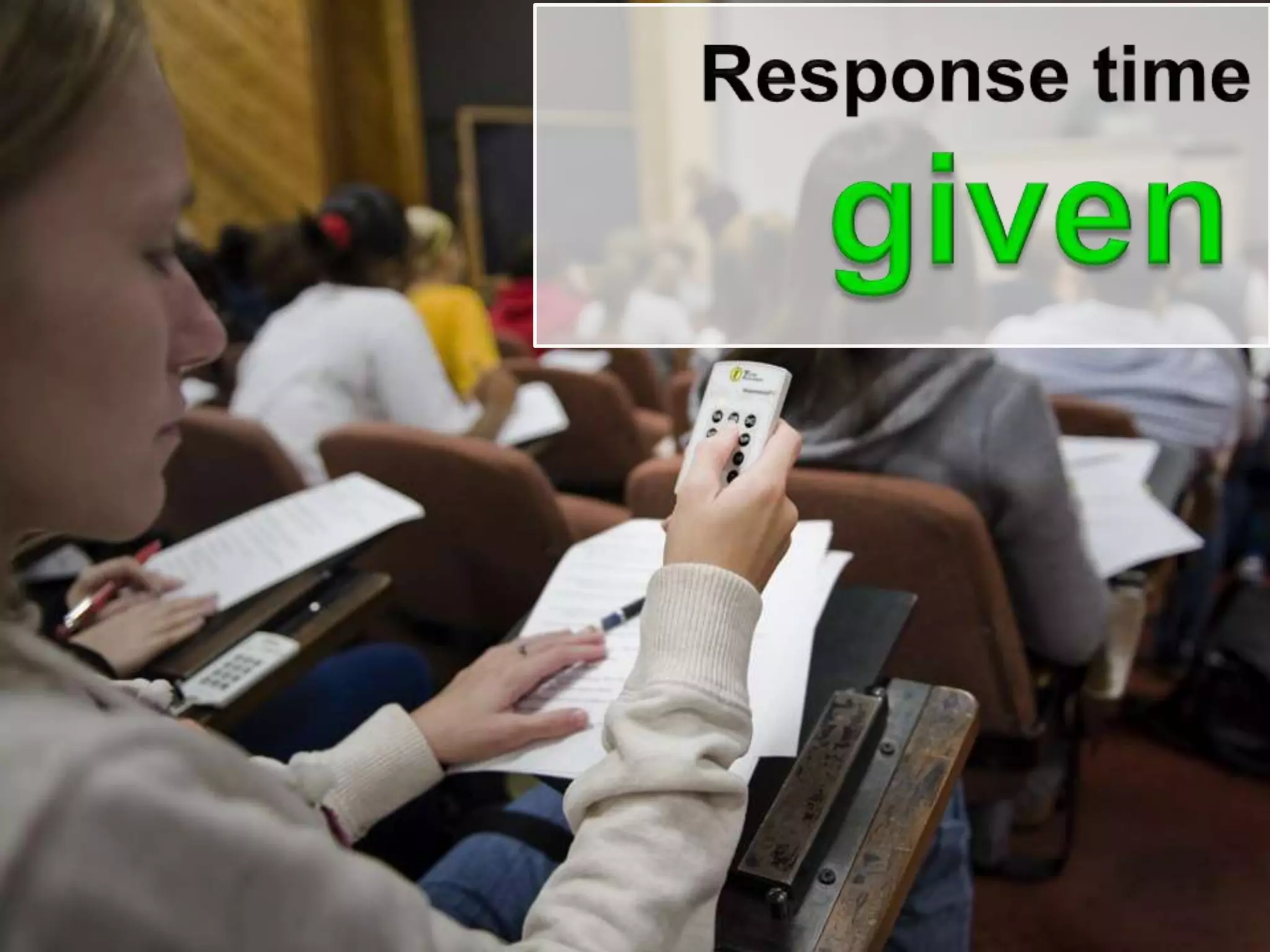
  • #85 How long should students be given to submit their answers to a clicker question? When should an instructor call time and end voting?
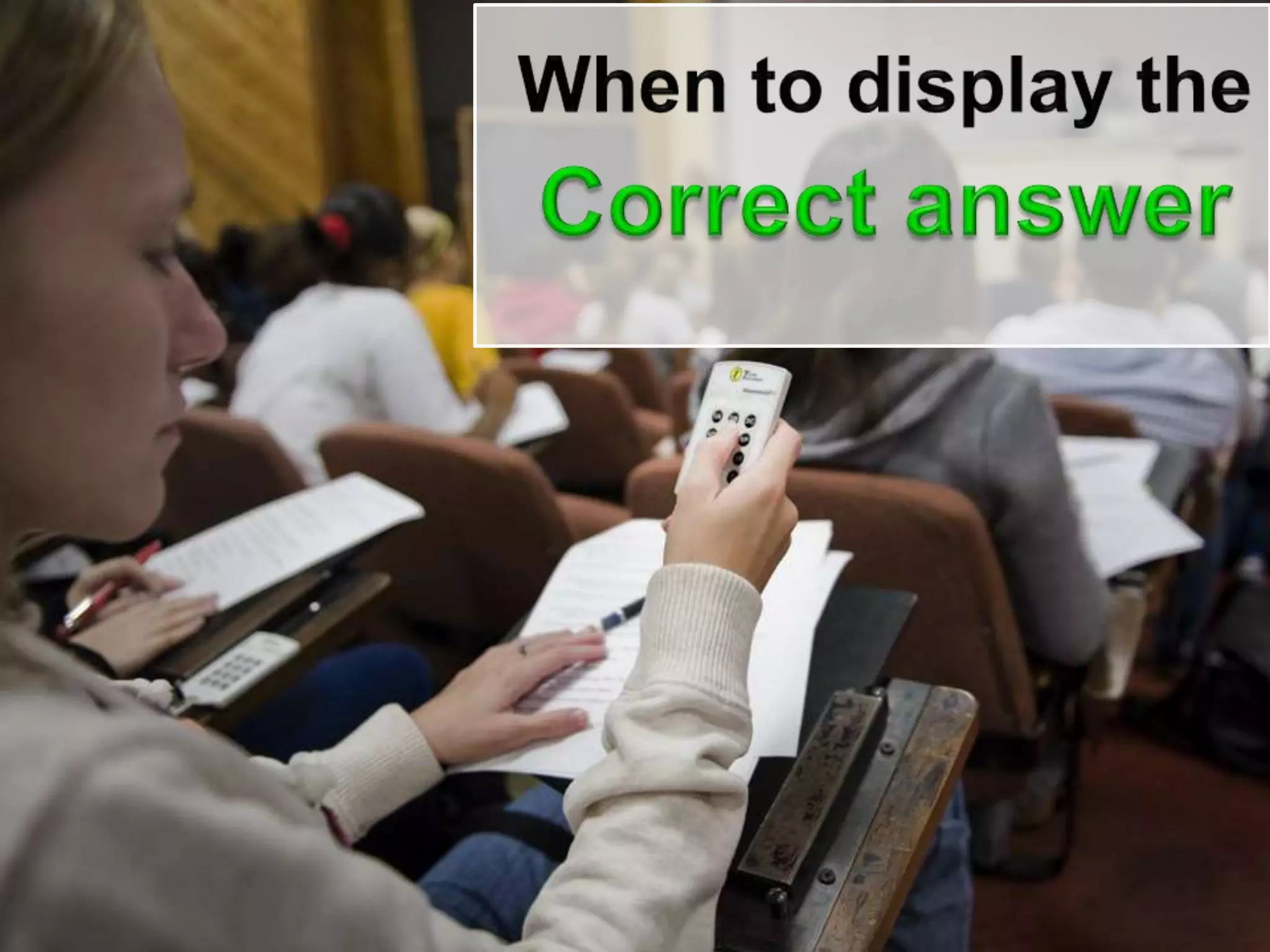
  • #86 immediately after gives the students rapid feedback on their learning and can add a bit of dramatic flair Askstudents to write down reasons that the answers they did not choose are incorrectsome students disengage when they learn the correct answer sometimes without fully understandingDelay showing to generate small-group or classwide discussion
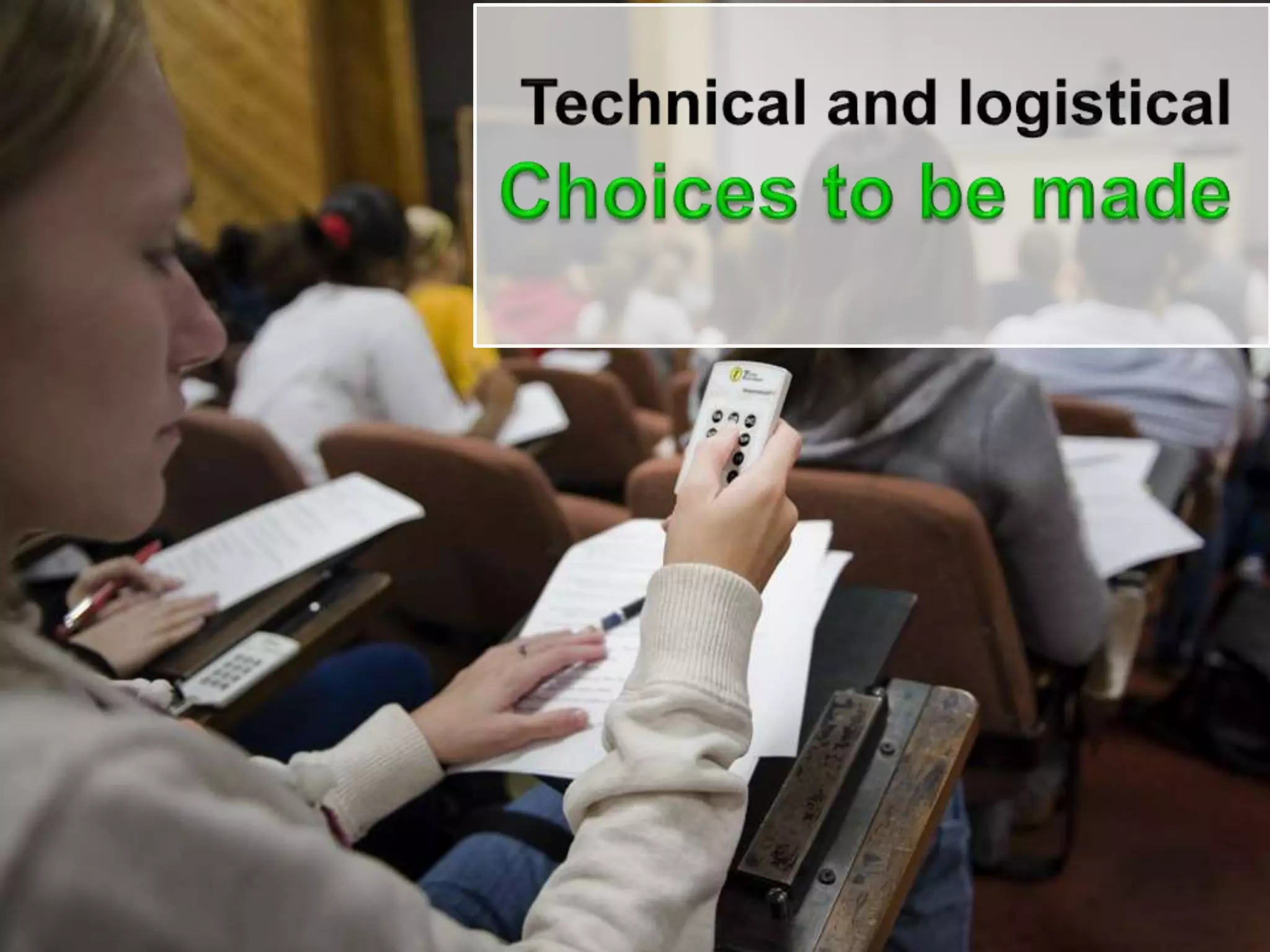
  • #87 First timers should test the system as thoroughly Limit use to start withHave a backup plan in mindmalfunctioning clickers – have sparesConsider on-the-fly questions
  • #88 First timers should test the system as thoroughly Limit use to start withHave a backup plan in mindmalfunctioning clickers – have sparesConsider on-the-fly questions
  • #89 Question Idea – confusion meter?I’m bored – speed upI’m with youSlow down a littleI’m totally lostQuestion Idea – Are you done?Click in with your progressStill workingAlmost doneFinished
  • #91 &quot;Wait-time&quot; is the amount of time after an initial question has been posed before the teacher answers it him or herself; repeats, rephrases, or adds further information to the question; or accepts an answer from a student. More than just a few seconds are a necessary prerequisite for mental information-processing (Rowe, 1974).
  • #92 By far the most common failing is to make questions that are too easy. In this situation, students often see the questions as simply a quiz to keep them awake, and they are annoyed that they had to spend money on clickers only for this purpose. easy questions may mislead students as to the difficulty of the questions they would expect to see on the exam
  • #93 You should discuss how clickers will improve your communication with them, the well-established value to learning when students actively engaged in thinking about the subject and figuring out answers to questions, and how clickers make this much easier to achieve in a lecture setting.start with a “Why do you think we use clickers” clicker question in class, as shown below. Possible answers are all components of “active learning” and hopefully you will see a spread of answers.