
How to fight the credit crunch or do more with less For those  supporting or looking after  technology of support organisations Miles Maier Lasa London ICT Champion 20 th  March 2009
Take-Aways Is your ICT at risk - risk assessments Fight the big byte - plan and budget Save time and money - top tips on free and low cost ICT solutions Know where to go for help and support
Voice, representation, advocacy Signposting sources of help Strategic support Regional ICT Champions
Getting Started You have been working at an organisation for a couple of months. Up until then ICT has not been considered a high priority – the computers are old and slow, the Internet goes down frequently and a back up hasn’t been done for years.  Your manager has realised that you know more than anyone else in the organisation about technology. You have been asked to take some of the responsibility for ICT within the organisation. You’re now officially an accidental techie! Sound familiar?  So, where do you start?
Help, I’m an Accidental Techie! Are you constantly dealing with IT problems? Do you have an ICT plan for when it all goes wrong? How are you going to fight the big squeeze? Where can you go for help and support?
Accidental Techie 101 What questions do you have about ICT?  What questions do you get asked? ONE question per post-it, put them up on board/wall and group them in to themes under each topic
The Accidental Techie 1 (does this sound like you?) Oversee network and server (if appropriate)  Ensuring data is backed up on a regular basis  Overseeing computer security and anti-virus updates etc.  Carrying out computer "housekeeping" tasks  Providing IT support to computer users First port of call and initial troubleshooting Liaising with external support company
The Accidental Techie 2 (does this sound like you?) Inducting new staff on IT systems  Keeping website updated Maintenance and inventory records  Ensuring all software is properly licensed  Input into IT strategy and annual IT budget  One-off projects – databases, web sites  Keep abreast of IT technology Advising on training needs and courses Help! I’ve become an accidental techie
Assessing Your ICT Using the  Managing ICT  checklists http:// www.ictknowledgebase.org.uk/healthchecklists   Inventorying –  Belarc  Adviser ,  Spiceworks   (on the USB stick) – or pen and paper! Coming soon ICT Handbook ICT FAQ cards
ICT Handbook Being developed by Hillingdon AVS Organisational information (mission, strategy, budget) Compliance (H&S, WEEE, Data Protection, insurance) Inventory Configuration (passwords, server, network, Internet) Contracts (support, broadband, hosting, online services) Policies (disaster recovery, acceptable use etc) Procedures (user induction, backup) Appendices (ICT health check, help, advice)
Supporting your ICT and users How are you currently supporting your ICT? When things go wrong – what happens? Troubleshooting
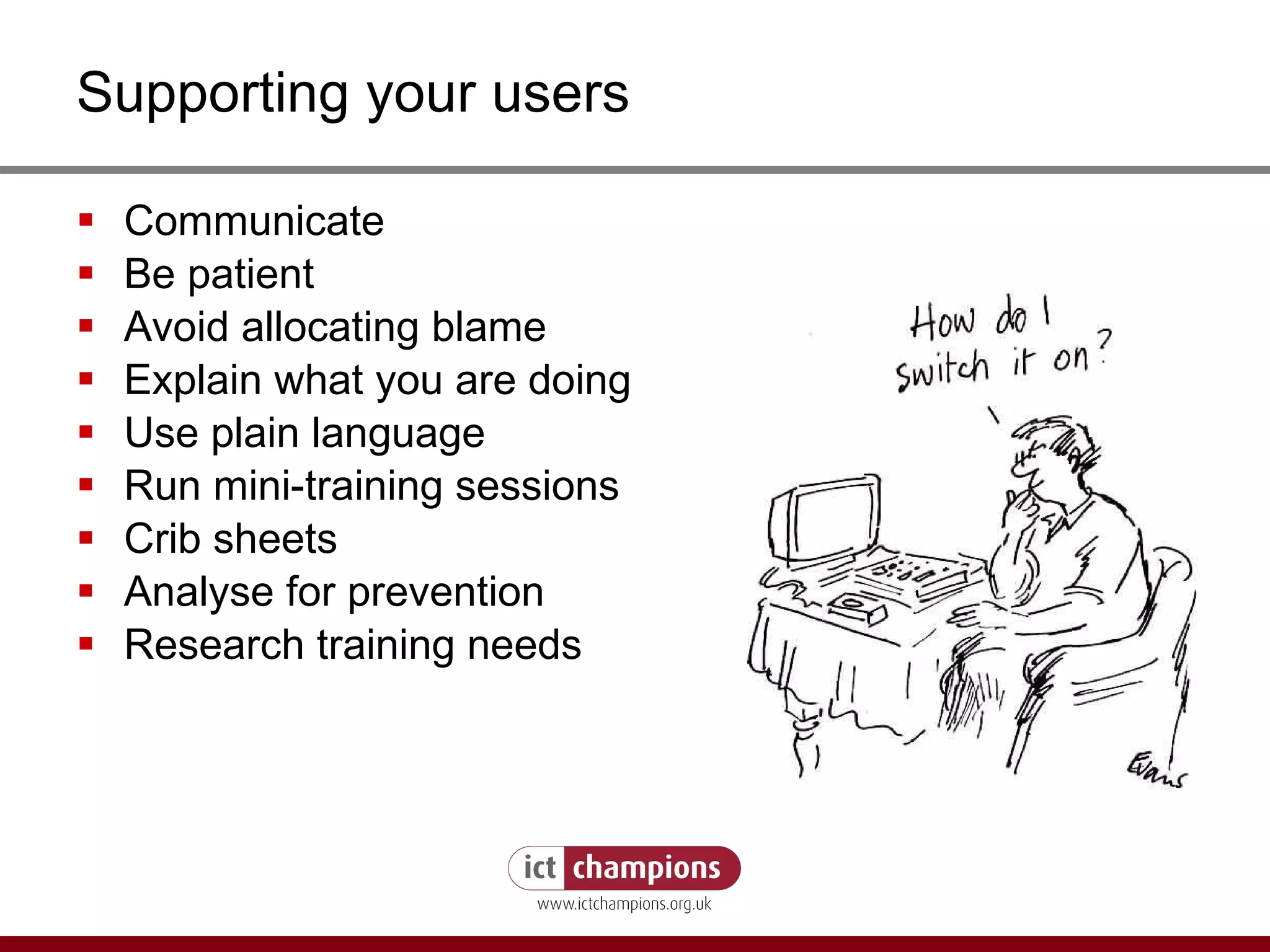
Supporting your users Communicate Be patient Avoid allocating blame Explain what you are doing Use plain language Run mini-training sessions Crib sheets Analyse for prevention Research training needs
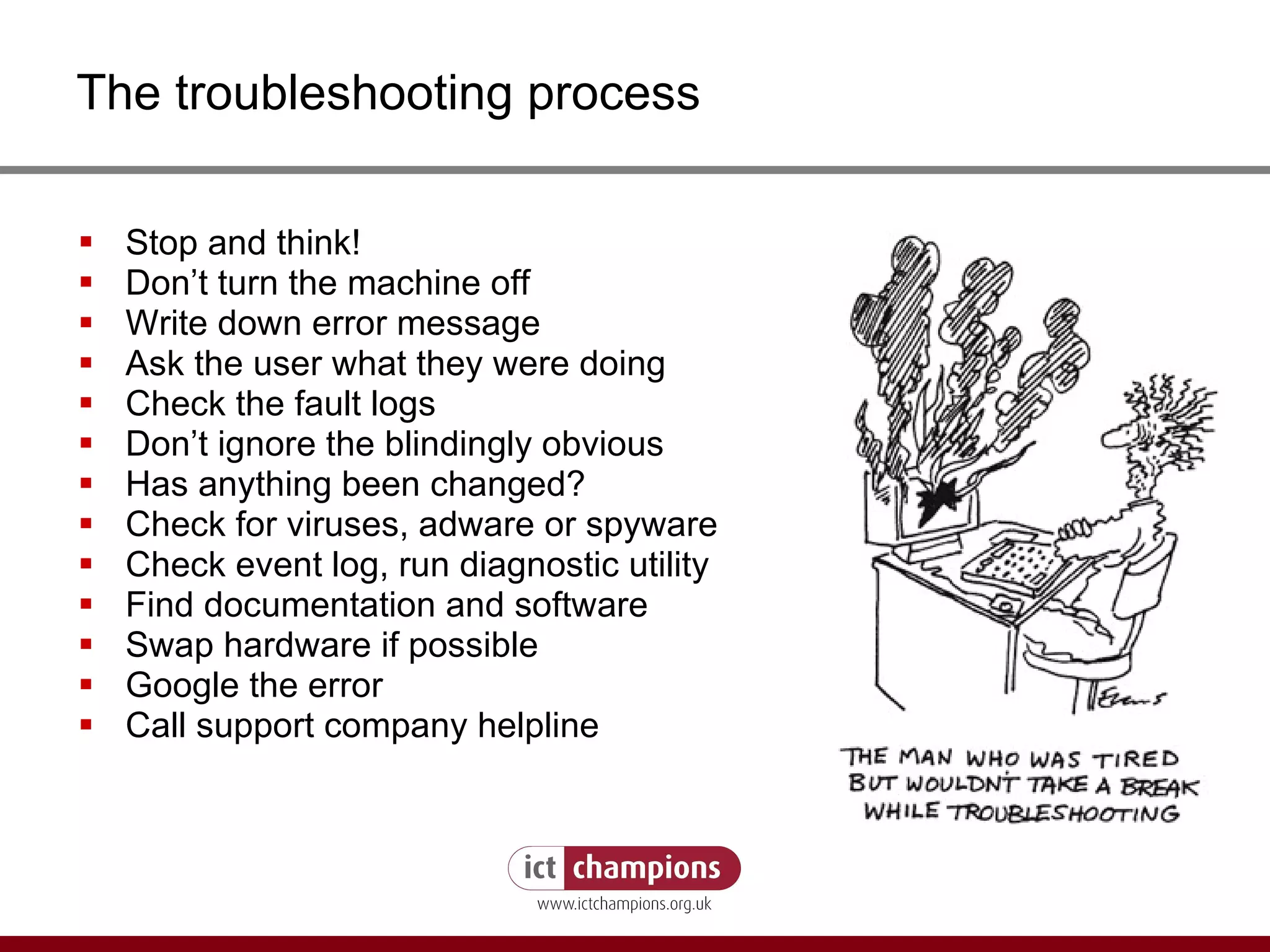
The troubleshooting process Stop and think! Don’t turn the machine off Write down error message Ask the user what they were doing Check the fault logs Don’t ignore the blindingly obvious Has anything been changed? Check for viruses, adware or spyware Check event log, run diagnostic utility Find documentation and software Swap hardware if possible Google the error Call support company helpline
Avoiding Trouble 1 Back up data regularly Acceptable Use Policy Keep a troubleshooting log Only use licensed software Register software and hardware Keep discs and manuals in central, safe place Boot and recovery disks Back up copies of install discs List license keys Inventory of PCs and equipment ( Belarc ,  Spiceworks )
Avoiding Trouble 2 Keep invoices & warranties Regular housekeeping Update anti-virus daily Security precautions Apply patches and service packs Replace equipment before it breaks down Plan for or procure a technical support contract Keep spare parts, cannibalise old PCs Reserve PC (keep an old one) IT Strategy
Supporting your users  - Accessibility Setting screen colours to suit them Increasing menu sizes Make text more readable Tuning the keyboard Taming the mouse Using the keyboard as a mouse Or using the mouse as a keyboard Install a free text reader Use free magnification and screen reader software Install free word prediction software
Master-class – Social media Steve Bridger Social Media in Organisations LUNCH
Social media - reflections What ideas do you have based on the Master-class? How do you think your organisation could make more of social media? What gaps are there in your knowledge? What was the best idea which came from the session?
Risk Assessment 1 Why do this? Risk assessment - 15 mins Feedback - 10 mins
Risk Assessment 2 What are the risks? http:// www.ictknowledgebase.org.uk/riskassessment   Assessing the risks checklist How can you reduce the risks? exercise results Being prepared for disaster Business Link’s continuity planning Keeping safe www.ictknowledgebase.org.uk/keepcomputerssafeandsound Good housekeeping www.ictknowledgebase.org.uk/maintenancetips
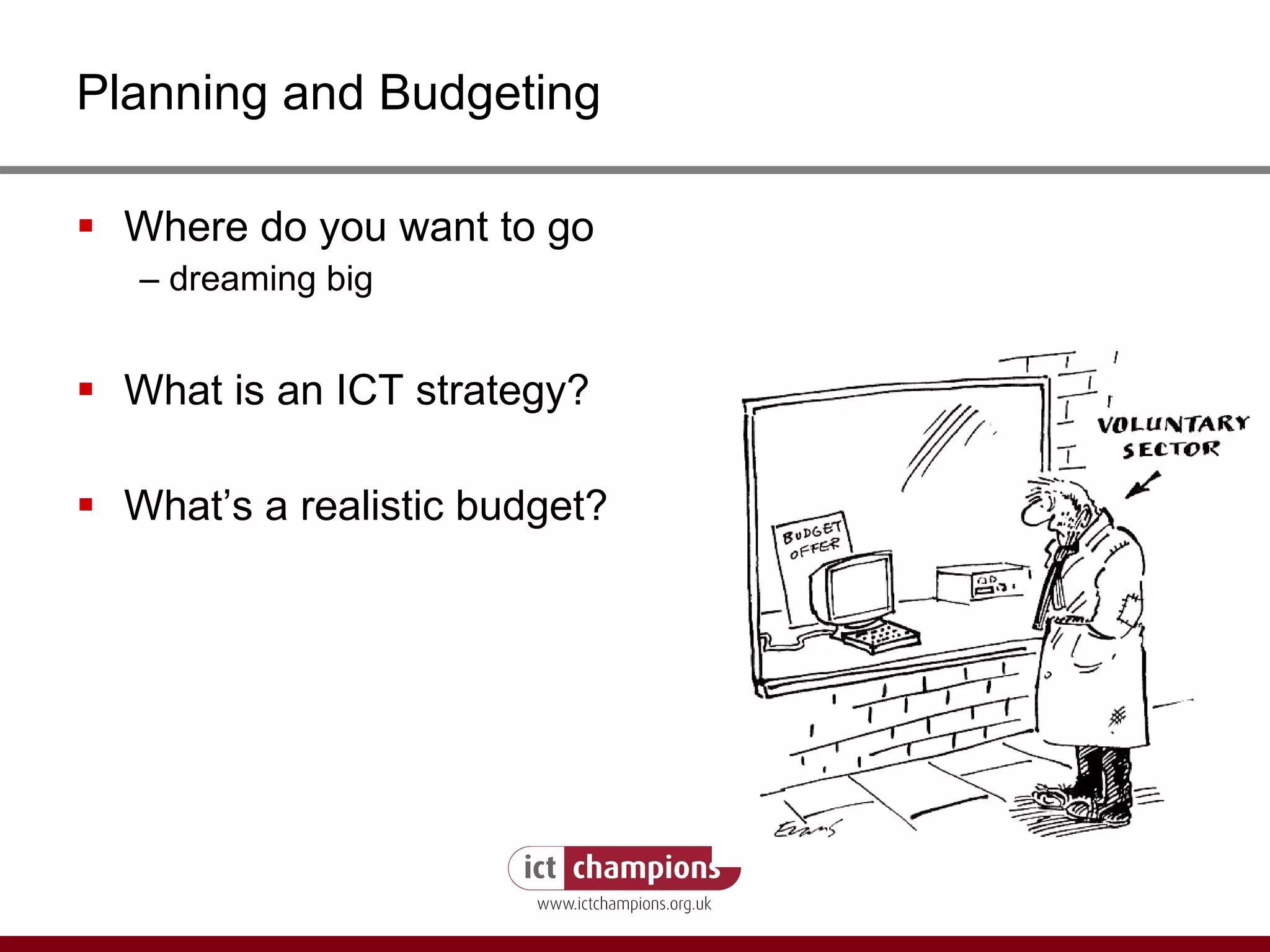
Planning and Budgeting Where do you want to go  –  dreaming big What is an ICT strategy? What’s a realistic budget?
Budgeting for ICT What should you budget for? What are realistic prices? Now do a rough budget for your organisation’s ICT – 5 mins Budget Calculator
Strategy - 1 An ICT strategy is not about: detailed technical description unrealistic aspirations how you’re going to do it one bit of your organisation forcing another to do something it doesn’t want to, by going over their heads to the Board of Trustees
Strategy - 2 An ICT strategy (sometimes known just as a plan) is about: having goals, even small ones, for: doing things better doing better things thinking things through setting out a framework and standards SMART objectives (specific, measurable, achievable, realistic & timely) ensuring that your trustees are committed allocating responsibilities setting a realistic budget (of money and time) justifying your expenditure (of money and time)
Strategy - 3 Possible headings for an ICT strategy: Responsibilities Goals in the business plan for the next 5 years Contribution that ICT is expected to make: Major investments, including time-scale New developments and experiments, including time-scale Hardware purchase and replacement Software policy Security Support arrangements Training Budgeting Related policies Review period
Top Tips 1 (on doing more with less) Software donation and discount schemes – save money www.ctx.org  and  www.pugh.co.uk Recycled and repurposed hardware www.ictknowledgebase.org.uk/recyclingict Green IT – saving energy and money www.ictknowledgebase.org.uk/greencomputing Open Office (on the USB stick) an alternative to Microsoft Office  www.openoffice.org
Top Tips 2 (on doing more with less) Online back-up services – secure, save money www.ictknowledgebase.org.uk/onlinebackup 0300, VoIP and saving money on phonecalls www.ictknowledgebase.org.uk/telephonesavings www.ictknowledgebase.org.uk/voip Sharing back office services www.capacitybuilders.org.uk www.improvingsupport.org.uk
Top Tips 3 (on doing more with less) DIY -  www.ukriders.info iTQ training -  http://itq.e-skills.com / Save money managing free events  www.eventbrite.com Free video conferencing  www.oovoo.com Collaborate  Google Docs  and  Calendar Aggregate the news –  RSS Arranging meetings –  www.doodle.com Online presentations –  http:// www.slideshare.net / (these presentations will be available here)
Finding Your Way Photo: flickr.com/photos/worldwidewandering
Finding Your Way 1 (as a support tool) When looking for information and advice which web sites do YOU use? How do you find out about useful sites? What questions do they answer? What sites do you find unhelpful?
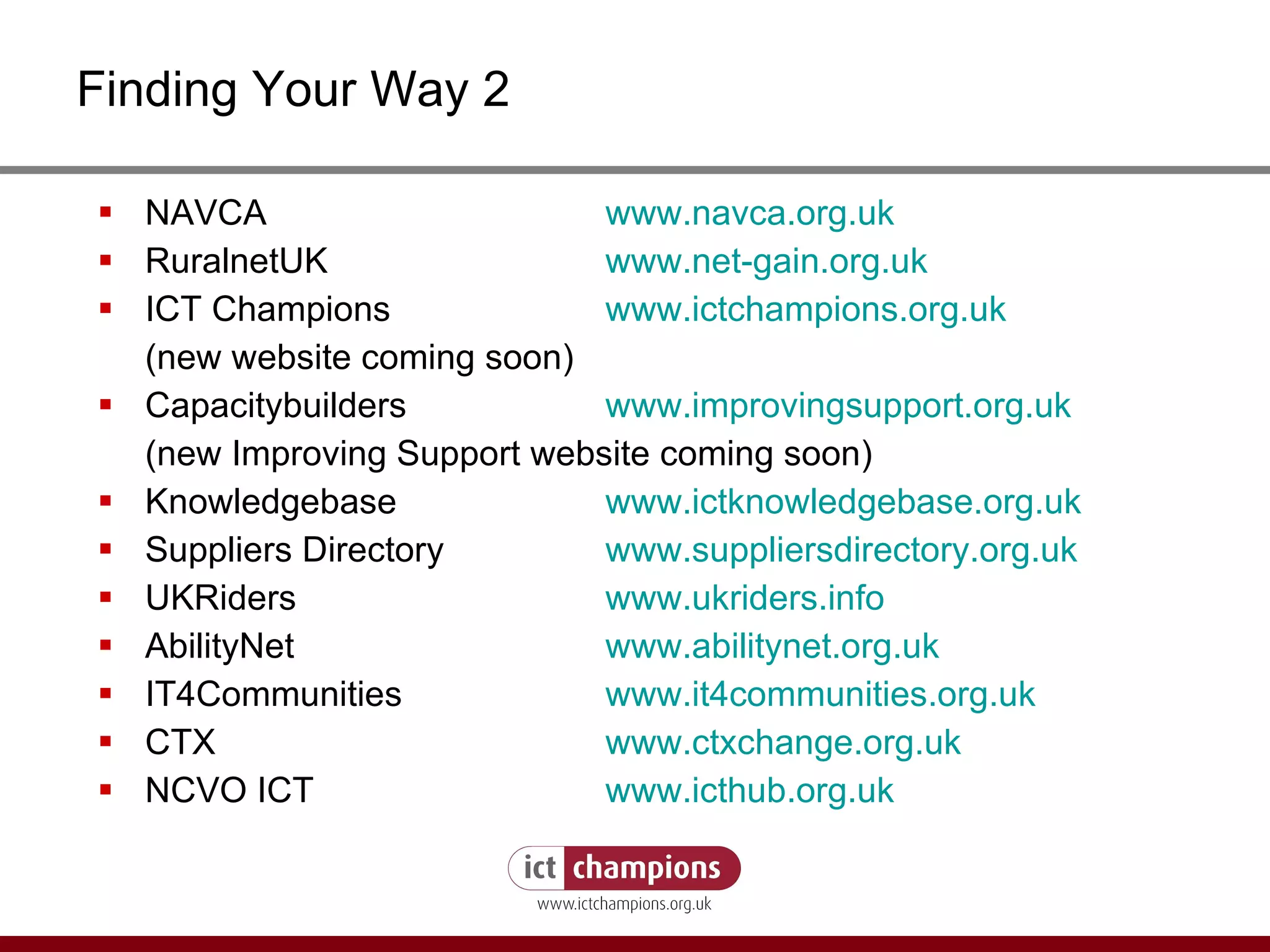
Finding Your Way 2 NAVCA  www.navca.org.uk RuralnetUK  www.net-gain.org.uk ICT Champions  www.ictchampions.org.uk (new website coming soon) Capacitybuilders    www.improvingsupport.org.uk (new Improving Support website coming soon) Knowledgebase  www.ictknowledgebase.org.uk Suppliers Directory www.suppliersdirectory.org.uk UKRiders www.ukriders.info AbilityNet  www.abilitynet.org.uk IT4Communities www.it4communities.org.uk CTX www.ctxchange.org.uk NCVO ICT www.icthub.org.uk
Miles Maier London Region ICT Champion www.lasa.org.uk/ictchampion [email_address] 020 7426 4496

Help! I'm an accidental techie

  • 1.
    How to fightthe credit crunch or do more with less For those supporting or looking after technology of support organisations Miles Maier Lasa London ICT Champion 20 th March 2009
  • 2.
    Take-Aways Is yourICT at risk - risk assessments Fight the big byte - plan and budget Save time and money - top tips on free and low cost ICT solutions Know where to go for help and support
  • 3.
    Voice, representation, advocacySignposting sources of help Strategic support Regional ICT Champions
  • 4.
    Getting Started Youhave been working at an organisation for a couple of months. Up until then ICT has not been considered a high priority – the computers are old and slow, the Internet goes down frequently and a back up hasn’t been done for years. Your manager has realised that you know more than anyone else in the organisation about technology. You have been asked to take some of the responsibility for ICT within the organisation. You’re now officially an accidental techie! Sound familiar? So, where do you start?
  • 5.
    Help, I’m anAccidental Techie! Are you constantly dealing with IT problems? Do you have an ICT plan for when it all goes wrong? How are you going to fight the big squeeze? Where can you go for help and support?
  • 6.
    Accidental Techie 101What questions do you have about ICT? What questions do you get asked? ONE question per post-it, put them up on board/wall and group them in to themes under each topic
  • 7.
    The Accidental Techie1 (does this sound like you?) Oversee network and server (if appropriate) Ensuring data is backed up on a regular basis Overseeing computer security and anti-virus updates etc. Carrying out computer "housekeeping" tasks Providing IT support to computer users First port of call and initial troubleshooting Liaising with external support company
  • 8.
    The Accidental Techie2 (does this sound like you?) Inducting new staff on IT systems Keeping website updated Maintenance and inventory records Ensuring all software is properly licensed Input into IT strategy and annual IT budget One-off projects – databases, web sites Keep abreast of IT technology Advising on training needs and courses Help! I’ve become an accidental techie
  • 9.
    Assessing Your ICTUsing the Managing ICT checklists http:// www.ictknowledgebase.org.uk/healthchecklists Inventorying – Belarc Adviser , Spiceworks (on the USB stick) – or pen and paper! Coming soon ICT Handbook ICT FAQ cards
  • 10.
    ICT Handbook Beingdeveloped by Hillingdon AVS Organisational information (mission, strategy, budget) Compliance (H&S, WEEE, Data Protection, insurance) Inventory Configuration (passwords, server, network, Internet) Contracts (support, broadband, hosting, online services) Policies (disaster recovery, acceptable use etc) Procedures (user induction, backup) Appendices (ICT health check, help, advice)
  • 11.
    Supporting your ICTand users How are you currently supporting your ICT? When things go wrong – what happens? Troubleshooting
  • 12.
    Supporting your usersCommunicate Be patient Avoid allocating blame Explain what you are doing Use plain language Run mini-training sessions Crib sheets Analyse for prevention Research training needs
  • 13.
    The troubleshooting processStop and think! Don’t turn the machine off Write down error message Ask the user what they were doing Check the fault logs Don’t ignore the blindingly obvious Has anything been changed? Check for viruses, adware or spyware Check event log, run diagnostic utility Find documentation and software Swap hardware if possible Google the error Call support company helpline
  • 14.
    Avoiding Trouble 1Back up data regularly Acceptable Use Policy Keep a troubleshooting log Only use licensed software Register software and hardware Keep discs and manuals in central, safe place Boot and recovery disks Back up copies of install discs List license keys Inventory of PCs and equipment ( Belarc , Spiceworks )
  • 15.
    Avoiding Trouble 2Keep invoices & warranties Regular housekeeping Update anti-virus daily Security precautions Apply patches and service packs Replace equipment before it breaks down Plan for or procure a technical support contract Keep spare parts, cannibalise old PCs Reserve PC (keep an old one) IT Strategy
  • 16.
    Supporting your users - Accessibility Setting screen colours to suit them Increasing menu sizes Make text more readable Tuning the keyboard Taming the mouse Using the keyboard as a mouse Or using the mouse as a keyboard Install a free text reader Use free magnification and screen reader software Install free word prediction software
  • 17.
    Master-class – Socialmedia Steve Bridger Social Media in Organisations LUNCH
  • 18.
    Social media -reflections What ideas do you have based on the Master-class? How do you think your organisation could make more of social media? What gaps are there in your knowledge? What was the best idea which came from the session?
  • 19.
    Risk Assessment 1Why do this? Risk assessment - 15 mins Feedback - 10 mins
  • 20.
    Risk Assessment 2What are the risks? http:// www.ictknowledgebase.org.uk/riskassessment Assessing the risks checklist How can you reduce the risks? exercise results Being prepared for disaster Business Link’s continuity planning Keeping safe www.ictknowledgebase.org.uk/keepcomputerssafeandsound Good housekeeping www.ictknowledgebase.org.uk/maintenancetips
  • 21.
    Planning and BudgetingWhere do you want to go – dreaming big What is an ICT strategy? What’s a realistic budget?
  • 22.
    Budgeting for ICTWhat should you budget for? What are realistic prices? Now do a rough budget for your organisation’s ICT – 5 mins Budget Calculator
  • 23.
    Strategy - 1An ICT strategy is not about: detailed technical description unrealistic aspirations how you’re going to do it one bit of your organisation forcing another to do something it doesn’t want to, by going over their heads to the Board of Trustees
  • 24.
    Strategy - 2An ICT strategy (sometimes known just as a plan) is about: having goals, even small ones, for: doing things better doing better things thinking things through setting out a framework and standards SMART objectives (specific, measurable, achievable, realistic & timely) ensuring that your trustees are committed allocating responsibilities setting a realistic budget (of money and time) justifying your expenditure (of money and time)
  • 25.
    Strategy - 3Possible headings for an ICT strategy: Responsibilities Goals in the business plan for the next 5 years Contribution that ICT is expected to make: Major investments, including time-scale New developments and experiments, including time-scale Hardware purchase and replacement Software policy Security Support arrangements Training Budgeting Related policies Review period
  • 26.
    Top Tips 1(on doing more with less) Software donation and discount schemes – save money www.ctx.org and www.pugh.co.uk Recycled and repurposed hardware www.ictknowledgebase.org.uk/recyclingict Green IT – saving energy and money www.ictknowledgebase.org.uk/greencomputing Open Office (on the USB stick) an alternative to Microsoft Office www.openoffice.org
  • 27.
    Top Tips 2(on doing more with less) Online back-up services – secure, save money www.ictknowledgebase.org.uk/onlinebackup 0300, VoIP and saving money on phonecalls www.ictknowledgebase.org.uk/telephonesavings www.ictknowledgebase.org.uk/voip Sharing back office services www.capacitybuilders.org.uk www.improvingsupport.org.uk
  • 28.
    Top Tips 3(on doing more with less) DIY - www.ukriders.info iTQ training - http://itq.e-skills.com / Save money managing free events www.eventbrite.com Free video conferencing www.oovoo.com Collaborate Google Docs and Calendar Aggregate the news – RSS Arranging meetings – www.doodle.com Online presentations – http:// www.slideshare.net / (these presentations will be available here)
  • 29.
    Finding Your WayPhoto: flickr.com/photos/worldwidewandering
  • 30.
    Finding Your Way1 (as a support tool) When looking for information and advice which web sites do YOU use? How do you find out about useful sites? What questions do they answer? What sites do you find unhelpful?
  • 31.
    Finding Your Way2 NAVCA www.navca.org.uk RuralnetUK www.net-gain.org.uk ICT Champions www.ictchampions.org.uk (new website coming soon) Capacitybuilders www.improvingsupport.org.uk (new Improving Support website coming soon) Knowledgebase www.ictknowledgebase.org.uk Suppliers Directory www.suppliersdirectory.org.uk UKRiders www.ukriders.info AbilityNet www.abilitynet.org.uk IT4Communities www.it4communities.org.uk CTX www.ctxchange.org.uk NCVO ICT www.icthub.org.uk
  • 32.
    Miles Maier LondonRegion ICT Champion www.lasa.org.uk/ictchampion [email_address] 020 7426 4496

Editor's Notes

  • #2 ** Welcome – 10 mins Welcome 2. Housekeeping – phones off, toilets, fire drill, etc 3. Get folks to introduce themselves plus 1 ICT issue – note on flip chart
  • #3 ** Takeaways - 5 mins Today’s training will help you be more prepared to take on responsibility for supporting the ICT in your organisation and to start to plan for the future.
  • #4 ** Background to Regional Champions – 5 mins
  • #5 USE THIS SLIDE TO SET THE SCENE AND FRAME THE REST OF THE SESSION. THE NEXT SLIDE WILL BE A SERIES OF QUESTIONS TO ASK THE AUDIENCE.
  • #6 Does this sound like you? Is this a familiar scenario?
  • #7 ** ICE BREAKER** Accidental Techie 101 – 20 mins Exercise: ONE question per post-it, put them up on board/wall and group them in to themes under each topic session
  • #8 ** Accidental techie exercise - 15 mins Open questions about org size, budget 2. Does this describe you, the accidental techie? 3. What strategies do you use to deal with these issues?
  • #10 ICT HANDBOOK ON NEXT SLIDE
  • #12 ** Exercise: (5 mins) GROUP DISCUSSION AND FEEDBACK ON STRATEGIES FOR SUPPORTING COMPUTER USERS.
  • #13 NEXT SLIDE WILL BE THE TROUBLE-SHOOTING PROCESS
  • #17 Refer to: Abilitynet guides ICT Hub publications – Easy, Free & Quick ICT Accessibility (available as PDF and hard copy) Free text reader: www.naturalreaders.com/free_version.htm
  • #18 LINK INTO MASTERCLASS Session – Steve Bridger will be talking about social media and how your organisations can make the most of new technology – make some notes ready for after lunch session so that we can look at some of the points he makes and how development workers can offer advice to organisations.
  • #19 Encourage people to take ideas from Steve’s presentation and link them back to their own organisation – which bits did they really feel would be beneficial to their organisation? Where are there further learning needs? Which bits did they feel do not apply? General reflections? How does using social media apply during the recession? What advantages can it bring? What disadvantages?
  • #20 ** RISK ASSESSMENT EXERCISE – 30 MINS Divide into groups of 3 or 4 for 15 mins and get them to identify and write down ICT risks. Feedback for 15 mins. HANDOUT: Superhighways and Lasa risk assessment forms.
  • #22 STRATEGY EXERCISE – 5-10 MINS Open questions on why you should you plan for hard times and have an ICT strategy and budget. Who has a strategy, how to develop one and link it to the business plan.
  • #23 BUDGET EXERCISE – 10-15 MINS 90% say ICT vital, but many don’t budget for it Get people do a rough budget for their own organisation – 5 mins
  • #27 ** Top Tips 1, 2, 3 - 15 mins EXERCISE – 5 MINS Give folks 5 mins to write down ways of saving money and compare with this list.
  • #28 Telephony tips: 1. Check what you’re currently paying 2. Eliminate internal costs - if you have staff at different sites who need to talk to each other a lot, then use a VoIP application such as Skype. 3. Review your tariffs - consider an indirect access service such as Primus or Swiftcall 4. Consolidate - consider using a single supplier 5. Simplify - you may be able to save money by switching to simpler equipment and services 6. Unplug phone chargers -ensure mobile phone chargers are switched off or unplugged when not in use. 7. Use free directory enquiry services - use free services such as 0800 100 100 or online alternatives such as BT’s (British Telecom). 8. Consider pre-owned equipment - some suppliers such as Nimans offer pre-owned equipment which is refurbished and has a 12 month warranty. 9. Share the costs - you can also realise savings by sharing the cost of services or systems with partners. 10. Consider Outsourcing - save money with greater economies of scale than you can achieve yourself.
  • #29 ITQ - is aimed at IT users and not professional IT staff such as engineers and developers. ITQ is tailored to the needs of your business and your staff. It provides analysis of workforce skills such as making the best use of technology in business systems and in communication with colleagues and customers. It recognises that all organisations need IT skills but that these will vary in level and type depending on individual business needs and the use made of technology in the organisation. ITQ even allows for the inclusion of bespoke units in recognition that many employers have their own unique IT systems.
  • #30 ** Finding Your Way – 10 mins
  • #31 EXERCISE: USING THE WEB AS A SUPPORT TOOL – 10 mins **ASK AUDIENCE FOR THEIR RECOMMENDATIONS AND COMPARE TO LIST ON NEXT SLIDE** ICT Knowledgebase: www.ictknowledgebase.org.uk Technet: http://technet.microsoft.com Tech Soup http://techsoup.org/ Google www.google.co.uk Local ICT Champion and circuit riders IT 4 Communities Abilitynet Wikipedia Youtube or Common Craft Amazon, Dabs, Misco for hardware Other tech forums