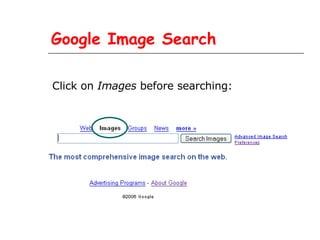
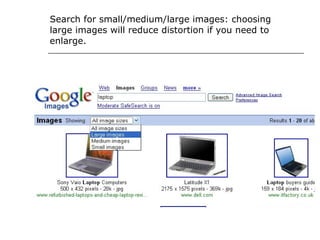
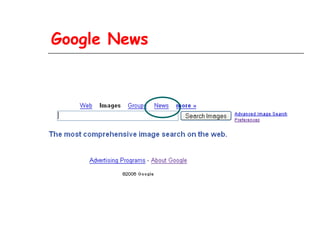
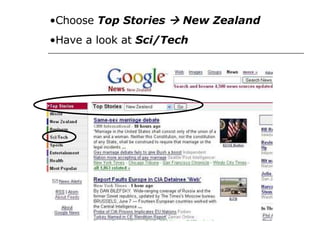
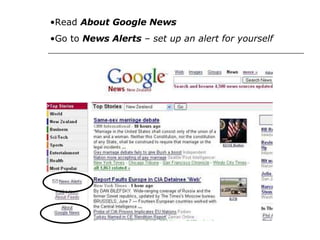
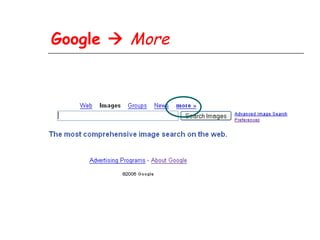
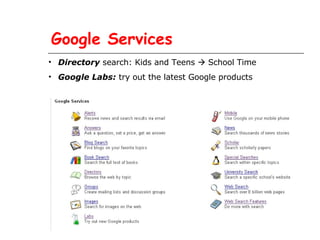
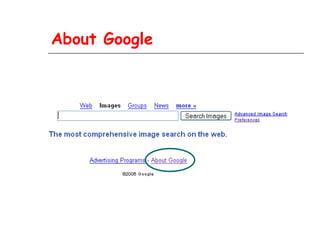
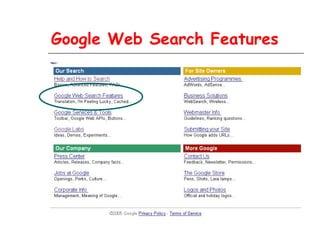
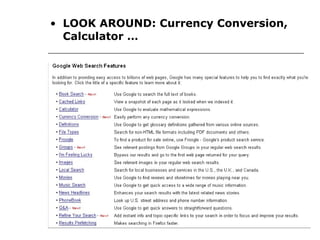
This document provides an overview of tools and services available through Google including Google Image Search, Google News, Google services directory, Google Labs, Google web search features, and tips for better searches and results. Key features highlighted are choosing image size for image search, setting up news alerts, exploring new products in Google Labs, using the currency converter and calculator, and getting word definitions directly from search results.
![Definitions: try Web Search feature or: Type the word in the Google search box . If it has a dictionary definition, the word will appear in the right-hand side of the blue bar that stretches across the top of your search results. For one-word terms, "[definition]" appears next to the word. Clicking on that link will display the word's dictionary definition. If a query contains more than one word, each word will appear underlined. Simply click on a word to view its dictionary definition.](https://image.slidesharecdn.com/googletoolsandservices-1211693466207470-9/85/Google-Tools-And-Services-12-320.jpg)