What is Google?
 How can you use Google?
Where do you find Google?
       By: Toney Daniels


                      Next
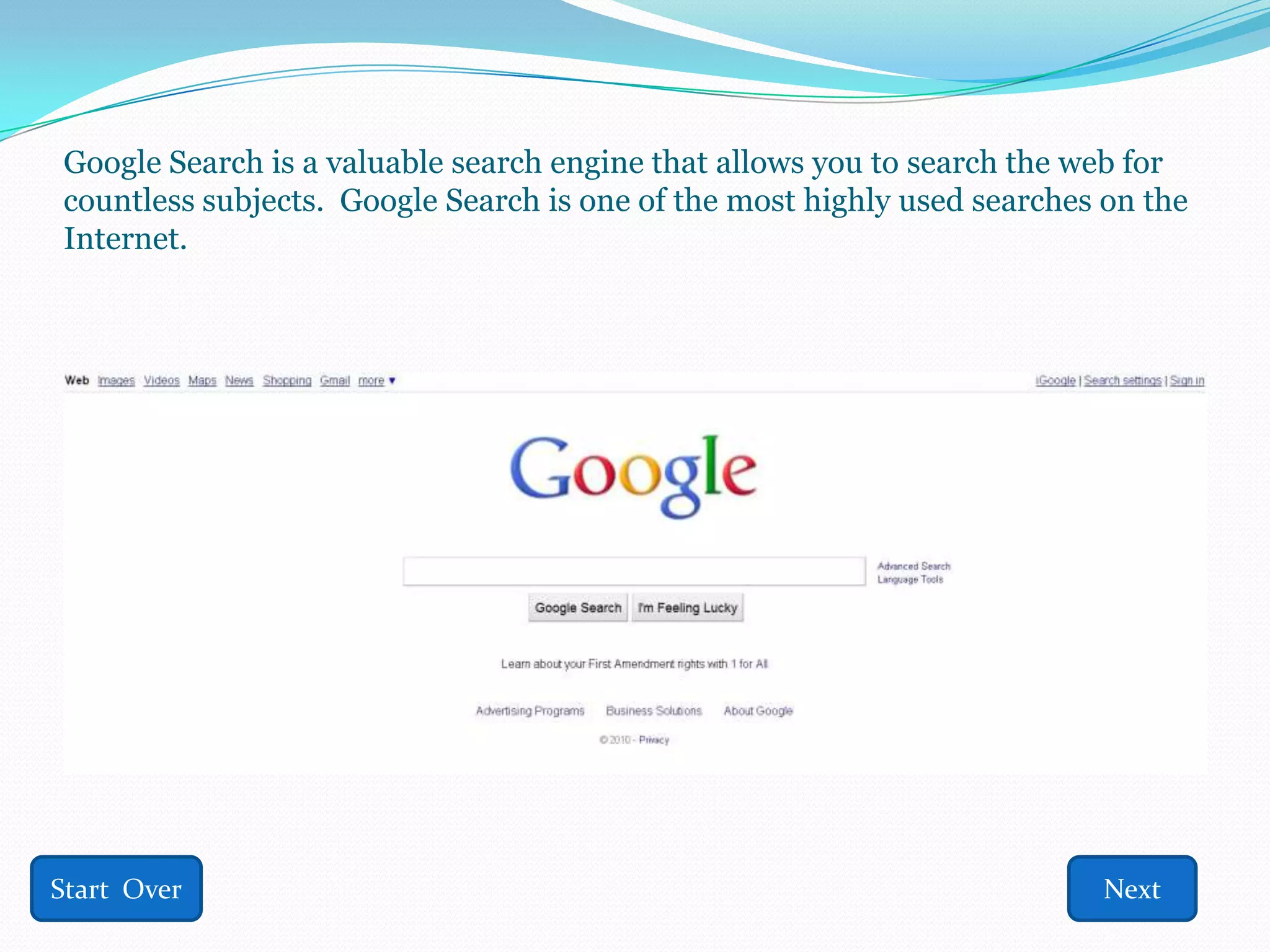
Google Search is a valuable search engine that allows you to search the web for
countless subjects. Google Search is one of the most highly used searches on the
Internet.


Start Over                                                                Next
What is a Search Engine?
  Search engines are what do the “looking” on the Web
   for what the user is looking for.
  Personally, I compare search engines to librarians. You
   tell the librarian what you need and they look for,
   narrow the search, and find the book you need from
   the library, comparable to the search engine. You tell
   the search engine, Google, what you need and it finds
   what you are looking for on the Web and presents it to
   you.

Start Over                Previous                   Next
Other Search Engines
 Here are some other Search Engines:
  www.yahoo.com
  www.bing.com
  www.dogpile.com
  www.lycos.com
  www.altavista.com
  www.ask.com
  www.msn.com
  www.aol.com
Start Over               Previous      Next
Why should I use Google?
  Any of the Search Engines listed are equipped
   to find what you need on the Web, however,
   Google is the most highly used
  Also, engineers spend more time perfecting
   Google’s searching capabilities than any other
   area
  Google is dependable and has been active for
   over a decade.
Start Over             Previous               Next
Tell me more about Google . . .
 Upon visiting www.google.com , there are
  many different options, however, there are 3
  main choices the user should begin with.

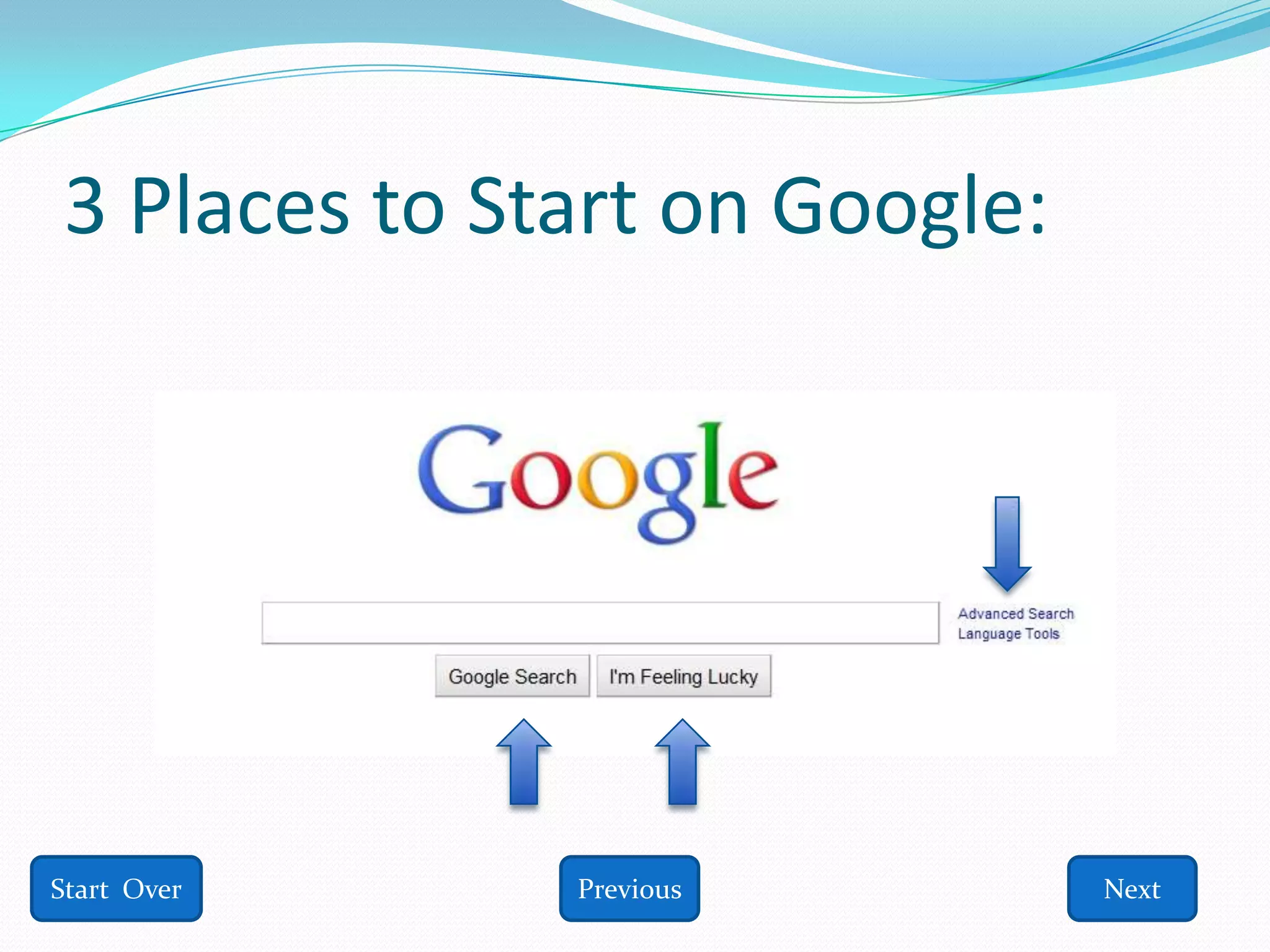
 The 3 best places to begin are: Advanced
  Search, Google Search, or I’m Feeling Lucky

Start Over           Previous              Next
3 Places to Start on Google:


Start Over    Previous         Next
Advanced Search
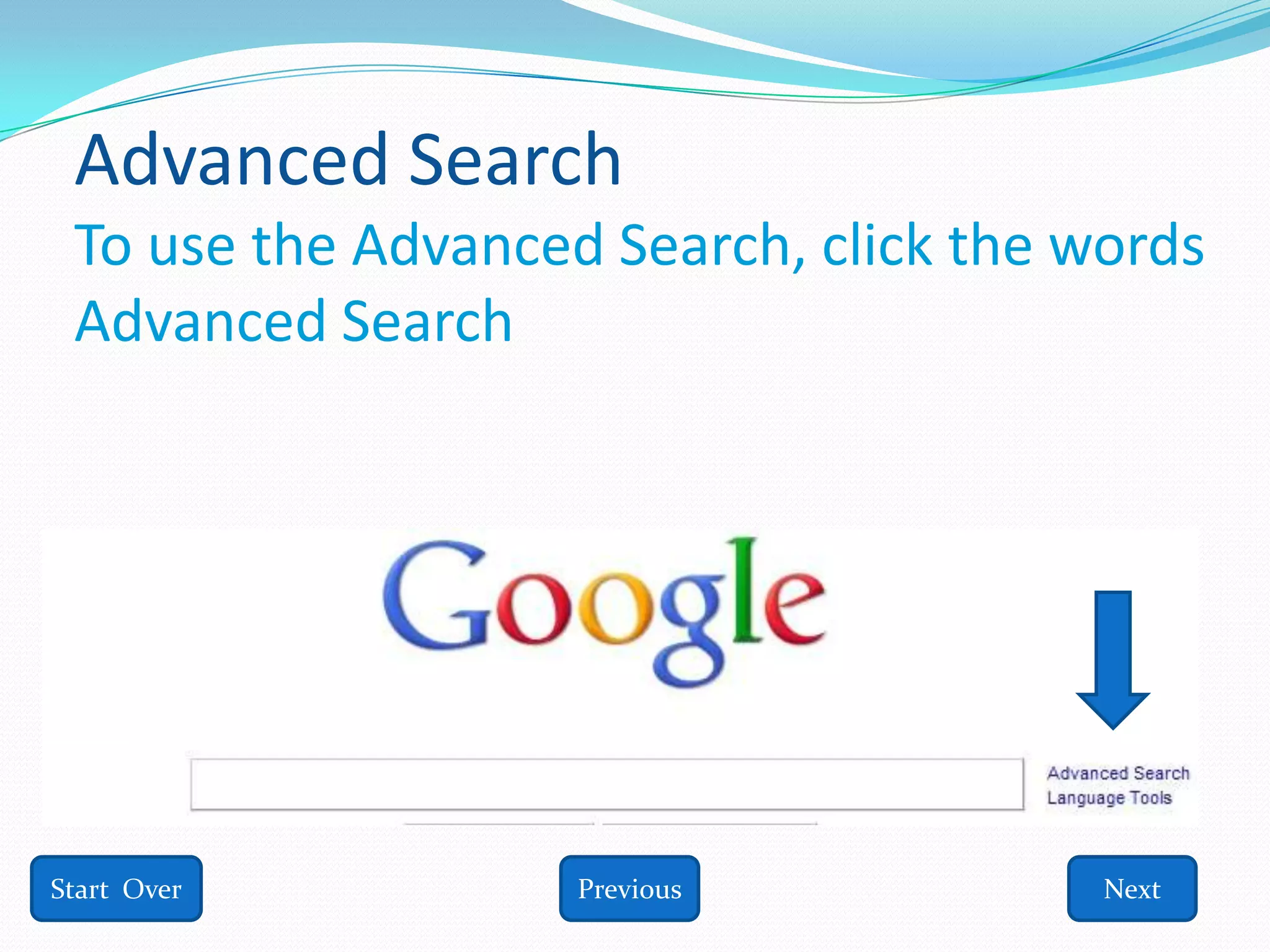
 To use the Advanced Search, click the words
 Advanced Search


Start Over          Previous            Next
Advanced Search
  After clicking Advanced Search at
   www.google.com, you will be taken to another
   page
  On this page, you will have the option to type in &
   choose exactly what you are looking for
  This Advanced Search feature “filters” the results,
   narrowing the scope of the search by certain
   criteria, thus, eliminating irrelevant results

Start Over               Previous                  Next
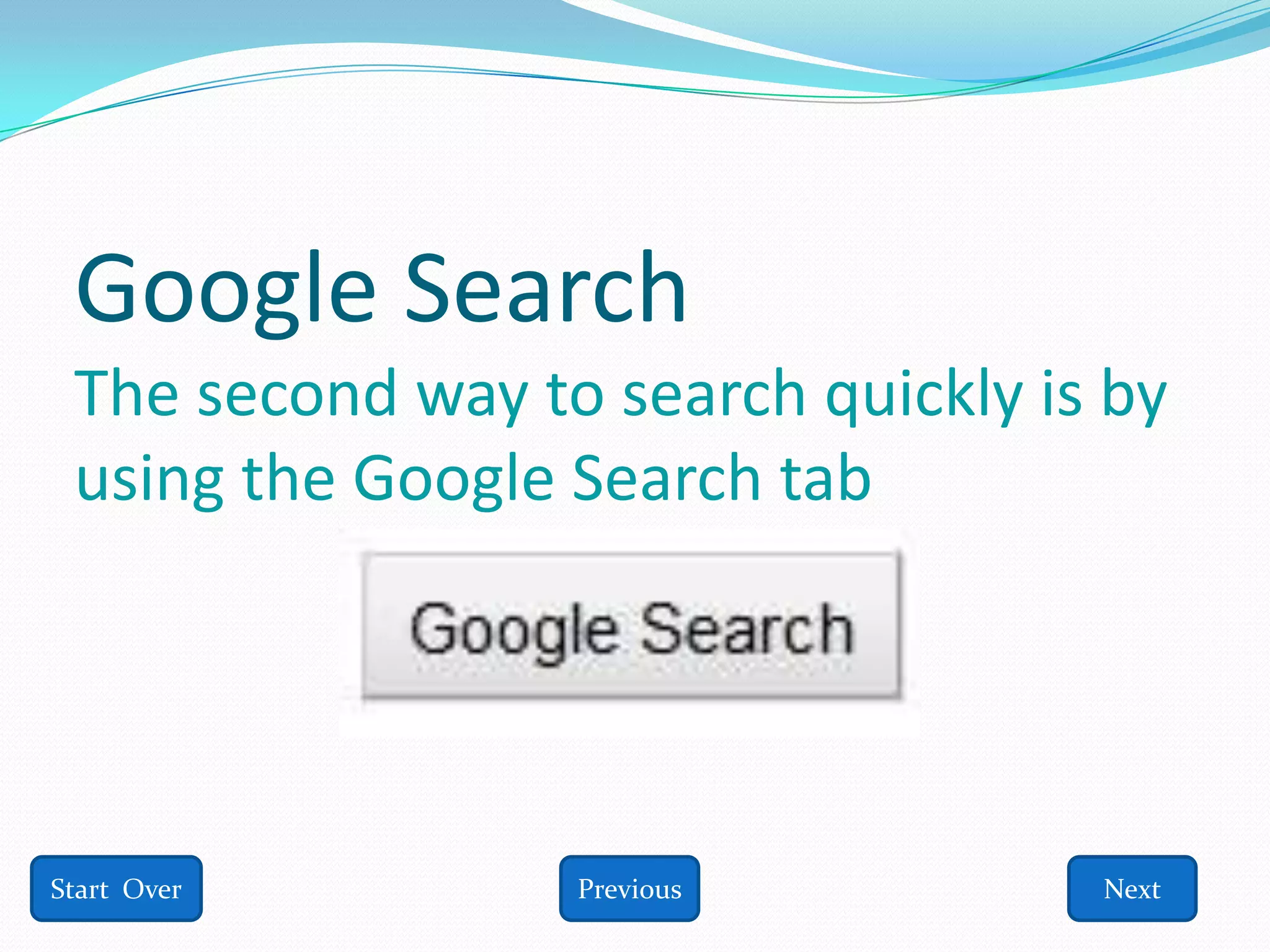
Google Search
 The second way to search quickly is by
 using the Google Search tab


Start Over        Previous          Next
Google Search
  Go to www.google.com
  Type in what you are looking for in the box
  Then, either click the Google Search button OR hit the
   Enter key on the keyboard
  For a “true” search, use “quotation marks”
  However, if you use the “quotation marks” around
   more than one term, you will only receive results that
   have those terms exactly as typed, such as: “cats and
   dogs”

Start Over                Previous                    Next
Google Search button
  I typed “cats” into the box and hit my Enter button
  Then Google brought up many different websites that
   offered information on “cats”
  Don’t be fooled into thinking that all websites are
   legitimate, that is not Google’s job
  Instead, look at the web addresses carefully to determine
   whether or not they are legitimate or questionable
  Typically, addresses ending in .edu, .org, .gov are safer than
   others, but not always


Start Over                    Previous                      Next
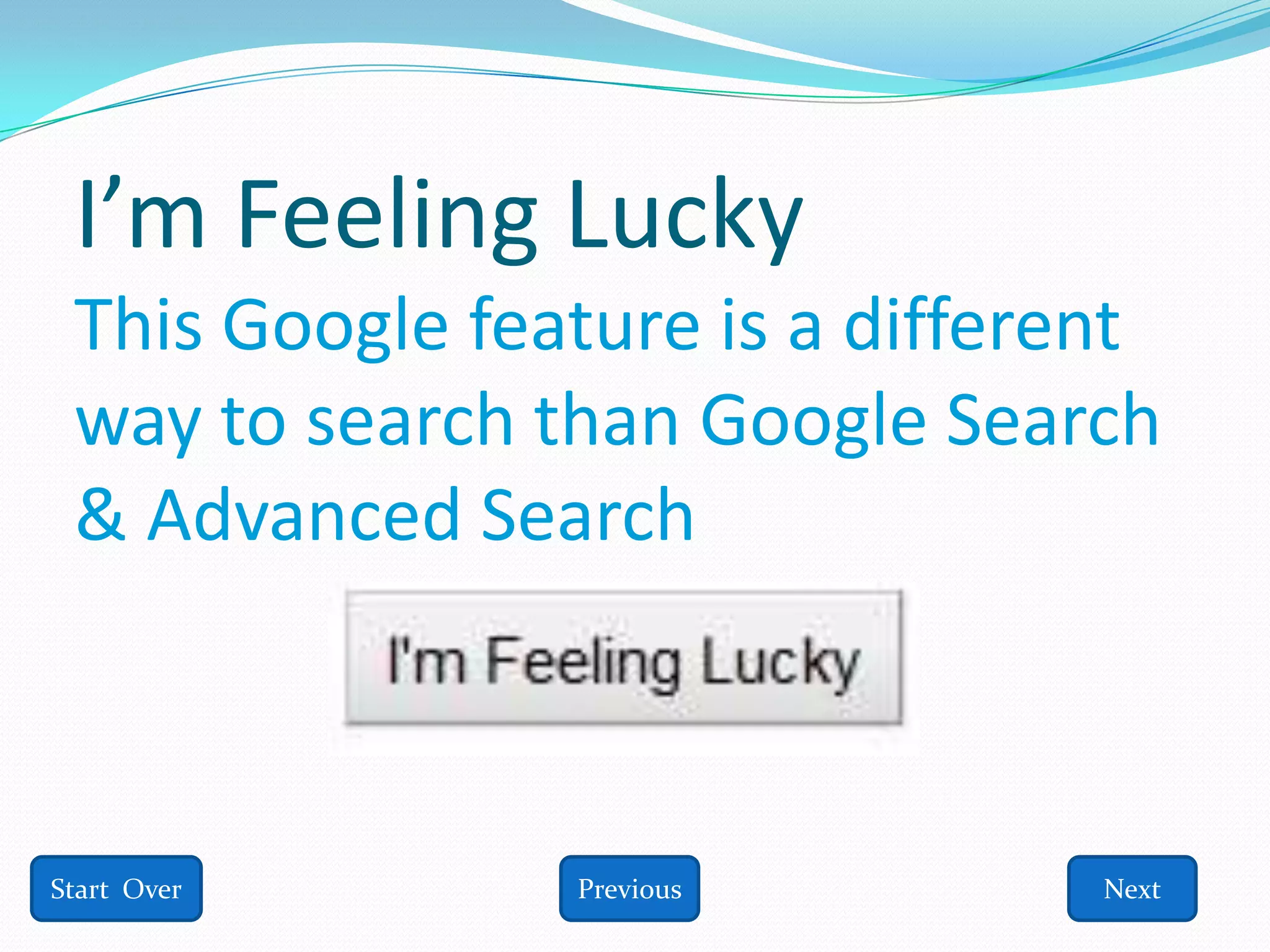
I’m Feeling Lucky
 This Google feature is a different
 way to search than Google Search
 & Advanced Search


Start Over      Previous         Next
I’m Feeling Lucky
  Be aware of what the I’m Feeling Lucky search
   entails
  I’m Feeling Lucky is designed to bring the user to
   the first query webpage found during the search
  Meaning, the first result that Google finds will
   automatically take you to that webpage, whether
   you want to visit it or not
  There is no guarantee that the website is safe so
   the I’m Feeling Lucky feature should be used with
    caution

Start Over              Previous                  Next
I’m Feeling Lucky
  Visit www.google.com
  Type in what you are looking for
  Click the I’m Feeling Lucky Button
  You will then be taken to the first result that Google
   has found for you
  Decide immediately whether or not the page you are
   on is legitimate before using information from it


Start Over                 Previous                    Next
Which do you prefer?
  It is up to the user to decide as to whether they prefer
   Google Search, Advanced Search, or I’m Feeling Lucky
  I prefer Google Search because it is fast, provides a
   TON of results, and I can choose which sites I want to
   visit rather than being directed there without my
   choice
  However, all 3 options are highly effective at providing
   results


Start Over                  Previous                    Next
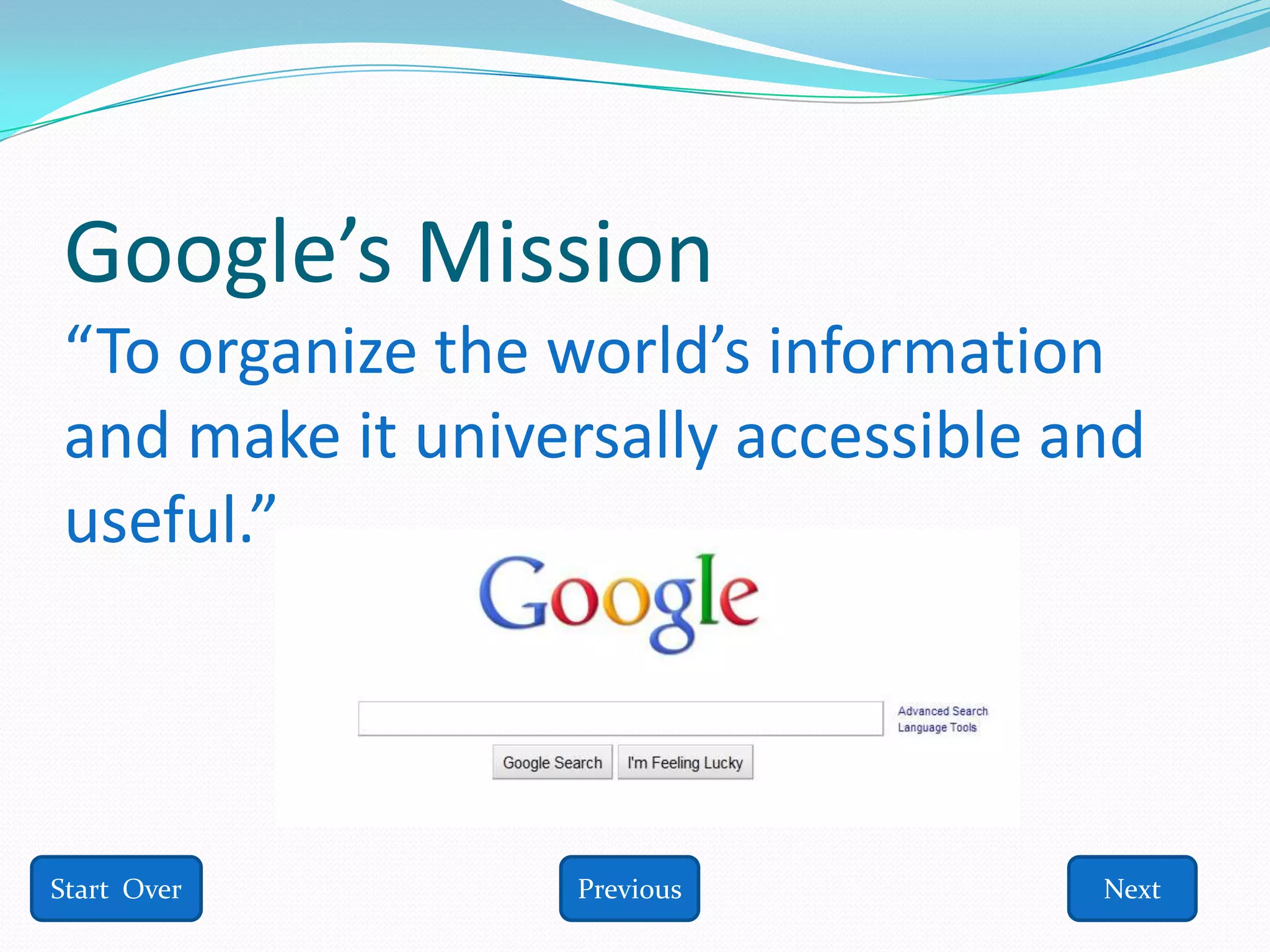
Google’s Mission
“To organize the world’s information
and make it universally accessible and
useful.”


Start Over        Previous          Next
More Google Options
 Google offers other options as well, such as:
  Images, Videos, Maps, News, Shopping,
  Gmail, Books, Finance, Translate, Scholar,
  Blogs, YouTube, Calendar, Photos,
  Documents, Reader, Sites, Groups, and even
  more products are located under “Even
  More”

Start Over           Previous             Next
A bit of Google History
  Google is owned by Google, Inc.
  Google was founded in 1998
  Founders: Larry Page & Sergey Brin
  Google has offices across the globe
  www.google.com is one of over 150 other
    Google domains


Start Over            Previous               Next
Google’s Name
  The founders created the name “Google”
   from another word, “googol” which is a term
   used in mathematics, meaning a 1 followed
   by 100 zeros.
  They chose the name Google because it
   represented a mass amount of information,
   just as the name “googol” stands for a
   massive number
Start Over           Previous               Next
Premise behind Google
  The premise behind Google is searching. Google
   engineers are constantly looking for new &
   innovative ways to improve their search engines.
  One service Google has recently added is
   personalized searching.
  Personalized searching “tailors” results specifically
   to the user, once you have logged into your
   personal Google account.

Start Over               Previous                   Next
Google
  Google is a dependable search engine that was created
   to make searching the World Wide Web a little easier
  If you are looking for a quick and easy way to find out
   what information is available on the Web, Google is a
   reliable option
  Remember, not all websites are created equal so be
   prepared to check the quality of the websites provided
  Also, the more specific the topic, the more specific the
   results

Start Over                 Previous                   Next
Google Quiz Question #1
  1. Google Search is:


       A. A blog
       B. A search engine
       C. A dating site
       D. A wiki


Start Over
Woops, try #1 again!


  Click HERE to try again!!


Start Over
Correct answer for #1!


  Answer is: B. A search engine


 Click HERE for next question!

Start Over
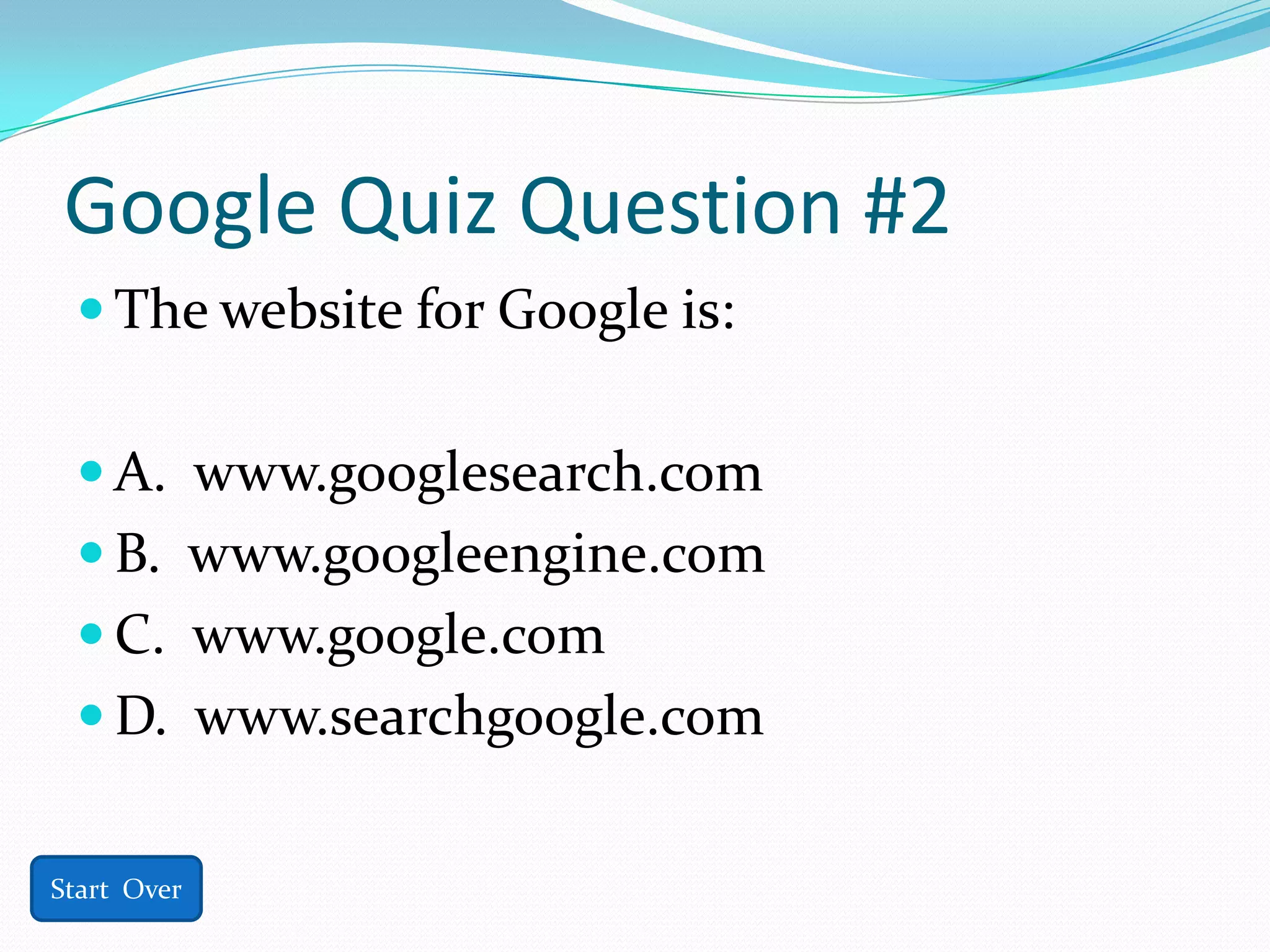
Google Quiz Question #2
  The website for Google is:


  A. www.googlesearch.com
  B. www.googleengine.com
  C. www.google.com
  D. www.searchgoogle.com


Start Over
Woops, try #2 again!


  Click HERE to try again!!


Start Over
Correct answer for #2!


  Answer is: C. www.google.com


 Click HERE for next question!

Start Over
Google Quiz Question #3
  To perform a true search on Google, use:


  A. Quotations Marks
  B. Dashes
  C. Periods
  D. Commas


Start Over
Woops, try #3 again!


  Click HERE to try again!!


Start Over
Correct answer for #3!


  Answer is: A. Quotations Marks


 Click HERE for next question!

Start Over
Google Quiz Question #4
  You can perform an Advanced Search on
    Google?

  A. True


  B. False


Start Over
Woops, try #4 again!


  Click HERE to try again!!


Start Over
Correct answer for #4!


  Answer is: A. True


 Click HERE for next question!

Start Over
Google Quiz Question #5
  All of the websites that Google Search
    comes up with are legitimate and can be
    trusted.

  A. True


  B. False

Start Over
Woops, try #5 again!


  Click HERE to try again!!


Start Over
Correct answer for #5!


  Answer is: B. False


Start Over               Next
Congratulations!!
 You have successfully completed this Google
  presentation!
 If you answered 4 or more questions correctly, you are
  well-versed in basic Google searching.
 If you answered 3 or less questions correctly, you need
  to revisit the slideshow.

Thank you for your participation and get to Googling!

                        Click Here to
                         Start Over

591 danielsgooglepowerpoint

  • 1.
    What is Google? How can you use Google? Where do you find Google? By: Toney Daniels Next
  • 2.
    Google Search isa valuable search engine that allows you to search the web for countless subjects. Google Search is one of the most highly used searches on the Internet. Start Over Next
  • 3.
    What is aSearch Engine?  Search engines are what do the “looking” on the Web for what the user is looking for.  Personally, I compare search engines to librarians. You tell the librarian what you need and they look for, narrow the search, and find the book you need from the library, comparable to the search engine. You tell the search engine, Google, what you need and it finds what you are looking for on the Web and presents it to you. Start Over Previous Next
  • 4.
    Other Search Engines Here are some other Search Engines:  www.yahoo.com  www.bing.com  www.dogpile.com  www.lycos.com  www.altavista.com  www.ask.com  www.msn.com  www.aol.com Start Over Previous Next
  • 5.
    Why should Iuse Google?  Any of the Search Engines listed are equipped to find what you need on the Web, however, Google is the most highly used  Also, engineers spend more time perfecting Google’s searching capabilities than any other area  Google is dependable and has been active for over a decade. Start Over Previous Next
  • 6.
    Tell me moreabout Google . . . Upon visiting www.google.com , there are many different options, however, there are 3 main choices the user should begin with. The 3 best places to begin are: Advanced Search, Google Search, or I’m Feeling Lucky Start Over Previous Next
  • 7.
    3 Places toStart on Google: Start Over Previous Next
  • 8.
    Advanced Search Touse the Advanced Search, click the words Advanced Search Start Over Previous Next
  • 9.
    Advanced Search After clicking Advanced Search at www.google.com, you will be taken to another page  On this page, you will have the option to type in & choose exactly what you are looking for  This Advanced Search feature “filters” the results, narrowing the scope of the search by certain criteria, thus, eliminating irrelevant results Start Over Previous Next
  • 10.
    Google Search Thesecond way to search quickly is by using the Google Search tab Start Over Previous Next
  • 11.
    Google Search Go to www.google.com  Type in what you are looking for in the box  Then, either click the Google Search button OR hit the Enter key on the keyboard  For a “true” search, use “quotation marks”  However, if you use the “quotation marks” around more than one term, you will only receive results that have those terms exactly as typed, such as: “cats and dogs” Start Over Previous Next
  • 12.
    Google Search button  I typed “cats” into the box and hit my Enter button  Then Google brought up many different websites that offered information on “cats”  Don’t be fooled into thinking that all websites are legitimate, that is not Google’s job  Instead, look at the web addresses carefully to determine whether or not they are legitimate or questionable  Typically, addresses ending in .edu, .org, .gov are safer than others, but not always Start Over Previous Next
  • 13.
    I’m Feeling Lucky This Google feature is a different way to search than Google Search & Advanced Search Start Over Previous Next
  • 14.
    I’m Feeling Lucky  Be aware of what the I’m Feeling Lucky search entails  I’m Feeling Lucky is designed to bring the user to the first query webpage found during the search  Meaning, the first result that Google finds will automatically take you to that webpage, whether you want to visit it or not  There is no guarantee that the website is safe so the I’m Feeling Lucky feature should be used with caution Start Over Previous Next
  • 15.
    I’m Feeling Lucky  Visit www.google.com  Type in what you are looking for  Click the I’m Feeling Lucky Button  You will then be taken to the first result that Google has found for you  Decide immediately whether or not the page you are on is legitimate before using information from it Start Over Previous Next
  • 16.
    Which do youprefer?  It is up to the user to decide as to whether they prefer Google Search, Advanced Search, or I’m Feeling Lucky  I prefer Google Search because it is fast, provides a TON of results, and I can choose which sites I want to visit rather than being directed there without my choice  However, all 3 options are highly effective at providing results Start Over Previous Next
  • 17.
    Google’s Mission “To organizethe world’s information and make it universally accessible and useful.” Start Over Previous Next
  • 18.
    More Google Options Google offers other options as well, such as: Images, Videos, Maps, News, Shopping, Gmail, Books, Finance, Translate, Scholar, Blogs, YouTube, Calendar, Photos, Documents, Reader, Sites, Groups, and even more products are located under “Even More” Start Over Previous Next
  • 19.
    A bit ofGoogle History  Google is owned by Google, Inc.  Google was founded in 1998  Founders: Larry Page & Sergey Brin  Google has offices across the globe  www.google.com is one of over 150 other Google domains Start Over Previous Next
  • 20.
    Google’s Name The founders created the name “Google” from another word, “googol” which is a term used in mathematics, meaning a 1 followed by 100 zeros.  They chose the name Google because it represented a mass amount of information, just as the name “googol” stands for a massive number Start Over Previous Next
  • 21.
    Premise behind Google  The premise behind Google is searching. Google engineers are constantly looking for new & innovative ways to improve their search engines.  One service Google has recently added is personalized searching.  Personalized searching “tailors” results specifically to the user, once you have logged into your personal Google account. Start Over Previous Next
  • 22.
    Google  Googleis a dependable search engine that was created to make searching the World Wide Web a little easier  If you are looking for a quick and easy way to find out what information is available on the Web, Google is a reliable option  Remember, not all websites are created equal so be prepared to check the quality of the websites provided  Also, the more specific the topic, the more specific the results Start Over Previous Next
  • 23.
    Google Quiz Question#1  1. Google Search is:  A. A blog  B. A search engine  C. A dating site  D. A wiki Start Over
  • 24.
    Woops, try #1again!  Click HERE to try again!! Start Over
  • 25.
    Correct answer for#1!  Answer is: B. A search engine Click HERE for next question! Start Over
  • 26.
    Google Quiz Question#2  The website for Google is:  A. www.googlesearch.com  B. www.googleengine.com  C. www.google.com  D. www.searchgoogle.com Start Over
  • 27.
    Woops, try #2again!  Click HERE to try again!! Start Over
  • 28.
    Correct answer for#2!  Answer is: C. www.google.com Click HERE for next question! Start Over
  • 29.
    Google Quiz Question#3  To perform a true search on Google, use:  A. Quotations Marks  B. Dashes  C. Periods  D. Commas Start Over
  • 30.
    Woops, try #3again!  Click HERE to try again!! Start Over
  • 31.
    Correct answer for#3!  Answer is: A. Quotations Marks Click HERE for next question! Start Over
  • 32.
    Google Quiz Question#4  You can perform an Advanced Search on Google?  A. True  B. False Start Over
  • 33.
    Woops, try #4again!  Click HERE to try again!! Start Over
  • 34.
    Correct answer for#4!  Answer is: A. True Click HERE for next question! Start Over
  • 35.
    Google Quiz Question#5  All of the websites that Google Search comes up with are legitimate and can be trusted.  A. True  B. False Start Over
  • 36.
    Woops, try #5again!  Click HERE to try again!! Start Over
  • 37.
    Correct answer for#5!  Answer is: B. False Start Over Next
  • 38.
    Congratulations!!  You havesuccessfully completed this Google presentation!  If you answered 4 or more questions correctly, you are well-versed in basic Google searching.  If you answered 3 or less questions correctly, you need to revisit the slideshow. Thank you for your participation and get to Googling! Click Here to Start Over