Incorporating Google
Earth and Web 2.0 Apps
 in Geoscience Classes
     Dr. Lindley S. Hanson
    Dept. Geological Sciences
      Salem State College
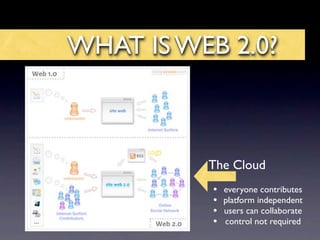
WHAT IS WEB 2.0?


      usgs
             The Cloud
             •   everyone contributes
             •   platform independent
             •   users can collaborate
             •   control not required
Web 2.0 Resources
• Google Earth - Imagery
• Mapfinder - source for USGS 1:24:000 topo maps
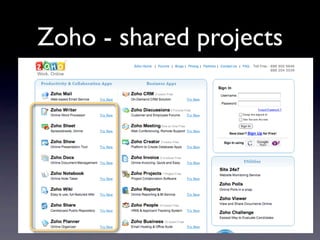
• Google Docs or Zoho - collaborative online
  writing, spreadsheet, and presention
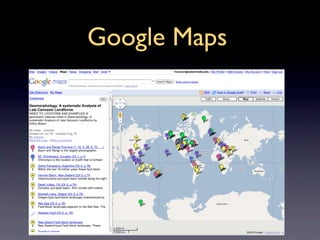
• Google Maps - Browser enabled
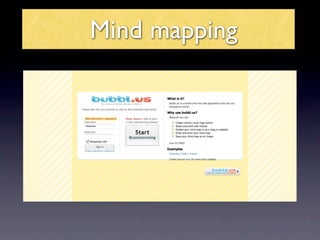
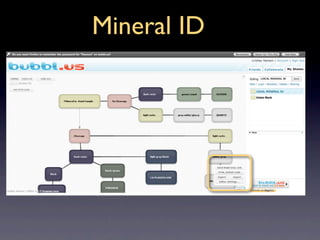
• Bubble Us - Mind Mapping / Flow Charting
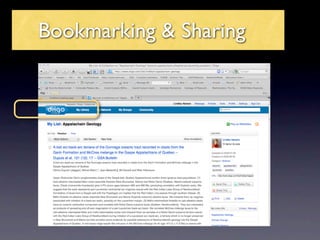
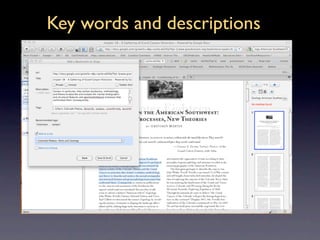
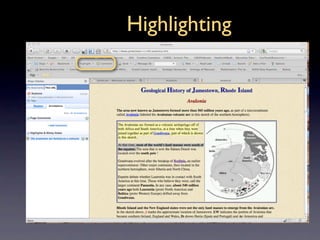
• Diigo - Bookmarking
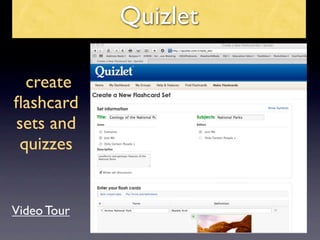
• Quizlet - Flash Cards and Test
• Useful Utilities
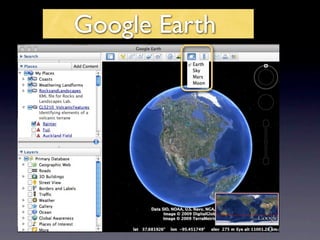
Google Earth
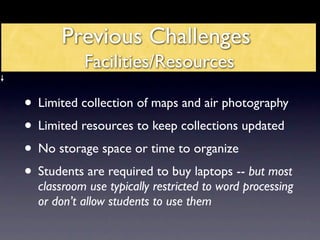
Previous Challenges
           Facilities/Resources

• Limited collection of maps and air photography
• Limited resources to keep collections updated
• No storage space or time to organize
• Students are required to buy laptops -- but most
  classroom use typically restricted to word processing
  or don’t allow students to use them
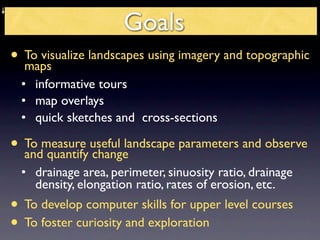
Goals
• To visualize landscapes using imagery and topographic
  maps
  • informative tours
  • map overlays
  • quick sketches and cross-sections

• To measure useful landscape parameters and observe
  and quantify change
  • drainage area, perimeter, sinuosity ratio, drainage
    density, elongation ratio, rates of erosion, etc.
• To develop computer skills for upper level courses
• To foster curiosity and exploration
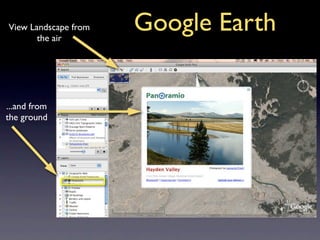
View Landscape from
       the air
                      Google Earth

...and from
the ground
Mapfinder for Google Earth
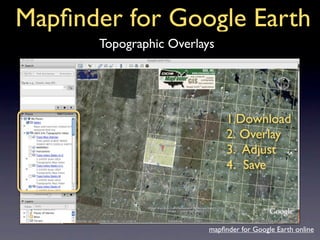
       Topographic Overlays


                               1.Download
                               2. Overlay
                               3. Adjust
                               4. Save


                          mapfinder for Google Earth online
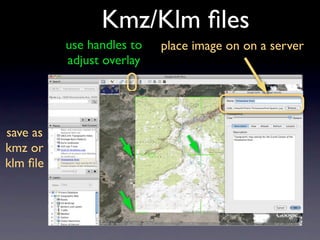
Kmz/Klm files
          use handles to   place image on on a server
          adjust overlay


save as
kmz or
klm file
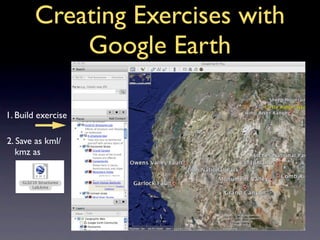
Creating Exercises with
            Google Earth

1. Build exercise

2. Save as kml/
   kmz as
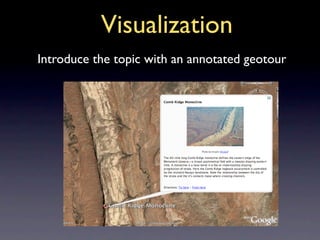
Visualization
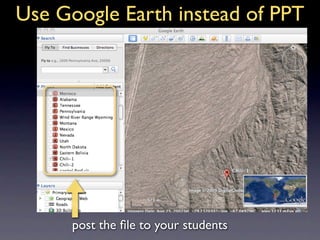
Introduce the topic with an annotated geotour
Use Google Earth instead of PPT


      post the file to your students
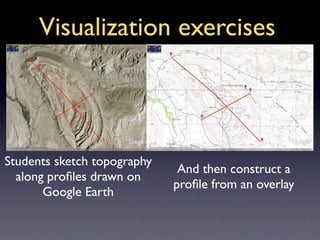
Visualization exercises


Students sketch topography
                              And then construct a
  along profiles drawn on
                             profile from an overlay
       Google Earth
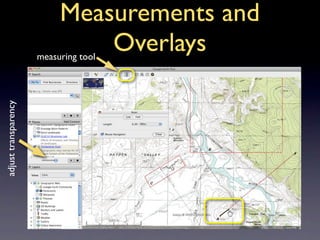
Measurements and
                               Overlays
                      measuring tool
adjust transparency
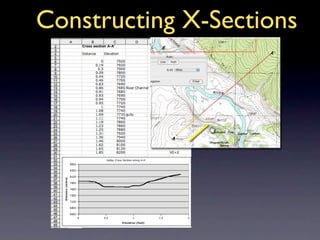
Constructing X-Sections
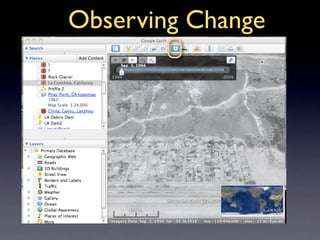
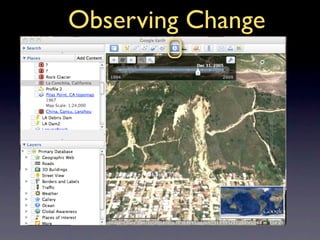
Observing Change
Observing Change
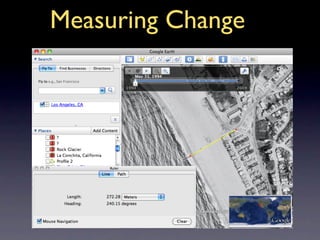
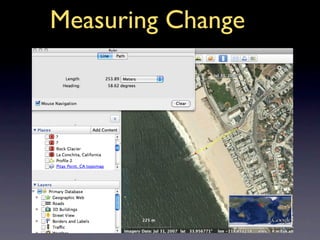
Measuring Change
Measuring Change
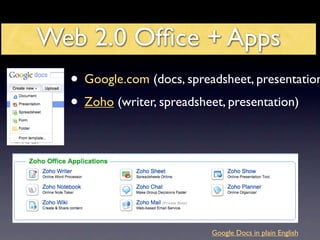
Web 2.0 Office + Apps
  • Google.com (docs, spreadsheet, presentation
  • Zoho (writer, spreadsheet, presentation)


                           Google Docs in plain English
Advantages
Free
Do not require hard drive space
Accessable from any computer on any platform
Uniform interface
Enable collaboration
Exportable and Publishable
NO MORE “I lost my paper when my computer
crashed” or “we couldn’t find a common time to meet.”
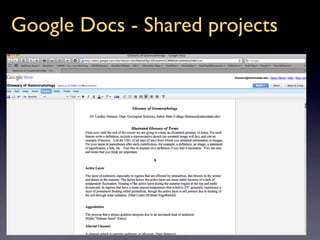
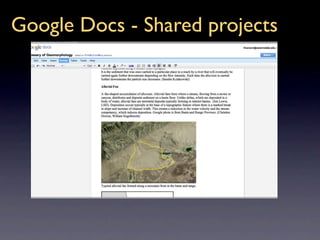
Google Docs - Shared projects
Zoho - shared projects
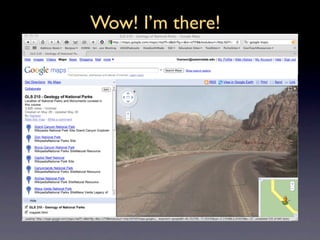
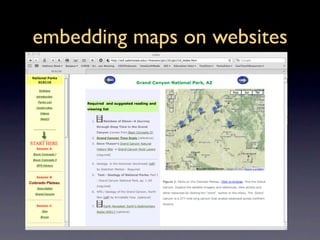
Google Maps
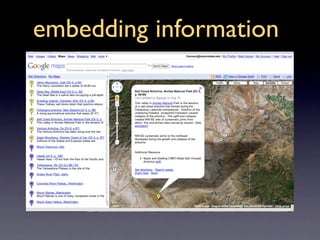
embedding information
Wow! I’m there!
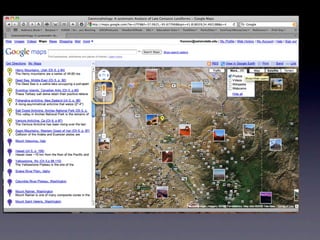
embedding maps on websites
Mind mapping
Mineral ID
Bookmarking & Sharing
Key words and descriptions
Highlighting
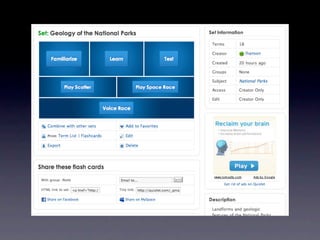
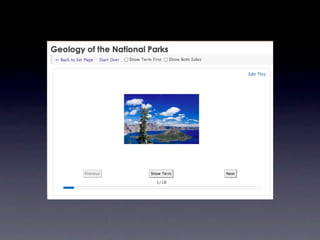
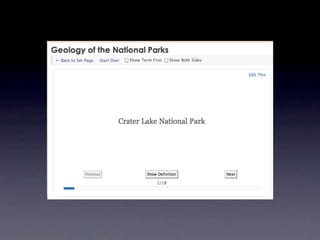
Quizlet

  create
flashcard
sets and
 quizzes


Video Tour
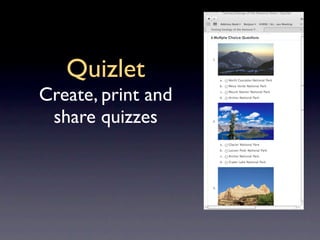
Quizlet
Create, print and
 share quizzes
Free Utilites and Services
• Adrive.com 50Gb free storage space
• Transferbigfiles.com
• Authorstream.com or SlideShare.com upload
  powerpoints
• Doodle.com scheduling appointments
• Surveymonkey.com great for creating class
  surveys
• Skype.com video and voice communication
• incompetect.com/graphpaper/ Create your own
  graph paper
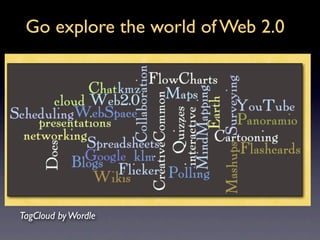
Go explore the world of Web 2.0


TagCloud by Wordle

Google Earth Web2.0.Key

Editor's Notes

  • #3 RSS (most commonly translated as "Really Simple Syndication" but sometimes "Rich Site Summary") is a family of web feed formats used to publish frequently updated works—such as blog entries, news headlines, audio, and video—in a standardized format. [2] The term " Web 2.0 " (in spoken English , "Web two point oh") is commonly associated with web applications which facilitate interactive information sharing , interoperability , user-centered design [1] and collaboration on the World Wide Web . Examples of Web 2.0 include web-based communities, hosted services , web applications , social-networking sites , video-sharing sites , wikis , blogs , mashups and folksonomies . A Web 2.0 site allows its users to interact with other users or to change website content , in contrast to non-interactive websites where users are limited to the passive viewing of information that is provided to them.