Through the Looking Glass:  Tech and Teaching at LCHSSummer Institute Greg EstevesLCHSWolf Creek Public Schools http://www.flickr.com/photos/mikeygottawa/533355476/sizes/o/in/photostream/
Can You Relate?I am always doing what I cannot do yet, in order to learn how to do it.~ Vincent Van Goghhttp://lettere2.unive.it/ridi/reference1trasp.gif
The Journey of a Thousand Miles … A ship in harbour is safe … but that is not what ships are built for.John A. Sheddauthor
Who am I?   Social Studies and Humanities teacher at Lacombe Composite High School.
SSDZ Project Lead Teacher – LCHS Pilot School.
Training staff for the changes that ubiquitous access to our wireless network through student owned devices will bring to teaching and learning in our building. My Goals ... Introduce the shift in thinking and pedagogy which is being encouraged in LCHS’ Humanities Department.Broad and general overview of some Web 2.0 tools we use to help engage the “digital natives” in our classrooms.  Not intended to be an in depth discussion of any particular tool but more of an opportunity for the “aha ... I can use that” moment.
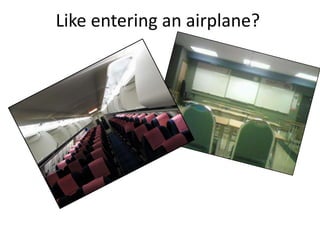
Like entering an airplane?
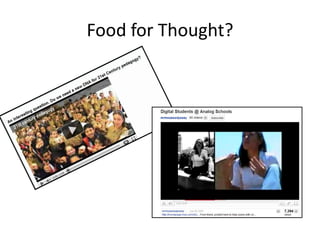
Food for Thought?
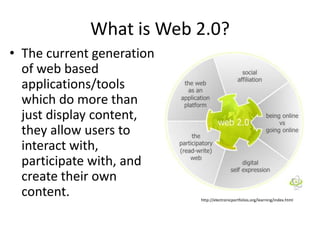
What is Web 2.0? The current generation of web based applications/tools which do more than just display content, they allow users to interact with, participate with, and create their own content.http://electronicportfolios.org/learning/index.html
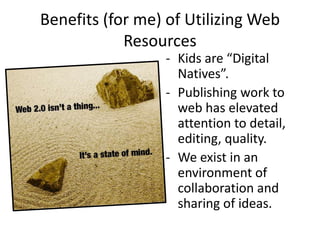
Benefits (for me) of Utilizing Web ResourcesKids are “Digital Natives”.
Publishing work to web has elevated attention to detail, editing, quality.
We exist in an environment of collaboration and sharing of ideas. RISKSApplications go up and down.Applications get bought out and change their focus.Web applications sometimes allow students to interact with other people online.  Most tools have privacy settings to keep minors safe.Students’ privacy should be considered.  Some tools can be completely private, but others not.
RISKSApplications may create a “product”that can’t leave the confines of the particular web site (e.g. can’t be downloaded to a memory stick/dvd/etc…).EQUITY: Students with computers at home may get to spend more time on projects than students without.  Is this reasonable?
#1 PRIORITYChoosing the right tool for the job. Don’t use technology for technology’s sake. The teacher’s skill will always be the #1 factor in constructing a  successful learning experience.
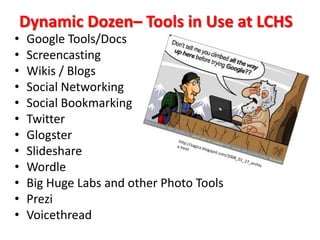
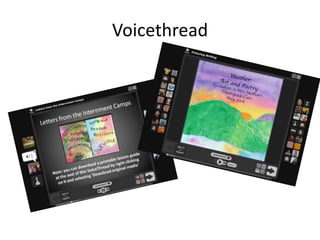
Dynamic Dozen– Tools in Use at LCHSGoogle Tools/DocsScreencastingWikis / BlogsSocial NetworkingSocial BookmarkingTwitterGlogsterSlideshareWordleBig Huge Labs and other Photo ToolsPreziVoicethreadhttp://zagica.blogspot.com/2008_01_27_archive.html
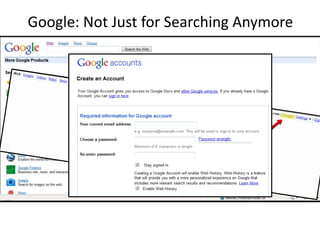
Google: Not Just for Searching Anymore
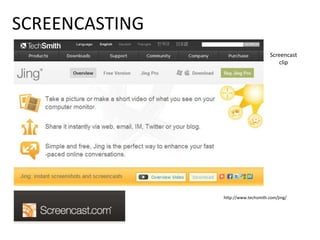
SCREENCASTINGScreencast cliphttp://www.techsmith.com/jing/
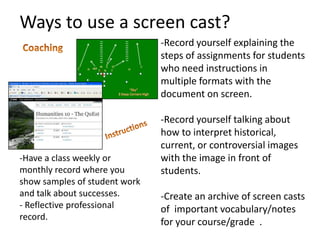
Ways to use a screen cast? Record yourself explaining the steps of assignments for students who need instructions in multiple formats with the document on screen.
Record yourself talking about how to interpret historical, current, or controversial images with the image in front of students.
Create an archive of screen casts of  important vocabulary/notes for your course/grade  . CoachingInstructionsHave a class weekly or monthly record where you show samples of student work and talk about successes.
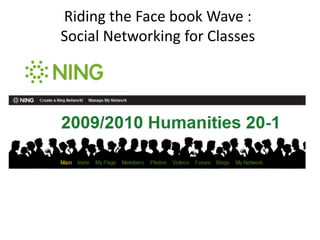
Reflective professional record. Riding the Face book Wave :Social Networking for Classes
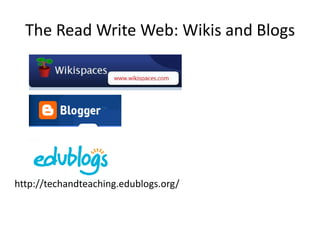
The Read Write Web: Wikis and Blogshttp://techandteaching.edublogs.org/
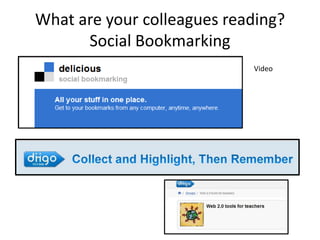
What are your colleagues reading?Social BookmarkingVideo
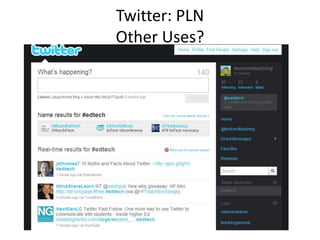
Twitter: PLNOther Uses?
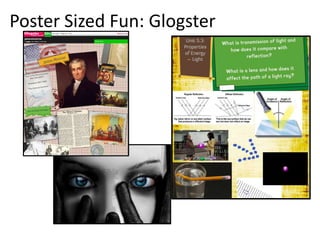
Poster Sized Fun: Glogster
Share Your Presentations With the World"If you have an apple and I have an apple and we exchange these apples then you and I will still each have one apple. But if you have an idea and I have an idea and we exchange these ideas, then each of us will have two ideas." -George Bernard Shaw, Renowned Irish Author
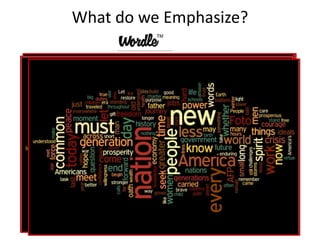
What do we Emphasize?
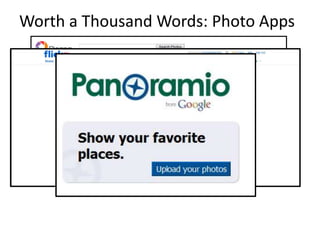
Worth a Thousand Words: Photo Apps

Tech and Teaching - Summer Institute 2010

  • 1.
    Through the LookingGlass: Tech and Teaching at LCHSSummer Institute Greg EstevesLCHSWolf Creek Public Schools http://www.flickr.com/photos/mikeygottawa/533355476/sizes/o/in/photostream/
  • 2.
    Can You Relate?Iam always doing what I cannot do yet, in order to learn how to do it.~ Vincent Van Goghhttp://lettere2.unive.it/ridi/reference1trasp.gif
  • 3.
    The Journey ofa Thousand Miles … A ship in harbour is safe … but that is not what ships are built for.John A. Sheddauthor
  • 4.
    Who am I? Social Studies and Humanities teacher at Lacombe Composite High School.
  • 5.
    SSDZ Project LeadTeacher – LCHS Pilot School.
  • 6.
    Training staff forthe changes that ubiquitous access to our wireless network through student owned devices will bring to teaching and learning in our building. My Goals ... Introduce the shift in thinking and pedagogy which is being encouraged in LCHS’ Humanities Department.Broad and general overview of some Web 2.0 tools we use to help engage the “digital natives” in our classrooms. Not intended to be an in depth discussion of any particular tool but more of an opportunity for the “aha ... I can use that” moment.
  • 7.
  • 8.
  • 9.
    What is Web2.0? The current generation of web based applications/tools which do more than just display content, they allow users to interact with, participate with, and create their own content.http://electronicportfolios.org/learning/index.html
  • 10.
    Benefits (for me)of Utilizing Web ResourcesKids are “Digital Natives”.
  • 11.
    Publishing work toweb has elevated attention to detail, editing, quality.
  • 12.
    We exist inan environment of collaboration and sharing of ideas. RISKSApplications go up and down.Applications get bought out and change their focus.Web applications sometimes allow students to interact with other people online. Most tools have privacy settings to keep minors safe.Students’ privacy should be considered. Some tools can be completely private, but others not.
  • 13.
    RISKSApplications may createa “product”that can’t leave the confines of the particular web site (e.g. can’t be downloaded to a memory stick/dvd/etc…).EQUITY: Students with computers at home may get to spend more time on projects than students without. Is this reasonable?
  • 14.
    #1 PRIORITYChoosing theright tool for the job. Don’t use technology for technology’s sake. The teacher’s skill will always be the #1 factor in constructing a successful learning experience.
  • 15.
    Dynamic Dozen– Toolsin Use at LCHSGoogle Tools/DocsScreencastingWikis / BlogsSocial NetworkingSocial BookmarkingTwitterGlogsterSlideshareWordleBig Huge Labs and other Photo ToolsPreziVoicethreadhttp://zagica.blogspot.com/2008_01_27_archive.html
  • 16.
    Google: Not Justfor Searching Anymore
  • 17.
  • 18.
    Ways to usea screen cast? Record yourself explaining the steps of assignments for students who need instructions in multiple formats with the document on screen.
  • 19.
    Record yourself talkingabout how to interpret historical, current, or controversial images with the image in front of students.
  • 20.
    Create an archiveof screen casts of important vocabulary/notes for your course/grade . CoachingInstructionsHave a class weekly or monthly record where you show samples of student work and talk about successes.
  • 21.
    Reflective professional record.Riding the Face book Wave :Social Networking for Classes
  • 22.
    The Read WriteWeb: Wikis and Blogshttp://techandteaching.edublogs.org/
  • 23.
    What are yourcolleagues reading?Social BookmarkingVideo
  • 24.
  • 25.
  • 26.
    Share Your PresentationsWith the World"If you have an apple and I have an apple and we exchange these apples then you and I will still each have one apple. But if you have an idea and I have an idea and we exchange these ideas, then each of us will have two ideas." -George Bernard Shaw, Renowned Irish Author
  • 27.
    What do weEmphasize?
  • 28.
    Worth a ThousandWords: Photo Apps