Welcome to Professional
Communication BINF 6051
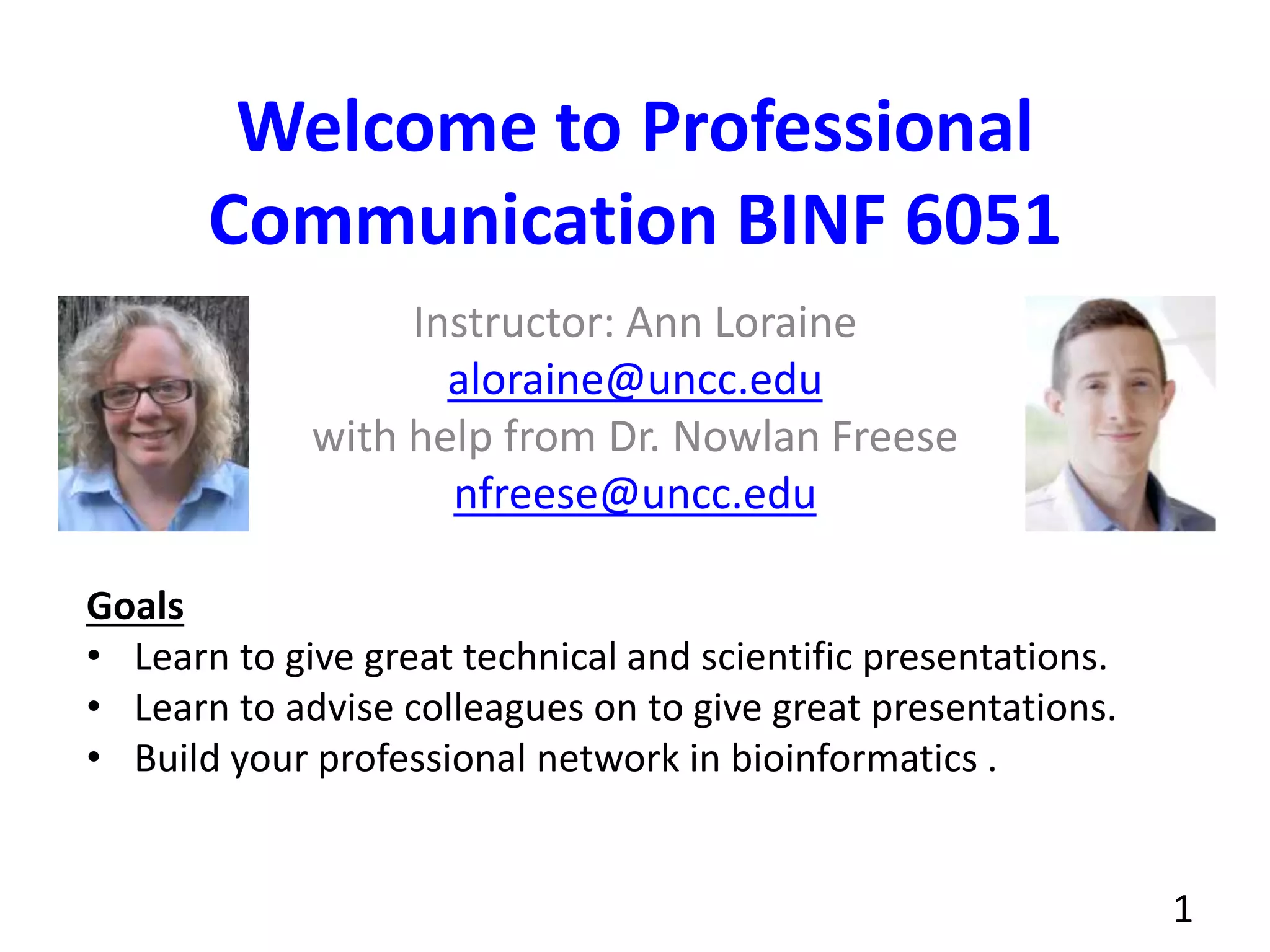
Instructor: Ann Loraine
aloraine@uncc.edu
with help from Dr. Nowlan Freese
nfreese@uncc.edu
1
Goals
• Learn to give great technical and scientific presentations.
• Learn to advise colleagues on to give great presentations.
• Build your professional network in bioinformatics .
About Ann
• Please call me Ann, not "Dr. Loraine"
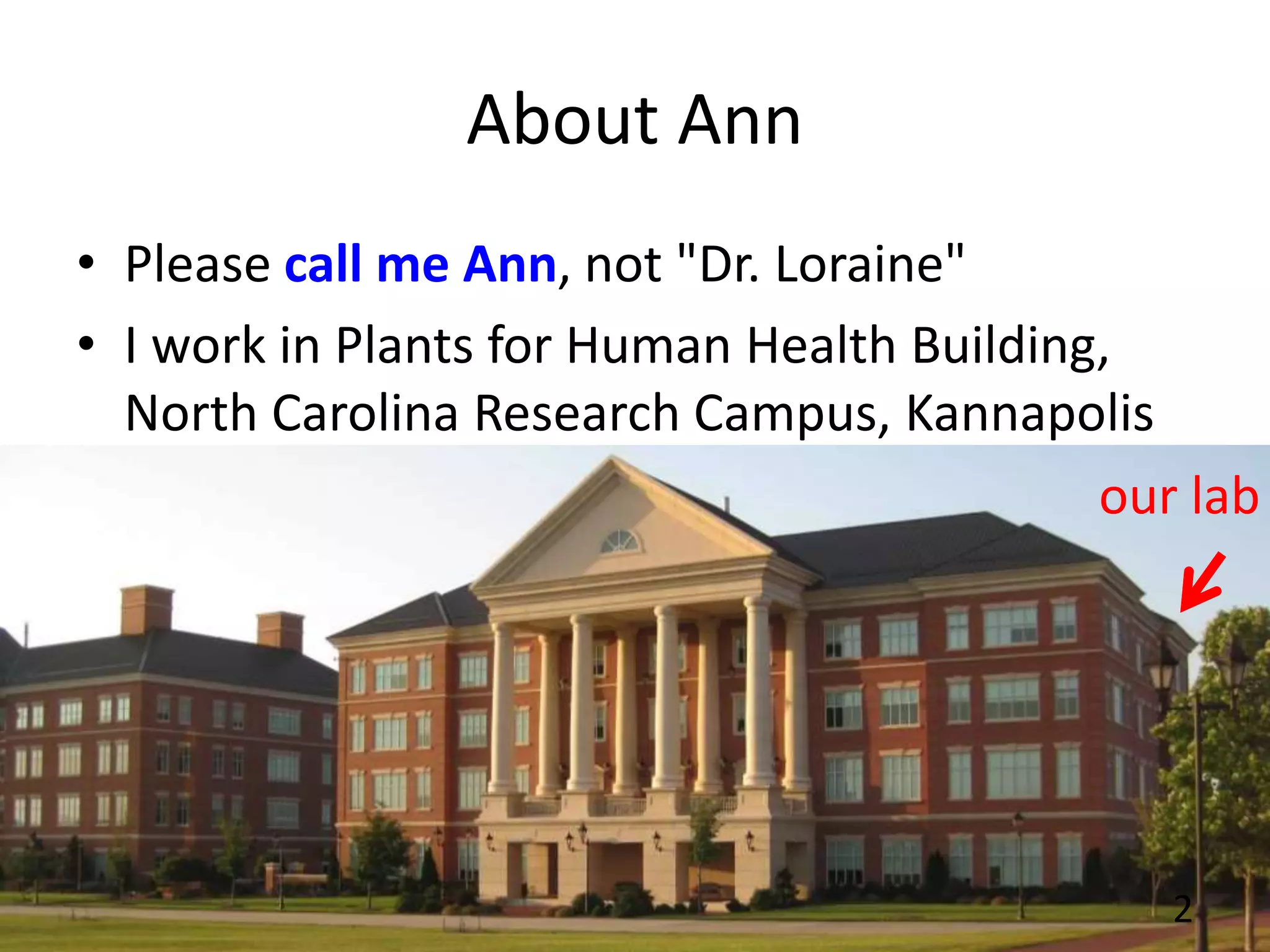
• I work in Plants for Human Health Building,
North Carolina Research Campus, Kannapolis
2
our lab
About Nowlan
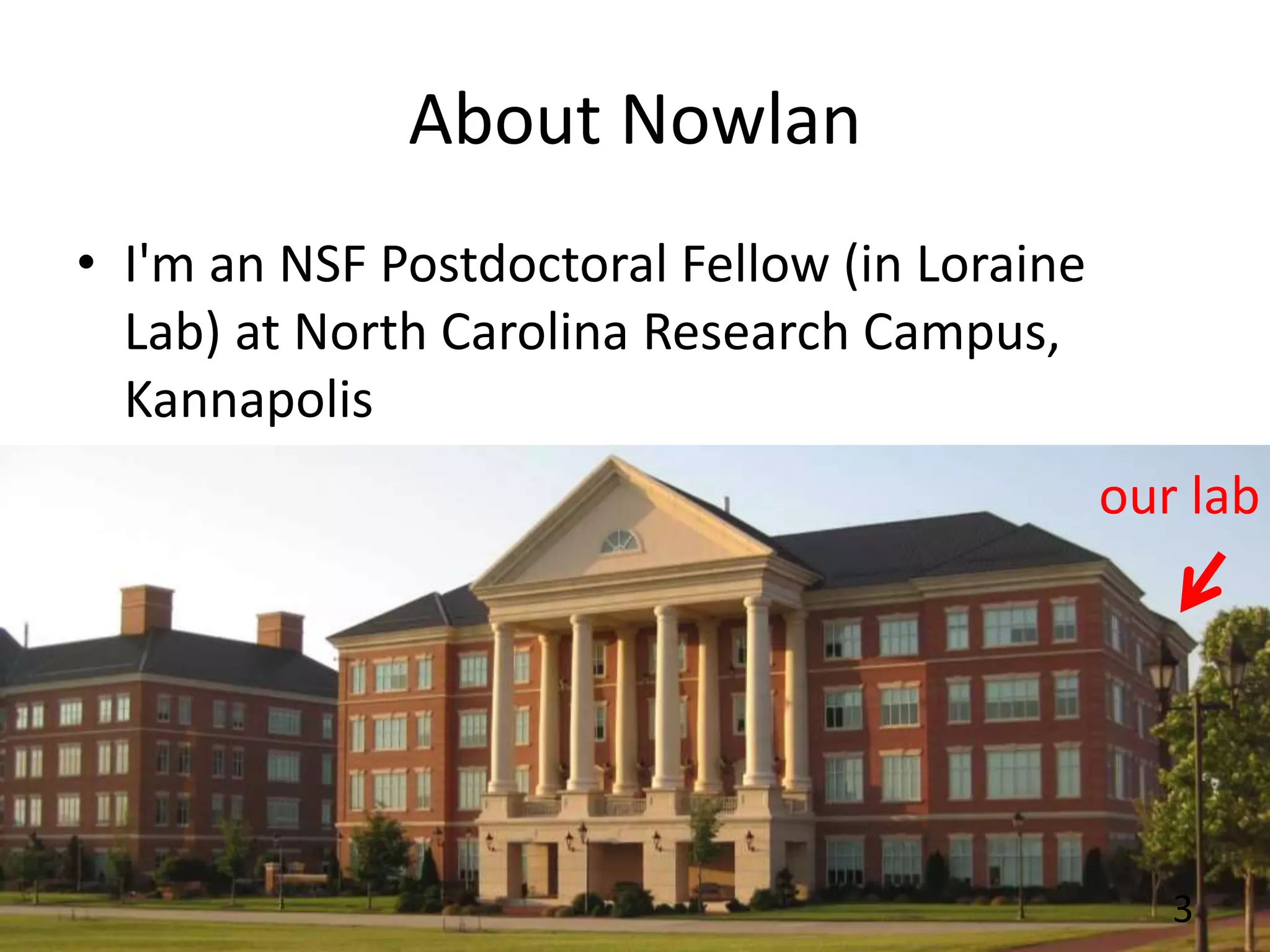
• I'm an NSF Postdoctoral Fellow (in Loraine
Lab) at North Carolina Research Campus,
Kannapolis
3
our lab
Writing Resources
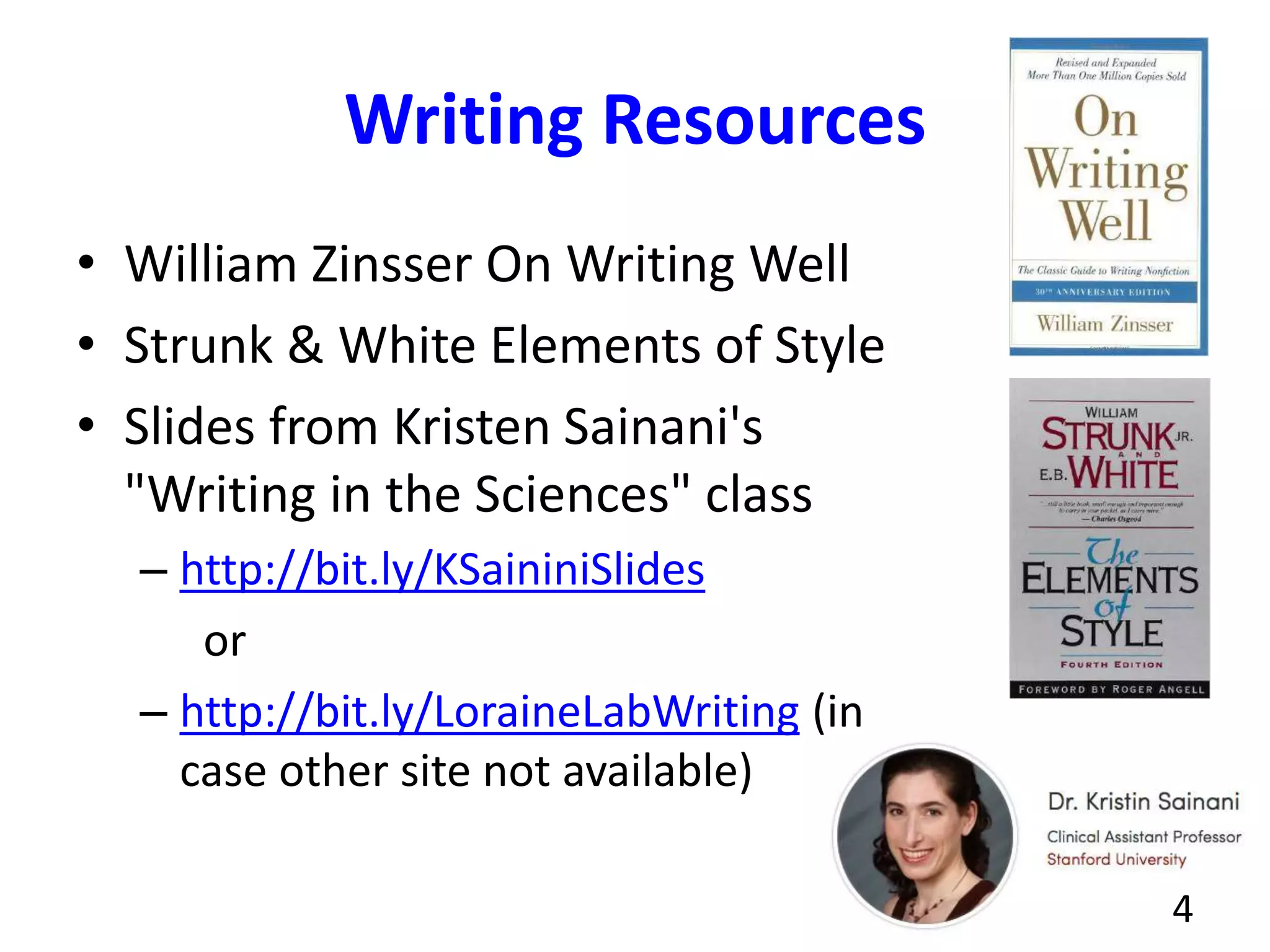
• William Zinsser On Writing Well
• Strunk & White Elements of Style
• Slides from Kristen Sainani's
"Writing in the Sciences" class
– http://bit.ly/KSaininiSlides
or
– http://bit.ly/LoraineLabWriting (in
case other site not available)
4
Goals - Learn & practice how to
• Give scientific and technical talks
• Give useful feedback on other people's talks
• Meet people in your field & build your
professional network
5
Give a talk on a technical or scientific
topic
• 4 teams of 6 or 7
• Each team member prepares their own talk
• Team members help each other prepare
• Everybody practices at least once in front of
their team
• Team gives feedback, helps you improve
6
Process
• Meet your team, plan your session - moodle
has dates
• Pick a topic. "Turn in" title to moodle.
(Assignment 1)
• Make draft slides. (Assignment 2)
• Meet with your team and rehearse your talks -
practice (Assignment 3)
• Team gives feedback, helps you improve
– Tip: Use same rubric provided in class
7
On the talk day
• Give your talk (Assignment 4)
• Audience gets rubric handout, uses it to take
notes during your talk (Assignment 5)
• At end of the talk, Ann and Nowlan collect
handouts
– We'll scan them and upload scans as feedback for
moodle "Assignment 4 Give a talk"
8
Audience - your goal
• Give good feedback to each student
– Say what they did well (at least 3!)
– Give suggestions for improvement (at least 3!)
– Rubric will be provided
• Ann & Nowlan will review your comments and
give you feedback on how to give better
feedback
9
After the talk (~ 1 week)
• Ann and Nowlan send you scans of audience
feedback handouts
• Read your comments, write reflection essay:
(Assignment 6)
– What went well?
– What would you do differently next time?
– What team feedback did you use that made your
talk better?
10
Speaker - your goals
• Have the best possible experience
• Communicate your main points
– so that everyone remembers what you said
• Build confidence in your speaking ability so
that
– when you're invited to give a talk, you'll know
what to do
– you'll feel confident you can deliver an interesting
and informative talk
11
Any questions?
reach out by email if you think of
some later: aloraine@uncc.edu
12
How to give great talks in
bioinformatics (and other fields, too)
BINF 6151
Professional Presentation
13
Motivation: Why give great talks?
• It's your job
– Researchers present work to boss, team-mates,
management
• Doing it well helps your career
– People look forward to hearing you, respect your
opinion and ideas
– Leads to a higher salary, promotions
• What else?
14
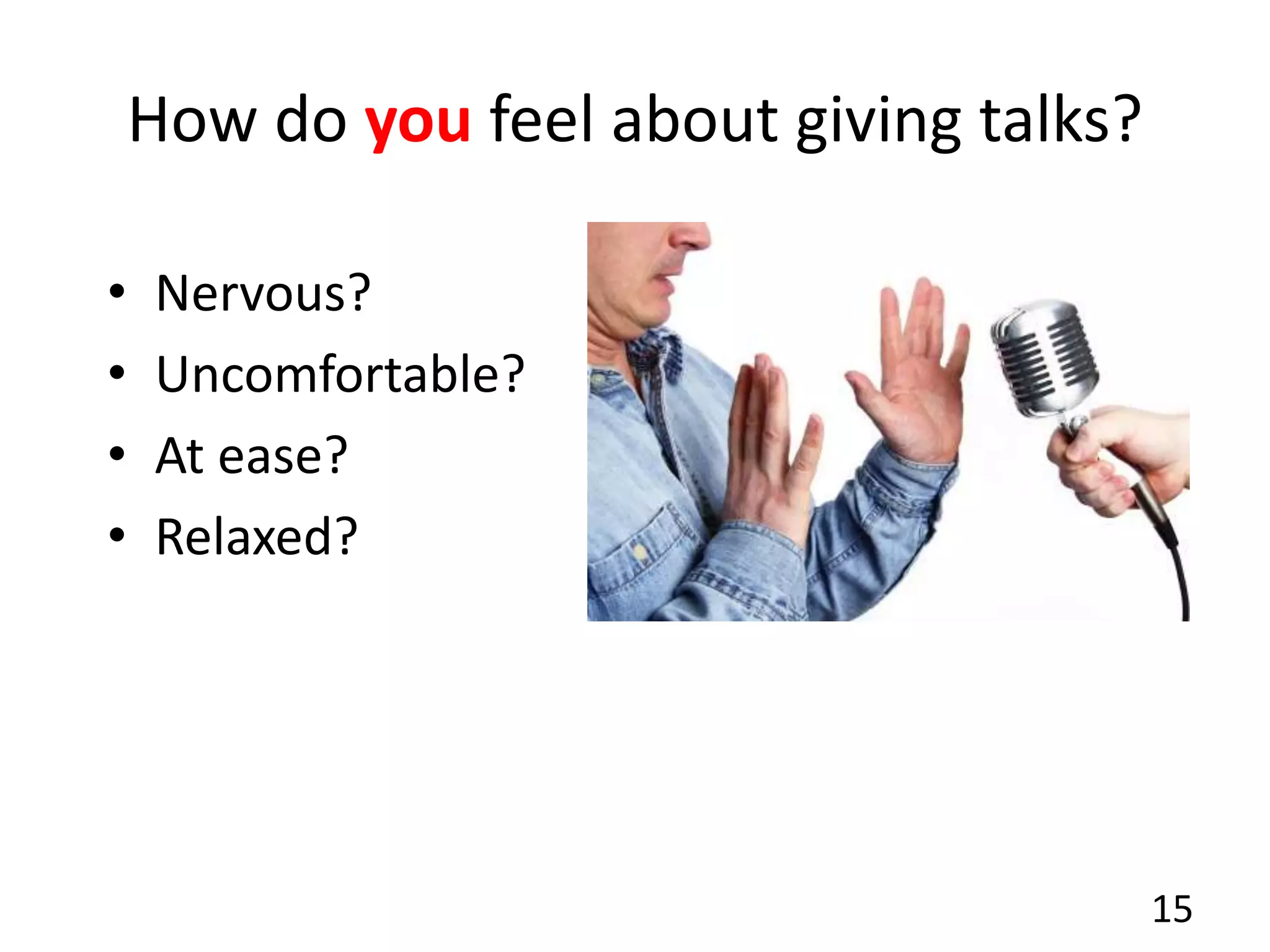
How do you feel about giving talks?
• Nervous?
• Uncomfortable?
• At ease?
• Relaxed?
15
Giving good talks in science can be
hard...but
• You can learn how to do it
– Some people are naturally good speakers, but
most of us are not. We have to work at it.
• This class will help, but...
– This is a one-credit class, limited time
– I'll cover the basics and help you get started, but
this class won't make you an expert.
– It's a long-term project - never stop learning!
16
Some-one invited you to give a talk
• And you said "Yes"!
17
What do you do next?!
First step...
• What does the person who invited you expect?
– What kind of talk?
• Find out:
– venue
– projection equipment (aspect ratio for slides)
– audience composition
– size of audience
18
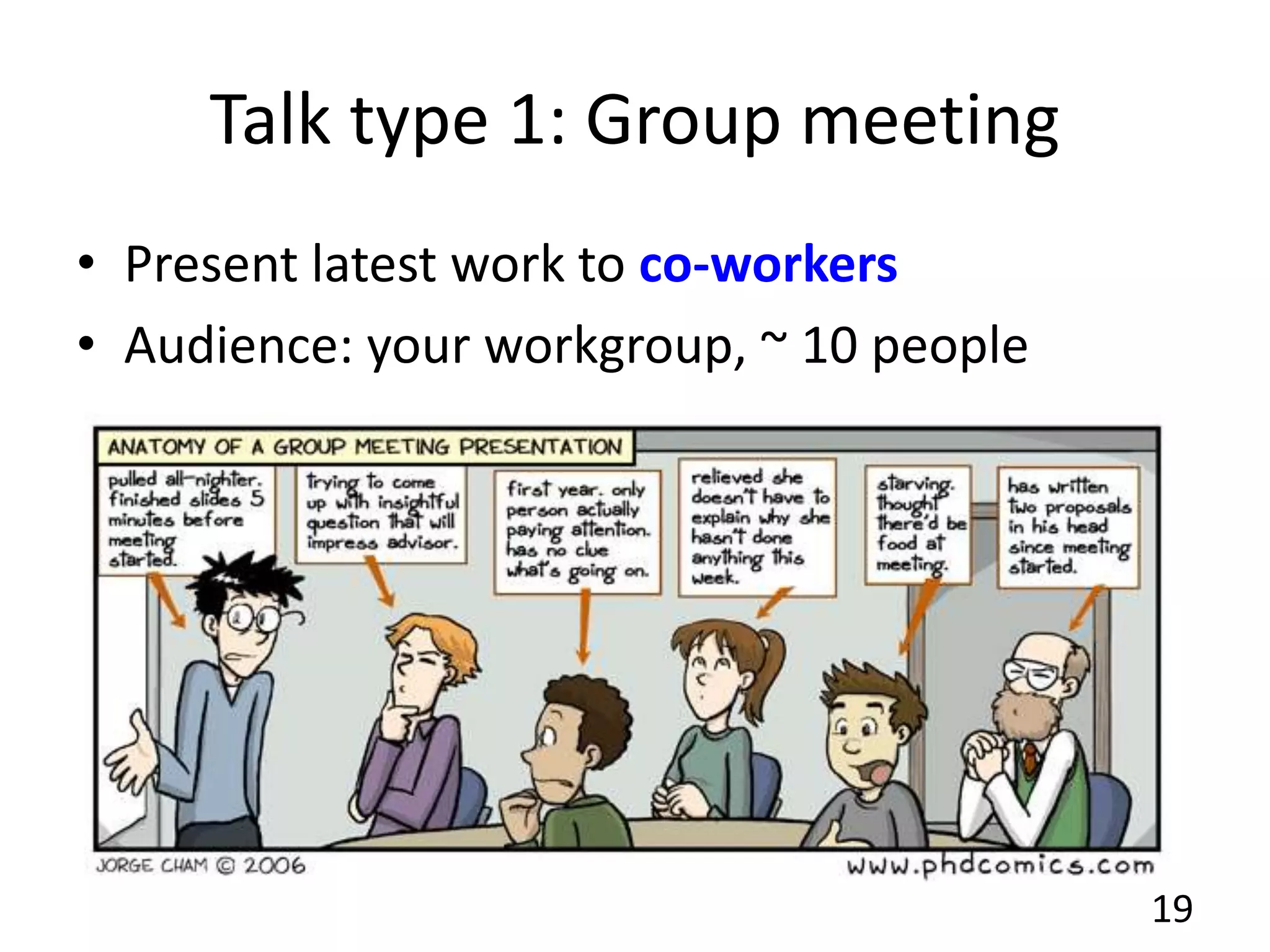
Talk type 1: Group meeting
• Present latest work to co-workers
• Audience: your workgroup, ~ 10 people
19
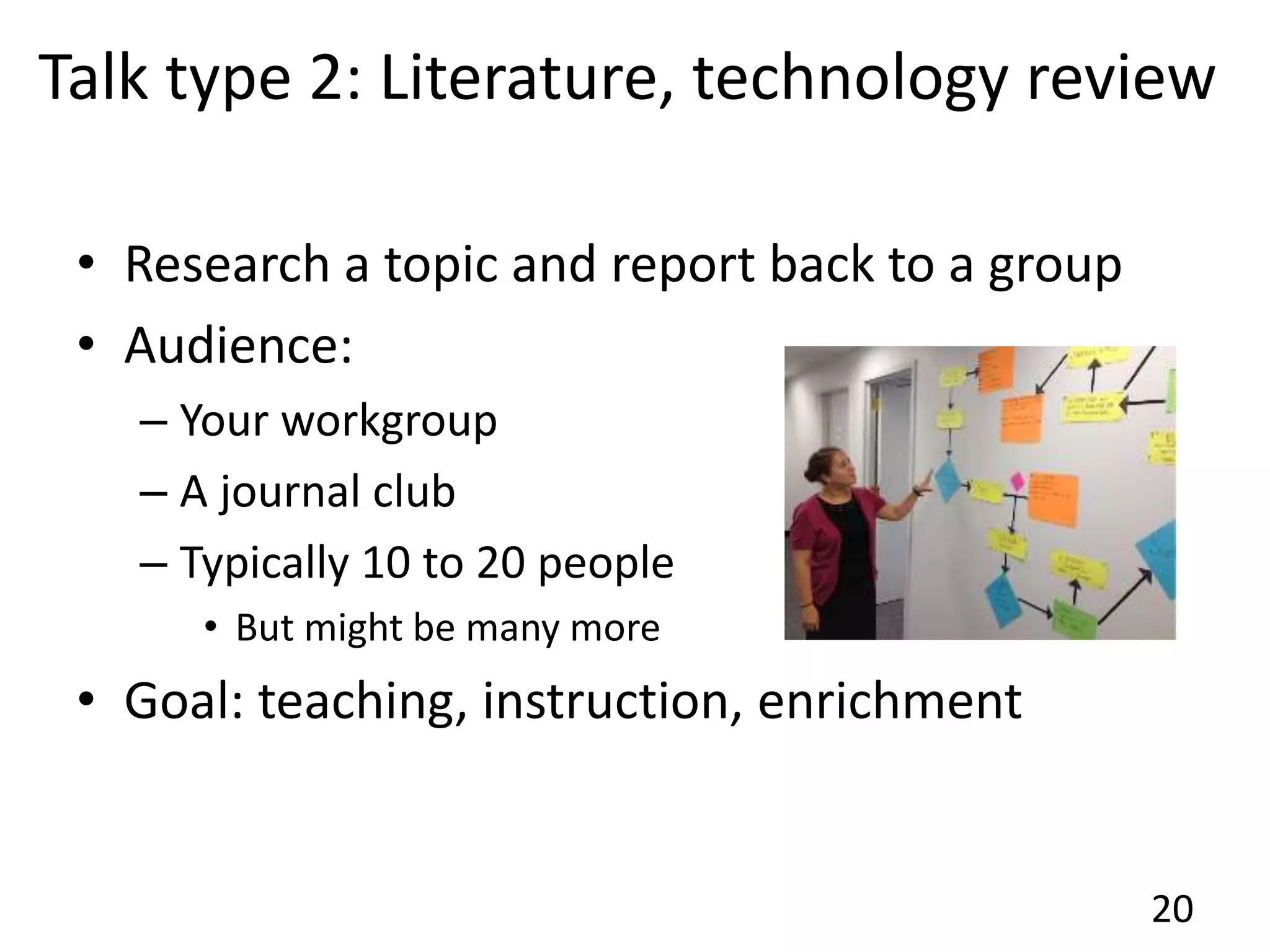
Talk type 2: Literature, technology review
• Research a topic and report back to a group
• Audience:
– Your workgroup
– A journal club
– Typically 10 to 20 people
• But might be many more
• Goal: teaching, instruction, enrichment
20
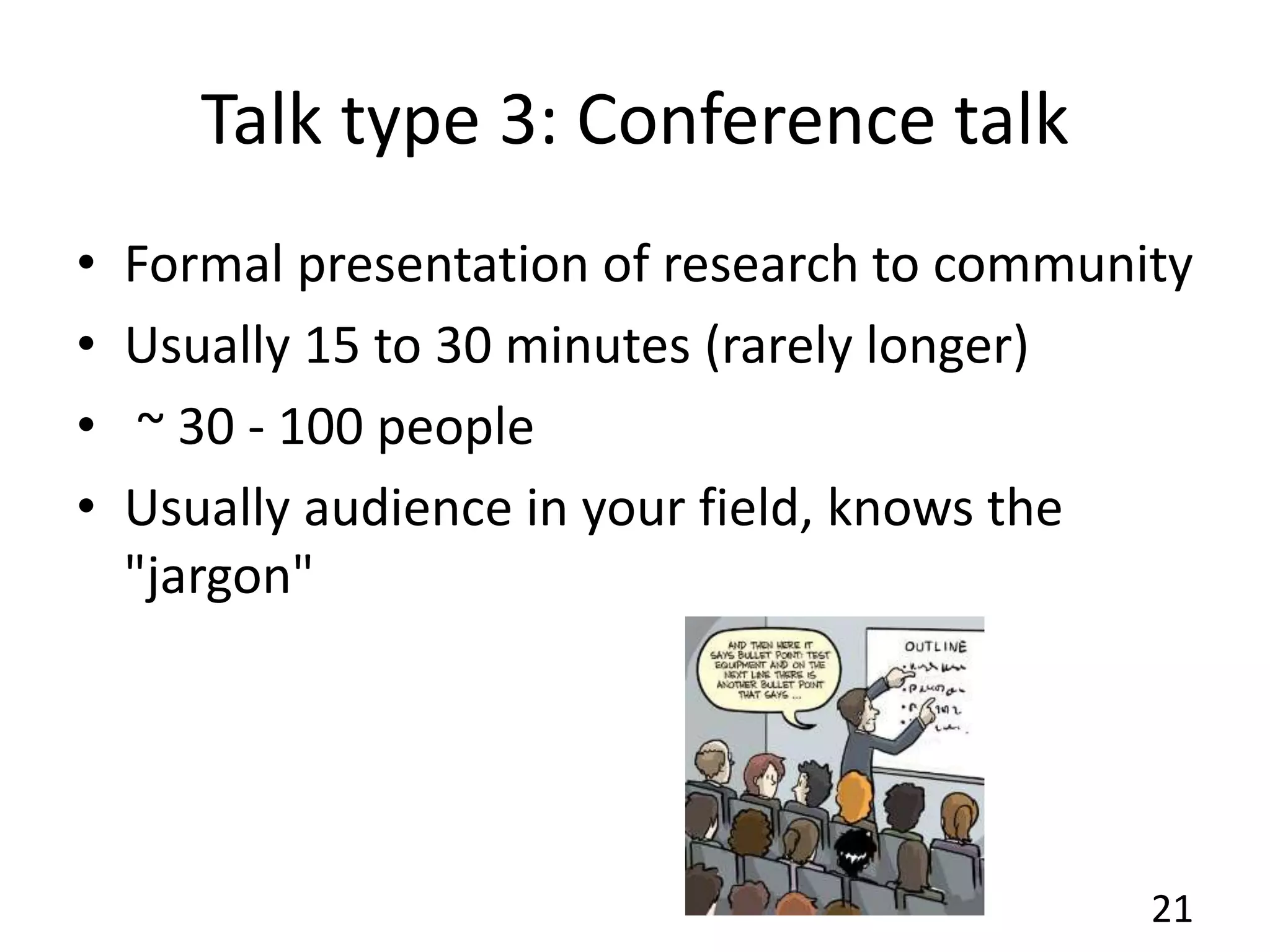
Talk type 3: Conference talk
• Formal presentation of research to community
• Usually 15 to 30 minutes (rarely longer)
• ~ 30 - 100 people
• Usually audience in your field, knows the
"jargon"
21
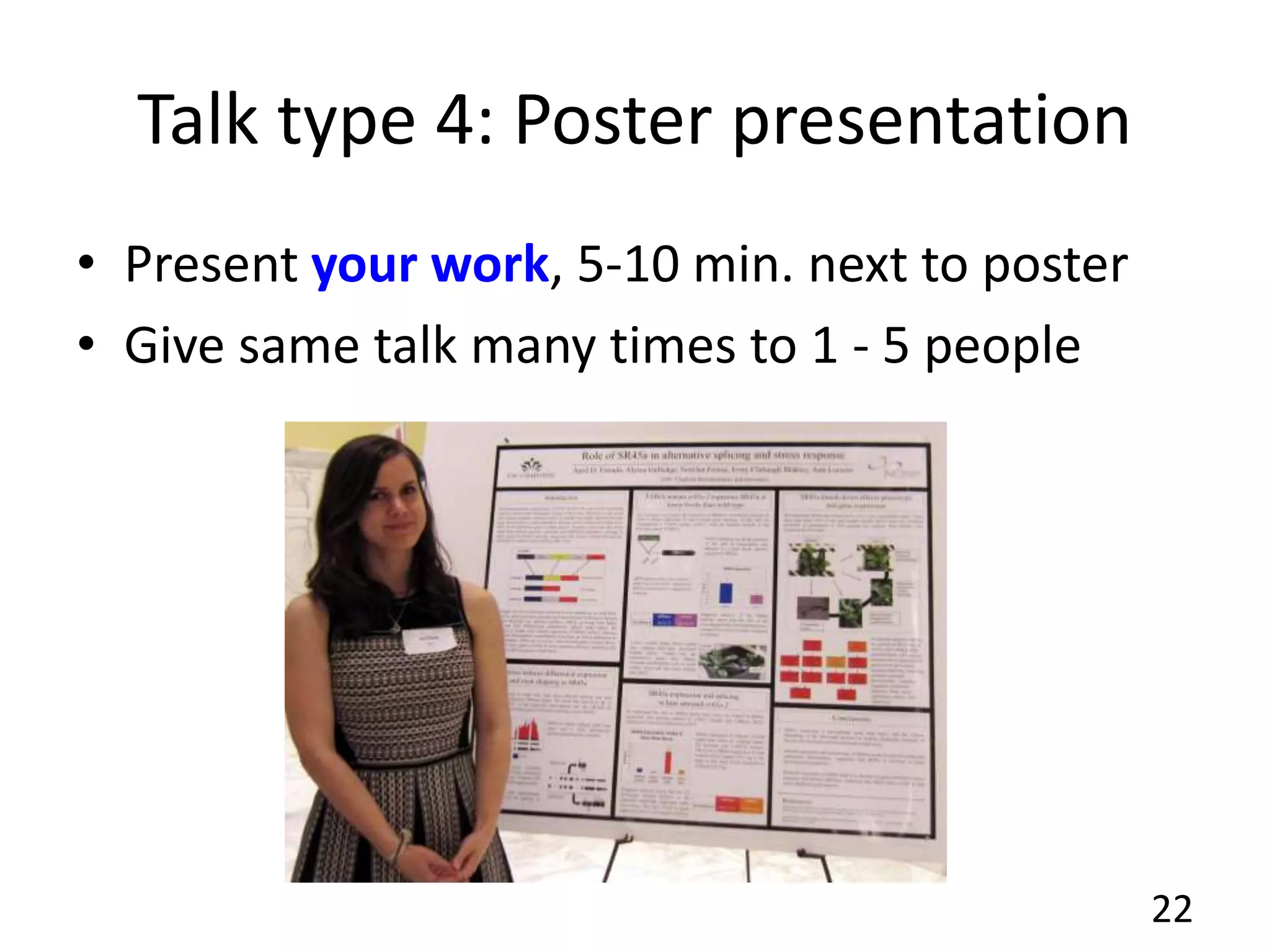
Talk type 4: Poster presentation
• Present your work, 5-10 min. next to poster
• Give same talk many times to 1 - 5 people
22
Talk type 5: Seminar
• Longer presentation (~50 minutes)
• Audience size: Academic Dept., 30-50 people
• Should be accessible to students, people
outside the speaker's field
23
Talk type 6: Conference Keynote
• Longer talk (~1 hour)
by senior scientist
• Often describes many
years of research
• Audience: 200 to 1,000
• Many available on-line:
http://theleadingstrand.cshl.edu/
24
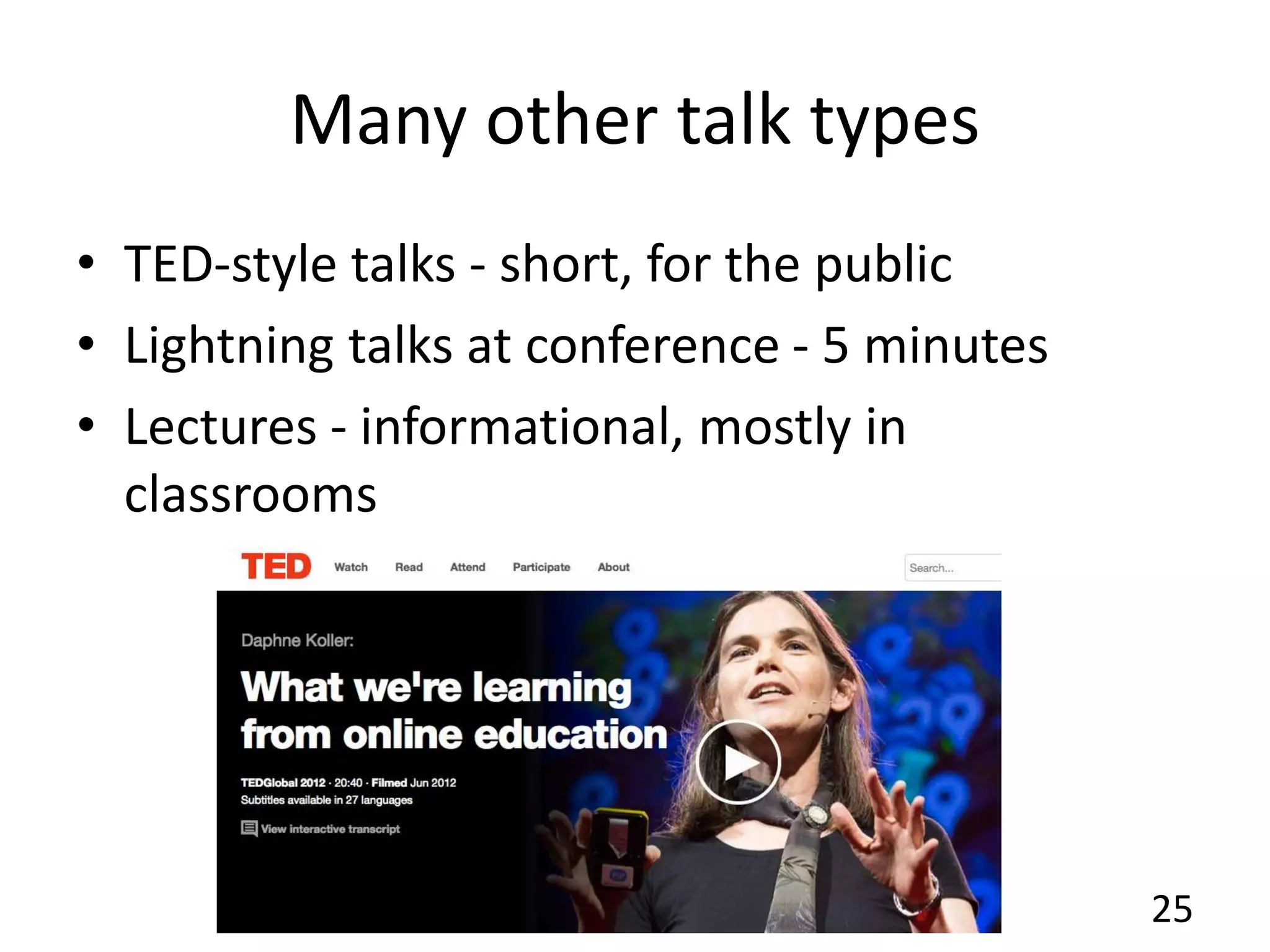
Many other talk types
• TED-style talks - short, for the public
• Lightning talks at conference - 5 minutes
• Lectures - informational, mostly in
classrooms
25
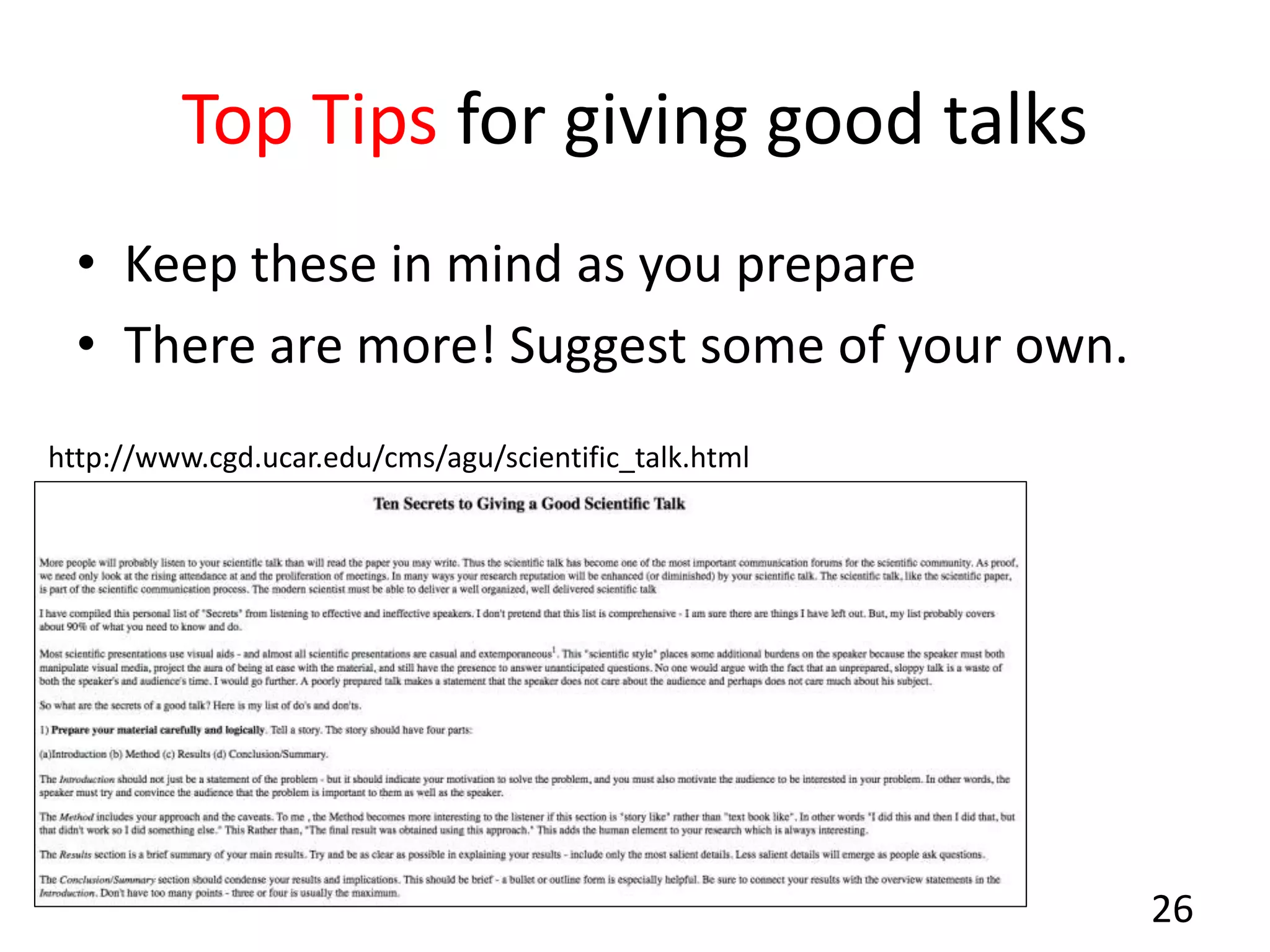
Top Tips for giving good talks
• Keep these in mind as you prepare
• There are more! Suggest some of your own.
26
http://www.cgd.ucar.edu/cms/agu/scientific_talk.html
Tip: Know your take-home message(s)
• How many messages?
– 4 or 5 for a 1-hour talk,
– Fewer for shorter talks
• Example:
– This lecture describes guidelines ("tips") for
planning and giving talks
– Needed for the first assignment of the class
27
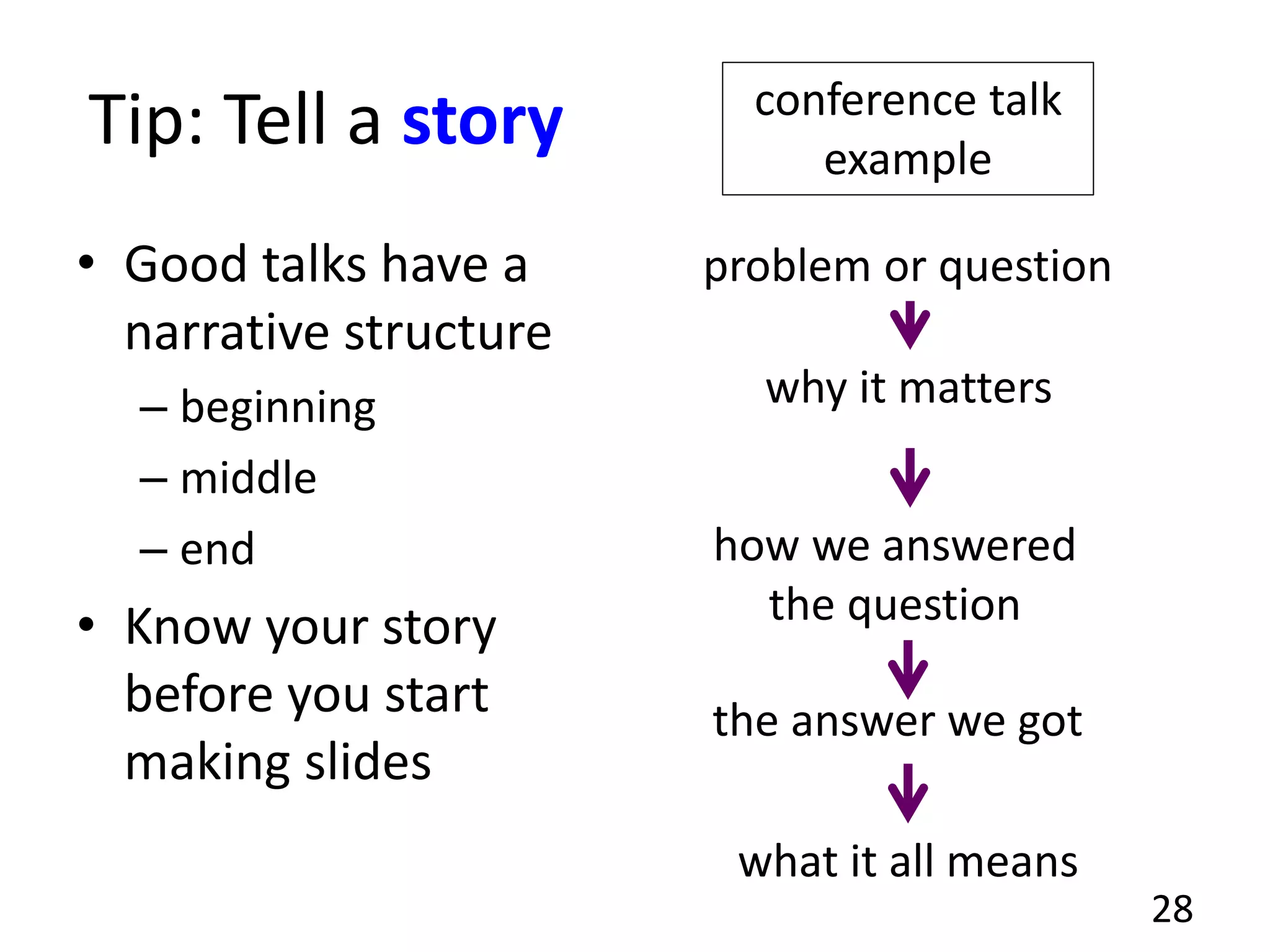
Tip: Tell a story
• Good talks have a
narrative structure
– beginning
– middle
– end
• Know your story
before you start
making slides
28
problem or question
why it matters
how we answered
the question
the answer we got
what it all means
conference talk
example
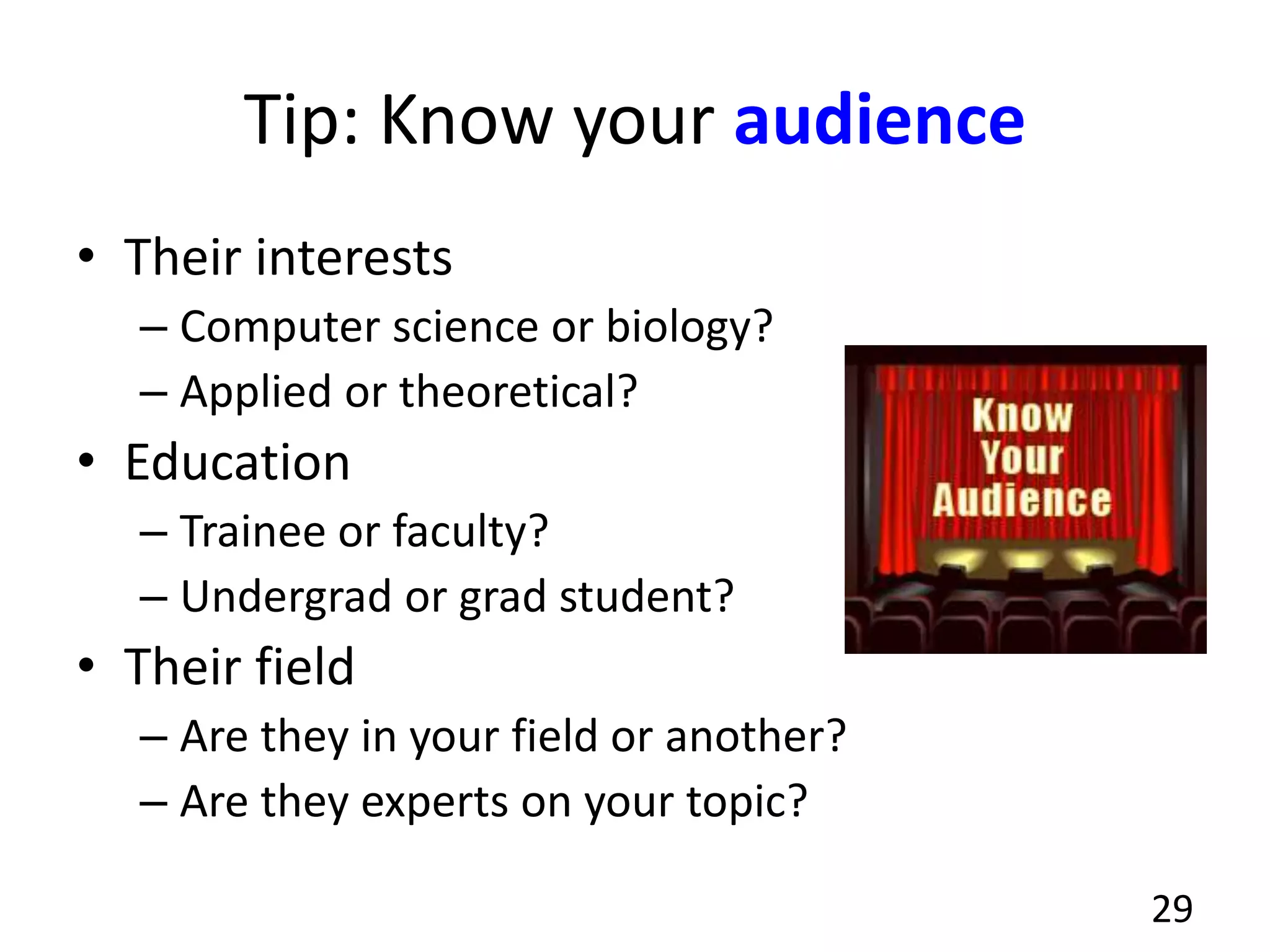
Tip: Know your audience
• Their interests
– Computer science or biology?
– Applied or theoretical?
• Education
– Trainee or faculty?
– Undergrad or grad student?
• Their field
– Are they in your field or another?
– Are they experts on your topic?
29
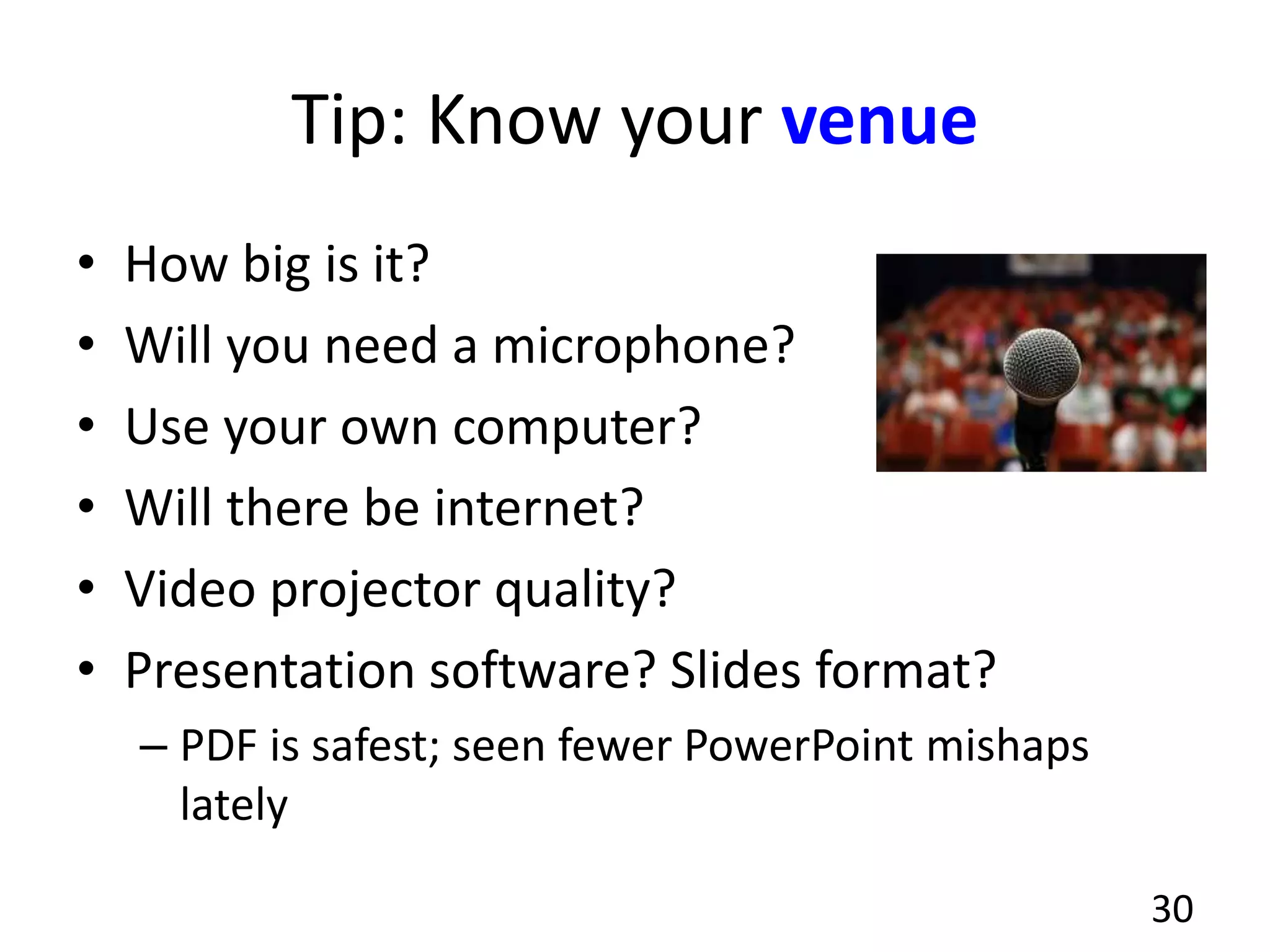
Tip: Know your venue
• How big is it?
• Will you need a microphone?
• Use your own computer?
• Will there be internet?
• Video projector quality?
• Presentation software? Slides format?
– PDF is safest; seen fewer PowerPoint mishaps
lately
30
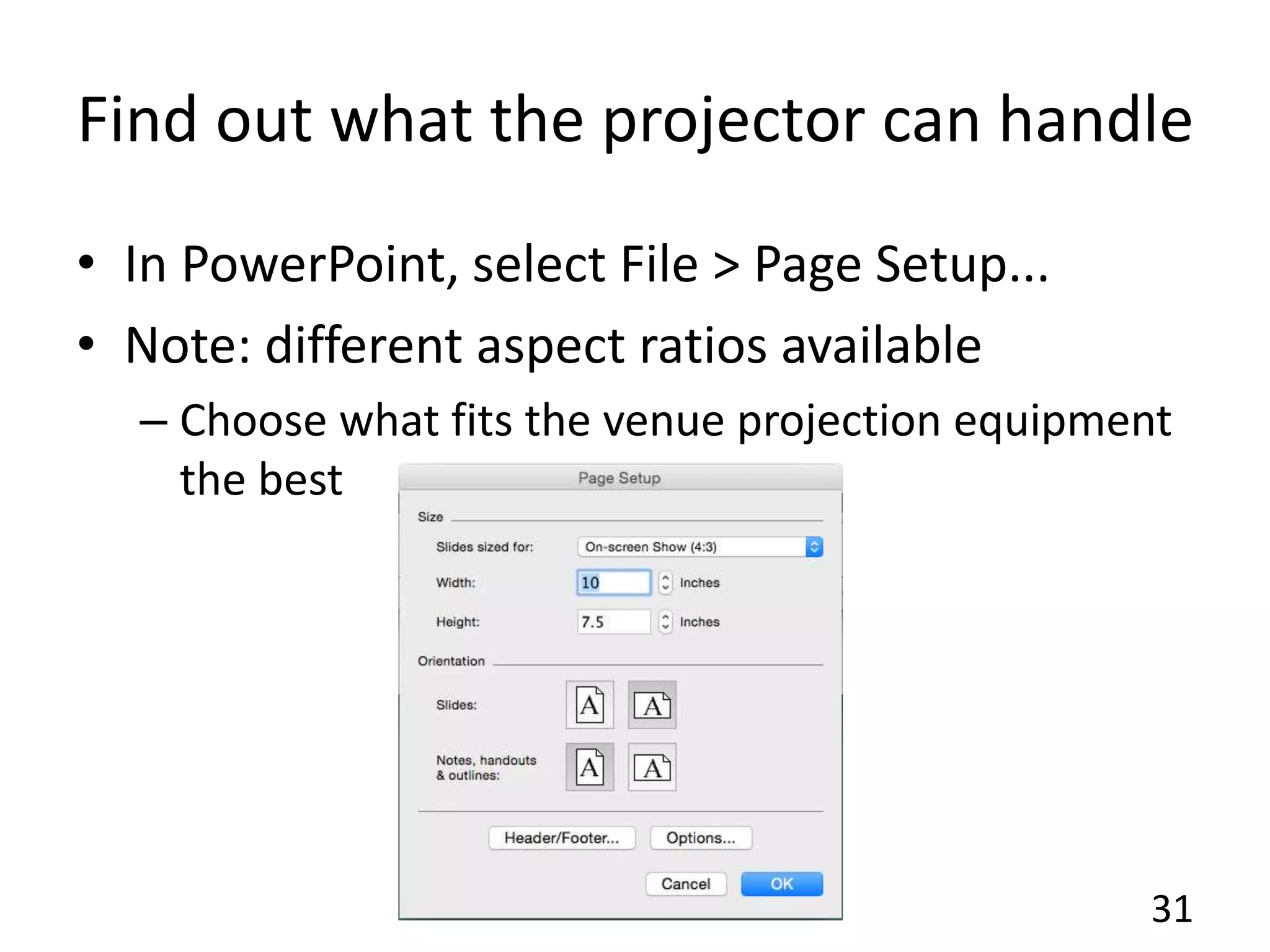
Find out what the projector can handle
• In PowerPoint, select File > Page Setup...
• Note: different aspect ratios available
– Choose what fits the venue projection equipment
the best
31
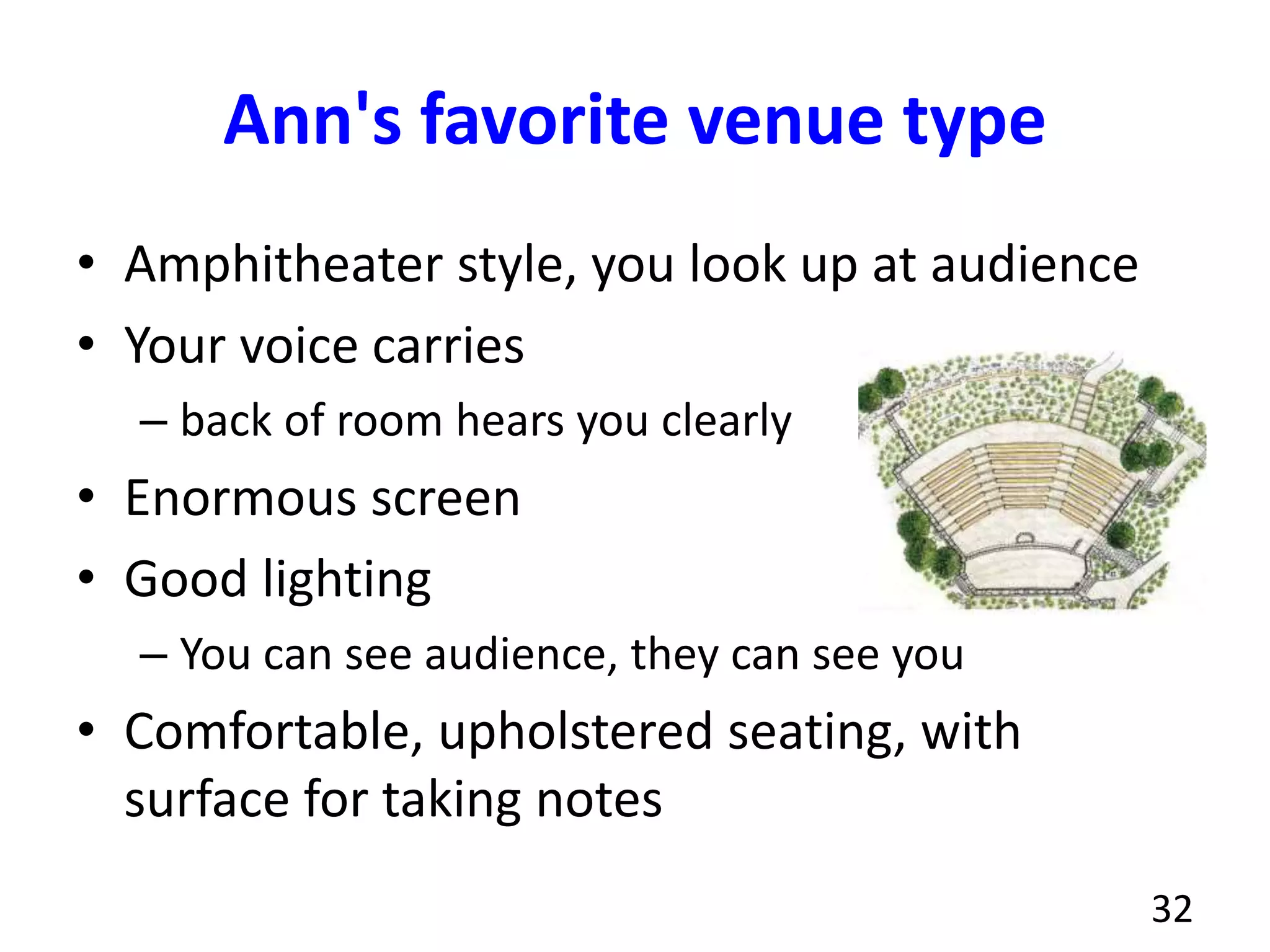
Ann's favorite venue type
• Amphitheater style, you look up at audience
• Your voice carries
– back of room hears you clearly
• Enormous screen
• Good lighting
– You can see audience, they can see you
• Comfortable, upholstered seating, with
surface for taking notes
32
Tip: Use examples
• People like stories
– Easier than abstract concepts
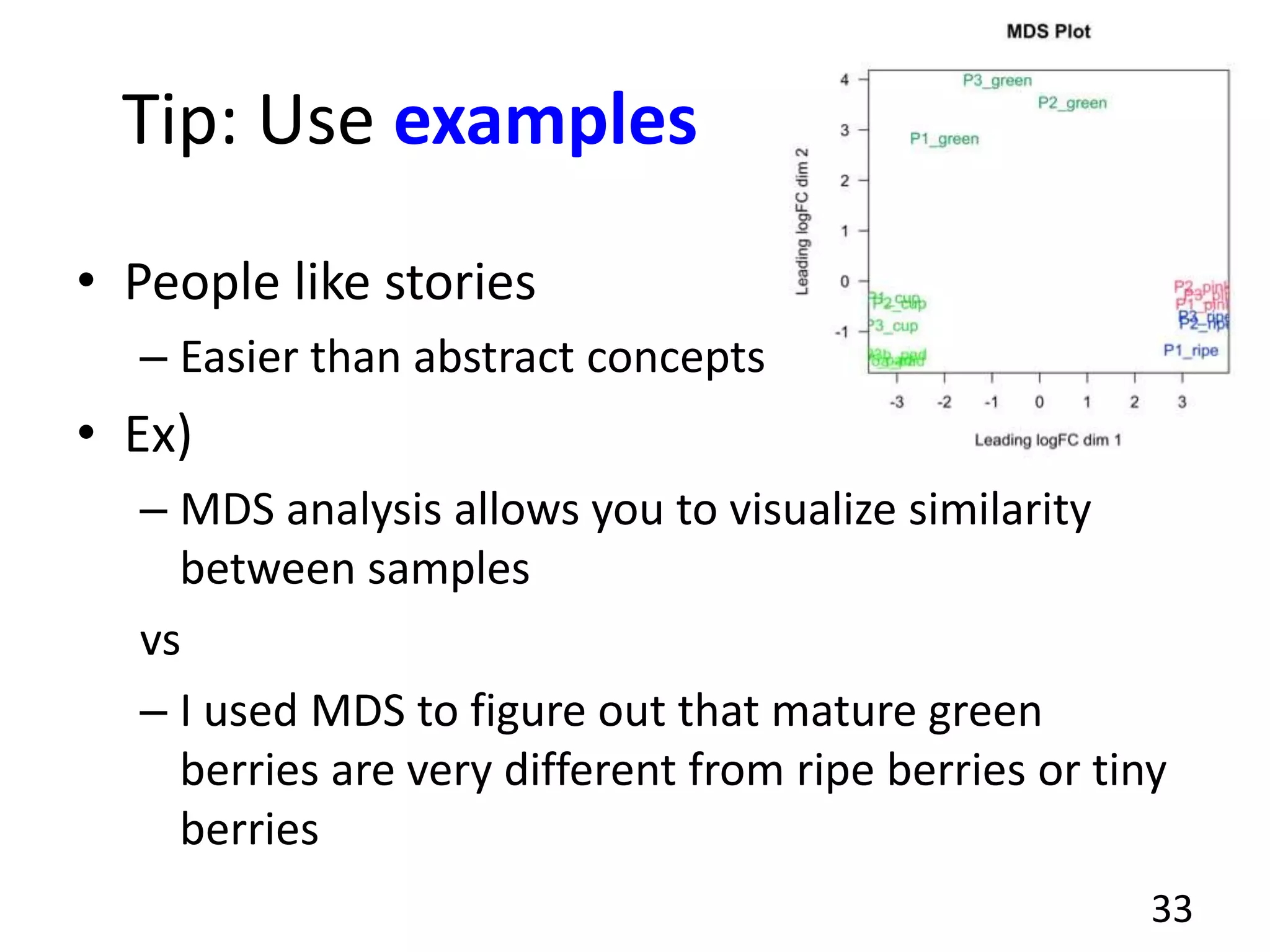
• Ex)
– MDS analysis allows you to visualize similarity
between samples
vs
– I used MDS to figure out that mature green
berries are very different from ripe berries or tiny
berries
33
Tip: Study other people's talks
• Listen, watch for how they tell their story
• Pay attention to structure
• Be critical: How could they improve?
• Be open-minded: What techniques can you
borrow?
• Watch talks & lectures on-line
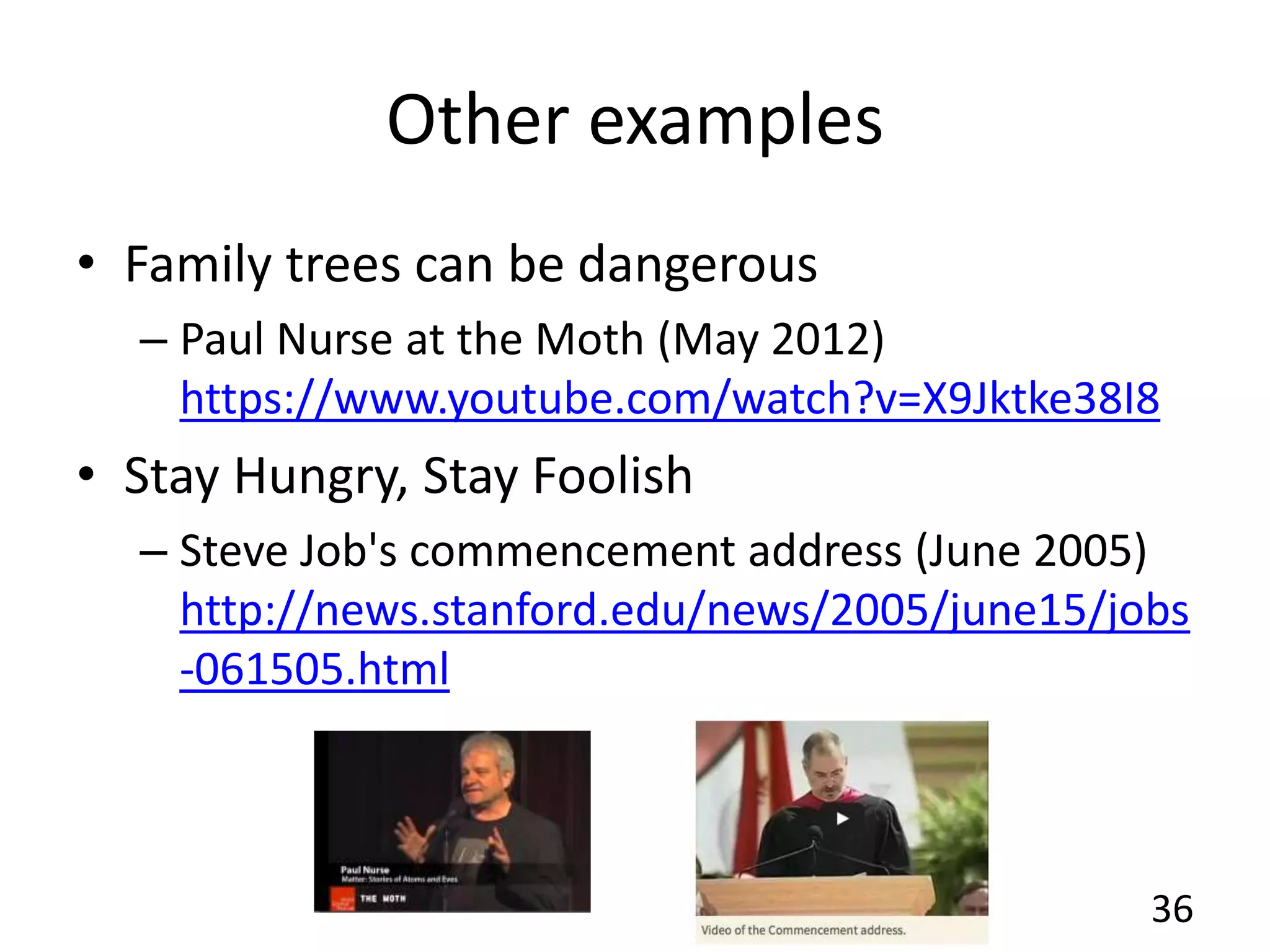
– What were the strengths? weaknesses?
34
Examples from Genomics, IT
• Next-generation sequencing technologies
– Elaine Mardis, NIH
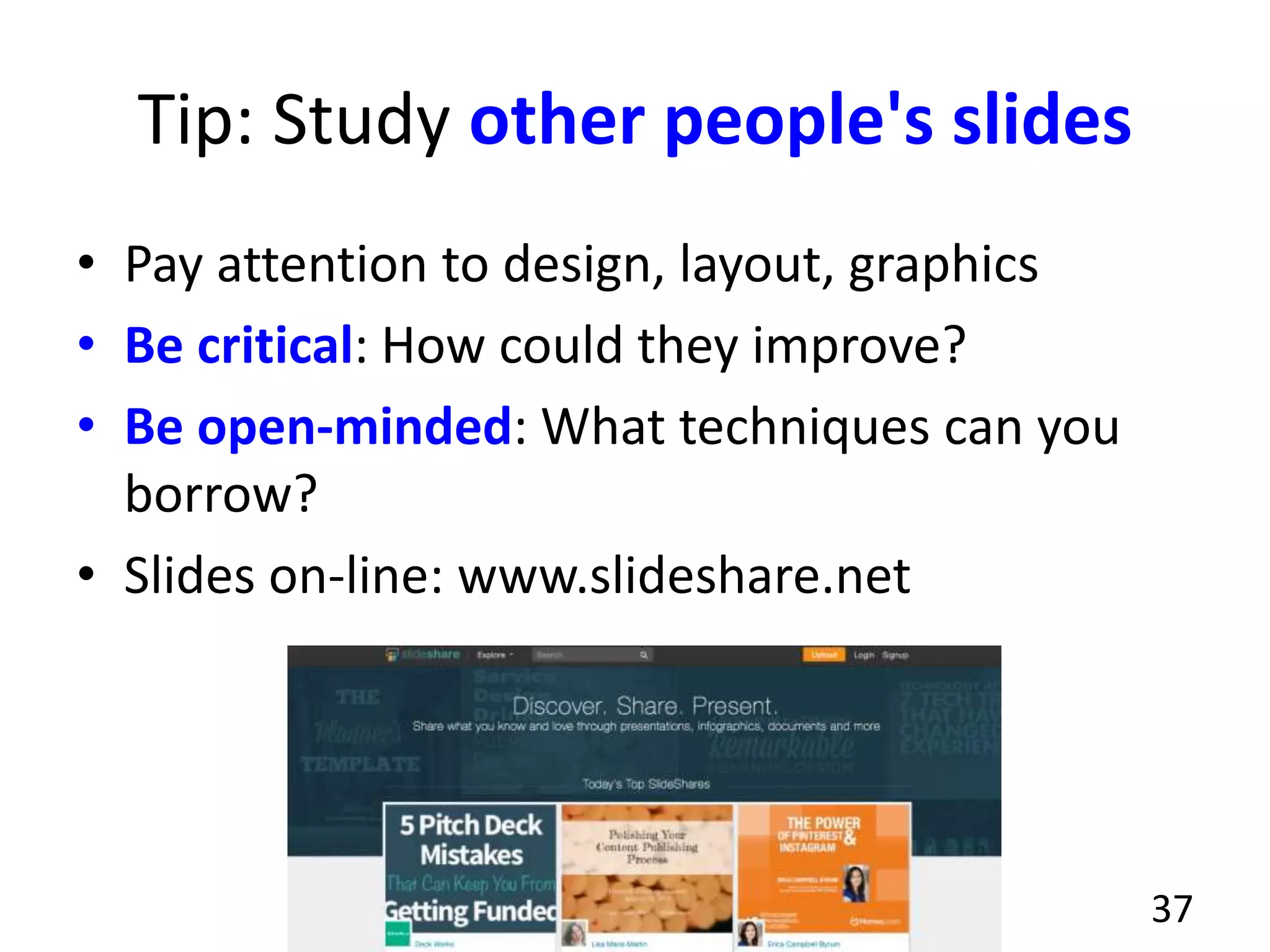
– https://www.youtube.com/watch?v=PMIF6zUeKk
o
• Talks from Data Gotham 2012
– http://www.datagotham.com/videos/
35
Other examples
• Family trees can be dangerous
– Paul Nurse at the Moth (May 2012)
https://www.youtube.com/watch?v=X9Jktke38I8
• Stay Hungry, Stay Foolish
– Steve Job's commencement address (June 2005)
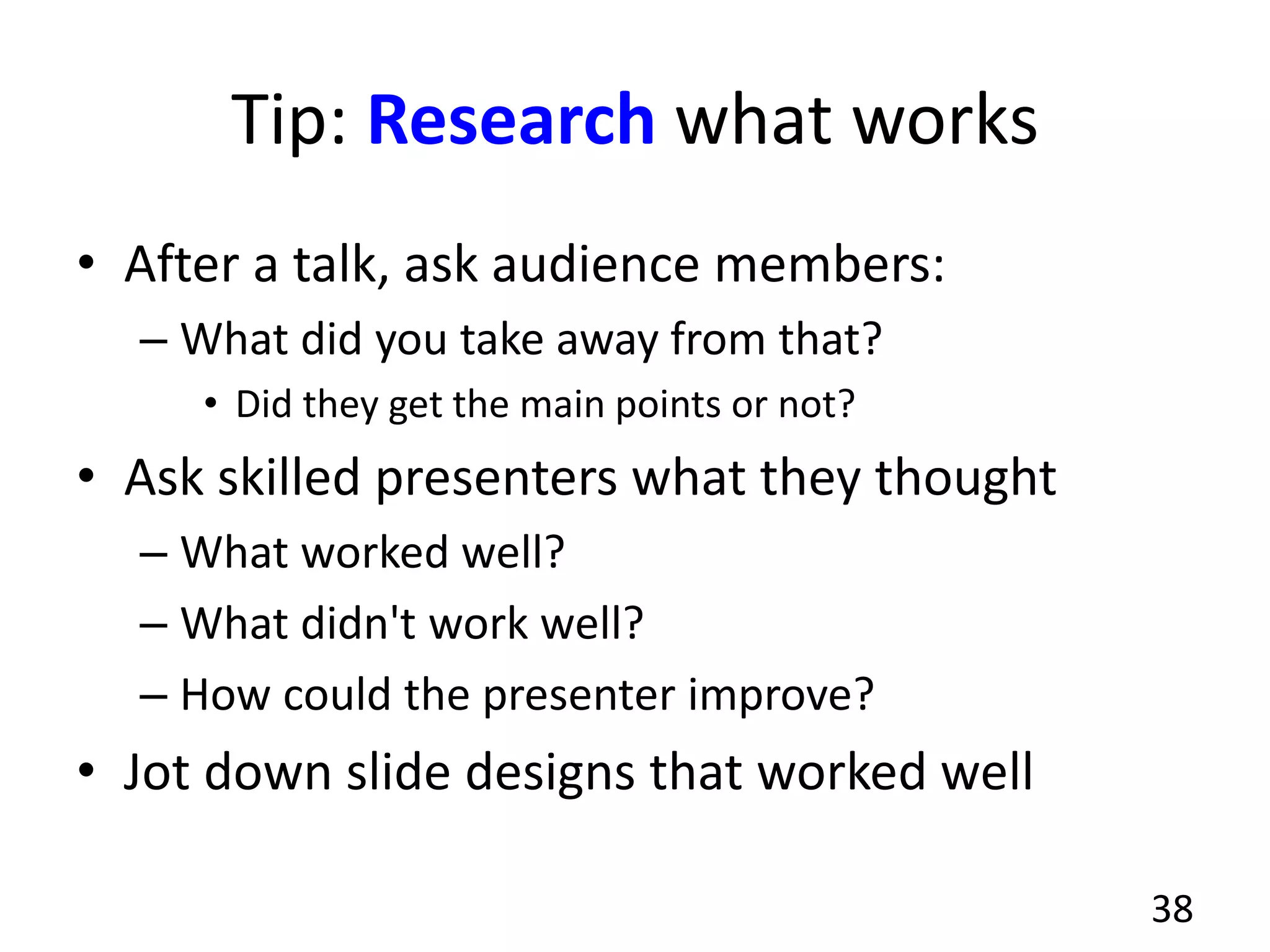
http://news.stanford.edu/news/2005/june15/jobs
-061505.html
36
Tip: Study other people's slides
• Pay attention to design, layout, graphics
• Be critical: How could they improve?
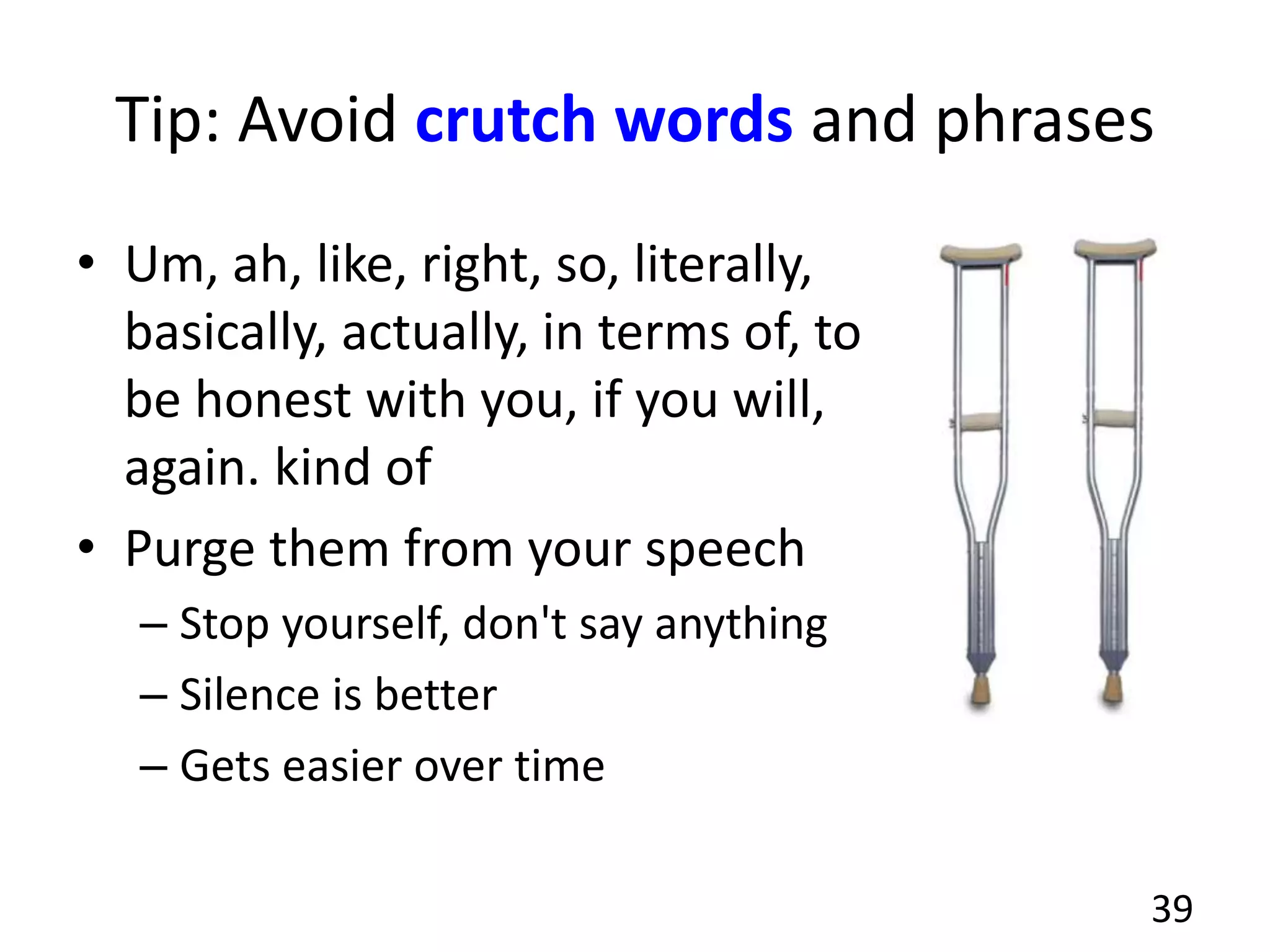
• Be open-minded: What techniques can you
borrow?
• Slides on-line: www.slideshare.net
37
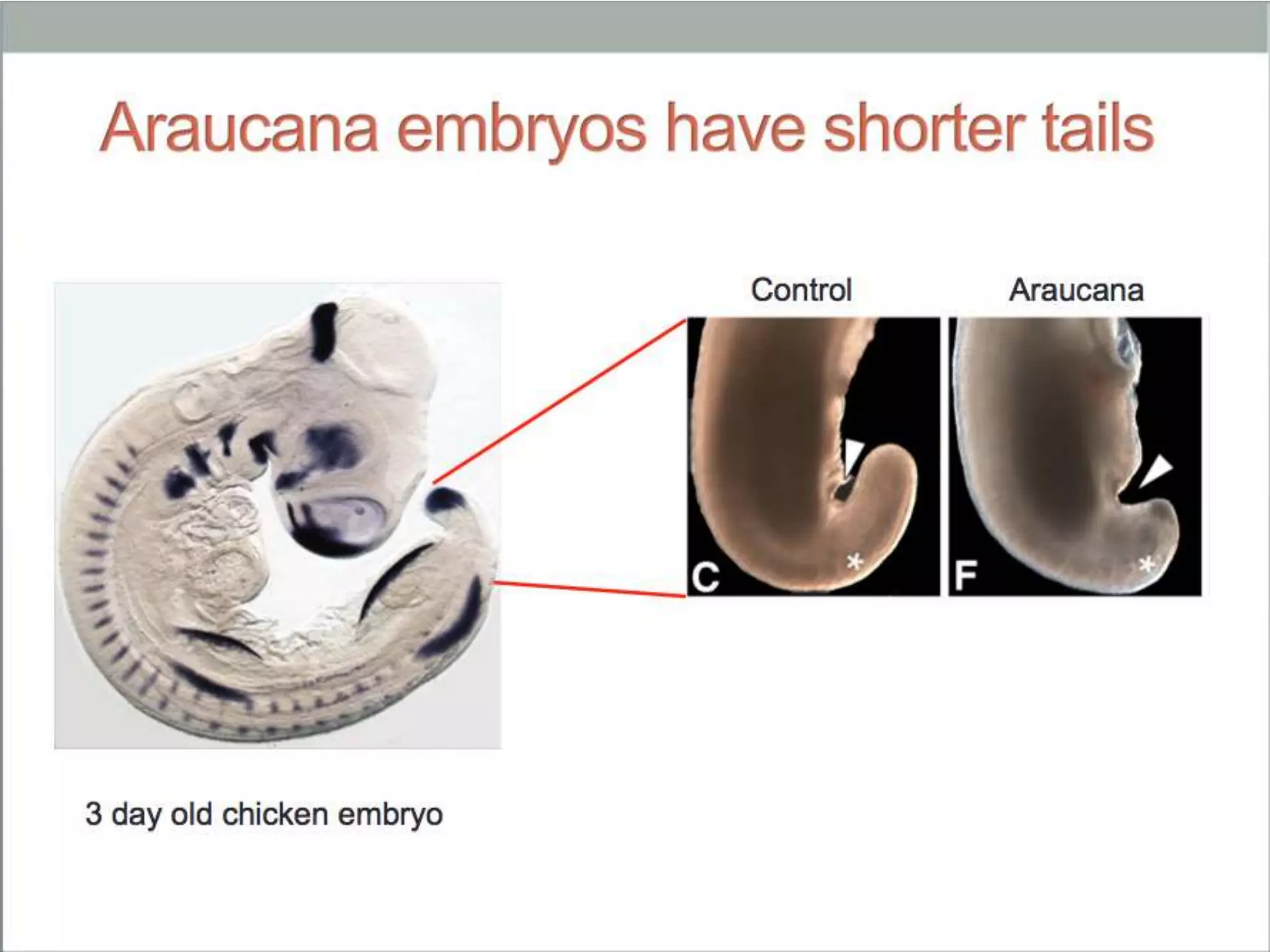
Tip: Research what works
• After a talk, ask audience members:
– What did you take away from that?
• Did they get the main points or not?
• Ask skilled presenters what they thought
– What worked well?
– What didn't work well?
– How could the presenter improve?
• Jot down slide designs that worked well
38
Tip: Avoid crutch words and phrases
• Um, ah, like, right, so, literally,
basically, actually, in terms of, to
be honest with you, if you will,
again. kind of
• Purge them from your speech
– Stop yourself, don't say anything
– Silence is better
– Gets easier over time
39
Tip: Speak naturally
• Goal: Sound like you're having a conversation
with one person (friend or co-worker)
• Tip: Practice what you'll say over dinner, on a
walk, anyplace other than at a podium.
• Avoid
– monotone, sing-song
• Vary tone, pitch, speed of your delivery
40
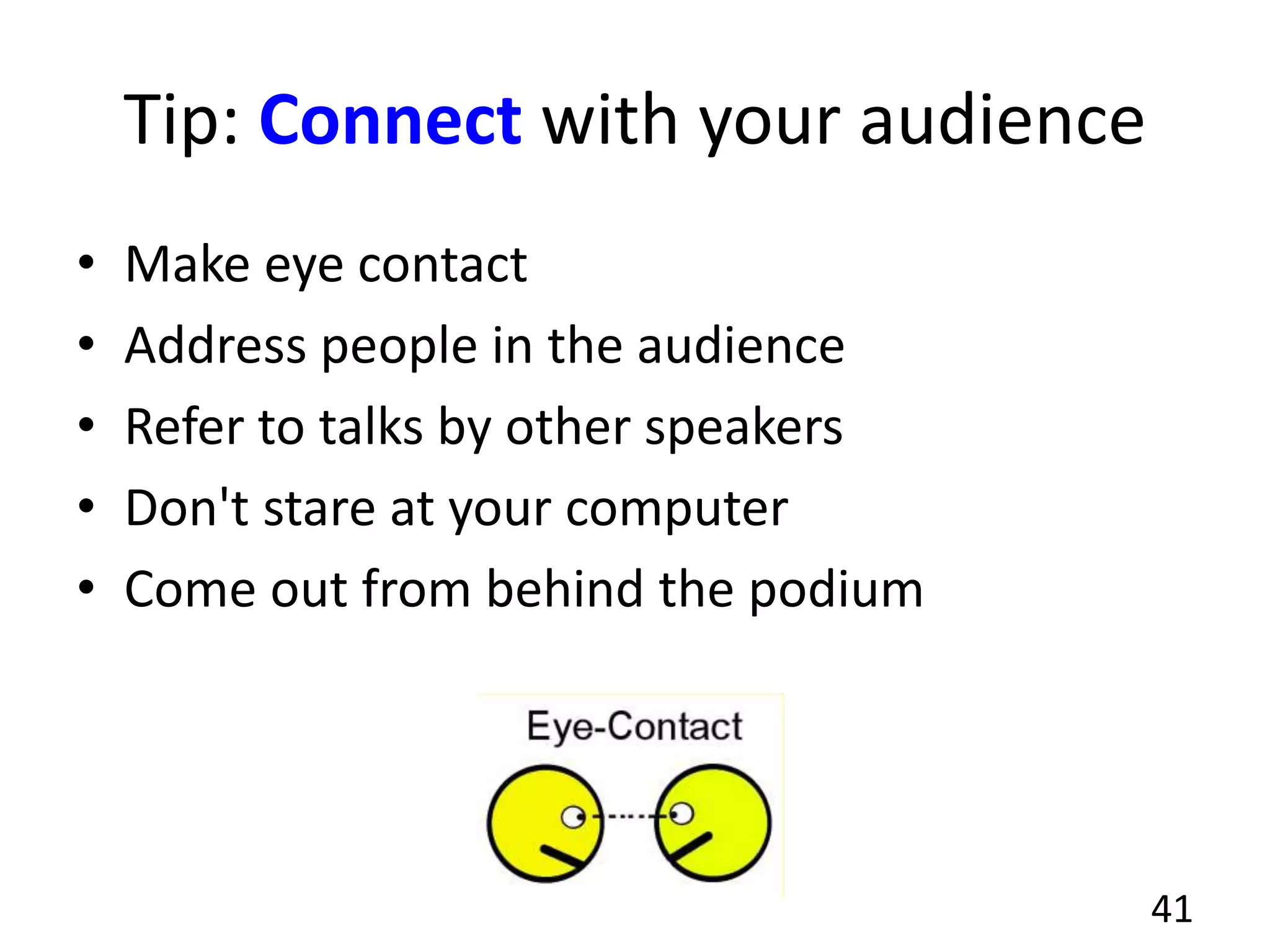
Tip: Connect with your audience
• Make eye contact
• Address people in the audience
• Refer to talks by other speakers
• Don't stare at your computer
• Come out from behind the podium
41
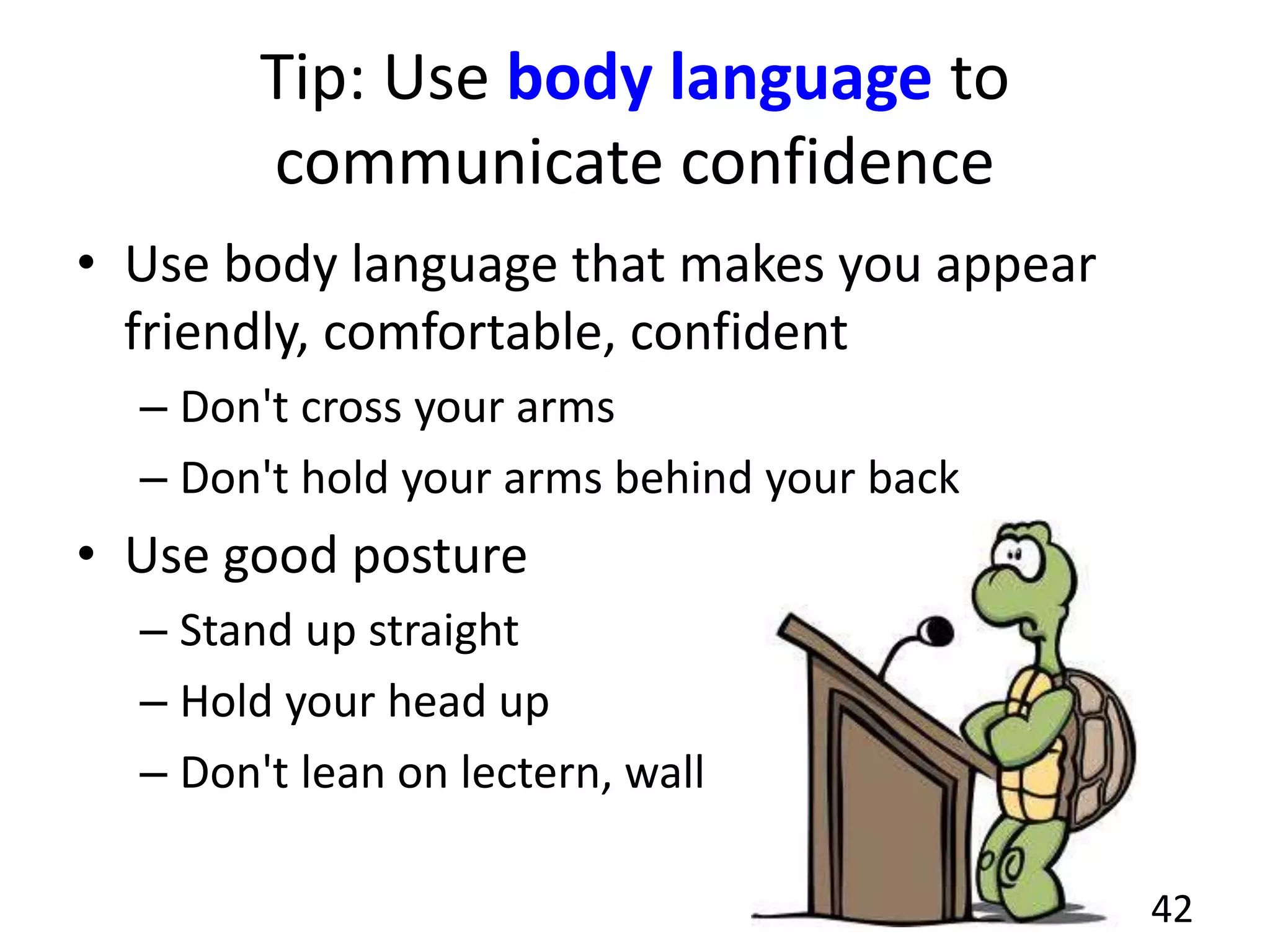
Tip: Use body language to
communicate confidence
• Use body language that makes you appear
friendly, comfortable, confident
– Don't cross your arms
– Don't hold your arms behind your back
• Use good posture
– Stand up straight
– Hold your head up
– Don't lean on lectern, wall
42
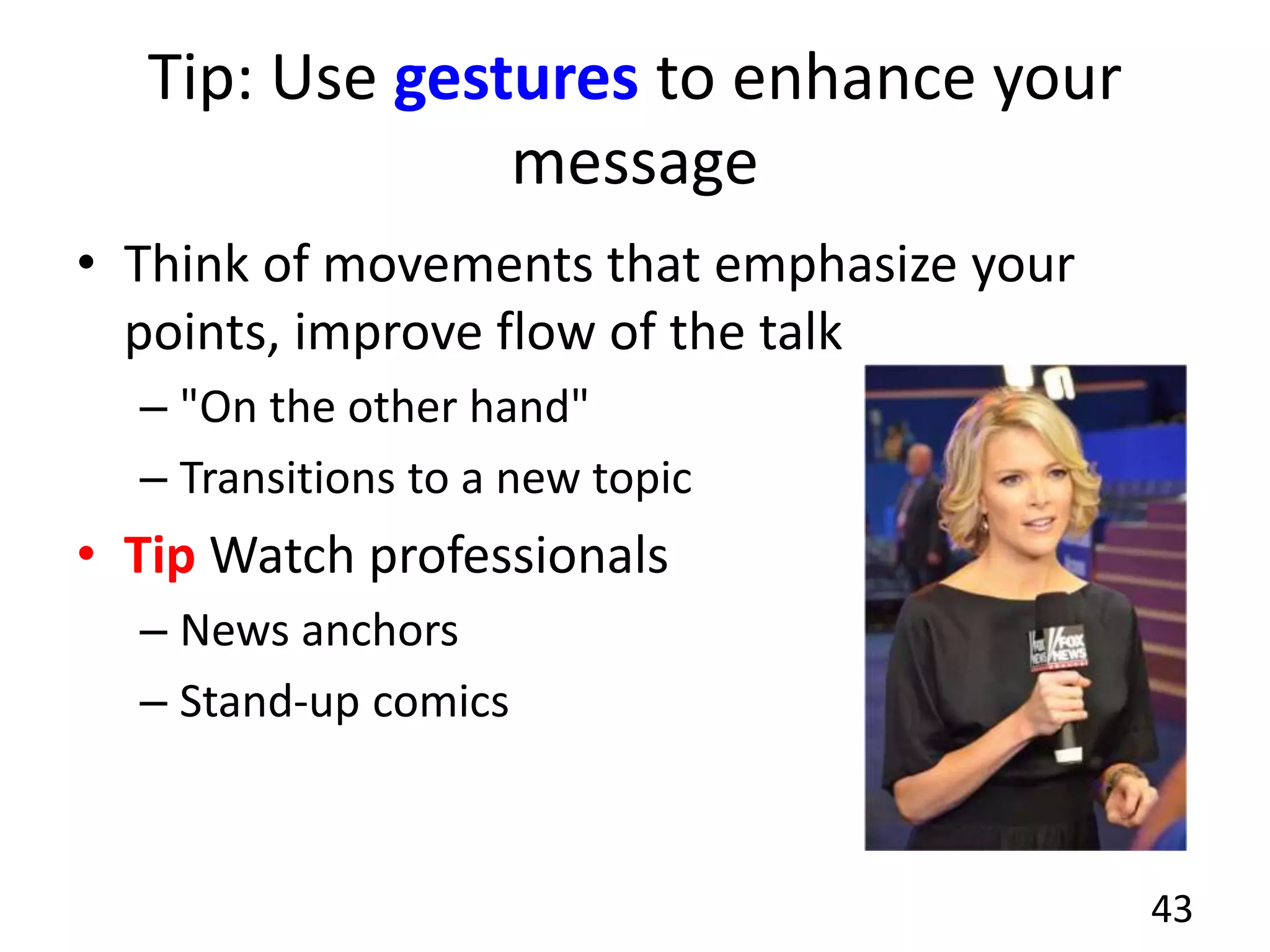
Tip: Use gestures to enhance your
message
• Think of movements that emphasize your
points, improve flow of the talk
– "On the other hand"
– Transitions to a new topic
• Tip Watch professionals
– News anchors
– Stand-up comics
43
Tip: Don't undermine yourself
• Don't minimize
– "I just have a minor
comment.."
– "I'm not sure if this is
right, but..."
– "I'm not an expert..."
• Never give your
audience a reason to
stop listening
44
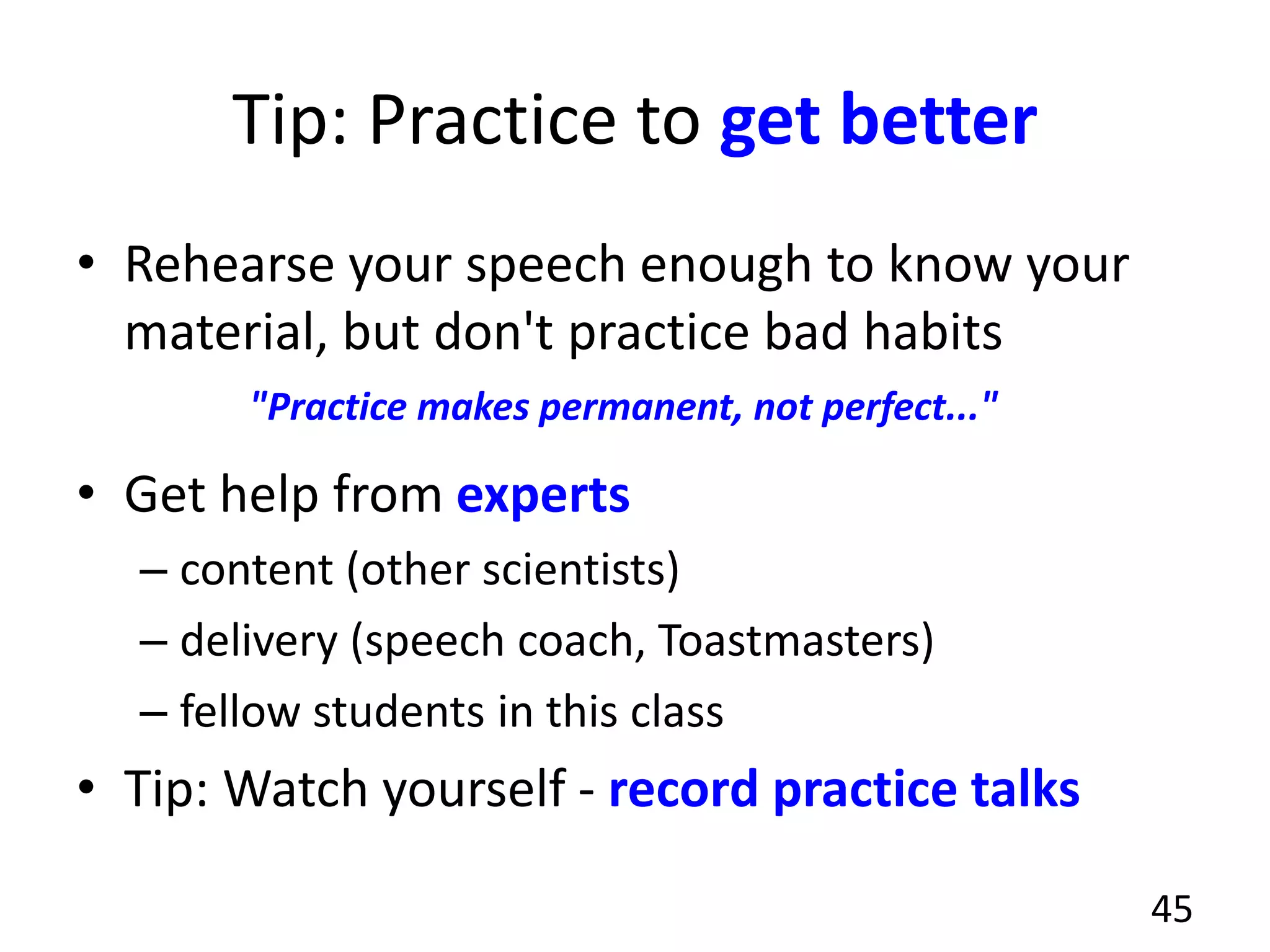
Tip: Practice to get better
• Rehearse your speech enough to know your
material, but don't practice bad habits
• Get help from experts
– content (other scientists)
– delivery (speech coach, Toastmasters)
– fellow students in this class
• Tip: Watch yourself - record practice talks
45
"Practice makes permanent, not perfect..."
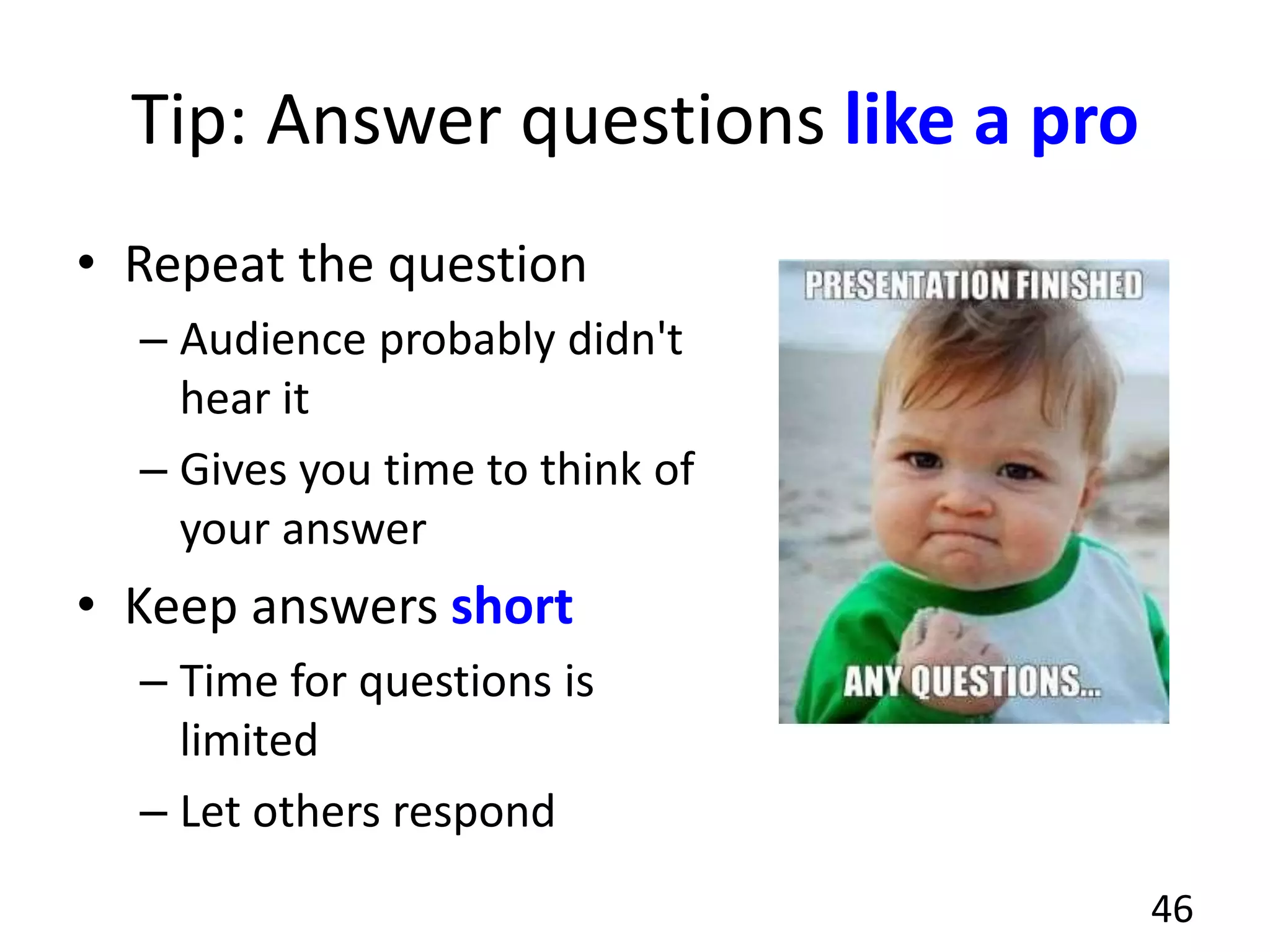
Tip: Answer questions like a pro
• Repeat the question
– Audience probably didn't
hear it
– Gives you time to think of
your answer
• Keep answers short
– Time for questions is
limited
– Let others respond
46
Making slides, planning your talk
in PowerPoint or KeyNote
47
Get started
• Ask yourself: What's my message?
• What do you want them to remember the
next day?
• Then: What examples can I use?
48
Make a slide outline
• Assume 1 to 2 minutes per slide
• 20 minutes = ~ 10 - 15 slides
• Title slide - on the screen while you're waiting
• Introduction to content - 1 to 3 slides
• Main content - Varies
• Summary slide - re-state main points
• Credits - who helped
– Tip: Show summary slide during questions.
49
Choose presentation software
• PowerPoint - from Microsoft
• KeyNote - from Apple
– Can open PowerPoint slides, free w/ new OS
• Check versions, sometimes not compatible
– Because font problems
• Tip: Make PDF of your talk, nearly every
computer has a PDF reader with full screen
view option
50
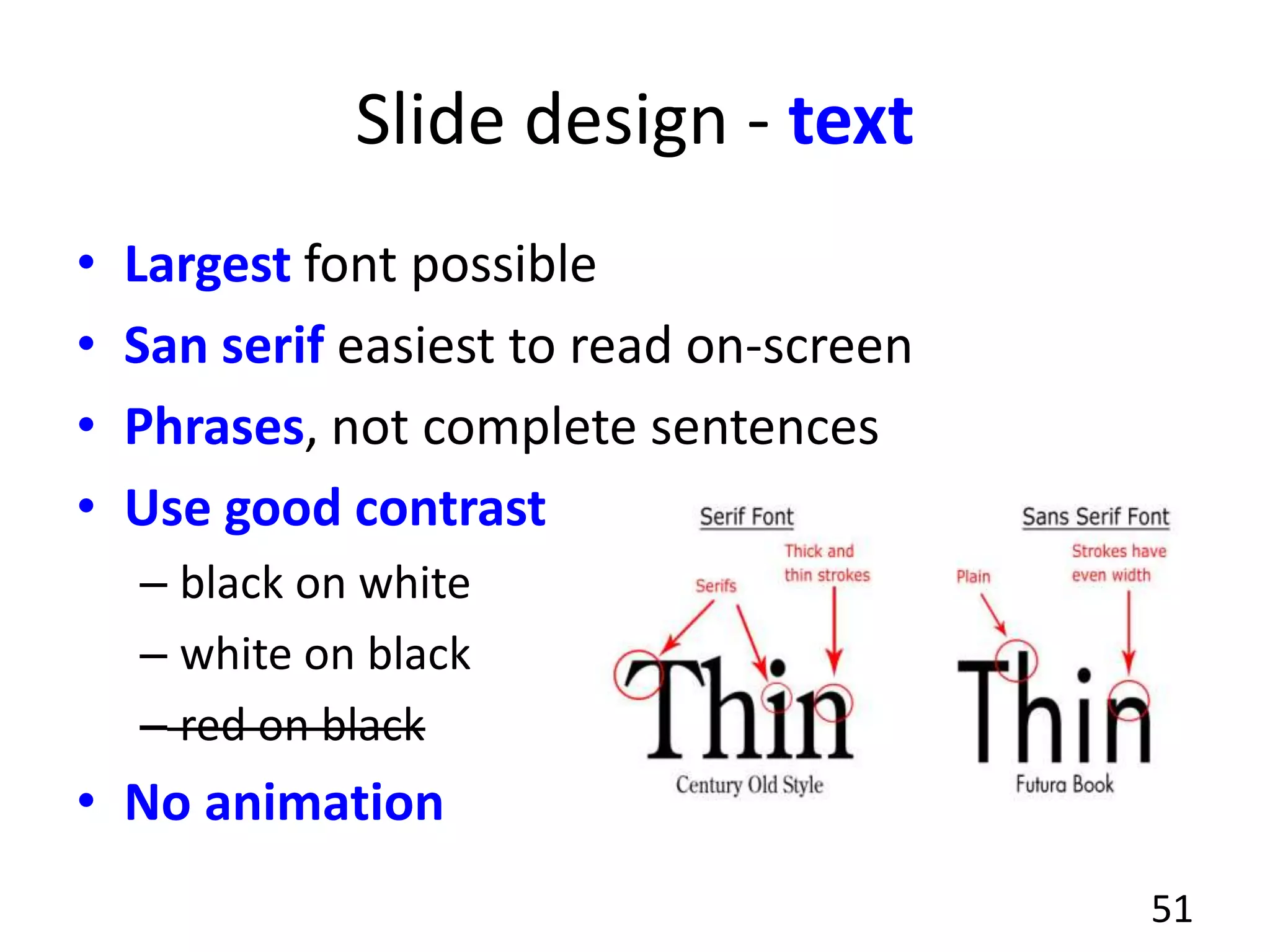
Slide design - text
• Largest font possible
• San serif easiest to read on-screen
• Phrases, not complete sentences
• Use good contrast
– black on white
– white on black
– red on black
• No animation
51
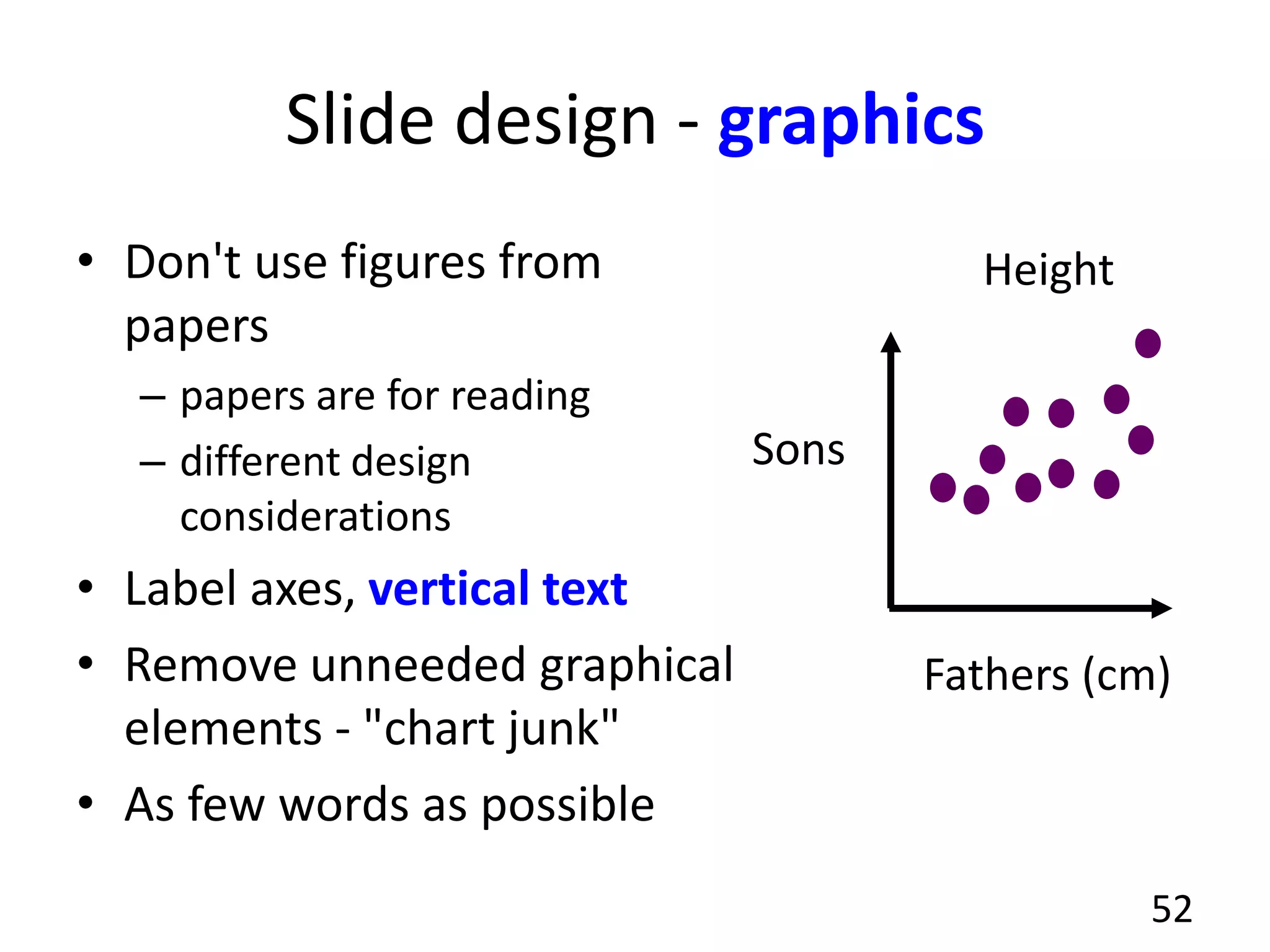
Slide design - graphics
• Don't use figures from
papers
– papers are for reading
– different design
considerations
• Label axes, vertical text
• Remove unneeded graphical
elements - "chart junk"
• As few words as possible
52
Fathers (cm)
Sons
Height
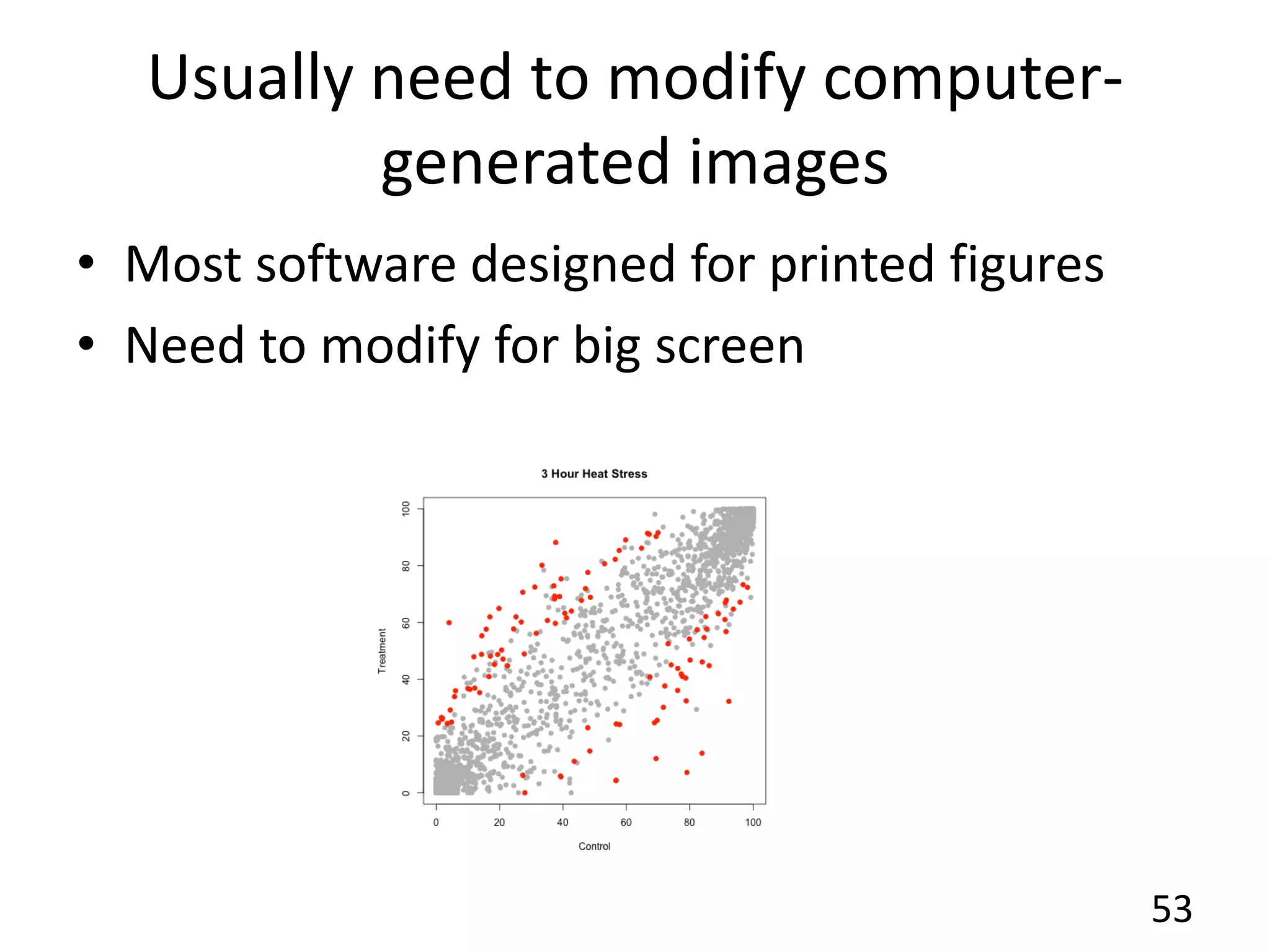
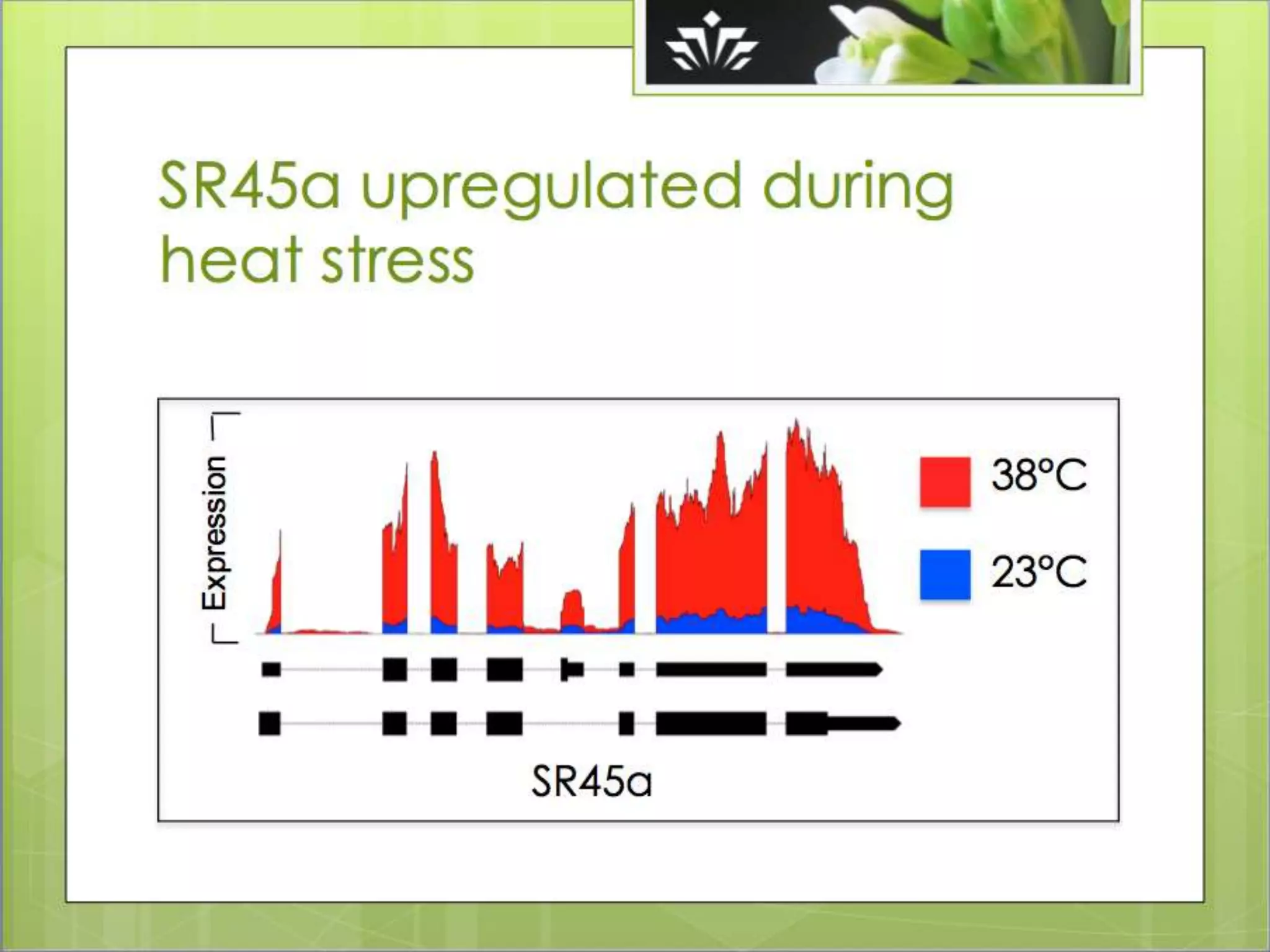
Usually need to modify computer-
generated images
53
• Most software designed for printed figures
• Need to modify for big screen
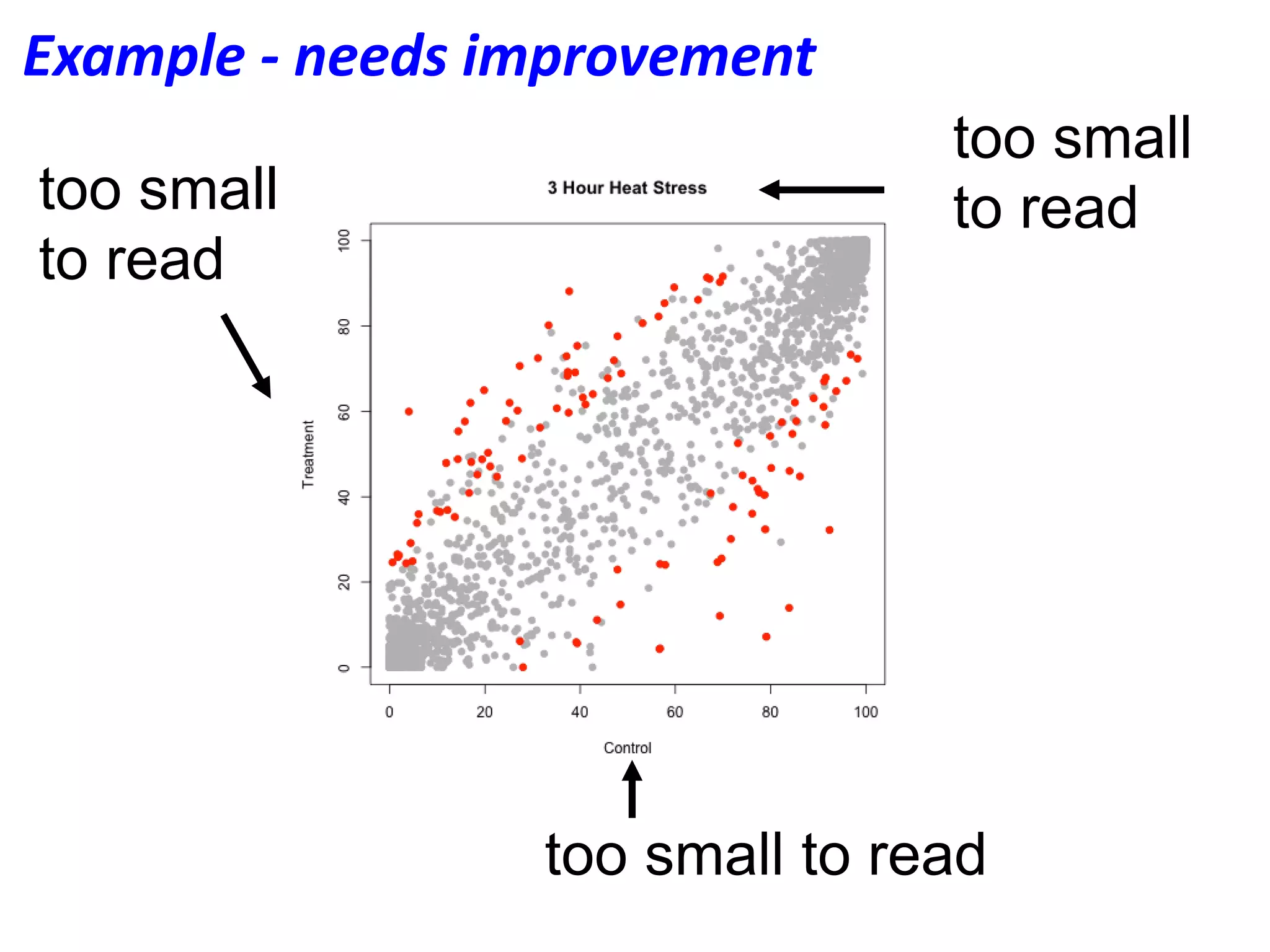
too small to read
too small
to readtoo small
to read
Example - needs improvement
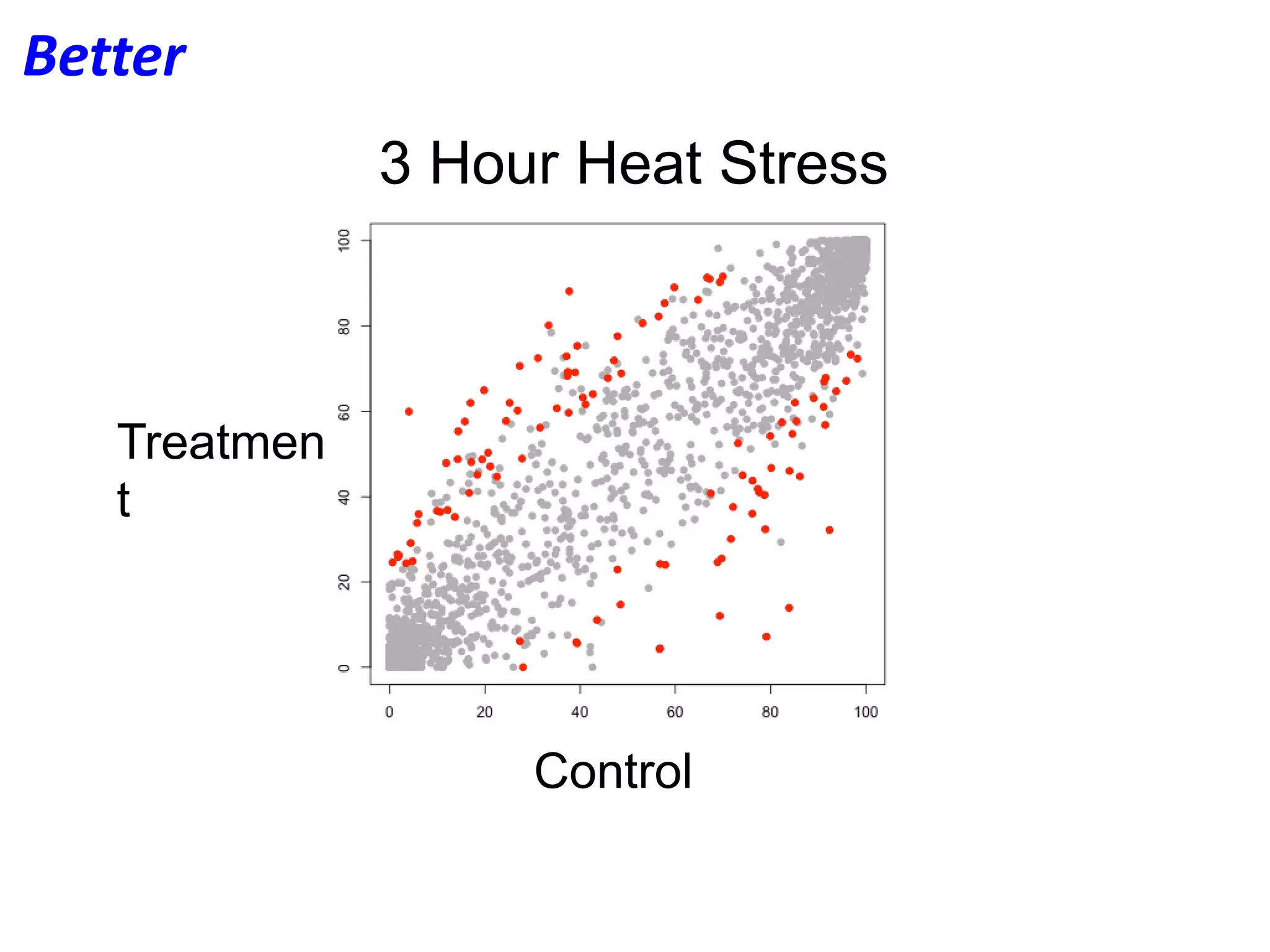
3 Hour Heat Stress
Treatmen
t
Control
Better
Practice - 3 times with an audience
• Session 1:
– Informal run-through to test your slides, message
• Session 2:
– More formal, ask audience to take notes
– At end, ask them to repeat your main messages
• Session 3:
– Real-deal dress rehearsal
– Fixes problems noticed in Session 2
– By now, you're a pro! This is to give you confidence,
notice any kinks
56
Now you know
• Basics of planning, giving a talk
• Designing slides
• But there is much more I didn't tell you
• Many resources for getting help:
– Toastmasters
– Each other
– Consult with Ann (office hours)
• Check back on line for slides and talk rubric
57
Examples of slides to avoid
from Nowlan
58
My talk outline
• Title
• Table of contents
• Introduction
• Methods
• Results
• Conclusions
• Acknowledgements
59
Nowlan says:
"Imagine you’re at a conference
with hundreds of speakers, or
better yet, imagine you have to
listen to your classmates every
week for several weeks, and there’s
3 or 4 talks each time."
"Now imagine that in every single
talk that person tells you how they
are going to first tell you about the
introduction, and then they will talk
about the methods, and then they
will talk about the results…
There is absolutely no point to
having this."
Introduction
• Stuff
– Words words words words words
• More stuff
– Words words words words words
• Even more stuff
– Words words words words words
• So much stuff there’s no point in even bothering to read this slide… hey a picture!
• Wait, why is there a picture of bananas…whoops too late, slides already changed.
• And I spent so much time trying to read I didn’t actually listen to what the presenter said.
– Words words words words words
60
Nowlan says:
"Do not fill your slide with lots of
words. If you pack in lots of words,
you will either have to spend a lot
of time on the slide, or you’ll skip
over it and no one will have a
chance to read it."
"If it’s important - split it up into
multiple slides. Better yet, cut it
down to just the important parts."
"Slides should include just the main
point of what you want to say. The
rest should be you speaking it.
This makes it easy to quickly digest
the point of your slide. It also helps
you avoid simply reading through
your slide."
Results
• You really need to get the main point of this
slide.
61
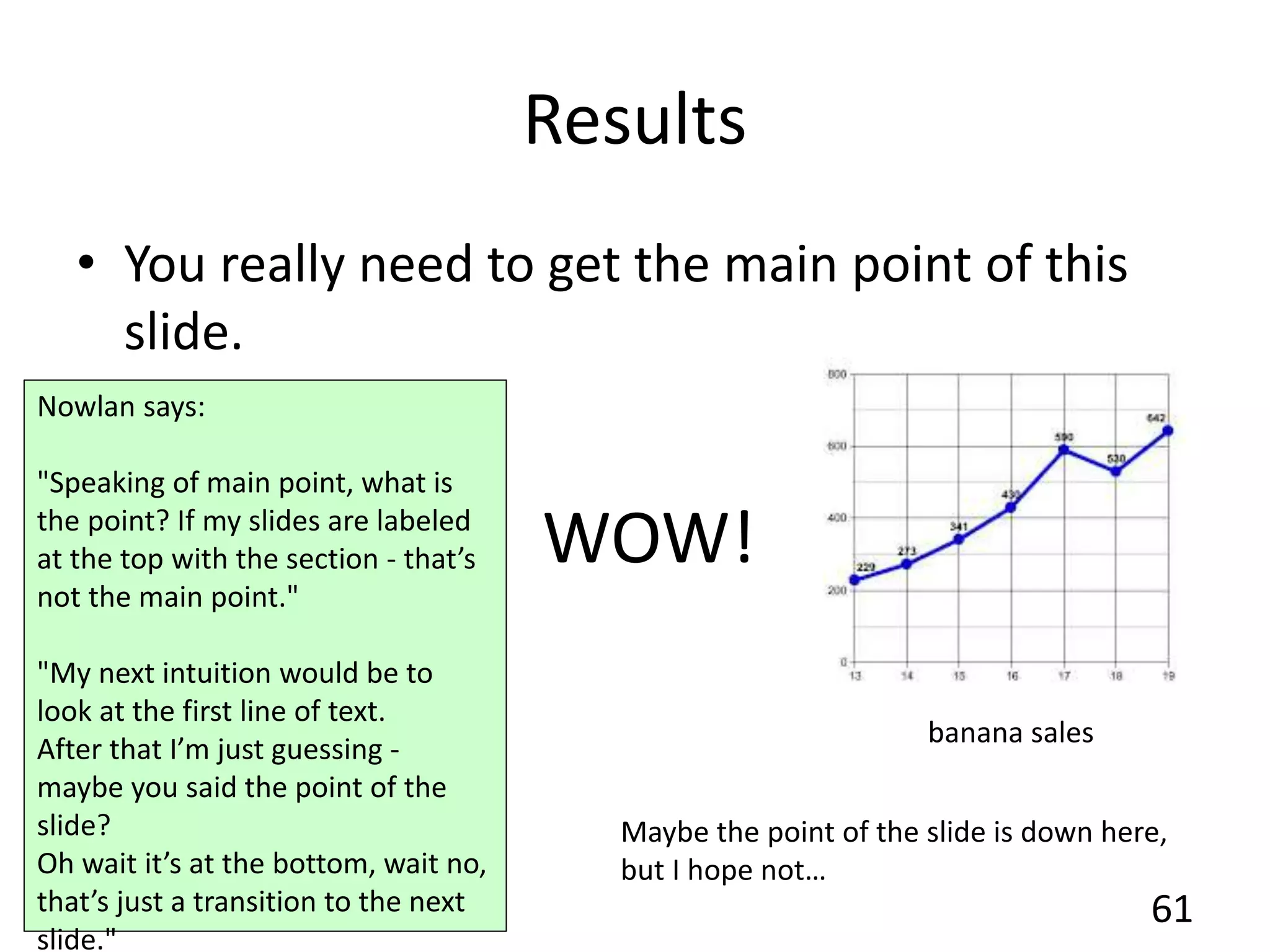
banana sales
Maybe the point of the slide is down here,
but I hope not…
WOW!
Nowlan says:
"Speaking of main point, what is
the point? If my slides are labeled
at the top with the section - that’s
not the main point."
"My next intuition would be to
look at the first line of text.
After that I’m just guessing -
maybe you said the point of the
slide?
Oh wait it’s at the bottom, wait no,
that’s just a transition to the next
slide."
A great point
• But kind of hard to read
– Words words words words words
62
A great point
• Better now?
– Words words words words words
63
A great point
• How about now?
– Words words words words words
64
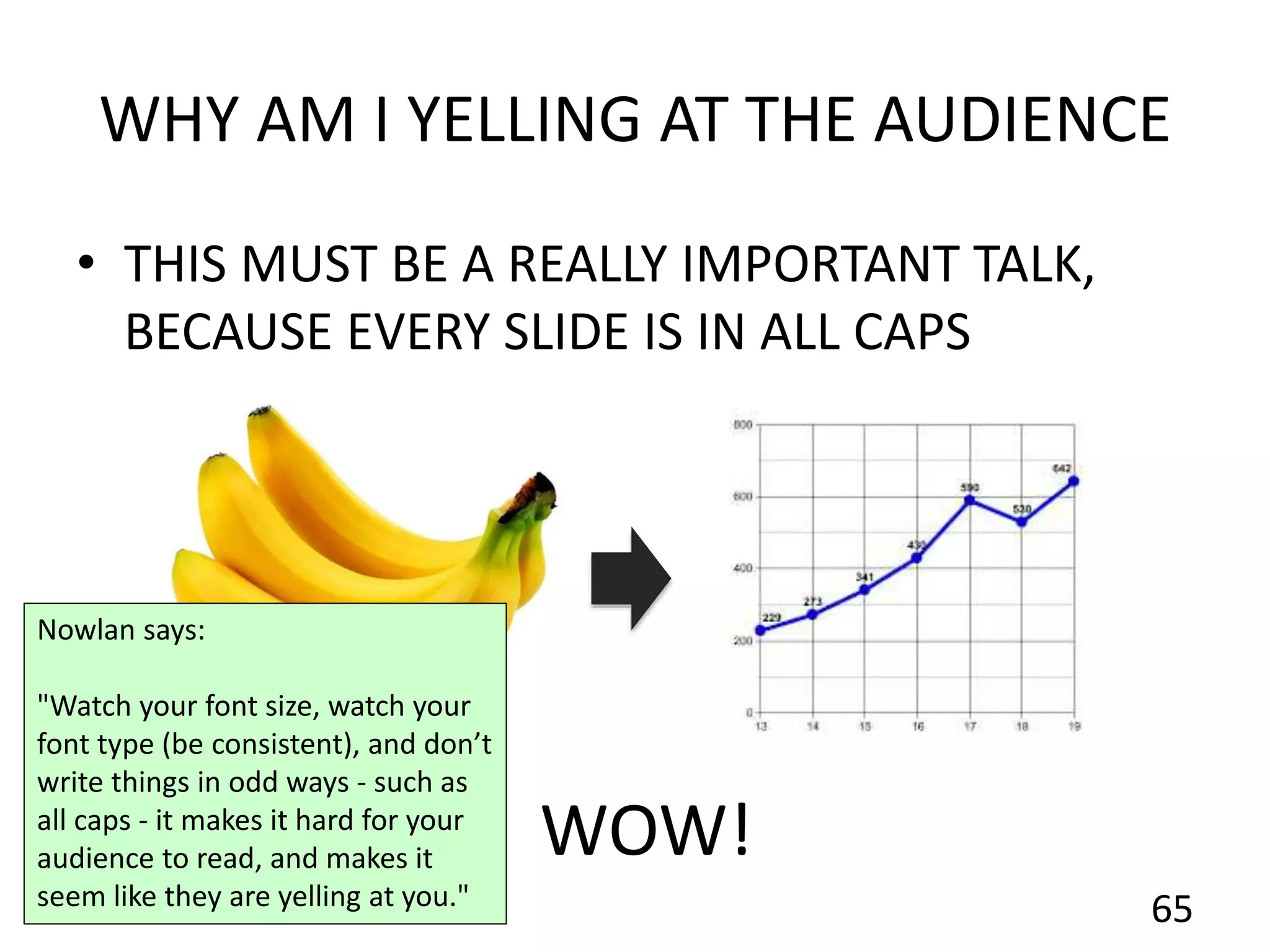
WHY AM I YELLING AT THE AUDIENCE
• THIS MUST BE A REALLY IMPORTANT TALK,
BECAUSE EVERY SLIDE IS IN ALL CAPS
65
WOW!
Nowlan says:
"Watch your font size, watch your
font type (be consistent), and don’t
write things in odd ways - such as
all caps - it makes it hard for your
audience to read, and makes it
seem like they are yelling at you."
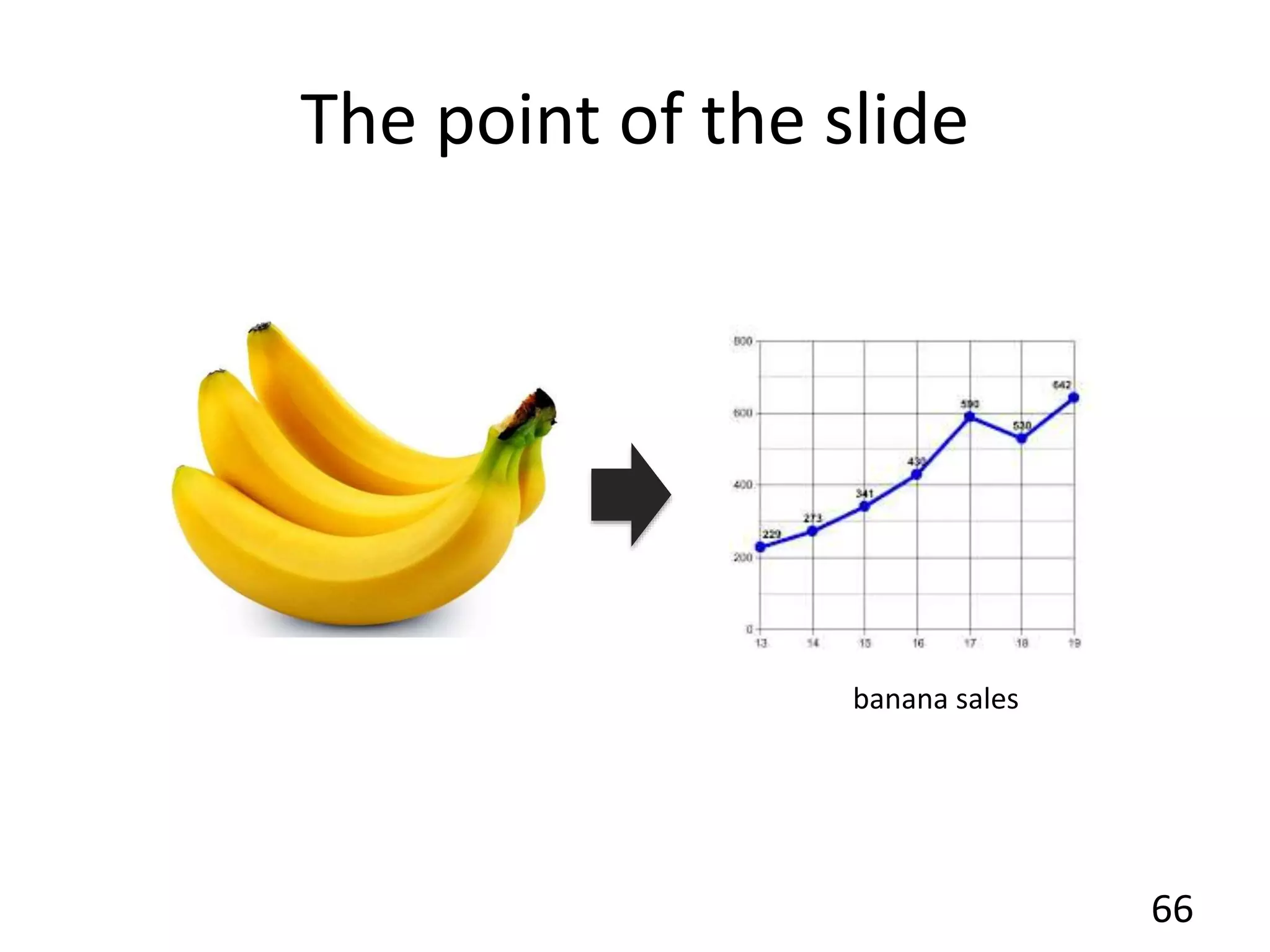
The point of the slide
66
banana sales
Conclusions
67
• Some really important text that there is no
way to summarize with an image.
• I really need you to concentrate on each
part separately, as I say it.
• But it’s really tempting to try and read the
next part.
• And now I can’t read the first part because
it’s blurred out.
• Some really important text that there is no
way to summarize with an image.
• I really need you to concentrate on each
part separately, as I say it.
• But it’s really tempting to try and read the
next part.
• And now I can’t read the first part because
it’s blurred out.
Next few slides show good practices
• But of course, there is always room to
improve.
• What do you think?
– Let's talk!
68
69
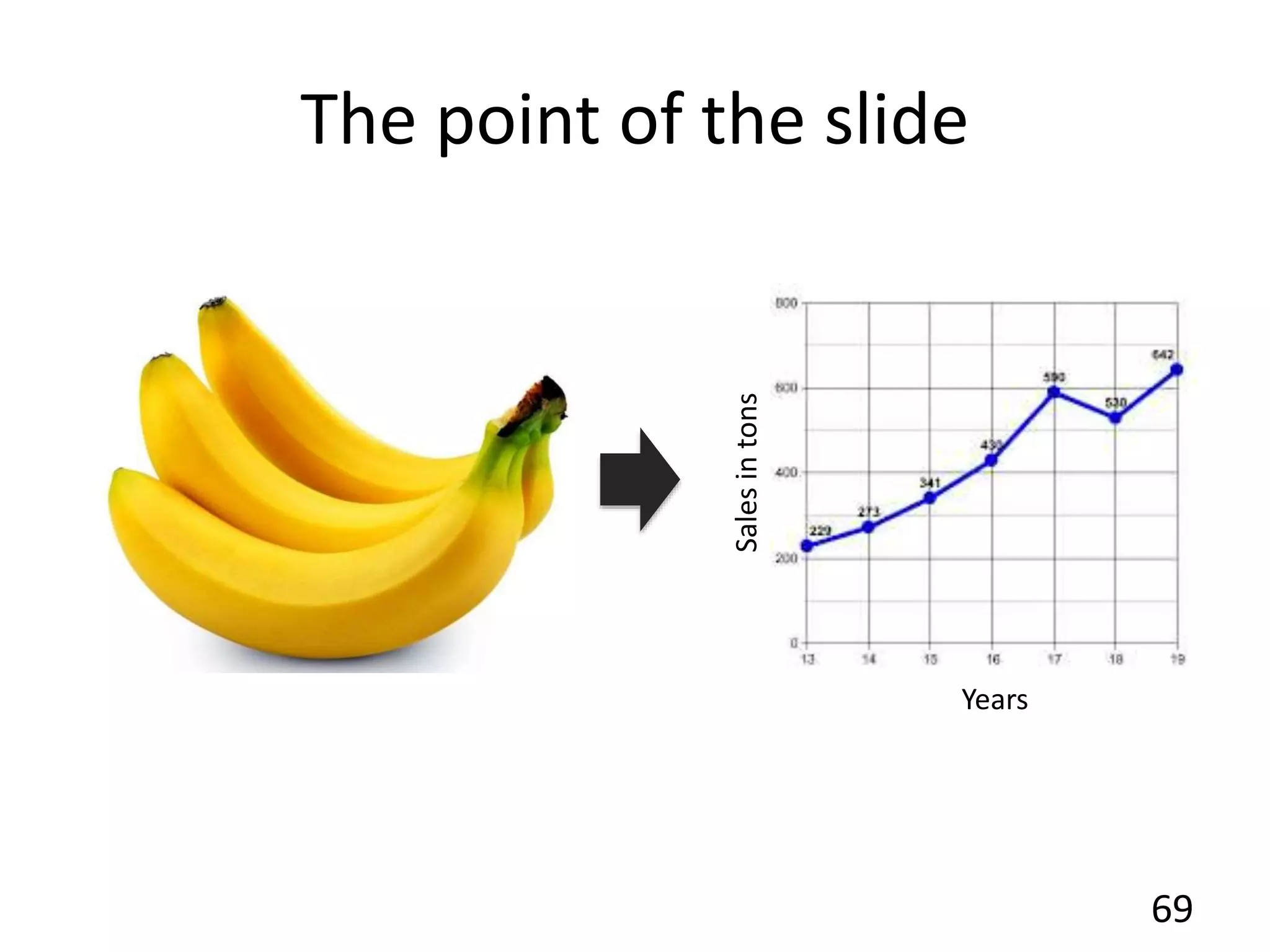
The point of the slide
Salesintons
Years
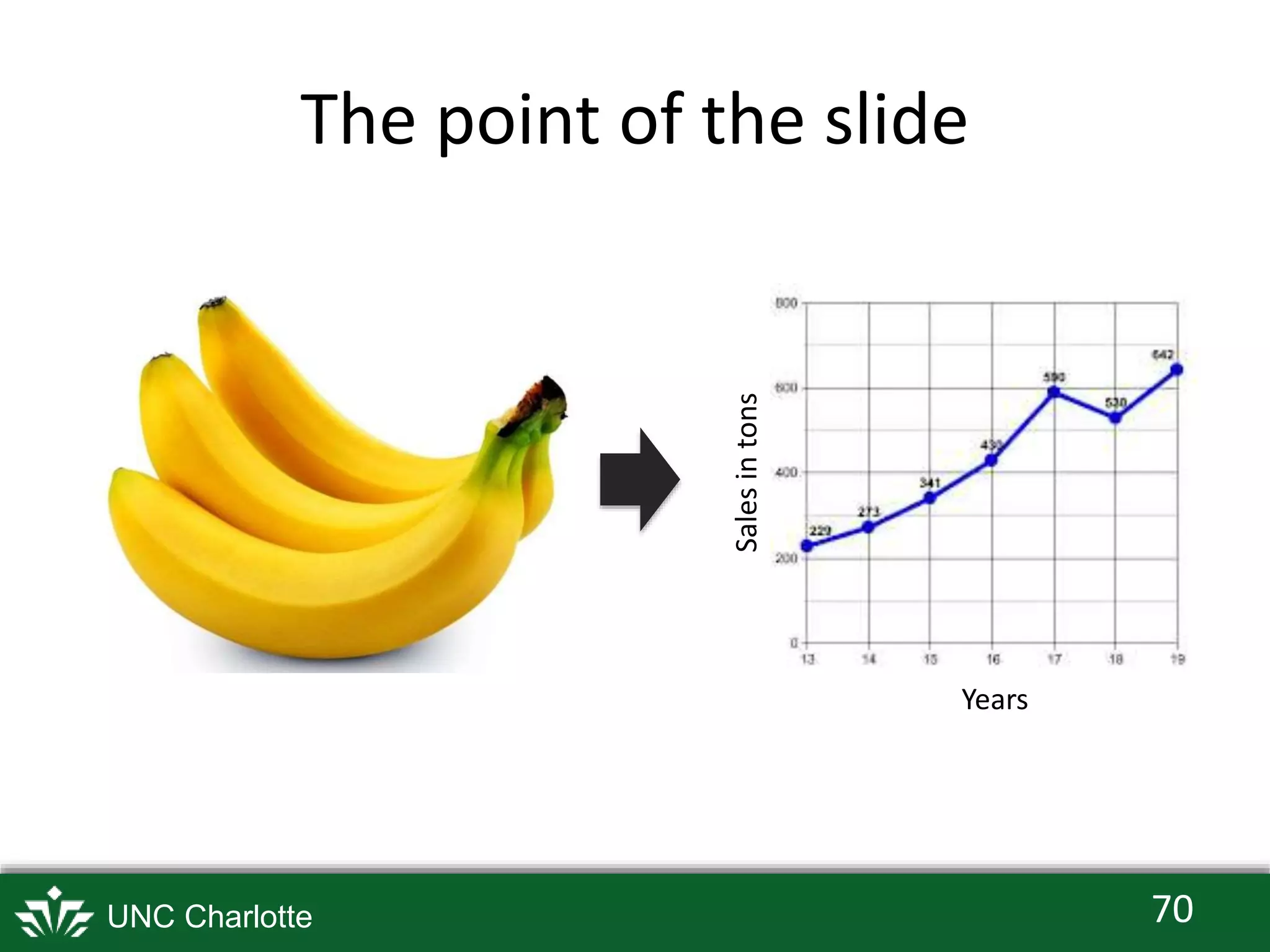
The point of the slide
70UNC Charlotte
Salesintons
Years
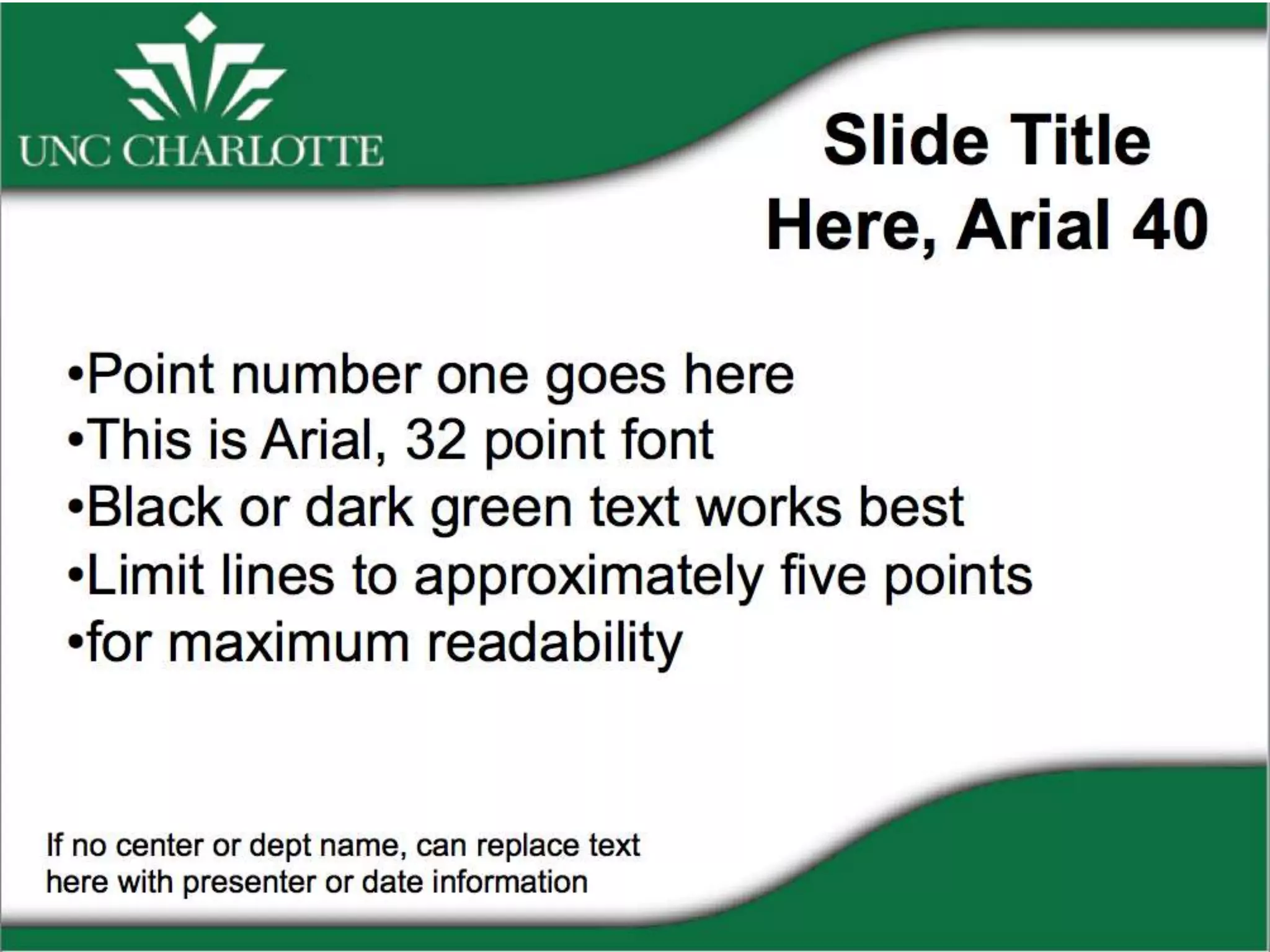
UNC Charlotte offers some useful
guidelines
• You can get templates on-line
• Most institutions provide PowerPoint
templates for students, faculty, staff
71
72
73
74
75
76

Giving great talks in Bioinformatics - from Professional Communication class taught (for a time) at UNC Charlotte

  • 1.
    Welcome to Professional CommunicationBINF 6051 Instructor: Ann Loraine aloraine@uncc.edu with help from Dr. Nowlan Freese nfreese@uncc.edu 1 Goals • Learn to give great technical and scientific presentations. • Learn to advise colleagues on to give great presentations. • Build your professional network in bioinformatics .
  • 2.
    About Ann • Pleasecall me Ann, not "Dr. Loraine" • I work in Plants for Human Health Building, North Carolina Research Campus, Kannapolis 2 our lab
  • 3.
    About Nowlan • I'man NSF Postdoctoral Fellow (in Loraine Lab) at North Carolina Research Campus, Kannapolis 3 our lab
  • 4.
    Writing Resources • WilliamZinsser On Writing Well • Strunk & White Elements of Style • Slides from Kristen Sainani's "Writing in the Sciences" class – http://bit.ly/KSaininiSlides or – http://bit.ly/LoraineLabWriting (in case other site not available) 4
  • 5.
    Goals - Learn& practice how to • Give scientific and technical talks • Give useful feedback on other people's talks • Meet people in your field & build your professional network 5
  • 6.
    Give a talkon a technical or scientific topic • 4 teams of 6 or 7 • Each team member prepares their own talk • Team members help each other prepare • Everybody practices at least once in front of their team • Team gives feedback, helps you improve 6
  • 7.
    Process • Meet yourteam, plan your session - moodle has dates • Pick a topic. "Turn in" title to moodle. (Assignment 1) • Make draft slides. (Assignment 2) • Meet with your team and rehearse your talks - practice (Assignment 3) • Team gives feedback, helps you improve – Tip: Use same rubric provided in class 7
  • 8.
    On the talkday • Give your talk (Assignment 4) • Audience gets rubric handout, uses it to take notes during your talk (Assignment 5) • At end of the talk, Ann and Nowlan collect handouts – We'll scan them and upload scans as feedback for moodle "Assignment 4 Give a talk" 8
  • 9.
    Audience - yourgoal • Give good feedback to each student – Say what they did well (at least 3!) – Give suggestions for improvement (at least 3!) – Rubric will be provided • Ann & Nowlan will review your comments and give you feedback on how to give better feedback 9
  • 10.
    After the talk(~ 1 week) • Ann and Nowlan send you scans of audience feedback handouts • Read your comments, write reflection essay: (Assignment 6) – What went well? – What would you do differently next time? – What team feedback did you use that made your talk better? 10
  • 11.
    Speaker - yourgoals • Have the best possible experience • Communicate your main points – so that everyone remembers what you said • Build confidence in your speaking ability so that – when you're invited to give a talk, you'll know what to do – you'll feel confident you can deliver an interesting and informative talk 11
  • 12.
    Any questions? reach outby email if you think of some later: aloraine@uncc.edu 12
  • 13.
    How to givegreat talks in bioinformatics (and other fields, too) BINF 6151 Professional Presentation 13
  • 14.
    Motivation: Why givegreat talks? • It's your job – Researchers present work to boss, team-mates, management • Doing it well helps your career – People look forward to hearing you, respect your opinion and ideas – Leads to a higher salary, promotions • What else? 14
  • 15.
    How do youfeel about giving talks? • Nervous? • Uncomfortable? • At ease? • Relaxed? 15
  • 16.
    Giving good talksin science can be hard...but • You can learn how to do it – Some people are naturally good speakers, but most of us are not. We have to work at it. • This class will help, but... – This is a one-credit class, limited time – I'll cover the basics and help you get started, but this class won't make you an expert. – It's a long-term project - never stop learning! 16
  • 17.
    Some-one invited youto give a talk • And you said "Yes"! 17 What do you do next?!
  • 18.
    First step... • Whatdoes the person who invited you expect? – What kind of talk? • Find out: – venue – projection equipment (aspect ratio for slides) – audience composition – size of audience 18
  • 19.
    Talk type 1:Group meeting • Present latest work to co-workers • Audience: your workgroup, ~ 10 people 19
  • 20.
    Talk type 2:Literature, technology review • Research a topic and report back to a group • Audience: – Your workgroup – A journal club – Typically 10 to 20 people • But might be many more • Goal: teaching, instruction, enrichment 20
  • 21.
    Talk type 3:Conference talk • Formal presentation of research to community • Usually 15 to 30 minutes (rarely longer) • ~ 30 - 100 people • Usually audience in your field, knows the "jargon" 21
  • 22.
    Talk type 4:Poster presentation • Present your work, 5-10 min. next to poster • Give same talk many times to 1 - 5 people 22
  • 23.
    Talk type 5:Seminar • Longer presentation (~50 minutes) • Audience size: Academic Dept., 30-50 people • Should be accessible to students, people outside the speaker's field 23
  • 24.
    Talk type 6:Conference Keynote • Longer talk (~1 hour) by senior scientist • Often describes many years of research • Audience: 200 to 1,000 • Many available on-line: http://theleadingstrand.cshl.edu/ 24
  • 25.
    Many other talktypes • TED-style talks - short, for the public • Lightning talks at conference - 5 minutes • Lectures - informational, mostly in classrooms 25
  • 26.
    Top Tips forgiving good talks • Keep these in mind as you prepare • There are more! Suggest some of your own. 26 http://www.cgd.ucar.edu/cms/agu/scientific_talk.html
  • 27.
    Tip: Know yourtake-home message(s) • How many messages? – 4 or 5 for a 1-hour talk, – Fewer for shorter talks • Example: – This lecture describes guidelines ("tips") for planning and giving talks – Needed for the first assignment of the class 27
  • 28.
    Tip: Tell astory • Good talks have a narrative structure – beginning – middle – end • Know your story before you start making slides 28 problem or question why it matters how we answered the question the answer we got what it all means conference talk example
  • 29.
    Tip: Know youraudience • Their interests – Computer science or biology? – Applied or theoretical? • Education – Trainee or faculty? – Undergrad or grad student? • Their field – Are they in your field or another? – Are they experts on your topic? 29
  • 30.
    Tip: Know yourvenue • How big is it? • Will you need a microphone? • Use your own computer? • Will there be internet? • Video projector quality? • Presentation software? Slides format? – PDF is safest; seen fewer PowerPoint mishaps lately 30
  • 31.
    Find out whatthe projector can handle • In PowerPoint, select File > Page Setup... • Note: different aspect ratios available – Choose what fits the venue projection equipment the best 31
  • 32.
    Ann's favorite venuetype • Amphitheater style, you look up at audience • Your voice carries – back of room hears you clearly • Enormous screen • Good lighting – You can see audience, they can see you • Comfortable, upholstered seating, with surface for taking notes 32
  • 33.
    Tip: Use examples •People like stories – Easier than abstract concepts • Ex) – MDS analysis allows you to visualize similarity between samples vs – I used MDS to figure out that mature green berries are very different from ripe berries or tiny berries 33
  • 34.
    Tip: Study otherpeople's talks • Listen, watch for how they tell their story • Pay attention to structure • Be critical: How could they improve? • Be open-minded: What techniques can you borrow? • Watch talks & lectures on-line – What were the strengths? weaknesses? 34
  • 35.
    Examples from Genomics,IT • Next-generation sequencing technologies – Elaine Mardis, NIH – https://www.youtube.com/watch?v=PMIF6zUeKk o • Talks from Data Gotham 2012 – http://www.datagotham.com/videos/ 35
  • 36.
    Other examples • Familytrees can be dangerous – Paul Nurse at the Moth (May 2012) https://www.youtube.com/watch?v=X9Jktke38I8 • Stay Hungry, Stay Foolish – Steve Job's commencement address (June 2005) http://news.stanford.edu/news/2005/june15/jobs -061505.html 36
  • 37.
    Tip: Study otherpeople's slides • Pay attention to design, layout, graphics • Be critical: How could they improve? • Be open-minded: What techniques can you borrow? • Slides on-line: www.slideshare.net 37
  • 38.
    Tip: Research whatworks • After a talk, ask audience members: – What did you take away from that? • Did they get the main points or not? • Ask skilled presenters what they thought – What worked well? – What didn't work well? – How could the presenter improve? • Jot down slide designs that worked well 38
  • 39.
    Tip: Avoid crutchwords and phrases • Um, ah, like, right, so, literally, basically, actually, in terms of, to be honest with you, if you will, again. kind of • Purge them from your speech – Stop yourself, don't say anything – Silence is better – Gets easier over time 39
  • 40.
    Tip: Speak naturally •Goal: Sound like you're having a conversation with one person (friend or co-worker) • Tip: Practice what you'll say over dinner, on a walk, anyplace other than at a podium. • Avoid – monotone, sing-song • Vary tone, pitch, speed of your delivery 40
  • 41.
    Tip: Connect withyour audience • Make eye contact • Address people in the audience • Refer to talks by other speakers • Don't stare at your computer • Come out from behind the podium 41
  • 42.
    Tip: Use bodylanguage to communicate confidence • Use body language that makes you appear friendly, comfortable, confident – Don't cross your arms – Don't hold your arms behind your back • Use good posture – Stand up straight – Hold your head up – Don't lean on lectern, wall 42
  • 43.
    Tip: Use gesturesto enhance your message • Think of movements that emphasize your points, improve flow of the talk – "On the other hand" – Transitions to a new topic • Tip Watch professionals – News anchors – Stand-up comics 43
  • 44.
    Tip: Don't undermineyourself • Don't minimize – "I just have a minor comment.." – "I'm not sure if this is right, but..." – "I'm not an expert..." • Never give your audience a reason to stop listening 44
  • 45.
    Tip: Practice toget better • Rehearse your speech enough to know your material, but don't practice bad habits • Get help from experts – content (other scientists) – delivery (speech coach, Toastmasters) – fellow students in this class • Tip: Watch yourself - record practice talks 45 "Practice makes permanent, not perfect..."
  • 46.
    Tip: Answer questionslike a pro • Repeat the question – Audience probably didn't hear it – Gives you time to think of your answer • Keep answers short – Time for questions is limited – Let others respond 46
  • 47.
    Making slides, planningyour talk in PowerPoint or KeyNote 47
  • 48.
    Get started • Askyourself: What's my message? • What do you want them to remember the next day? • Then: What examples can I use? 48
  • 49.
    Make a slideoutline • Assume 1 to 2 minutes per slide • 20 minutes = ~ 10 - 15 slides • Title slide - on the screen while you're waiting • Introduction to content - 1 to 3 slides • Main content - Varies • Summary slide - re-state main points • Credits - who helped – Tip: Show summary slide during questions. 49
  • 50.
    Choose presentation software •PowerPoint - from Microsoft • KeyNote - from Apple – Can open PowerPoint slides, free w/ new OS • Check versions, sometimes not compatible – Because font problems • Tip: Make PDF of your talk, nearly every computer has a PDF reader with full screen view option 50
  • 51.
    Slide design -text • Largest font possible • San serif easiest to read on-screen • Phrases, not complete sentences • Use good contrast – black on white – white on black – red on black • No animation 51
  • 52.
    Slide design -graphics • Don't use figures from papers – papers are for reading – different design considerations • Label axes, vertical text • Remove unneeded graphical elements - "chart junk" • As few words as possible 52 Fathers (cm) Sons Height
  • 53.
    Usually need tomodify computer- generated images 53 • Most software designed for printed figures • Need to modify for big screen
  • 54.
    too small toread too small to readtoo small to read Example - needs improvement
  • 55.
    3 Hour HeatStress Treatmen t Control Better
  • 56.
    Practice - 3times with an audience • Session 1: – Informal run-through to test your slides, message • Session 2: – More formal, ask audience to take notes – At end, ask them to repeat your main messages • Session 3: – Real-deal dress rehearsal – Fixes problems noticed in Session 2 – By now, you're a pro! This is to give you confidence, notice any kinks 56
  • 57.
    Now you know •Basics of planning, giving a talk • Designing slides • But there is much more I didn't tell you • Many resources for getting help: – Toastmasters – Each other – Consult with Ann (office hours) • Check back on line for slides and talk rubric 57
  • 58.
    Examples of slidesto avoid from Nowlan 58
  • 59.
    My talk outline •Title • Table of contents • Introduction • Methods • Results • Conclusions • Acknowledgements 59 Nowlan says: "Imagine you’re at a conference with hundreds of speakers, or better yet, imagine you have to listen to your classmates every week for several weeks, and there’s 3 or 4 talks each time." "Now imagine that in every single talk that person tells you how they are going to first tell you about the introduction, and then they will talk about the methods, and then they will talk about the results… There is absolutely no point to having this."
  • 60.
    Introduction • Stuff – Wordswords words words words – Words words words words words – Words words words words words – Words words words words words • More stuff – Words words words words words – Words words words words words – Words words words words words – Words words words words words – Words words words words words • Even more stuff – Words words words words words – Words words words words words – Words words words words words – Words words words words words • So much stuff there’s no point in even bothering to read this slide… hey a picture! • Wait, why is there a picture of bananas…whoops too late, slides already changed. • And I spent so much time trying to read I didn’t actually listen to what the presenter said. – Words words words words words – Words words words words words – Words words words words words 60 Nowlan says: "Do not fill your slide with lots of words. If you pack in lots of words, you will either have to spend a lot of time on the slide, or you’ll skip over it and no one will have a chance to read it." "If it’s important - split it up into multiple slides. Better yet, cut it down to just the important parts." "Slides should include just the main point of what you want to say. The rest should be you speaking it. This makes it easy to quickly digest the point of your slide. It also helps you avoid simply reading through your slide."
  • 61.
    Results • You reallyneed to get the main point of this slide. 61 banana sales Maybe the point of the slide is down here, but I hope not… WOW! Nowlan says: "Speaking of main point, what is the point? If my slides are labeled at the top with the section - that’s not the main point." "My next intuition would be to look at the first line of text. After that I’m just guessing - maybe you said the point of the slide? Oh wait it’s at the bottom, wait no, that’s just a transition to the next slide."
  • 62.
    A great point •But kind of hard to read – Words words words words words – Words words words words words – Words words words words words – Words words words words words 62
  • 63.
    A great point •Better now? – Words words words words words – Words words words words words – Words words words words words – Words words words words words 63
  • 64.
    A great point •How about now? – Words words words words words – Words words words words words – Words words words words words – Words words words words words 64
  • 65.
    WHY AM IYELLING AT THE AUDIENCE • THIS MUST BE A REALLY IMPORTANT TALK, BECAUSE EVERY SLIDE IS IN ALL CAPS 65 WOW! Nowlan says: "Watch your font size, watch your font type (be consistent), and don’t write things in odd ways - such as all caps - it makes it hard for your audience to read, and makes it seem like they are yelling at you."
  • 66.
    The point ofthe slide 66 banana sales
  • 67.
    Conclusions 67 • Some reallyimportant text that there is no way to summarize with an image. • I really need you to concentrate on each part separately, as I say it. • But it’s really tempting to try and read the next part. • And now I can’t read the first part because it’s blurred out. • Some really important text that there is no way to summarize with an image. • I really need you to concentrate on each part separately, as I say it. • But it’s really tempting to try and read the next part. • And now I can’t read the first part because it’s blurred out.
  • 68.
    Next few slidesshow good practices • But of course, there is always room to improve. • What do you think? – Let's talk! 68
  • 69.
    69 The point ofthe slide Salesintons Years
  • 70.
    The point ofthe slide 70UNC Charlotte Salesintons Years
  • 71.
    UNC Charlotte offerssome useful guidelines • You can get templates on-line • Most institutions provide PowerPoint templates for students, faculty, staff 71
  • 72.
  • 73.
  • 74.
  • 75.
  • 76.

Editor's Notes

  • #15 http://www.slideshare.net/cameraculture/how-to-give-a-good-talk
  • #33 http://www.visitahc.org/content/timberline-lodge-amphitheater-diagram
  • #40 "Don’t Fear the Silence Um’s and ah’s come because as a speaker you naturally want to avoid silence. You’ve been conditioned for two-way conversations. When you pause, you get feedback from the other person and the conversation continues. On the stage, it is only you talking and the silence can be terrifying. The first way to combat crutch words is to realize silence is a good thing. Few speakers talk too slowly with too many pauses. Pauses help emphasize points and give listeners time to understand what you are talking about. Remember, although you may be an international expert and have a memorized speech, the audience needs more time to interpret what you plan to say." From: http://www.lifehack.org/articles/lifehack/how-to-cut-crutch-words-when-giving-a-speech.html
  • #42 http://activerain.trulia.com/blogsview/4358691/eye-contact---how-important-is-it-when-selling-
  • #46 http://www.fripp.com/blog/practice-does-not-make-perfect-are-you-reinforcing-bad-habits/#more-8567
  • #55 http://apbrwww5.apsu.edu/thompsonj/Anatomy%20&%20Physiology/2010/2010%20Exam%20Reviews/Exam%203%20Review/CH%2009%20Smooth%20and%20Cardiac%20Muscle.htm
  • #56 http://apbrwww5.apsu.edu/thompsonj/Anatomy%20&%20Physiology/2010/2010%20Exam%20Reviews/Exam%203%20Review/CH%2009%20Smooth%20and%20Cardiac%20Muscle.htm
  • #60 Imagine you’re at a conference with hundreds of speakers, or better yet, imagine you have to listen to your classmates every week for several weeks, and there’s 3 or 4 talks each time. Now imagine that in every single talk that person tells you how they are going to first tell you about the introduction, and then they will talk about the methods, and then they will talk about the results… There is absolutely no point to having this.
  • #61 Do not fill your slide with lots of words. You want to stick with an approximation of 1 minute per slide - so a 15 minute talk should be about 15 slides - plus the title and acknowledgements. If you put in lots and lots of words, then you will either have to spend a lot of time on the slide, or you’ll skip over it and no one will have a chance to read it. If it’s important - split it up into multiple slides. Better yet, cut it down to just the important parts. Slides need to have just the main point of what you want to say, the rest should be you speaking it. This makes it so it’s easy to quickly digest the point of your slide, as well as ensures that you’re not simply reading through your slide.
  • #62 Speaking of main point, what is the point? If my slides are labeled at the top with the section - that’s not the main point. My next intuition would be to look at the first line of text. After that I’m just guessing - maybe you said the point of the slide? Oh wait it’s at the bottom, wait no, that’s just a transition to the next slide.
  • #66 Watch your font size, watch your font type (be consistent), and don’t write things in odd ways - such as all caps - it makes it hard for your audience to read, and makes it seem like they are yelling at you.
  • #67 Does animation help? Not really - especially when you don’t use it well.
  • #68 Don’t do fading text.
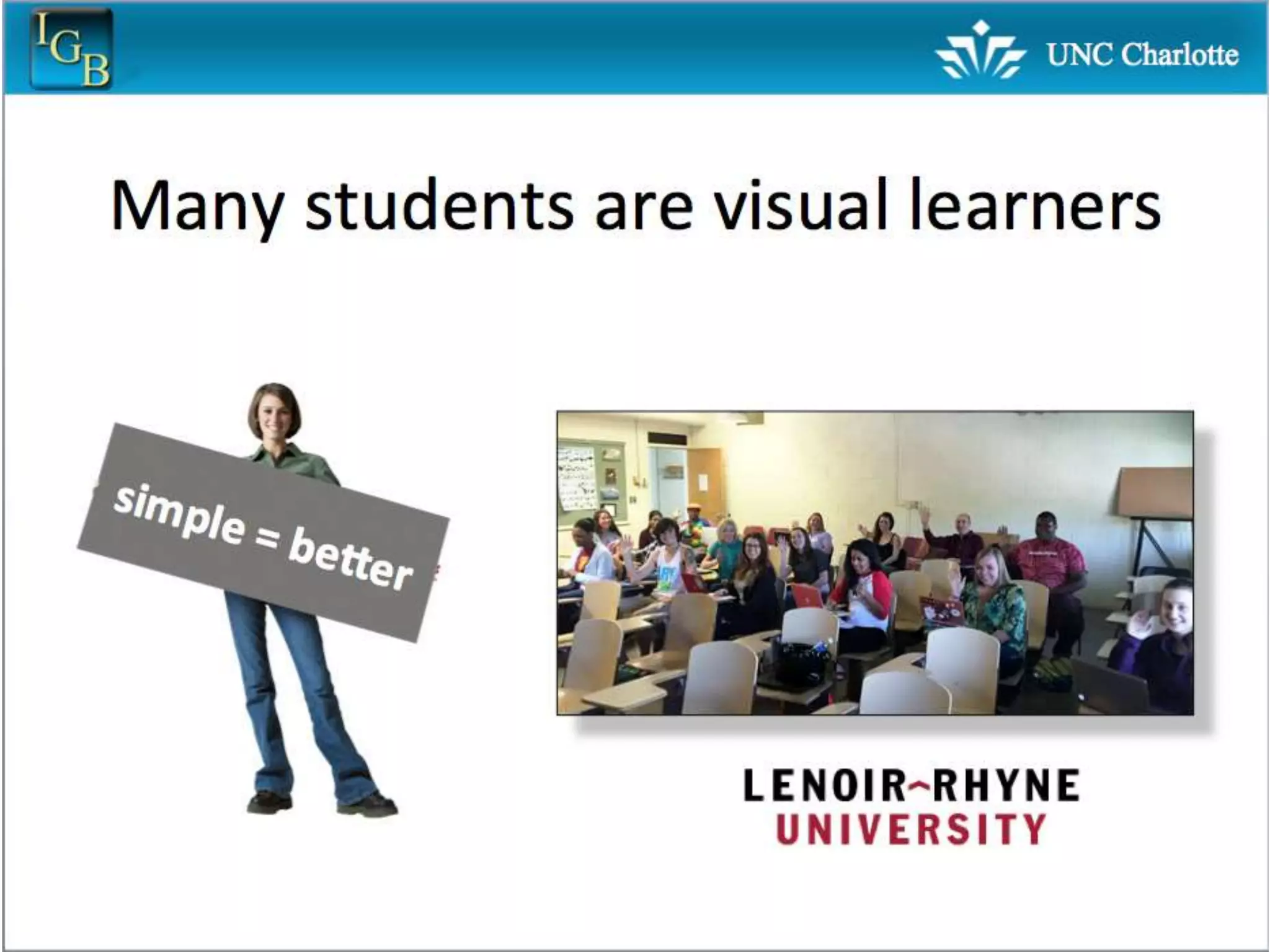
  • #70 I prefer simple slides with very little text. The title of the slide is the point of the slide - you as an audience member can read the title and instantly know what I’m trying to say. The images, graphs, diagrams all help to make my point - they are not distracting, there are no unnecessary images.
  • #71 I would be wary of most themes in powerpoint - they generally don’t add anything to your talk, and most are very cluttered or overused and clichéd. The only thing I might consider adding is having a logo of some kind or small graphic at the bottom or top - it’s never bad to show the “brand” and once you start working for a company or institution will most likely be required. At the end of the day, every time you see someone’s talk, figure out what you do and don’t like about their talk. After you’ve seen several talks you’ll have a pretty good idea about what works and what doesn’t.
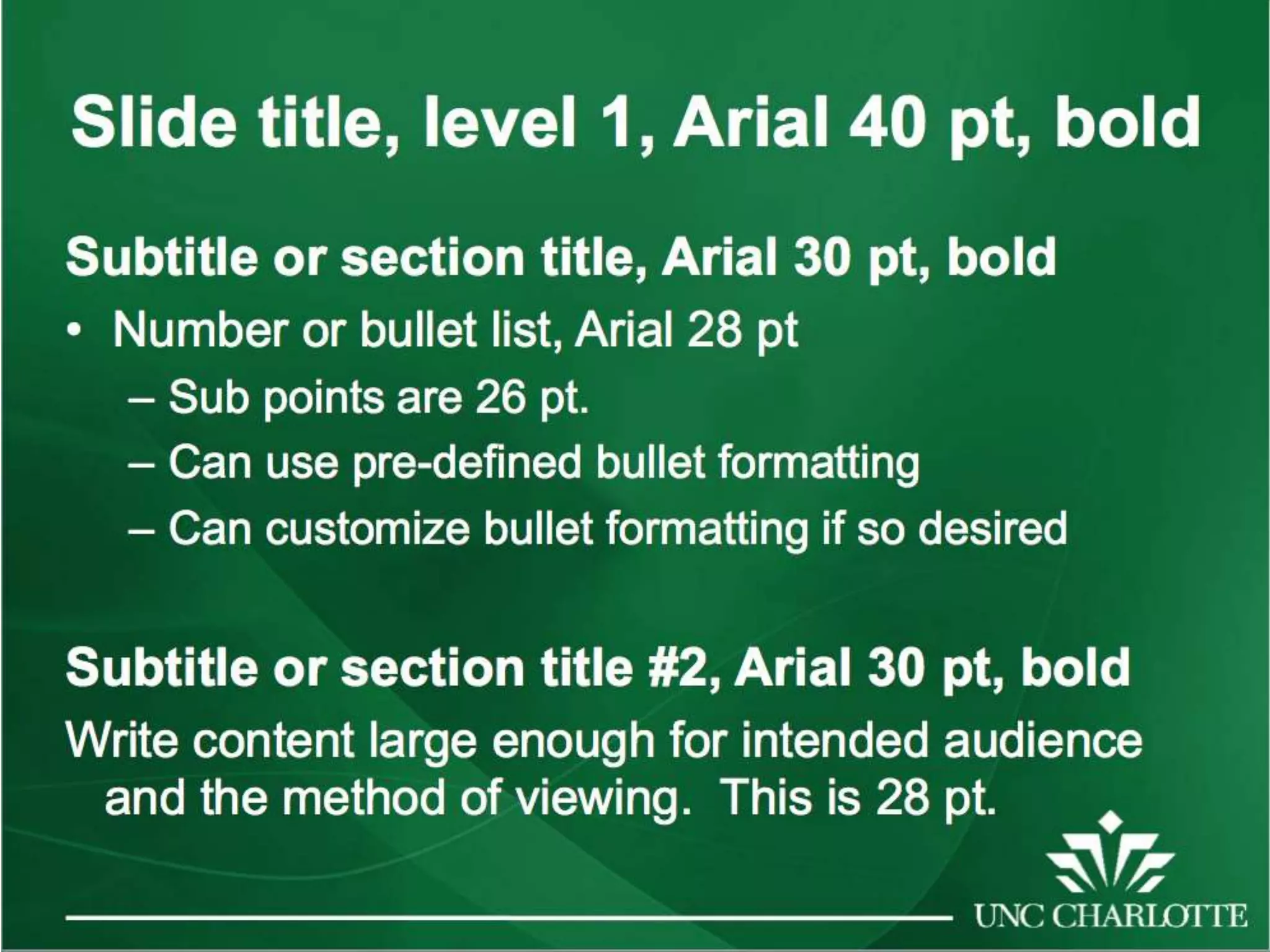
  • #73 One of the official UNCC powerpoints
  • #74 The other official UNCC powerpoints