Git Workflows 
, and life gets simple again
I 
whoami
Roman 
Kuba 
- FH-Master 2012 
- Freelancer 
- Lead Frontend Dev 
@Codeship 
- @Codebryo
Projects 
I had the pleasure to work for and with … 
Adidas, ServusTV, ORF, APA, David Copperfield, 
Toursprung, and many more
Projects 
Currently I am working as Lead Frontend Developer at 
Codeship. (www.codeship.io)
Tools & Languages 
Photoshop, Illustrator, Sketch, JS, CoffeeScript, Sass, 
Stylus, Jade, Slim, PHP, Ruby, Python, Codeigniter, Laravel, 
Ruby on Rails, HTML, Sublime Text, Atom, SVN, Git, 
Jasmin, Cucumber, Spec, Zepto, jQuery, AngularJS, 
Ember, Knockout, MySQL, PostgreSQL, SQLite, Redis
Tools & Languages 
Photoshop, Illustrator, Sketch, JS, CoffeeScript, Sass, 
Stylus, Jade, Slim, PHP, Ruby, Python, Codeigniter, Laravel, 
Ruby on Rails, HTML, Sublime Text, Atom, SVN, Git, 
Jasmin, Cucumber, Spec, Zepto, jQuery, AngularJS, 
Ember, Knockout, MySQL, PostgreSQL, SQLite, Redis
II 
what the git ?
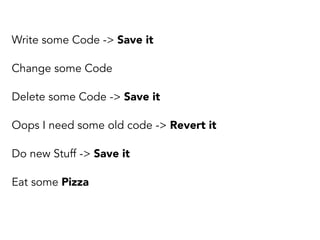
Code Versioning
Write some Code -> Save it 
Change some Code 
Delete some Code -> Save it 
Oops I need some old code -> Revert it 
Do new Stuff -> Save it 
Eat some Pizza
First there was 
SVN
First there was 
SVN
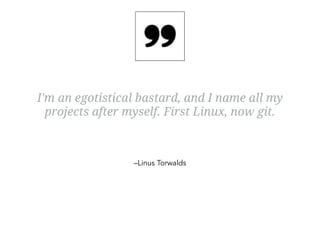
I'm an egotistical bastard, and I name all my 
projects after myself. First Linux, now git. 
–Linus Torwalds
I'm an egotistical bastard, and I name all my 
projects after myself. First Linux, now git. 
–Linus Torwalds 
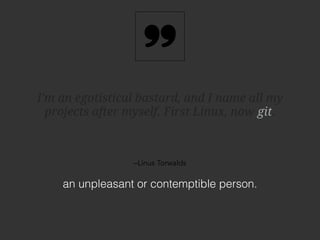
an unpleasant or contemptible person. 
git
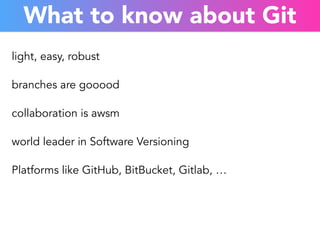
What to know about Git 
light, easy, robust 
branches are gooood 
collaboration is awsm 
world leader in Software Versioning 
Platforms like GitHub, BitBucket, Gitlab, …
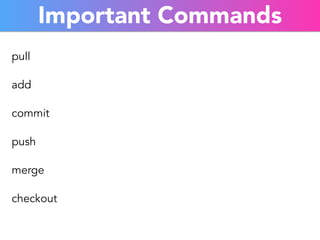
Important Commands 
pull 
add 
commit 
push 
merge 
checkout
III 
example
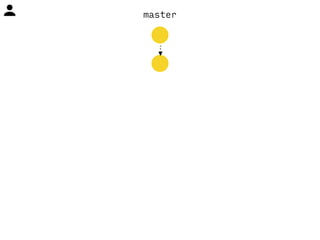
master
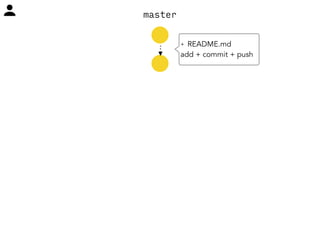
master 
+ README.md 
add + commit + push
master 
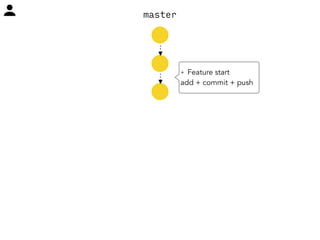
+ Feature start 
add + commit + push
master
master 
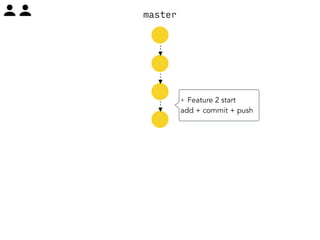
+ Feature 2 start 
add + commit + push
master 
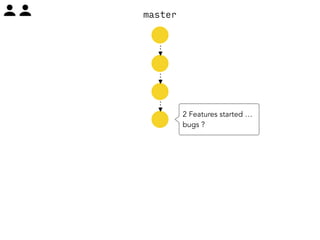
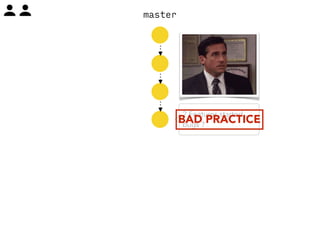
2 Features started … 
bugs ?
master 
2 Features started … 
bugs ? BAD PRACTICE
master
master 
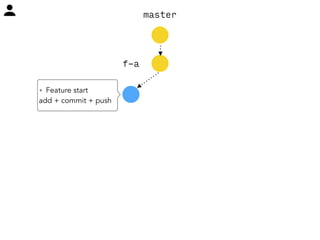
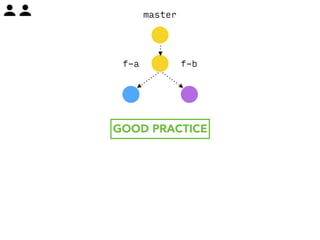
+ Feature start 
add + commit + push 
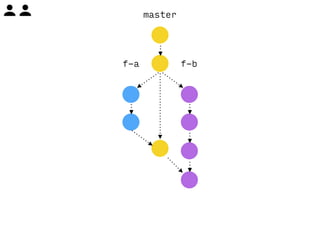
f-a
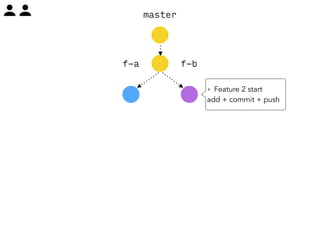
master 
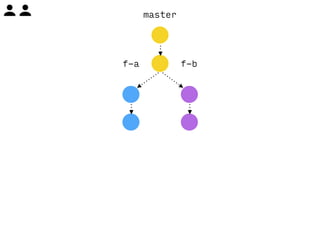
f-a f-b 
+ Feature 2 start 
add + commit + push
master 
f-a f-b 
GOOD PRACTICE
master 
f-a f-b
master 
f-a f-b 
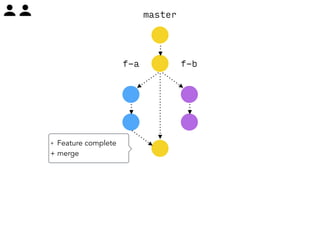
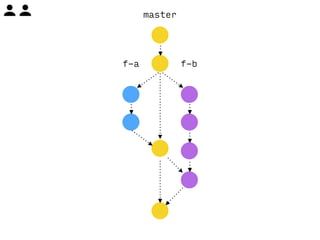
+ Feature complete 
+ merge
master 
f-a f-b 
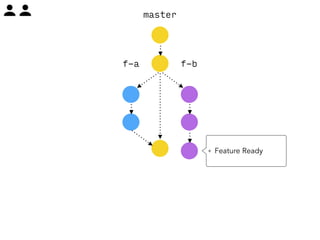
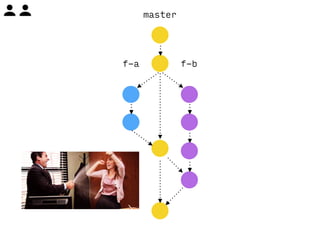
+ Feature Ready
master 
f-a f-b
master 
f-a f-b
master 
f-a f-b
IV 
TODO
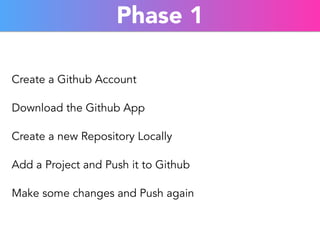
Phase 1 
Create a Github Account 
Download the Github App 
Create a new Repository Locally 
Add a Project and Push it to Github 
Make some changes and Push again
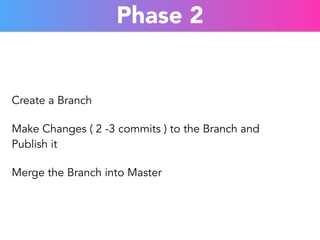
Phase 2 
Create a Branch 
Make Changes ( 2 -3 commits ) to the Branch and 
Publish it 
Merge the Branch into Master
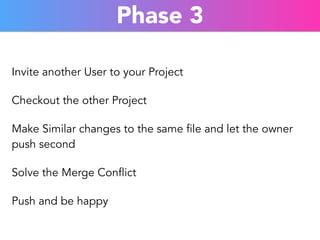
Phase 3 
Invite another User to your Project 
Checkout the other Project 
Make Similar changes to the same file and let the owner 
push second 
Solve the Merge Conflict 
Push and be happy
V 
Advanced
Git Extras 
https://github.com/visionmedia/git-extras
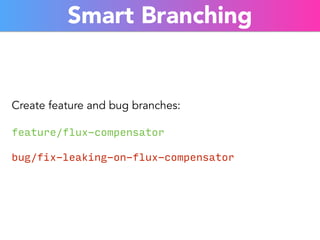
Smart Branching 
Create feature and bug branches: 
feature/flux-compensator 
bug/fix-leaking-on-flux-compensator
Don't merge alone 
Create Pull Requests for your Branches
but… 
you need to use the Terminal ( or other Software ) to have 
this "smart" branching
VI 
Extras
It's always worth to git 
Git for every project you have.
Use a good Editor 
Have you tried Atom ? 
https://atom.io/
thats just the beginning 
Codeship and others help you for the steps 
beyond your git repository
VII 
Questions

Git workflows (Basics)