


Getting started with the Office 365 Developer
Patterns and Practices Provisioning Engine
ERWIN VAN HUNEN, PRODUCT OWNER, RENCORE.COM
PAOLO PIALORSI, CEO, PIASYS.COM
SPONSORS
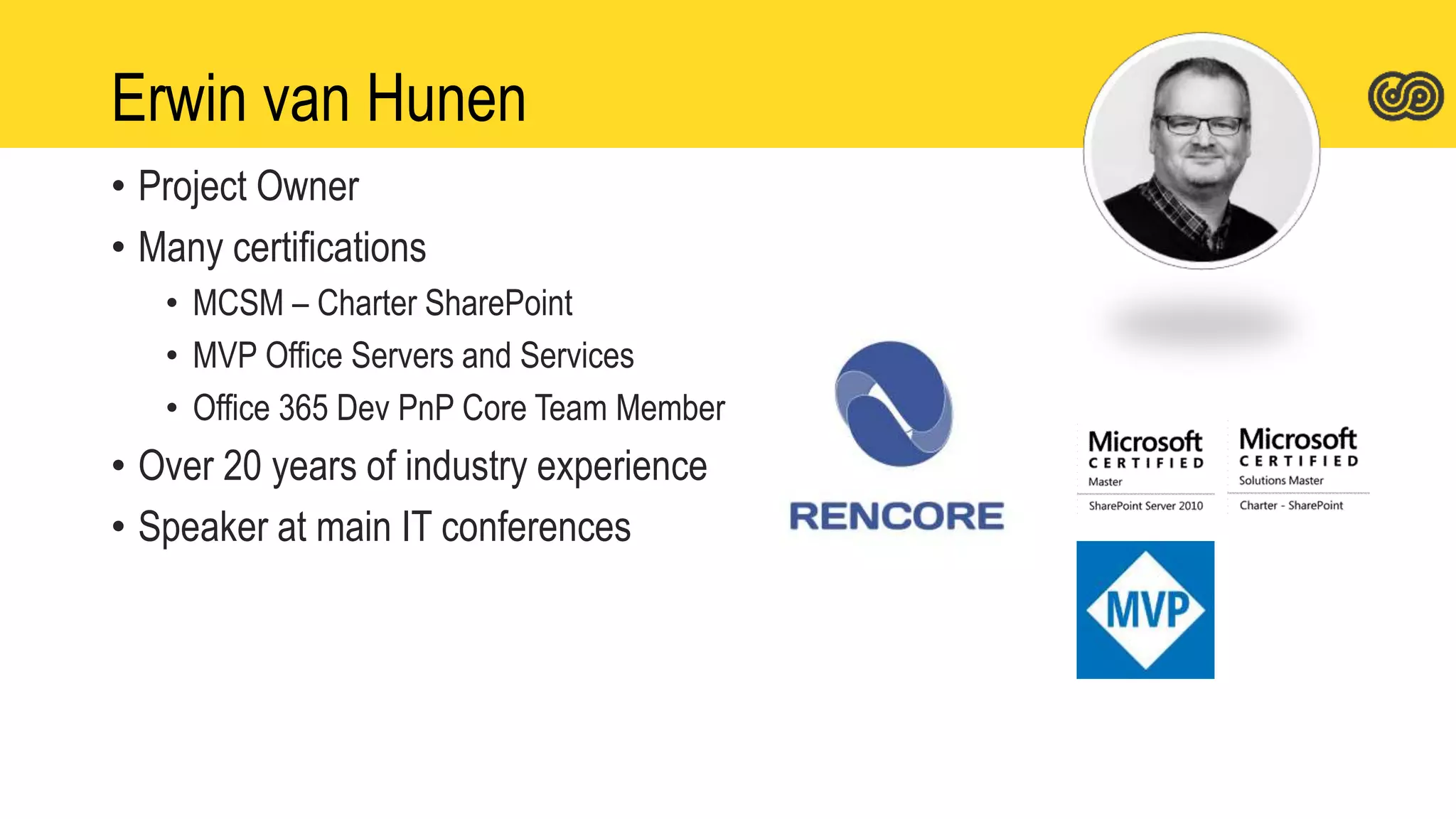
Erwin van Hunen
• Project Owner
• Many certifications
• MCSM – Charter SharePoint
• MVP Office Servers and Services
• Office 365 Dev PnP Core Team Member
• Over 20 years of industry experience
• Speaker at main IT conferences
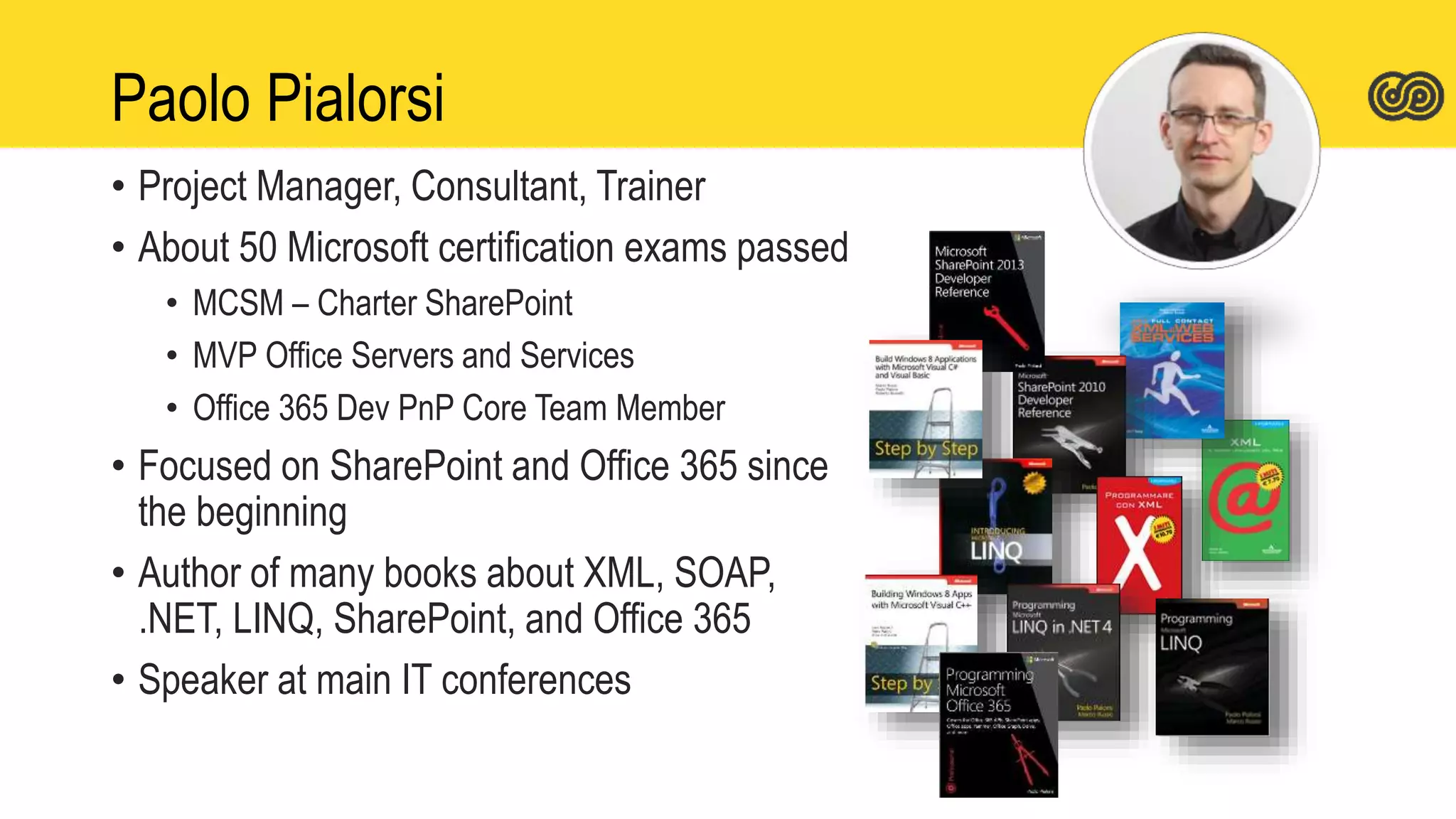
Paolo Pialorsi
• Project Manager, Consultant, Trainer
• About 50 Microsoft certification exams passed
• MCSM – Charter SharePoint
• MVP Office Servers and Services
• Office 365 Dev PnP Core Team Member
• Focused on SharePoint and Office 365 since
the beginning
• Author of many books about XML, SOAP,
.NET, LINQ, SharePoint, and Office 365
• Speaker at main IT conferences
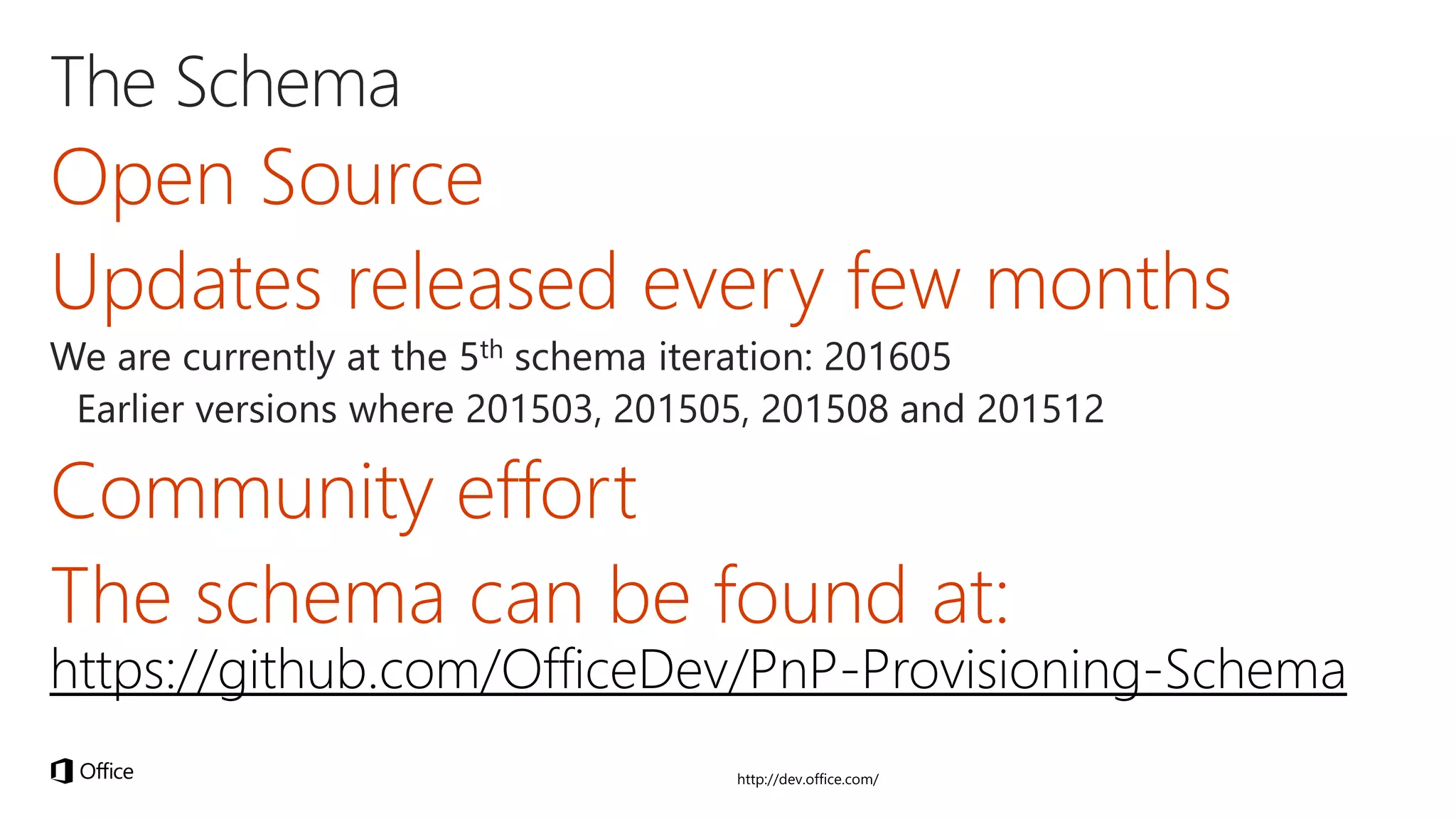
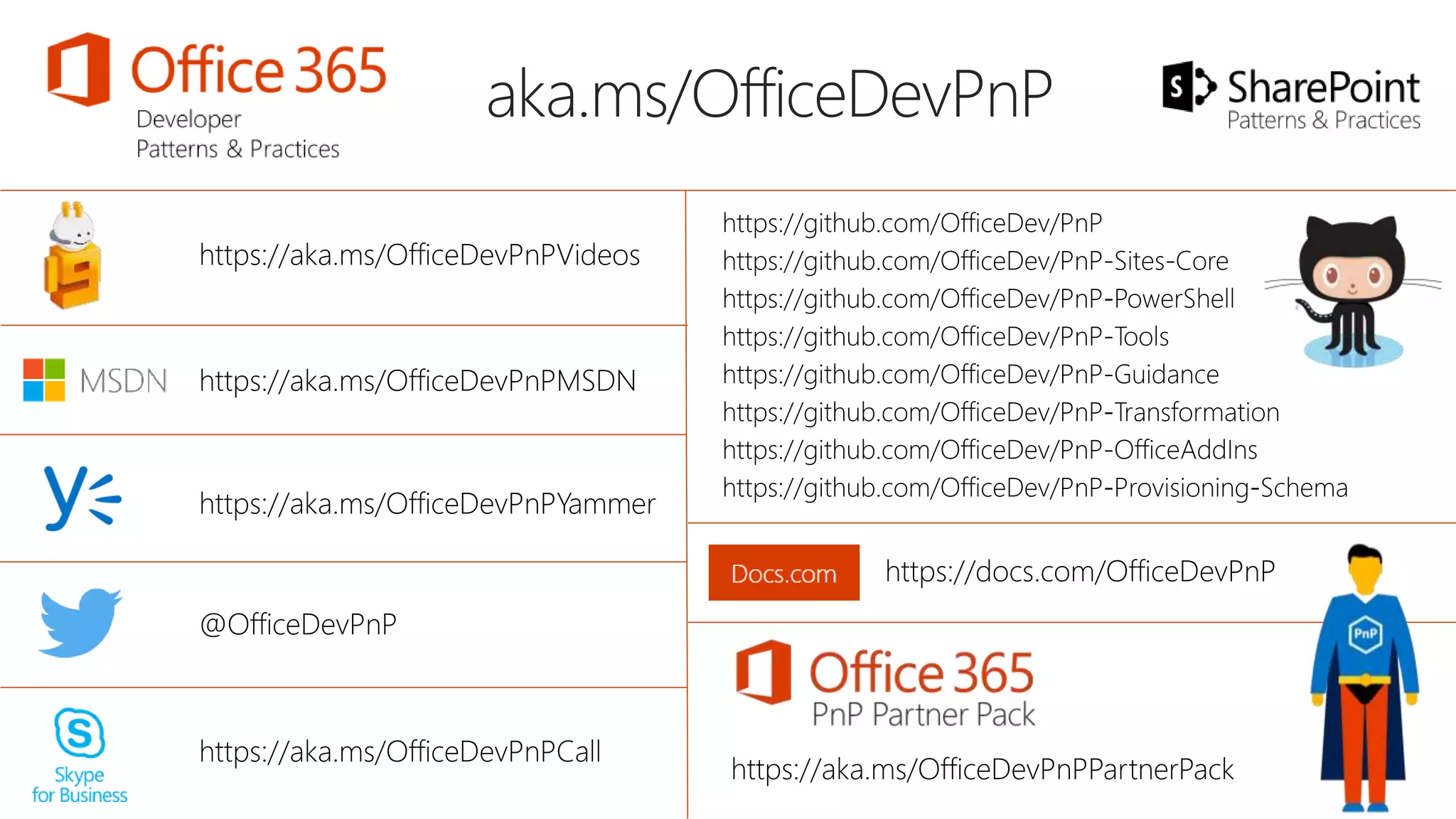
https://github.com/OfficeDev/PnP-Provisioning-Schema
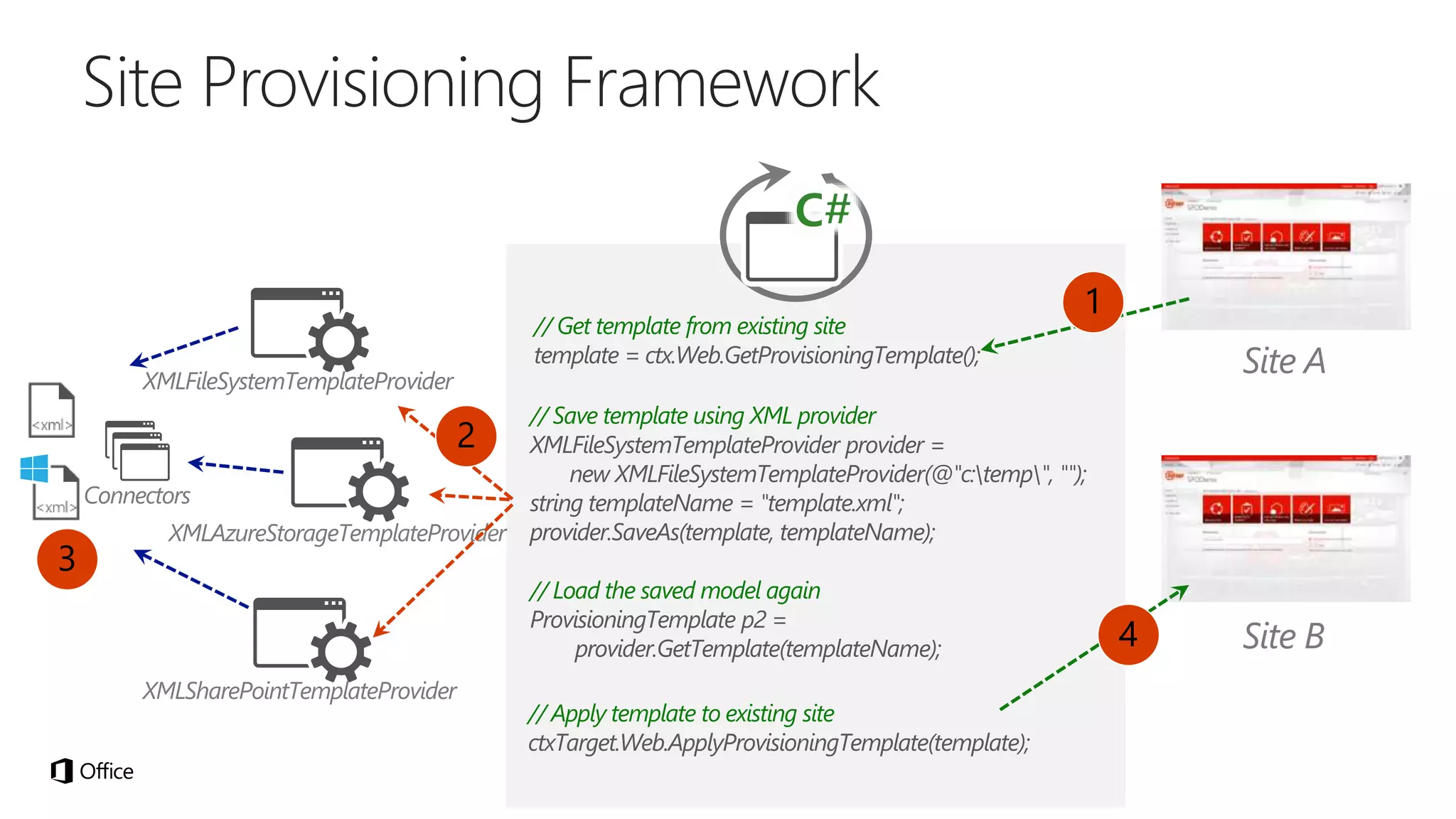
// Get template from existing site
template = ctx.Web.GetProvisioningTemplate();
1
2
4
3
// Save template using XML provider
XMLFileSystemTemplateProvider provider =
new XMLFileSystemTemplateProvider(@"c:temp", "");
string templateName = "template.xml";
provider.SaveAs(template, templateName);
// Load the saved model again
ProvisioningTemplate p2 =
provider.GetTemplate(templateName);
// Apply template to existing site
ctxTarget.Web.ApplyProvisioningTemplate(template);
thank you
questions?
live ratings
@ERWINVANHUNEN
@PAOLOPIA
spca.biz/VUJZ

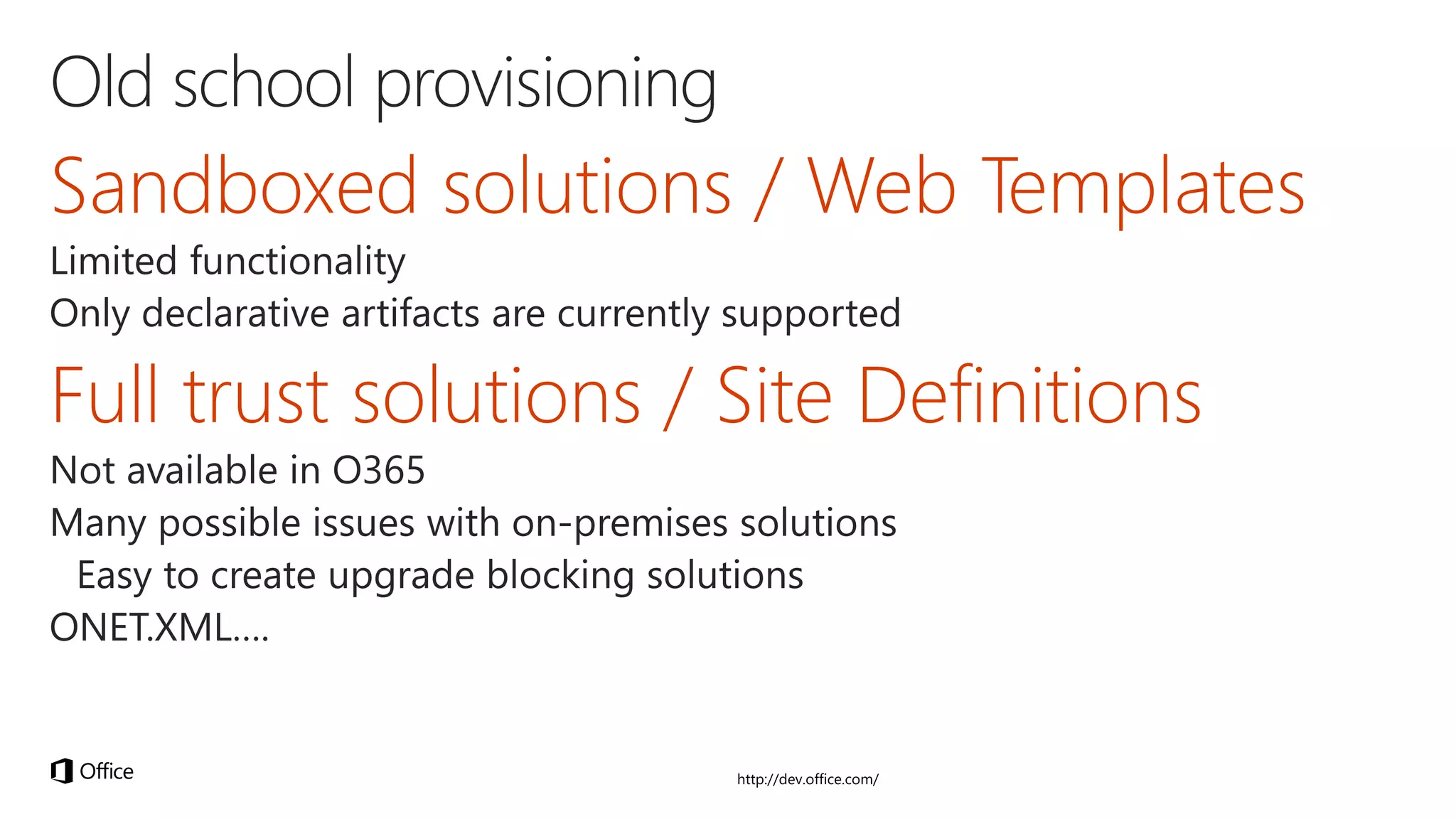
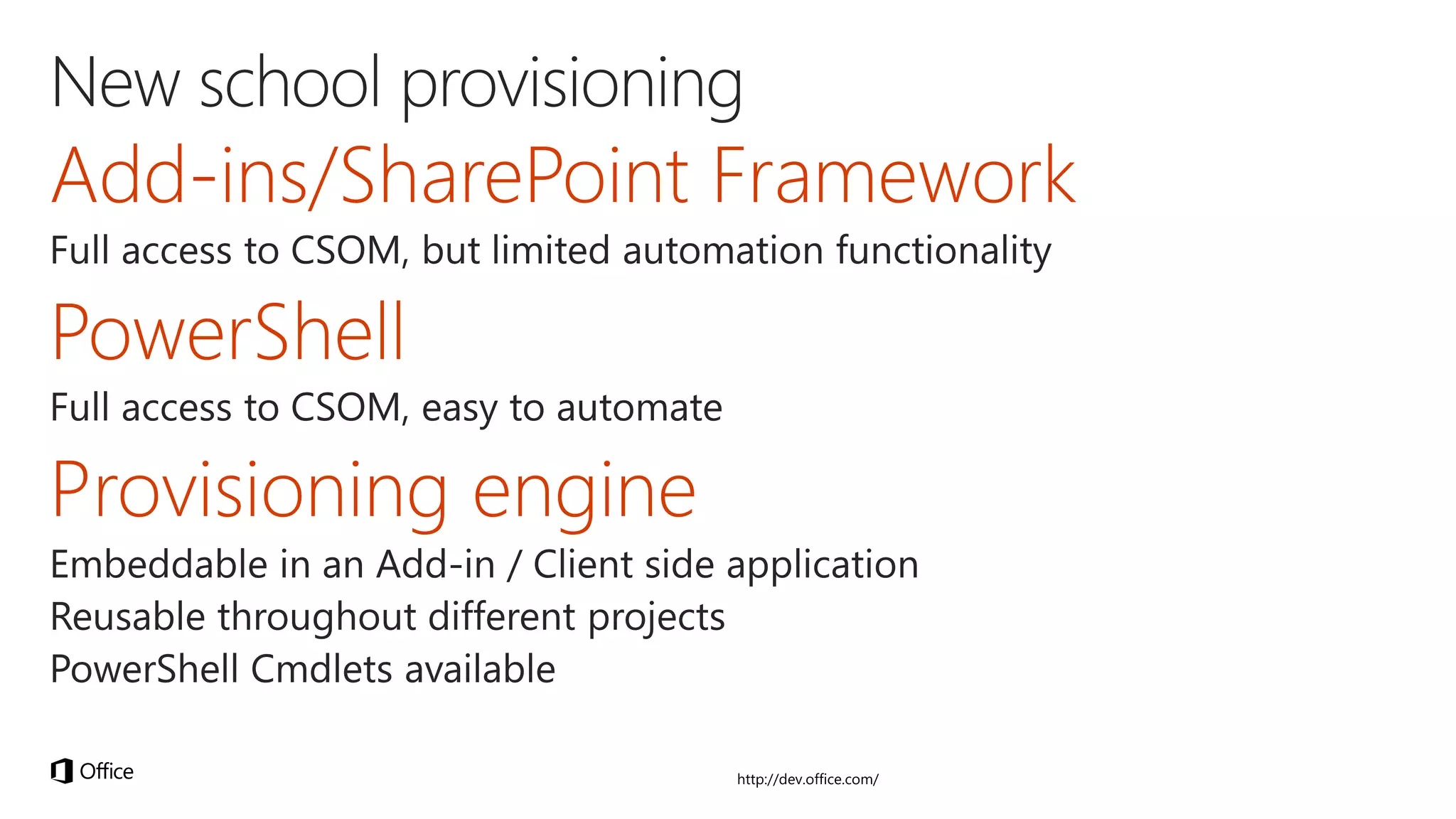
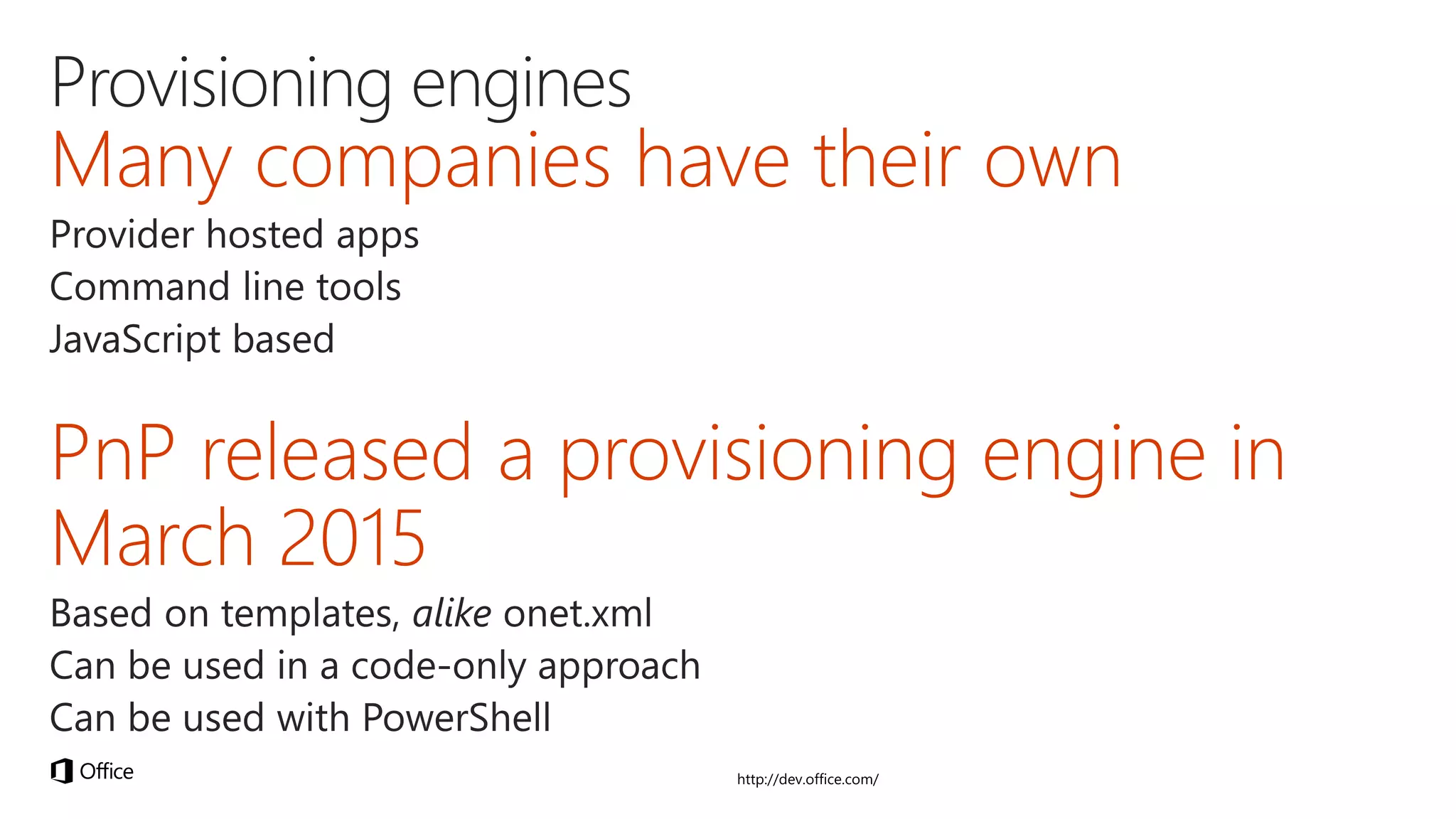
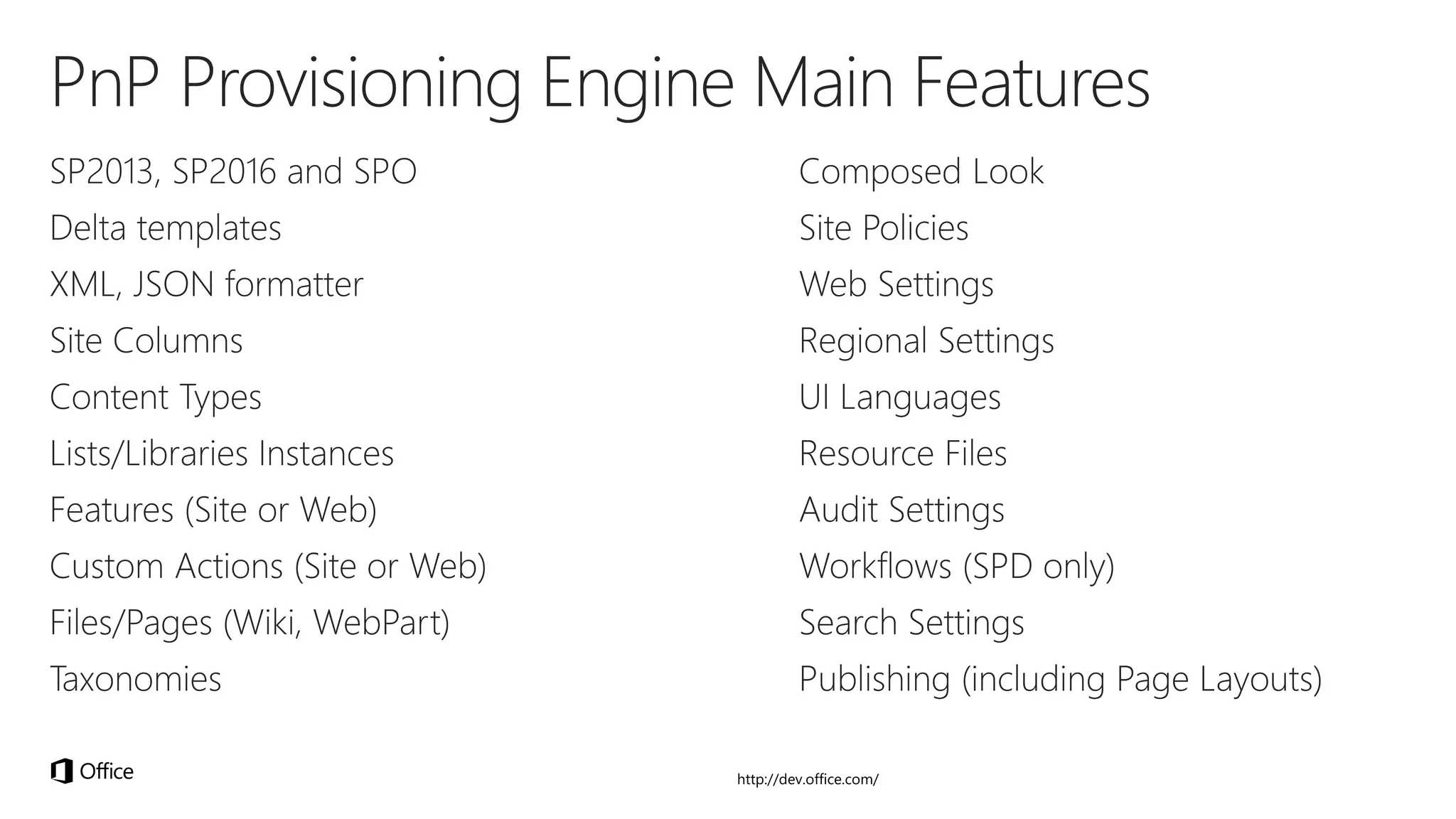
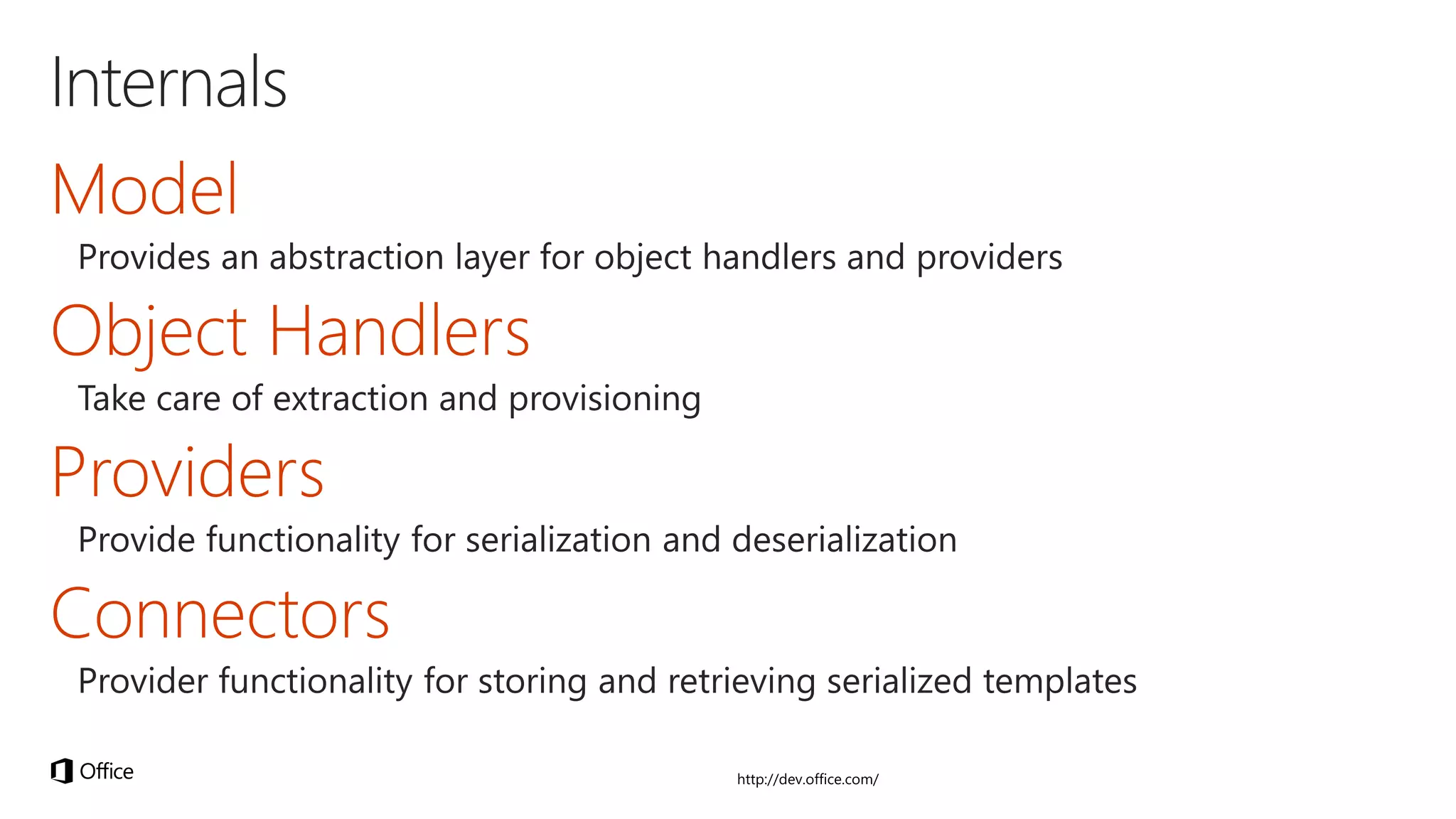
Getting started with the PnP Provisioning Engine

  • 1.
    Getting started withthe Office 365 Developer Patterns and Practices Provisioning Engine ERWIN VAN HUNEN, PRODUCT OWNER, RENCORE.COM PAOLO PIALORSI, CEO, PIASYS.COM
  • 2.
  • 3.
    Erwin van Hunen •Project Owner • Many certifications • MCSM – Charter SharePoint • MVP Office Servers and Services • Office 365 Dev PnP Core Team Member • Over 20 years of industry experience • Speaker at main IT conferences
  • 4.
    Paolo Pialorsi • ProjectManager, Consultant, Trainer • About 50 Microsoft certification exams passed • MCSM – Charter SharePoint • MVP Office Servers and Services • Office 365 Dev PnP Core Team Member • Focused on SharePoint and Office 365 since the beginning • Author of many books about XML, SOAP, .NET, LINQ, SharePoint, and Office 365 • Speaker at main IT conferences
  • 12.
  • 15.
    // Get templatefrom existing site template = ctx.Web.GetProvisioningTemplate(); 1 2 4 3 // Save template using XML provider XMLFileSystemTemplateProvider provider = new XMLFileSystemTemplateProvider(@"c:temp", ""); string templateName = "template.xml"; provider.SaveAs(template, templateName); // Load the saved model again ProvisioningTemplate p2 = provider.GetTemplate(templateName); // Apply template to existing site ctxTarget.Web.ApplyProvisioningTemplate(template);
  • 21.