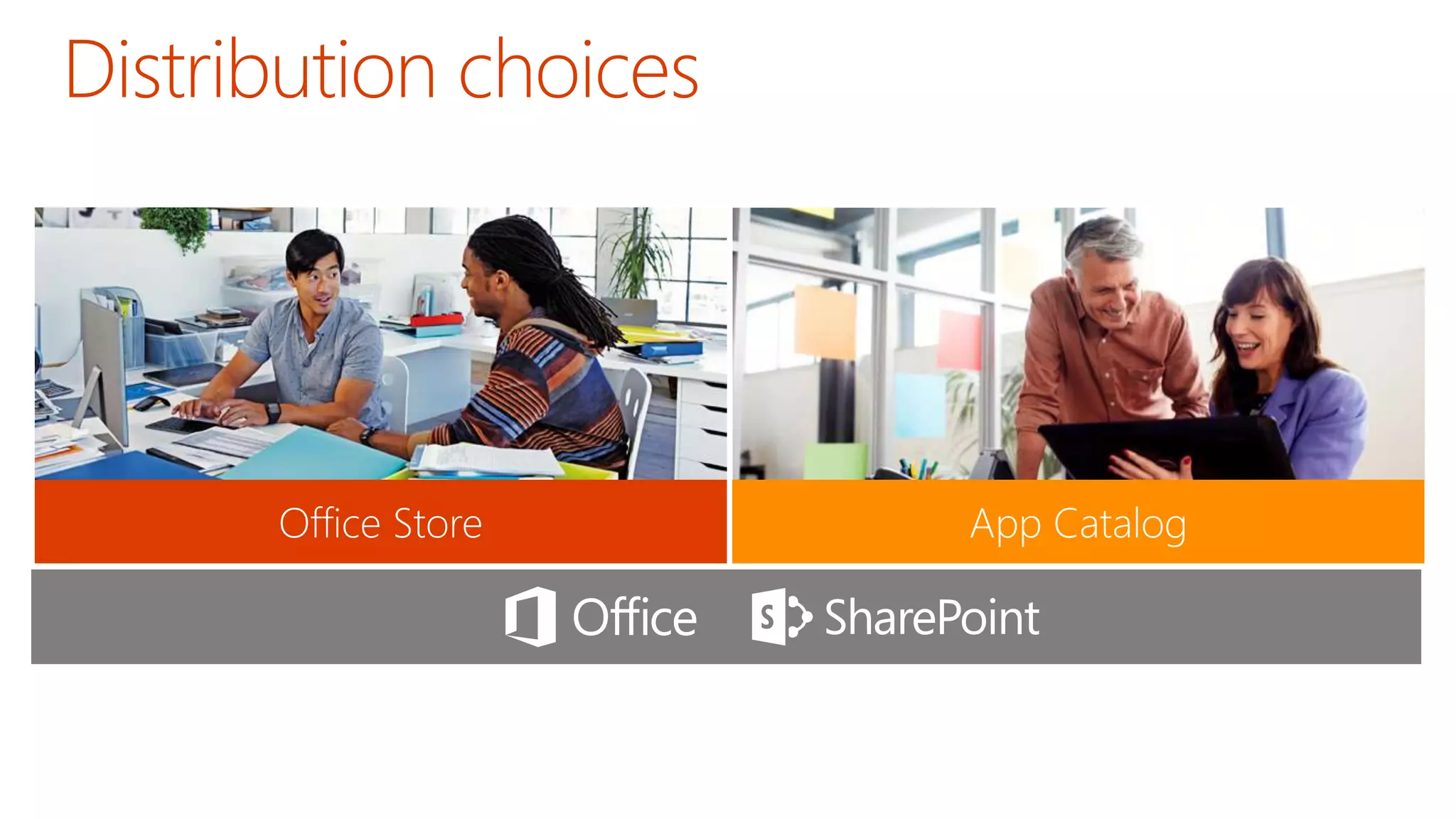
Web Standards 
Scalable and Safe 
Accessible
Write once, run anywhere 
Hosting freedom 
Re-use logic and assets
App Model 
Development 
If you know general 
web development, 
you also know 
Office 365 
development…
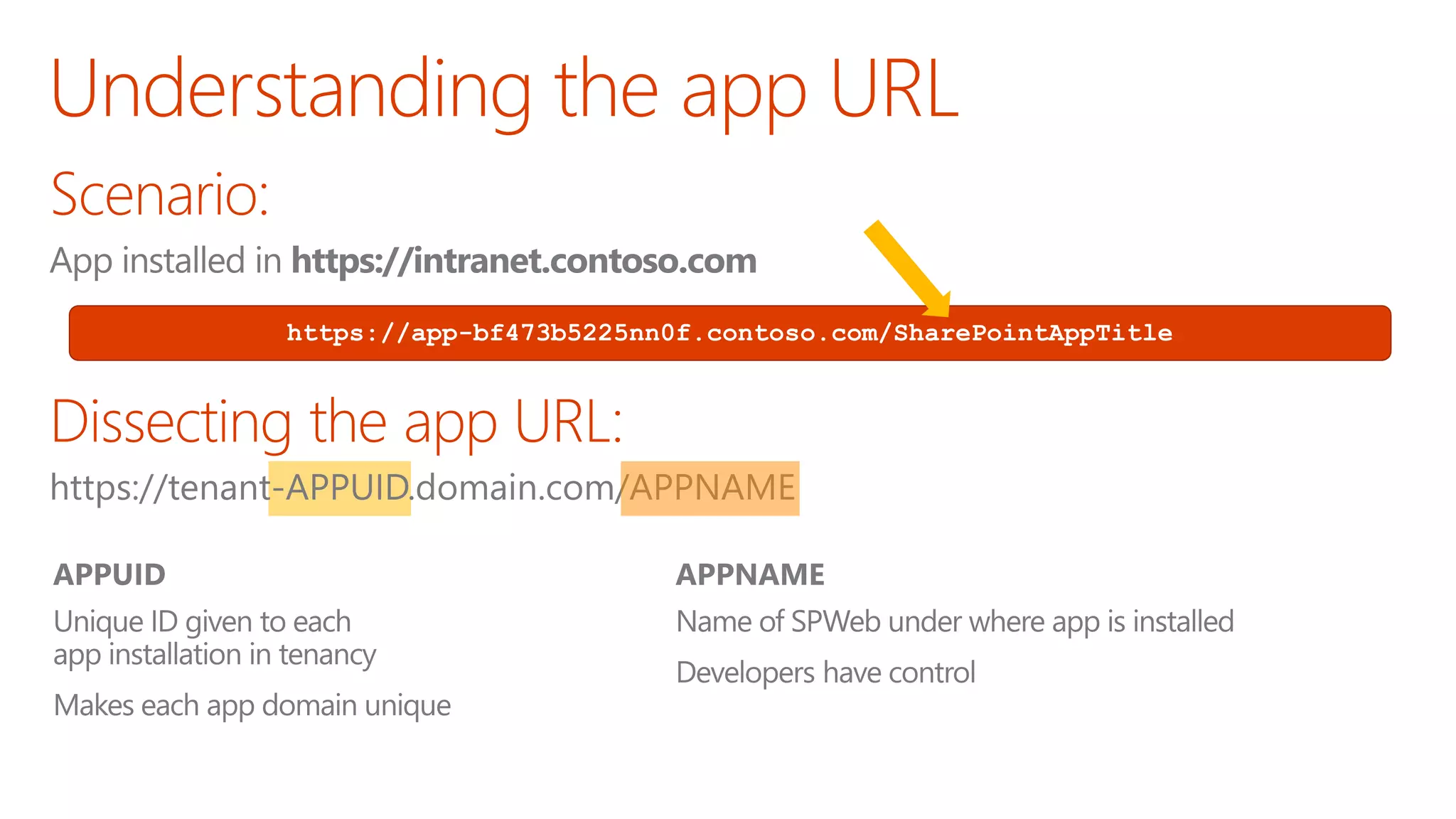
https://app-bf473b5225nn0f.contoso.com/SharePointAppTitle
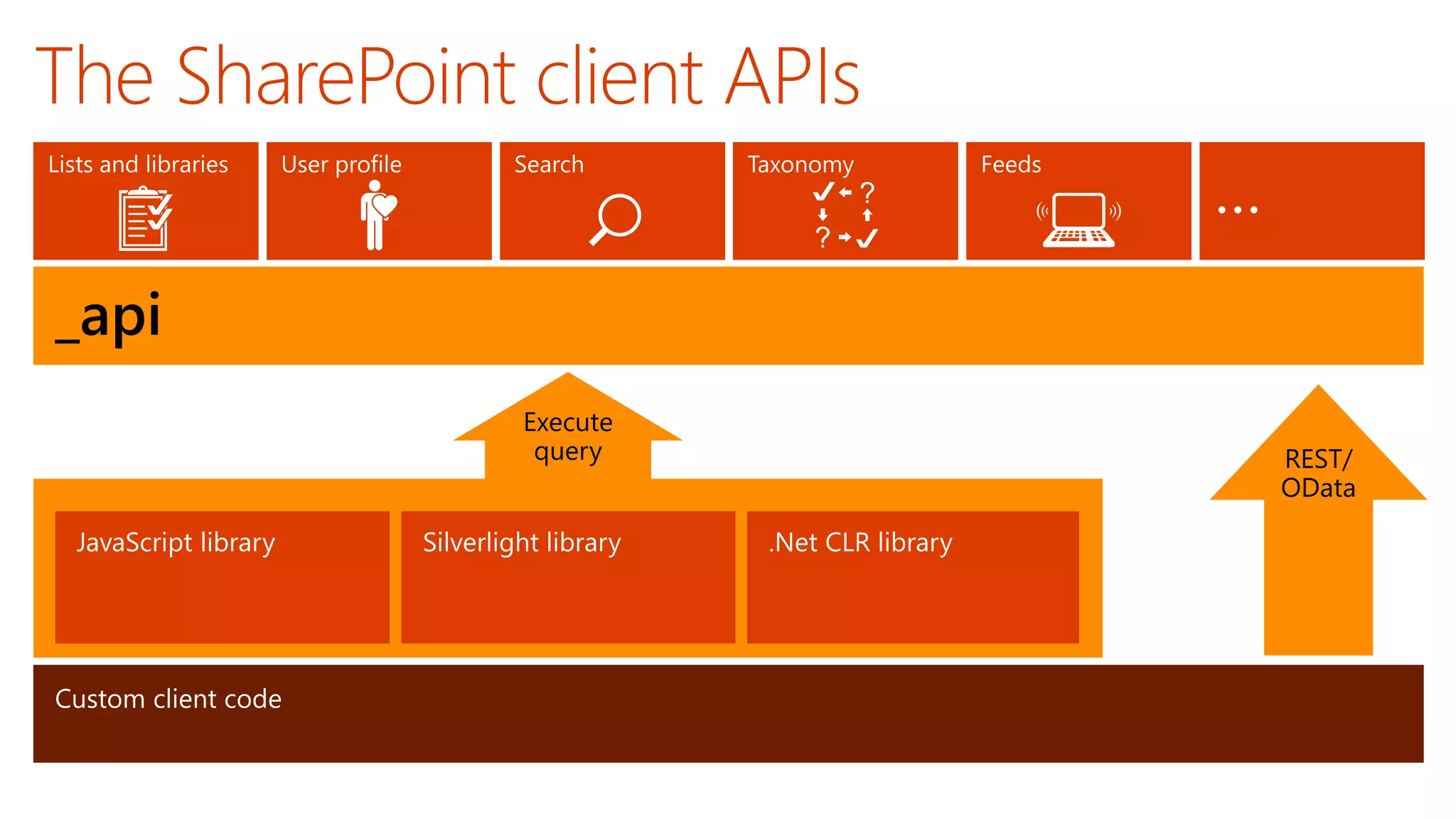
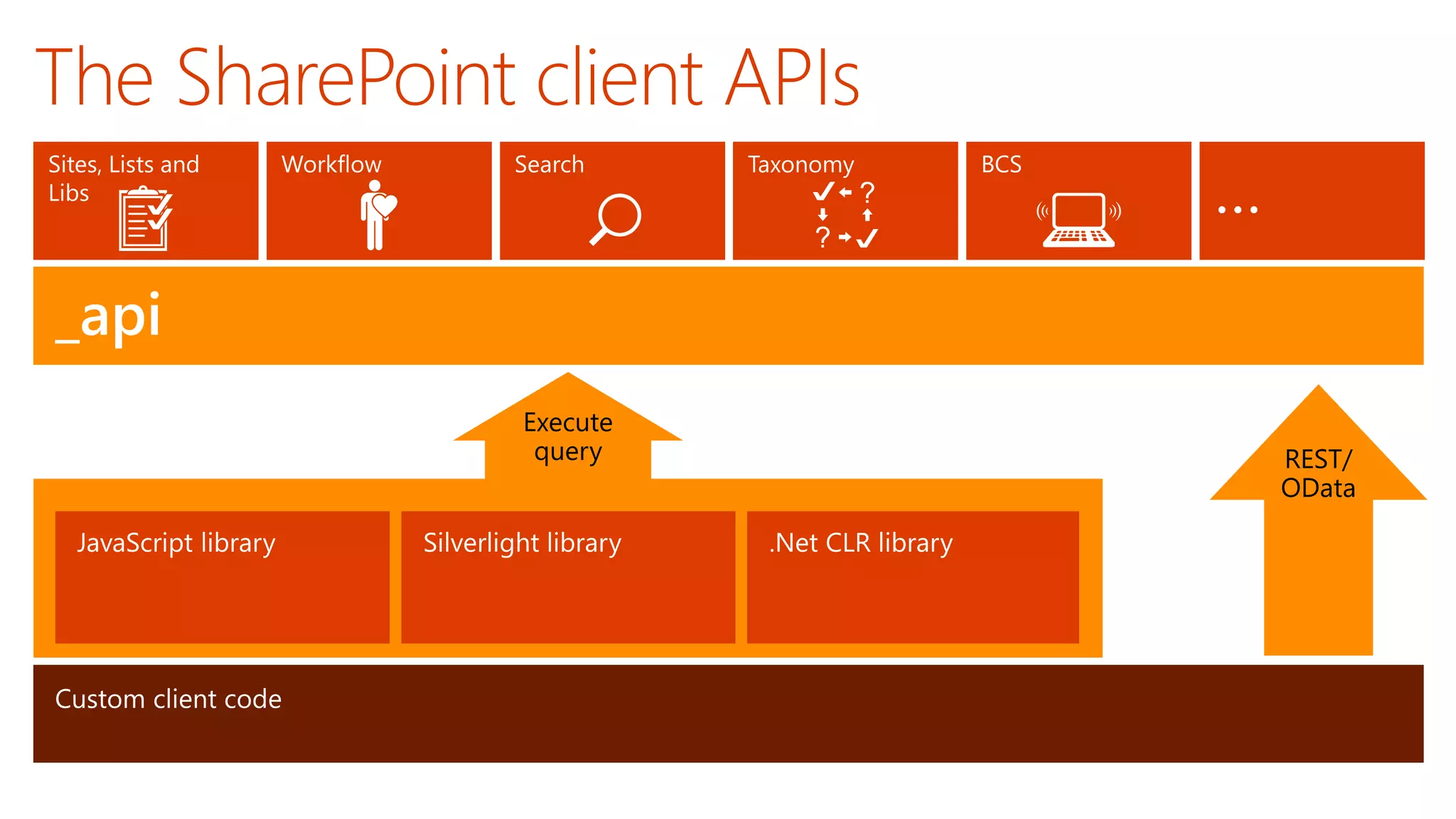
_api
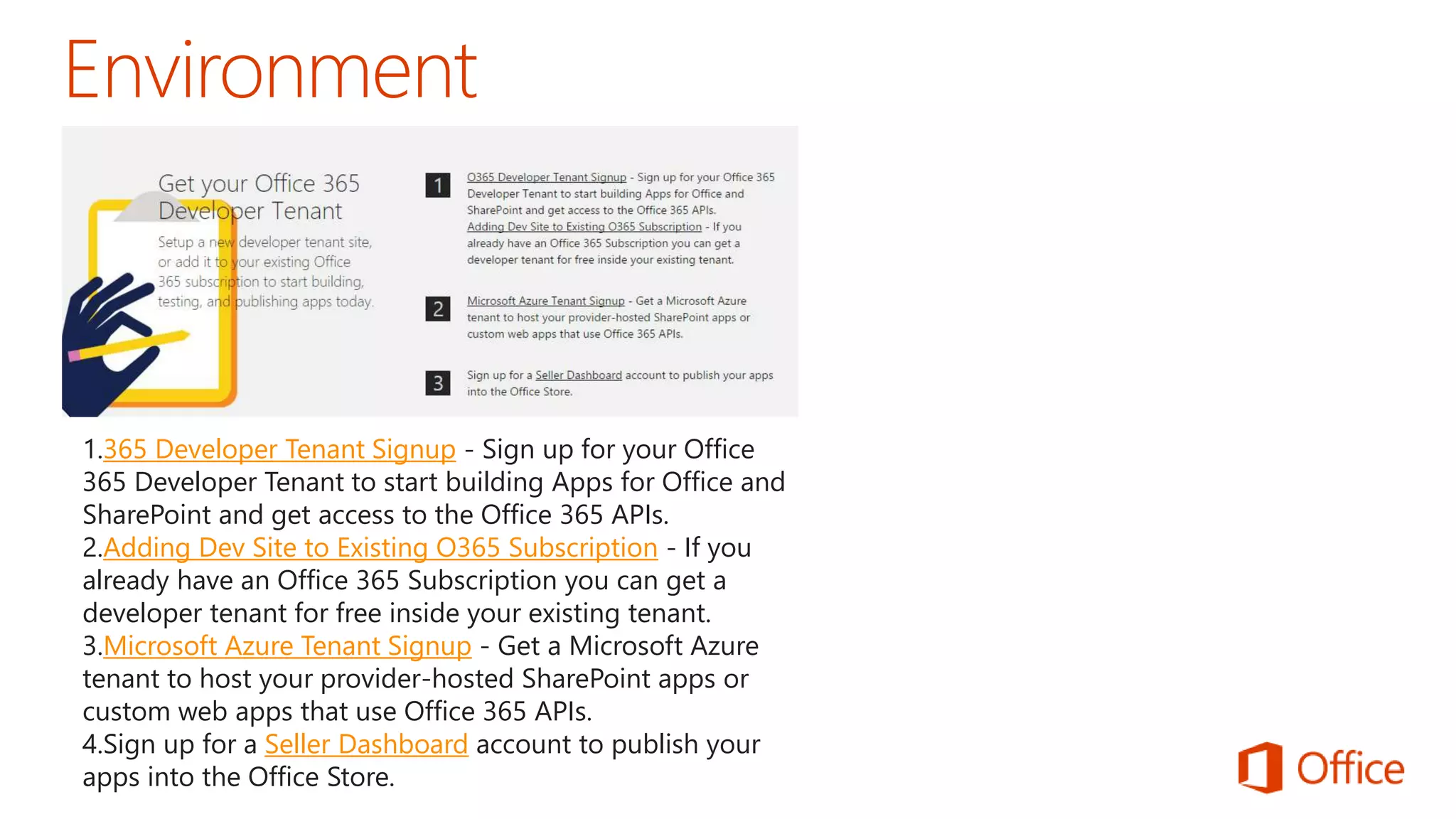
1.365 Developer Tenant Signup - Sign up for your Office 
365 Developer Tenant to start building Apps for Office and 
SharePoint and get access to the Office 365 APIs. 
2.Adding Dev Site to Existing O365 Subscription - If you 
already have an Office 365 Subscription you can get a 
developer tenant for free inside your existing tenant. 
3.Microsoft Azure Tenant Signup - Get a Microsoft Azure 
tenant to host your provider-hosted SharePoint apps or 
custom web apps that use Office 365 APIs. 
4.Sign up for a Seller Dashboard account to publish your 
apps into the Office Store.
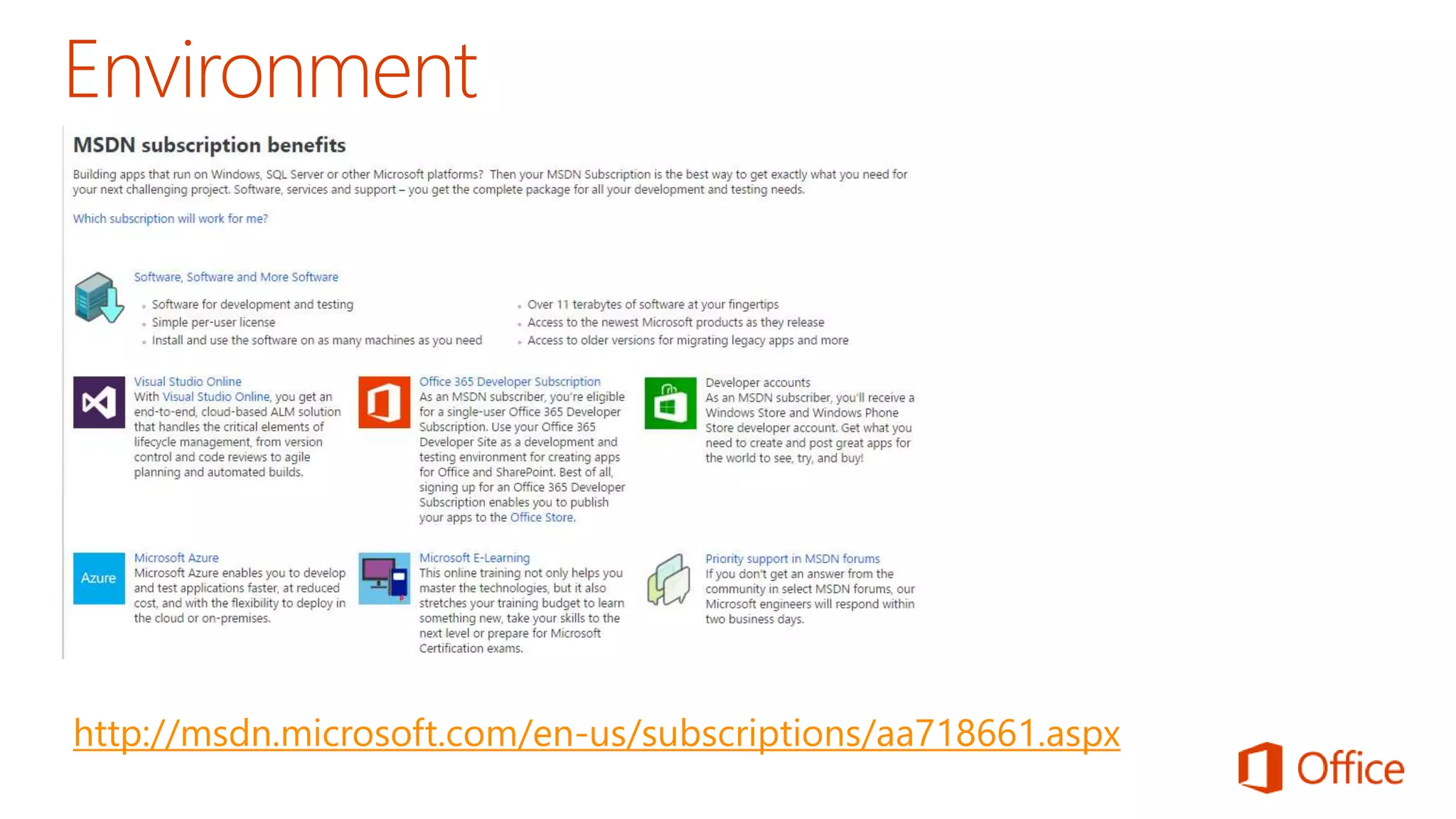
http://msdn.microsoft.com/en-us/subscriptions/aa718661.aspx
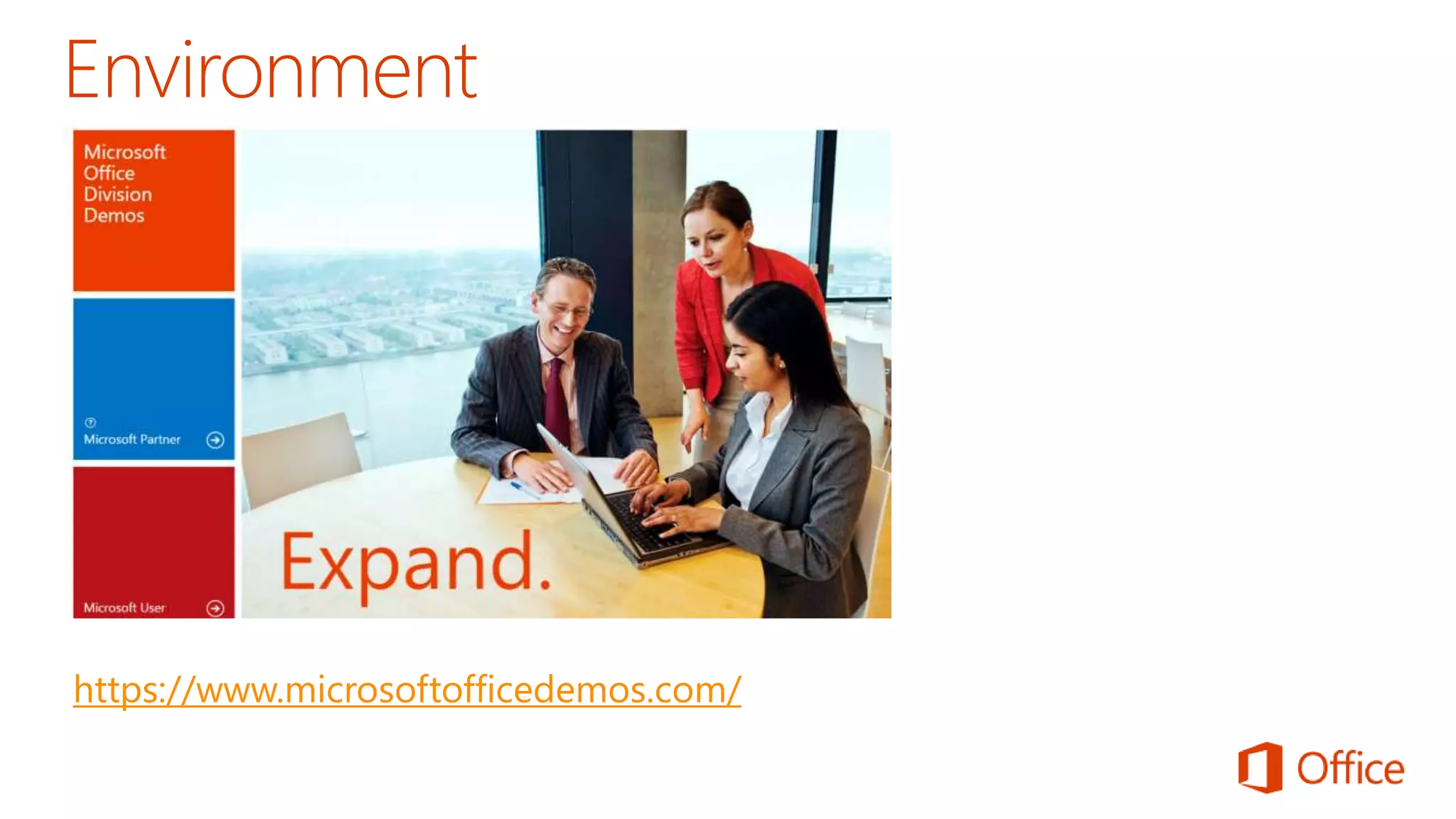
https://www.microsoftofficedemos.com/
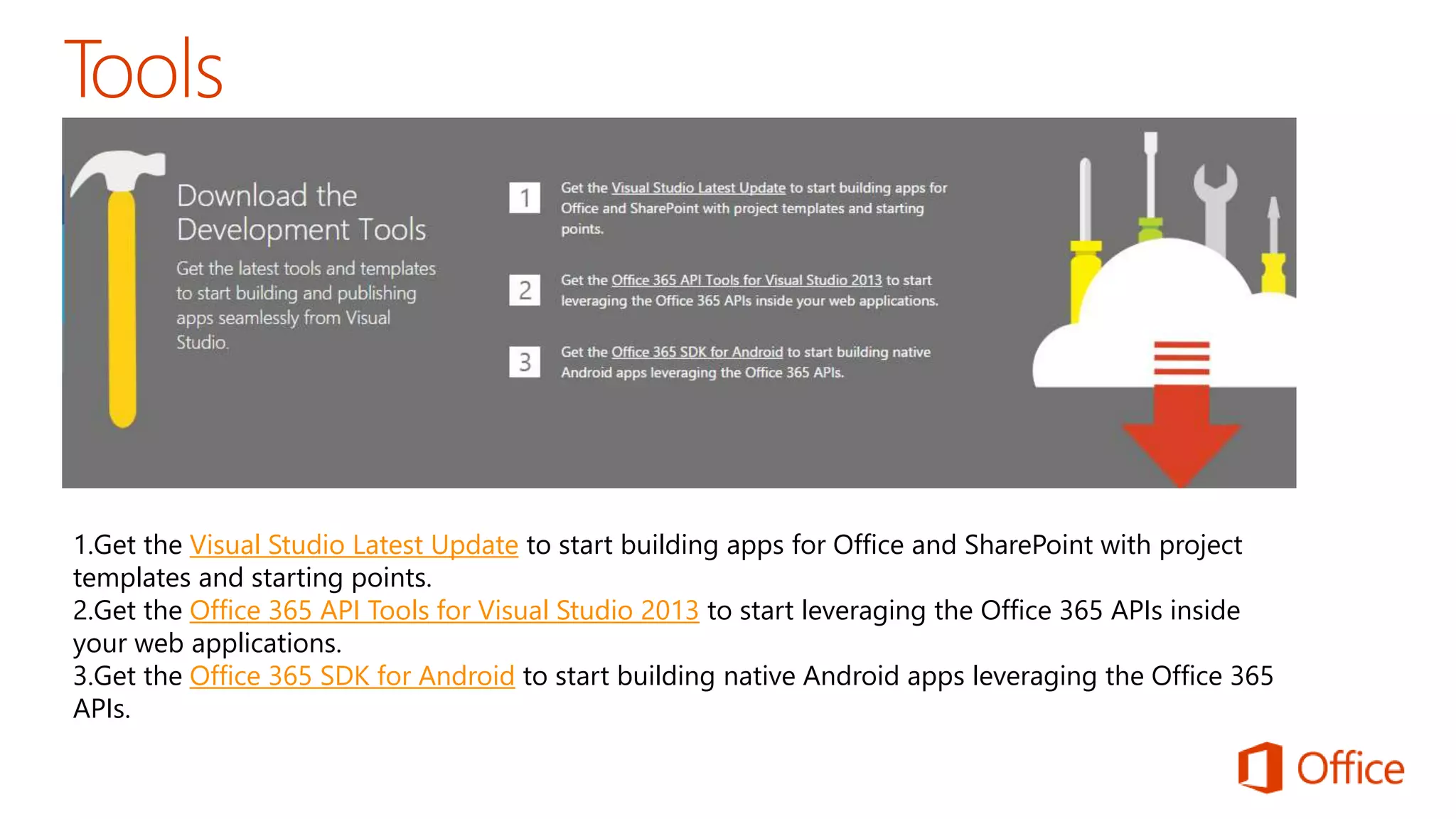
1.Get the Visual Studio Latest Update to start building apps for Office and SharePoint with project 
templates and starting points. 
2.Get the Office 365 API Tools for Visual Studio 2013 to start leveraging the Office 365 APIs inside 
your web applications. 
3.Get the Office 365 SDK for Android to start building native Android apps leveraging the Office 365 
APIs.
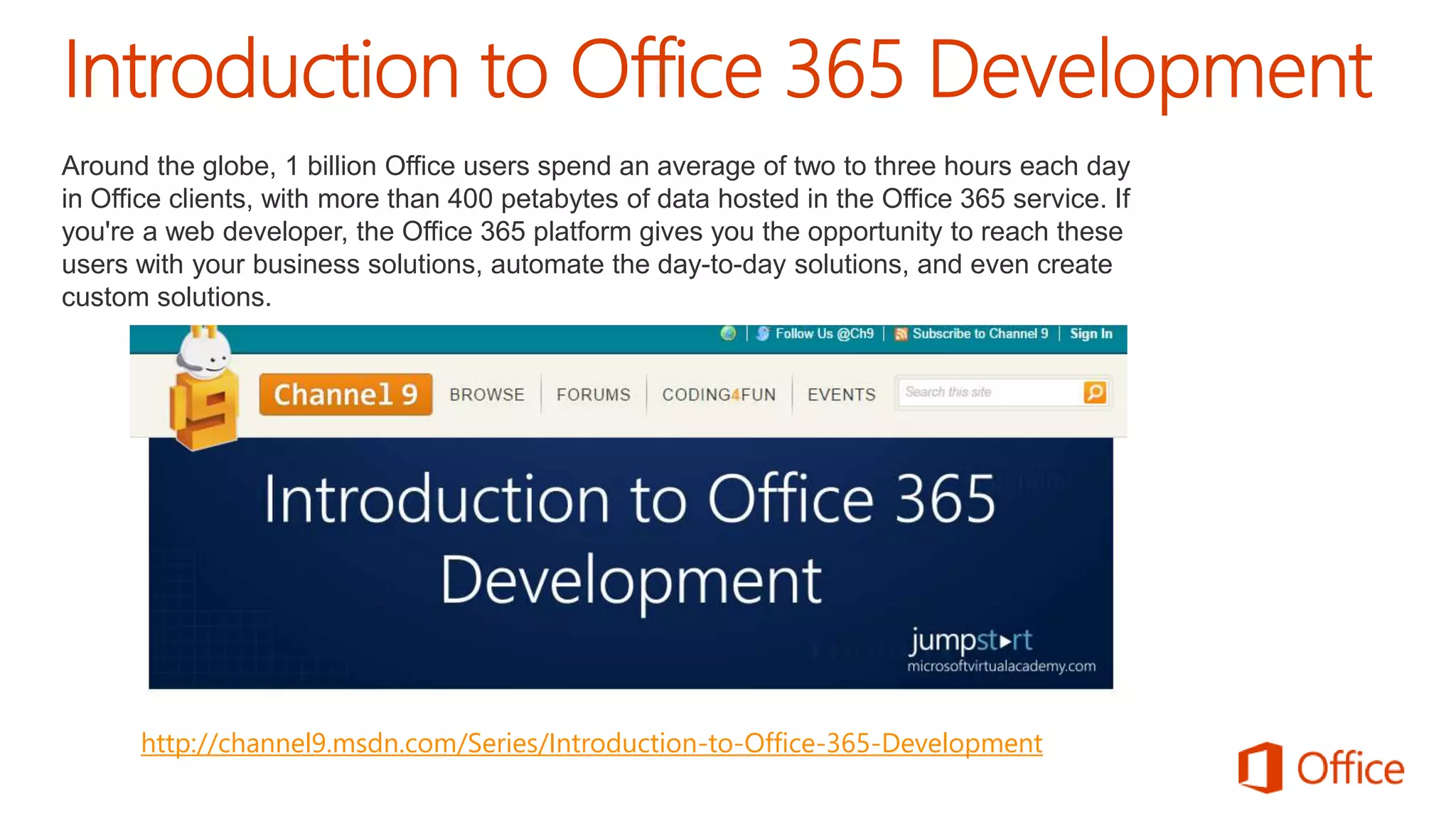
Around the globe, 1 billion Office users spend an average of two to three hours each day 
in Office clients, with more than 400 petabytes of data hosted in the Office 365 service. If 
you're a web developer, the Office 365 platform gives you the opportunity to reach these 
users with your business solutions, automate the day-to-day solutions, and even create 
custom solutions. 
http://channel9.msdn.com/Series/Introduction-to-Office-365-Development
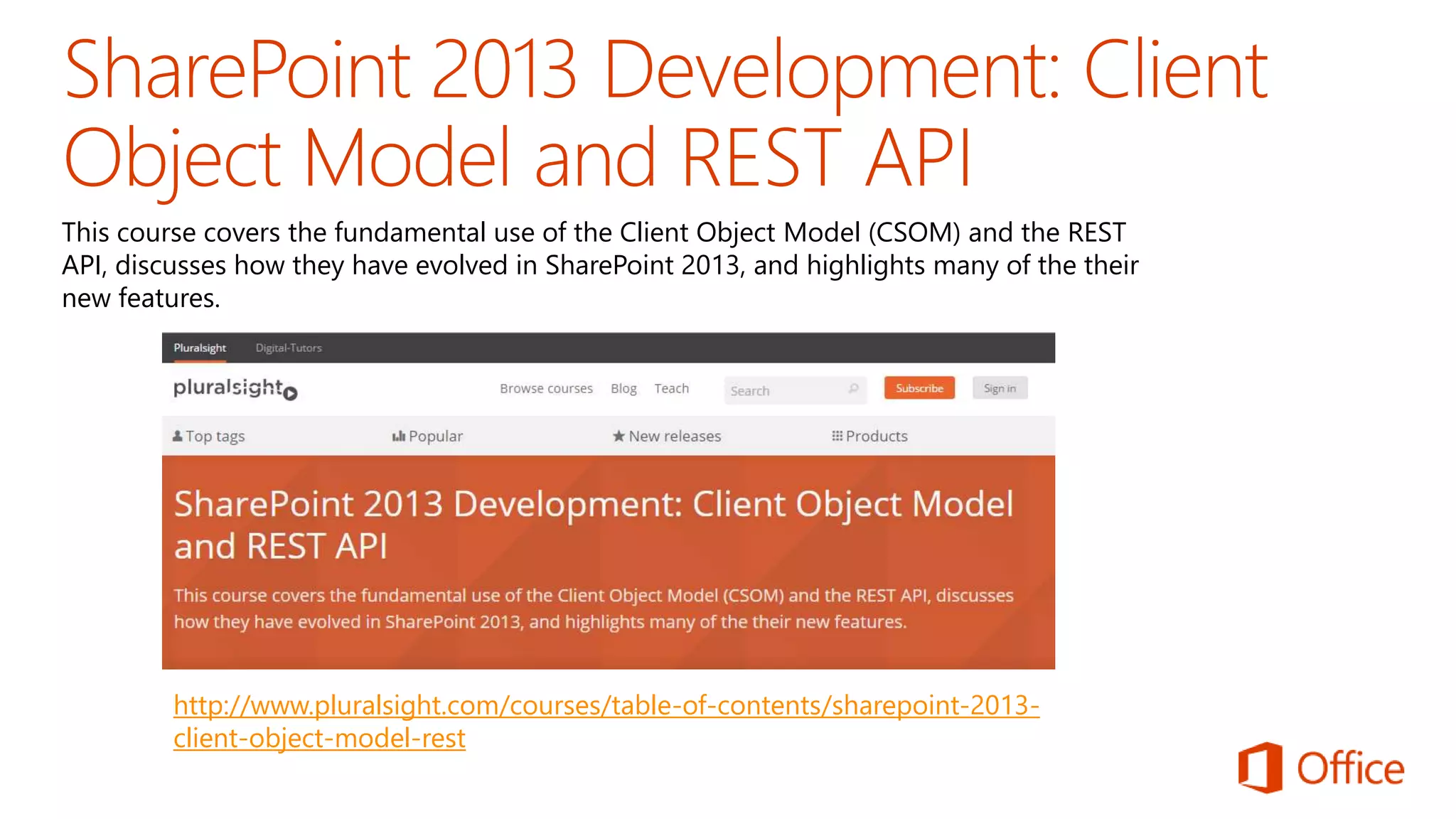
This course covers the fundamental use of the Client Object Model (CSOM) and the REST 
API, discusses how they have evolved in SharePoint 2013, and highlights many of the their 
new features. 
http://www.pluralsight.com/courses/table-of-contents/sharepoint-2013- 
client-object-model-rest
https://github.com/OfficeDev/PnP
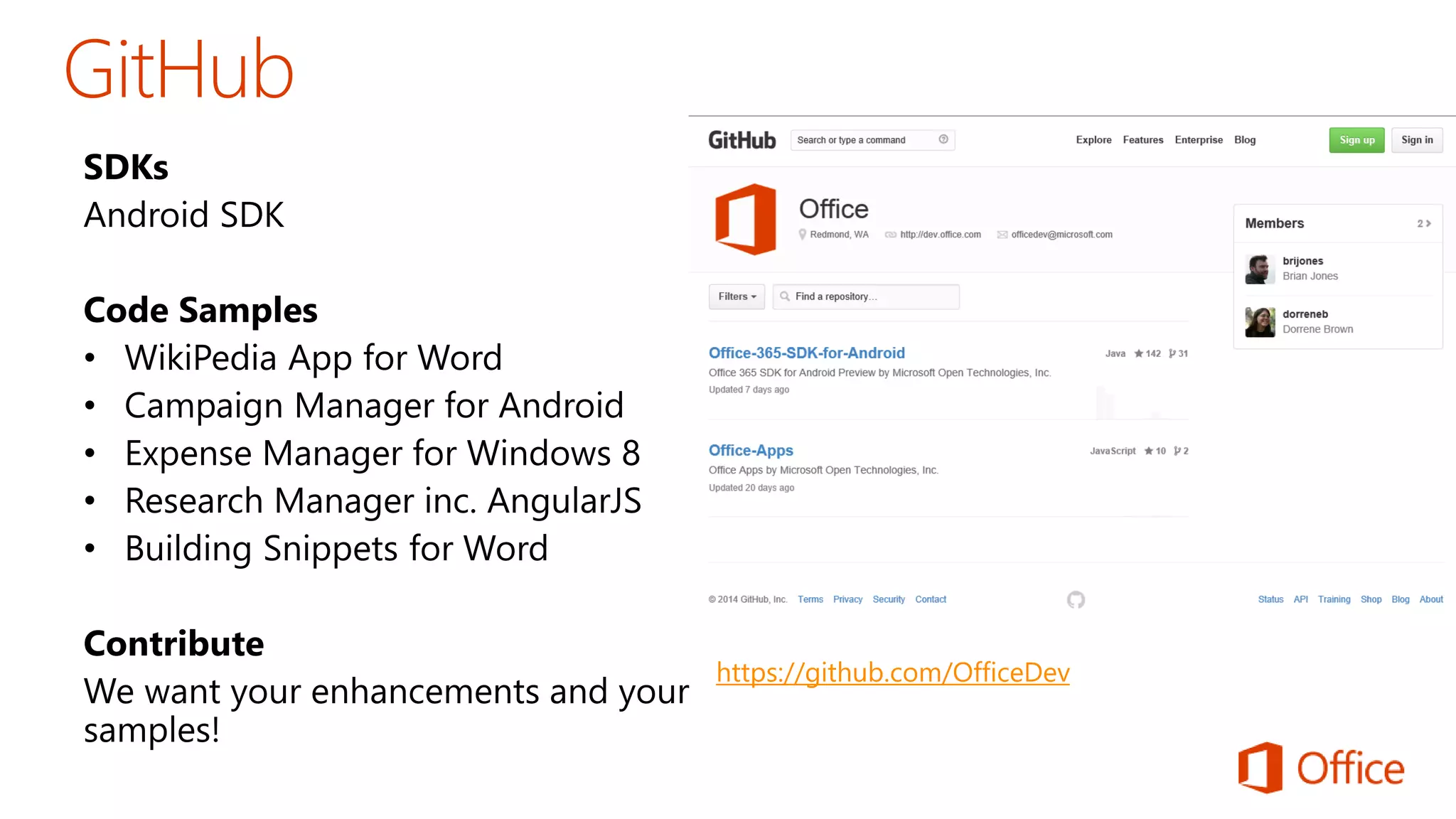
https://github.com/OfficeDev
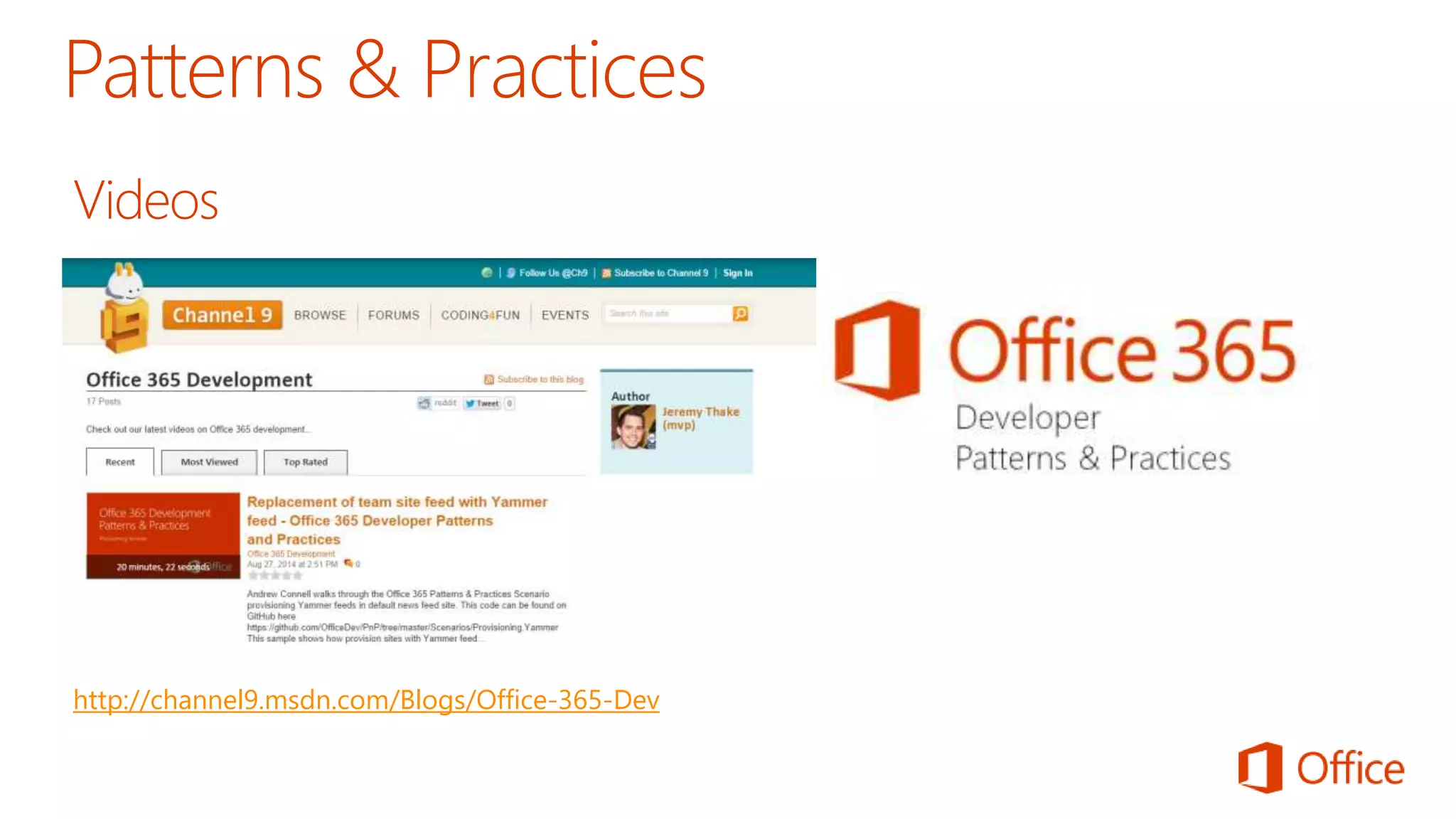
http://channel9.msdn.com/Blogs/Office-365-Dev
The SharePoint 2013 and SharePoint Online solution packs contain 
code samples and documentation that demonstrate how to use site 
branding and site provisioning techniques as well as search 
customization scenarios for SharePoint 2013 and SharePoint Online. 
http://www.microsoft.com/en-us/download/details.aspx?id=42030
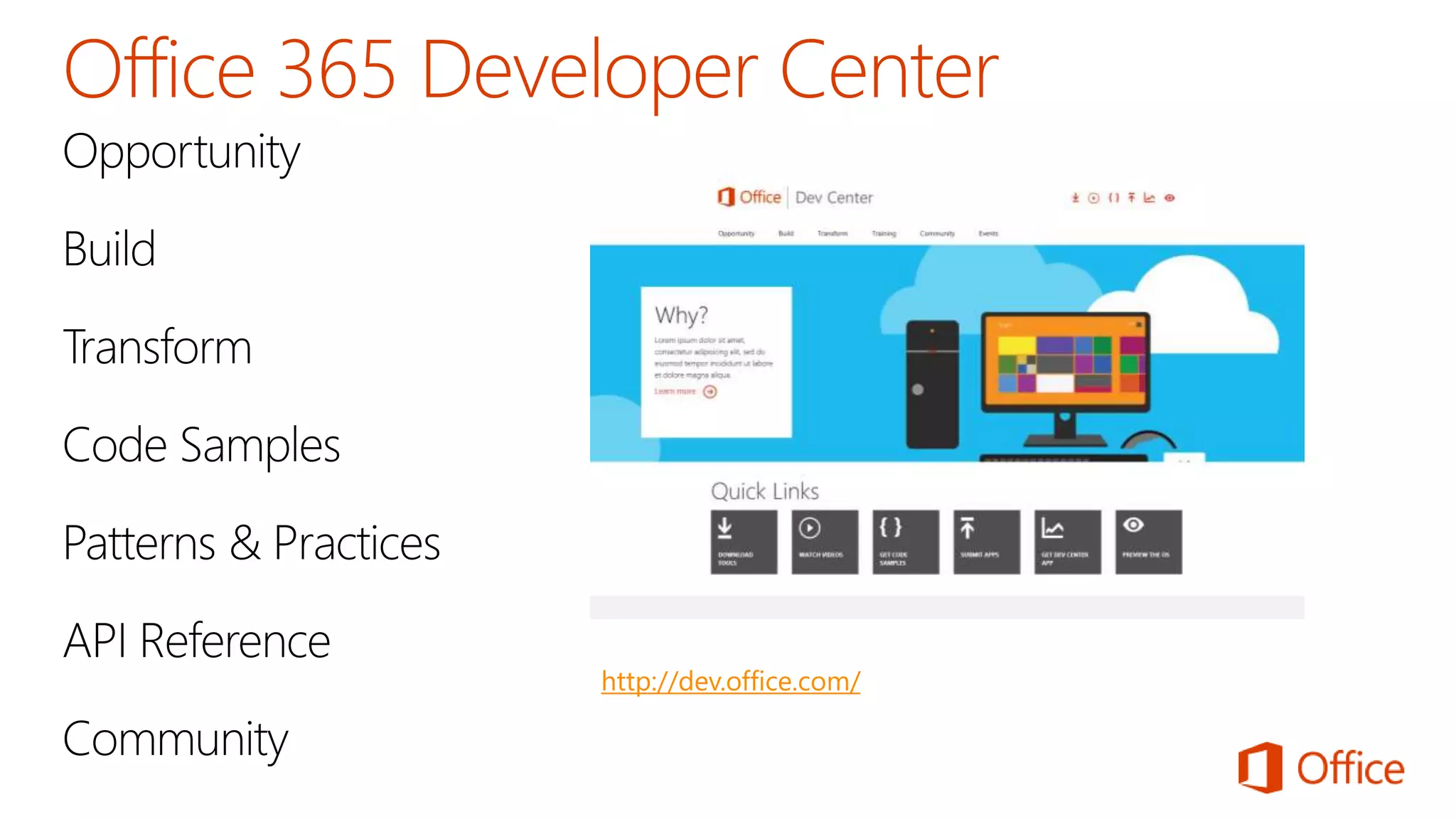
http://dev.office.com/
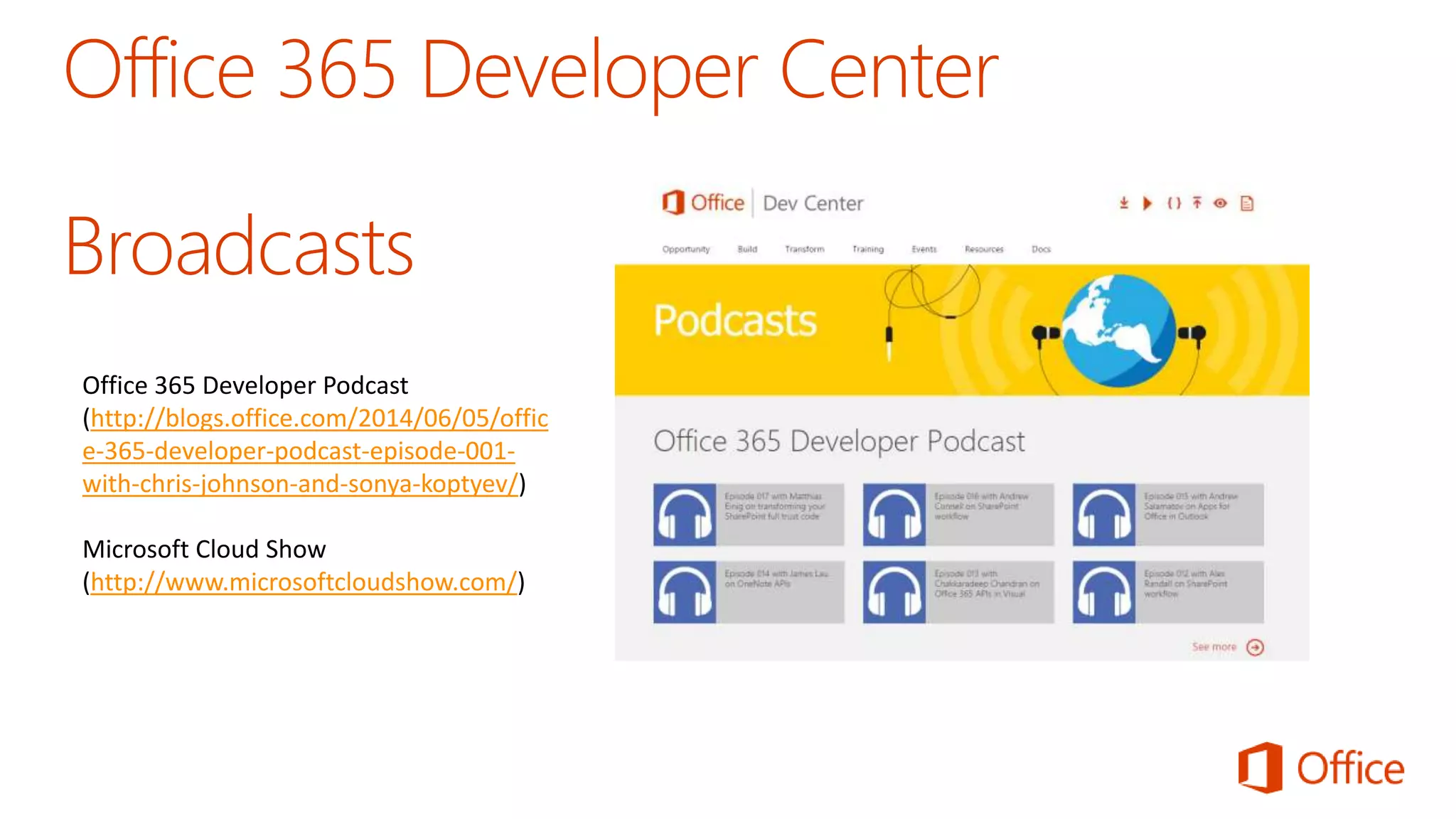
Office 365 Developer Podcast 
(http://blogs.office.com/2014/06/05/offic 
e-365-developer-podcast-episode-001- 
with-chris-johnson-and-sonya-koptyev/) 
Microsoft Cloud Show 
(http://www.microsoftcloudshow.com/)
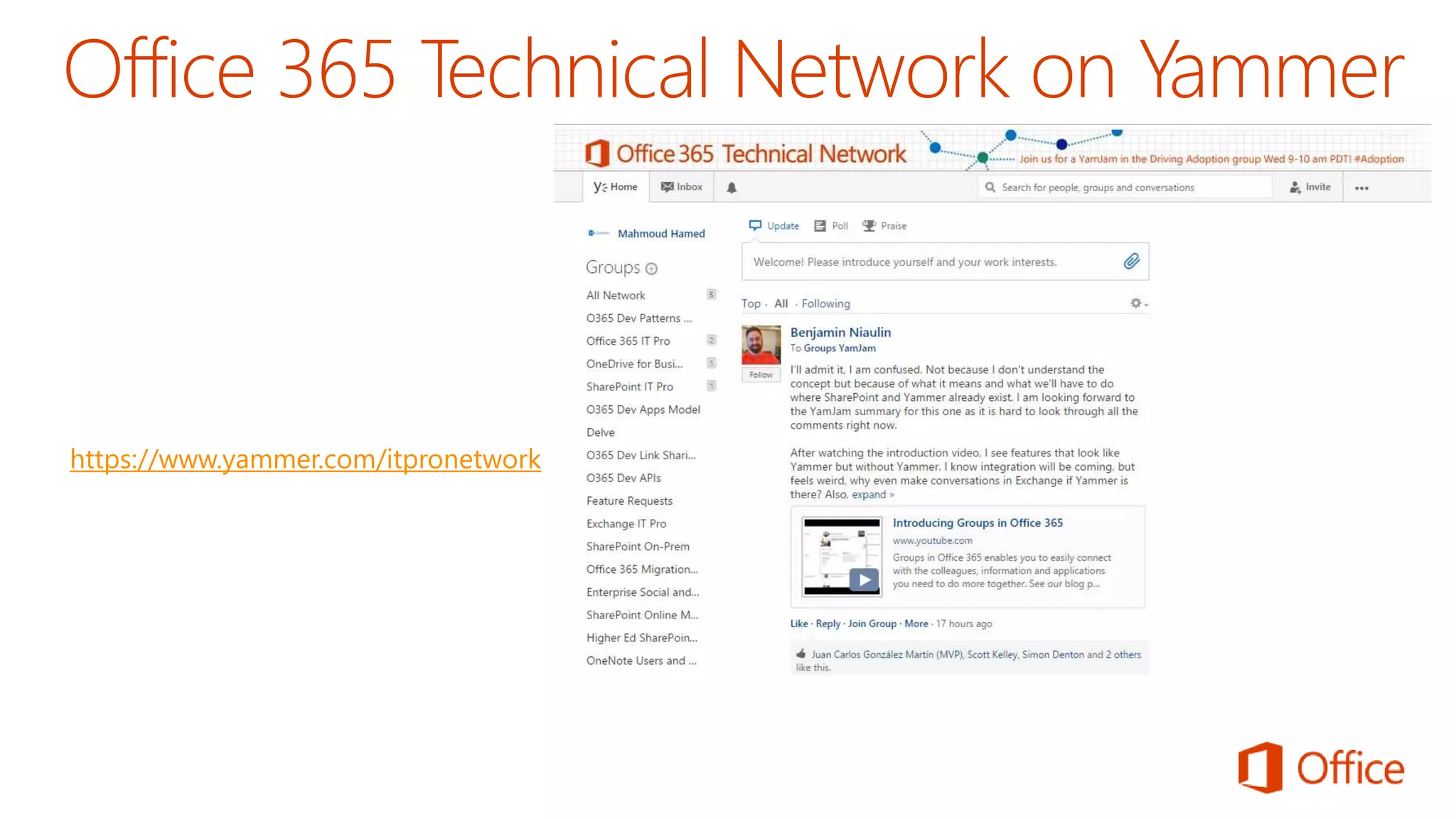
https://www.yammer.com/itpronetwork
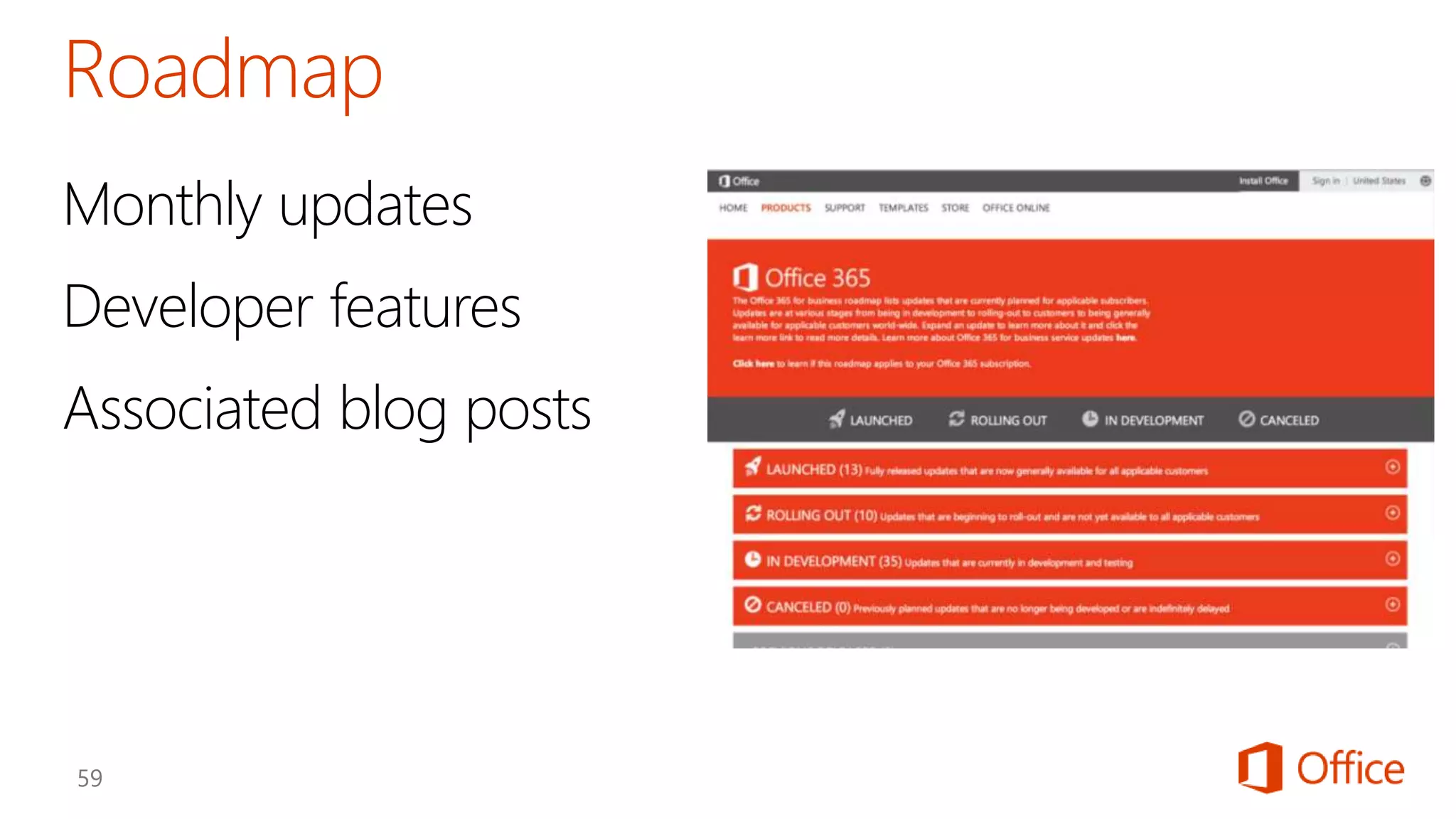
Monthly updates 
Developer features 
Associated blog posts
©2013 Microsoft Corporation. All rights reserved. Microsoft, Windows, Office, Azure, System Center, Dynamics and other product names are or may be registered trademarks and/or trademarks in the 
U.S. and/or other countries. The information herein is for informational purposes only and represents the current view of Microsoft Corporation as of the date of this presentation. Because Microsoft 
must respond to changing market conditions, it should not be interpreted to be a commitment on the part of Microsoft, and Microsoft cannot guarantee the accuracy of any information provided after 
the date of this presentation. MICROSOFT MAKES NO WARRANTIES, EXPRESS, IMPLIED OR STATUTORY, AS TO THE INFORMATION IN THIS PRESENTATION.

Office 365 Development Overview

  • 6.
    Web Standards Scalableand Safe Accessible
  • 7.
    Write once, runanywhere Hosting freedom Re-use logic and assets
  • 9.
    App Model Development If you know general web development, you also know Office 365 development…
  • 20.
  • 37.
  • 41.
    1.365 Developer TenantSignup - Sign up for your Office 365 Developer Tenant to start building Apps for Office and SharePoint and get access to the Office 365 APIs. 2.Adding Dev Site to Existing O365 Subscription - If you already have an Office 365 Subscription you can get a developer tenant for free inside your existing tenant. 3.Microsoft Azure Tenant Signup - Get a Microsoft Azure tenant to host your provider-hosted SharePoint apps or custom web apps that use Office 365 APIs. 4.Sign up for a Seller Dashboard account to publish your apps into the Office Store.
  • 42.
  • 43.
  • 44.
    1.Get the VisualStudio Latest Update to start building apps for Office and SharePoint with project templates and starting points. 2.Get the Office 365 API Tools for Visual Studio 2013 to start leveraging the Office 365 APIs inside your web applications. 3.Get the Office 365 SDK for Android to start building native Android apps leveraging the Office 365 APIs.
  • 45.
    Around the globe,1 billion Office users spend an average of two to three hours each day in Office clients, with more than 400 petabytes of data hosted in the Office 365 service. If you're a web developer, the Office 365 platform gives you the opportunity to reach these users with your business solutions, automate the day-to-day solutions, and even create custom solutions. http://channel9.msdn.com/Series/Introduction-to-Office-365-Development
  • 46.
    This course coversthe fundamental use of the Client Object Model (CSOM) and the REST API, discusses how they have evolved in SharePoint 2013, and highlights many of the their new features. http://www.pluralsight.com/courses/table-of-contents/sharepoint-2013- client-object-model-rest
  • 47.
  • 48.
  • 49.
  • 50.
    The SharePoint 2013and SharePoint Online solution packs contain code samples and documentation that demonstrate how to use site branding and site provisioning techniques as well as search customization scenarios for SharePoint 2013 and SharePoint Online. http://www.microsoft.com/en-us/download/details.aspx?id=42030
  • 51.
  • 52.
    Office 365 DeveloperPodcast (http://blogs.office.com/2014/06/05/offic e-365-developer-podcast-episode-001- with-chris-johnson-and-sonya-koptyev/) Microsoft Cloud Show (http://www.microsoftcloudshow.com/)
  • 53.
  • 54.
    Monthly updates Developerfeatures Associated blog posts
  • 55.
    ©2013 Microsoft Corporation.All rights reserved. Microsoft, Windows, Office, Azure, System Center, Dynamics and other product names are or may be registered trademarks and/or trademarks in the U.S. and/or other countries. The information herein is for informational purposes only and represents the current view of Microsoft Corporation as of the date of this presentation. Because Microsoft must respond to changing market conditions, it should not be interpreted to be a commitment on the part of Microsoft, and Microsoft cannot guarantee the accuracy of any information provided after the date of this presentation. MICROSOFT MAKES NO WARRANTIES, EXPRESS, IMPLIED OR STATUTORY, AS TO THE INFORMATION IN THIS PRESENTATION.

Editor's Notes

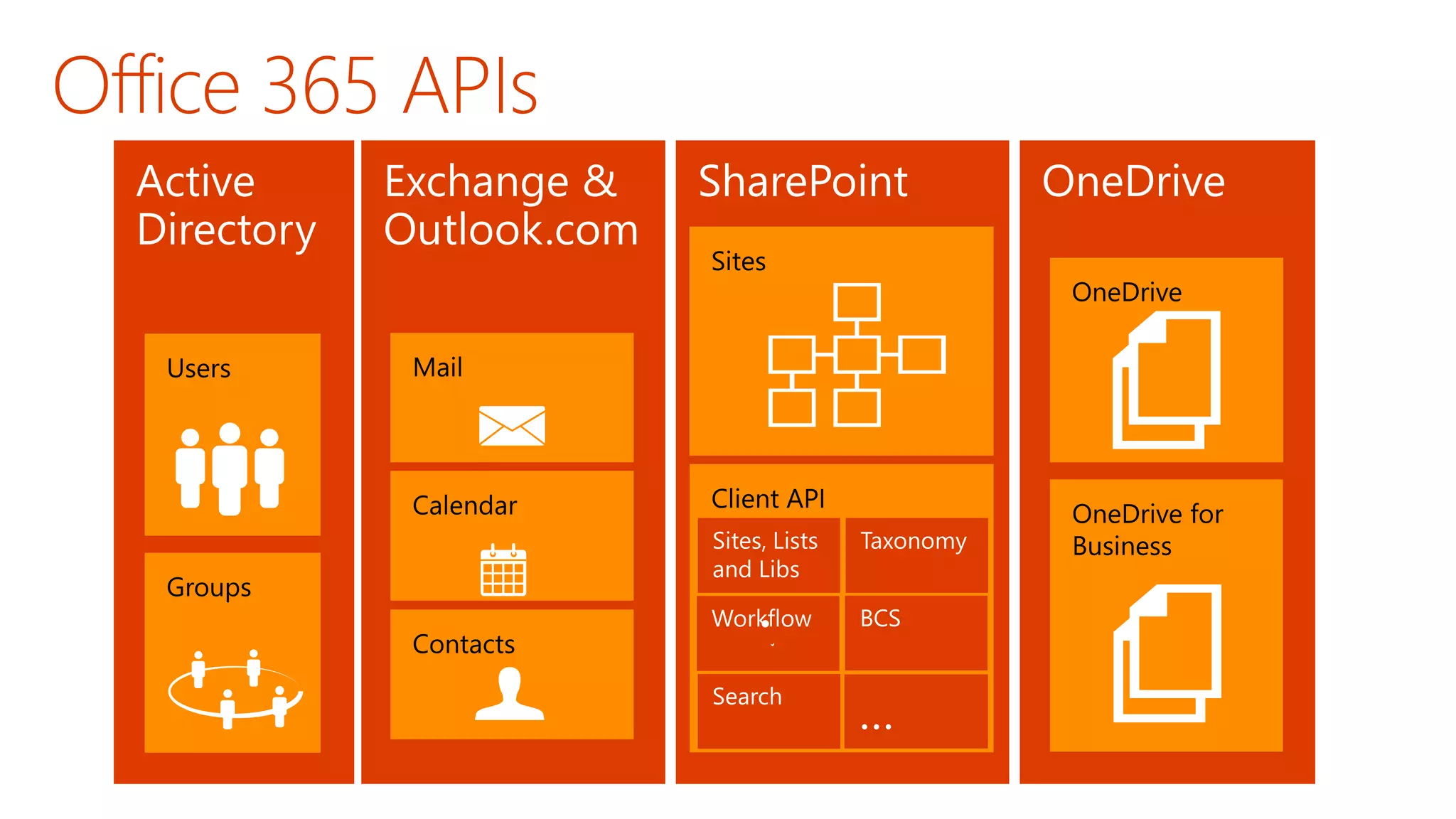
  • #3 What new APIs are available, in preview, in the Office 365 Platform How to use these API’s in your platform of choice Some sample business scenarios for leveraging these API’s Level: Intermediate Audience: Developer Essentials
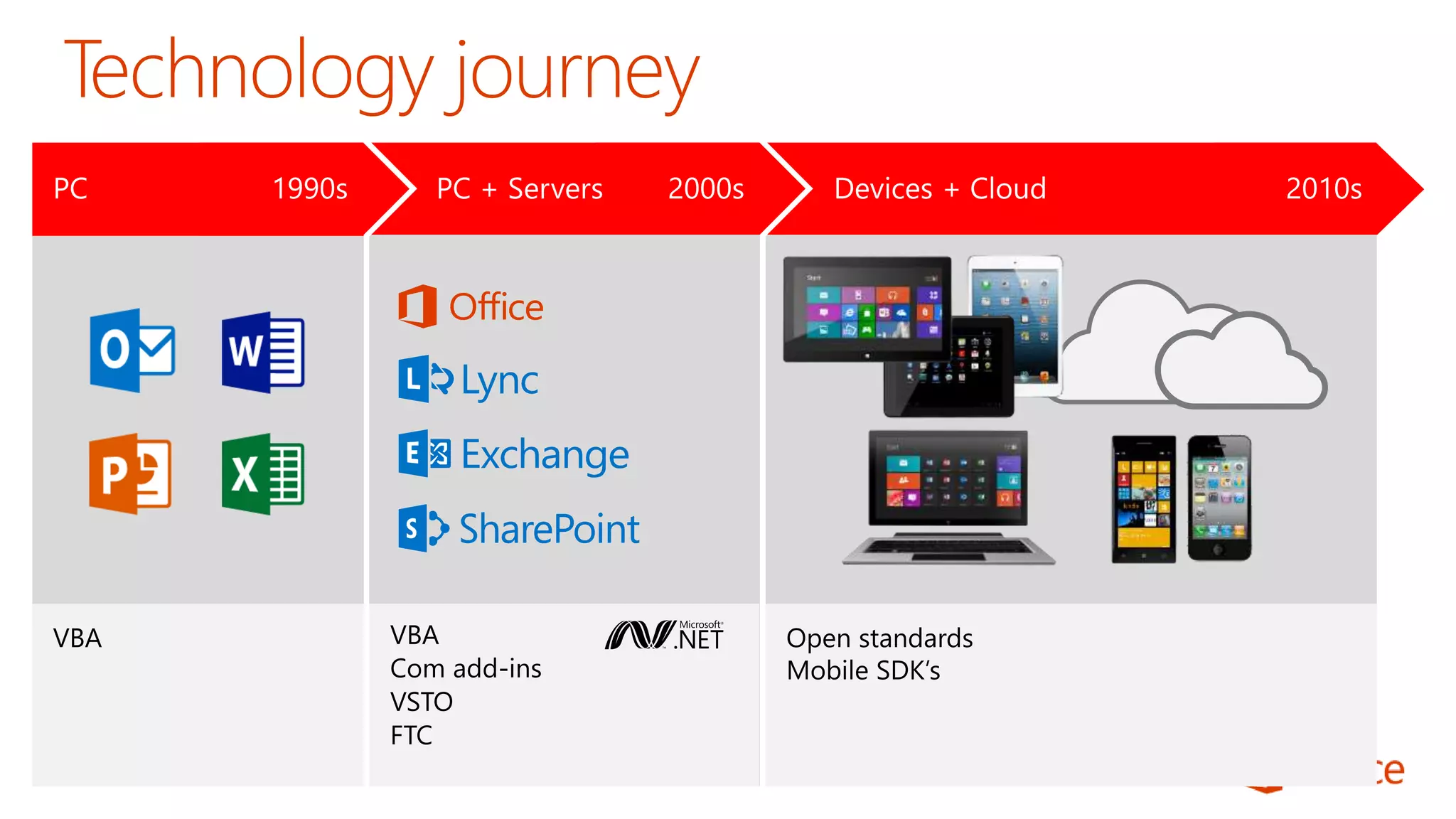
  • #4 Technology Journey Respect for the investments that you’ve already made Reaching out to a whole new world of possible.
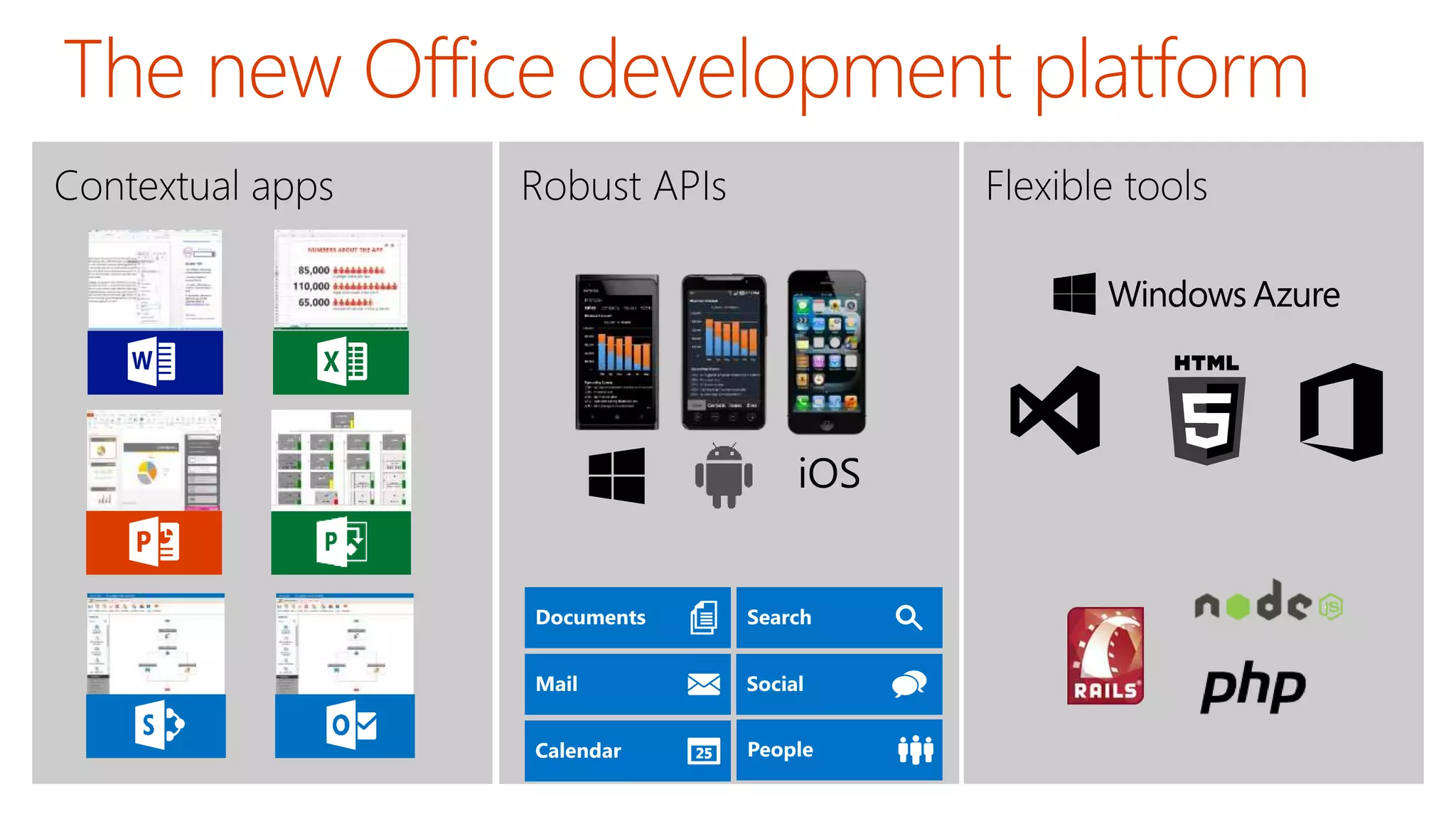
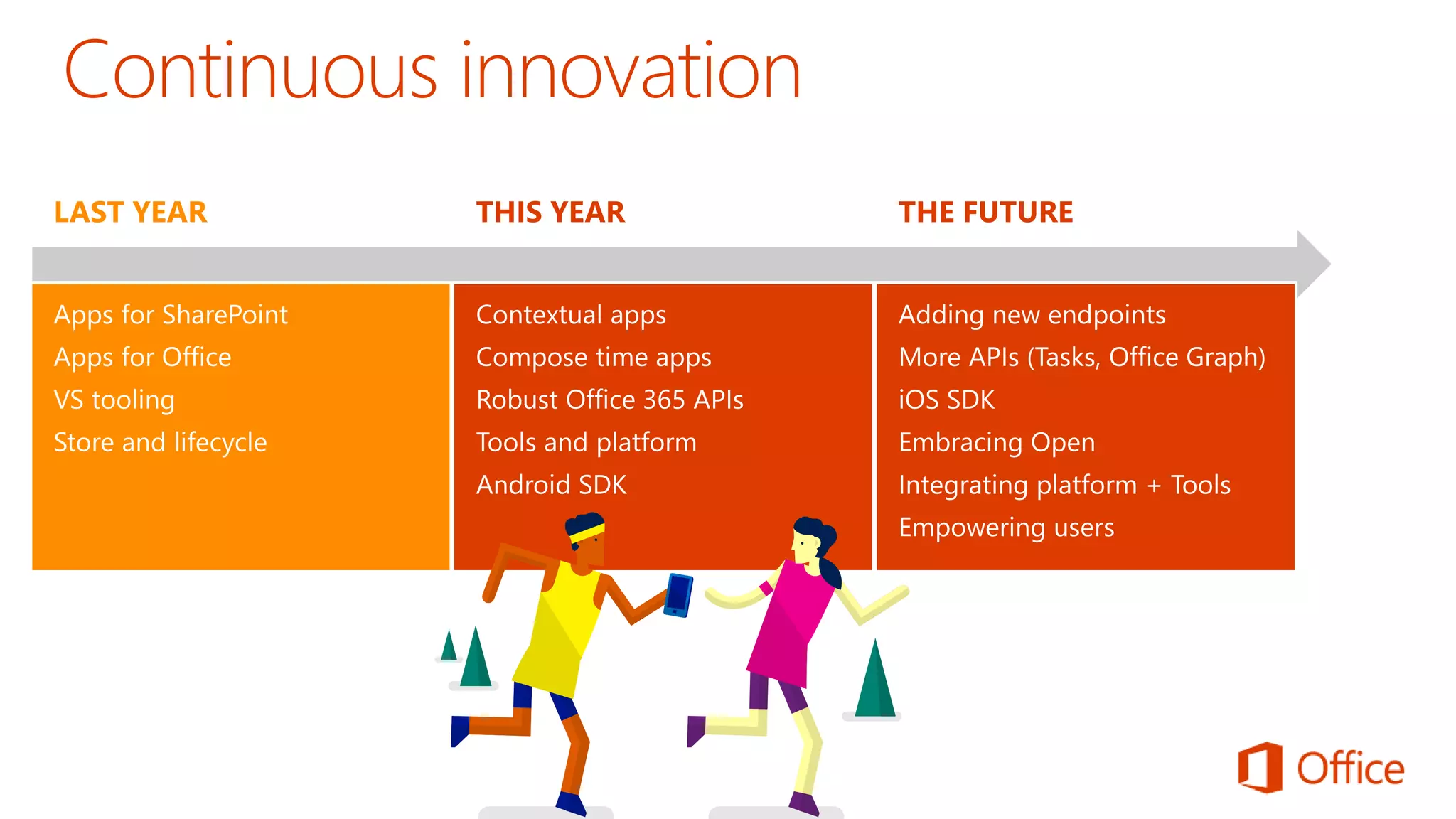
  • #5 Two kinds of apps : you light up Office/Exchange/SharePoint. You consume our services in a custom (device or web) app Contextual apps Rich, powerful interactive IW experiences Do more, without leaving Excel, Outlook, PowerPoint, SharePoint Consistent Framework everywhere that Office runs. Everywhere that people do work Robust APIs Big news More for SharePoint Devs Growing up outside SharePoint Flexible Tools Open-ness and choice is a core pillar But … we just want to take away all the friction Tools targeted to specific users Platforms with best management, capability and scale What does this mean. Where is the value Breadth : more endpoints and experiences Depth: richer APIs. More capabilities Power:
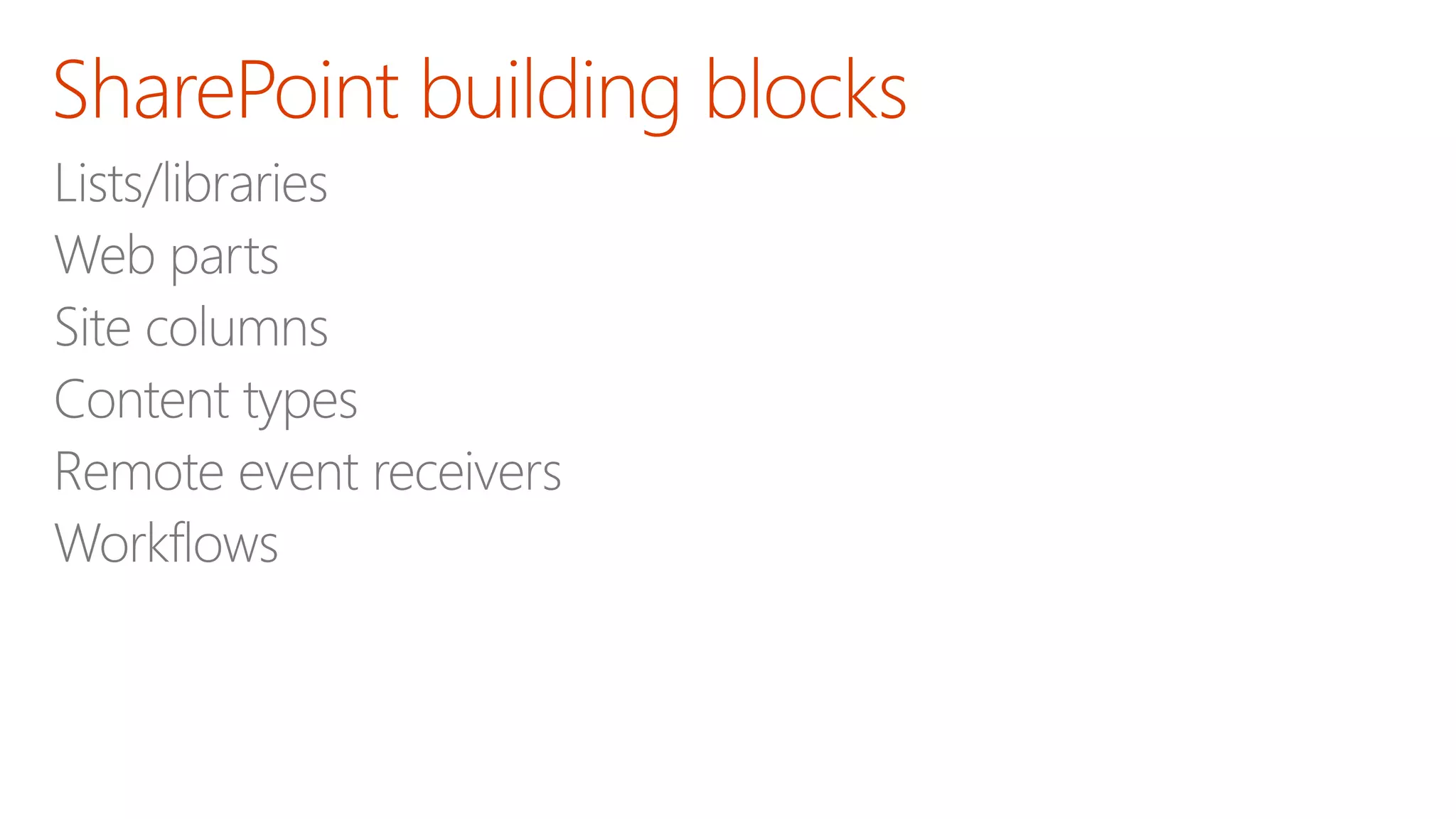
  • #7 The Cloud App Model provides a loosely coupled architecture for building apps in SharePoint 2013. This loosely coupled architecture gives the freedom of choice for developers in the technologies they use to not only host their applications but also the tools they use to write them. These apps leverage industry web standards such as HTML, JavaScript, jQuery, JSON, REST, OData and OAuth to provide apps an integrated user experience, yet architecturally provides for loose coupling with SharePoint 2013. Apps for SharePoint execute “off-server” which allows for the app to scale independently of SharePoint and provides for a more secure SharePoint environment. You have complete control how apps interact with SharePoint. IT has complete control on how users discover, acquire and license apps. IT can specify which apps are white listed for install, or provide a mechanism where users can request an app that requires IT approval to install. Apps can be accessible from any device with a web browser whether it be a PC, Tablet or smart phone. If it has a web browser that supports the latest web standards then it can be used. Supporting Technologies Client Side Rendering Cloud App Model REST End-Points Client Object Model OAuth 2.0 Visual Studio NAPA
  • #8 The Cloud App Model provides a loosely coupled architecture for building apps in SharePoint 2013. This loosely coupled architecture gives the freedom of choice for developers in the technologies they use to not only host their applications but also the tools they use to write them. These apps leverage industry web standards such as HTML, JavaScript, jQuery, JSON, REST, OData and OAuth to provide apps an integrated user experience, yet architecturally provides for loose coupling with SharePoint 2013. Apps for SharePoint execute “off-server” which allows for the app to scale independently of SharePoint and provides for a more secure SharePoint environment. You have complete control how apps interact with SharePoint. IT has complete control on how users discover, acquire and license apps. IT can specify which apps are white listed for install, or provide a mechanism where users can request an app that requires IT approval to install. Apps can be accessible from any device with a web browser whether it be a PC, Tablet or smart phone. If it has a web browser that supports the latest web standards then it can be used. Supporting Technologies Client Side Rendering Cloud App Model REST End-Points Client Object Model OAuth 2.0 Visual Studio NAPA
  • #9 By nature the Cloud App Model allows for the implementation of the app to be independent of the SharePoint platform. This gives you freedom of choose in how you develop and host your apps. This means you could develop them using Microsoft tools or non-Microsoft tools such as Eclipse. You can host the on Windows Azure or host them in Linux, Amazon Web Services, etc… The choices are endless and completely up to you. The apps you right can re-use logic and code you already have for other web based apps or services. Or you can use logic and code for an app in other web apps or services. That’s the power and freedom of the cloud. Supporting Technologies Cloud App Model Platform Agnostic
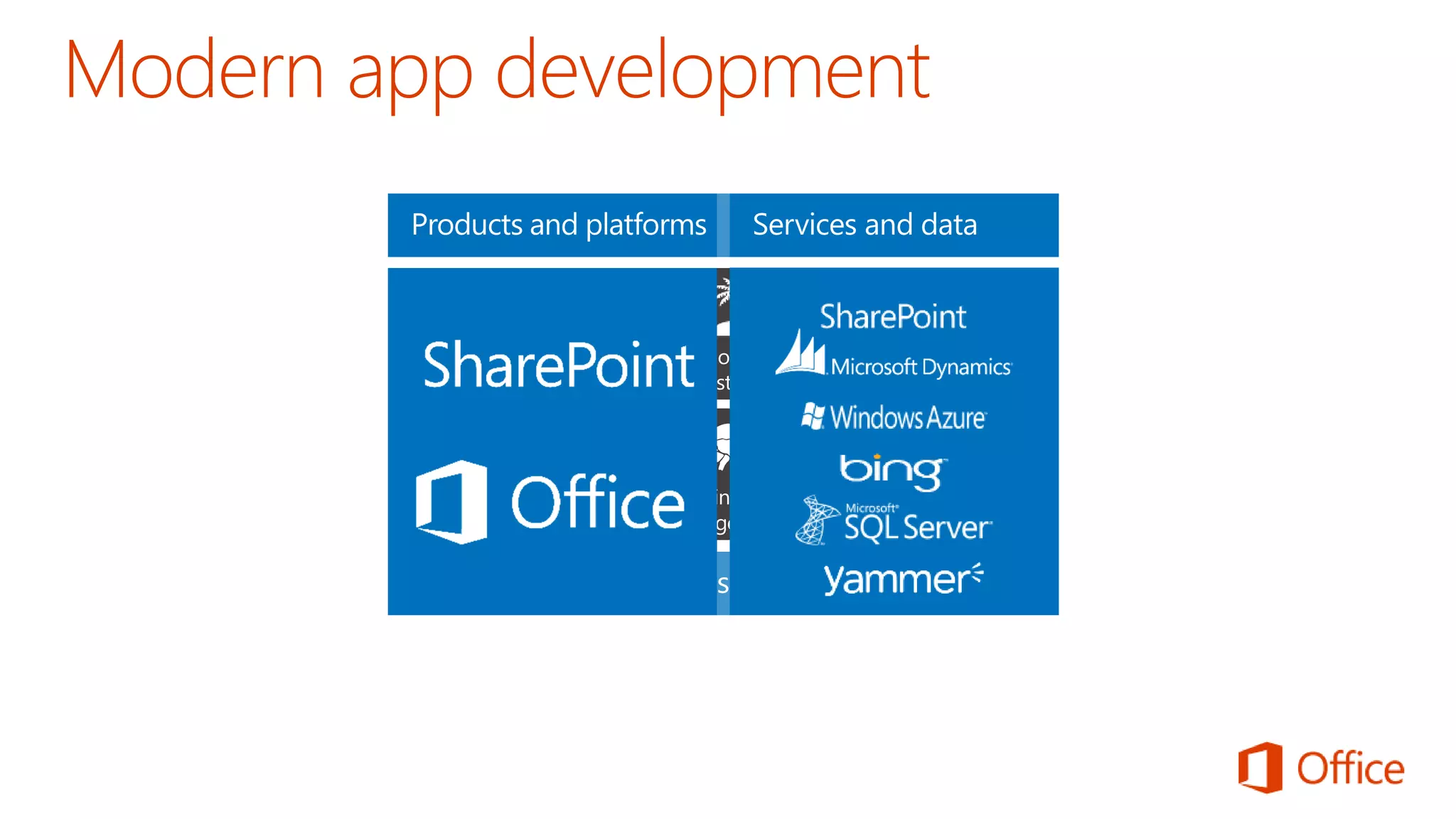
  • #10 It’s worth spending some time taking you through how we think about modern app development at Microsoft. We have a series of products and platforms like SharePoint and Office that provide a lot of great out-of-the box functionality to help us be productive. To get even more from these products we want to be able to bring information in from other places. Services and data sources like Dynamics, Bing or something that lives out on the web or in the cloud. With the latest version of SharePoint we’re making it easier to bring together rich web services and data to create powerful new apps. Apps run outside of the SharePoint process, are hosted externally and can be exposed through REST API’s. Today there are more than 700,000 SharePoint application developers and with this release we’re providing them with a place to surface their apps through an online marketplace of rich partner solutions and applications designed to work with SharePoint and Office.
  • #11 Same code works in cloud and in on-premises Build market place apps and reach all Office 365 customers easily More flexible model with additional possibilities Standard .NET development tooling
  • #12 Lifecycle Not just the store Momuntem has been building store and on-prem Store features ; subscriptions Business-ready Corporate catalog Training users to get new experiences
  • #14 To address many of the challenges developers and site owners had in previous versions of SharePoint, Microsoft has introduced a new development option for SharePoint 2013: The SharePoint App Model. In this new model apps do not necessary live within SharePoint. Instead the app’s business logic executes within the context of the client (browser) or externally from SharePoint. This external option could be another non-SharePoint Web server or a cloud server. Apps are also more secure in that when they need to access SharePoint resources such as lists and libraries they must be explicitly granted permissions to do so. This is implemented using OAuth. When an app is created, the developer specifies which permission the app needs in order to function. When the app is installed, the user installing the app is prompted to accept the permission requests the app needs (if they deny the permissions, the app is not installed). Once granted permissions, the apps can then talk to SharePoint using the Client Side Object Model (CSOM) or using some of the new OData services in SharePoint. Developers can build apps and submit them to a marketplace making it easy for customers to acquire these applications.
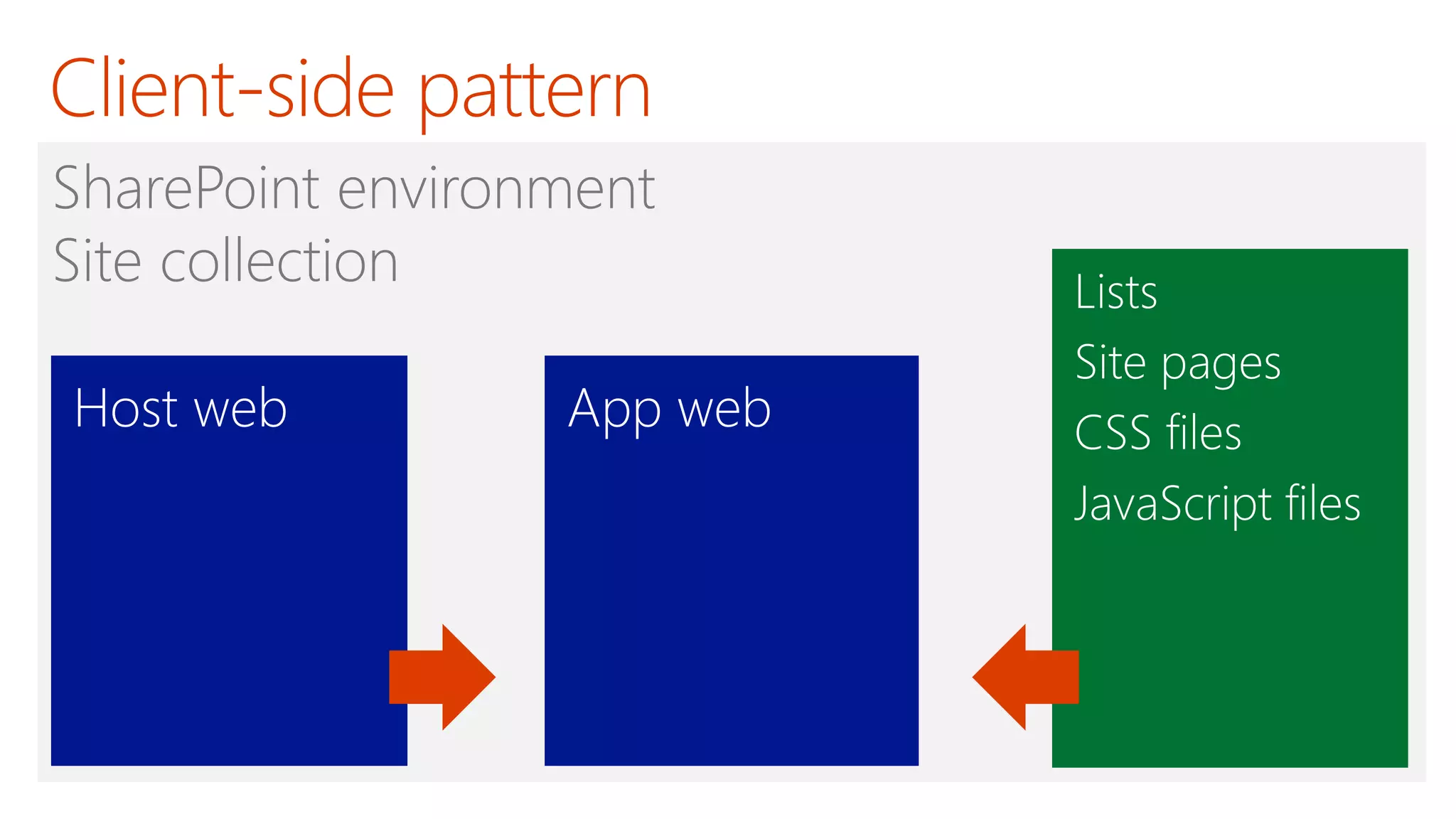
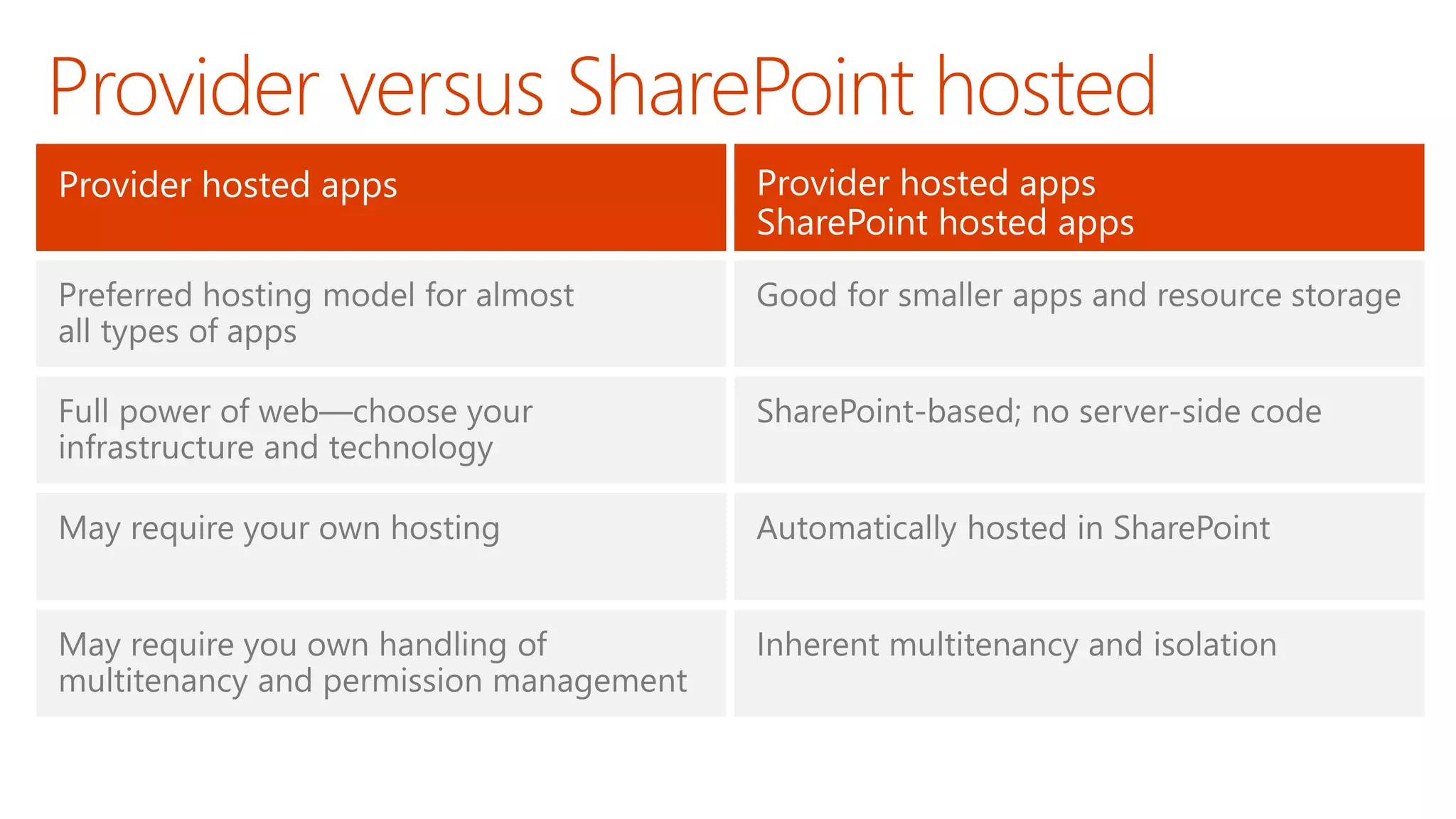
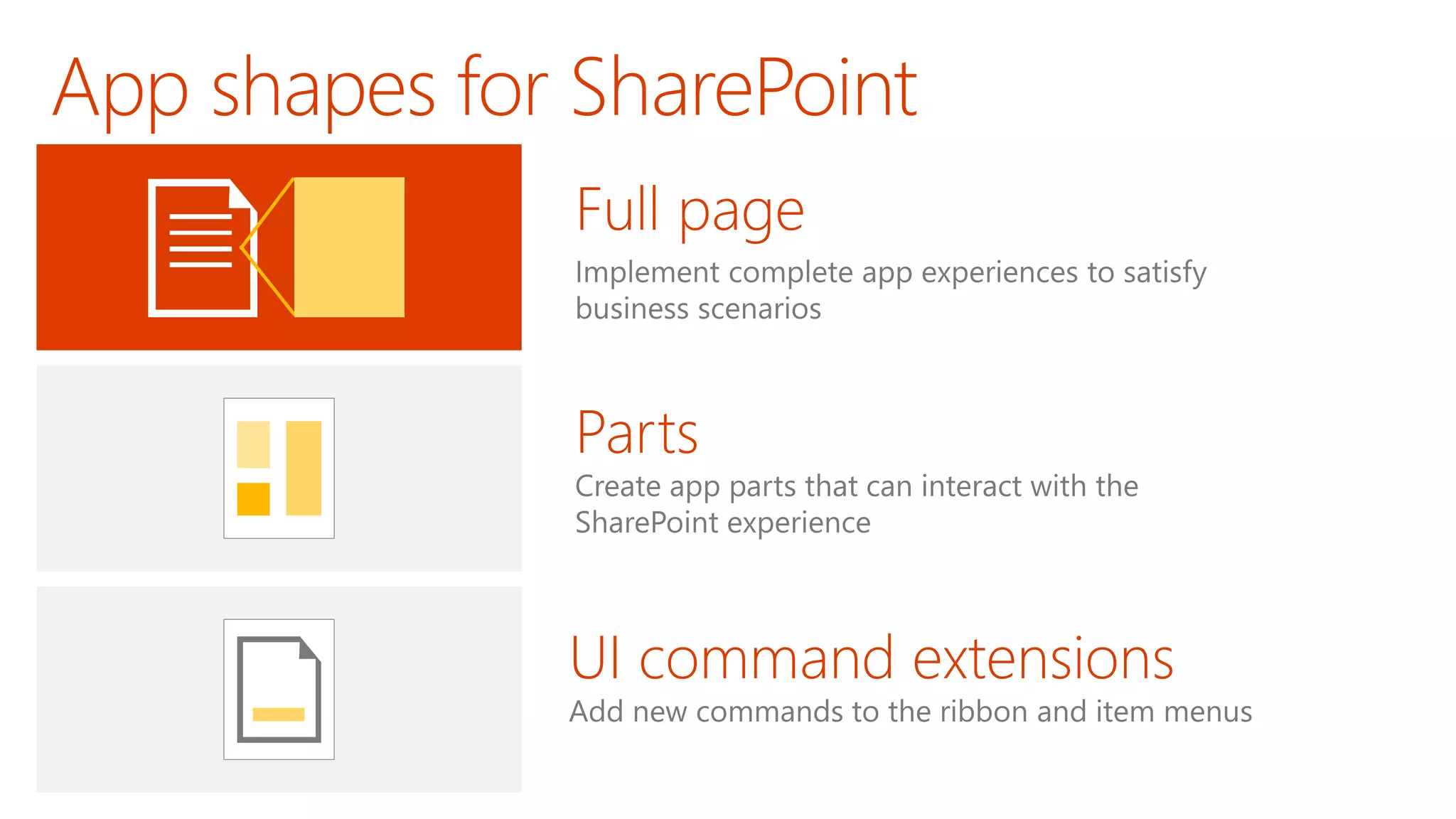
  • #17  The client-side pattern typically involves adding HTML pages, CSS files and JavaScript files to the app web. This makes it possible to add client-side code behind the pages of your app. You can also add quite a few other elements to the app web as well. Here is a short list of what you can add. Site columns Content types List definitions List instances Site Pages Web Part Pages Web Parts Custom Master Pages
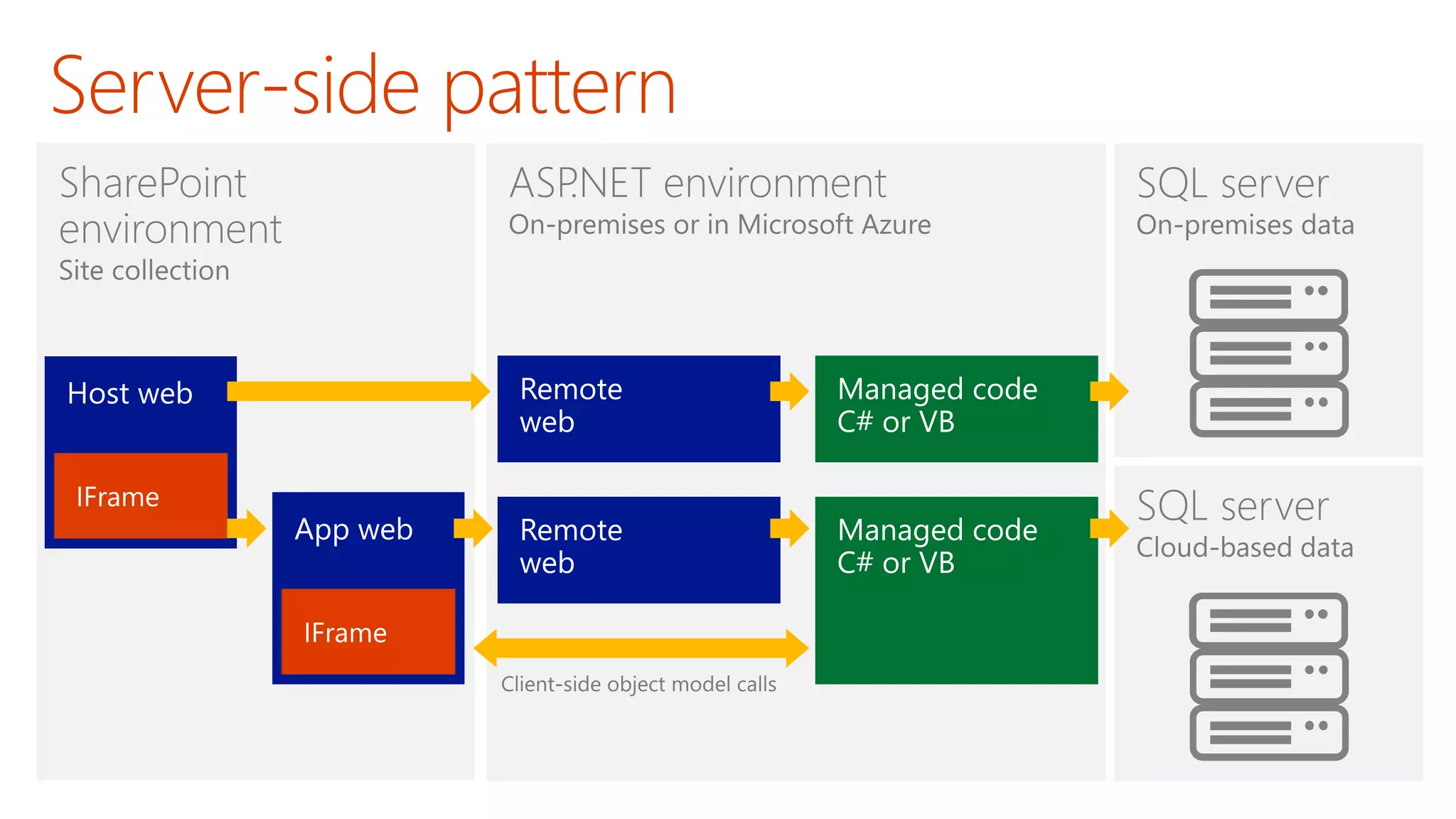
  • #18 The server-side pattern is great for experienced .NET developers because they are able to write strongly-typed code using C# and VB.NET. You also have the flexibility of picking your preferred execution environment (e.g. .NET 4.0, .NET 4.5, etc.) and not being constrained by all the frustrating limitations if running code inside the SharePoint environment. In some scenarios, the external application associated with a SharePoint app will be self-contained which means it has not need to call into SharePoint to access content. In other scenarios, the external application associated with a SharePoint app will be required to call back into SharePoint to read and write content such as list items and/or documents within the host web or the app web.
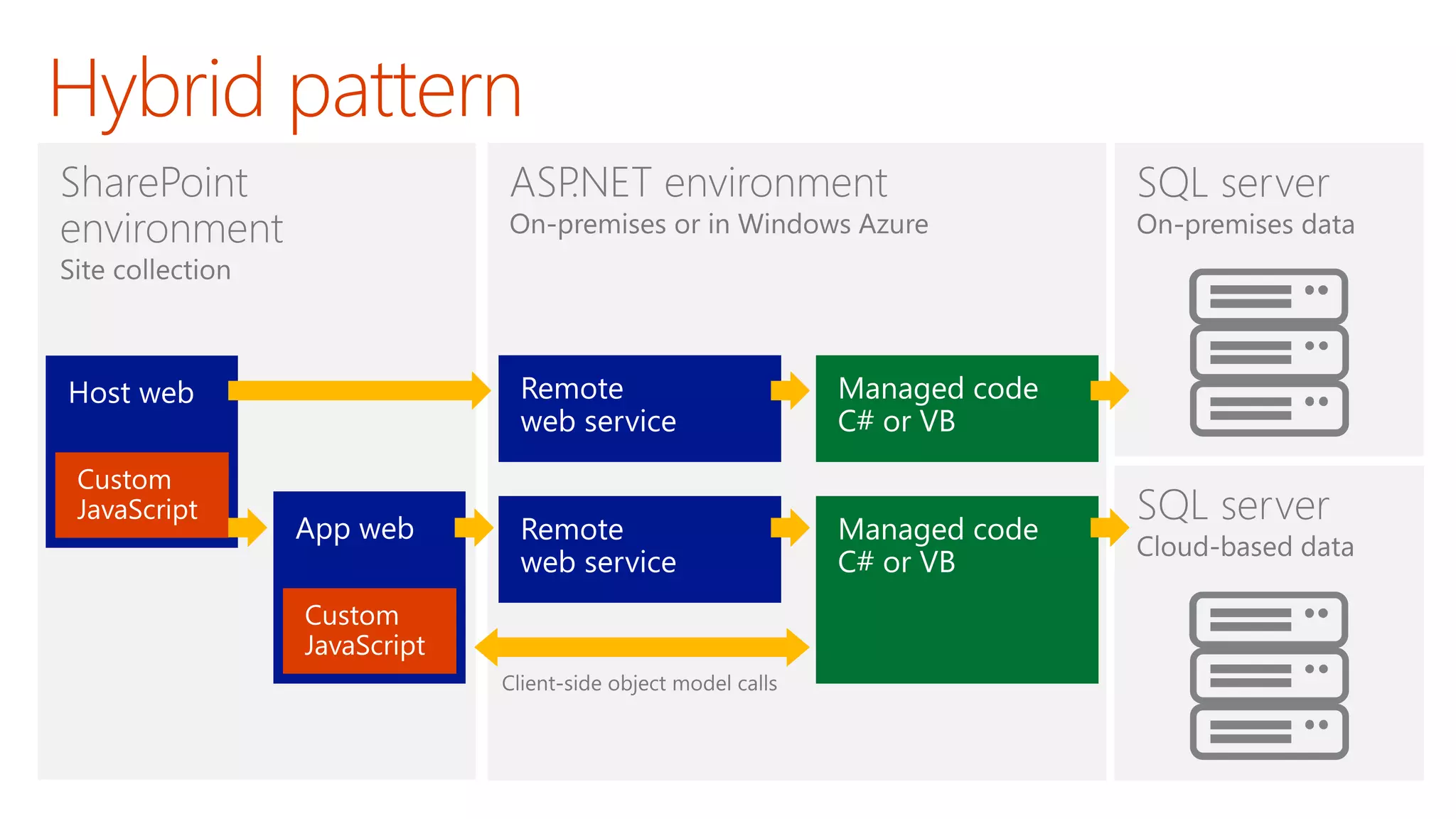
  • #19 The hybrid pattern is the most flexible. You can mix and match as much client-side code and server-side code as you would like.
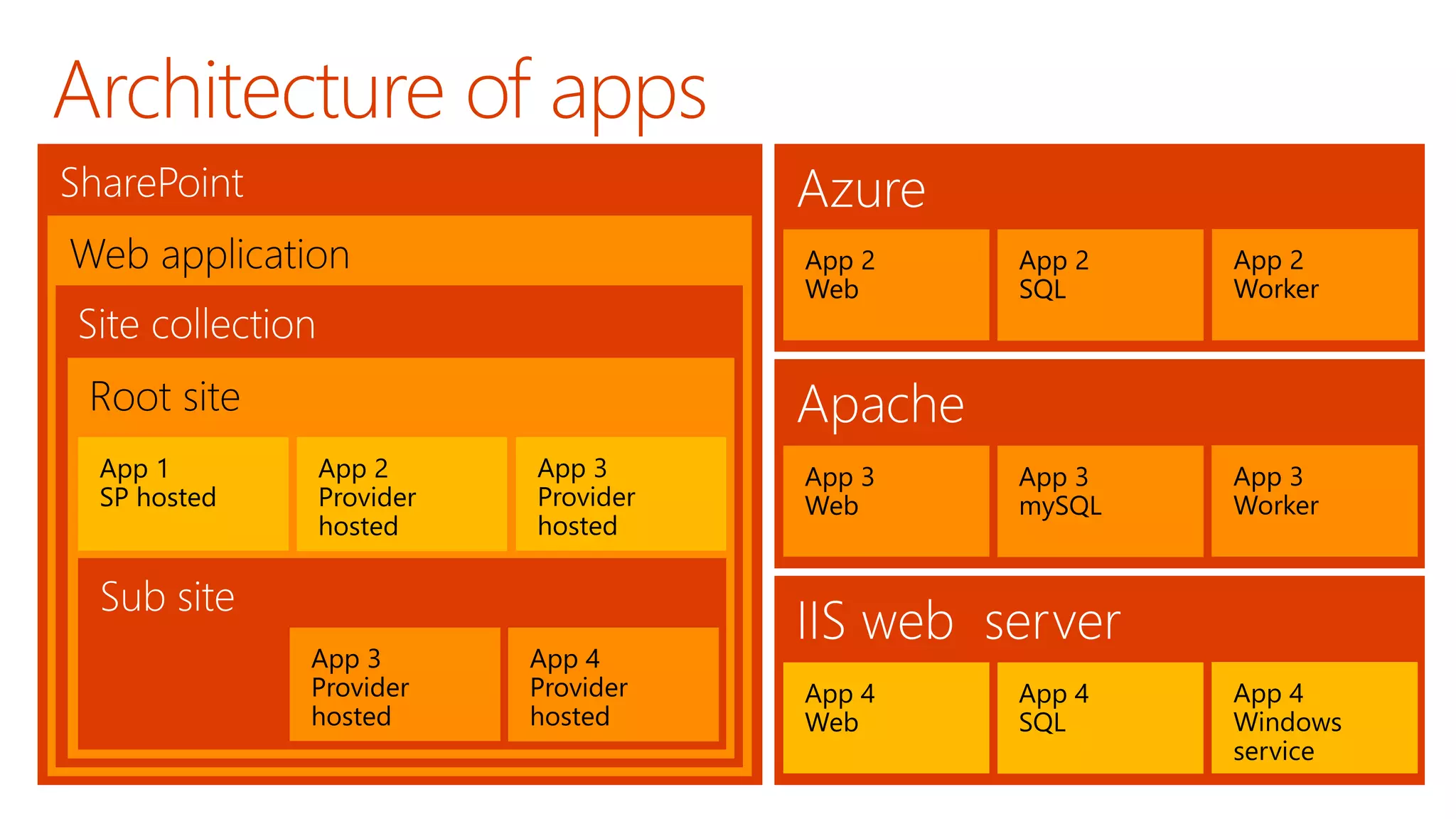
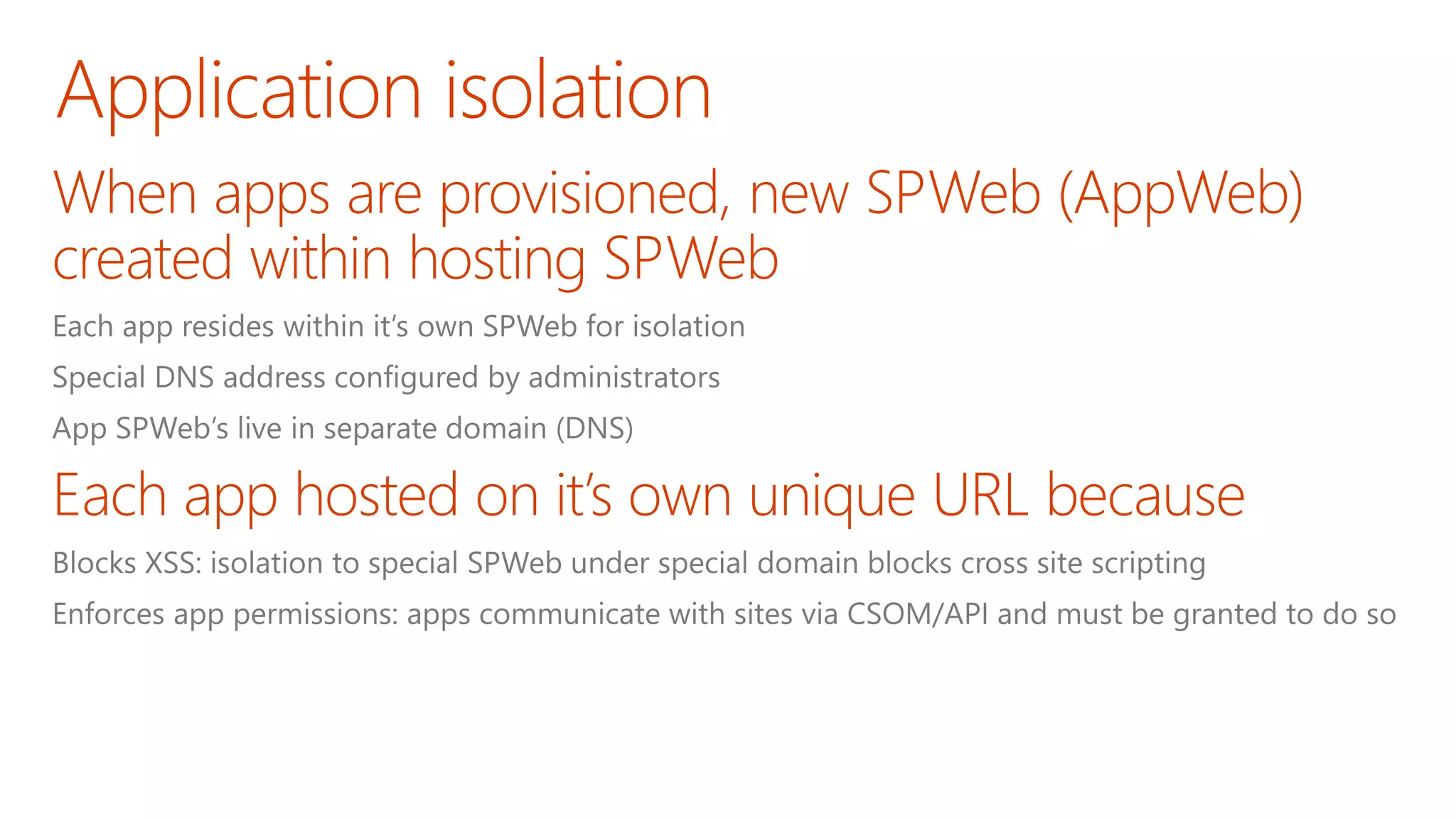
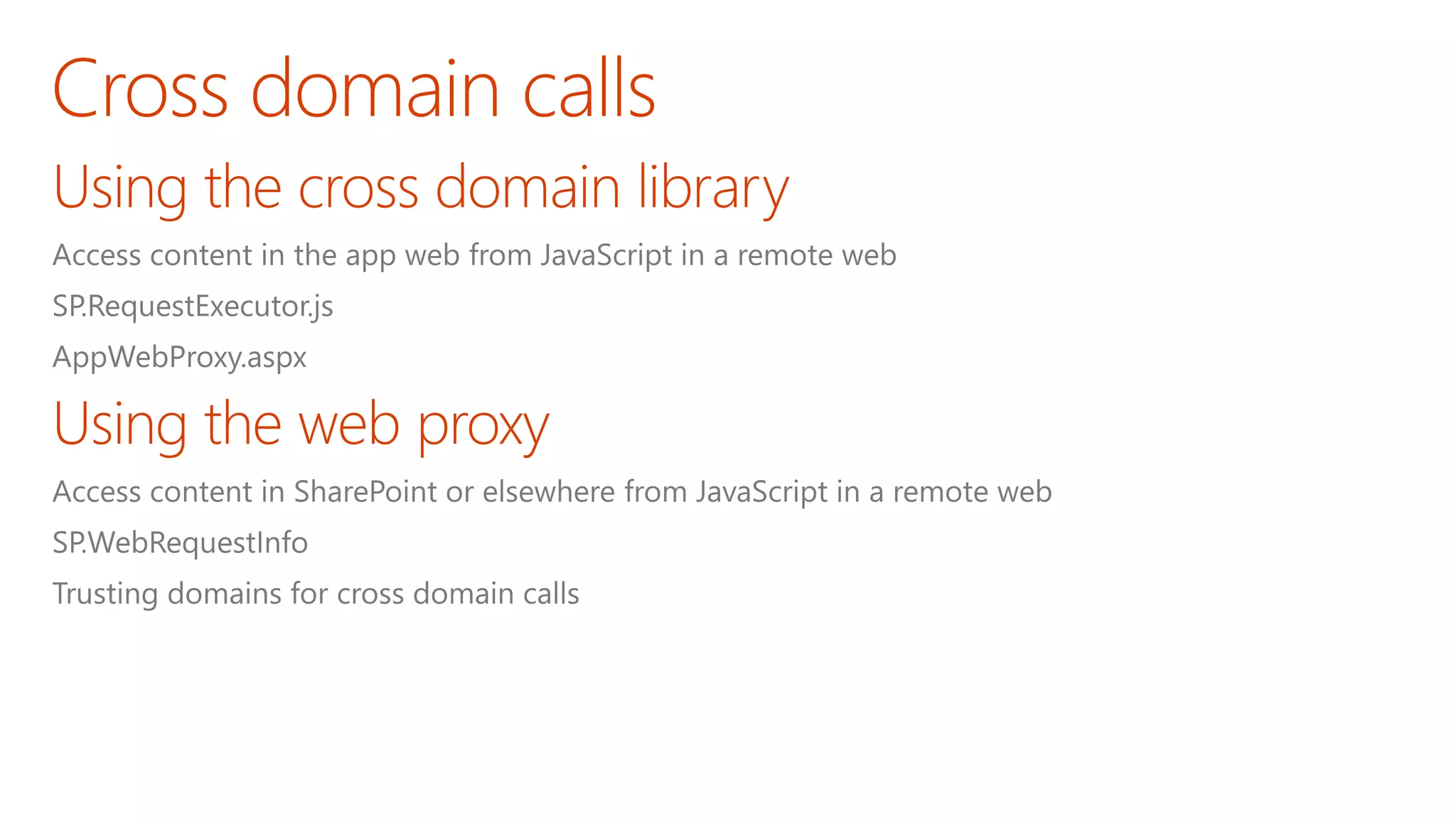
  • #21 When an app is installed, SharePoint creates a special SharePoint site (SPWeb) for the app. This site, called an AppWeb, is given it’s own top-level URL that is different from the hosting site. This unique URL enforces two things: Blocking cross site scripting (XSS) – because the hosting site & the AppWeb are in different domains, browsers will block any script that tries to access resources in different domains. Enforcing App Permissions – apps will only be allowed to access SharePoint sites if they have been granted access to do so and when they do, they can access it using the CSOM or OData APIs.
  • #22 Consider an app installed in the SPWeb http://intranet.contoso.com The app URL will be (for example): http://app-bf473b5225nn0f.apps.contoso.com/SharePointAppTitle Dissecting the App URL (use http://fabrikam-APPUID.SharePoint.com/APPNAME in the following explanation): APPUID: A unique 14 character identifier that is given to each app installation in that particular customer / tenancy. This makes the domain unique for each app. APPNAME: The name of the SPWeb folder under which the app is installed. Currently this is a GUID and is automatically generated. On-Premises Deployment: In the case of an on-premise deployment, everything in the domain except APPUID is configurable by the administrator; administrators can specify tenant & domain.com in the above scenario. This is set once while preparing the farm to support apps. Developers have control over the APPNAME within the AppManifest file of the app package. Apps should be used with SSL when deployed to production. Hosted / Office 365 Deployment: In the case of a hosted deployment, the customer name (or tenant name) is determined when they create their account with Office 365 and it is not changed after that. The root domain (domain.com in the above scenario) is always SharePoint.com.
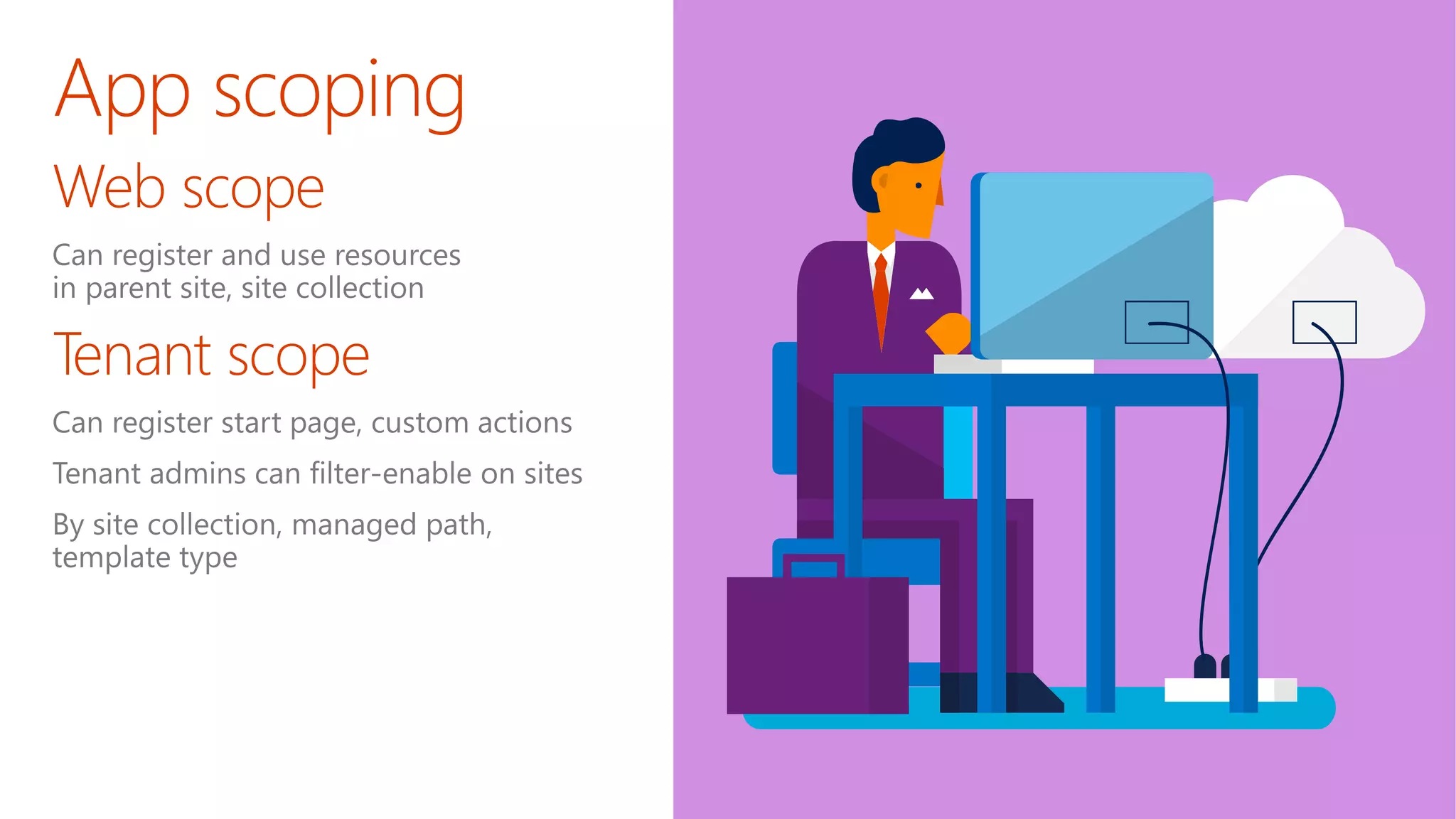
  • #25 Another consideration when building apps involves the scope of the app. Will the app be scoped to a SharePoint site (or a web) as a document library is, or will it be tenant scoped. Tenant scoped means that the app may contain data for multiple tenants (customers) and partition each experience per customer. Tenant scoped apps can not reside in SharePoint… these types of apps can only be implemented as cloud apps.
  • #31 An app uses permission requests to specify the permissions that it needs The requests specify both the rights and scope which are needed Scopes indicate where in the SharePoint hierarchy a permission request applies. SharePoint supports four different content scopes: SPSite—site collection SPWeb—website SPList—list Tenancy—the tenancy scope is at http://<sharepointserver>/<content>/<tenant>/ There are also scopes for things like performing search queries, accessing taxonomy data, user profiles, etc.
  • #32 Permission rights indicate what an app is permitted to do within a scope. SharePoint supports four rights levels for content (there are others for things like search, term store, etc.): Read-Only Write Manage Full Control Unlike SharePoint user roles, these rights levels are not customizable If an app is granted permission to a scope, the permission applies to all children of the scope If an app is granted perms to an SPWeb, the app is also granted perms to each SPList in the SPWeb, and all SPListItems in each list, but NOT each subweb
  • #45 Specific talking points on “show some leg:” Endpoints Building Apps for Office on the MAC Filling in Apps in Office Online, Word Connecting Entities Adding Entities for feeds and tasks. Embracing more of O365 Working on tools to help developers navigate between entities, like you see in Pulse (We’re showing this, right?) Embracing Open Double-down on open standards, interop, protocols and programming frameworks Making more open source projects Contributing to more open source projects Integrating Platform Easier to manage apps across Azure and O365 More support from VS for apps across not just SharePoint, but all of O365 Empowering Users Make it easier for users to build solutions without code Connect those solutions to enhancement from pro-devs