Getting Started on LinkedIn
Dr. Don Roy
Professor of Marketing
September 26, 2017
What We’ll Cover
1. Why LinkedIn is important to your
professional brand
2. Building out the most important marketing
asset: Your profile
3. General LinkedIn etiquette
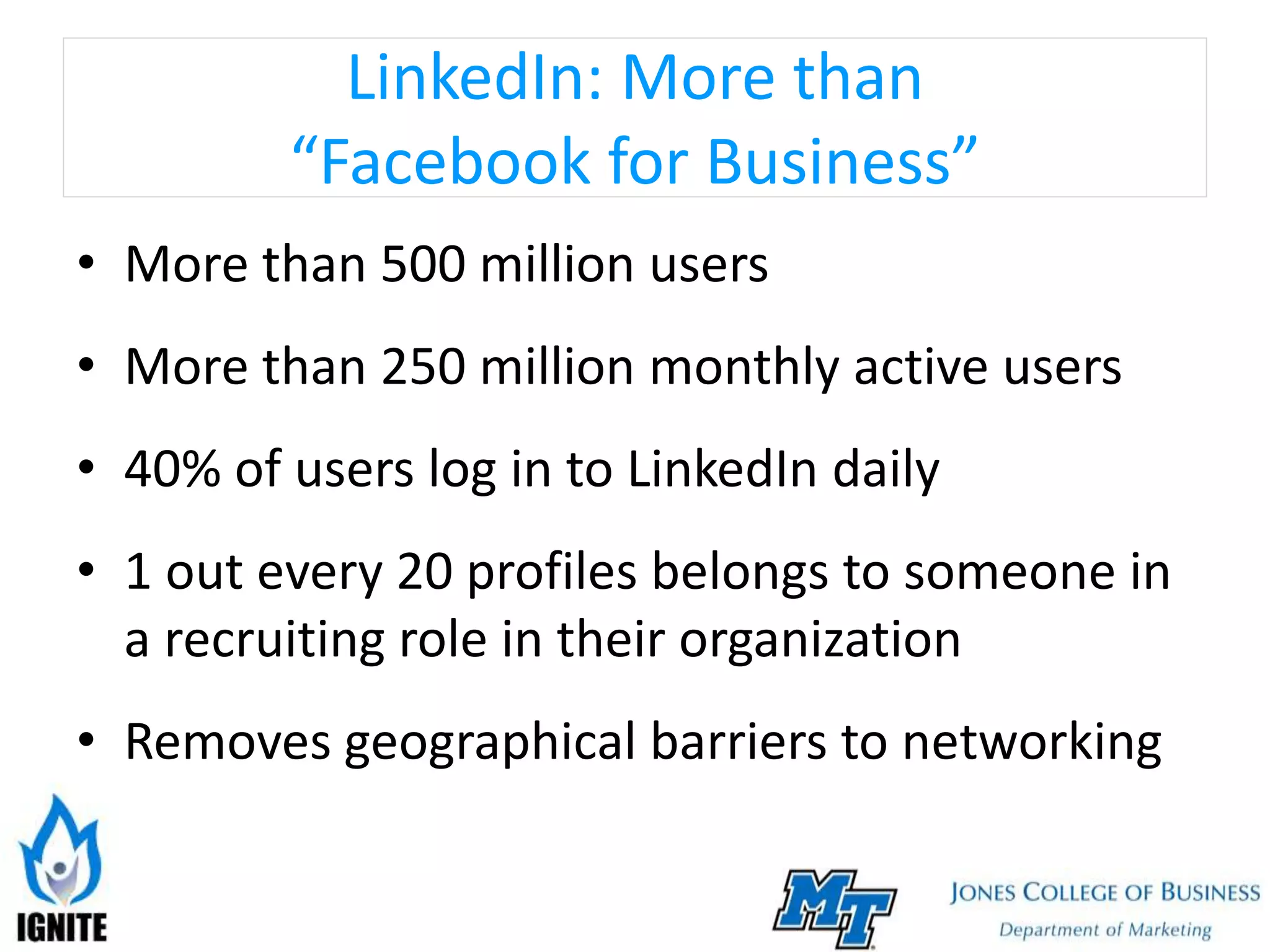
LinkedIn: More than
“Facebook for Business”
• More than 500 million users
• More than 250 million monthly active users
• 40% of users log in to LinkedIn daily
• 1 out every 20 profiles belongs to someone in
a recruiting role in their organization
• Removes geographical barriers to networking
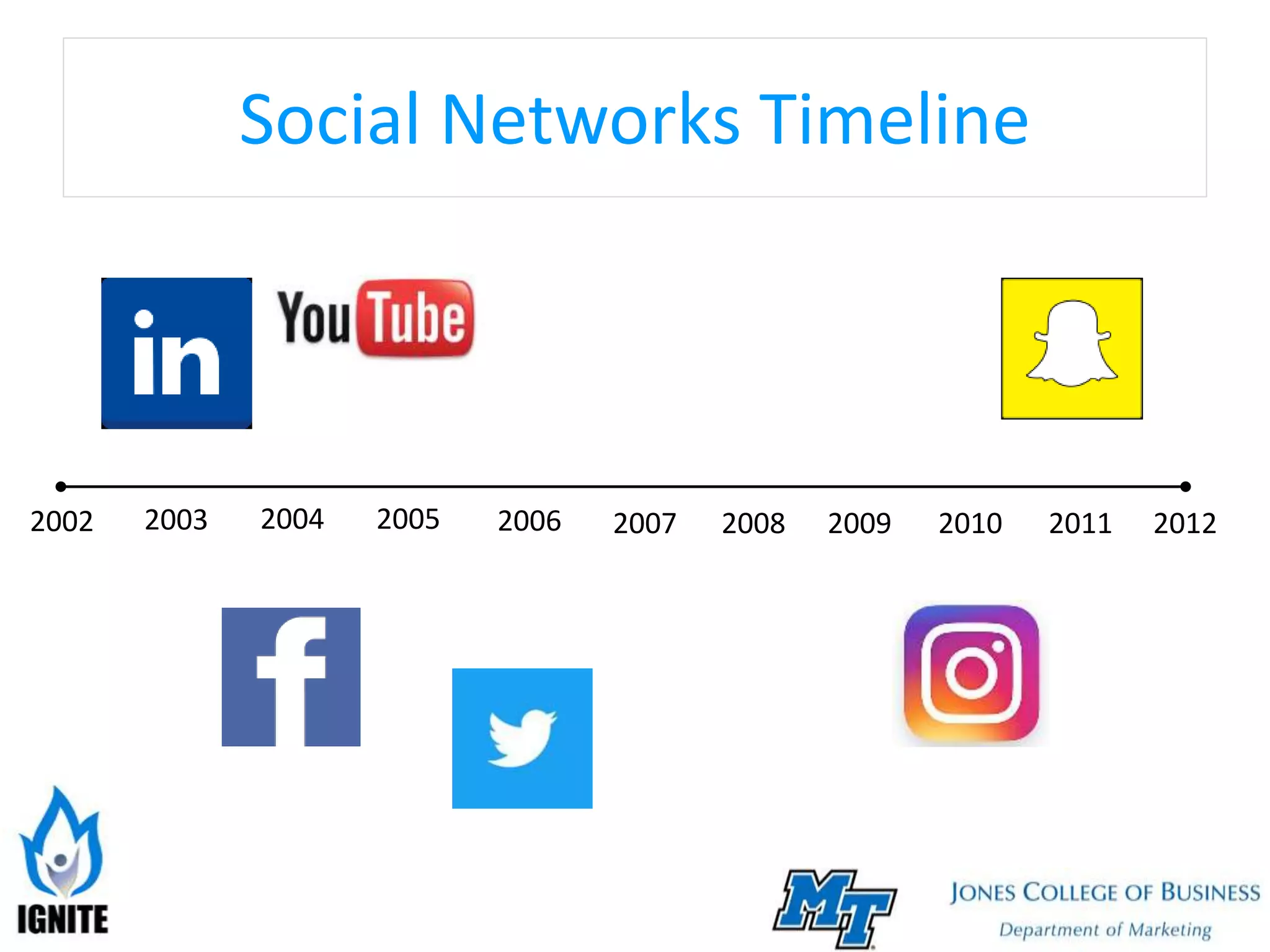
Social Networks Timeline
2003 2004 2005 2006 2007 2008 20122002 2009 2010 2011
What Do People Do on LinkedIn?
• Learn
• Create
• Search for jobs (or search for employees)
• Sell
• Network
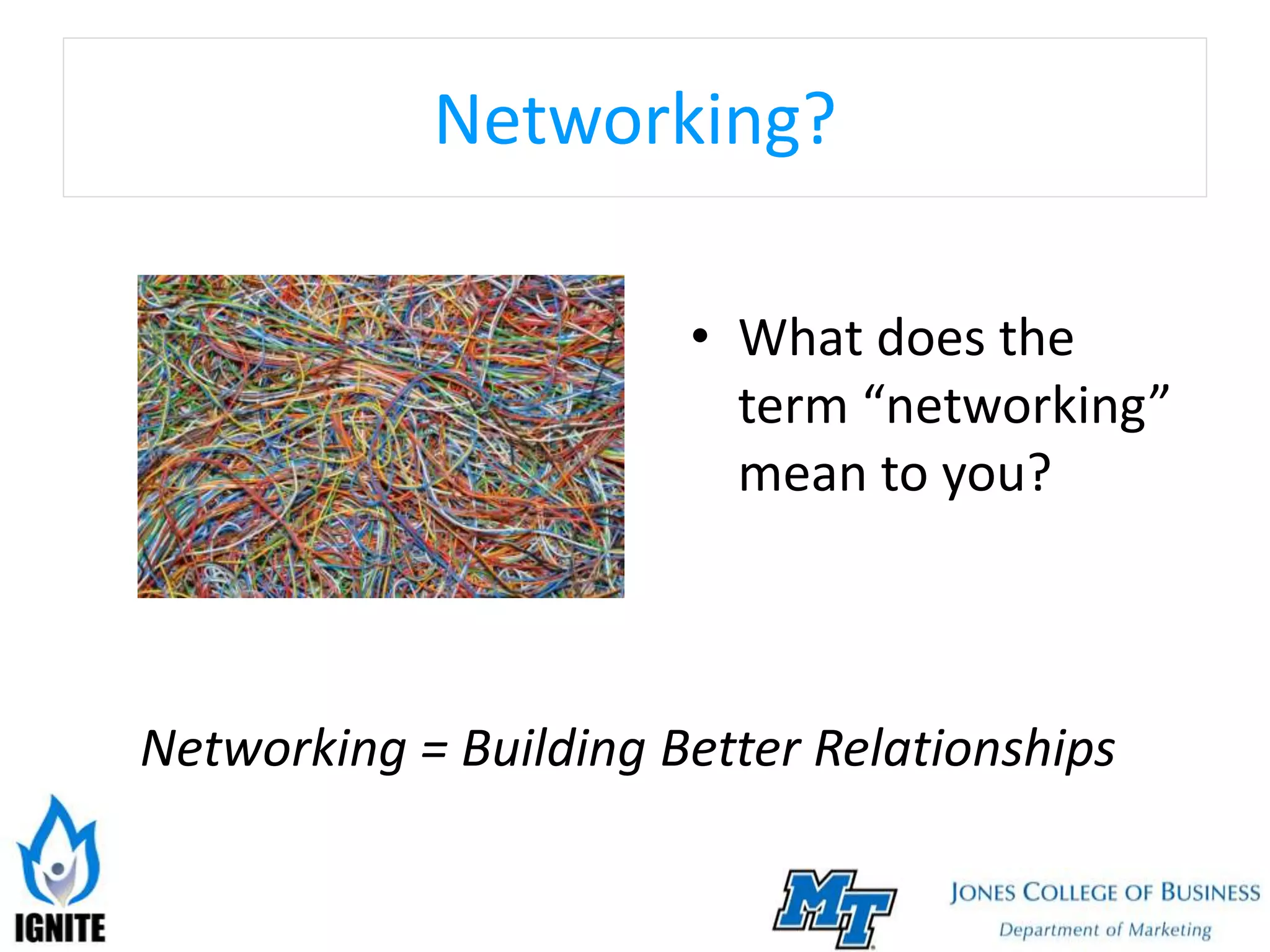
Networking?
• What does the
term “networking”
mean to you?
Networking = Building Better Relationships
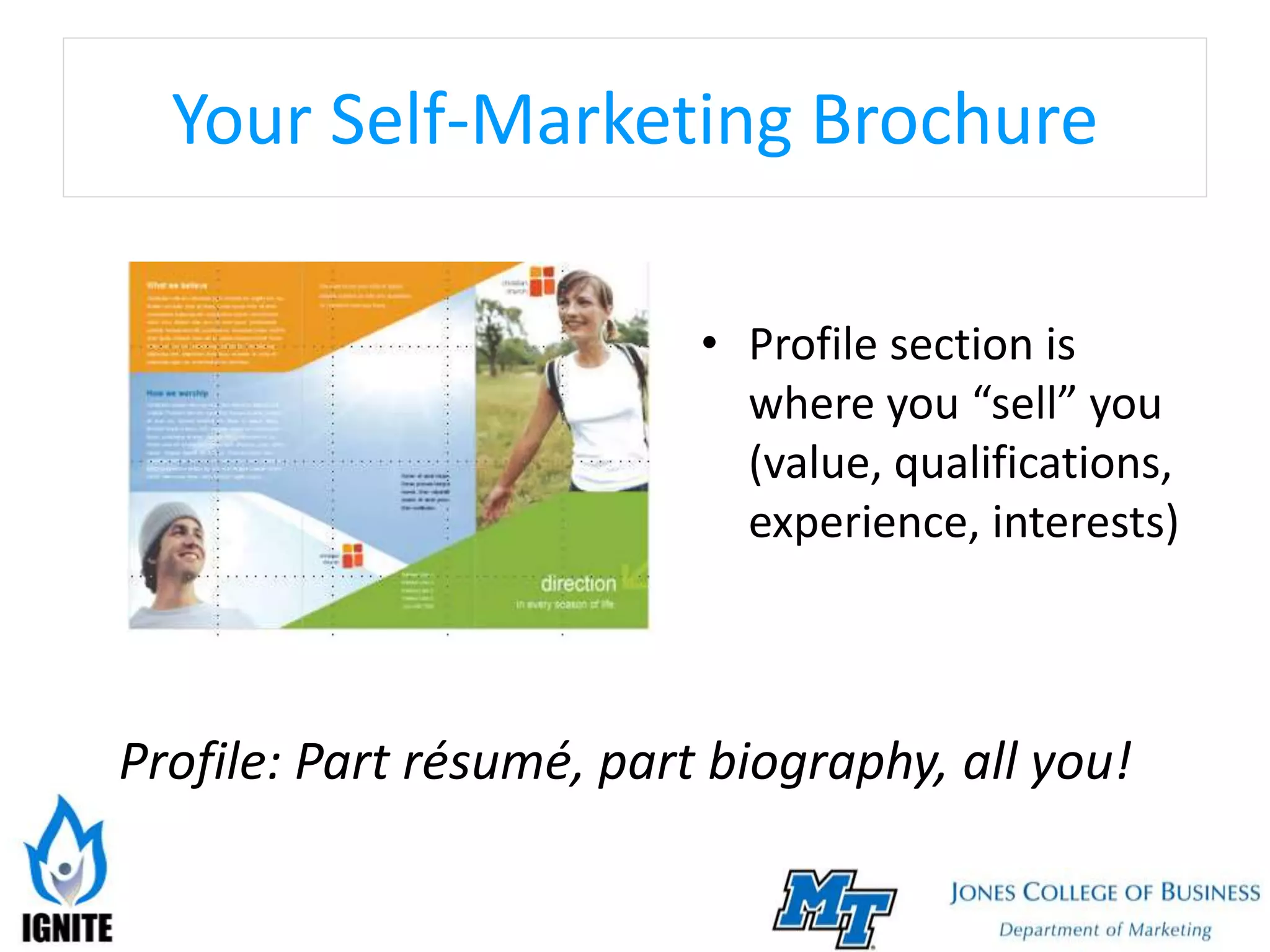
Your Self-Marketing Brochure
• Profile section is
where you “sell” you
(value, qualifications,
experience, interests)
Profile: Part résumé, part biography, all you!
Anatomy of a LinkedIn Profile
• Headline
• Photo
• Summary
• Experience
• Honors and Awards
• Skills
• Endorsements
• Recommendations
Headline
• 120 characters maximum
• Writing an effective headline:
Avoid “fluff” words (“guru” or “expert”)
Don’t be boring (Avoid “Student” or simple job
title)
Don’t sound desperate (even if you are!)
• 10 headline examples that break the mold
Photo
• Minimum size = 200 x 200 pixels
• Maximum size = 500 x 500 pixels
• Dress in attire appropriate for your industry
• Use a professional-looking headshot
• Use a photo of you… and only you
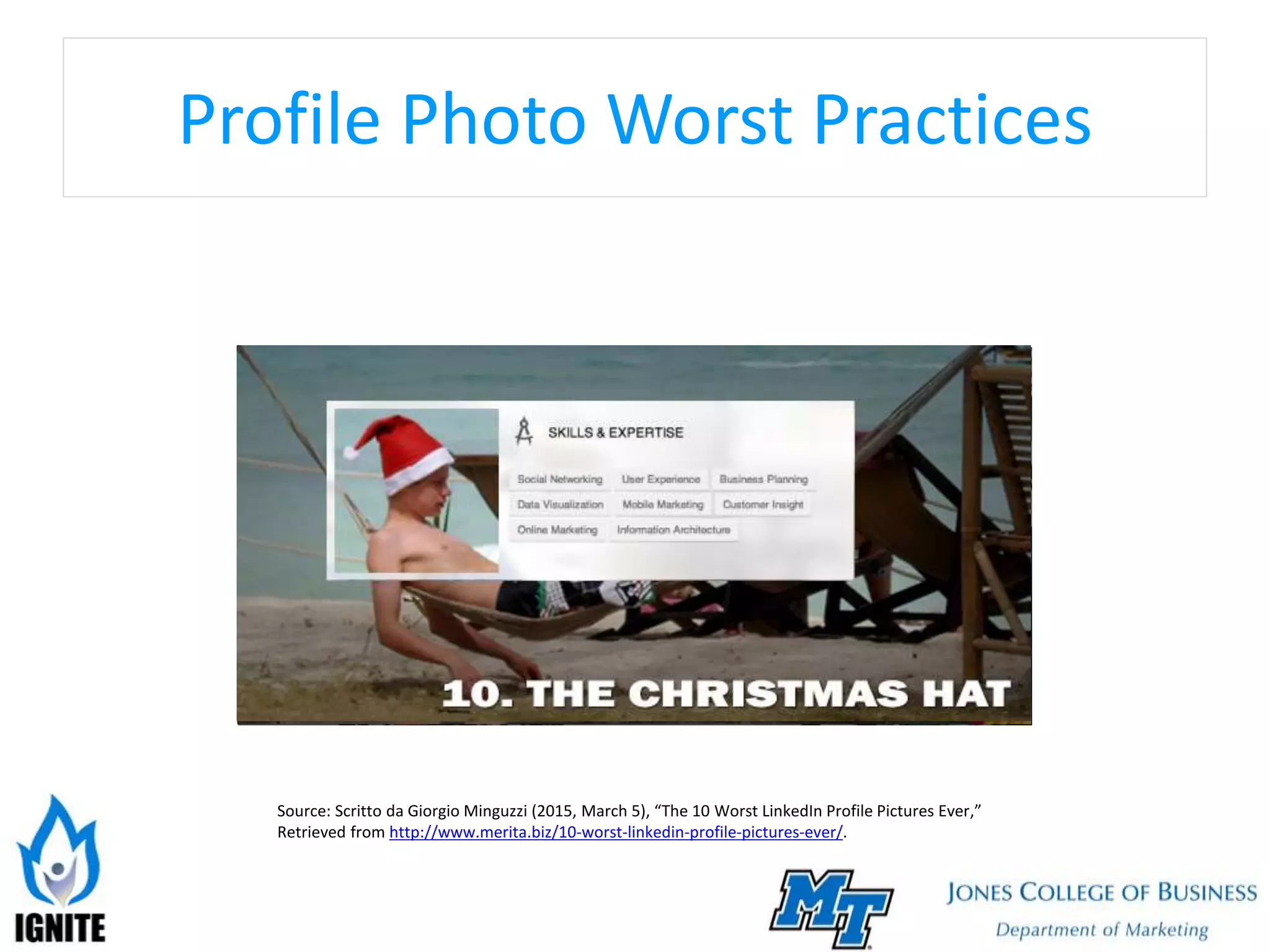
Profile Photo Worst Practices
Source: Scritto da Giorgio Minguzzi (2015, March 5), “The 10 Worst LinkedIn Profile Pictures Ever,”
Retrieved from http://www.merita.biz/10-worst-linkedin-profile-pictures-ever/.
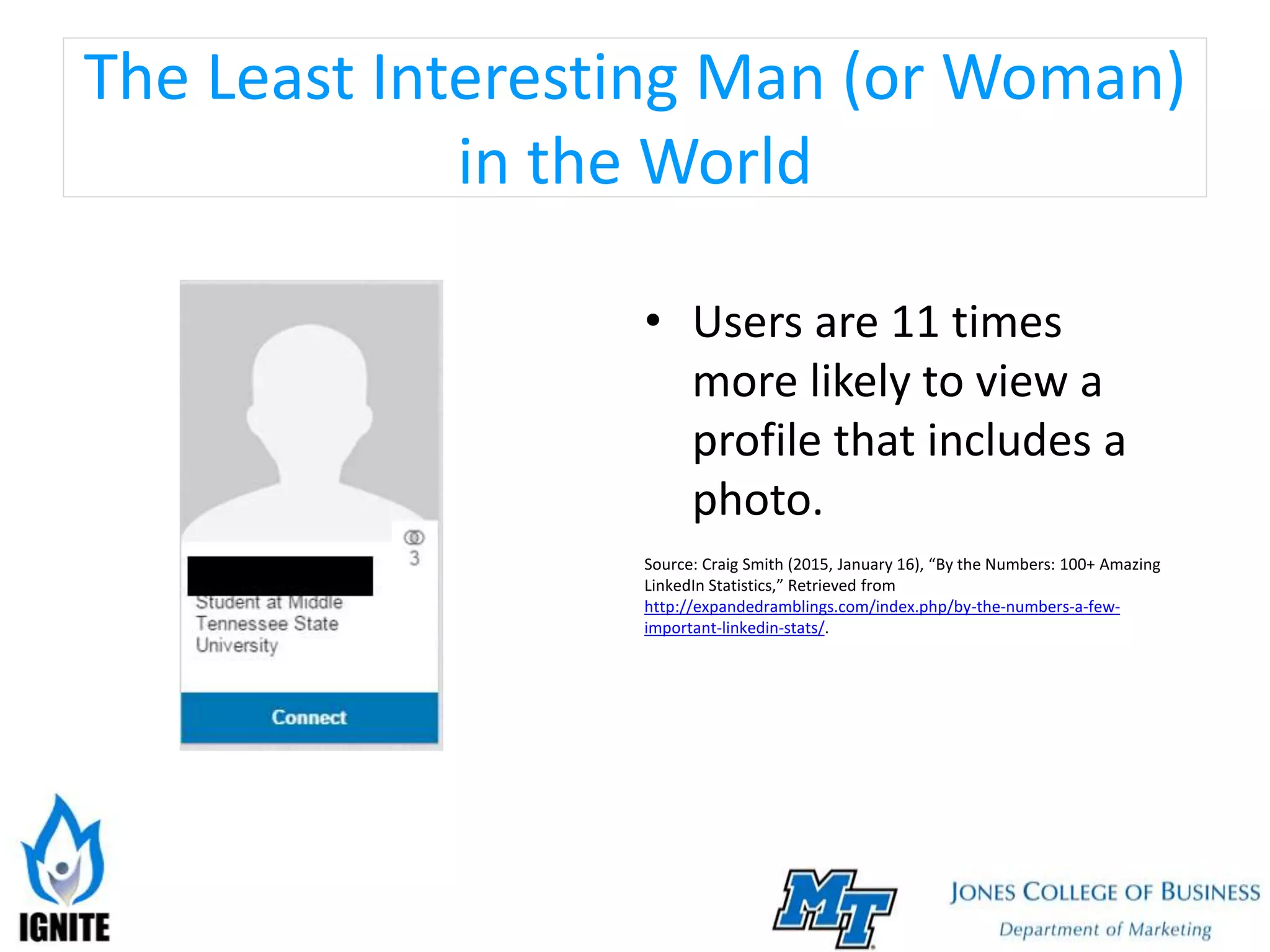
The Least Interesting Man (or Woman)
in the World
• Users are 11 times
more likely to view a
profile that includes a
photo.
Source: Craig Smith (2015, January 16), “By the Numbers: 100+ Amazing
LinkedIn Statistics,” Retrieved from
http://expandedramblings.com/index.php/by-the-numbers-a-few-
important-linkedin-stats/.
Summary
• 2,000 characters
maximum
• Your
autobiography-
Communicate the
value you have to
offer
• 3 Questions to Ask:
 What do I want to
communicate (to what
audience, what should they
learn about me, how should
they feel)
 What content will tell story
of my values,
accomplishments?
 What multimedia content
could enhance visual quality
(video, photos, documents)
Experience
• Tell your story using the PARS method:
P – What is a problem you addressed?
A – What actions did you take to solve problem?
R – What were the results?
S – What skills did you develop or strengthen to solve
problem?
• Include relevant work and volunteer experience in
your list
Skills
• You can list up to 50, but start with a “top 10
list”
• List should match your capabilities (greatest
strength listed first)
• Employers review Skills list to screen
prospective candidates for match
• Can be validated by others via endorsement
Endorsements
• Acknowledgement of your skills by others
• “Give” to increase chances that you will “get”
• Not obligated to keep endorsements received
on profile
• Viewed skeptically by many because of low
effort level required to endorse
Recommendations
• “Permanent” references provided by others
• Quality more important than quantity
• Only ask connections who know you well to
write recommendation on your behalf
• Give to get
LinkedIn Etiquette
1. Do not send a connection request without
tailoring the request
2. Do not connect with people you do not know
3. Do not request a recommendation without
tailoring the request
4. Sharing, liking, and commenting on others’
content are ways to build influence
The Next Steps
• How to Customize Your LinkedIn Public Profile
URL
• 12 Resources to Improve Your LinkedIn Profile
• How to Write a LinkedIn Summary
• 7 Tips for Writing a Great LinkedIn Invitation
• Requesting an Introduction
Questions?
• Email (Don.Roy@mtsu.edu)
• Phone (615-904-8564)
• LinkedIn
(https://www.linkedin.com/in/donroy)
• Slide Share (Search “Don Roy”)

Getting Started on LinkedIn

  • 1.
    Getting Started onLinkedIn Dr. Don Roy Professor of Marketing September 26, 2017
  • 2.
    What We’ll Cover 1.Why LinkedIn is important to your professional brand 2. Building out the most important marketing asset: Your profile 3. General LinkedIn etiquette
  • 3.
    LinkedIn: More than “Facebookfor Business” • More than 500 million users • More than 250 million monthly active users • 40% of users log in to LinkedIn daily • 1 out every 20 profiles belongs to someone in a recruiting role in their organization • Removes geographical barriers to networking
  • 4.
    Social Networks Timeline 20032004 2005 2006 2007 2008 20122002 2009 2010 2011
  • 5.
    What Do PeopleDo on LinkedIn? • Learn • Create • Search for jobs (or search for employees) • Sell • Network
  • 6.
    Networking? • What doesthe term “networking” mean to you? Networking = Building Better Relationships
  • 7.
    Your Self-Marketing Brochure •Profile section is where you “sell” you (value, qualifications, experience, interests) Profile: Part résumé, part biography, all you!
  • 8.
    Anatomy of aLinkedIn Profile • Headline • Photo • Summary • Experience • Honors and Awards • Skills • Endorsements • Recommendations
  • 9.
    Headline • 120 charactersmaximum • Writing an effective headline: Avoid “fluff” words (“guru” or “expert”) Don’t be boring (Avoid “Student” or simple job title) Don’t sound desperate (even if you are!) • 10 headline examples that break the mold
  • 10.
    Photo • Minimum size= 200 x 200 pixels • Maximum size = 500 x 500 pixels • Dress in attire appropriate for your industry • Use a professional-looking headshot • Use a photo of you… and only you
  • 11.
    Profile Photo WorstPractices Source: Scritto da Giorgio Minguzzi (2015, March 5), “The 10 Worst LinkedIn Profile Pictures Ever,” Retrieved from http://www.merita.biz/10-worst-linkedin-profile-pictures-ever/.
  • 12.
    The Least InterestingMan (or Woman) in the World • Users are 11 times more likely to view a profile that includes a photo. Source: Craig Smith (2015, January 16), “By the Numbers: 100+ Amazing LinkedIn Statistics,” Retrieved from http://expandedramblings.com/index.php/by-the-numbers-a-few- important-linkedin-stats/.
  • 13.
    Summary • 2,000 characters maximum •Your autobiography- Communicate the value you have to offer • 3 Questions to Ask:  What do I want to communicate (to what audience, what should they learn about me, how should they feel)  What content will tell story of my values, accomplishments?  What multimedia content could enhance visual quality (video, photos, documents)
  • 14.
    Experience • Tell yourstory using the PARS method: P – What is a problem you addressed? A – What actions did you take to solve problem? R – What were the results? S – What skills did you develop or strengthen to solve problem? • Include relevant work and volunteer experience in your list
  • 15.
    Skills • You canlist up to 50, but start with a “top 10 list” • List should match your capabilities (greatest strength listed first) • Employers review Skills list to screen prospective candidates for match • Can be validated by others via endorsement
  • 16.
    Endorsements • Acknowledgement ofyour skills by others • “Give” to increase chances that you will “get” • Not obligated to keep endorsements received on profile • Viewed skeptically by many because of low effort level required to endorse
  • 17.
    Recommendations • “Permanent” referencesprovided by others • Quality more important than quantity • Only ask connections who know you well to write recommendation on your behalf • Give to get
  • 18.
    LinkedIn Etiquette 1. Donot send a connection request without tailoring the request 2. Do not connect with people you do not know 3. Do not request a recommendation without tailoring the request 4. Sharing, liking, and commenting on others’ content are ways to build influence
  • 19.
    The Next Steps •How to Customize Your LinkedIn Public Profile URL • 12 Resources to Improve Your LinkedIn Profile • How to Write a LinkedIn Summary • 7 Tips for Writing a Great LinkedIn Invitation • Requesting an Introduction
  • 20.
    Questions? • Email (Don.Roy@mtsu.edu) •Phone (615-904-8564) • LinkedIn (https://www.linkedin.com/in/donroy) • Slide Share (Search “Don Roy”)