VENNGAGE
Create Infographics at venngage.com
SlideShare gets over
visitors a month...
VENNGAGE
Create Infographics at venngage.comGet Featured on the First Page of SlideShare
And gets
more traffic
from business
owners!
VENNGAGE
Create Infographics at venngage.comGet Featured on the First Page of SlideShare
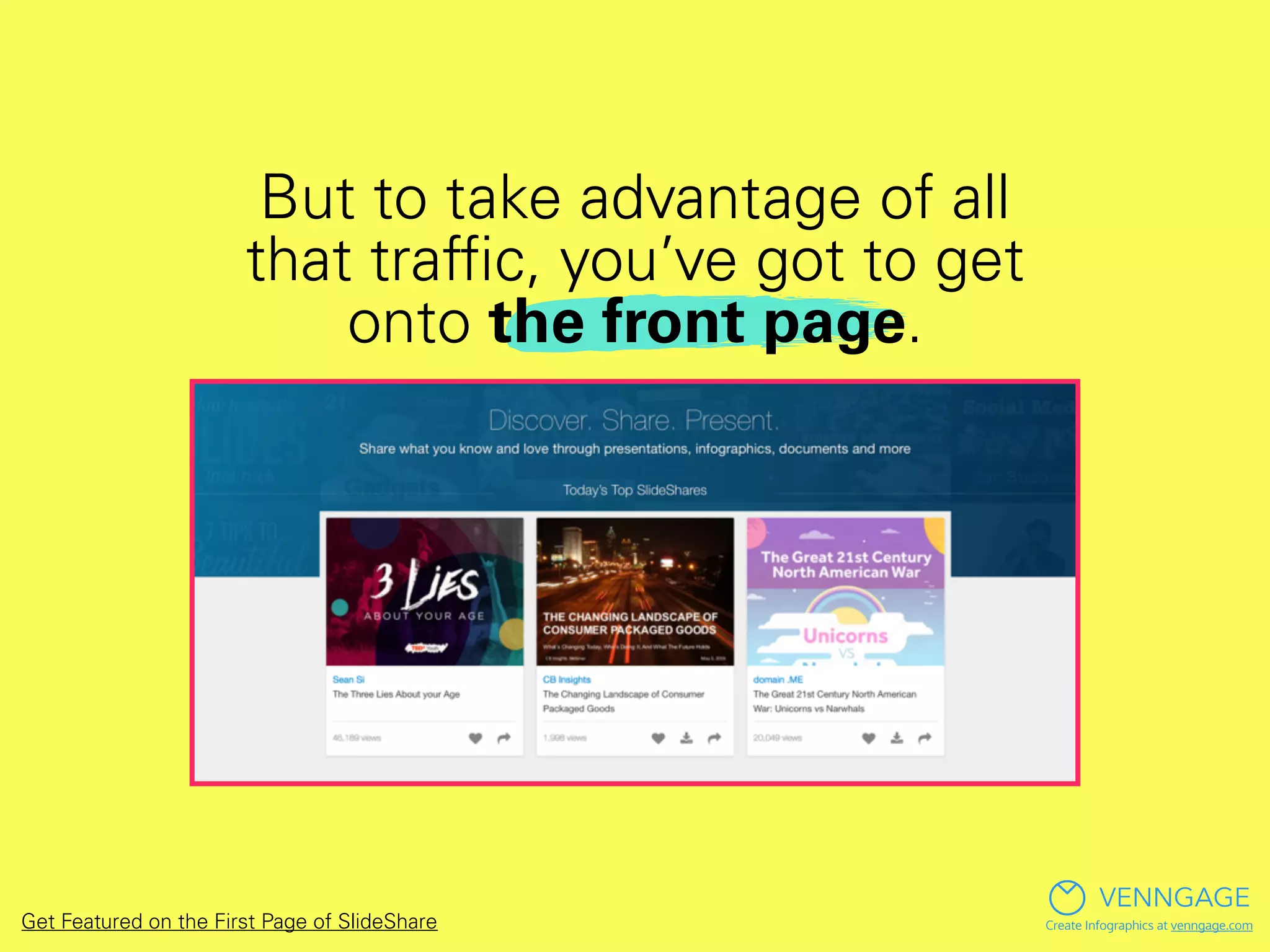
But to take advantage of all
that traffic, you’ve got to get
onto the front page.
VENNGAGE
Create Infographics at venngage.comGet Featured on the First Page of SlideShare
How do you make
the featured section of
SlideShare?
VENNGAGE
Create Infographics at venngage.comGet Featured on the First Page of SlideShare
We actually don’t know…
VENNGAGE
Create Infographics at venngage.comGet Featured on the First Page of SlideShare
VENNGAGE
Create Infographics at venngage.comGet Featured on the First Page of SlideShare
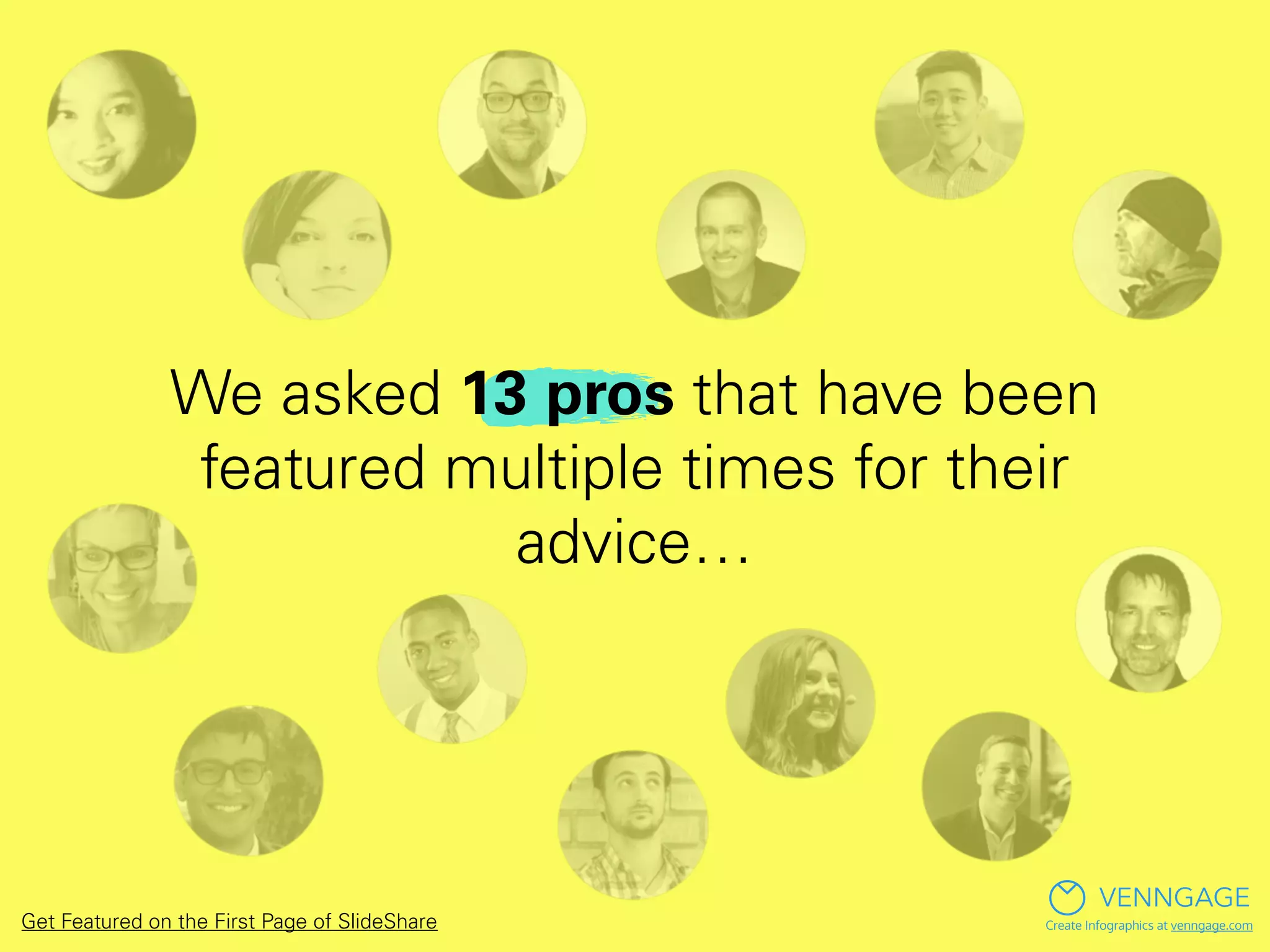
We asked 13 pros that have been
featured multiple times for their
advice…
VENNGAGE
Create Infographics at venngage.comGet Featured on the First Page of SlideShare
Here’s what they said:
VENNGAGE
Create Infographics at venngage.comGet Featured on the First Page of SlideShare
Robert Katai
VENNGAGE
Create Infographics at venngage.com
SlideShare Profile
Website
Twitter
Get Featured on the First Page of SlideShare
Whenever you design a
presentation, think
about your audience.
Why did you design the
presentation and what
problem does it solve?”
- Robert Katai
VENNGAGE
Create Infographics at venngage.comGet Featured on the First Page of SlideShare
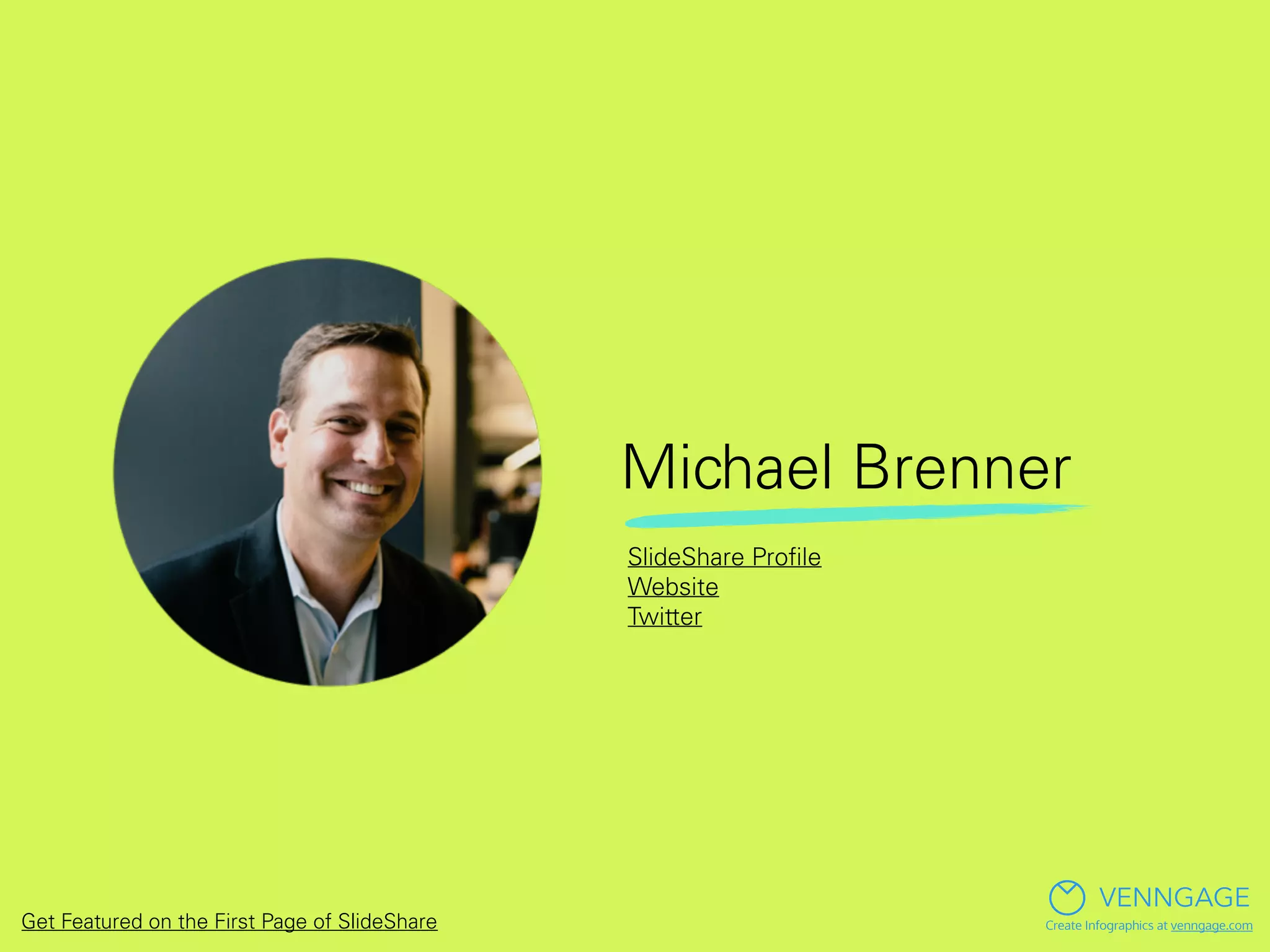
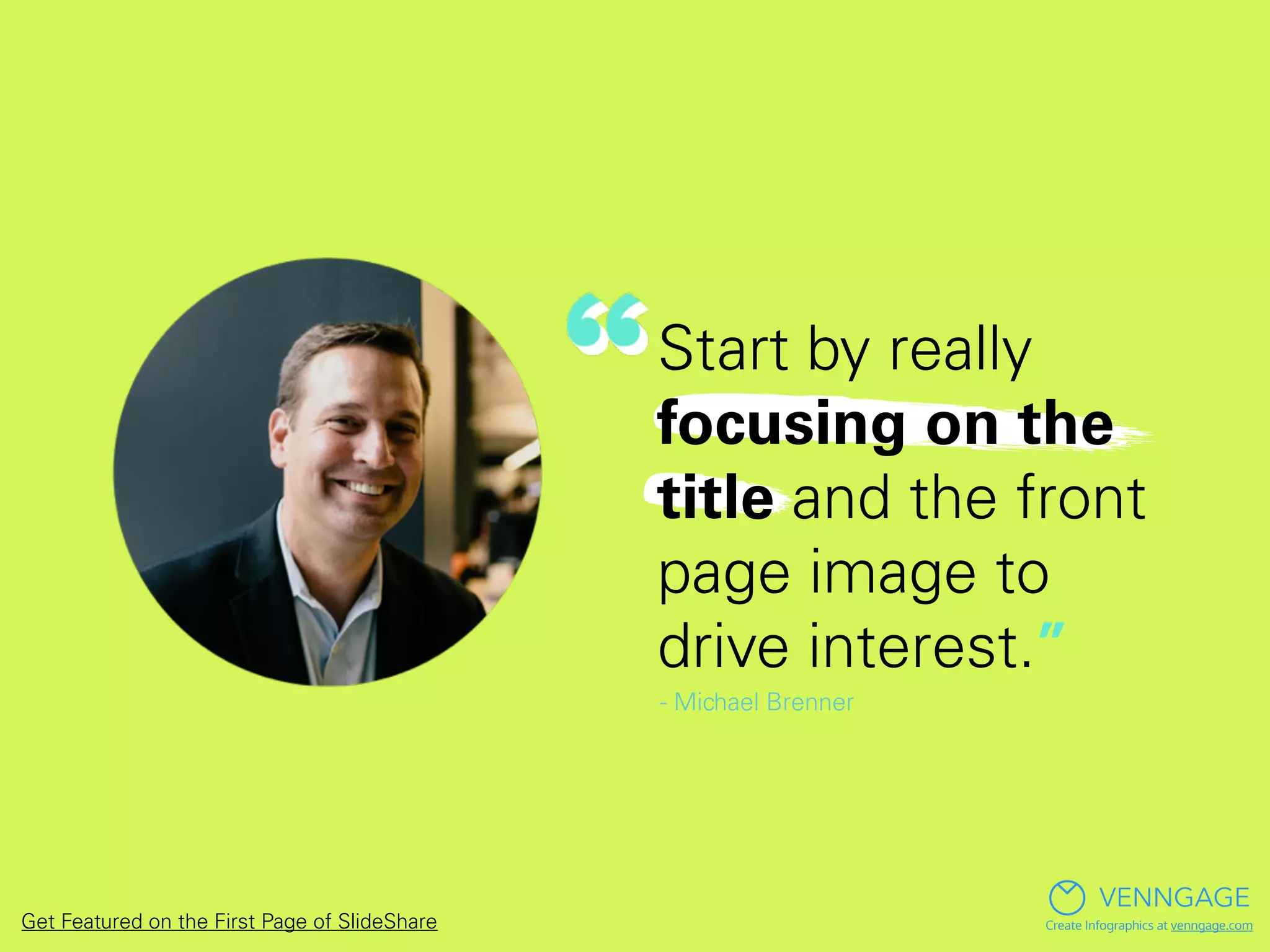
Michael Brenner
VENNGAGE
Create Infographics at venngage.com
SlideShare Profile
Website
Twitter
Get Featured on the First Page of SlideShare
Start by really
focusing on the
title and the front
page image to
drive interest.”
- Michael Brenner
VENNGAGE
Create Infographics at venngage.comGet Featured on the First Page of SlideShare
Ayesha Ambreen
VENNGAGE
Create Infographics at venngage.com
SlideShare Profile
Twitter
Get Featured on the First Page of SlideShare
Stick to a niche
topic, add value
through content
and use simple
but eye-catching
graphics.”
- Ayesha Ambreen
VENNGAGE
Create Infographics at venngage.comGet Featured on the First Page of SlideShare
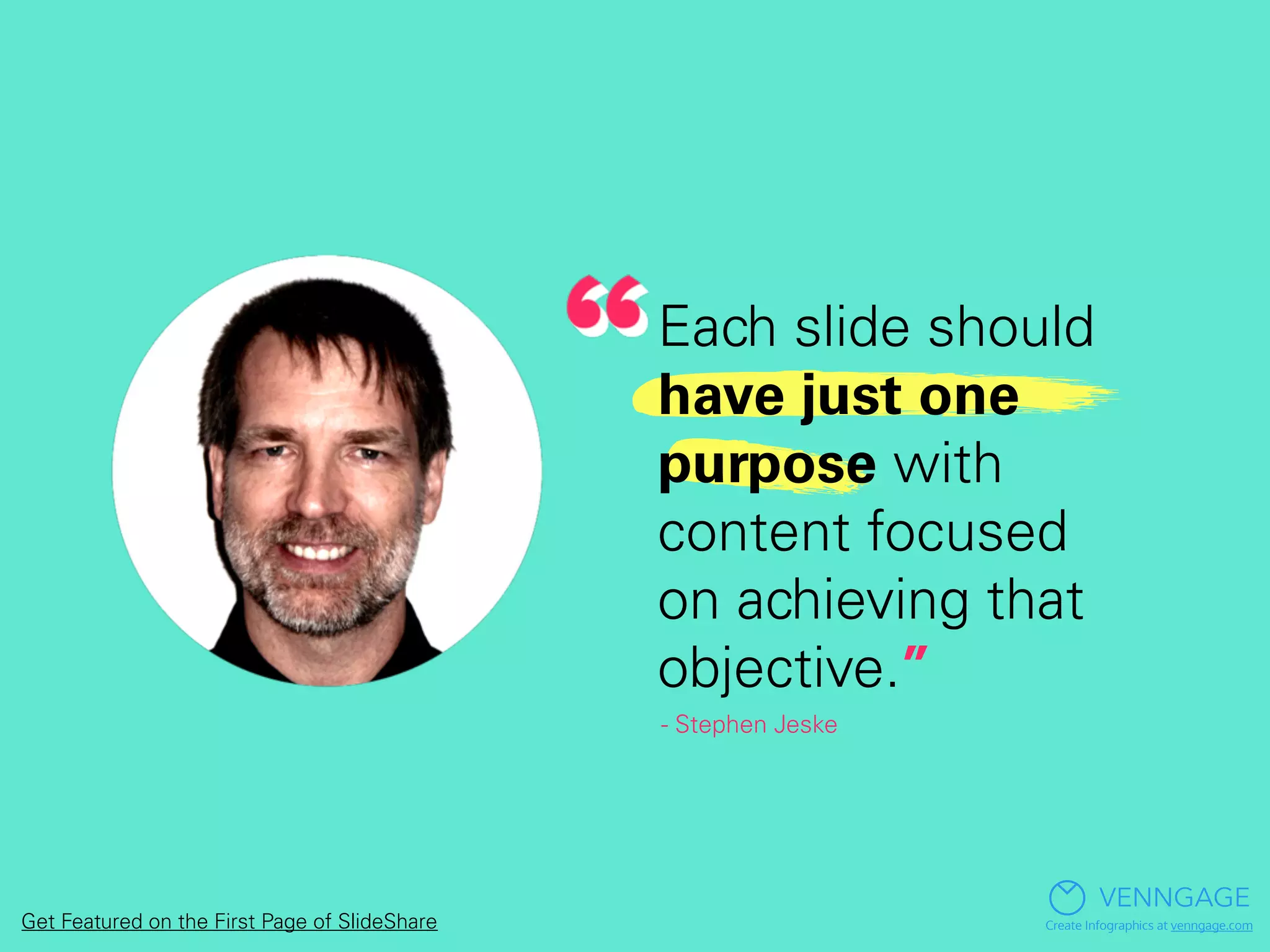
Stephen Jeske
VENNGAGE
Create Infographics at venngage.com
SlideShare Profile
Website
Twitter
Get Featured on the First Page of SlideShare
Each slide should
have just one
purpose with
content focused
on achieving that
objective.”
- Stephen Jeske
VENNGAGE
Create Infographics at venngage.comGet Featured on the First Page of SlideShare
Steve Williamson
VENNGAGE
Create Infographics at venngage.com
SlideShare Profile
Website
Get Featured on the First Page of SlideShare
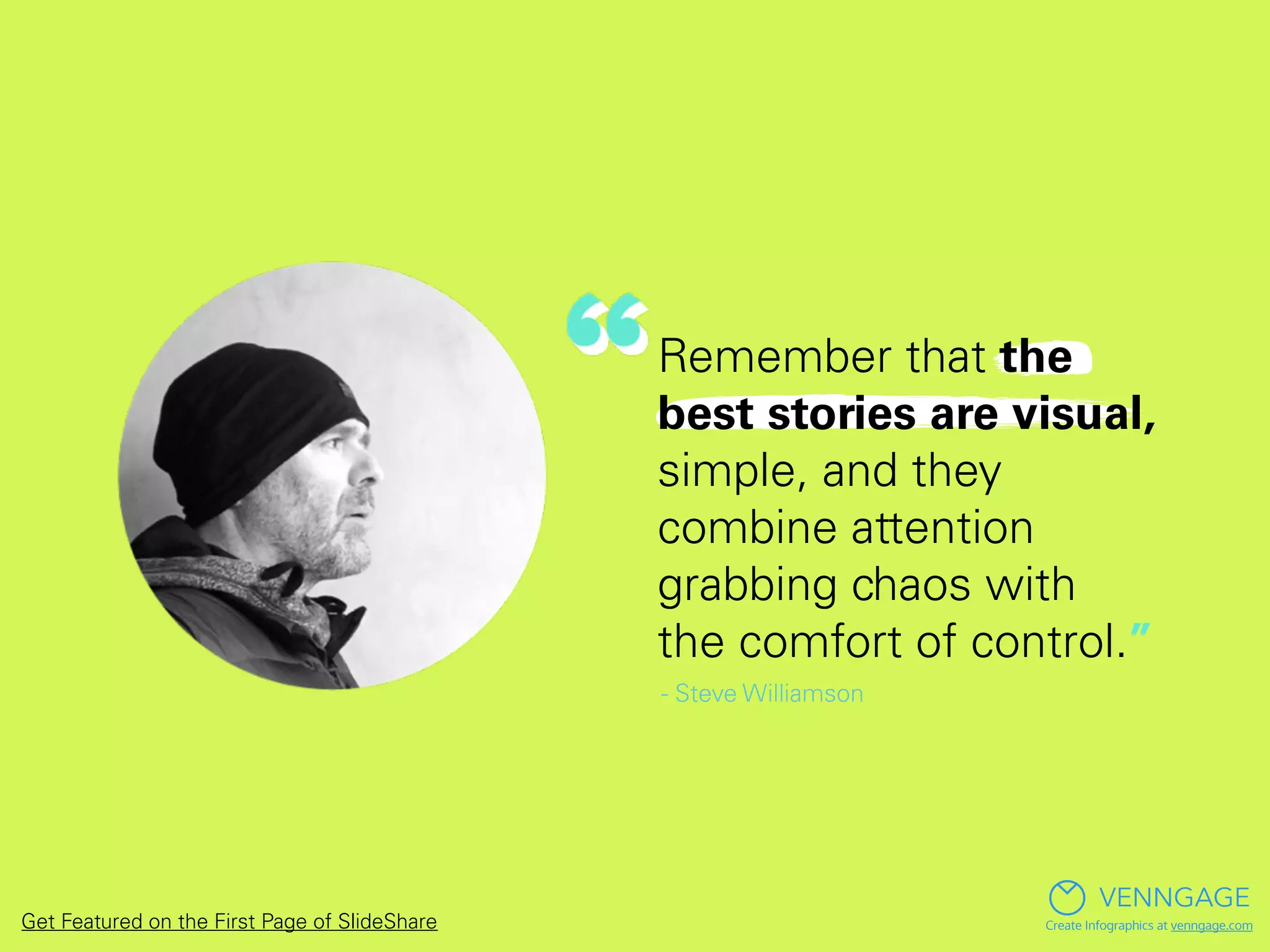
Remember that the
best stories are visual,
simple, and they
combine attention
grabbing chaos with
the comfort of control.”
- Steve Williamson
VENNGAGE
Create Infographics at venngage.comGet Featured on the First Page of SlideShare
Josh Steimle
VENNGAGE
Create Infographics at venngage.com
SlideShare Profile
Website
Twitter
Get Featured on the First Page of SlideShare
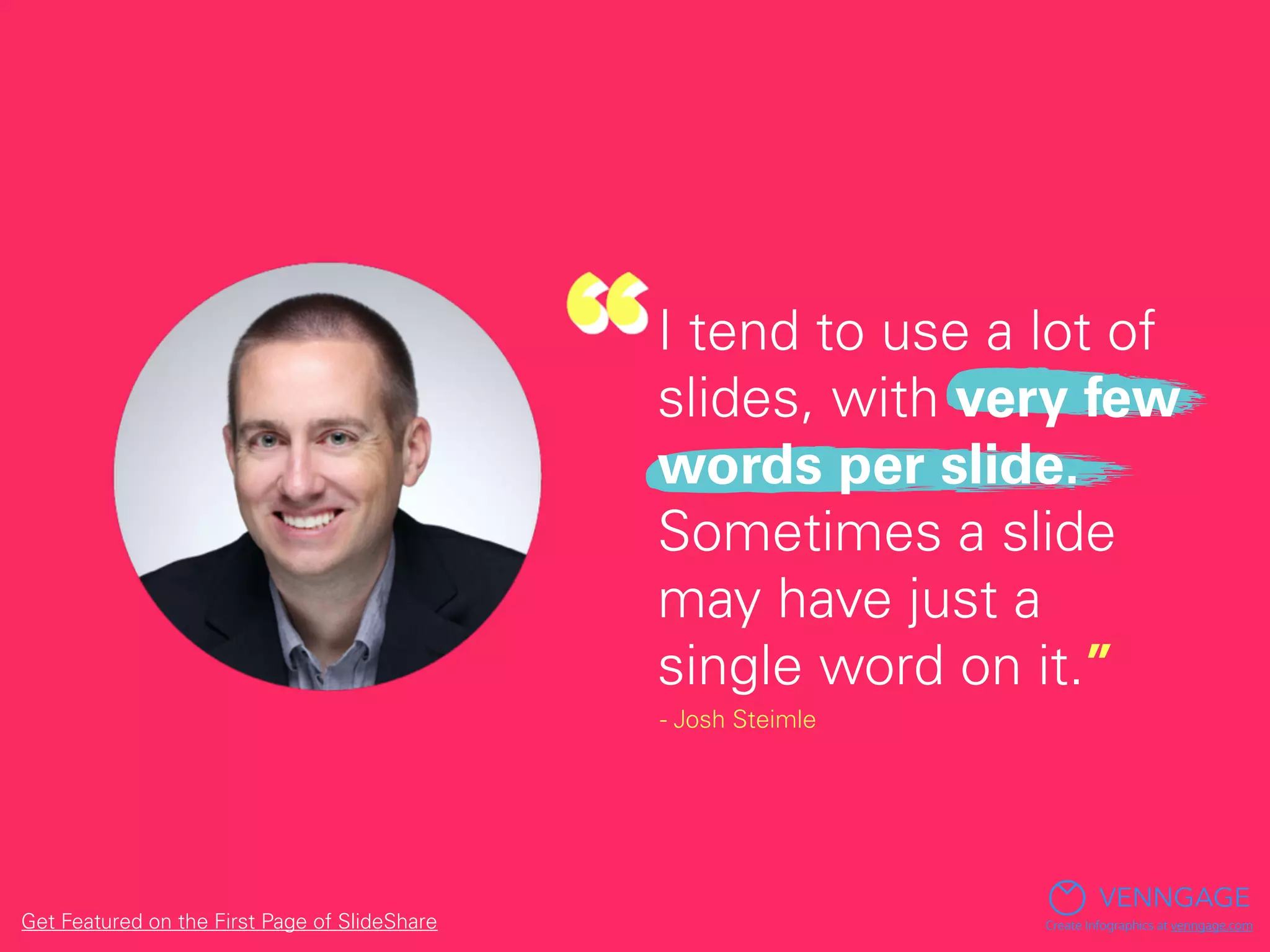
I tend to use a lot of
slides, with very few
words per slide.
Sometimes a slide
may have just a
single word on it.”
- Josh Steimle
VENNGAGE
Create Infographics at venngage.comGet Featured on the First Page of SlideShare
Joe Gelman
VENNGAGE
Create Infographics at venngage.com
SlideShare Profile
Website
Twitter
Get Featured on the First Page of SlideShare
Find a problem
you're qualified
to solve, a question
you're qualified to
answer or a subject
you can comfortably
teach.”
- Joe Gelman
VENNGAGE
Create Infographics at venngage.comGet Featured on the First Page of SlideShare
Julius Solaris
VENNGAGE
Create Infographics at venngage.com
SlideShare Profile
Website
Twitter
Get Featured on the First Page of SlideShare
Images are the most
important part. Not
too much information,
use links and
description to give
more context. Try to
be interactive and
creative.”
- Julius Solaris
VENNGAGE
Create Infographics at venngage.comGet Featured on the First Page of SlideShare
Eugene Cheng
VENNGAGE
Create Infographics at venngage.com
SlideShare Profile
Website
Twitter
Get Featured on the First Page of SlideShare
Create
something
that doesn't
already exist
in its entirety.”
- Eugene Cheng
VENNGAGE
Create Infographics at venngage.comGet Featured on the First Page of SlideShare
Jen Jones
VENNGAGE
Create Infographics at venngage.com
SlideShare Profile
Website
Twitter
Get Featured on the First Page of SlideShare
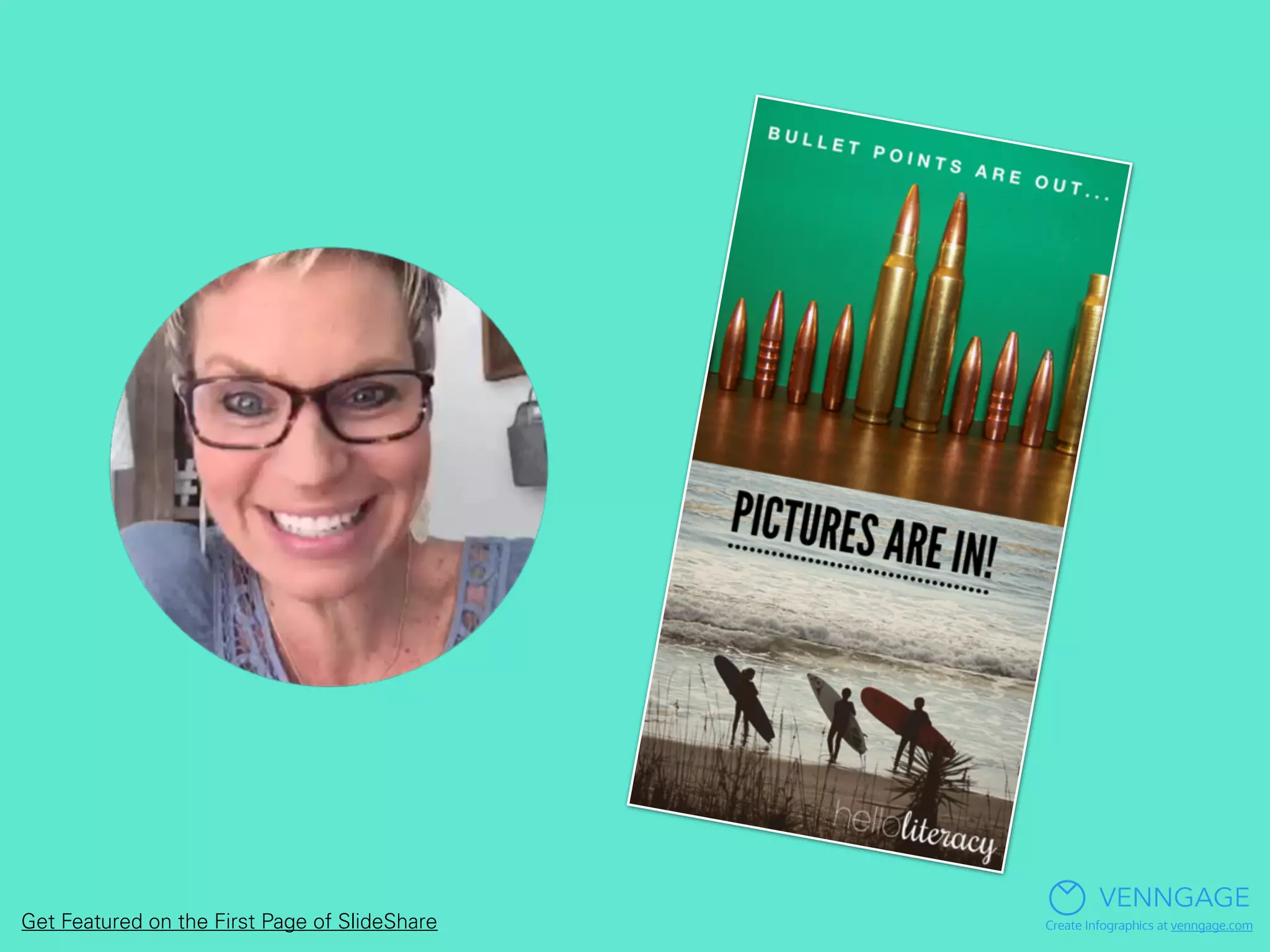
Using pictures as the
focus of your slides
(instead of words) is
the best way to get
your slides noticed, by
both your audience,
and by SlideShare.”
- Jen Jones
VENNGAGE
Create Infographics at venngage.comGet Featured on the First Page of SlideShare
VENNGAGE
Create Infographics at venngage.comGet Featured on the First Page of SlideShare
Pamela Pavliscak
VENNGAGE
Create Infographics at venngage.com
SlideShare Profile
Website
Twitter
Get Featured on the First Page of SlideShare
Think about a
metaphor or
theme to frame
the story.”
-Pamela Pavliscak
VENNGAGE
Create Infographics at venngage.comGet Featured on the First Page of SlideShare
Sandra Jovanovic
VENNGAGE
Create Infographics at venngage.com
SlideShare Profile
Get Featured on the First Page of SlideShare
No matter what topic
you choose keep in
mind that people are
visual learners. Your
presentations should
be created in a
persuasive manner.”
- Sandra Jovanovic
VENNGAGE
Create Infographics at venngage.comGet Featured on the First Page of SlideShare
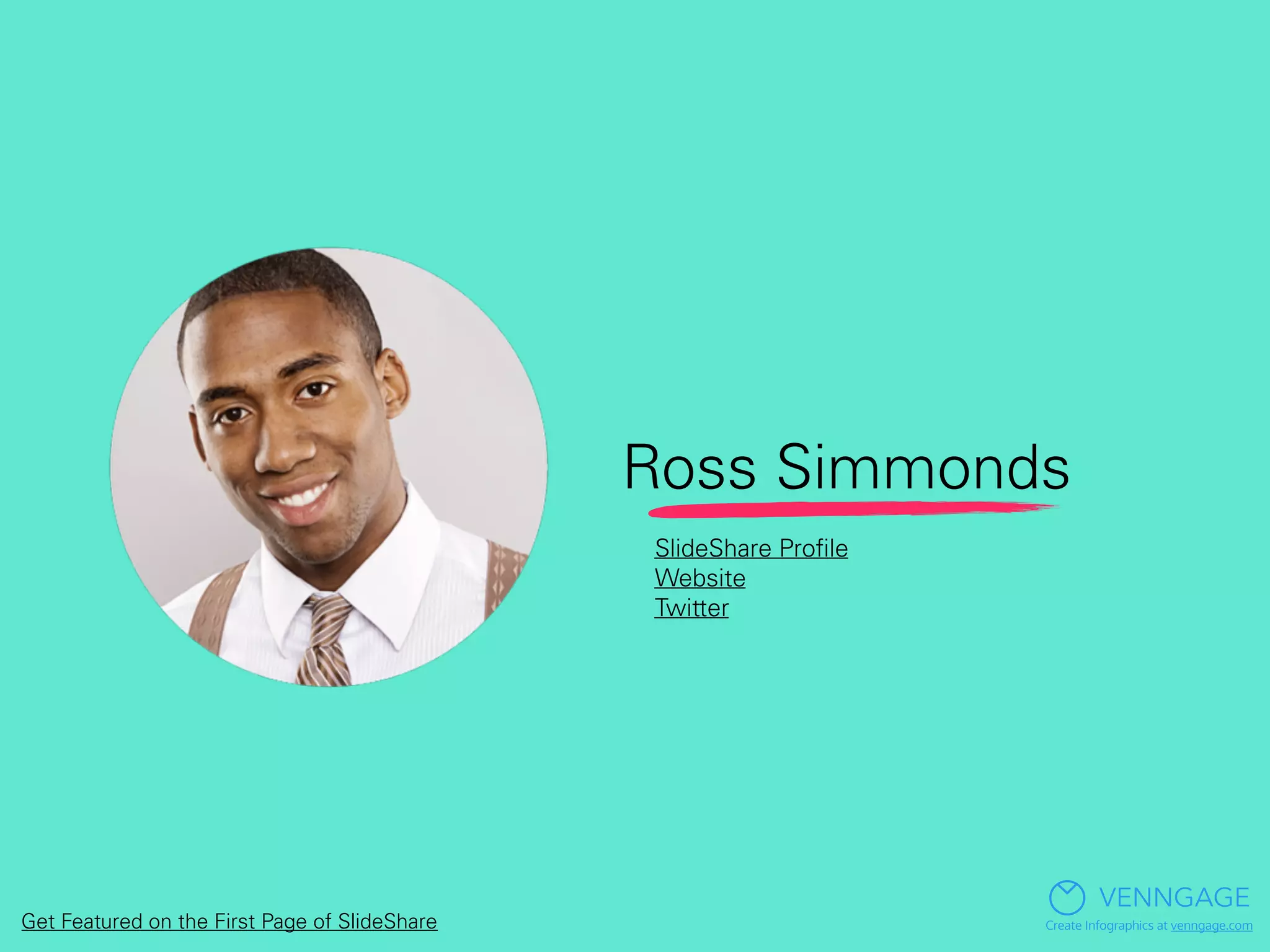
Ross Simmonds
VENNGAGE
Create Infographics at venngage.com
SlideShare Profile
Website
Twitter
Get Featured on the First Page of SlideShare
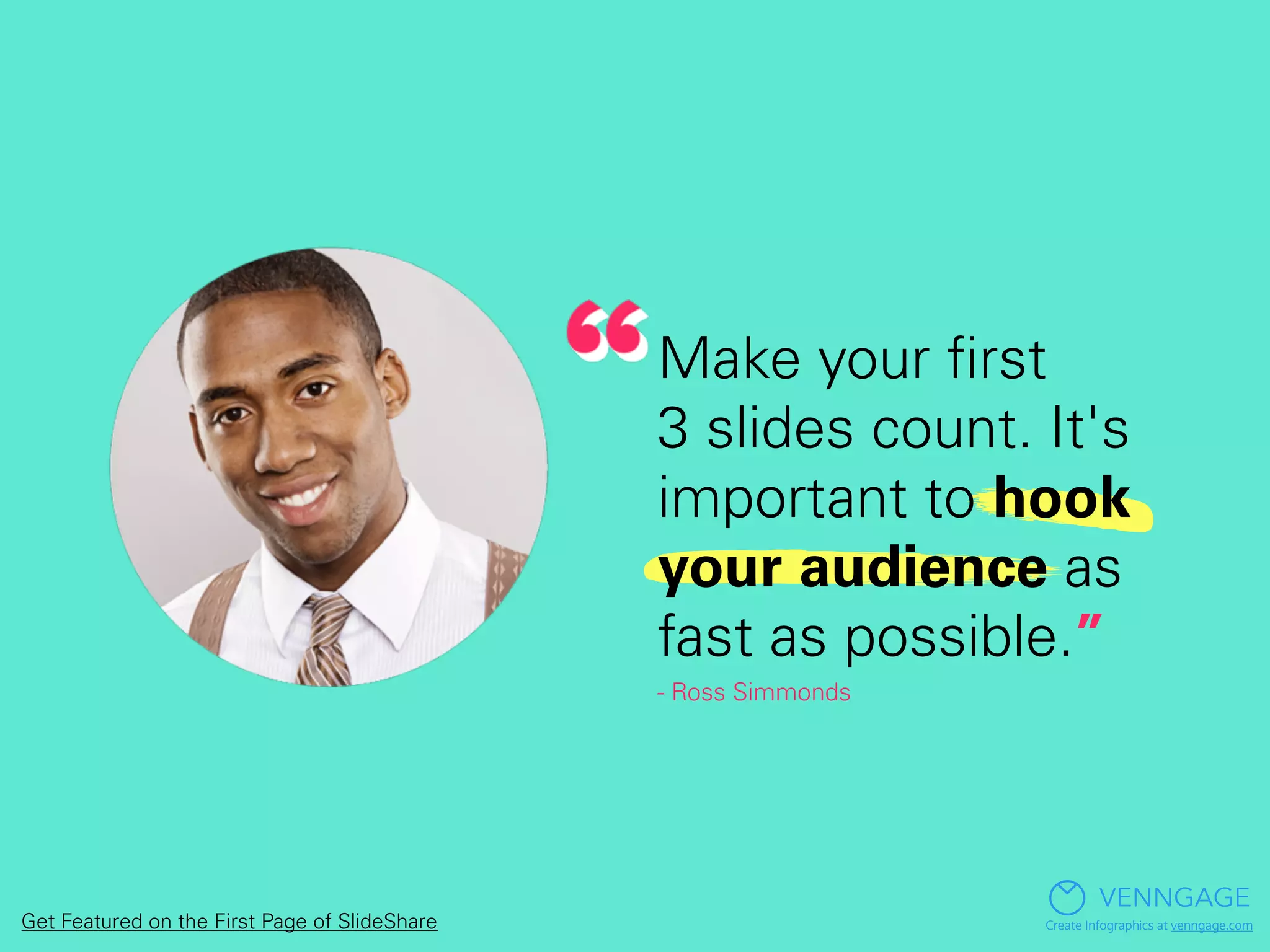
Make your first
3 slides count. It's
important to hook
your audience as
fast as possible.”
- Ross Simmonds
VENNGAGE
Create Infographics at venngage.comGet Featured on the First Page of SlideShare
How’s that for
?
VENNGAGE
Create Infographics at venngage.comGet Featured on the First Page of SlideShare
For a more detailed breakdown of how to get
featured on SlideShare, read the full post here:
Venngage Blog: Get Featured on SlideShare
Get Featured on the First Page of SlideShare
VENNGAGE
Create Infographics at venngage.com

Get Featured: So You Want to be on the Front Page of SlideShare?

  • 1.
  • 2.
    SlideShare gets over visitorsa month... VENNGAGE Create Infographics at venngage.comGet Featured on the First Page of SlideShare
  • 3.
    And gets more traffic frombusiness owners! VENNGAGE Create Infographics at venngage.comGet Featured on the First Page of SlideShare
  • 4.
    But to takeadvantage of all that traffic, you’ve got to get onto the front page. VENNGAGE Create Infographics at venngage.comGet Featured on the First Page of SlideShare
  • 5.
    How do youmake the featured section of SlideShare? VENNGAGE Create Infographics at venngage.comGet Featured on the First Page of SlideShare
  • 6.
    We actually don’tknow… VENNGAGE Create Infographics at venngage.comGet Featured on the First Page of SlideShare
  • 7.
    VENNGAGE Create Infographics atvenngage.comGet Featured on the First Page of SlideShare
  • 8.
    We asked 13pros that have been featured multiple times for their advice… VENNGAGE Create Infographics at venngage.comGet Featured on the First Page of SlideShare
  • 9.
    Here’s what theysaid: VENNGAGE Create Infographics at venngage.comGet Featured on the First Page of SlideShare
  • 10.
    Robert Katai VENNGAGE Create Infographicsat venngage.com SlideShare Profile Website Twitter Get Featured on the First Page of SlideShare
  • 11.
    Whenever you designa presentation, think about your audience. Why did you design the presentation and what problem does it solve?” - Robert Katai VENNGAGE Create Infographics at venngage.comGet Featured on the First Page of SlideShare
  • 12.
    Michael Brenner VENNGAGE Create Infographicsat venngage.com SlideShare Profile Website Twitter Get Featured on the First Page of SlideShare
  • 13.
    Start by really focusingon the title and the front page image to drive interest.” - Michael Brenner VENNGAGE Create Infographics at venngage.comGet Featured on the First Page of SlideShare
  • 14.
    Ayesha Ambreen VENNGAGE Create Infographicsat venngage.com SlideShare Profile Twitter Get Featured on the First Page of SlideShare
  • 15.
    Stick to aniche topic, add value through content and use simple but eye-catching graphics.” - Ayesha Ambreen VENNGAGE Create Infographics at venngage.comGet Featured on the First Page of SlideShare
  • 16.
    Stephen Jeske VENNGAGE Create Infographicsat venngage.com SlideShare Profile Website Twitter Get Featured on the First Page of SlideShare
  • 17.
    Each slide should havejust one purpose with content focused on achieving that objective.” - Stephen Jeske VENNGAGE Create Infographics at venngage.comGet Featured on the First Page of SlideShare
  • 18.
    Steve Williamson VENNGAGE Create Infographicsat venngage.com SlideShare Profile Website Get Featured on the First Page of SlideShare
  • 19.
    Remember that the beststories are visual, simple, and they combine attention grabbing chaos with the comfort of control.” - Steve Williamson VENNGAGE Create Infographics at venngage.comGet Featured on the First Page of SlideShare
  • 20.
    Josh Steimle VENNGAGE Create Infographicsat venngage.com SlideShare Profile Website Twitter Get Featured on the First Page of SlideShare
  • 21.
    I tend touse a lot of slides, with very few words per slide. Sometimes a slide may have just a single word on it.” - Josh Steimle VENNGAGE Create Infographics at venngage.comGet Featured on the First Page of SlideShare
  • 22.
    Joe Gelman VENNGAGE Create Infographicsat venngage.com SlideShare Profile Website Twitter Get Featured on the First Page of SlideShare
  • 23.
    Find a problem you'requalified to solve, a question you're qualified to answer or a subject you can comfortably teach.” - Joe Gelman VENNGAGE Create Infographics at venngage.comGet Featured on the First Page of SlideShare
  • 24.
    Julius Solaris VENNGAGE Create Infographicsat venngage.com SlideShare Profile Website Twitter Get Featured on the First Page of SlideShare
  • 25.
    Images are themost important part. Not too much information, use links and description to give more context. Try to be interactive and creative.” - Julius Solaris VENNGAGE Create Infographics at venngage.comGet Featured on the First Page of SlideShare
  • 26.
    Eugene Cheng VENNGAGE Create Infographicsat venngage.com SlideShare Profile Website Twitter Get Featured on the First Page of SlideShare
  • 27.
    Create something that doesn't already exist inits entirety.” - Eugene Cheng VENNGAGE Create Infographics at venngage.comGet Featured on the First Page of SlideShare
  • 28.
    Jen Jones VENNGAGE Create Infographicsat venngage.com SlideShare Profile Website Twitter Get Featured on the First Page of SlideShare
  • 29.
    Using pictures asthe focus of your slides (instead of words) is the best way to get your slides noticed, by both your audience, and by SlideShare.” - Jen Jones VENNGAGE Create Infographics at venngage.comGet Featured on the First Page of SlideShare
  • 30.
    VENNGAGE Create Infographics atvenngage.comGet Featured on the First Page of SlideShare
  • 31.
    Pamela Pavliscak VENNGAGE Create Infographicsat venngage.com SlideShare Profile Website Twitter Get Featured on the First Page of SlideShare
  • 32.
    Think about a metaphoror theme to frame the story.” -Pamela Pavliscak VENNGAGE Create Infographics at venngage.comGet Featured on the First Page of SlideShare
  • 33.
    Sandra Jovanovic VENNGAGE Create Infographicsat venngage.com SlideShare Profile Get Featured on the First Page of SlideShare
  • 34.
    No matter whattopic you choose keep in mind that people are visual learners. Your presentations should be created in a persuasive manner.” - Sandra Jovanovic VENNGAGE Create Infographics at venngage.comGet Featured on the First Page of SlideShare
  • 35.
    Ross Simmonds VENNGAGE Create Infographicsat venngage.com SlideShare Profile Website Twitter Get Featured on the First Page of SlideShare
  • 36.
    Make your first 3slides count. It's important to hook your audience as fast as possible.” - Ross Simmonds VENNGAGE Create Infographics at venngage.comGet Featured on the First Page of SlideShare
  • 37.
    How’s that for ? VENNGAGE CreateInfographics at venngage.comGet Featured on the First Page of SlideShare
  • 38.
    For a moredetailed breakdown of how to get featured on SlideShare, read the full post here: Venngage Blog: Get Featured on SlideShare Get Featured on the First Page of SlideShare VENNGAGE Create Infographics at venngage.com