Low code and no code development tools enable users to build applications visually without extensive programming knowledge. Low code allows for drag-and-drop features with the possibility of custom coding, while no code limits users to simple drag-and-drop functionalities without coding. Examples of such tools include Webflow for CMS-driven sites, Shopify for e-commerce, and Google Sheets as a website through Sheet2Site.
What is lowcode/ no code?
A short introduction into the topic
2.
What is lowcode/ no code?
➔ Around 2014 the first mentions of low code can be seen from Forrester
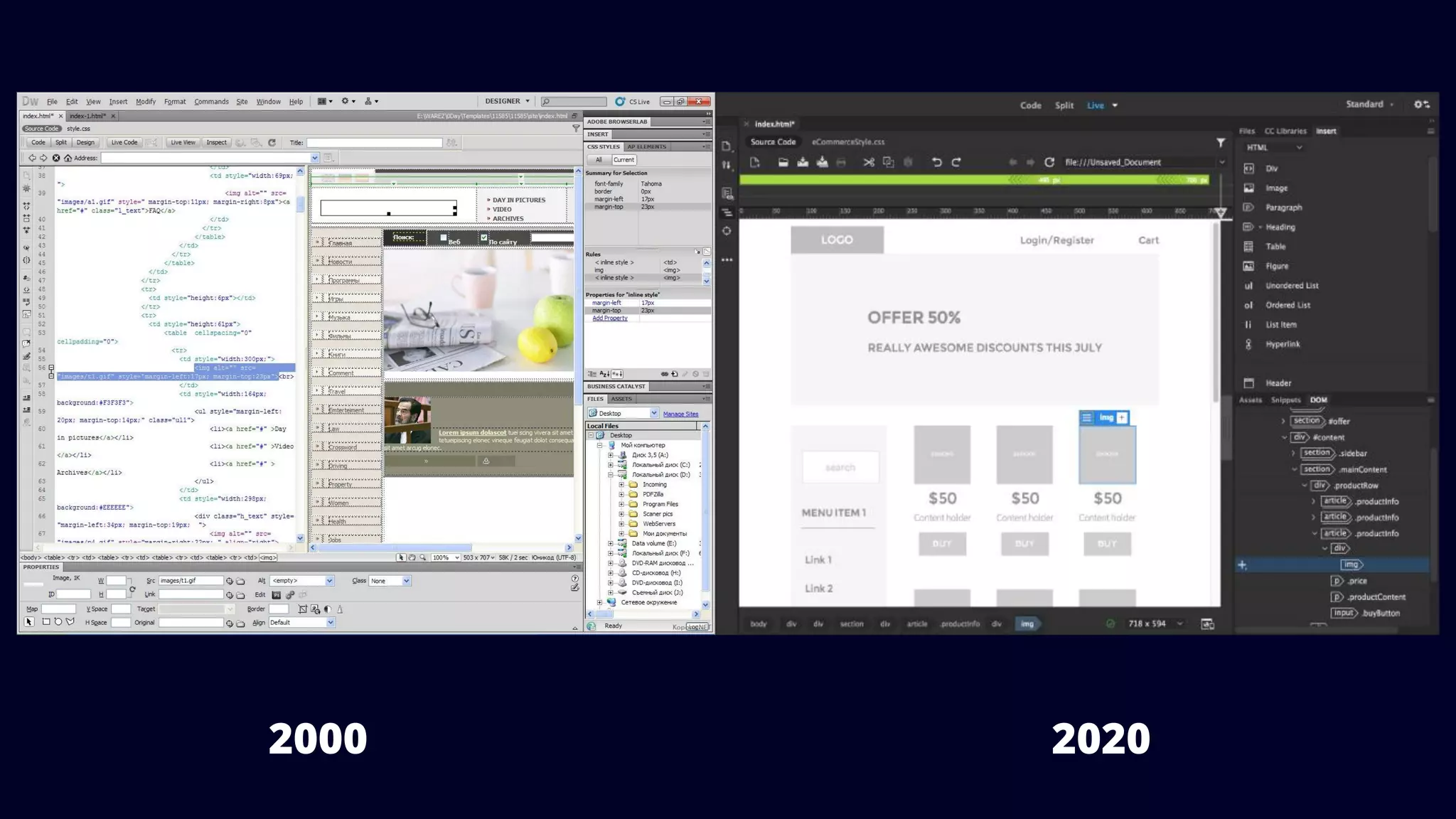
➔ Low code tools started way before with Dreamweaver as a WYSIWYG editor
What is lowcode/ no code?
➔ Building applications visually
➔ Modeling all processes and relationships instead of programming
➔ Tools that save you hours a day
➔ Enables non-technical developers and professional developers
5.
Low code vs.No code
➔ No code
◆ Drag & Drop
◆ No access to the code result
◆ No hand coding
➔ Low code:
◆ Drag & Drop + custom code
◆ Focused on technical people
◆ Further integration into existing systems
6.
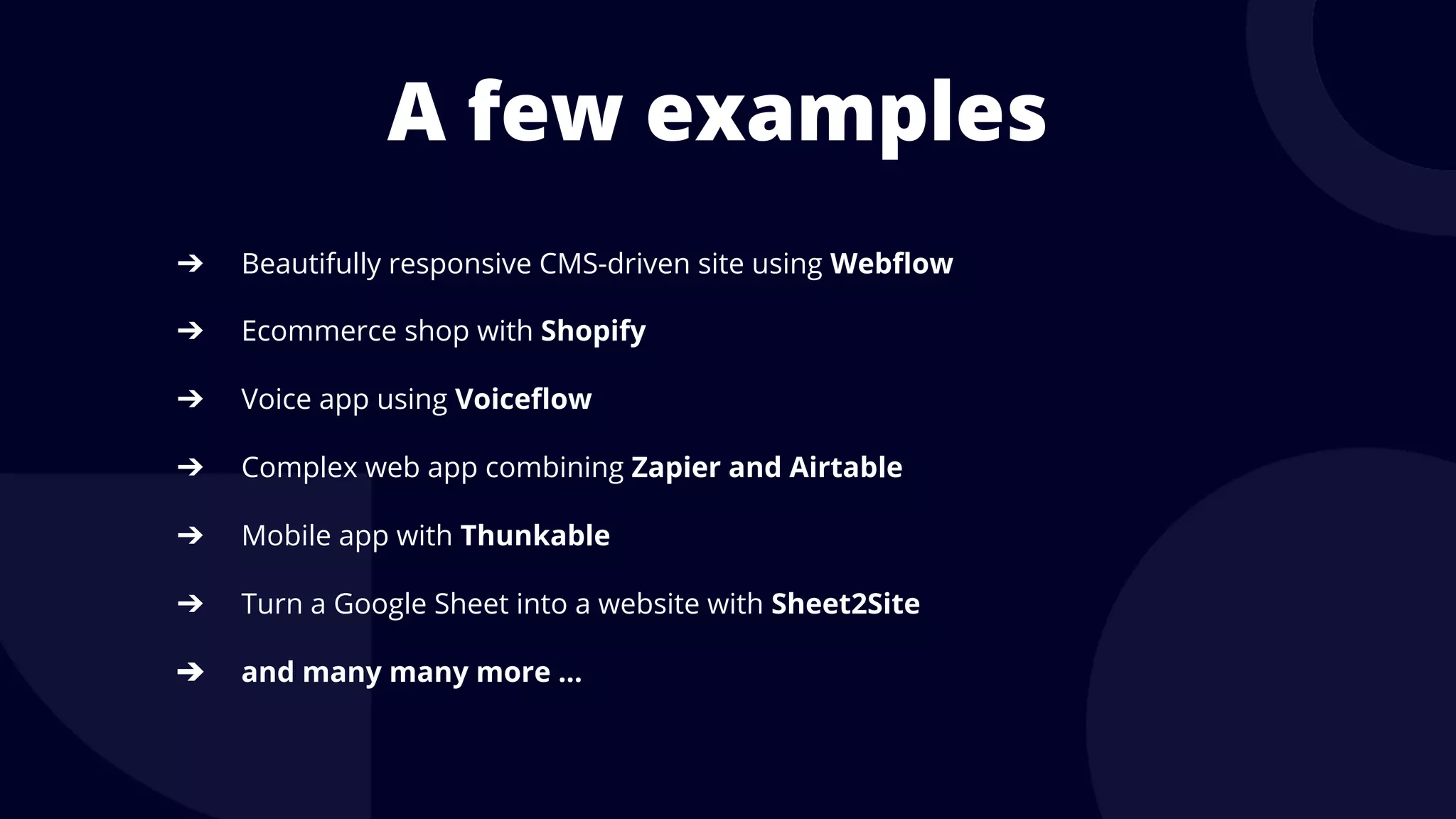
A few examples
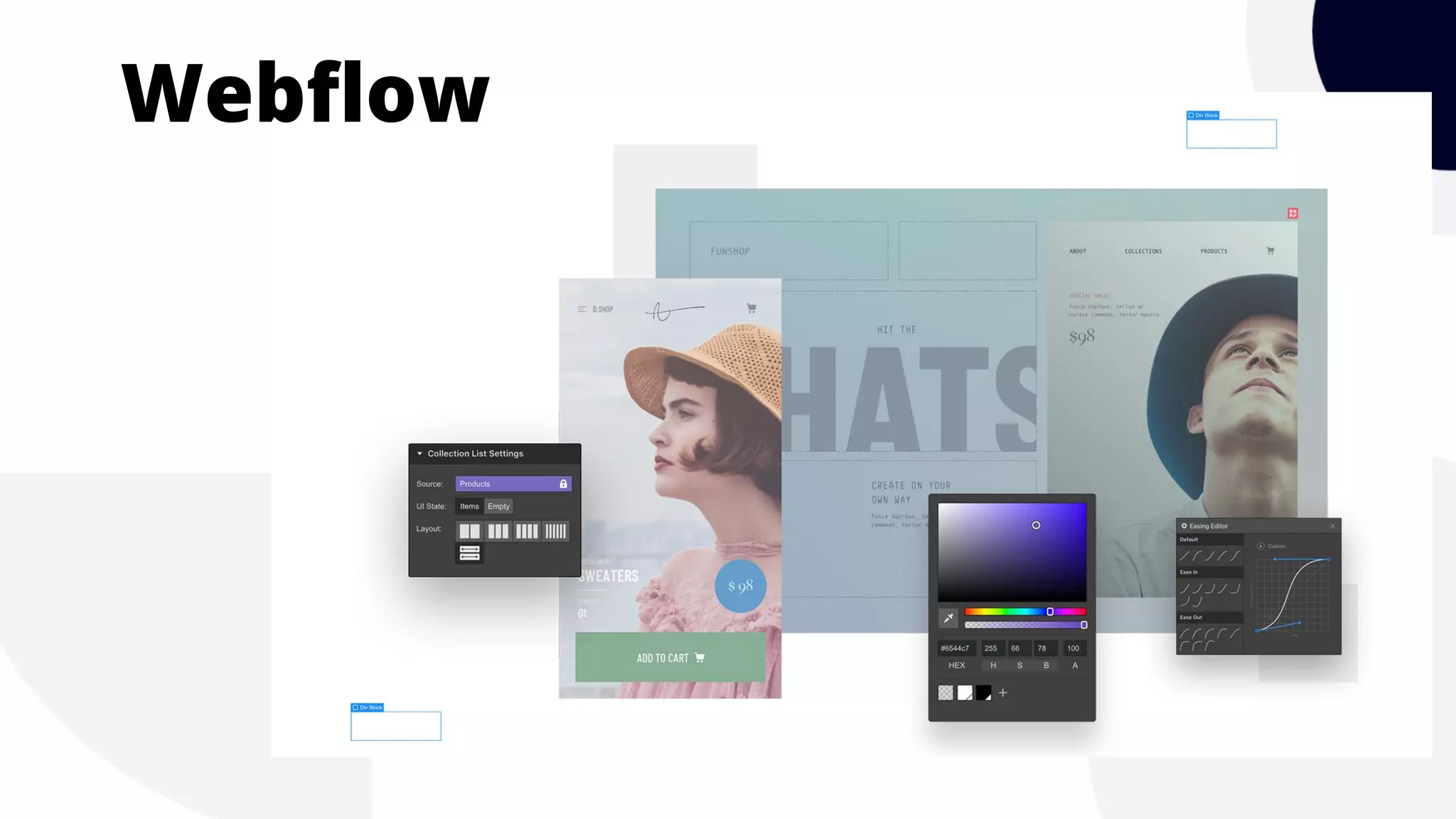
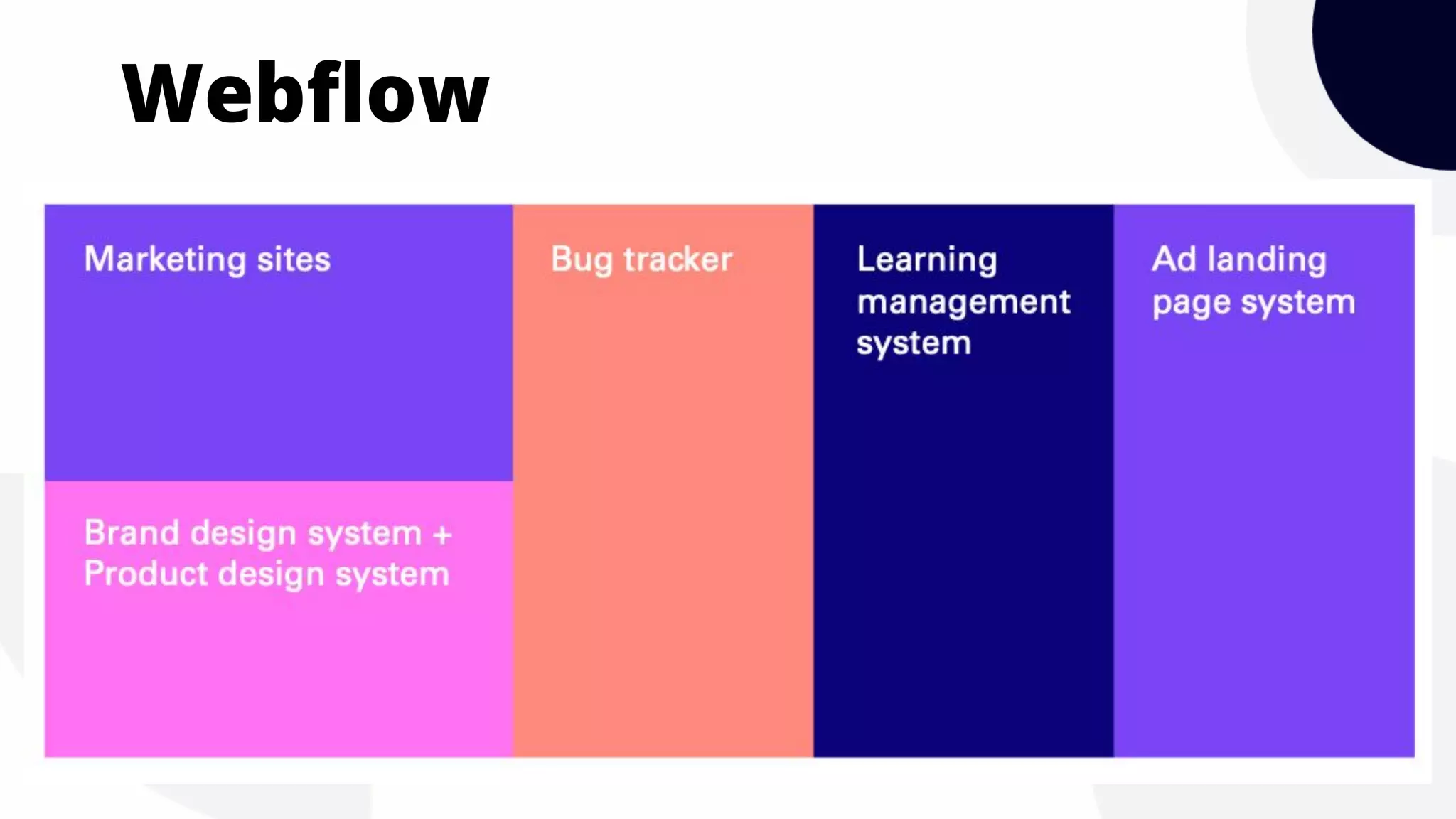
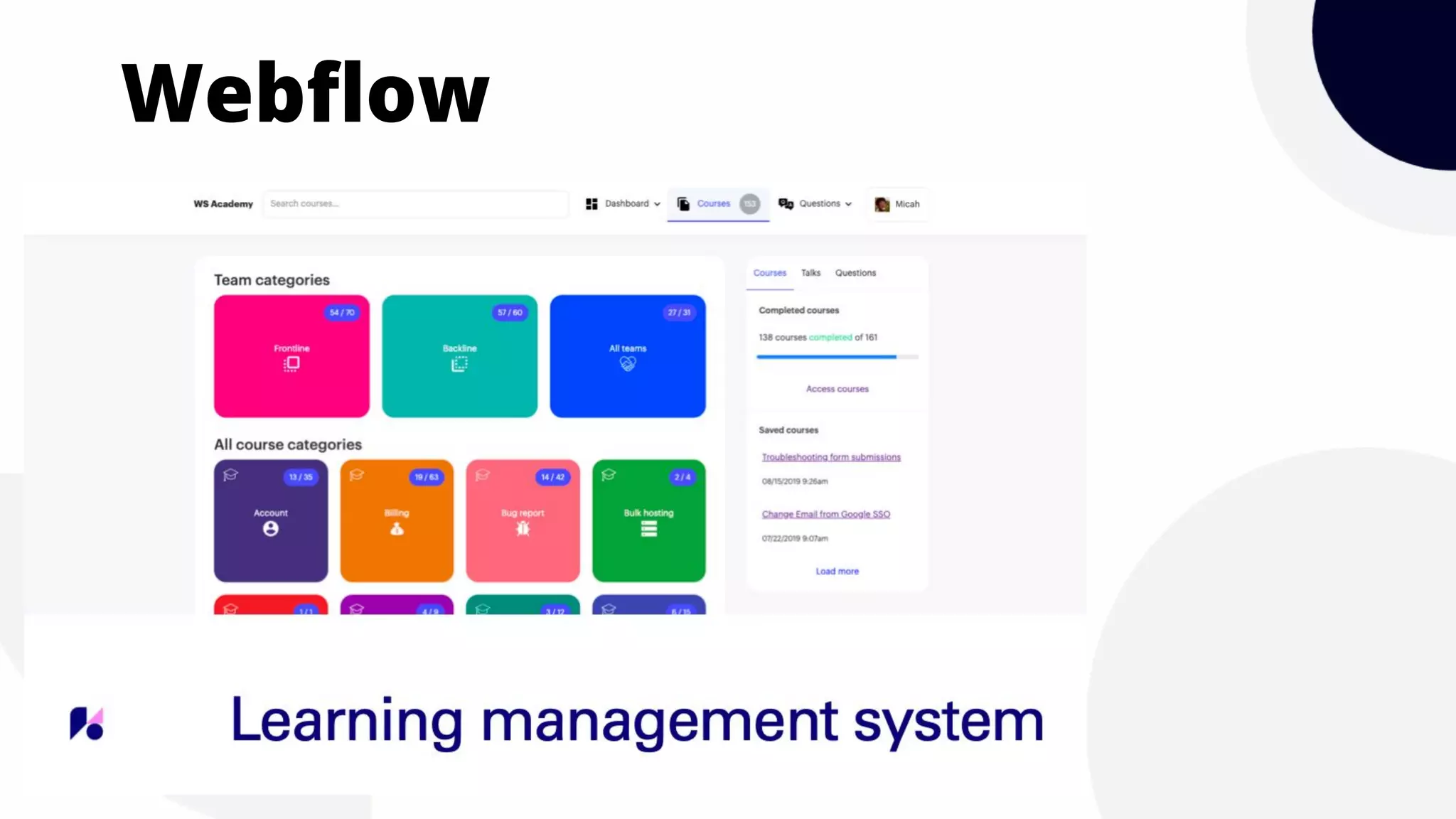
➔Beautifully responsive CMS-driven site using Webflow
➔ Ecommerce shop with Shopify
➔ Voice app using Voiceflow
➔ Complex web app combining Zapier and Airtable
➔ Mobile app with Thunkable
➔ Turn a Google Sheet into a website with Sheet2Site
➔ and many many more …
A few examples
➔Beautifully responsive CMS-driven site using Webflow
➔ Ecommerce shop with Shopify
➔ Voice app using Voiceflow
➔ Complex web app combining Zapier and Airtable
➔ Mobile app with Thunkable
➔ Turn a Google Sheet into a website with Sheet2Site
➔ and many many more …
11.
Want to learnmore?
We are developing low code and no code software and offering a free initial consultation
cedrik@02100.io




![Top 8+ Low-Code/No-Code Tools [Based On Flatlogic Research]](https://cdn.slidesharecdn.com/ss_thumbnails/marketingstyle9-241216213755-4997b793-thumbnail.jpg?width=640&height=640&fit=bounds)


![Vibe Coding vs. Spec-Driven Development [Free Meetup]](https://cdn.slidesharecdn.com/ss_thumbnails/vibecodingvsspecdrivendevelopment-251209105622-43f455e7-thumbnail.jpg?width=640&height=640&fit=bounds)