Game optimization
By Niraj Vishwakarma
ABout me
Niraj Vishwakarma
From Kolkata
Sr. Game Developer @ Games2Win Pvt. Ltd.
LinkedIn: https://in.linkedin.com/in/niraj-
vishwakarma
Email:
nirajv21@gmail.com
Intro
"Game optimization means improving the
game application so it runs at the
smooth framerate across a wide range
of hardware specs, including low-end
configurations.
In this discussion we will discuss
about some common Game optimization
techniques irrespective of what Game
engine you are using.
Why do we care about game optimization
Answer should be -
To serve the Users with better
gameplay experience and to avoid
user complaints like this
There are tons of devices out there
in market and it becomes
responsibility of the developer to
take care about every possible
hardware configs for maximum reach
and positive user experience.
What is happening under the hood
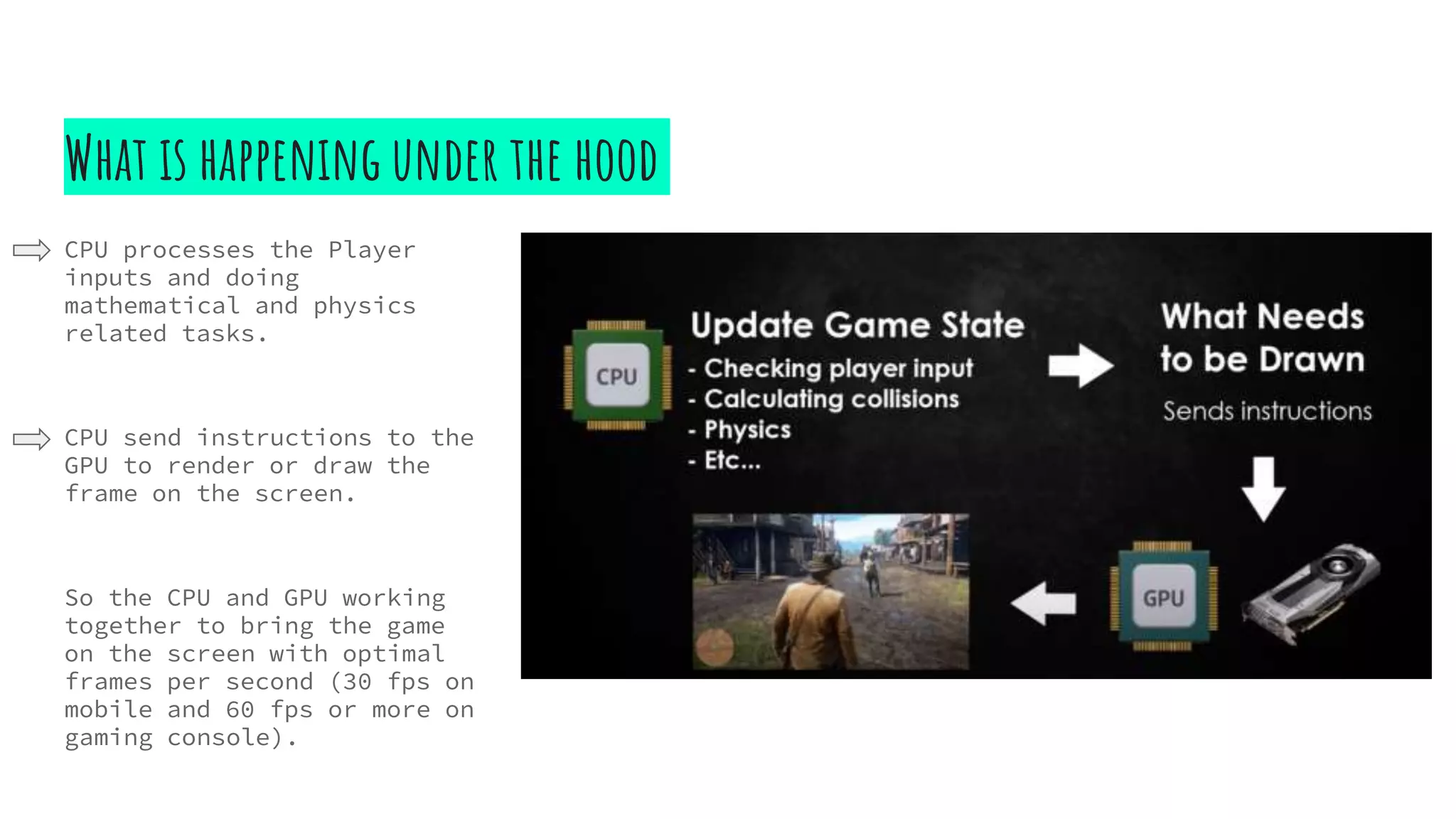
CPU processes the Player
inputs and doing
mathematical and physics
related tasks.
CPU send instructions to the
GPU to render or draw the
frame on the screen.
So the CPU and GPU working
together to bring the game
on the screen with optimal
frames per second (30 fps on
mobile and 60 fps or more on
gaming console).
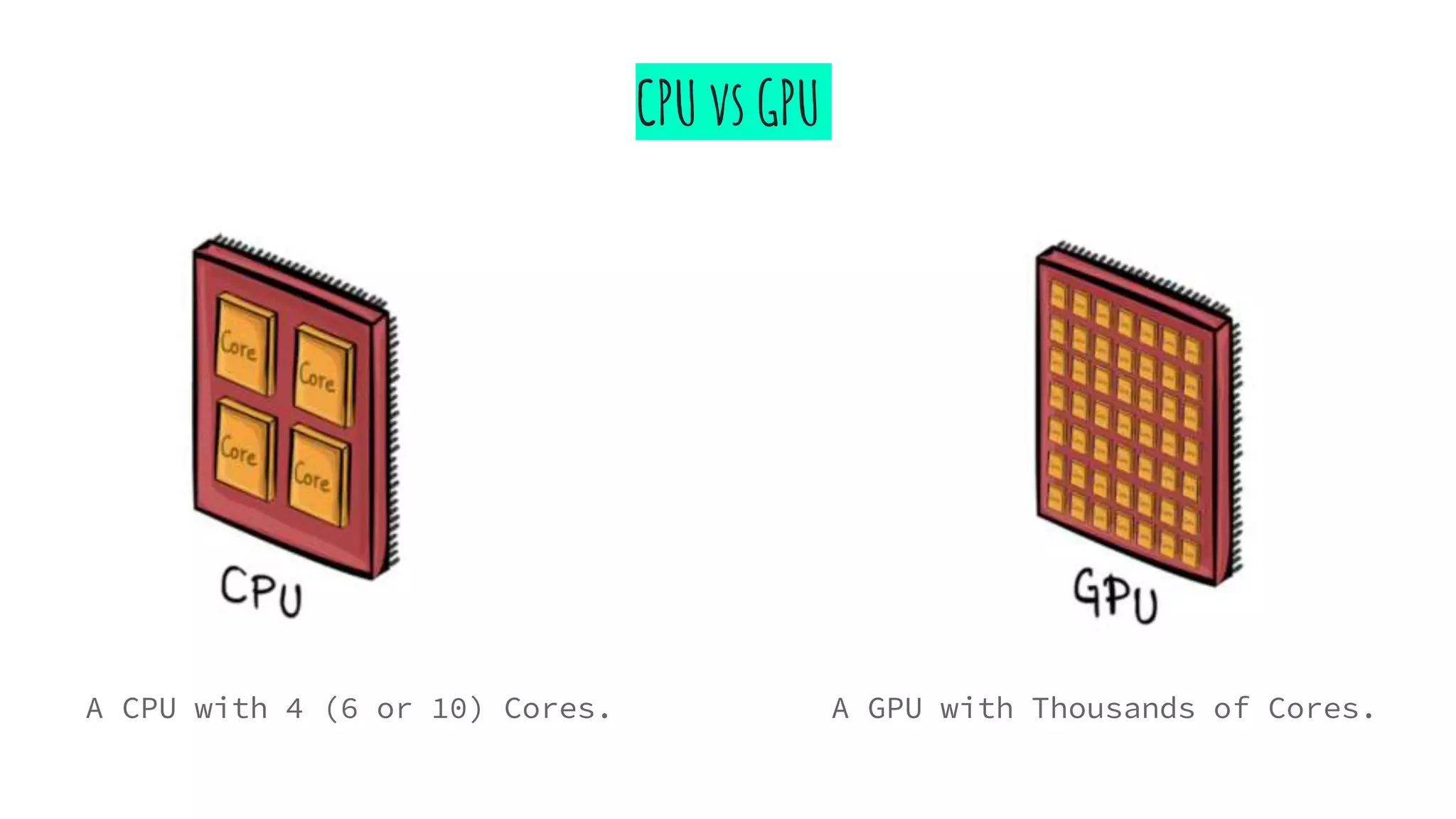
CPU vs GPU
A CPU with 4 (6 or 10) Cores. A GPU with Thousands of Cores.
Different Game Optimization techniques
● Reduce and Combine Textures
● Use Occlusion Culling
● Batching Draw Calls
● Using LOD (Levels of Details)
● Lightmapping
● Tweaking Quality Settings
● Code Optimization
These techniques applicable and
common to all Game engines.
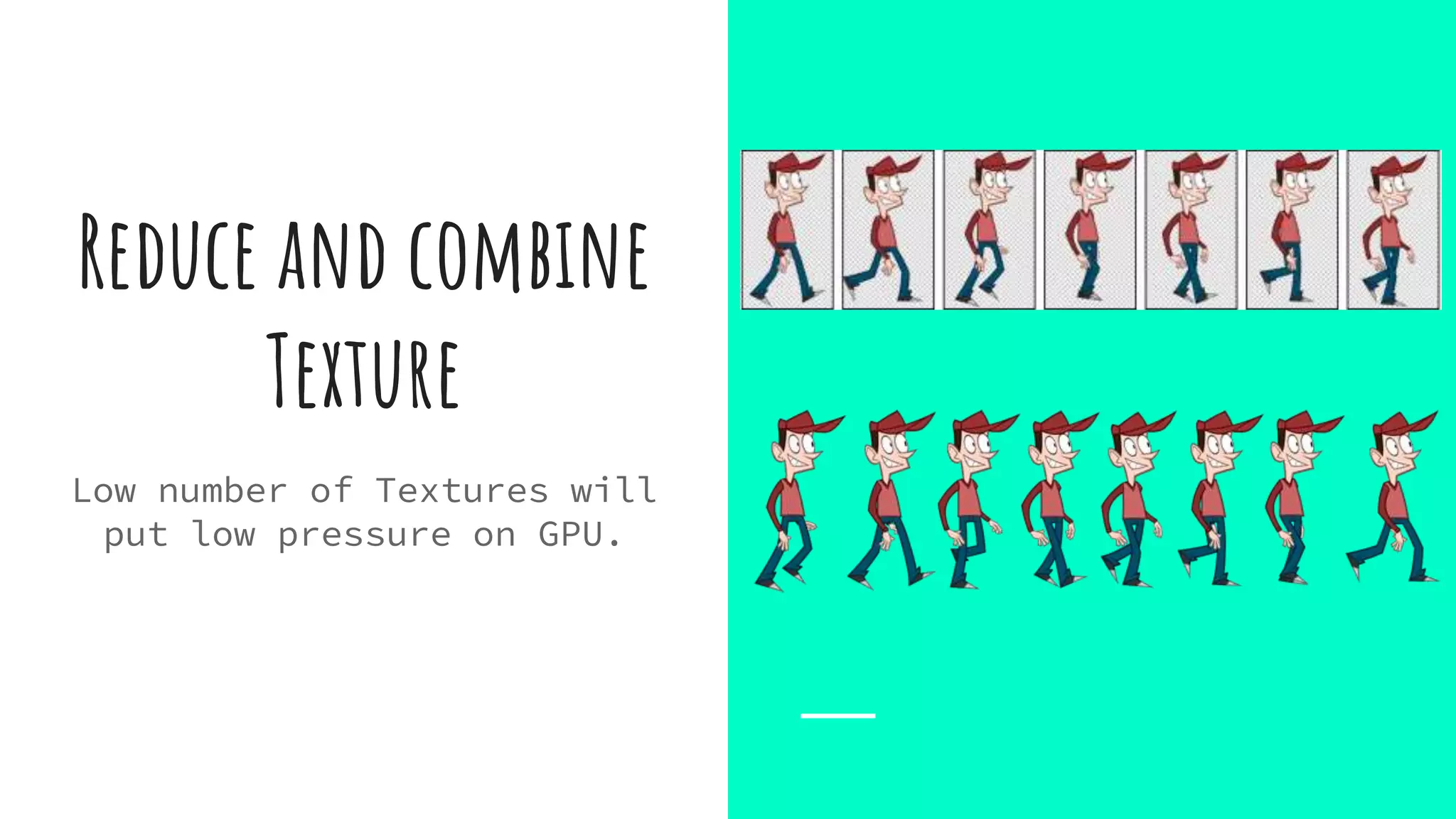
Reduce and combine
Texture
Low number of Textures will
put low pressure on GPU.
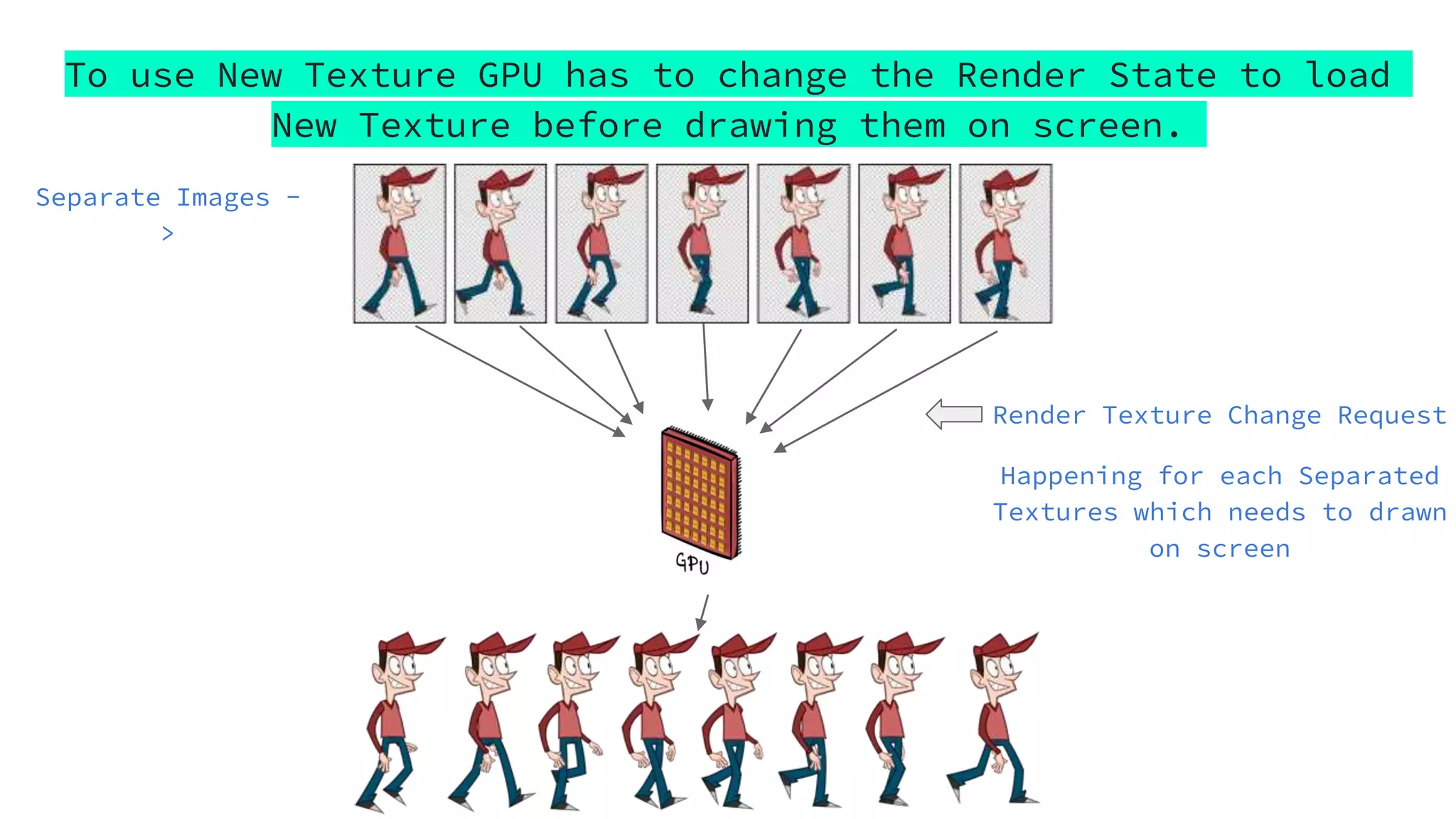
To use New Texture GPU has to change the Render State to load
New Texture before drawing them on screen.
Render Texture Change Request
Happening for each Separated
Textures which needs to drawn
on screen
Separate Images -
>
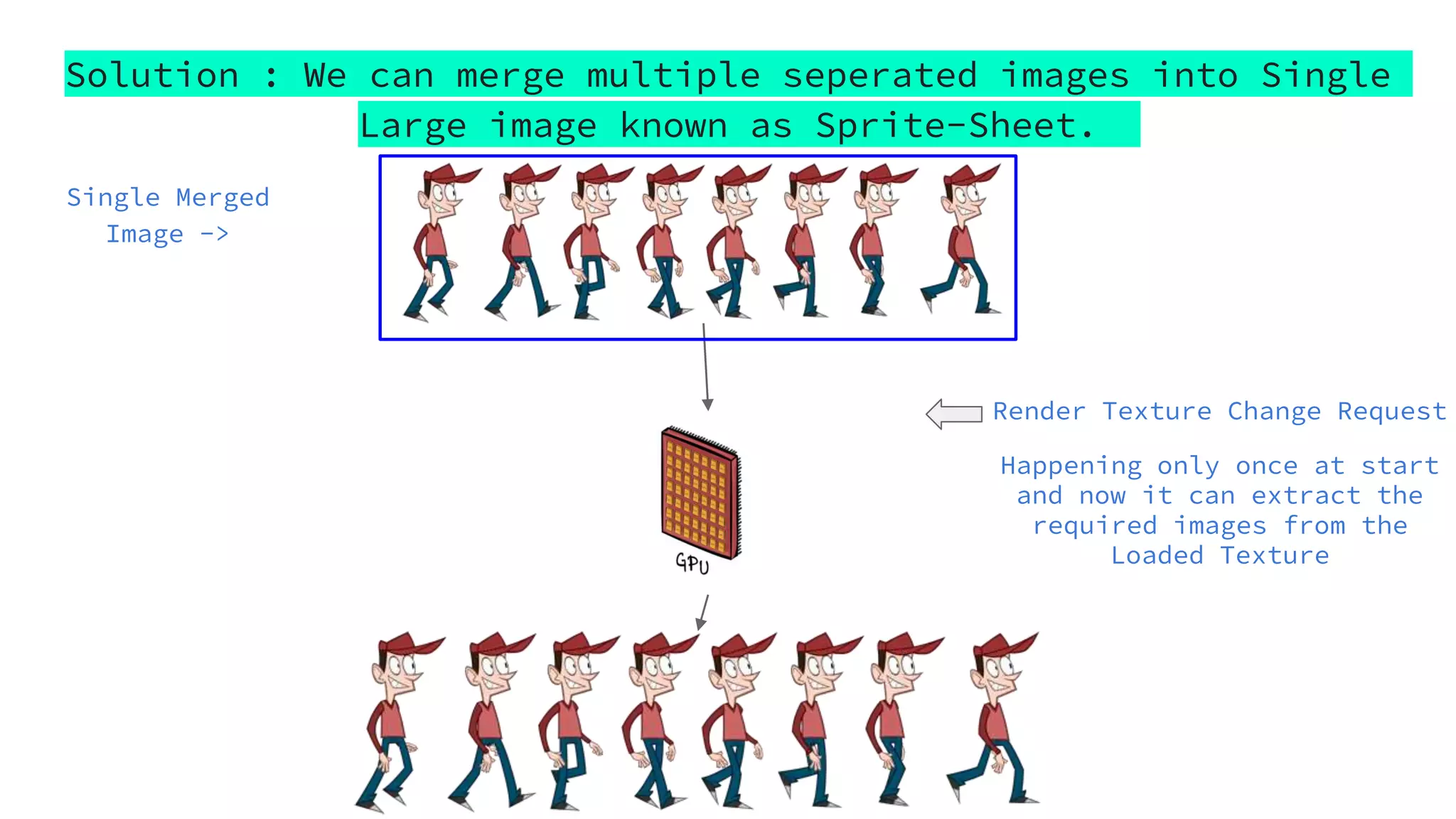
Solution : We can merge multiple seperated images into Single
Large image known as Sprite-Sheet.
Render Texture Change Request
Happening only once at start
and now it can extract the
required images from the
Loaded Texture
Single Merged
Image ->
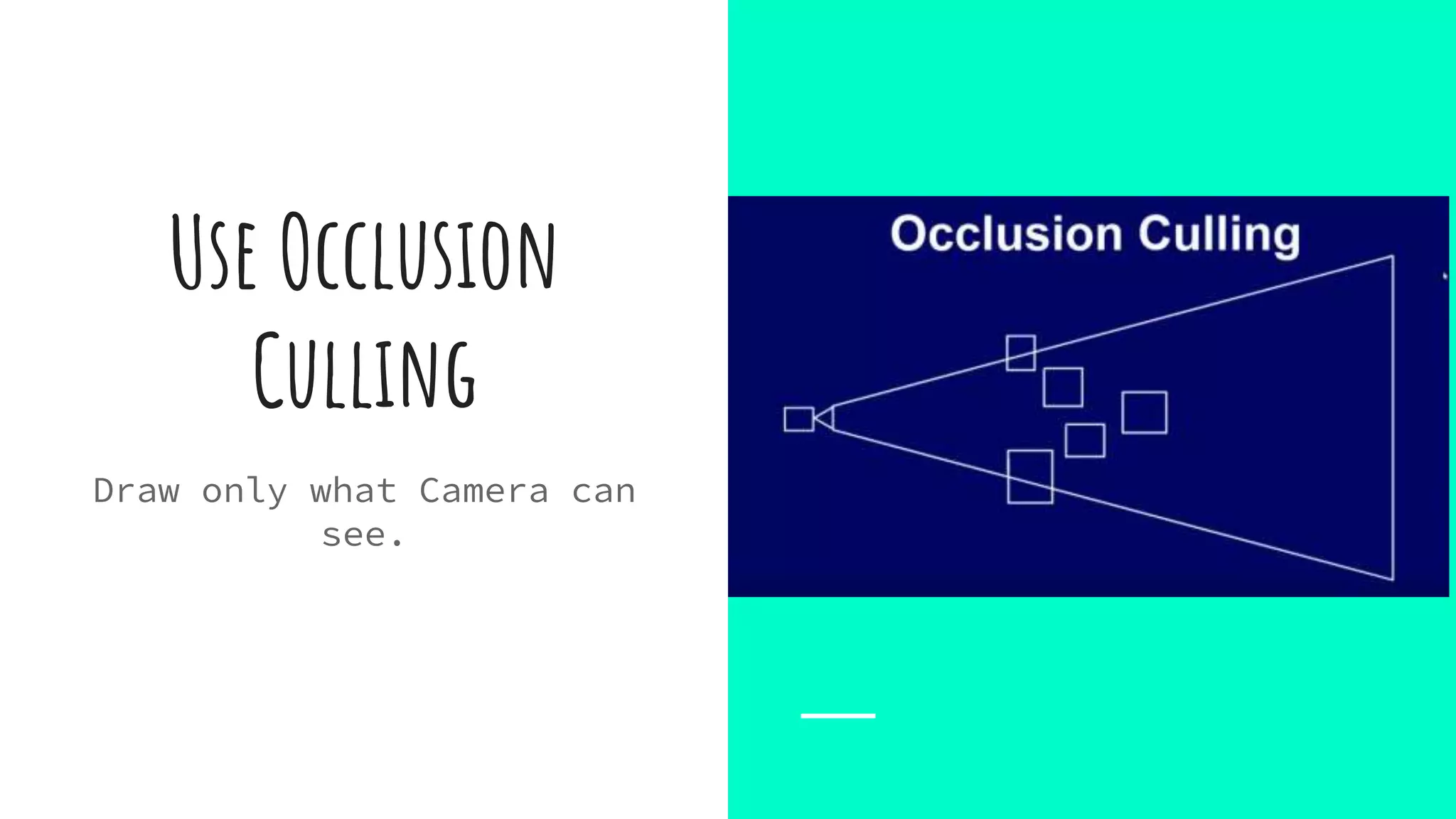
Use Occlusion
Culling
Draw only what Camera can
see.
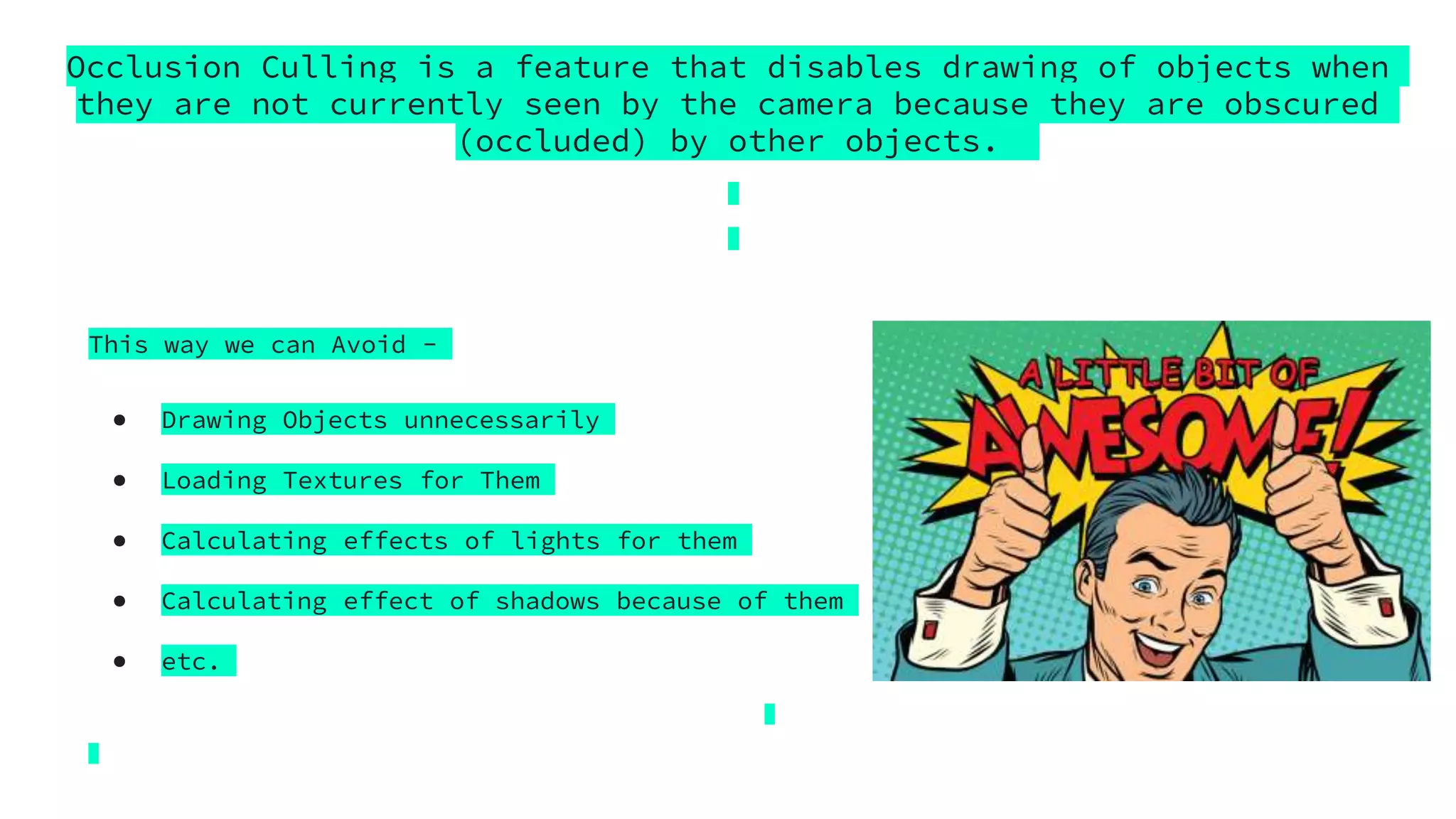
Occlusion Culling is a feature that disables drawing of objects when
they are not currently seen by the camera because they are obscured
(occluded) by other objects.
This way we can Avoid -
● Drawing Objects unnecessarily
● Loading Textures for Them
● Calculating effects of lights for them
● Calculating effect of shadows because of them
● etc.
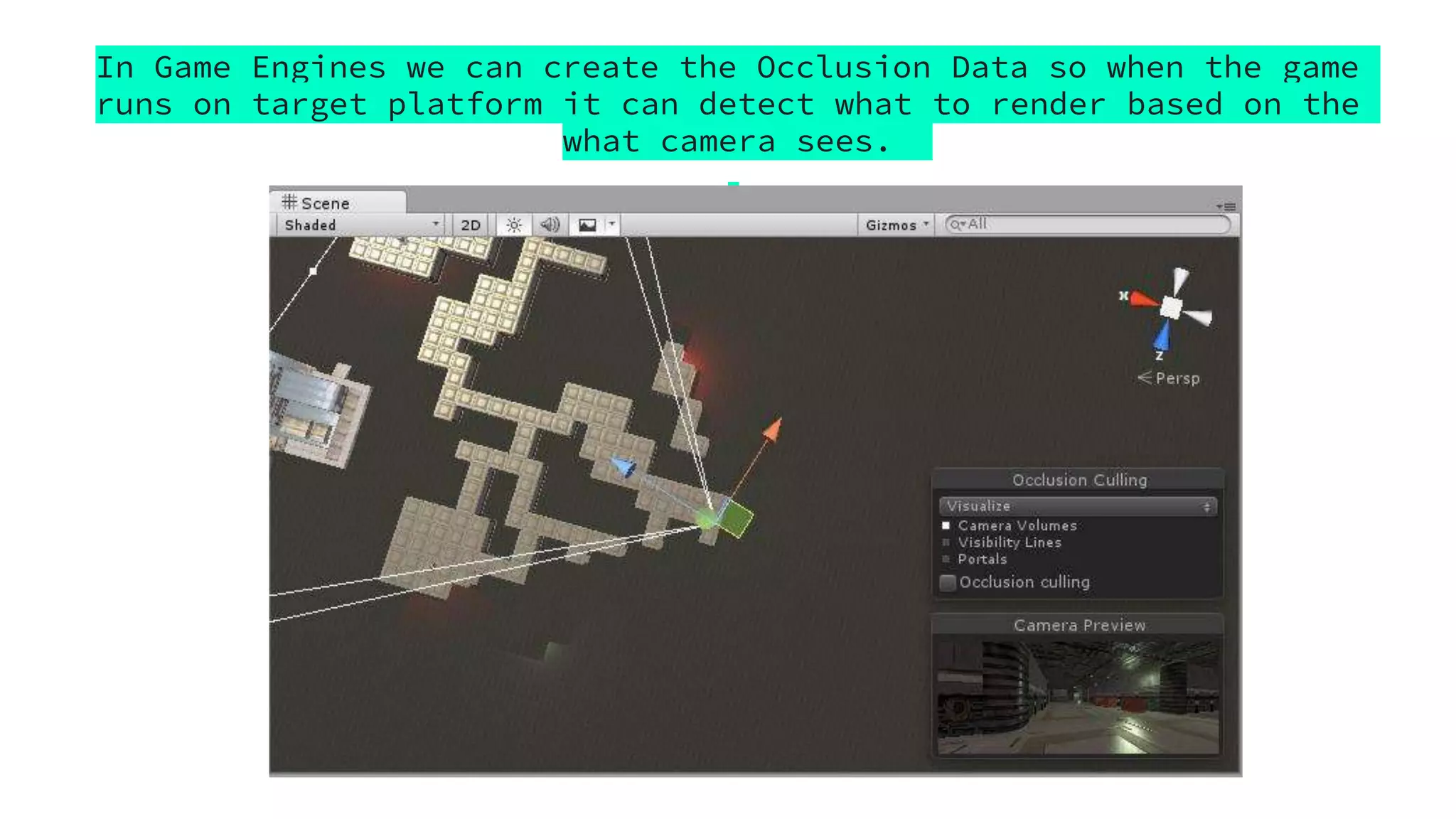
In Game Engines we can create the Occlusion Data so when the game
runs on target platform it can detect what to render based on the
what camera sees.
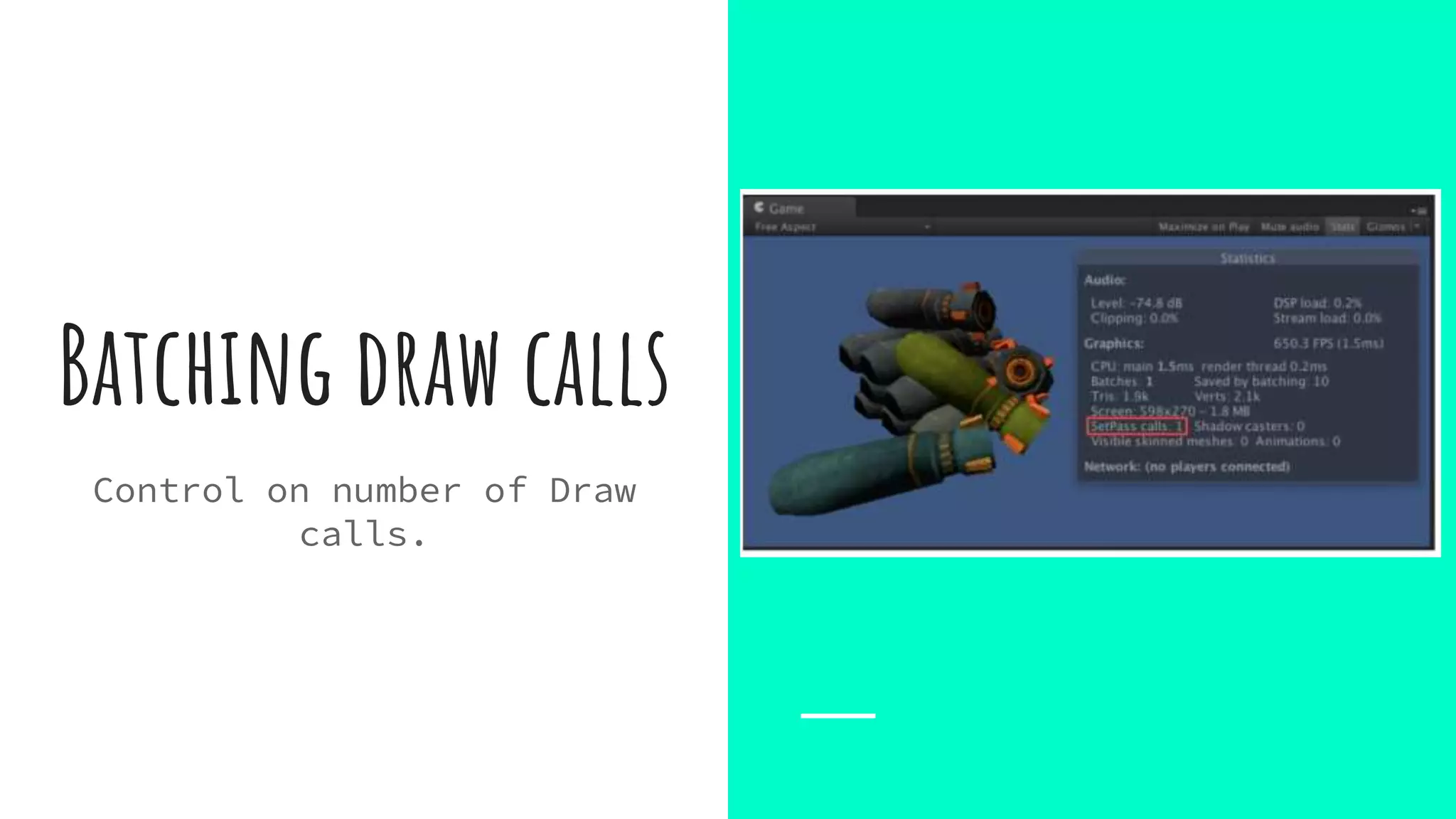
Batching draw calls
Control on number of Draw
calls.
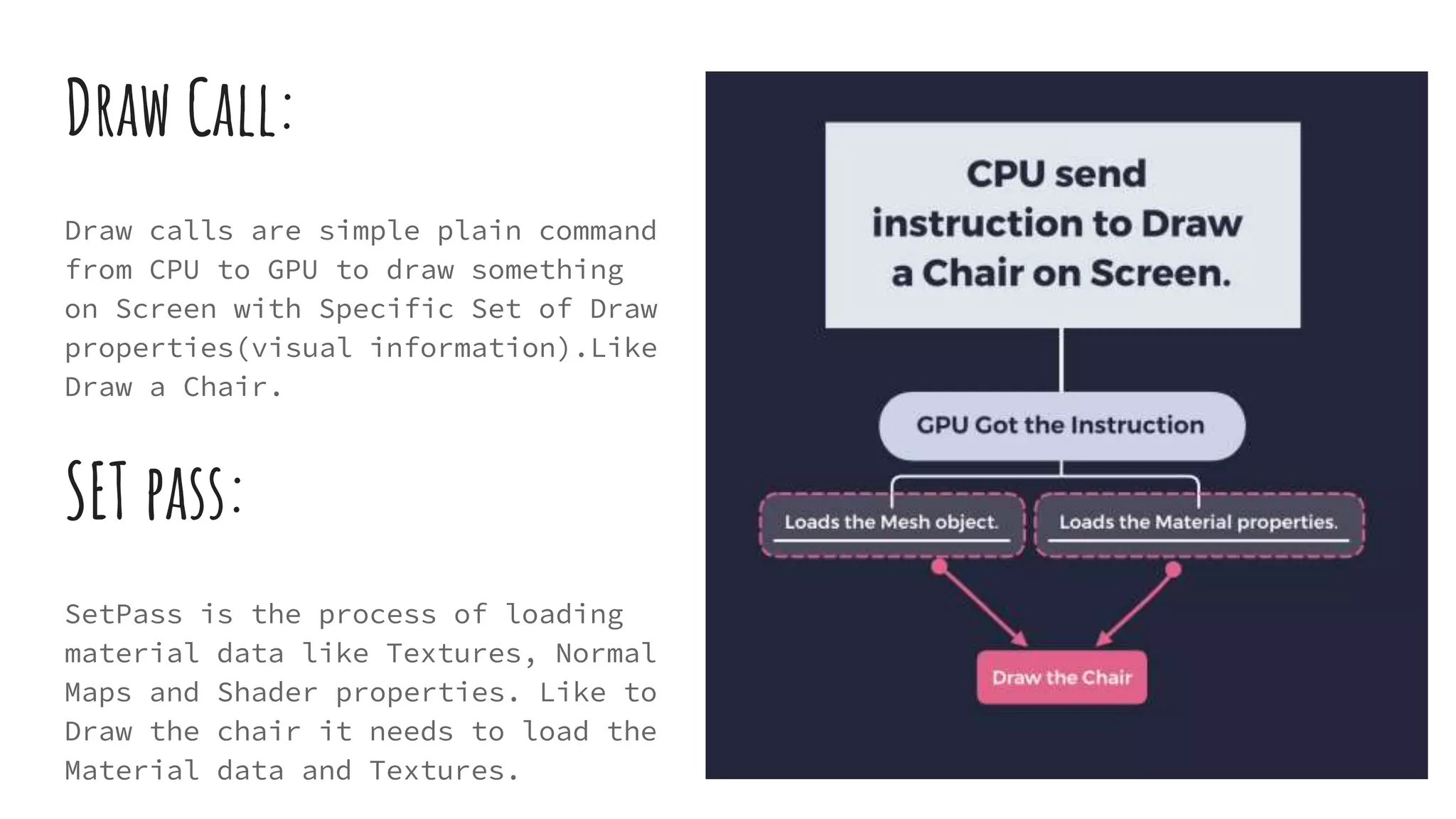
Draw Call:
Draw calls are simple plain command
from CPU to GPU to draw something
on Screen with Specific Set of Draw
properties(visual information).Like
Draw a Chair.
SET pass:
SetPass is the process of loading
material data like Textures, Normal
Maps and Shader properties. Like to
Draw the chair it needs to load the
Material data and Textures.
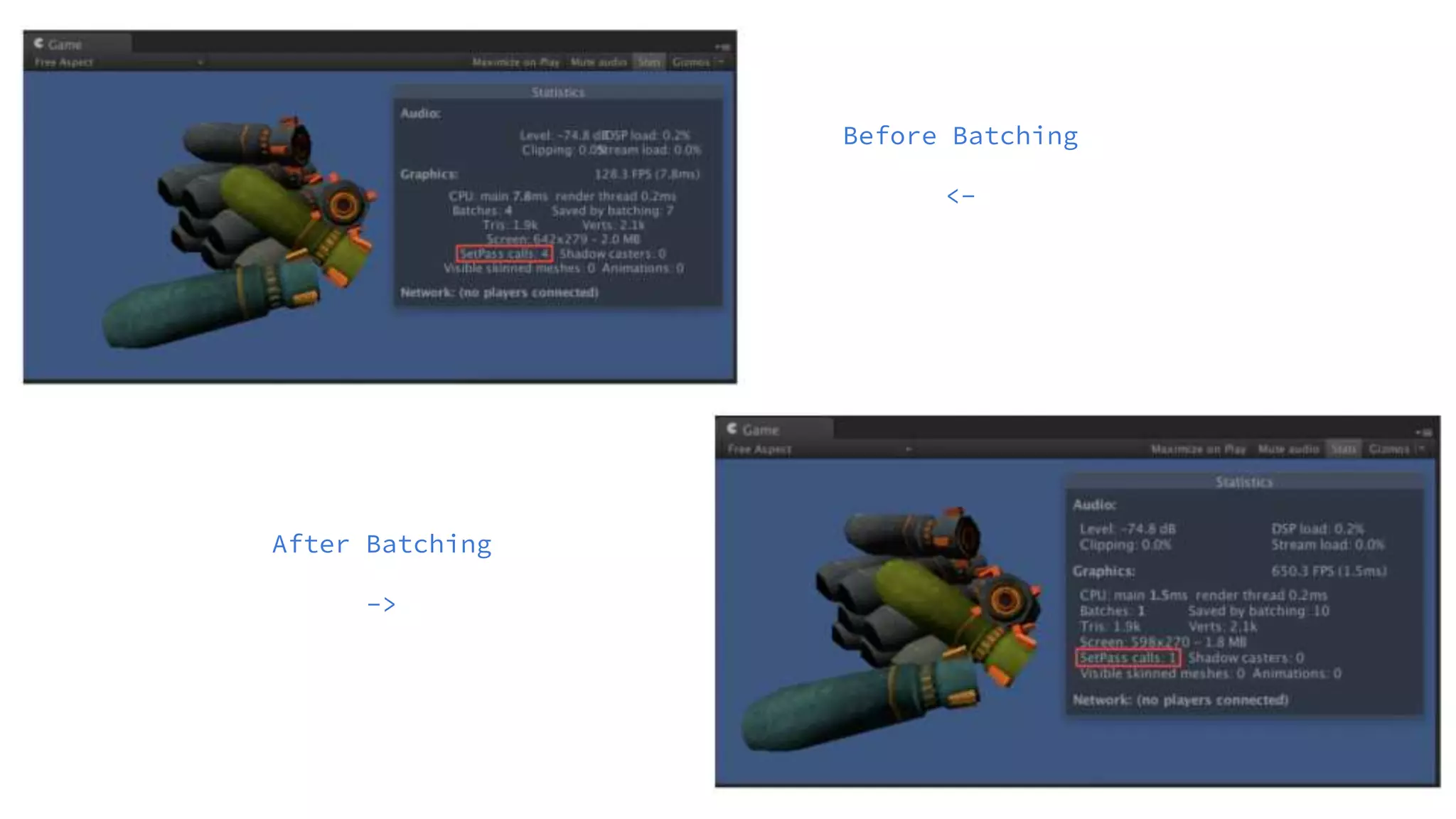
Before Batching
<-
After Batching
->
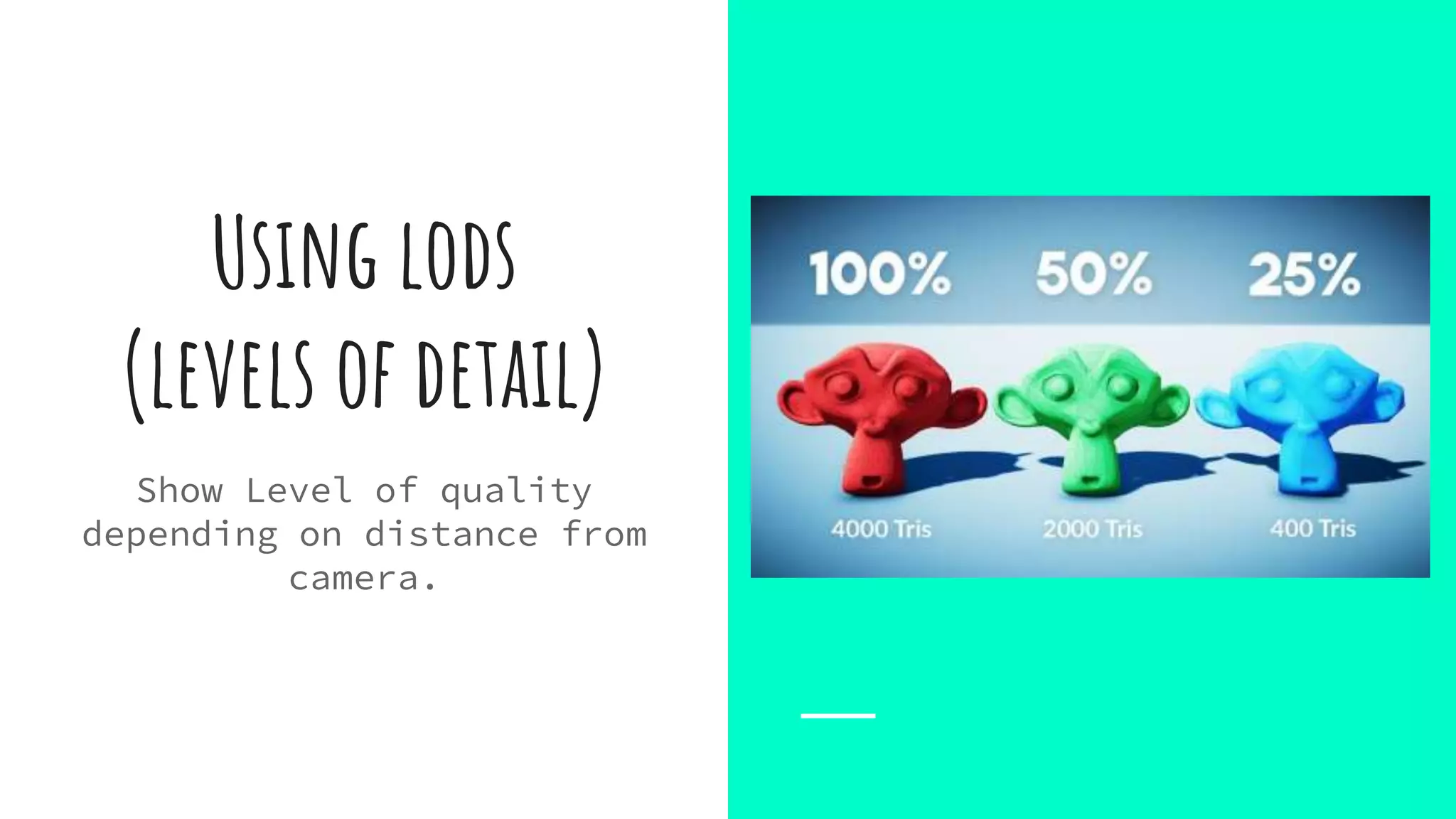
Using lods
(levels of detail)
Show Level of quality
depending on distance from
camera.
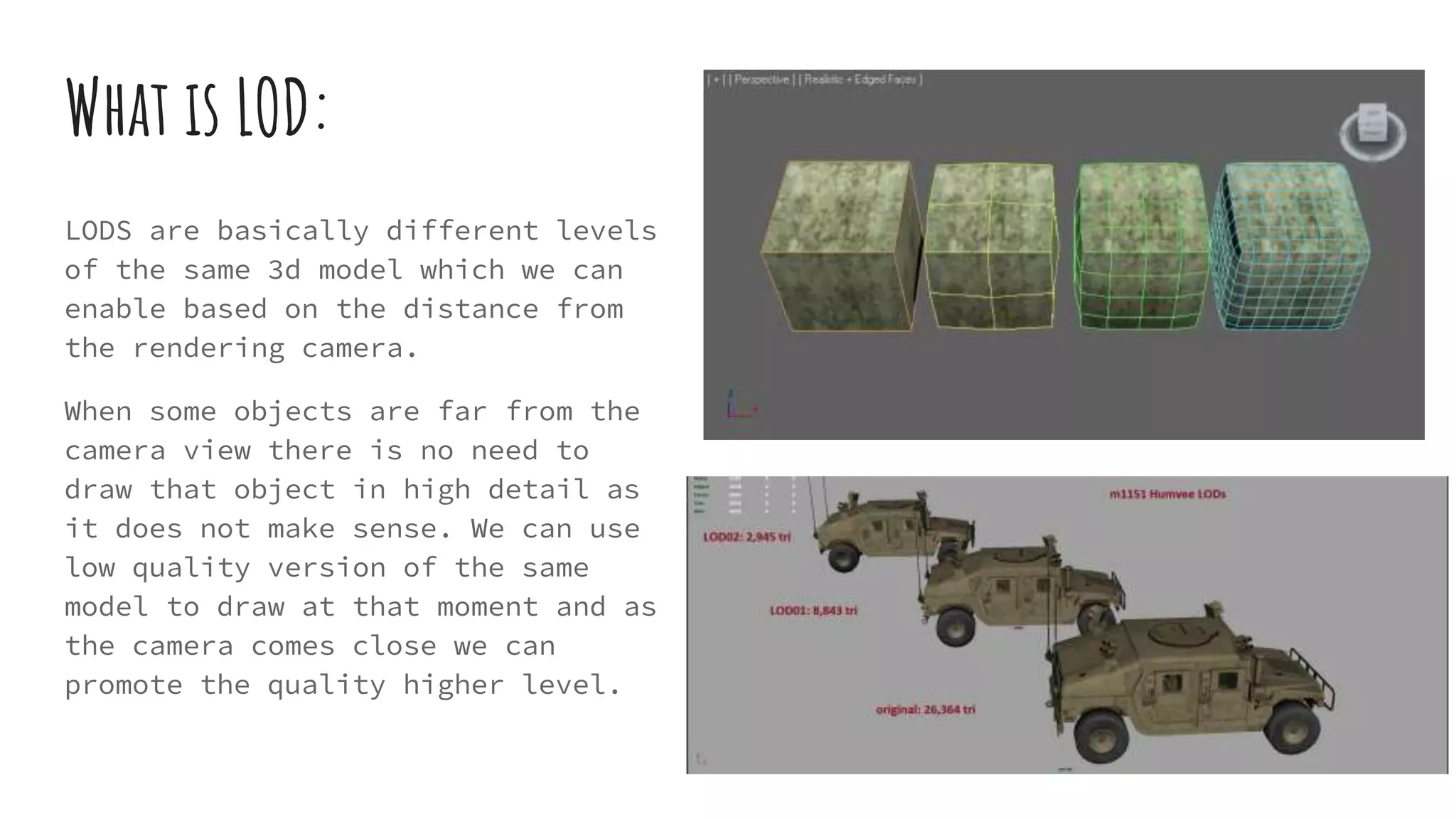
What is LOD:
LODS are basically different levels
of the same 3d model which we can
enable based on the distance from
the rendering camera.
When some objects are far from the
camera view there is no need to
draw that object in high detail as
it does not make sense. We can use
low quality version of the same
model to draw at that moment and as
the camera comes close we can
promote the quality higher level.
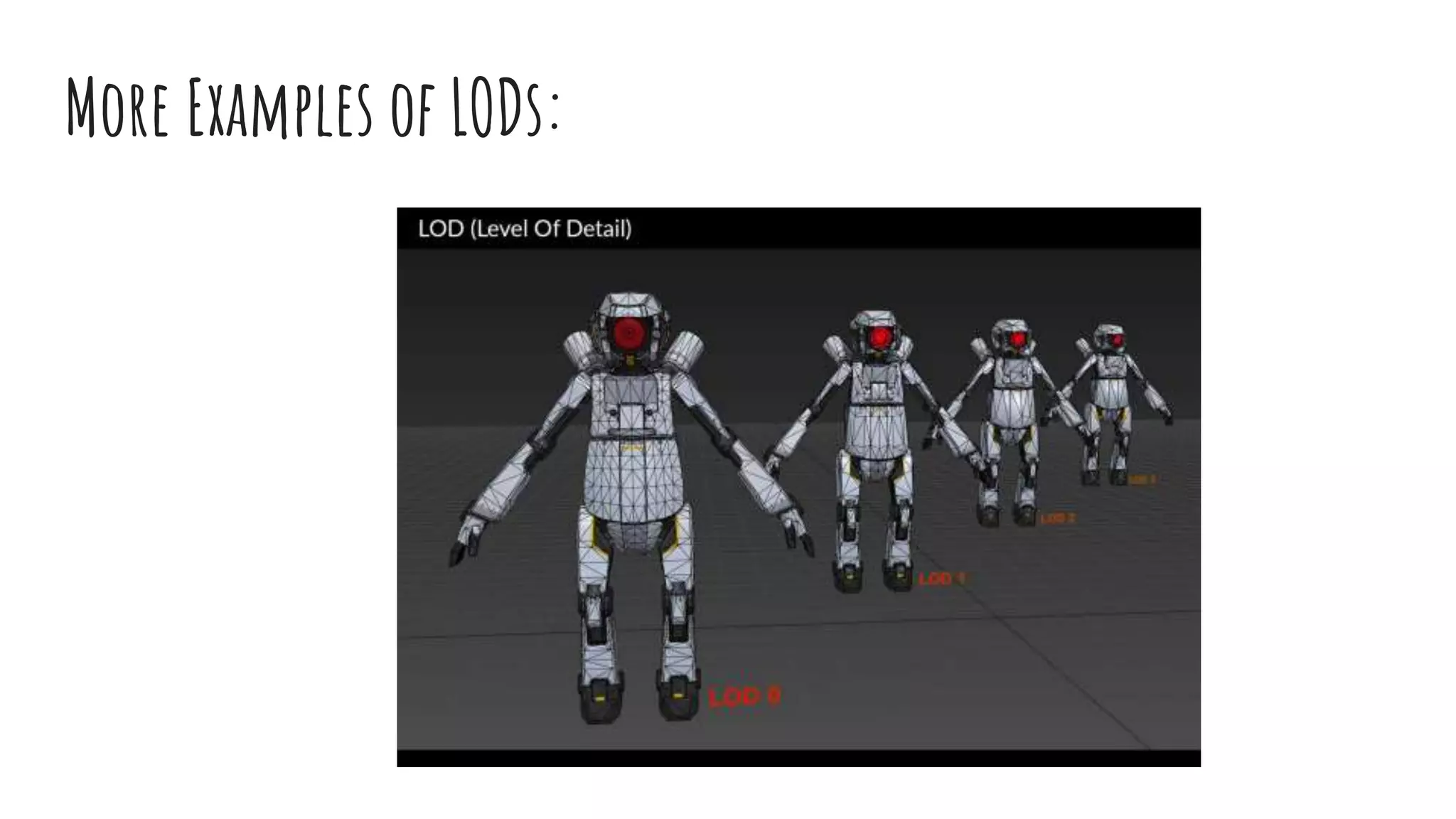
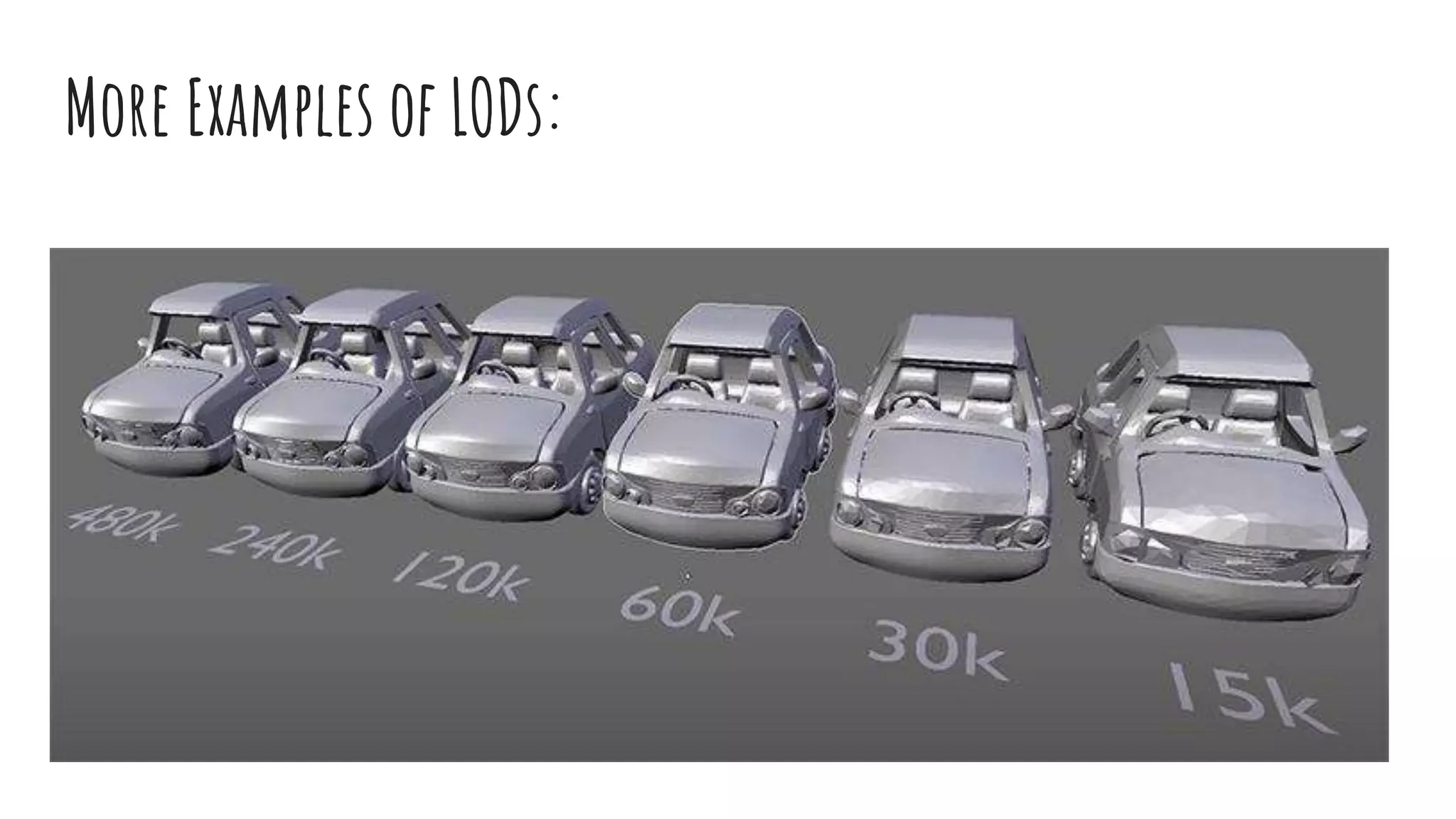
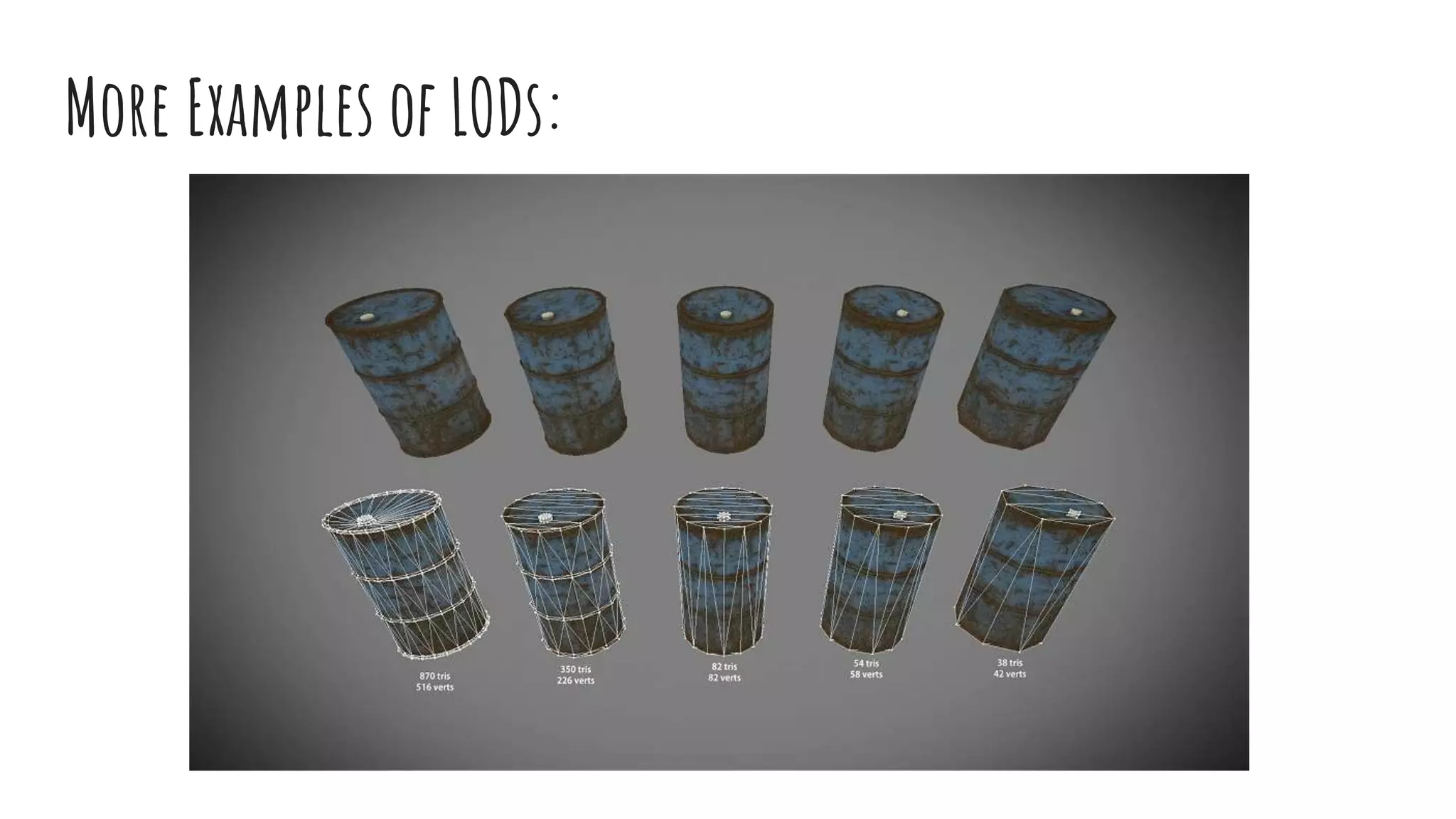
More Examples of LODs:
Lightmapping
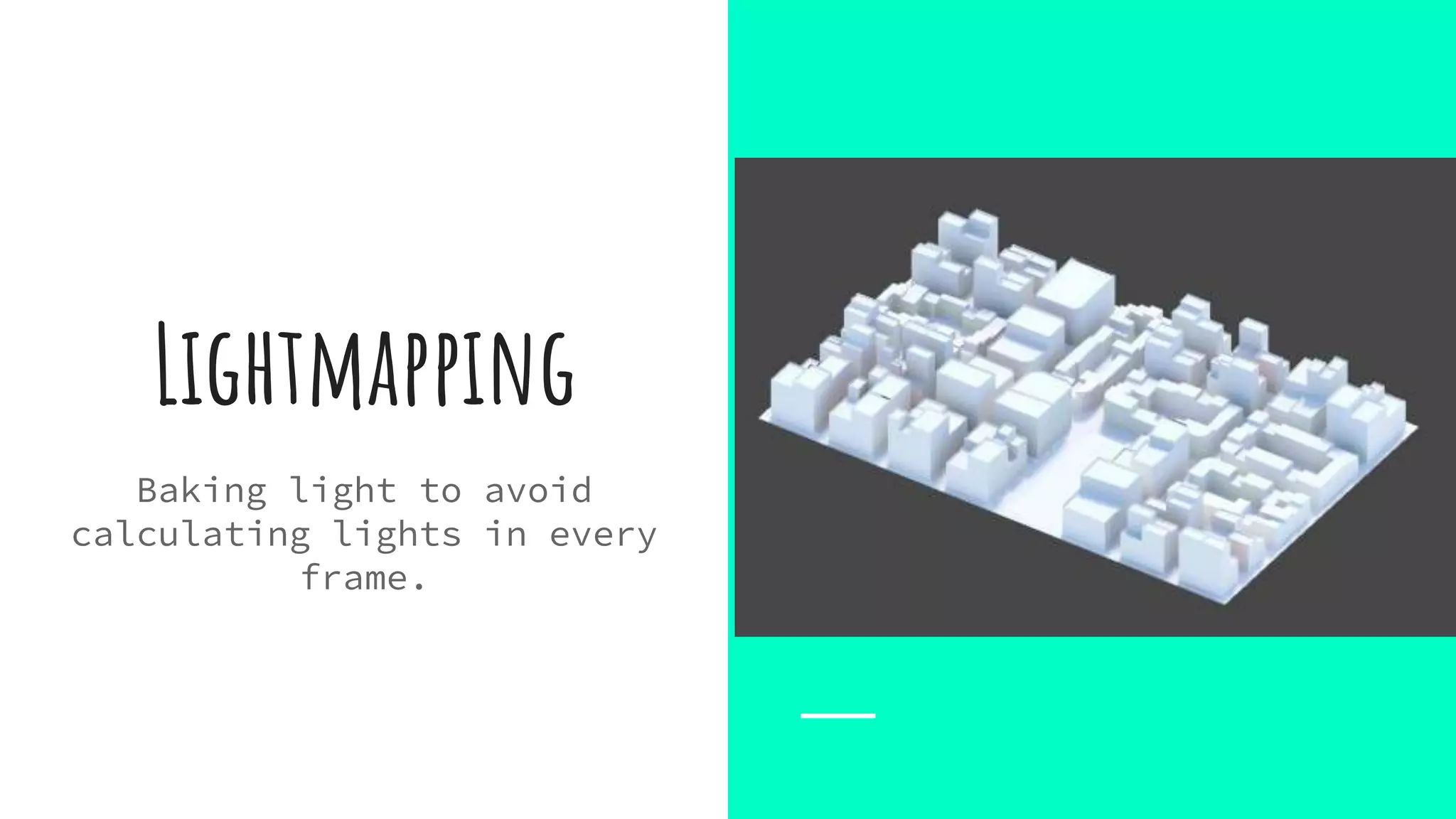
Baking light to avoid
calculating lights in every
frame.
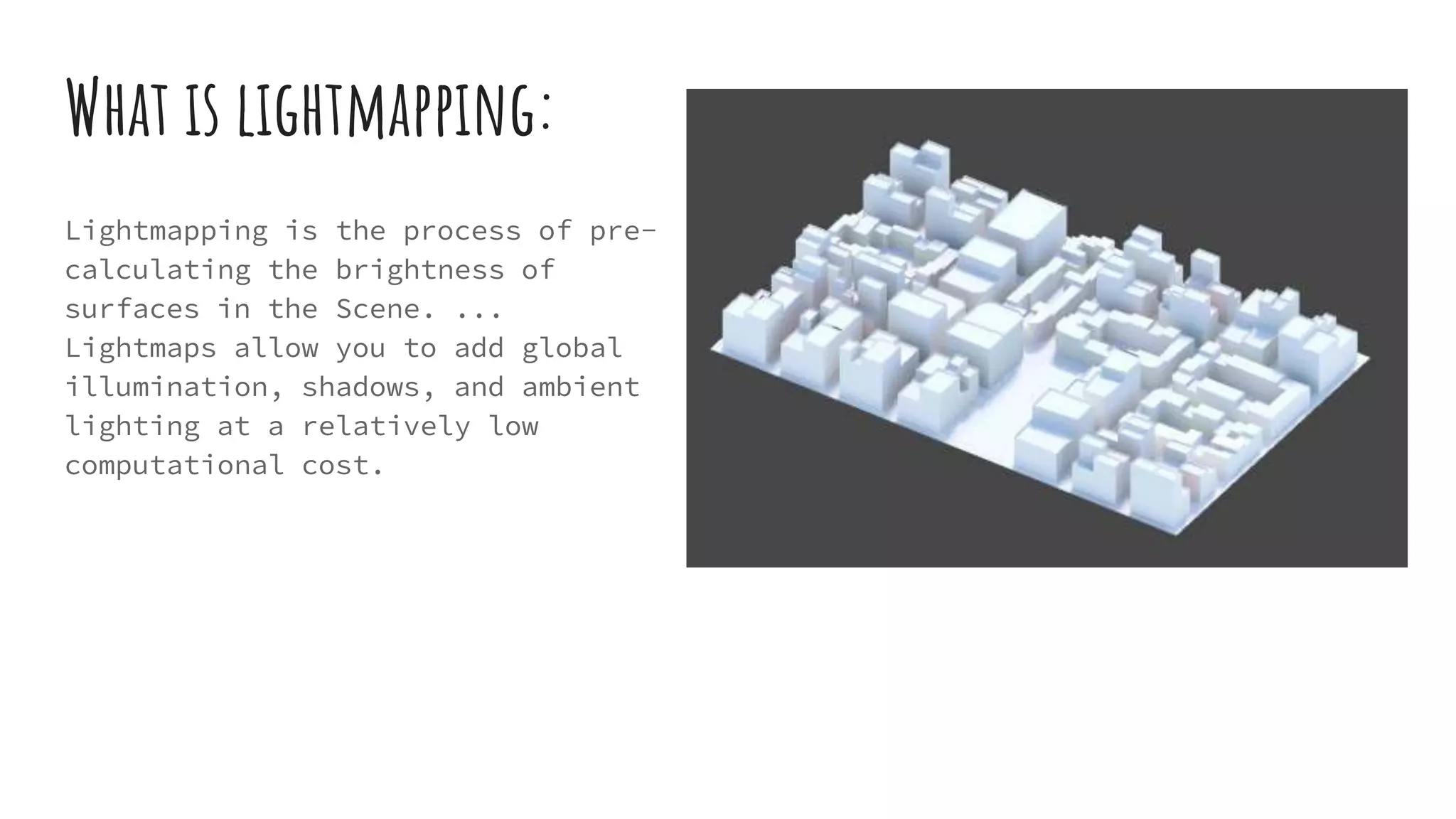
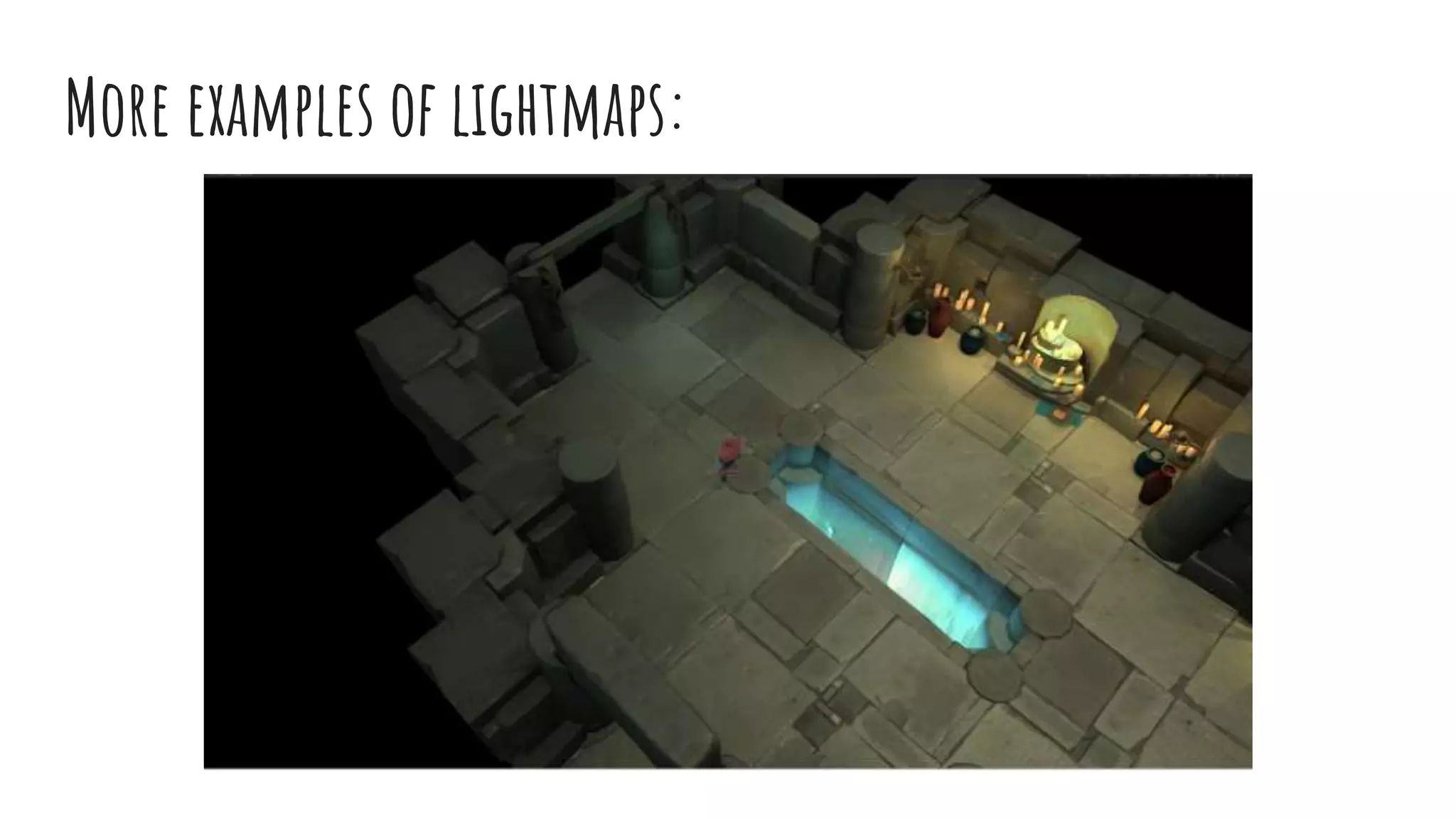
What is lightmapping:
Lightmapping is the process of pre-
calculating the brightness of
surfaces in the Scene. ...
Lightmaps allow you to add global
illumination, shadows, and ambient
lighting at a relatively low
computational cost.
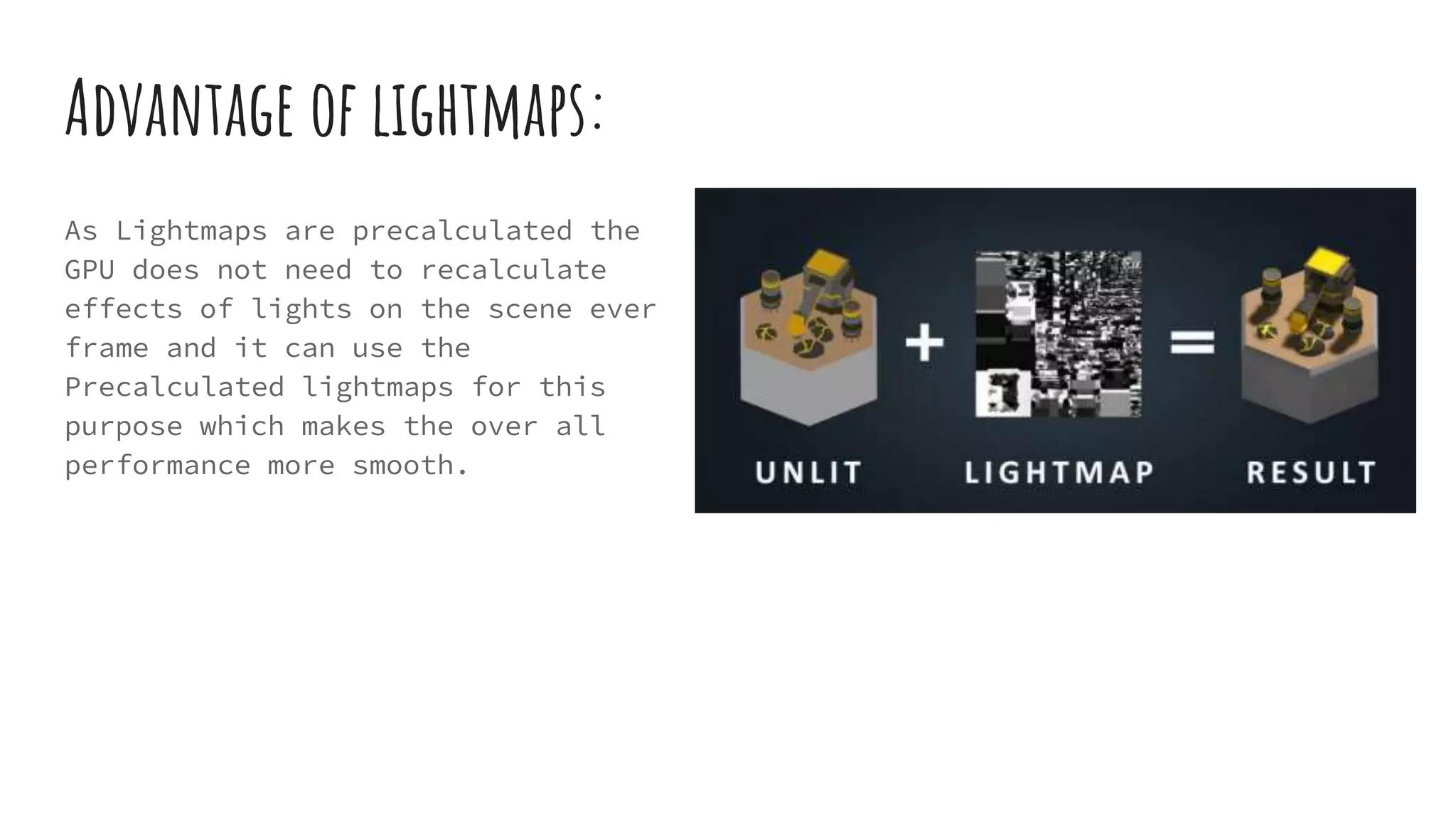
Advantage of lightmaps:
As Lightmaps are precalculated the
GPU does not need to recalculate
effects of lights on the scene ever
frame and it can use the
Precalculated lightmaps for this
purpose which makes the over all
performance more smooth.
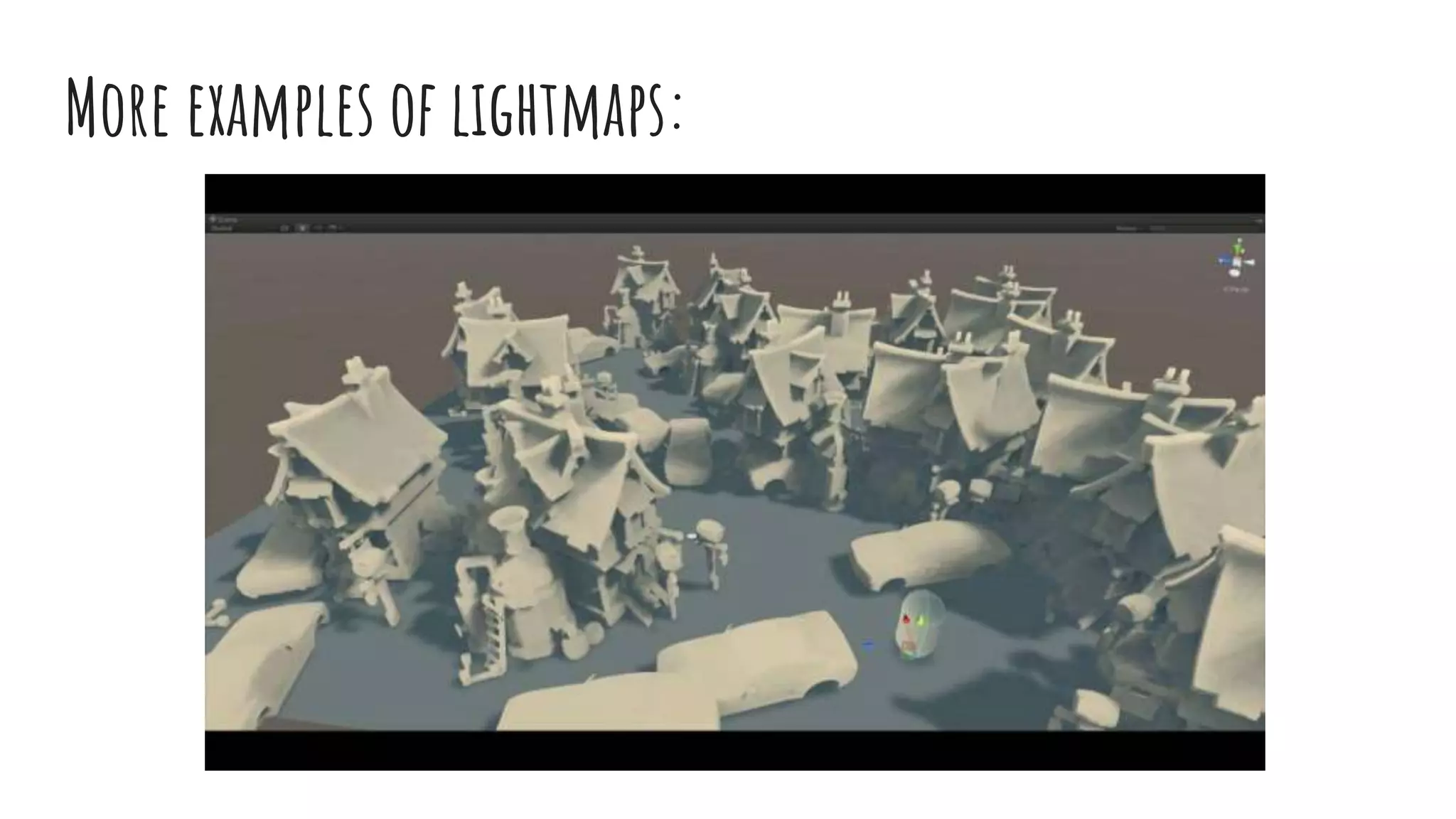
More examples of lightmaps:
Tweaking Quality
Settings
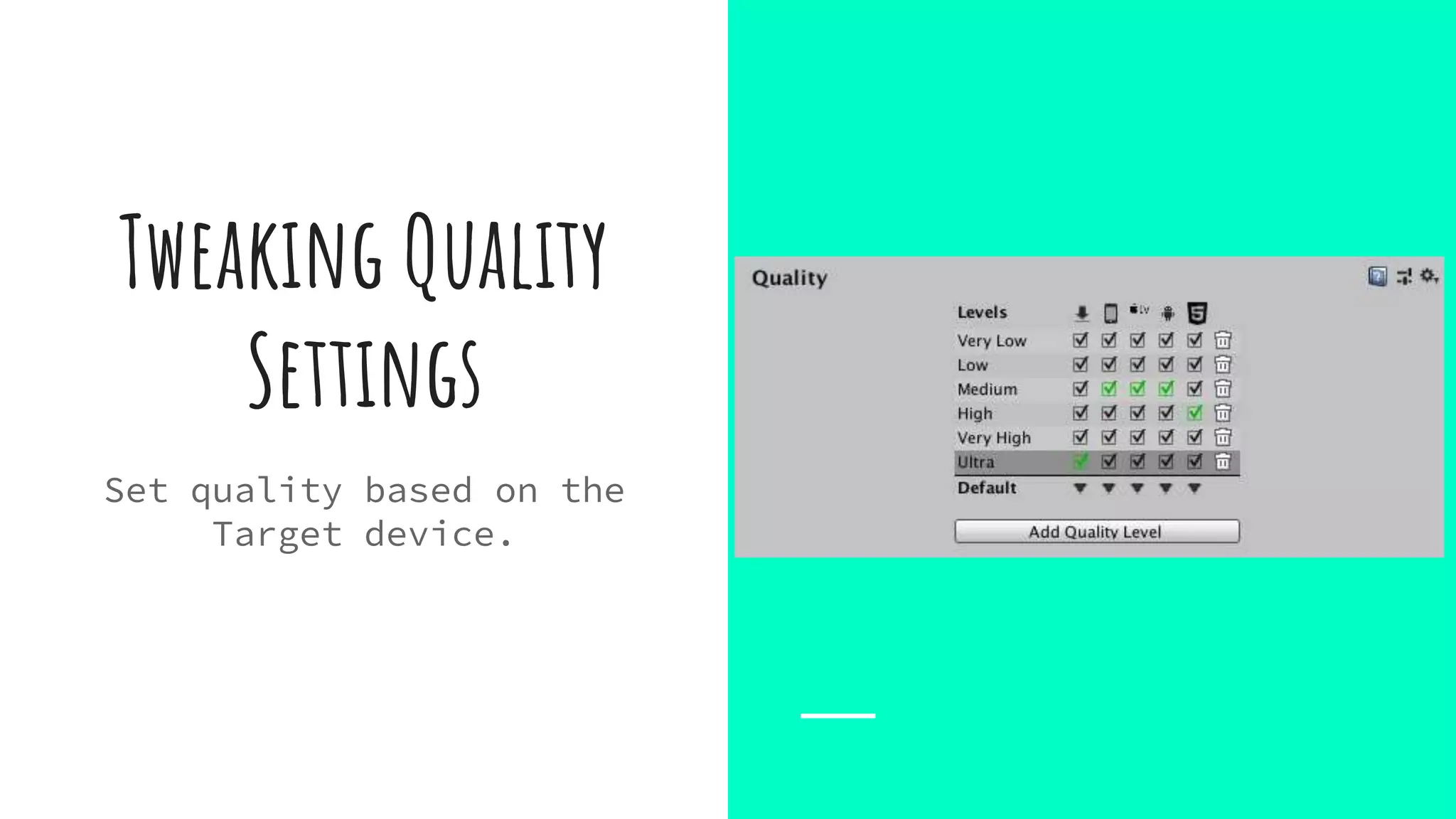
Set quality based on the
Target device.
How to use Quality Settings:
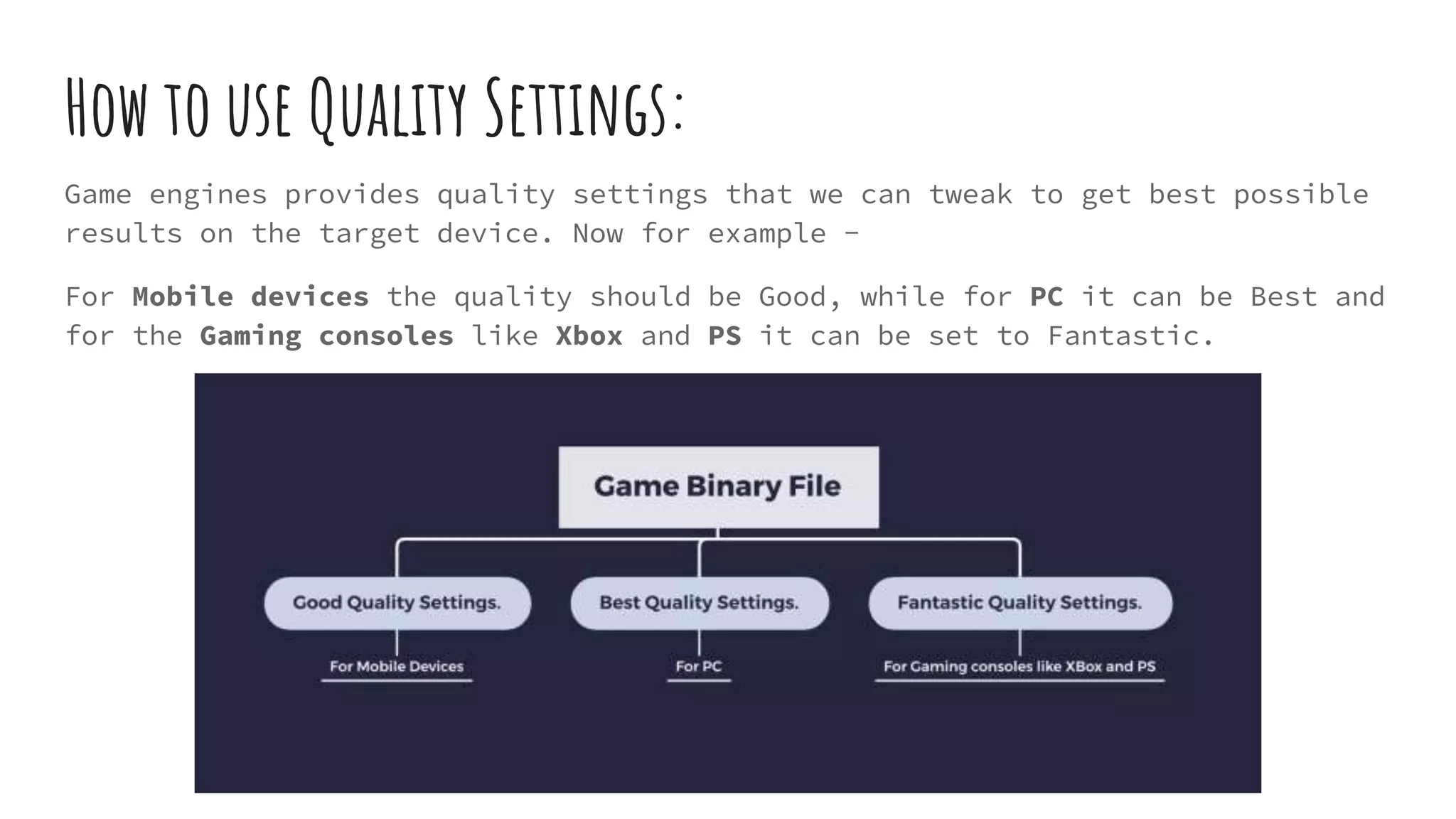
Game engines provides quality settings that we can tweak to get best possible
results on the target device. Now for example -
For Mobile devices the quality should be Good, while for PC it can be Best and
for the Gaming consoles like Xbox and PS it can be set to Fantastic.
Code optimization
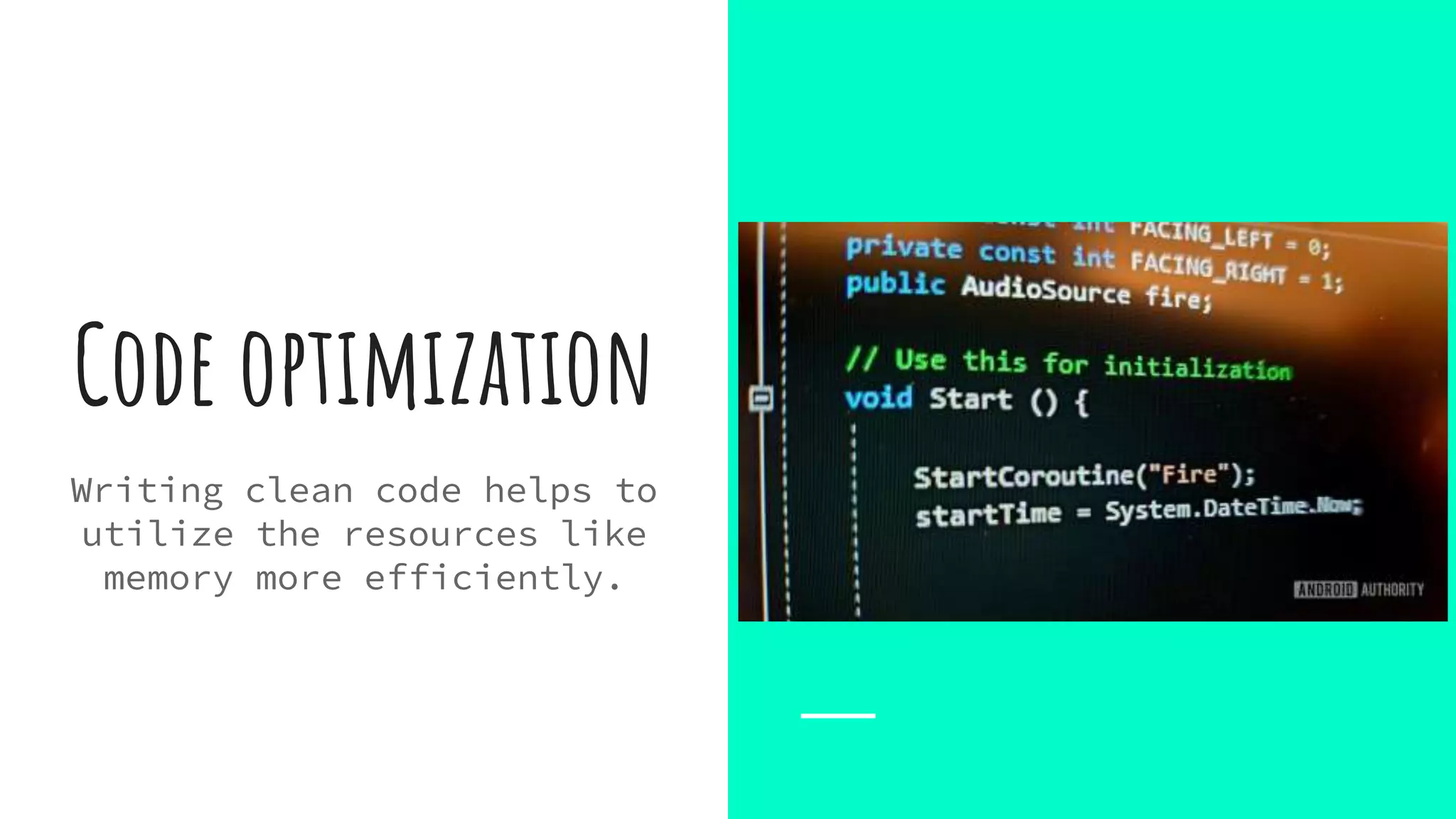
Writing clean code helps to
utilize the resources like
memory more efficiently.
Code optimization:
Few best practices for writing optimized and clean codes are:
- Use Game Design patterns
- Using best use Data structure to store and manipulate data
- Use data caching if they are going to be used frequently
- Object Pooling
- Perform physics related calculations at frequent intervals.
- Make use of Threads whenever possible.
At which stage we should start working on game
optimization ?
Right from the scratch :
- During 3d modeling
- During Texturing
- During UI Development
- During Environment creation
- During coding
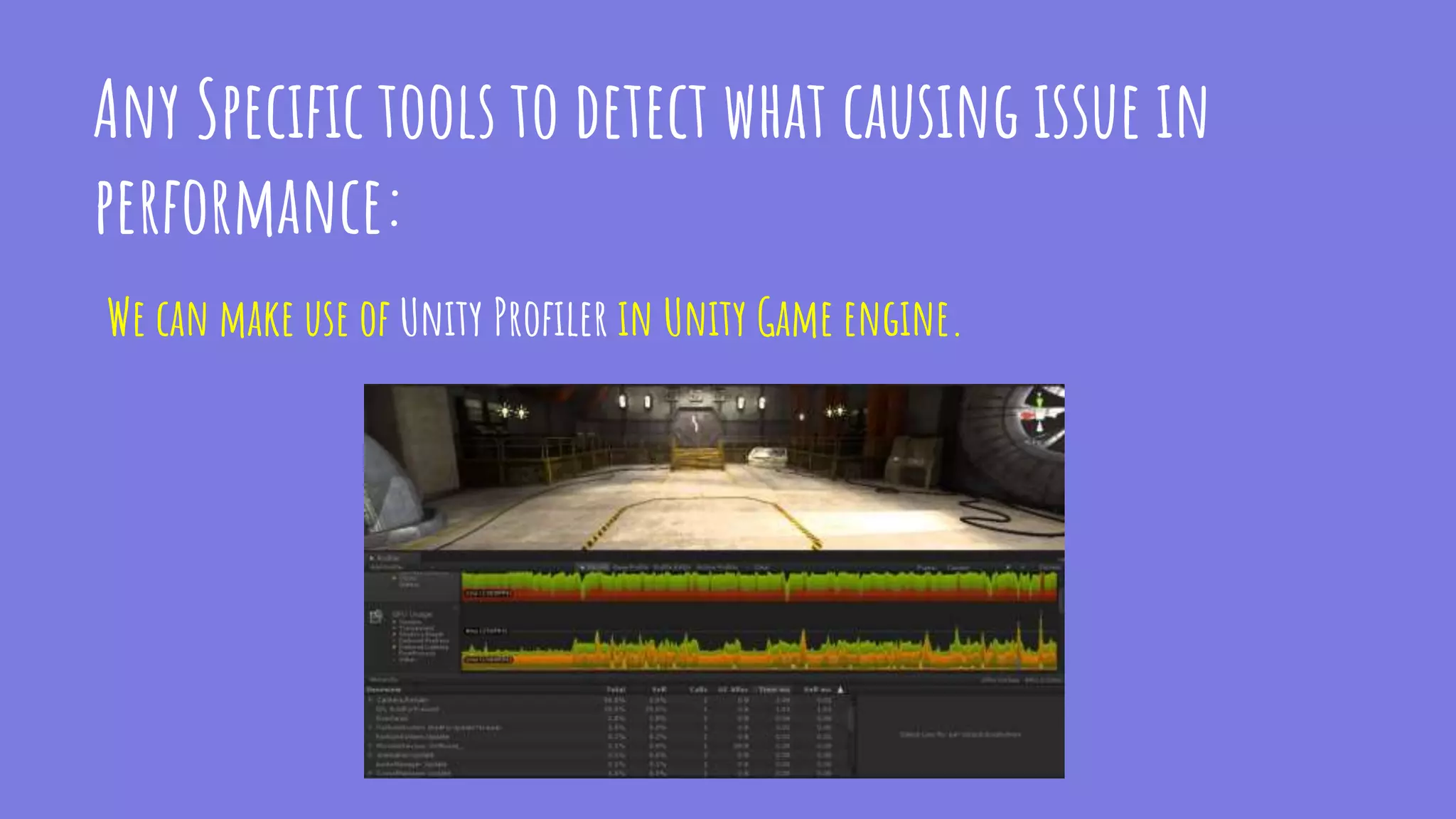
Any Specific tools to detect what causing issue in
performance:
We can make use of Unity Profiler in Unity Game engine.
Thanks!
Contact me:
Niraj Vishwakarma
nirajv21@gmail.com
https://in.linkedin.com/in/niraj-
vishwakarma
Say Hi to me Anytime :)

Game optimization techniques - Most Commons

  • 1.
  • 2.
    ABout me Niraj Vishwakarma FromKolkata Sr. Game Developer @ Games2Win Pvt. Ltd. LinkedIn: https://in.linkedin.com/in/niraj- vishwakarma Email: nirajv21@gmail.com
  • 3.
    Intro "Game optimization meansimproving the game application so it runs at the smooth framerate across a wide range of hardware specs, including low-end configurations. In this discussion we will discuss about some common Game optimization techniques irrespective of what Game engine you are using.
  • 4.
    Why do wecare about game optimization Answer should be - To serve the Users with better gameplay experience and to avoid user complaints like this There are tons of devices out there in market and it becomes responsibility of the developer to take care about every possible hardware configs for maximum reach and positive user experience.
  • 5.
    What is happeningunder the hood CPU processes the Player inputs and doing mathematical and physics related tasks. CPU send instructions to the GPU to render or draw the frame on the screen. So the CPU and GPU working together to bring the game on the screen with optimal frames per second (30 fps on mobile and 60 fps or more on gaming console).
  • 6.
    CPU vs GPU ACPU with 4 (6 or 10) Cores. A GPU with Thousands of Cores.
  • 7.
    Different Game Optimizationtechniques ● Reduce and Combine Textures ● Use Occlusion Culling ● Batching Draw Calls ● Using LOD (Levels of Details) ● Lightmapping ● Tweaking Quality Settings ● Code Optimization These techniques applicable and common to all Game engines.
  • 8.
    Reduce and combine Texture Lownumber of Textures will put low pressure on GPU.
  • 9.
    To use NewTexture GPU has to change the Render State to load New Texture before drawing them on screen. Render Texture Change Request Happening for each Separated Textures which needs to drawn on screen Separate Images - >
  • 10.
    Solution : Wecan merge multiple seperated images into Single Large image known as Sprite-Sheet. Render Texture Change Request Happening only once at start and now it can extract the required images from the Loaded Texture Single Merged Image ->
  • 11.
    Use Occlusion Culling Draw onlywhat Camera can see.
  • 12.
    Occlusion Culling isa feature that disables drawing of objects when they are not currently seen by the camera because they are obscured (occluded) by other objects. This way we can Avoid - ● Drawing Objects unnecessarily ● Loading Textures for Them ● Calculating effects of lights for them ● Calculating effect of shadows because of them ● etc.
  • 13.
    In Game Engineswe can create the Occlusion Data so when the game runs on target platform it can detect what to render based on the what camera sees.
  • 14.
    Batching draw calls Controlon number of Draw calls.
  • 15.
    Draw Call: Draw callsare simple plain command from CPU to GPU to draw something on Screen with Specific Set of Draw properties(visual information).Like Draw a Chair. SET pass: SetPass is the process of loading material data like Textures, Normal Maps and Shader properties. Like to Draw the chair it needs to load the Material data and Textures.
  • 16.
  • 17.
    Using lods (levels ofdetail) Show Level of quality depending on distance from camera.
  • 18.
    What is LOD: LODSare basically different levels of the same 3d model which we can enable based on the distance from the rendering camera. When some objects are far from the camera view there is no need to draw that object in high detail as it does not make sense. We can use low quality version of the same model to draw at that moment and as the camera comes close we can promote the quality higher level.
  • 19.
  • 20.
  • 21.
  • 22.
    Lightmapping Baking light toavoid calculating lights in every frame.
  • 23.
    What is lightmapping: Lightmappingis the process of pre- calculating the brightness of surfaces in the Scene. ... Lightmaps allow you to add global illumination, shadows, and ambient lighting at a relatively low computational cost.
  • 24.
    Advantage of lightmaps: AsLightmaps are precalculated the GPU does not need to recalculate effects of lights on the scene ever frame and it can use the Precalculated lightmaps for this purpose which makes the over all performance more smooth.
  • 25.
    More examples oflightmaps:
  • 26.
    More examples oflightmaps:
  • 27.
    Tweaking Quality Settings Set qualitybased on the Target device.
  • 28.
    How to useQuality Settings: Game engines provides quality settings that we can tweak to get best possible results on the target device. Now for example - For Mobile devices the quality should be Good, while for PC it can be Best and for the Gaming consoles like Xbox and PS it can be set to Fantastic.
  • 29.
    Code optimization Writing cleancode helps to utilize the resources like memory more efficiently.
  • 30.
    Code optimization: Few bestpractices for writing optimized and clean codes are: - Use Game Design patterns - Using best use Data structure to store and manipulate data - Use data caching if they are going to be used frequently - Object Pooling - Perform physics related calculations at frequent intervals. - Make use of Threads whenever possible.
  • 31.
    At which stagewe should start working on game optimization ? Right from the scratch : - During 3d modeling - During Texturing - During UI Development - During Environment creation - During coding
  • 32.
    Any Specific toolsto detect what causing issue in performance: We can make use of Unity Profiler in Unity Game engine.
  • 33.