Mr. Mark Anthony Janer
Teacher I
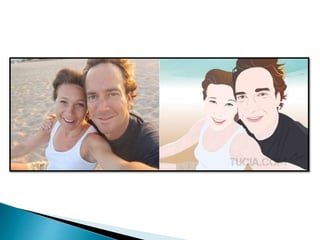
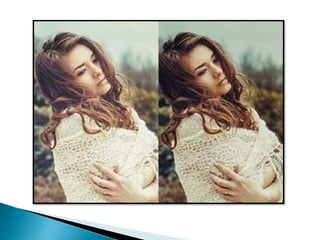
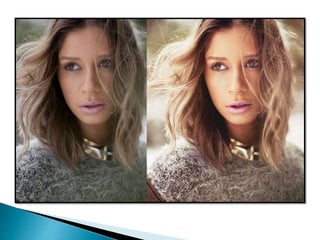
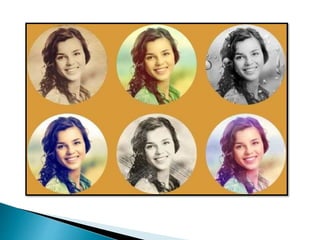
 What did you observe from the
activity? Did you have a hard
time identifying the pictures?
Why?
1. Computer/Digital Arts
2. Mobile Phone Art
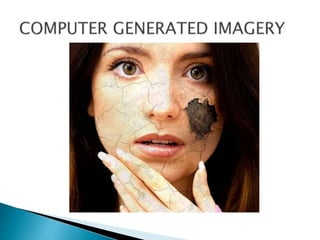
3. Computer – Generated Images
4. Digital Photography
5. Video Games/Digital
Painting/Imaging Videos
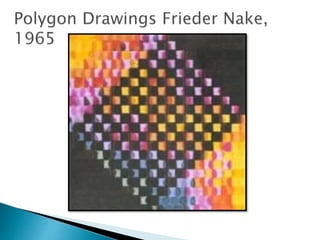
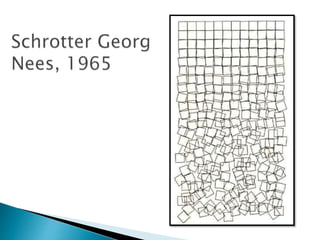
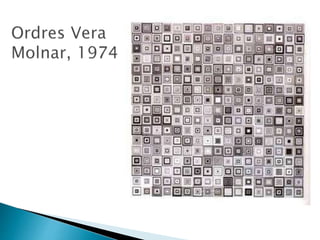
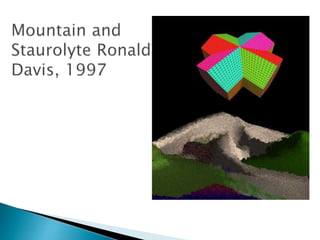
 is essentially computer-generated or
manipulated. Today’s computer artists
employ the ever-expanding powers of
image manipulation programs and
applications to create their works
which can appear in an entire range of
media – whether as a physical output
or a virtual experience.
 make use of electronic and mechanical
devices, rather than the artist’s own
hand.
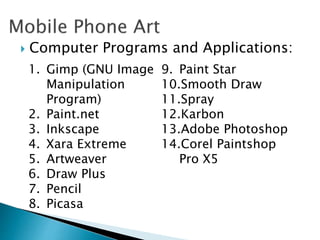
 Computer Programs and Applications:
1. Gimp (GNU Image
Manipulation
Program)
2. Paint.net
3. Inkscape
4. Xara Extreme
5. Artweaver
6. Draw Plus
7. Pencil
8. Picasa
9. Paint Star
10.Smooth Draw
11.Spray
12.Karbon
13.Adobe Photoshop
14.Corel Paintshop
Pro X5
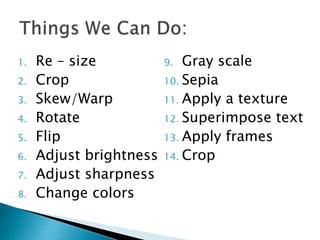
1. Re – size
2. Crop
3. Skew/Warp
4. Rotate
5. Flip
6. Adjust brightness
7. Adjust sharpness
8. Change colors
9. Gray scale
10. Sepia
11. Apply a texture
12. Superimpose text
13. Apply frames
14. Crop
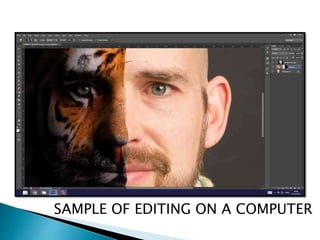
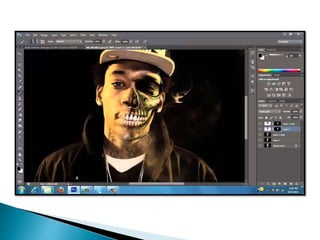
SAMPLE OF EDITING ON A COMPUTER
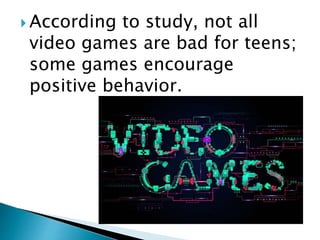
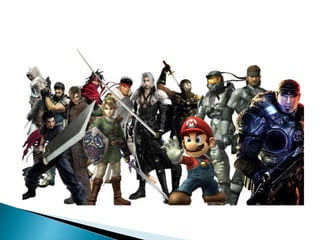
 According to study, not all
video games are bad for teens;
some games encourage
positive behavior.
G10 arts 2nd Q technology – based arts

G10 arts 2nd Q technology – based arts

  • 1.
    Mr. Mark AnthonyJaner Teacher I
  • 7.
     What didyou observe from the activity? Did you have a hard time identifying the pictures? Why?
  • 8.
    1. Computer/Digital Arts 2.Mobile Phone Art 3. Computer – Generated Images 4. Digital Photography 5. Video Games/Digital Painting/Imaging Videos
  • 9.
     is essentiallycomputer-generated or manipulated. Today’s computer artists employ the ever-expanding powers of image manipulation programs and applications to create their works which can appear in an entire range of media – whether as a physical output or a virtual experience.
  • 10.
     make useof electronic and mechanical devices, rather than the artist’s own hand.
  • 15.
     Computer Programsand Applications: 1. Gimp (GNU Image Manipulation Program) 2. Paint.net 3. Inkscape 4. Xara Extreme 5. Artweaver 6. Draw Plus 7. Pencil 8. Picasa 9. Paint Star 10.Smooth Draw 11.Spray 12.Karbon 13.Adobe Photoshop 14.Corel Paintshop Pro X5
  • 16.
    1. Re –size 2. Crop 3. Skew/Warp 4. Rotate 5. Flip 6. Adjust brightness 7. Adjust sharpness 8. Change colors 9. Gray scale 10. Sepia 11. Apply a texture 12. Superimpose text 13. Apply frames 14. Crop
  • 18.
    SAMPLE OF EDITINGON A COMPUTER
  • 25.
     According tostudy, not all video games are bad for teens; some games encourage positive behavior.