Protecting   Personal Information Guidance for Business
Why is information security important to your business? According to  Information Week , the amount of data captured and stored by businesses doubles every 12-18 months. Failure to protect sensitive data can lead to identity theft or other harm to consumers — and also can harm your company. The views expressed don't reflect the official position of the FTC.
Why is information security important to your business? Existing laws require many businesses to: Implement measures that are reasonable and appropriate under the circumstances to protect sensitive consumer information. Notify consumers if there's a data breach.  Protected information includes, for example, Social Security numbers, account information, and information derived from credit reports.
Legal Standards Laws governing data security:  Federal Trade Commission Act (FTC Act) Fair Credit Reporting Act (FCRA) Gramm-Leach-Bliley Act (GLBA) FTC Disposal Rule Other federal laws (HIPAA, DPPA, FERPA) State laws
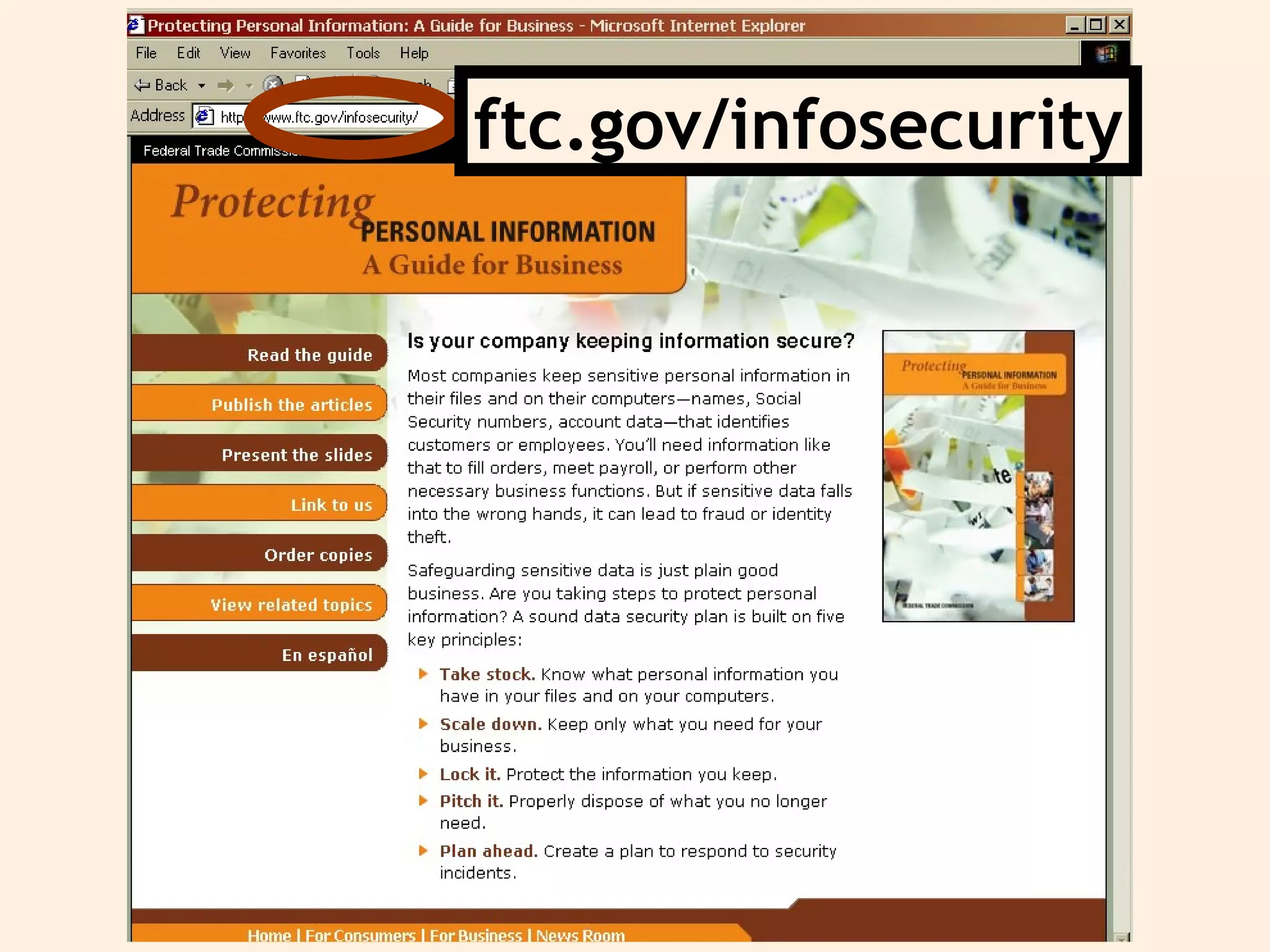
ftc.gov/infosecurity
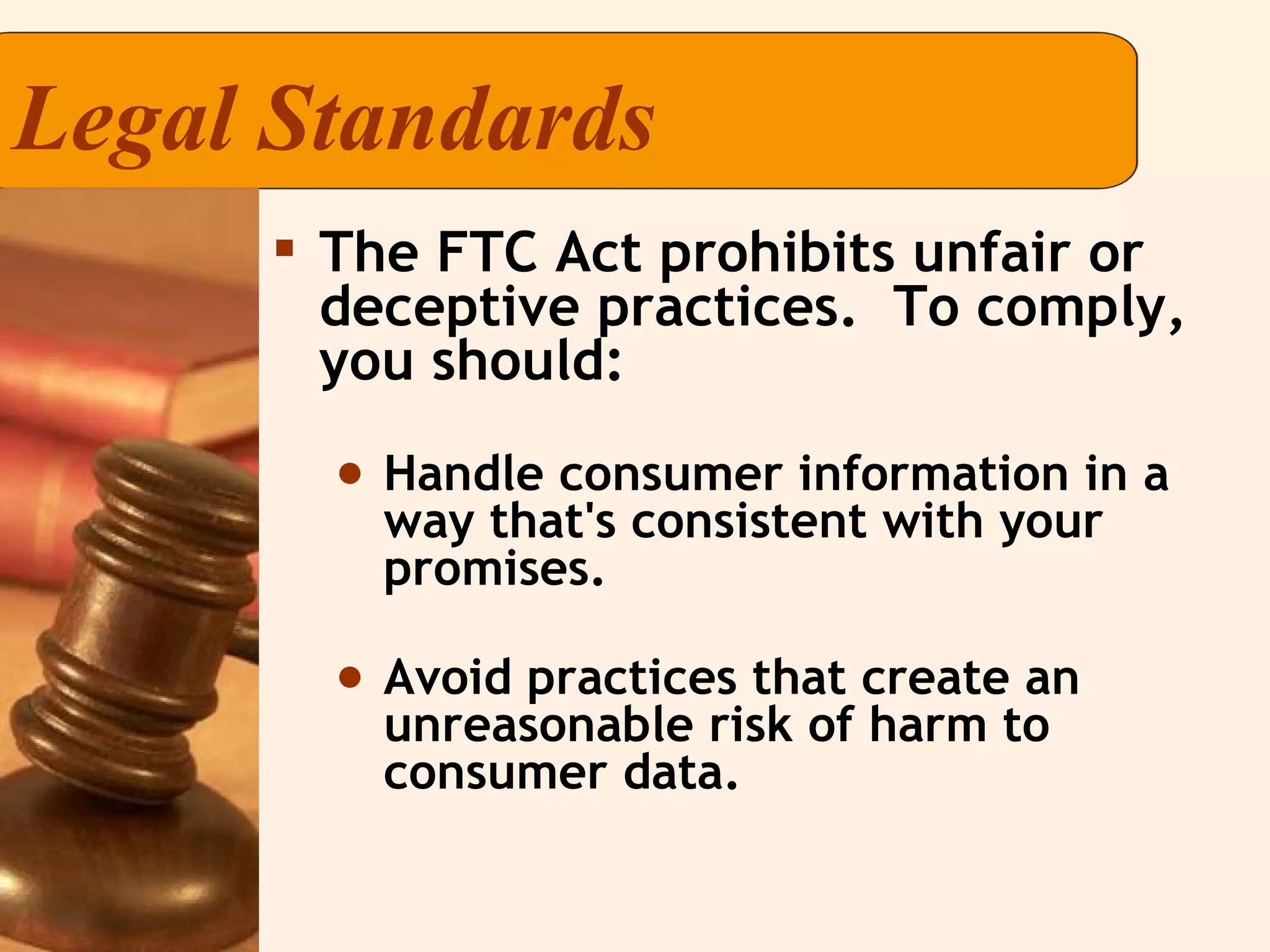
Legal Standards The FTC Act prohibits unfair or deceptive practices.  To comply, you should: Handle consumer information in a way that's consistent with your promises. Avoid practices that create an unreasonable risk of harm to consumer data.
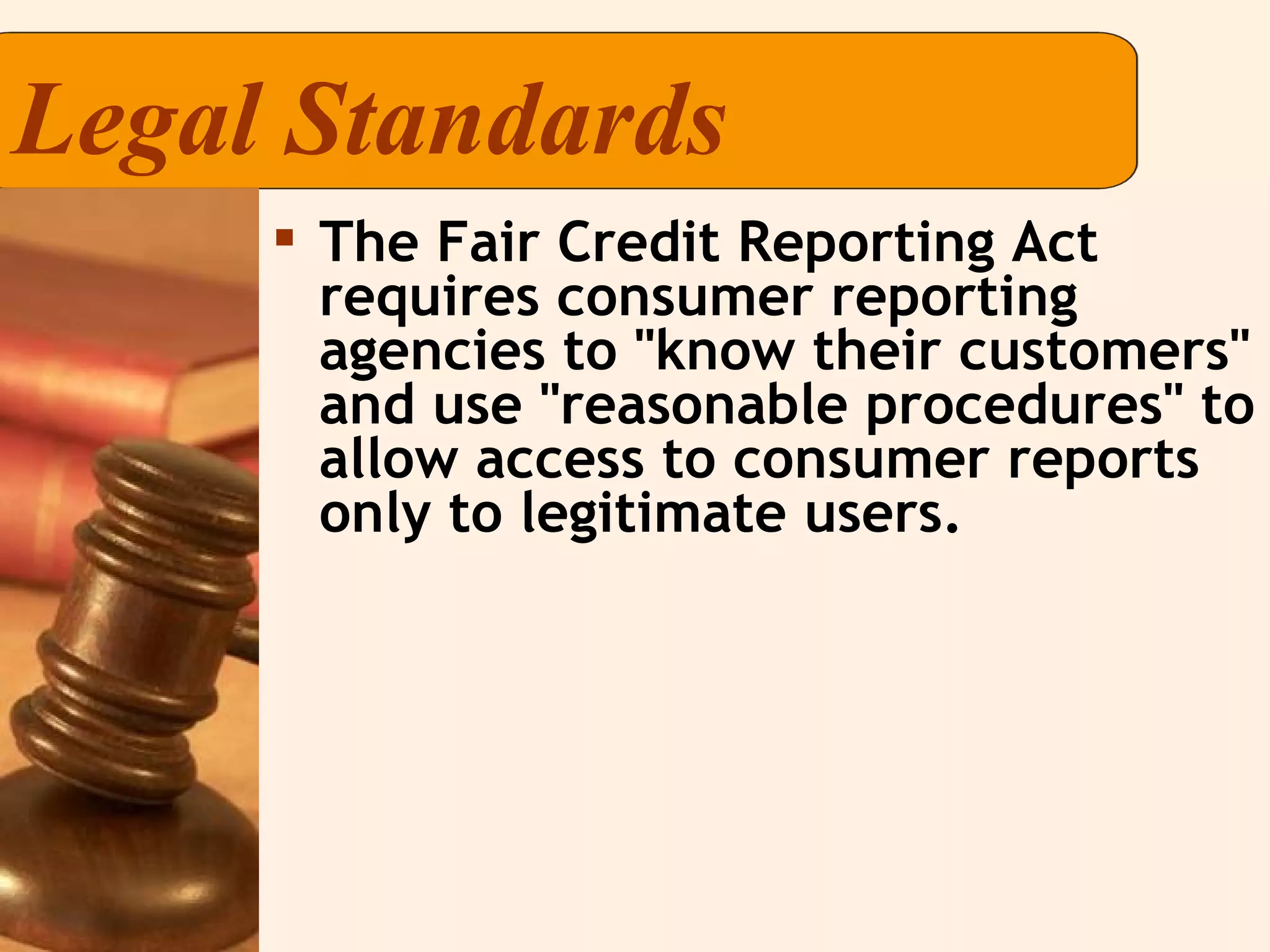
Legal Standards The Fair Credit Reporting Act requires consumer reporting agencies to "know their customers" and use "reasonable procedures" to allow access to consumer reports only to legitimate users.
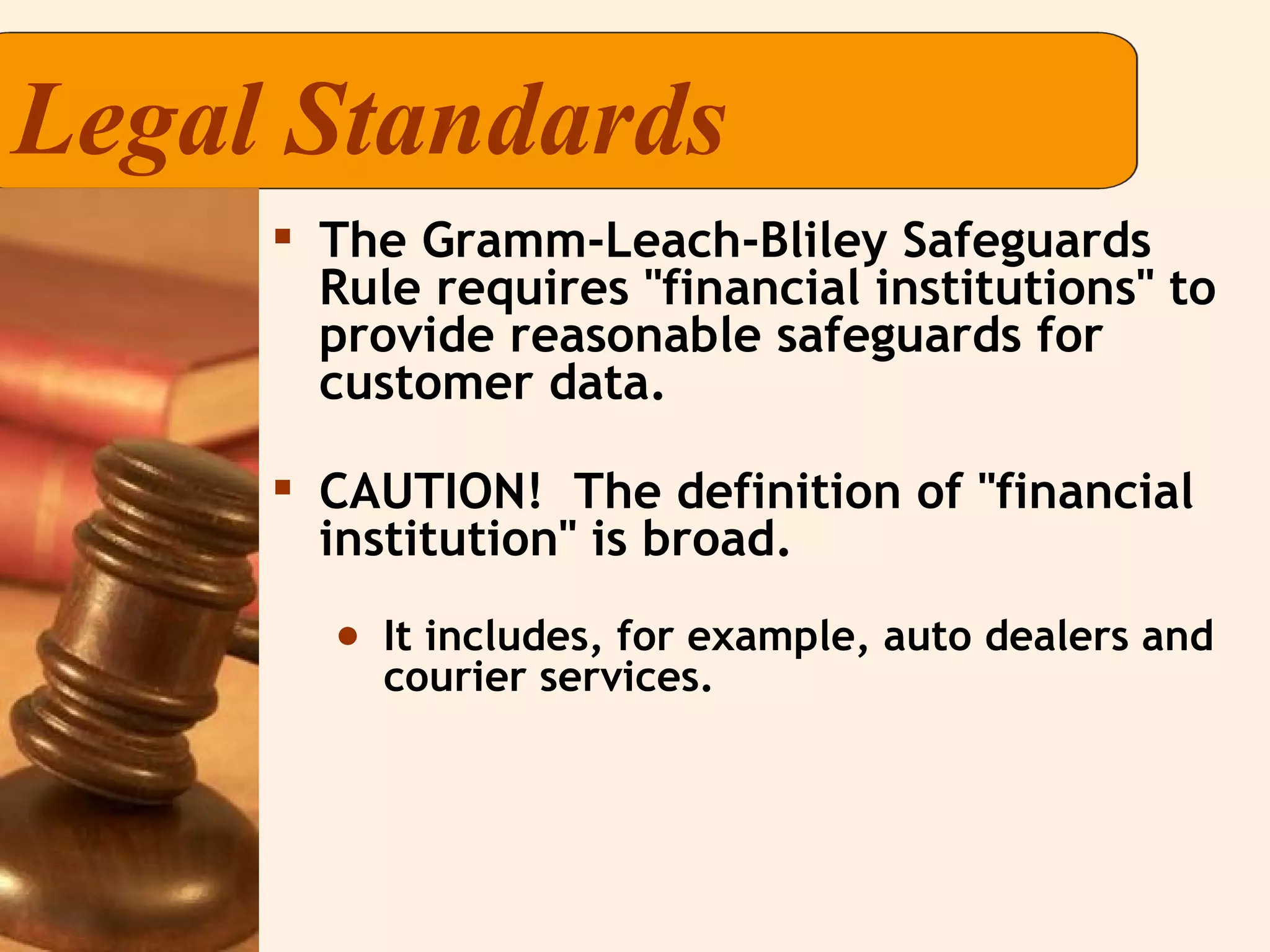
Legal Standards The Gramm-Leach-Bliley Safeguards Rule requires "financial institutions" to provide reasonable safeguards for customer data. CAUTION!  The definition of "financial institution" is broad. It includes, for example, auto dealers and courier services.
Legal Standards The Disposal Rule requires anyone who obtains a consumer report to use "reasonable" measures when disposing of it.
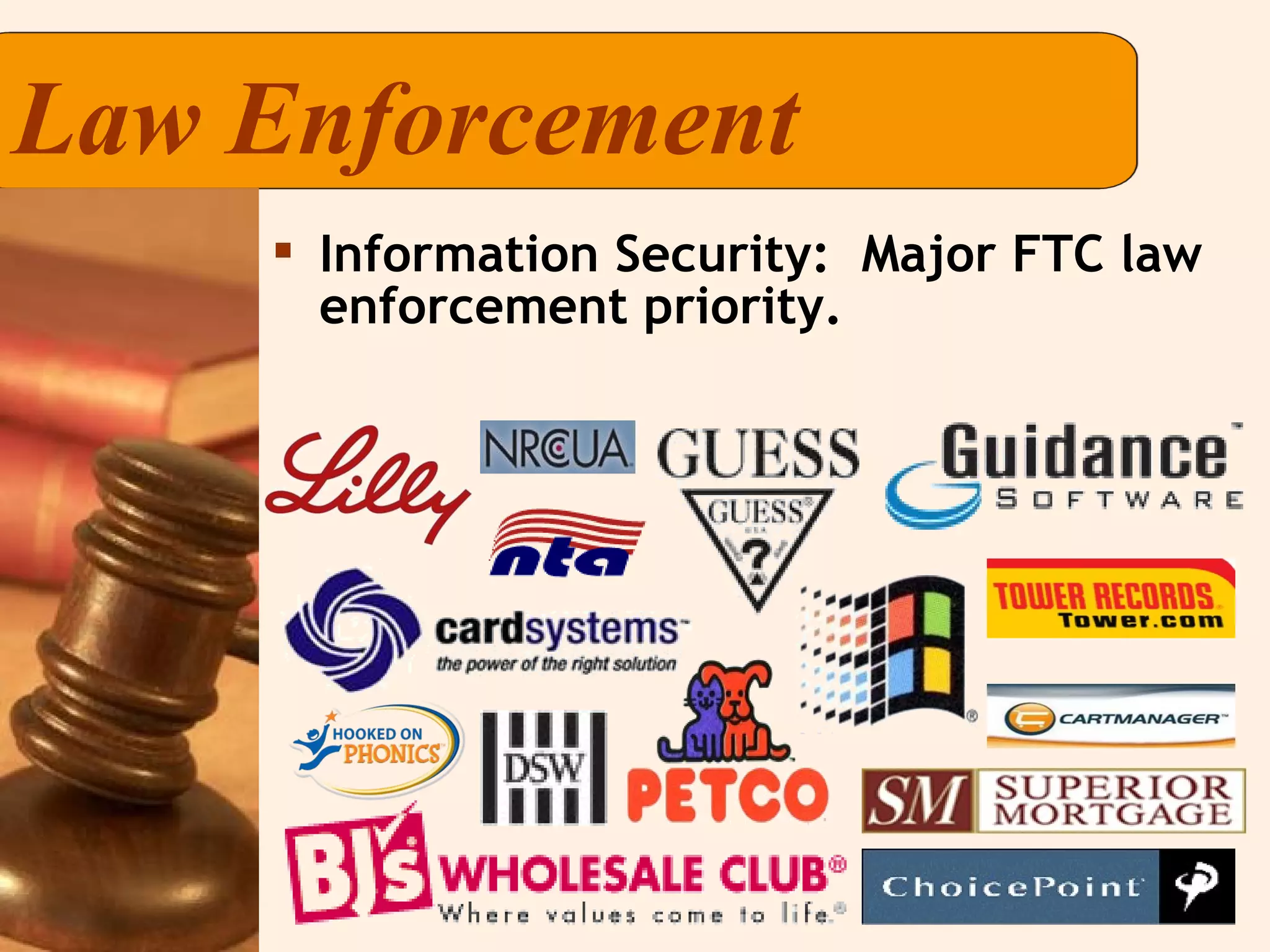
Law Enforcement Information Security:  Major FTC law enforcement priority.
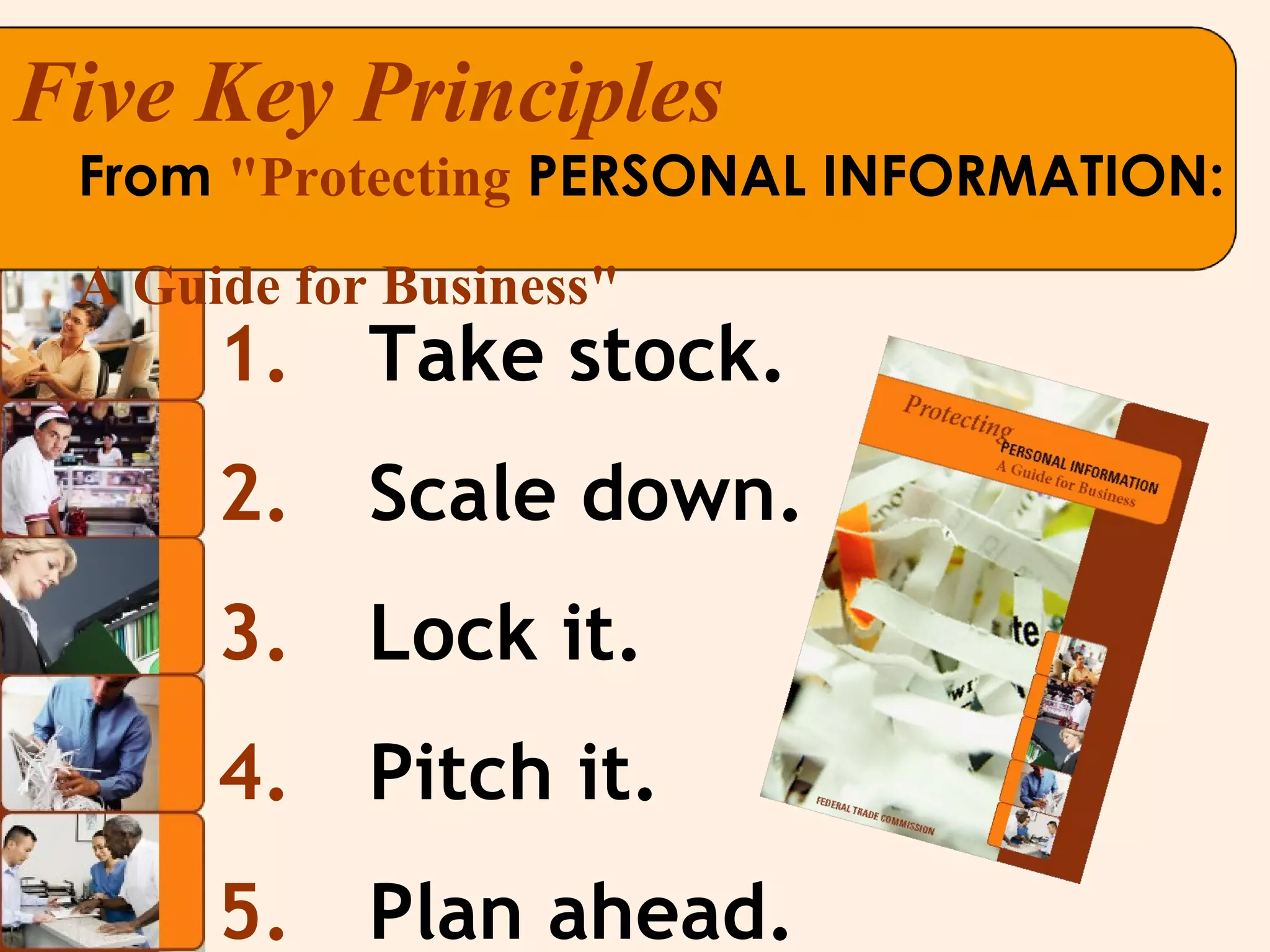
Take stock. Scale down. Lock it. Pitch it. Plan ahead. From  "Protecting  PERSONAL INFORMATION:  A Guide for Business" Five Key Principles
Check files and computers for: What information you have; and Where it’s stored.  Don’t forget portable devices and offsite locations. Trace the flow of data from entry to disposal. At every stage, determine who has access — and who  should  have access. 1)  Take Stock. Know what you have  and who has access to it.
2)  Scale down. Keep only what you need for your business and streamline storage. Collect only what you need and keep it only for the time you need it. Scale down what you store on devices connected to the Internet. Slip Showing?  For receipts you give to customers, properly truncate credit card number and delete the expiration date.
Scale down. Limit your use of Social Security numbers. Social Security numbers can be used by identity thieves to commit fraud.  Don’t collect Social Security numbers out of habit or convenience.  Only collect them when needed, such as to report wages to the government or to seek a credit report.
Train your employees and oversee contractors and service providers. Use good hiring procedures and build information security training into orientation. Get handouts, tutorials, quizzes, and tips at  www.OnGuardOnline.gov . 3)  Lock it. Protect the information you keep. TRAINING & OVERSIGHT
COMPUTER SECURITY 3)  Lock it. Protect the information you keep. Effective security covers data on your network and all devices, including laptops and PDAs. Remember the basics:  firewalls, strong passwords, antivirus software. Check vendors and expert websites like   www.sans.org   for alerts and updates. Work with your Tech Team to detect unauthorized entry into your system.
Lock offices, store rooms, desks and drawers and train employees to keep them that way. Limit access to areas and databases with sensitive files .  Secure data that’s shipped or stored offsite.  PHYSICAL SECURITY 3)  Lock it. Protect the information you keep.
Shred, burn, or pulverize paper records you don’t need. Use wipe utility programs on computers and portable storage devices. Place shredders around the office. If you use credit reports, you may be subject to the FTC’s Disposal Rule. 4)  Pitch it. Properly dispose of what you  no longer need.
Put together a “What if?” plan to detect and respond to a security incident. Designate a senior staff member to coordinate your response. Investigate right away and preserve evidence, such as computer logs. Take steps to close off vulnerabilities, e.g., disconnect compromised computers from the Internet. Consider whom to notify if a breach occurs. 5)  Plan ahead. Create a plan to respond to security incidents and be ready to help consumers.
If sensitive personal information is compromised, consumers may be at risk of identity theft.  Plan to notify, as appropriate, law enforcement, other businesses and consumers.  Remember : state law may require notice to consumers. Visit  ftc.gov/infosecurity . 5)  Plan ahead. Know whom to notify and when.
Under the FCRA, a business must: Provide consumers with certain information about a fraud; and Verify the identity of any applicants who have fraud alerts on their credit report files. Under the FCRA, under certain conditions, a business may not: Sell or collect on a fraudulent debt. Report a fraudulent debt to the credit bureaus. Help consumers. Be ready to assist consumers who are victims of fraud.
Give victims information about how to recover from identity theft and refer them to FTC for more help:  www.ftc.gov/idtheft  or 877-ID-THEFT. Give them information on the documents you will require from them to resolve fraudulent debts. Give them closure letters absolving them of fraudulent debts once an incident is resolved. More help for consumers  We also suggest that you:
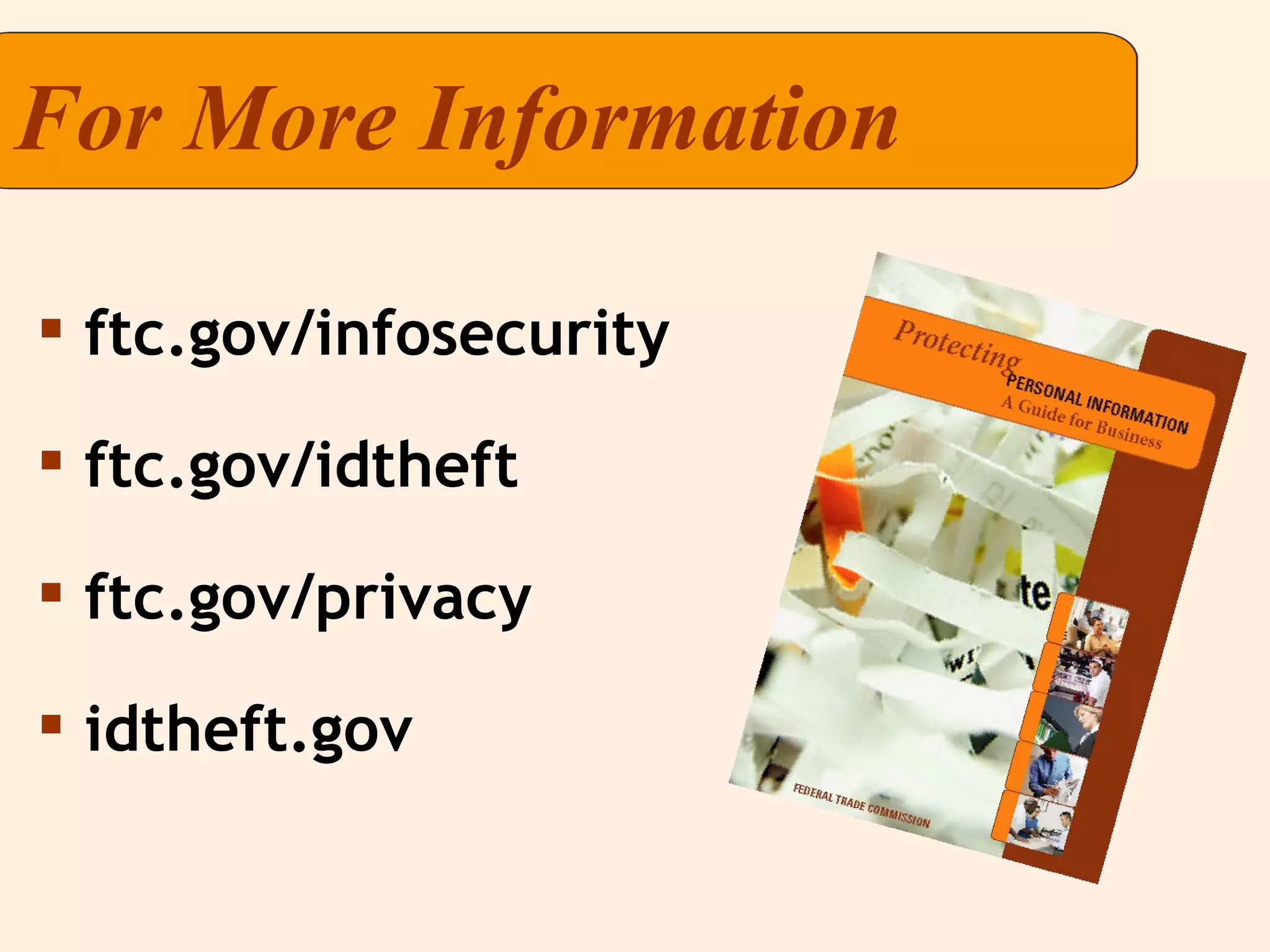
For More Information ftc.gov/infosecurity ftc.gov/idtheft ftc.gov/privacy idtheft.gov

FTC Protecting Info A Guide For Business Powerpoint

  • 1.
    Protecting Personal Information Guidance for Business
  • 2.
    Why is informationsecurity important to your business? According to Information Week , the amount of data captured and stored by businesses doubles every 12-18 months. Failure to protect sensitive data can lead to identity theft or other harm to consumers — and also can harm your company. The views expressed don't reflect the official position of the FTC.
  • 3.
    Why is informationsecurity important to your business? Existing laws require many businesses to: Implement measures that are reasonable and appropriate under the circumstances to protect sensitive consumer information. Notify consumers if there's a data breach. Protected information includes, for example, Social Security numbers, account information, and information derived from credit reports.
  • 4.
    Legal Standards Lawsgoverning data security: Federal Trade Commission Act (FTC Act) Fair Credit Reporting Act (FCRA) Gramm-Leach-Bliley Act (GLBA) FTC Disposal Rule Other federal laws (HIPAA, DPPA, FERPA) State laws
  • 5.
  • 6.
    Legal Standards TheFTC Act prohibits unfair or deceptive practices. To comply, you should: Handle consumer information in a way that's consistent with your promises. Avoid practices that create an unreasonable risk of harm to consumer data.
  • 7.
    Legal Standards TheFair Credit Reporting Act requires consumer reporting agencies to "know their customers" and use "reasonable procedures" to allow access to consumer reports only to legitimate users.
  • 8.
    Legal Standards TheGramm-Leach-Bliley Safeguards Rule requires "financial institutions" to provide reasonable safeguards for customer data. CAUTION! The definition of "financial institution" is broad. It includes, for example, auto dealers and courier services.
  • 9.
    Legal Standards TheDisposal Rule requires anyone who obtains a consumer report to use "reasonable" measures when disposing of it.
  • 10.
    Law Enforcement InformationSecurity: Major FTC law enforcement priority.
  • 11.
    Take stock. Scaledown. Lock it. Pitch it. Plan ahead. From "Protecting PERSONAL INFORMATION: A Guide for Business" Five Key Principles
  • 12.
    Check files andcomputers for: What information you have; and Where it’s stored. Don’t forget portable devices and offsite locations. Trace the flow of data from entry to disposal. At every stage, determine who has access — and who should have access. 1) Take Stock. Know what you have and who has access to it.
  • 13.
    2) Scaledown. Keep only what you need for your business and streamline storage. Collect only what you need and keep it only for the time you need it. Scale down what you store on devices connected to the Internet. Slip Showing? For receipts you give to customers, properly truncate credit card number and delete the expiration date.
  • 14.
    Scale down. Limityour use of Social Security numbers. Social Security numbers can be used by identity thieves to commit fraud. Don’t collect Social Security numbers out of habit or convenience. Only collect them when needed, such as to report wages to the government or to seek a credit report.
  • 15.
    Train your employeesand oversee contractors and service providers. Use good hiring procedures and build information security training into orientation. Get handouts, tutorials, quizzes, and tips at www.OnGuardOnline.gov . 3) Lock it. Protect the information you keep. TRAINING & OVERSIGHT
  • 16.
    COMPUTER SECURITY 3) Lock it. Protect the information you keep. Effective security covers data on your network and all devices, including laptops and PDAs. Remember the basics: firewalls, strong passwords, antivirus software. Check vendors and expert websites like www.sans.org for alerts and updates. Work with your Tech Team to detect unauthorized entry into your system.
  • 17.
    Lock offices, storerooms, desks and drawers and train employees to keep them that way. Limit access to areas and databases with sensitive files . Secure data that’s shipped or stored offsite. PHYSICAL SECURITY 3) Lock it. Protect the information you keep.
  • 18.
    Shred, burn, orpulverize paper records you don’t need. Use wipe utility programs on computers and portable storage devices. Place shredders around the office. If you use credit reports, you may be subject to the FTC’s Disposal Rule. 4) Pitch it. Properly dispose of what you no longer need.
  • 19.
    Put together a“What if?” plan to detect and respond to a security incident. Designate a senior staff member to coordinate your response. Investigate right away and preserve evidence, such as computer logs. Take steps to close off vulnerabilities, e.g., disconnect compromised computers from the Internet. Consider whom to notify if a breach occurs. 5) Plan ahead. Create a plan to respond to security incidents and be ready to help consumers.
  • 20.
    If sensitive personalinformation is compromised, consumers may be at risk of identity theft. Plan to notify, as appropriate, law enforcement, other businesses and consumers. Remember : state law may require notice to consumers. Visit ftc.gov/infosecurity . 5) Plan ahead. Know whom to notify and when.
  • 21.
    Under the FCRA,a business must: Provide consumers with certain information about a fraud; and Verify the identity of any applicants who have fraud alerts on their credit report files. Under the FCRA, under certain conditions, a business may not: Sell or collect on a fraudulent debt. Report a fraudulent debt to the credit bureaus. Help consumers. Be ready to assist consumers who are victims of fraud.
  • 22.
    Give victims informationabout how to recover from identity theft and refer them to FTC for more help: www.ftc.gov/idtheft or 877-ID-THEFT. Give them information on the documents you will require from them to resolve fraudulent debts. Give them closure letters absolving them of fraudulent debts once an incident is resolved. More help for consumers We also suggest that you:
  • 23.
    For More Informationftc.gov/infosecurity ftc.gov/idtheft ftc.gov/privacy idtheft.gov