From Word to WCAG 2.0:
solving accessibility challenges


        Rachel McAlpine
        Contented.com
Our agenda
1. The gap between accessibility theory and practice.
2. What content authors really need to know.
3. Bridging the gap: practical ways to ways to boost the
   capability of general staff who author content.
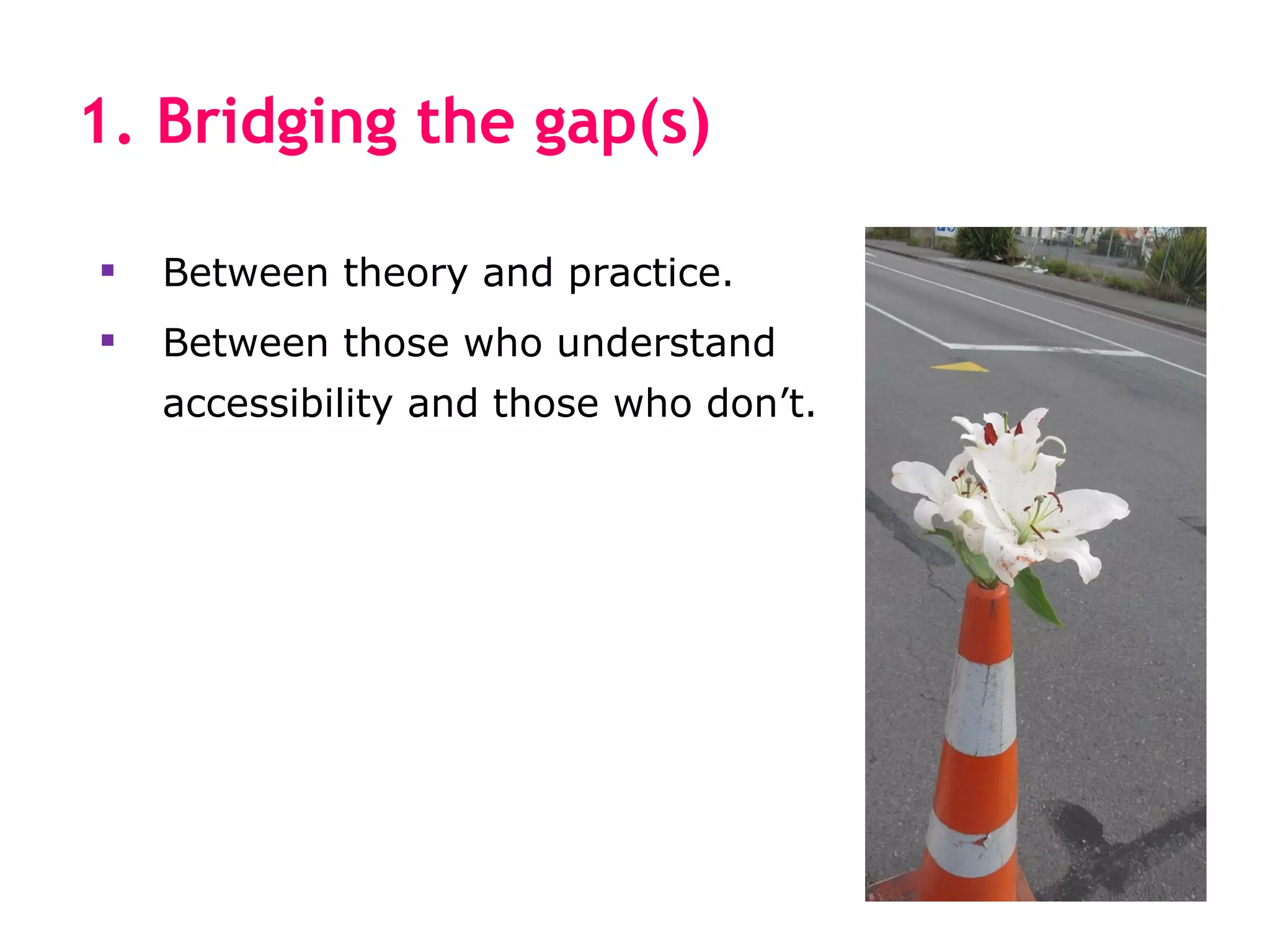
1. Bridging the gap(s)

   Between theory and practice.
   Between those who understand
    accessibility and those who don’t.
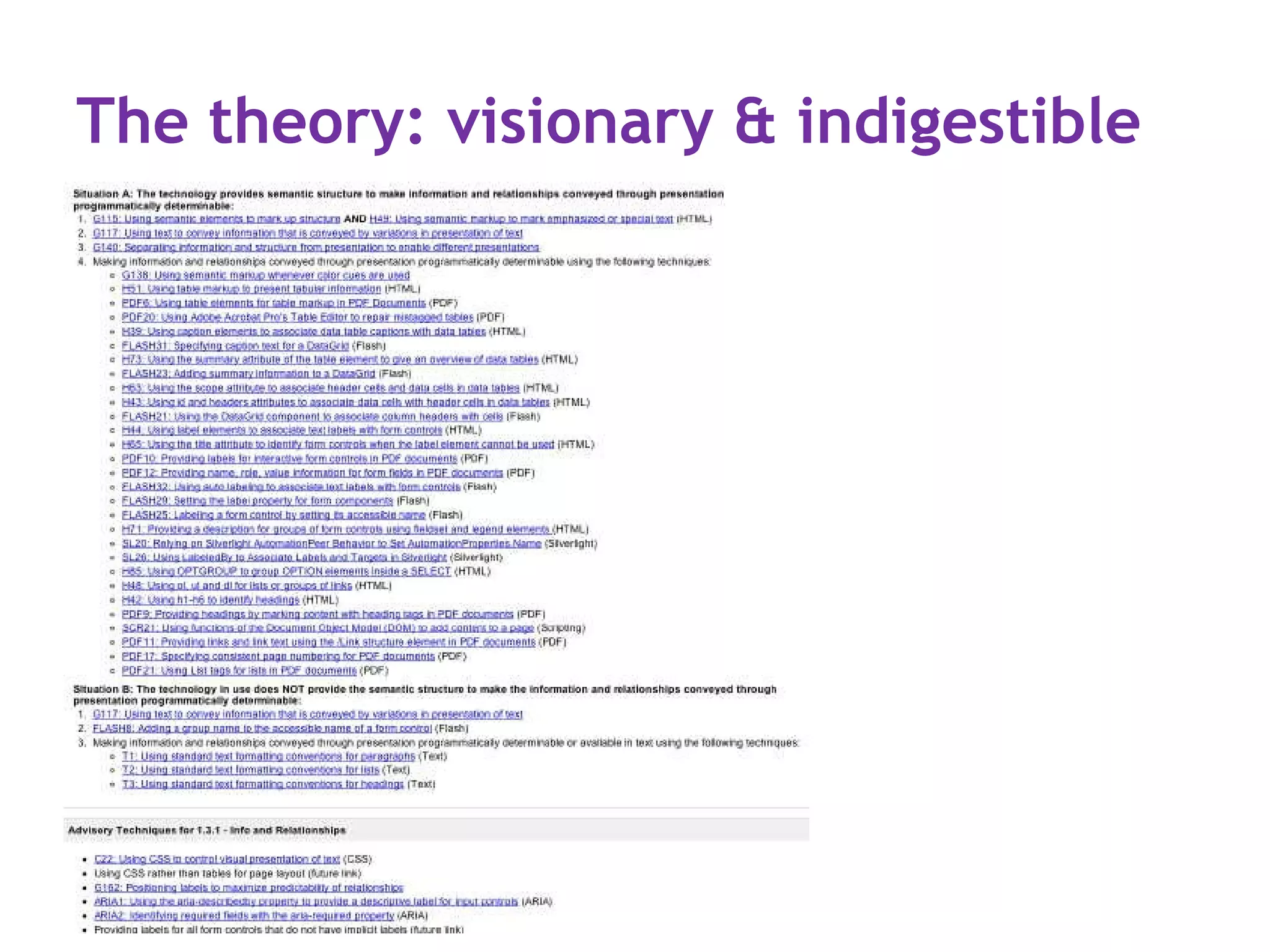
The theory: visionary & indigestible
The reality: many difficulties
You’re scrambling towards compliance deadlines, doing
what is feasible and useful within your time and budget.
Something like this?

1. Audit your intranet for accessibility.
2. Upgrade the accessibility of your intranet.
3. Train key staff in accessibility practice: intranet team,
   some HR, IT, Corp Comms staff—and maybe a few
   content owners and editors.
4. Phew! Done and dusted! Next please?
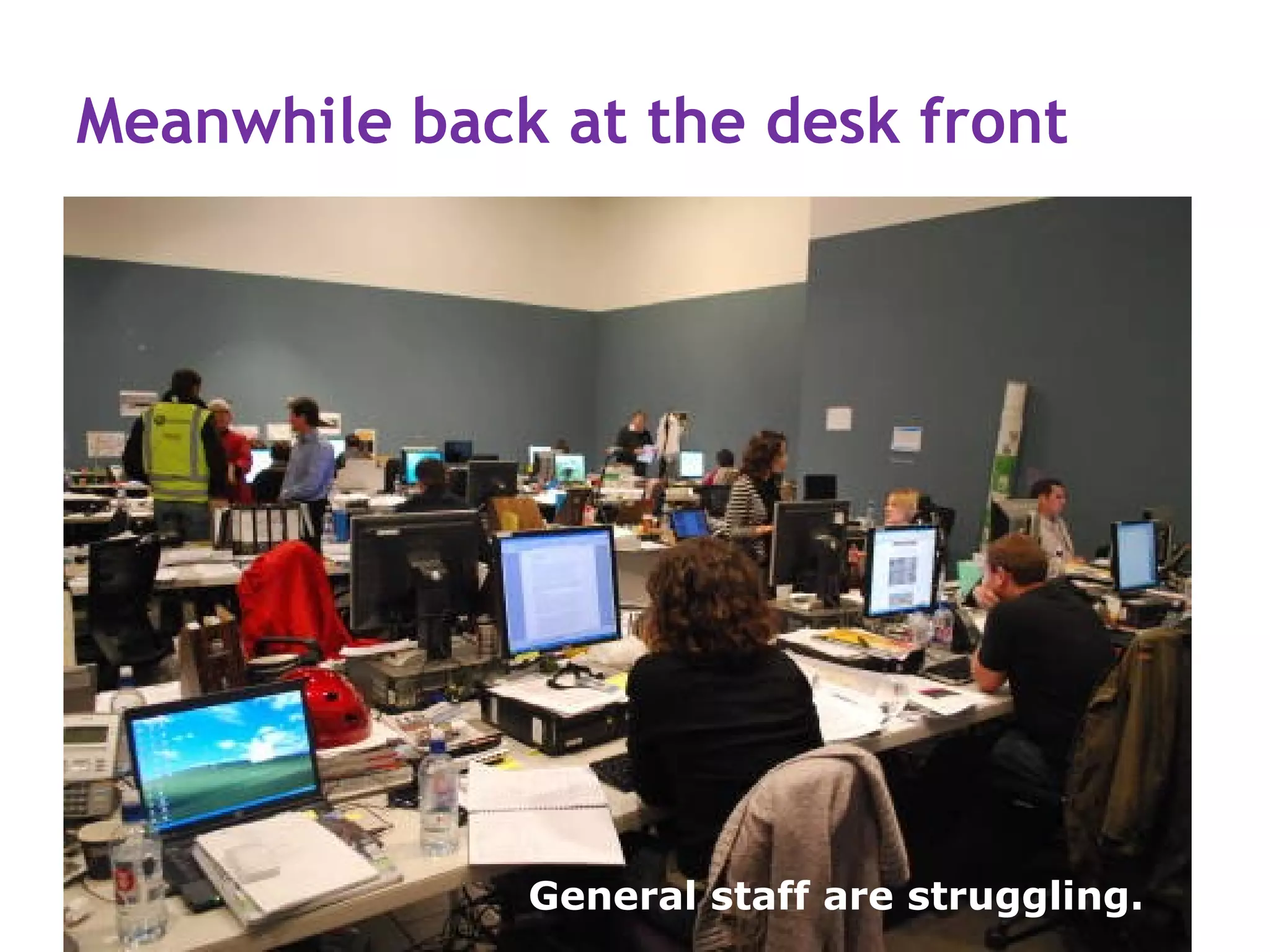
Meanwhile back at the desk front


              General staff are struggling.
Everyone writes intranet content
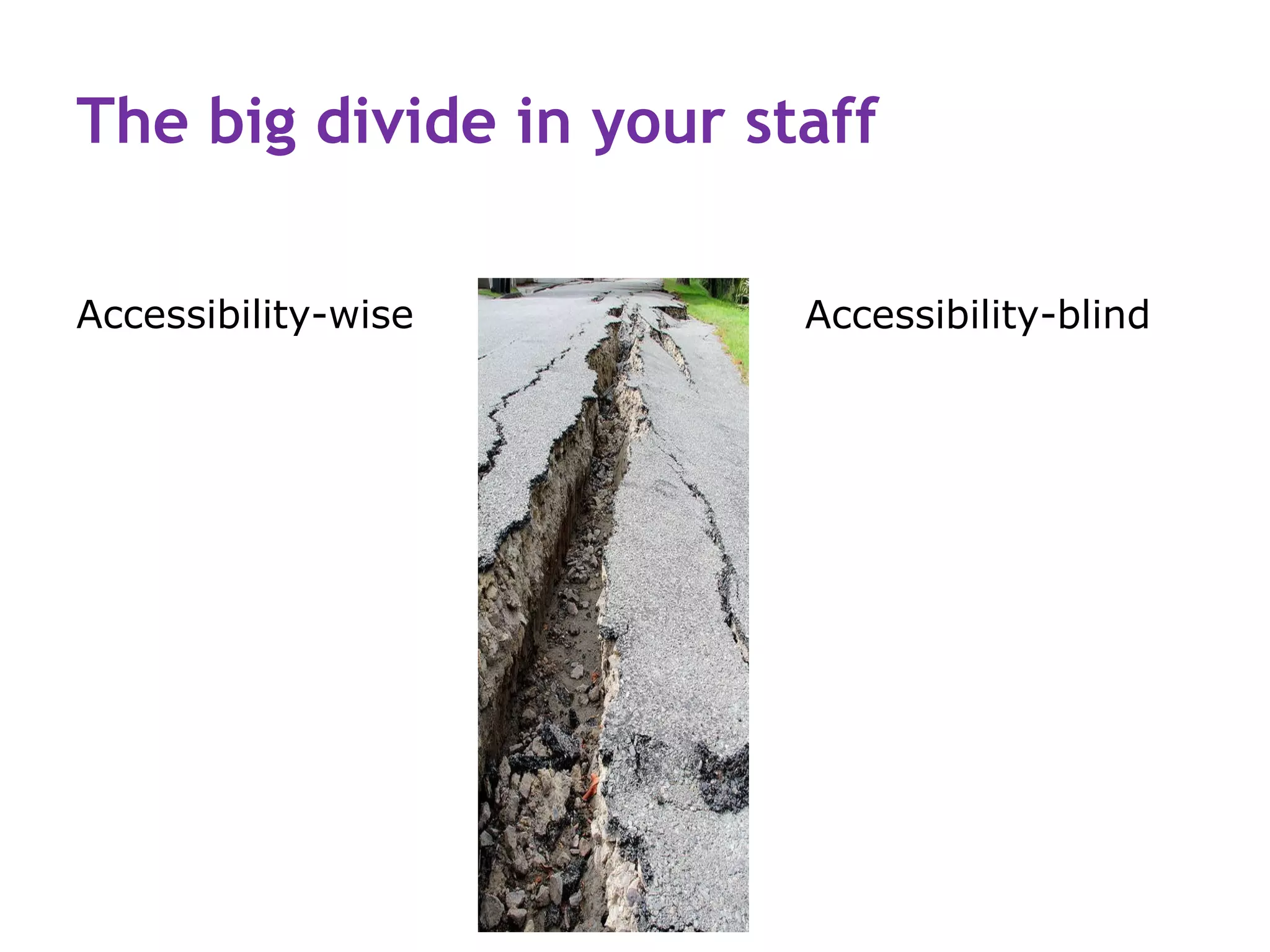
The big divide in your staff

Accessibility-wise       Accessibility-blind
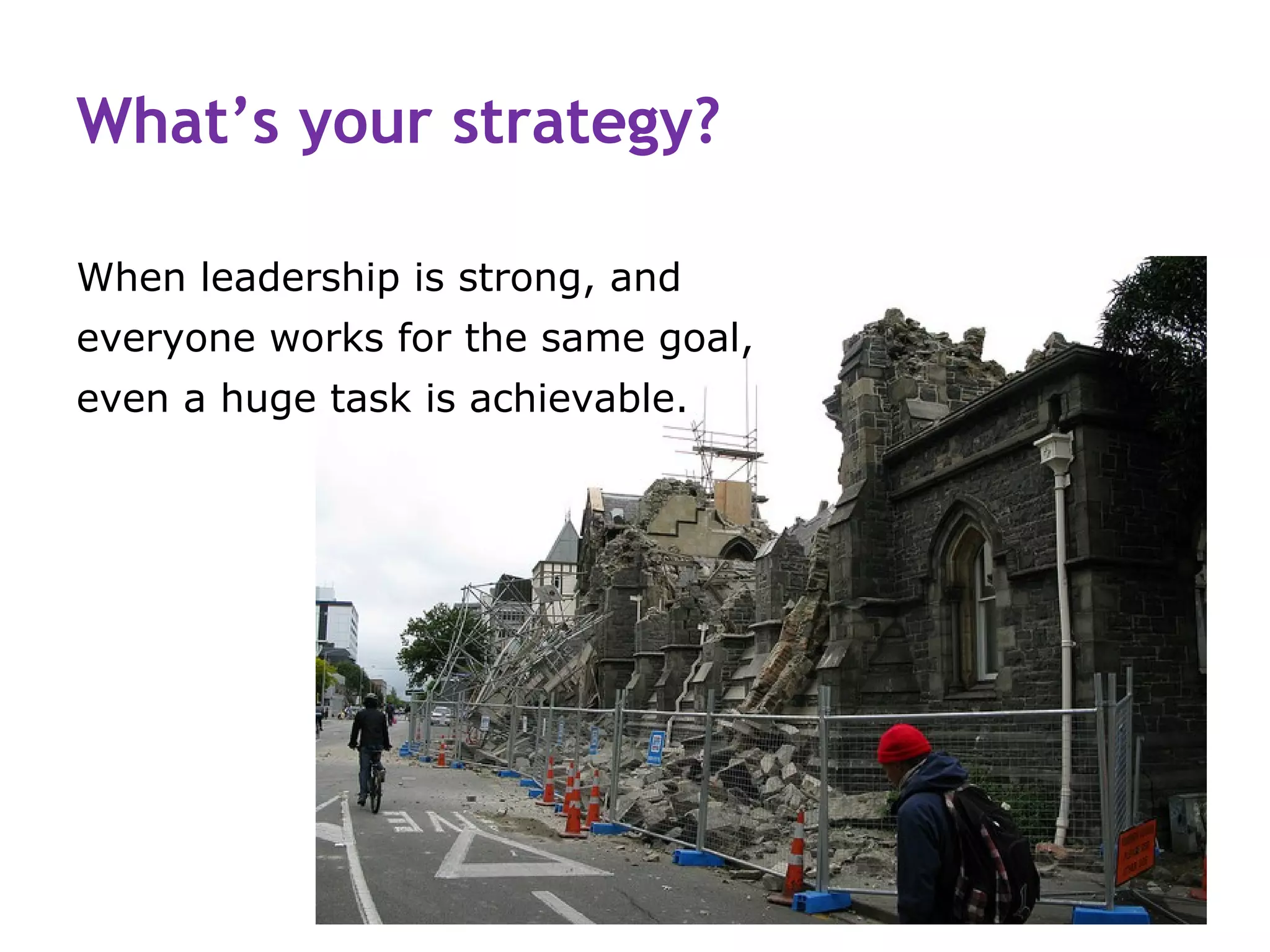
What’s your strategy?

When leadership is strong, and
everyone works for the same goal,
even a huge task is achievable.
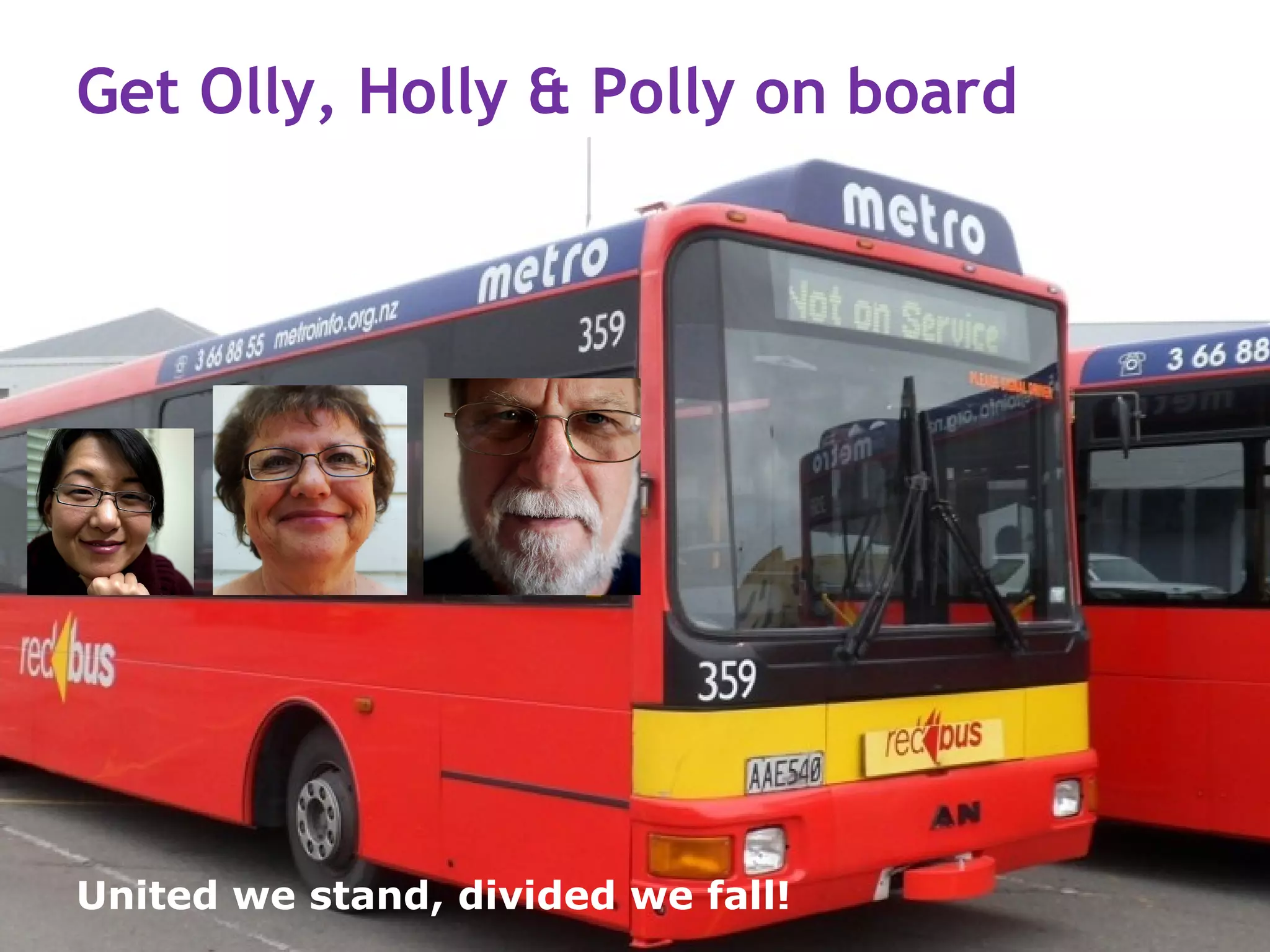
Get Olly, Holly & Polly on board


United we stand, divided we fall!
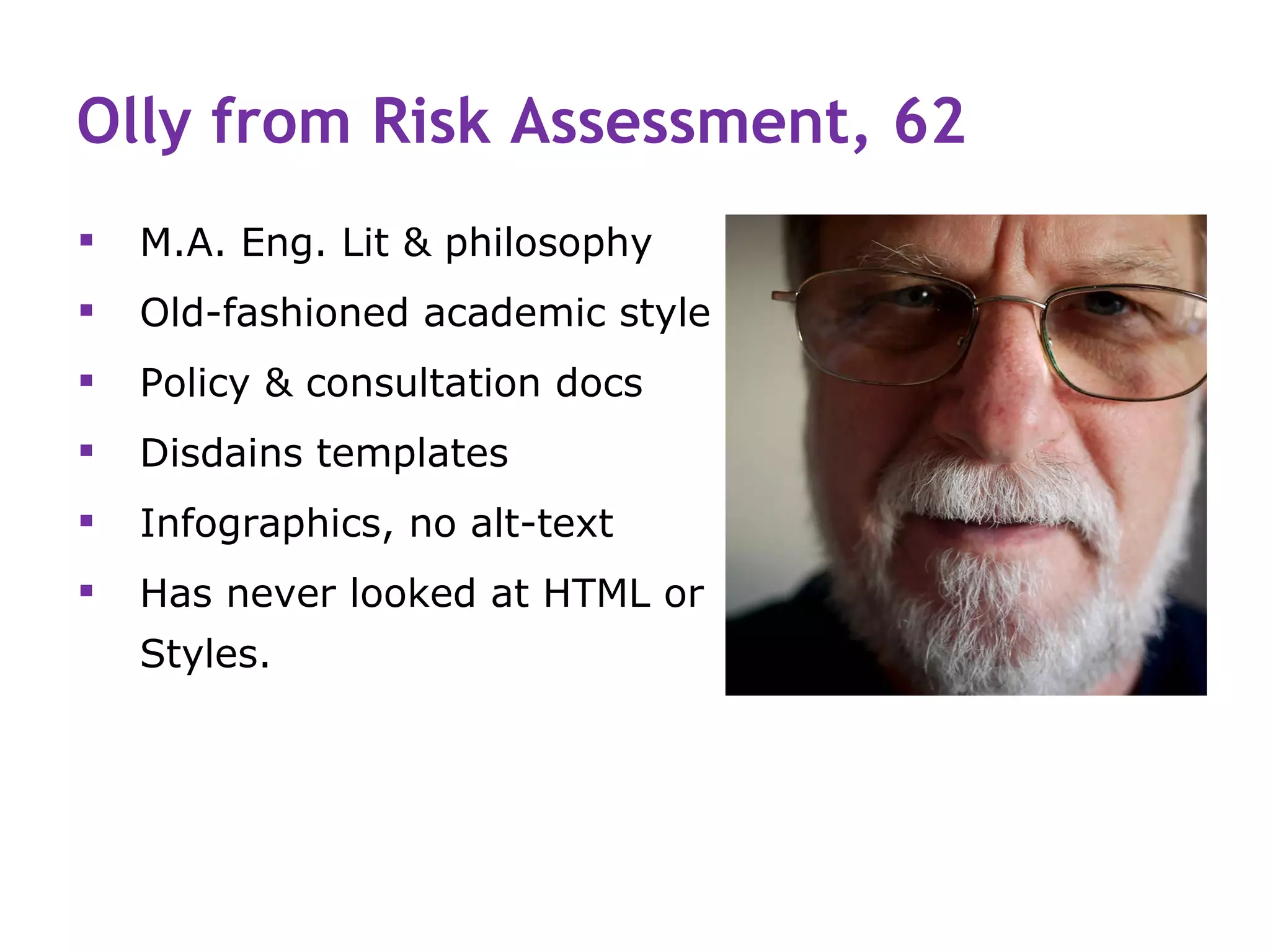
Olly from Risk Assessment, 62
   M.A. Eng. Lit & philosophy
   Old-fashioned academic style
   Policy & consultation docs
   Disdains templates
   Infographics, no alt-text
   Has never looked at HTML or
    Styles.
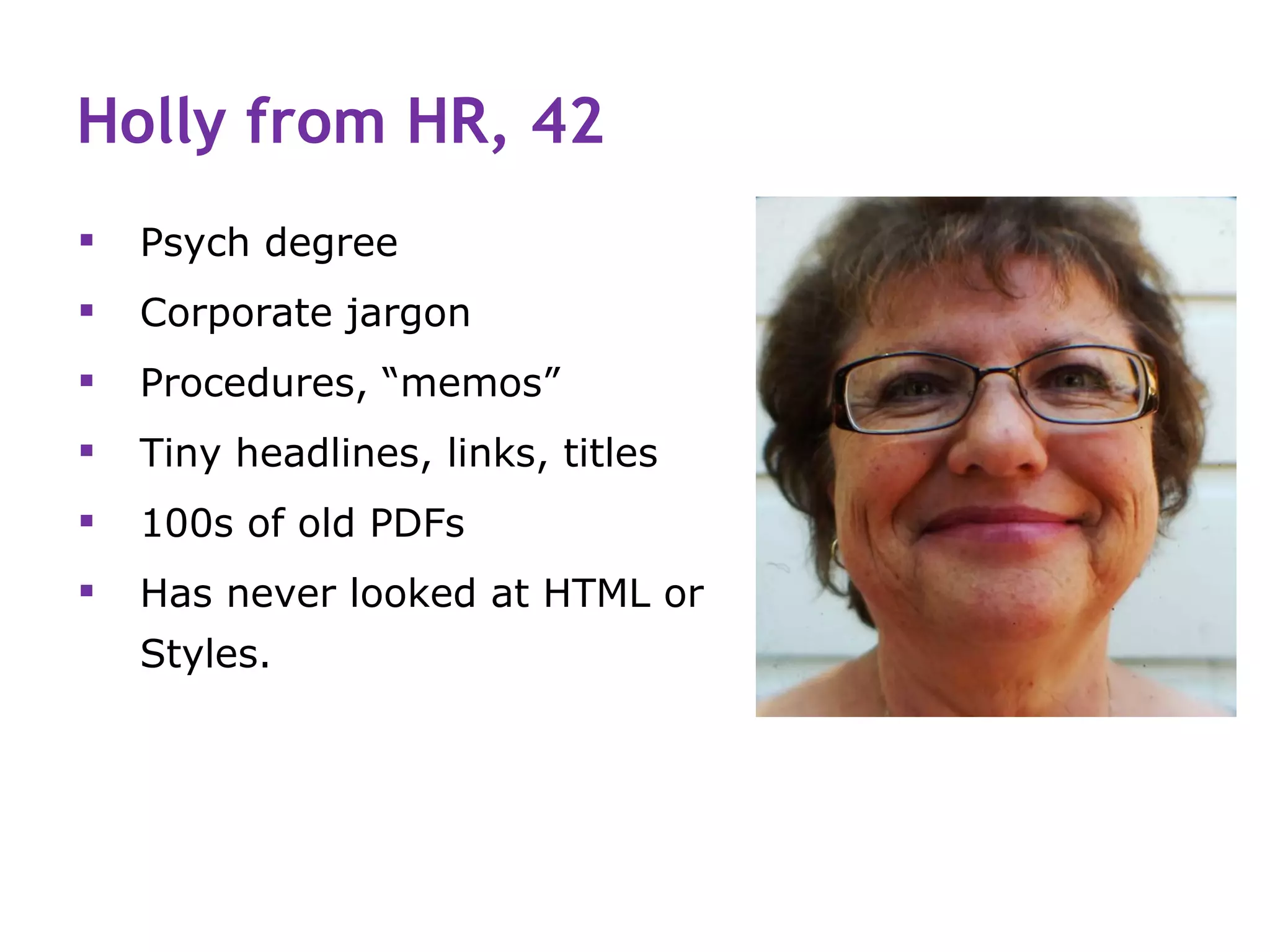
Holly from HR, 42
   Psych degree
   Corporate jargon
   Procedures, “memos”
   Tiny headlines, links, titles
   100s of old PDFs
   Has never looked at HTML or
    Styles.
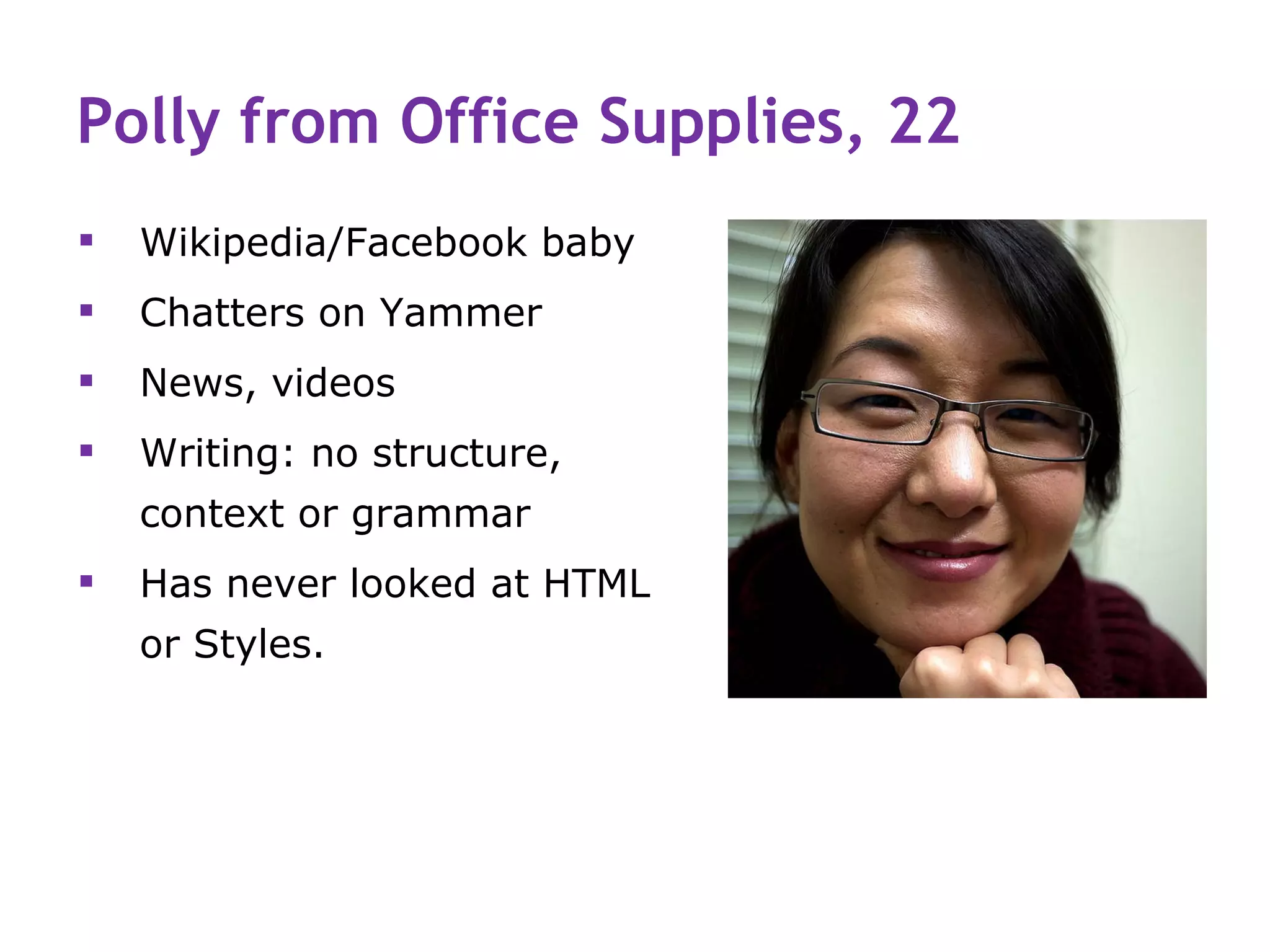
Polly from Office Supplies, 22
   Wikipedia/Facebook baby
   Chatters on Yammer
   News, videos
   Writing: no structure,
    context or grammar
   Has never looked at HTML
    or Styles.
2. What all staff need to know
   How people with disabilities access content
   The 4 principles of accessibility
   The 12 guidelines of WCAG 2.0
   How to use Word—and a CMS—correctly
   Their own role in WCAG 2.0 compliance.
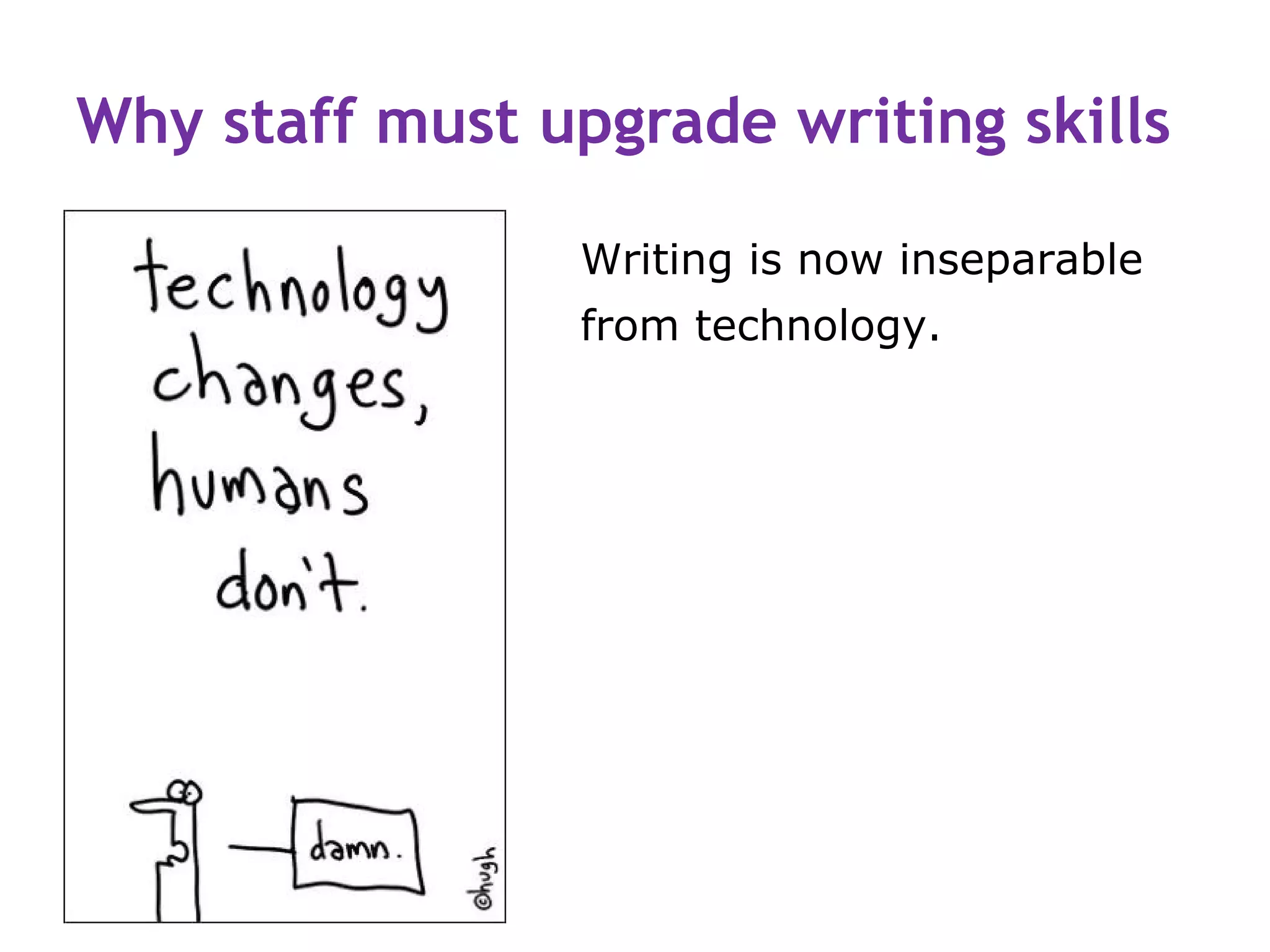
Why staff must upgrade writing skills

                 Writing is now inseparable
                 from technology.
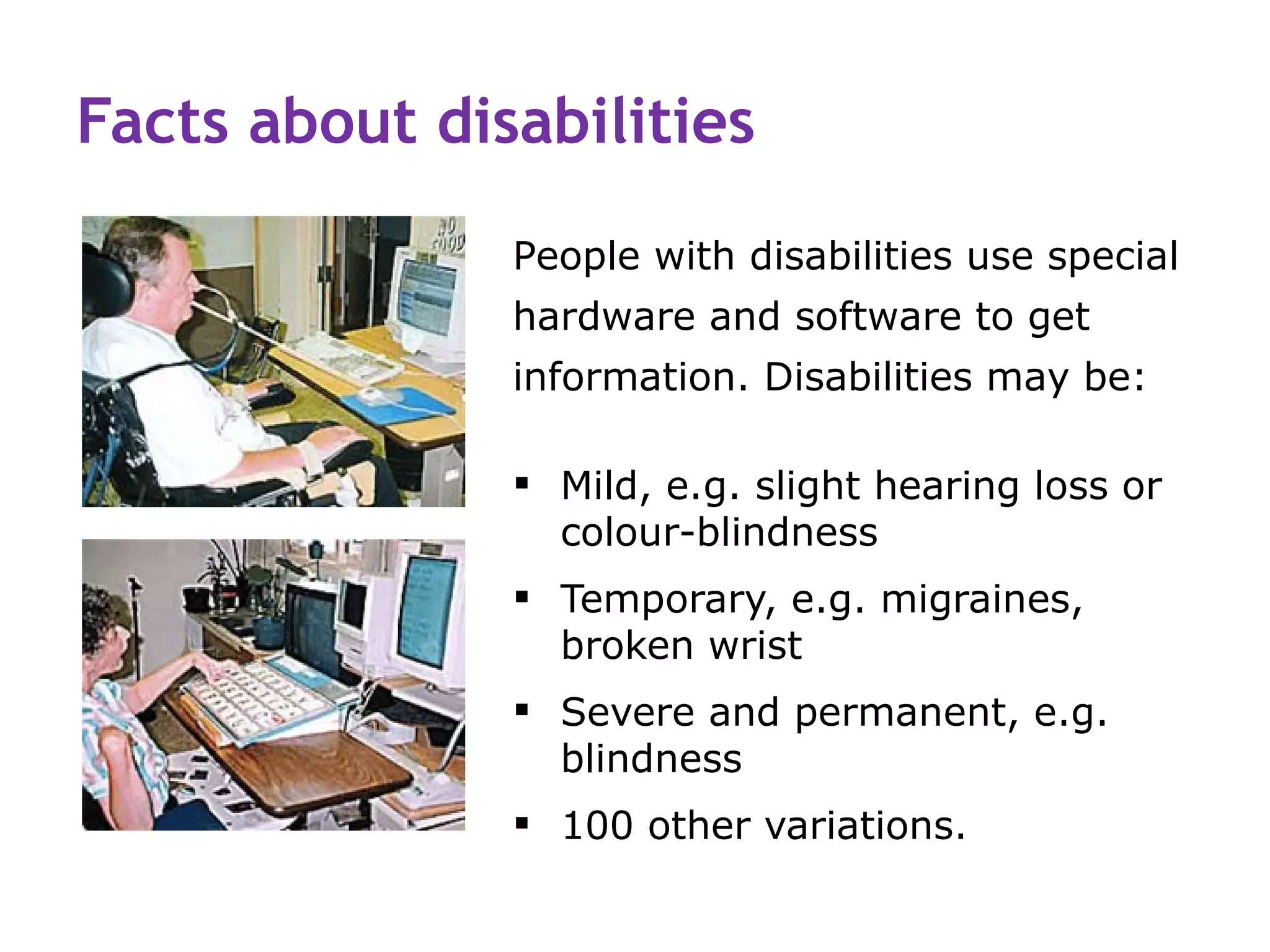
Facts about disabilities
               People with disabilities use special
               hardware and software to get
               information. Disabilities may be:

                Mild, e.g. slight hearing loss or
                 colour-blindness
                Temporary, e.g. migraines,
                 broken wrist
                Severe and permanent, e.g.
                 blindness
                100 other variations.
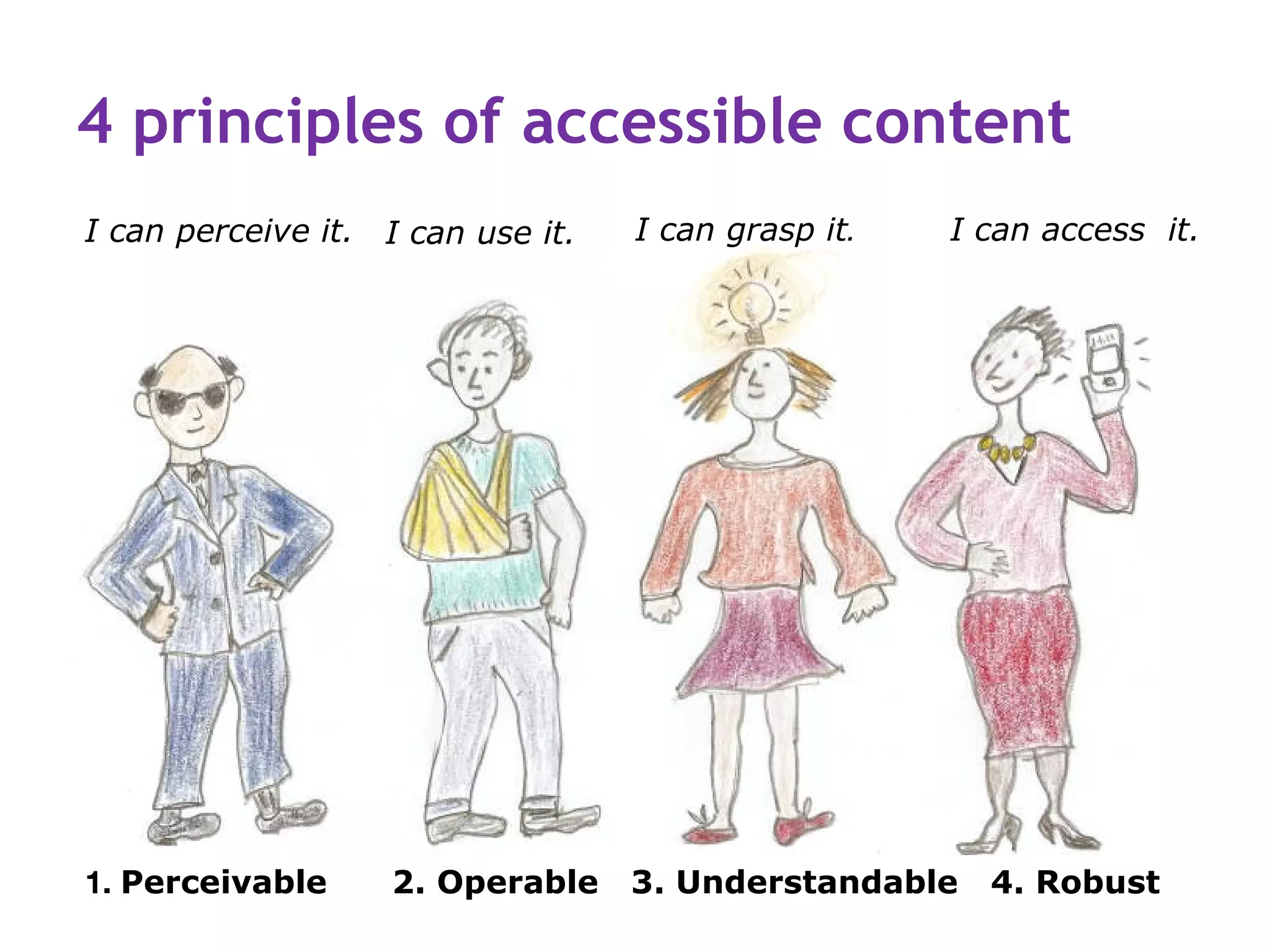
4 principles of accessible content
I can perceive it. I can use it.   I can grasp it.   I can access it.


1. Perceivable      2. Operable    3. Understandable   4. Robust
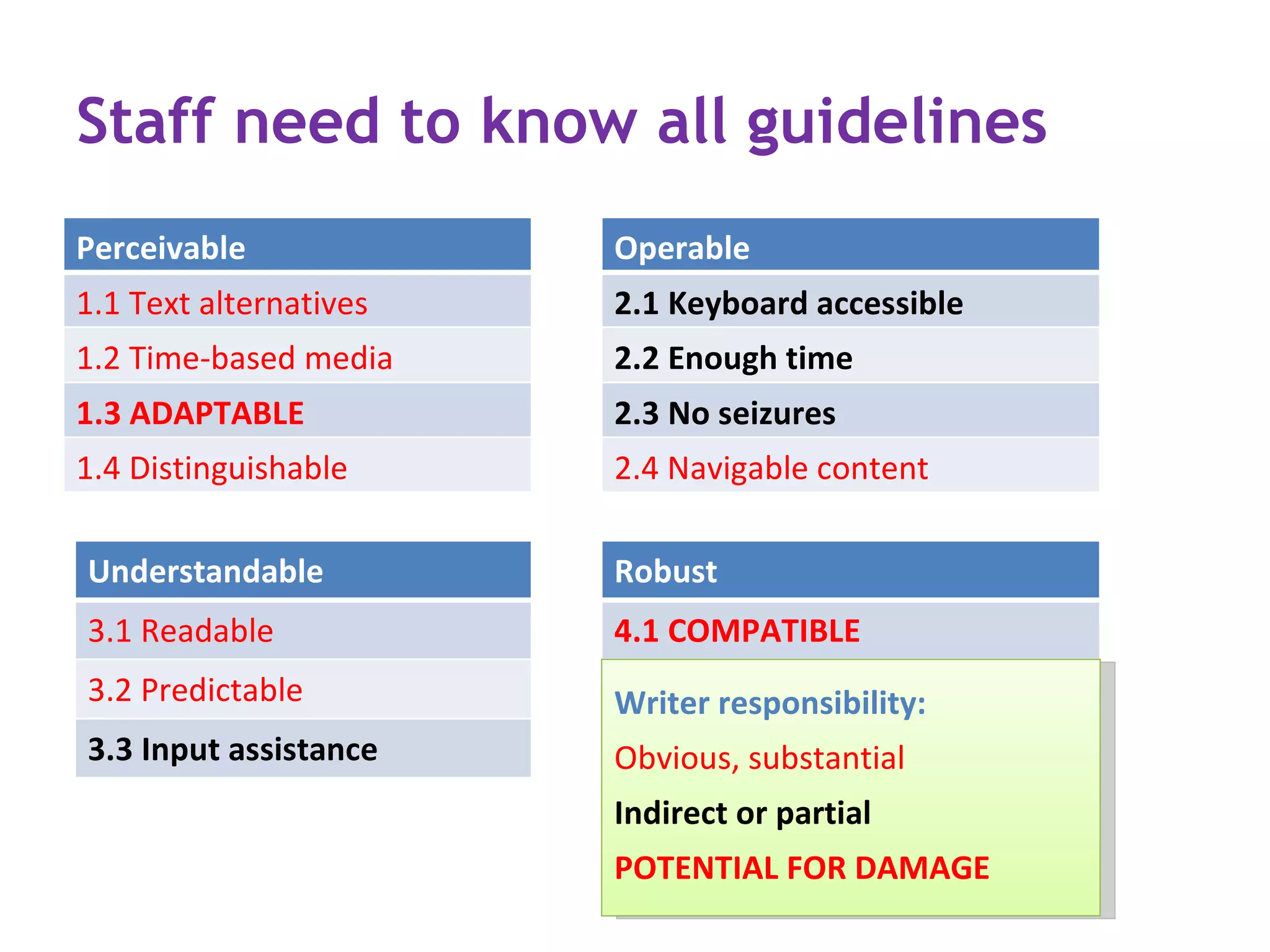
Staff need to know all guidelines
Perceivable             Operable
1.1 Text alternatives   2.1 Keyboard accessible
1.2 Time-based media    2.2 Enough time
1.3 ADAPTABLE           2.3 No seizures
1.4 Distinguishable     2.4 Navigable content

Understandable          Robust
3.1 Readable            4.1 COMPATIBLE
3.2 Predictable         Writer responsibility:
3.3 Input assistance    Obvious, substantial
                        Indirect or partial
                        POTENTIAL FOR DAMAGE
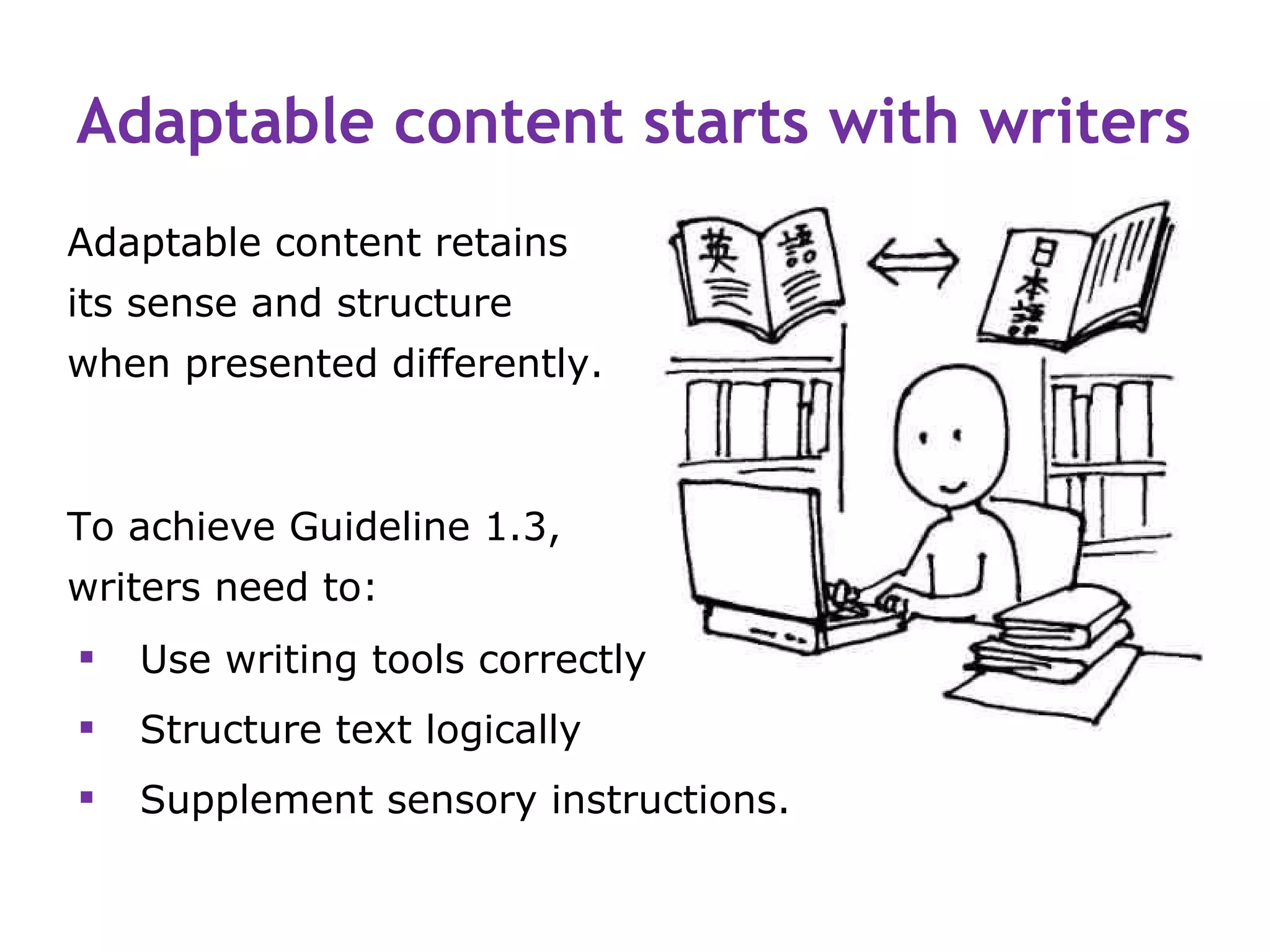
Adaptable content starts with writers
Adaptable content retains
its sense and structure
when presented differently.


To achieve Guideline 1.3,
writers need to:
   Use writing tools correctly
   Structure text logically
   Supplement sensory instructions.
Use writing tools correctly or they
       cannot work


© copyright Contented Enterprises 2006 IP Limited
Misuse of CMS begins with Word

       Most staff don’t understand Styles.
       Some use Styles to change text appearance.
       Most make lists the easy (wrong) way.
       Most create tables the easy (wrong) way.
       Many use tables to arrange text and images
        on a page.
       Very few complete Properties.
       Many give files unfindable names.
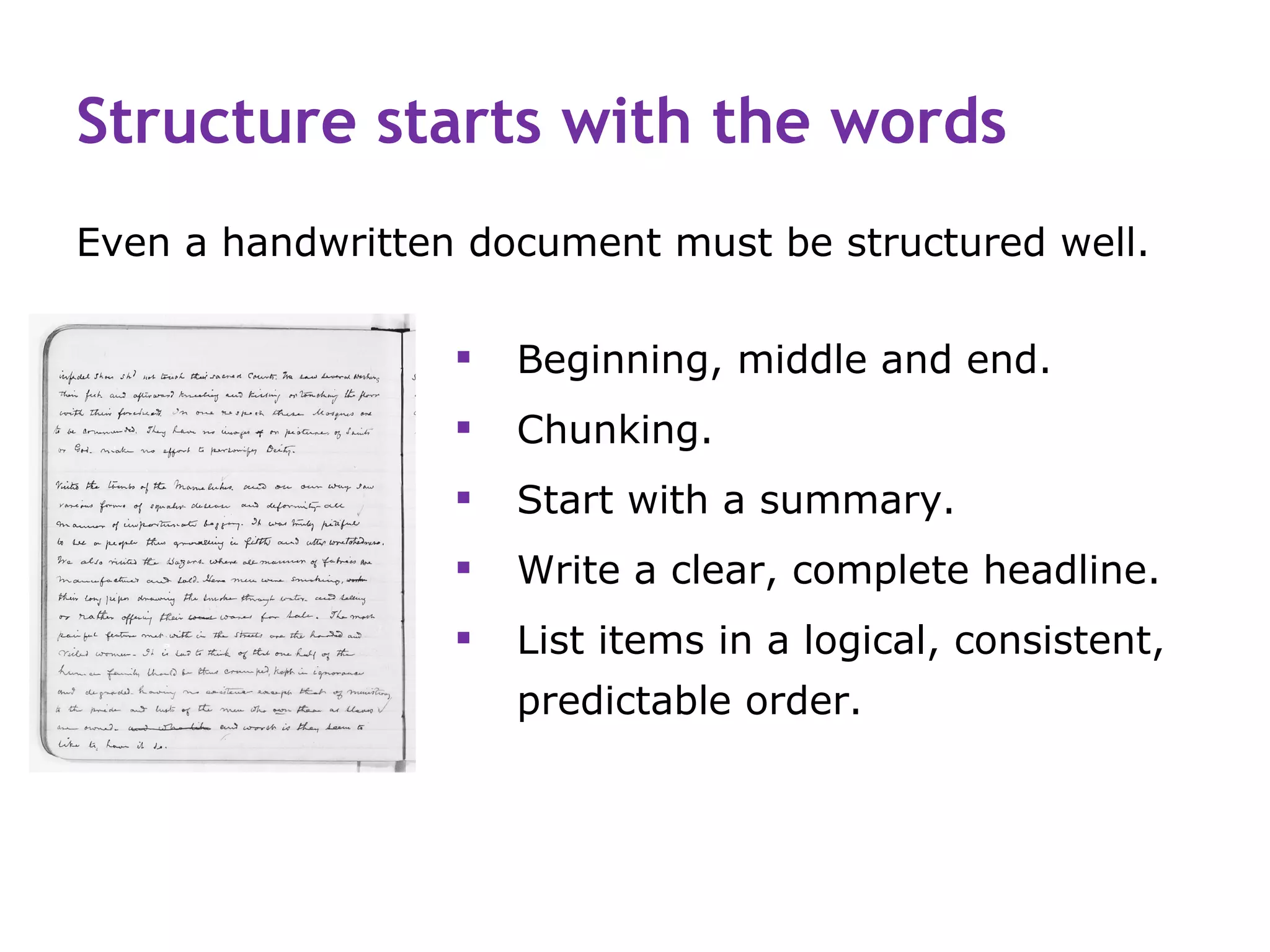
Structure starts with the words
Even a handwritten document must be structured well.

                     Beginning, middle and end.
                     Chunking.
                     Start with a summary.
                     Write a clear, complete headline.
                     List items in a logical, consistent,
                      predictable order.
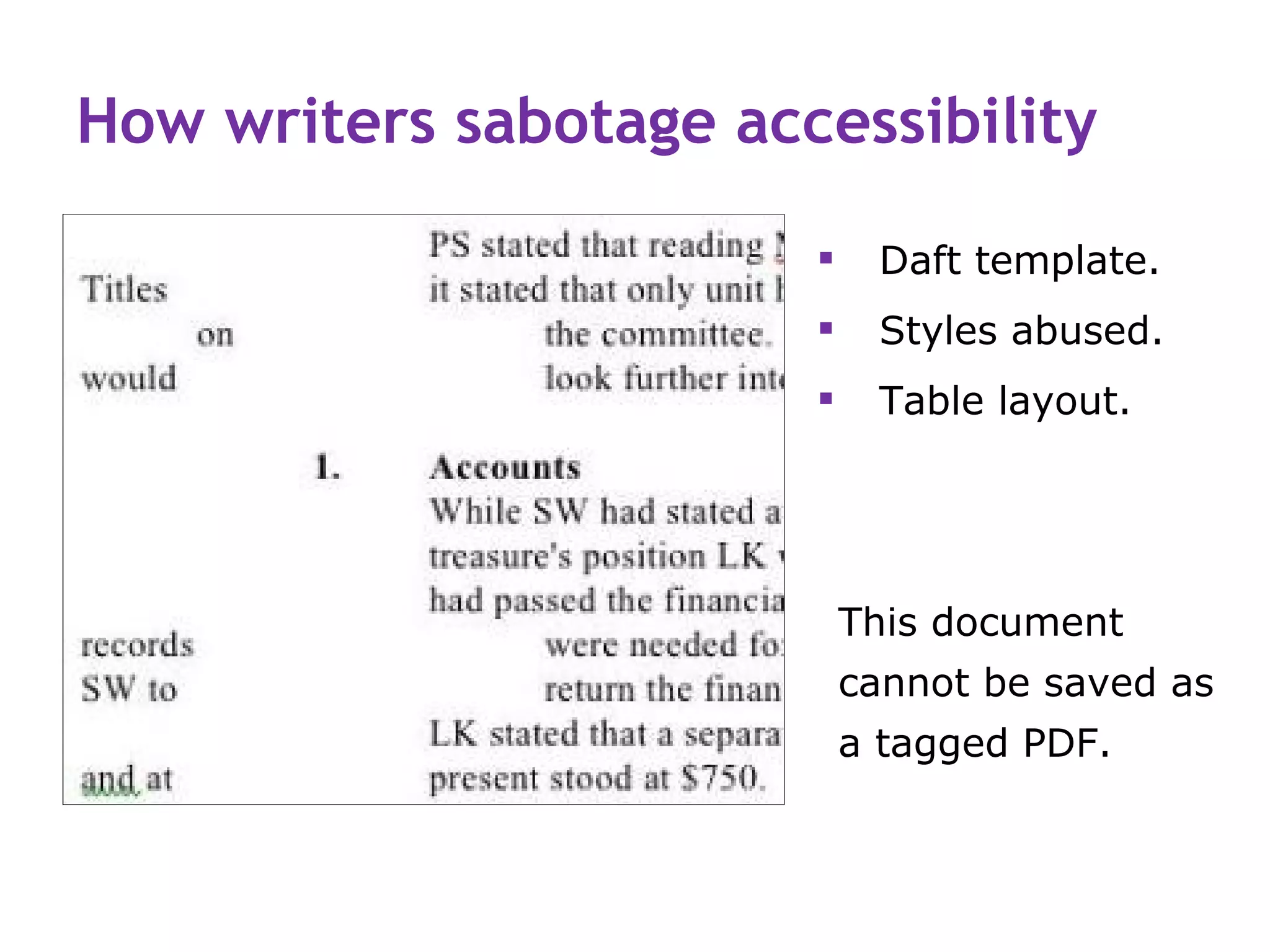
How writers sabotage accessibility

                            Daft template.
                            Styles abused.
                            Table layout.


                            This document
                            cannot be saved as
                            a tagged PDF.
Staff who can’t use Word correctly…

   Can’t use a CMS correctly.
   Don’t know that <H1> labels function, not font.
   Constantly undermine your work—they can’t help it.
   Force you to fix inaccessible content at a basic level.
   May not share the “Fair Go” aim of access for all.
   Need re-educating and inspiring!
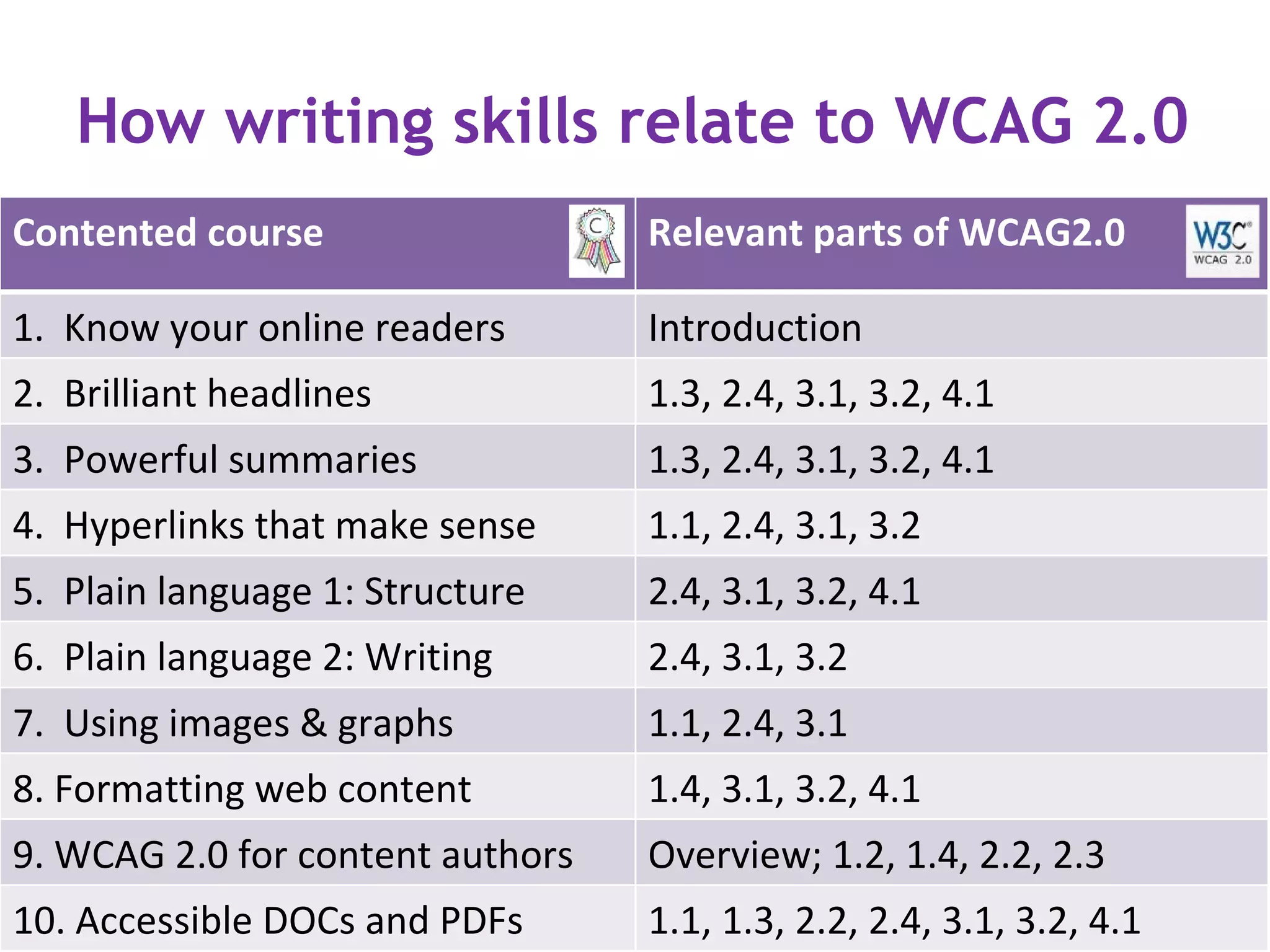
How writing skills relate to WCAG 2.0
Contented course                  Relevant parts of WCAG2.0

1. Know your online readers       Introduction
2. Brilliant headlines            1.3, 2.4, 3.1, 3.2, 4.1
3. Powerful summaries             1.3, 2.4, 3.1, 3.2, 4.1
4. Hyperlinks that make sense     1.1, 2.4, 3.1, 3.2
5. Plain language 1: Structure    2.4, 3.1, 3.2, 4.1
6. Plain language 2: Writing      2.4, 3.1, 3.2
7. Using images & graphs          1.1, 2.4, 3.1
8. Formatting web content         1.4, 3.1, 3.2, 4.1
9. WCAG 2.0 for content authors   Overview; 1.2, 1.4, 2.2, 2.3
10. Accessible DOCs and PDFs      1.1, 1.3, 2.2, 2.4, 3.1, 3.2, 4.1
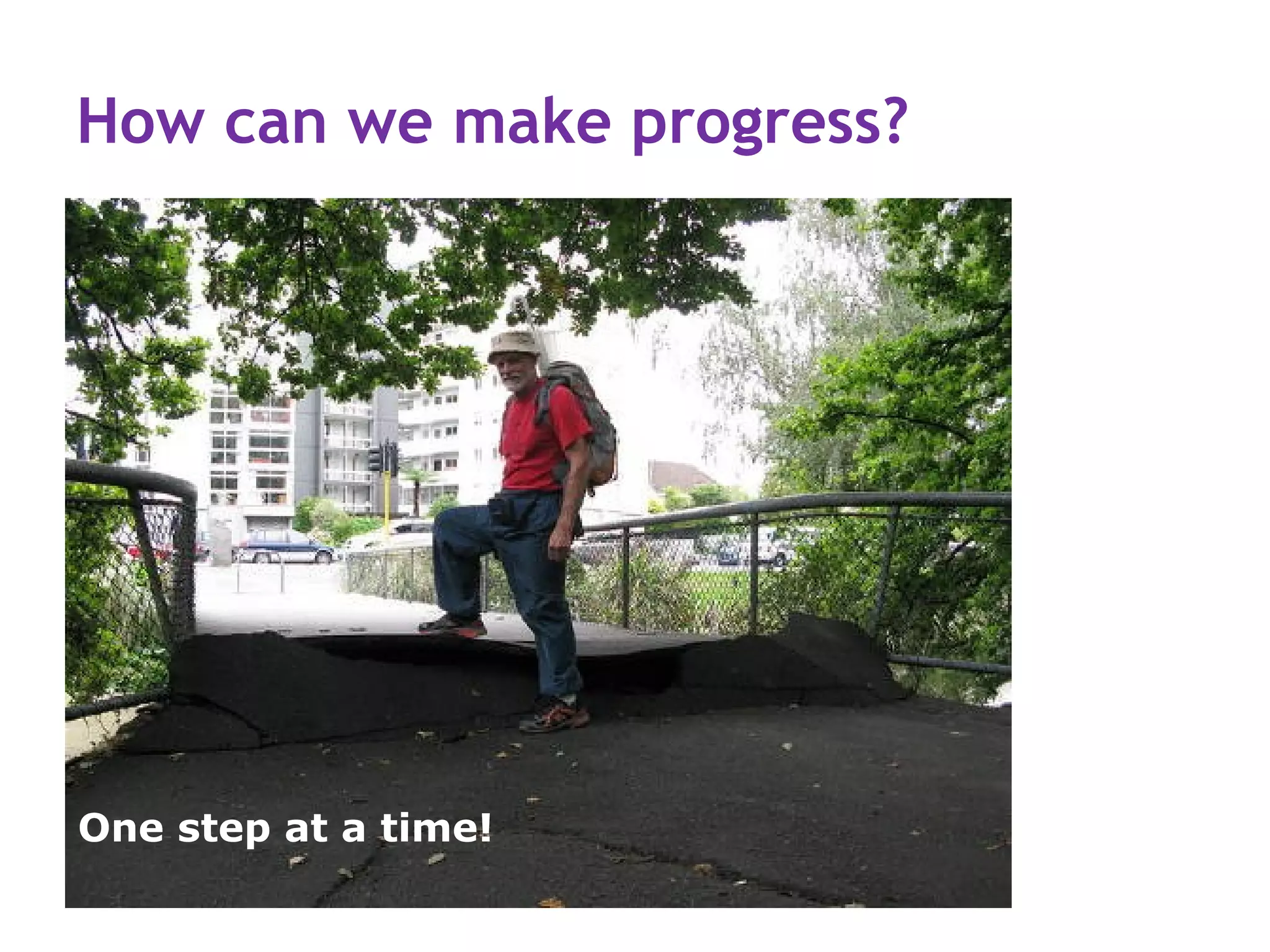
How can we make progress?


One step at a time!
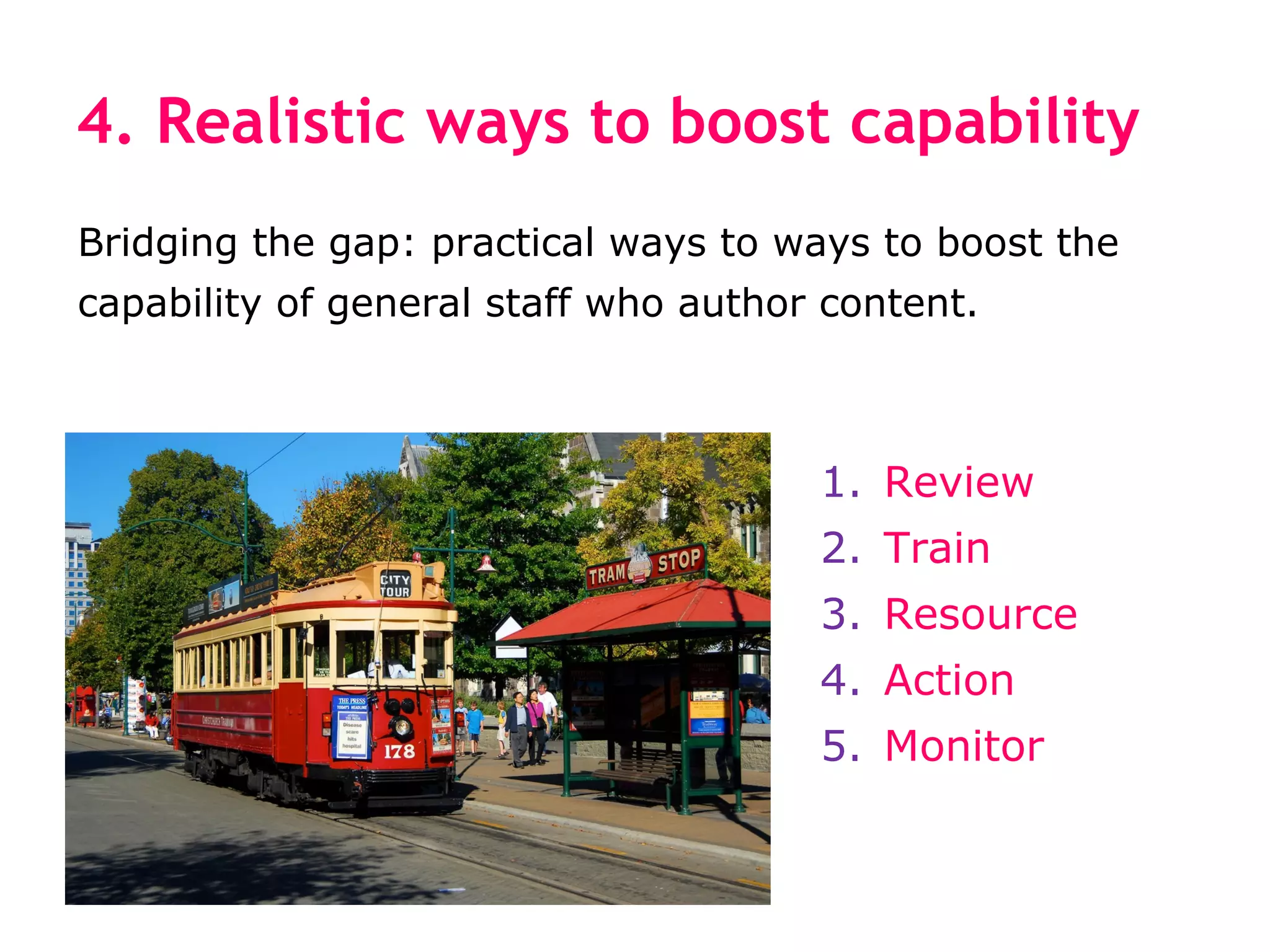
4. Realistic ways to boost capability
Bridging the gap: practical ways to ways to boost the
capability of general staff who author content.


                                      1. Review
                                      2. Train
                                      3. Resource
                                      4. Action
                                      5. Monitor
First review your content
1. How much content? What types of content?
2. Who owns what?
3. Which 20% gets 80% of use?
4. Delete ROT (redundant, outdated or trivial content).
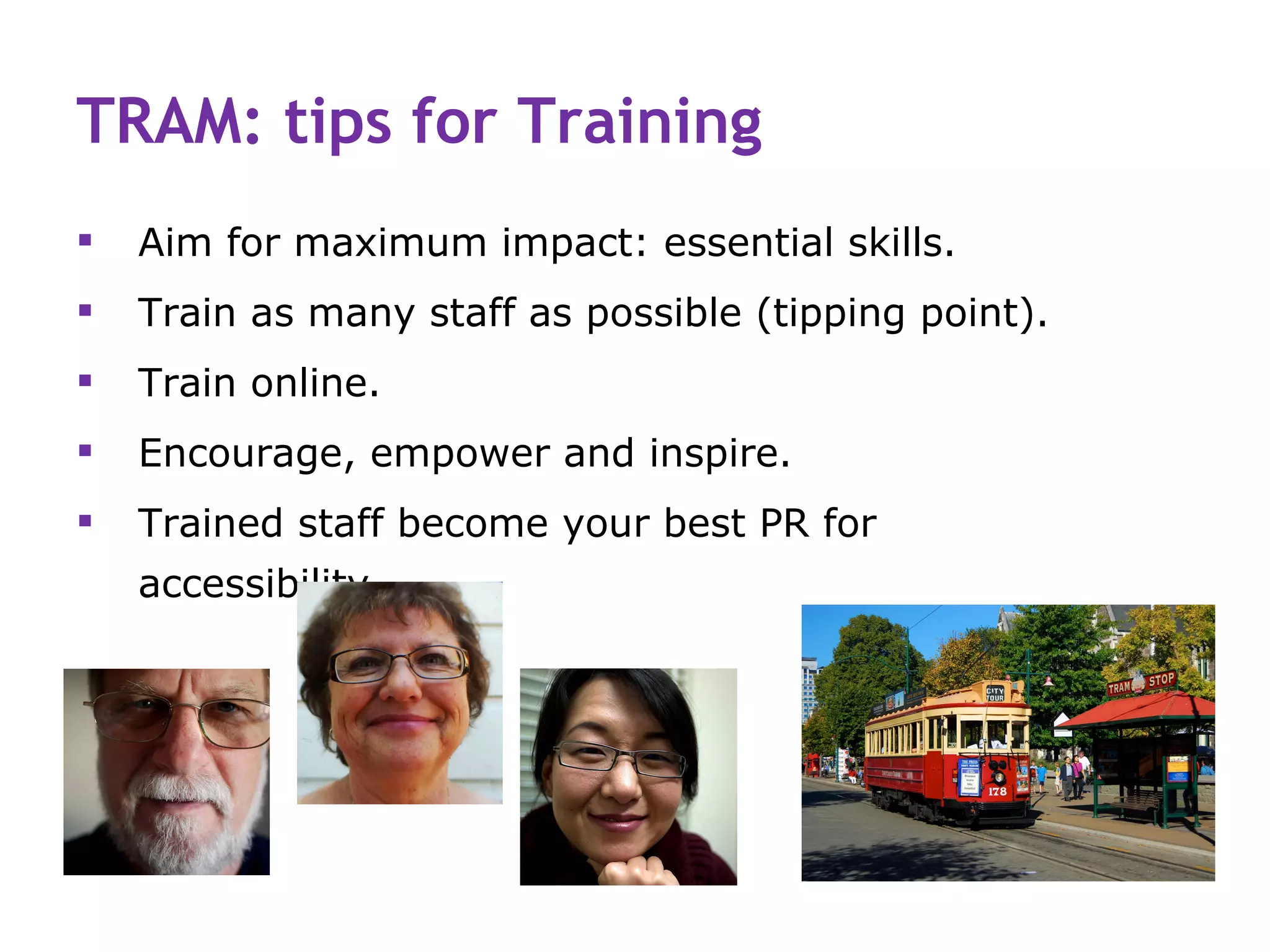
TRAM: tips for Training
   Aim for maximum impact: essential skills.
   Train as many staff as possible (tipping point).
   Train online.
   Encourage, empower and inspire.
   Trained staff become your best PR for
    accessibility.
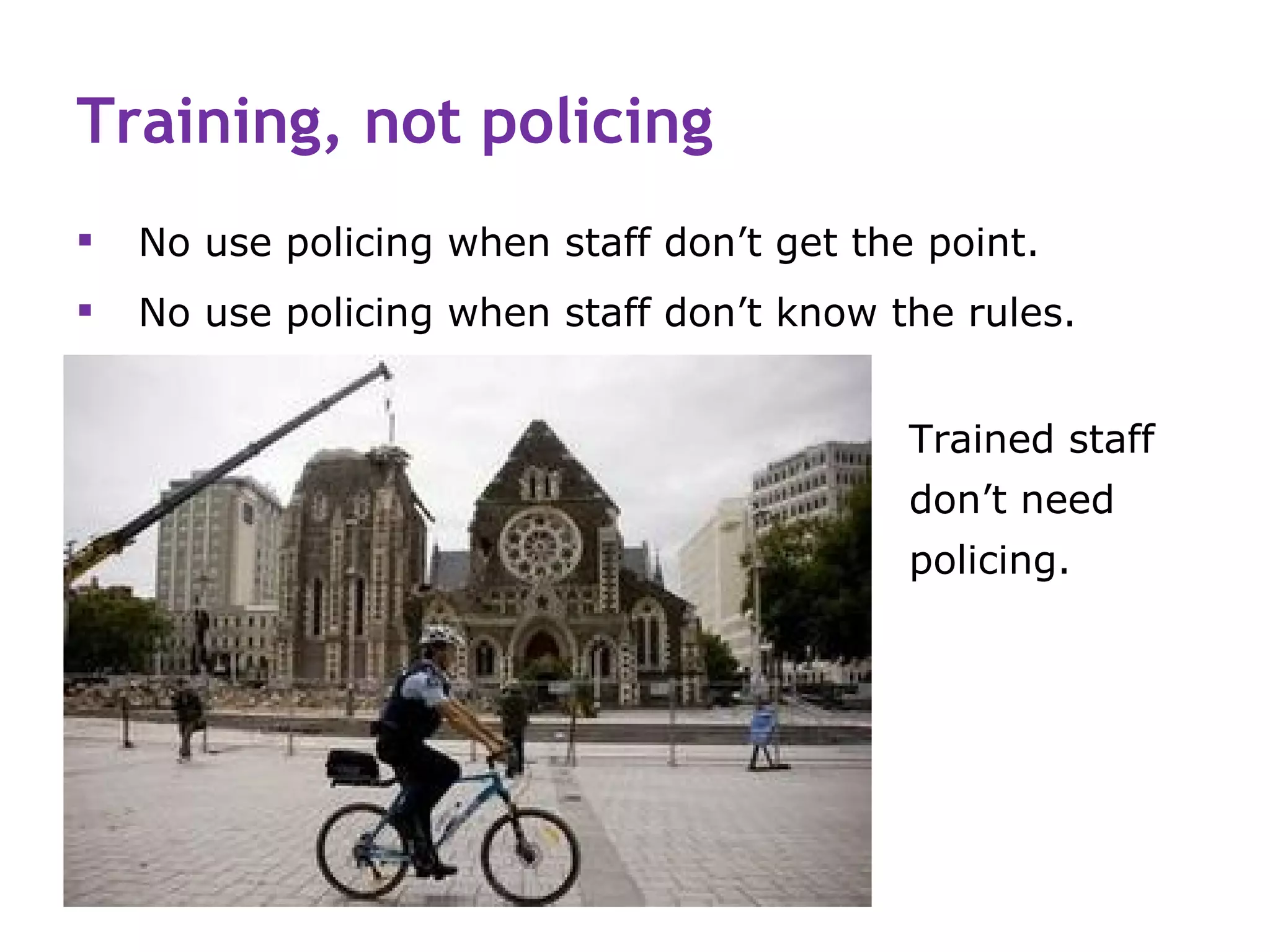
Training, not policing
   No use policing when staff don’t get the point.
   No use policing when staff don’t know the rules.


                                            Trained staff
                                            don’t need
                                            policing.
TRAM: tips for Resourcing
   Templates, checklists, model pages.
   Tips on the intranet are better than a Style Guide in
    the drawer.
   Showcase best new content, before-and-after.
   Use a buddy system.
TRAM: tips for Action plan

Learning sticks when it is put into action.

   Keep your action plan simple.
   Example: 3 weeks after training, every staff writer
    must produce 10 pages of accessible content.
   Support staff and celebrate progress.
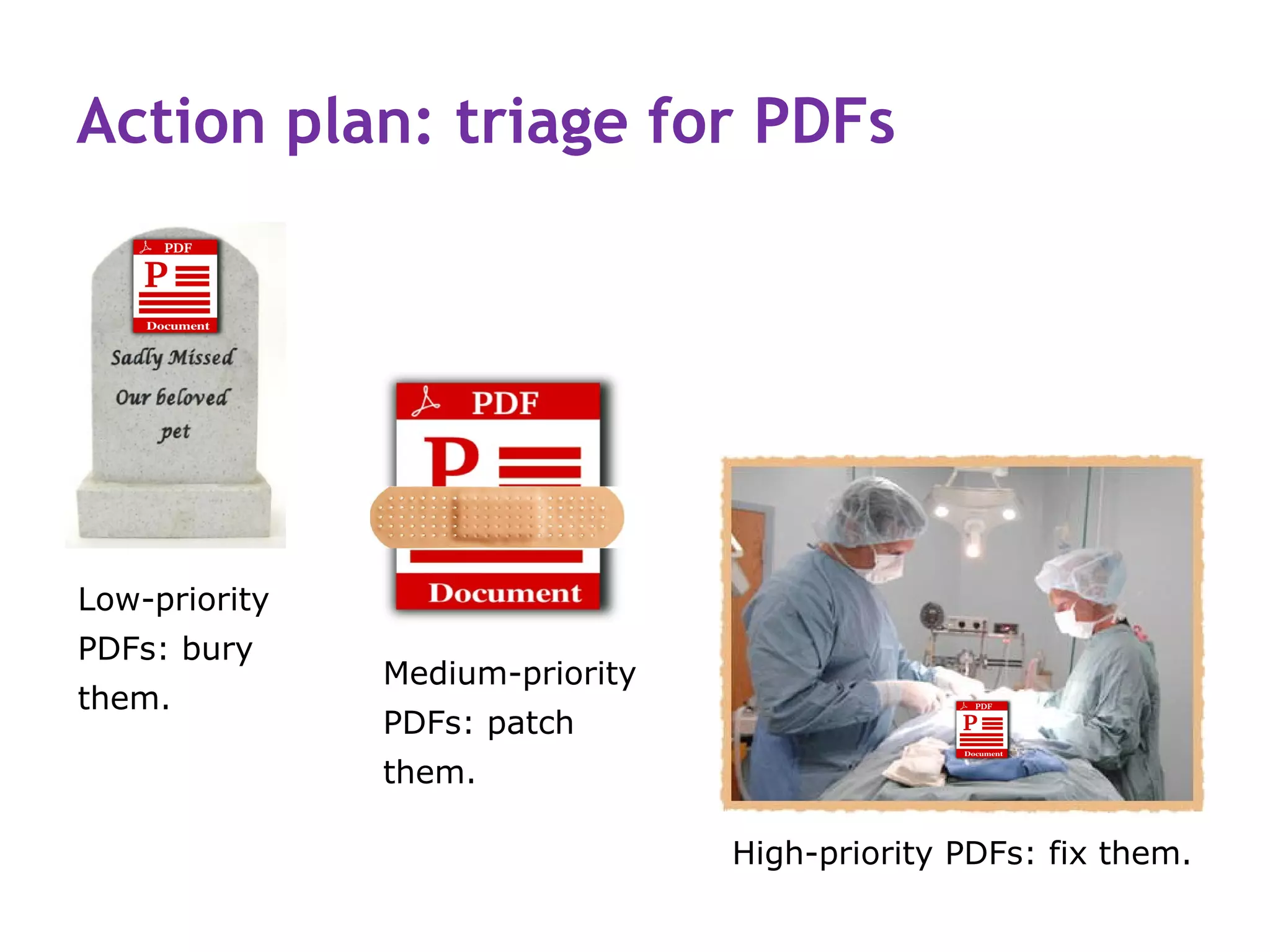
Action plan: triage for PDFs


Low-priority
PDFs: bury
               Medium-priority
them.
               PDFs: patch
               them.

                                 High-priority PDFs: fix them.
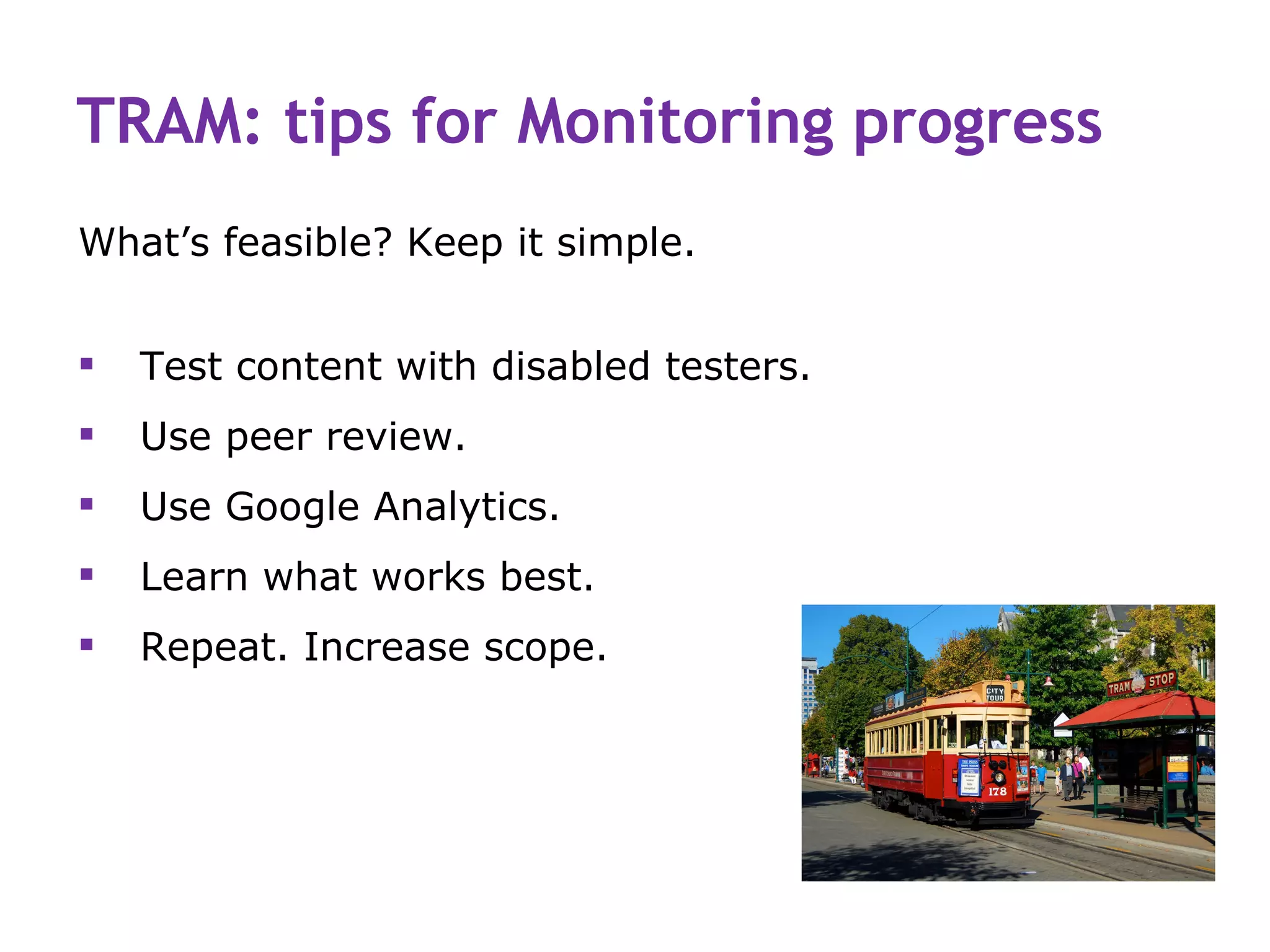
TRAM: tips for Monitoring progress
What’s feasible? Keep it simple.


   Test content with disabled testers.
   Use peer review.
   Use Google Analytics.
   Learn what works best.
   Repeat. Increase scope.
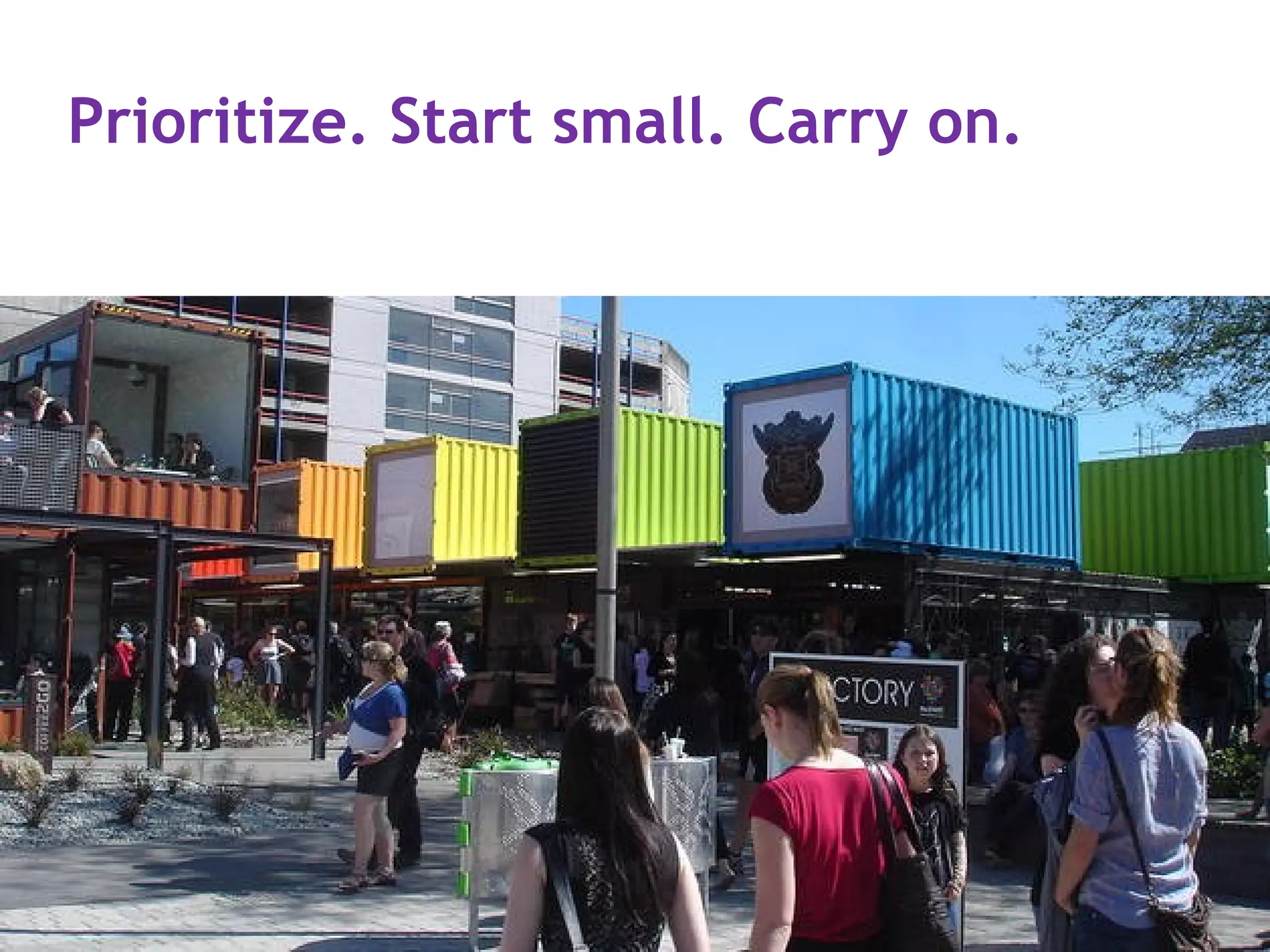
Prioritize. Start small. Carry on.
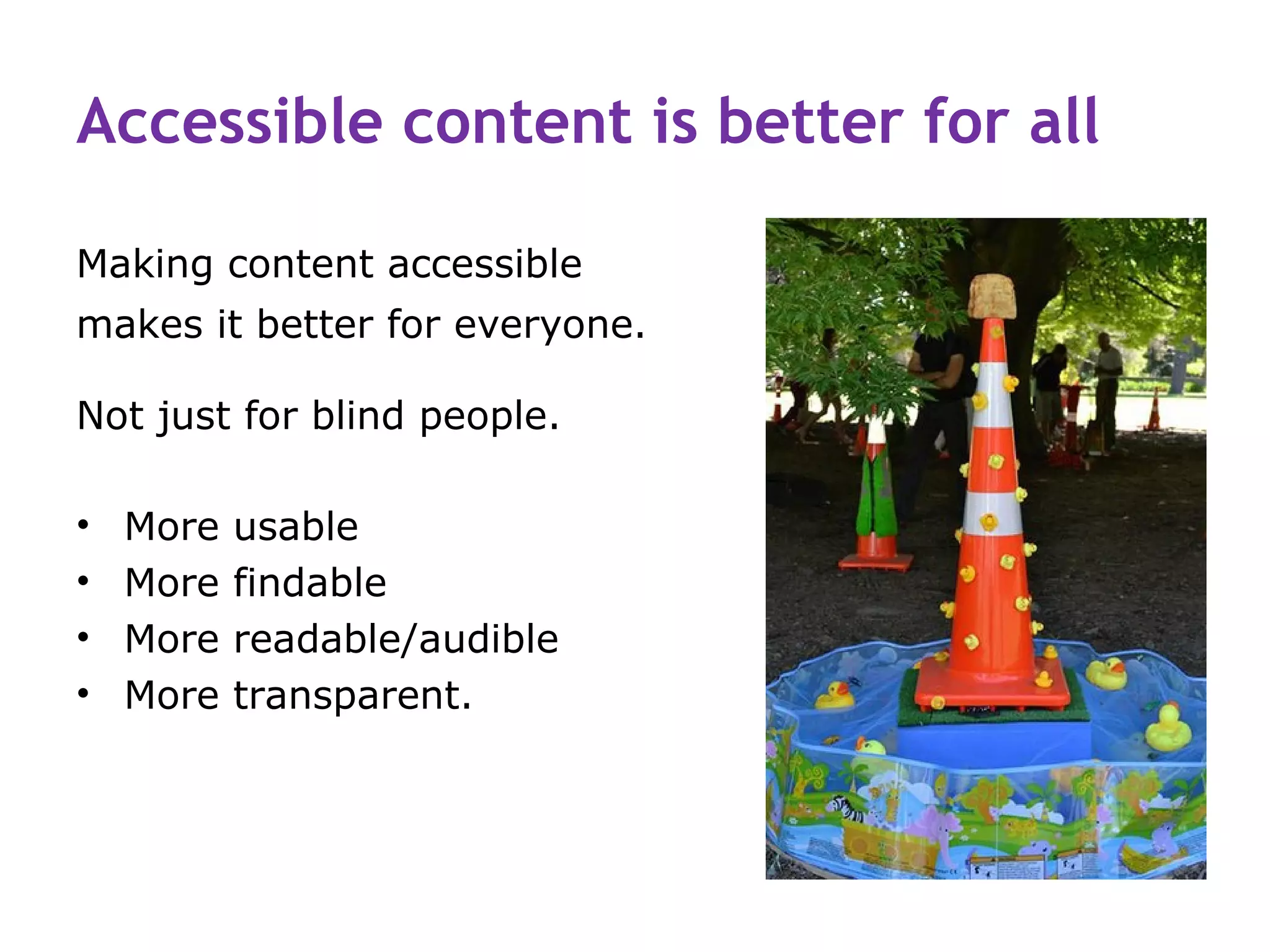
Accessible content is better for all

Making content accessible
makes it better for everyone.

Not just for blind people.

•   More   usable
•   More   findable
•   More   readable/audible
•   More   transparent.
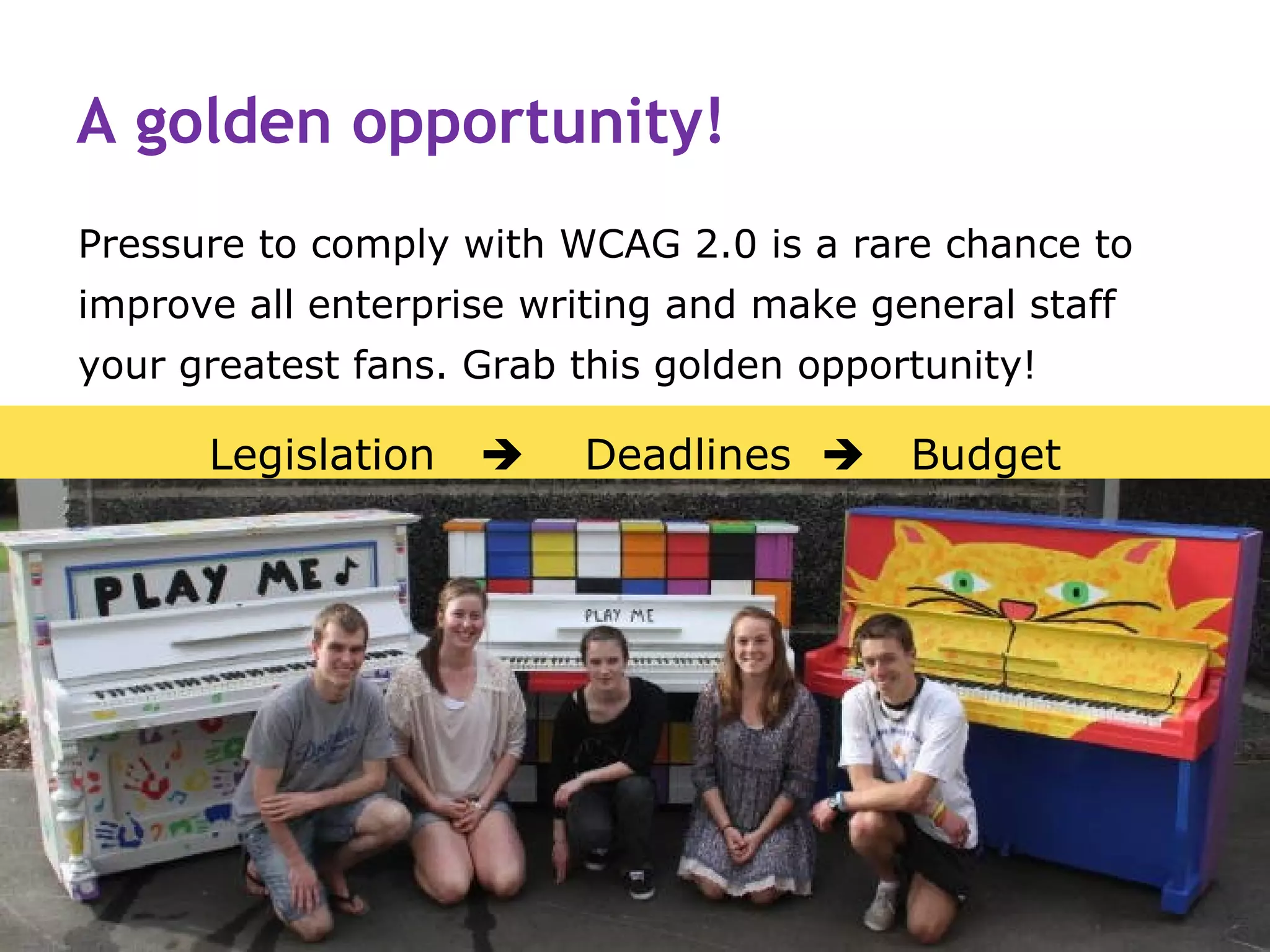
A golden opportunity!
Pressure to comply with WCAG 2.0 is a rare chance to
improve all enterprise writing and make general staff
your greatest fans. Grab this golden opportunity!

      Legislation       Deadlines       Budget
The push for WCAG 2.0 compliance

   What’s your strategy?
   What’s your worst problem?
   How can you fix it?
   What’s your greatest
    strength?
   How can you use it?
Thanks for the images
   Christchurch bus: © busnews.co.nz
   Road cone flower and art: cc Christchurch City Libraries via Flickr.
   Assistive technology © Vancouver Coastal Health, http://www.assistive-technology.ca/
   Police officer on bicycle, The Star, starcanterbury.co.nz
   Broken Christchurch Feb. 2011 cc Sharon Davis via Flickr
   Cartoons: cc Hugh McLeod via GapingVoid.com
   Portraits of Olly, Polly and Holly cc Russ Morris www.russmorris.com via Flickr.
   Chasm in road Feb. 2011 cc NathanaelB via Flickr
   4 principles of accessible content: Rachel did it © Contented
   Talking computer © Waynism.com
   Pet gravestone © pawprintsmemorials.co.uk
   Pet surgery © Barlett Animal Hospital
   Tram: cc Glenn R Carter via Flickr
   Cashel Street Mall cc Café Cecil via Flickr
   Happy pianos © gapfiller.org.nz
Please talk to us! We’d like to help.


 Keep in touch:

 www.contented.com
 alice@contented.com
 rachel@contented.com
 T: @aliceandrachel

From Word to WCAG 2.0: solving accessibility challenges

  • 1.
    From Word toWCAG 2.0: solving accessibility challenges Rachel McAlpine Contented.com
  • 2.
    Our agenda 1. Thegap between accessibility theory and practice. 2. What content authors really need to know. 3. Bridging the gap: practical ways to ways to boost the capability of general staff who author content.
  • 3.
    1. Bridging thegap(s)  Between theory and practice.  Between those who understand accessibility and those who don’t.
  • 4.
    The theory: visionary& indigestible
  • 5.
    The reality: manydifficulties You’re scrambling towards compliance deadlines, doing what is feasible and useful within your time and budget. Something like this? 1. Audit your intranet for accessibility. 2. Upgrade the accessibility of your intranet. 3. Train key staff in accessibility practice: intranet team, some HR, IT, Corp Comms staff—and maybe a few content owners and editors. 4. Phew! Done and dusted! Next please?
  • 6.
    Meanwhile back atthe desk front General staff are struggling.
  • 7.
  • 8.
    The big dividein your staff Accessibility-wise Accessibility-blind
  • 9.
    What’s your strategy? Whenleadership is strong, and everyone works for the same goal, even a huge task is achievable.
  • 10.
    Get Olly, Holly& Polly on board United we stand, divided we fall!
  • 11.
    Olly from RiskAssessment, 62  M.A. Eng. Lit & philosophy  Old-fashioned academic style  Policy & consultation docs  Disdains templates  Infographics, no alt-text  Has never looked at HTML or Styles.
  • 12.
    Holly from HR,42  Psych degree  Corporate jargon  Procedures, “memos”  Tiny headlines, links, titles  100s of old PDFs  Has never looked at HTML or Styles.
  • 13.
    Polly from OfficeSupplies, 22  Wikipedia/Facebook baby  Chatters on Yammer  News, videos  Writing: no structure, context or grammar  Has never looked at HTML or Styles.
  • 14.
    2. What allstaff need to know  How people with disabilities access content  The 4 principles of accessibility  The 12 guidelines of WCAG 2.0  How to use Word—and a CMS—correctly  Their own role in WCAG 2.0 compliance.
  • 15.
    Why staff mustupgrade writing skills Writing is now inseparable from technology.
  • 16.
    Facts about disabilities People with disabilities use special hardware and software to get information. Disabilities may be:  Mild, e.g. slight hearing loss or colour-blindness  Temporary, e.g. migraines, broken wrist  Severe and permanent, e.g. blindness  100 other variations.
  • 17.
    4 principles ofaccessible content I can perceive it. I can use it. I can grasp it. I can access it. 1. Perceivable 2. Operable 3. Understandable 4. Robust
  • 18.
    Staff need toknow all guidelines Perceivable Operable 1.1 Text alternatives 2.1 Keyboard accessible 1.2 Time-based media 2.2 Enough time 1.3 ADAPTABLE 2.3 No seizures 1.4 Distinguishable 2.4 Navigable content Understandable Robust 3.1 Readable 4.1 COMPATIBLE 3.2 Predictable Writer responsibility: 3.3 Input assistance Obvious, substantial Indirect or partial POTENTIAL FOR DAMAGE
  • 19.
    Adaptable content startswith writers Adaptable content retains its sense and structure when presented differently. To achieve Guideline 1.3, writers need to:  Use writing tools correctly  Structure text logically  Supplement sensory instructions.
  • 20.
    Use writing toolscorrectly or they cannot work © copyright Contented Enterprises 2006 IP Limited
  • 21.
    Misuse of CMSbegins with Word  Most staff don’t understand Styles.  Some use Styles to change text appearance.  Most make lists the easy (wrong) way.  Most create tables the easy (wrong) way.  Many use tables to arrange text and images on a page.  Very few complete Properties.  Many give files unfindable names.
  • 22.
    Structure starts withthe words Even a handwritten document must be structured well.  Beginning, middle and end.  Chunking.  Start with a summary.  Write a clear, complete headline.  List items in a logical, consistent, predictable order.
  • 23.
    How writers sabotageaccessibility  Daft template.  Styles abused.  Table layout. This document cannot be saved as a tagged PDF.
  • 24.
    Staff who can’tuse Word correctly…  Can’t use a CMS correctly.  Don’t know that <H1> labels function, not font.  Constantly undermine your work—they can’t help it.  Force you to fix inaccessible content at a basic level.  May not share the “Fair Go” aim of access for all.  Need re-educating and inspiring!
  • 25.
    How writing skillsrelate to WCAG 2.0 Contented course Relevant parts of WCAG2.0 1. Know your online readers Introduction 2. Brilliant headlines 1.3, 2.4, 3.1, 3.2, 4.1 3. Powerful summaries 1.3, 2.4, 3.1, 3.2, 4.1 4. Hyperlinks that make sense 1.1, 2.4, 3.1, 3.2 5. Plain language 1: Structure 2.4, 3.1, 3.2, 4.1 6. Plain language 2: Writing 2.4, 3.1, 3.2 7. Using images & graphs 1.1, 2.4, 3.1 8. Formatting web content 1.4, 3.1, 3.2, 4.1 9. WCAG 2.0 for content authors Overview; 1.2, 1.4, 2.2, 2.3 10. Accessible DOCs and PDFs 1.1, 1.3, 2.2, 2.4, 3.1, 3.2, 4.1
  • 26.
    How can wemake progress? One step at a time!
  • 27.
    4. Realistic waysto boost capability Bridging the gap: practical ways to ways to boost the capability of general staff who author content. 1. Review 2. Train 3. Resource 4. Action 5. Monitor
  • 28.
    First review yourcontent 1. How much content? What types of content? 2. Who owns what? 3. Which 20% gets 80% of use? 4. Delete ROT (redundant, outdated or trivial content).
  • 29.
    TRAM: tips forTraining  Aim for maximum impact: essential skills.  Train as many staff as possible (tipping point).  Train online.  Encourage, empower and inspire.  Trained staff become your best PR for accessibility.
  • 30.
    Training, not policing  No use policing when staff don’t get the point.  No use policing when staff don’t know the rules. Trained staff don’t need policing.
  • 31.
    TRAM: tips forResourcing  Templates, checklists, model pages.  Tips on the intranet are better than a Style Guide in the drawer.  Showcase best new content, before-and-after.  Use a buddy system.
  • 32.
    TRAM: tips forAction plan Learning sticks when it is put into action.  Keep your action plan simple.  Example: 3 weeks after training, every staff writer must produce 10 pages of accessible content.  Support staff and celebrate progress.
  • 33.
    Action plan: triagefor PDFs Low-priority PDFs: bury Medium-priority them. PDFs: patch them. High-priority PDFs: fix them.
  • 34.
    TRAM: tips forMonitoring progress What’s feasible? Keep it simple.  Test content with disabled testers.  Use peer review.  Use Google Analytics.  Learn what works best.  Repeat. Increase scope.
  • 35.
  • 36.
    Accessible content isbetter for all Making content accessible makes it better for everyone. Not just for blind people. • More usable • More findable • More readable/audible • More transparent.
  • 37.
    A golden opportunity! Pressureto comply with WCAG 2.0 is a rare chance to improve all enterprise writing and make general staff your greatest fans. Grab this golden opportunity! Legislation  Deadlines  Budget
  • 38.
    The push forWCAG 2.0 compliance  What’s your strategy?  What’s your worst problem?  How can you fix it?  What’s your greatest strength?  How can you use it?
  • 39.
    Thanks for theimages  Christchurch bus: © busnews.co.nz  Road cone flower and art: cc Christchurch City Libraries via Flickr.  Assistive technology © Vancouver Coastal Health, http://www.assistive-technology.ca/  Police officer on bicycle, The Star, starcanterbury.co.nz  Broken Christchurch Feb. 2011 cc Sharon Davis via Flickr  Cartoons: cc Hugh McLeod via GapingVoid.com  Portraits of Olly, Polly and Holly cc Russ Morris www.russmorris.com via Flickr.  Chasm in road Feb. 2011 cc NathanaelB via Flickr  4 principles of accessible content: Rachel did it © Contented  Talking computer © Waynism.com  Pet gravestone © pawprintsmemorials.co.uk  Pet surgery © Barlett Animal Hospital  Tram: cc Glenn R Carter via Flickr  Cashel Street Mall cc Café Cecil via Flickr  Happy pianos © gapfiller.org.nz
  • 40.
    Please talk tous! We’d like to help. Keep in touch: www.contented.com alice@contented.com rachel@contented.com T: @aliceandrachel

Editor's Notes

  • #4 Flower in road cone CC Christchurch City Libraries via Flickr.
  • #6 Data image: copyright holder unknown.
  • #7 Temporary post-earthquake offices © Gehl Architects, Christchurch. Blog: Making Cities for People
  • #9 Chasm in road Feb. 2011 cc NathanaelB via Flickr
  • #10 Broken Christchurch Feb. 2011 cc Sharon Davis via Flickr
  • #11 Bus: © busnews.co.nz
  • #12 Portraits of Olly, Polly and Holly CC Russ Morris www.russmorris.com via Rustman on Flickr.
  • #15 Data: copyright holder unknown.
  • #16 Cartoon © Hugh McLeod, GapingVoid.com. Stamp of Ernest Rutherford (1871–1937), the &apos;father of nuclear physics&apos;, Royal Mail.
  • #17 Images © Vancouver Coastal Health, http://www.assistive-technology.ca/
  • #18 Image © Contented.com
  • #20 Artist unknown.
  • #21 Central image of art print © Baskervillain downloaded from Society6.com Anticlockwise from top left: icons of Adobe, Blackboard, Drupal, Joomla, Moodle, UpsideLMS, Sharepoint, Wordpress, Author-it, MS Word.
  • #22 Artist unknown.
  • #23 Handwritten document, later transcribed by Amazon Mechanical Turk. CC Cod4lib.org.
  • #26 We only publish copyright information for course images here.
  • #27 Wavy step in Christchurch after the earthquake. Copyright holder unknown.
  • #28 Christchurch tram CC Glen R Carter via Flickr
  • #29 Data image: copyright holder unknown.
  • #30 Christchurch tram CC Glen R Carter via Flickr
  • #31 Police officer on bicycle in Christchurch 26 Feb. 2011 The Star, starcanterbury.co.nz
  • #32 Christchurch tram CC Glen R Carter via Flickr
  • #33 Christchurch tram CC Glen R Carter via Flickr
  • #34 Image of pet gravestone © www.pawprintsmemorials.co.uk; photo of pet surgery © Bartlett Animal Hospital via www.bartlettah.com
  • #35 Christchurch tram CC Glen R Carter via Flickr
  • #36 Photo of Cashel Street Mall cc Café Cecil via Flickr. Operation Restart: Cashel Street Mall constructed of containers.
  • #37 Road cone art, CC Christchurch City Libraries via Flickr.
  • #38 Photo of happy pianos © gapfiller.org.nz
  • #39 Photo of construction worker with clipboard: free via 123rf.com