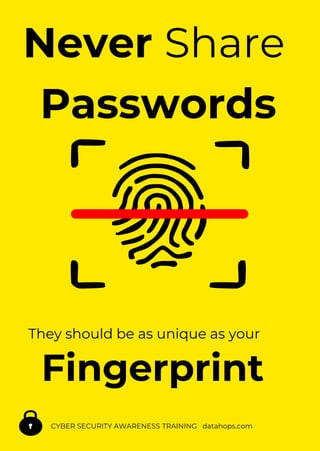
Never Share
Passwords
They should be as unique as your
Fingerprint
CYBER SECURITY AWARENESS TRAINING datahops.com
Cyber Awareness Training www.datahops.com
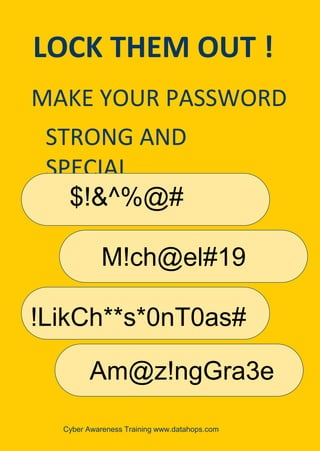
LOCK THEM OUT !
MAKE YOUR PASSWORD
STRONG AND
SPECIAL
$!&^%@#
M!ch@el#19
!LikCh**s*0nT0as#
Am@z!ngGra3e
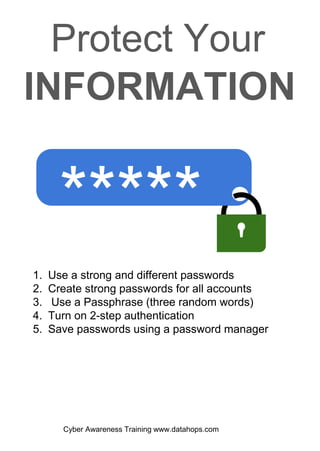
*****
1. Use a strong and different passwords
2. Create strong passwords for all accounts
3. Use a Passphrase (three random words)
4. Turn on 2-step authentication
5. Save passwords using a password manager
Protect Your
INFORMATION
Cyber Awareness Training www.datahops.com
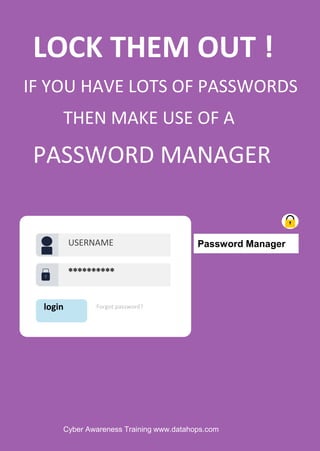
LOCK THEM OUT !
IF YOU HAVE LOTS OF PASSWORDS
THEN MAKE USE OF A
PASSWORD MANAGER
login
**********
Forgot password?
USERNAME Password Manager
Cyber Awareness Training www.datahops.com
LOCK THEM OUT !
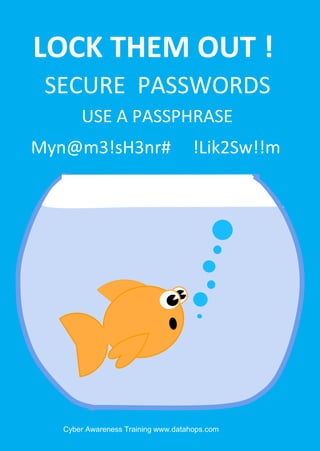
!Lik2Sw!!m
SECURE PASSWORDS
USE A PASSPHRASE
Myn@m3!sH3nr#
Cyber Awareness Training www.datahops.com
LOCK THEM OUT !
USE STRONG PASSWORDS
Cyber Awareness Training www.datahops.com
LOCK THEM OUT !
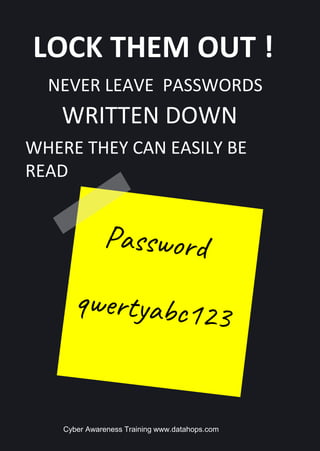
NEVER LEAVE PASSWORDS
WHERE THEY CAN EASILY BE
READ
WRITTEN DOWN
Cyber Awareness Training www.datahops.com
LOCK THEM OUT !
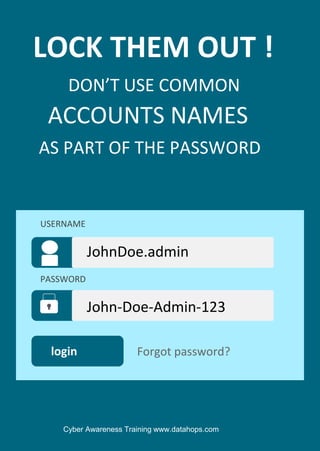
DON’T USE COMMON
AS PART OF THE PASSWORD
ACCOUNTS NAMES
login
John-Doe-Admin-123
Forgot password?
USERNAME
PASSWORD
JohnDoe.admin
Cyber Awareness Training www.datahops.com
LOCK THEM OUT !
NEVER SHARE PASSWORDS
THEY SHOULD BE AS UNIQUE AS
YOUR FINGERPRINT!
Cyber Awareness Training www.datahops.com
LOCK THEM OUT !
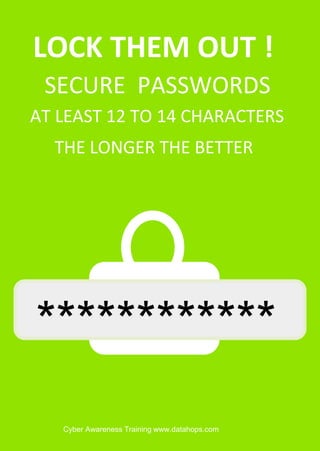
THE LONGER THE BETTER
SECURE PASSWORDS
************
AT LEAST 12 TO 14 CHARACTERS
Cyber Awareness Training www.datahops.com
LOCK THEM OUT !
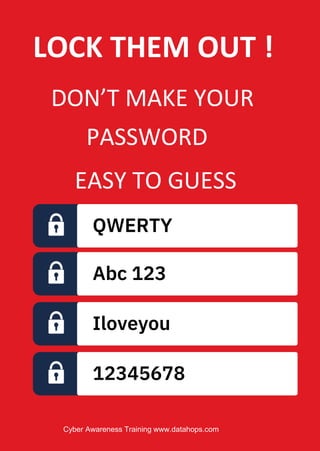
DON’T MAKE YOUR
PASSWORD
EASY TO GUESS
QWERTY
Abc 123
Iloveyou
12345678
Cyber Awareness Training www.datahops.com
LOCK THEM OUT !
STRONG PASSWORD
A BIRTHDAY
IS NOT A
Cyber Awareness Training www.datahops.com
LOCK THEM OUT !
CHANGE YOUR PASSWORDS
JUST LIKE YOUR TOOTHBRUSH
REGULARLY
Never Share
Passwords
They should be as unique as your
Fingerprint
CYBER SECURITY AWARENESS TRAINING datahops.com
Never Share
Passwords
Fingerprint
They should be as unique as your
CYBER SECURITY AWARENESS TRAINING datahops.com
CAUTION
USE
CYBERSECURITY AWARENESS TRAINING datahops.com
STRONG
PASSWORDS
MAKE
LOCK THEMOUT
datahops.com
CYBERSECURITYAWARENESS
YOUR
STRONG
PASSWORDS
DO NOT
LOCK THEMOUT
datahops.com
CYBERSECURITYAWARENESS
SHARE
PASSWORDS
DO NOT
LOCK THEMOUT
datahops.com
CYBERSECURITYAWARENESS
WRITE DOWN
PASSWORDS
YOUR DOG’S NAME
LOCK THEMOUT
datahops.com
CYBERSECURITYAWARENESS
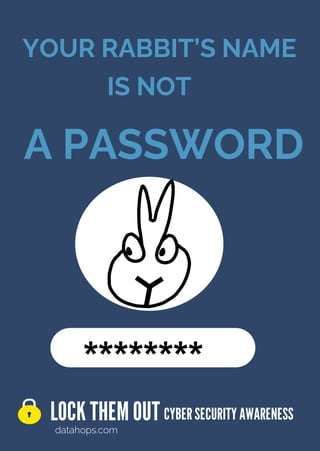
A PASSWORD
IS NOT
********
YOUR RABBIT’S NAME
LOCK THEMOUT
datahops.com
CYBERSECURITYAWARENESS
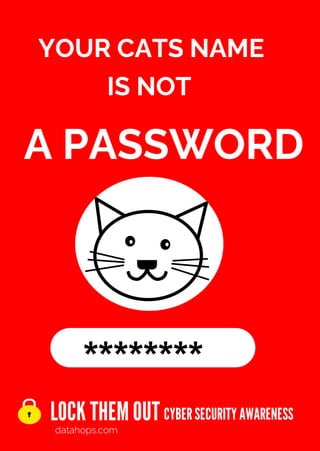
A PASSWORD
IS NOT
********
YOUR CATS NAME
LOCK THEMOUT
datahops.com
CYBERSECURITYAWARENESS
A PASSWORD
IS NOT
********
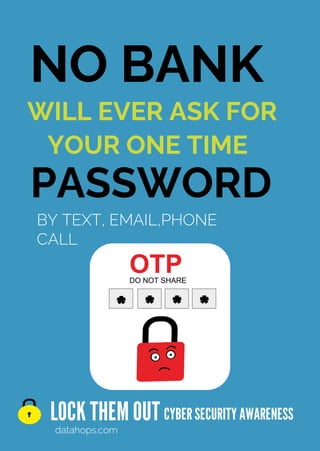
NO BANK
LOCK THEMOUT
datahops.com
CYBERSECURITYAWARENESS
PASSWORD
WILL EVER ASK FOR
YOUR ONE TIME
BY TEXT, EMAIL,PHONE
CALL
OTP
*
* * *
DO NOT SHARE
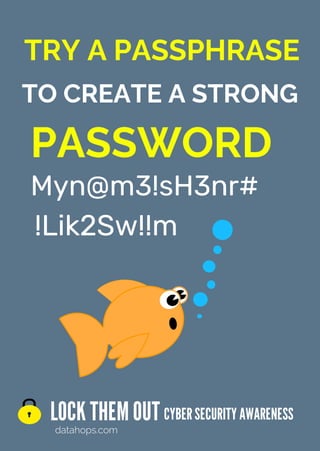
TRY A PASSPHRASE
LOCK THEMOUT
datahops.com
CYBERSECURITYAWARENESS
PASSWORD
TO CREATE A STRONG
Myn@m3!sH3nr#
!Lik2Sw!!m
BITE BACK
LOCK THEMOUT
datahops.com
CYBERSECURITYAWARENESS
CREATE STRONG
PASSWORDS
USING THE PASSWORD
ARE YOU STILL
CYBERSECURITYAWARENESS
datahops.com
LOCK THEMOUT
“PASSWORD”?
USING THE PASSWORD
ARE YOU STILL
CYBERSECURITYAWARENESS
datahops.com
LOCK THEMOUT
“QWERTY”?
USING THE PASSWORD
ARE YOU STILL
CYBERSECURITYAWARENESS
datahops.com
LOCK THEMOUT
“123456”?
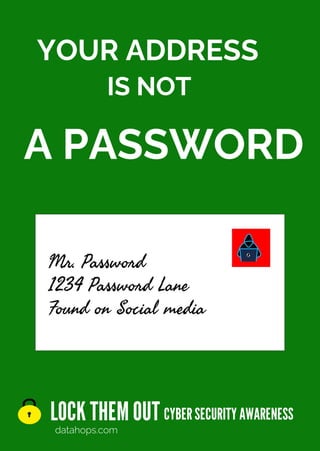
YOUR ADDRESS
LOCK THEMOUT
datahops.com
CYBERSECURITYAWARENESS
IS NOT
A PASSWORD
Mr. Password
1234 Password Lane
Found on Social media
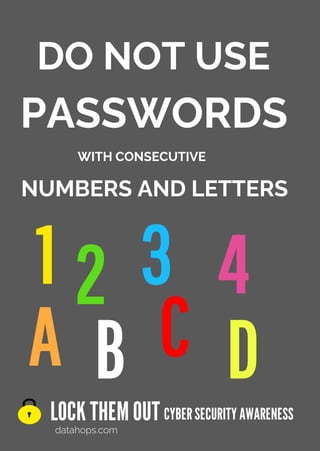
DO NOT USE
LOCK THEMOUT
datahops.com
CYBERSECURITYAWARENESS
WITH CONSECUTIVE
PASSWORDS
NUMBERS AND LETTERS
D
1 2 3 4
A B C
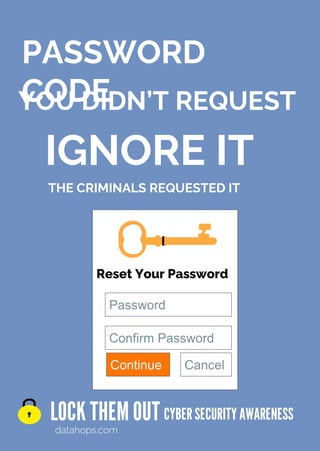
PASSWORD
CODE
LOCK THEMOUT
datahops.com
CYBERSECURITYAWARENESS
THE CRIMINALS REQUESTED IT
IGNORE IT
YOU DIDN’T REQUEST
Reset Your Password
Password
Confirm Password
Cancel
Continue
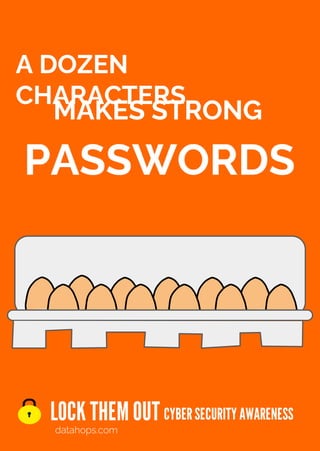
MAKES STRONG
LOCK THEMOUT
datahops.com
CYBERSECURITYAWARENESS
A DOZEN
CHARACTERS
PASSWORDS
LOCK THEMOUT
datahops.com
CYBERSECURITYAWARENESS
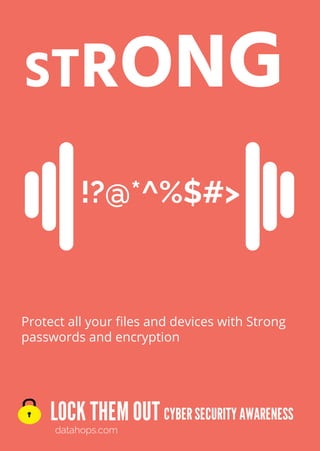
STRONG
Protect all your files and devices with Strong
passwords and encryption
!?@*^%$#>
LOCK THEMOUT
datahops.com
CYBERSECURITYAWARENESS
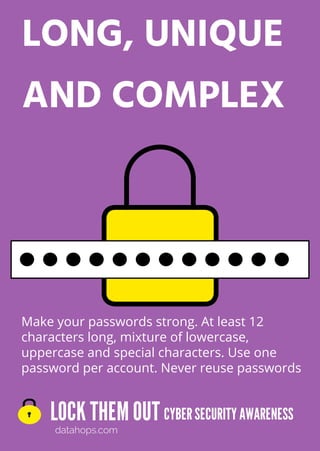
LONG, UNIQUE
AND COMPLEX
Make your passwords strong. At least 12
characters long, mixture of lowercase,
uppercase and special characters. Use one
password per account. Never reuse passwords
v v
v v v
v v
v
LOCK THEMOUT
datahops.com
CYBERSECURITYAWARENESS
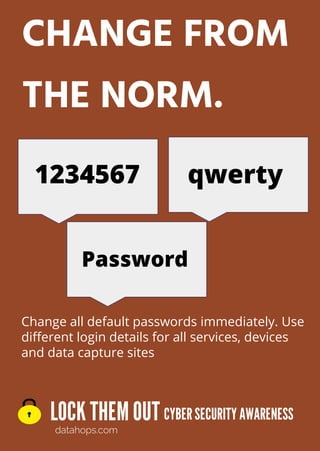
CHANGE FROM
THE NORM.
Change all default passwords immediately. Use
different login details for all services, devices
and data capture sites
1234567
Password
qwerty
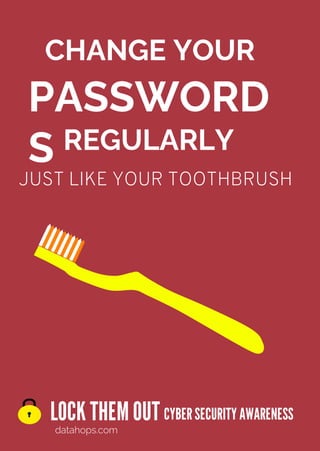
CHANGE YOUR
LOCK THEMOUT
datahops.com
CYBERSECURITYAWARENESS
PASSWORD
S REGULARLY
JUST LIKE YOUR TOOTHBRUSH
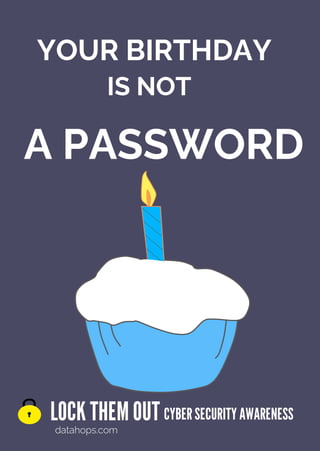
YOUR BIRTHDAY
LOCK THEMOUT
datahops.com
CYBERSECURITYAWARENESS
IS NOT
A PASSWORD
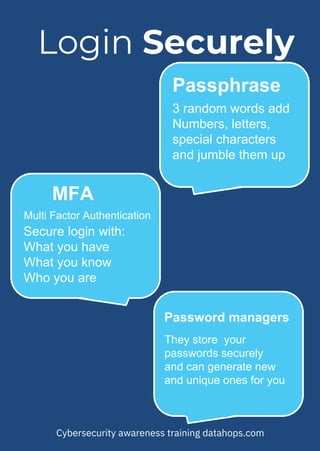
Passphrase
3 random words add
Numbers, letters,
special characters
and jumble them up
MFA
Multi Factor Authentication
Secure login with:
What you have
What you know
Who you are
Password managers
They store your
passwords securely
and can generate new
and unique ones for you
Login Securely
Cybersecurity awareness training datahops.com
MFA
What you have
Multi Factor Authentication
An added layer of protection
What you know
Who you are
Password
Use IT
Cybersecurity awareness training datahops.com
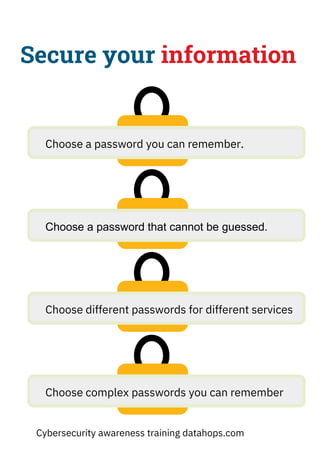
Secure your information
Choose a password that cannot be guessed.
Choose a password you can remember.
Choose different passwords for different services
Choose complex passwords you can remember
Cybersecurity awareness training datahops.com
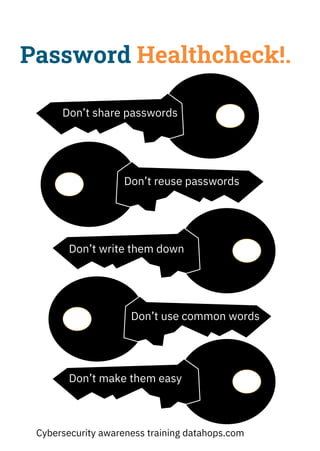
Password Healthcheck!.
Don’t share passwords
Don’t reuse passwords
Don’t write them down
Don’t use common words
Don’t make them easy
Cybersecurity awareness training datahops.com
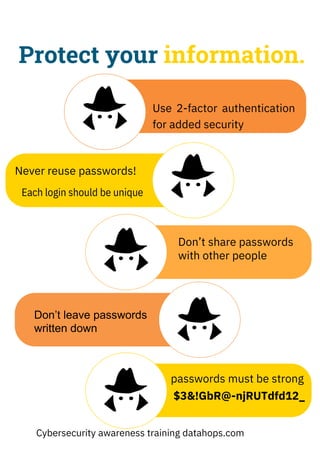
Protect your information.
Never reuse passwords!
Each login should be unique
Use 2-factor authentication
for added security
Don’t share passwords
with other people
Don’t leave passwords
written down
passwords must be strong
$3&!GbR@-njRUTdfd12_
Cybersecurity awareness training datahops.com
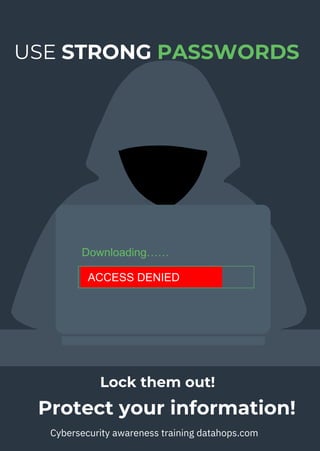
USE STRONG PASSWORDS
Protect your information!
Cybersecurity awareness training datahops.com
Downloading……
Lock them out!
ACCESS DENIED
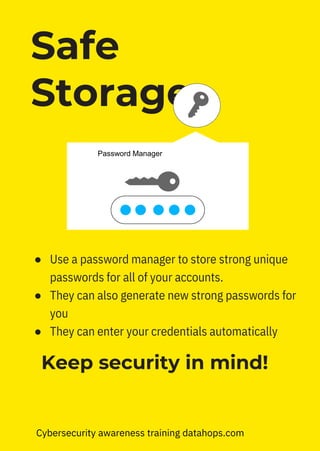
Keep security in mind!
● Use a password manager to store strong unique
passwords for all of your accounts.
● They can also generate new strong passwords for
you
● They can enter your credentials automatically
Safe
Storage
Password Manager
Cybersecurity awareness training datahops.com
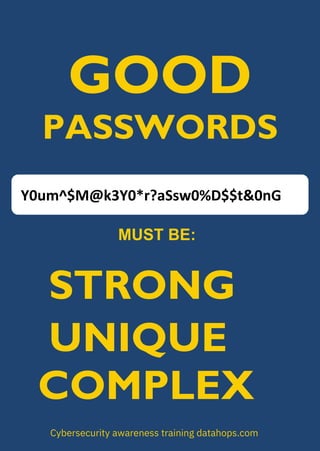
GOOD
PASSWORDS
MUST BE:
Cybersecurity awareness training datahops.com
Y0um^$M@k3Y0*r?aSsw0%D$$t&0nG
STRONG
UNIQUE
COMPLEX
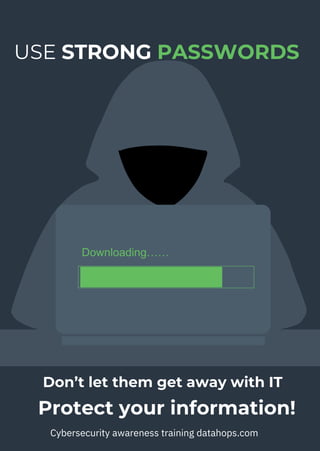
USE STRONG PASSWORDS
Protect your information!
Cybersecurity awareness training datahops.com
Downloading……
Don’t let them get away with IT
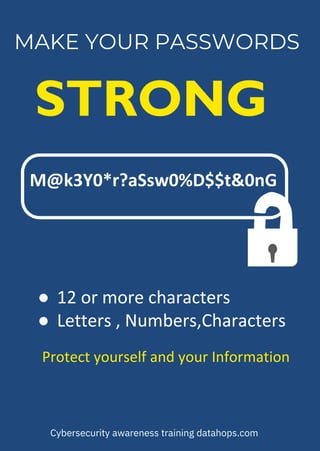
MAKE YOUR PASSWORDS
STRONG
M@k3Y0*r?aSsw0%D$$t&0nG
● 12 or more characters
● Letters , Numbers,Characters
Protect yourself and your Information
Cybersecurity awareness training datahops.com
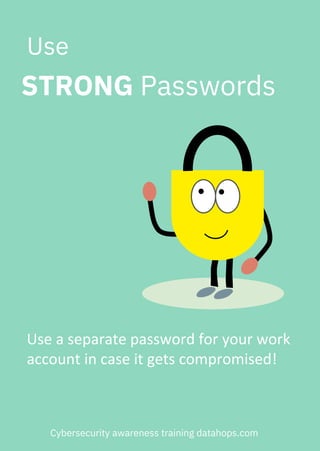
Use a separate password for your work
account in case it gets compromised!
Use
STRONG Passwords
Cybersecurity awareness training datahops.com
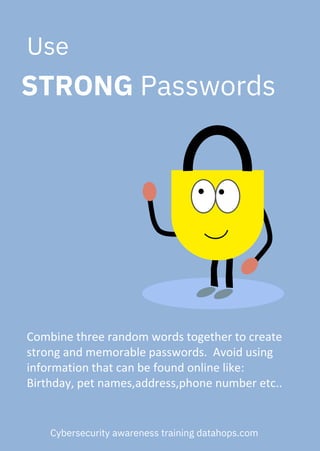
Combine three random words together to create
strong and memorable passwords. Avoid using
information that can be found online like:
Birthday, pet names,address,phone number etc..
Use
STRONG Passwords
Cybersecurity awareness training datahops.com
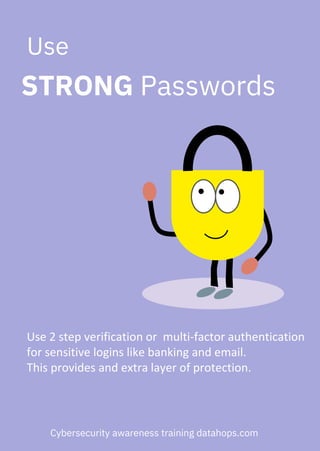
Use 2 step verification or multi-factor authentication
for sensitive logins like banking and email.
This provides and extra layer of protection.
Use
STRONG Passwords
Cybersecurity awareness training datahops.com
SAFE?
REALLY
Cybersecurity awareness training datahops.com
ARE YOU
STRONG PASSWORDS-PROTECT YOUR INFORMATION

FREE A4 Cyber Security Awareness Posters-Passwords