KEEP
YOUR DEVICES
LOCK THEMOUT
datahops.com
CYBERSECURITYAWARENESS
UNDER
LOCK
AND
KEY
KEEP YOUR
LOCK THEMOUT
datahops.com
CYBERSECURITYAWARENESS
DEVICES
PATCHED
UPDATED AND
NEVER
LOCK THEMOUT
datahops.com
CYBERSECURITYAWARENESS
USB DEVICE
PLUG IN A
UNLESS YOU KNOW THE SOURCE
LOCK THEMOUT
datahops.com
CYBERSECURITYAWARENESS
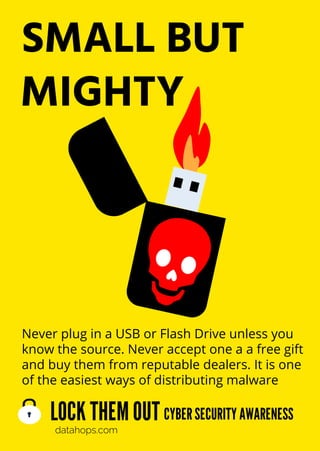
SMALL BUT
MIGHTY
Never plug in a USB or Flash Drive unless you
know the source. Never accept one a a free gift
and buy them from reputable dealers. It is one
of the easiest ways of distributing malware
LOCK THEMOUT
datahops.com
CYBERSECURITYAWARENESS
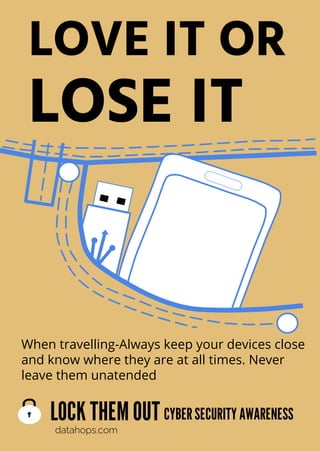
LOVE IT OR
LOSE IT
When travelling-Always keep your devices close
and know where they are at all times. Never
leave them unatended
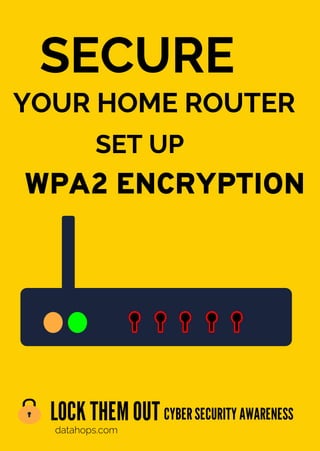
SECURE
LOCK THEMOUT
datahops.com
CYBERSECURITYAWARENESS
WPA2 ENCRYPTION
YOUR HOME ROUTER
SET UP
LOCK IT
OR
LOSE IT
NEVER LEAVE IT UNLOCKED
CYBERSECURITYAWARENESS
datahops.com
LOCK THEMOUT
NO SUCH THING
FREE LUNCH?
FREE DOWNLOADS CAN BE DANGEROUS
CYBERSECURITYAWARENESS
datahops.com
LOCK THEMOUT
SECURITY PATCHES
FOR YOUR OPERATING SYSTEM
ALWAYS
UPDATE
CYBERSECURITYAWARENESS
datahops.com
LOCK THEMOUT
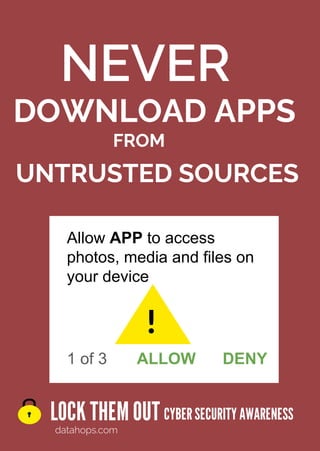
DOWNLOAD APPS
UNTRUSTED SOURCES
NEVER
CYBERSECURITYAWARENESS
datahops.com
LOCK THEMOUT
FROM
Allow APP to access
photos, media and files on
your device
ALLOW DENY
1 of 3
!
LOCK THEMOUT
datahops.com
CYBERSECURITYAWARENESS
KEEP DEVICES UPDATED
DON’T GIVE THEM
OPPORTUNITY
A WINDOW OF
LOCK THEMOUT
datahops.com
CYBERSECURITYAWARENESS
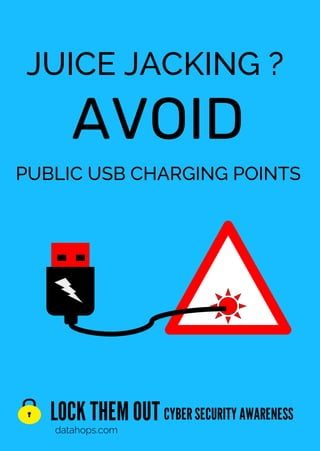
JUICE JACKING ?
AVOID
PUBLIC USB CHARGING POINTS
LOCK THEMOUT
datahops.com
CYBERSECURITYAWARENESS
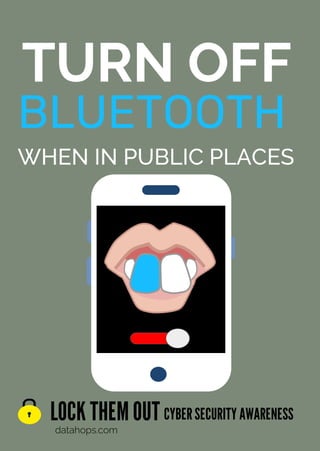
TURN OFF
BLUETOOTH
WHEN IN PUBLIC PLACES
LOCK THEMOUT
datahops.com
CYBERSECURITYAWARENESS
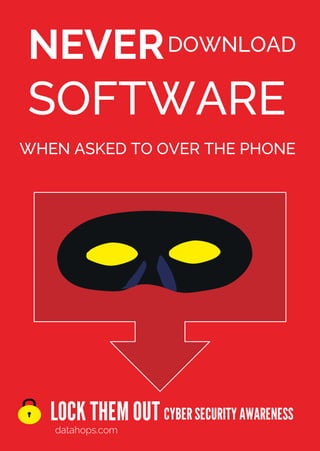
NEVER
SOFTWARE
WHEN ASKED TO OVER THE PHONE
DOWNLOAD
LOCK THEMOUT
datahops.com
CYBERSECURITYAWARENESS
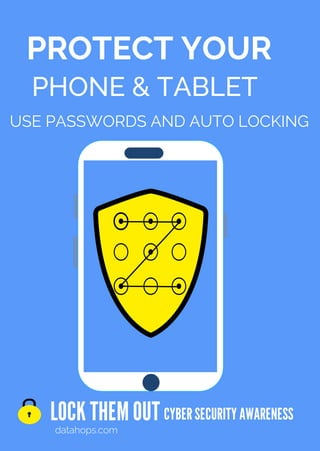
PROTECT YOUR
USE PASSWORDS AND AUTO LOCKING
PHONE & TABLET
LOCK THEMOUT
datahops.com
CYBERSECURITYAWARENESS
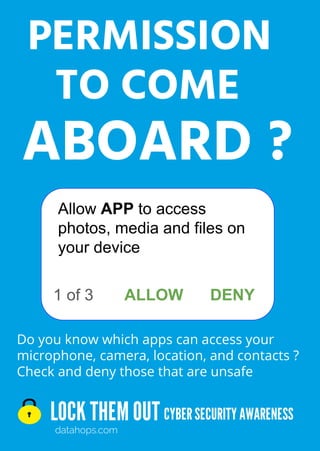
Do you know which apps can access your
microphone, camera, location, and contacts ?
Check and deny those that are unsafe
PERMISSION
ABOARD ?
TO COME
1 of 3
Allow APP to access
photos, media and files on
your device
ALLOW DENY
LOCK THEMOUT
datahops.com
CYBERSECURITYAWARENESS
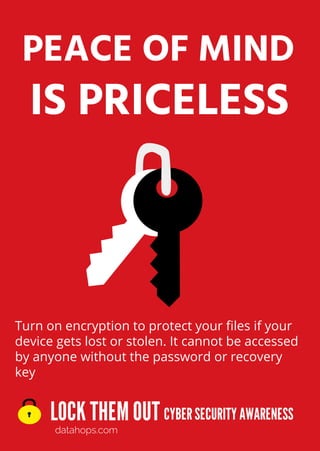
IS PRICELESS
PEACE OF MIND
Turn on encryption to protect your files if your
device gets lost or stolen. It cannot be accessed
by anyone without the password or recovery
key
LOCK THEMOUT
datahops.com
CYBERSECURITYAWARENESS
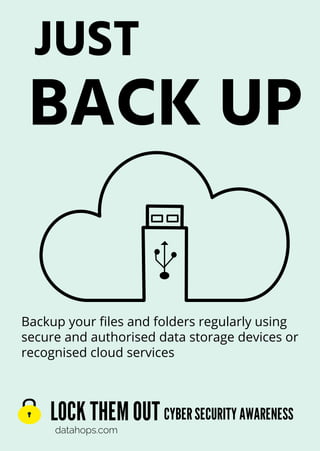
JUST
BACK UP
Backup your files and folders regularly using
secure and authorised data storage devices or
recognised cloud services
LOCK THEMOUT
datahops.com
CYBERSECURITYAWARENESS
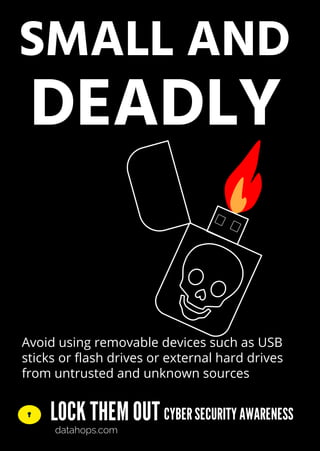
SMALL AND
DEADLY
Avoid using removable devices such as USB
sticks or flash drives or external hard drives
from untrusted and unknown sources
LOCK THEMOUT
datahops.com
CYBERSECURITYAWARENESS
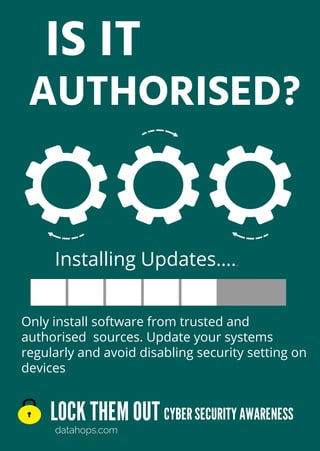
IS IT
AUTHORISED?
Only install software from trusted and
authorised sources. Update your systems
regularly and avoid disabling security setting on
devices
Installing Updates…..
Cyber Awareness Training www.datahops.com
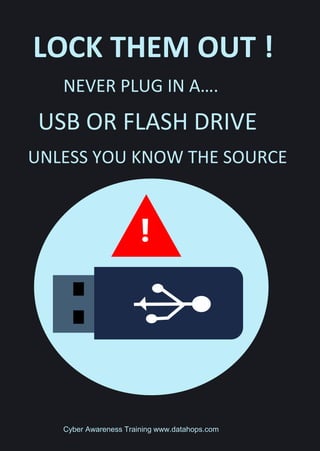
LOCK THEM OUT !
NEVER PLUG IN A….
USB OR FLASH DRIVE
UNLESS YOU KNOW THE SOURCE
!
Cyber Awareness Training www.datahops.com
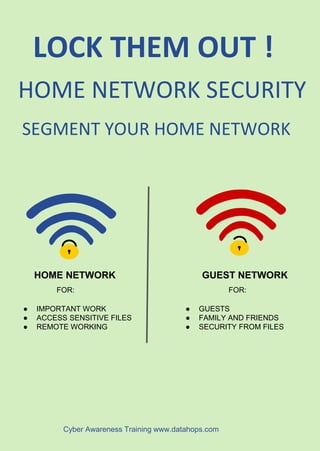
LOCK THEM OUT !
HOME NETWORK SECURITY
SEGMENT YOUR HOME NETWORK
HOME NETWORK GUEST NETWORK
FOR: FOR:
● IMPORTANT WORK
● ACCESS SENSITIVE FILES
● REMOTE WORKING
● GUESTS
● FAMILY AND FRIENDS
● SECURITY FROM FILES
Cyber Awareness Training www.datahops.com
LOCK THEM OUT !
ALWAYS DOWNLOAD APPS FROM
TRUSTED SOURCES
Allow APP to access
photos, media and files
on your device
ALLOW DENY
1 of 3
!
Cyber Awareness Training www.datahops.com
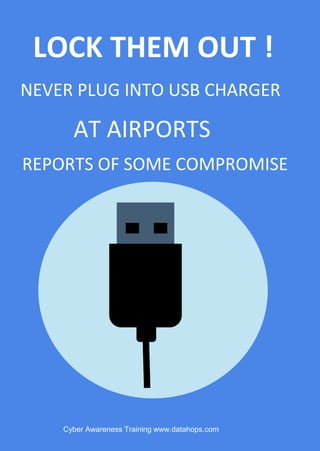
LOCK THEM OUT !
AT AIRPORTS
NEVER PLUG INTO USB CHARGER
REPORTS OF SOME COMPROMISE
Cyber Awareness Training www.datahops.com
LOCK THEM OUT !
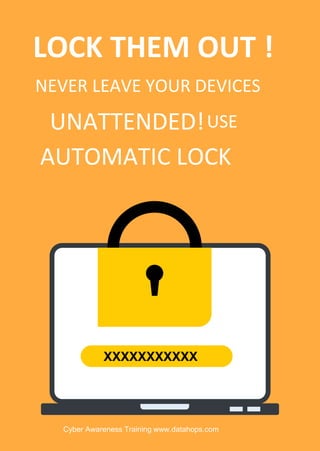
NEVER LEAVE YOUR DEVICES
AUTOMATIC LOCK
UNATTENDED!USE
XXXXXXXXXXX
Protect your companies
intellectual property
● Don’t use company email for other purposes
● Don’t send any data unless encrypted
● Don’t use company devices for personal use
● Keep all devices up to date
Using Company
Resources
Cybersecurity awareness training datahops.com
● Don’t allow anyone to use company devices
● Always store company devices securely
● Never allow anyone access to devices
● Do not travel with devices unless necessary
● If device is lost or stolen-Report it
Don’t let
Them get
away with it
Protect your company
Maintain device security
Cybersecurity awareness training datahops.com
If Lost or Stolen report it
to the appropriate team
Always store company devices in a secure
place when you are not using them
Out of SIGHT
Out of MIND
Cybersecurity awareness training datahops.com
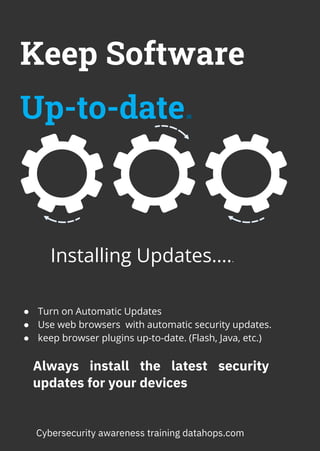
Keep Software
Up-to-date.
● Turn on Automatic Updates
● Use web browsers with automatic security updates.
● keep browser plugins up-to-date. (Flash, Java, etc.)
Always install the latest security
updates for your devices
Installing Updates…..
Cybersecurity awareness training datahops.com
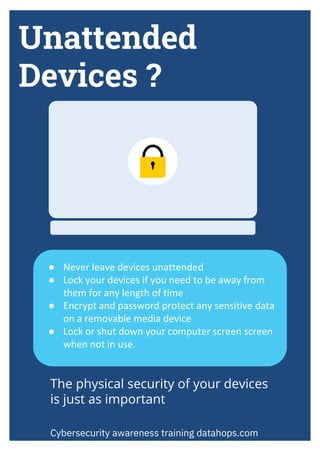
Unattended
Devices ?
● Never leave devices unattended
● Lock your devices if you need to be away from
them for any length of time
● Encrypt and password protect any sensitive data
on a removable media device
● Lock or shut down your computer screen screen
when not in use.
Cybersecurity awareness training datahops.com
The physical security of your devices
is just as important
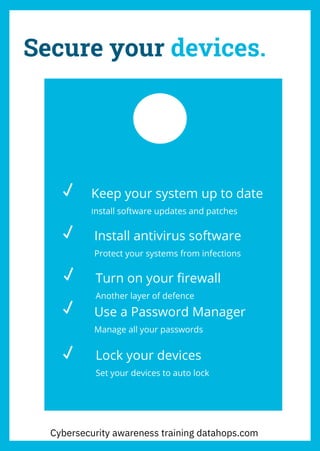
Secure your devices.
Keep your system up to date
Install software updates and patches
Install antivirus software
Protect your systems from infections
Turn on your firewall
Another layer of defence
Use a Password Manager
Manage all your passwords
Lock your devices
Set your devices to auto lock
Cybersecurity awareness training datahops.com
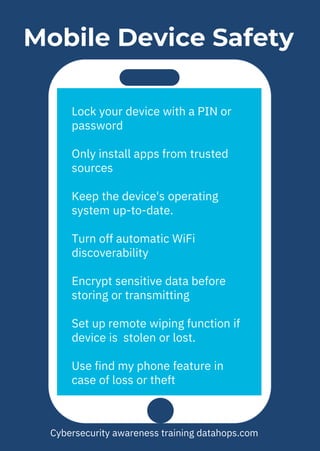
Mobile Device Safety
Lock your device with a PIN or
password
Only install apps from trusted
sources
Keep the device's operating
system up-to-date.
Turn off automatic WiFi
discoverability
Encrypt sensitive data before
storing or transmitting
Set up remote wiping function if
device is stolen or lost.
Use find my phone feature in
case of loss or theft
Cybersecurity awareness training datahops.com
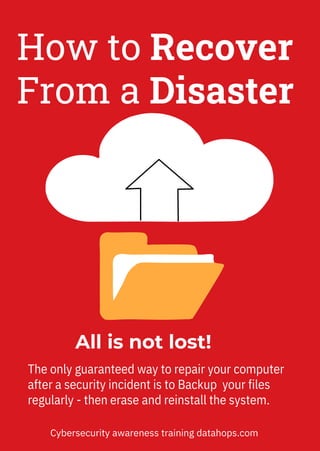
All is not lost!
The only guaranteed way to repair your computer
after a security incident is to Backup your files
regularly - then erase and reinstall the system.
How to Recover
From a Disaster
Cybersecurity awareness training datahops.com
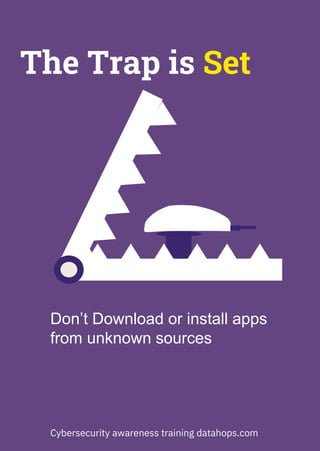
The Trap is Set
Don’t Download or install apps
from unknown sources
Cybersecurity awareness training datahops.com
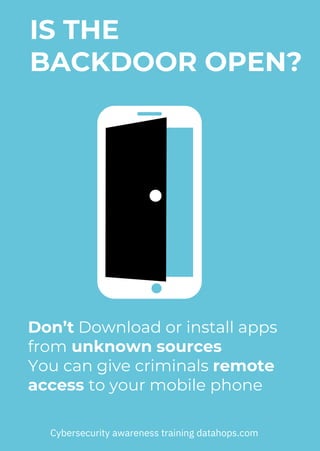
Don’t Download or install apps
from unknown sources
You can give criminals remote
access to your mobile phone
Cybersecurity awareness training datahops.com
BACKDOOR OPEN?
IS THE

FREE A4 Cyber Security Awareness Posters-Device Security