REAL WORLD WEB
DEVELOPMENT

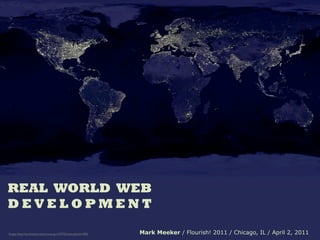
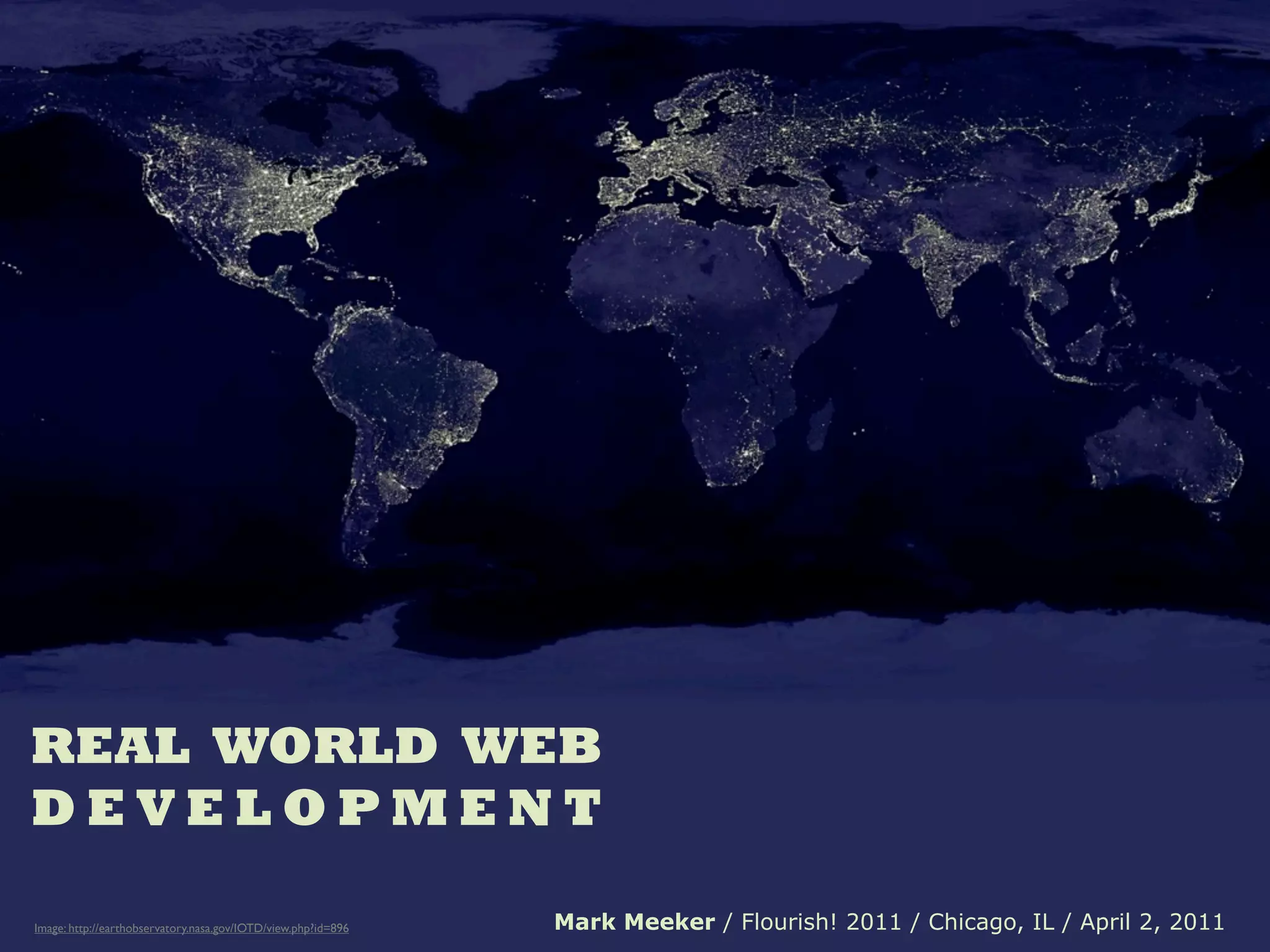
Image: http://earthobservatory.nasa.gov/IOTD/view.php?id=896   Mark Meeker / Flourish! 2011 / Chicago, IL / April 2, 2011
Alternate Title:

How to build web sites and applications that work for
everyone and I do mean everyone - any browser, any
OS (which really means anything non-Windows), small
screens, no keyboard, with cookies blocked, disabled
JavaScript, blind, colorblind, thinks Flash is evil, thinks
Silverlight is even worse, uses an old browser, stuck on
a really slow connection (or is an AT&T customer), or
only uses their thumb. And do it in a way that you can
start using all the new and cool stuff available with the
Open Web Platform and HTML5.
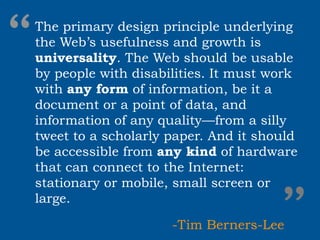
“
The primary design principle underlying
the Web’s usefulness and growth is
universality. The Web should be usable
by people with disabilities. It must work
with any form of information, be it a
document or a point of data, and
information of any quality—from a silly
tweet to a scholarly paper. And it should
be accessible from any kind of hardware
that can connect to the Internet:


                                     ”
stationary or mobile, small screen or
large.

                     -Tim Berners-Lee
“   Browsers are the most hostile
    software engineering environment
    possible.


                                 ”
                      - Douglas Crockford
Agenda
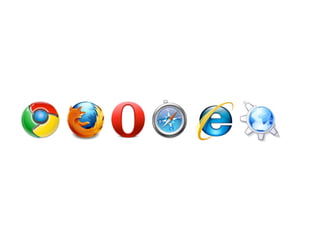
 ‣   Current state of the browser space
 ‣   What’s about to change
 ‣   A bit of history
 ‣   How to approach the future
 ‣   Impact on mobile
 ‣   Resources
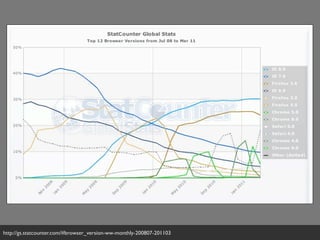
Current State
http://gs.statcounter.com/#browser_version-ww-monthly-200807-201103
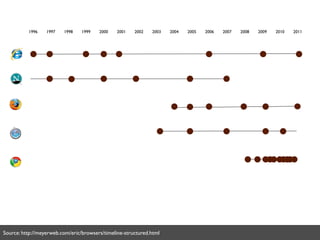
1996    1997   1998    1999   2000    2001   2002   2003   2004   2005   2006   2007   2008   2009   2010   2011


Source: http://meyerweb.com/eric/browsers/timeline-structured.html
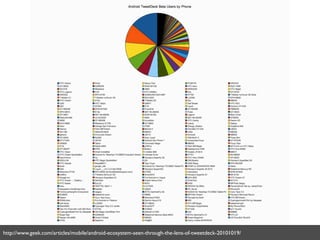
http://www.geek.com/articles/mobile/android-ecosystem-seen-through-the-lens-of-tweetdeck-20101019/
Speed?

         Size?

             Capabilities?
What’s About to Change
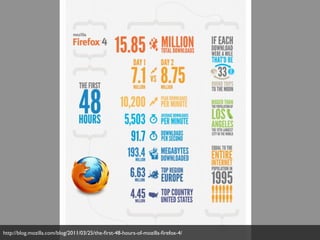
http://blog.mozilla.com/blog/2011/03/25/the-first-48-hours-of-mozilla-firefox-4/
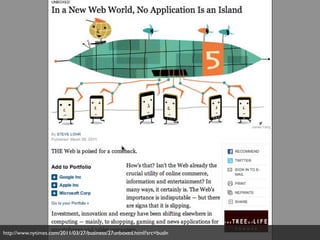
http://www.nytimes.com/2011/03/27/business/27unboxed.html?src=busln
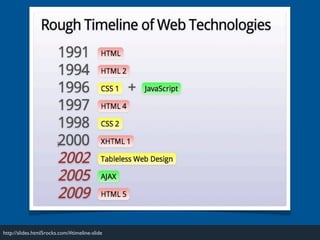
http://slides.html5rocks.com/#timeline-slide
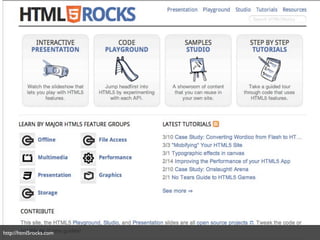
http://html5rocks.com
http://html5r0cks.com
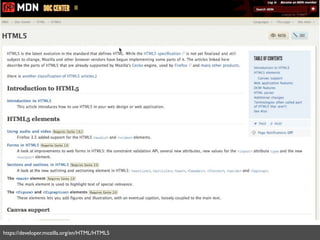
https://developer.mozilla.org/en/HTML/HTML5
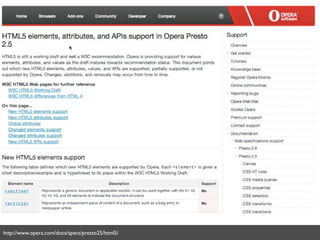
http://www.opera.com/docs/specs/presto25/html5/
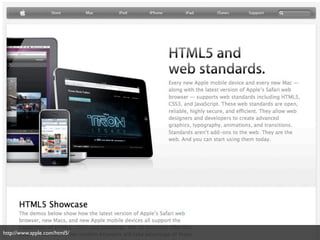
http://www.apple.com/html5/
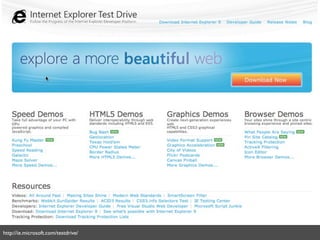
http://ie.microsoft.com/testdrive/
HTML
 ‣   New Tags
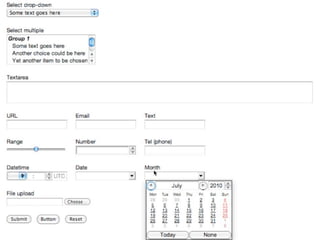
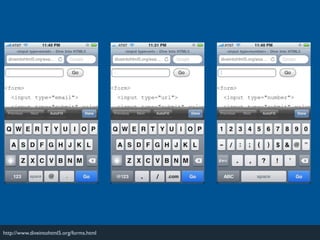
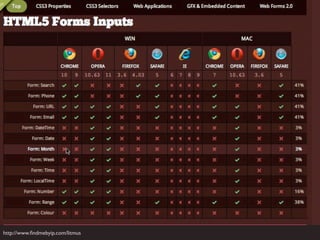
 ‣   Web Forms 2.0 (new input field types)
 ‣   Multimedia (audio and video)
 ‣   2D and 3D Drawings (Canvas and WebGL)
http://www.diveintohtml5.org/forms.html
CSS
 ‣   Selectors
 ‣   Typography
 ‣   Visuals (rounded corners, gradients)
 ‣   Transitions and animations
JavaScript
 ‣   New Selectors
 ‣   Client Side Storage
 ‣   Web Workers
 ‣   Drag and Drop API
 ‣   Geolocation
A Bit of History
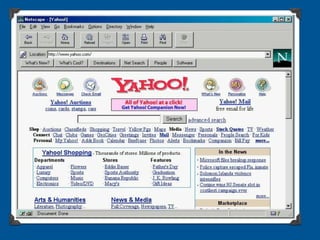
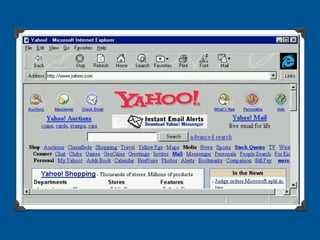
“
In '93 to '94, every browser had
its own flavor of HTML. So it was
very difficult to know what you
could put in a Web page and
reliably have most of your


                              ”
readership see it.


                     -Tim Berners-Lee
VS.
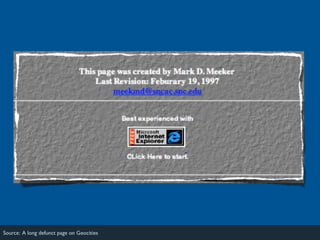
Source: A long defunct page on Geocities
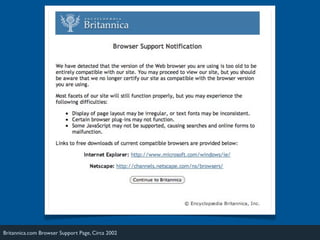
Britannica.com Browser Support Page, Circa 2002
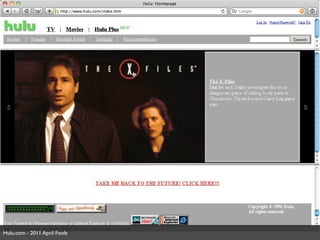
Hulu.com - 2011 April Fools
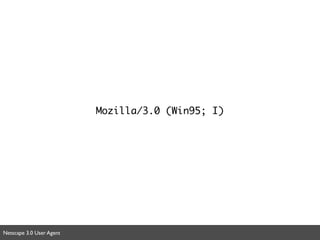
Mozilla/3.0 (Win95; I)


Netscape 3.0 User Agent
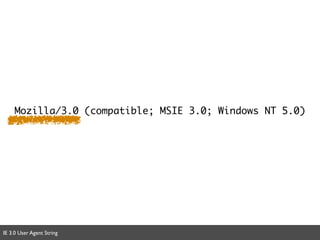
Mozilla/3.0 (compatible; MSIE 3.0; Windows NT 5.0)


IE 3.0 User Agent String
Approaches for the Future
Dangerous
V
Approaches for the Future
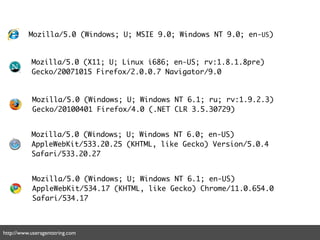
Mozilla/5.0 (Windows; U; MSIE 9.0; Windows NT 9.0; en-US)


           Mozilla/5.0 (X11; U; Linux i686; en-US; rv:1.8.1.8pre)
           Gecko/20071015 Firefox/2.0.0.7 Navigator/9.0


           Mozilla/5.0 (Windows; U; Windows NT 6.1; ru; rv:1.9.2.3)
           Gecko/20100401 Firefox/4.0 (.NET CLR 3.5.30729)


           Mozilla/5.0 (Windows; U; Windows NT 6.0; en-US)
           AppleWebKit/533.20.25 (KHTML, like Gecko) Version/5.0.4
           Safari/533.20.27


           Mozilla/5.0 (Windows; U; Windows NT 6.1; en-US)
           AppleWebKit/534.17 (KHTML, like Gecko) Chrome/11.0.654.0
           Safari/534.17


http://www.useragentstring.com
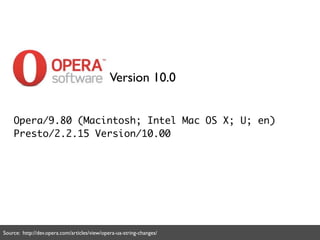
Version 10.0


    Opera/9.80 (Macintosh; Intel Mac OS X; U; en)
    Presto/2.2.15 Version/10.00


Source: http://dev.opera.com/articles/view/opera-ua-string-changes/
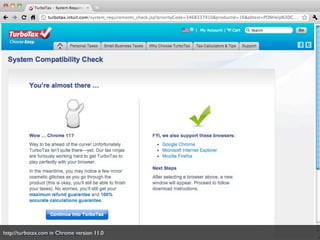
http://turbotax.com in Chrome version 11.0
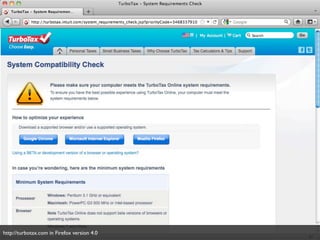
http://turbotax.com in Firefox version 4.0
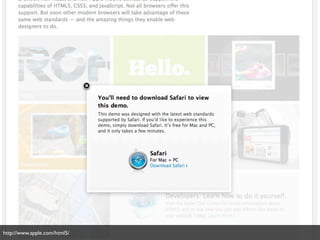
http://www.apple.com/html5/
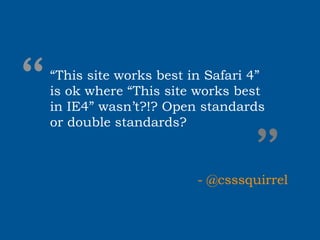
“
“This site works best in Safari 4”
is ok where “This site works best
in IE4” wasn’t?!? Open standards
or double standards?


                               ”
                       - @csssquirrel
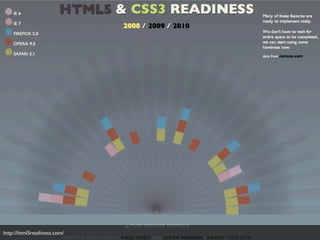
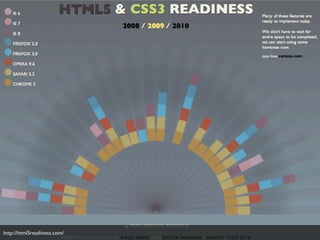
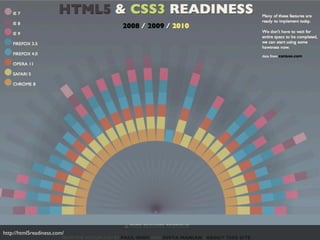
http://html5readiness.com/
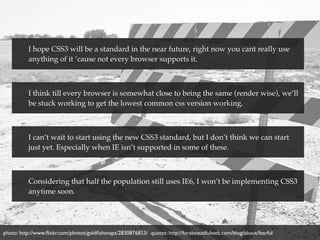
I hope CSS3 will be a standard in the near future, right now you cant really use
          anything of it ’cause not every browser supports it.


          I think till every browser is somewhat close to being the same (render wise), we’ll
          be stuck working to get the lowest common css version working.


          I can’t wait to start using the new CSS3 standard, but I don’t think we can start
          just yet. Especially when IE isn’t supported in some of these.


          Considering that half the population still uses IE6, I won’t be implementing CSS3
          anytime soon.


photo: http://www.flickr.com/photos/goldfishsnaps/2830876853/ quotes: http://forabeautifulweb.com/blog/about/fearful
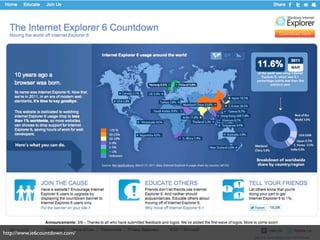
http://www.ie6countdown.com/
Better
V
 Approaches for the Future
Do websites need
to look exactly the
same in every browser?
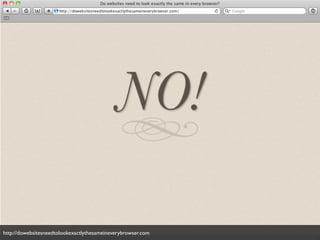
http://dowebsitesneedtolookexactlythesameineverybrowser.com
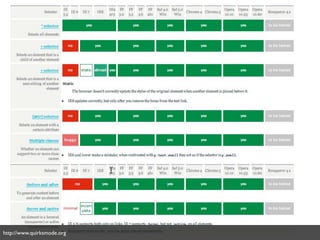
http://www.quirksmode.org
http://www.findmebyip.com/litmus
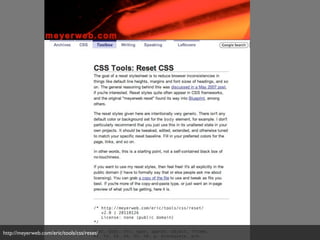
http://meyerweb.com/eric/tools/css/reset/
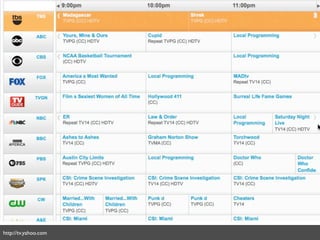
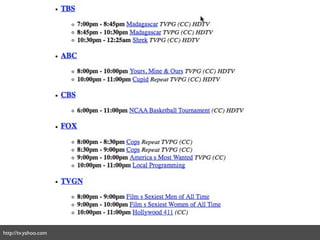
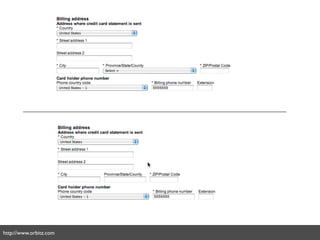
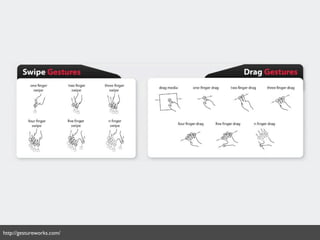
Progressive Enhancement

 ‣   Start with basic HTML
 ‣   Add CSS styles (but work ok without)
 ‣   Add JavaScript (but work ok without)
http://tv.yahoo.com
http://tv.yahoo.com
http://www.orbitz.com
http://gestureworks.com/
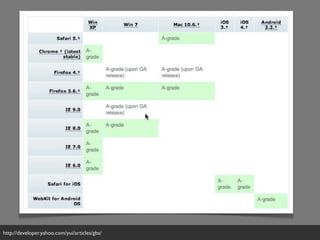
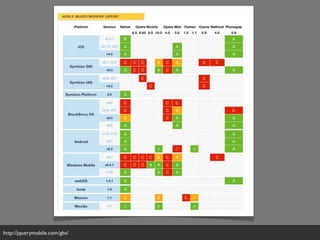
Graded Browser Support

 ‣   A-Grade: Known Knowns
 ‣   C-Grade: Known Unknowns
 ‣   X-Grade: Unknown Unknowns
http://developer.yahoo.com/yui/articles/gbs/
http://jquerymobile.com/gbs/
Feature Detection


 ‣   Check for a capability before using it
 ‣   Avoids browser detection
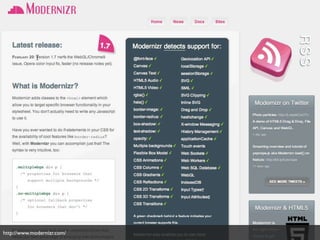
http://www.modernizr.com/
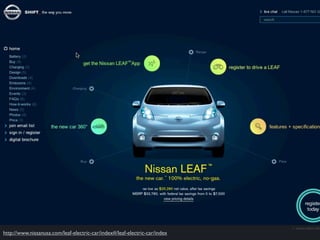
http://www.nissanusa.com/leaf-electric-car/index#/leaf-electric-car/index
Mobile
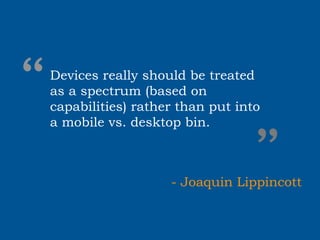
“
Devices really should be treated
as a spectrum (based on
capabilities) rather than put into
a mobile vs. desktop bin.


                                ”
                   - Joaquin Lippincott
“
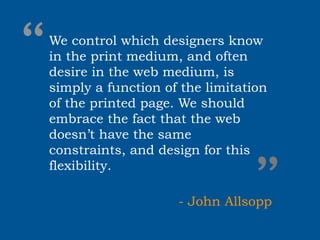
We control which designers know
in the print medium, and often
desire in the web medium, is
simply a function of the limitation
of the printed page. We should
embrace the fact that the web
doesn’t have the same
constraints, and design for this
flexibility.

                                ”
                    - John Allsopp
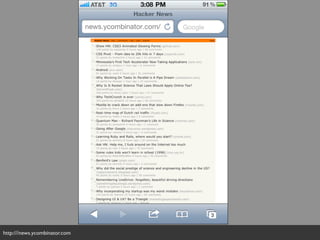
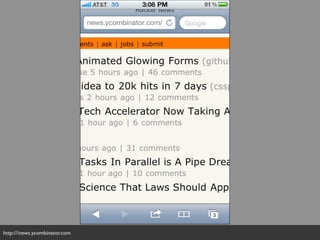
http:///news.ycombinator.com
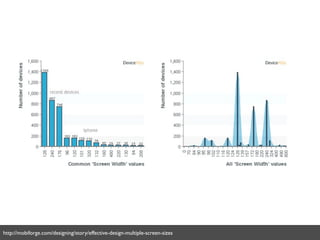
http://mobiforge.com/designing/story/effective-design-multiple-screen-sizes
Responsive Design
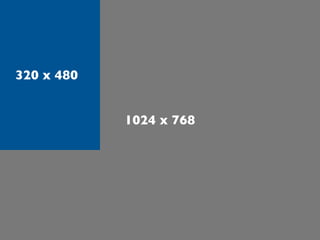
 ‣   Serve a single version for all devices / screens
 ‣   Modify layout, image sizes, functionality
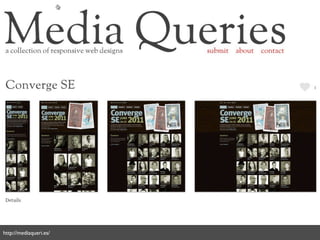
 ‣   Uses “media queries”
 ‣   Similar concept to print stylesheets
320 x 480


            1024 x 768
http://elections.chicagotribune.com/   1024px Wide
http://elections.chicagotribune.com/   768px Wide
http://elections.chicagotribune.com/   320px Wide
http://mediaqueri.es/
Resources
Tools
 ‣   Firebug plugin for Firefox
 ‣   Chrome Developer Tools
 ‣   Safari Web Inspector
 ‣   IE Developer Tools (F12)
 ‣   Opera Dragonfly
Tools

 ‣   Fiddler (Windows)
 ‣   Charles (Mac)
 ‣   HttpFox (firefox add-on)
Cross Browser Testing

 ‣   crossbrowsertesting.org
 ‣   IE Application Compatibility Images
 ‣   Virtual Machines
 ‣   Phone Emulators
 ‣   Keynote MITE
http://wurfl.sourceforge.net/
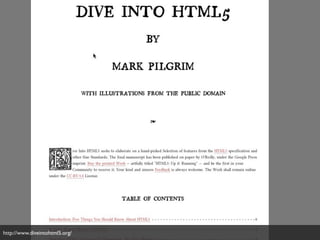
http://www.diveintohtml5.org/
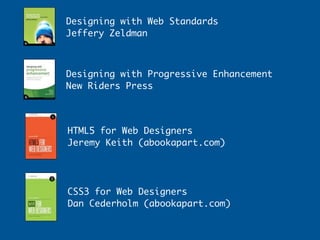
Designing with Web Standards
Jeffery Zeldman


Designing with Progressive Enhancement
New Riders Press


HTML5 for Web Designers
Jeremy Keith (abookapart.com)


CSS3 for Web Designers
Dan Cederholm (abookapart.com)
http://code.google.com/chrome/chromeframe/
Licensed under a Creative Commons attribution license

Flourish2011