










Real solutions,
  no tricks!
Jens Grochtdreis
‣ Frontend developer
‣ 10 years work in agencies
‣ 12 years work in and for the web
‣ Founder of the Webkrauts
‣ Blogger
‣ Author for several developer-magazines
‣ technical book-editor for Galileo, O'Reilly, Pearson
http://www.wait-till-i.com/2011/03/14/html5-moving-from-hacks-to-solutions-my-talk-at-confoo-in-montreal/
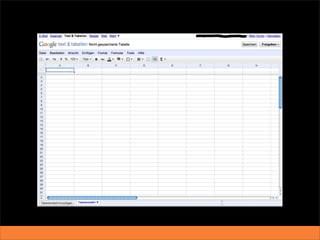
Less documents,
more applications
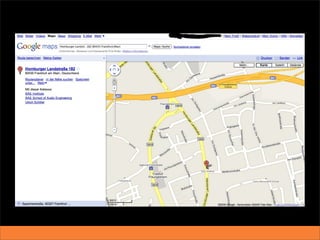
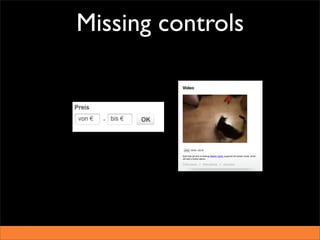
Missing controls
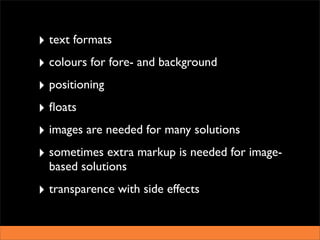
What can we do
 with CSS 2?
‣ text formats
‣ colours for fore- and background
‣ positioning
‣ floats
‣ images are needed for many solutions
‣ sometimes extra markup is needed for image-
  based solutions
‣ transparence with side effects
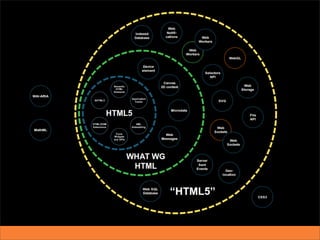
HTML5-Highlights
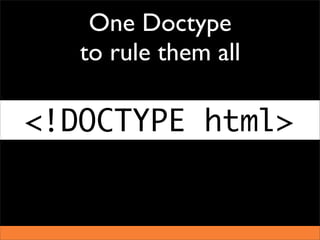
One Doctype
   to rule them all

<!DOCTYPE html>
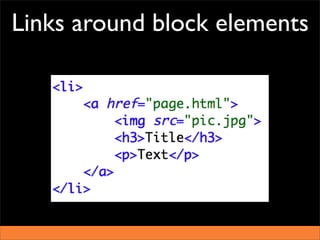
Links around block elements
New semantic elements
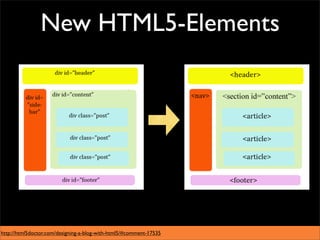
New HTML5-Elements


http://html5doctor.com/designing-a-blog-with-html5/#comment-17535
New semantic elements

‣ On many occasions a replacement for DIV.
‣ Based on the actual practise on the web.
‣ No special functions in the browser. Just new
  elements.
‣ WAI-ARIA inclusive!
New semantic

‣ fine structure of the content
‣ Browser takes on the headline hierarchy. On
  complex pages this is great!
        Outline-algorithm
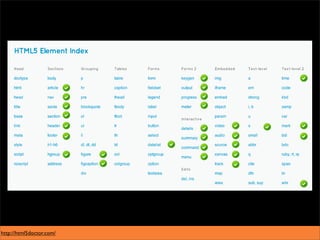
http://html5doctor.com/
The outline-algorithm
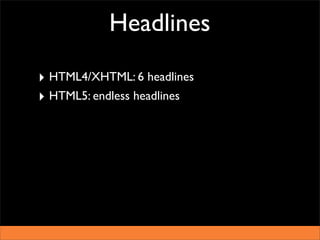
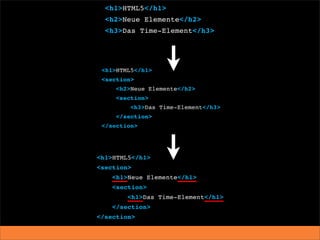
Headlines

‣ HTML4/XHTML: 6 headlines
‣ HTML5: endless headlines
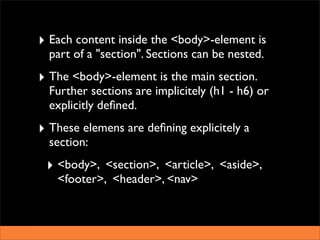
‣ Each content inside the <body>-element is
  part of a "section". Sections can be nested.
‣ The <body>-element is the main section.
  Further sections are implicitely (h1 - h6) or
  explicitly defined.
‣ These elemens are defining explicitely a
  section:
 ‣ <body>, <section>, <article>, <aside>,
   <footer>, <header>, <nav>
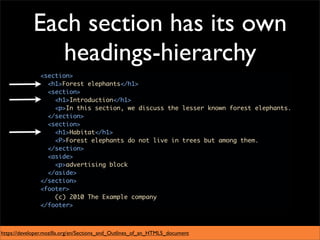
Each section has its own
               headings-hierarchy


https://developer.mozilla.org/en/Sections_and_Outlines_of_an_HTML5_document
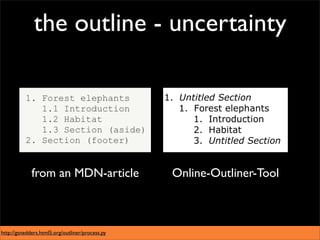
the outline - uncertainty


             from an MDN-article                 Online-Outliner-Tool


http://gsnedders.html5.org/outliner/process.py
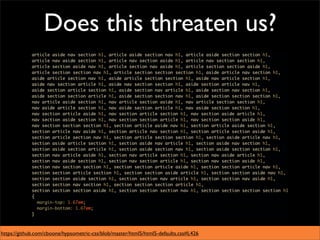
Does this threaten us?


https://github.com/cboone/hypsometric-css/blob/master/html5/html5-defaults.css#L426
Think of the consequences!
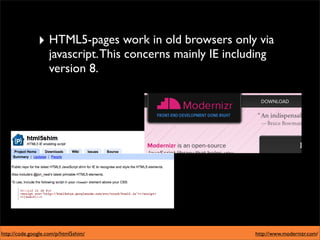
‣ HTML5-pages work in old browsers only via
                    javascript. This concerns mainly IE including
                    version 8.


http://code.google.com/p/html5shim/                           http://www.modernizr.com/
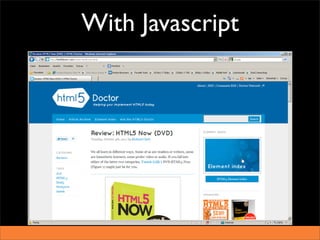
With Javascript
Without Javascript
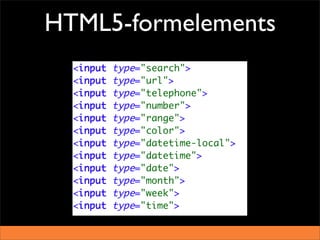
HTML5-formelements
HTML5-formelements
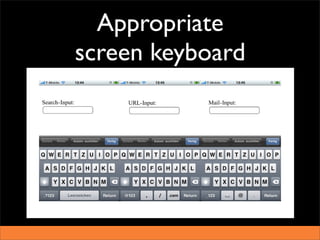
Appropriate
screen keyboard
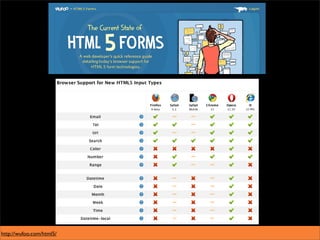
http://wufoo.com/html5/
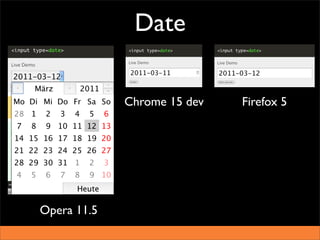
Date

             Chrome 15 dev   Firefox 5


Opera 11.5
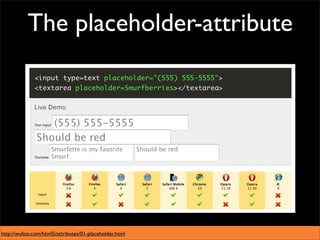
The placeholder-attribute


http://wufoo.com/html5/attributes/01-placeholder.html
What if a browser doesn‘t
know the new elements?
Then all new input-elements are
          rendered as
     <input type=“text“>
  and attributes get ignored.
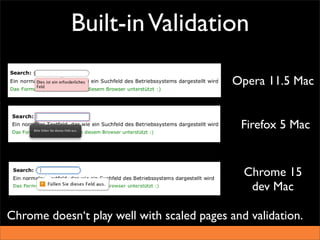
Built-in Validation

                                            Opera 11.5 Mac


                                             Firefox 5 Mac


                                              Chrome 15
                                               dev Mac

Chrome doesn‘t play well with scaled pages and validation.
What if a browser doesn‘t
 know the validation?
 ‣ Ignore it! ( = Progressive enhancement)
 ‣ Load JS-alternatives with Modernizr
   (http://modernizr.com)
 ‣ Use polyfills
  ‣ https://github.com/Modernizr/Modernizr/
    wiki/HTML5-Cross-Browser-Polyfills
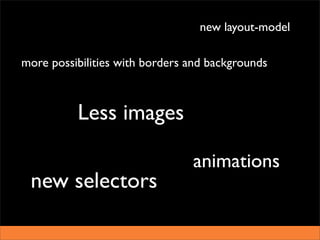
Which gap is filled by CSS3?
new layout-model

more possibilities with borders and backgrounds


          Less images

                                animations
 new selectors
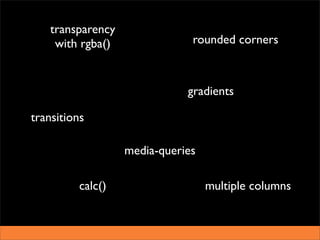
transparency
     with rgba()               rounded corners


                              gradients

transitions

                   media-queries

          calc()                   multiple columns
The pros

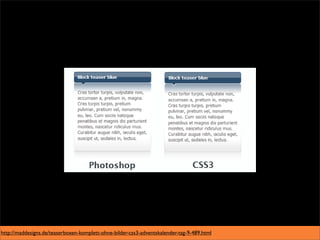
‣ Less decorative images are needed
‣ Less Javascript is needed.
‣ Animations and transitions via CSS are faster
  than via Javascript.
‣ The sourcecode will be leaner and better
  readable as HTML is rarely used for decorative
  purpose.
http://maddesigns.de/teaserboxen-komplett-ohne-bilder-css3-adventskalender-tag-9-489.html
The cons


There are none!
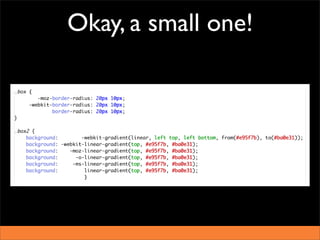
Okay, a small one!
modern selectors
‣ Old IE (including version 8) don‘t understand
  them!
‣ Those browser can be helped via Javascript.
‣ If those selections aren‘t „vital“ the use of
  Javascript is okay.
http://jsfiddle.net/Flocke/VCSEB/
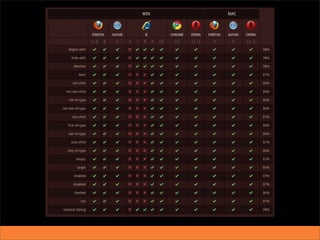
Can I use
CSS3 and HTML5 today?
yes and no
Some new properties aren‘t
implemented in any browser.
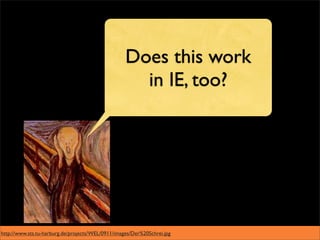
Does this work
                                                     in IE, too?


http://www.sts.tu-harburg.de/projects/WEL/0911/images/Der%20Schrei.jpg
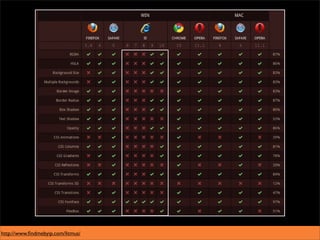
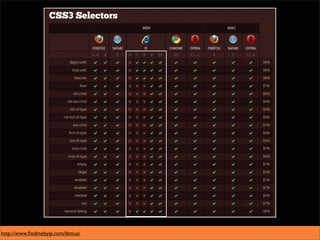
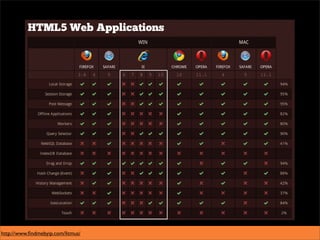
http://www.findmebyip.com/litmus/
Progress depends on the
slowest because of its wide
       distribution.
Old IE-versions ...


http://blogs.sitepointstatic.com/images/tech/121-ie6-mod-orange.jpg
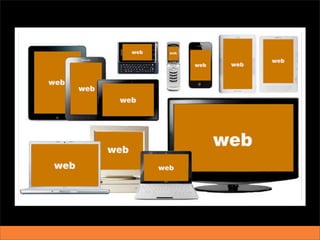
The Web is inherently
      flexible
„Responsive Design“
is no new invention,
  despite the hype!
The consumer can use
information from the Internet
         as he likes.
http://mediaqueri.es/
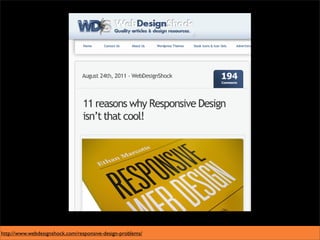
http://www.webdesignshock.com/responsive-design-problems/
important insight:
There can not be THE ONE
  form of representation!
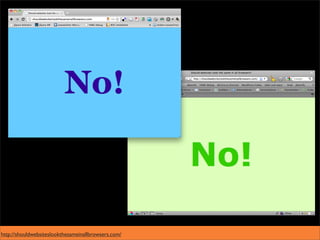
http://shouldwebsiteslookthesameinallbrowsers.com/
Our Layout is only a
 recommendation!
Agree early on the
development strategy
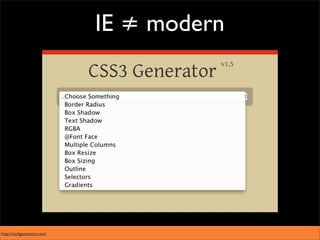
IE ≠ modern


http://css3generator.com/
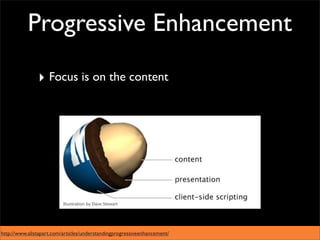
Progressive Enhancement

               ‣ Focus is on the content


http://www.alistapart.com/articles/understandingprogressiveenhancement/
Graceful Degredation

                ‣ Focus is on the most modern browsers
                ‣ old browsers get a downgraded version


http://stuffandnonsense.co.uk/
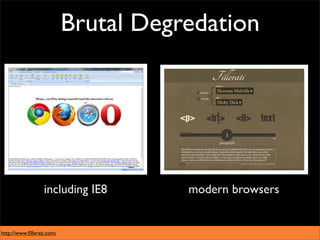
Brutal Degredation


                  including IE8       modern browsers


http://www.fillerati.com/
http://workdiary.de/
How to deal with IE
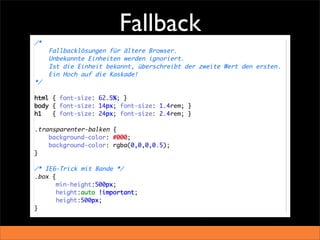
Fallback
‣ Microsoft participates at the technical
  improvement of the internet starting with IE9.
‣ For most techniques it doesn‘t matter if we
  talk about IE6 or IE8.
‣ Some may be simulated by Javascript.
‣ Some may be simulated by IE-filters.
‣ Apart from that:
  graceful degredation /
  progressive enhancement
Even with modern
techniques you can do
      nonsense!
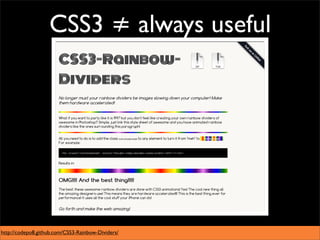
CSS3 ≠ always useful


http://codepo8.github.com/CSS3-Rainbow-Dividers/
http://csszengarden.com/?cssfile=http://www.brucelawson.co.uk/zen/sample.css
Frameworks/Tools
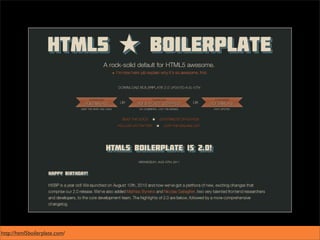
http://html5boilerplate.com/
http://www.modernizr.com/
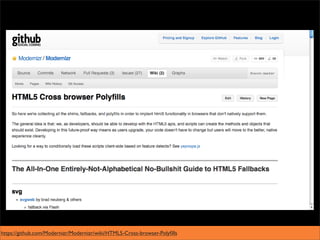
https://github.com/Modernizr/Modernizr/wiki/HTML5-Cross-browser-Polyfills
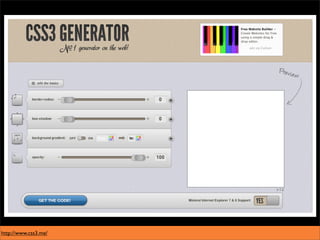
http://www.css3.me/
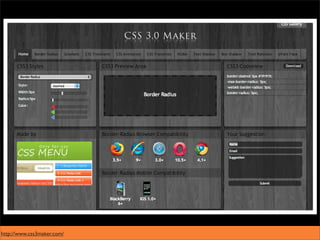
http://www.css3maker.com/
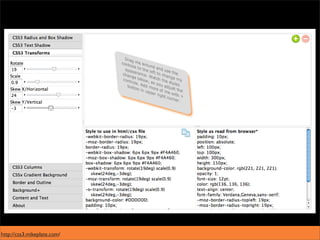
http://css3.mikeplate.com/
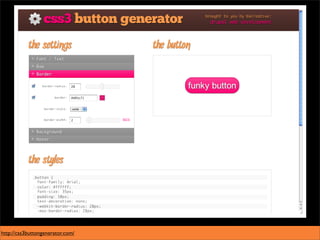
http://css3buttongenerator.com/
http://www.sciweavers.org/i2style
http://www.colorzilla.com/gradient-editor/
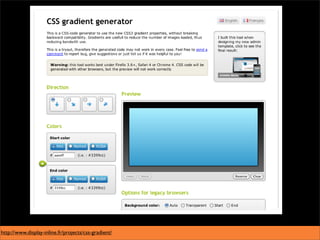
http://www.display-inline.fr/projects/css-gradient/
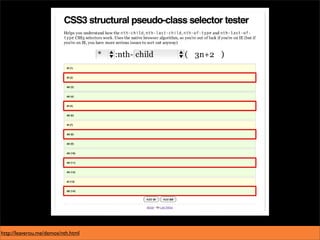
http://leaverou.me/demos/nth.html
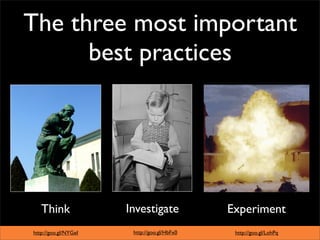
The three most important
      best practices


   Think              Investigate            Experiment
http://goo.gl/NYGeI    http://goo.gl/HbFx0    http://goo.gl/LohPq
Twitter: @Flocke
Slideshare: Flocke669
Jens Grochtdreis
                                                     http://grochtdreis.de
                                                   http://twitter.com/Flocke
                                                      http://webkrauts.de
                                                http://slideshare.net/Flocke669


Diese Präsentation steht unter
der Creative Commons Lizenz
„Attribution-ShareAlike 2.0“
http://creativecommons.org/licenses/by-sa/2.0/de/

Real solutions, no tricks