

















SIMPLIFYING
MASSIVE
CHANGES WITH A
LIVE STYLE GUIDE


    Mark Meeker
     @meeker
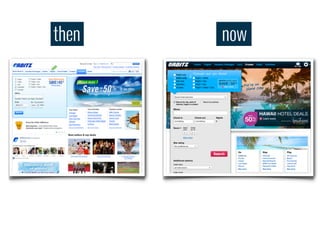
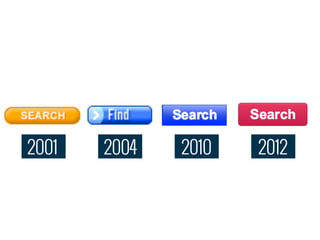
then   now
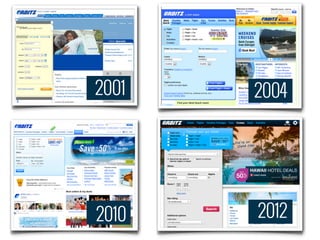
2001   2004


2010   2012
2001   2004   2010   2012
While we’re doing this project,
can we make a small change to
the button?
While we’re doing this project,
can we make a small change to
the button?
Sure, that’s easy!
While we’re doing this project,
can we make a small change to
the button?
Sure, that’s easy!
Everywhere?
While we’re doing this project,
can we make a small change to
the button?
Sure, that’s easy!
Everywhere?
Umm...
Making massive changes


   Global look and feel updates
   can take significant effort.
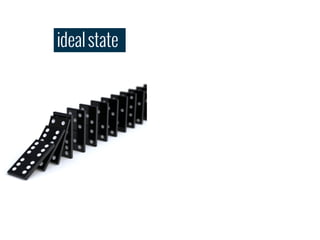
ideal state
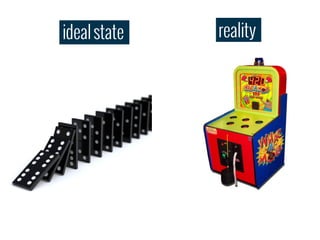
ideal state   reality
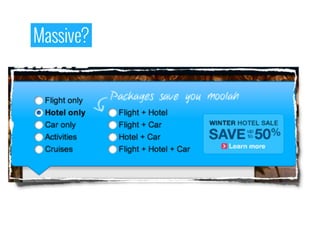
Massive?
Massive?
Massive?
Massive?


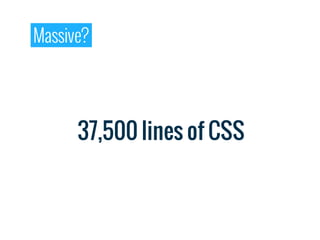
      37,500 lines of CSS
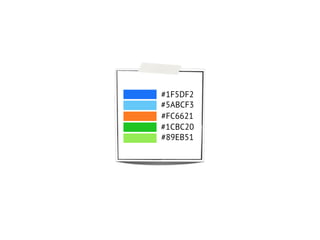
#1F5DF2
#5ABCF3
#FC6621
#1CBC20
#89EB51
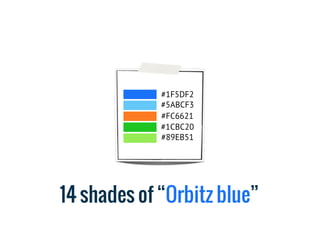
#1F5DF2
             #5ABCF3
             #FC6621
             #1CBC20
             #89EB51


14 shades of “Orbitz blue”
then   now
When developer conveniences trump
user inconveniences, it’s worthwhile
to remember just who it is we build
websites for.

                              Scott Jehl
Common problems


   Lack of visibility
Common problems


   One-off and
   duplicate code
Common problems


 Lack of reusable code
Common problems


   Inconsistencies
   across the site
All this re-creation and re-invention isn't just
inefficient, it leaves the team open to problems.
Because it's not the sexy part of their project, it's
likely to get less attention, resulting in an
unusable and frustrating experience.

                                         Jared Spool
Challenge


 Need to be able to
 constantly and consistently
 evolve the look and feel.
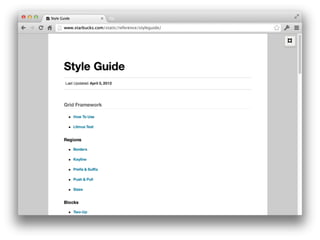
A style guide is a set of standards for
the writing and design of documents,
either for general use or for a specific
publication, organization or field.

                                Wikipedia
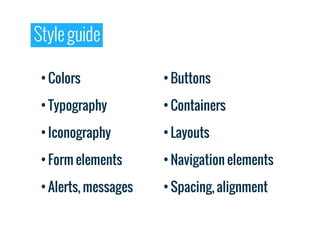
Style guide

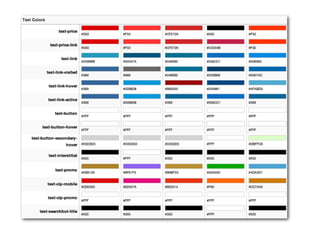
 • Colors             • Buttons

 • Typography         • Containers

 • Iconography        • Layouts

 • Form elements      • Navigation elements

 • Alerts, messages   • Spacing, alignment
Disconnect


   There is a disconnect
   between designers and
   developers
Disconnect


   Style guides are
   always out of sync
Disconnect


   Lacking
   discoverability
Disconnect


   No visibility into
   the implementation
Disconnect


   Not speaking the
   same language
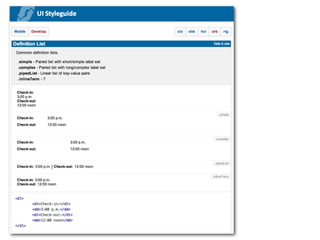
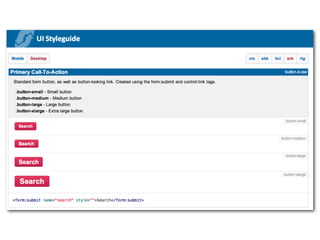
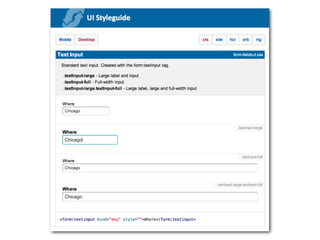
LIVE STYLE GUIDE
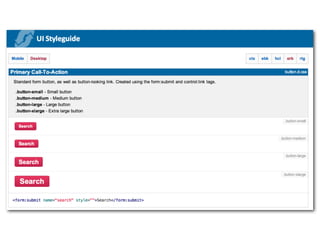
Live style guide


    Lives with the code
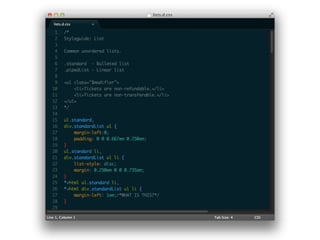
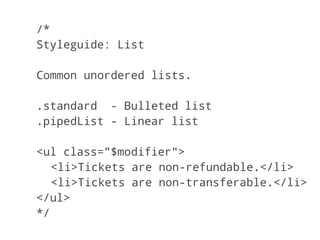
/*
Styleguide: List

Common unordered lists.

.standard - Bulleted list
.pipedList - Linear list

<ul class="$modifier">
   <li>Tickets are non-refundable.</li>
   <li>Tickets are non-transferable.</li>
</ul>
*/
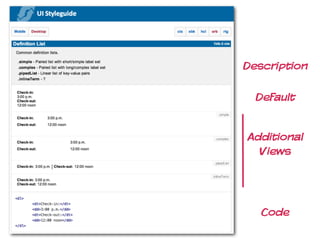
Description

  Default


Additional
  Views


   Code
We will encourage you to develop
the three great virtues of a
programmer:
laziness, impatience and hubris.

                               Larry Wall
Live style guide


    In the browser,
    available everywhere
Live style guide


    Built automatically
Live style guide


    Consistent and
    contextual naming
The two most difficult things in
Computer Science are cache
invalidation, naming things
and off-by-one errors.
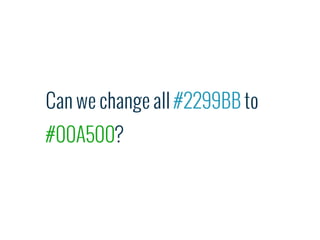
Can we change all #2299BB to
#00A500?
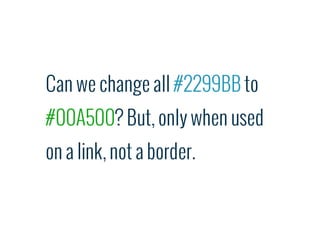
Can we change all #2299BB to
#00A500? But, only when used
on a link, not a border.
Benefits


   Test-driven in the
   browser
Benefits


 Focus on right details
 at the right time
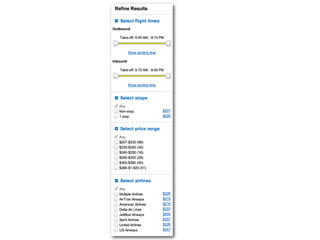
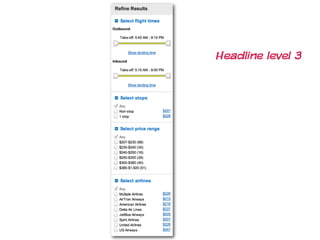
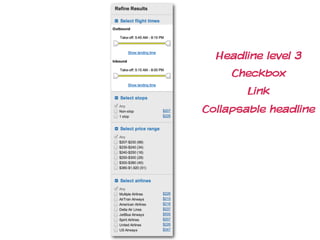
Headline level 3
Headline level 3
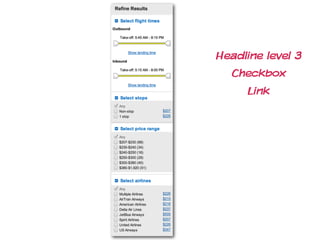
  Checkbox
     Link
Headline level 3
     Checkbox
        Link
Collapsable headline
Benefits


Blur the lines
Benefits


More collaboration,
easier communication
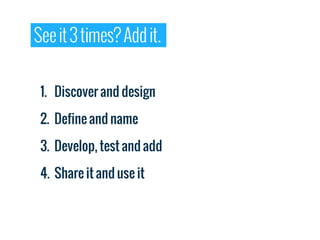
See it 3 times? Add it.


 1. Discover and design

 2. Define and name

 3. Develop, test and add

 4. Share it and use it
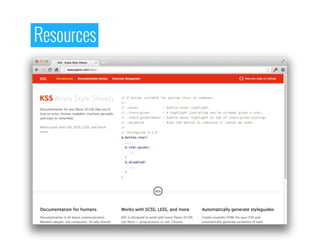
Resources
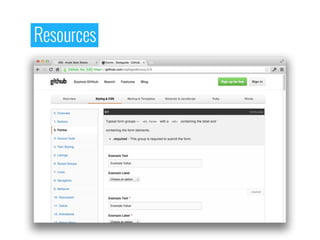
Resources
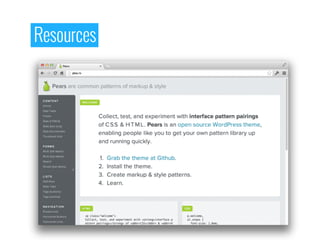
Resources
Resources
Websites are systems rather than
pages and as soon as we stop
perceiving them as that, the better.

                        Anna Debenham
THANK
 YOU!

   Mark Meeker
mark.meeker@orbitz.com

Simplifying Massive Changes with a Live Style Guide