Flare APIs Overview
Andrew Zamler-Carhart, Technical Leader
•  What is Flare?
•  Use cases
•  Technical info
•  Code example
•  Resources
Agenda
What is Flare?
“Flare allows users with mobile devices to discover
and interact with things in an environment.
It combines multiple location technologies
with a realtime communications architecture,
to enable new kinds of user interactions.”
Interaction modes
•  When the user enters an environment, their device can show the location of
nearby things
•  When they come near to a thing, they can interact with it by:
•  getting information about its current state
•  changing its state
•  performing actions
Use cases
Potential markets
•  Retail
•  Museums
•  Advertising
•  Industrial
•  Public transport
•  and more!
Technical Info
Flare server
•  Open source
•  Implemented in Node.js and MongoDB
•  You can run it yourself
Location technologies
•  Bluetooth beacons (iBeacon, AltBeacon, Eddystone)
•  Wi-Fi + Cisco CMX (coming soon)
•  technology agnostic, can work with other kinds of sensors
Flare model
•  Environment: a geographic location with a grid
•  Zone: a rectangular division of an environment
•  Thing: something interesting to the user
•  Device: a user’s tablet, phone or watch
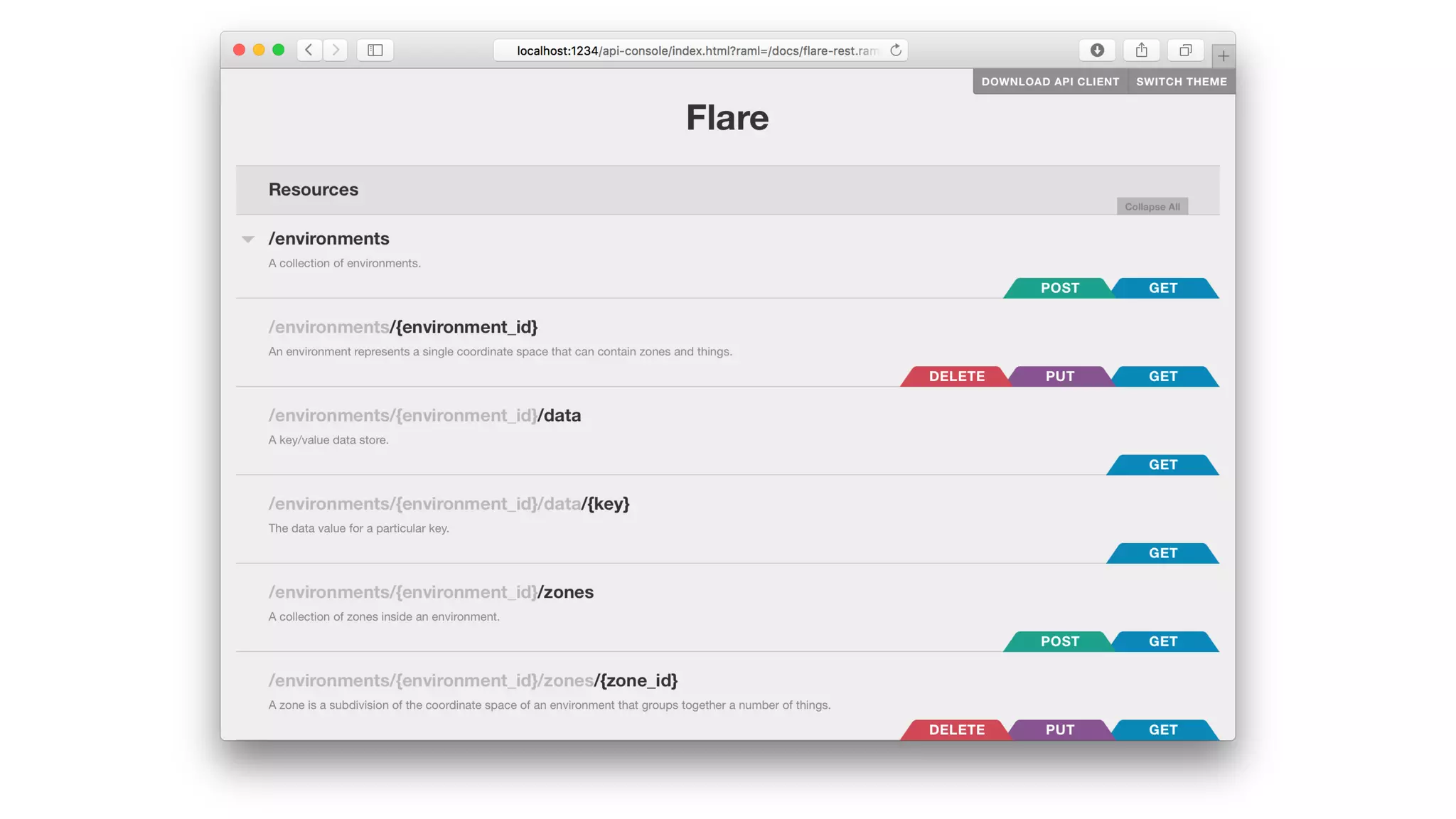
Flare API
•  REST: create, read, update, delete Flare objects
•  Socket.IO: realtime commands and notifications
Socket.IO commands
•  Subscribe
•  Unsubscribe
•  Get data value
•  Set data value
•  Get position
•  Set position
•  Perform action
Socket.IO notifications
•  Data changed
•  Position changed
•  Device enters zone
•  Device exits zone
•  Device near to a thing
•  Device far from a thing
•  Handle action
Types of client
•  User apps on tablet, phone and watch
•  Interactive displays
•  Connected things
•  Admin tools
•  Import scripts
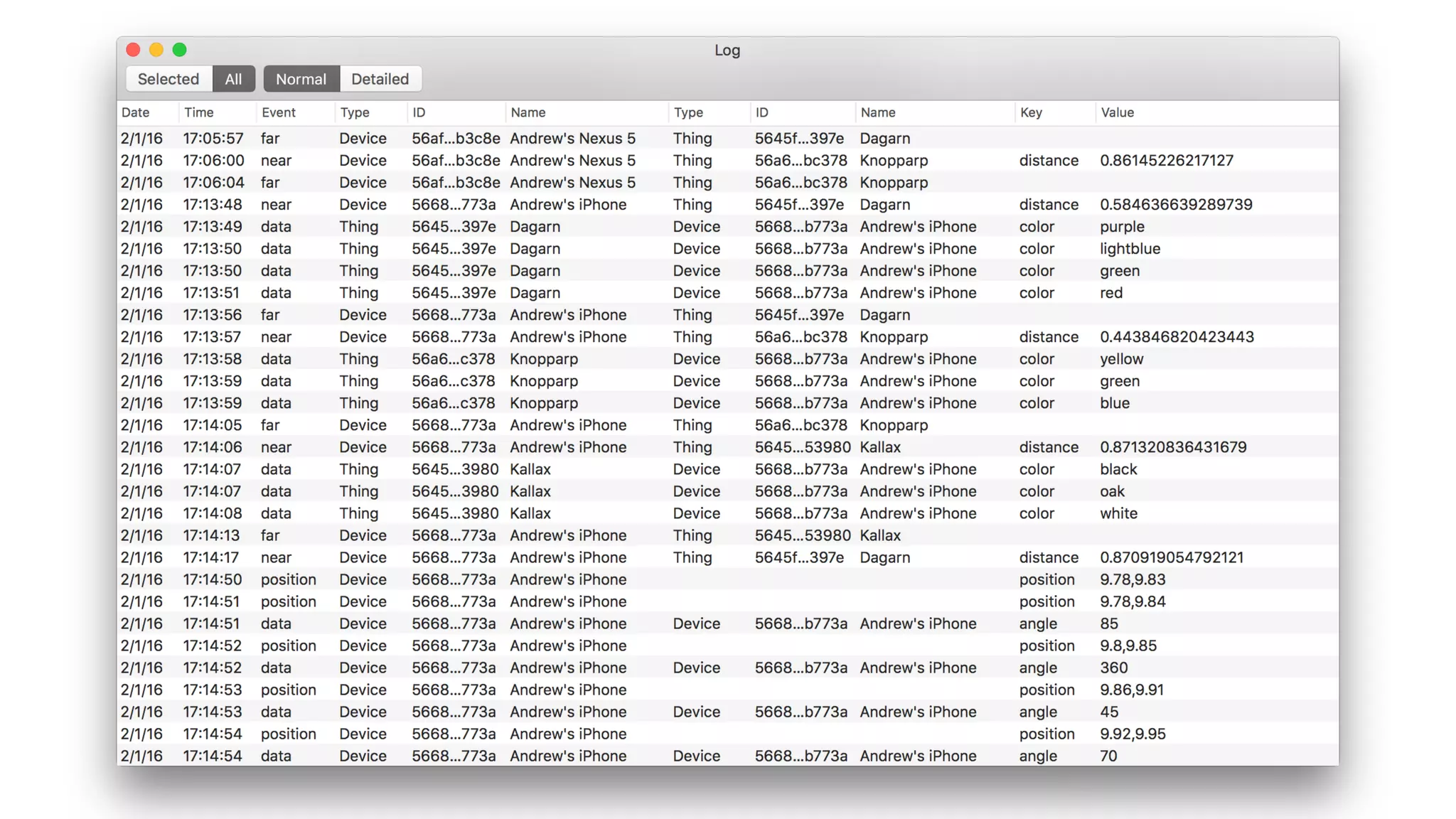
•  Logging scripts
Sample code
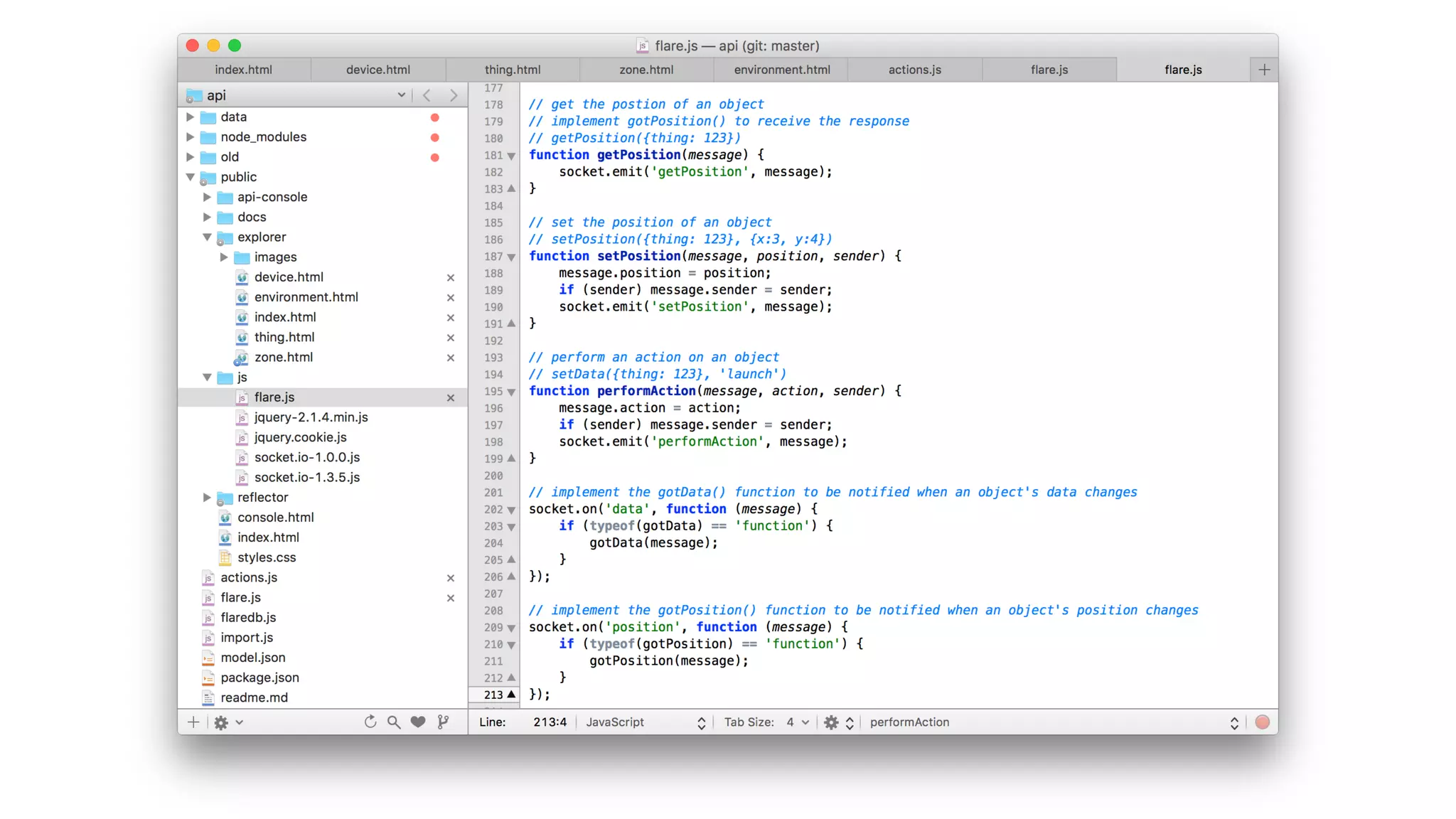
•  JavaScript
•  Swift (iOS and Mac)
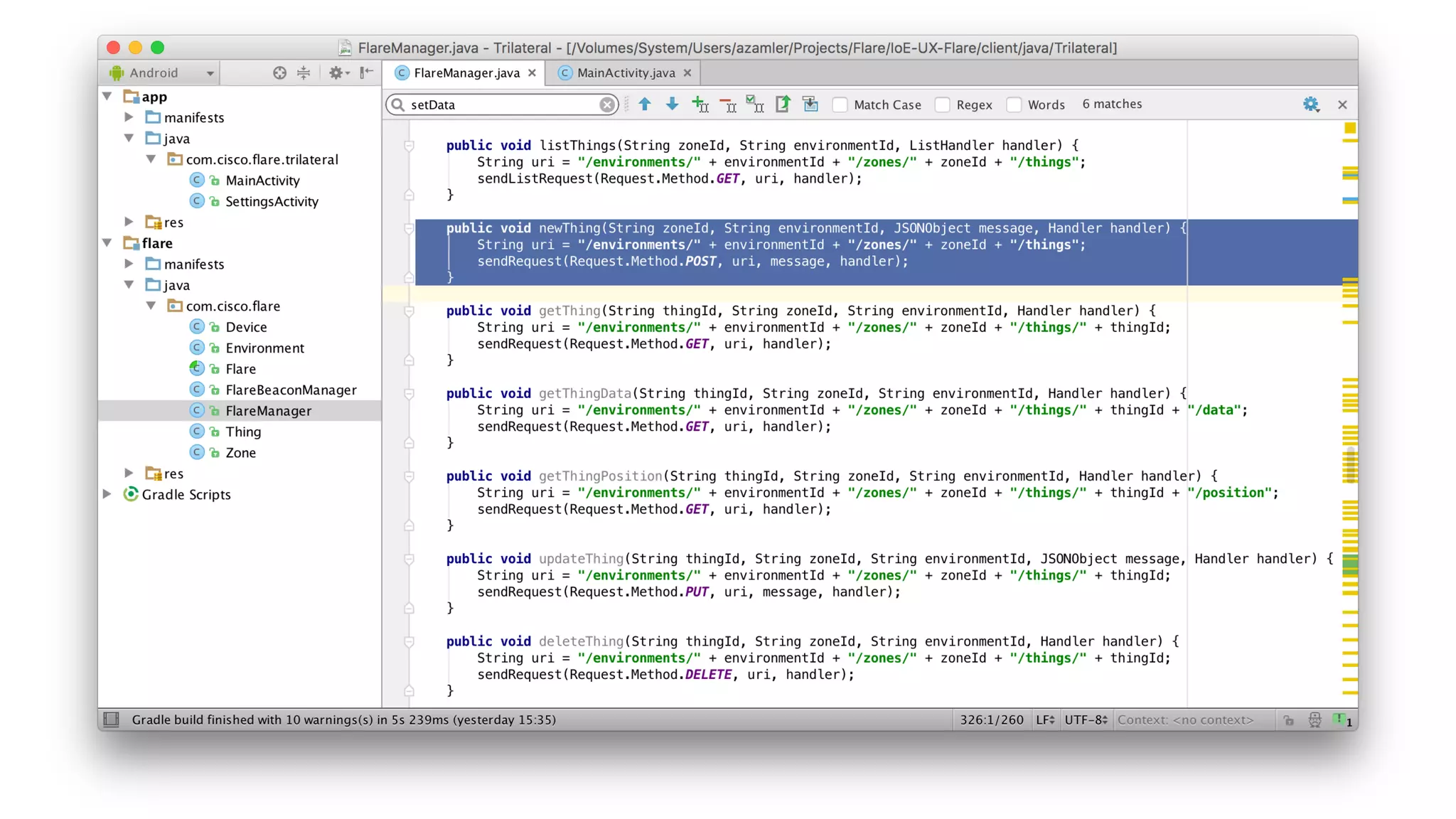
•  Java (Android)
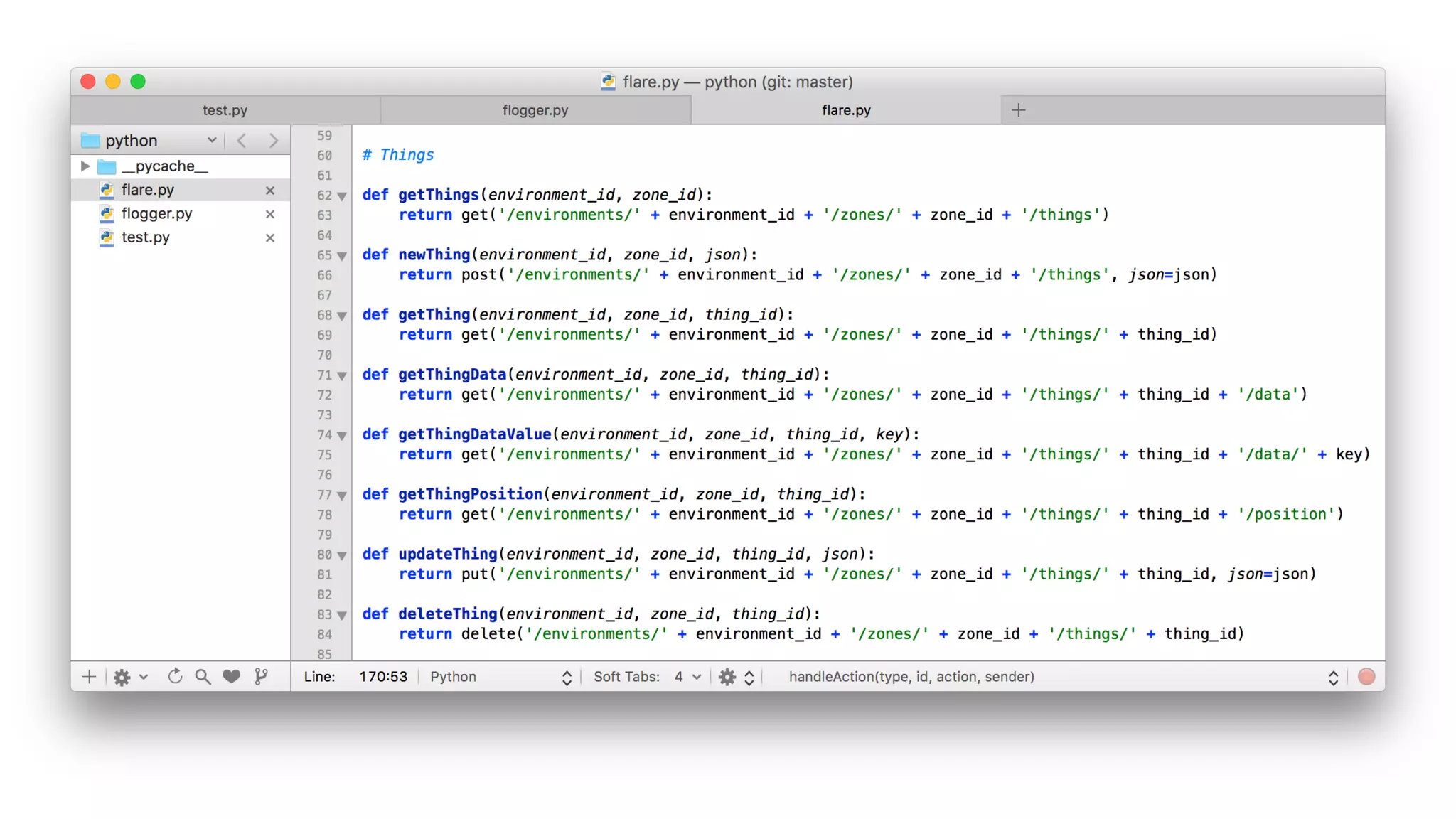
•  Python
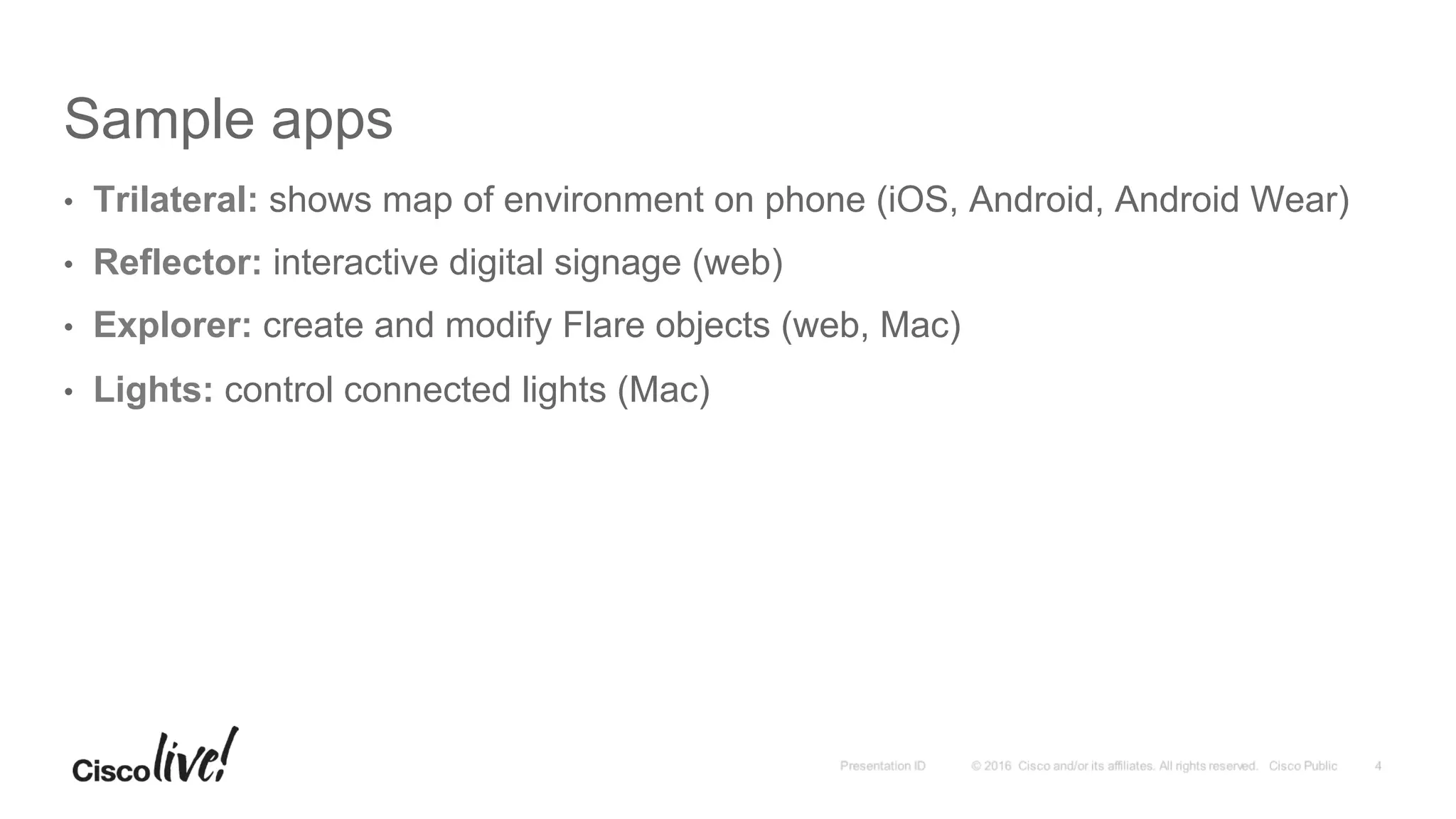
Sample apps
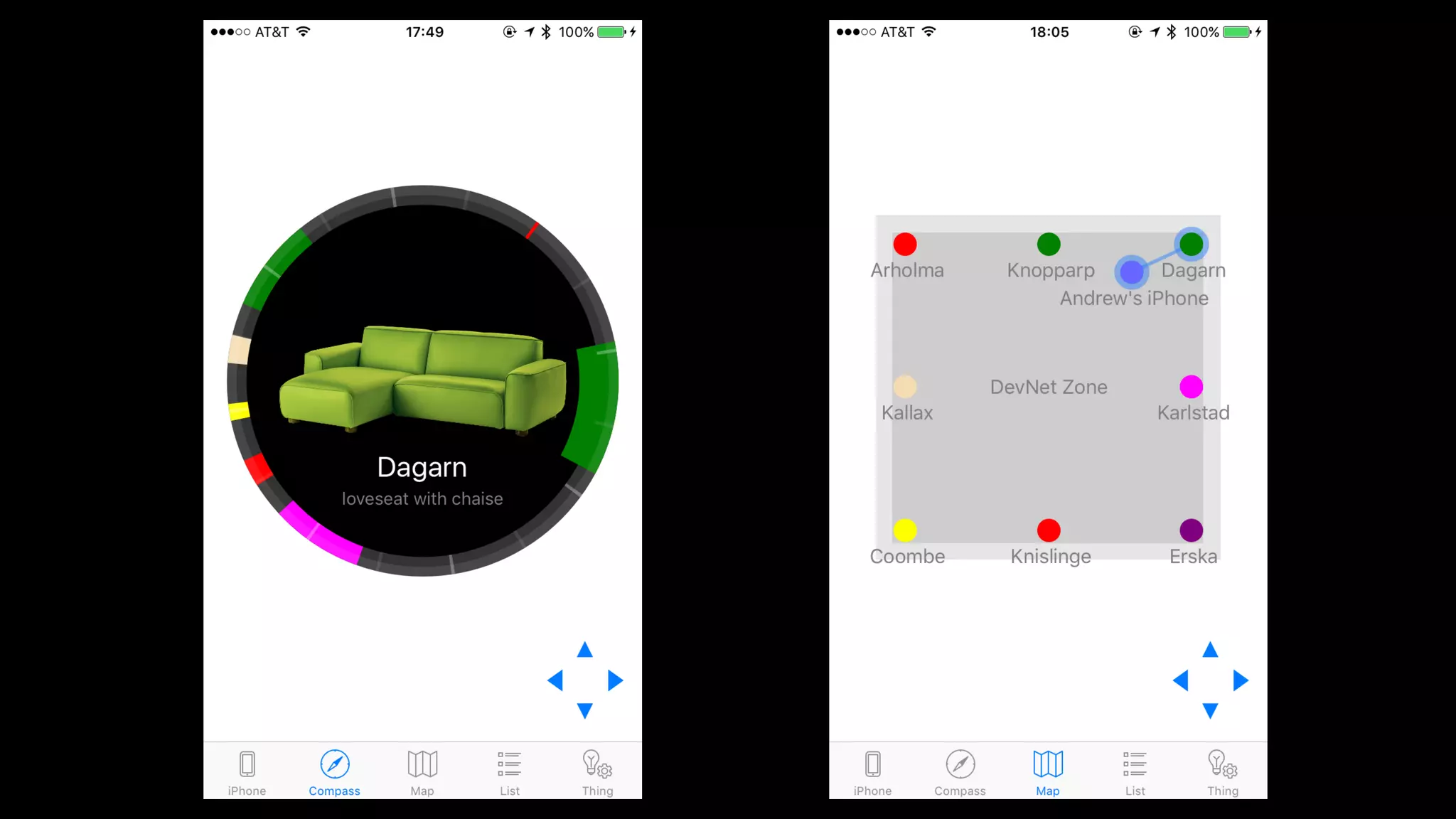
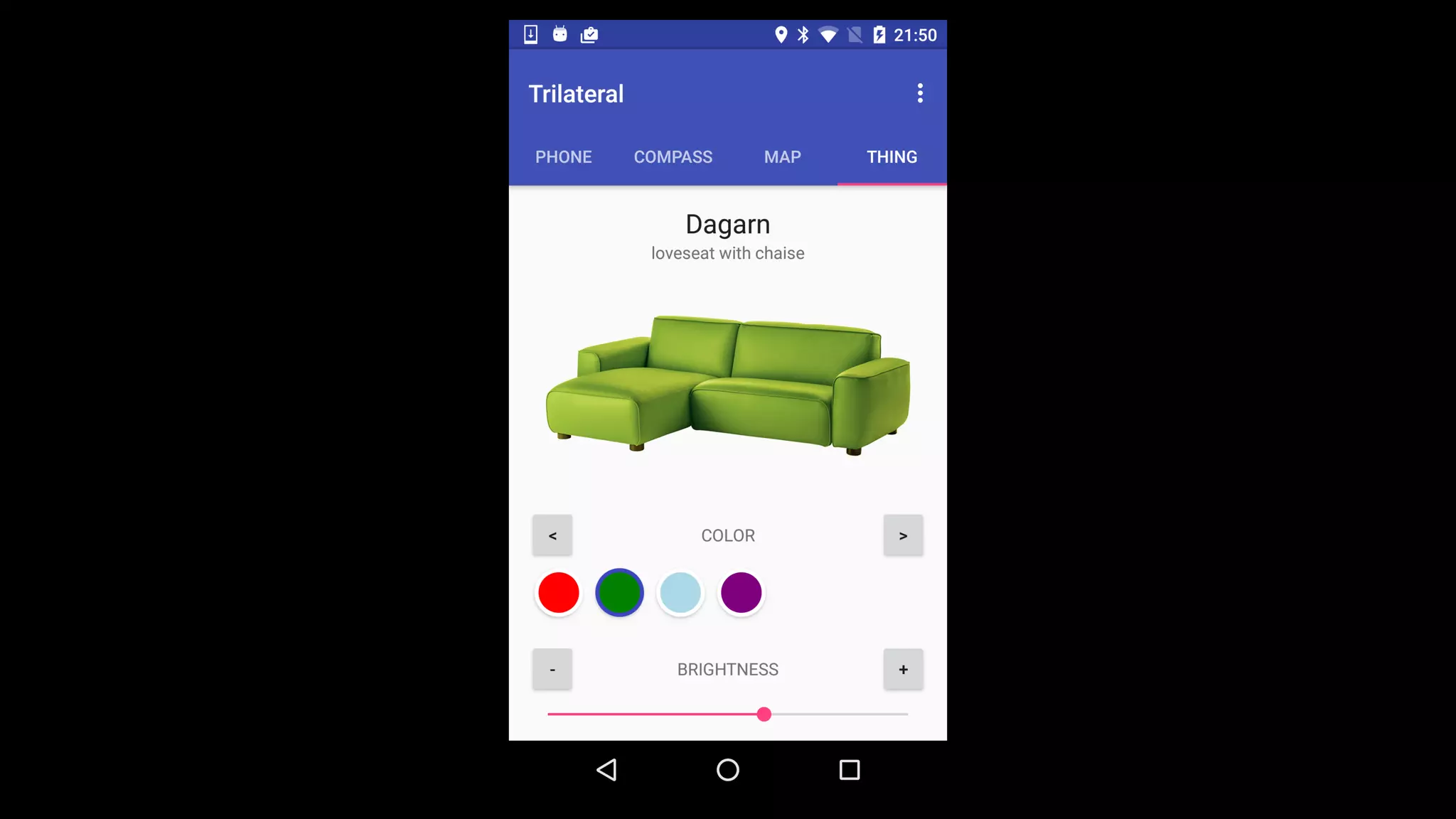
•  Trilateral: shows map of environment on phone (iOS, Android, Android Wear)
•  Reflector: interactive digital signage (web)
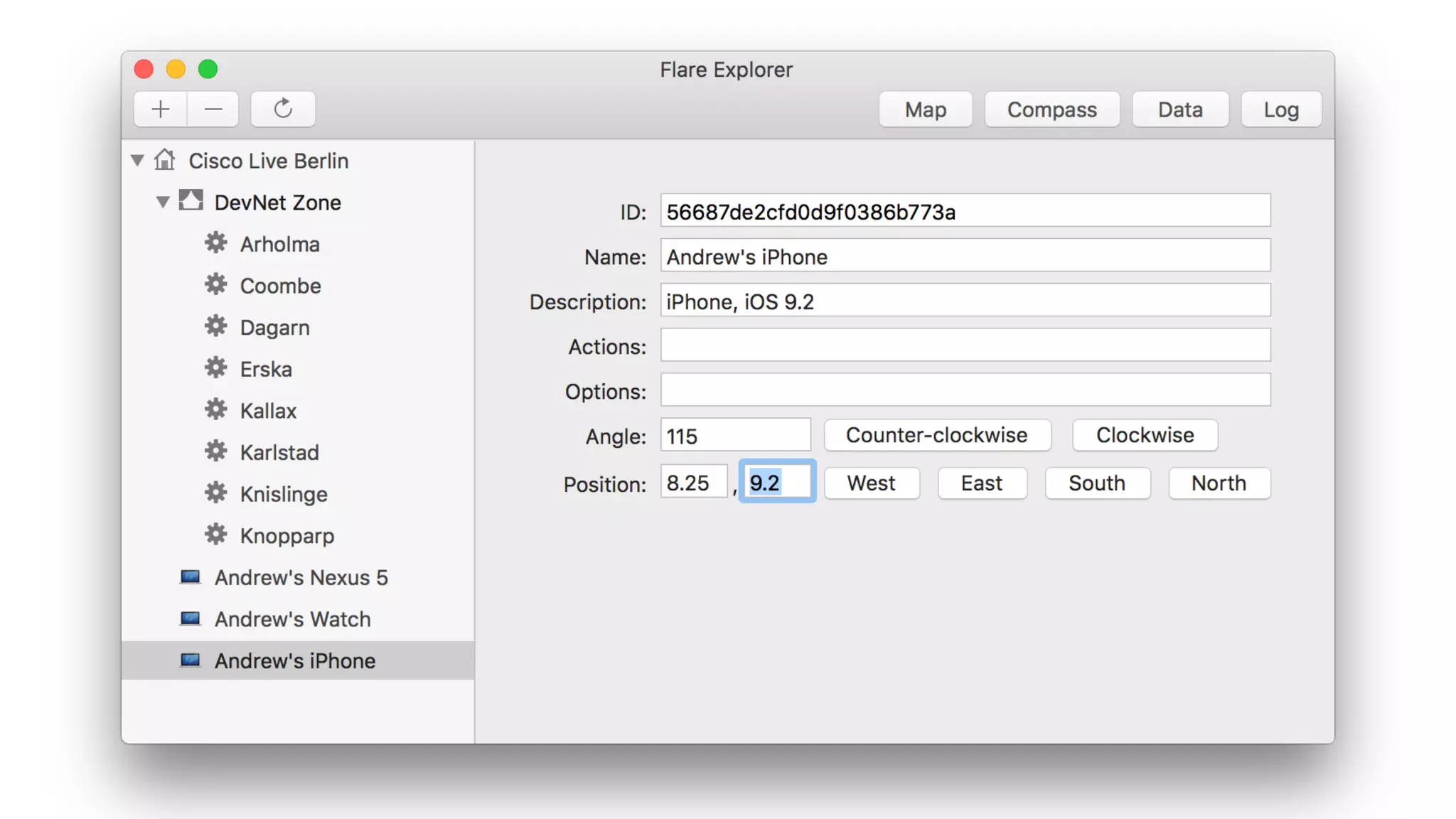
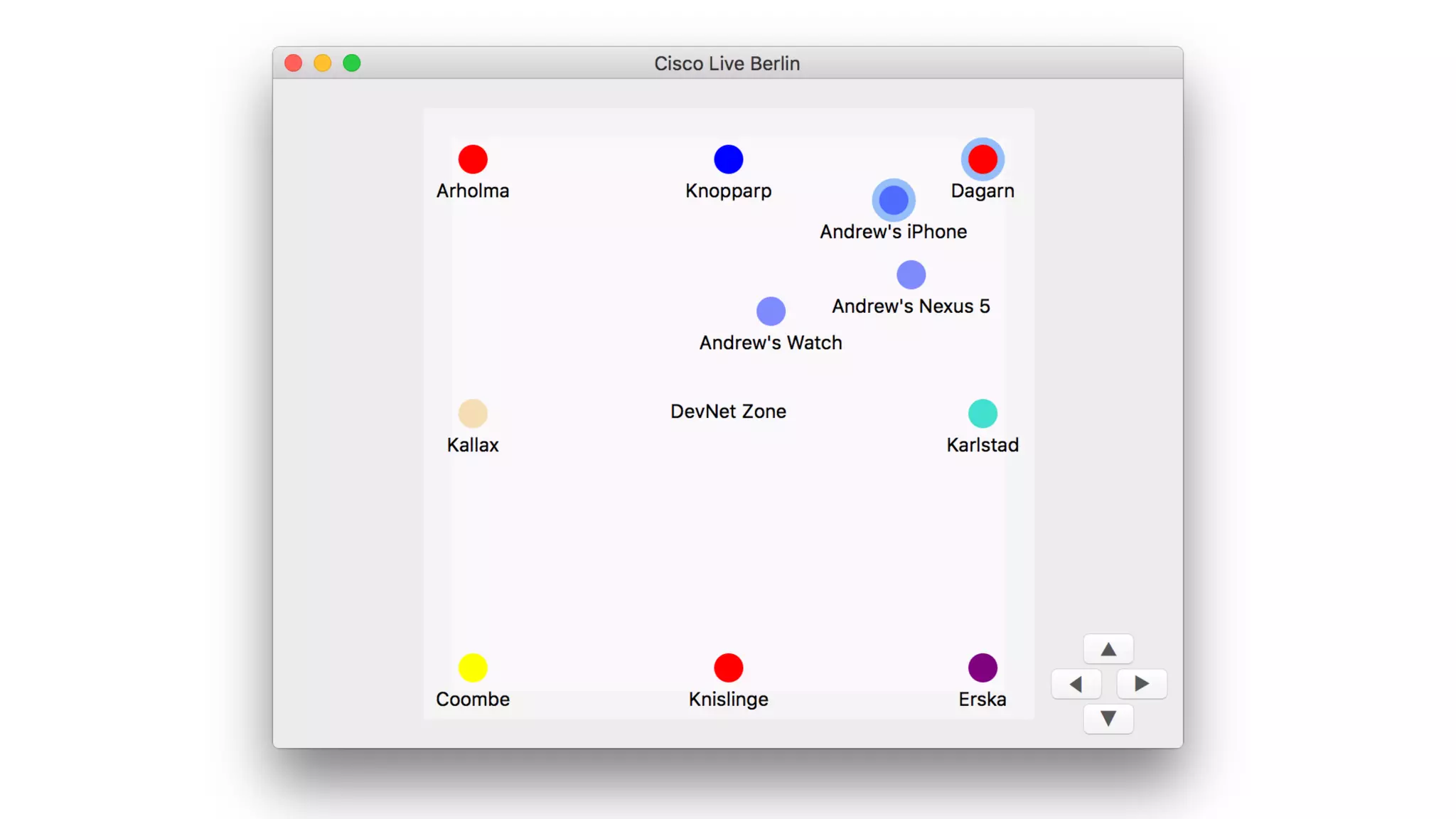
•  Explorer: create and modify Flare objects (web, Mac)
•  Lights: control connected lights (Mac)
Tutorials
•  Importing data (JavaScript, Swift, Python)
•  Location (Swift, Java)
•  Socket.IO (JavaScript, Swift, Java)
Code example
Just a little Swift + JavaScript
And the other way
Resources
Links
•  Documentation on DevNet: https://developer.cisco.com/site/flare
•  Source code on GitHub: https://github.com/CiscoDevNet/flare
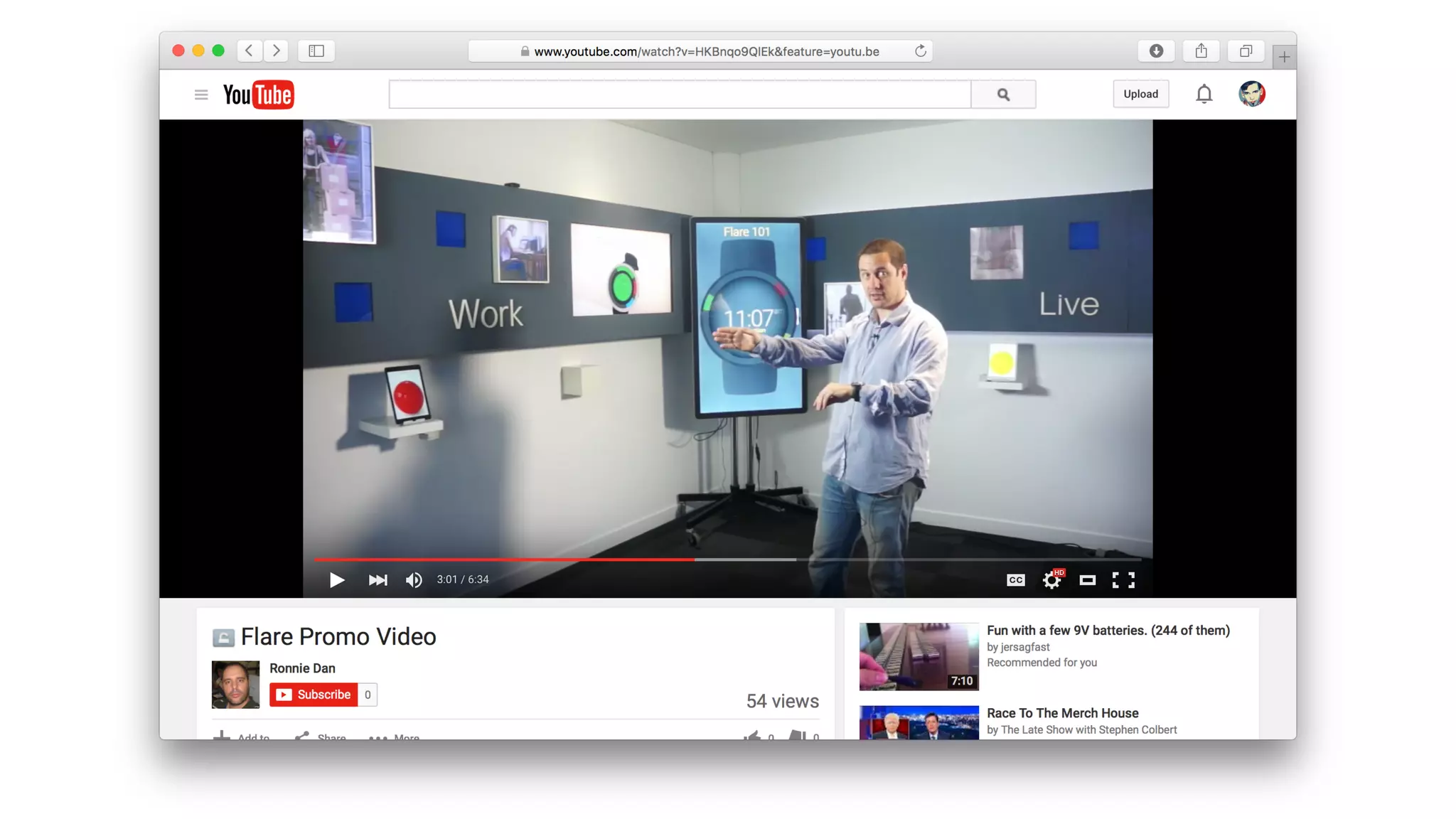
•  Video on YouTube: https://youtu.be/HKBnqo9QlEk
•  Sandbox: http://flaresandbox.cisco.com:8181
•  Hackathon: http://hackathon.cisco.com/event/PIRL-Hackathon-2015
Thank you
Flare: an overview

Flare: an overview

  • 2.
    Flare APIs Overview AndrewZamler-Carhart, Technical Leader
  • 3.
    •  What isFlare? •  Use cases •  Technical info •  Code example •  Resources Agenda
  • 4.
  • 5.
    “Flare allows userswith mobile devices to discover and interact with things in an environment. It combines multiple location technologies with a realtime communications architecture, to enable new kinds of user interactions.”
  • 6.
    Interaction modes •  Whenthe user enters an environment, their device can show the location of nearby things •  When they come near to a thing, they can interact with it by: •  getting information about its current state •  changing its state •  performing actions
  • 10.
  • 11.
    Potential markets •  Retail • Museums •  Advertising •  Industrial •  Public transport •  and more!
  • 20.
  • 21.
    Flare server •  Opensource •  Implemented in Node.js and MongoDB •  You can run it yourself
  • 22.
    Location technologies •  Bluetoothbeacons (iBeacon, AltBeacon, Eddystone) •  Wi-Fi + Cisco CMX (coming soon) •  technology agnostic, can work with other kinds of sensors
  • 24.
    Flare model •  Environment:a geographic location with a grid •  Zone: a rectangular division of an environment •  Thing: something interesting to the user •  Device: a user’s tablet, phone or watch
  • 25.
    Flare API •  REST:create, read, update, delete Flare objects •  Socket.IO: realtime commands and notifications
  • 27.
    Socket.IO commands •  Subscribe • Unsubscribe •  Get data value •  Set data value •  Get position •  Set position •  Perform action
  • 28.
    Socket.IO notifications •  Datachanged •  Position changed •  Device enters zone •  Device exits zone •  Device near to a thing •  Device far from a thing •  Handle action
  • 29.
    Types of client • User apps on tablet, phone and watch •  Interactive displays •  Connected things •  Admin tools •  Import scripts •  Logging scripts
  • 30.
    Sample code •  JavaScript • Swift (iOS and Mac) •  Java (Android) •  Python
  • 35.
    Sample apps •  Trilateral:shows map of environment on phone (iOS, Android, Android Wear) •  Reflector: interactive digital signage (web) •  Explorer: create and modify Flare objects (web, Mac) •  Lights: control connected lights (Mac)
  • 45.
    Tutorials •  Importing data(JavaScript, Swift, Python) •  Location (Swift, Java) •  Socket.IO (JavaScript, Swift, Java)
  • 47.
  • 49.
    Just a littleSwift + JavaScript
  • 50.
  • 51.
  • 52.
    Links •  Documentation onDevNet: https://developer.cisco.com/site/flare •  Source code on GitHub: https://github.com/CiscoDevNet/flare •  Video on YouTube: https://youtu.be/HKBnqo9QlEk •  Sandbox: http://flaresandbox.cisco.com:8181 •  Hackathon: http://hackathon.cisco.com/event/PIRL-Hackathon-2015
  • 56.