ROLLING YOUR OWN
CSS METHODOLOGY
Dave Shea
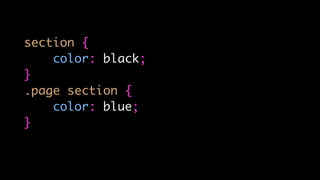
section {
color: black;
}
section {
color: black;
}
.page section {
color: blue;
}
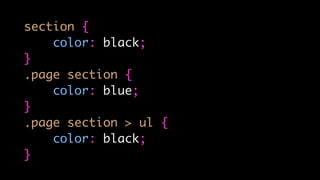
section {
color: black;
}
.page section {
color: blue;
}
.page section > ul {
color: black;
}
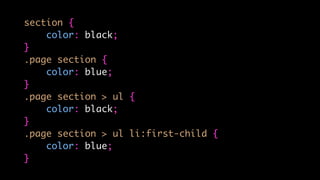
section {
color: black;
}
.page section {
color: blue;
}
.page section > ul {
color: black;
}
.page section > ul li:first-child {
color: blue;
}
section {
color: black;
}
.page section {
color: blue;
}
.page section > ul {
color: black;
}
.page section > ul li:first-child {
color: blue;
}
@media only screen and (min-width: 480px) {
section,
.page section,
.page section > ul,
.page section > ul li:first-child {
color: orange;
}
}
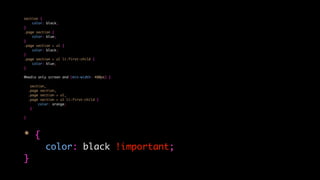
section {
color: black;
}
.page section {
color: blue;
}
.page section > ul {
color: black;
}
.page section > ul li:first-child {
color: blue;
}
@media only screen and (min-width: 480px) {
section,
.page section,
.page section > ul,
.page section > ul li:first-child {
color: orange;
}
}
* {
color: black !important;
}
CSS is Simple!
So maybe it’s not.
What are we going
to do about it?
WHO AM I?
@mezzoblue @mobify
LET’S TALK
ABOUT CSS
Why think
about this?
OUR PROBLEMS
TO SOLVE
Bloated Codebase
Development
friction
Growing team
The Goal
WHAT’S A CSS
METHODOLGY?
A Naming
System
PRIOR ART
• BEM
• OOCSS
• SMACSS
• SuitCSS
Why not use
the others?
Why not use
Bootstrap or
Foundation?
Framework !=
Methodology
The last thing
the world needs
is another one.
But we built
one anyway
It’s called Argon
Is Argon right
for you?
Truthfully…
probably not
This is a case study
What To Do
What To Do
WHAT WE WANT
FROM ARGON
Predictability
DRY
DRY
Don’t Repeat Yourself
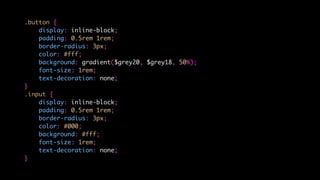
.button {
display: inline-block;
padding: 0.5rem 1rem;
border-radius: 3px;
color: #fff;
background: gradient($grey20, $grey18, 50%);
font-size: 1rem;
text-decoration: none;
}
.input {
display: inline-block;
padding: 0.5rem 1rem;
border-radius: 3px;
color: #000;
background: #fff;
font-size: 1rem;
text-decoration: none;
}
.button, input {
display: inline-block;
padding: 0.5rem 1rem;
border-radius: 3px;
font-size: 1rem;
text-decoration: none;
}
.button {
color: #fff;
background: gradient($grey20, $grey18, 50%);
}
.input {
color: #000;
background: #fff;
}
Re-usability
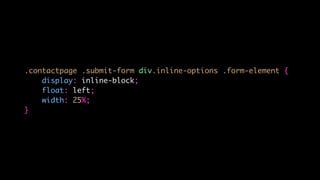
.contactpage .submit-form div.inline-options .form-element {
display: inline-block;
float: left;
width: 25%;
}
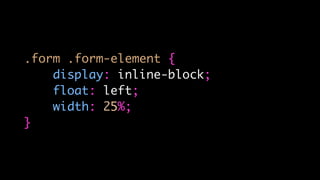
.form .form-element {
display: inline-block;
float: left;
width: 25%;
}
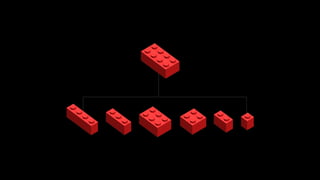
Modularity
No specificity
battles
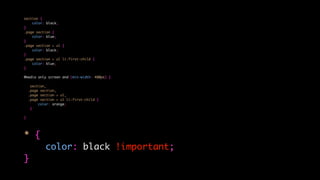
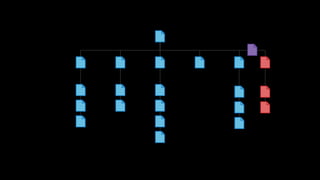
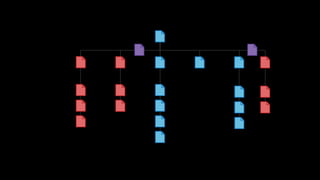
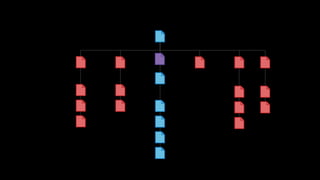
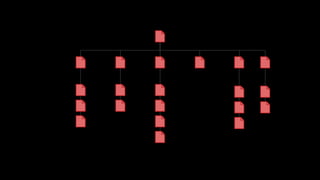
section {
color: black;
}
.page section {
color: blue;
}
.page section > ul {
color: black;
}
.page section > ul li:first-child {
color: blue;
}
@media only screen and (min-width: 480px) {
section,
.page section,
.page section > ul,
.page section > ul li:first-child {
color: orange;
}
}
* {
color: black !important;
}
Team-wide
consistency
Argon extra credits: @jam_sbryant & @kbingman
ANATOMY OF
A SELECTOR
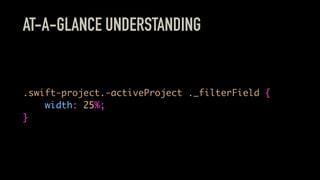
AT-A-GLANCE UNDERSTANDING
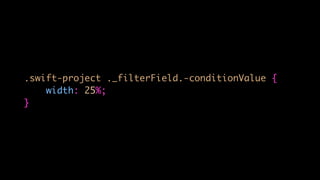
.swift-project.-activeProject ._filterField {
width: 25%;
}
Ugly selectors?
You bet they are.
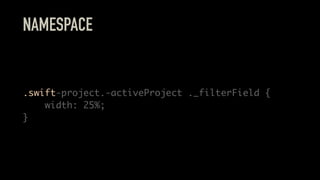
NAMESPACE
.swift-project.-activeProject ._filterField {
width: 25%;
}
(Maybe not our
best idea)
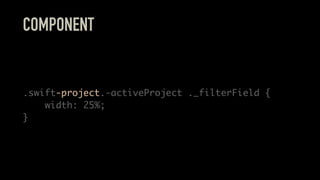
COMPONENT
.swift-project.-activeProject ._filterField {
width: 25%;
}
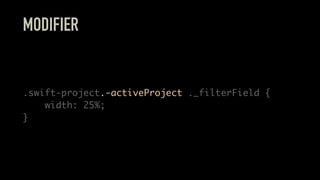
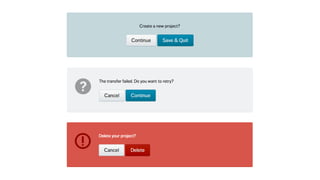
MODIFIER
.swift-project.-activeProject ._filterField {
width: 25%;
}
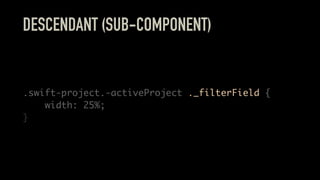
DESCENDANT (SUB-COMPONENT)
.swift-project.-activeProject ._filterField {
width: 25%;
}
ARGON IDEALS
Classes for
everything
No ID styling
#nav {
margin: 0;
}
.nav {
margin: 0;
}
No styling of
HTML elements
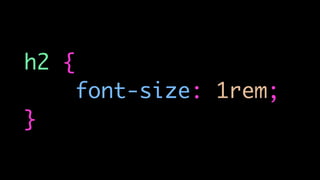
h2 {
font-size: 1rem;
}
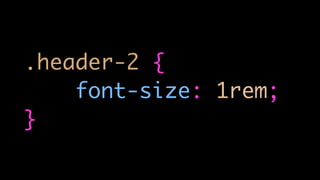
.header-2 {
font-size: 1rem;
}
EXCEPTION
base-html.css
Don’t over-select
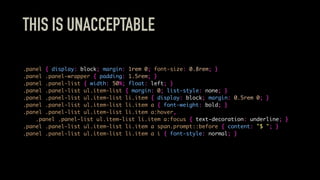
THIS IS UNACCEPTABLE
.panel { display: block; margin: 1rem 0; font-size: 0.8rem; }
.panel .panel-wrapper { padding: 1.5rem; }
.panel .panel-list { width: 50%; float: left; }
.panel .panel-list ul.item-list { margin: 0; list-style: none; }
.panel .panel-list ul.item-list li.item { display: block; margin: 0.5rem 0; }
.panel .panel-list ul.item-list li.item a { font-weight: bold; }
.panel .panel-list ul.item-list li.item a:hover,
.panel .panel-list ul.item-list li.item a:focus { text-decoration: underline; }
.panel .panel-list ul.item-list li.item a span.prompt::before { content: "$ "; }
.panel .panel-list ul.item-list li.item a i { font-style: normal; }
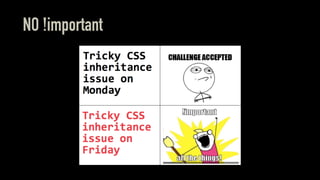
NO !important
Argon flattens
to BEM
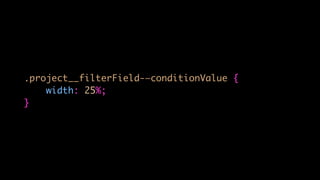
.project__filterField-—conditionValue {
width: 25%;
}
.swift-project ._filterField.-conditionValue {
width: 25%;
}
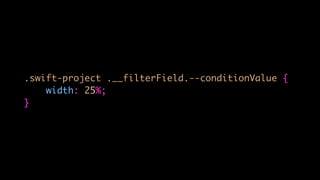
.swift-project .__filterField.--conditionValue {
width: 25%;
}
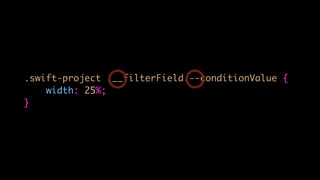
.swift-project .__filterField.--conditionValue {
width: 25%;
}
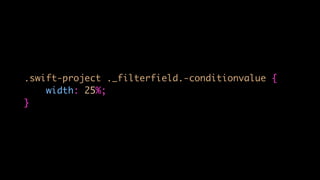
.swift-project ._filterfield.-conditionvalue {
width: 25%;
}
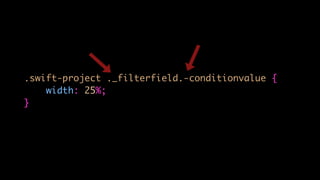
.swift-project ._filterfield.-conditionvalue {
width: 25%;
}
NESTED ARGON
.swift-project {
._filterList {
width: 50%;
}
&.-activeProject {
._filterList {
width: 100%;
}
}
._filterField {
&.-conditionValue {
width: 25%;
}
}
}
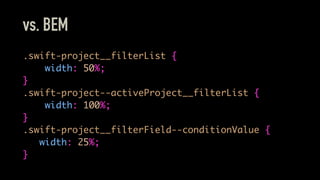
vs. BEM
.swift-project__filterList {
width: 50%;
}
.swift-project--activeProject__filterList {
width: 100%;
}
.swift-project__filterField--conditionValue {
width: 25%;
}
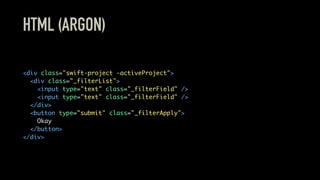
HTML (ARGON)
<div class="swift-project -activeProject">
<div class="_filterList">
<input type="text" class="_filterField" />
</div>
<button type="submit" class="_filterApply">
Okay
</button>
</div>
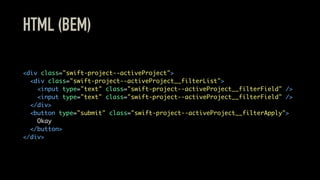
HTML (BEM)
<div class="swift-project--activeProject">
<div class="swift-project--activeProject__filterList">
<input type="text" class="swift-project--activeProject__filterField" />
</div>
<button type="submit" class="swift-project--activeProject__filterApply">
Okay
</button>
</div>
Exceptions
JAVASCRIPT? DON’T TOUCH!
.jsSwiftProject {
width: 25%; // NO! BAD!!!
}
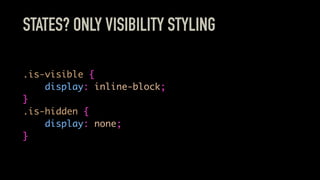
STATES? ONLY VISIBILITY STYLING
.is-visible {
display: inline-block;
}
.is-hidden {
display: none;
}
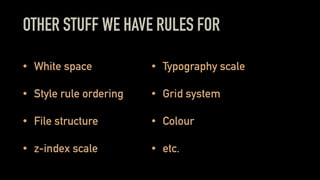
OTHER STUFF WE HAVE RULES FOR
• White space
• Style rule ordering
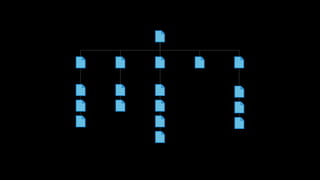
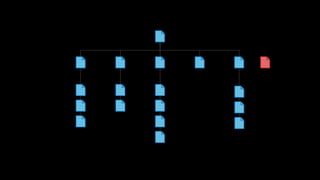
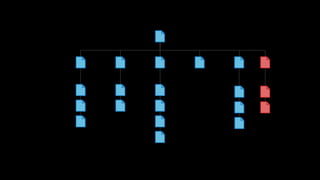
• File structure
• z-index scale
• Typography scale
• Grid system
• Colour
• etc.
FURTHER READING / WATCHING
• High-level advice and guidelines for writing sane, manageable, scalable CSS
• The Modular CSS (BEM/OOCSS) naming conundrum
• Medium’s CSS is actually pretty f***ing good.
• Slaying the Dragon: Refactoring CSS for Maintainability – Alicia Liu at Front-Trends 2014
• Code Refactoring for America
• Pixels are expensive
• Let’s Play Nice with CSS Tools & Methodologies – Brad Westfall at HTML5DevConf
ROLLOUT
New features only
But, the design
changed!
OUTCOME
Ramp up?
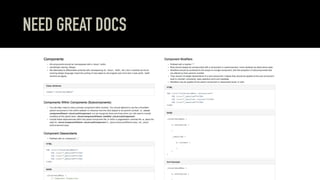
NEED GREAT DOCS
Forces thought
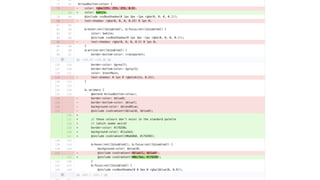
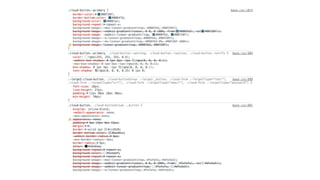
Quick code reviews
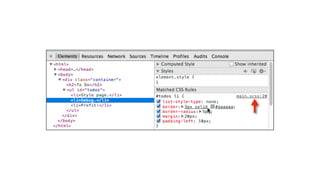
Debugging
Over-reliance
on modifiers
File sizes?
Only works for
controlled systems
Will the cost:benefit
ratio break down?
WRAPPING UP
The big
breakthrough:
It’s not the syntax
It’s the discipline
Every project? No.
Favour shipping
Be wary of “The
Perfect Syntax”
The proof is in the
implementation
Build systems that
people understand
THANKS!
http://mezzoblue.com/presentations/2015/fitc
FURTHER RESOURCES
• A Maintainable Style Guide
• Combine matching media queries with Grunt
• Setting up Sass and Compass with source maps
• Using source maps with Sass 3.3
• csste.st - The How and Why of CSS Testing
• Code refactoring for America

Rolling Your Own CSS Methodology