Exploring Conditional Access to
content in Office 365
Paul Hunt
SharePoint Saturday Central Europe 31.08.2019
#SPSCentralEurope
A big thank you to our sponsors!
Who am I?
Who am I?
What is this session about?
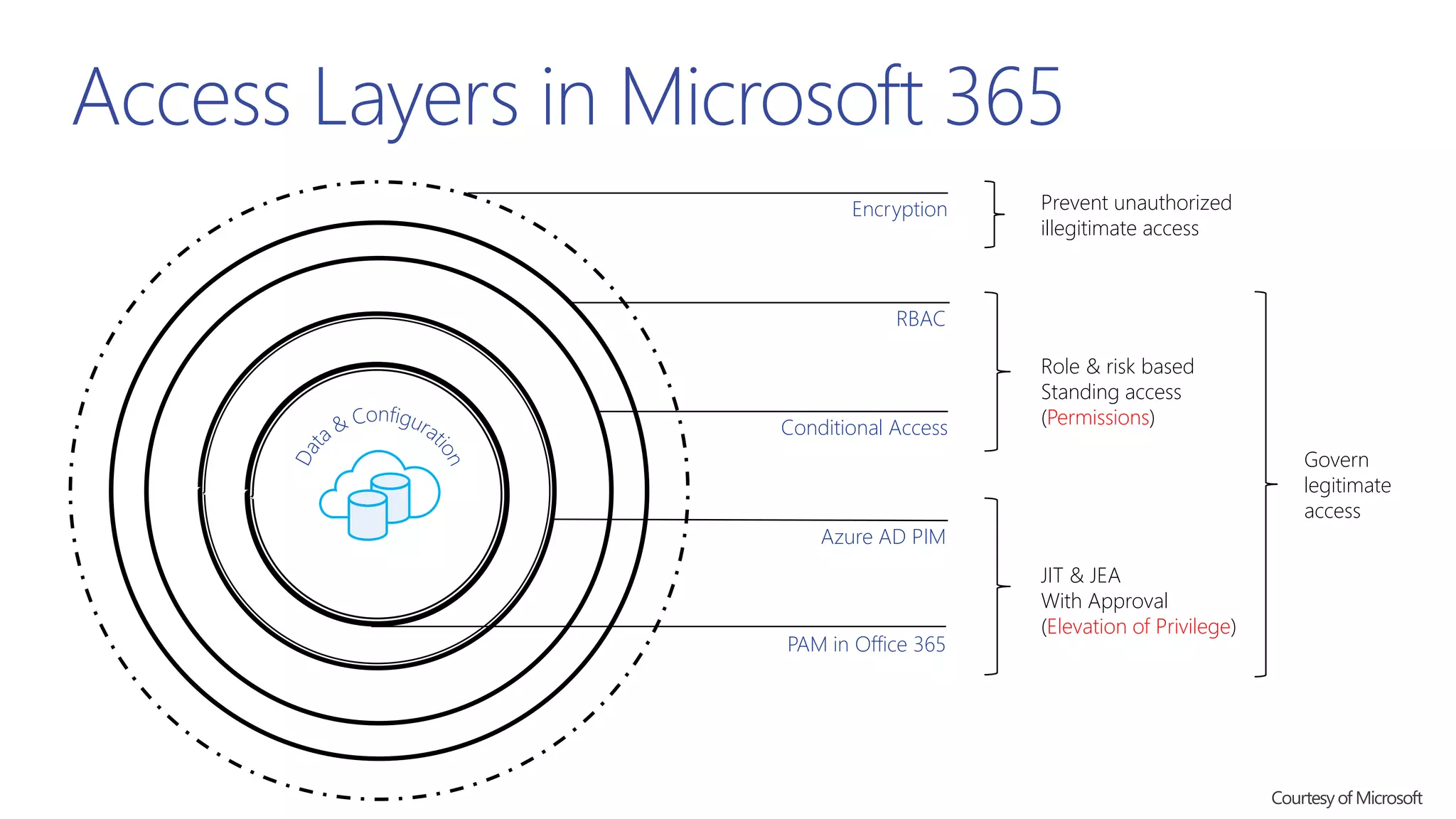
Access Layers in Microsoft 365
Encryption
RBAC
Conditional Access
Azure AD PIM
PAM in Office 365
Prevent unauthorized
illegitimate access
Govern
legitimate
access
Role & risk based
Standing access
(Permissions)
JIT & JEA
With Approval
(Elevation of Privilege)
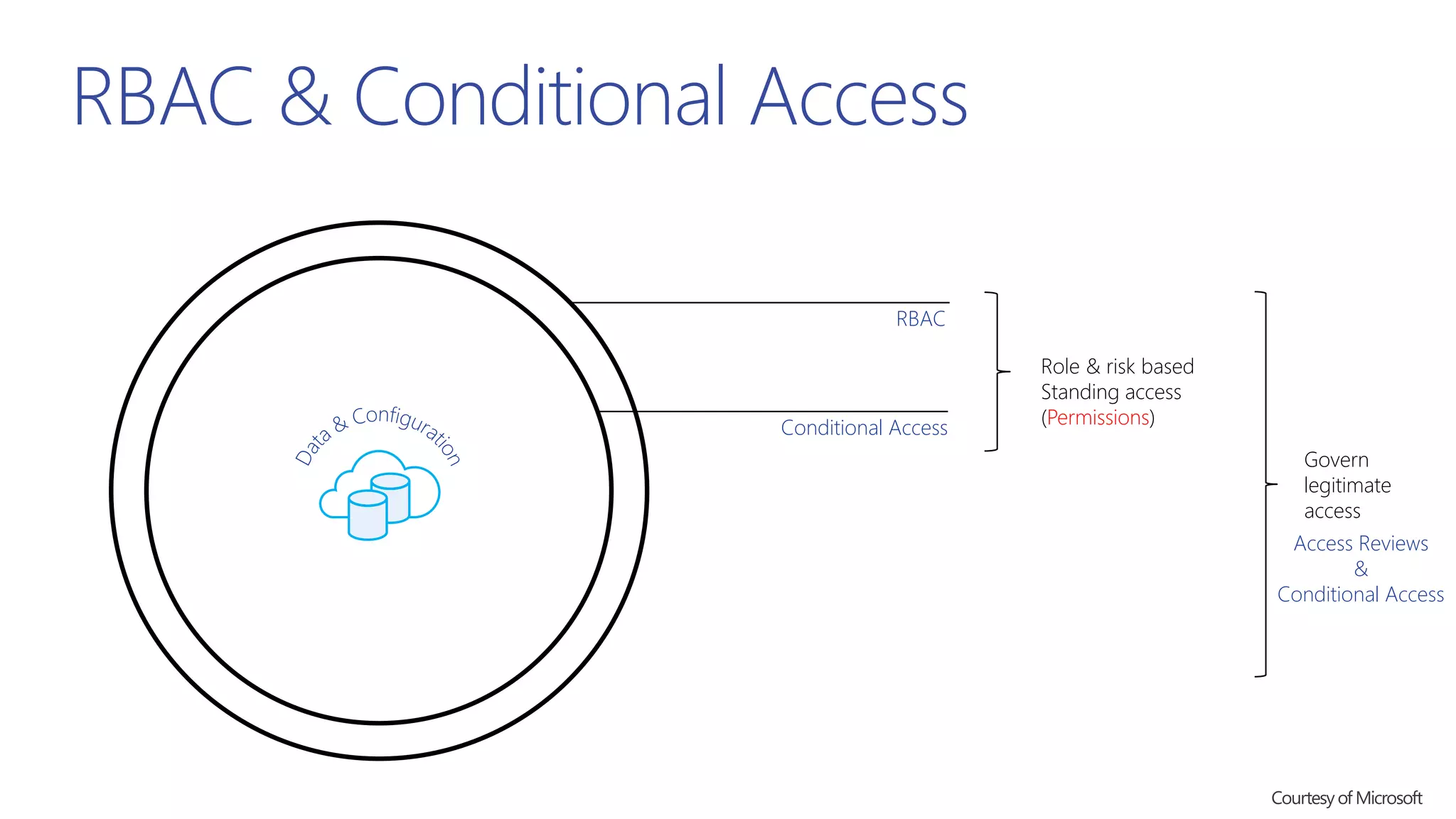
RBAC & Conditional Access
RBAC
Conditional Access
Role & risk based
Standing access
(Permissions)
Access Reviews
&
Conditional Access
Govern
legitimate
access
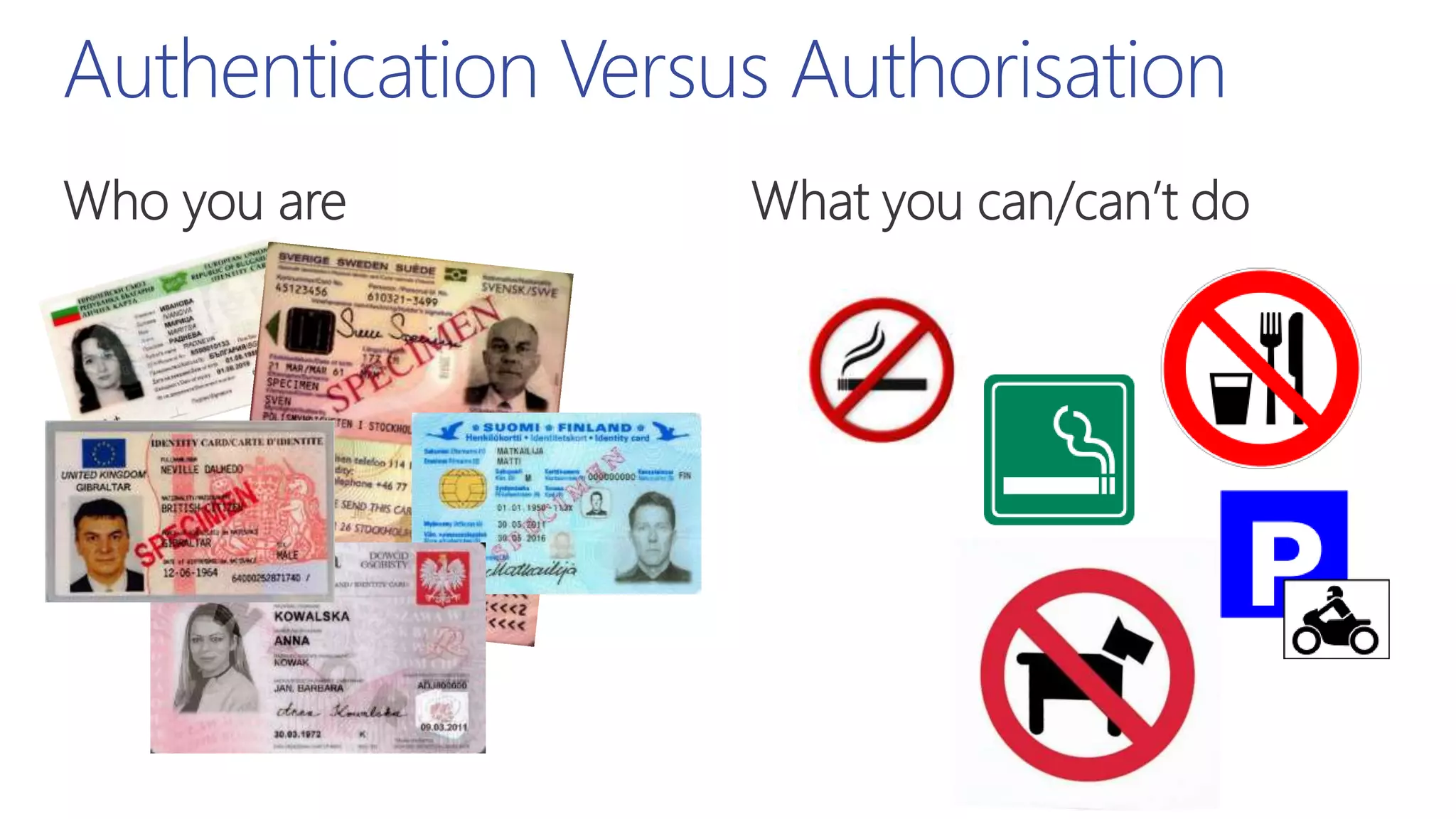
Authentication Versus Authorisation
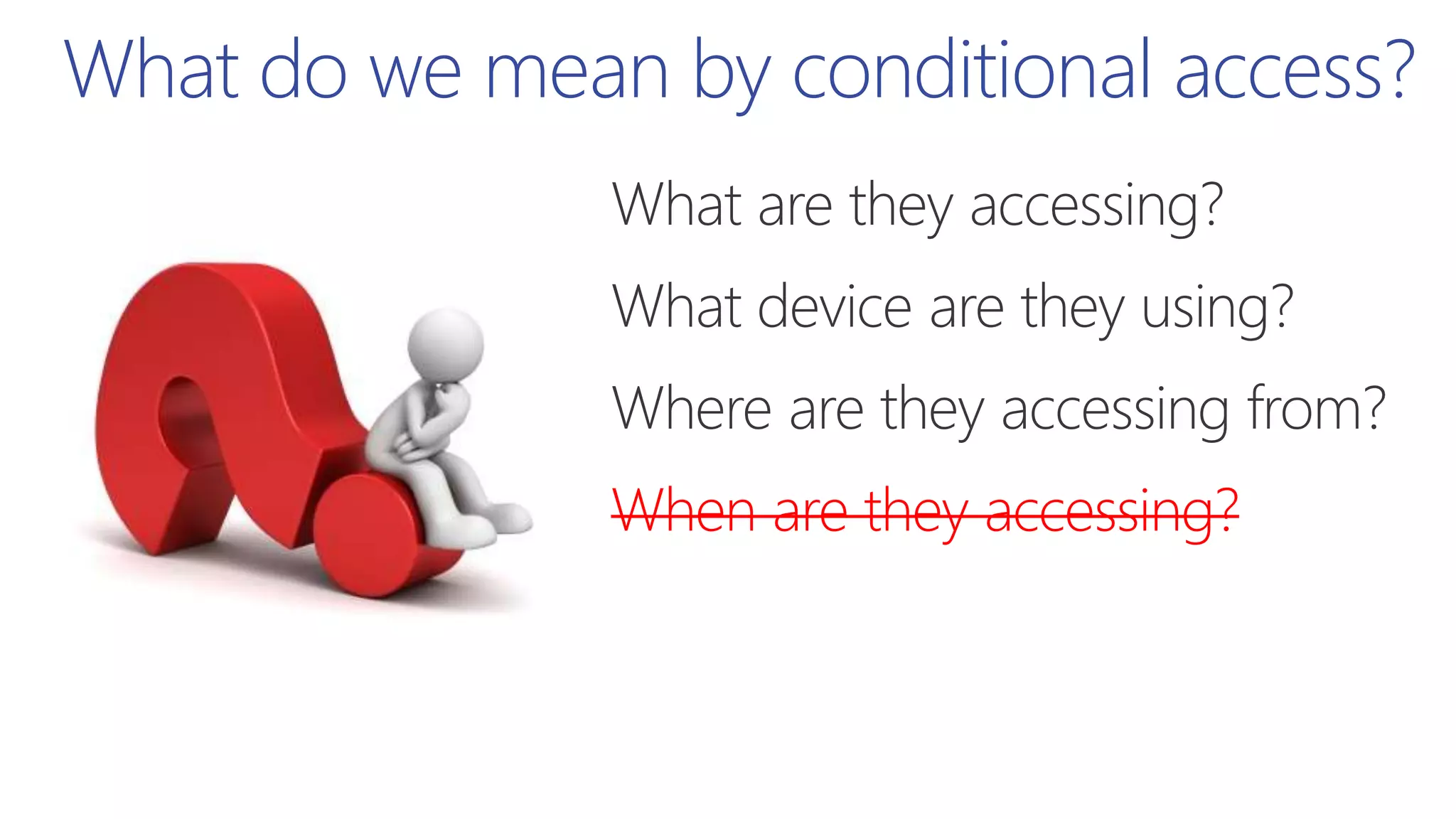
When are they accessing?
What do we mean by conditional access?
When are they accessing?
What do we mean by conditional access?
When are they accessing?
What do we mean by conditional access?
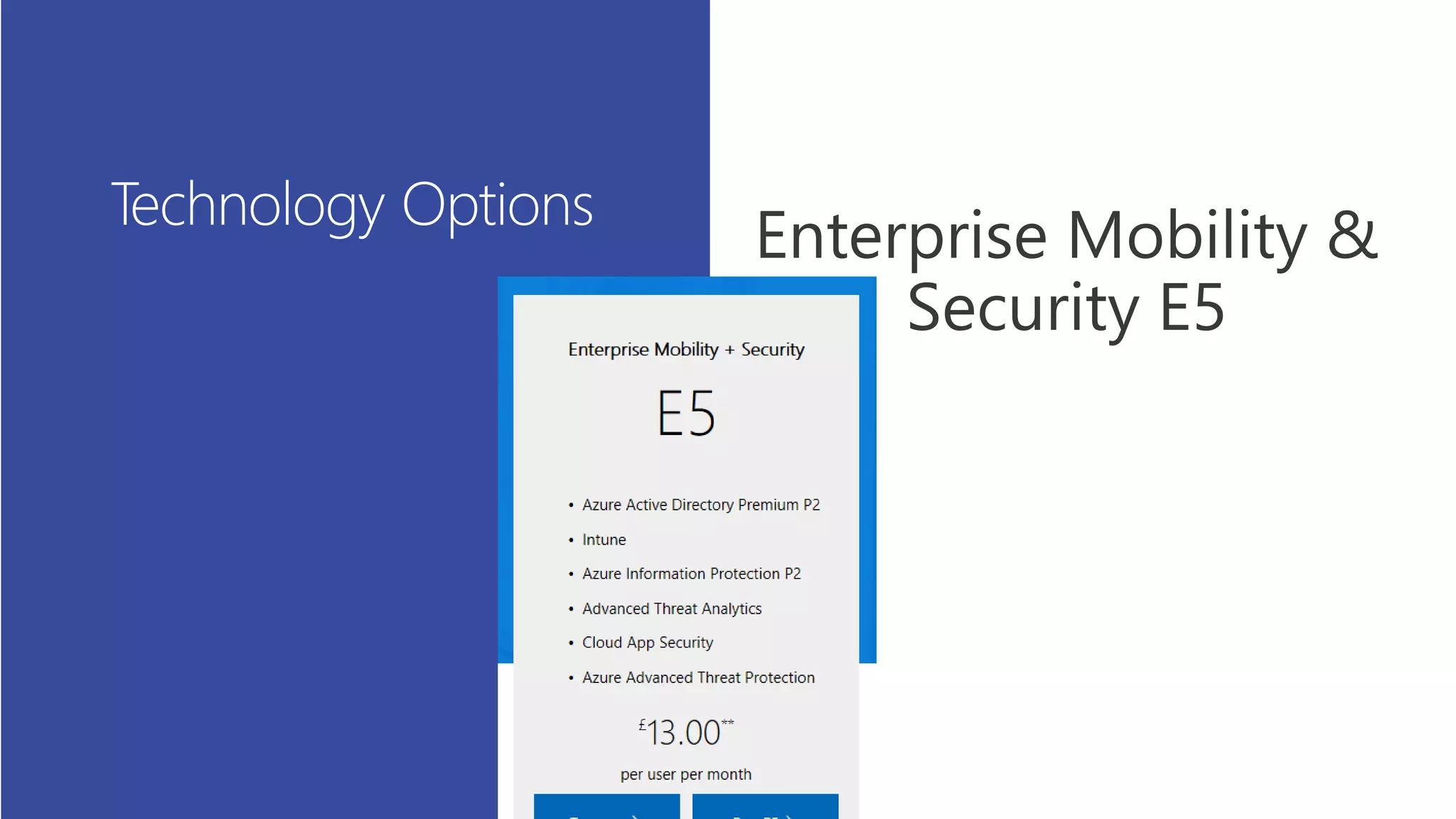
Additional options – EM+S E5
Additional options EM+S
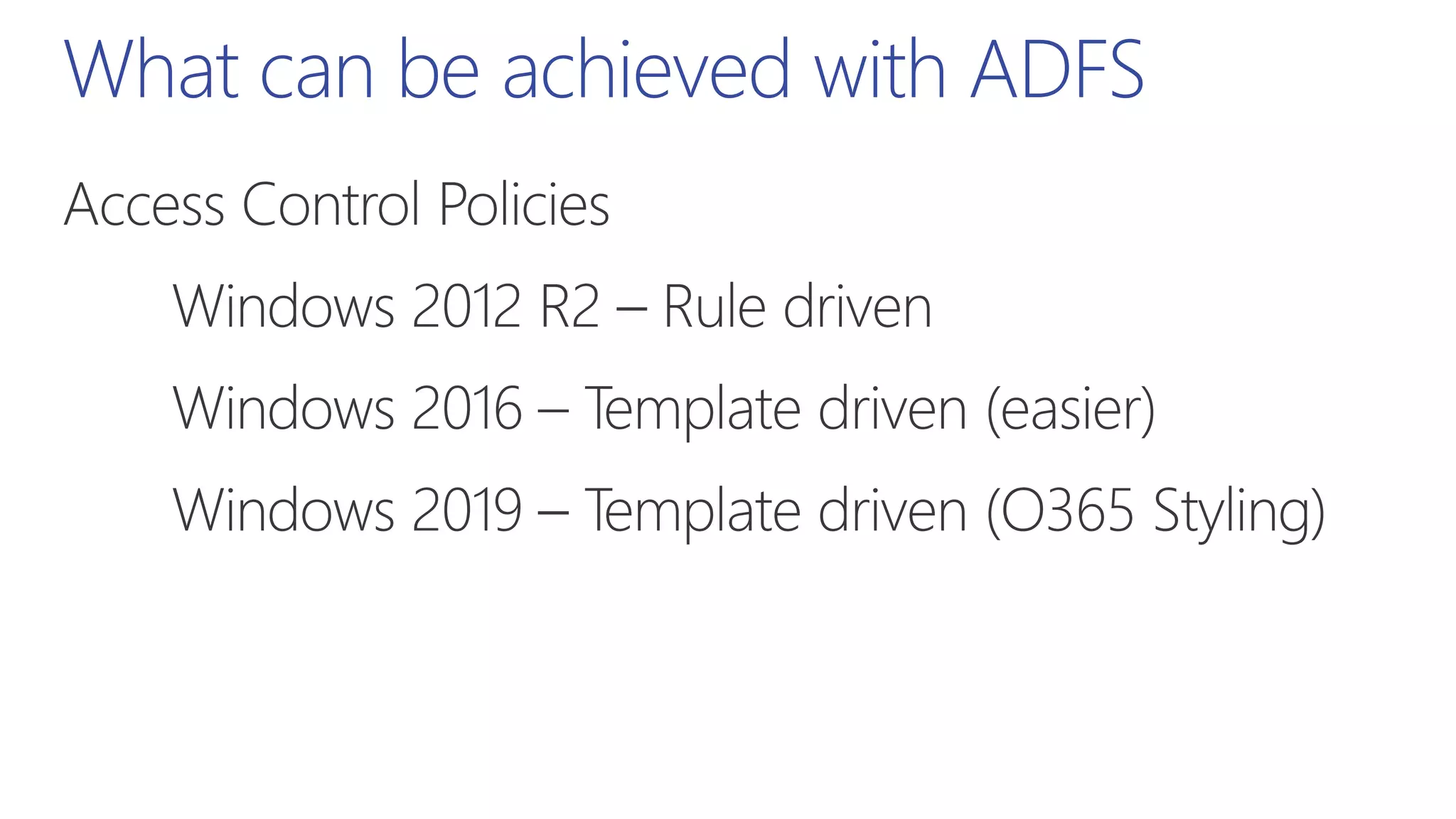
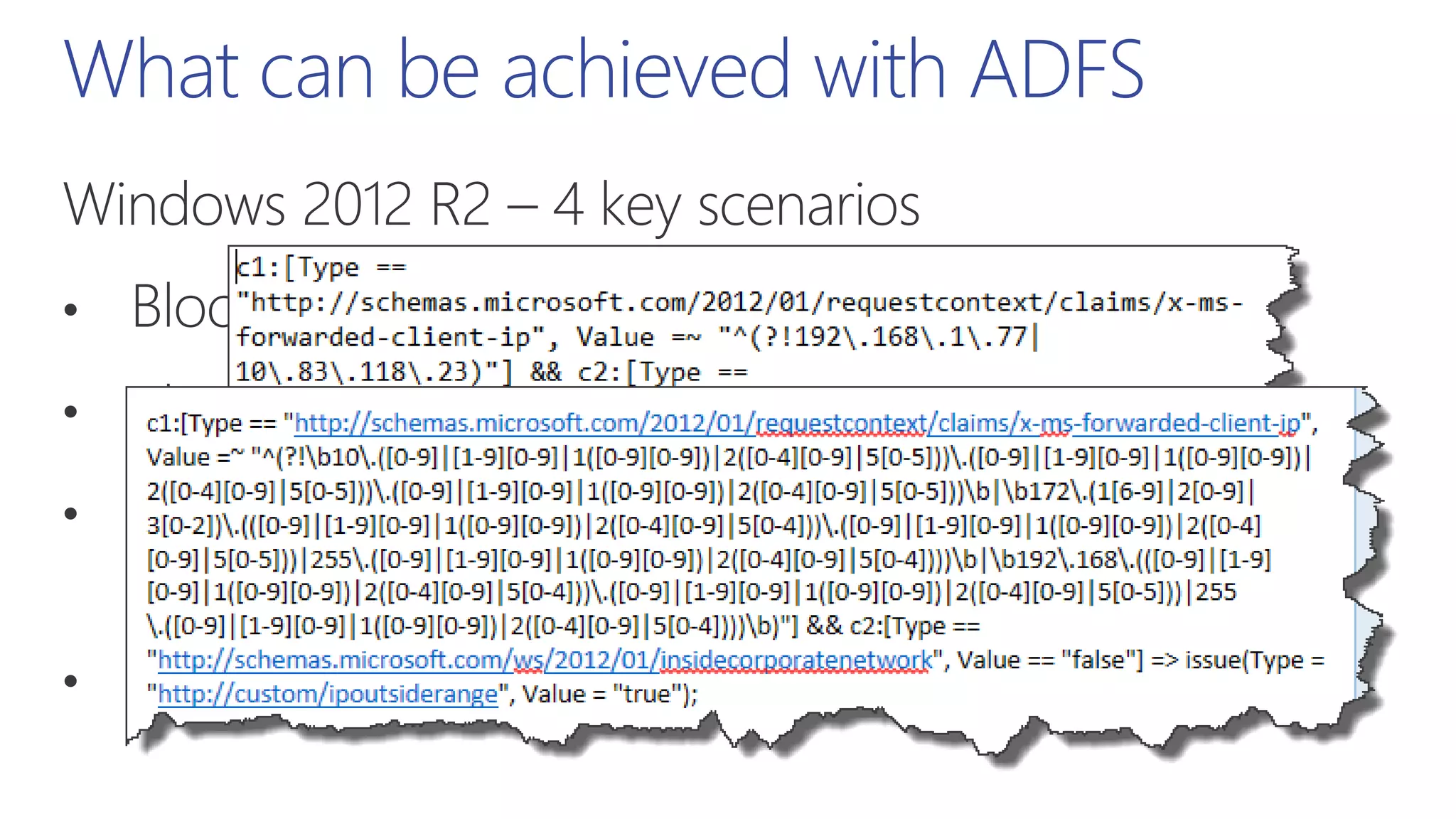
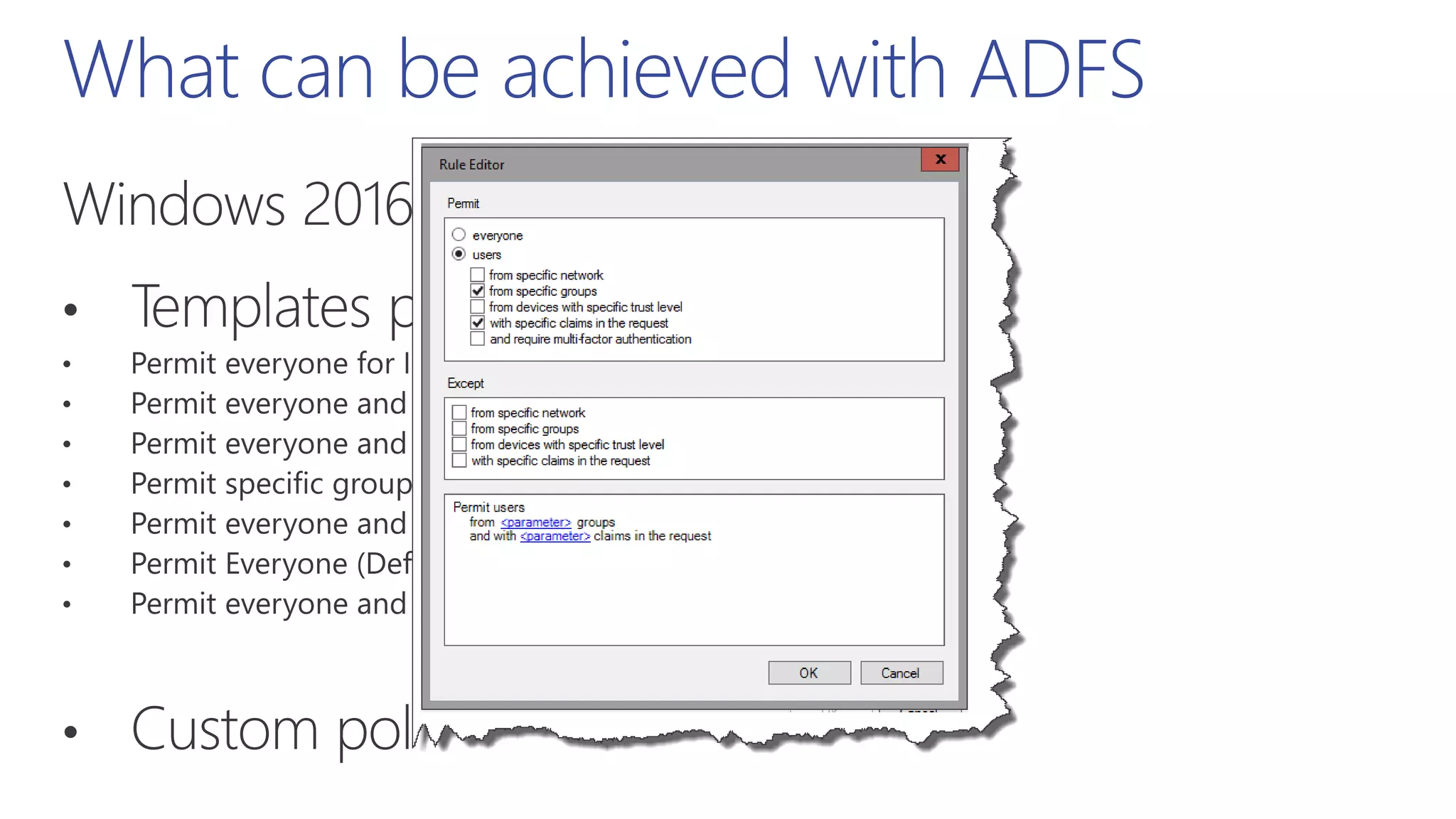
What can be achieved with ADFS
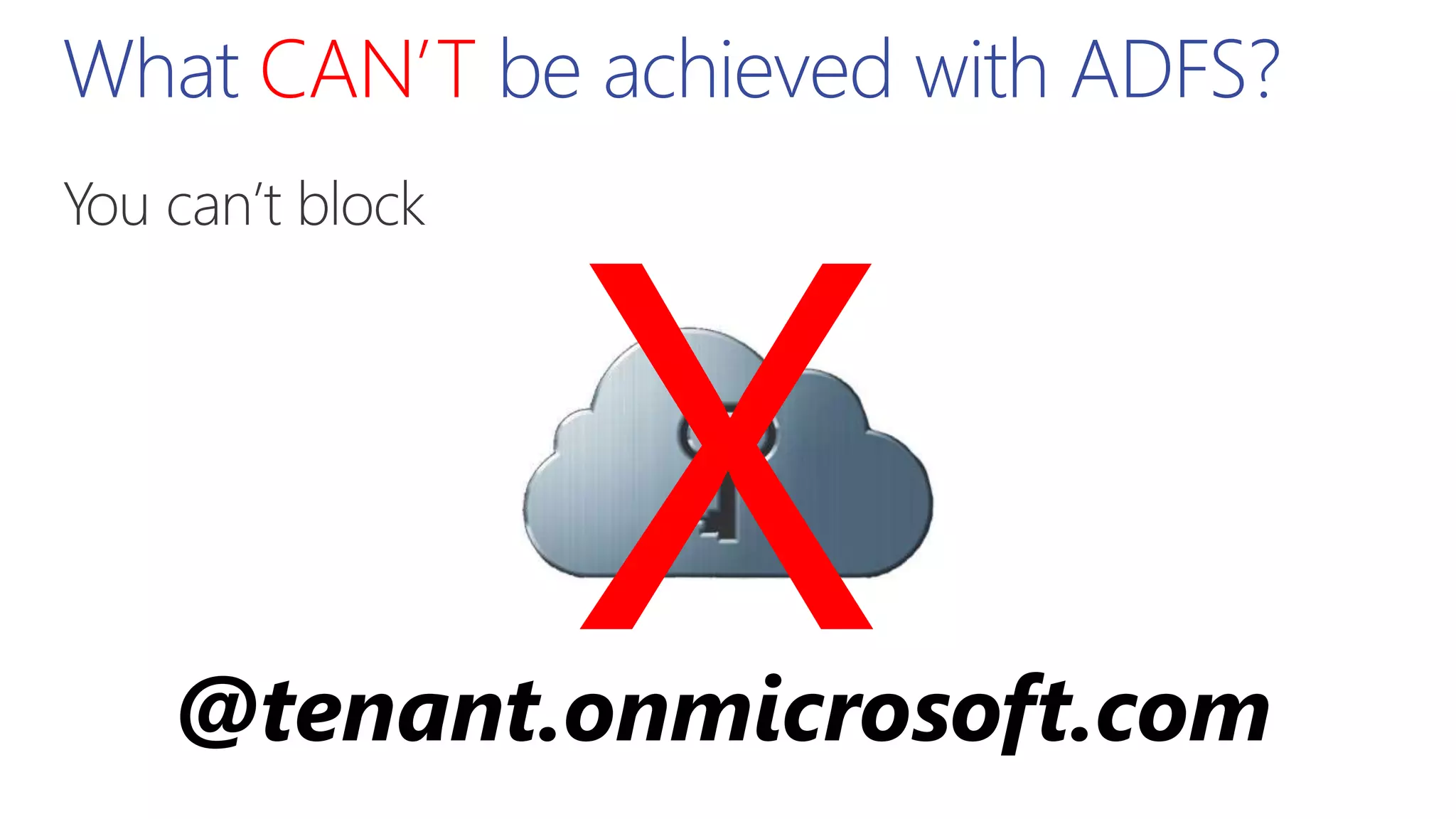
What CAN’T be achieved with ADFS?
@tenant.onmicrosoft.com
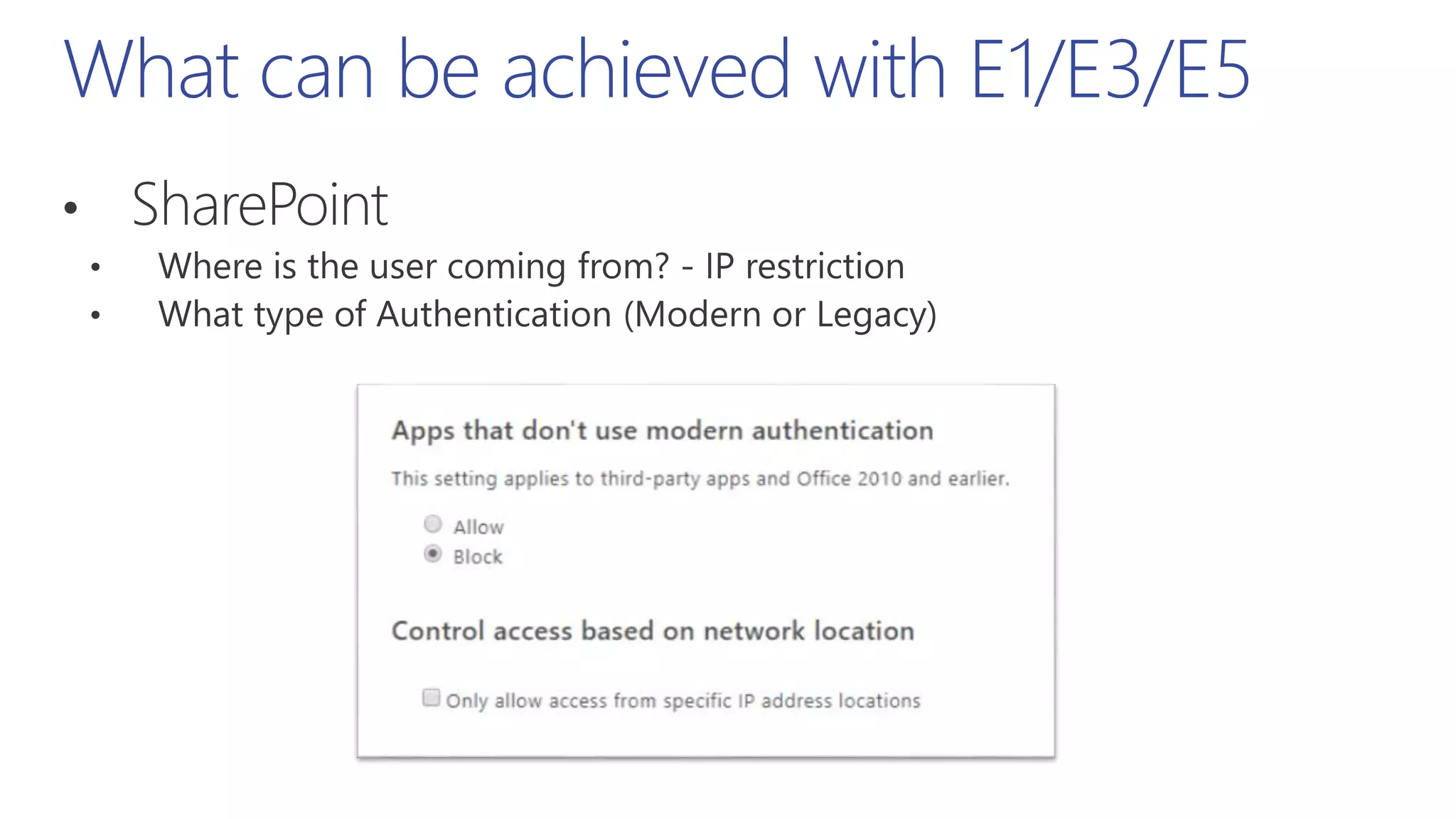
What can be achieved with E1/E3/E5
MFA Pro Tip!
SharePointPerimeterBlocking&MFA
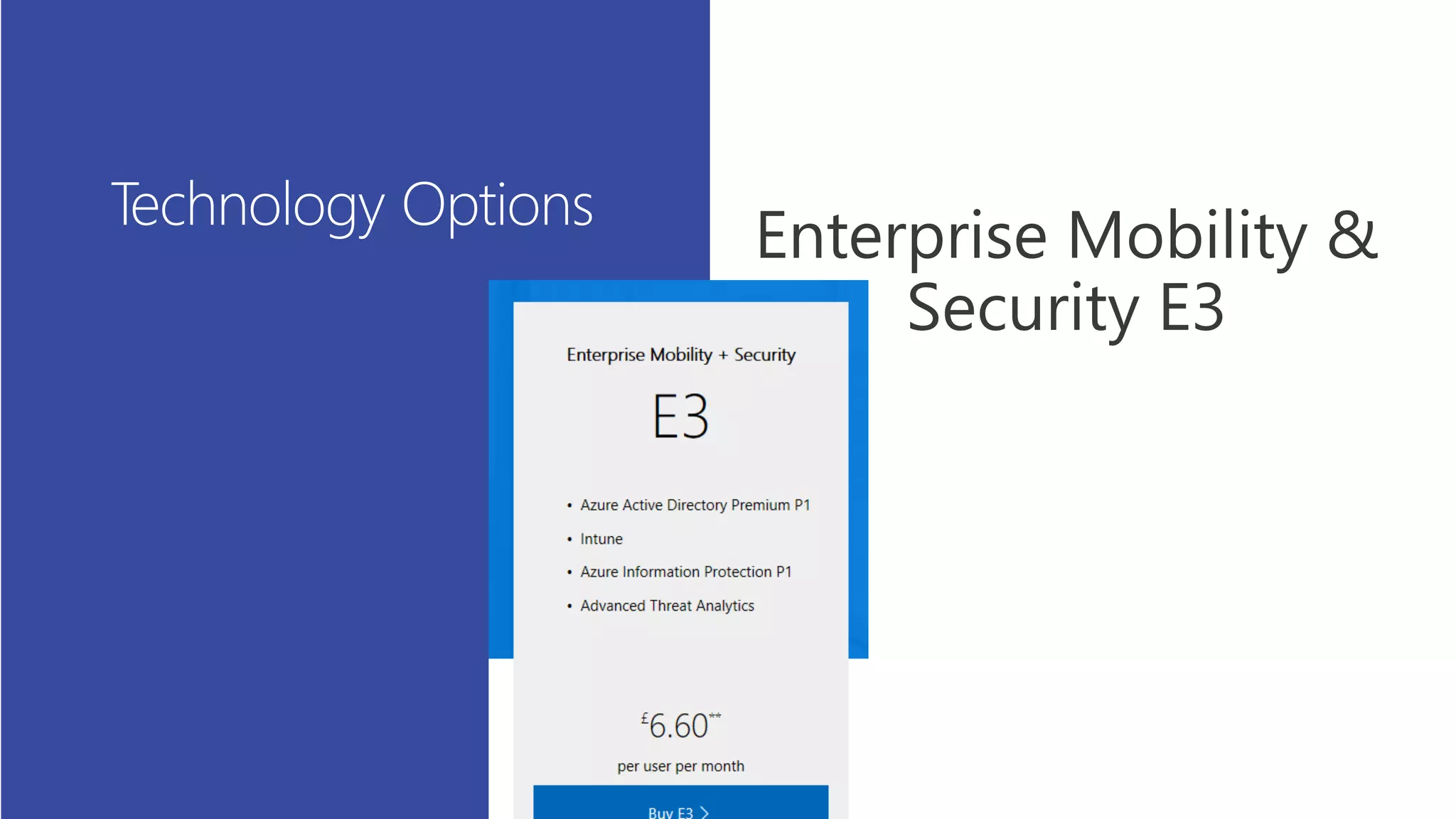
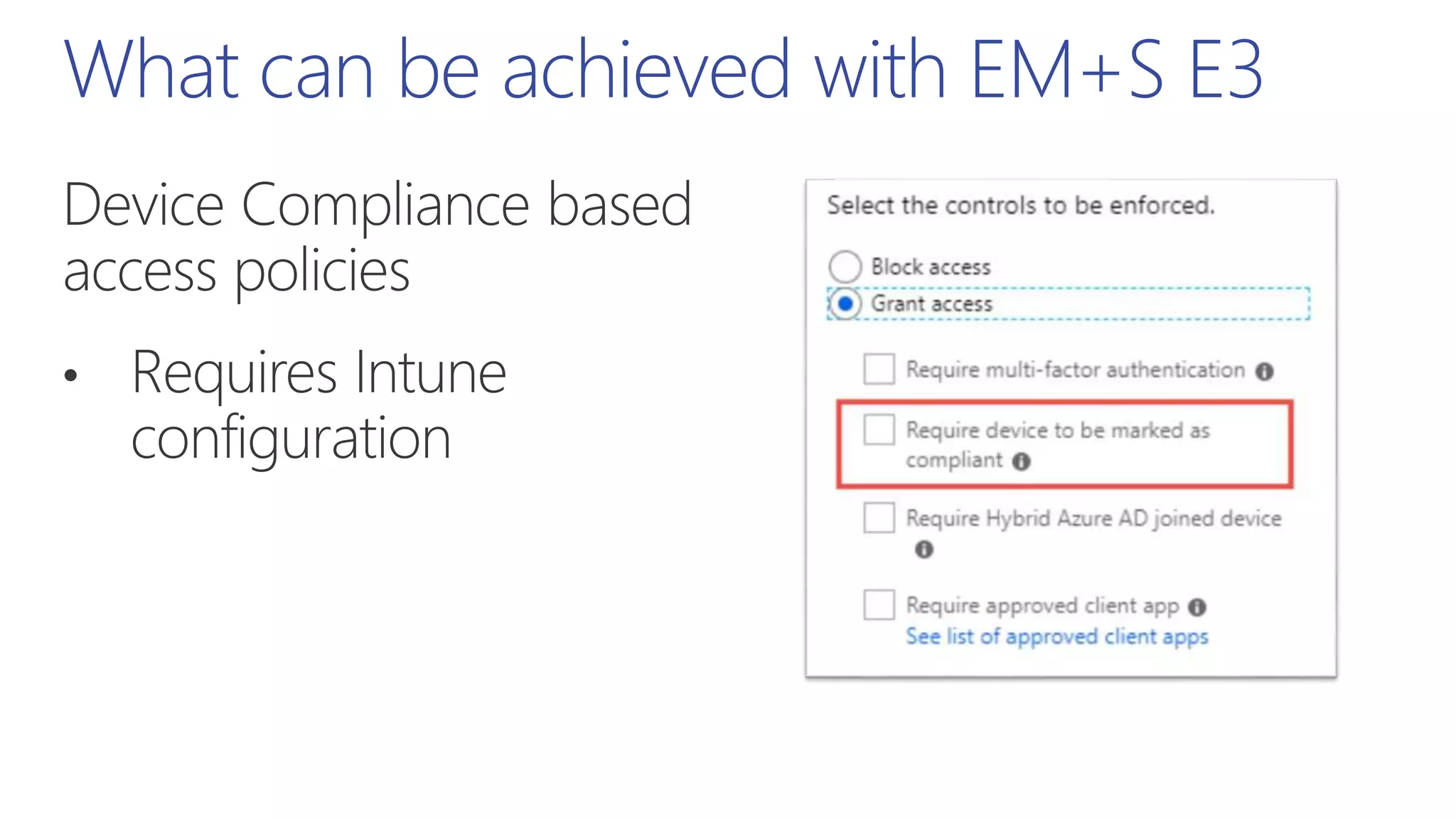
What can be achieved with EM+S E3
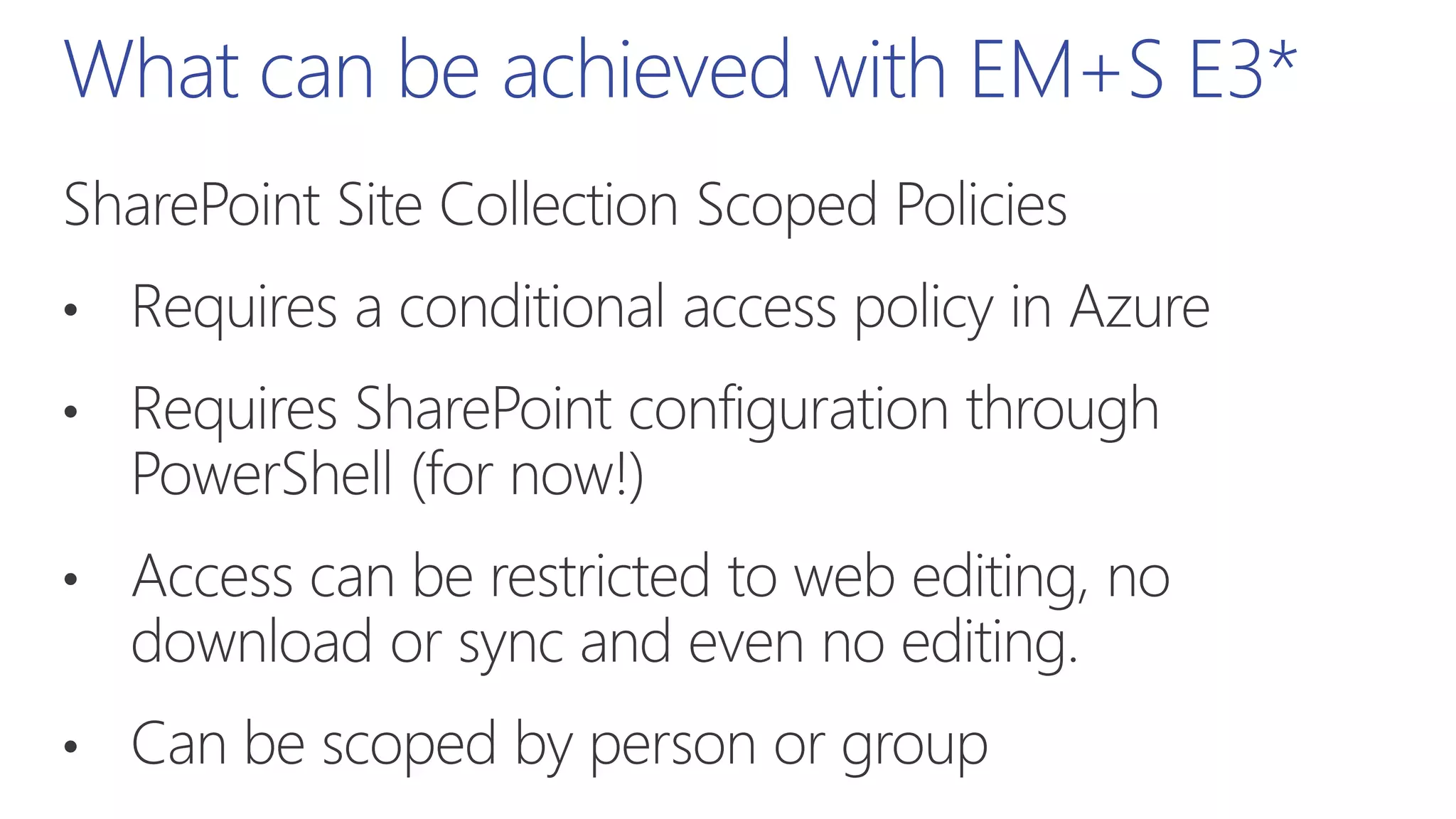
What can be achieved with EM+S E3*
SharePointSiteCollectionScoped
Policies
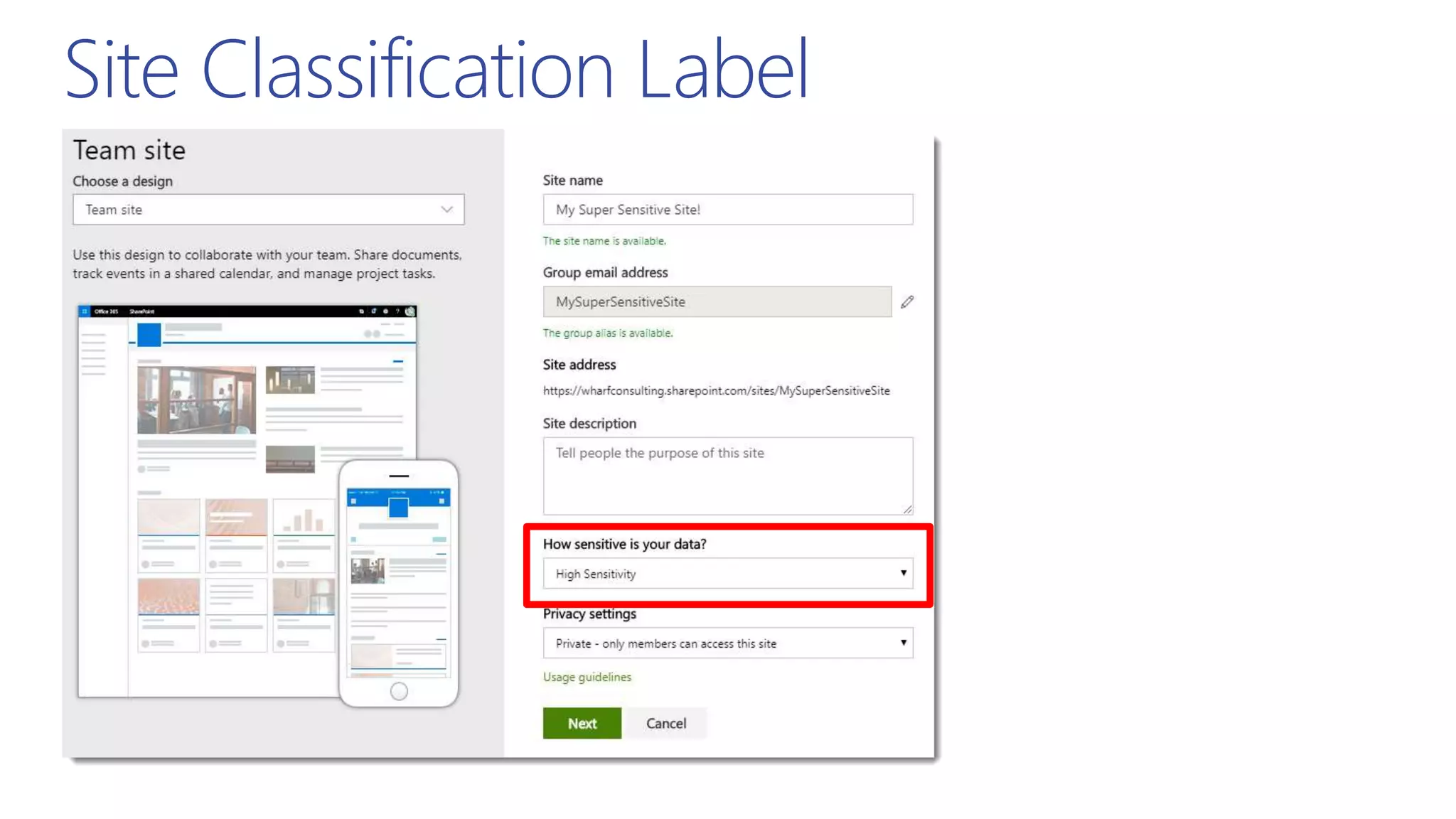
Site Classification Label
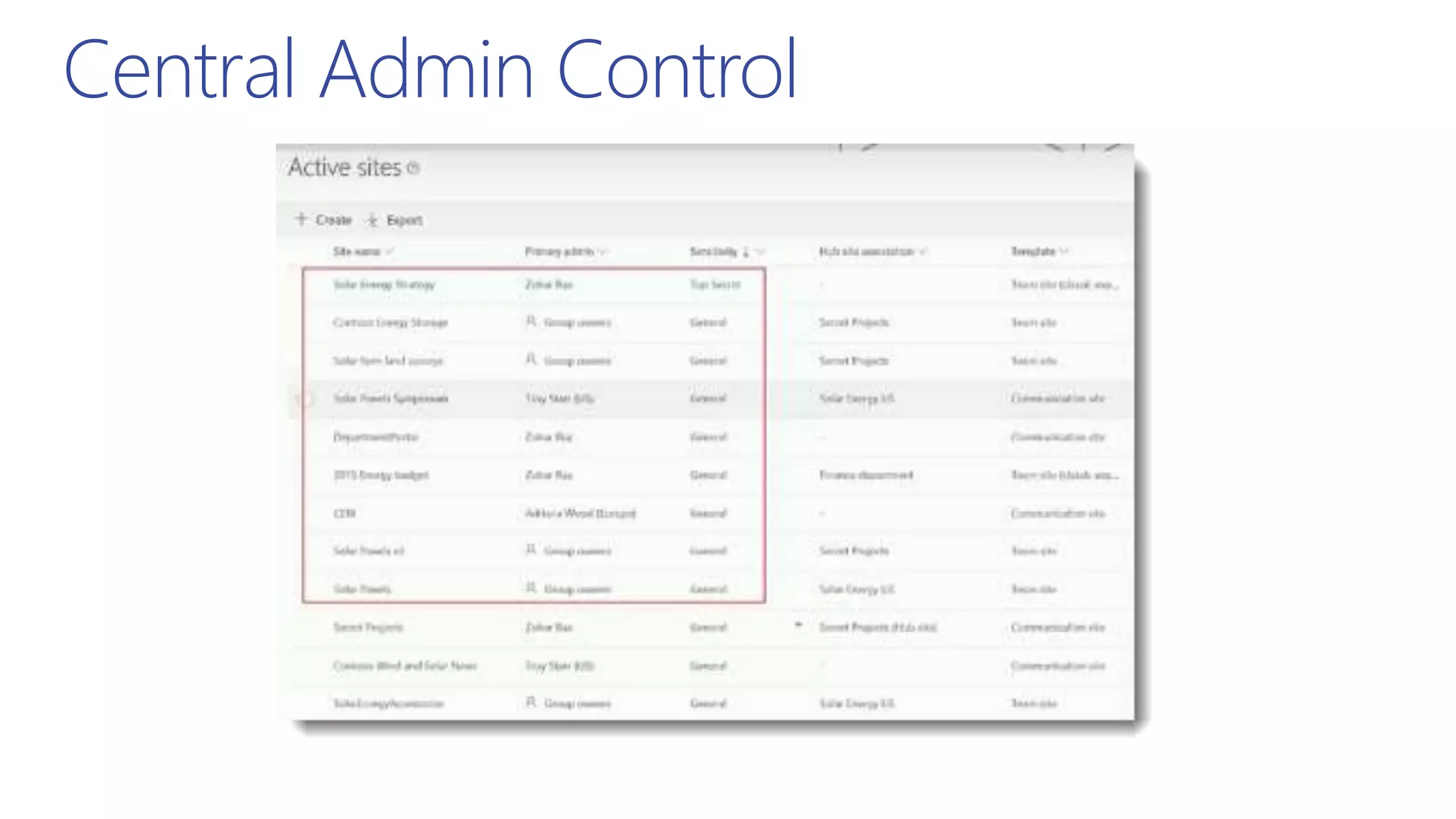
Central Admin Control
BRK3101 – Securing your SharePoint and OneDrive
content with access policies and labels – Sesha Mani
Watch the Ignite Session for Demos
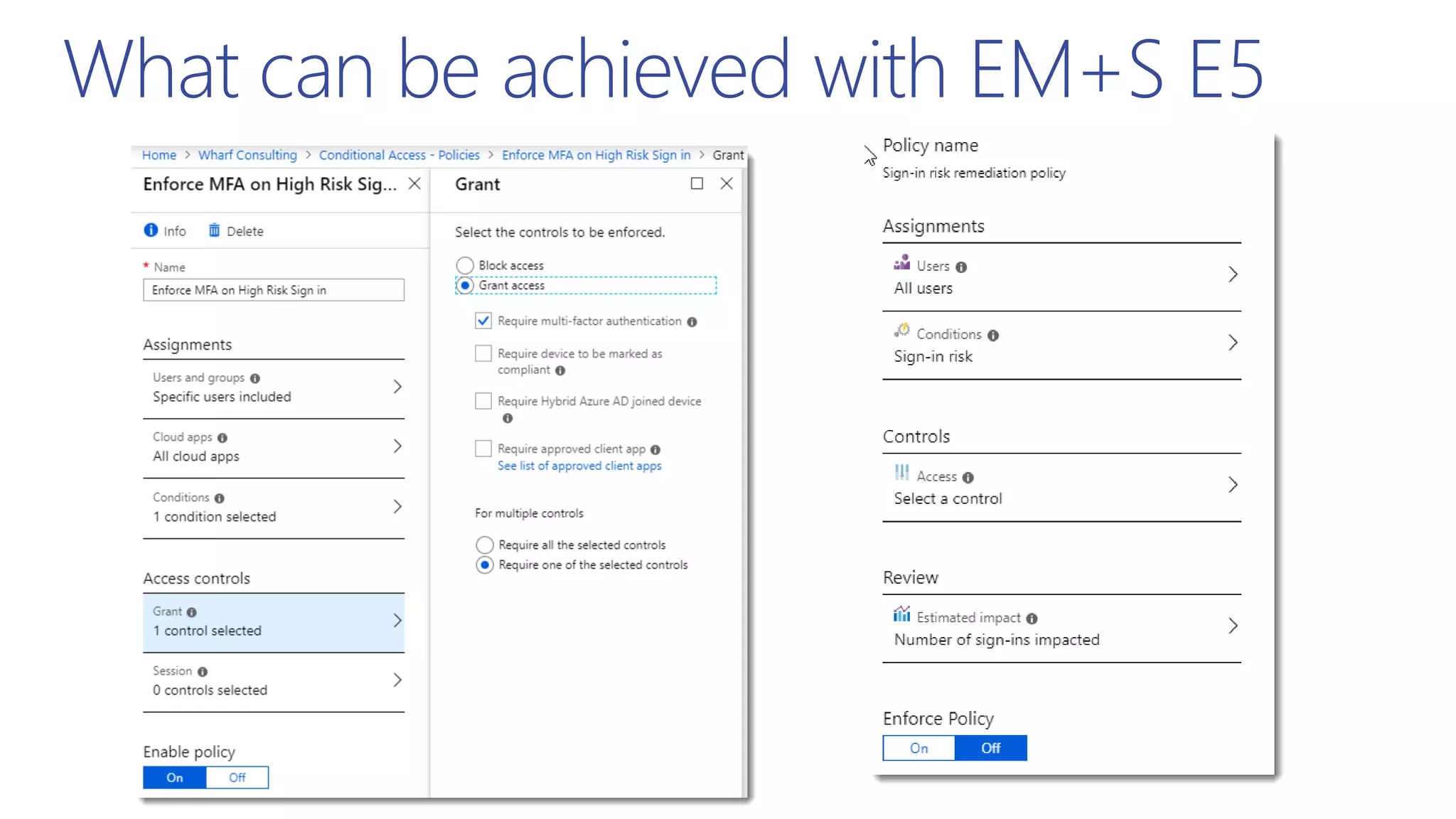
What can be achieved with EM+S E5
RiskBasedPolicies,IdentityProtection
andEntitlementPackages
Access Layers in Microsoft 365
Encryption
RBAC
Conditional Access
Azure AD PIM
PAM in Office 365
Prevent unauthorized
illegitimate access
Govern
legitimate
access
Role & risk based
Standing access
(Permissions)
JIT & JEA
With Approval
(Elevation of Privilege)
Access Reviews
&
Conditional Access
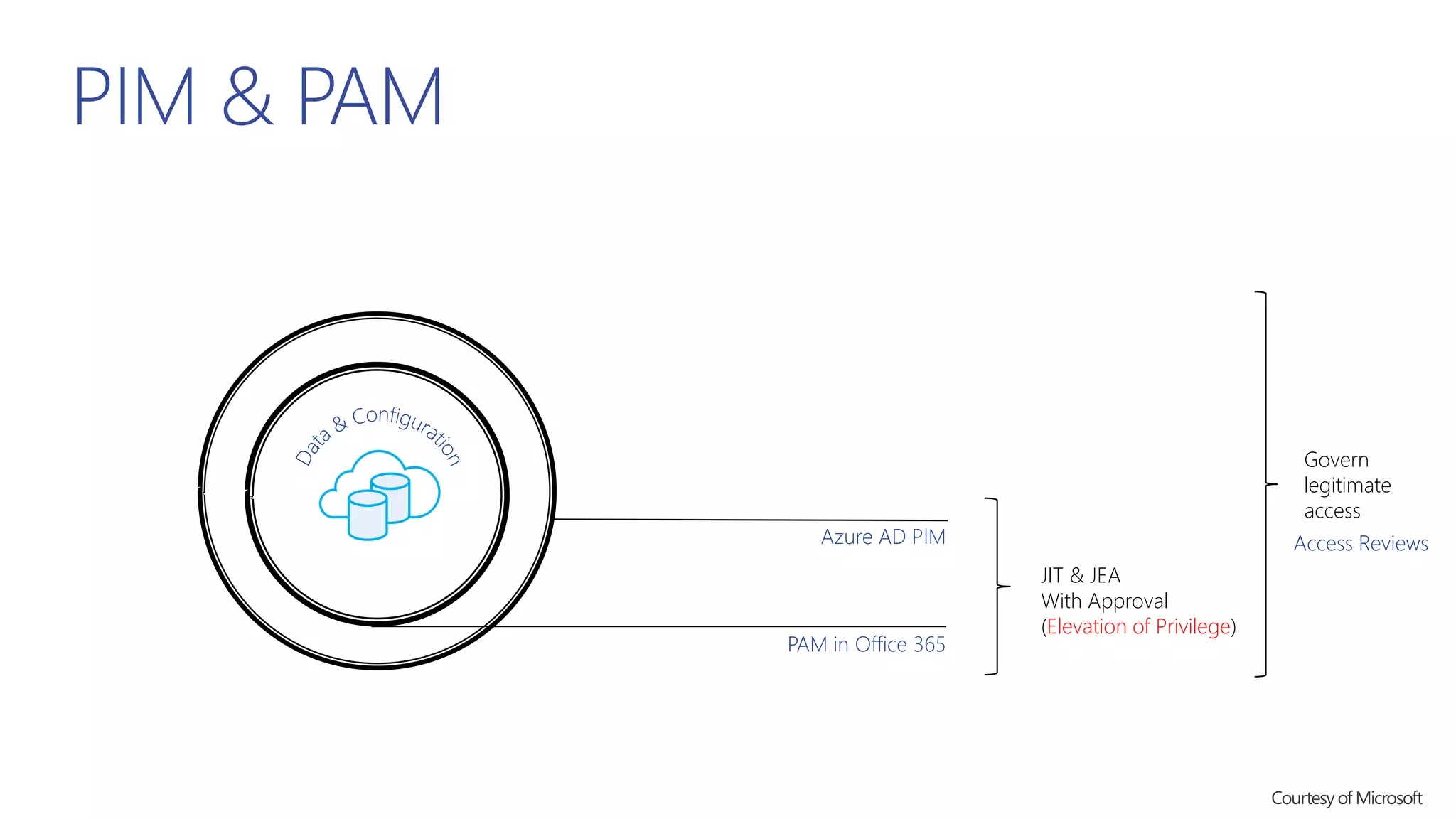
PIM & PAM
Azure AD PIM
PAM in Office 365
JIT & JEA
With Approval
(Elevation of Privilege)
Govern
legitimate
access
Access Reviews
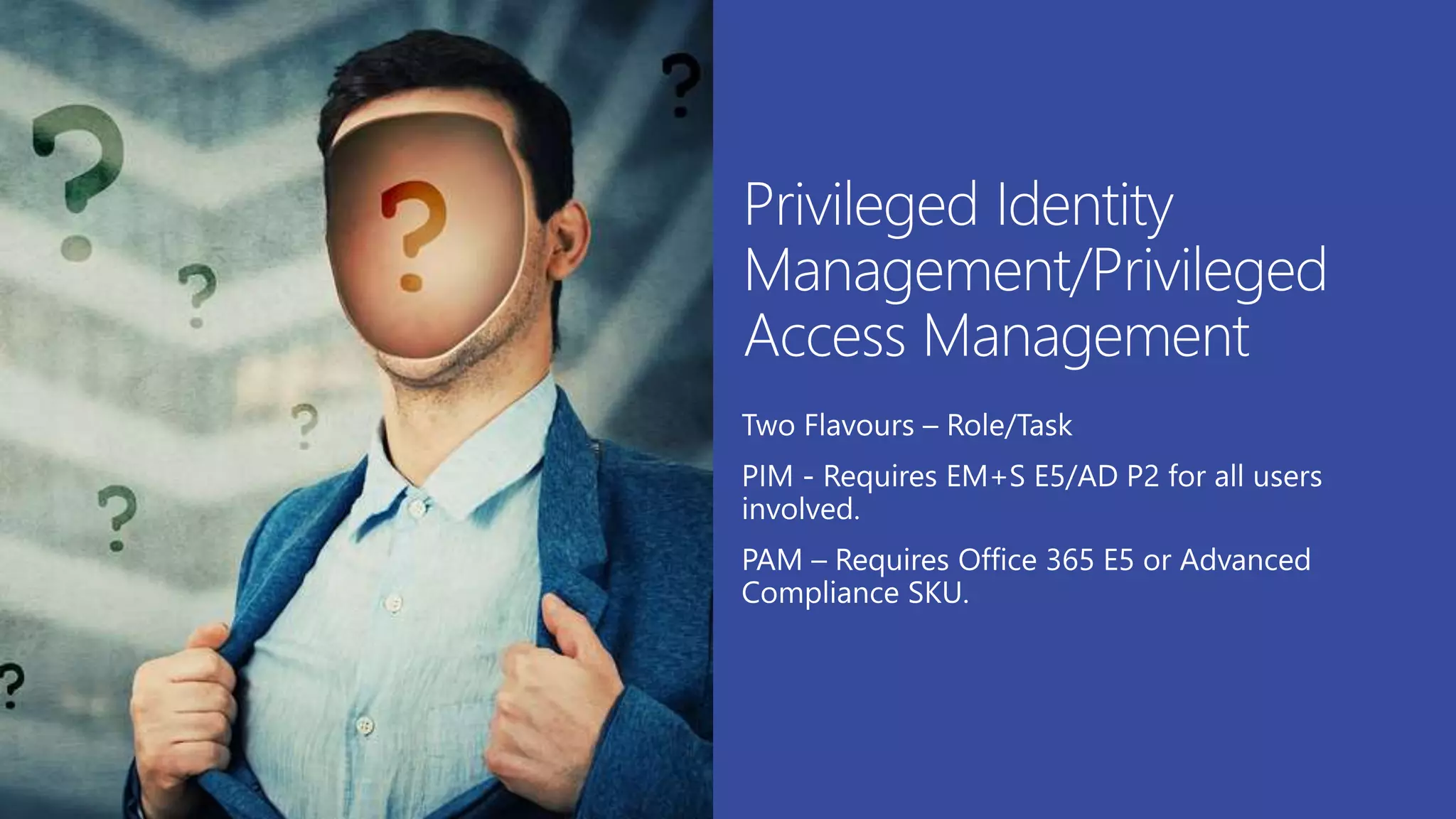
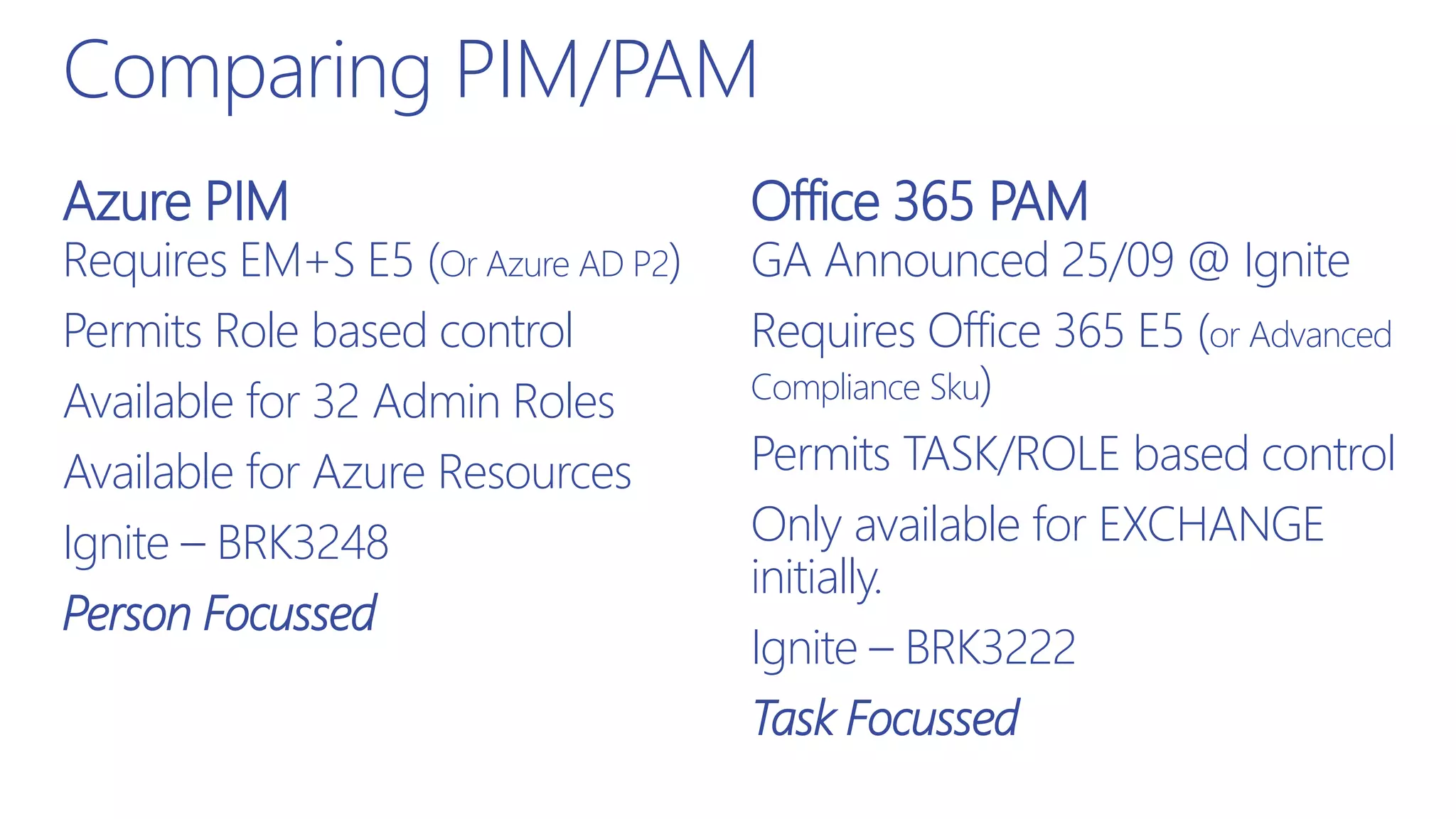
Comparing PIM/PAM
Requires EM+S E5 (Or Azure AD P2)
Permits Role based control
Available for 32 Admin Roles
Available for Azure Resources
Ignite – BRK3248
Person Focussed
GA Announced 25/09 @ Ignite
Requires Office 365 E5 (or Advanced
Compliance Sku)
Permits TASK/ROLE based control
Only available for EXCHANGE
initially.
Ignite – BRK3222
Task Focussed
Azure PIM Office 365 PAM
PIMinaction
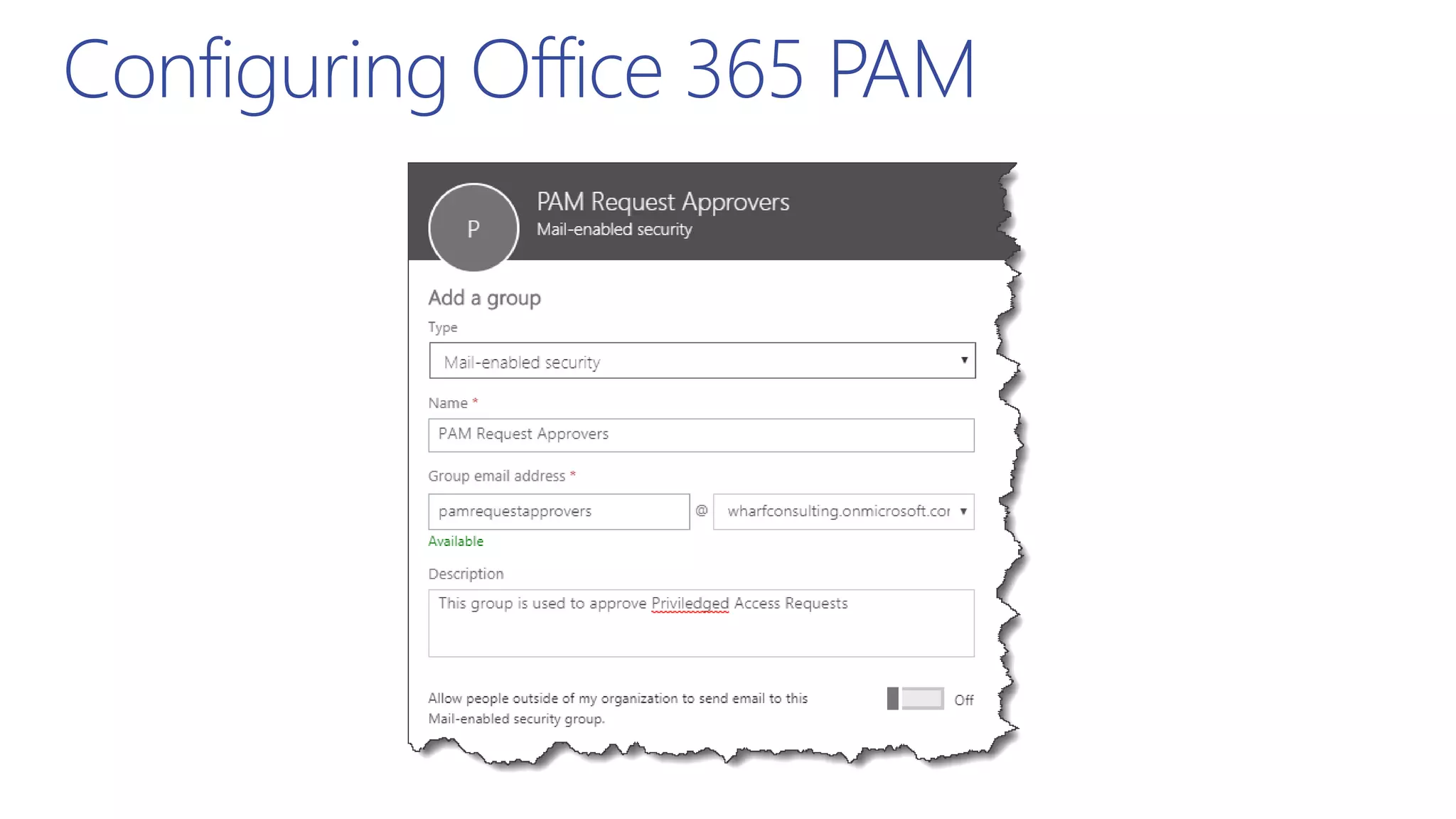
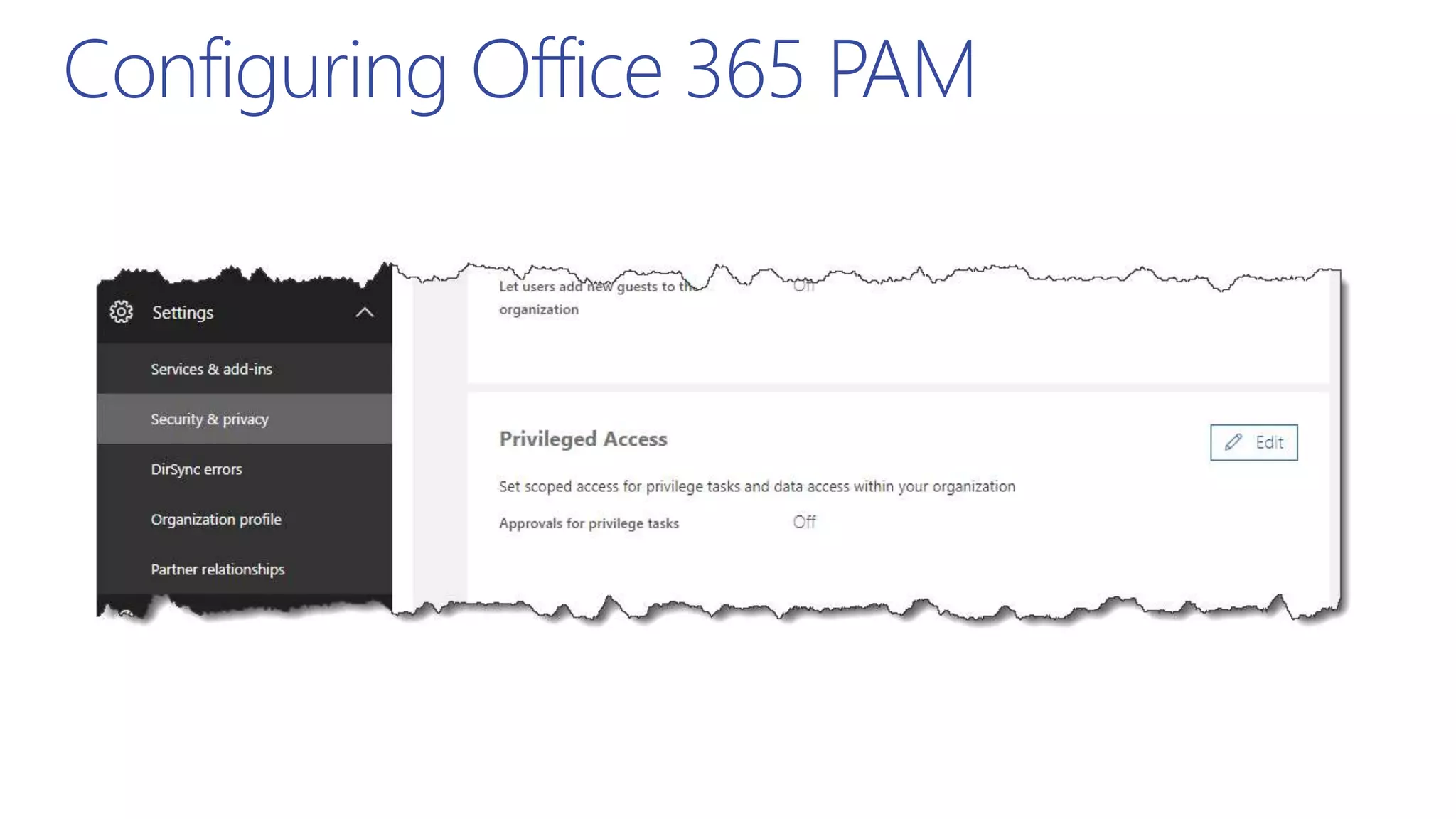
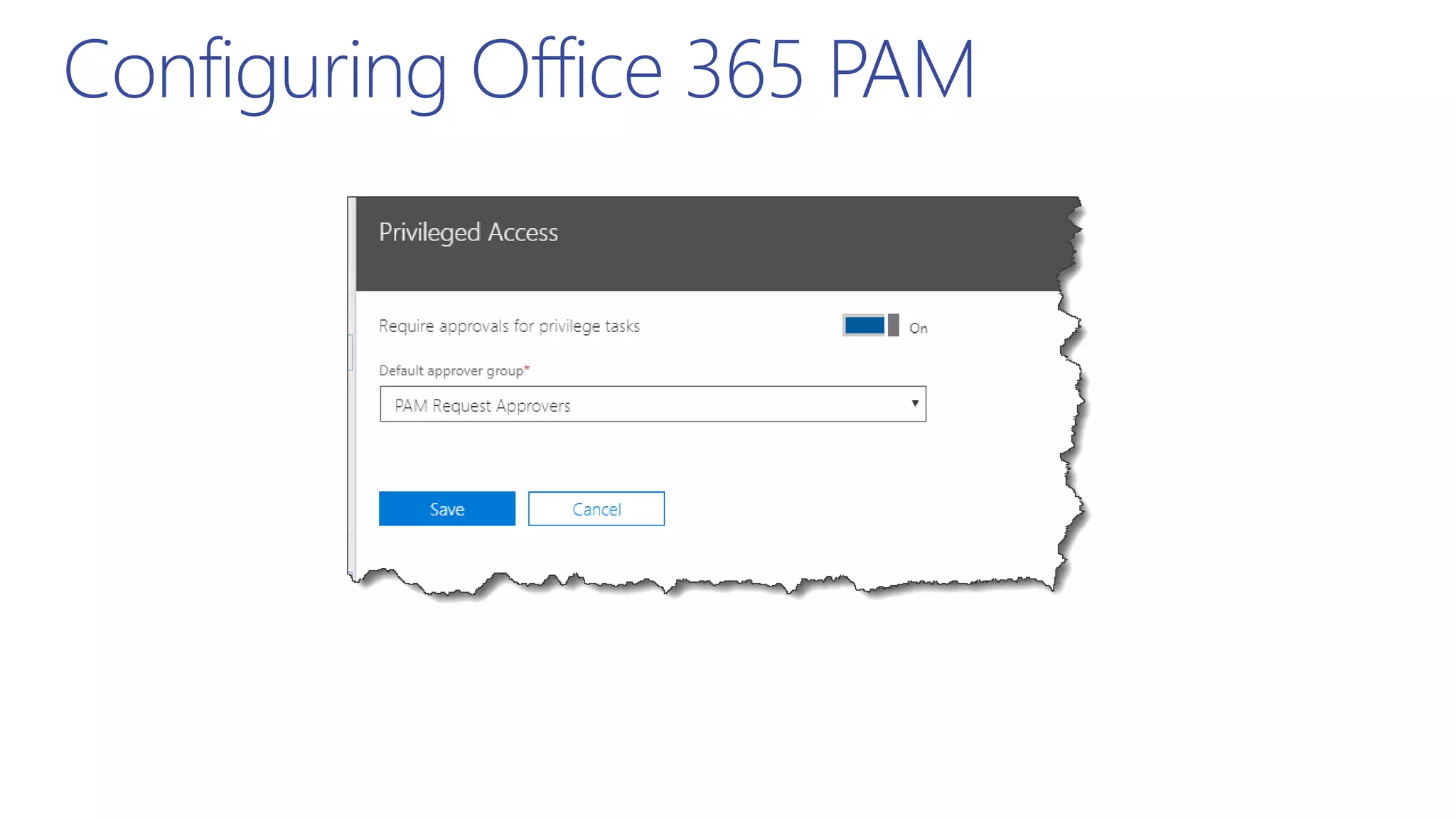
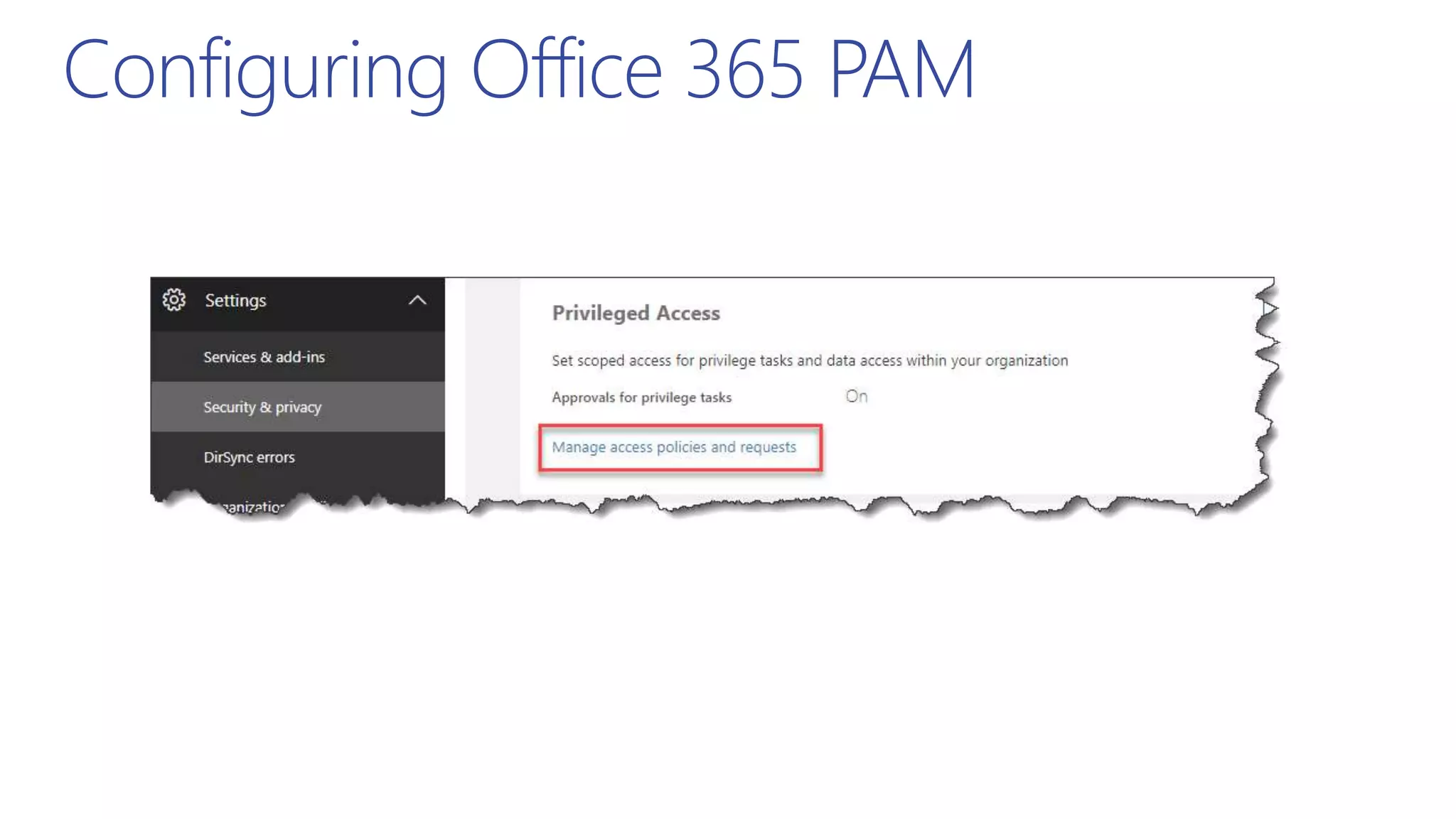
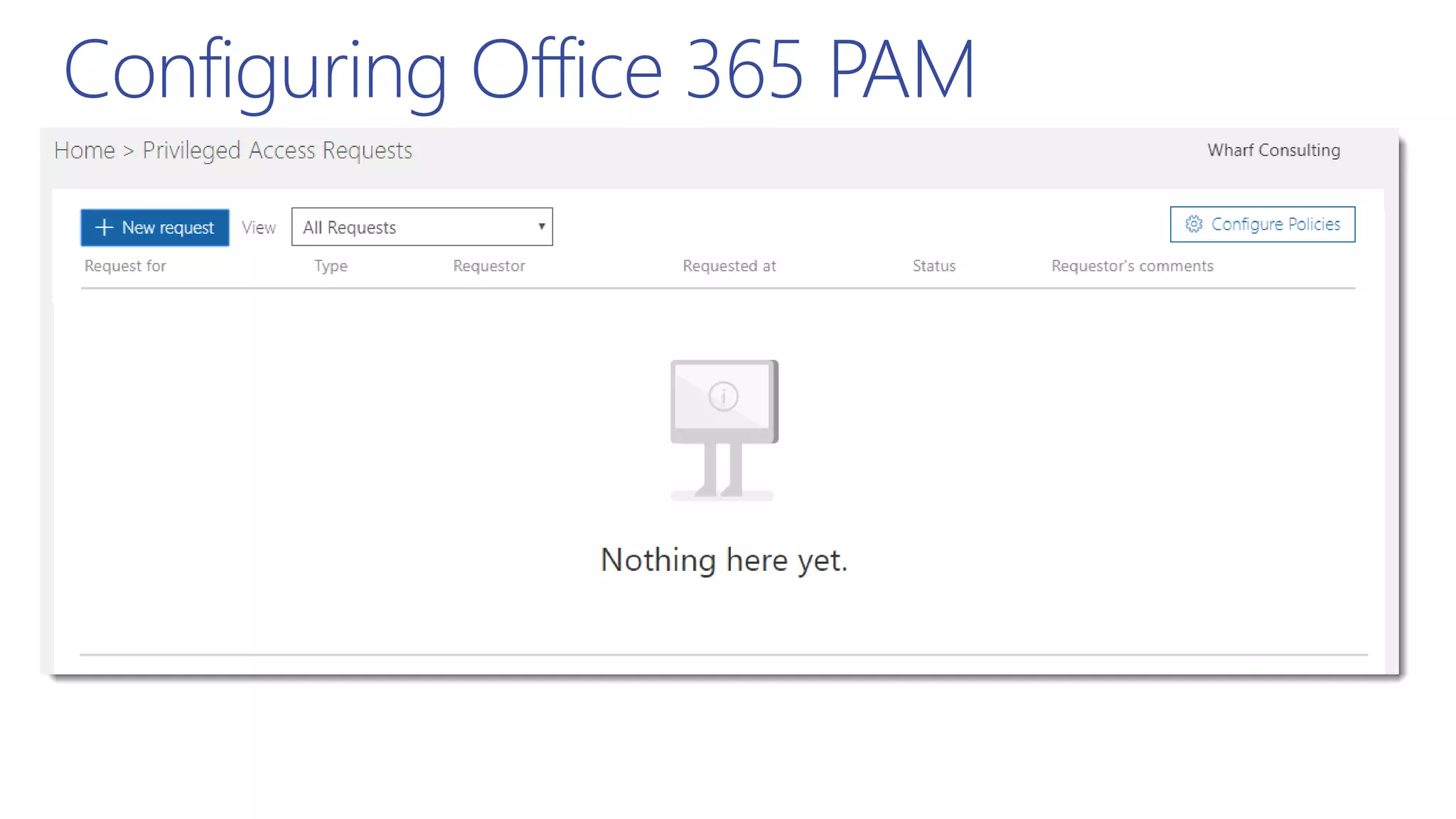
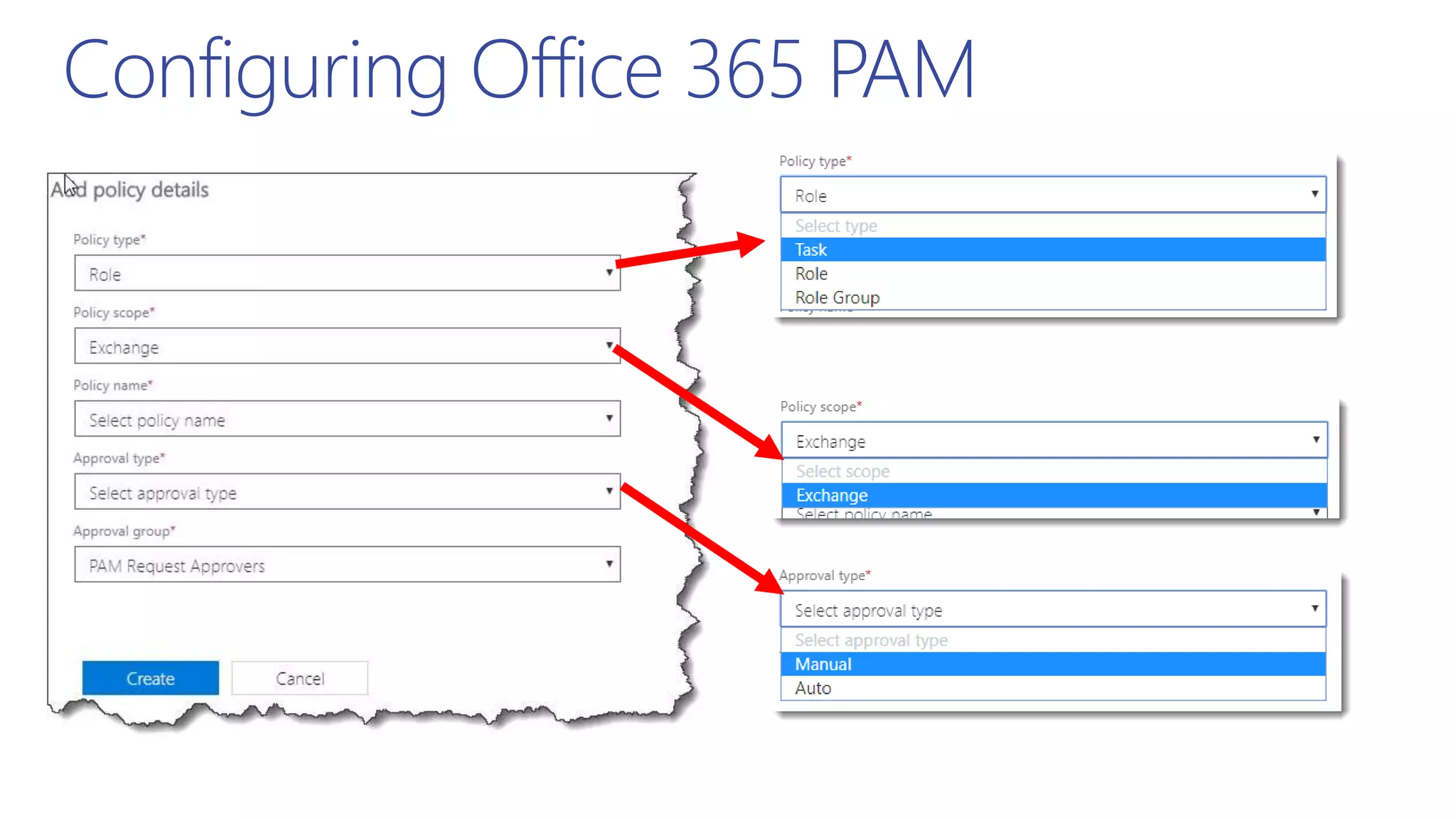
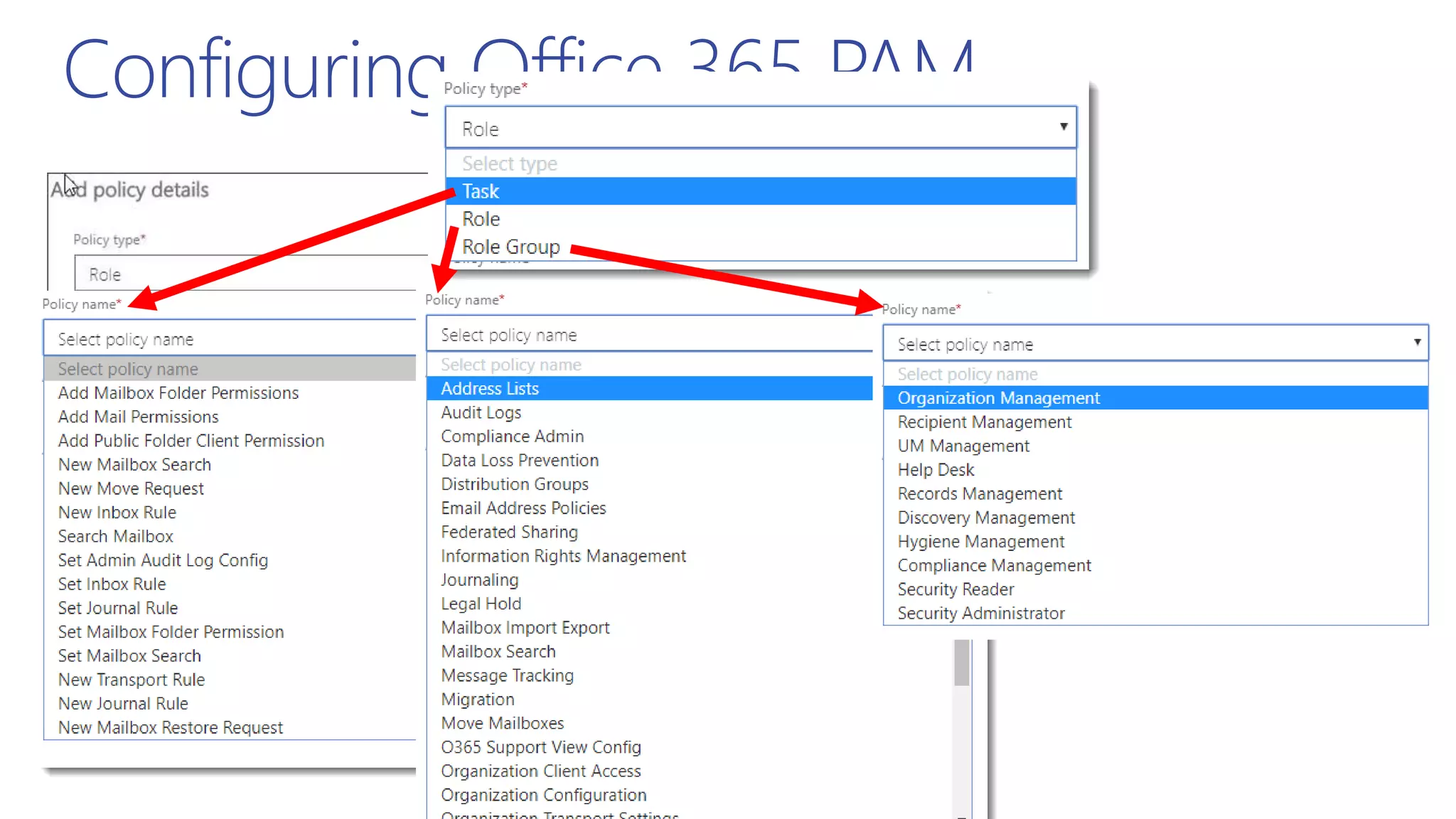
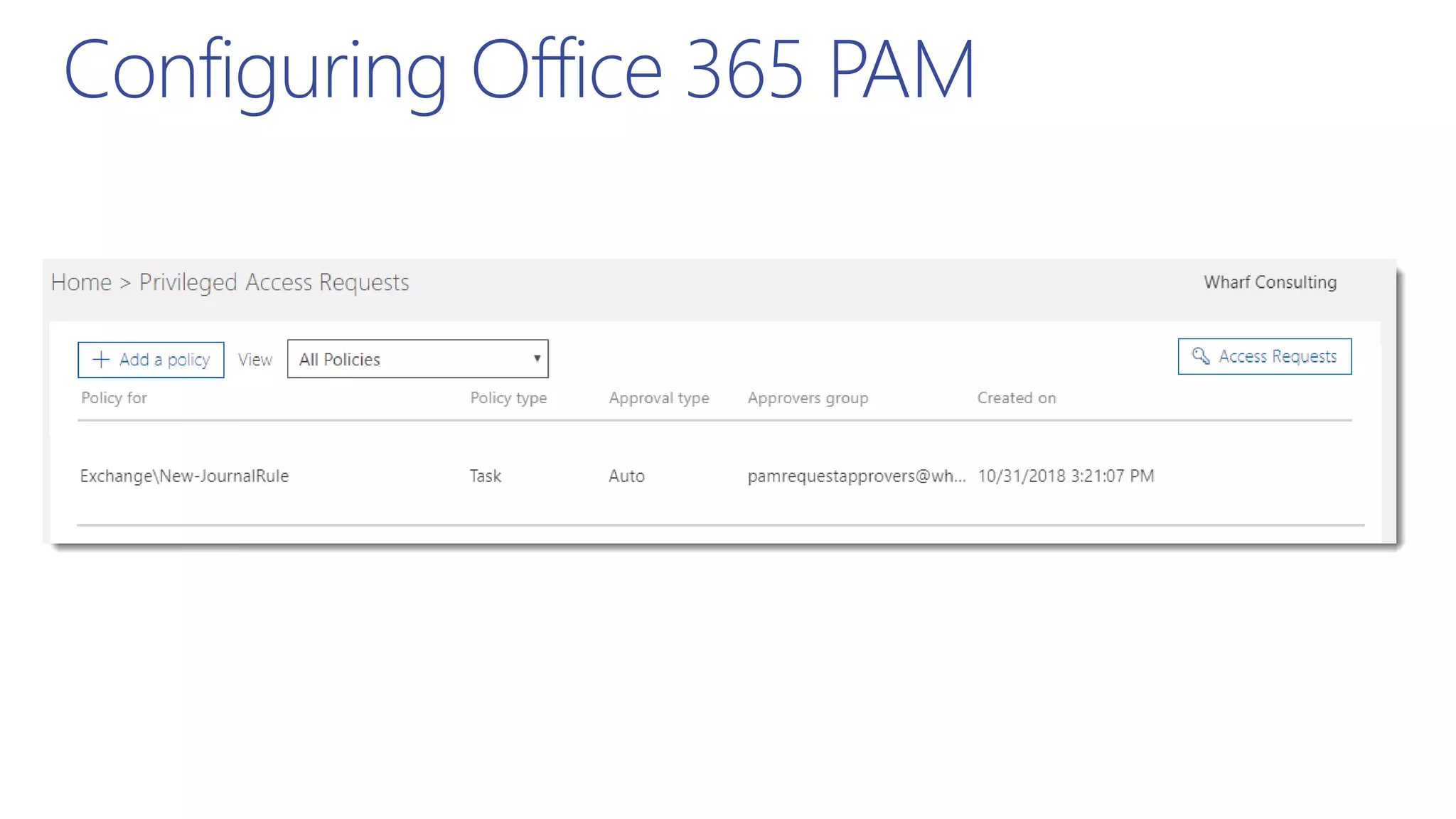
Configuring Office 365 PAM
PAMinaction
Useful Resources
Access Control Policies
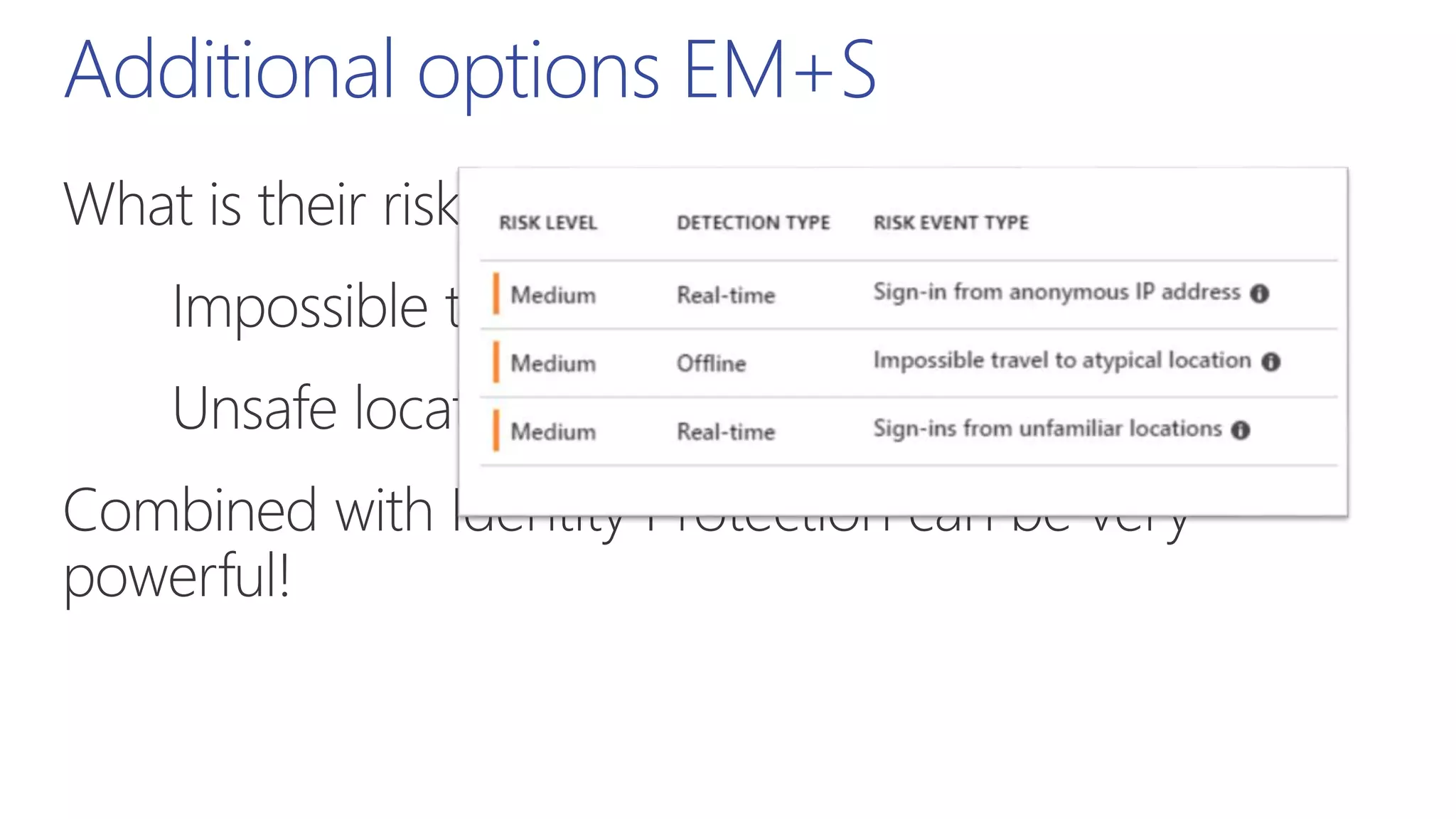
AD Risk Events
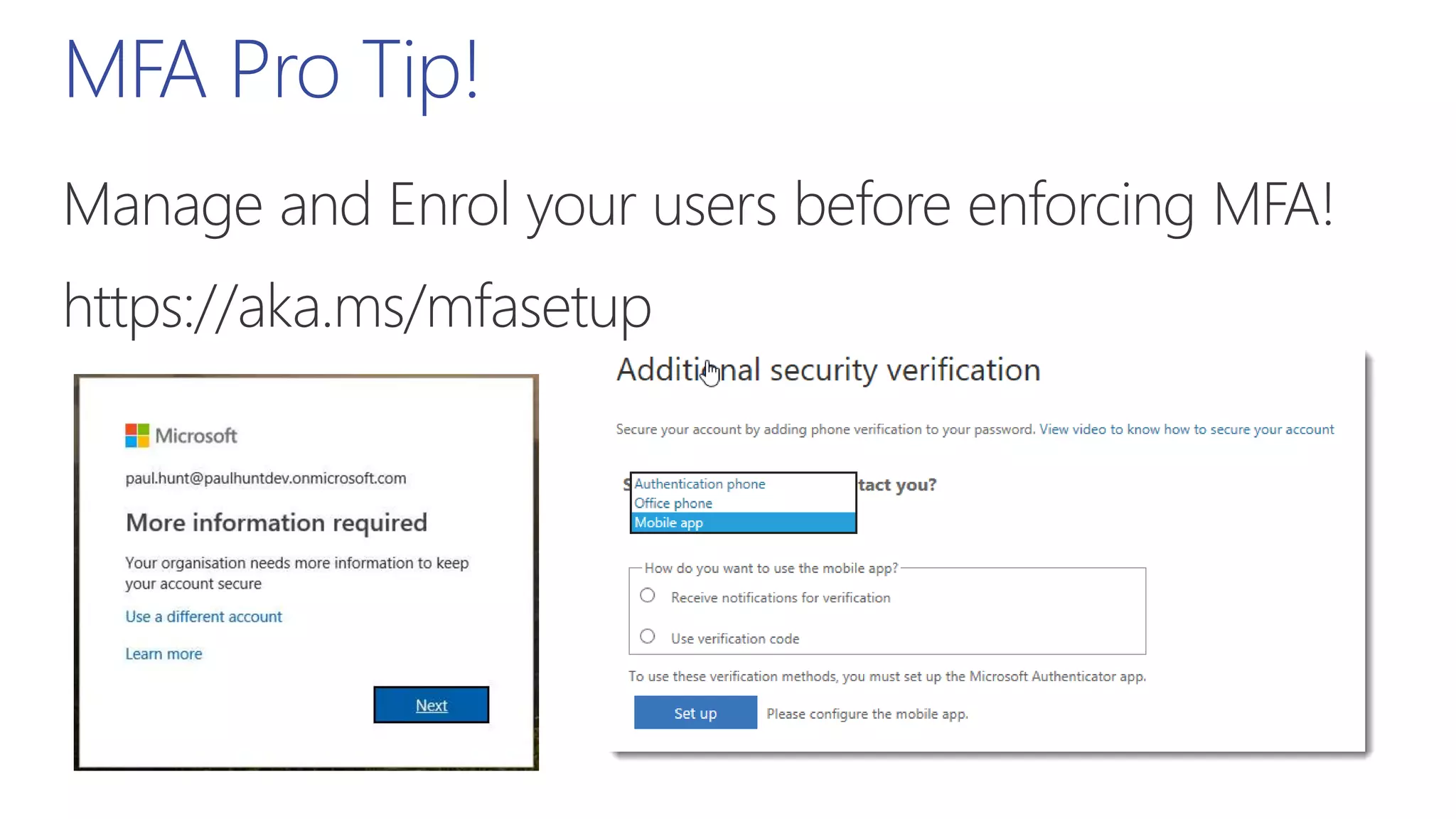
https://aka.ms/mfasetup
Docs
Preview Docs
Docs
Docs
Thank you

Exploring conditional access to content stored in office 365 spsce

Editor's Notes

  • #5 I also do woodturning, It’s cheaper than therapy!! Office 365 can be a lot like woodturning.. If you don’t pay attention to what you’re doing, it’s easy to make a mistake and go through the bottom of the bowl!
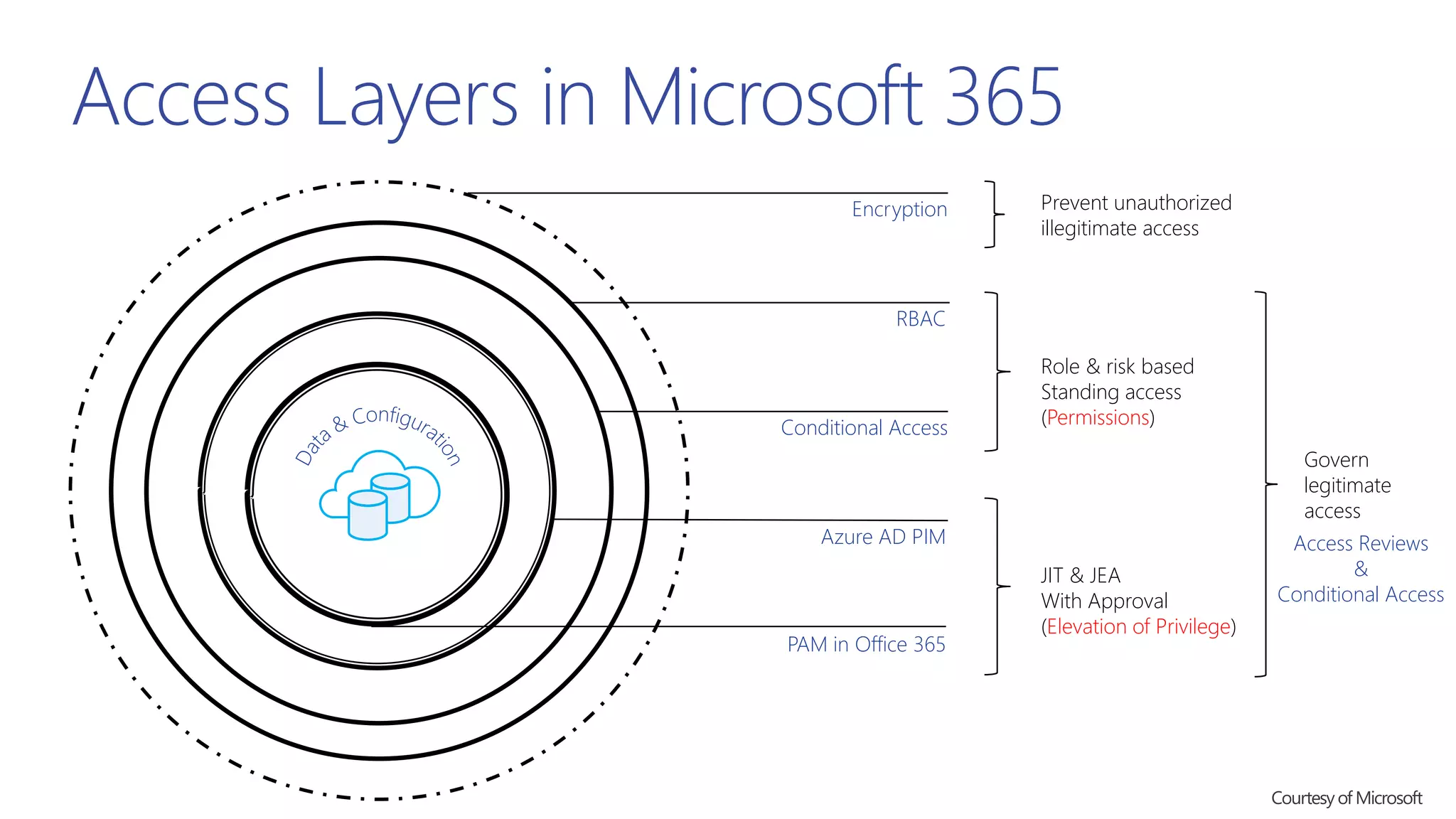
  • #7 Encryption first, Permissions, the Elevation of Privilege. (Diagram courtesy of Microsoft)
  • #8 Encryption first, Permissions, the Elevation of Privilege. (Diagram courtesy of Microsoft)
  • #9 Traditional access control has been what we class as Standing Access. A rigid defined set of rules.
  • #10 Conditional access has blurred the lines by introducing flexibility to the rule base.
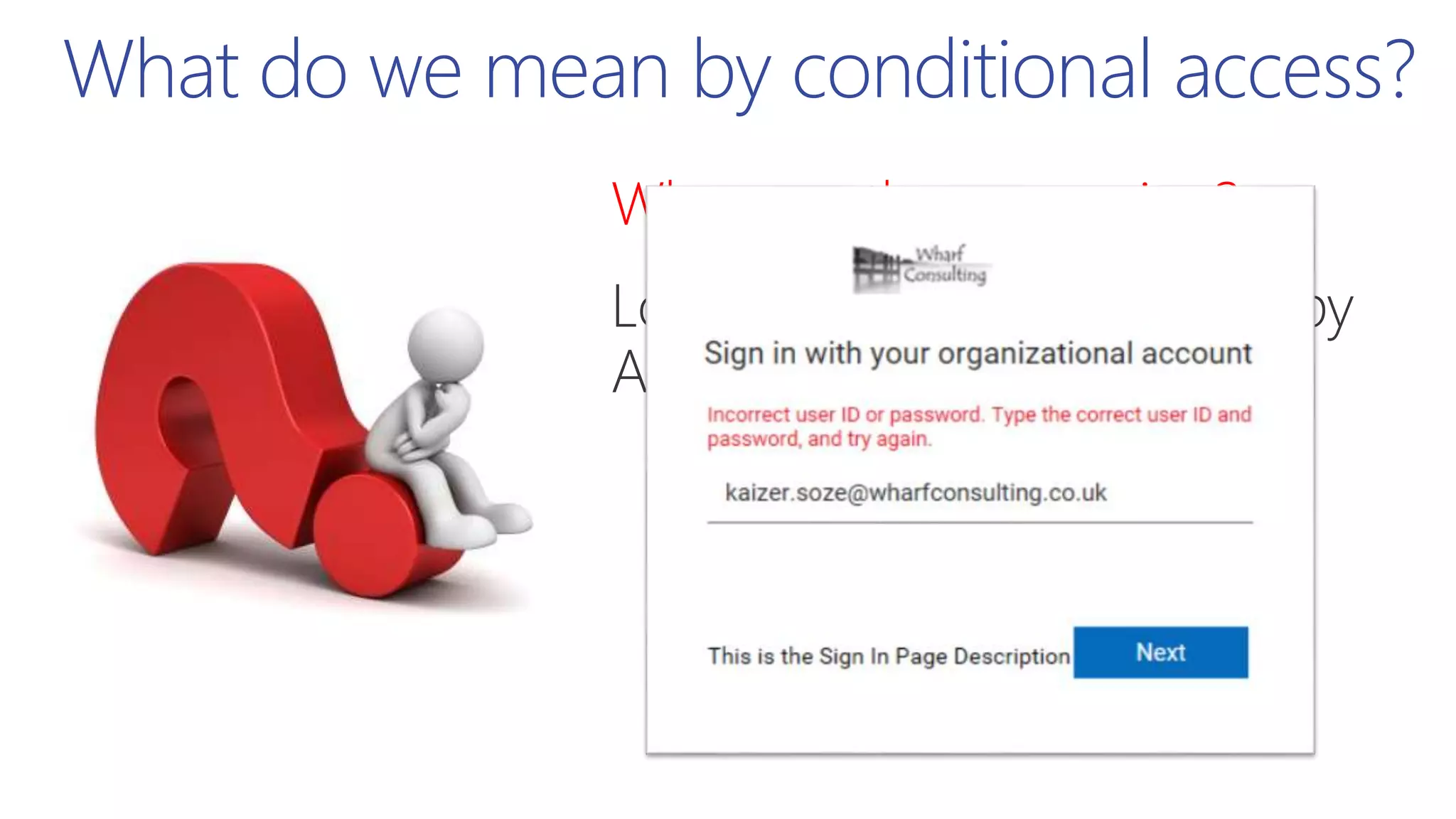
  • #12 ADFS/PTA will honour Logon hours.. But with a very unhelpful screen! Luckily account lockout policies don’t apply to users during timeout periods!
  • #13 ADFS will honour Logon hours.. But with a very unhelpful screen! Luckily account lockout policies don’t apply to users during timeout periods!
  • #17 Office 365 wants to access your ADFS to validate certificates. This can be done manually but timing is critical.
  • #18 https://docs.microsoft.com/en-us/windows-server/identity/ad-fs/operations/access-control-policies-in-ad-fs
  • #19 https://docs.microsoft.com/en-us/windows-server/identity/ad-fs/operations/access-control-policies-w2k12
  • #20 https://docs.microsoft.com/en-us/windows-server/identity/ad-fs/operations/access-control-policies-in-ad-fs
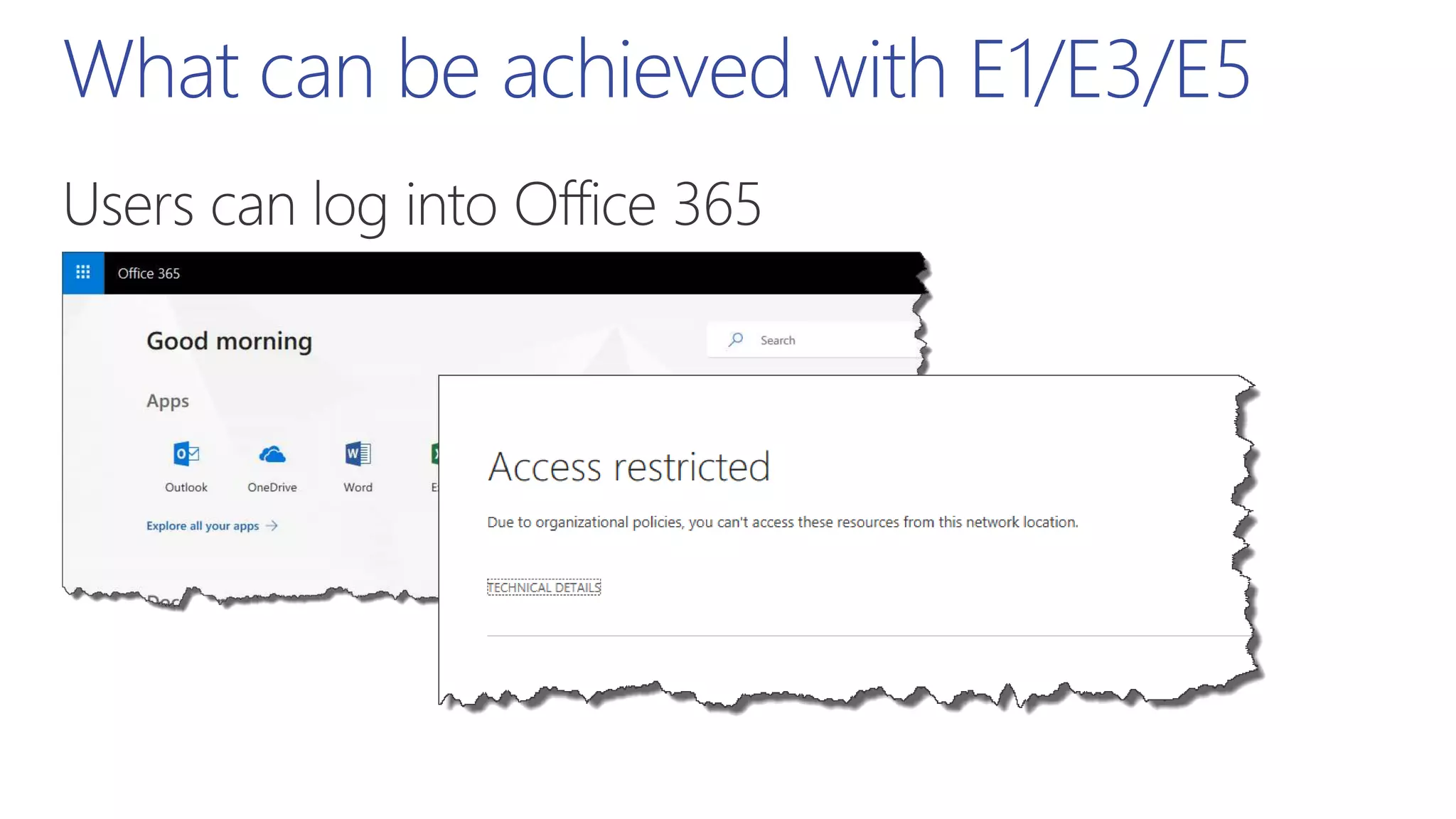
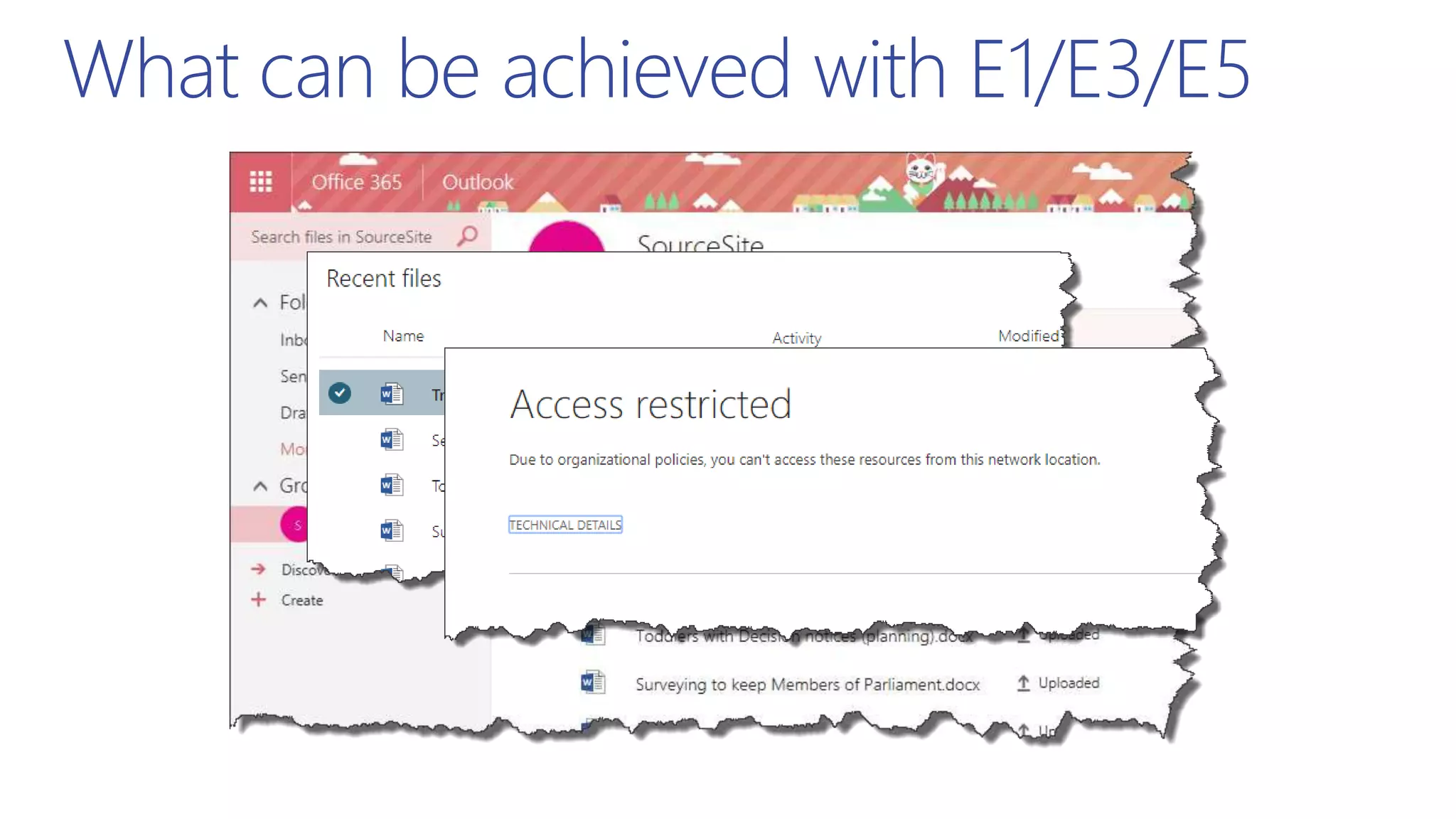
  • #25 Users can log into Office 365 portal, but clicking on SharePoint are blocked.
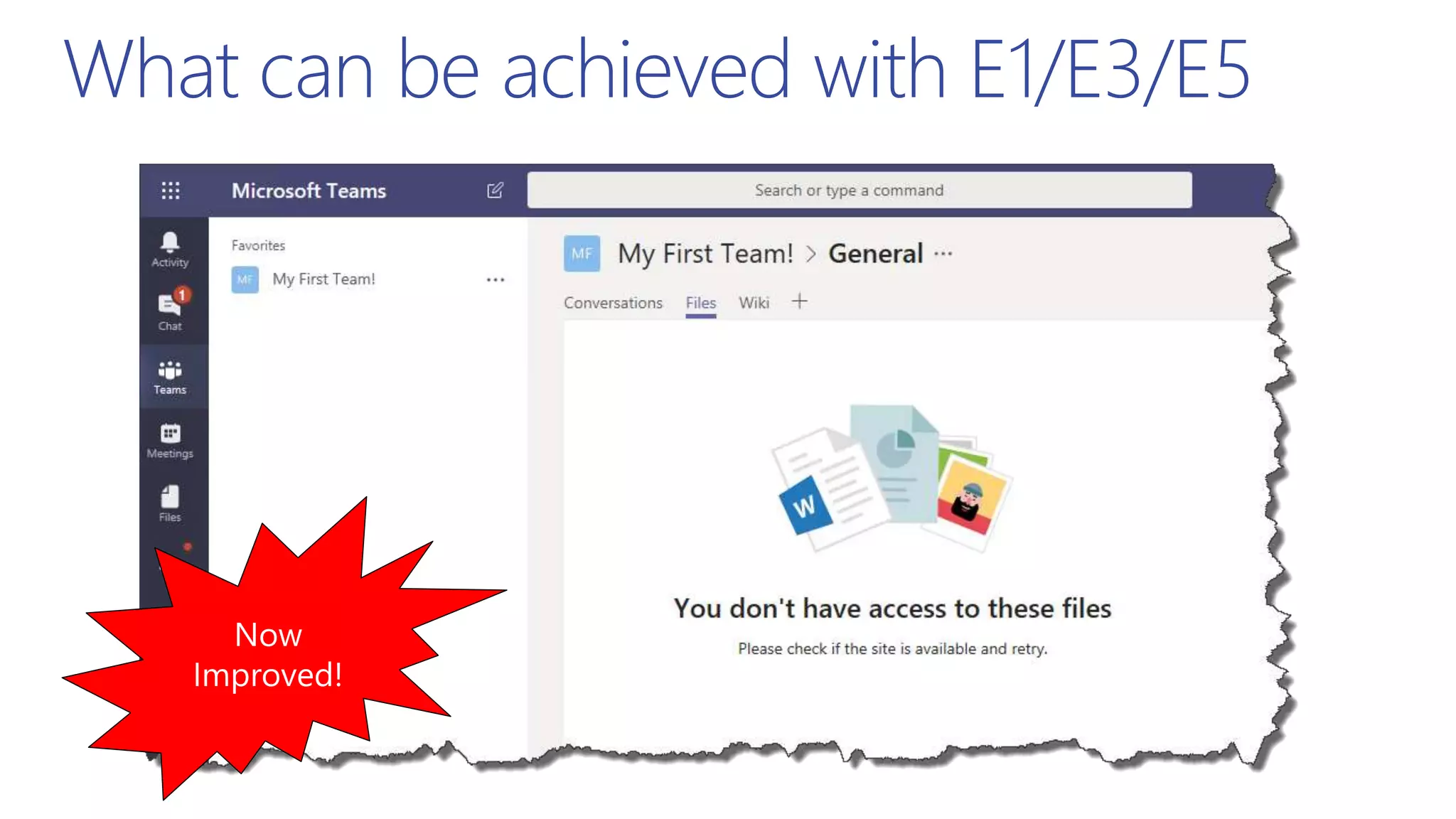
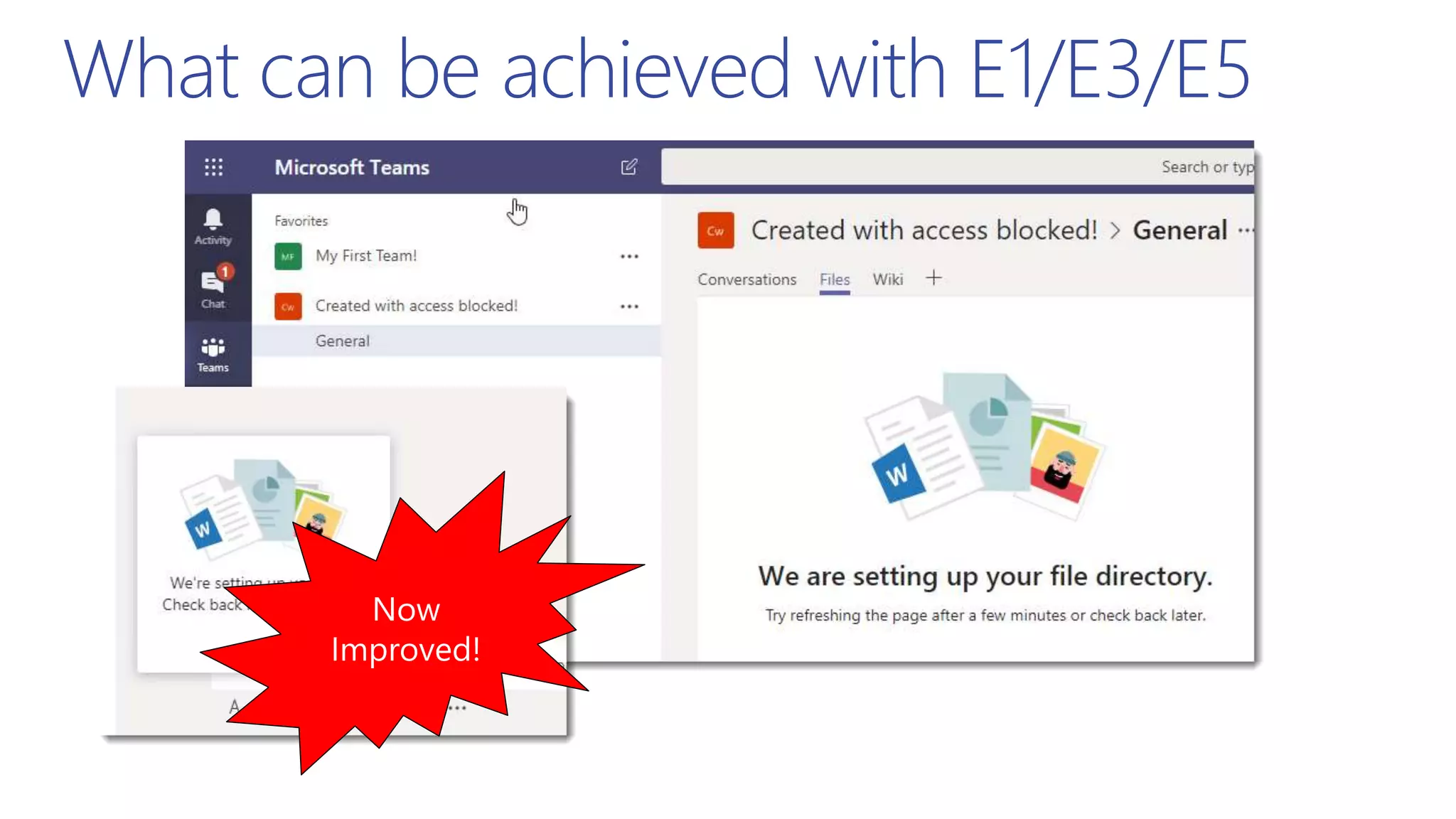
  • #26 Teams you can open, This has now been improved! You now see the files
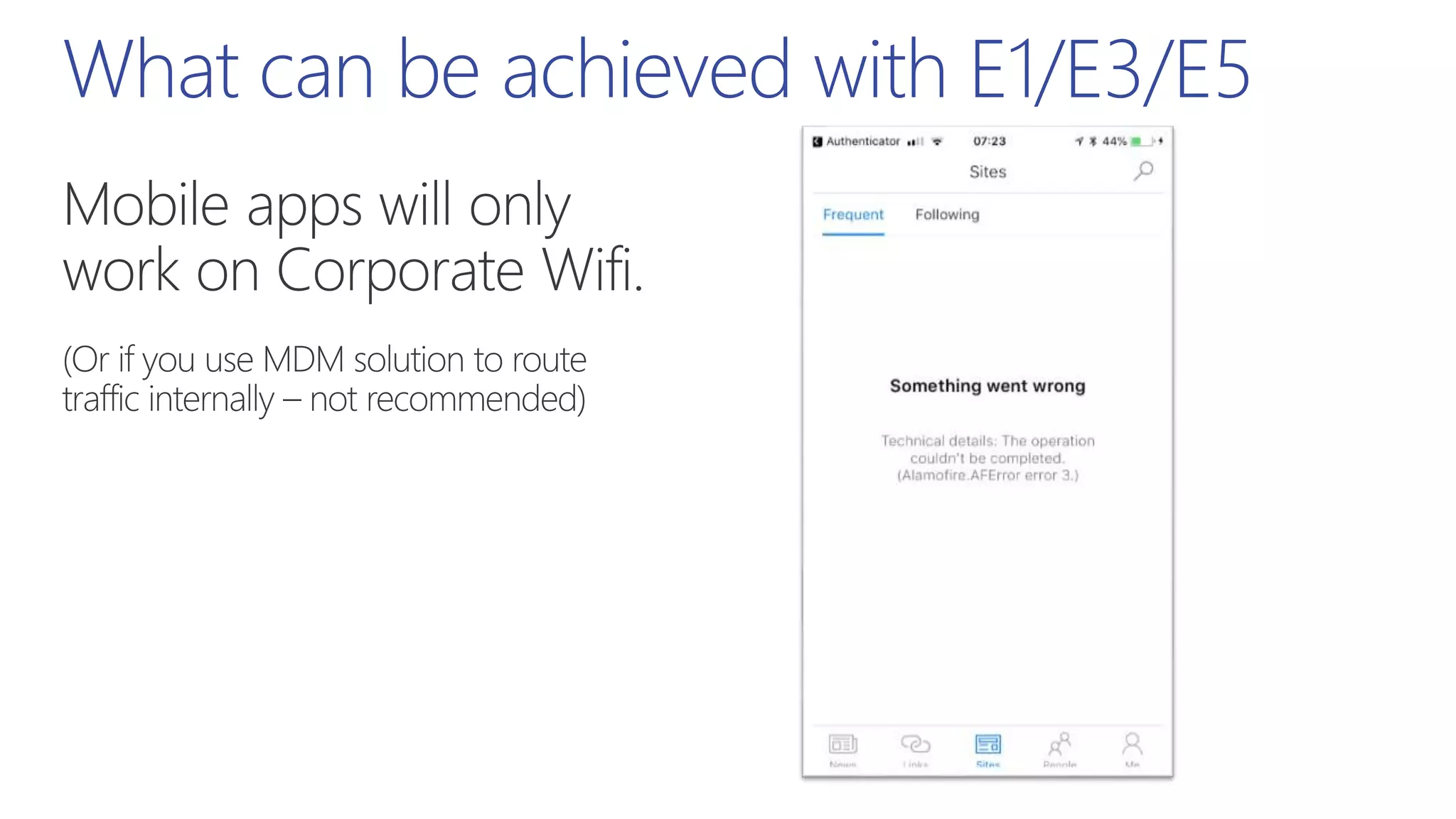
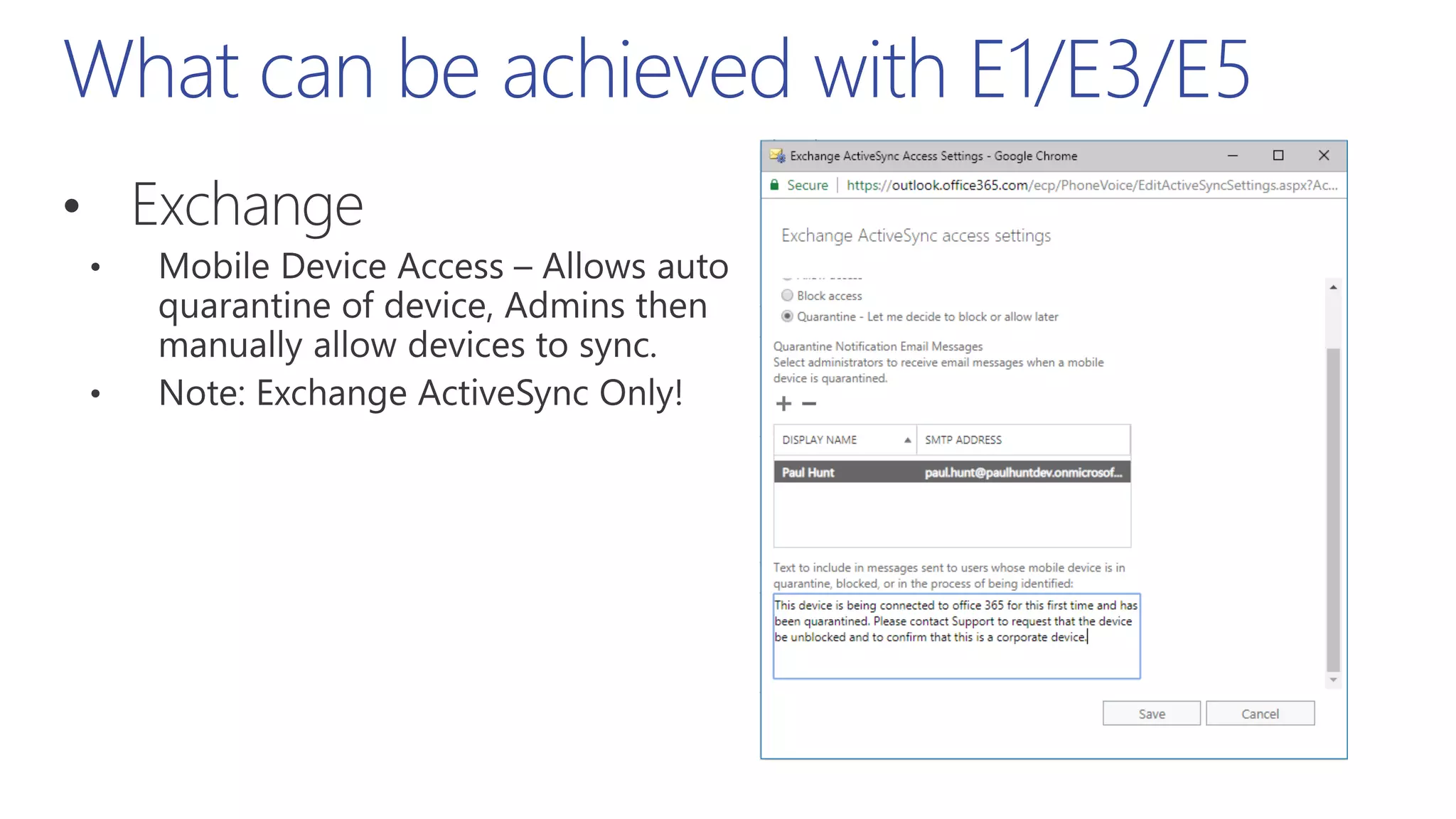
  • #27 Users with mobile devices will only work when connected to the corporate Wifi
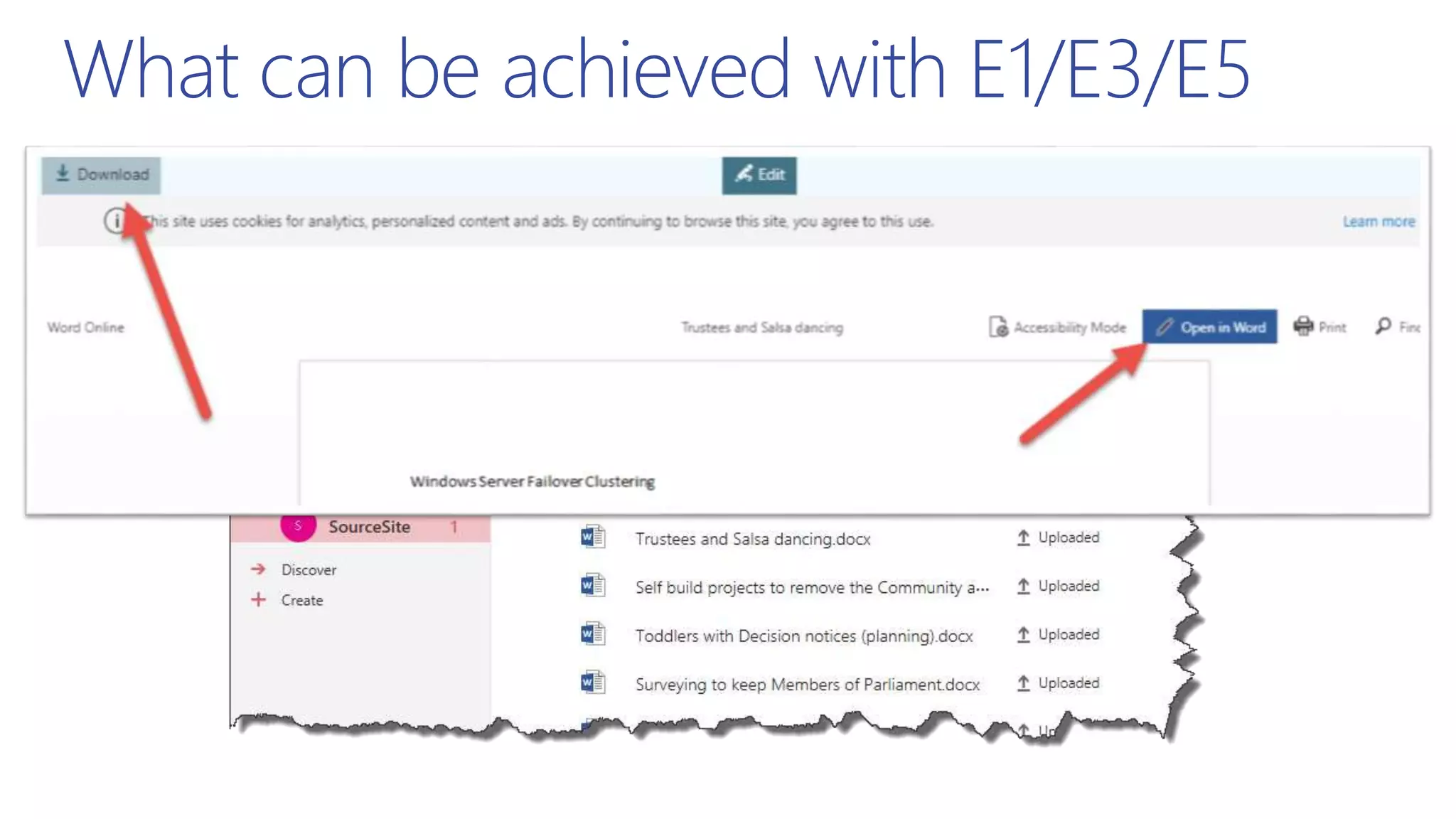
  • #28 But groups works? (Although you can’t download files, only view in browser)
  • #29 But groups works? (Although you can’t download files, only view in browser) Download link gives you a useful error.. Open In Word just keeps recycling the login prompt.
  • #30 If you create a Team whilst access is blocked, the SharePoint site gets created but does NOT get connected.. Have opened this as a bug with the Teams team! This has since been fixed!
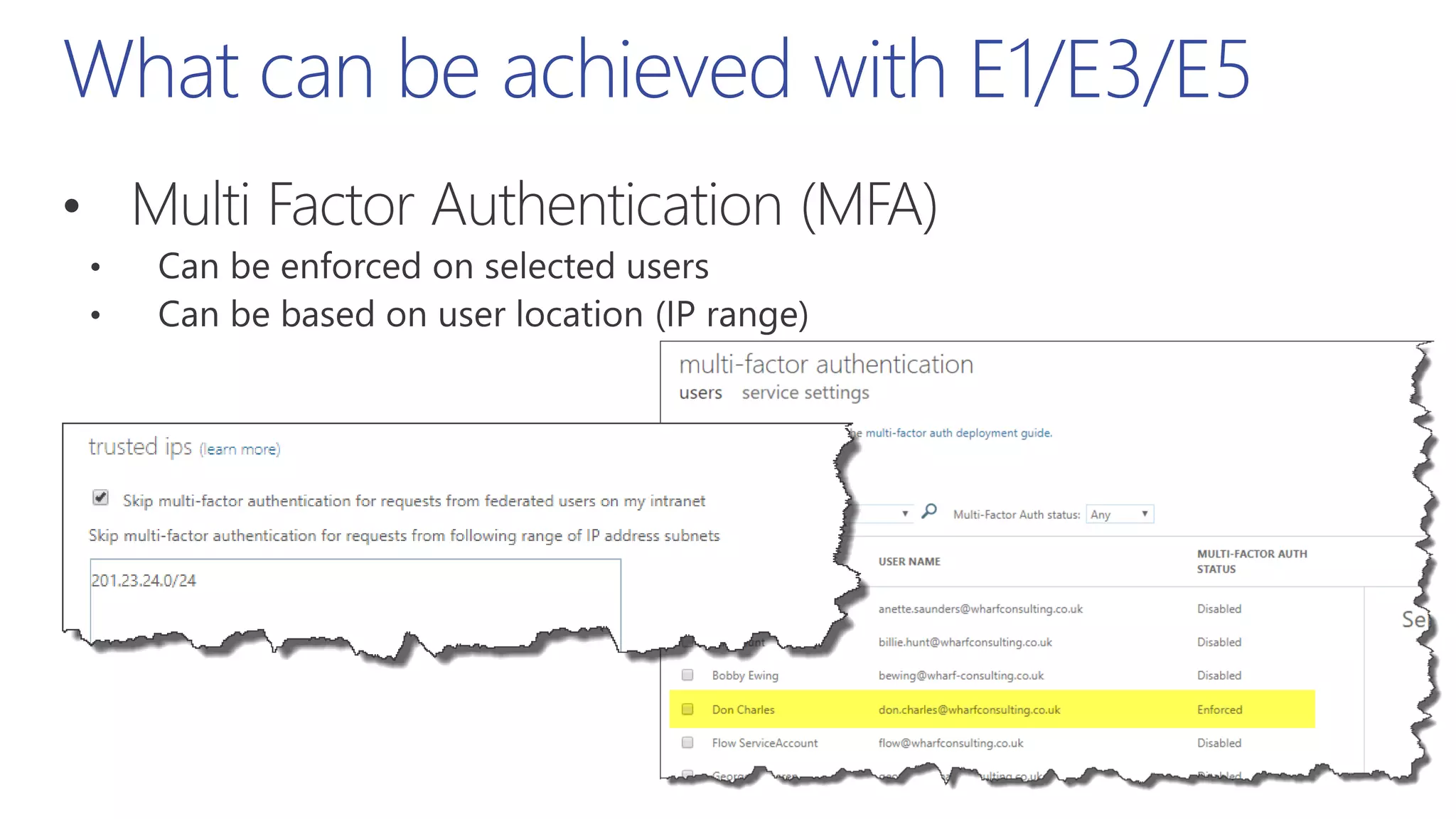
  • #33 The IP range will be your PUBLIC IP address used by your outbound proxies. Google what’s my IP
  • #37 Or Azure AD Premium P1 (Although this means no Intune policies e.g. Device health)
  • #38 Or Azure AD Premium P1 (Although this means no Intune policies e.g. Device health)
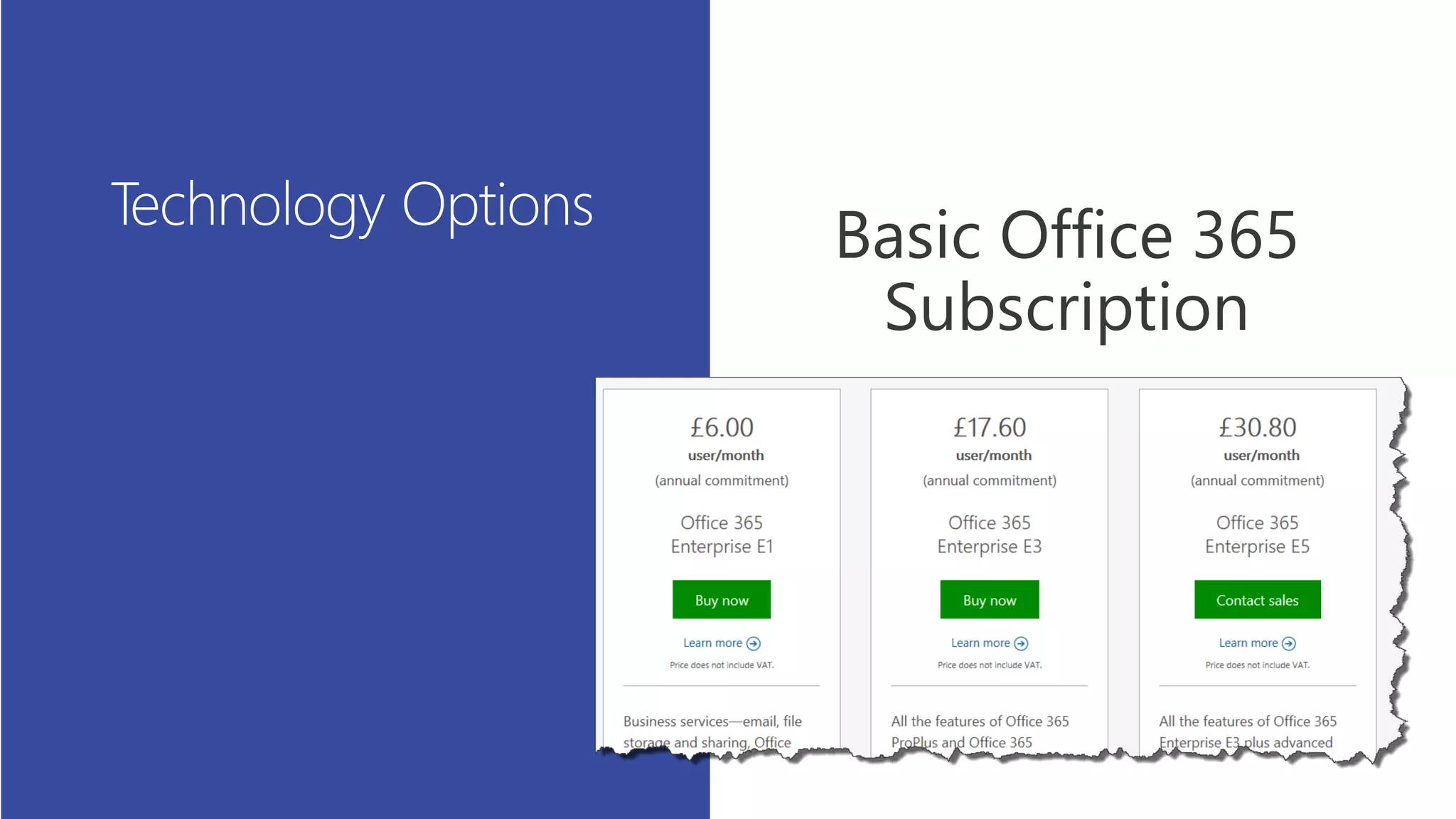
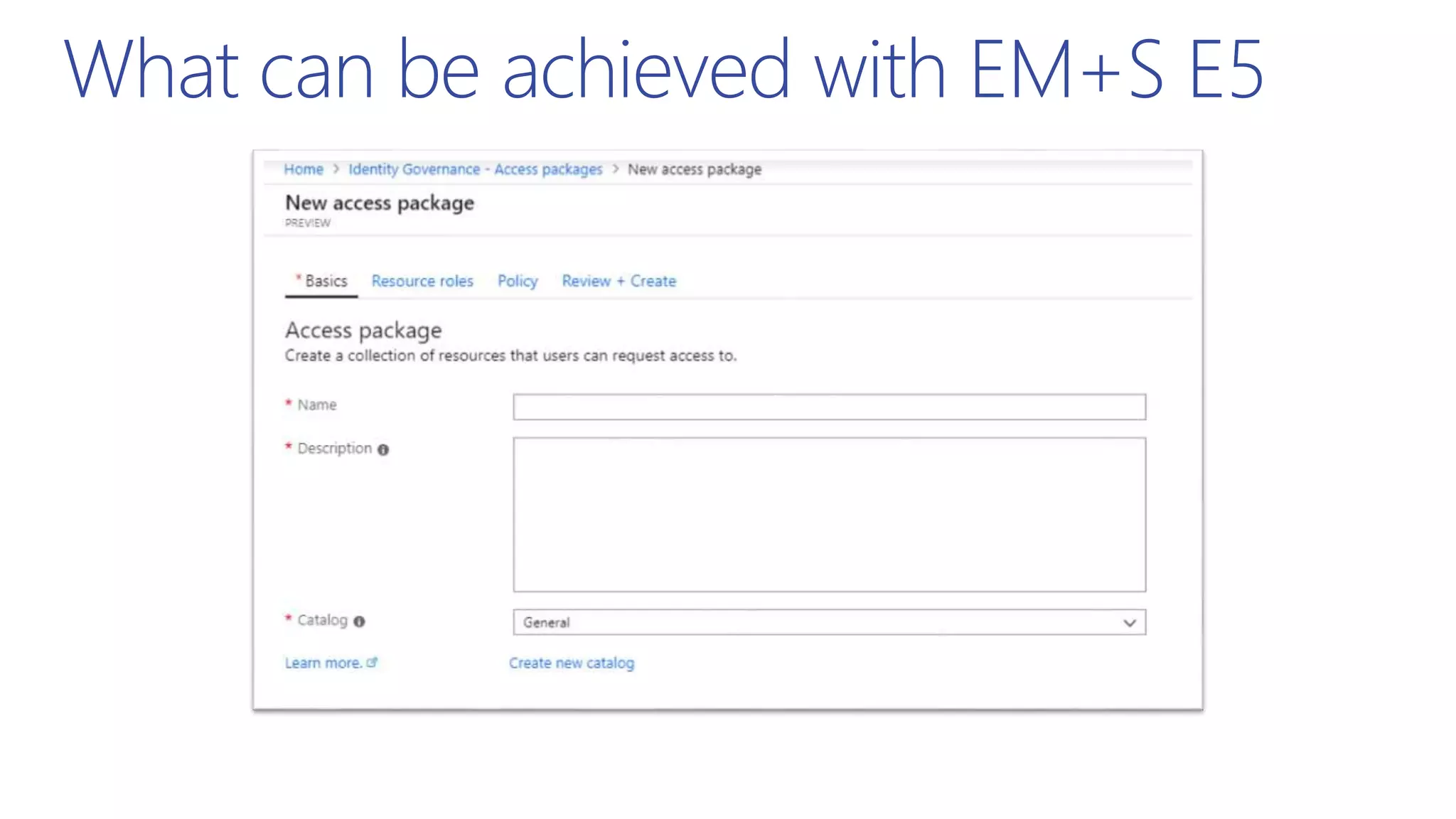
  • #45 https://www.microsoft.com/en-gb/cloud-platform/enterprise-mobility-security-pricing https://docs.microsoft.com/en-us/azure/active-directory/governance/entitlement-management-overview
  • #46 Azure AD Conditional Access (left) can be more granular than AIP (right)
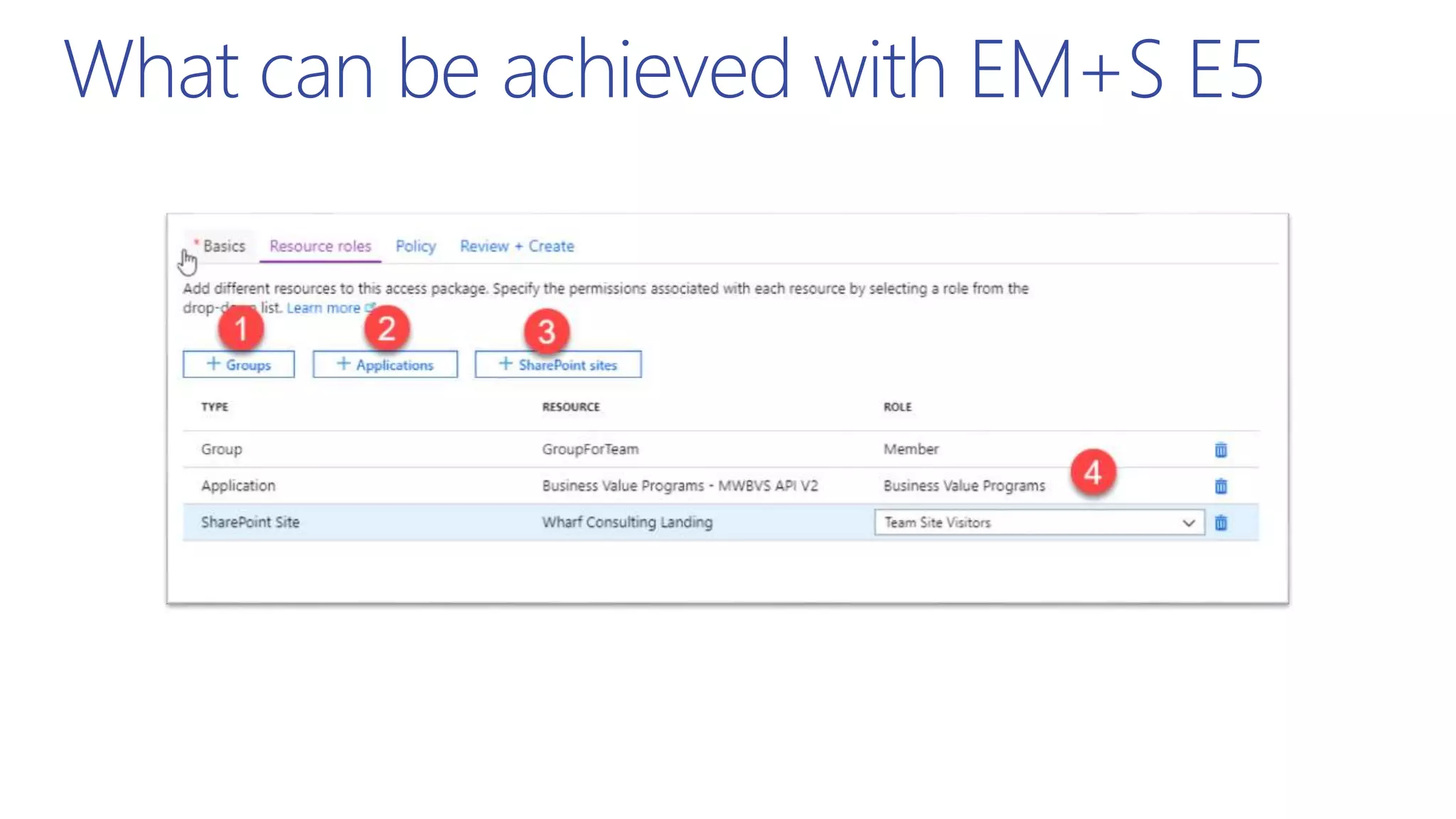
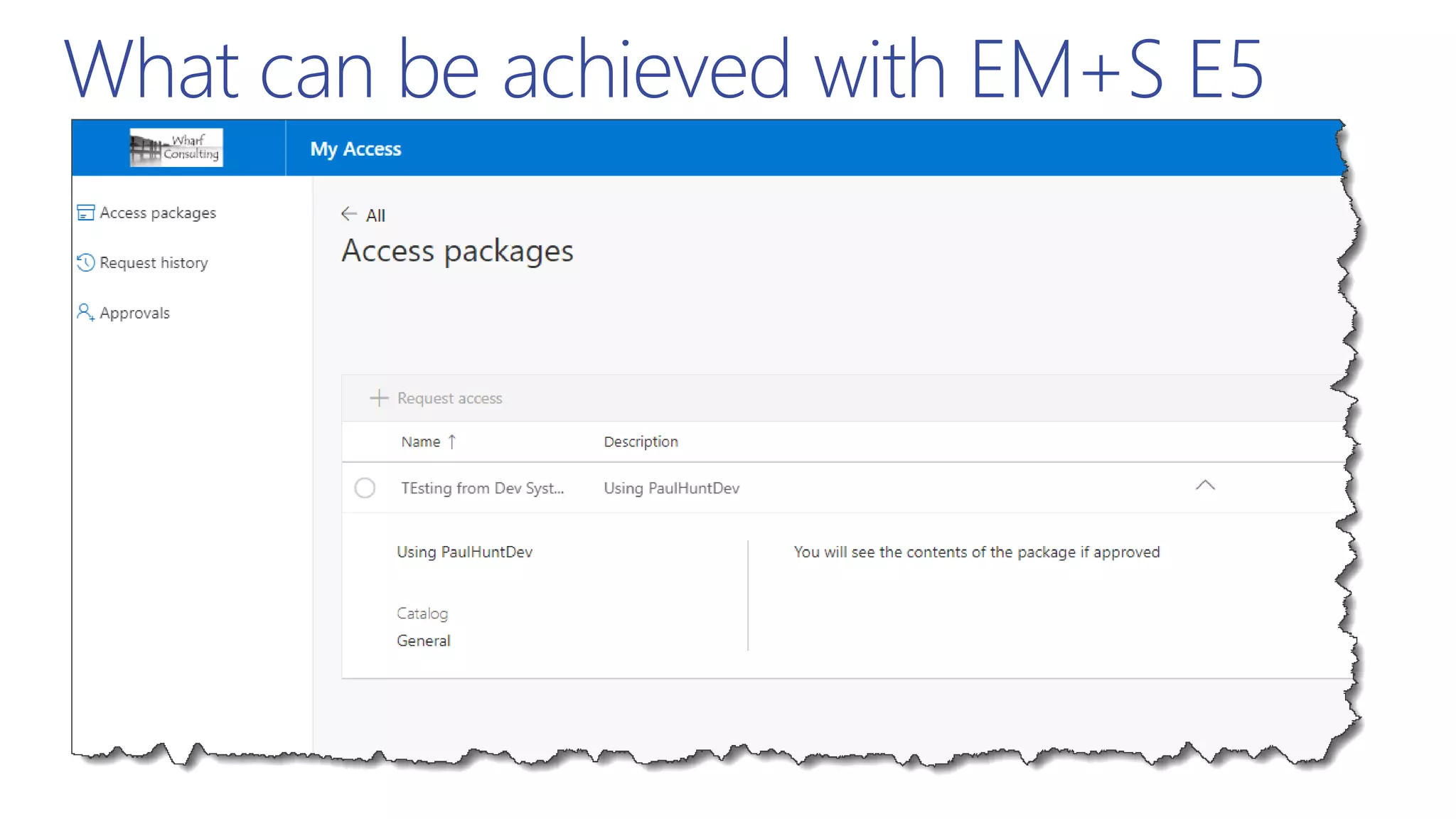
  • #48 1 - We can add Office 365 Groups (Outlook/Teams) 2 - Applications published through Azure 3 - SharePoint Sites (Note: Multi-Geo issue) 4 – Roles are appropriate to the object being added.
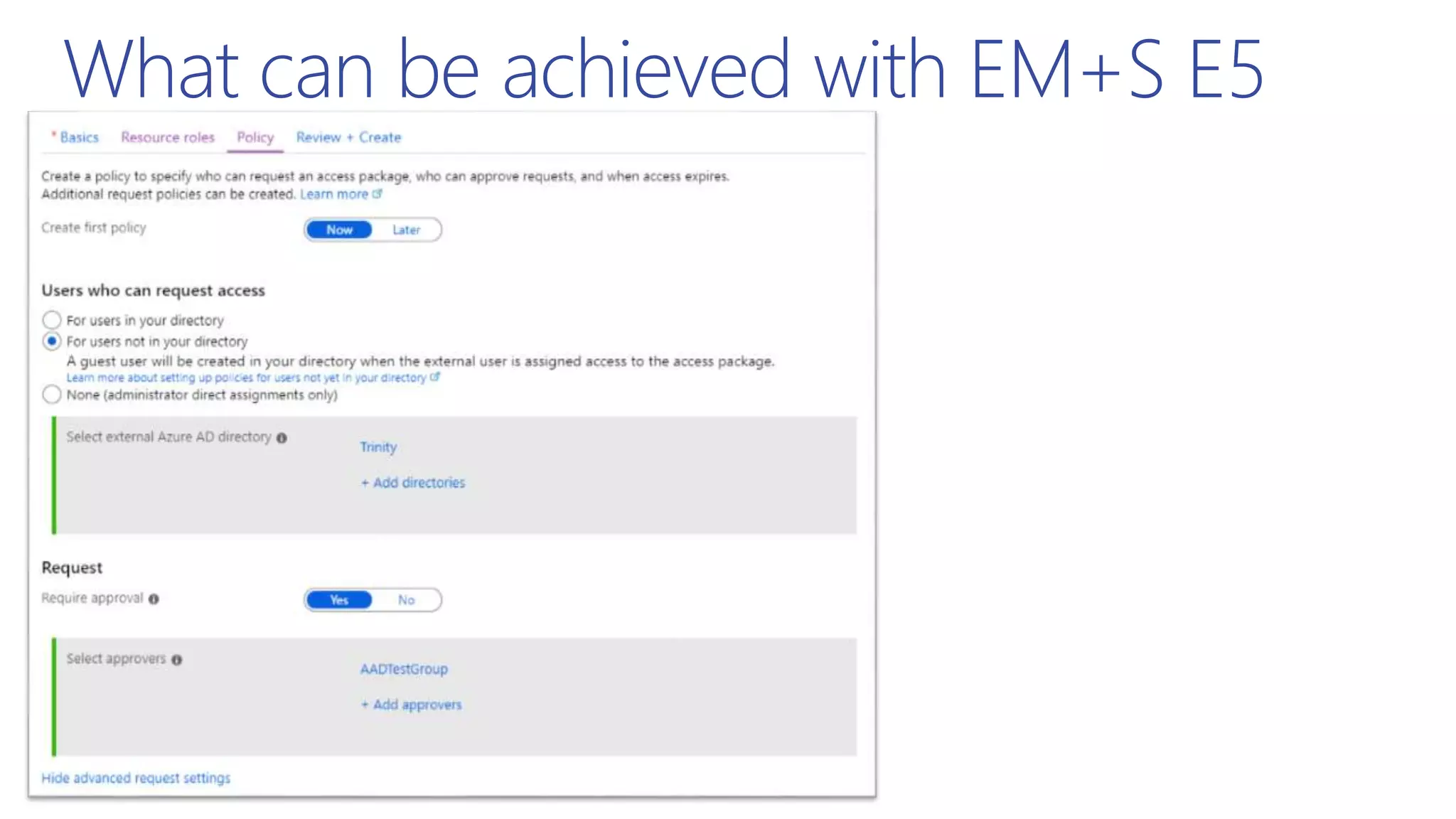
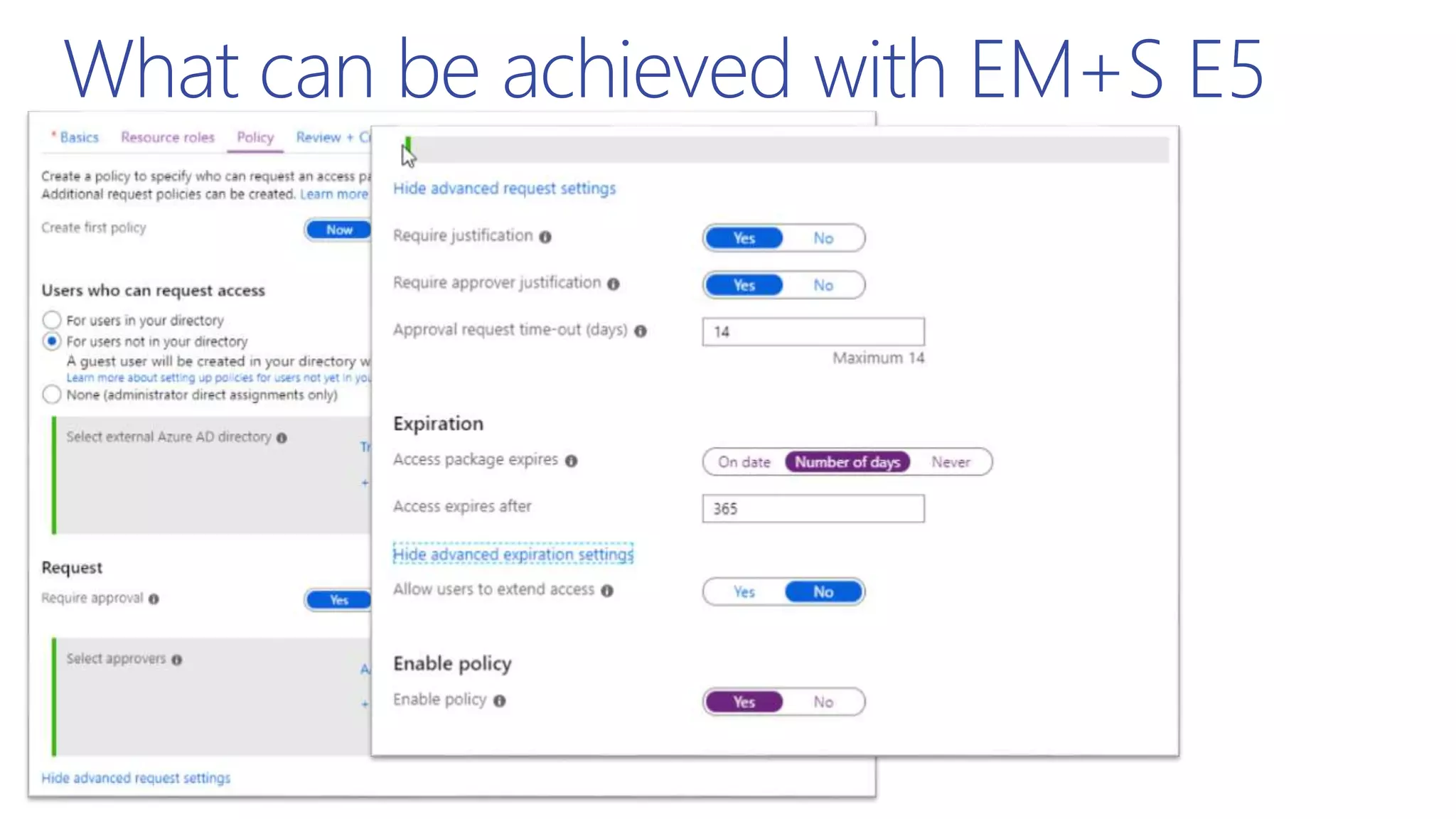
  • #49 We can restrict who this grants access to and who needs to approve it.
  • #50 And control the need for justification, approval time out And package expiration (with the option to extend)
  • #51 And control the need for justification, approval time out And package expiration (with the option to extend)
  • #53 Encryption first, Permissions, the Elevation of Privilege. (Diagram courtesy of Microsoft)
  • #54 Encryption first, Permissions, the Elevation of Privilege. (Diagram courtesy of Microsoft) JUST IN TIME admin and JUST ENOUGH ACCESS (And ACCESS REVIEWS for governance)
  • #55 Currently available – EM+S E5 – Azure PIM. Rolling out to O365 E5 – Office 365 PAM
  • #56 https://docs.microsoft.com/en-us/azure/active-directory/privileged-identity-management/pim-configure https://docs.microsoft.com/en-us/office365/securitycompliance/privileged-access-management-overview Person Focussed means the control is placed on the PERSON.. Task Focussed means the control is placed on the TASK regardless of who is requesting.
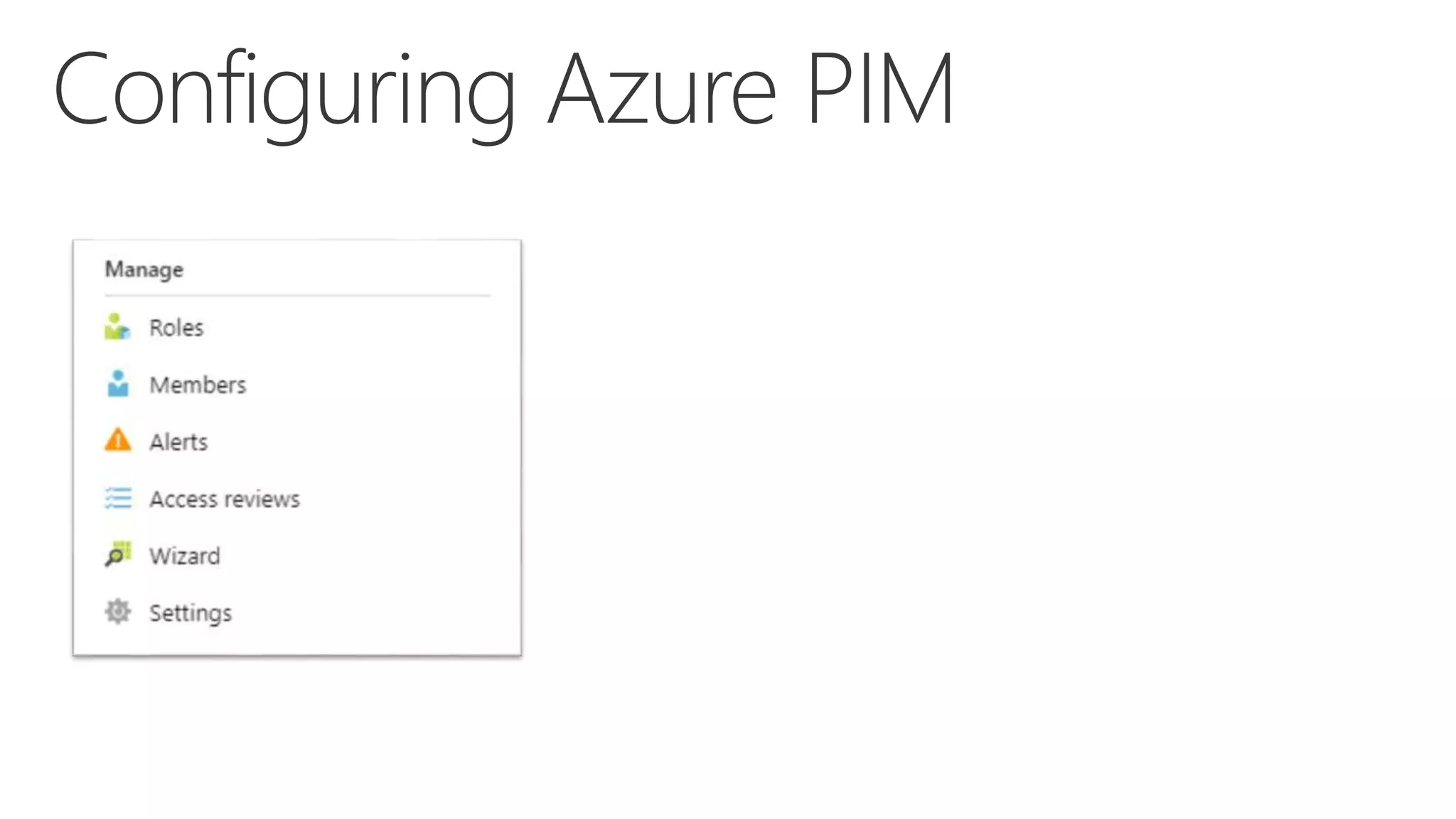
  • #57 All config actions happen within the PIM Manage section of the menu. Roles – Allows us to assign people to a role. Members – Lists all users with roles (allows us to search and filter and importantly REVOKE) Alerts – Displays alerts! Access Reviews – Allows period reviews of access Wizard – drives an initial configuration of PIM Settings – Allows granular configuration
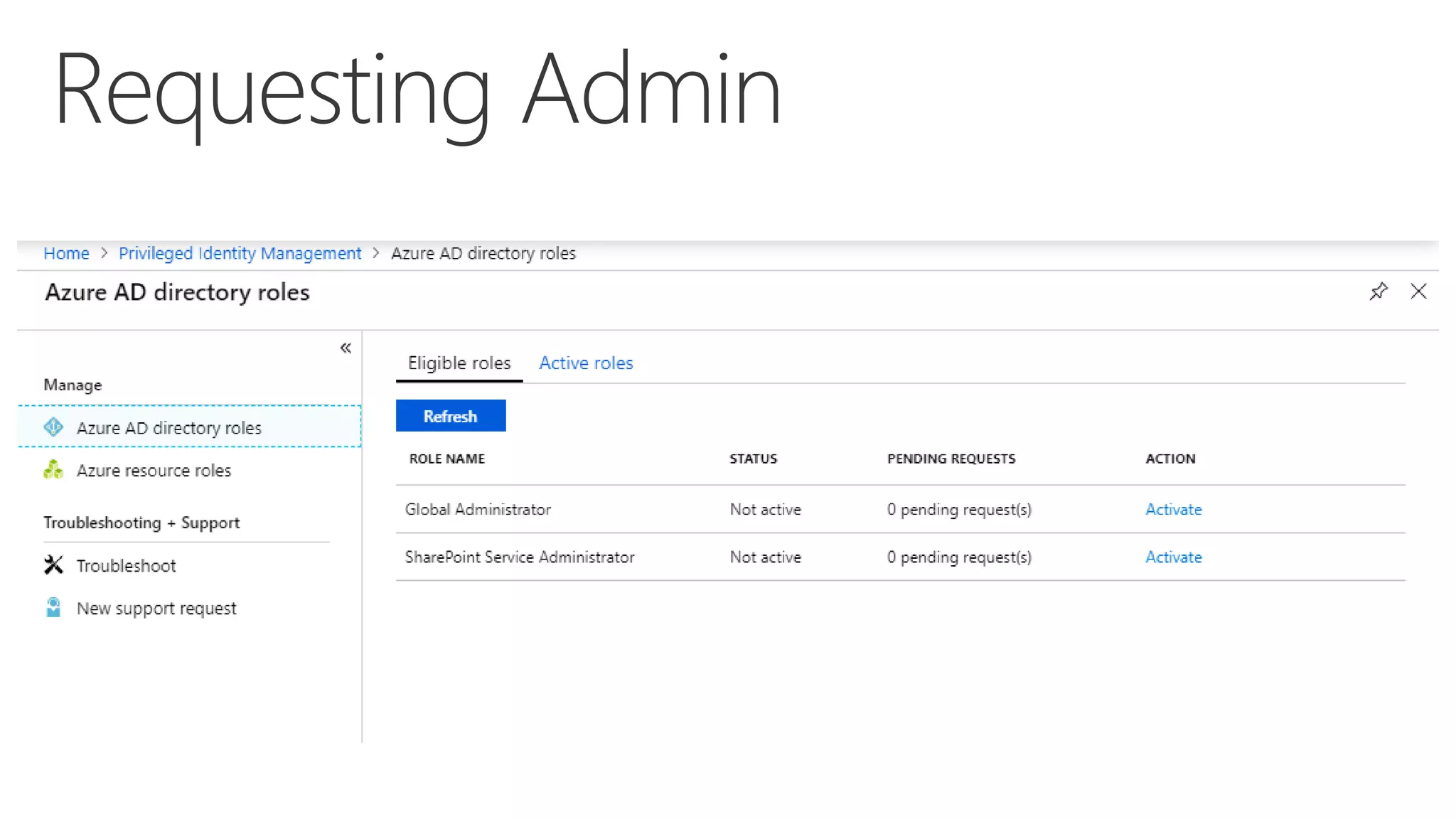
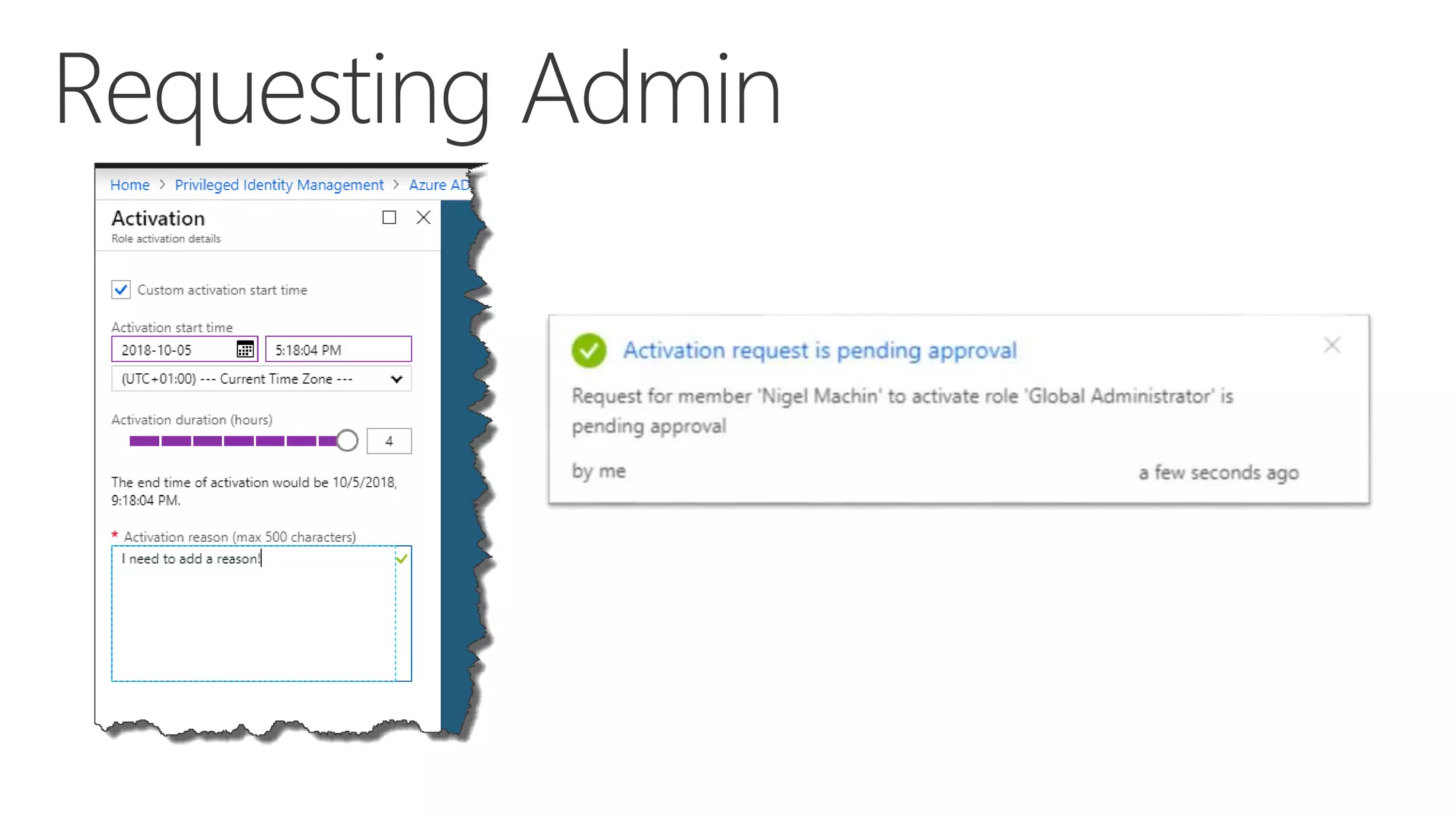
  • #58 Users are assigned to roles and given “Eligible” status. This allows them to request elevation to this role.
  • #59 Users are assigned to roles and given “Eligible” status. This allows them to request elevation to this role.
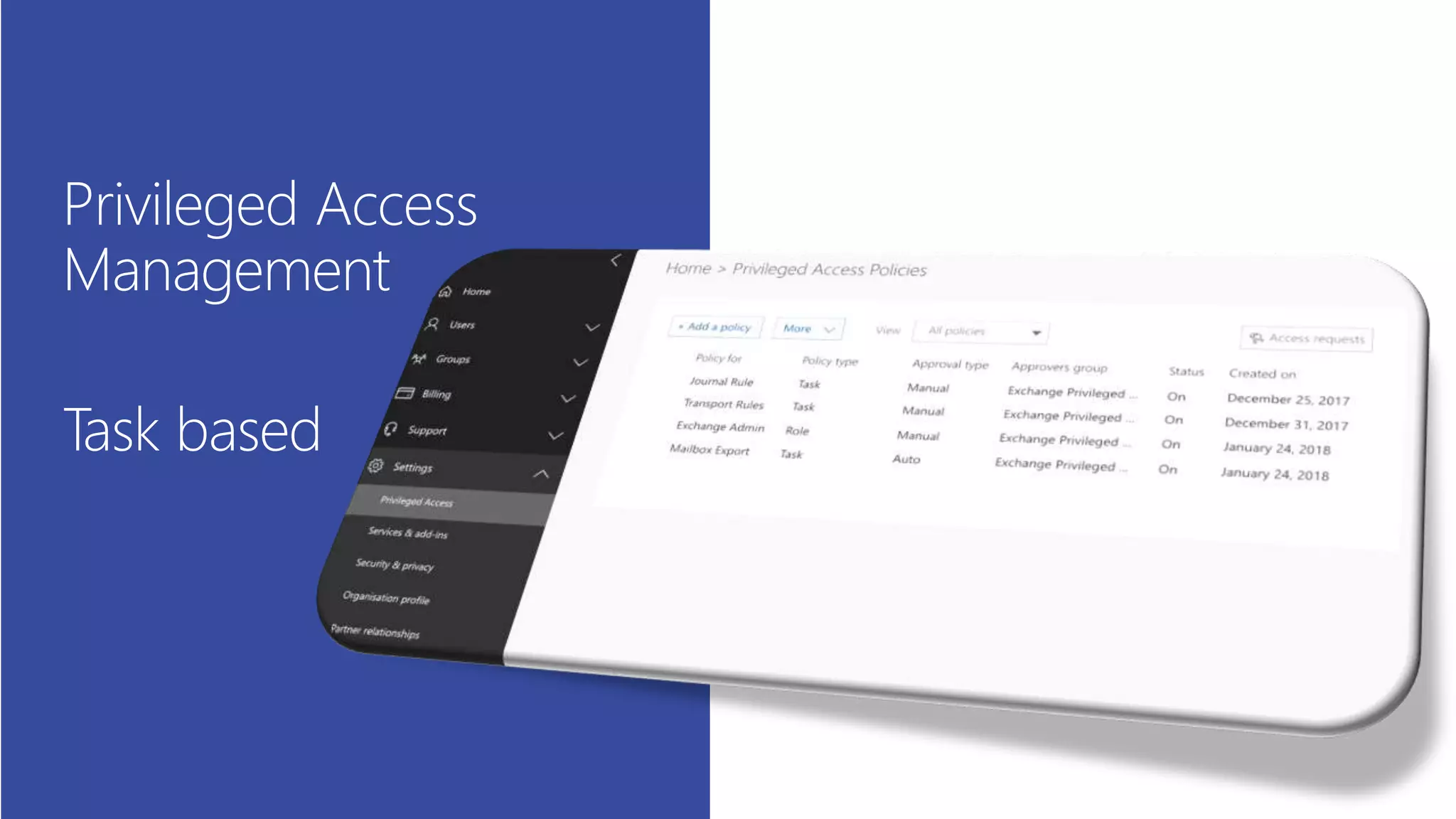
  • #61 Configuration will be a mixture of Admin GUI and Exchange PoSH. As with PIM, elevation can be automatic or approval based. https://techcommunity.microsoft.com/t5/Security-Privacy-and-Compliance/Privileged-access-management-in-Office-365-is-now-Generally/ba-p/261751