Q6 What have you learned about technologies from the
process of construction this product.
Camera
In the creation of our opening i have used a wide range of tech but the most important in my opinion was the cameras. We
used a digital HVC camcorder for filming all of our footage and honestly it was great, as it was a light compact digital
camcorder it was extremely easy to to use as we could reposition it in seconds with very little effort. It had great colours and
let in lots of light this is crucial for the creation of our film as we chose the genre of Rom-Com which requires a ‘happy’ style
of filming with vibrant colours and good lighting.We used the built in microphone on the camera to record the audio for our
film this was great as we didn’t need to carry round a large, heavy boom mic which slowed down the production process.
But it also proved difficult as there was no protection from the wind which meant we had to position one of our crew
members (Scott Sparkes the actor who plays Alfie) this wasn’t very time effective as whenever we had to move for a better
shot we also had to judge the wind and position Scott wherever we felt the wind was most strong. This also produced some
audio balancing problems later on as whenever the camera moved away the mic did as well, this provided some shots
where the background noise surpassed the of audio for actors talking. During the filming process i have learnt a lot about
camera angles and shots, my favourite shot i have learnt is the panning shot as it takes time to do but when it is done
properly it looks like a professional film piece. Also i have learnt about how important positioning the mic is to the overall
quality of our film, i didn’t think about until i started the editing stage of our production but if we hadn’t placed Scott in front of
the camera acting as a wind shield the the quality of our film audio would be a lot lower.
Tripod
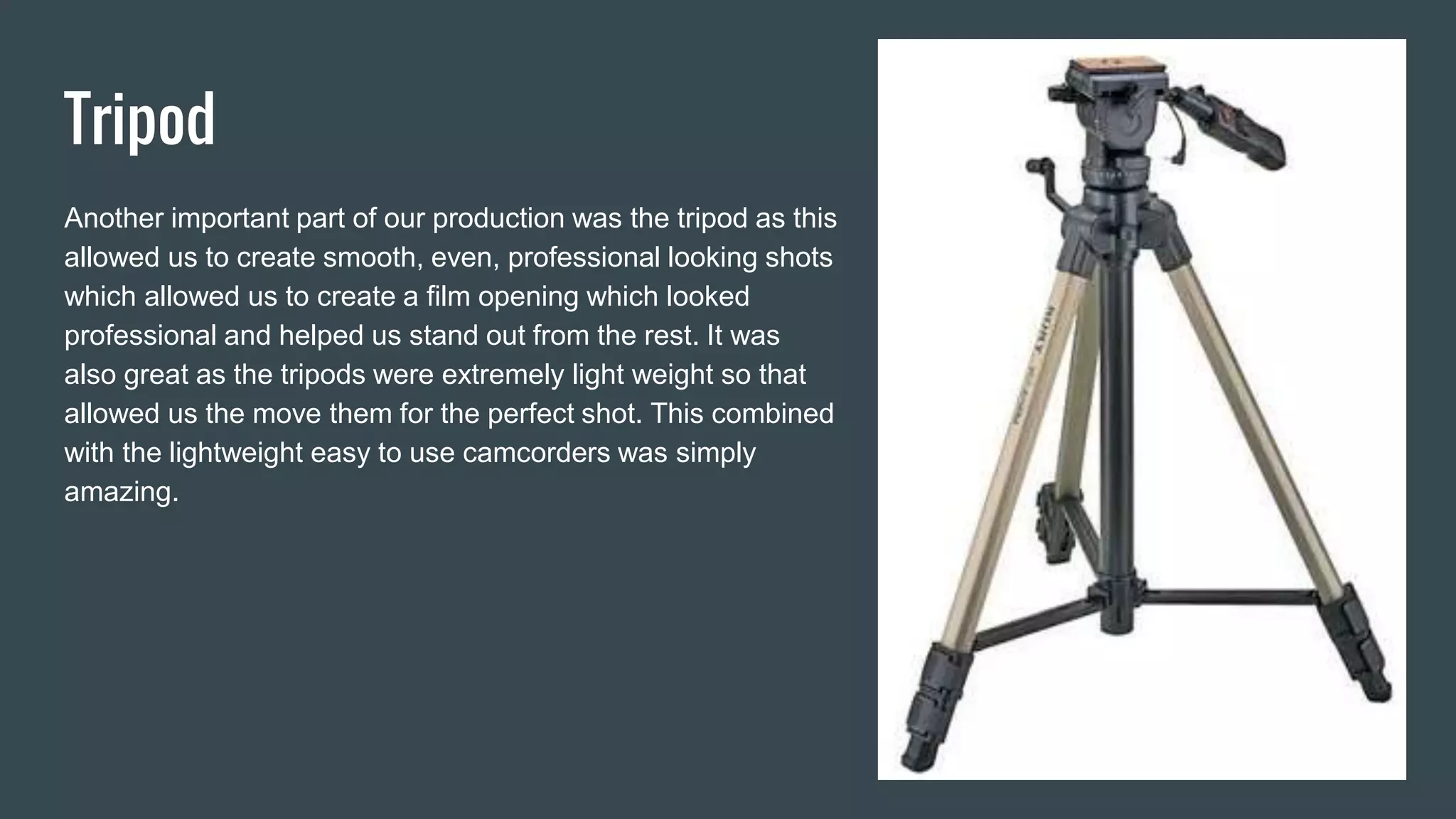
Another important part of our production was the tripod as this
allowed us to create smooth, even, professional looking shots
which allowed us to create a film opening which looked
professional and helped us stand out from the rest. It was
also great as the tripods were extremely light weight so that
allowed us the move them for the perfect shot. This combined
with the lightweight easy to use camcorders was simply
amazing.
Imac
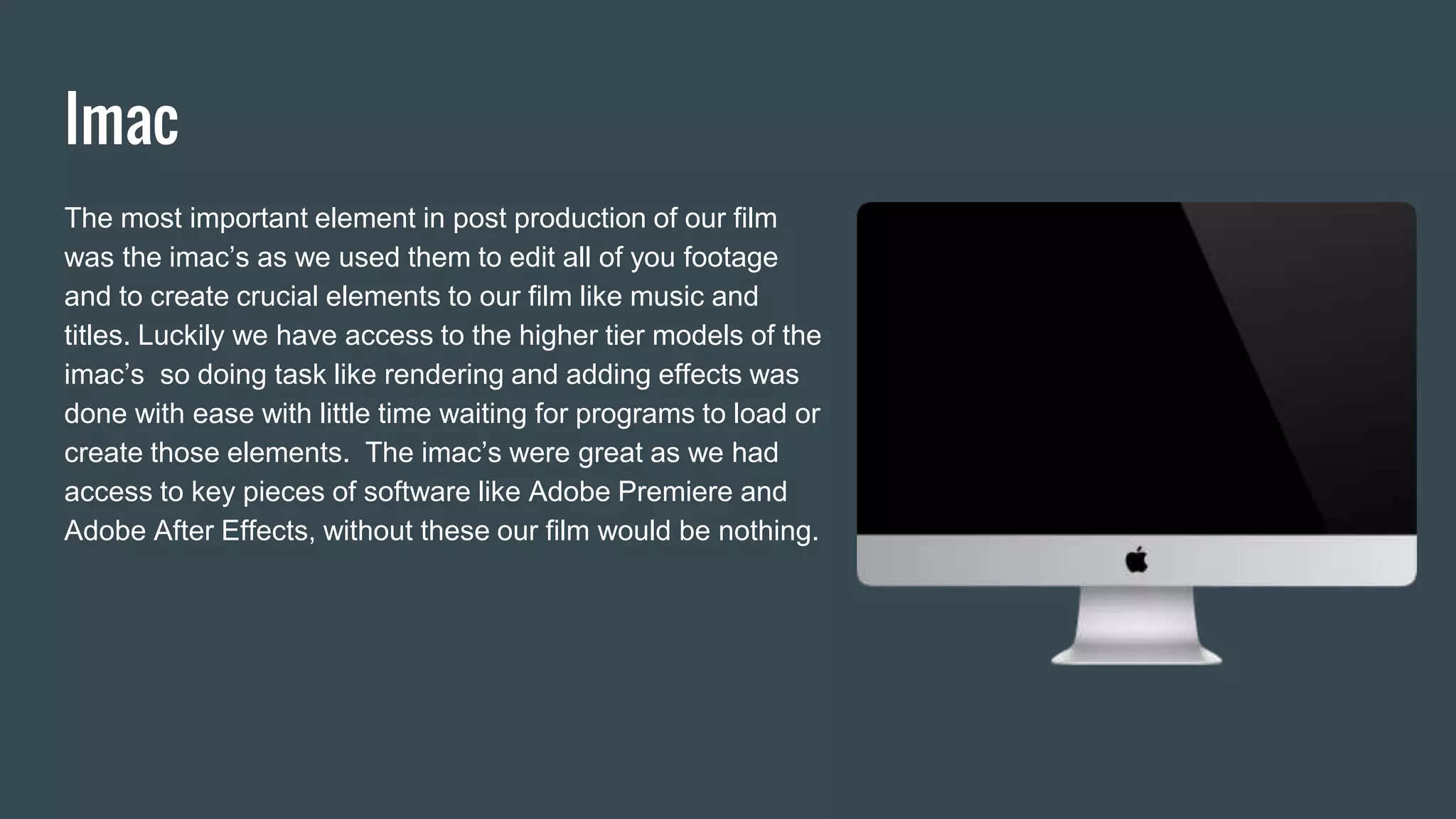
The most important element in post production of our film
was the imac’s as we used them to edit all of you footage
and to create crucial elements to our film like music and
titles. Luckily we have access to the higher tier models of the
imac’s so doing task like rendering and adding effects was
done with ease with little time waiting for programs to load or
create those elements. The imac’s were great as we had
access to key pieces of software like Adobe Premiere and
Adobe After Effects, without these our film would be nothing.
Adobe Premier Pro
The main editing software we used for the bulk creation of our film
was Adobe’s Premiere Pro as it has all the key editing features of
software like Final Cut or Sony Vegas but is all organised into a
speedy easy to use piece of software which took me no time to learn.
Granted that i as of yet haven’t mastered all the features of Premiere
pro as there is an extremely large library of effects, presets and
unique features. One of the most helpful parts of Adobe Premiere Pro
was the colour correction features, with this i was able to change the
saturation which made elements like the grass, trees and the bricks
on the buildings popped which made our opening seem more like the
professional Rom-Com style we were going for. I have learnt a lot
about using Premiere pro throughout the creation of our film opening,
mainly about colour correction (i honestly didn’t know it had these
features until i started the editing process of our film opening.
Adobe After Effects
My group used after effects to make the opening animation for our film,
to do this we had to create the main elements of the intro in an image
creation software like photoshop and then import them into Adobe After
Effects. From then on we had to animate them. the animation we used
was a simple slide in and fade away one. Honestly i think using Adobe
After Effects was one of the hardest parts of creating our film as it is
designed with so many features and uses it is extremely hard to
navigate which wastes time we could be using to further improve our
film opening. Honestly i feel if our Adobe After Effects skills were
improved we could improve the intro drastically but as we were new to
the software it wasn’t very easy creating a professional looking intro
animation.
Final Cut
Using Final Cut i created the titles for our film as they have an extremely easy to use title animation
programme which allowed me to custom make the title animation for the opening credits for our film.
Without this i would have been stuck with the Adobe Premiere stock title animation which looks
unprofessional and makes our film look like a basic student film, so hopefully using Final Cut we have
made our film stand out from the rest. The downside to using Final Cut is that there is no easy way to
transfer the titles onto a Adobe Premiere so i ended up having to use a green screen background on
the text and imported into Premiere as a MP4 and use the Chroma key function to remove the
background. Doing this i have learnt a lot about Final Cut as i had honestly never used it before. I have
discovered how easy it is to use and i will honestly consider using it as the main piece of editing
software for the next media project i produce.
Youtube
Youtube was a crucial part of the creation of our film as me and other members of my team used it for
looking for tutorials for how to do certain elements of our film for example no one knew how to do anything
in Adobe After Effects but after watching a tutorial we had a pretty basic understanding on how to use
Adobe After Effects. Also this was a great help for looking at previous peoples work taking inspiration from
their shots and how they portrayed their characters and storyline. I have learnt the most from youtube as it
has professional easy to find tutorials which are all free.
What have i learnt?
I have learnt a lot over the process of creating our film opening I learnt a lot from the creation of our film
mainly editing techniques. Mainly i have learnt about how crucial it is for the team to keep in contact over
the creation process of the film. The main app we use for communication is facebook messenger as it is
instant and free. using this we created a group chat and used it to organise who would be doing what in
our film project.
Skills ive gained
I have gained few skills over the project most noticeably editing as i started with pretty basic film editing
skills and was able to develop to a stage where i am able to help others with their work. using this newly
acquired skill i am able to create projects at home editing and uploading videos to youtube, this also
further develops my editing skills.

Evaluation Q6 What have you learned about technologies from the process of construction this product.

  • 1.
    Q6 What haveyou learned about technologies from the process of construction this product.
  • 2.
    Camera In the creationof our opening i have used a wide range of tech but the most important in my opinion was the cameras. We used a digital HVC camcorder for filming all of our footage and honestly it was great, as it was a light compact digital camcorder it was extremely easy to to use as we could reposition it in seconds with very little effort. It had great colours and let in lots of light this is crucial for the creation of our film as we chose the genre of Rom-Com which requires a ‘happy’ style of filming with vibrant colours and good lighting.We used the built in microphone on the camera to record the audio for our film this was great as we didn’t need to carry round a large, heavy boom mic which slowed down the production process. But it also proved difficult as there was no protection from the wind which meant we had to position one of our crew members (Scott Sparkes the actor who plays Alfie) this wasn’t very time effective as whenever we had to move for a better shot we also had to judge the wind and position Scott wherever we felt the wind was most strong. This also produced some audio balancing problems later on as whenever the camera moved away the mic did as well, this provided some shots where the background noise surpassed the of audio for actors talking. During the filming process i have learnt a lot about camera angles and shots, my favourite shot i have learnt is the panning shot as it takes time to do but when it is done properly it looks like a professional film piece. Also i have learnt about how important positioning the mic is to the overall quality of our film, i didn’t think about until i started the editing stage of our production but if we hadn’t placed Scott in front of the camera acting as a wind shield the the quality of our film audio would be a lot lower.
  • 3.
    Tripod Another important partof our production was the tripod as this allowed us to create smooth, even, professional looking shots which allowed us to create a film opening which looked professional and helped us stand out from the rest. It was also great as the tripods were extremely light weight so that allowed us the move them for the perfect shot. This combined with the lightweight easy to use camcorders was simply amazing.
  • 4.
    Imac The most importantelement in post production of our film was the imac’s as we used them to edit all of you footage and to create crucial elements to our film like music and titles. Luckily we have access to the higher tier models of the imac’s so doing task like rendering and adding effects was done with ease with little time waiting for programs to load or create those elements. The imac’s were great as we had access to key pieces of software like Adobe Premiere and Adobe After Effects, without these our film would be nothing.
  • 5.
    Adobe Premier Pro Themain editing software we used for the bulk creation of our film was Adobe’s Premiere Pro as it has all the key editing features of software like Final Cut or Sony Vegas but is all organised into a speedy easy to use piece of software which took me no time to learn. Granted that i as of yet haven’t mastered all the features of Premiere pro as there is an extremely large library of effects, presets and unique features. One of the most helpful parts of Adobe Premiere Pro was the colour correction features, with this i was able to change the saturation which made elements like the grass, trees and the bricks on the buildings popped which made our opening seem more like the professional Rom-Com style we were going for. I have learnt a lot about using Premiere pro throughout the creation of our film opening, mainly about colour correction (i honestly didn’t know it had these features until i started the editing process of our film opening.
  • 6.
    Adobe After Effects Mygroup used after effects to make the opening animation for our film, to do this we had to create the main elements of the intro in an image creation software like photoshop and then import them into Adobe After Effects. From then on we had to animate them. the animation we used was a simple slide in and fade away one. Honestly i think using Adobe After Effects was one of the hardest parts of creating our film as it is designed with so many features and uses it is extremely hard to navigate which wastes time we could be using to further improve our film opening. Honestly i feel if our Adobe After Effects skills were improved we could improve the intro drastically but as we were new to the software it wasn’t very easy creating a professional looking intro animation.
  • 7.
    Final Cut Using FinalCut i created the titles for our film as they have an extremely easy to use title animation programme which allowed me to custom make the title animation for the opening credits for our film. Without this i would have been stuck with the Adobe Premiere stock title animation which looks unprofessional and makes our film look like a basic student film, so hopefully using Final Cut we have made our film stand out from the rest. The downside to using Final Cut is that there is no easy way to transfer the titles onto a Adobe Premiere so i ended up having to use a green screen background on the text and imported into Premiere as a MP4 and use the Chroma key function to remove the background. Doing this i have learnt a lot about Final Cut as i had honestly never used it before. I have discovered how easy it is to use and i will honestly consider using it as the main piece of editing software for the next media project i produce.
  • 8.
    Youtube Youtube was acrucial part of the creation of our film as me and other members of my team used it for looking for tutorials for how to do certain elements of our film for example no one knew how to do anything in Adobe After Effects but after watching a tutorial we had a pretty basic understanding on how to use Adobe After Effects. Also this was a great help for looking at previous peoples work taking inspiration from their shots and how they portrayed their characters and storyline. I have learnt the most from youtube as it has professional easy to find tutorials which are all free.
  • 9.
    What have ilearnt? I have learnt a lot over the process of creating our film opening I learnt a lot from the creation of our film mainly editing techniques. Mainly i have learnt about how crucial it is for the team to keep in contact over the creation process of the film. The main app we use for communication is facebook messenger as it is instant and free. using this we created a group chat and used it to organise who would be doing what in our film project. Skills ive gained I have gained few skills over the project most noticeably editing as i started with pretty basic film editing skills and was able to develop to a stage where i am able to help others with their work. using this newly acquired skill i am able to create projects at home editing and uploading videos to youtube, this also further develops my editing skills.