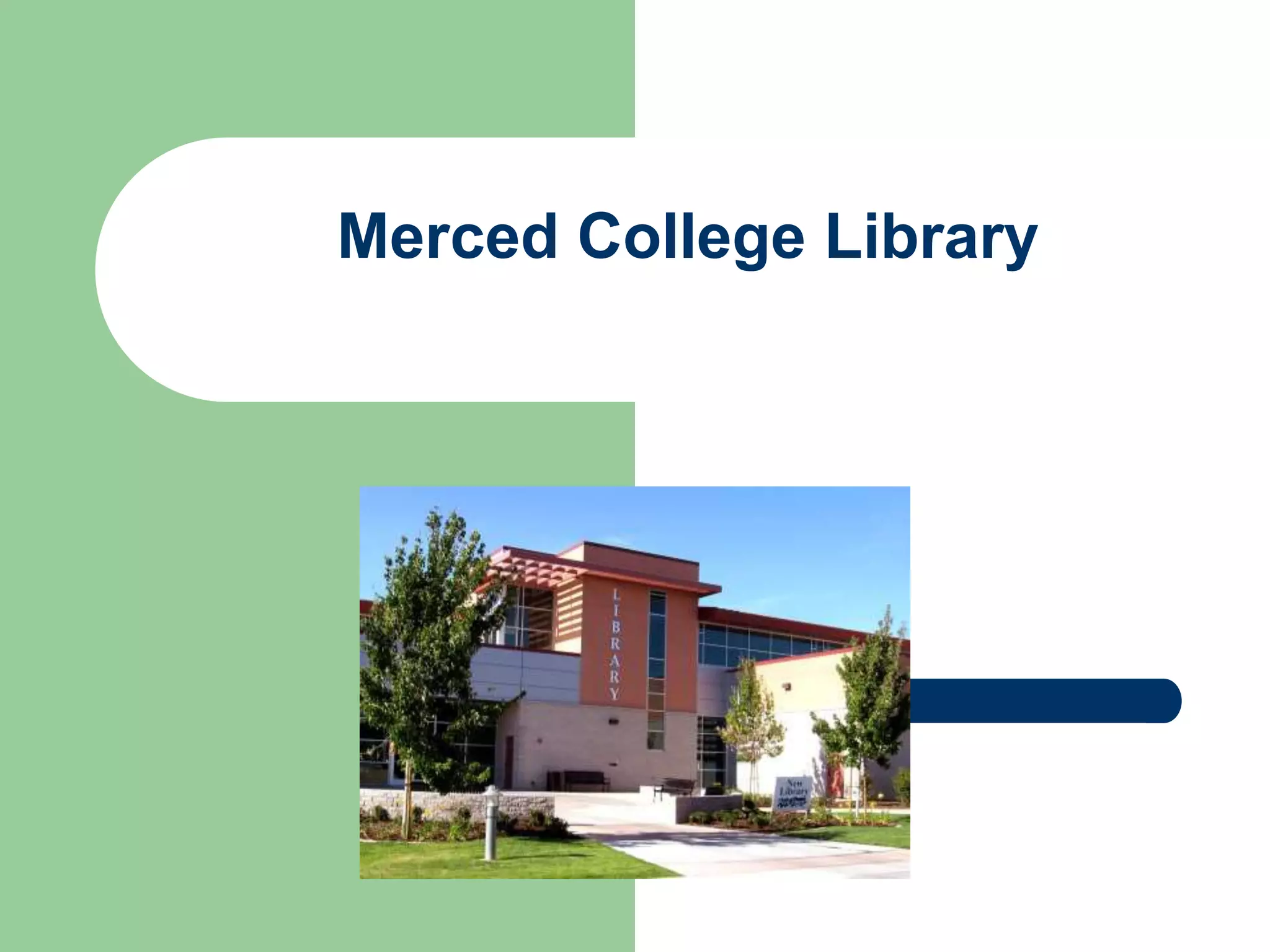
Merced College Library
Getting Started with Research 
Goals for this presentation: 
 Students will be able to information in 
various formats such as print and electronic 
for specific uses. 
 Students will be able to information 
for its content, source, quality and relevance 
in a variety of formats.
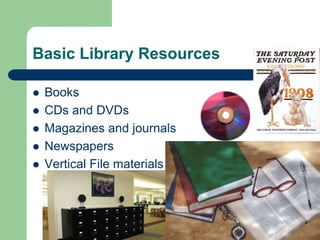
Basic Library Resources 
 Books 
 CDs and DVDs 
 Magazines and journals 
 Newspapers 
 Vertical File materials
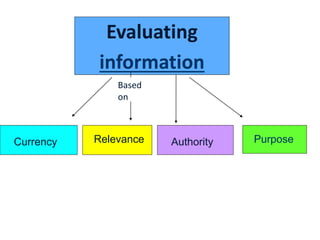
Evaluating 
information 
Based 
on 
Currency Relevance Authority Purpose
Currency- 
 How current is the information? 
 When was it published/posted? 
 If it is a webpage, when was it revised? 
 Are the links functional and up-to-date?
Relevancy 
 Is the source relevant to the topic? 
 Could you find the same or better information 
from another source? 
 Who is the intended audience? 
 Is the information organized and in-depth? 
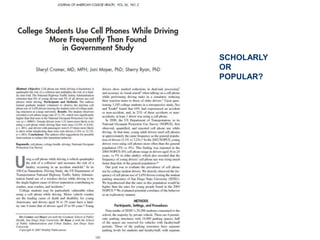
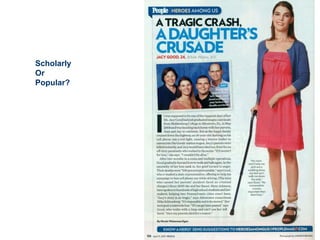
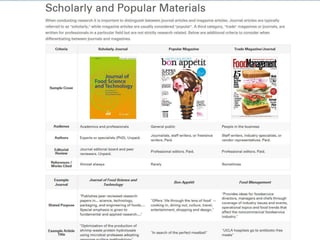
 Is the source scholarly or popular?
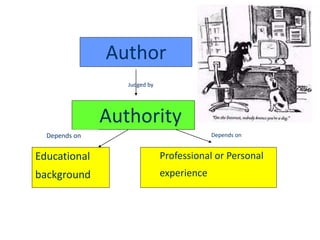
Author 
Authority 
Educational 
background 
Professional or Personal 
experience 
Judged by 
Depends on Depends on
Purpose/Objectivity 
 Does the site seem biased? 
 Is the main purpose advertising or 
information? 
 Is the purpose to inform, teach, entertain, 
enlighten, sell, or persuade? 
 Does the domain name give you a clue? 
.com, .edu, .gov, .org, .net 
 Is the source scholarly or popular in focus?
SCHOLARLY 
OR 
POPULAR?
Scholarly 
Or 
Popular?
Primary Sources 
 A primary source is a document or physical 
object which was written or created during 
the time under study. Some types of primary 
sources include: diaries, speeches, 
manuscripts, letters, interviews, news film 
footage, autobiographies, and official 
records.
Examples of Primary Sources 
Include: 
 The Diary of Anne Frank 
 The Constitution of the United States 
 Supreme Court decisions and documents 
 Historical photos or artifacts
What is a Secondary Source? 
 A secondary source interprets and analyzes 
primary sources. 
 Secondary sources are one or more steps 
removed from the event. 
 Secondary sources may include pictures, 
quotes, or graphics from primary sources.
Examples of Secondary Sources: 
 Textbooks, magazine articles, histories, 
criticisms, commentaries, and encyclopedias 
 A journal/magazine article which interprets or 
reviews previous findings 
 A history textbook
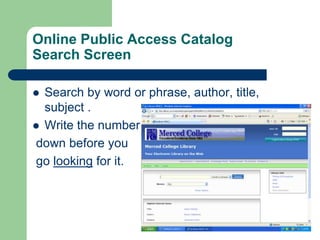
Online Public Access Catalog 
Search Screen 
 Search by word or phrase, author, title, 
subject . 
 Write the number 
down before you 
go looking for it.
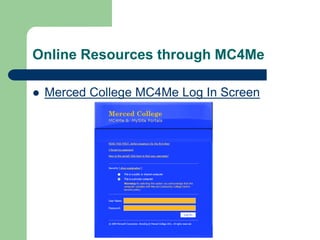
Online Resources through MC4Me 
 Merced College MC4Me Log In Screen
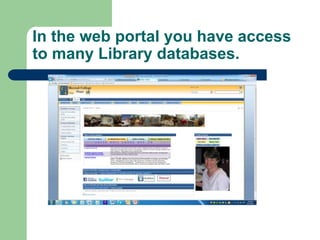
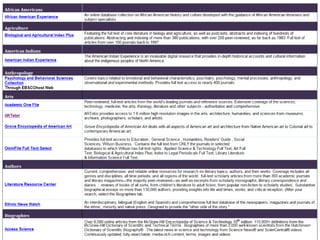
In the web portal you have access 
to many Library databases.
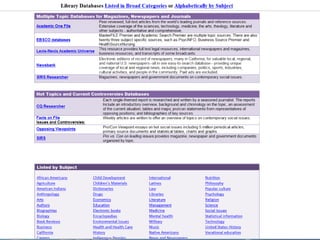
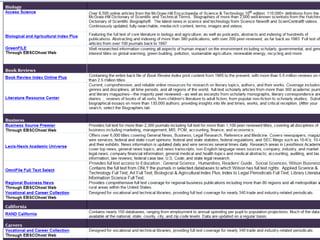
The next slide shows some of the 
databases that are available in the 
portal for your research.
Library services 
 Computers are available to checkout for two 
hours at a time on both floors. Printing is $.10 a 
page using our $1.00 print cards. Wireless is available. 
 Study rooms for groups up to 6 people can 
be checked out on each floor. No food or 
drink in study rooms. Room 201 for large groups can 
be reserved in advance by contacting Dr. Walsh at 384 6082. 
 Photocopies cost $.10 a page. We have copy 
machines on both floors. 
 Ask at the Information Desk if you need to use 
scissors, a ruler, etc.
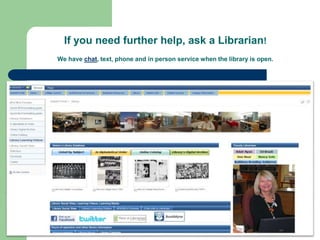
If you need further help, ask a Librarian! 
We have chat, text, phone and in person service when the library is open.
Library hours 
Mon. – Thurs. 8 a.m. to 8:30 p.m. 
Friday 8 a.m. to 2 p.m. 
Remember – 
Drinks with lids are ok, 
Except in study rooms or by computers 
No food 
QUIET, PLEASE!

Engl 01 a _online_2014

  • 1.
  • 2.
    Getting Started withResearch Goals for this presentation:  Students will be able to information in various formats such as print and electronic for specific uses.  Students will be able to information for its content, source, quality and relevance in a variety of formats.
  • 3.
    Basic Library Resources  Books  CDs and DVDs  Magazines and journals  Newspapers  Vertical File materials
  • 4.
    Evaluating information Based on Currency Relevance Authority Purpose
  • 5.
    Currency-  Howcurrent is the information?  When was it published/posted?  If it is a webpage, when was it revised?  Are the links functional and up-to-date?
  • 6.
    Relevancy  Isthe source relevant to the topic?  Could you find the same or better information from another source?  Who is the intended audience?  Is the information organized and in-depth?  Is the source scholarly or popular?
  • 7.
    Author Authority Educational background Professional or Personal experience Judged by Depends on Depends on
  • 8.
    Purpose/Objectivity  Doesthe site seem biased?  Is the main purpose advertising or information?  Is the purpose to inform, teach, entertain, enlighten, sell, or persuade?  Does the domain name give you a clue? .com, .edu, .gov, .org, .net  Is the source scholarly or popular in focus?
  • 9.
  • 10.
  • 12.
    Primary Sources A primary source is a document or physical object which was written or created during the time under study. Some types of primary sources include: diaries, speeches, manuscripts, letters, interviews, news film footage, autobiographies, and official records.
  • 13.
    Examples of PrimarySources Include:  The Diary of Anne Frank  The Constitution of the United States  Supreme Court decisions and documents  Historical photos or artifacts
  • 14.
    What is aSecondary Source?  A secondary source interprets and analyzes primary sources.  Secondary sources are one or more steps removed from the event.  Secondary sources may include pictures, quotes, or graphics from primary sources.
  • 15.
    Examples of SecondarySources:  Textbooks, magazine articles, histories, criticisms, commentaries, and encyclopedias  A journal/magazine article which interprets or reviews previous findings  A history textbook
  • 16.
    Online Public AccessCatalog Search Screen  Search by word or phrase, author, title, subject .  Write the number down before you go looking for it.
  • 17.
    Online Resources throughMC4Me  Merced College MC4Me Log In Screen
  • 18.
    In the webportal you have access to many Library databases.
  • 19.
    The next slideshows some of the databases that are available in the portal for your research.
  • 23.
    Library services Computers are available to checkout for two hours at a time on both floors. Printing is $.10 a page using our $1.00 print cards. Wireless is available.  Study rooms for groups up to 6 people can be checked out on each floor. No food or drink in study rooms. Room 201 for large groups can be reserved in advance by contacting Dr. Walsh at 384 6082.  Photocopies cost $.10 a page. We have copy machines on both floors.  Ask at the Information Desk if you need to use scissors, a ruler, etc.
  • 24.
    If you needfurther help, ask a Librarian! We have chat, text, phone and in person service when the library is open.
  • 25.
    Library hours Mon.– Thurs. 8 a.m. to 8:30 p.m. Friday 8 a.m. to 2 p.m. Remember – Drinks with lids are ok, Except in study rooms or by computers No food QUIET, PLEASE!