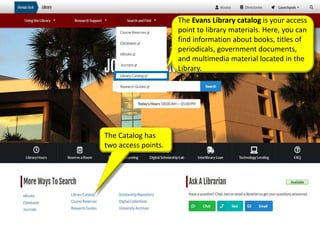
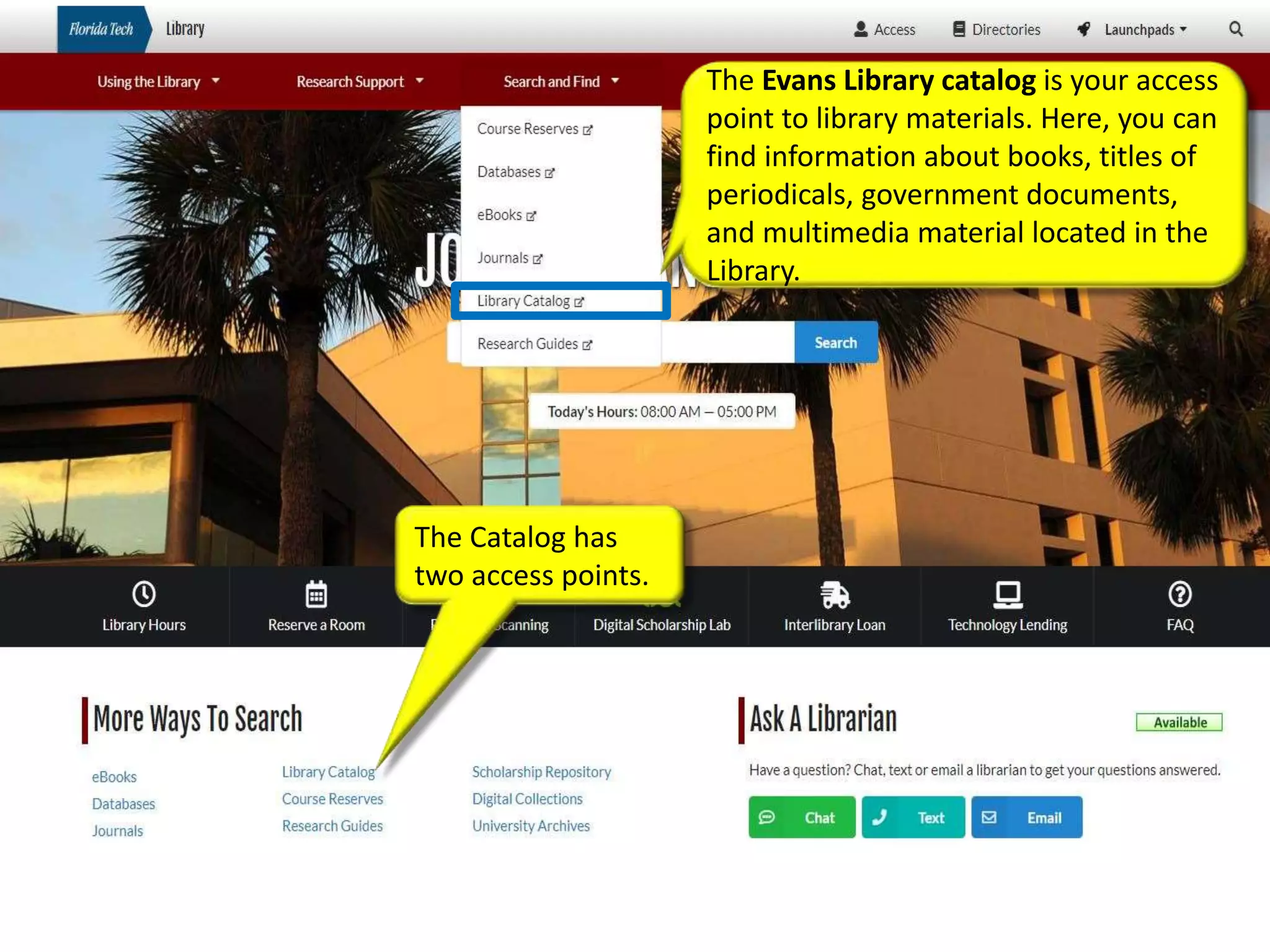
The Evans Library catalog is your access
point to library materials. Here, you can
find information about books, titles of
periodicals, government documents,
and multimedia material located in the
Library.
The Catalog has
two access points.
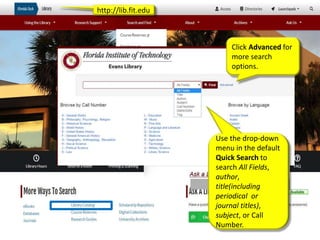
http://lib.fit.edu
Use the drop-down
menu in the default
Quick Search to
search All Fields,
author,
title(including
periodical or
journal titles),
subject, or Call
Number.
Click Advanced for
more search
options.
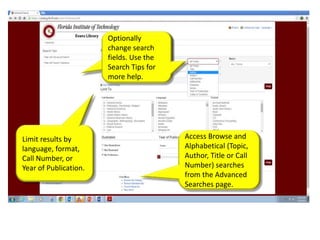
Access Browse and
Alphabetical (Topic,
Author, Title or Call
Number) searches
from the Advanced
Searches page.
Optionally
change search
fields. Use the
Search Tips for
more help.
Limit results by
language, format,
Call Number, or
Year of Publication.
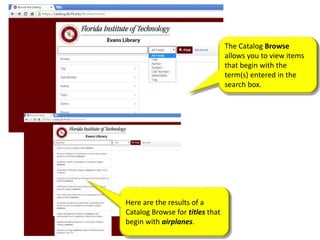
The Catalog Browse
allows you to view items
that begin with the
term(s) entered in the
search box.
Here are the results of a
Catalog Browse for titles that
begin with airplanes.
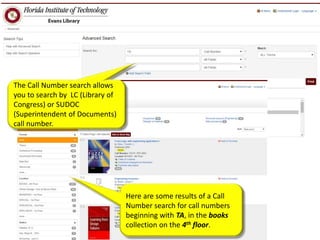
Here are some results of a Call
Number search for call numbers
beginning with TA, in the books
collection on the 4th floor.
The Call Number search allows
you to search by LC (Library of
Congress) or SUDOC
(Superintendent of Documents)
call number.
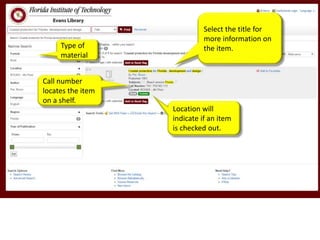
Select the title for
more information on
the item.
Location will
indicate if an item
is checked out.
Call number
locates the item
on a shelf.
Type of
material
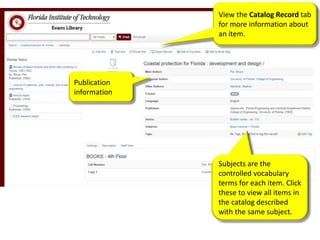
View the Catalog Record tab
for more information about
an item.
Subjects are the
controlled vocabulary
terms for each item. Click
these to view all items in
the catalog described
with the same subject.
Publication
information

E-LEARN: The Evans Library Catalog

  • 1.
    The Evans Librarycatalog is your access point to library materials. Here, you can find information about books, titles of periodicals, government documents, and multimedia material located in the Library. The Catalog has two access points.
  • 2.
    http://lib.fit.edu Use the drop-down menuin the default Quick Search to search All Fields, author, title(including periodical or journal titles), subject, or Call Number. Click Advanced for more search options.
  • 3.
    Access Browse and Alphabetical(Topic, Author, Title or Call Number) searches from the Advanced Searches page. Optionally change search fields. Use the Search Tips for more help. Limit results by language, format, Call Number, or Year of Publication.
  • 4.
    The Catalog Browse allowsyou to view items that begin with the term(s) entered in the search box. Here are the results of a Catalog Browse for titles that begin with airplanes.
  • 5.
    Here are someresults of a Call Number search for call numbers beginning with TA, in the books collection on the 4th floor. The Call Number search allows you to search by LC (Library of Congress) or SUDOC (Superintendent of Documents) call number.
  • 6.
    Select the titlefor more information on the item. Location will indicate if an item is checked out. Call number locates the item on a shelf. Type of material
  • 7.
    View the CatalogRecord tab for more information about an item. Subjects are the controlled vocabulary terms for each item. Click these to view all items in the catalog described with the same subject. Publication information